| GitHub | No public repository | 146 stars on 6 Nov 2026Ameyanagi/ReShiki | No public repository | 4 stars on 6 Nov 2026JamesOBrien2/penzene | 78 stars on 6 Nov 2026SamChemMan/Octet-Draw | 64 stars on 6 Nov 2026jgassens/ChemDraft | No public repository | No public repository | 30 stars on 6 Nov 2026Paivel/reactio-draw | 3 stars on 6 Nov 2026ruzx/obsidian-chemedit | 3 stars on 6 Nov 2026nathanohare/Chem-Illustrator | 14 stars on 6 Nov 2026thisThisYoung/ChemThisTry | 3 stars on 6 Nov 2026kent-tokyo/chematic-draw | No public repository | No public repository | No public repository | 5 stars on 6 Nov 2026nathantallen/ErezDraw | No public repository | 6 stars on 6 Nov 2026Ashif3hq/molCanvas | 8 stars on 6 Nov 2026electrosenpai/kendraw | 0 stars on 6 Nov 2026GSmithBoltz/BoltzDraw | No public repository | No public repository | No public repository | No public repository | 1 stars on 6 Nov 2026Grimlock5310/BondForge | No public repository | No public repository | 11 stars on 6 Nov 2026HiroYokoyama/python_molecular_editor | 59 stars on 6 Nov 2026ksharindam/chemcanvas | No public repository | 930 stars on 6 Nov 2026epam/ketcher | 0 stars on 6 Nov 2026CubicZnS/ai-chemical-drawing | No public repository | 401 stars on 6 Nov 2026vijaymasand/PyChem-Pro | No public repository | 0 stars on 6 Nov 2026OvOHongYu/molecule-builder | 0 stars on 6 Nov 2026GSmithOfficial/Ketchdraw | 0 stars on 6 Nov 2026dhsohn/Chemvas | 43 stars on 6 Nov 2026schrodinger/sketcher | 20 stars on 6 Nov 2026hvennekate/Molsketch | 0 stars on 6 Nov 2026joreitz/chemable | No public repository | No public repository | No public repository | 149 stars on 6 Nov 2026JChemPaint/jchempaint | No public repository | 3 stars on 6 Nov 2026Ruibin-Liu/molecule-clipboard | 0 stars on 6 Nov 2026JCox06/MolGLideX | 0 stars on 6 Nov 2026saparicioubu/sketchscape | 6 stars on 6 Nov 2026dreamlovesu32/chemsema | 0 stars on 6 Nov 2026wxyhgk/structura | 94 stars on 6 Nov 2026cheminfo/openchemlib-js | No public repository | No public repository | 10 stars on 6 Nov 2026aclarkxyz/web_sketchel2 | 280 stars on 6 Nov 2026partridgejiang/Kekule.js | 56 stars on 6 Nov 2026bryanherger/xdrawchem | No public repository | 110 stars on 6 Nov 2026jsme-editor/jsme-editor.github.io | 0 stars on 6 Nov 2026EunhakChoi/chemifree | 0 stars on 6 Nov 2026GTeninbaum/RadSketch | 3 stars on 6 Nov 2026ComPlat/ketcher-rails | 13 stars on 6 Nov 2026eizemazal/butlerov | 0 stars on 6 Nov 2026grebenyyk/schematic | 0 stars on 6 Nov 2026shute2004/ChemMD | 38 stars on 6 Nov 2026aclarkxyz/web_molkit | 181 stars on 6 Nov 2026EBjerrum/rdeditor | 10 stars on 6 Nov 2026yoeluk/ChemCanvasJS | 0 stars on 6 Nov 2026SergiiDudkin/ChemicalStructureEditor | 14 stars on 6 Nov 2026kemia/kemia | No public repository | No public repository | No public repository | 19 stars on 6 Nov 2026itayYaakov/SketChem | No public repository | No public repository | No public repository | 1 stars on 6 Nov 2026joe-glass/glass | 4 stars on 6 Nov 2026hessammehr/molsketch-cljs | 8 stars on 6 Nov 2026chemistry/molpad | 211 stars on 6 Nov 2026vijaymasand/BKChem_python_3 | No public repository | No public repository | No public repository | No public repository | No public repository | No public repository | No public repository | No public repository | No public repository | 6 stars on 6 Nov 2026spalax-dev/chemistry_draw | No public repository | 1 stars on 6 Nov 2026dleidert/gnome-chemistry-utils | No public repository | No public repository | No public repository | 0 stars on 6 Nov 2026vosslab/ferrum-chemical-forge | No public repository | 16 stars on 6 Nov 2026Chem4Word/Version3-3 | No public repository | No public repository | 2 stars on 6 Nov 2026Wasserthal/lhendraw | No public repository | 0 stars on 6 Nov 2026CharlesEdmonds/chem-cad | No public repository | No public repository | No public repository | No public repository | No public repository | No public repository | No public repository | No public repository | No public repository | 10 stars on 6 Nov 2026stefan-hoeck/idris2-cyby-draw | 1 stars on 6 Nov 2026AllexSpectra/Elk_Draw_RDKit | No public repository | No public repository | 0 stars on 6 Nov 2026usman-vb/MolGenDraw | No public repository | No public repository | No public repository | No public repository | No public repository | No public repository | 4 stars on 6 Nov 2026tomkel/moled | No public repository | No public repository |
|---|
| First commit | Not public | 16 Sept 20262,831 commits, 3 contributors, last push 5 Nov 2026 | Not public | 23 Sept 2026584 commits, 1 contributor, last push 29 Oct 2026 | 14 Oct 2026781 commits, 2 contributors, last push 4 Nov 2026 | 29 May 20261,020 commits, 6 contributors, last push 3 Nov 2026 | Not public | Not public | 18 Oct 202683 commits, 1 contributor, last push 5 Nov 2026 | 5 Aug 202685 commits, 1 contributor, last push 21 Oct 2026 | 12 Oct 20261,085 commits, 4 contributors, last push 5 Nov 2026 | 14 Jul 202619 commits, 2 contributors, last push 20 Oct 2026 | 6 Jun 2026352 commits, 1 contributor, last push 8 Oct 2026 | Not public | Not public | Not public | 12 Oct 202625 commits, 1 contributor, last push 29 Oct 2026 | Not public | 23 Oct 202647 commits, 3 contributors, last push 4 Nov 2026 | 11 Apr 2026256 commits, 1 contributor, last push 29 Jun 2026 | 24 Dec 202557 commits, 4 contributors, last push 5 Nov 2026 | Not public | Not public | Not public | Not public | 7 Apr 202624 commits, 2 contributors, last push 11 Apr 2026 | Not public | Not public | 30 Sept 20252,162 commits, 6 contributors, last push 5 Nov 2026 | 21 Jul 2021497 commits, 1 contributor, last push 5 Nov 2026 | Not public | 4 Nov 20107,732 commits, 258 contributors, last push 5 Nov 2026 | 15 Oct 20261 commit, 1 contributor, last push 15 Oct 2026 | Not public | 18 Mar 2026292 commits, 4 contributors, last push 18 Oct 2026 | Not public | 13 Sept 20264 commits, 1 contributor, last push 18 Sept 2026 | 24 Dec 202518 commits, 2 contributors, last push 28 Mar 2026 | 3 Jan 2026683 commits, 3 contributors, last push 5 Nov 2026 | 22 Sept 20092,340 commits, 64 contributors, last push 5 Nov 2026 | 7 Jul 20091,217 commits, 9 contributors, last push 11 Oct 2025 | 29 Nov 202581 commits, 4 contributors, last push 18 Aug 2026 | Not public | Not public | Not public | 21 Mar 20081,584 commits, 18 contributors, last push 30 Oct 2026 | Not public | 28 Dec 202527 commits, 2 contributors, last push 4 Jan 2026 | 11 Aug 202690 commits, 1 contributor, last push 3 Oct 2026 | 7 Aug 20261 commit, 1 contributor, last push 7 Aug 2026 | 15 Jun 2026609 commits, 2 contributors, last push 26 Sept 2026 | 25 Sept 2026283 commits, 1 contributor, last push 27 Oct 2026 | 26 Aug 2014840 commits, 15 contributors, last push 3 Nov 2026 | Not public | Not public | 1 Jan 201731 commits, 1 contributor, last push 12 Dec 2022 | 1 Feb 20152,753 commits, 9 contributors, last push 21 Sept 2026 | 25 Nov 2016300 commits, 12 contributors, last push 31 Oct 2026 | Not public | 6 Dec 202063 commits, 5 contributors, last push 9 Mar 2025 | 26 Oct 2026557 commits, 1 contributor, last push 5 Nov 2026 | 12 Apr 20261 commit, 1 contributor, last push 12 Apr 2026 | 18 May 2016164 commits, 9 contributors, last push 6 Aug 2024 | 20 Jun 2022151 commits, 7 contributors, last push 3 Apr 2026 | 4 Aug 202657 commits, 1 contributor, last push 8 Aug 2026 | 10 Sept 20268 commits, 1 contributor, last push 10 Sept 2026 | 7 Aug 2016658 commits, 1 contributor, last push 3 Nov 2026 | 13 Sept 2018167 commits, 8 contributors, last push 3 May 2026 | 25 Dec 201311 commits, 2 contributors, last push 27 Dec 2013 | 10 Jan 2022260 commits, 4 contributors, last push 24 May 2026 | 18 Mar 2010721 commits, 10 contributors, last push 13 Jun 2011 | Not public | Not public | Not public | 30 Jan 2022138 commits, 3 contributors, last push 31 Jul 2022 | Not public | Not public | Not public | 1 Nov 202113 commits, 1 contributor, last push 18 Feb 2022 | 27 Nov 201584 commits, 1 contributor, last push 25 May 2025 | 27 Dec 2020127 commits, 3 contributors, last push 31 Oct 2026 | 15 Apr 20269 commits, 1 contributor, last push 23 Apr 2026 | Not public | Not public | Not public | Not public | Not public | Not public | Not public | Not public | Not public | 12 Jun 202659 commits, 2 contributors, last push 4 Nov 2026 | Not public | 11 Nov 20021,421 commits, 4 contributors, last push 2 Nov 2020 | Not public | Not public | Not public | 3 Aug 202665 commits, 1 contributor, last push 11 Oct 2026 | Not public | 19 Aug 2022177 commits, 2 contributors, last push 5 Nov 2026 | Not public | Not public | 2 May 2013581 commits, 5 contributors, last push 30 Mar 2025 | Not public | 5 Aug 202656 commits, 1 contributor, last push 25 Aug 2026 | Not public | Not public | Not public | Not public | Not public | Not public | Not public | Not public | Not public | 22 Aug 2024178 commits, 6 contributors, last push 7 Oct 2026 | 20 Oct 20267 commits, 2 contributors, last push 24 Oct 2026 | Not public | Not public | 27 Jul 202617 commits, 1 contributor, last push 30 Oct 2026 | Not public | Not public | Not public | Not public | Not public | Not public | 23 Nov 201417 commits, 2 contributors, last push 3 May 2018 | Not public | Not public |
|---|
| Relies on | Not establishedShips RDKit 2024.09.6; Revvity does not document what it does. | COSMolKit (Rust port of RDKit)Own Rust canvas. All chemistry is Rust: code ported with custom changes, plus a pinned fork of COSMolKit, a Rust port of RDKit. | Indigo, OpenChemLibCustom canvas; Indigo optionally supplies 2D layout; OpenChemLib handles structure processing. | RDKit, ChemDraw file library, InChICustom canvas; Ketcher inspired its interface. ChemDraw library handles files. | Indigo, OPSIN, InChICustom SVG canvas; Indigo chemistry, OPSIN name conversion, and bundled InChI. | RDKit, OpenChemLib, IsoSpec, OPSIN, InChI, Avogadro, IndigoOwn native SVG canvas. Includes an optional Ketcher sub-editor for one molecule; its click-to-open paths are off in this build. | Ketcher, RDKit, Indigo, OPSIN, OrthonymVendor confirms Ketcher canvas; identifier guide additionally confirms Indigo. | Not establishedPublic vendor documentation does not establish canvas provenance or third-party chemistry libraries. | OpenChemLib, InChI, OPSIN, Octet Draw, openclatura, RDKitOriginal SVG canvas; Octet supplies naming; openclatura and RDKit are optional desktop helpers. | Ketcher, Indigo, OpenChemLib, SmilesDrawer, MiewEmbeds packaged Ketcher; Indigo supplies chemistry, OpenChemLib properties, SmilesDrawer previews, and Miew 3D. | RDKit, OPSIN, OpenClatura, OpenChemLib, cdxmorphCustom Canvas editor; cdxmorph port provides reaction animation. | Ketcher, Indigo, RDKit, 3Dmol.js, ASESketcher embeds Ketcher; figure-composition canvas and 3D molecular viewer are separate modules. | No third-party engine foundCustom Canvas 2D editor; chemistry uses the author's chematic Rust/WASM toolkit. | Kekule.js Composer, Kekule.js, RDKit, Open Babel, 3Dmol.jsMounts Kekule.js Composer; adds RDKit validation, Open Babel conformers, and 3Dmol.js viewing. | Ketcher, Indigo, 3Dmol.jsEmbeds Ketcher 3.18; Indigo handles chemistry and 3Dmol.js displays 3D structures. | Ketcher, RDKit, Indigo, OPSIN, InChI, CoordGenKetcher canvas with Indigo; RDKit server chemistry; OPSIN naming is optional. | RDKit, ChemCanvas, nmr-predictor, OpenChemLibCustom SVG editor; geometry partly adapted from ChemCanvas; RDKit and OpenChemLib support chemistry. | RDKit, OpenChemLibVendor credits OpenChemLib and RDKit; canvas provenance remains unestablished. | OpenChemLibOwn SVG editor and renderer; OpenChemLib supplies molecular chemistry, conversion and coordinates. | Ketcher, Indigo, RDKitHosted builds embed unmodified Ketcher; source builds can use the original canvas. | Ketcher, RDKit, Indigo, Mol*, PLIP, ProLIF, WaterKit, Open Babel, PDBFixer, OpenMM, Meeko, MDAnalysis, Gemmi, UnipKaKetcher iframe; RDKit/Mol* frontend; remaining libraries support optional Python services. | OpenChemLib, GANSU Lite, MOrbVisLicense confirms chemistry libraries and optional orbital tools; canvas provenance remains unestablished. | Ketcher, IndigoEmbeds Ketcher with standalone Indigo chemistry; the surrounding whiteboard uses Excalidraw. | Not establishedPublic materials do not establish canvas provenance or chemistry dependencies. | No third-party engine foundVendor credits its developer; third-party notices list generic graphics and utilities. | RDKit, OPSINCustom Qt drawing scene; OPSIN is optional. | No third-party engine foundChemDoodle's own sketcher and chemistry implementation; derived from its desktop application. | Ketcher, Indigo, MiewVendor documents embedded Ketcher; shipped standalone build includes Indigo chemistry and Miew 3D. | RDKitCustom Qt scene; RDKit supplies chemistry and molecular data conversion. | None linkedCustom Qt canvas; chemistry includes adapted OASA source. | Not establishedVendor describes sketcher algorithms developed from scratch; third-party chemistry libraries are undisclosed. | Indigo, Miew, InChI, ImagoOwn canvas; Miew supplies 3D; InChI via Indigo; optional Imago OCR service. | Ketcher, IndigoEmbeds Ketcher standalone through an iframe; Indigo supplies chemistry. | OpenChemLibOpenChemLib dependency confirmed by bundled license notice; editor provenance remains unestablished. | ChemCanvas, OASA2D sketcher files are marked "Adapted from ChemCanvas (GPLv3)". OASA is vendored and credited in the README. | No third-party engine foundOriginal TeX molecular drawing macros over TikZ; no interactive canvas. | RDKitCustom SVG editor with RDKit WebAssembly chemistry. | Ketcher, RDKit, IndigoEmbedded Ketcher supplies drawing; RDKit calculates properties and Indigo handles chemistry. | No third-party engine foundCustom Qt canvas and molecular model; RDKit backend removed before v0.28.0. | RDKit, InChIOriginal Qt editor with RDKit; InChI import/export runs through RDKit. | Open BabelCustom canvas; optional Open Babel handles chemical formats and 2D coordinate generation. | RDKit, 3Dmol.js, nmr-simulationCustom 2D canvas; RDKit chemistry, 3Dmol.js 3D views, nmr-simulation spectra. | RDKit, OpenChemLib, 3Dmol.js, InChI, CoordGen, maeparserVendor notices identify chemistry and 3D libraries; drawing canvas provenance remains unestablished. | MCDL, CDK, InChI, BeamCustom Java2D canvas; MCDL supplies coordinates, with CDK-derived chemistry and identifier toolkits. | RDKit, CoordGenCustom canvas; RDKit and CoordGen provide SMILES parsing and imported coordinates. | CDK, InChIOwn canvas and controllers; CDK provides chemistry and rendering, with InChI for identifiers. | Not establishedMolsoft-authored canvas loads libchem; third-party chemistry dependencies could not be established. | JSME, RDKitMounts JSME directly; RDKit handles depiction, identifiers, properties, and conversions. | CDKCustom canvas; CDK supplies chemistry and 2D layout. | RDKitCustom SVG editor; RDKit handles chemistry and 2D cleanup. | InChICustom editor; RDKit-derived SMILES grammar reimplemented in Rust; no RDKit runtime. | RDKitCustom SVG canvas; RDKit supports SMILES, identifiers, and coordinate generation. | OpenChemLib editor, OpenChemLibJavaScript port copies OpenChemLib's editor source and applies compatibility patches. | RDKit, DECIMERCanvas provenance unconfirmed; vendor credits RDKit for chemistry and DECIMER for image recognition. | No third-party engine foundToolkit author identifies Elemental with Dotmatics' internal JavaScript chemistry engine. | WebMolKit Sketcher, WebMolKitMounts WebMolKit Sketcher; adds desktop file and clipboard integration. | Open Babel, Indigo, InChIOwn Composer canvas; Open Babel, Indigo, and InChI are optional chemistry modules. | Open BabelOwn Render2D canvas and editing logic; Open Babel handles molecular conversion and chemistry. | No third-party engine foundOwn EditorPane canvas, molecular model, stereochemistry, and depiction; no external chemistry dependencies. | JME, OpenChemLib, InChIModified JME code compiled to JavaScript; optional OpenChemLib and InChI integrations. | No third-party engine foundCustom SVG canvas and in-house Rust chemistry. | No third-party engine foundSelf-contained canvas, molecular graph, valence checks, and SMILES parser; no chemistry dependencies. | Ketcher, Open Babel, InChIModified Ketcher 1.1 canvas adds polymer tools and coordination-bond rendering. | No third-party engine foundIn-house molecular graph, SMILES parser, mass calculations, and chemical drawing. | No third-party engine foundCustom SVG editor with in-house SMILES parsing, layout, and chemistry. | No third-party engine foundOwn chemistry parser, layout, valence checks, and SVG renderer. | No third-party engine foundSelf-contained TypeScript sketcher and chemistry implementation; no external runtime dependencies. | RDKitCustom editor uses RDKit molecular graphs and SVG rendering. | Not establishedOwn canvas and chemistry code; SMILES conversion backend is undisclosed. | No third-party engine foundCustom SVG editor with in-house molecular graph, formula parser, and bond rendering. | None linkedOwn canvas; CDK coordinate generation and MX ring perception are ported. | No third-party engine foundOwn molecular canvas and chemistry; Apache Batik provides general SVG export. | No third-party engine foundOwn atom/bond model and Canvas renderer; external scripts supply interface controls. | No third-party engine foundOwn Unicode text composer and PNG renderer; FileSaver only handles downloads. | Kekule.js, Open Babel, IndigoCustom SVG sketchpad; Kekule.js provides chemistry with Open Babel and Indigo. | No third-party engine foundRelease 1.4.6 uses its own SVG editor, molecule model, and MOL parser. | No third-party engine foundCreator documents a ground-up JavaScript rewrite and proprietary molecular renderer. | No third-party engine foundOwn Java drawing engine; source imports only JDK and bundled project packages. | No third-party engine foundCustom Canvas rendering and in-house chemistry; jQuery is UI only. | No third-party engine foundCustom SVG editor and molecular graph; manifests contain no third-party chemistry libraries. | @chemistry/molecule, @chemistry/elementsCustom SVG canvas; separate same-author chemistry toolkits. | BKChem, OASA, InChIBKChem fork; bundled OASA; optional InChI executable provides identifier generation. | OPSINOPSIN confirmed in vendor changelog; canvas provenance unestablished. | Not establishedVendor documentation reviewed does not establish canvas provenance or chemistry dependencies. | InChI, RInChINative InChI/RInChI libraries; original MarvinSketch canvas documented by Chemaxon. | Not establishedVendor claims independent development; external chemistry dependencies remain undisclosed. | MolPad, RDKit, Indigo, InChIModified MolPad canvas; RDKit chemistry and desktop Indigo cleanup are visible in shipped code. | Not establishedVendor-developed sketcher; public third-party notices do not establish the chemistry-library implementation. | OASA, InChICustom canvas uses OASA chemistry; InChI generation invokes an optional external executable. | OpenEye LexichemLexichem confirmed for Draw 2024; current canvas provenance unestablished. | OPSINVendor documents OPSIN name conversion; canvas provenance remains unconfirmed. | Ketcher, Indigo, Miew, ImagoEmbeds Ketcher with native Indigo; Imago recognition is Linux-only. | Not establishedPublic vendor materials do not establish editor provenance or chemistry dependencies. | Open BabelCustom GCCV canvas; Open Babel provides chemical format conversion. | Not establishedVendor explicitly claims independently developed chemical editor; third-party chemistry dependencies unestablished. | InChIOfficial InChI library confirmed; other components and canvas provenance remain undisclosed. | Not establishedPublic vendor materials do not establish canvas provenance or chemistry libraries. | RDKit, InChIBKChem-Qt lineage documented; current canvas derivation not established. | Not establishedCurrent canvas provenance and third-party chemistry dependencies unestablished. | No third-party engine foundCurrent ACME canvas is original; ChemDoodle license notice references an absent legacy ZIP. | CDK, OPSIN, SMSDProSwift, InChI, ChemDataExtractor2, DECIMER Image SegmentationVendor discloses chemistry components; drawing canvas provenance remains unconfirmed. | Babel, Open BabelCustom C drawing canvas; optional Babel or Open Babel commands provide chemical format conversion. | No third-party engine foundCustom atom/bond model and chemical analysis; build links only UI and system libraries. | Not establishedScilligence identifies JSDraw as proprietary; third-party chemistry dependencies could not be established. | RDKit, CoordGen, OPSINCustom ImGui canvas; RDKit chemistry, CoordGen layout, OPSIN name parsing. | Not establishedDeveloper describes creating native drawing software and file format; dependencies remain undisclosed. | Not establishedVendor documentation does not establish canvas provenance or chemistry libraries. | Not establishedVendor documentation does not establish canvas provenance or third-party chemistry libraries. | Ketcher, RDKit, OPSINKetcher canvas; vendor documents RDKit computations and an OPSIN backend. | No third-party engine foundArkTS canvas reimplementation; JChemPaint serves only as a design reference. | xtbxtb performs IR prediction; drawing canvas provenance remains undisclosed. | No third-party engine foundCustom bond model and renderer; build files link GTK without third-party chemistry libraries. | Not establishedVendor documentation identifies external data services but does not establish editor provenance or libraries. | Not establishedAuthor documents a self-developed editor; external chemistry libraries remain unconfirmed. | idris2-chemCustom SVG canvas; chem is a separate same-author cheminformatics toolkit. | RDKit, RingDecomposerLibVendor states written from scratch; RDKit and RingDecomposerLib provide chemistry calculations. | Not establishedPublic vendor documentation does not identify the editor or chemistry libraries. | MMDS sketcherReuses the vendor's MMDS sketcher; third-party chemistry dependencies remain unestablished. | RDKitVendor documents RDKit; canvas provenance is not publicly established. | Not establishedPatented gestures do not establish underlying canvas provenance; third-party chemistry libraries remain unverified. | ChemDoodleChemDoodle powers stereochemistry; canvas provenance is not publicly established. | Not establishedAuthor claims self-built editor and custom ring geometry; dependencies remain unconfirmed. | Not establishedVendor listing and privacy policy do not disclose editor provenance or chemistry libraries. | Not establishedPublic vendor documentation does not establish canvas provenance or third-party chemistry libraries. | Not establishedCanvas provenance and third-party chemistry dependencies unestablished. | SmidgeOwn SVG drawing canvas; bundled Smidge parses SMILES. | Not establishedPublic vendor documentation does not establish canvas provenance or third-party chemistry libraries. | Not establishedAvailable vendor listing does not disclose canvas provenance or chemistry libraries. |
|---|
| Main canvas and default drawings |
|---|
| Main canvas, light mode | Its license bars showing the interface | 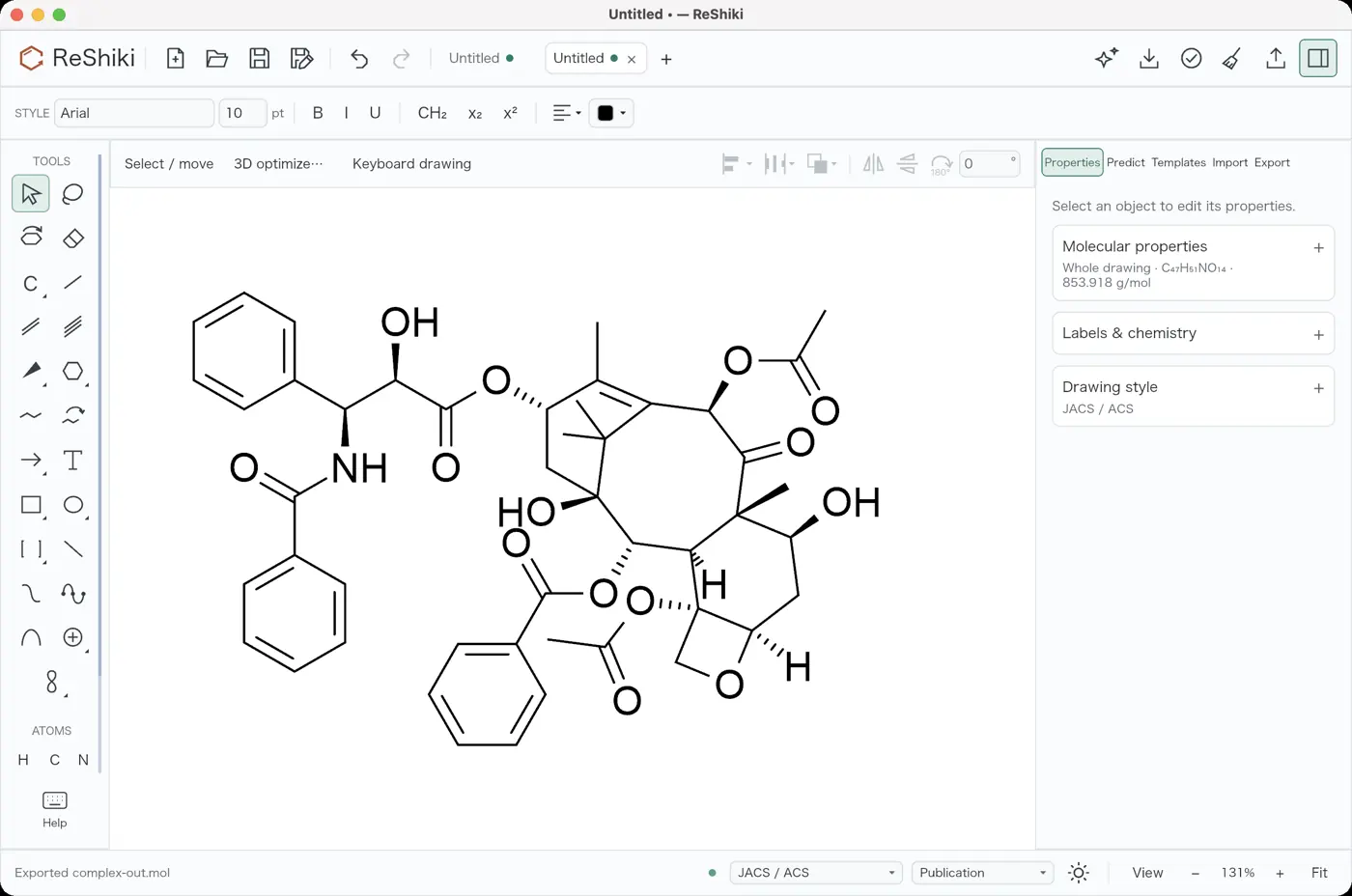 | 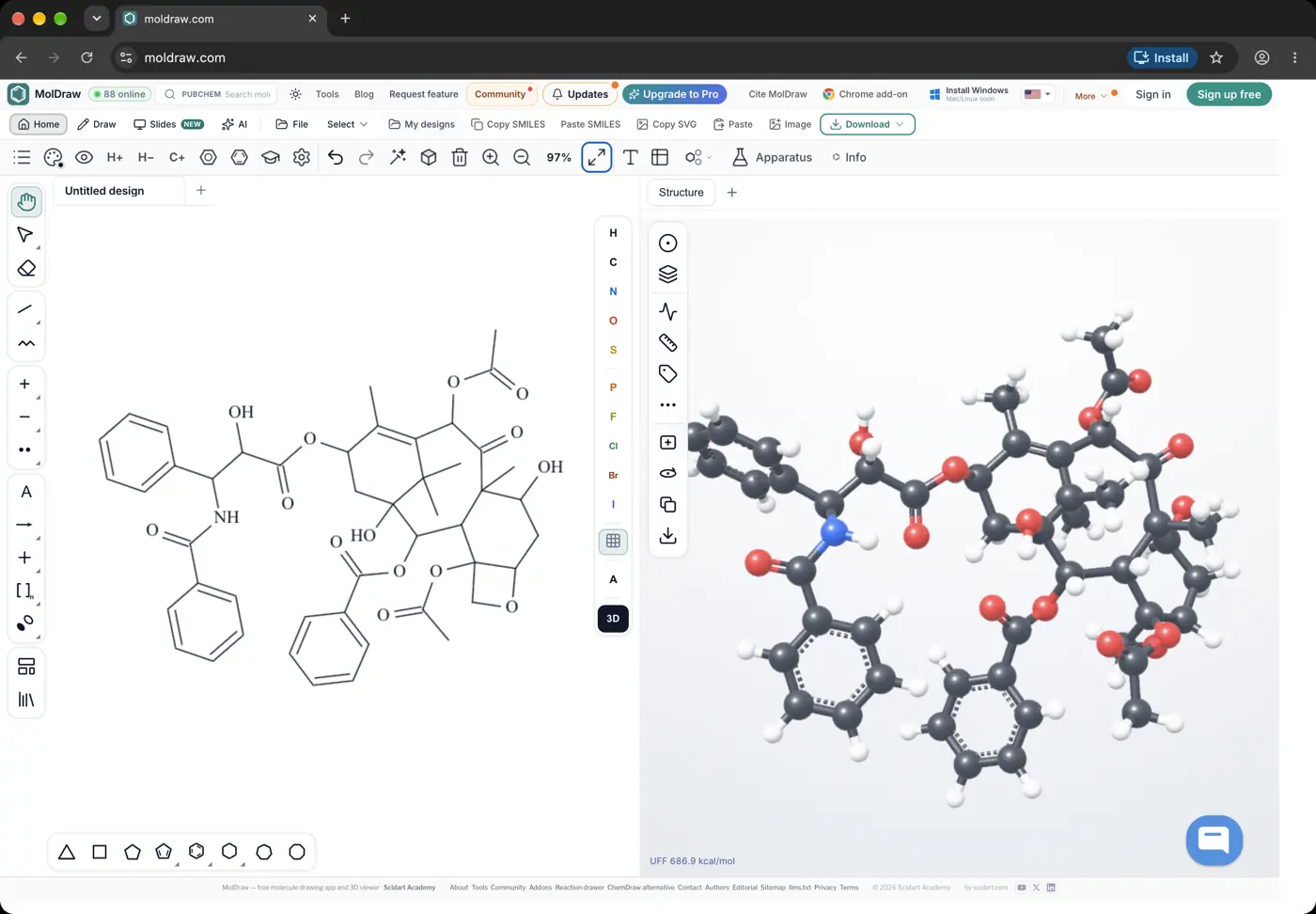 | 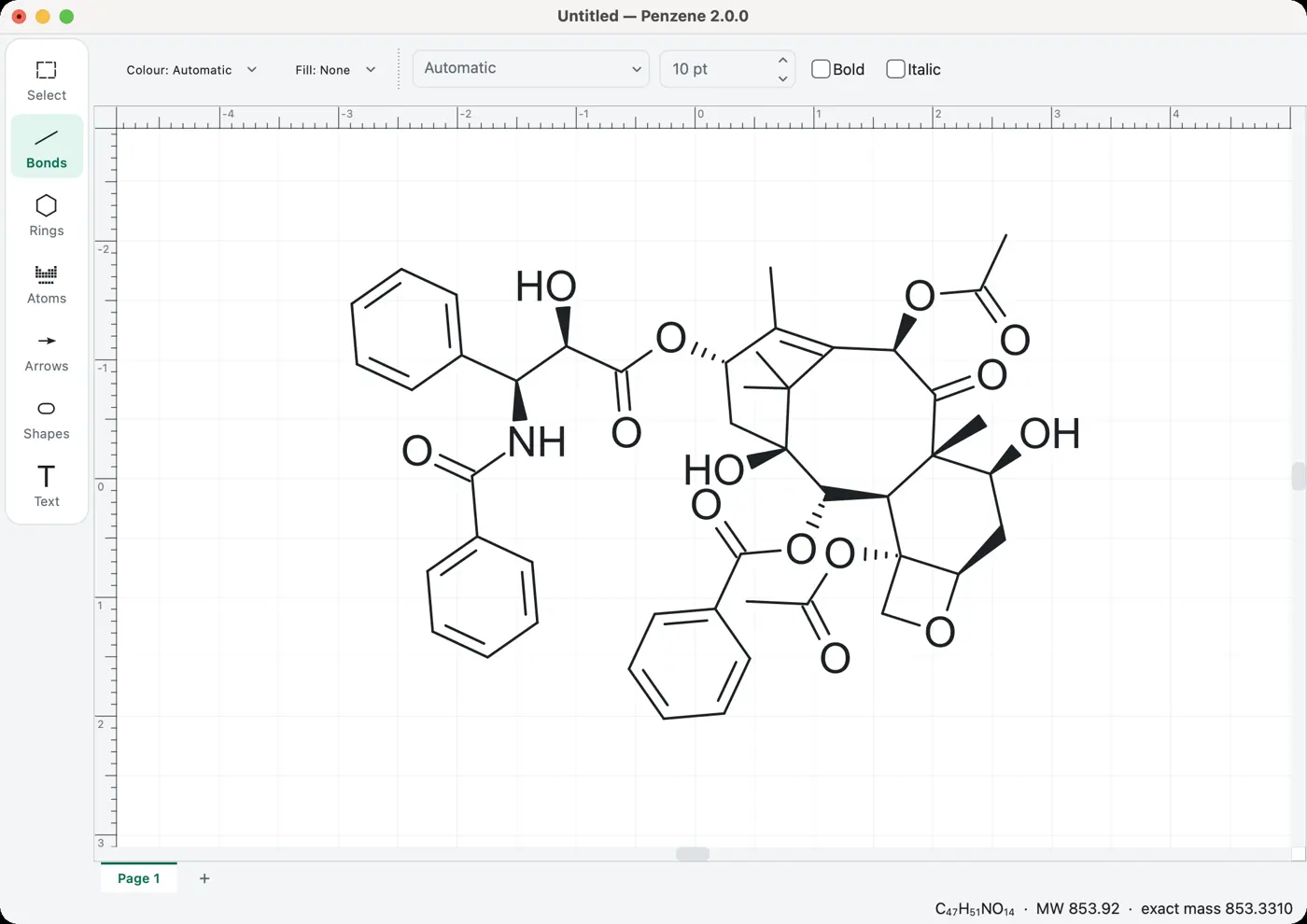 | 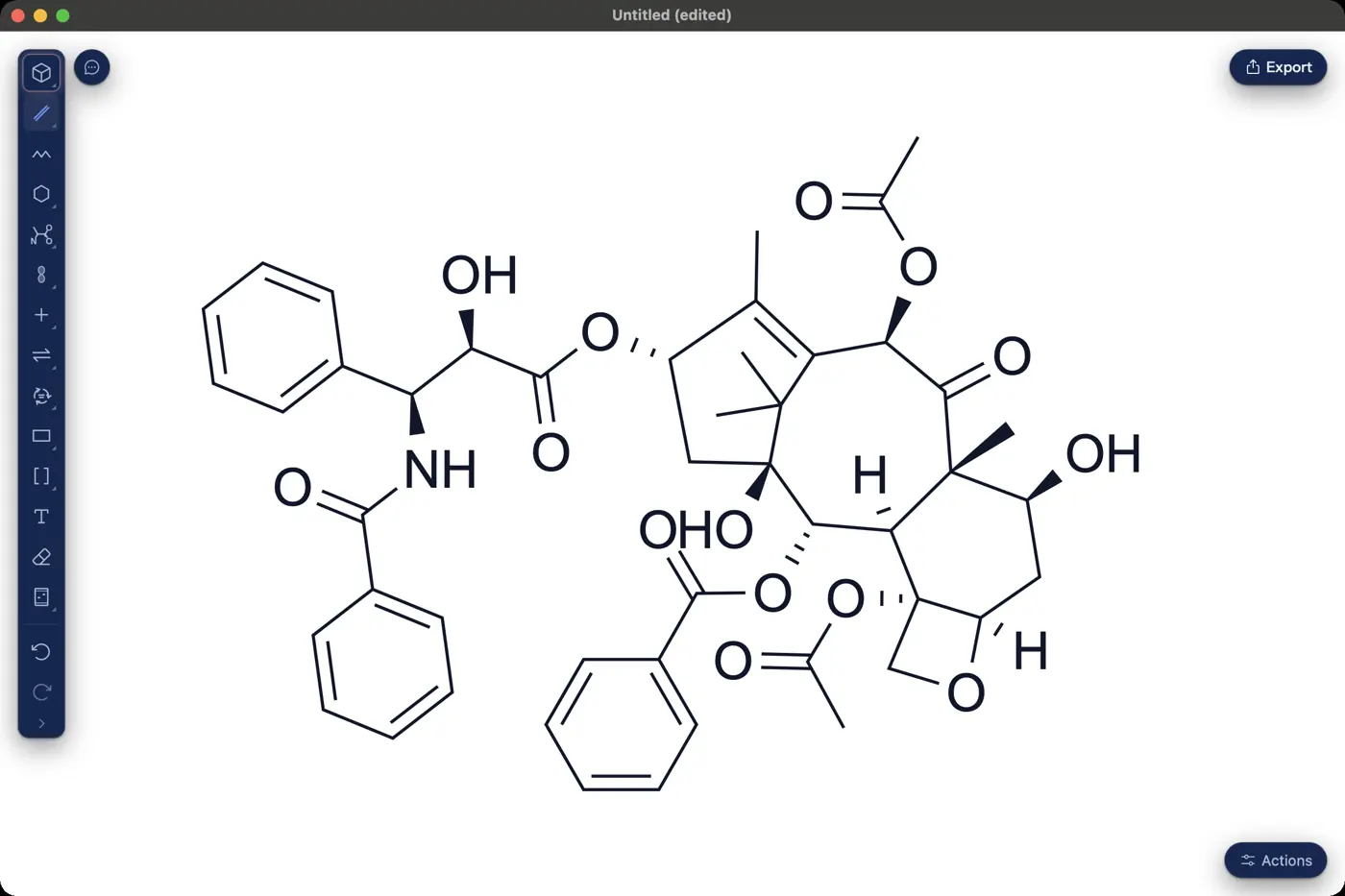 | 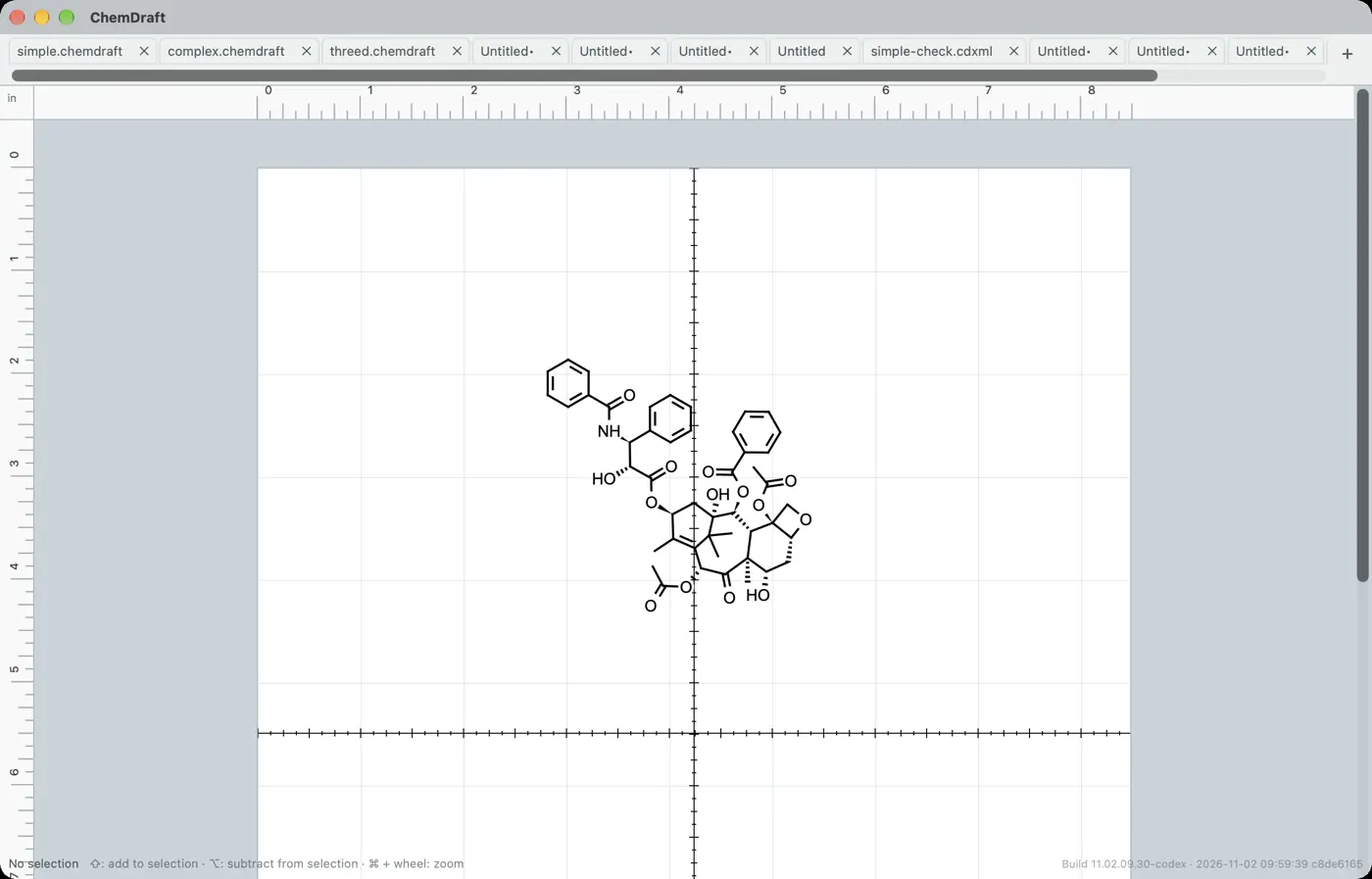 | 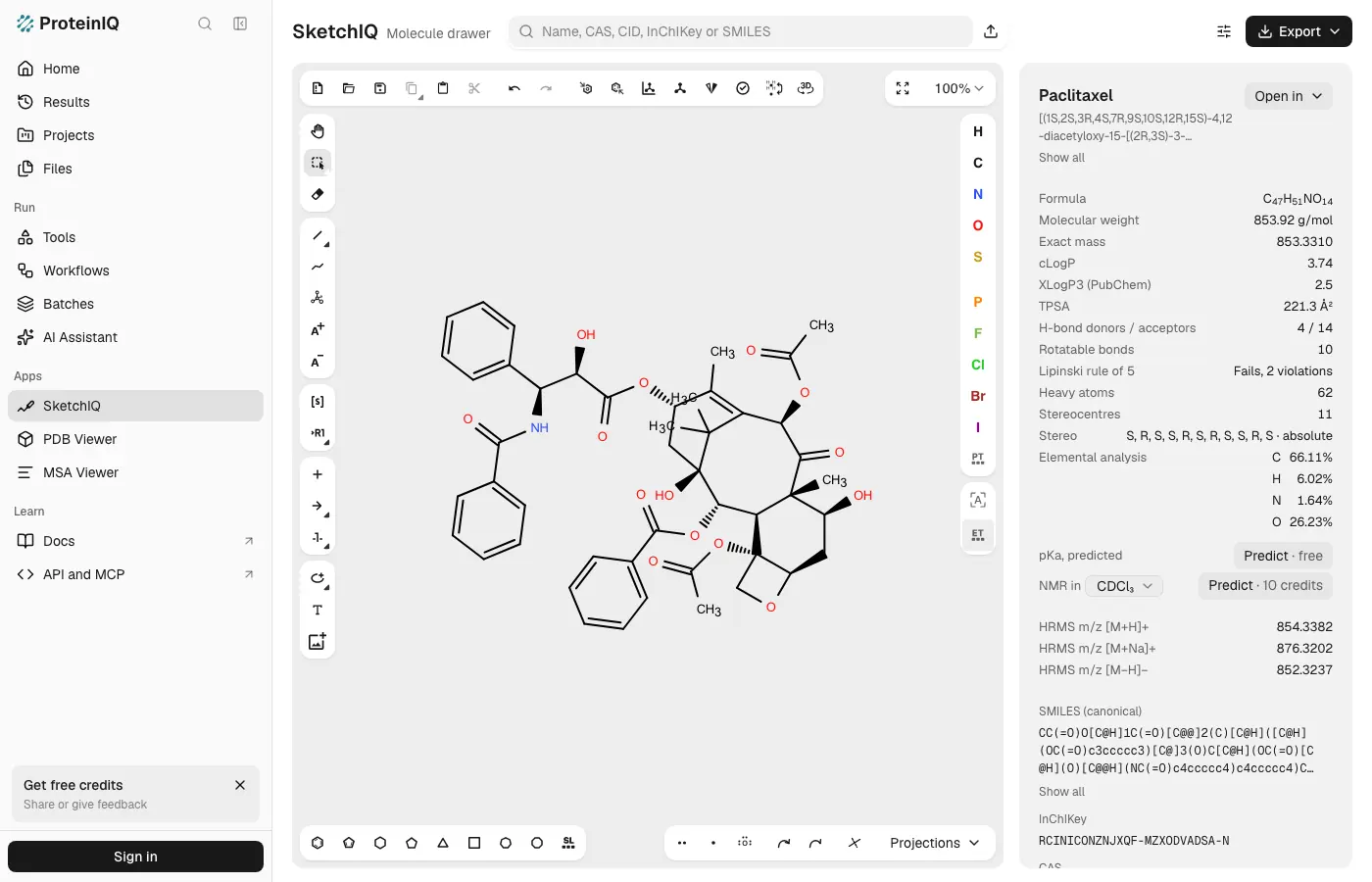 | 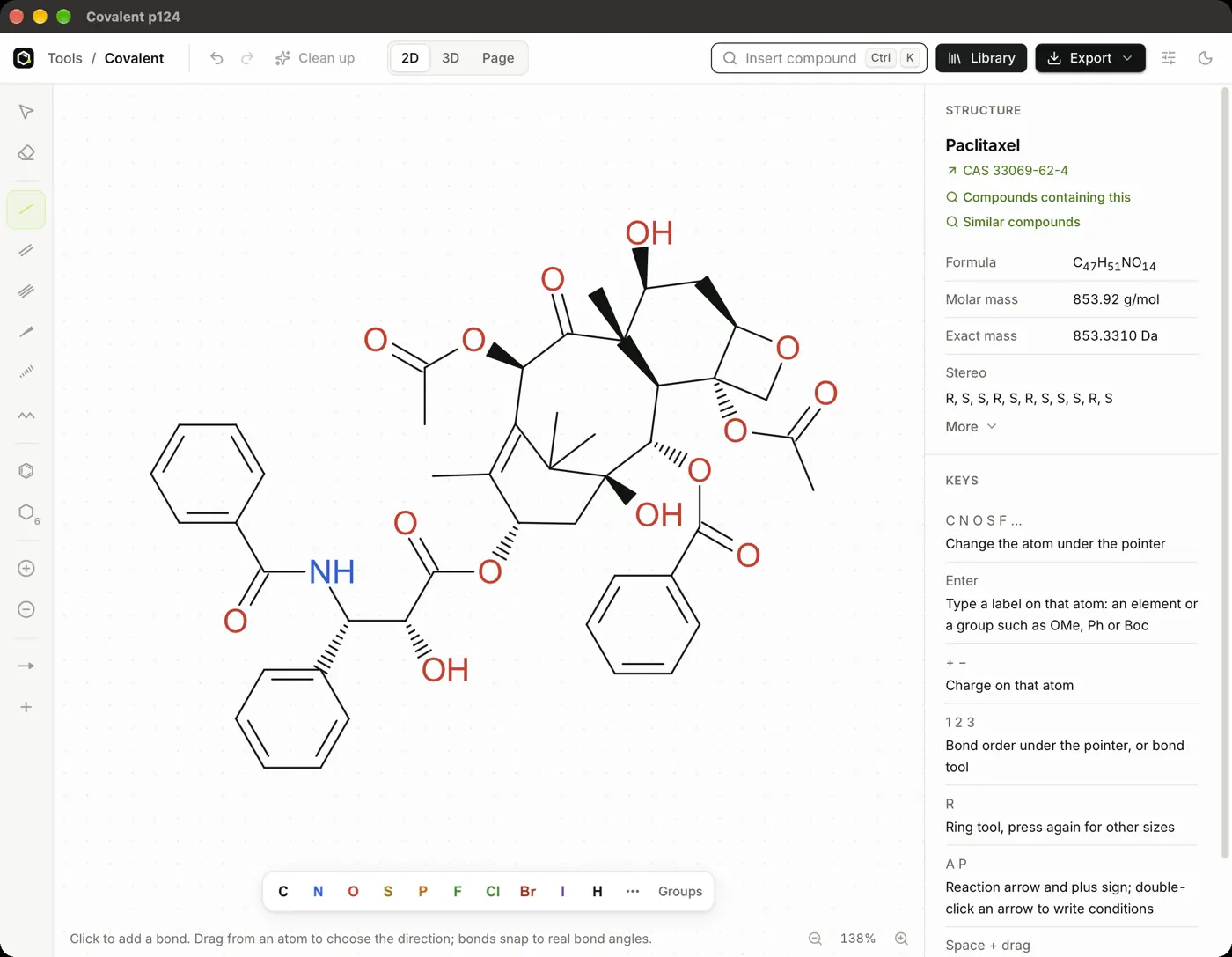 | 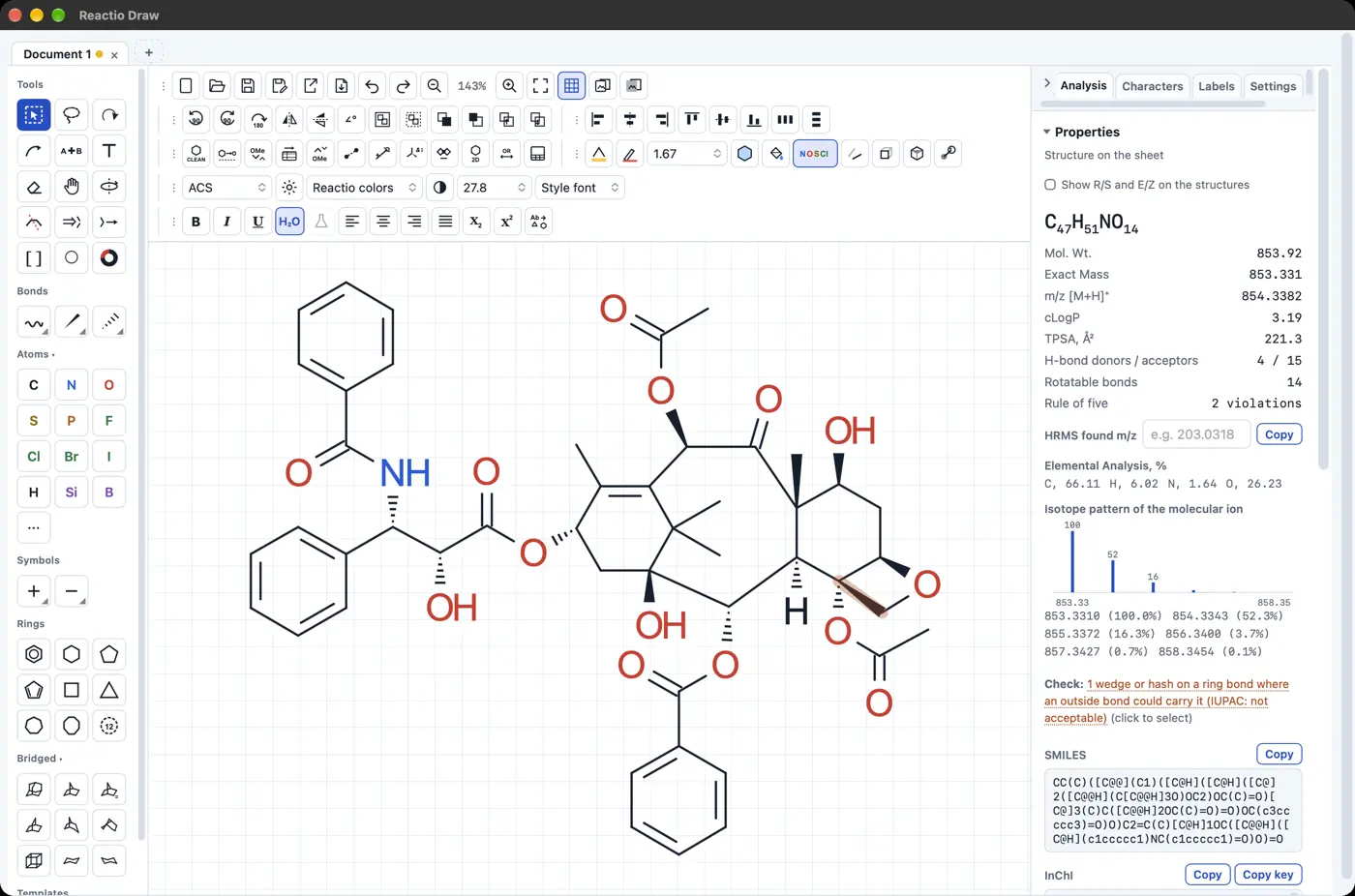 | 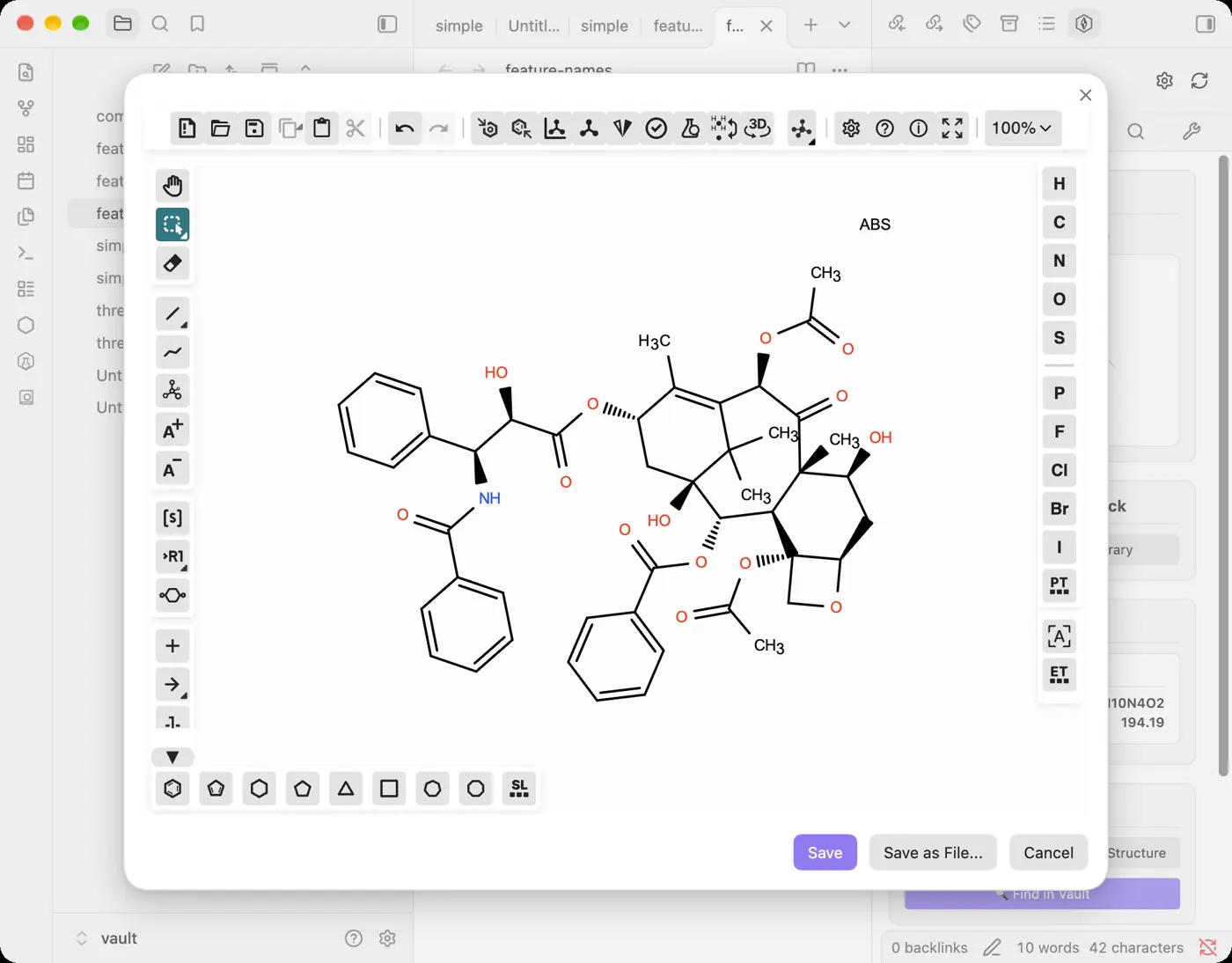 | 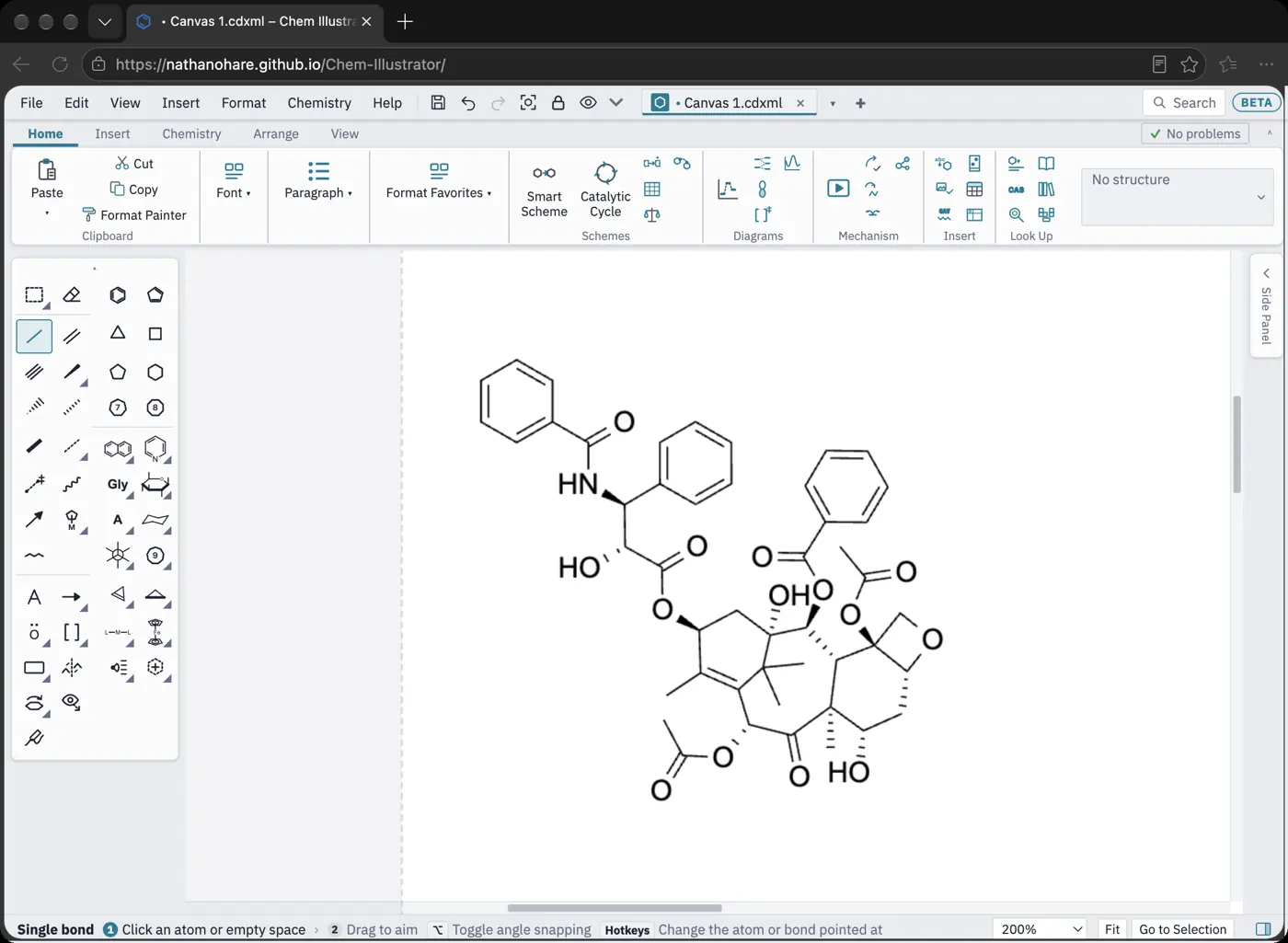 | 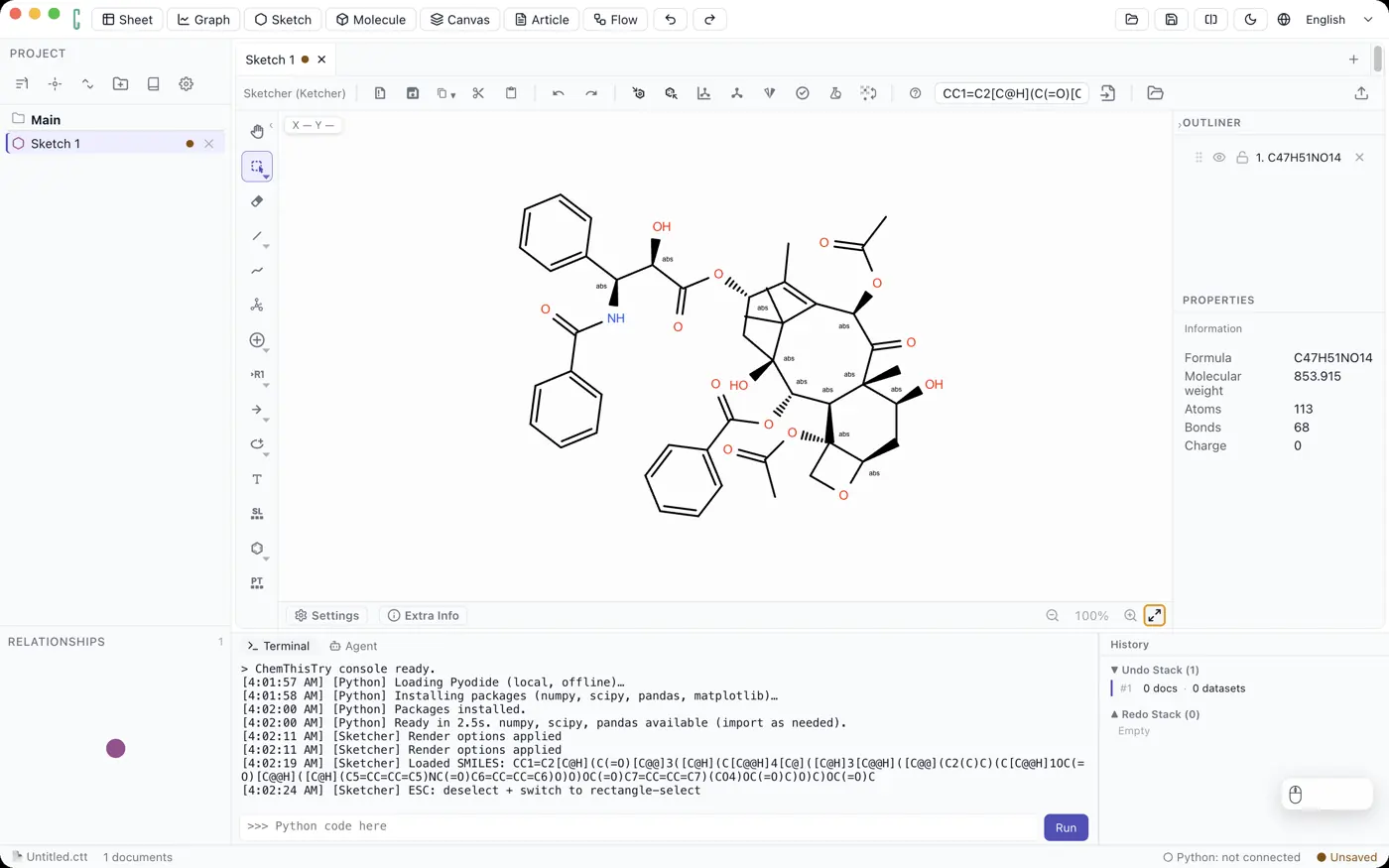 | 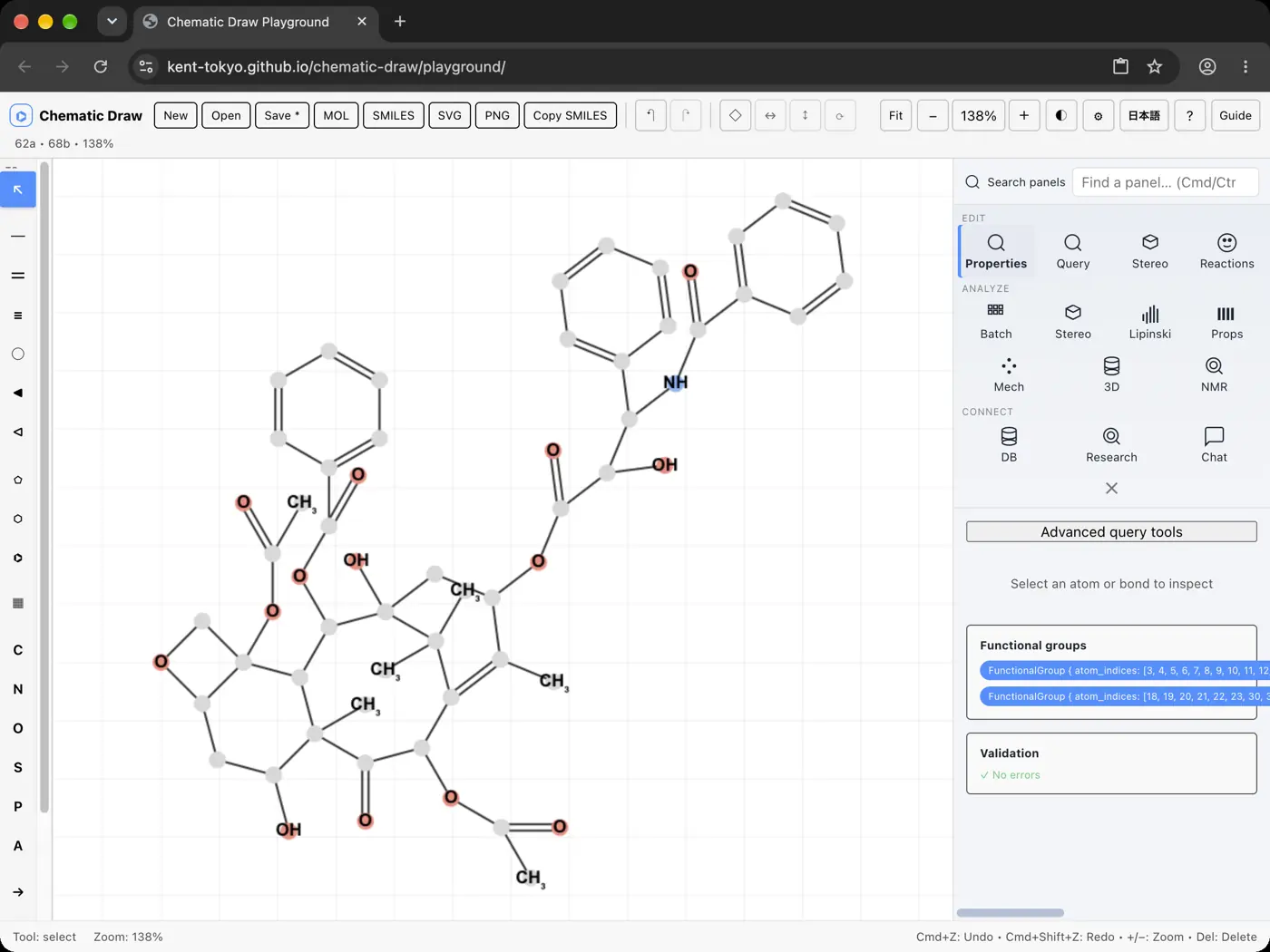 | 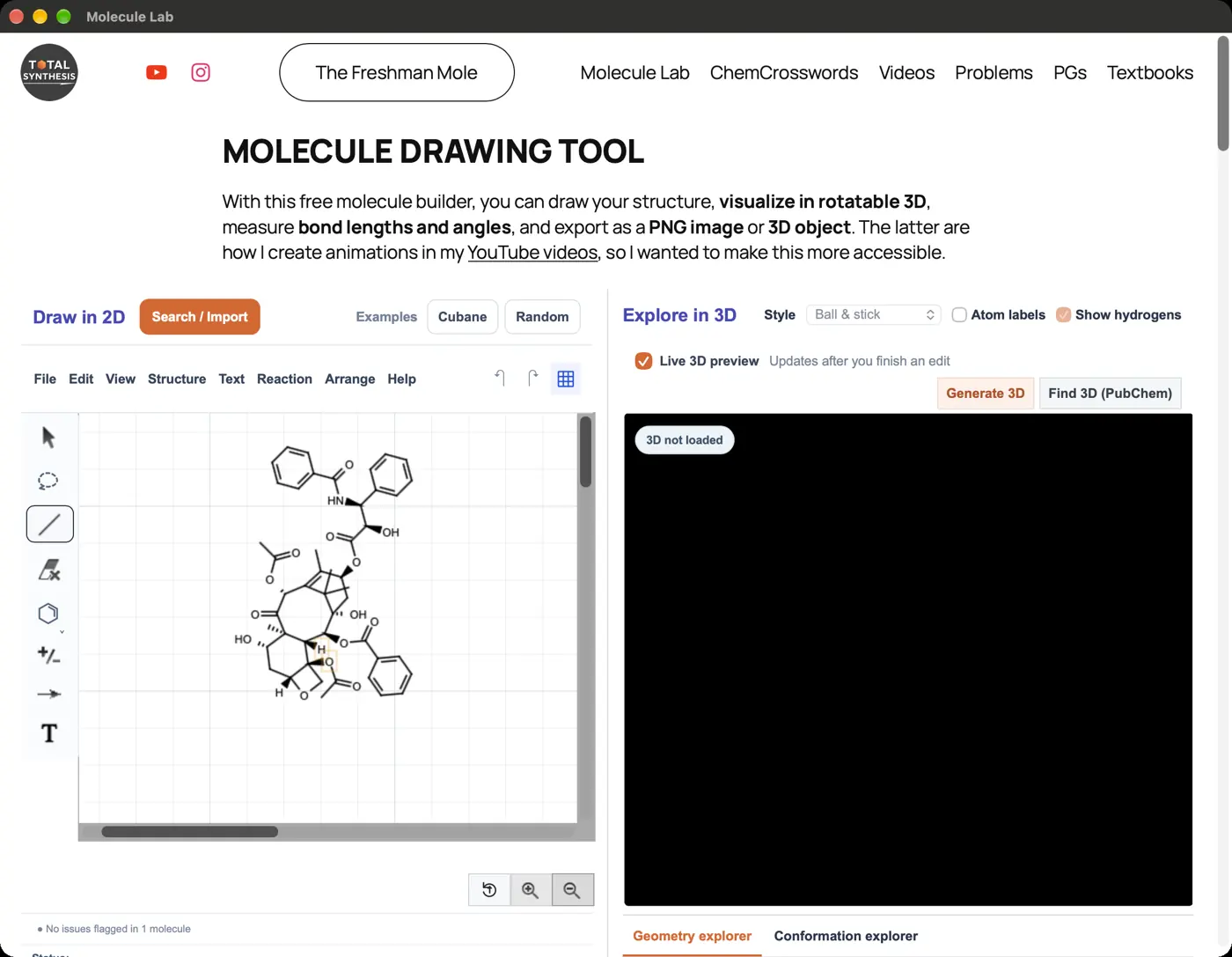 | 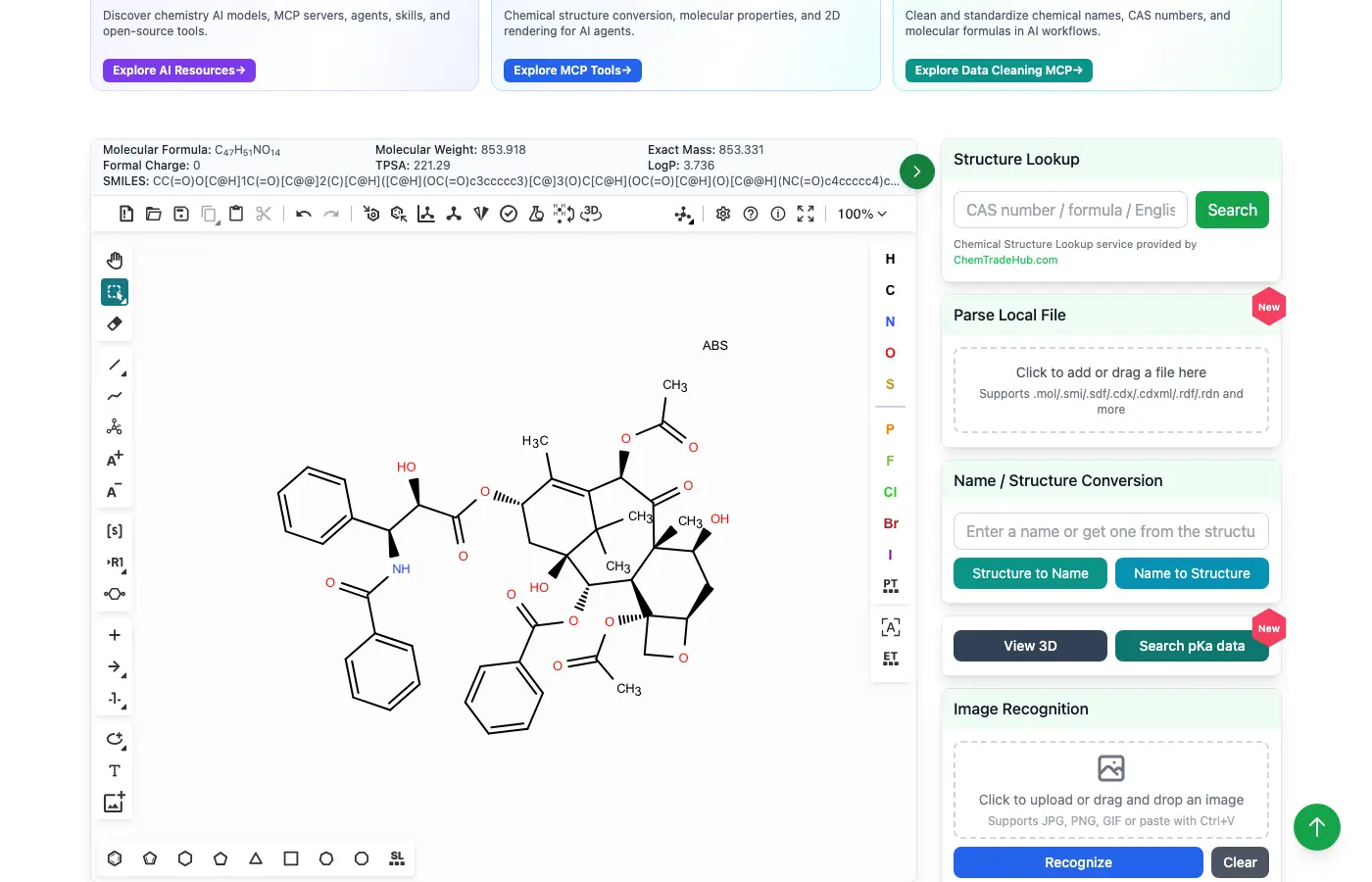 | No light mode | 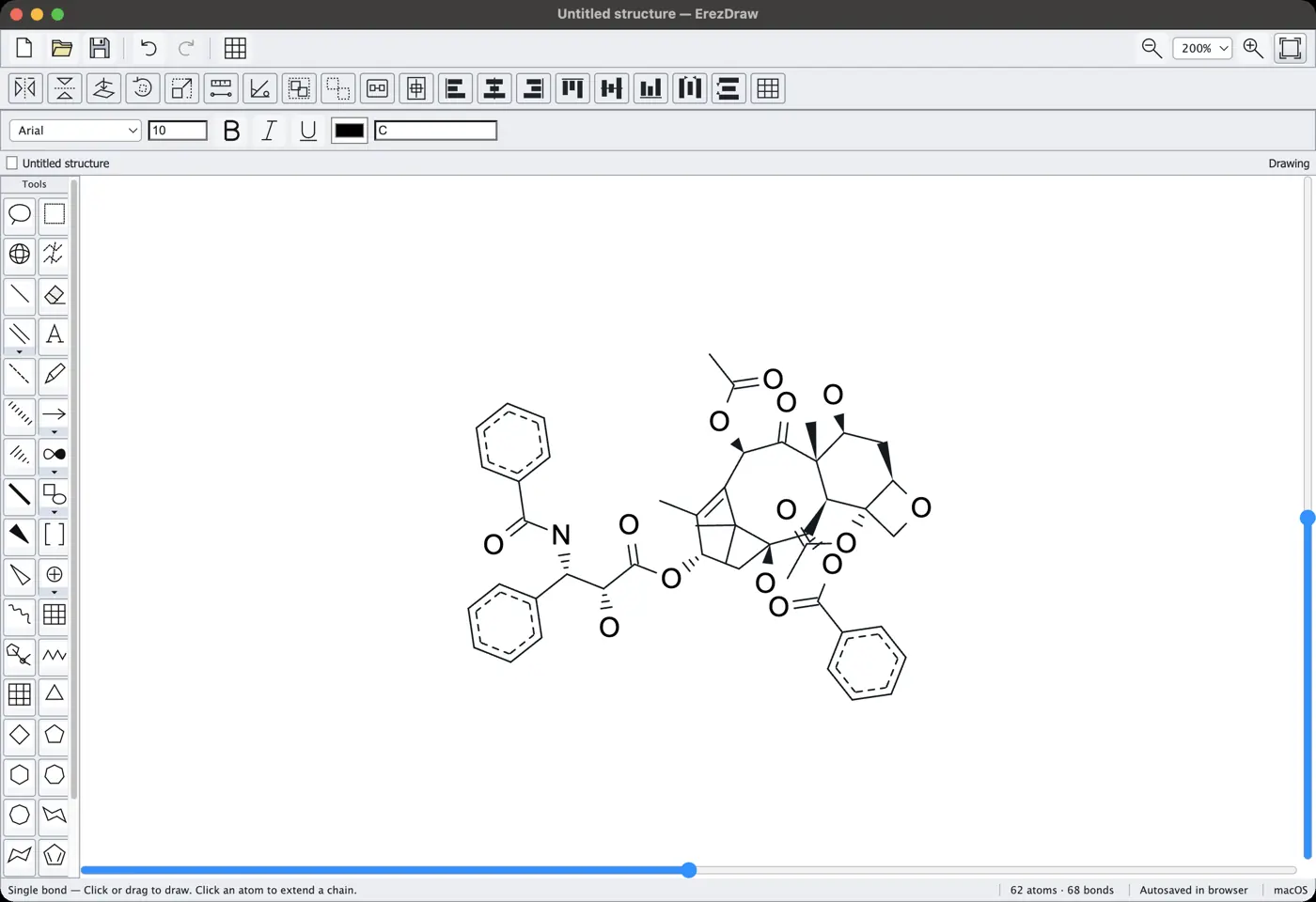 | 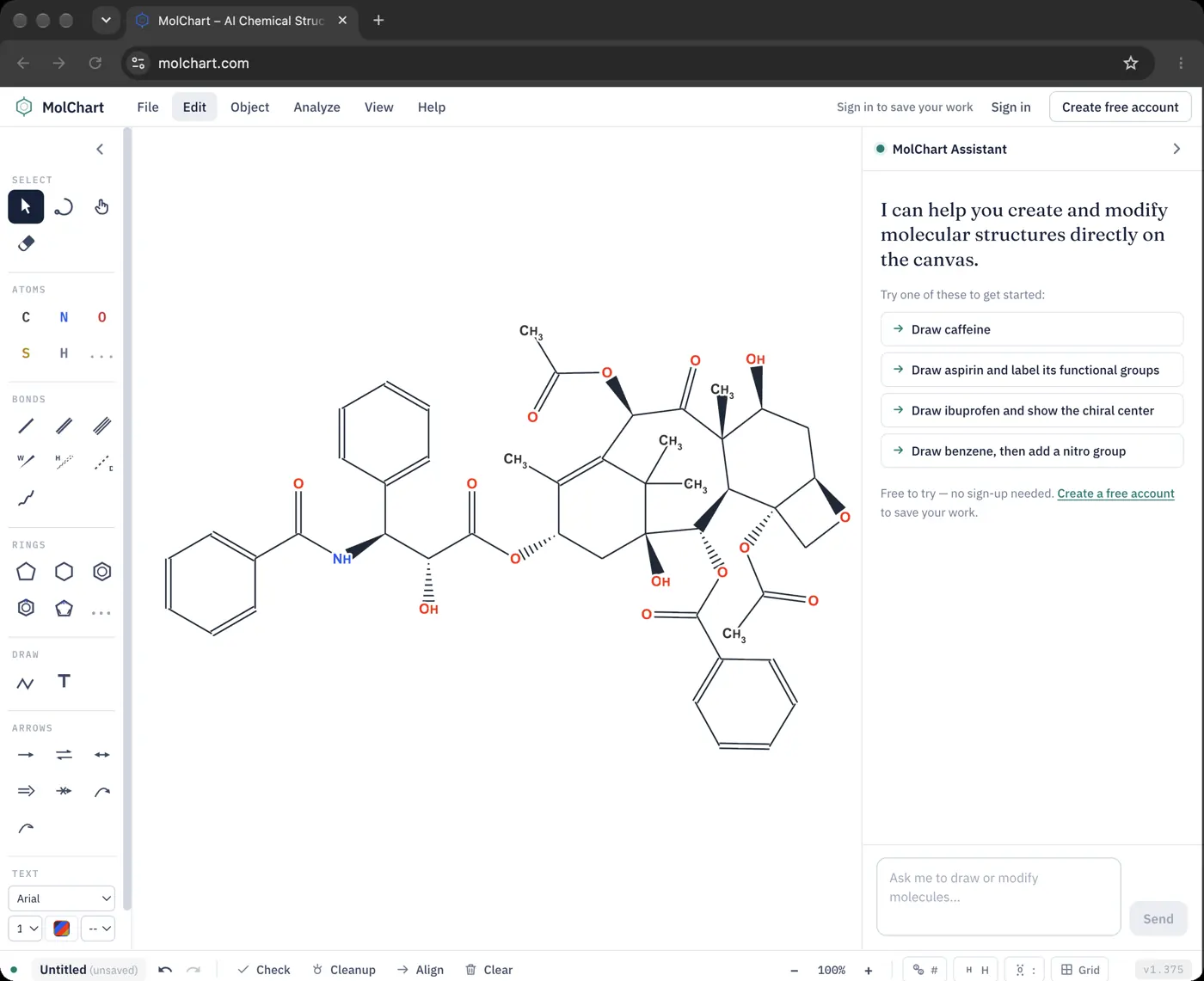 | 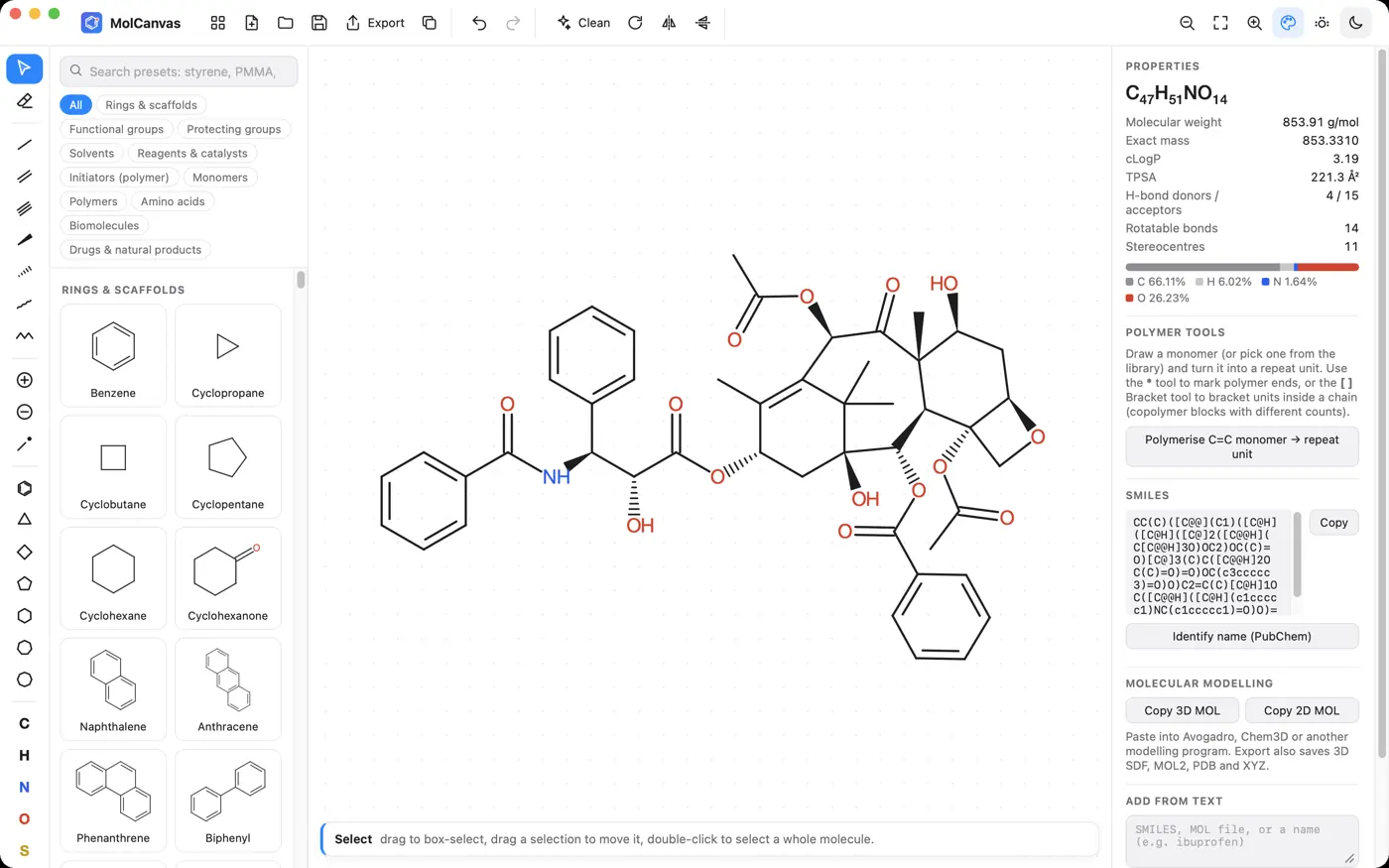 | 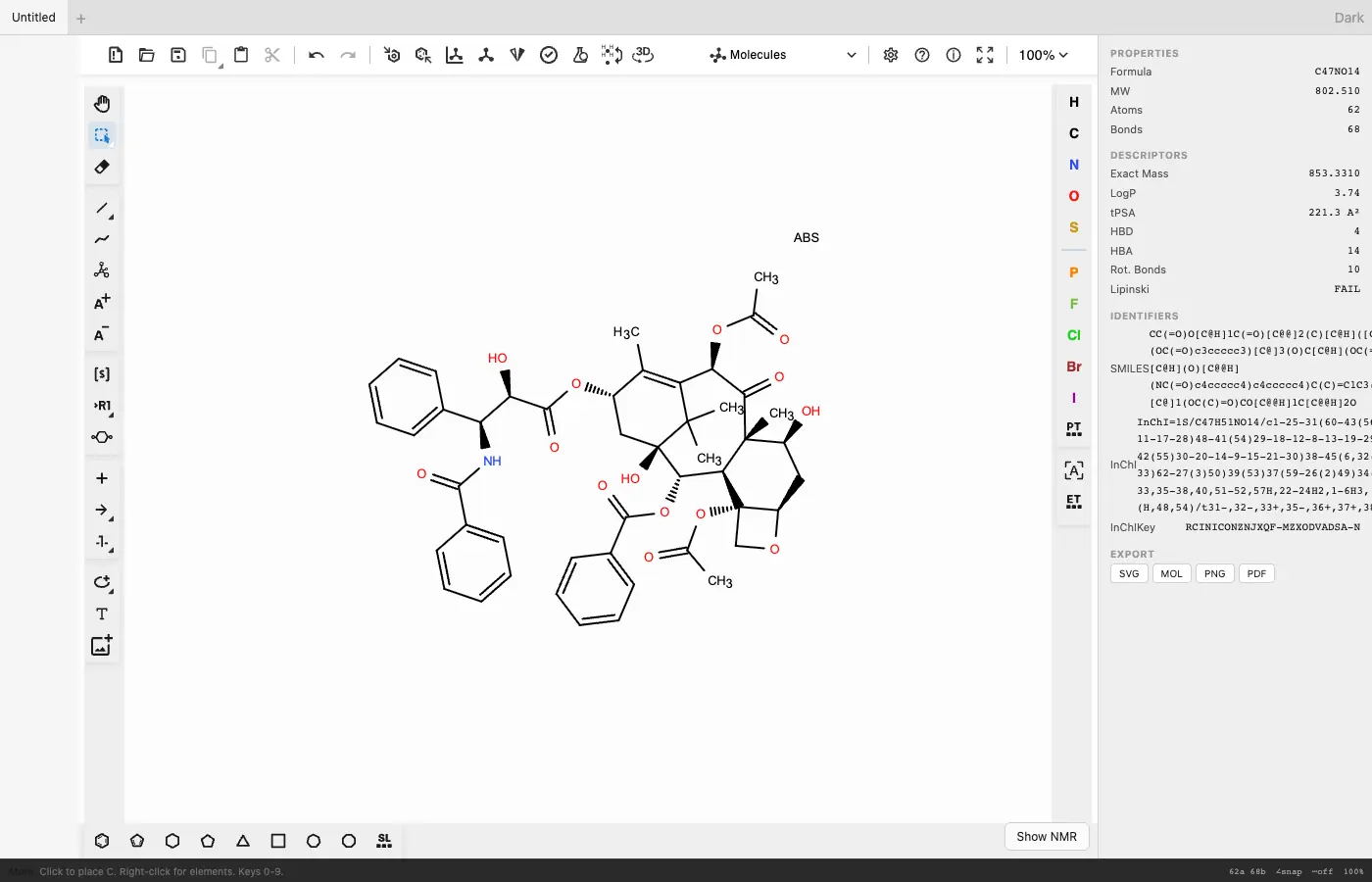 | 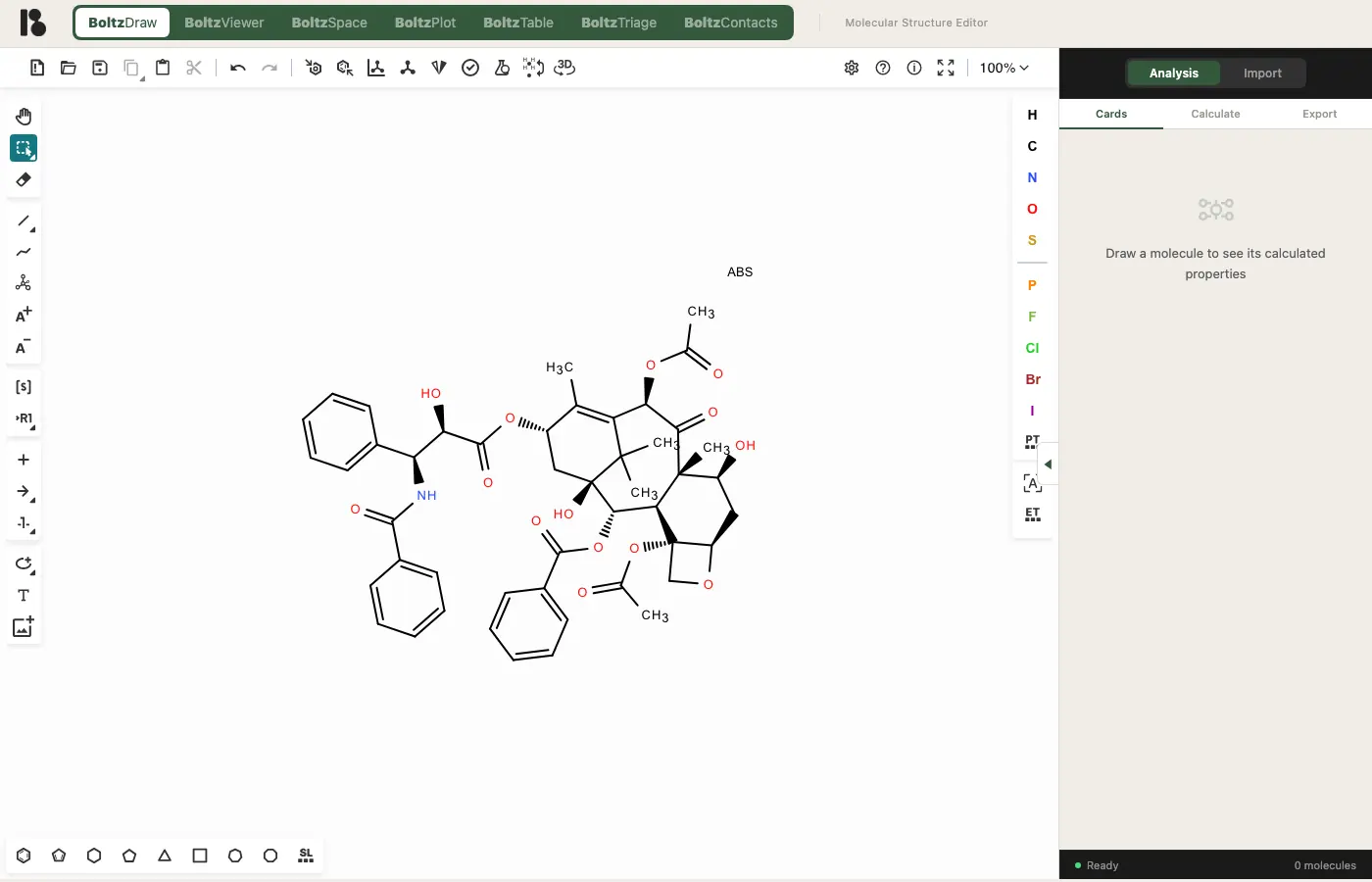 | 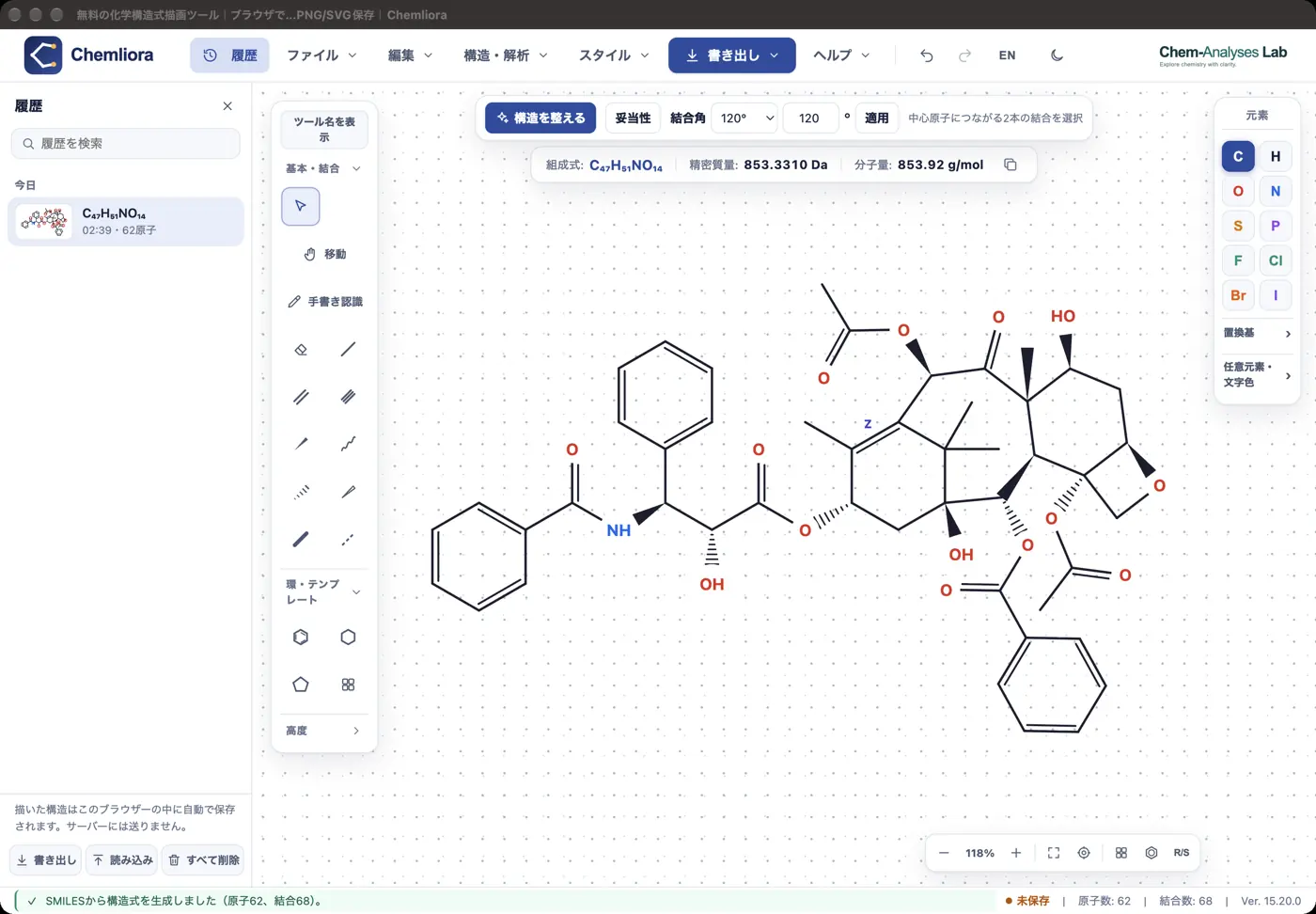 | 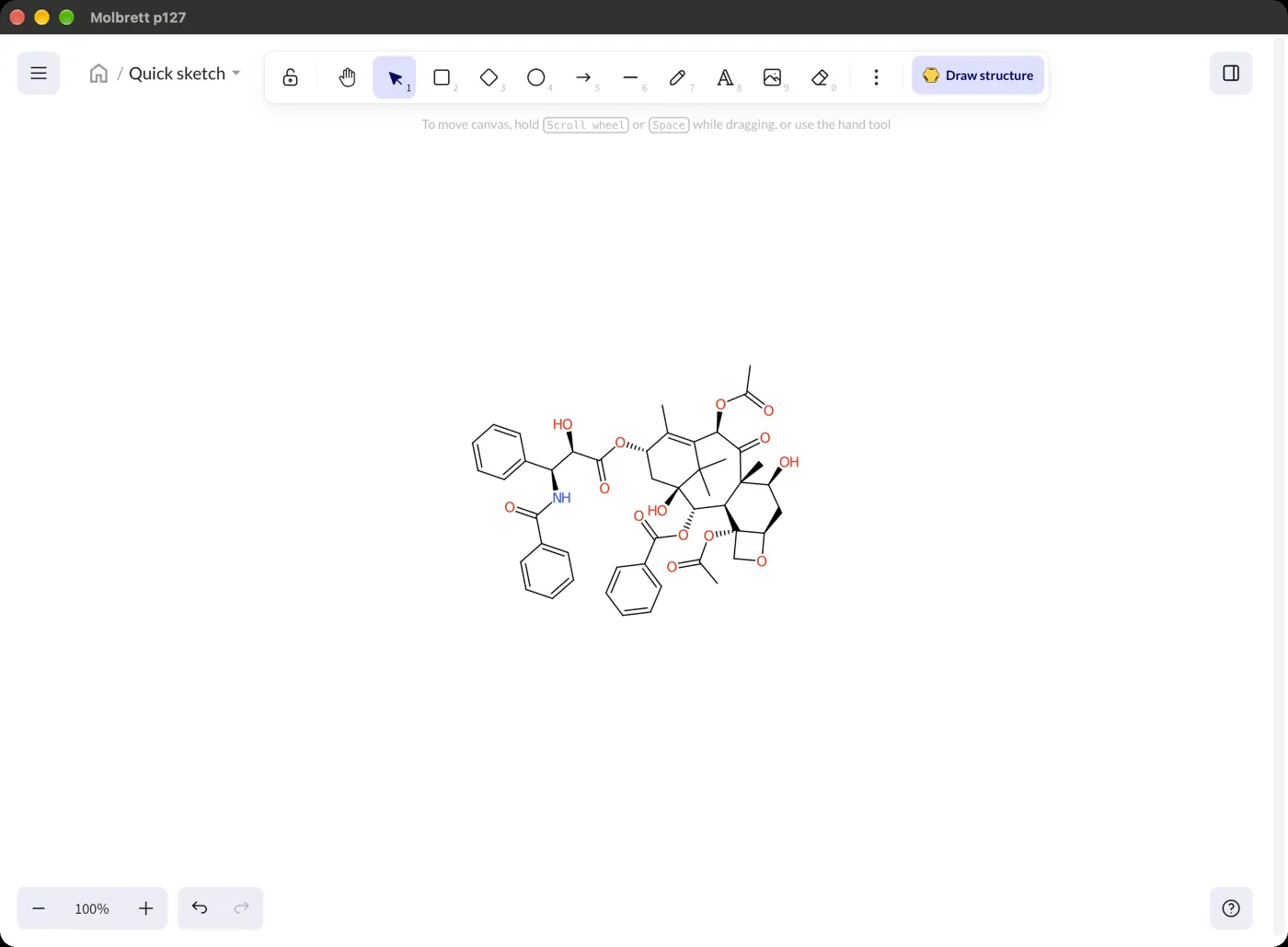 | 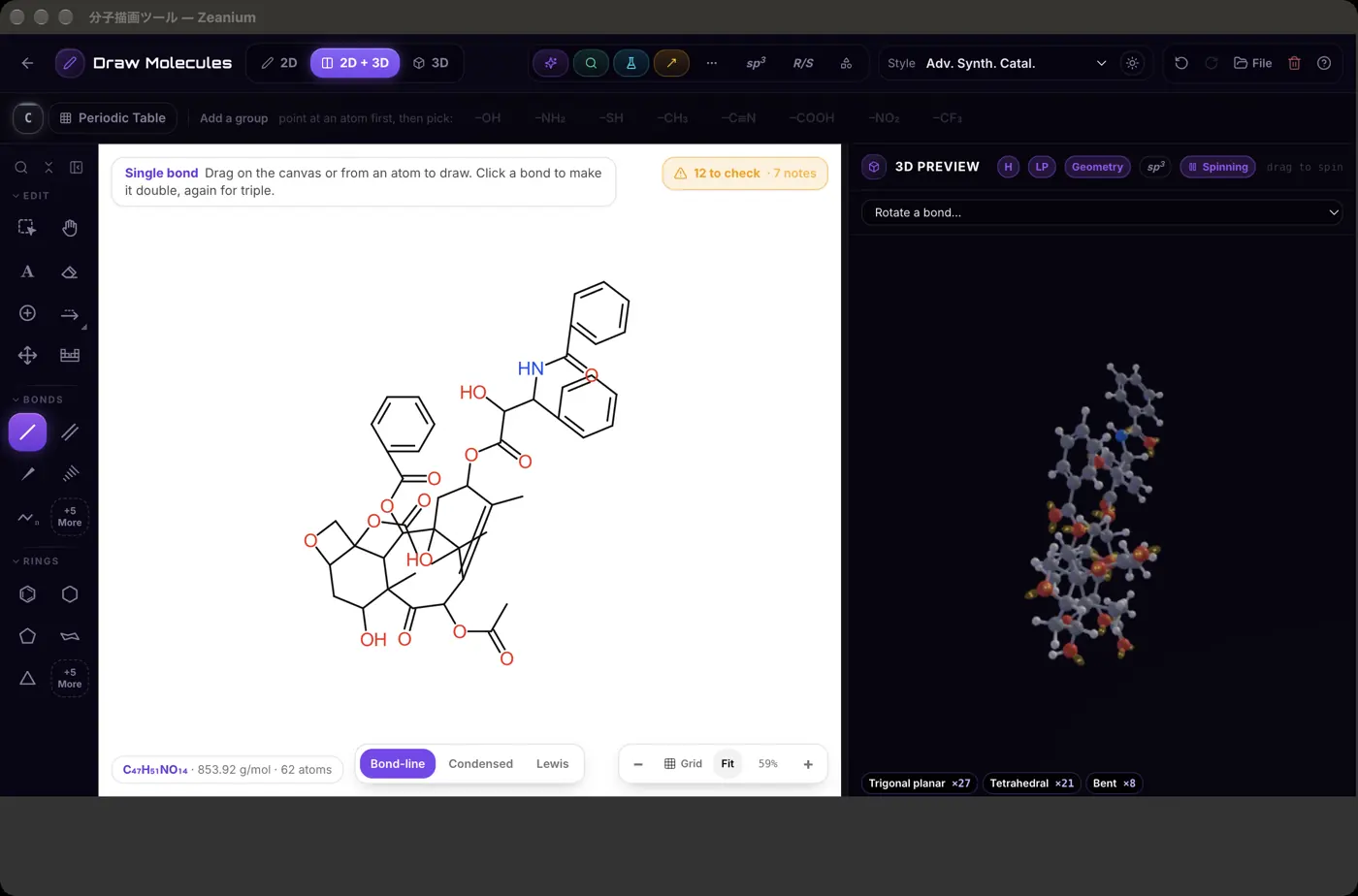 | 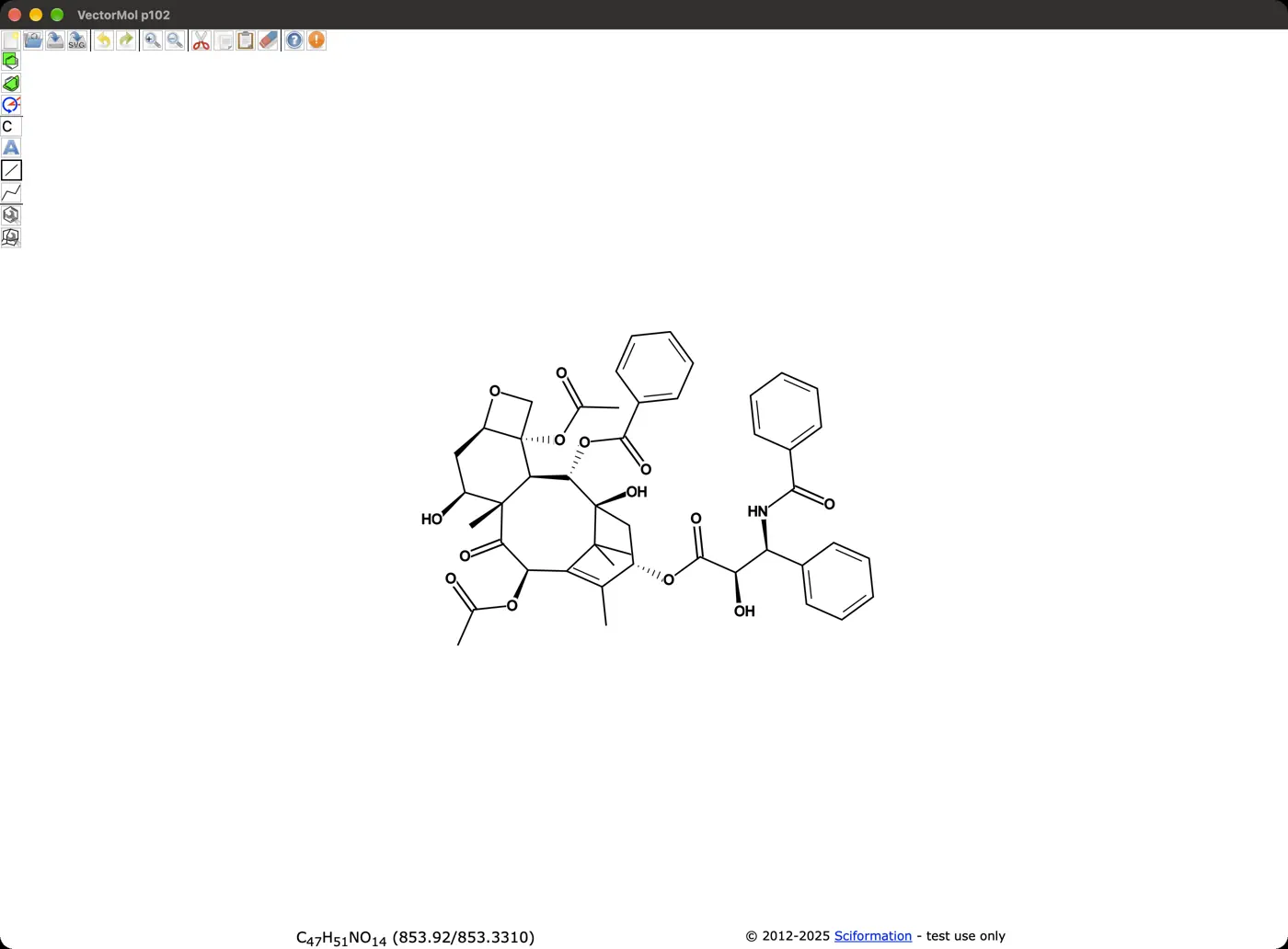 | 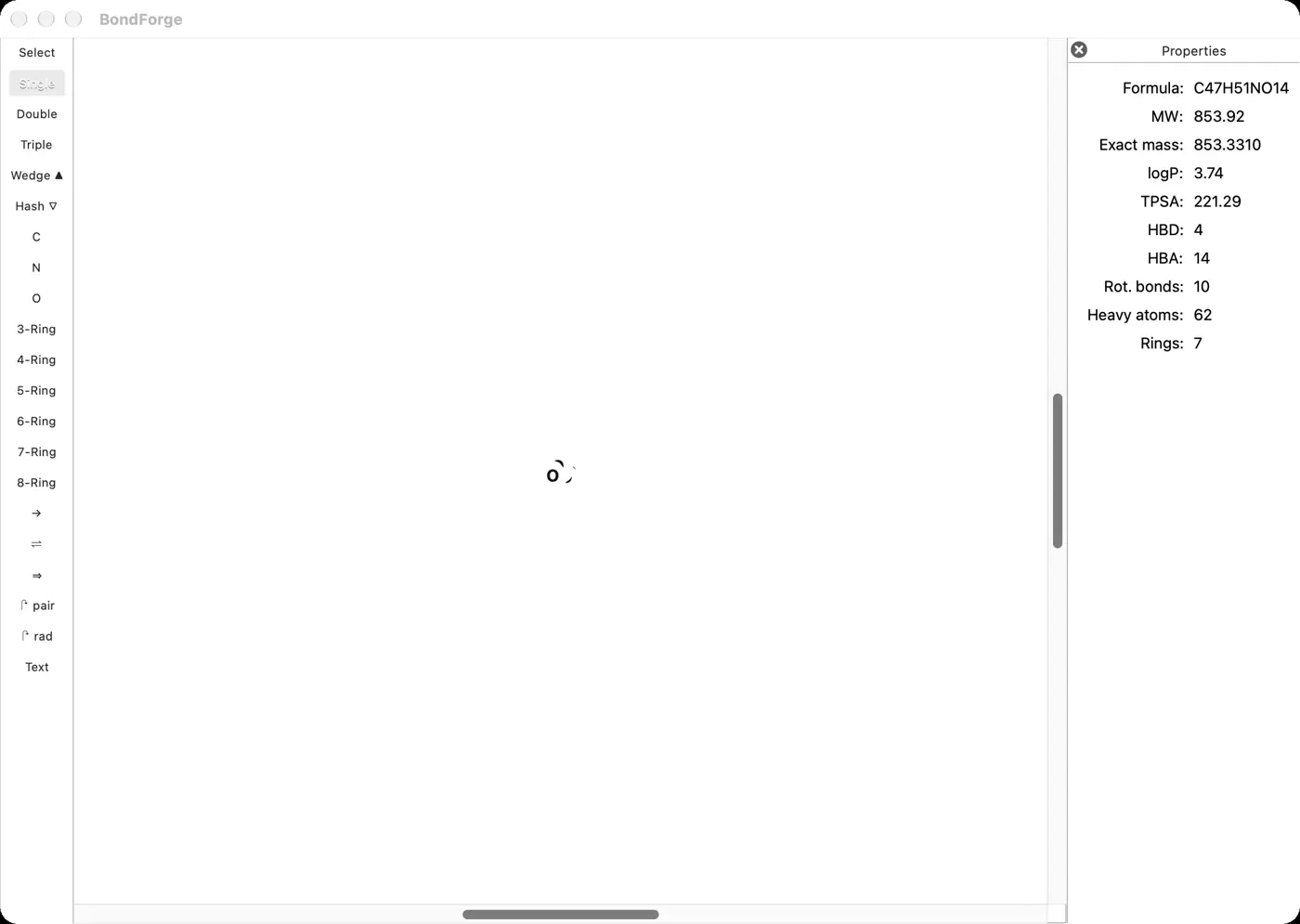 | 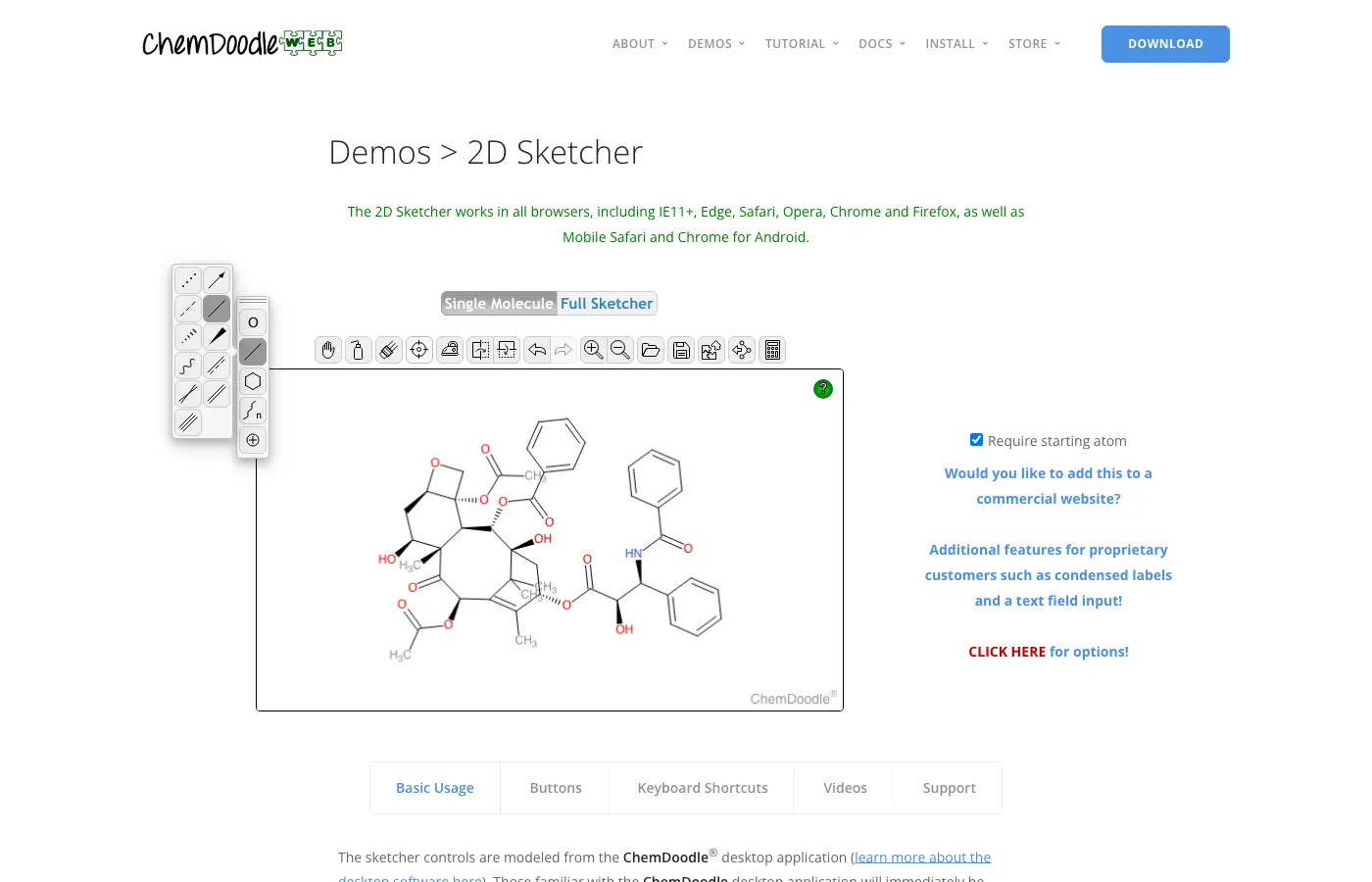 | 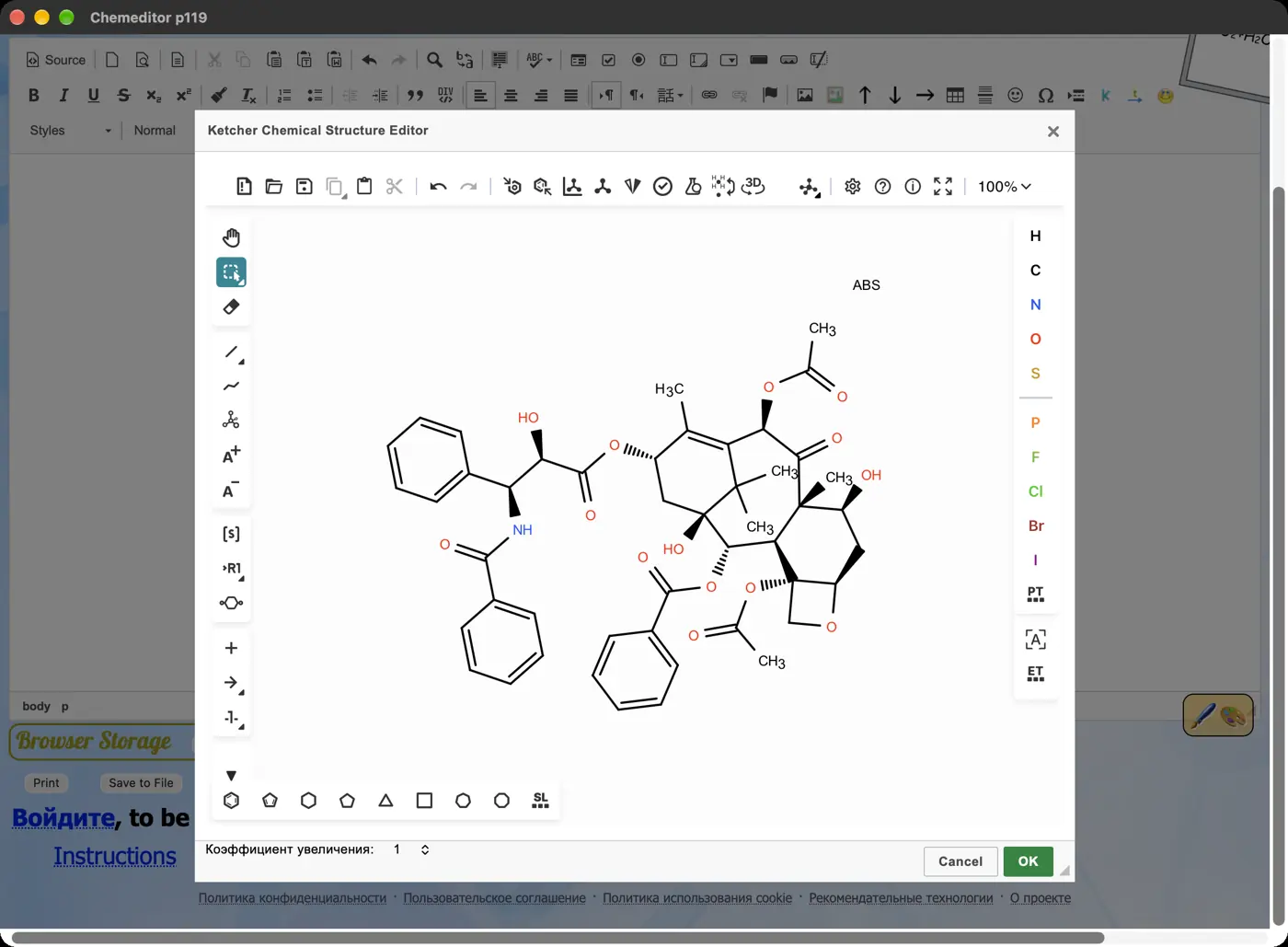 | 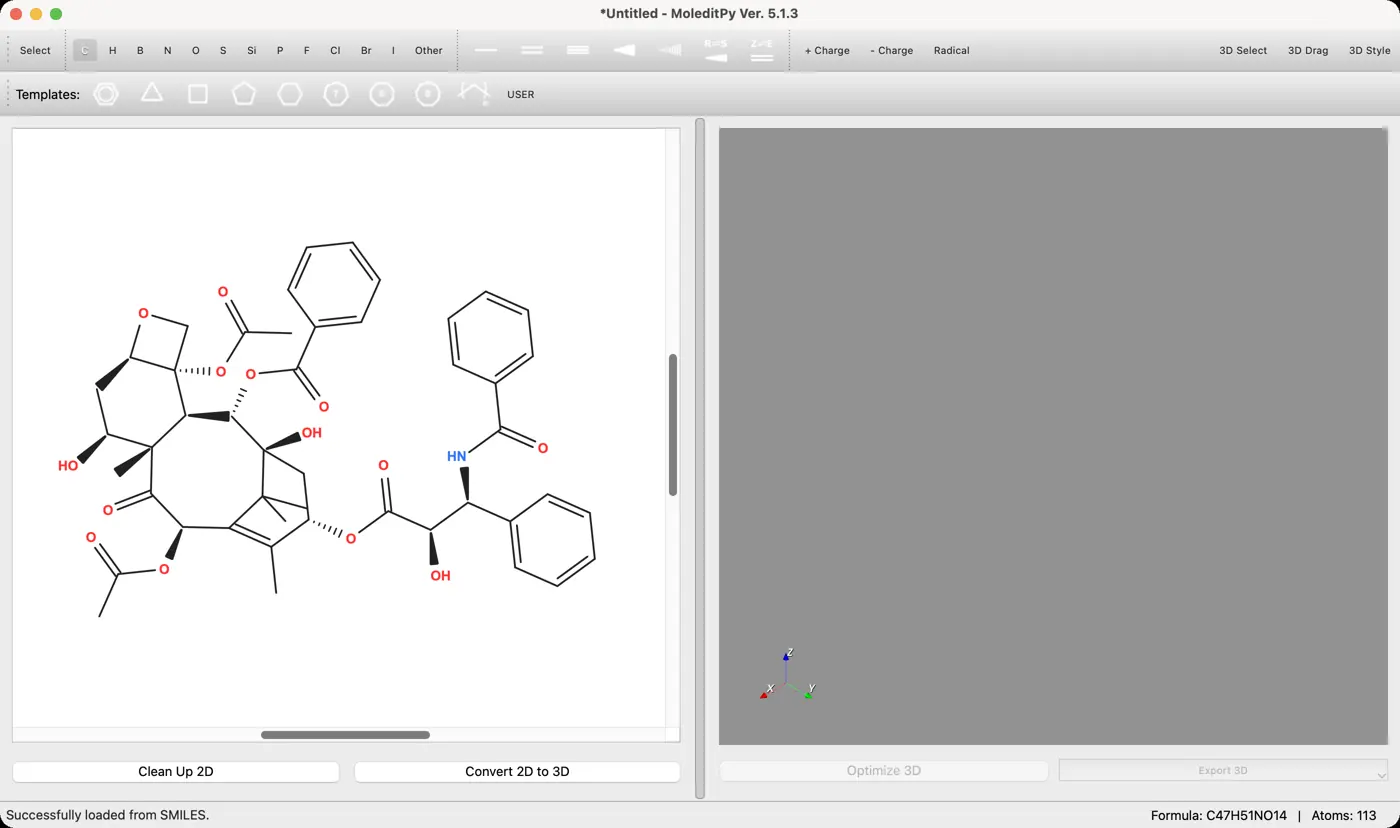 | 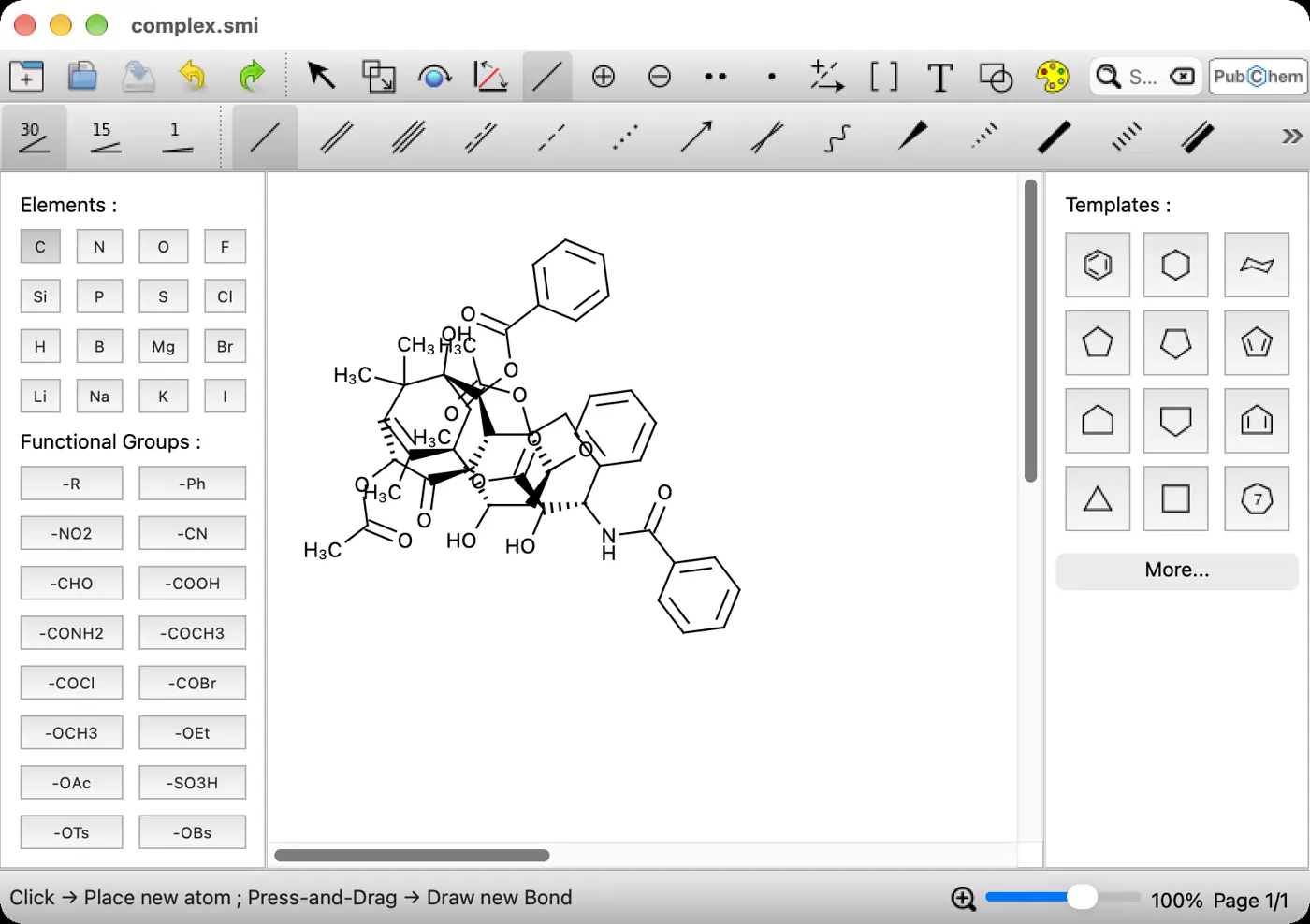 | 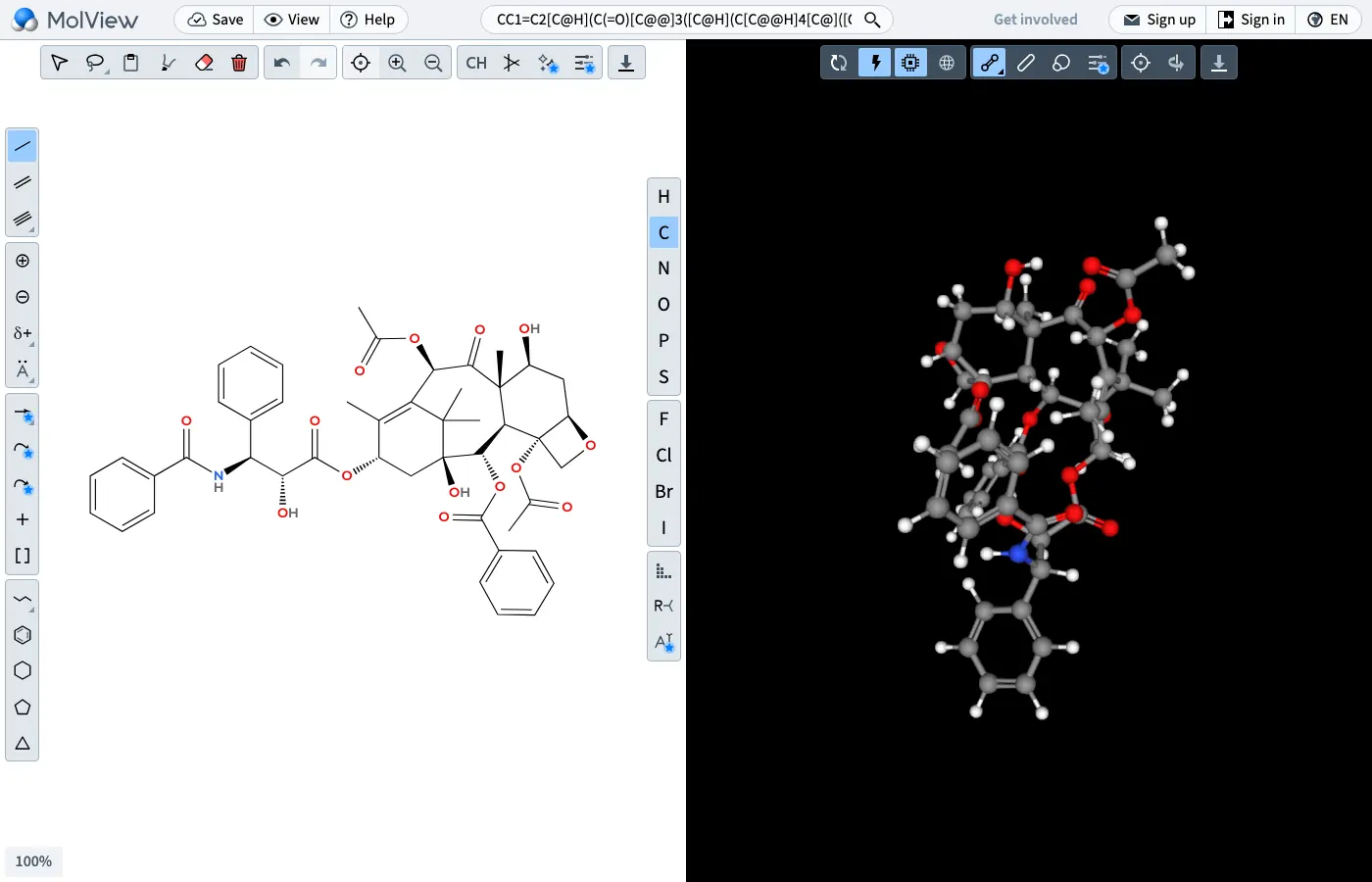 | 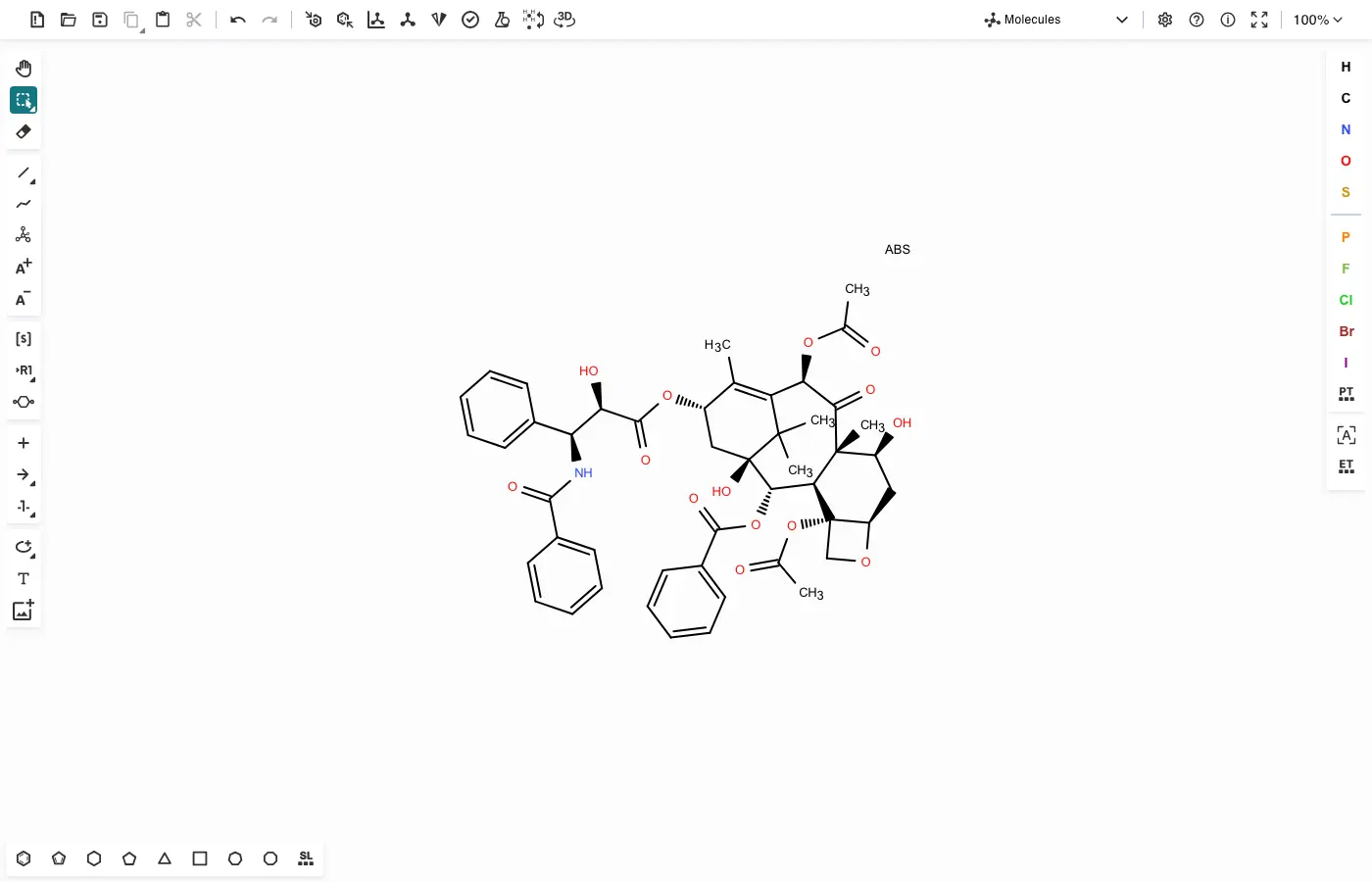 | No light mode | 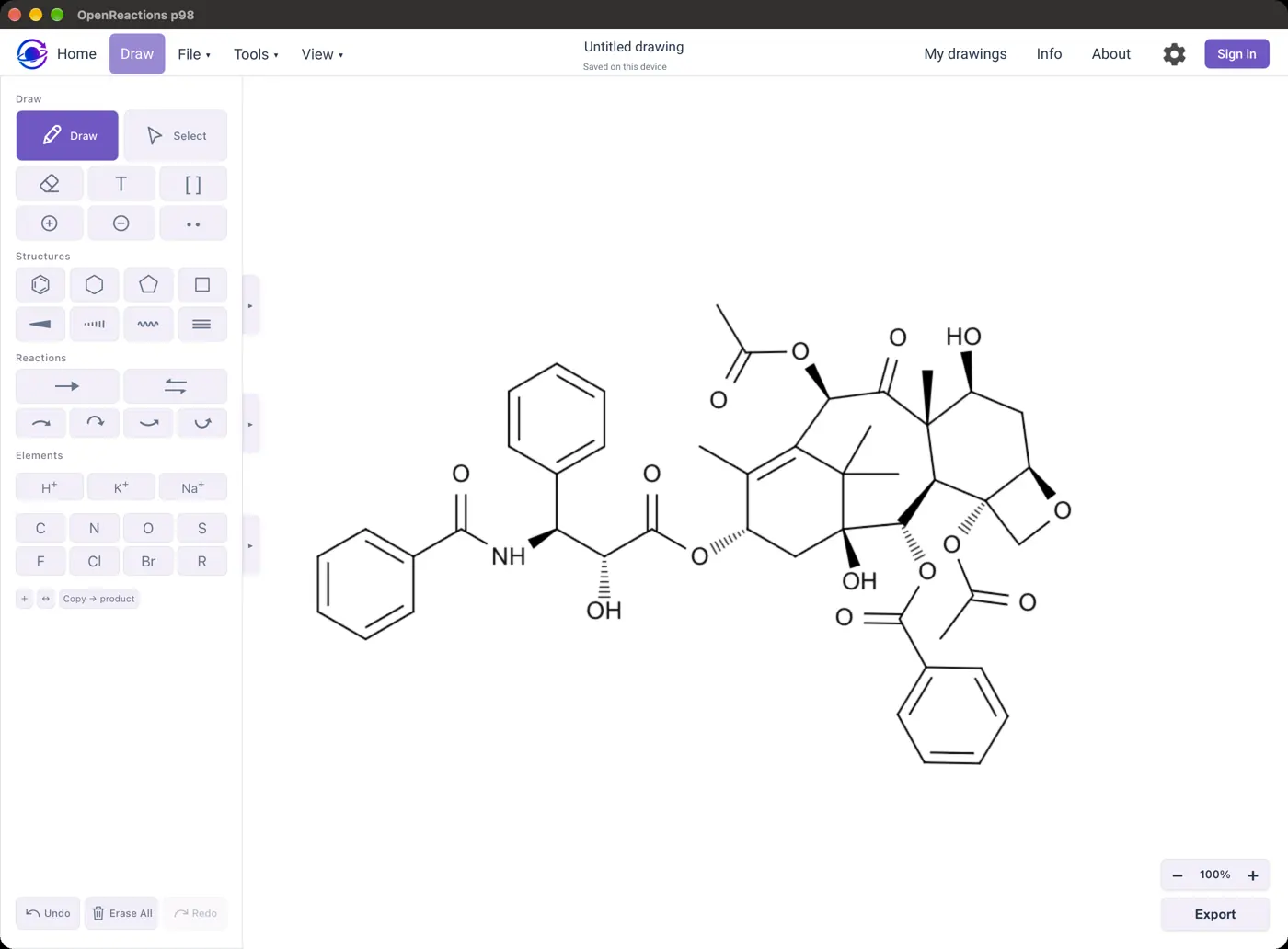 | 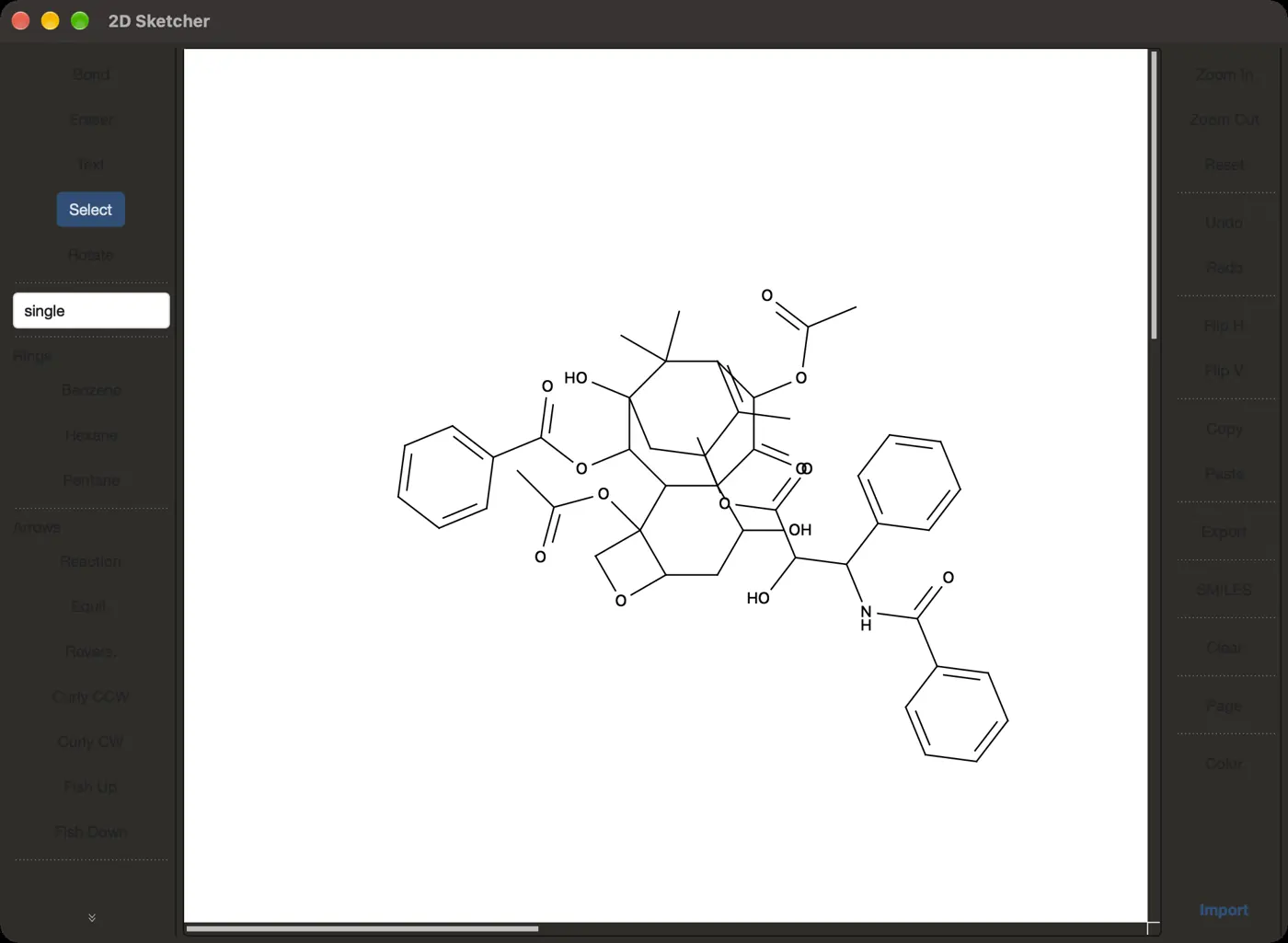 | 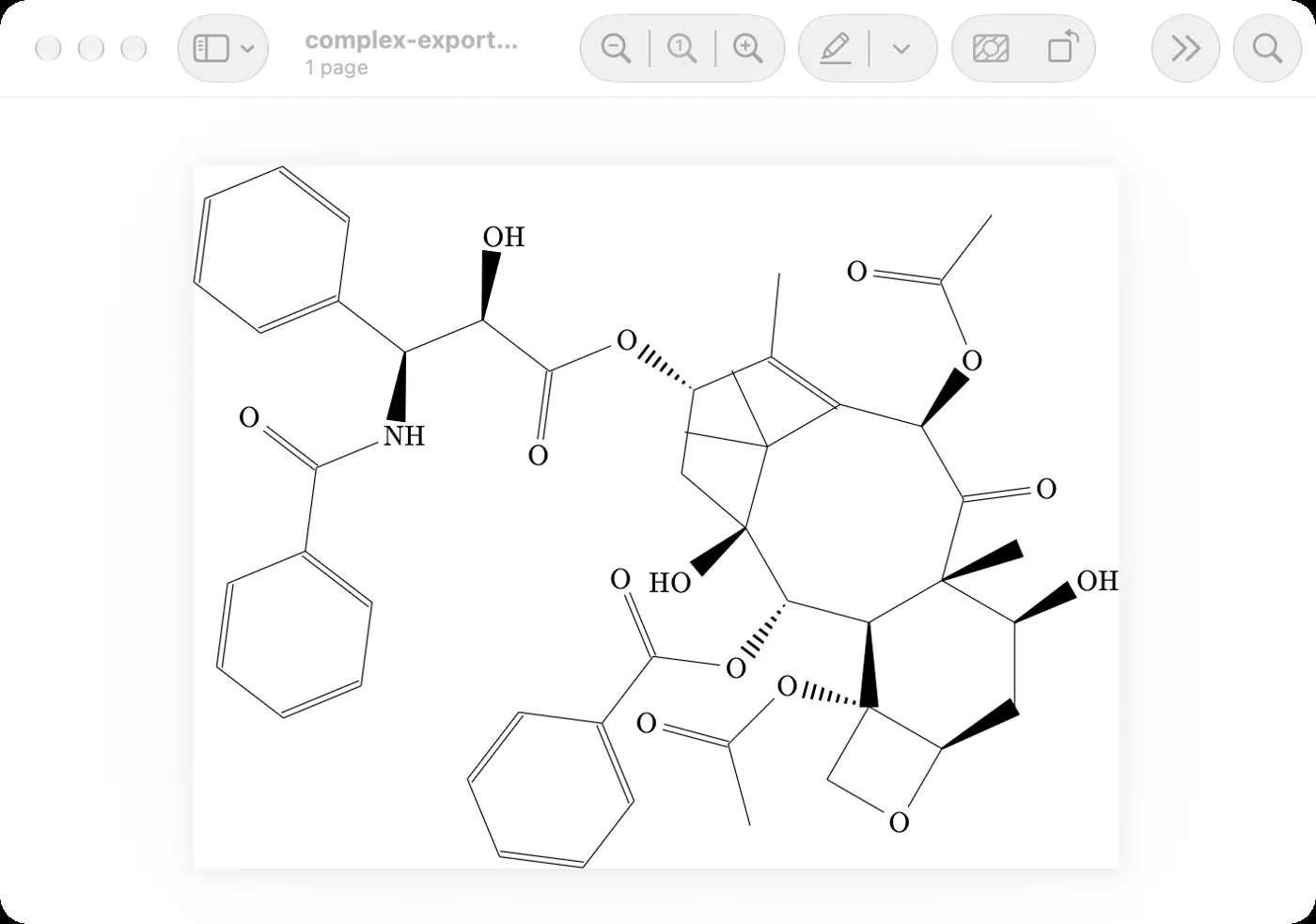 | 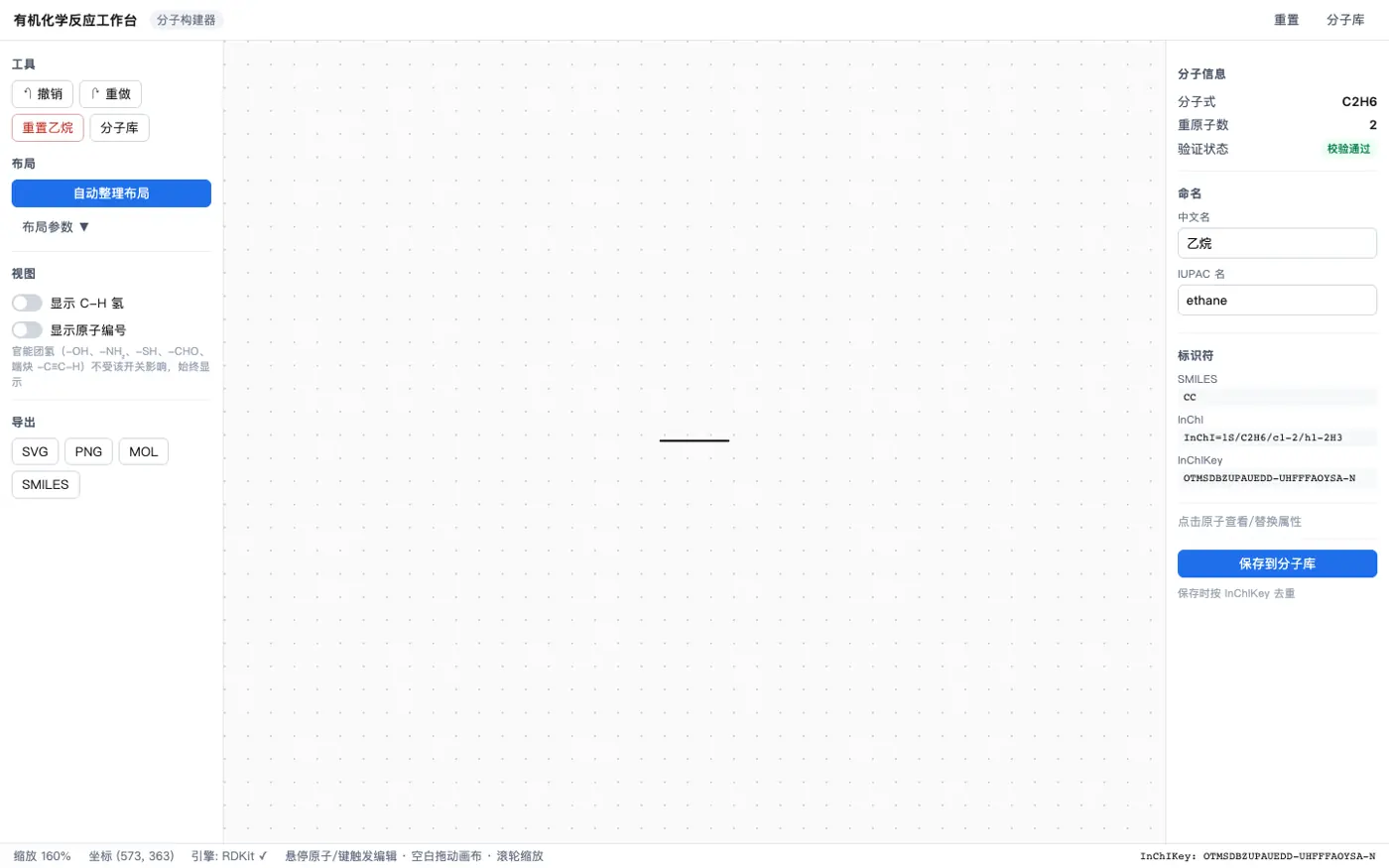 | 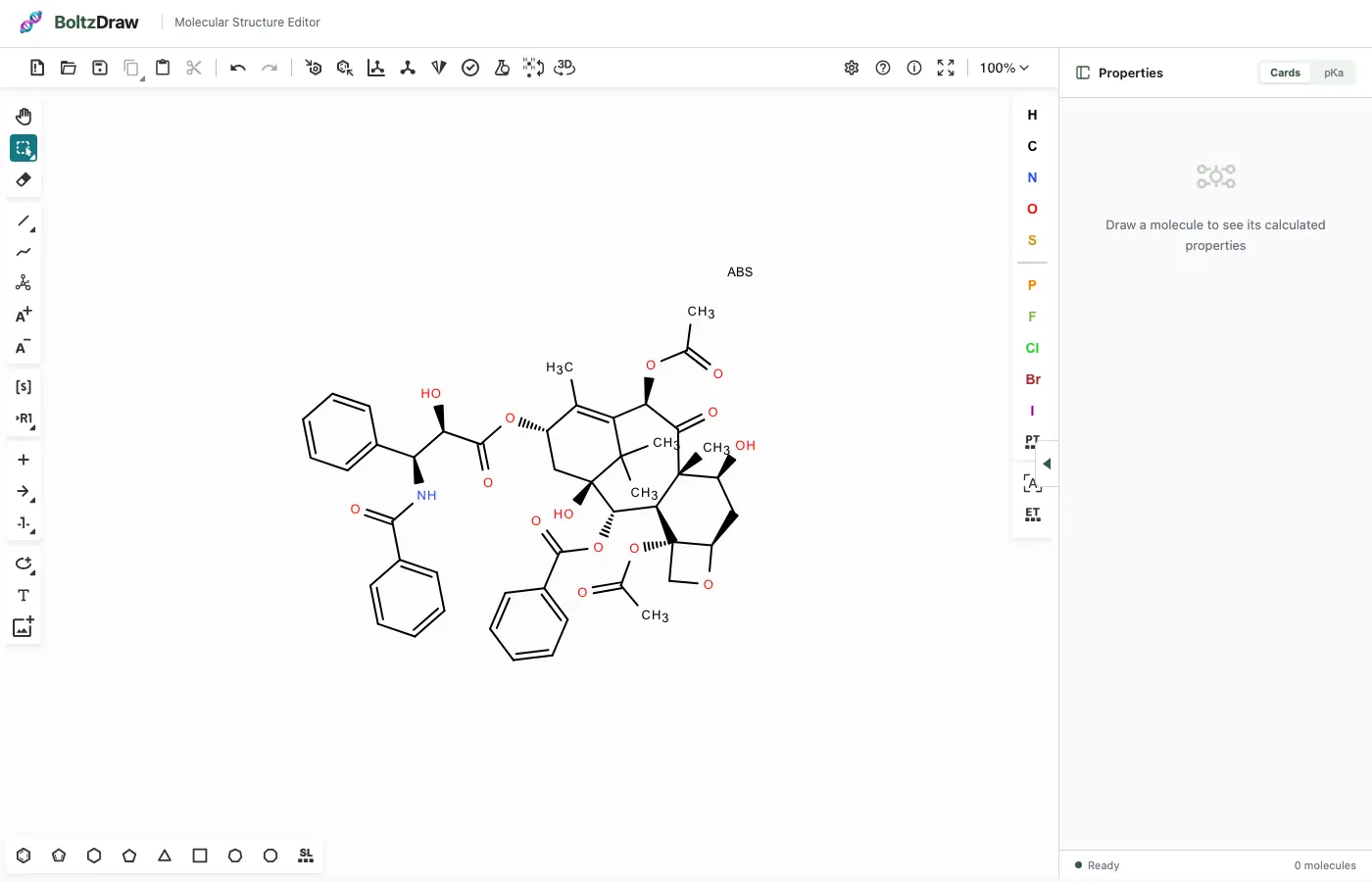 | 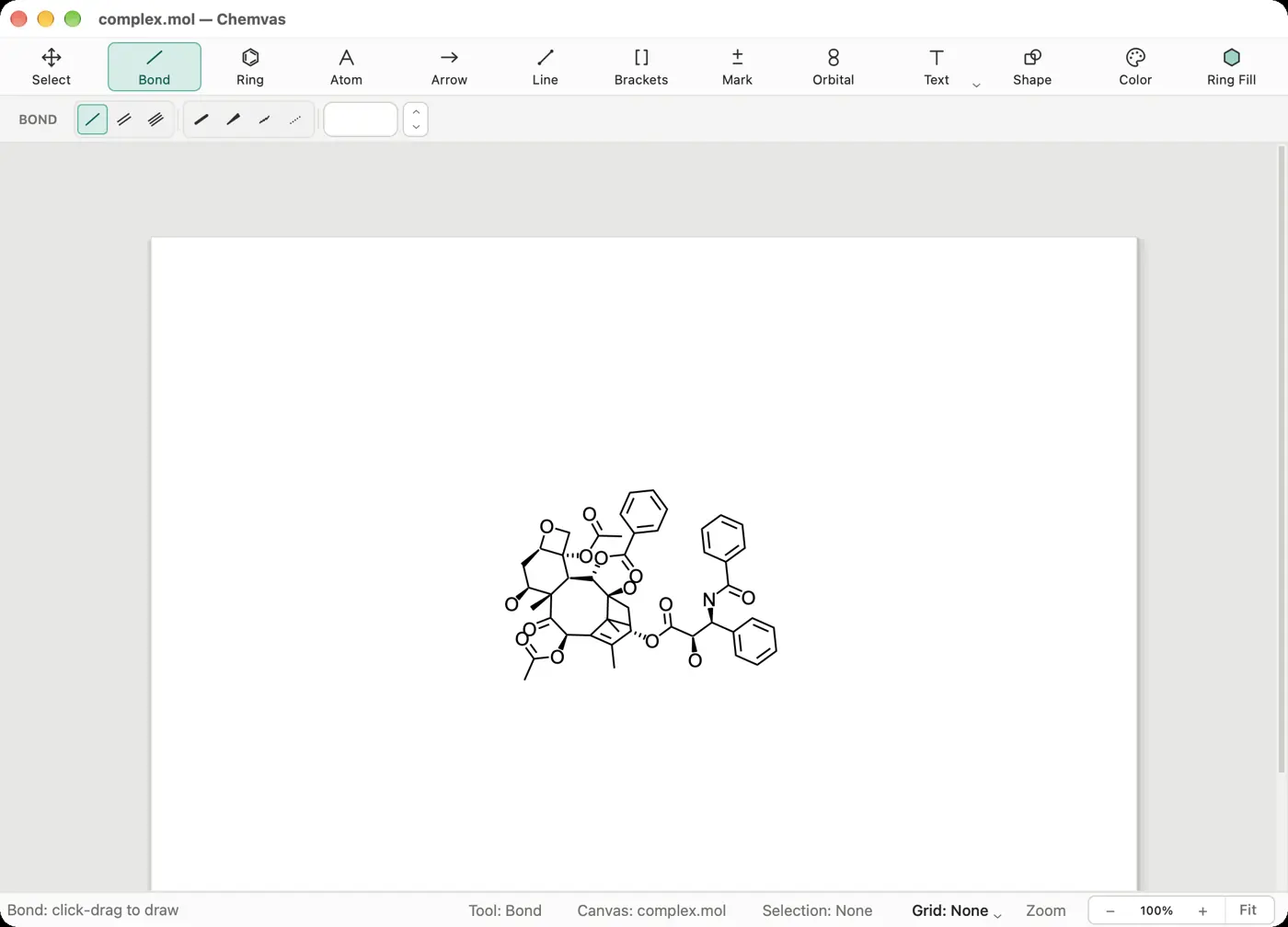 | 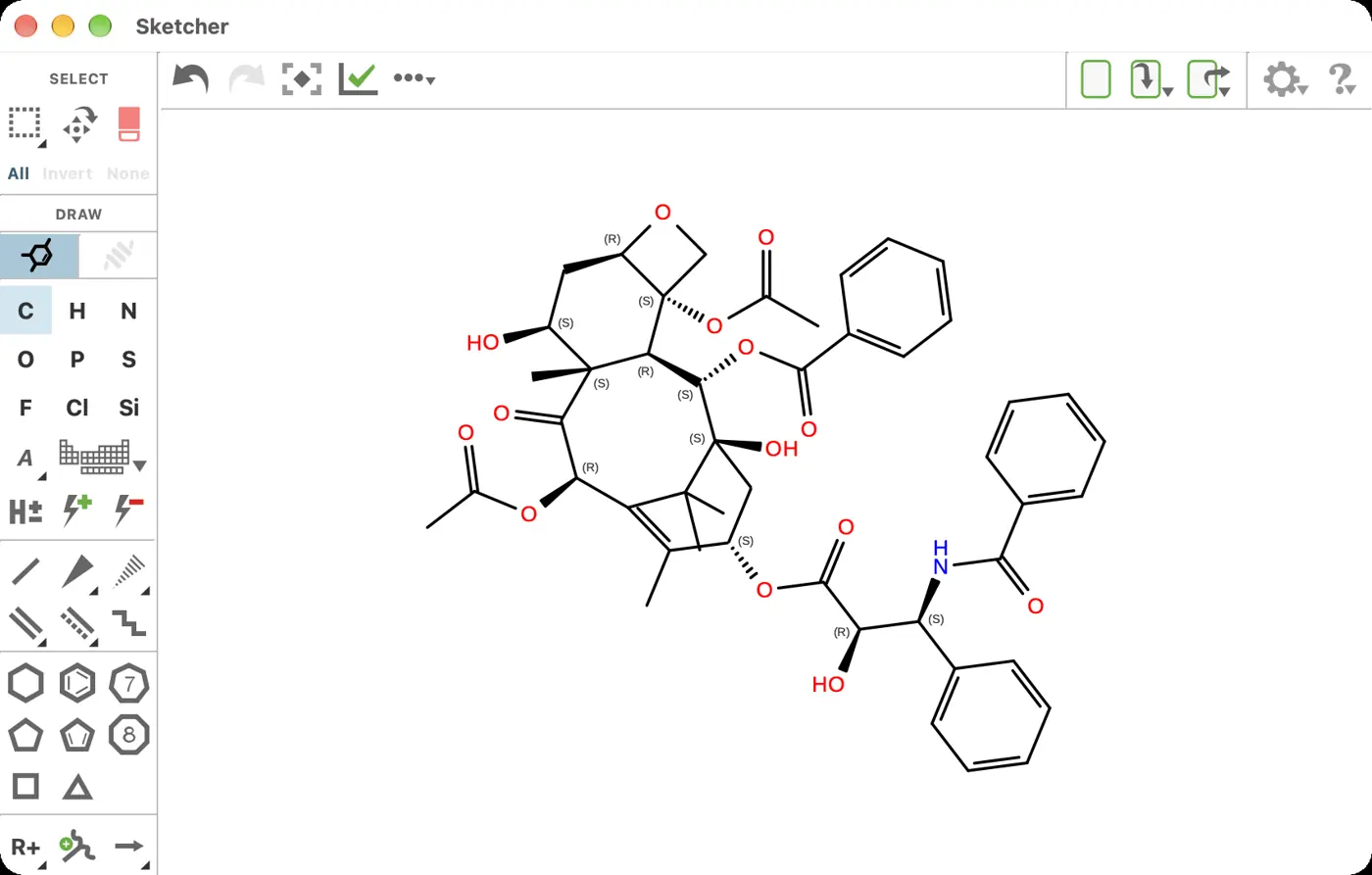 | 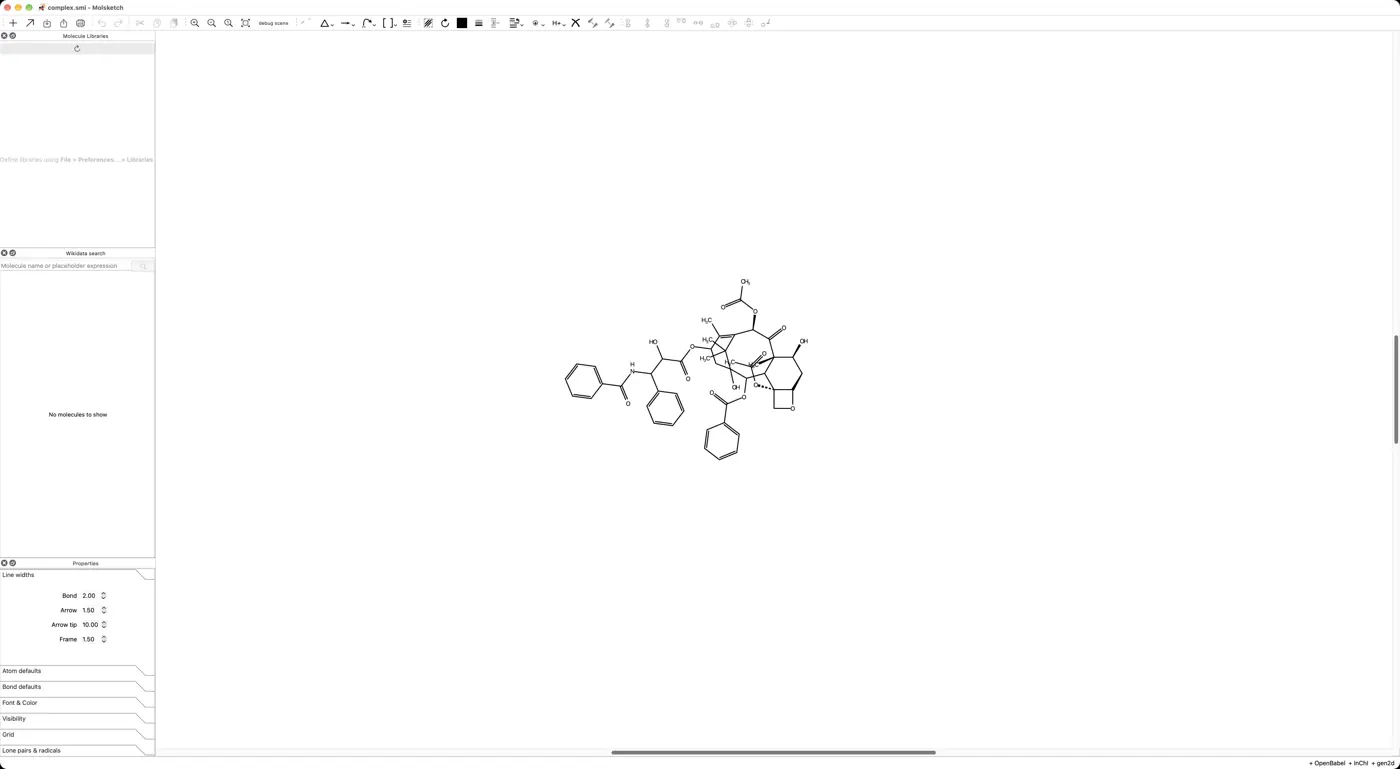 | 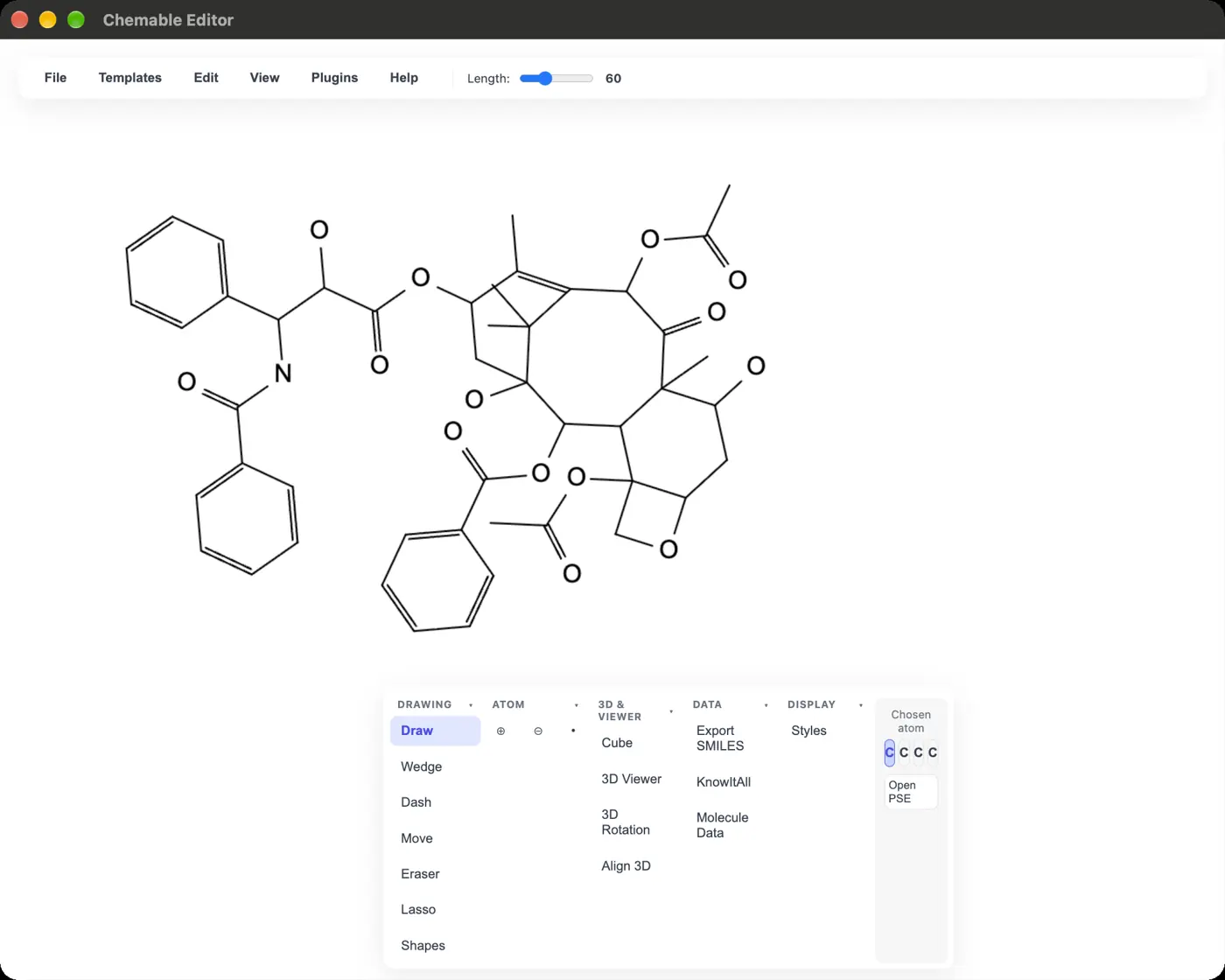 | 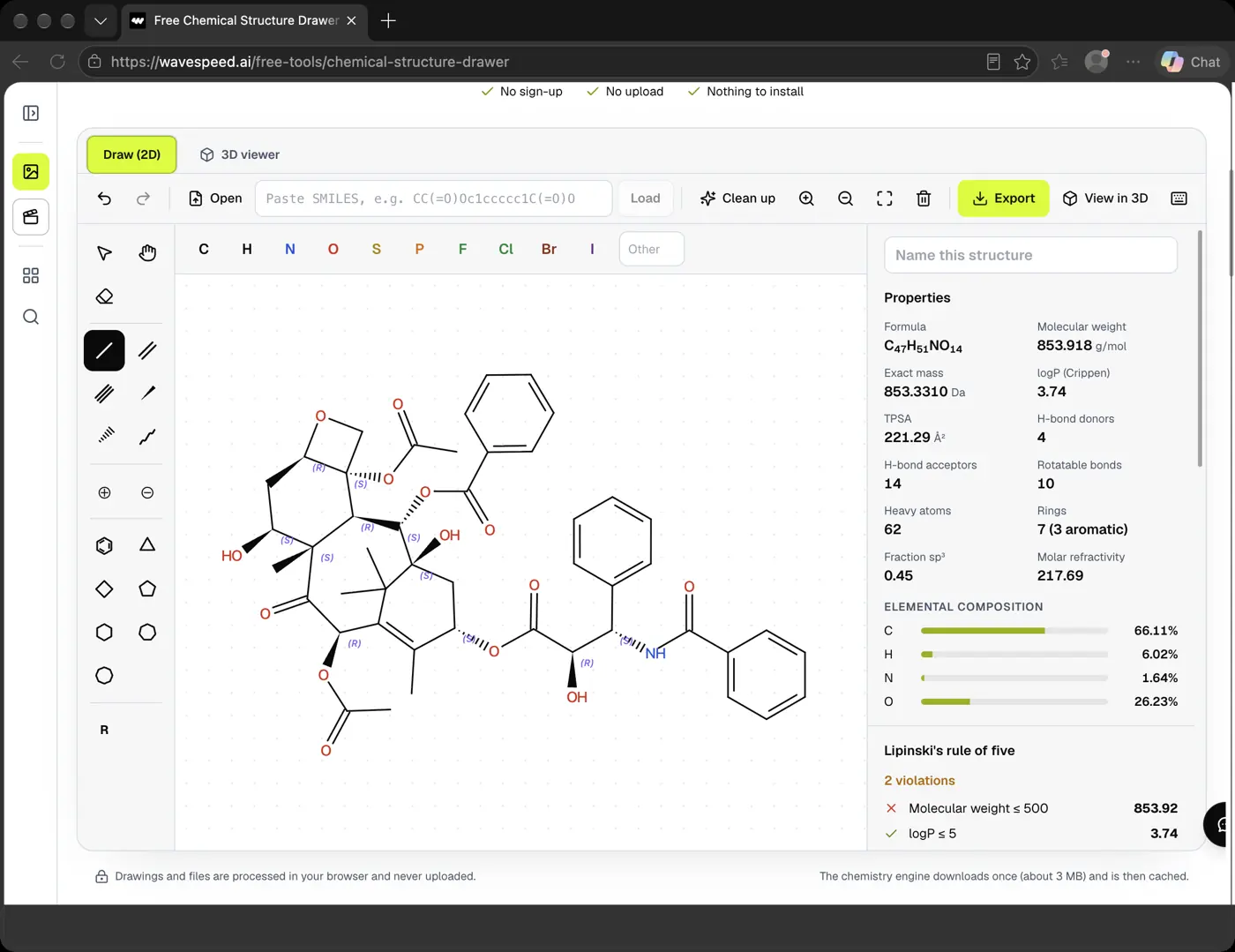 | 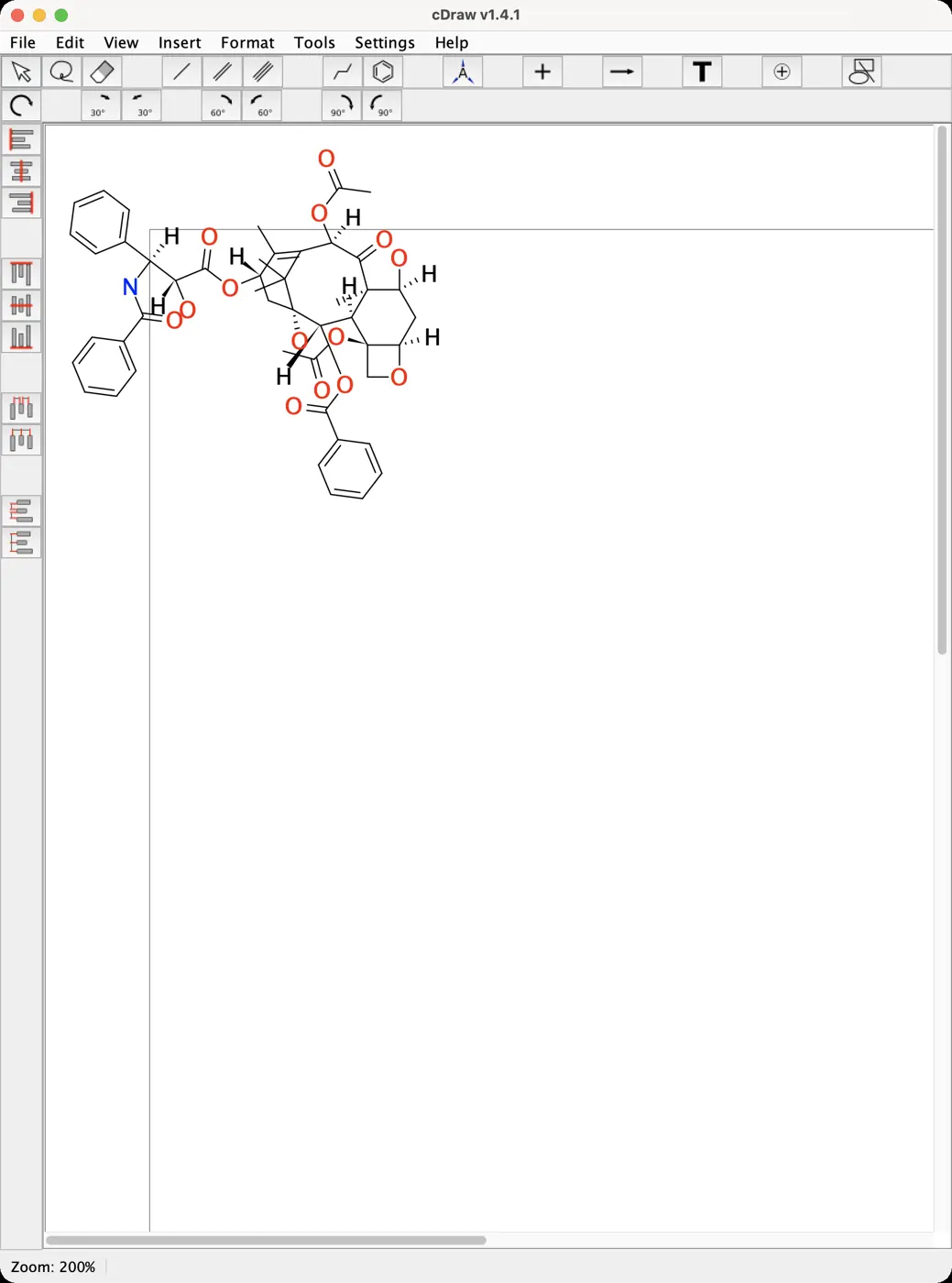 | 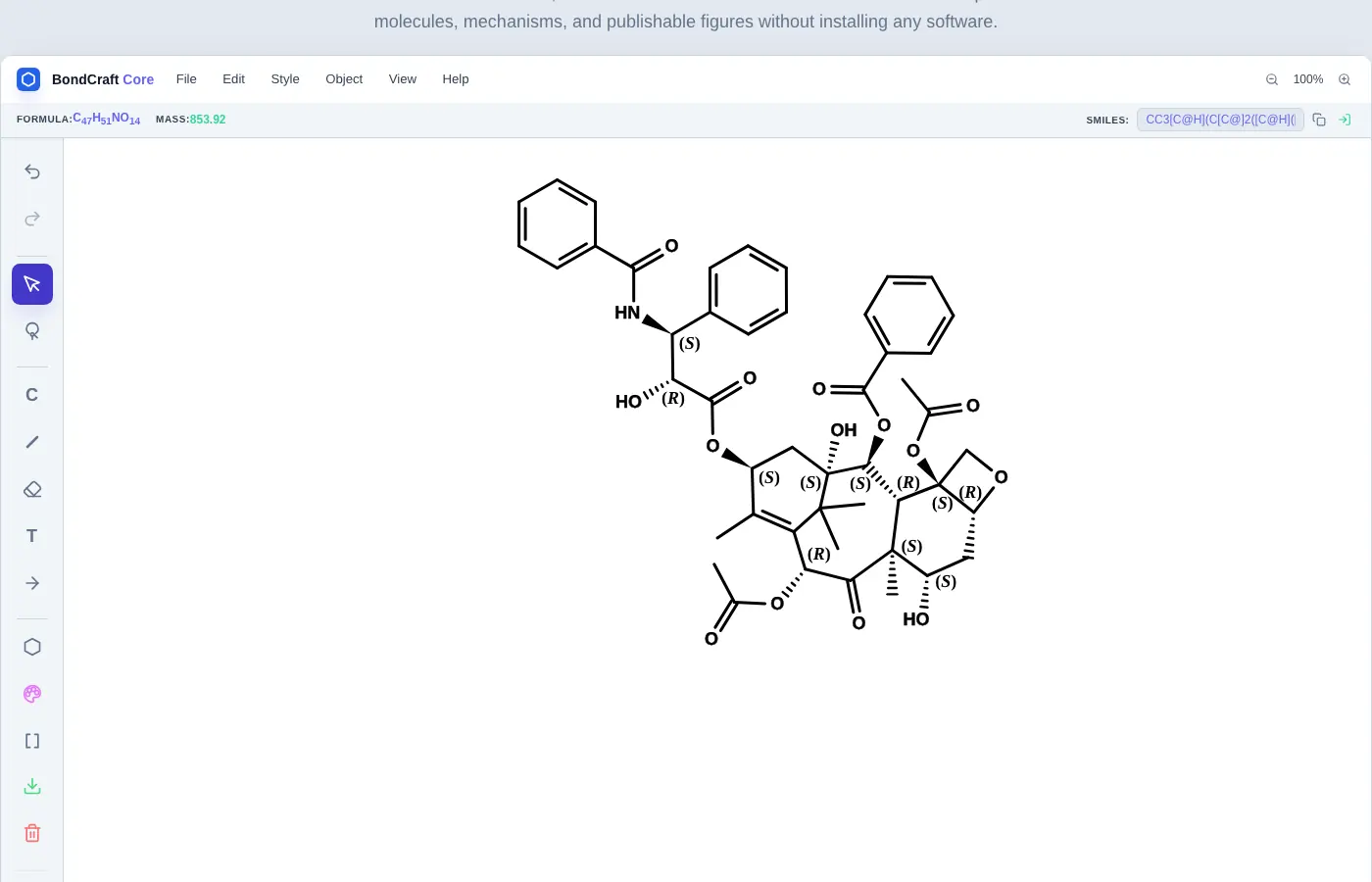 | 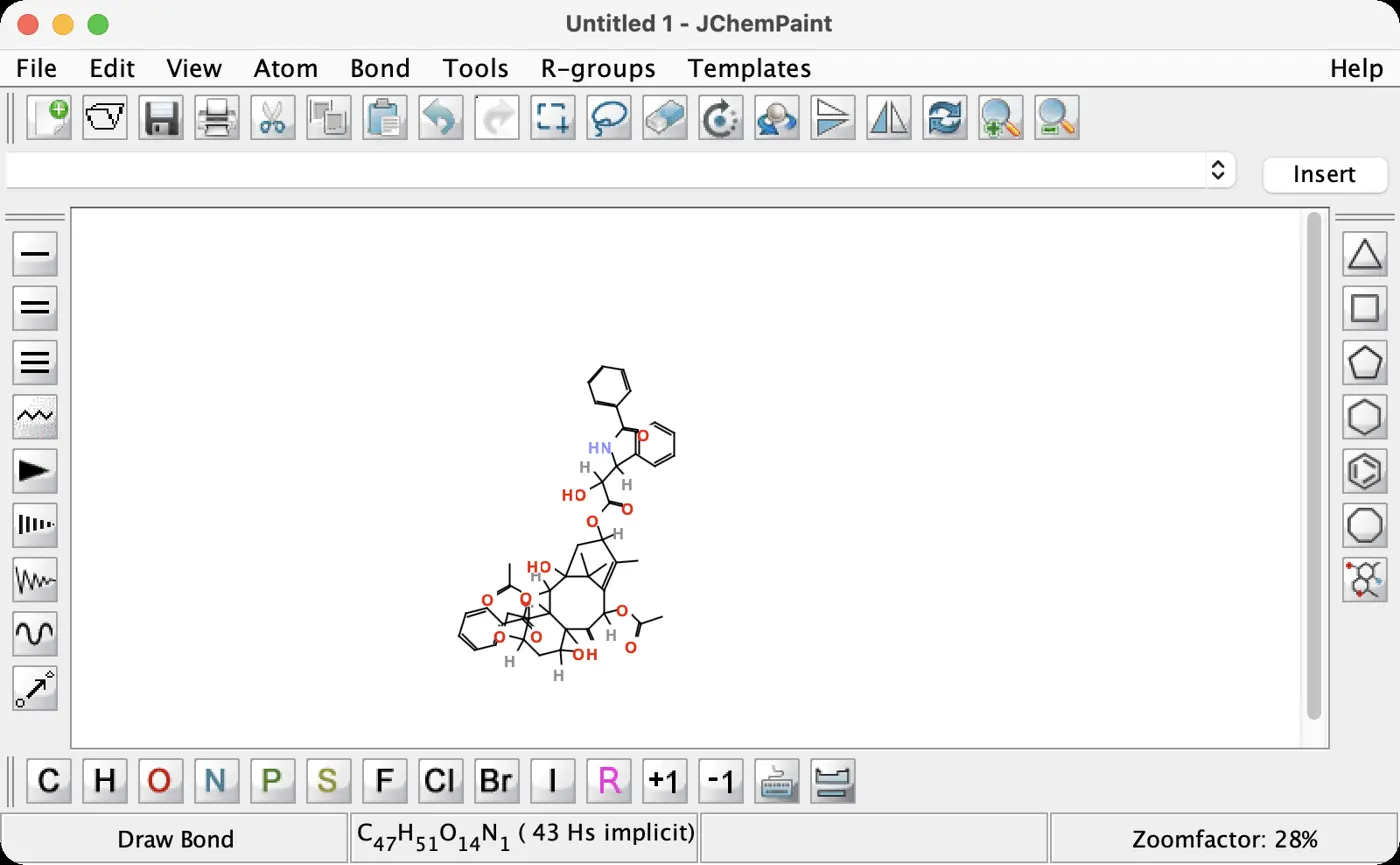 | 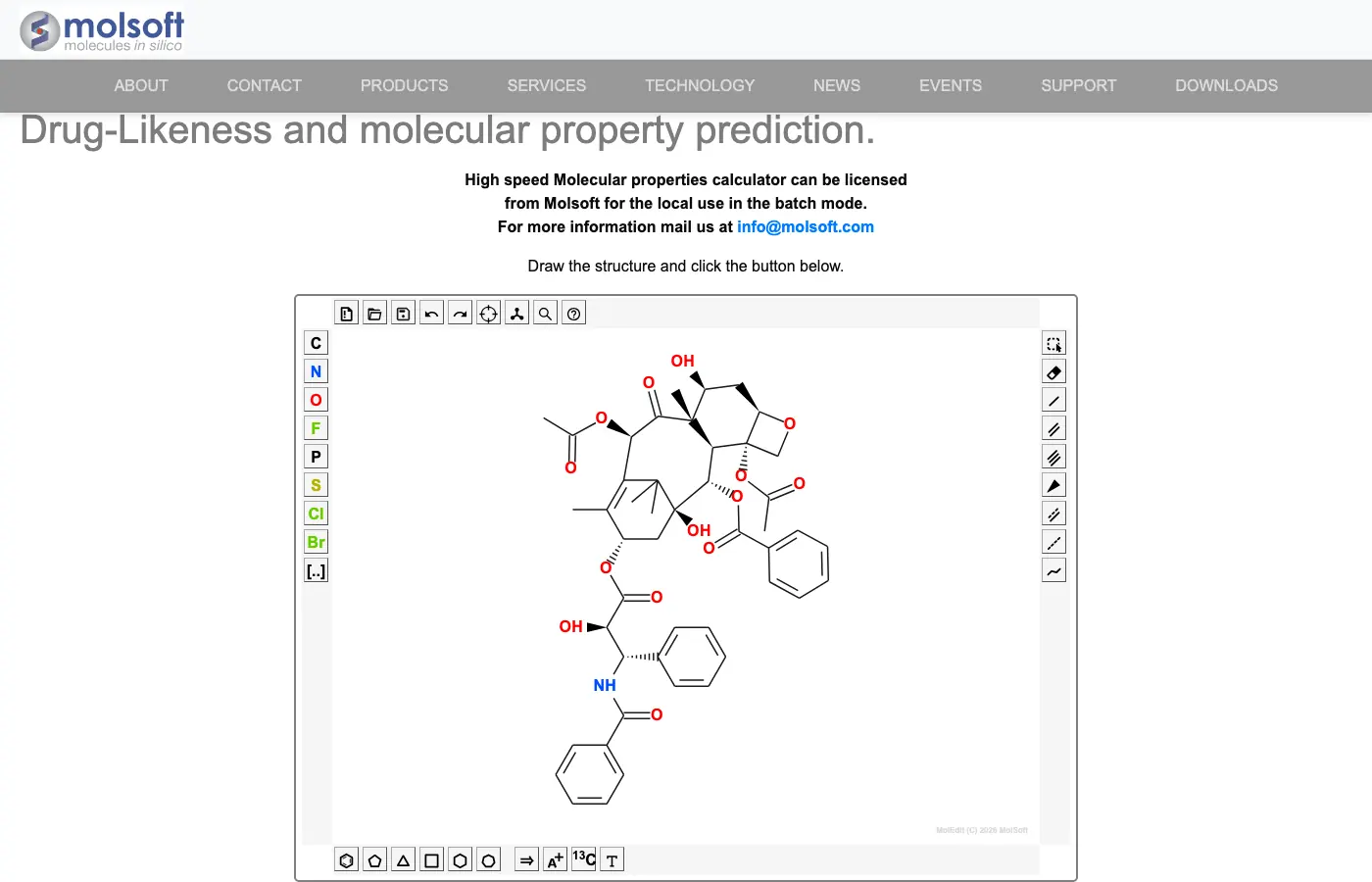 | 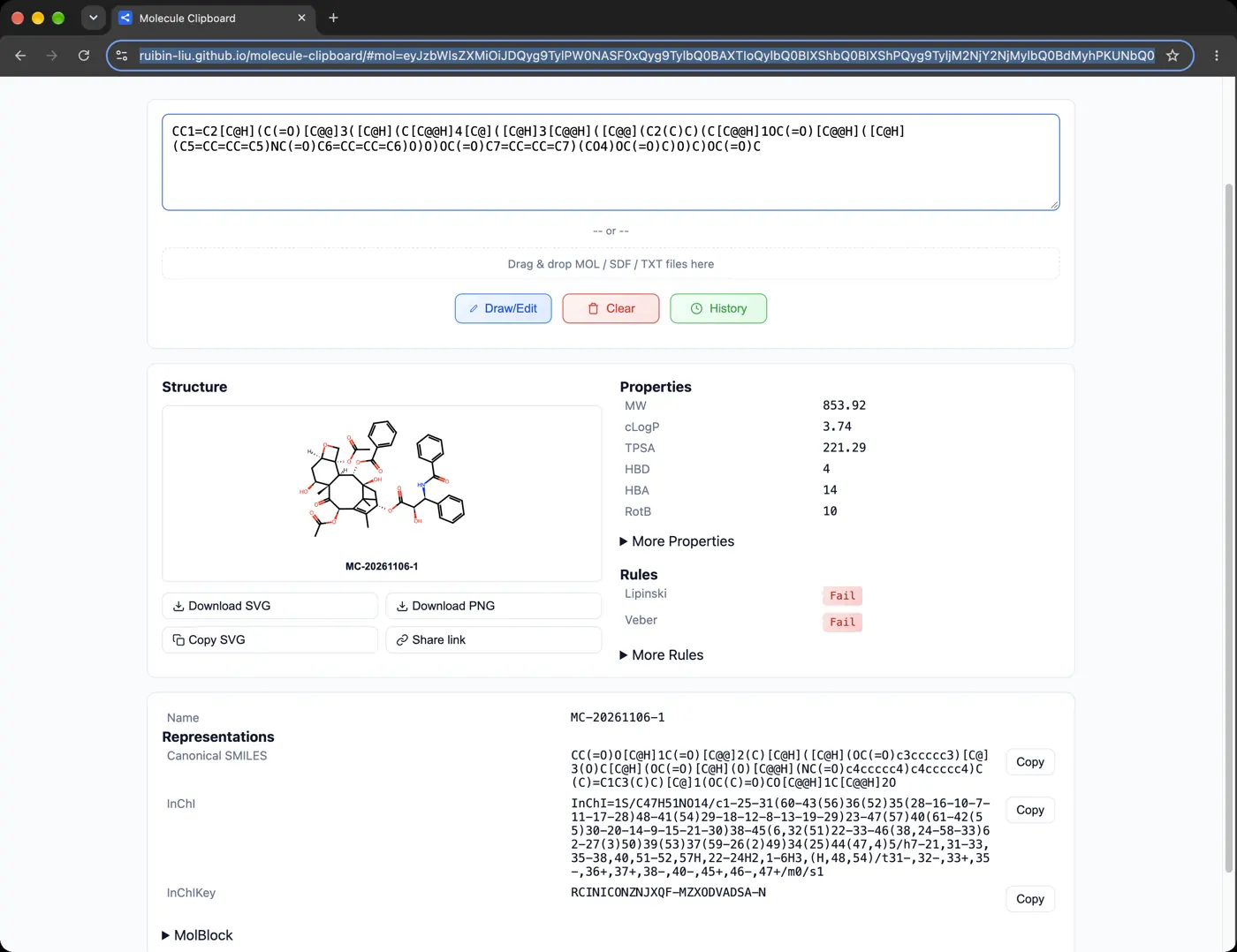 | 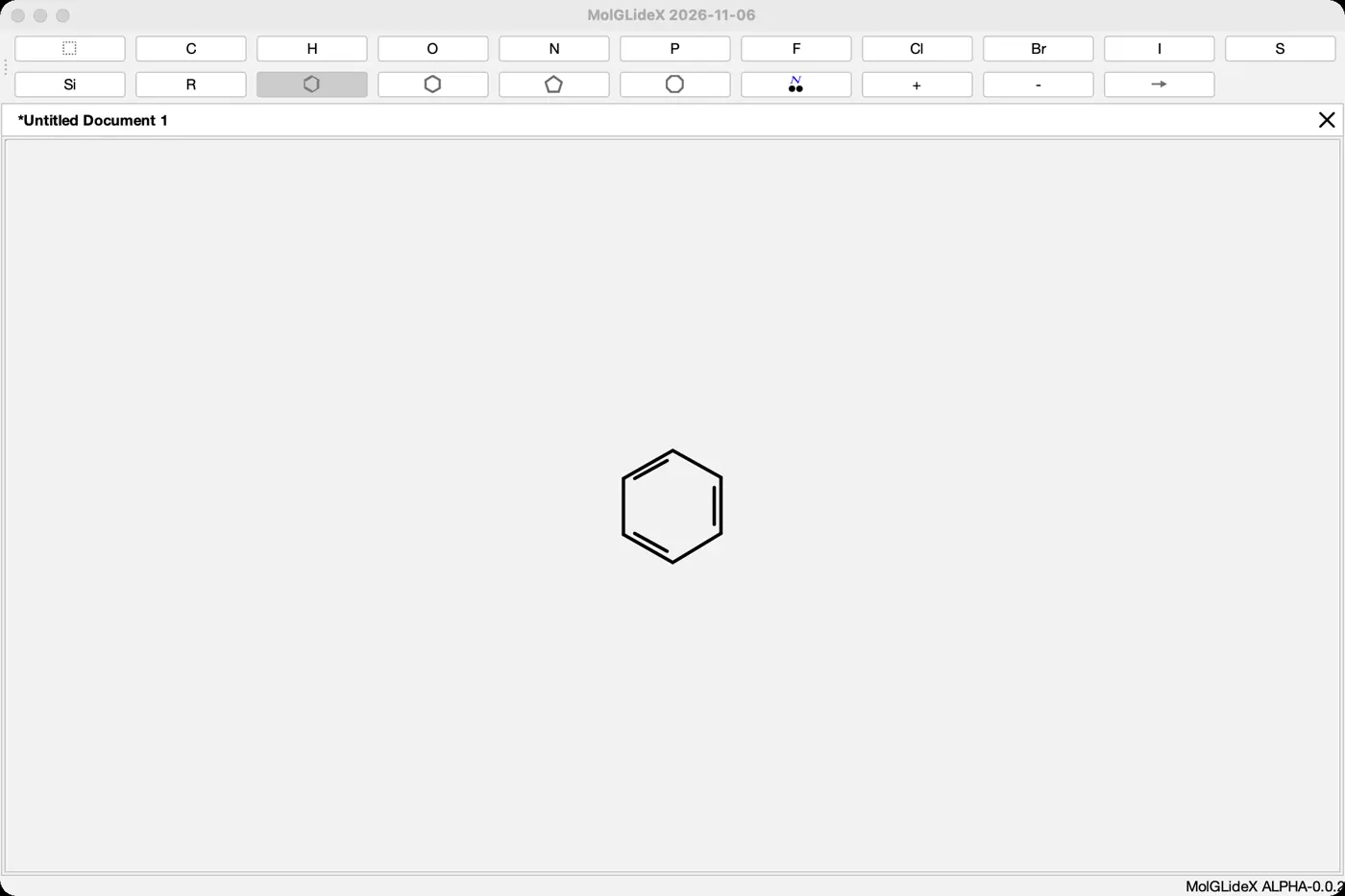 | No light mode | 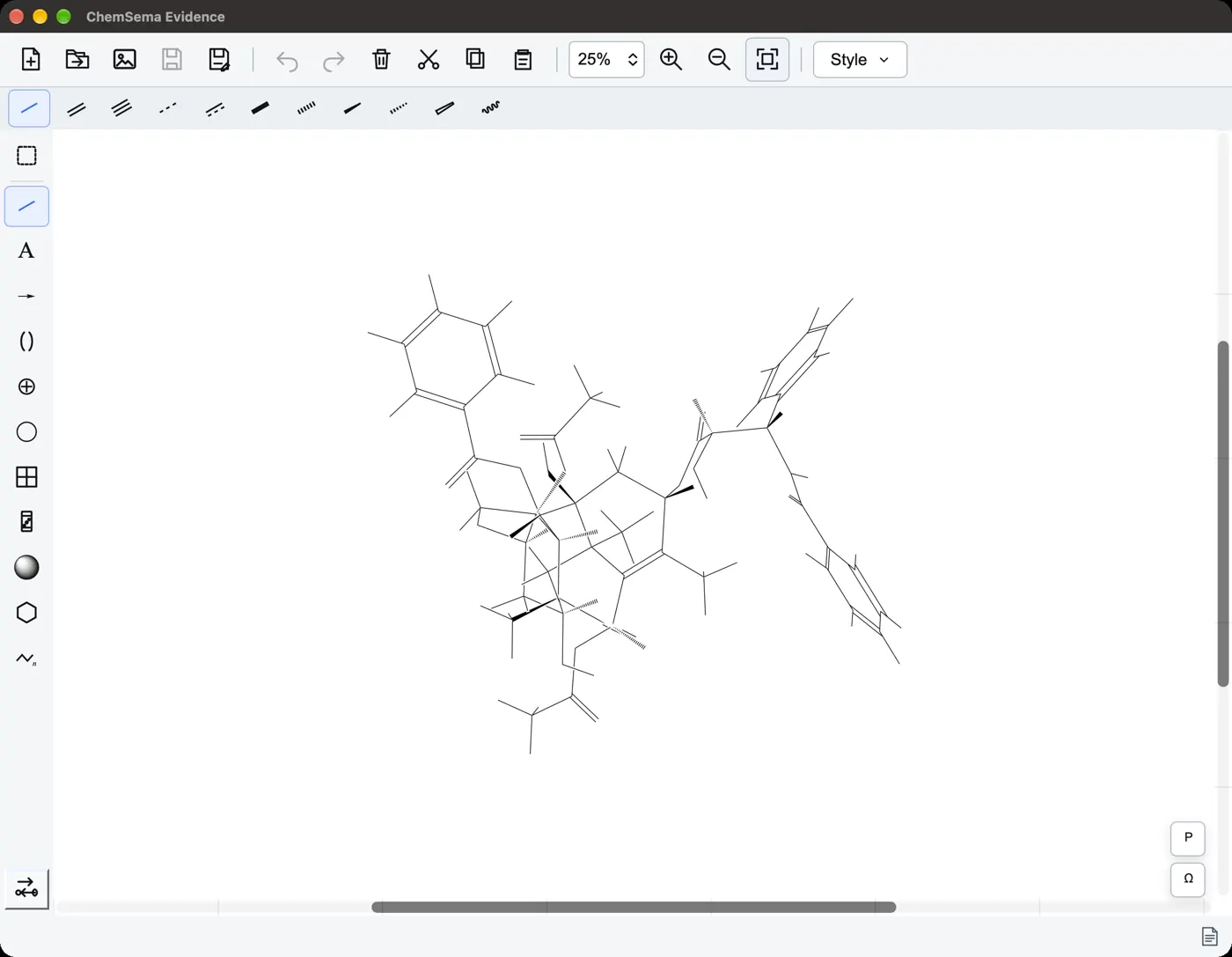 | 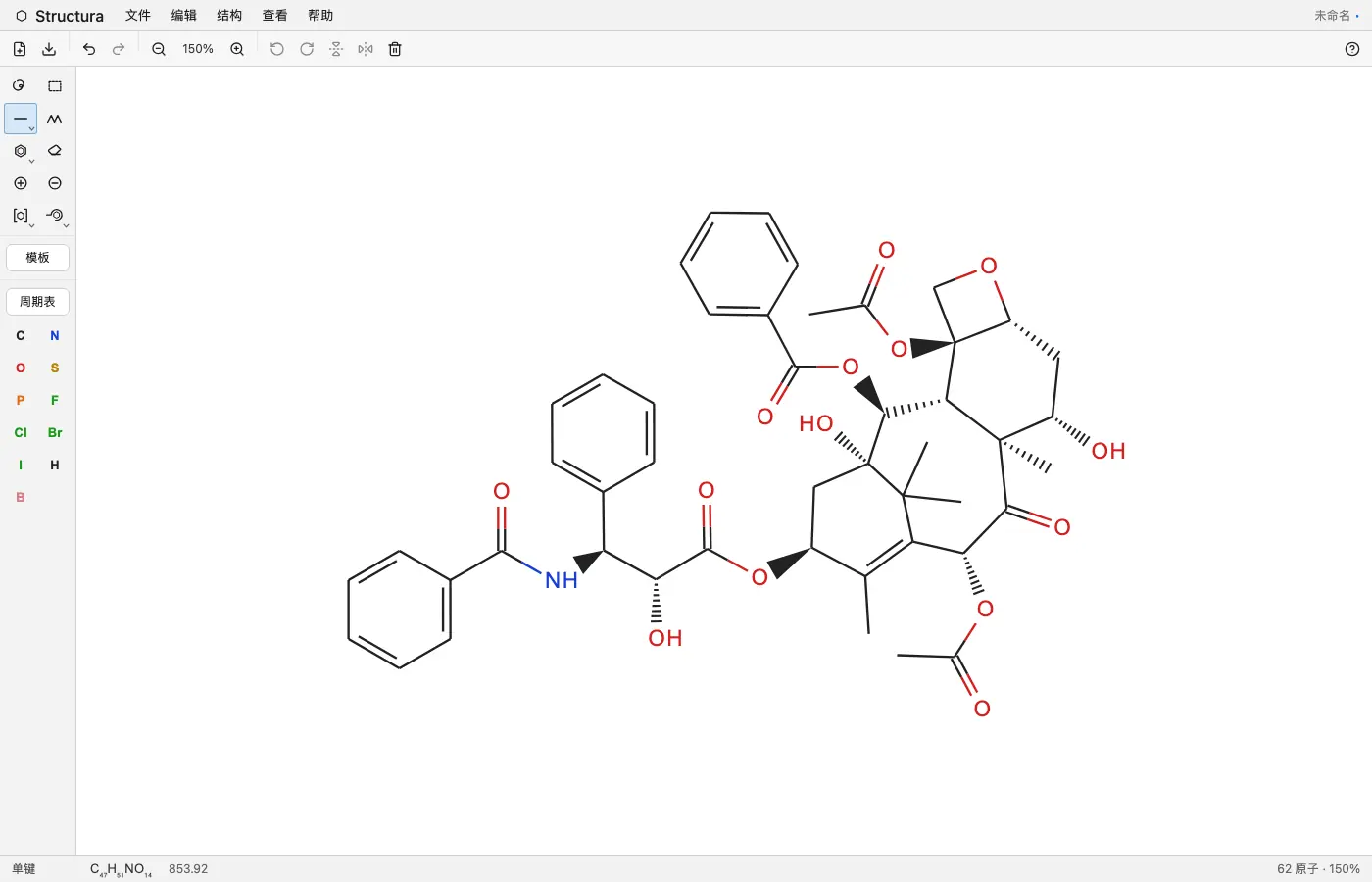 | 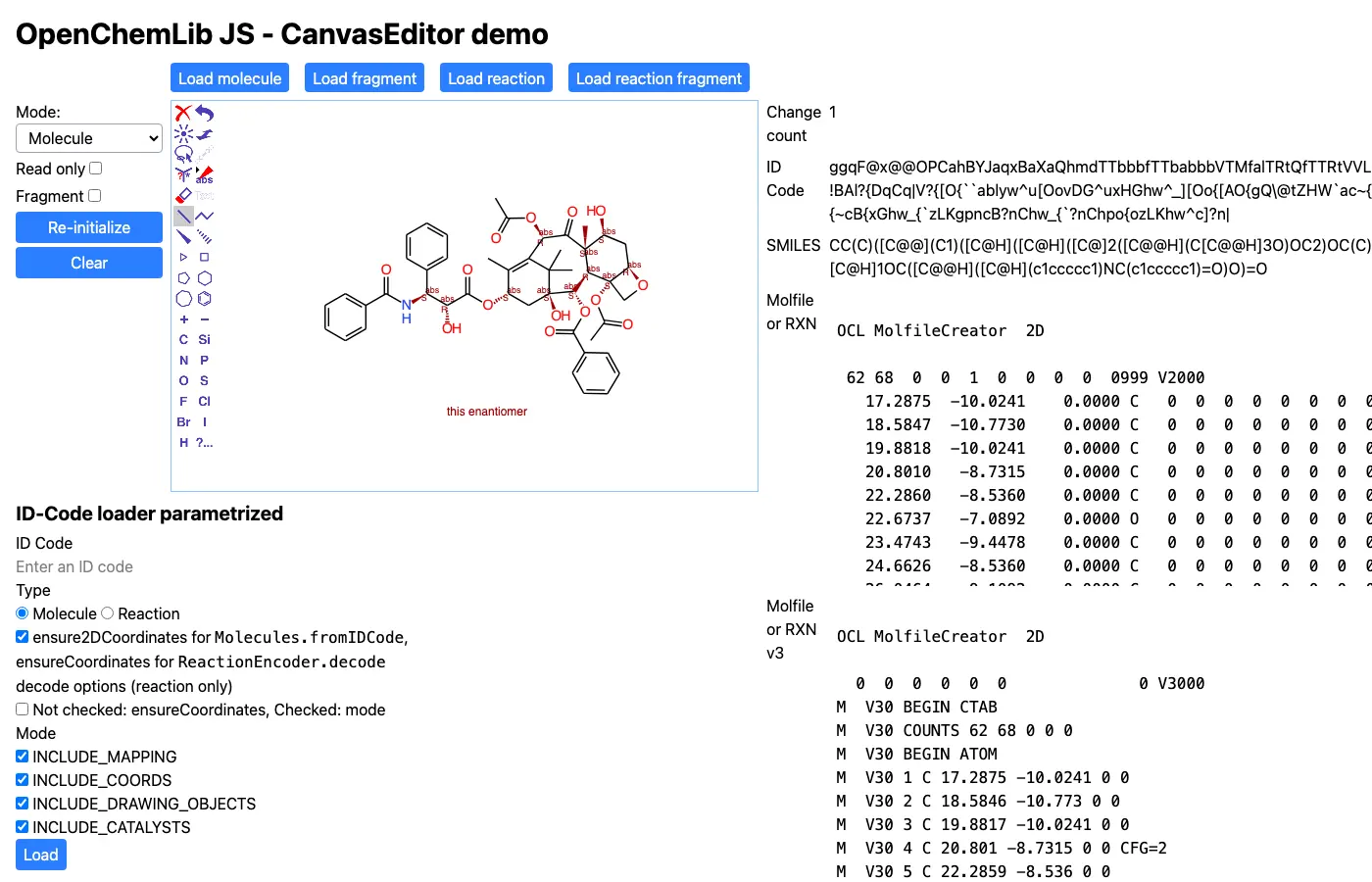 | 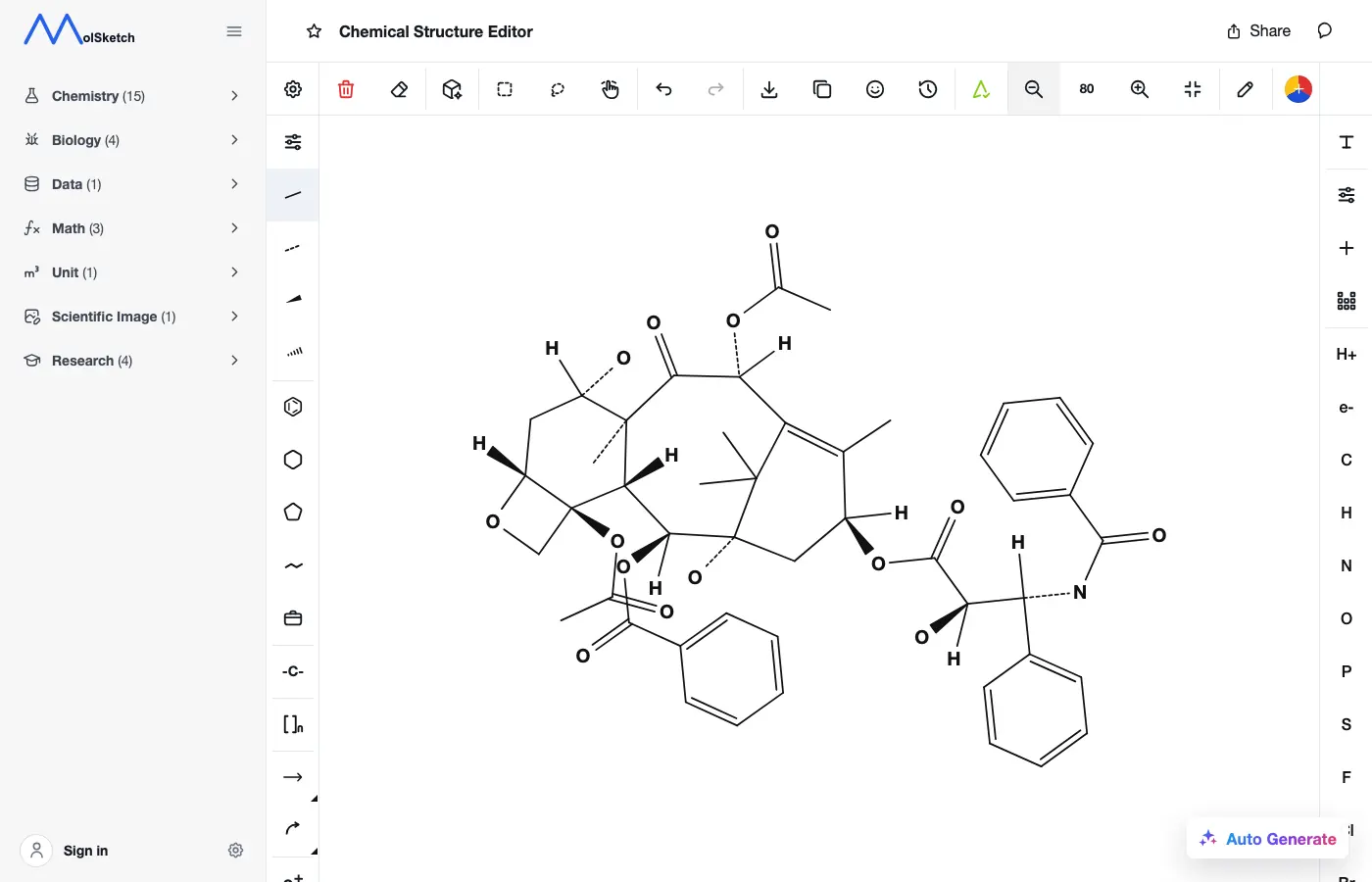 | 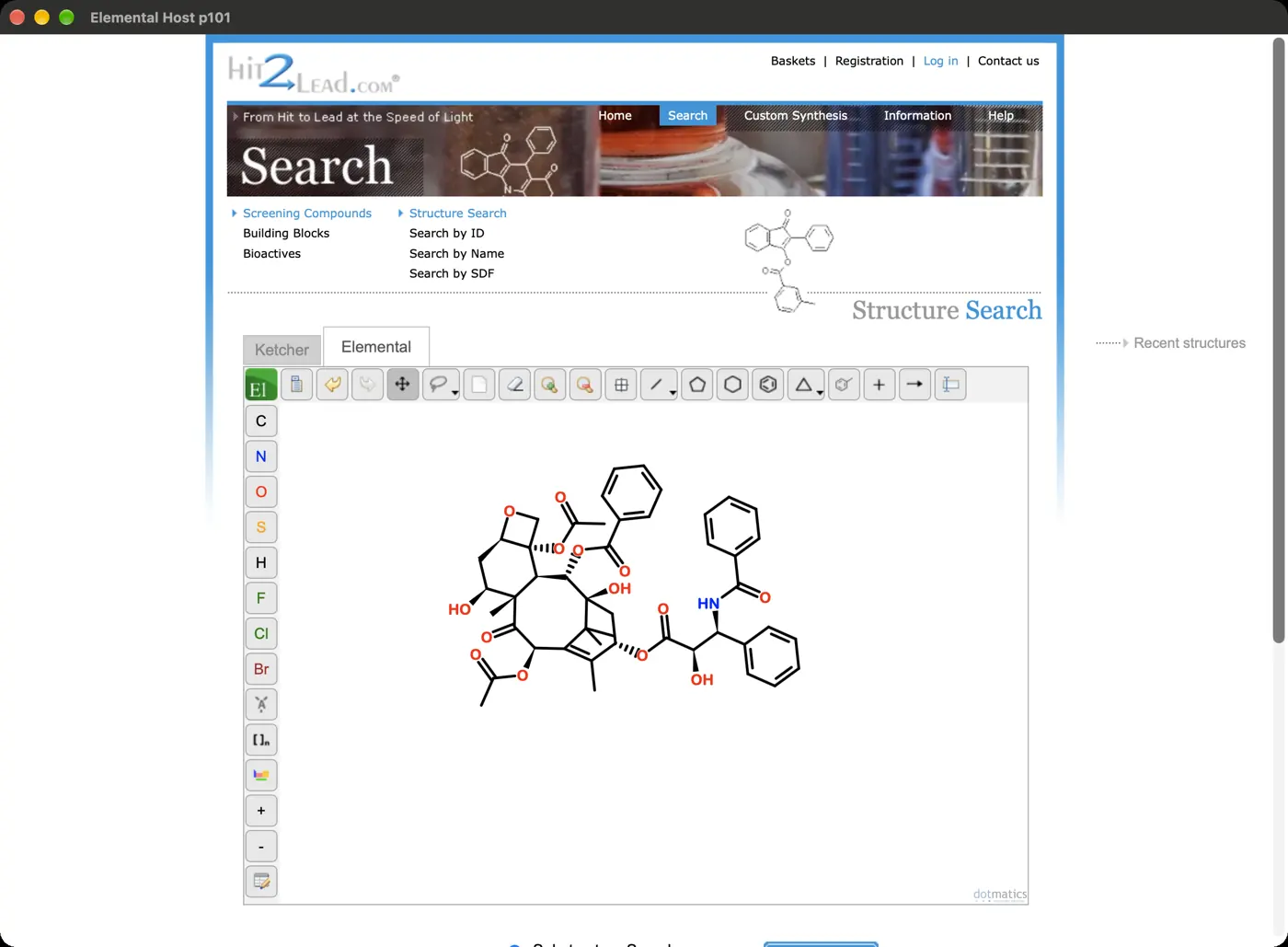 | 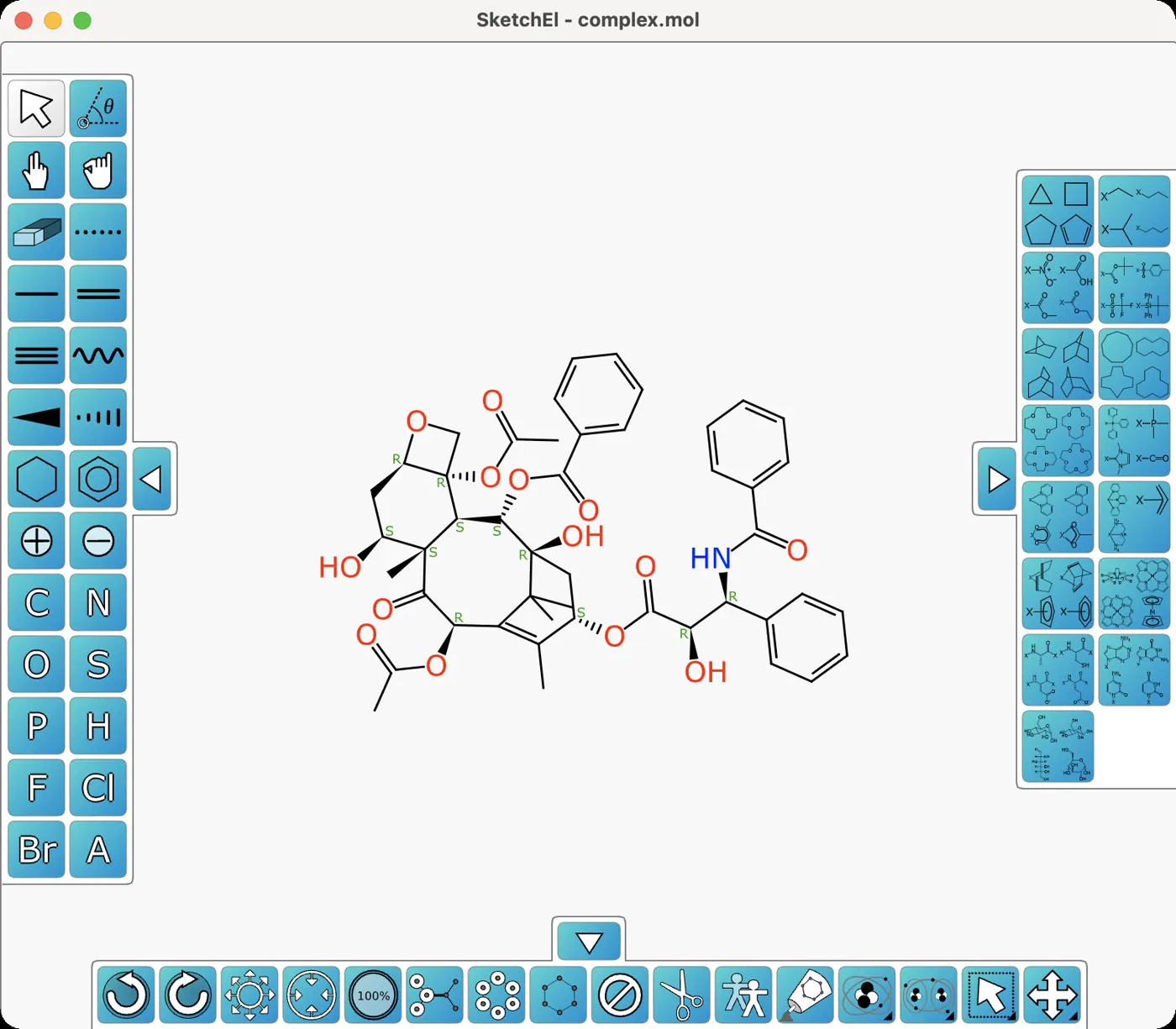 | 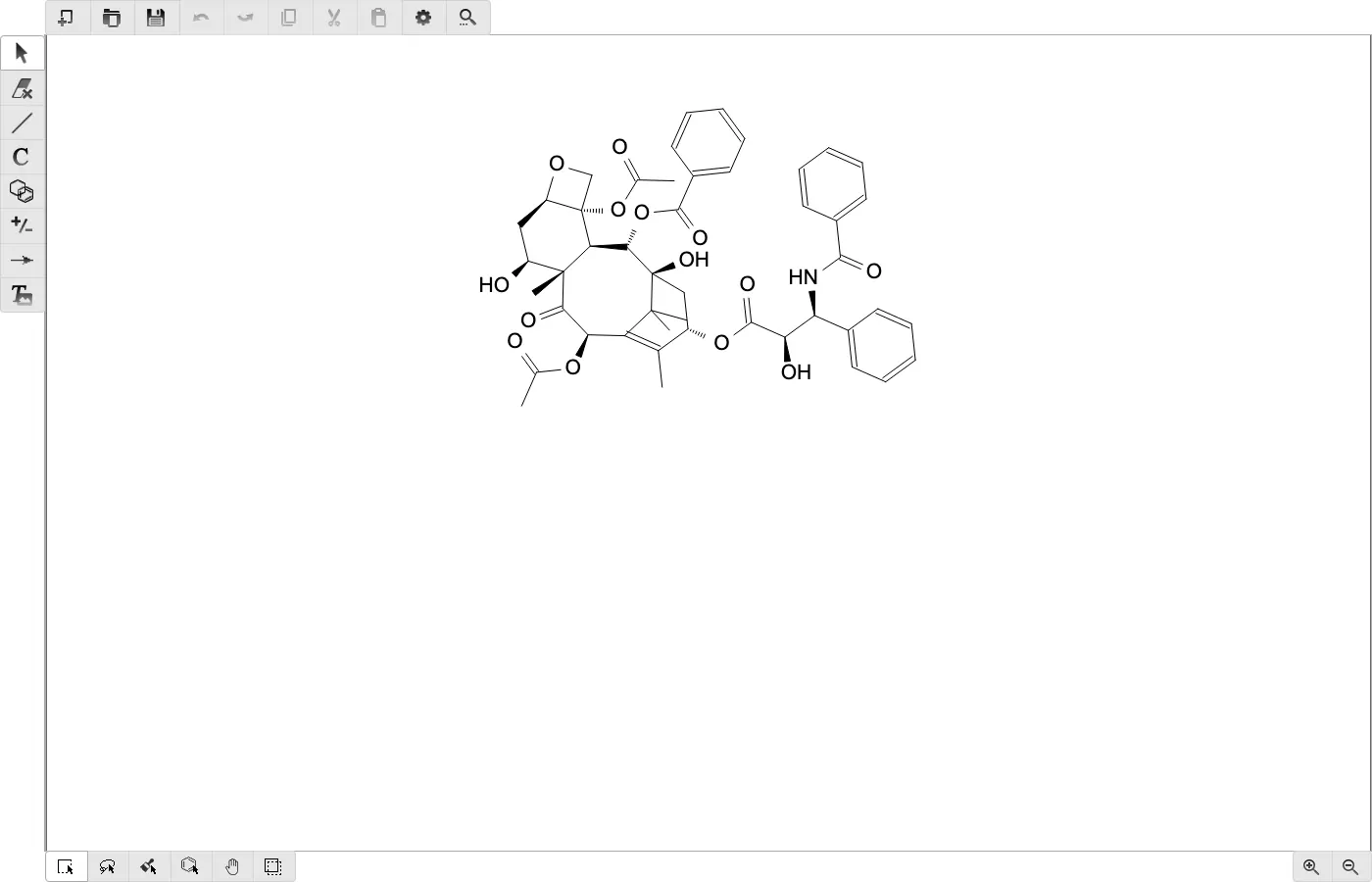 | 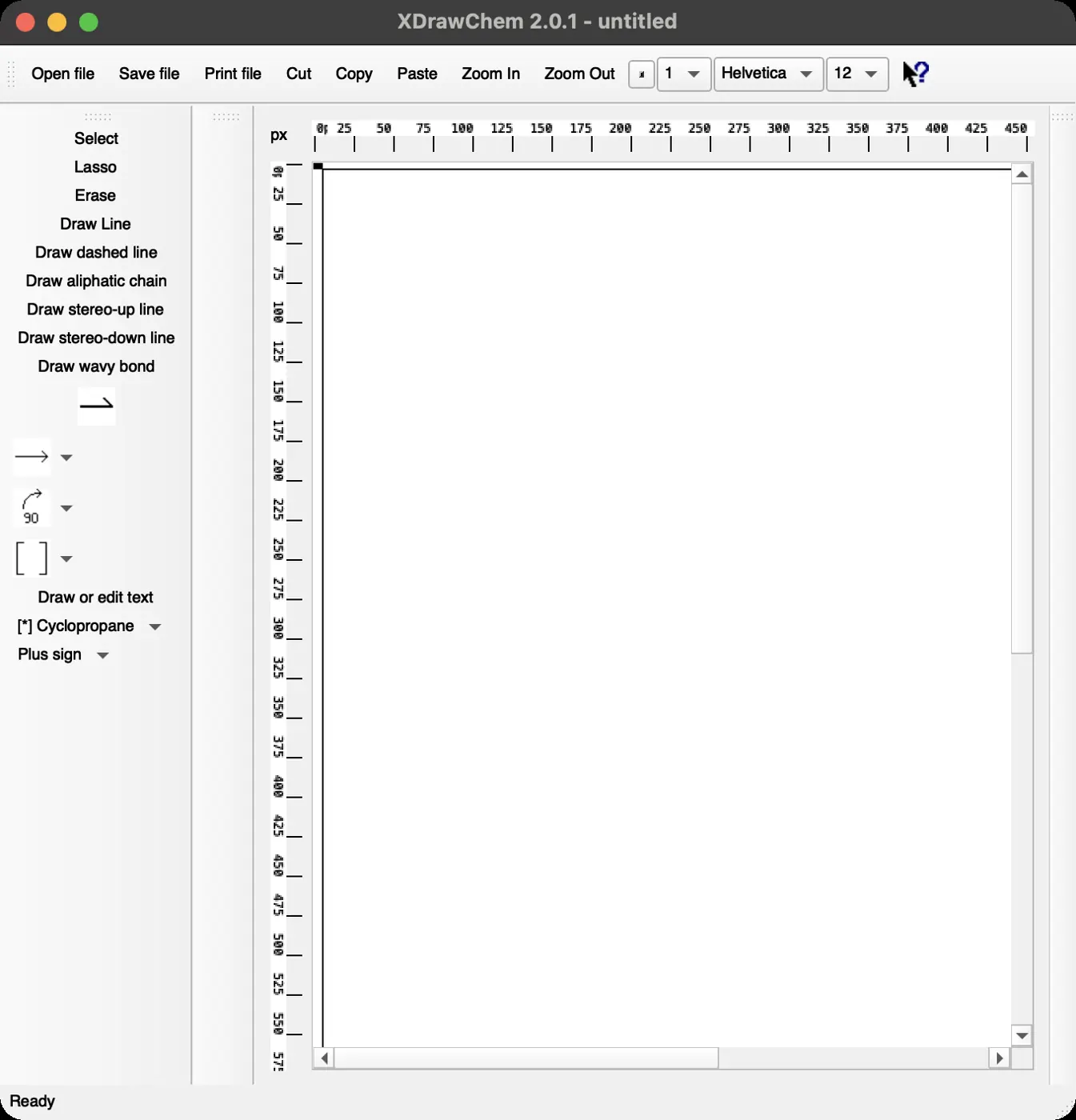 | 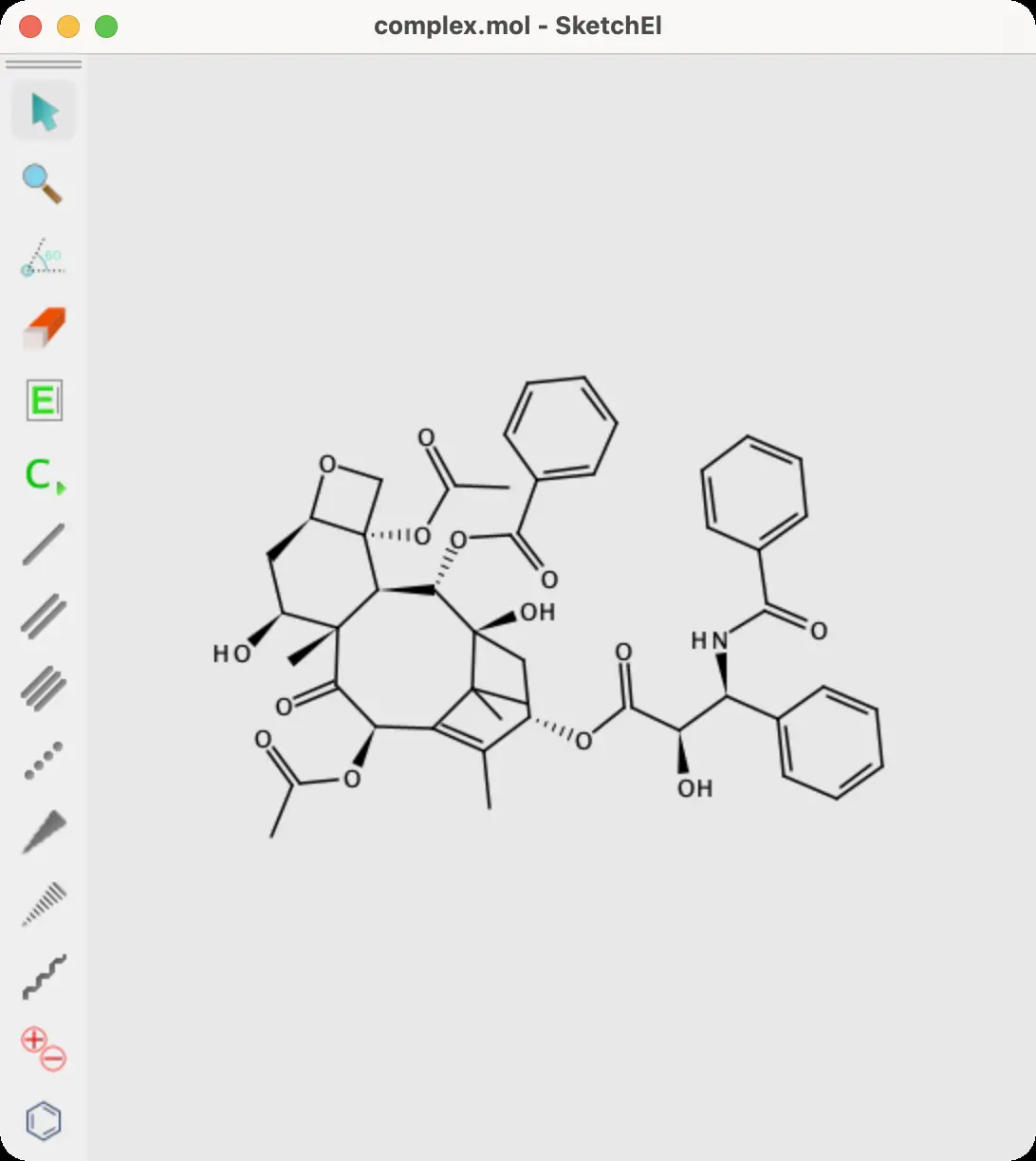 | 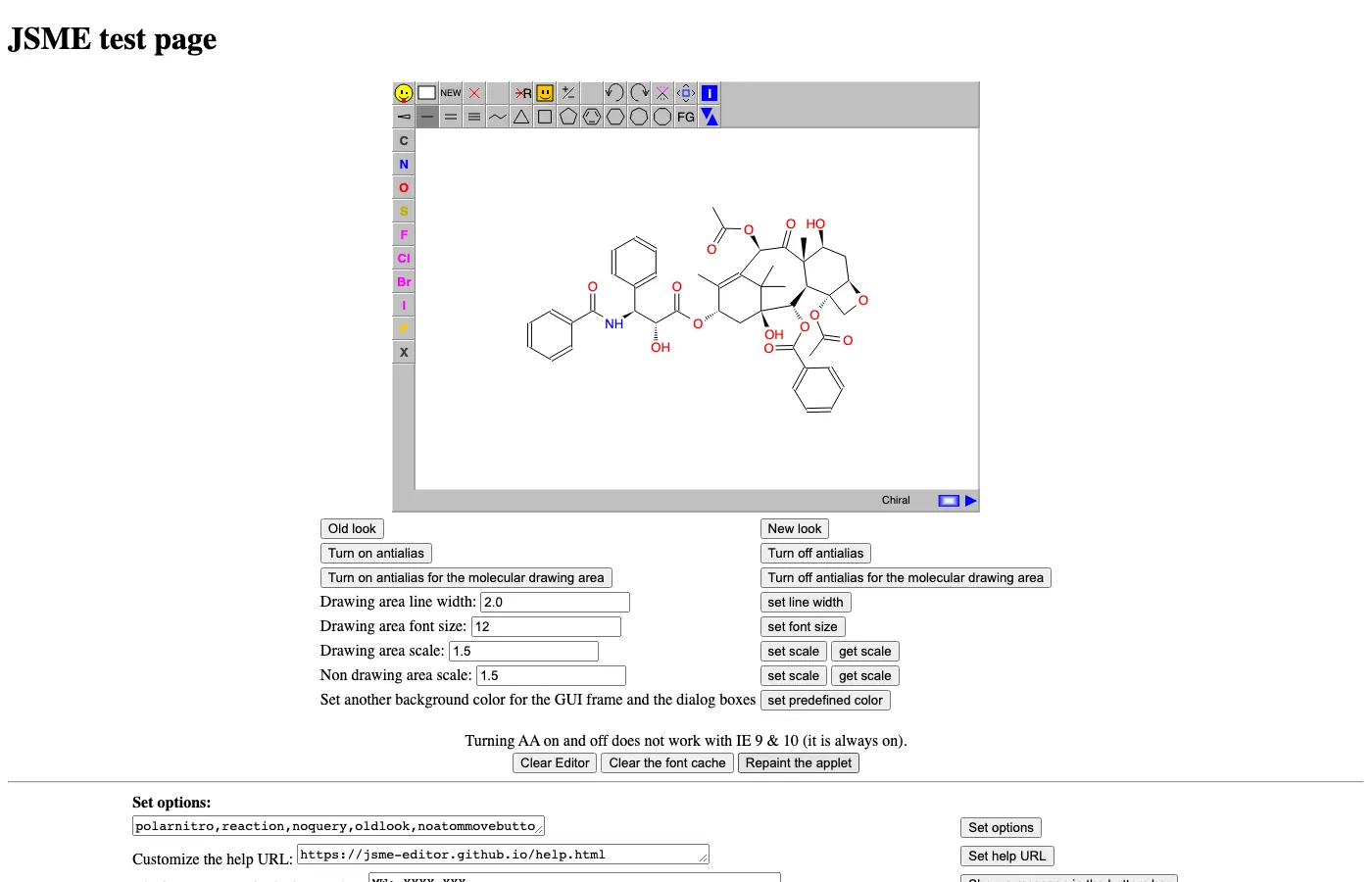 | 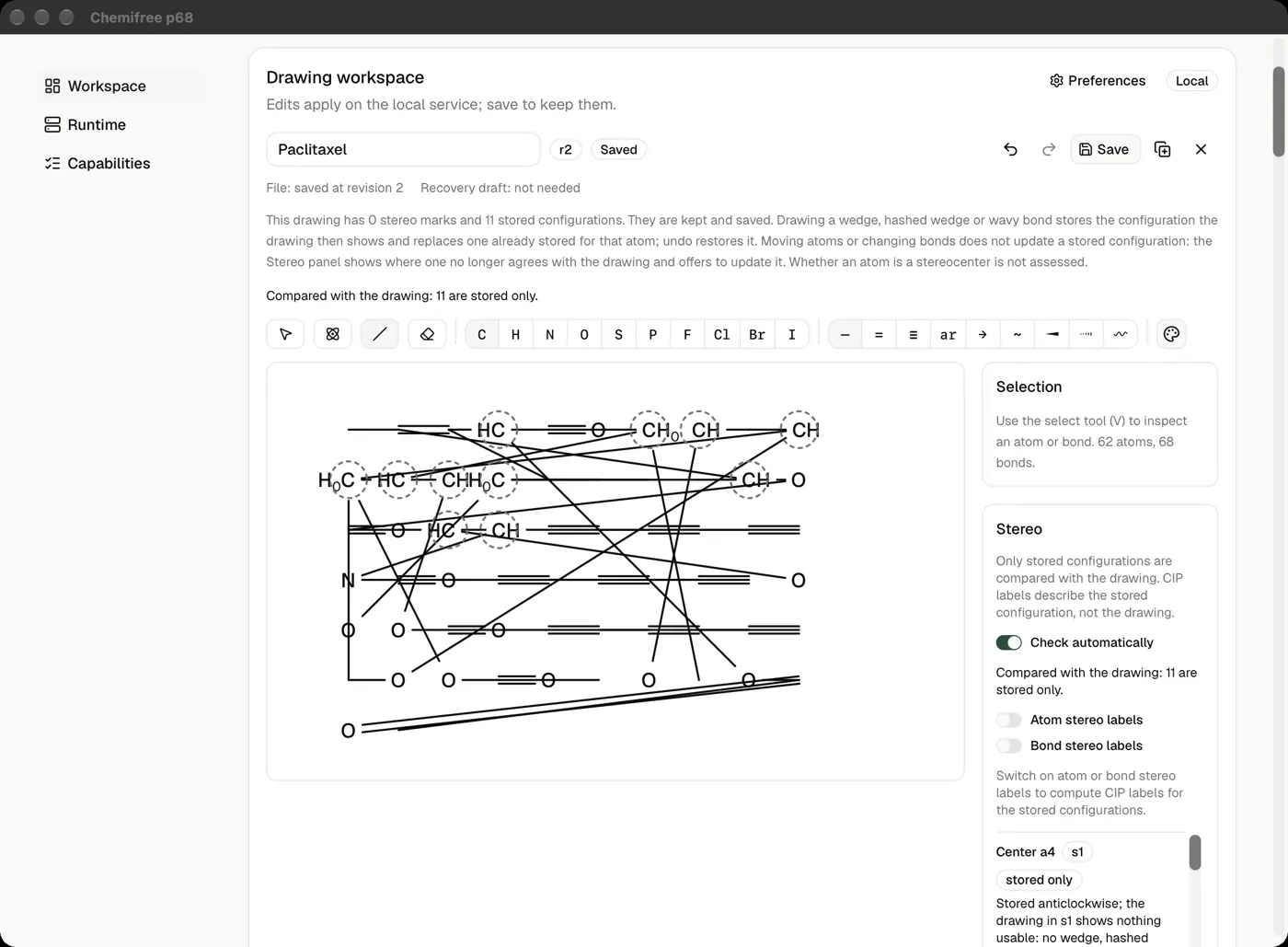 | No light mode | 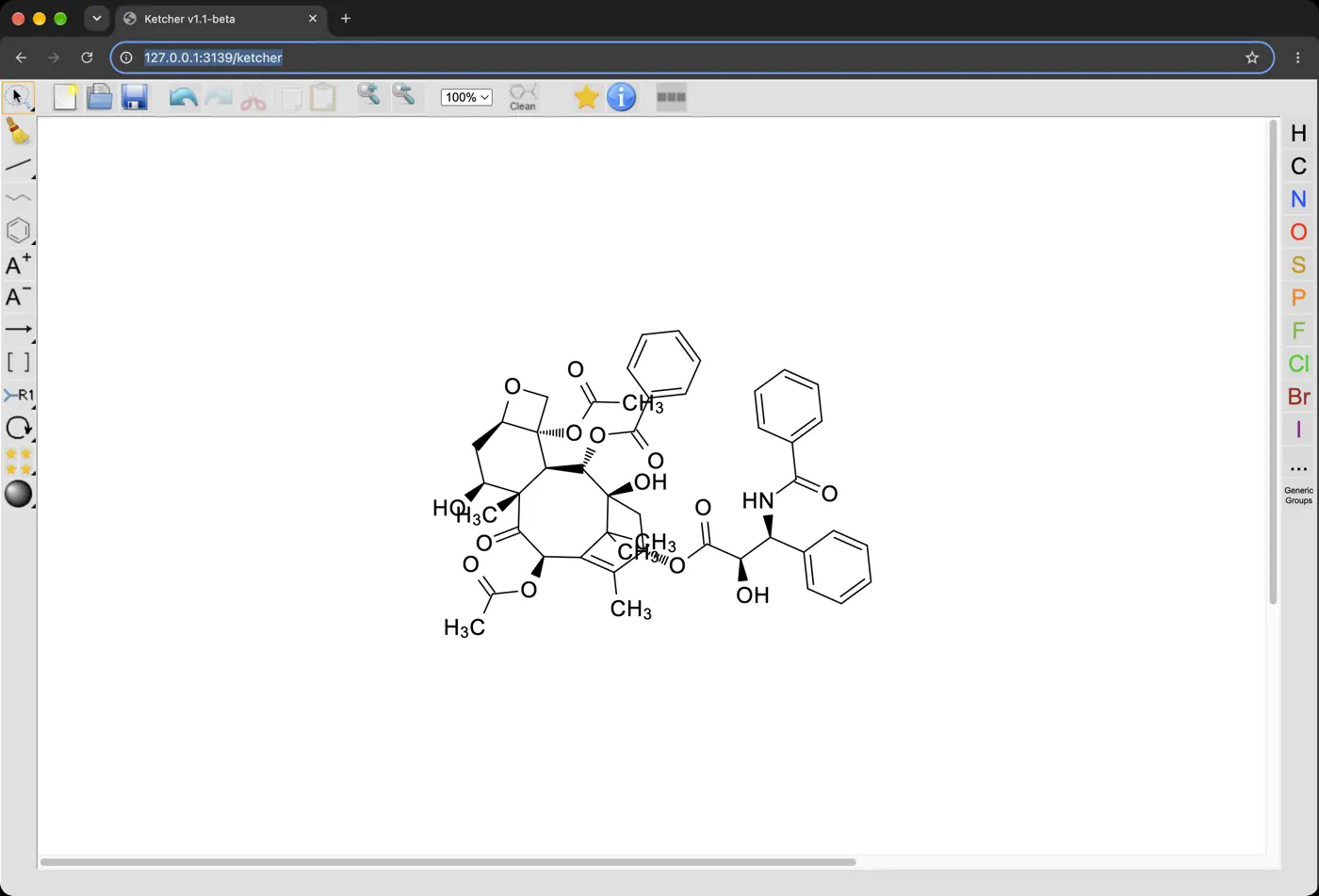 | 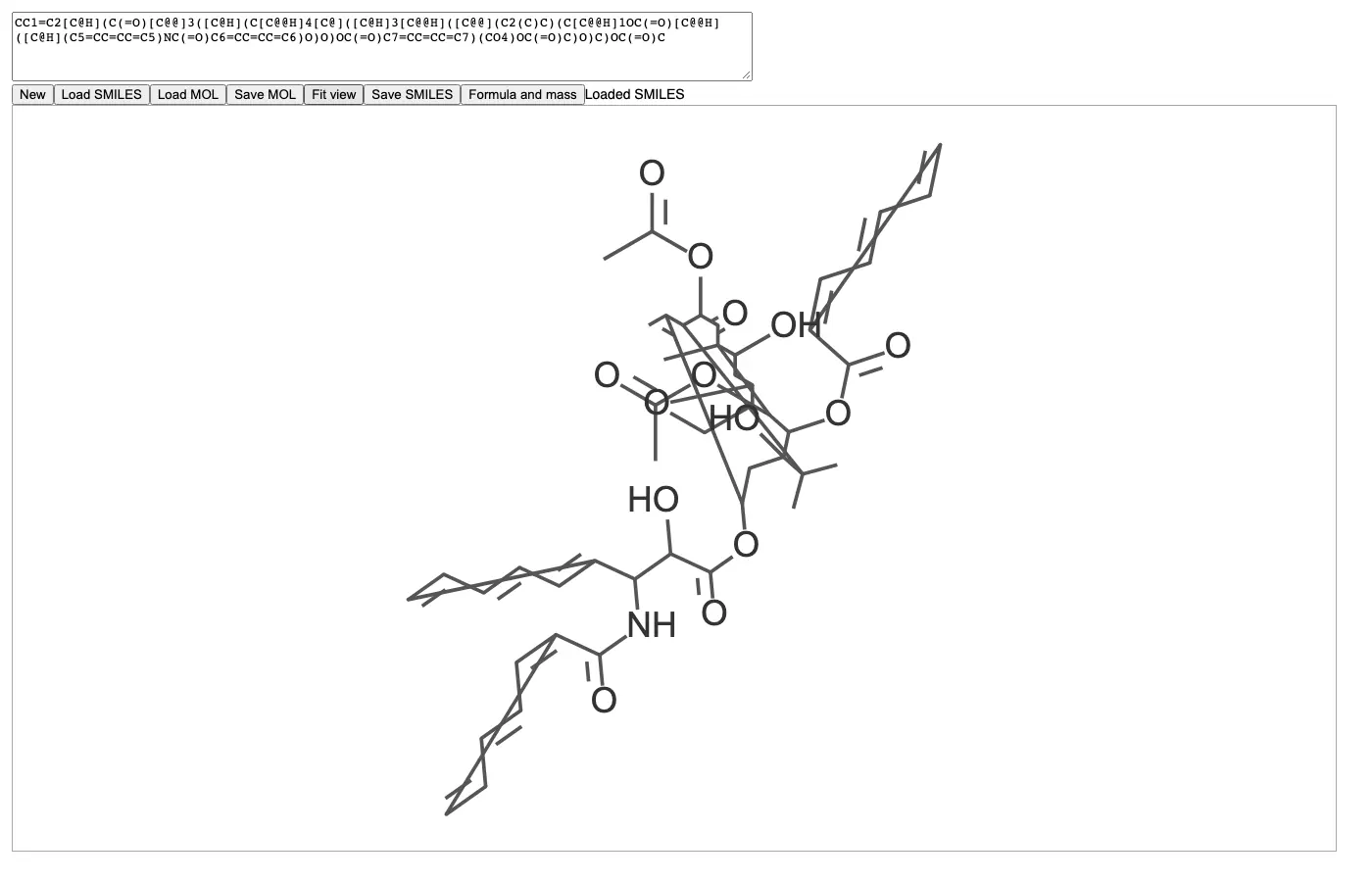 | 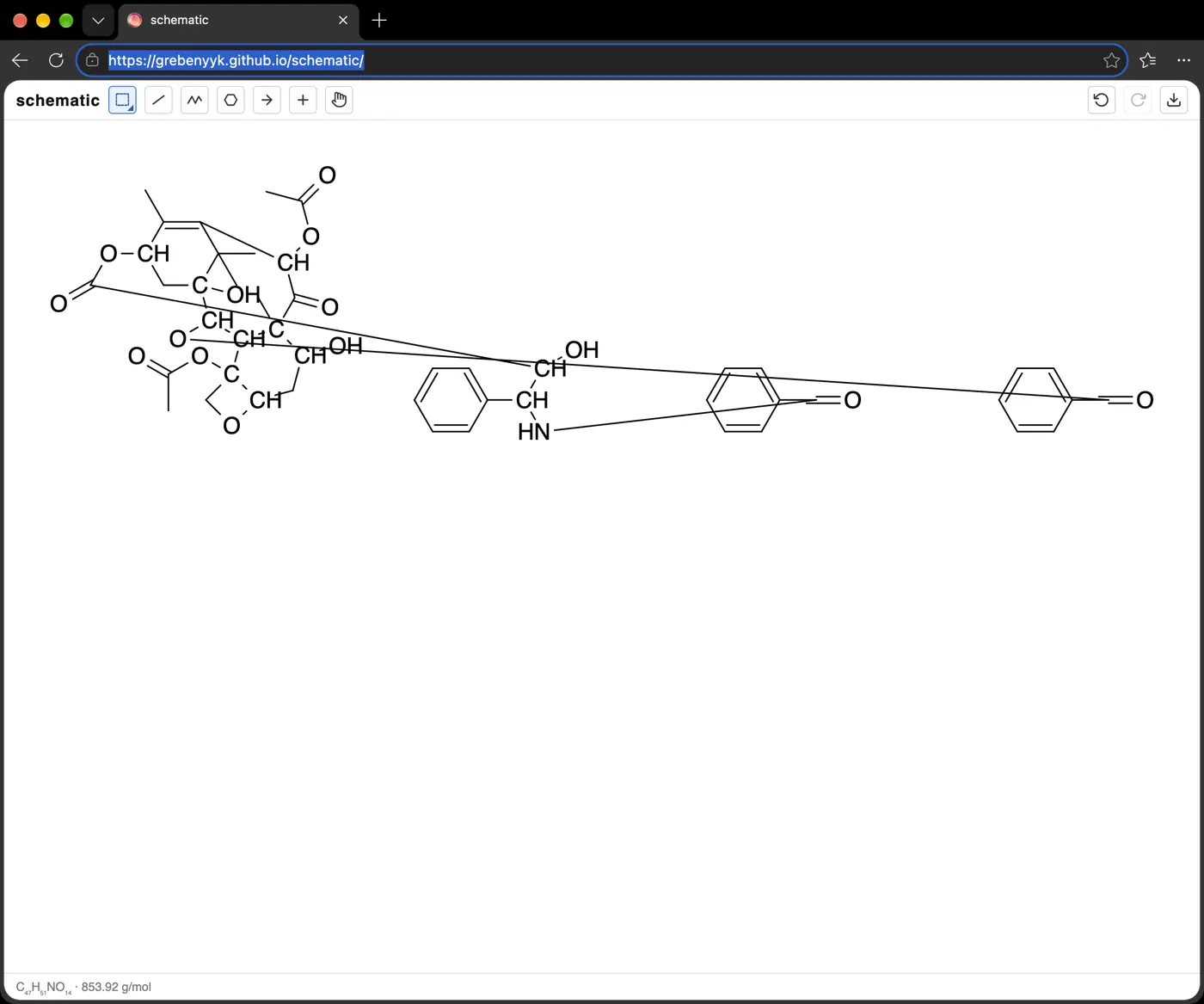 | 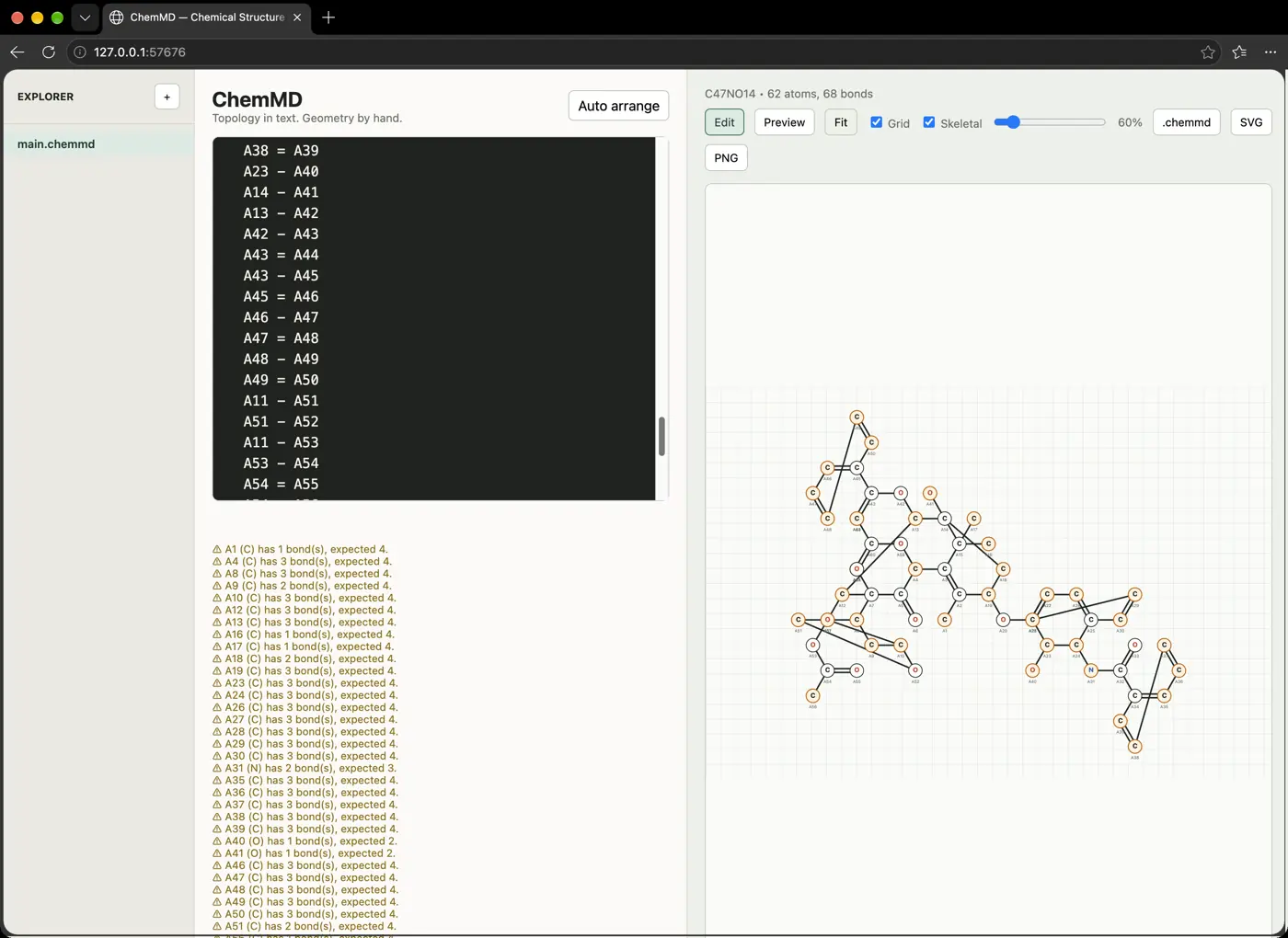 | 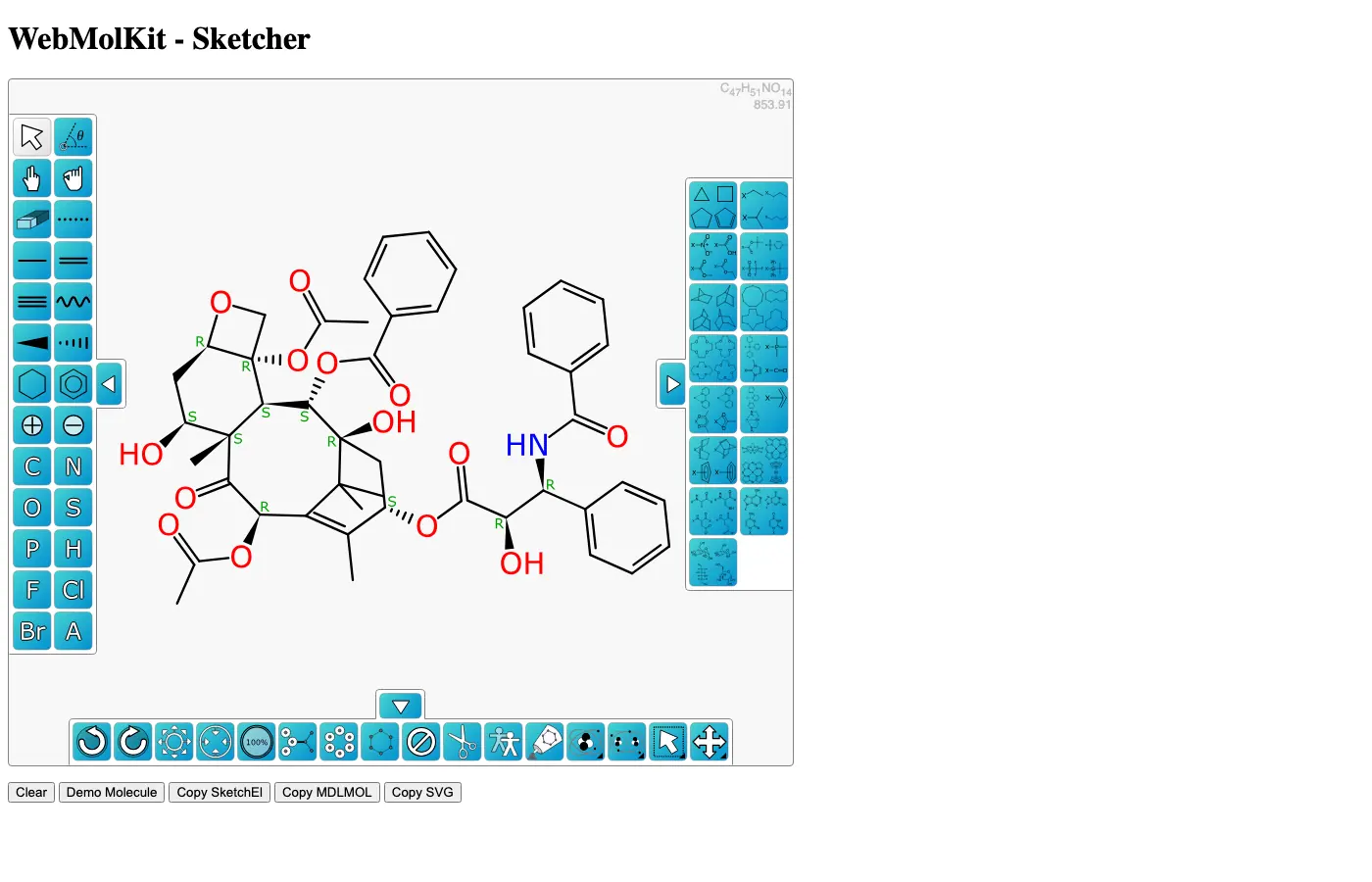 | 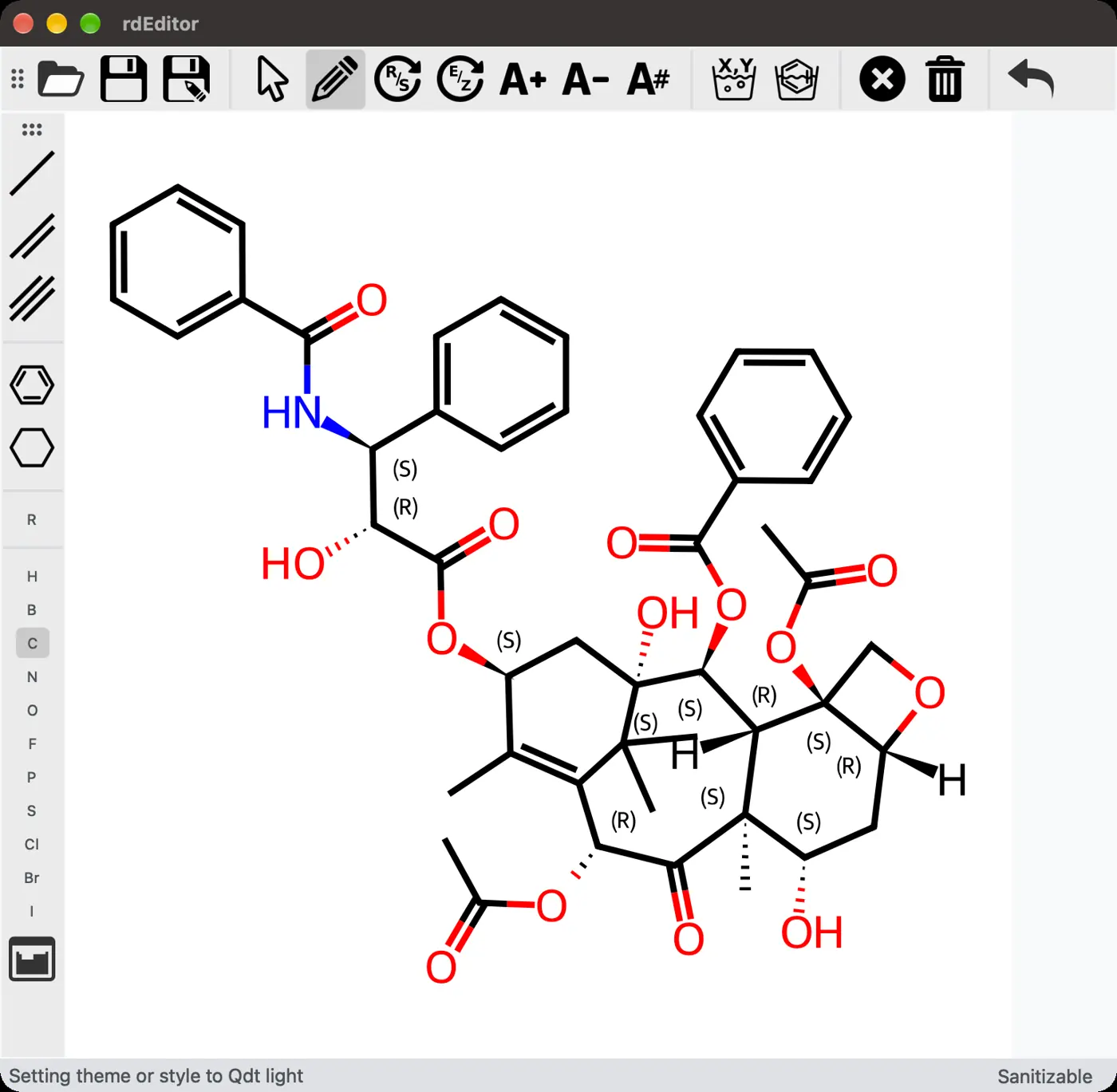 | 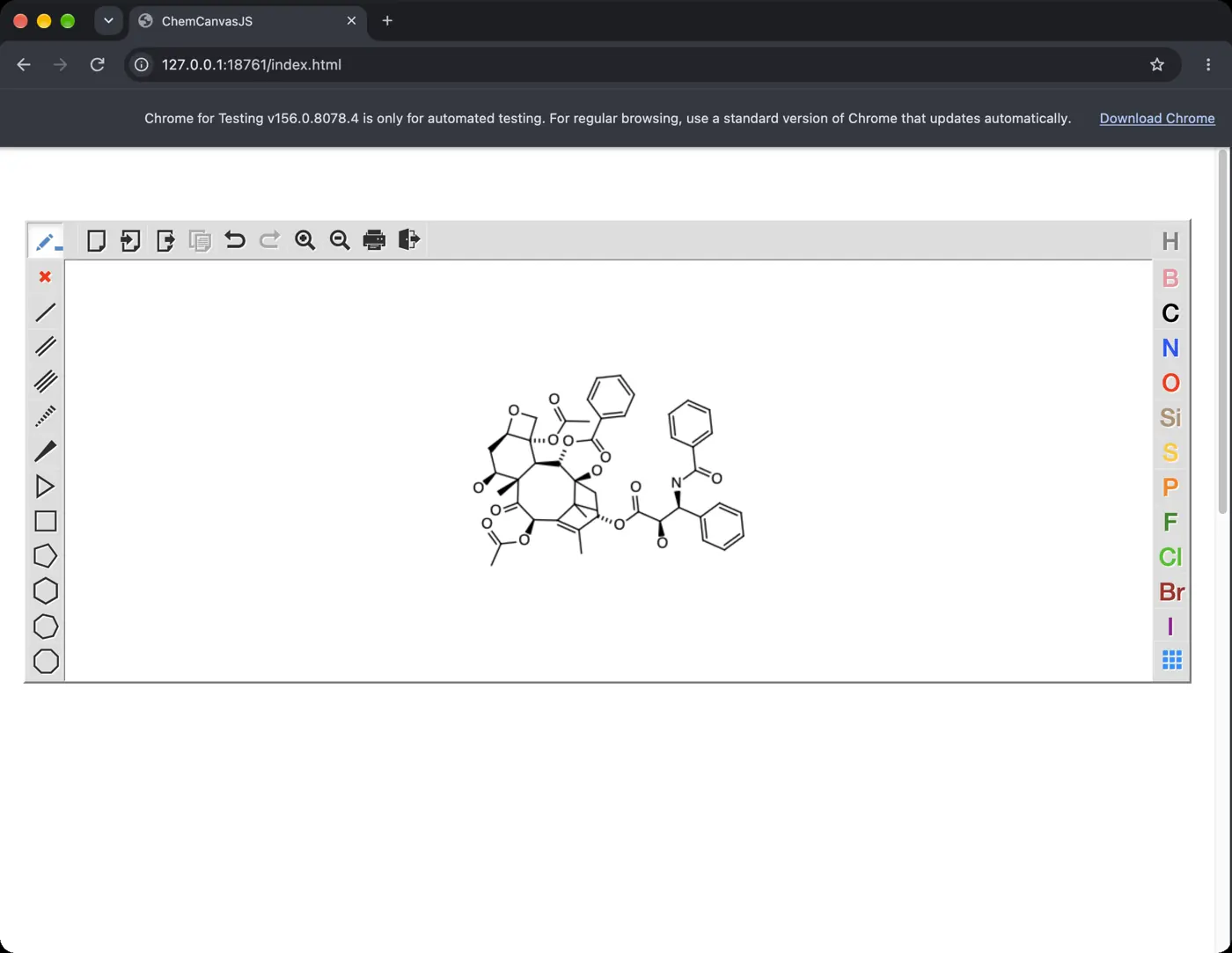 | 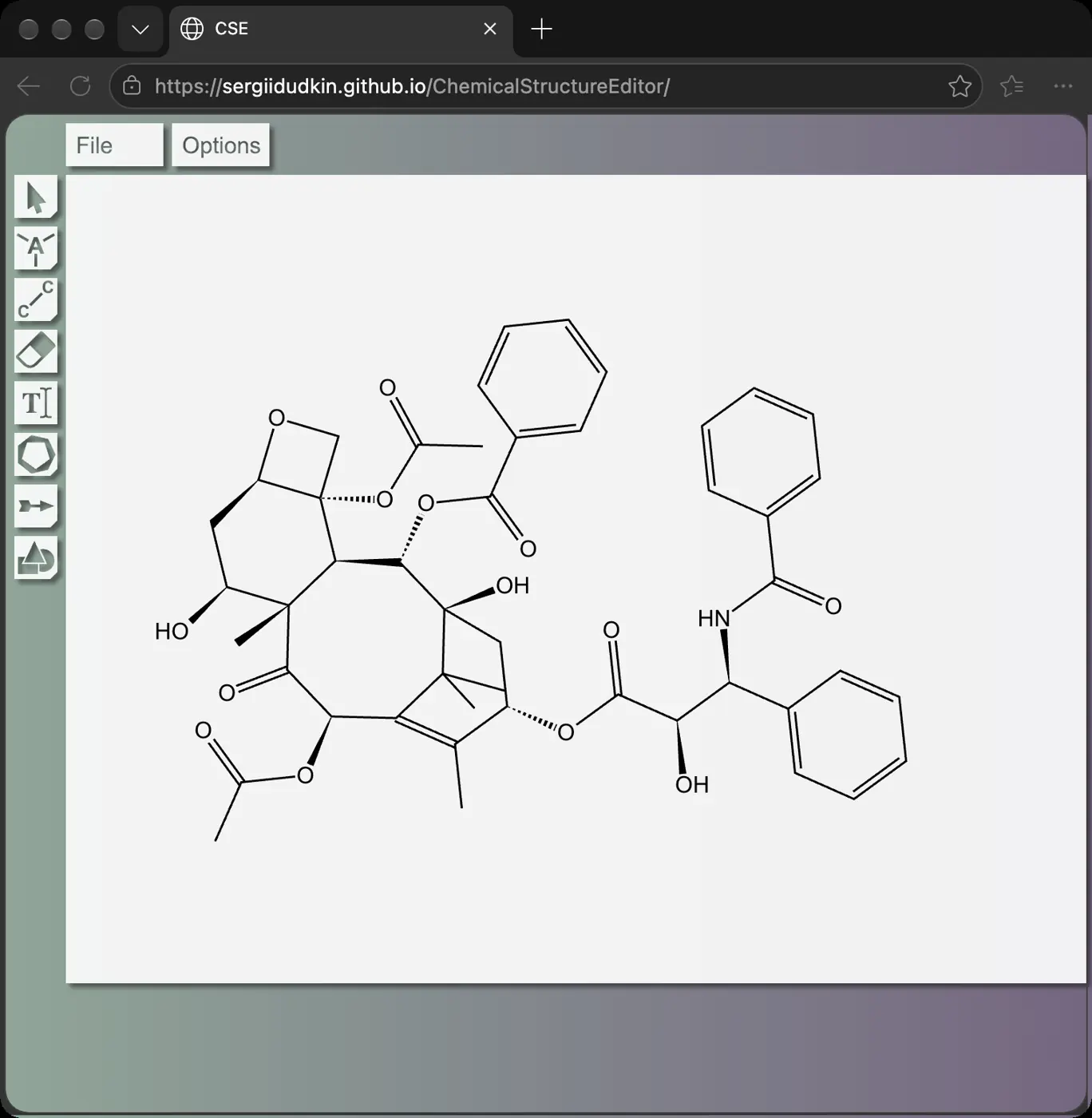 |  | 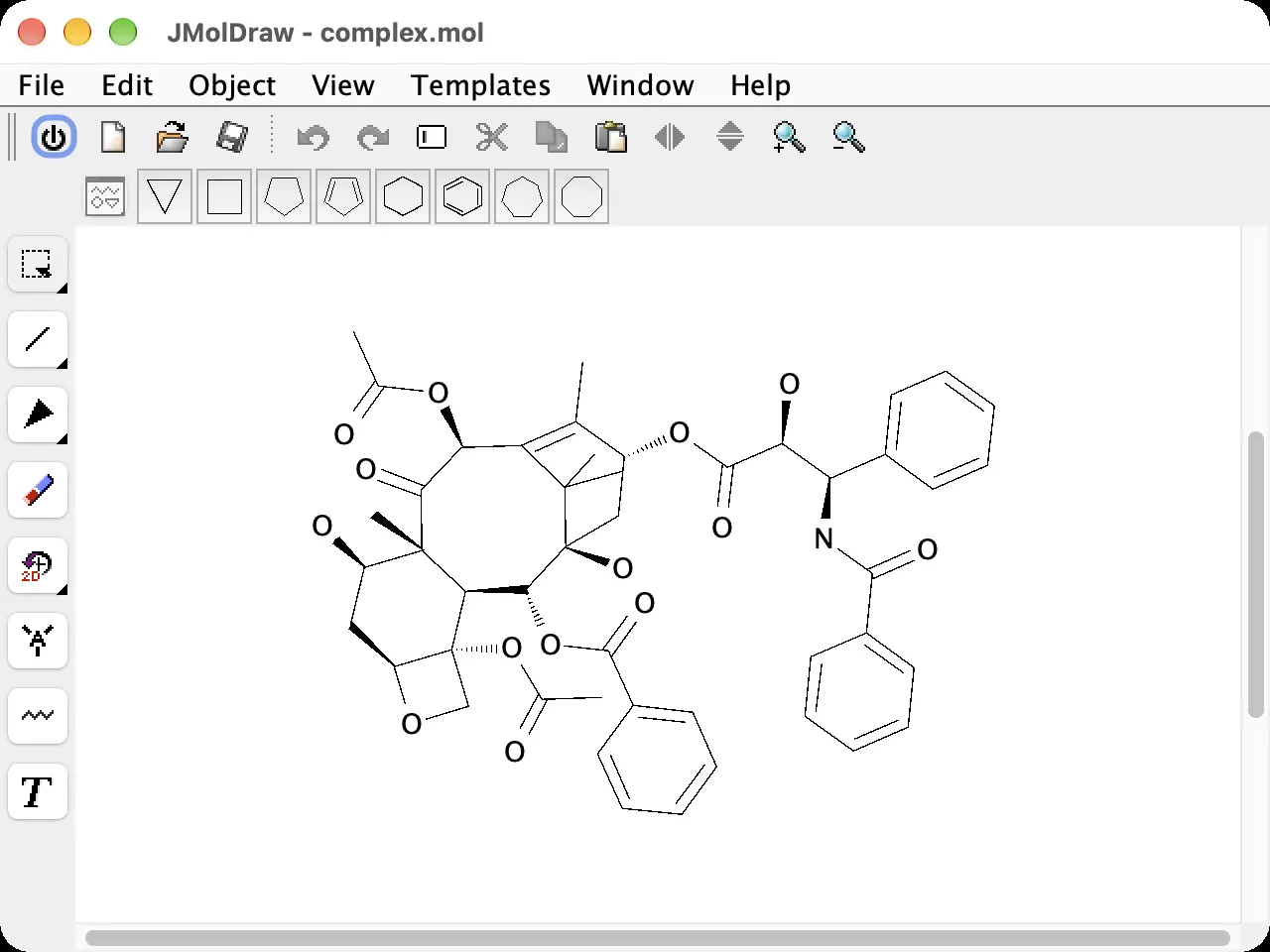 | 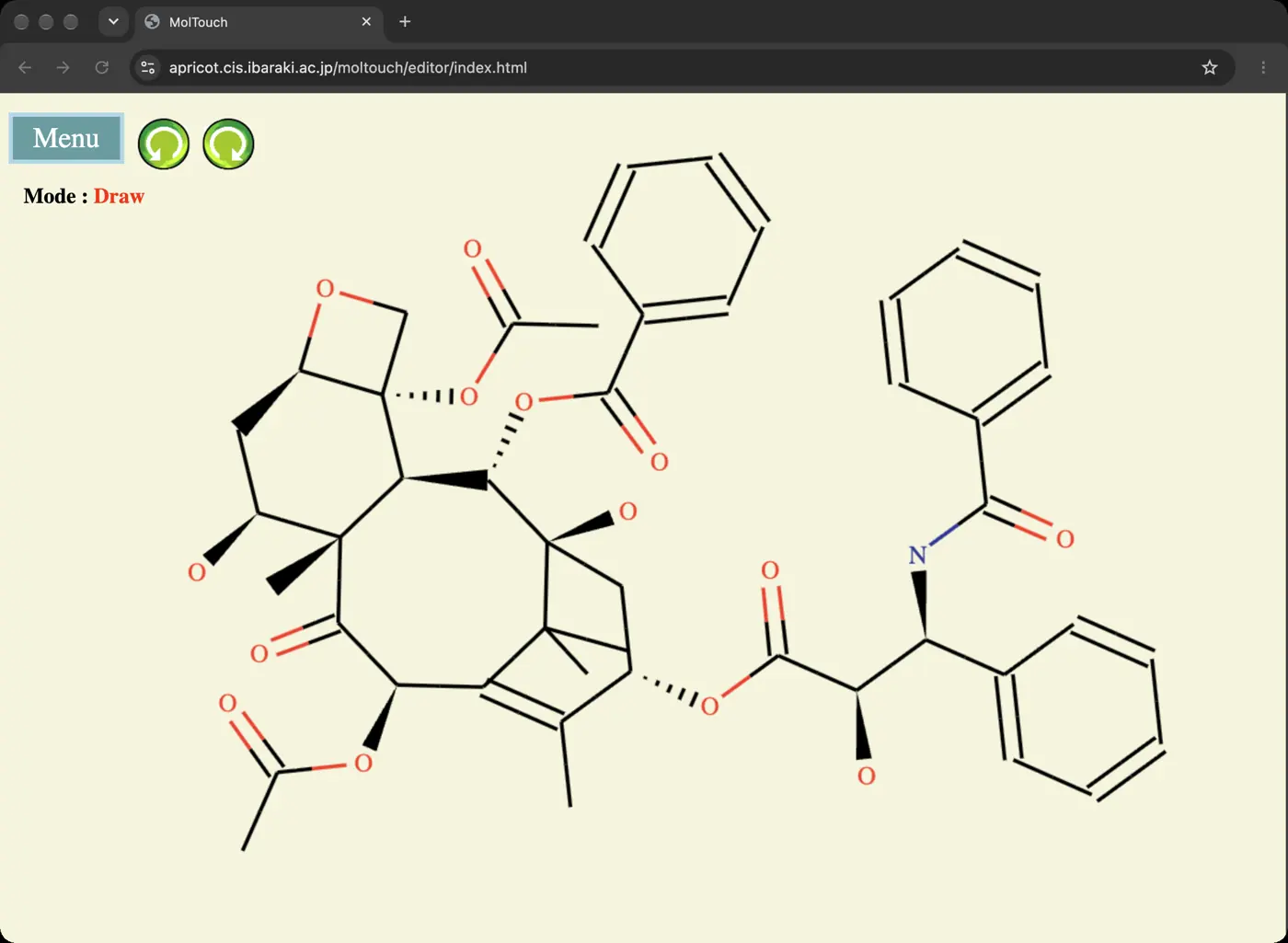 | 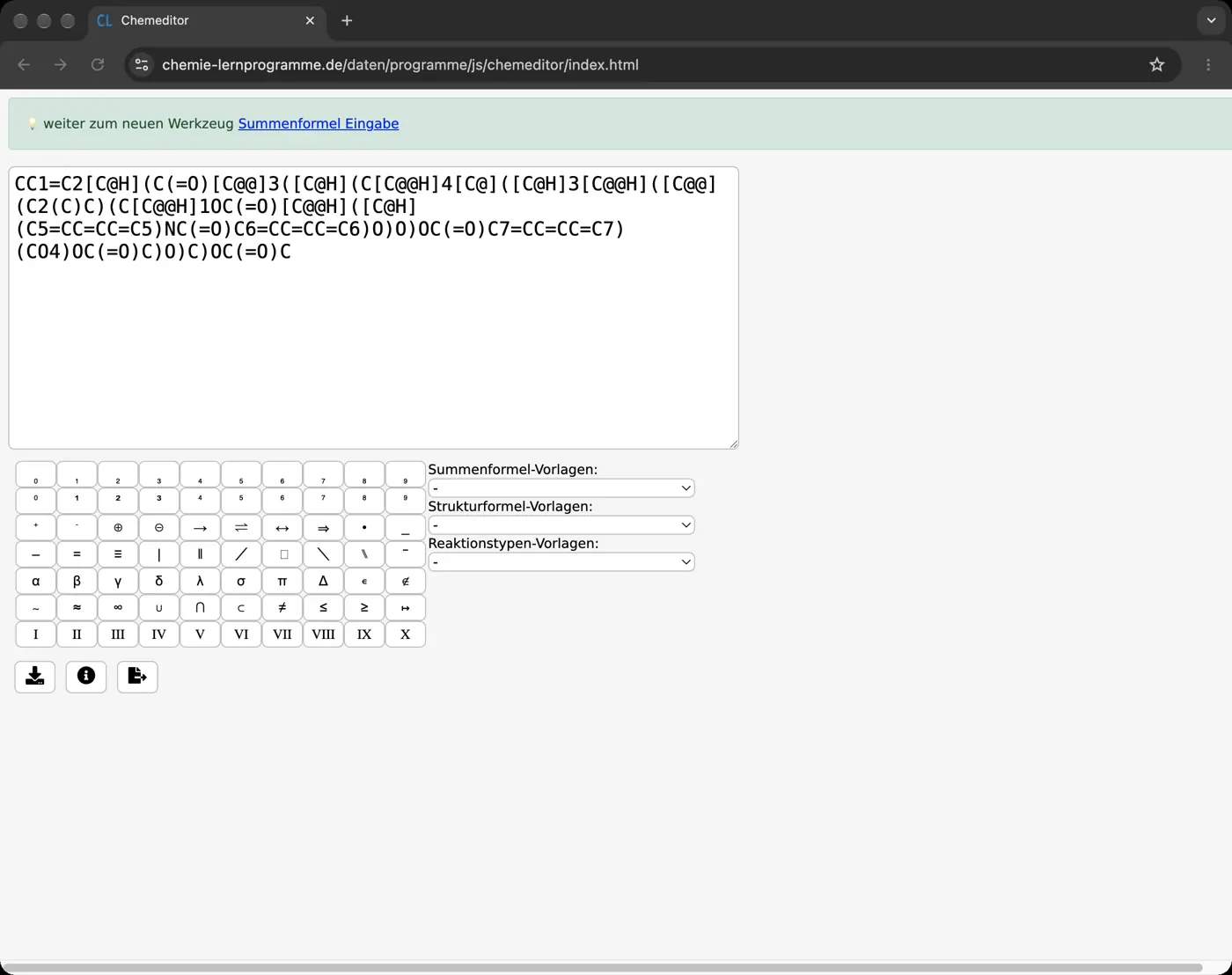 | 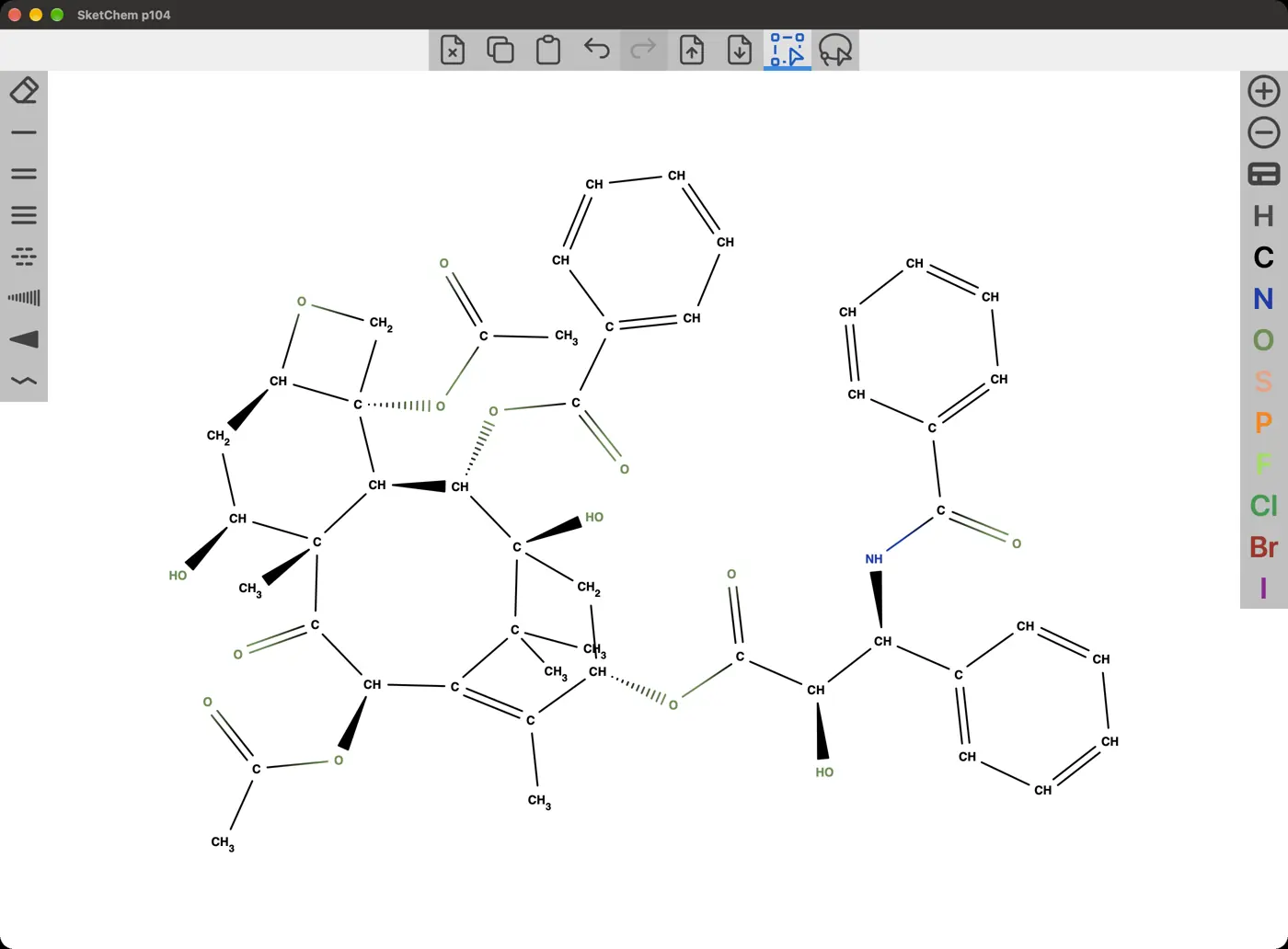 | 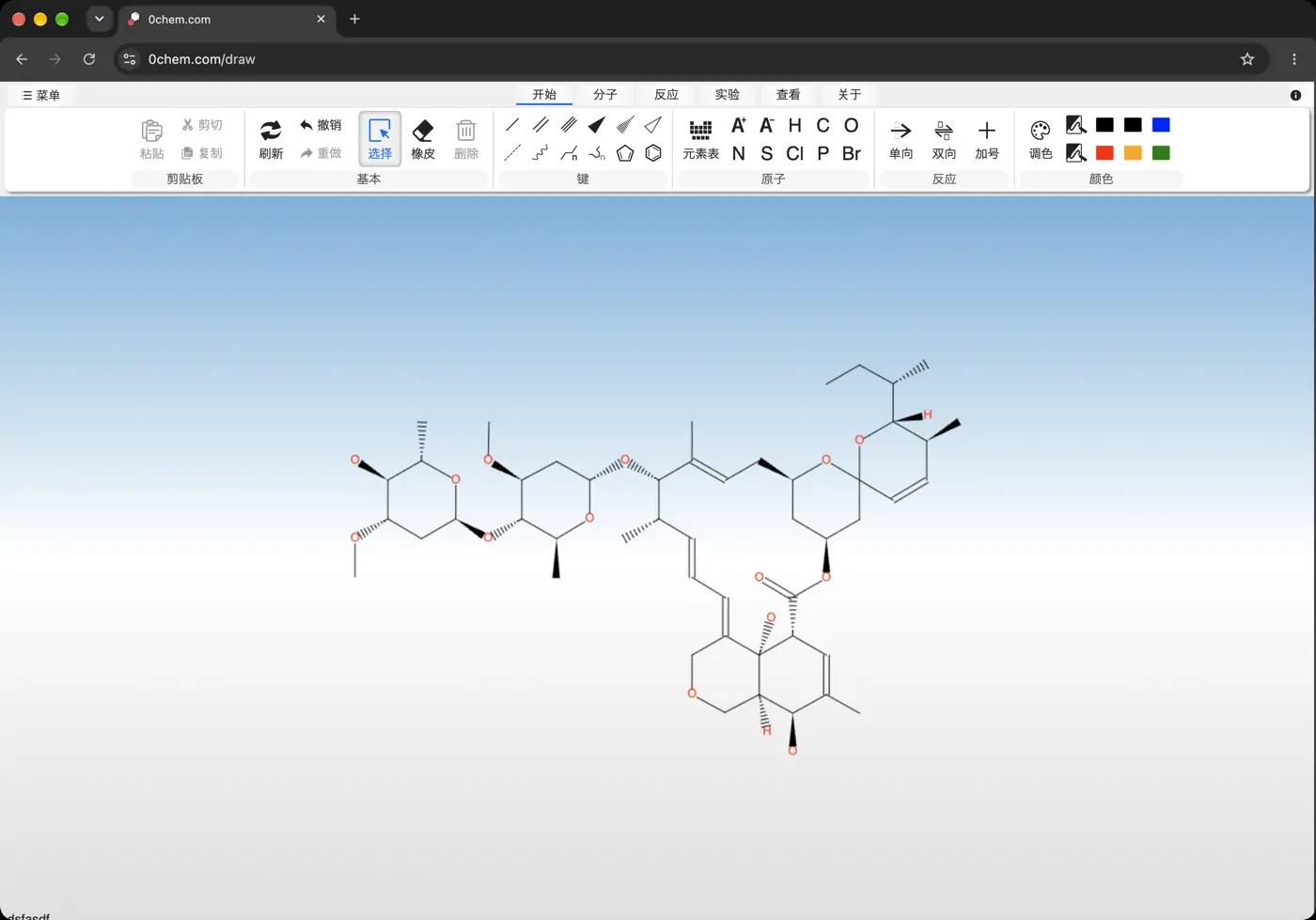 | 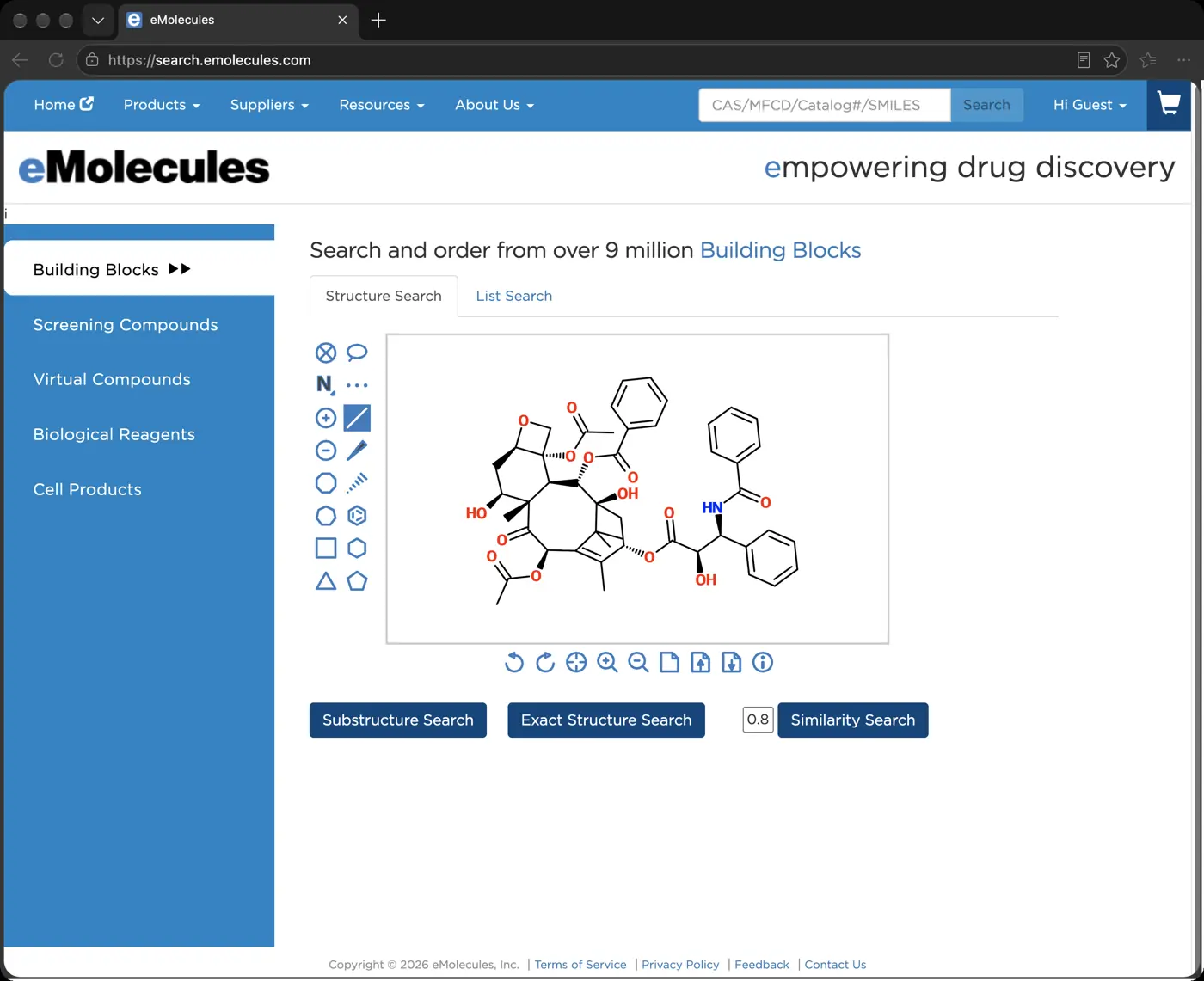 |  |  | 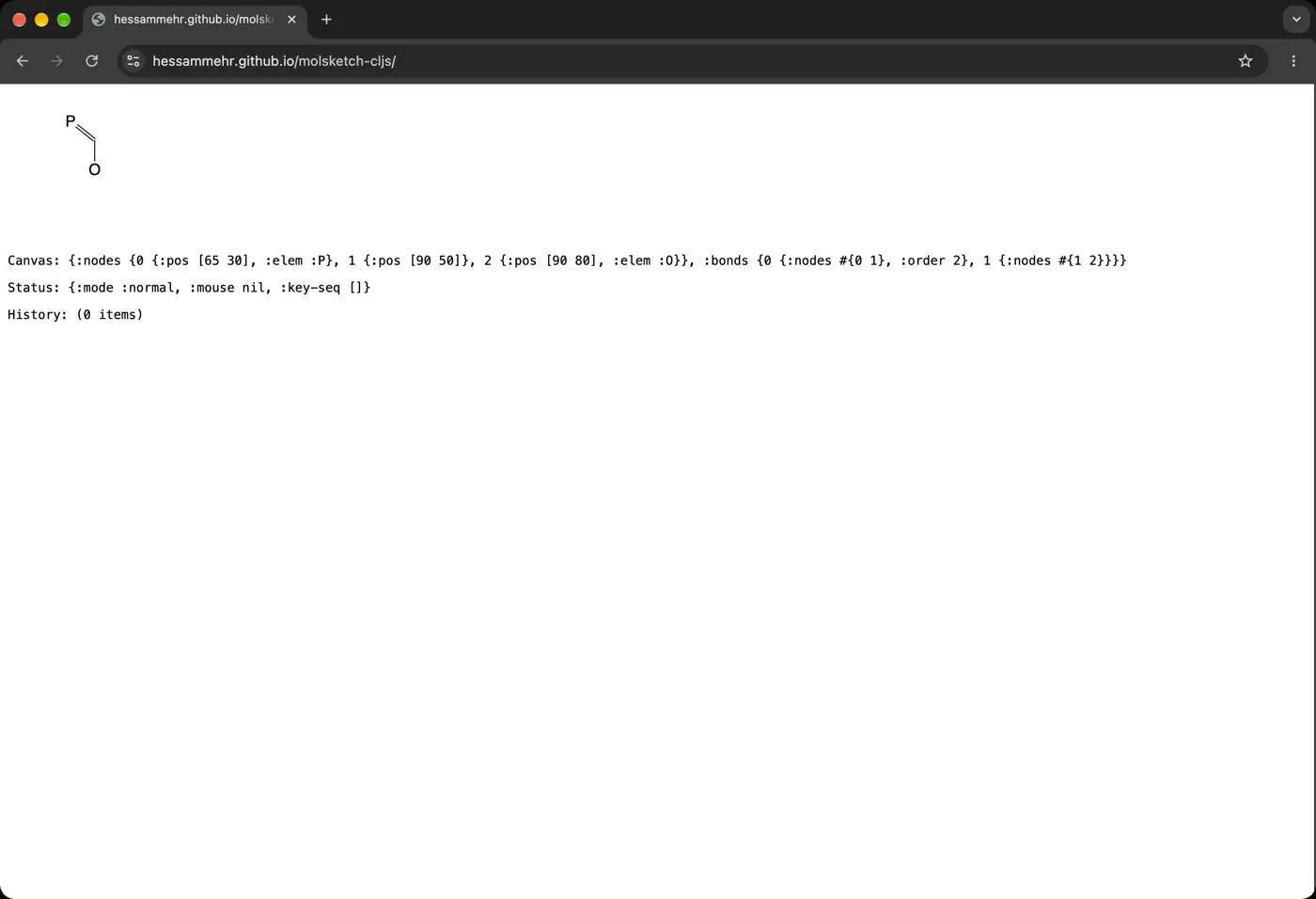 | 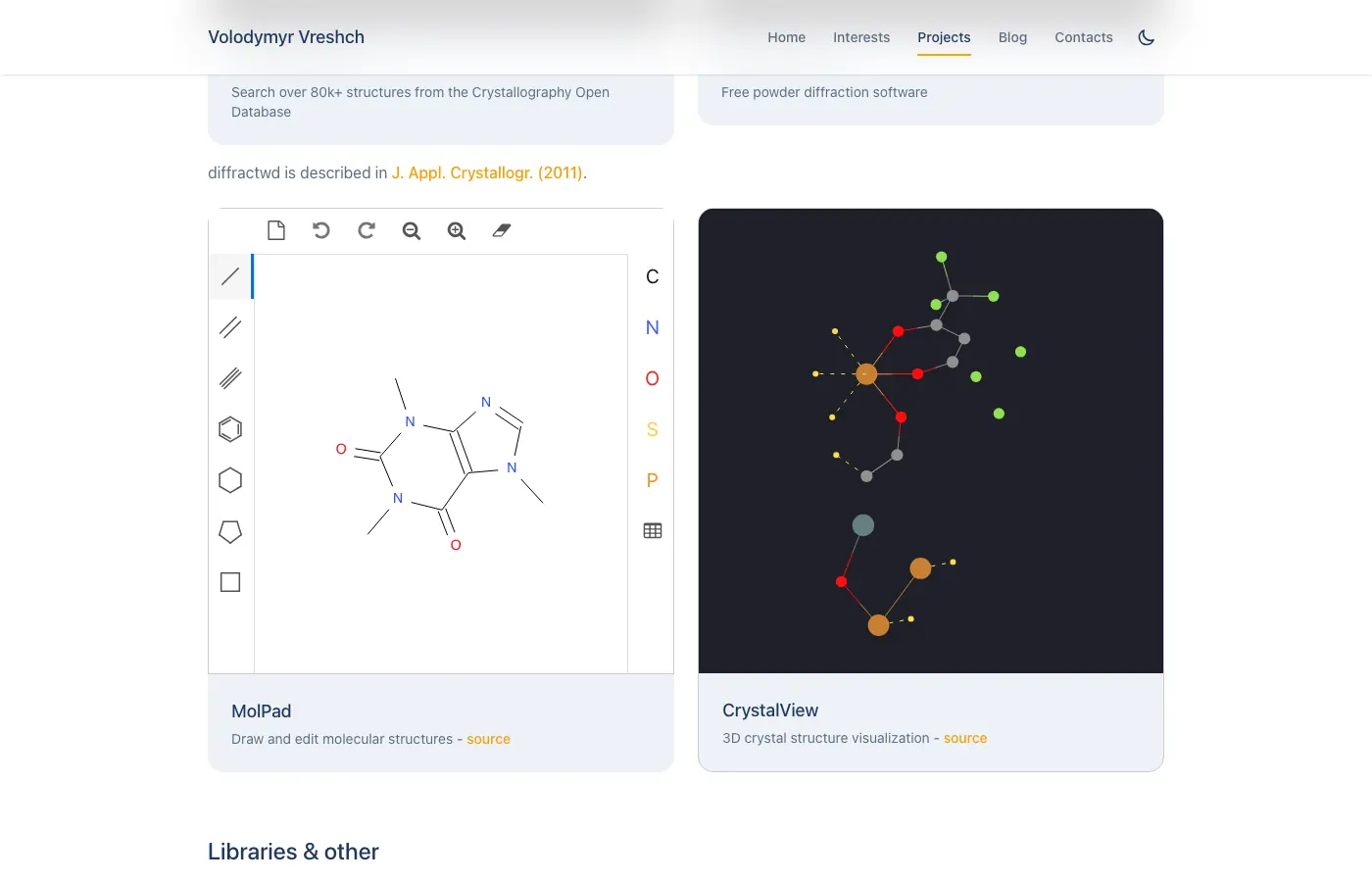 | Would not run on our Mac | Paid, checked from the manual | Needs an account or a purchase | Paid, checked from the manual | Needs an account or a purchase | Needs an account or a purchase | Would not load for us | Would not run on our Mac | Paid, checked from the manual | Paid, checked from the manual | Would not run on our Mac | Needs an account or a purchase | Would not run on our Mac | Would not run on our Mac | Paid, checked from the manual | Needs Windows | Would not run on our Mac | Paid, checked from the manual | Needs Windows | Paid, checked from the manual | Would not run on our Mac | Would not run on our Mac | Would not load for us | Would not run on our Mac | Paid, checked from the manual | Paid, checked from the manual | Paid, checked from the manual | Needs an account or a purchase | Needs another system | Paid, checked from the manual | Would not run on our Mac | Not run yet | Not run yet | Would not load for us | Needs Windows | Needs an account or a purchase | Not run yet | Needs Windows | Needs iOS | Needs an account or a purchase | Needs an account or a purchase | Needs Android | Needs Windows | Needs an account or a purchase | Would not run on our Mac | Paid, checked from the manual | Not run yet |
|---|
| Main canvas, dark mode | Its license bars showing the interface | 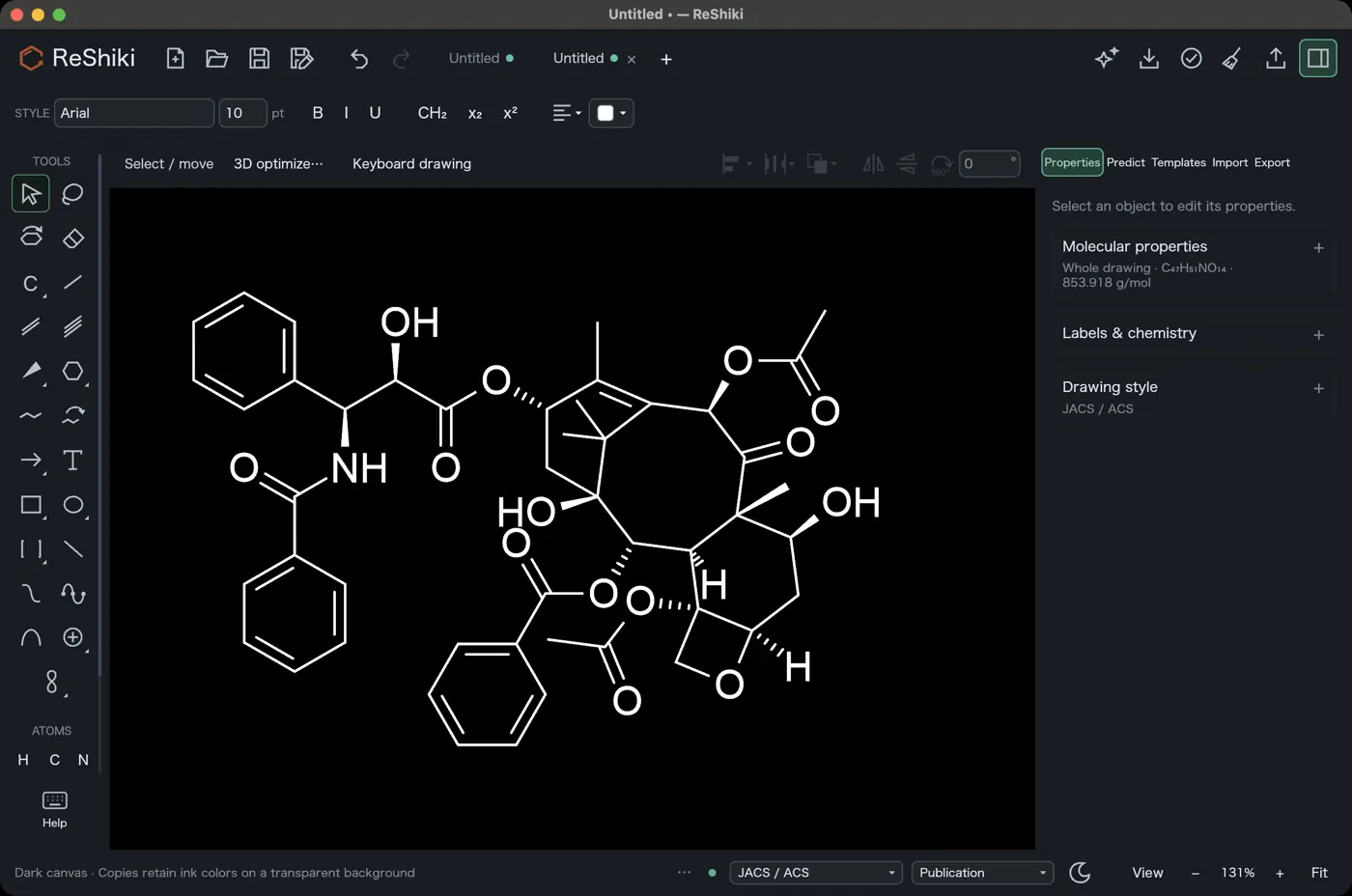 | 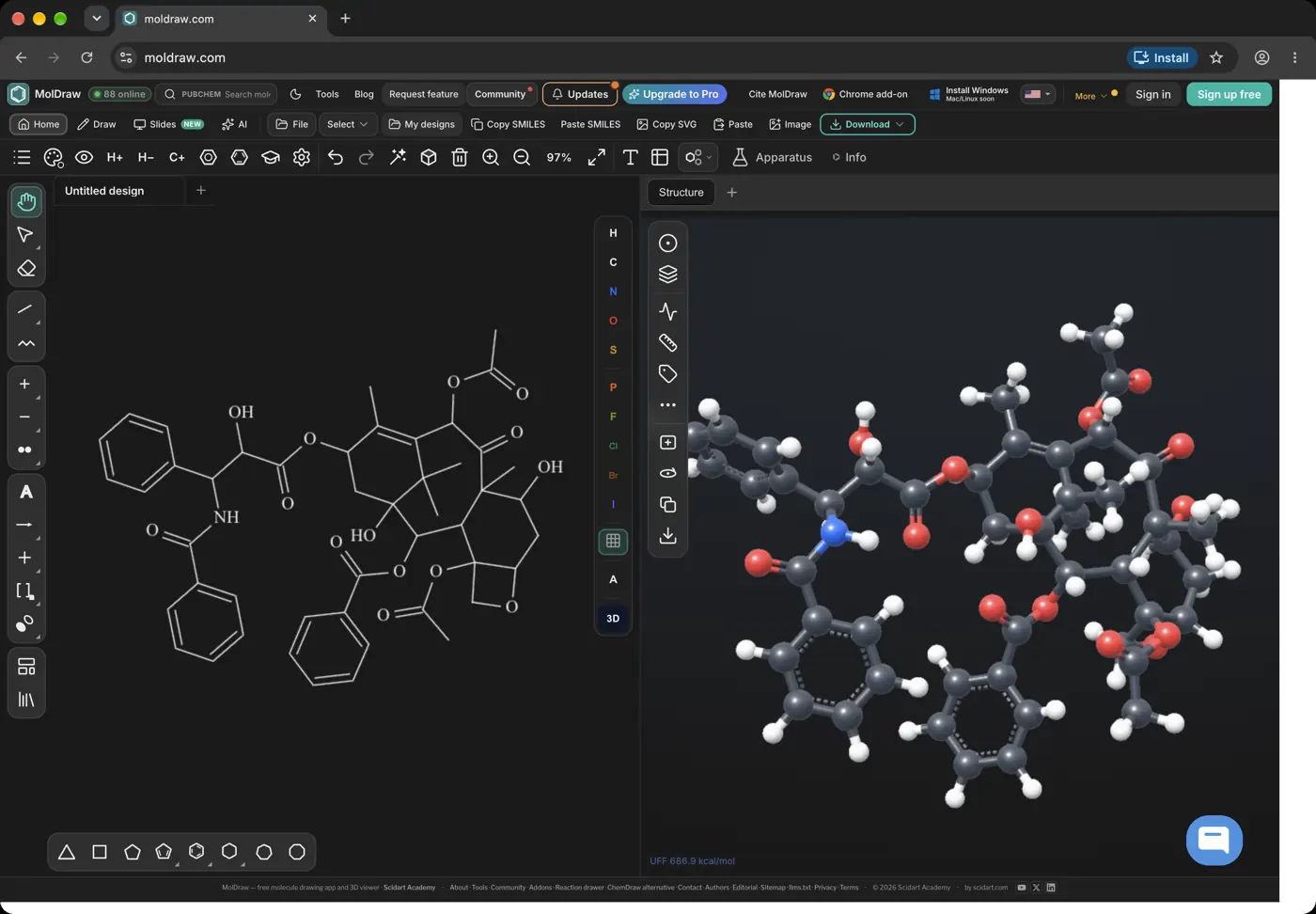 | 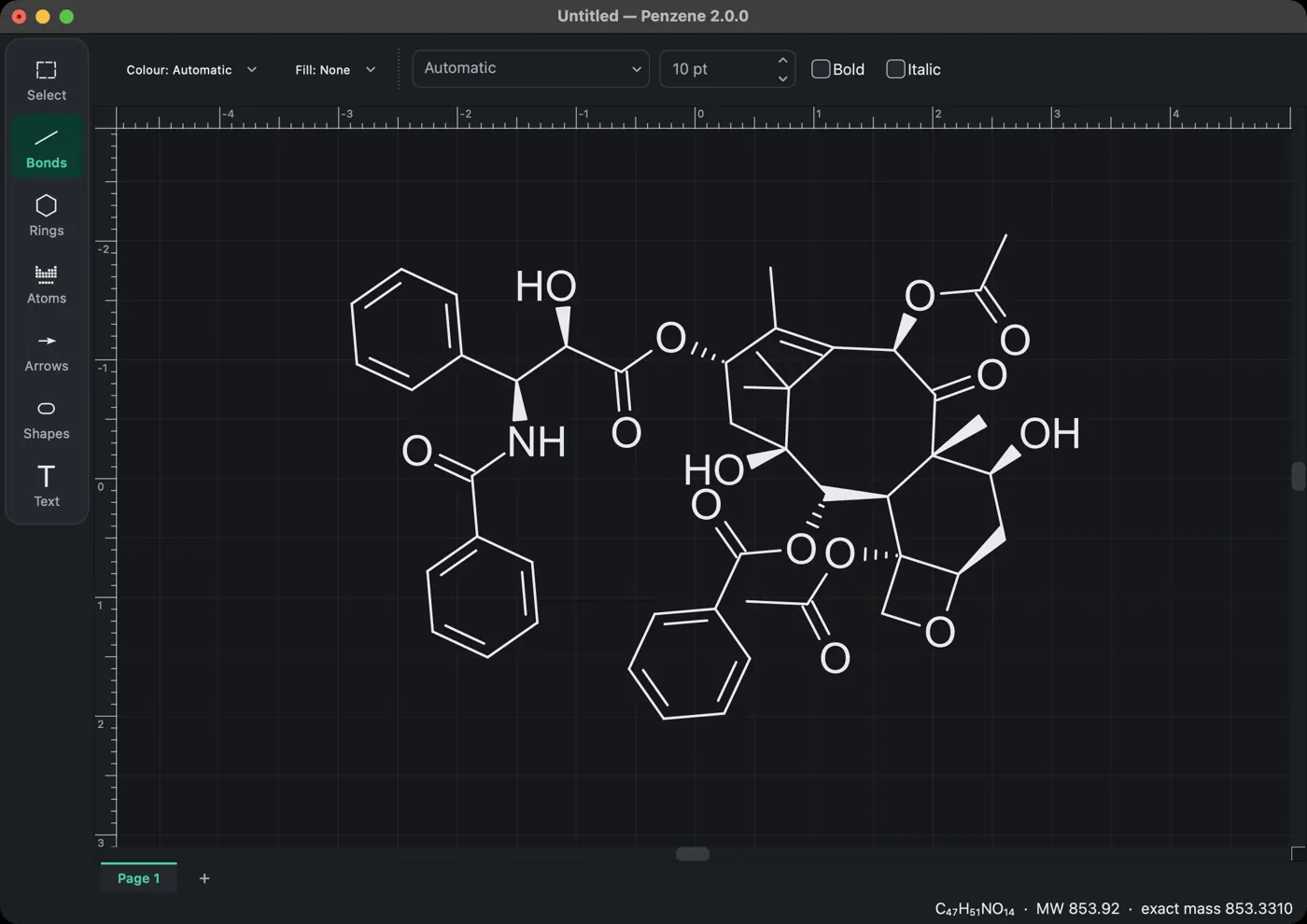 | 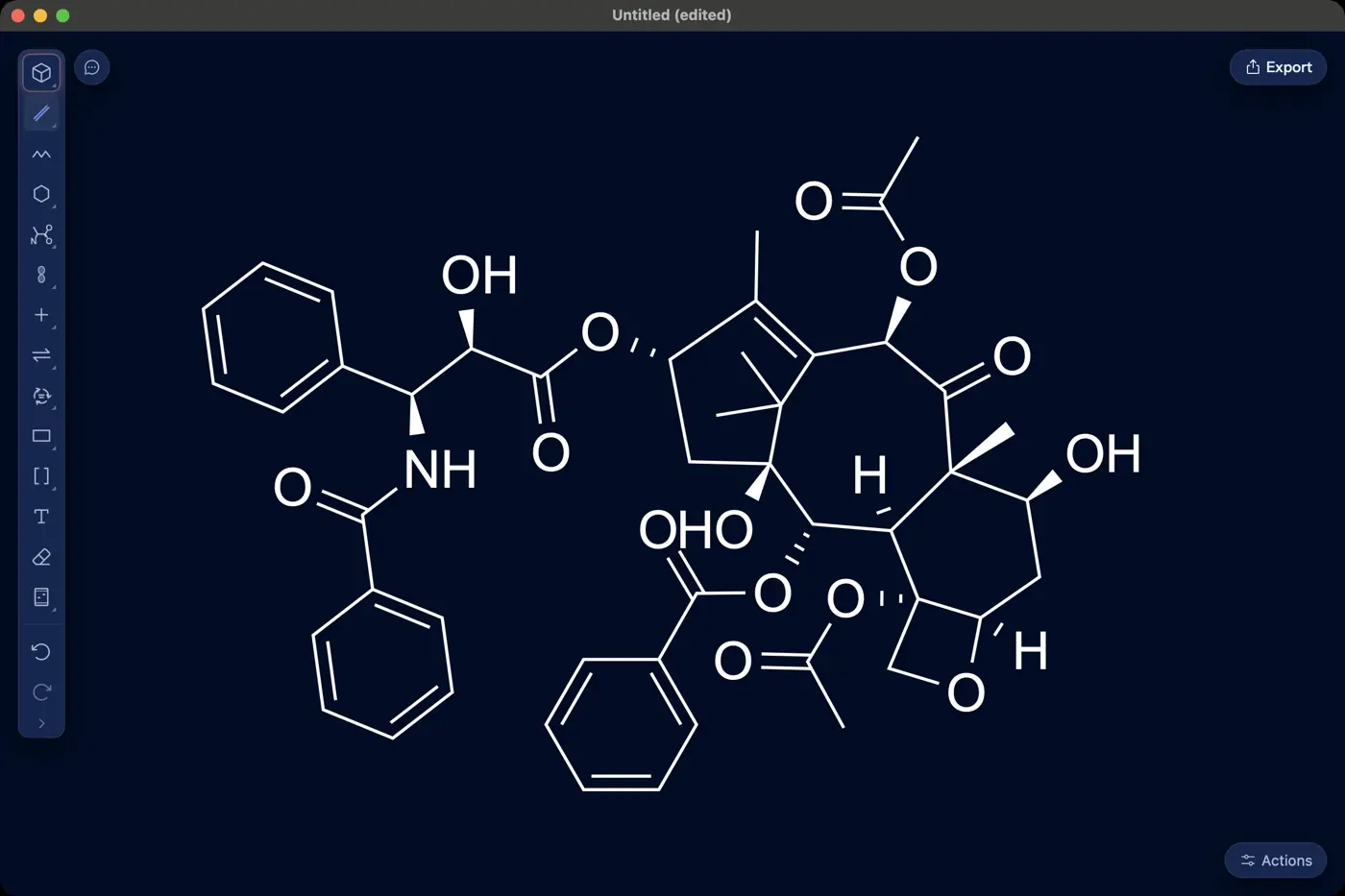 | No dark mode | No dark mode | 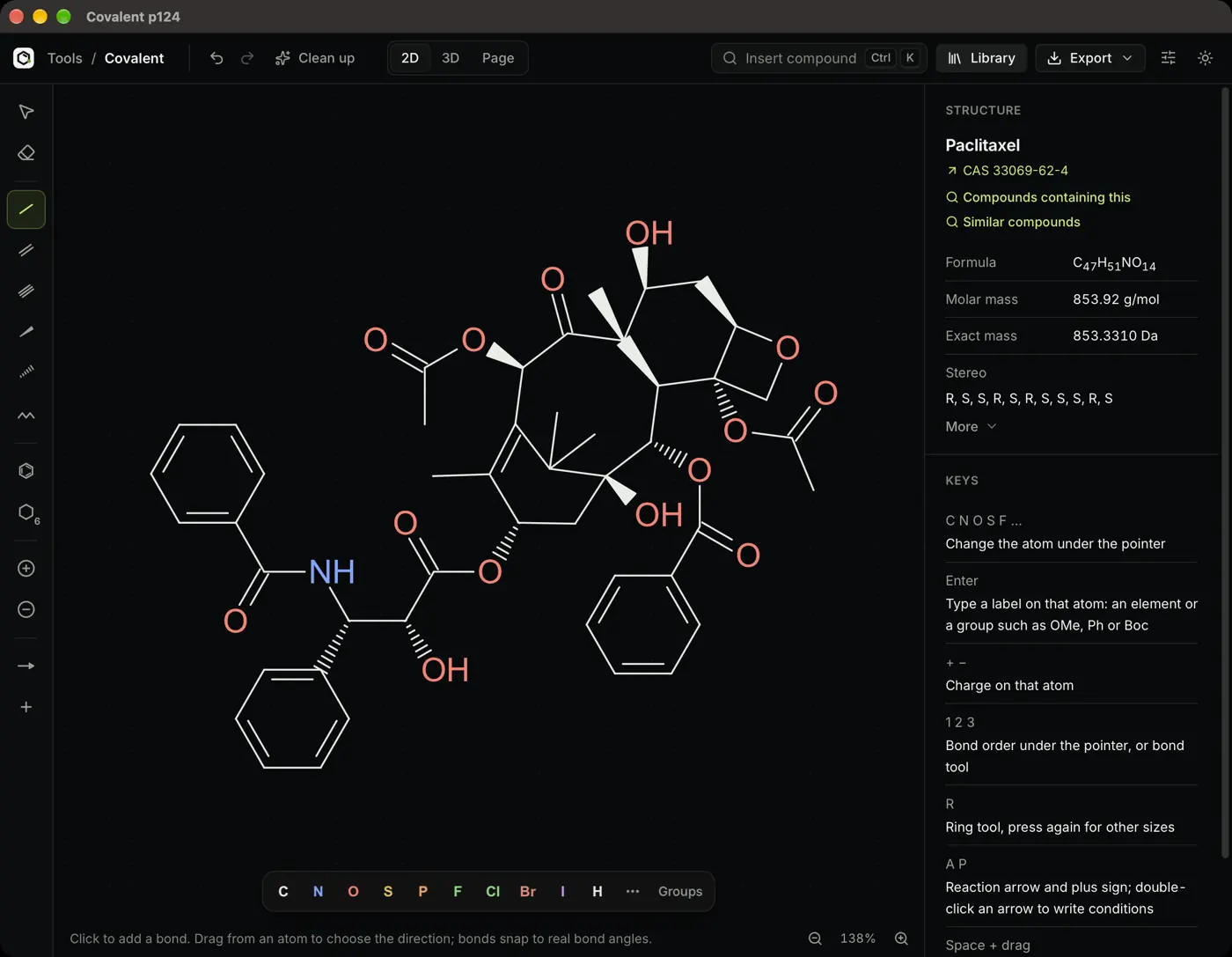 | 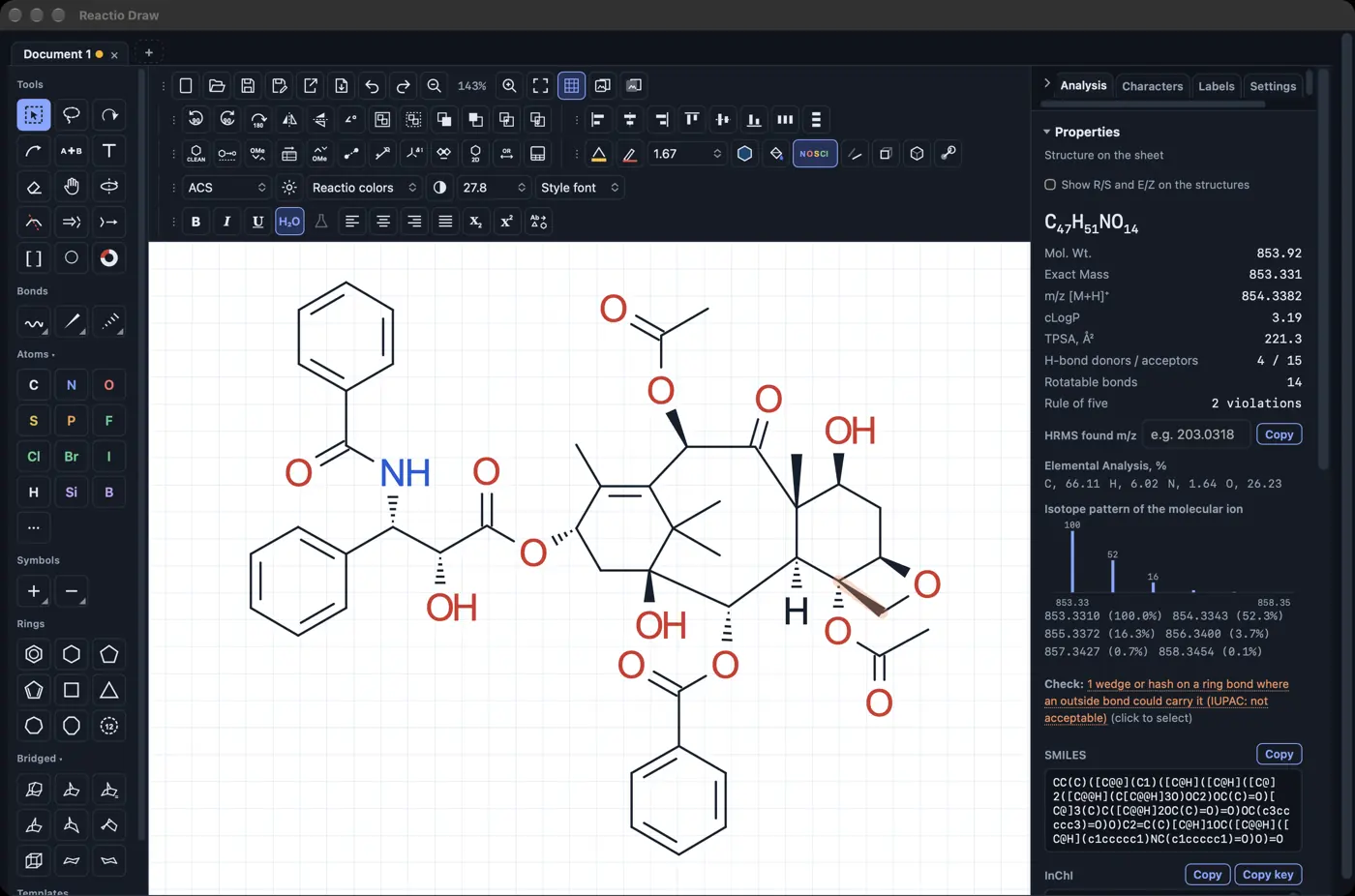 | 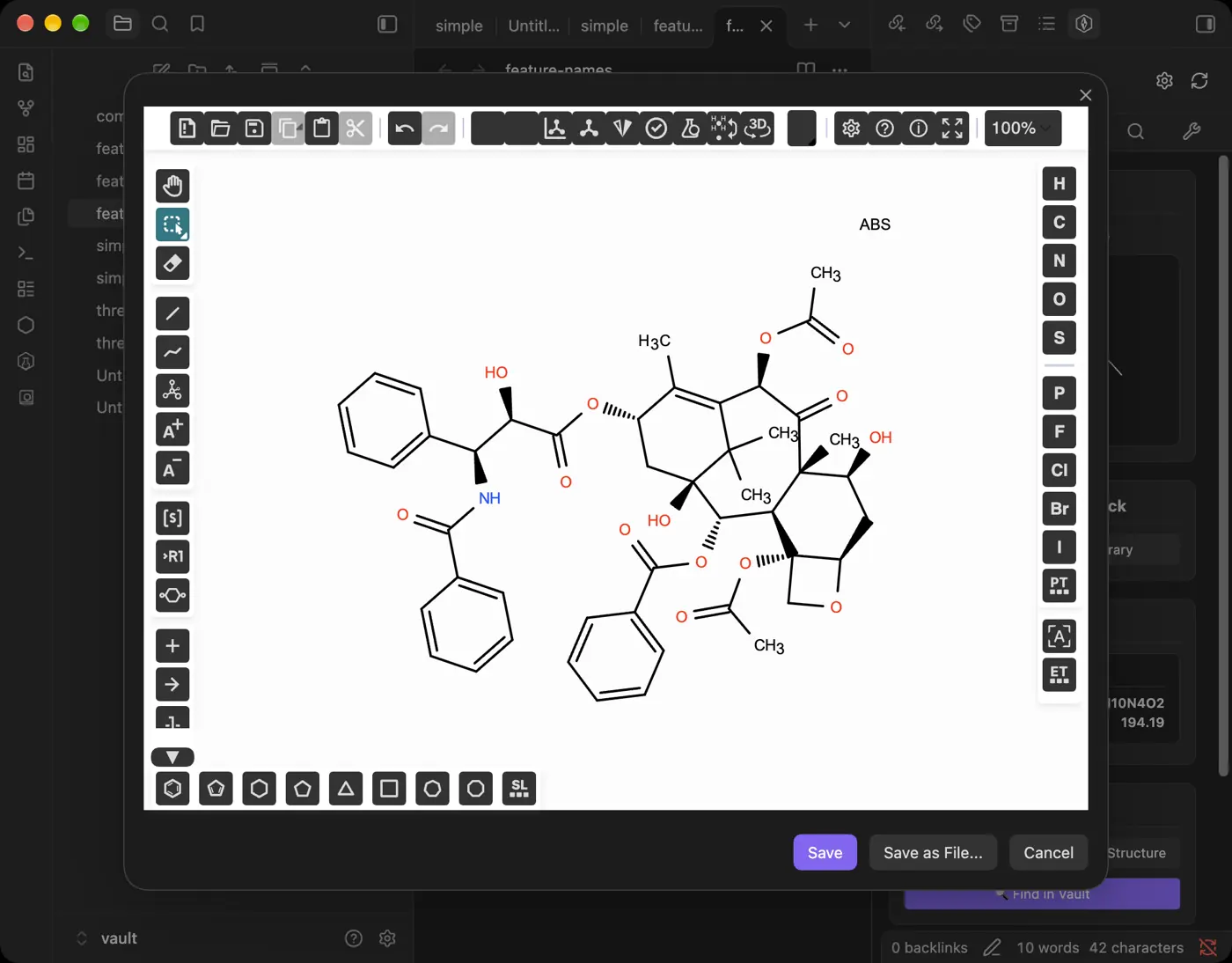 | 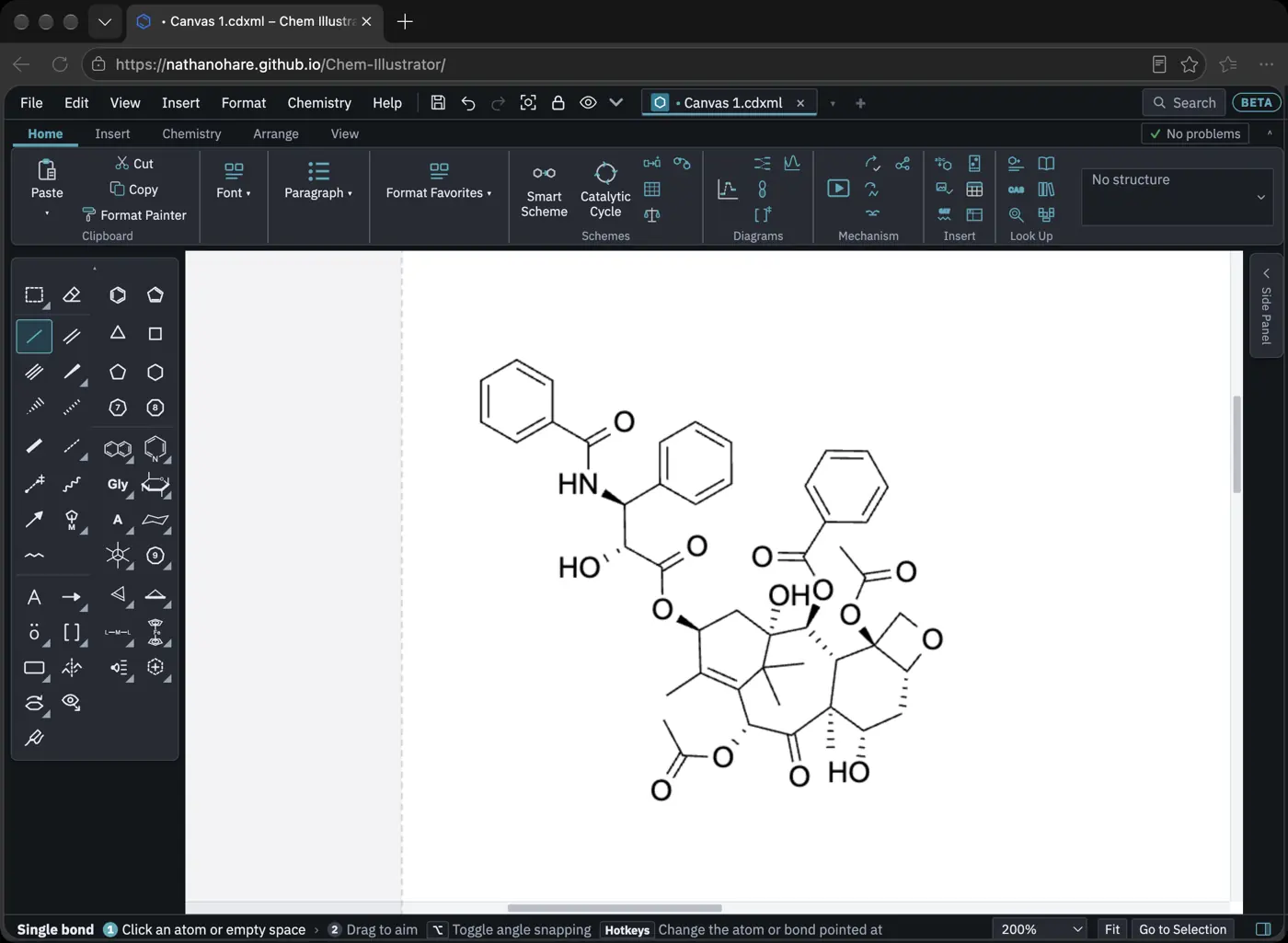 | 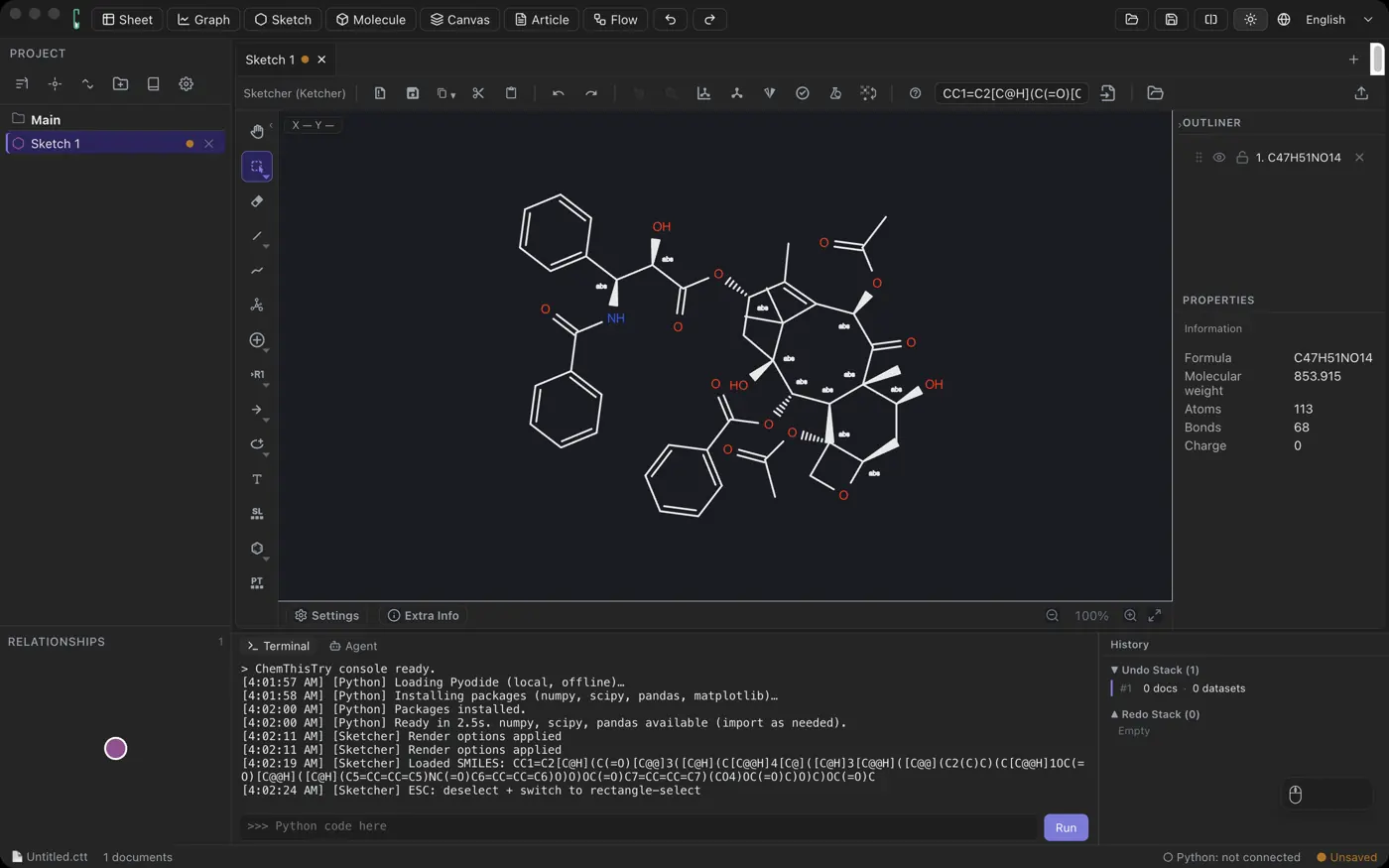 | 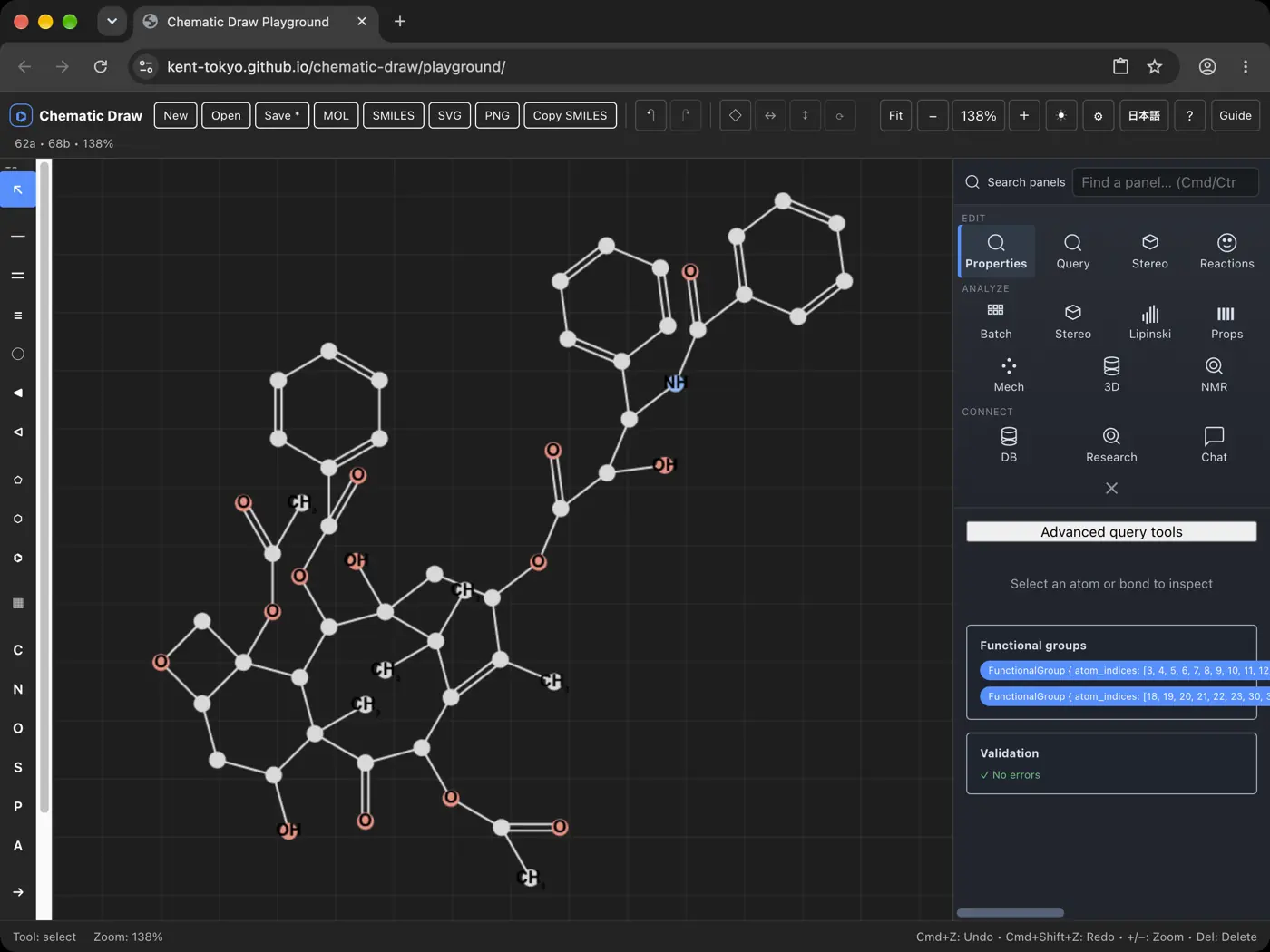 | No dark mode | 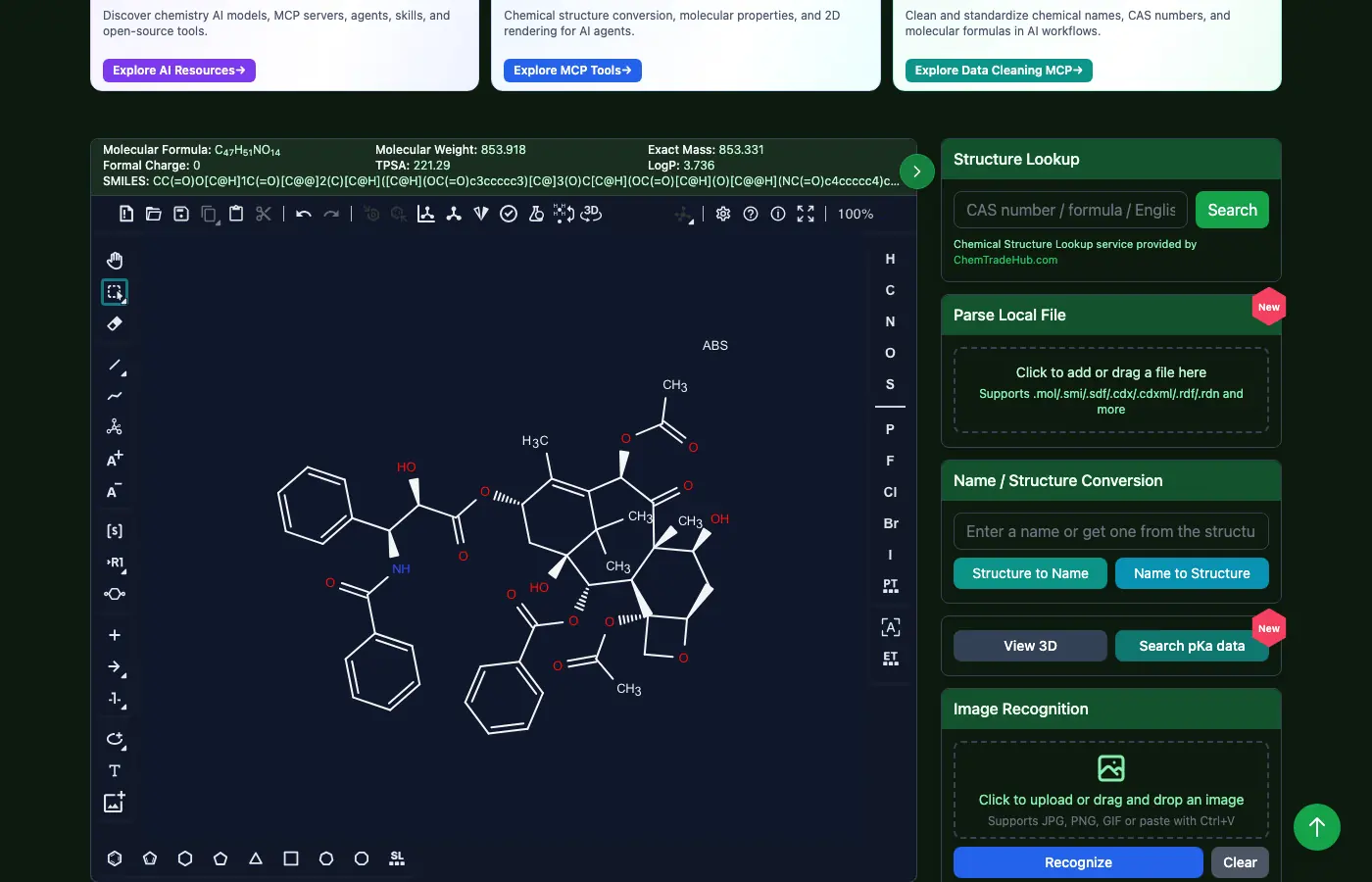 | 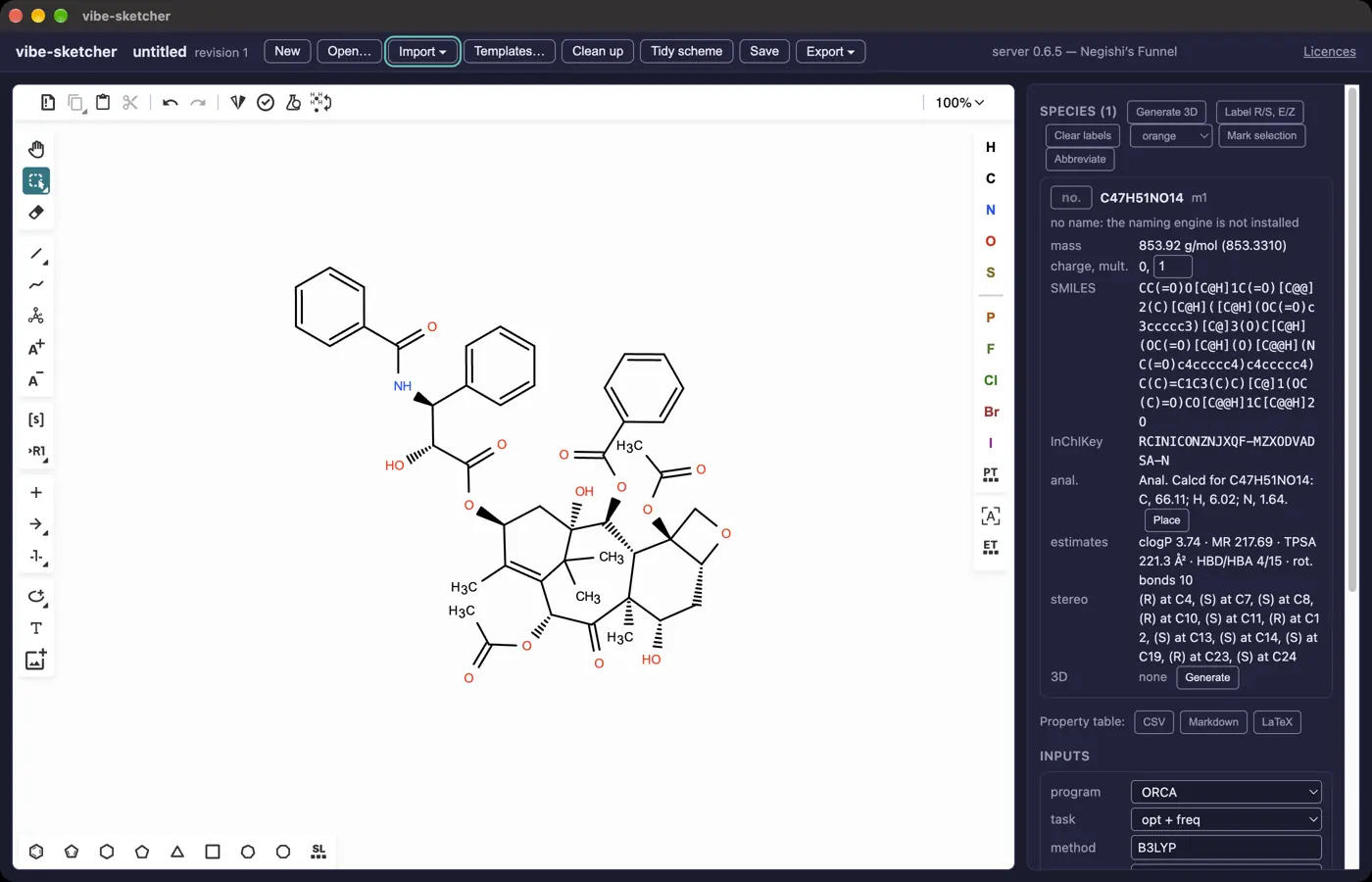 | 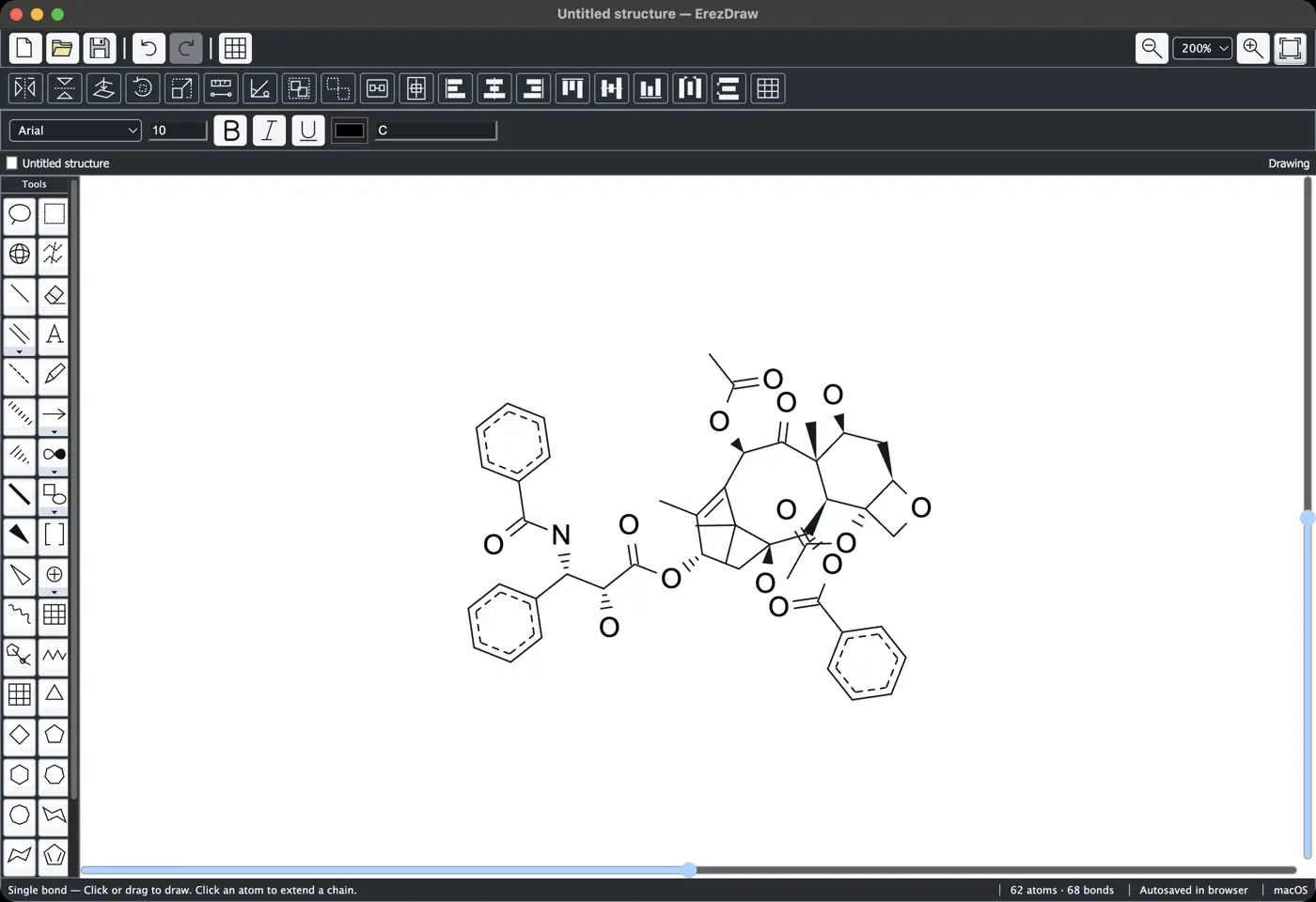 | No dark mode | 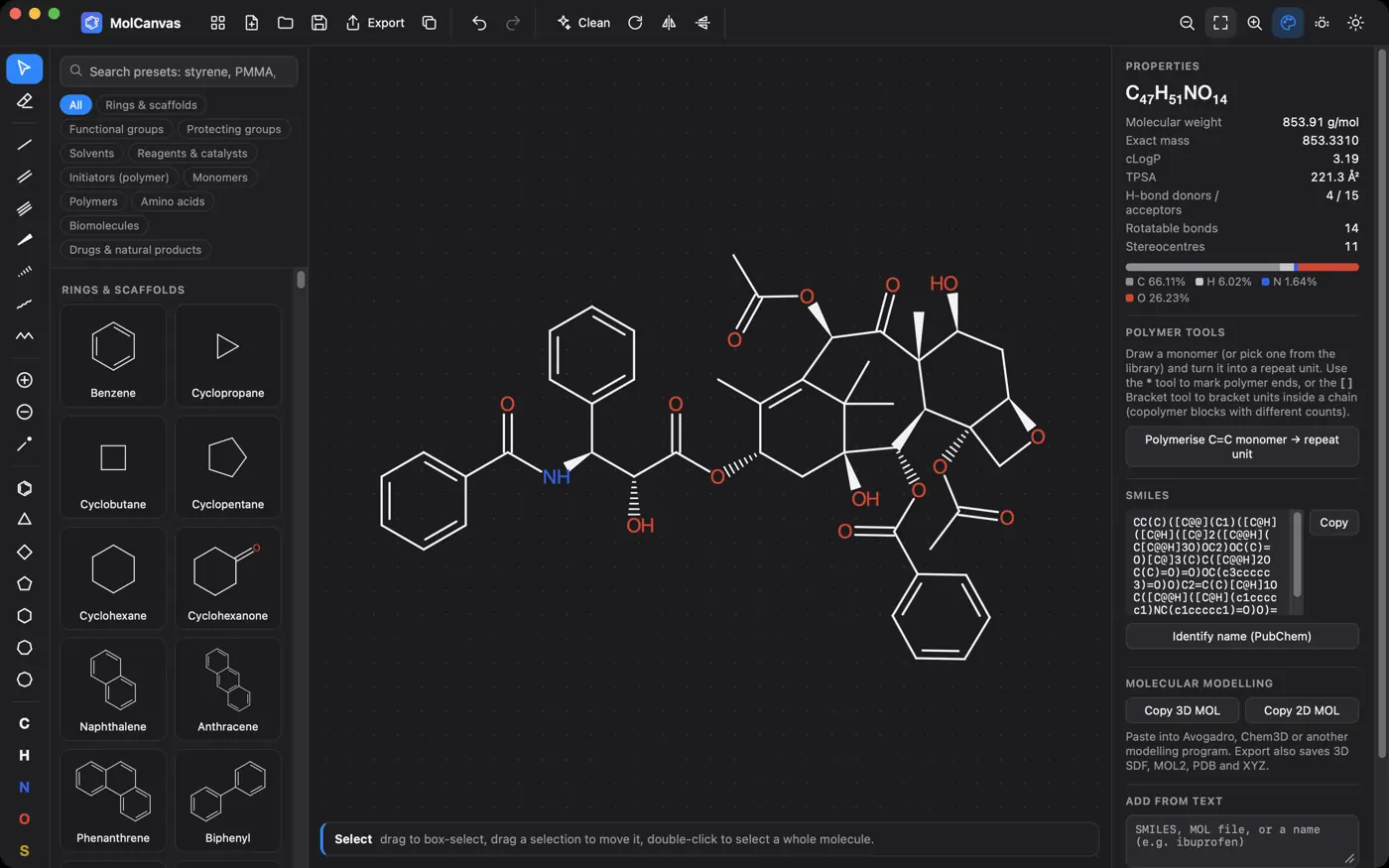 | 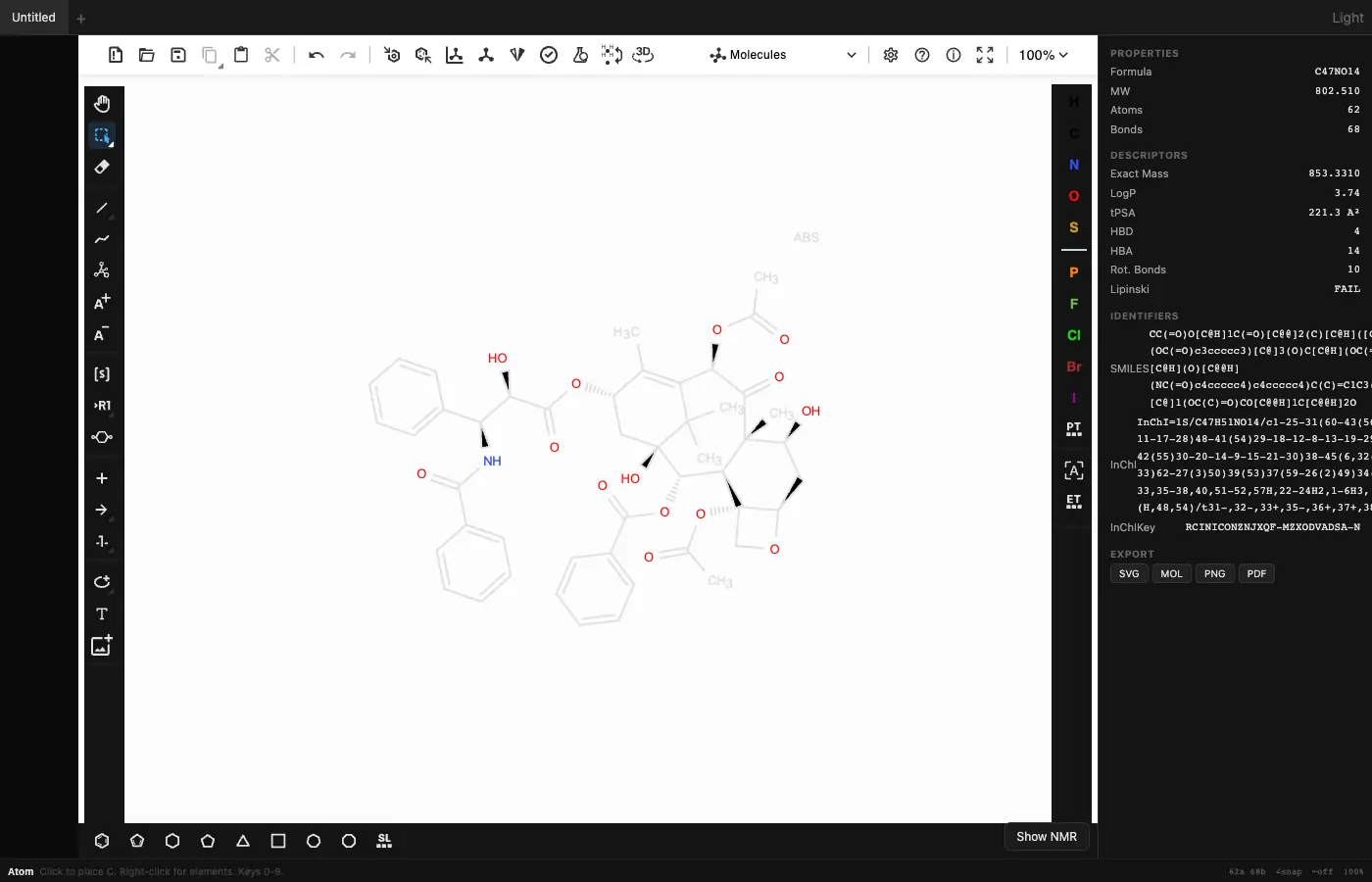 | No dark mode | 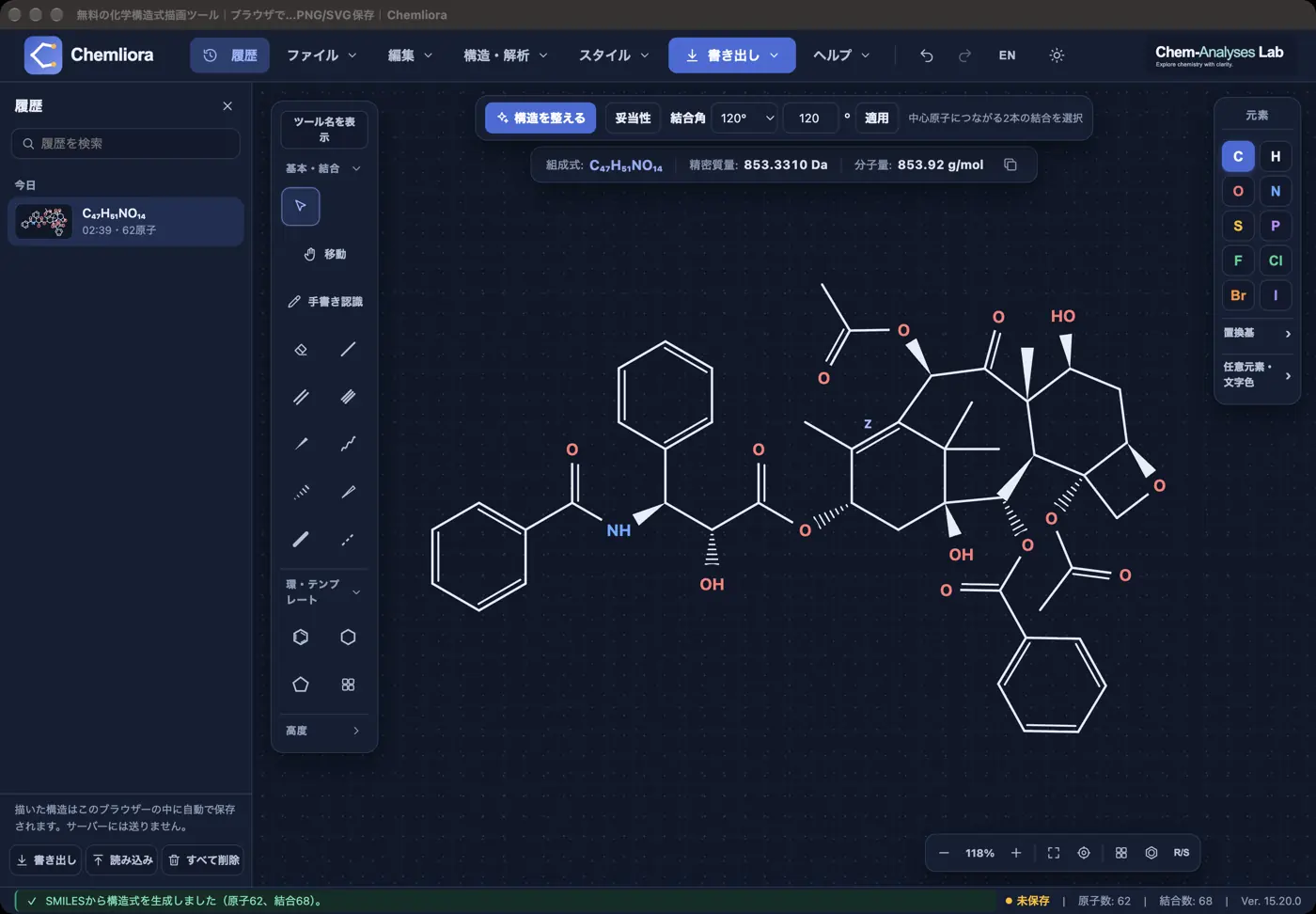 | 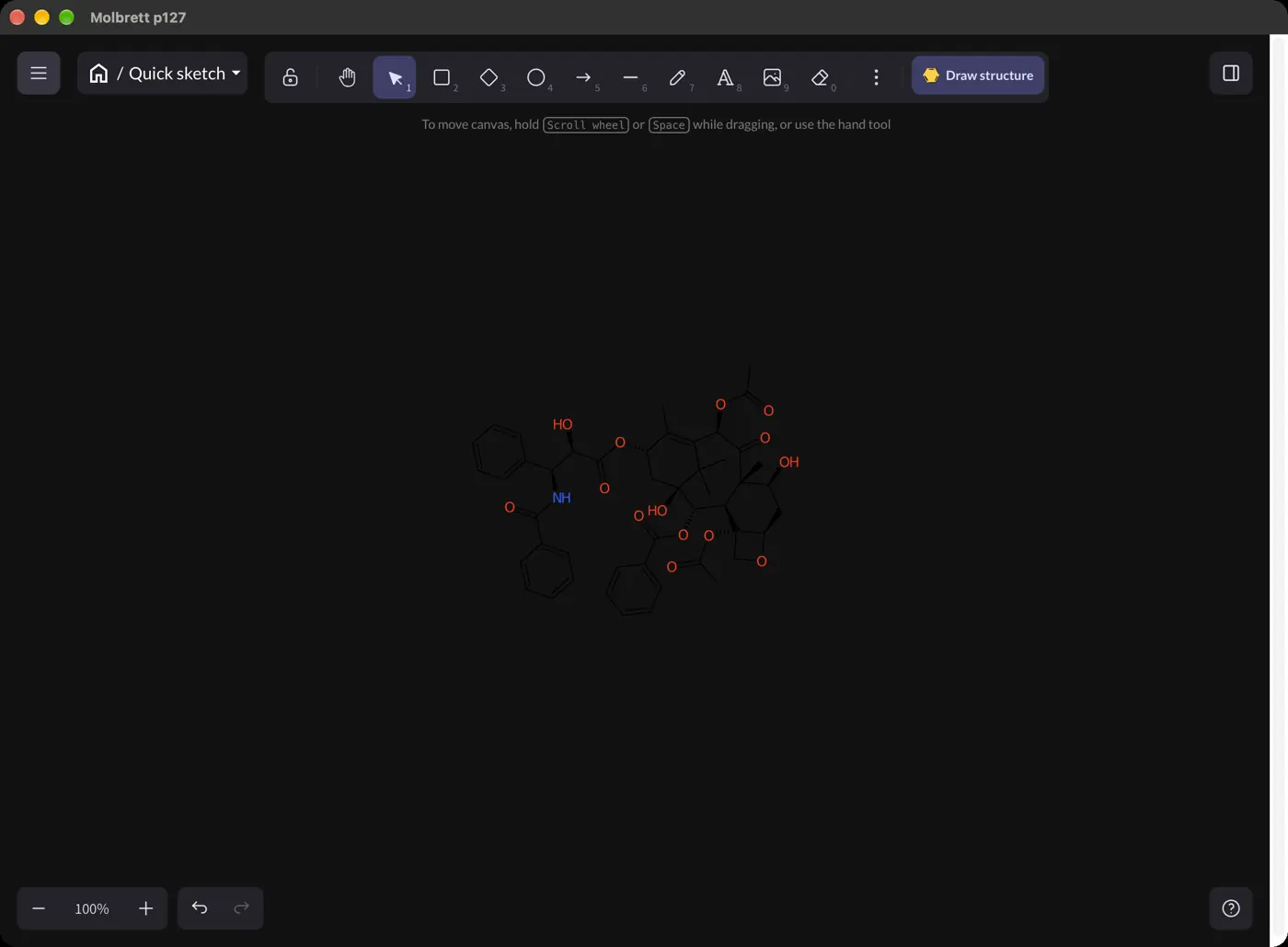 | 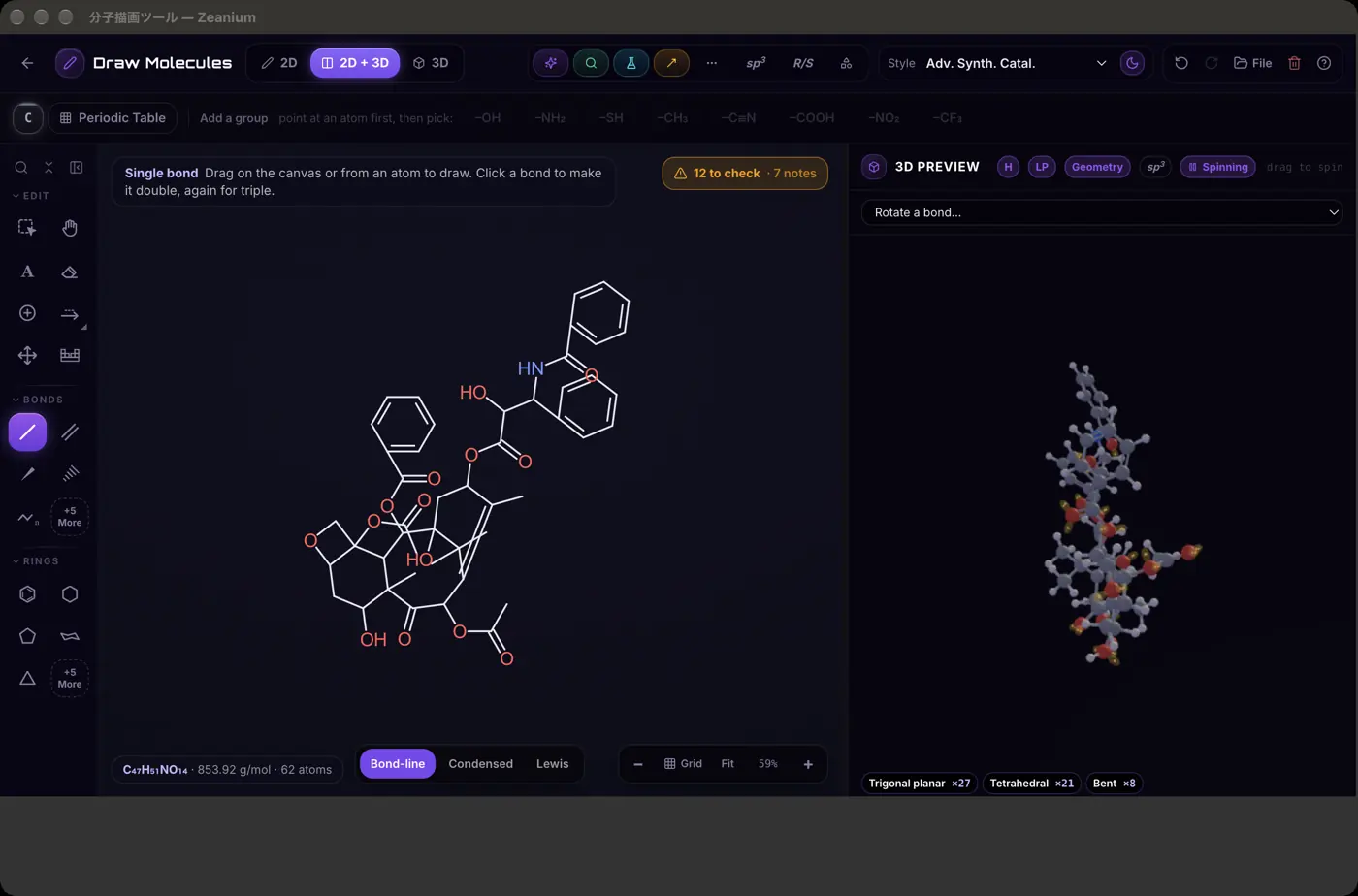 | No dark mode | 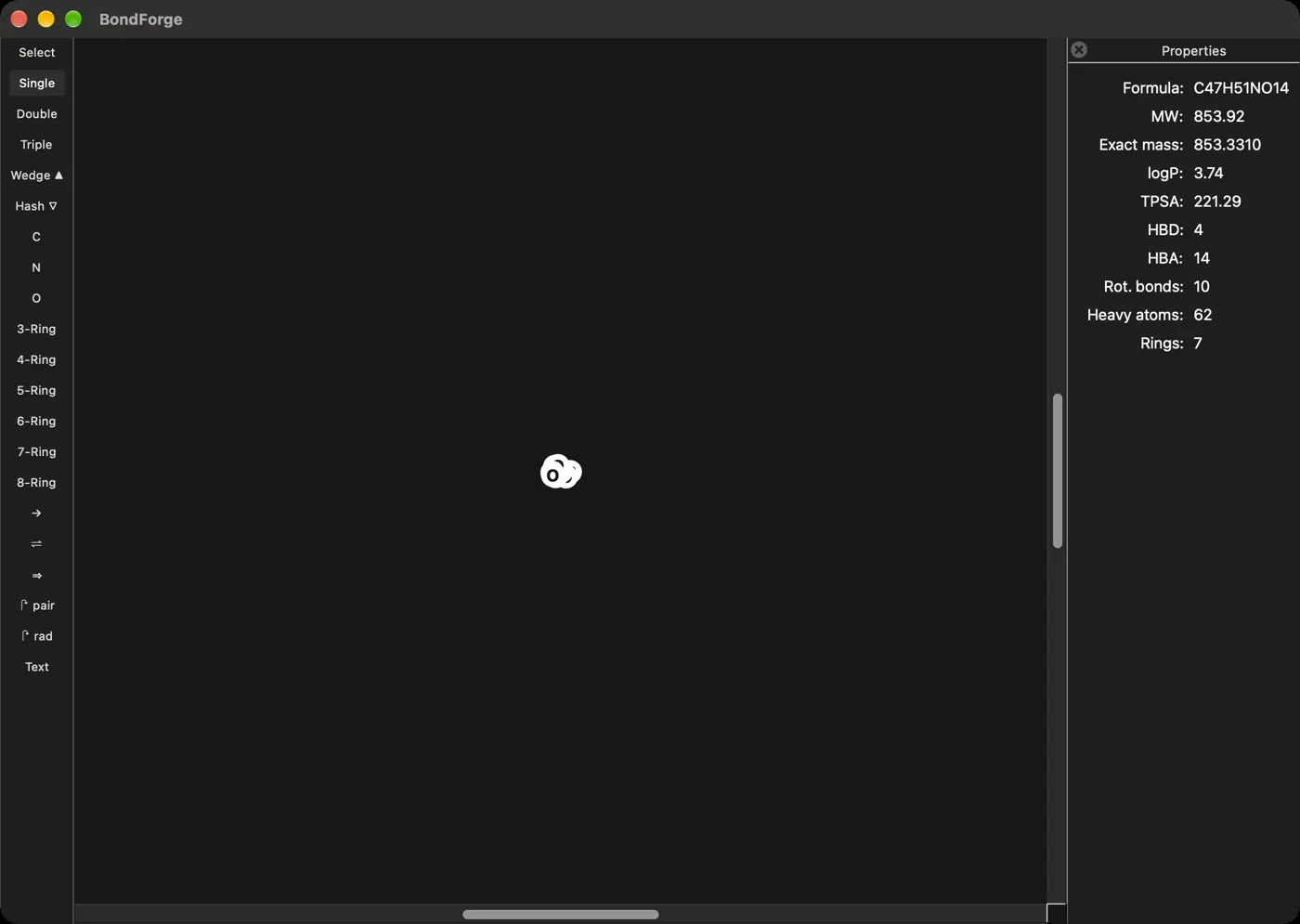 | No dark mode | No dark mode | 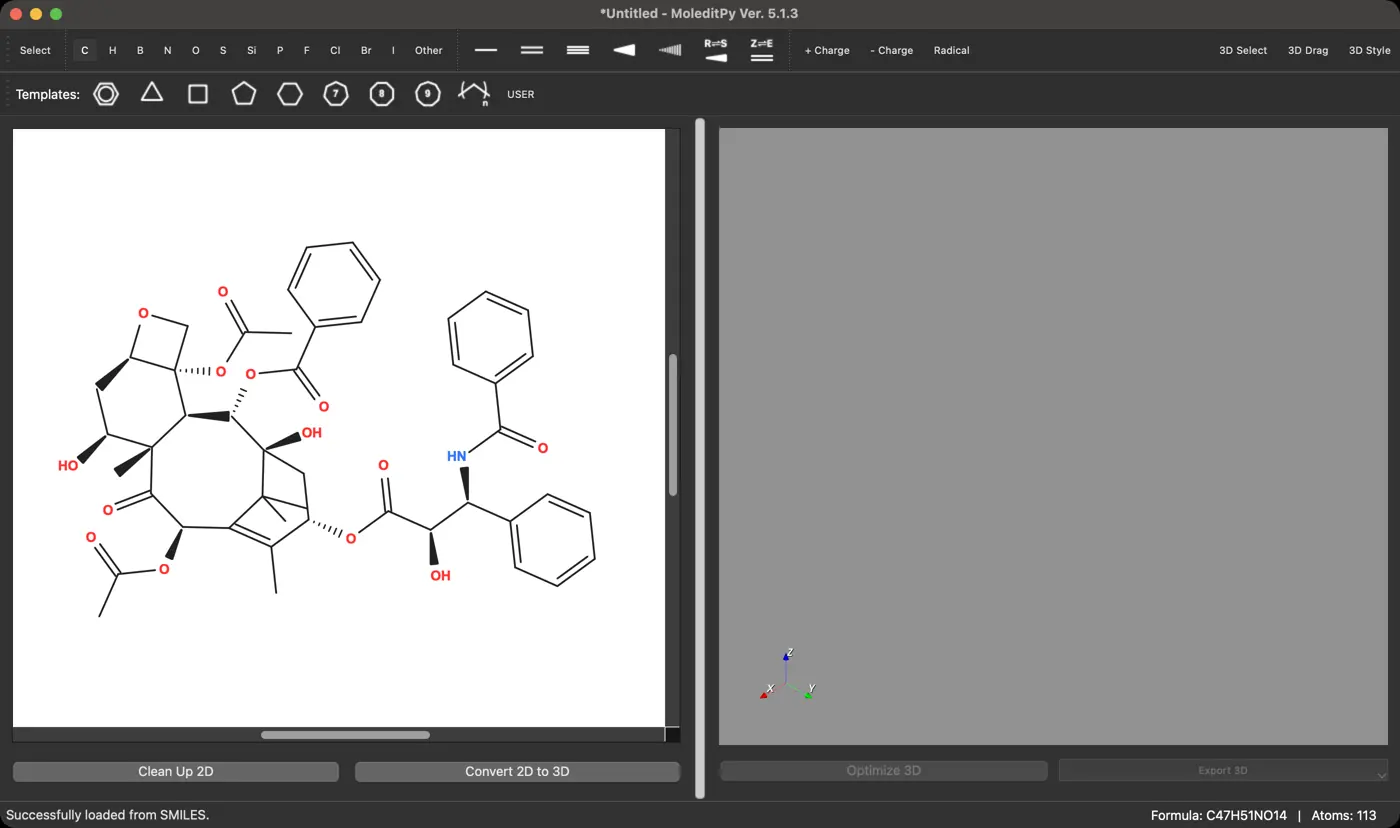 | 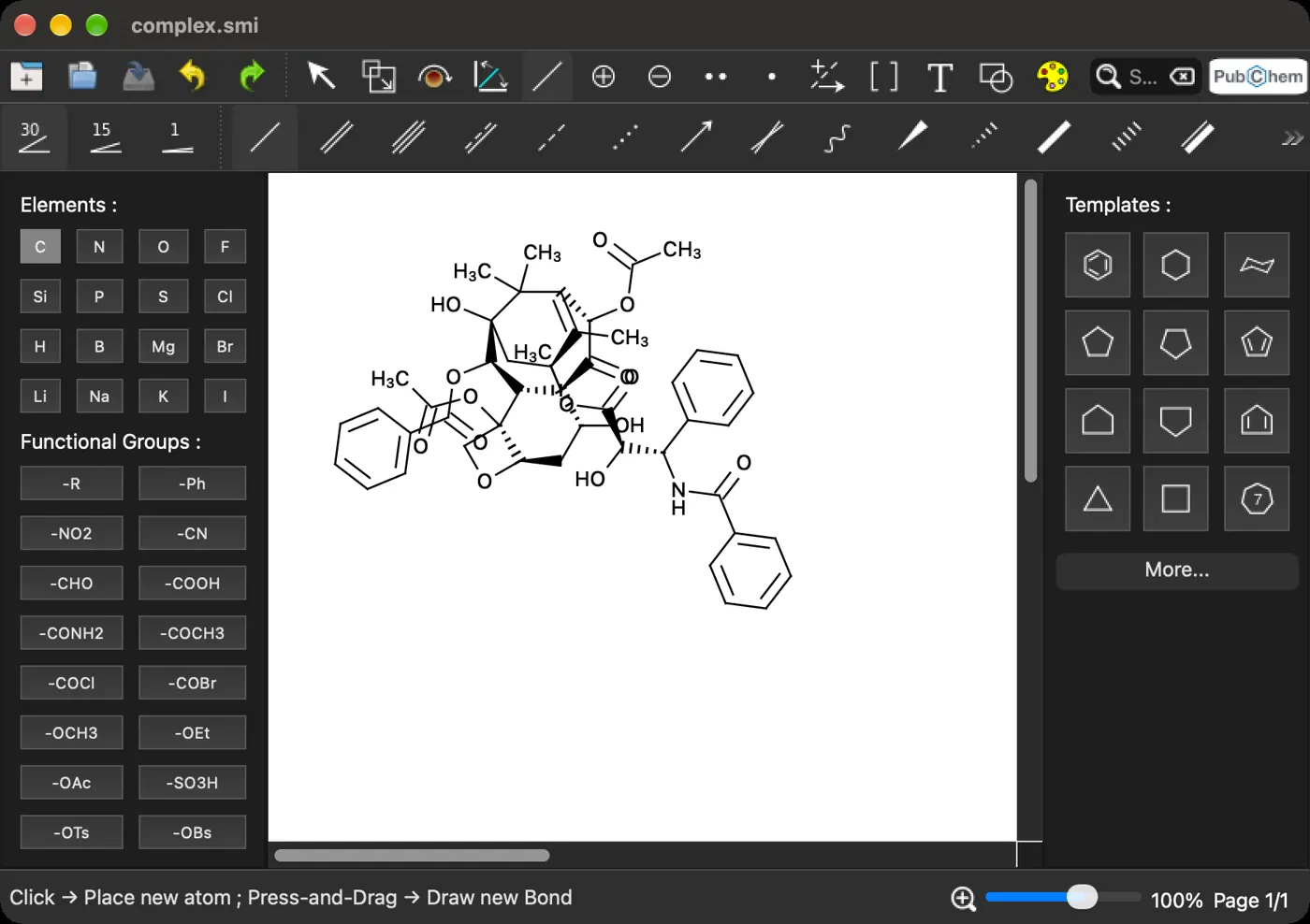 | No dark mode | No dark mode | 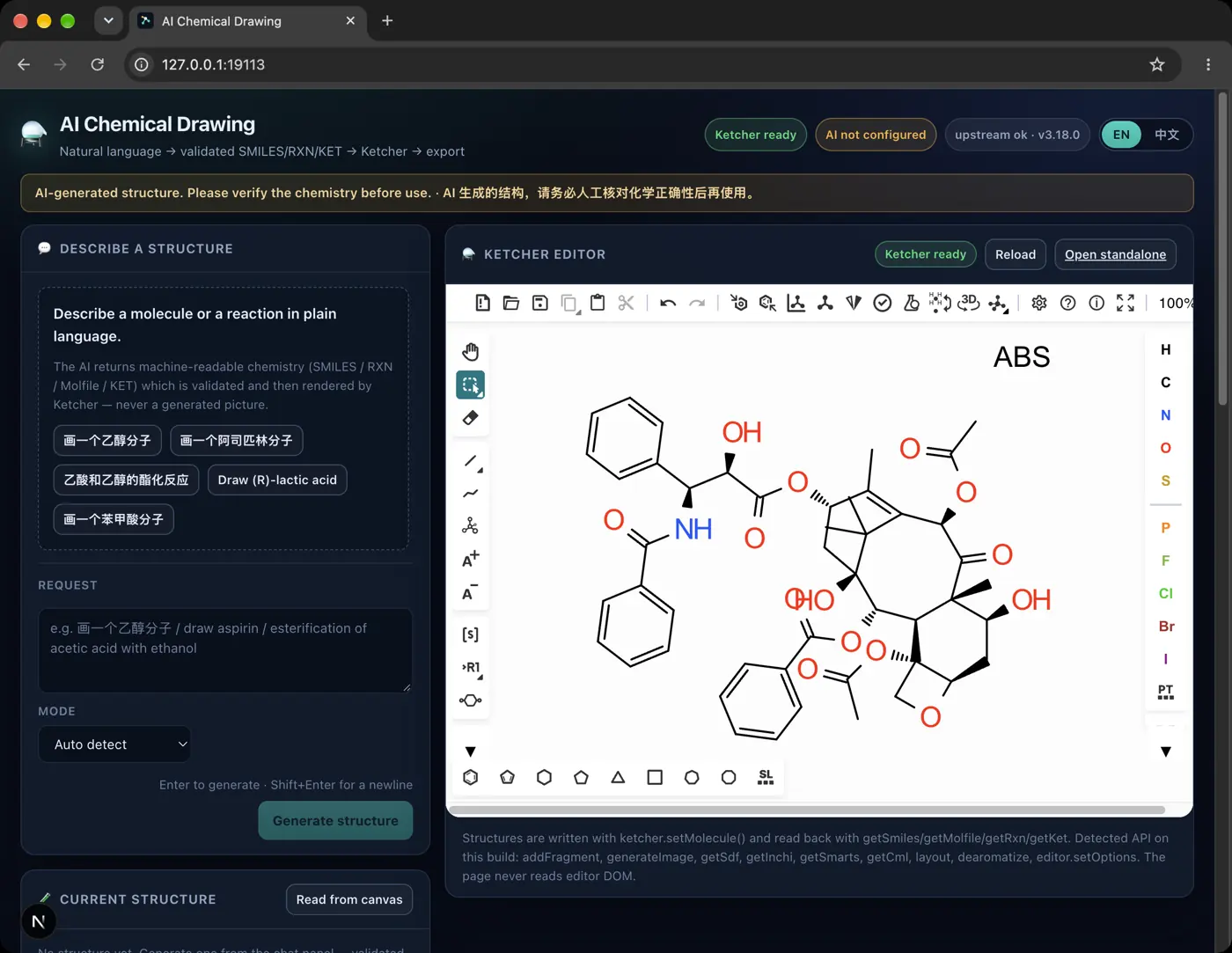 | 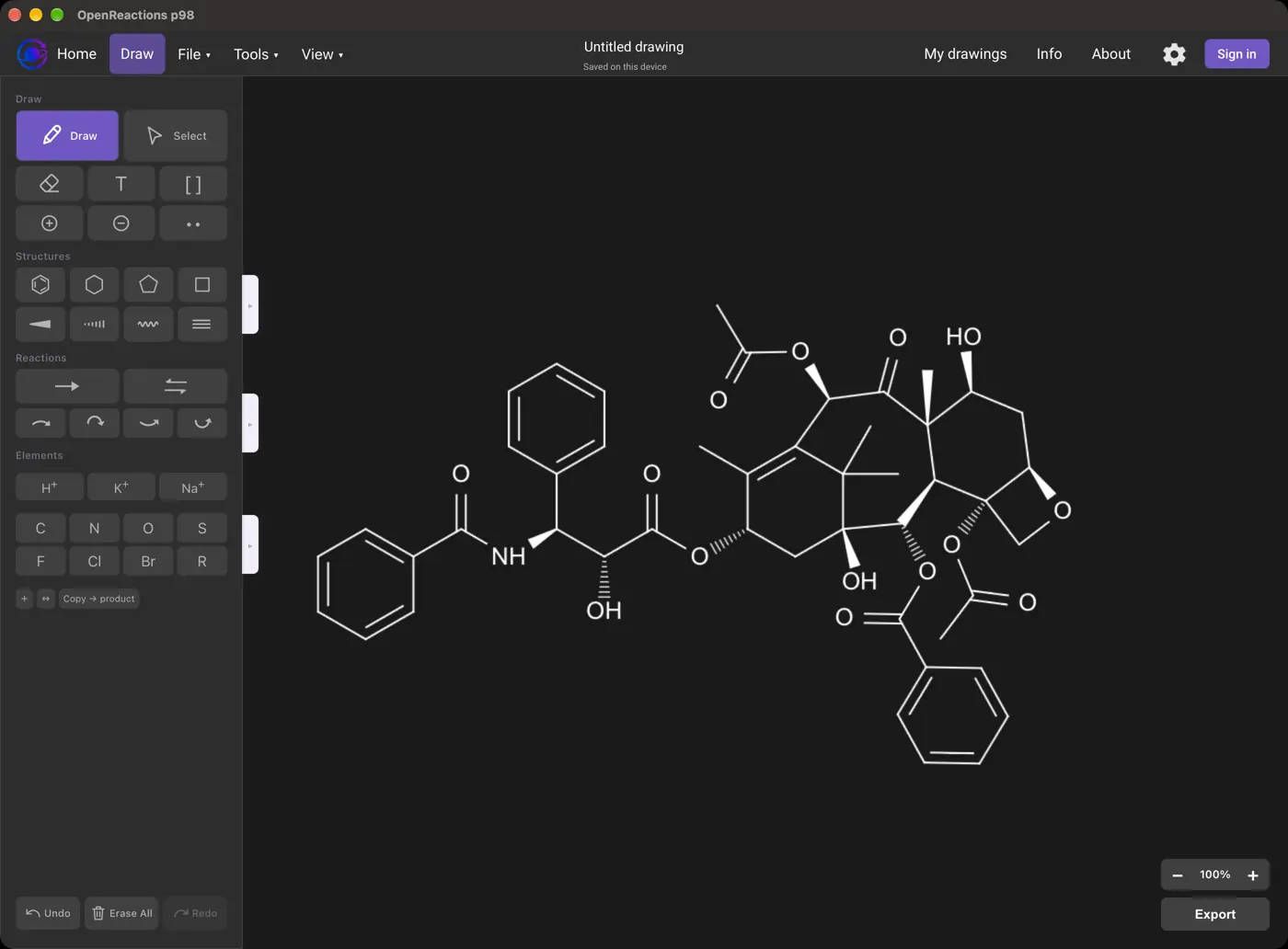 | 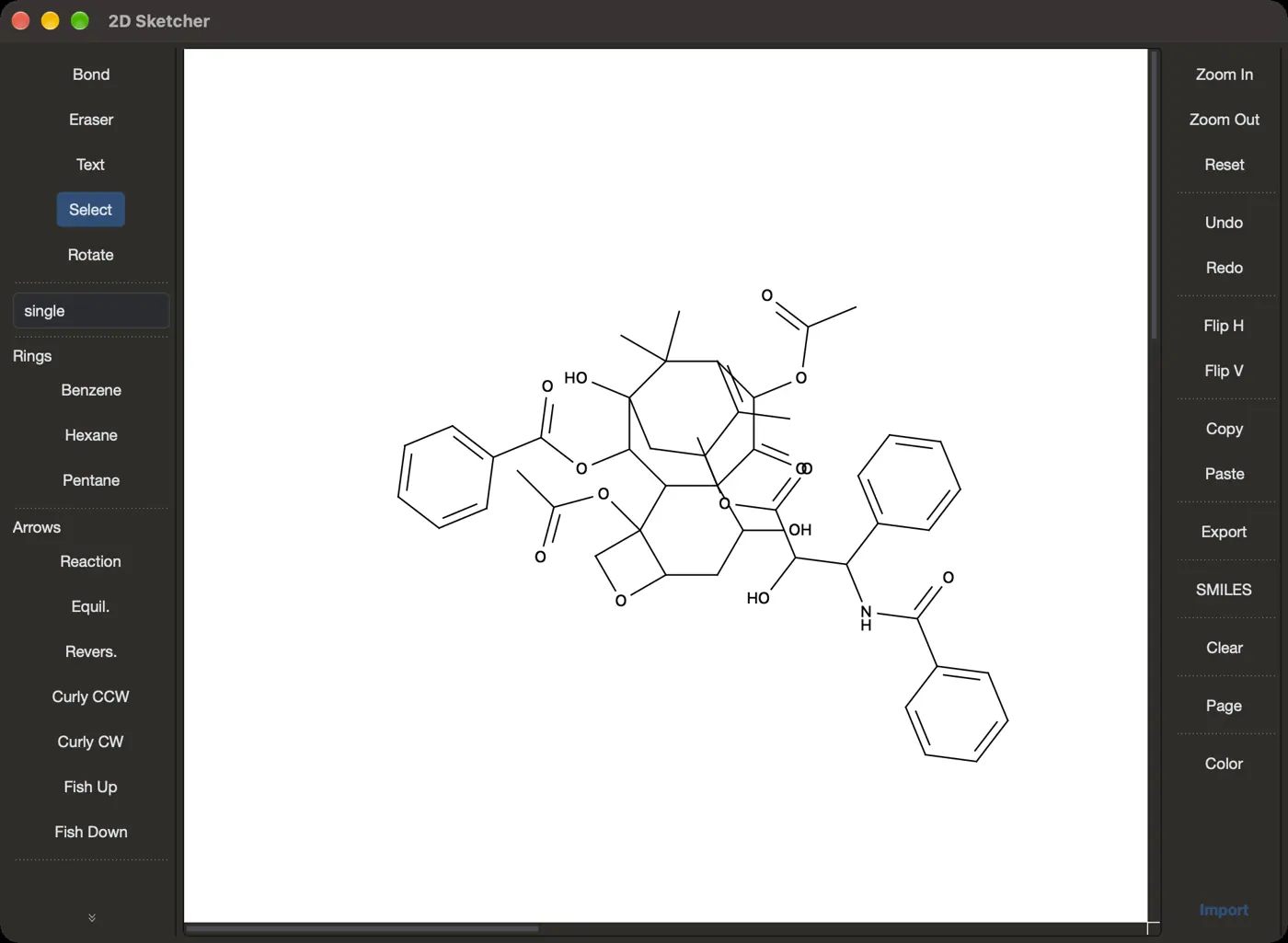 | No dark mode | No dark mode | No dark mode | 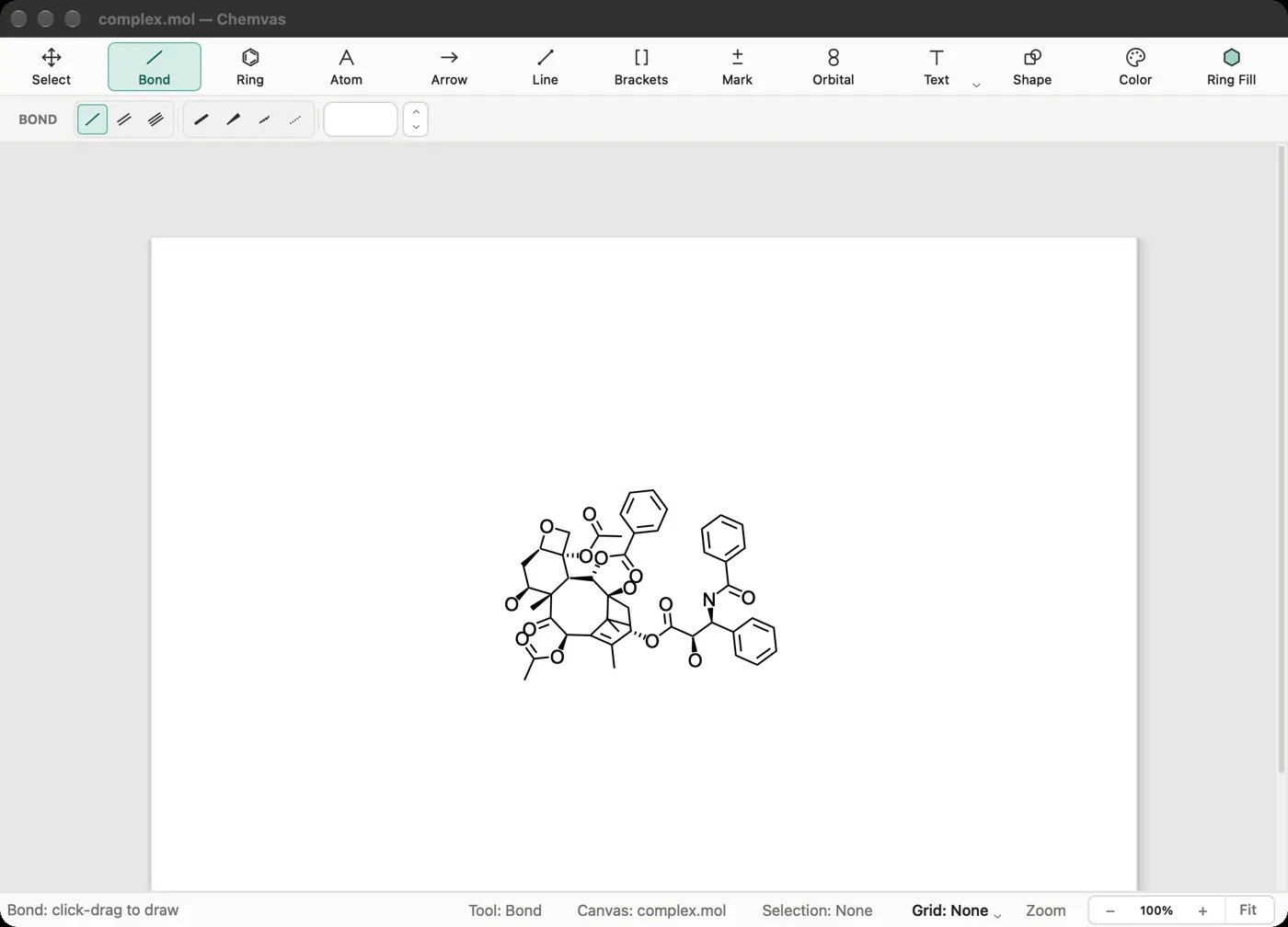 | 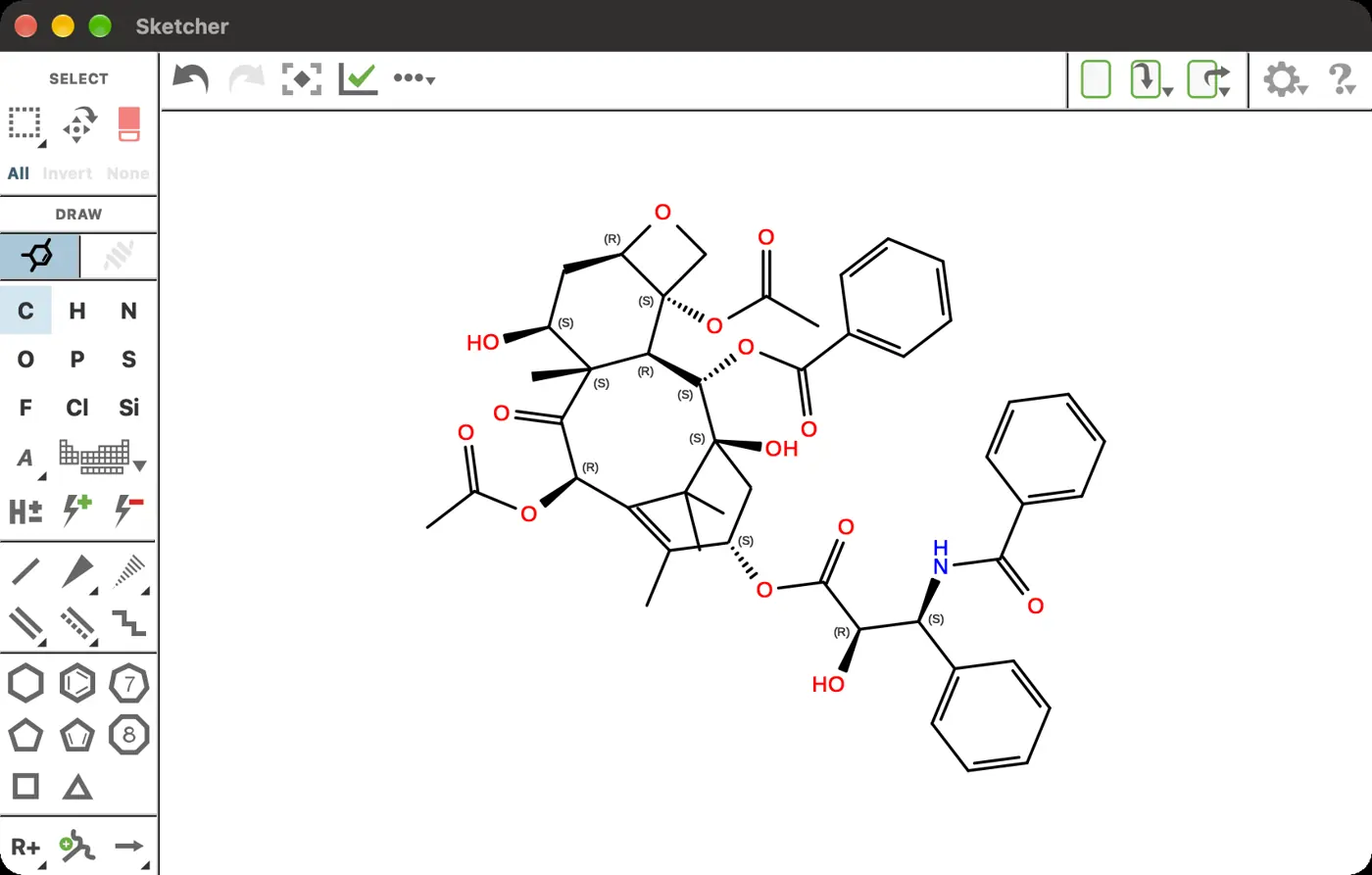 | 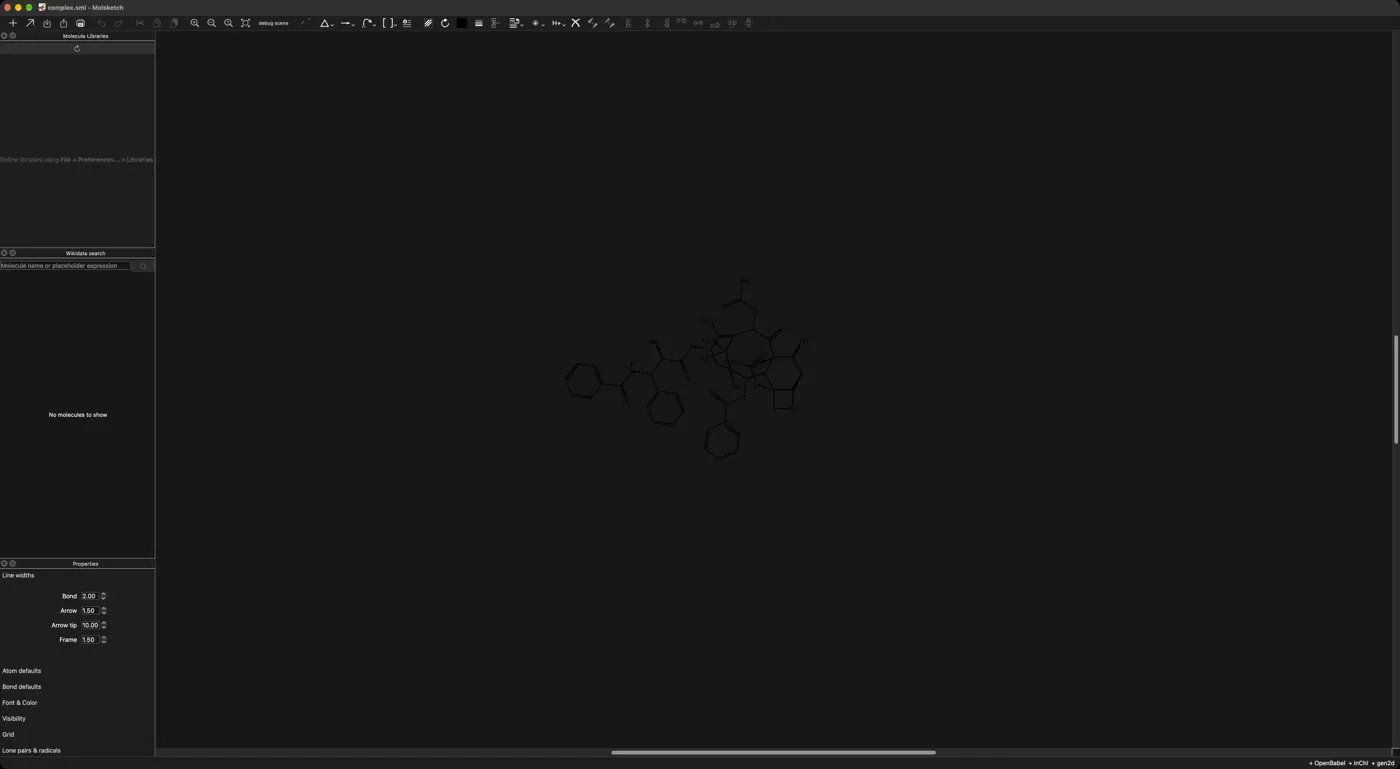 | No dark mode | 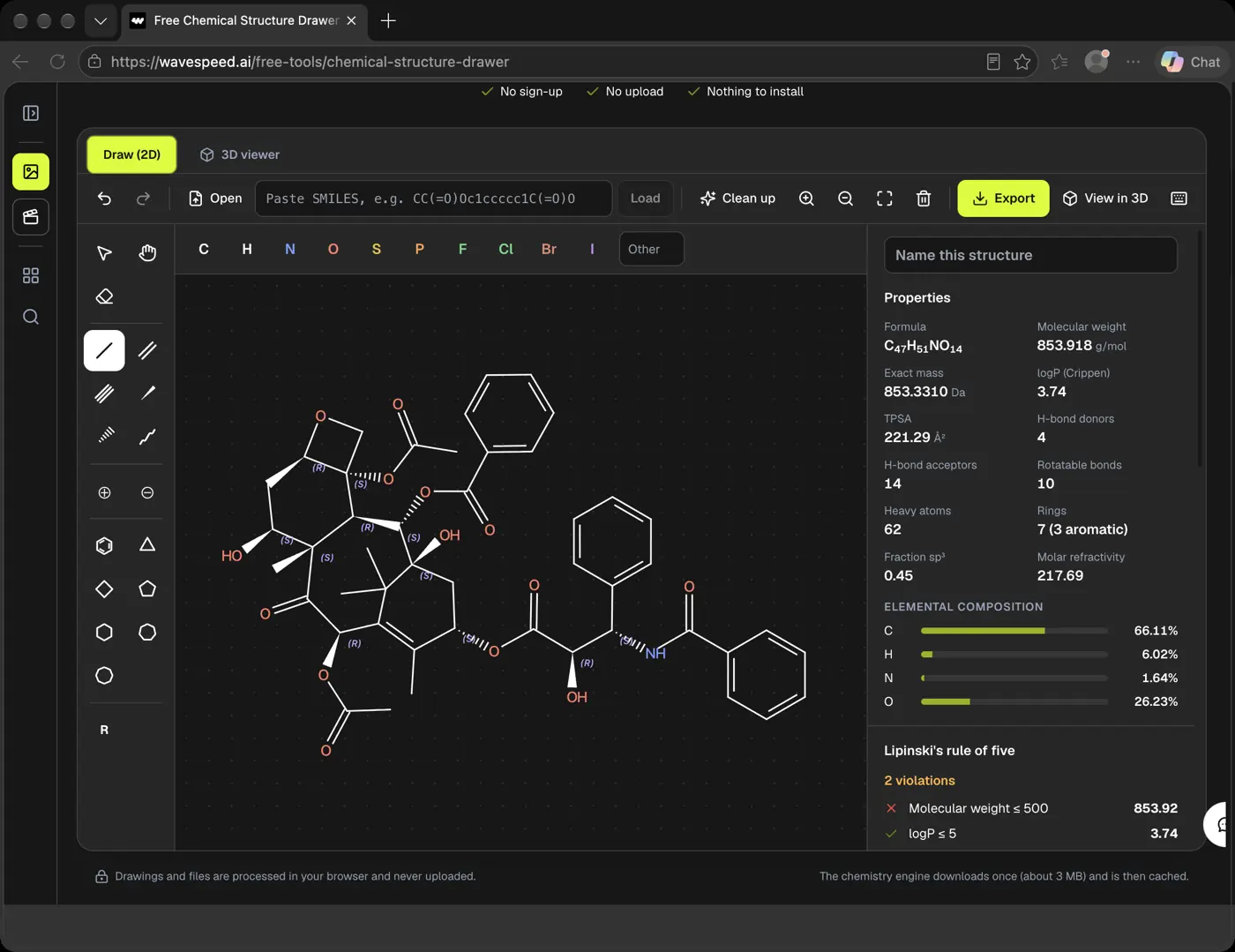 | 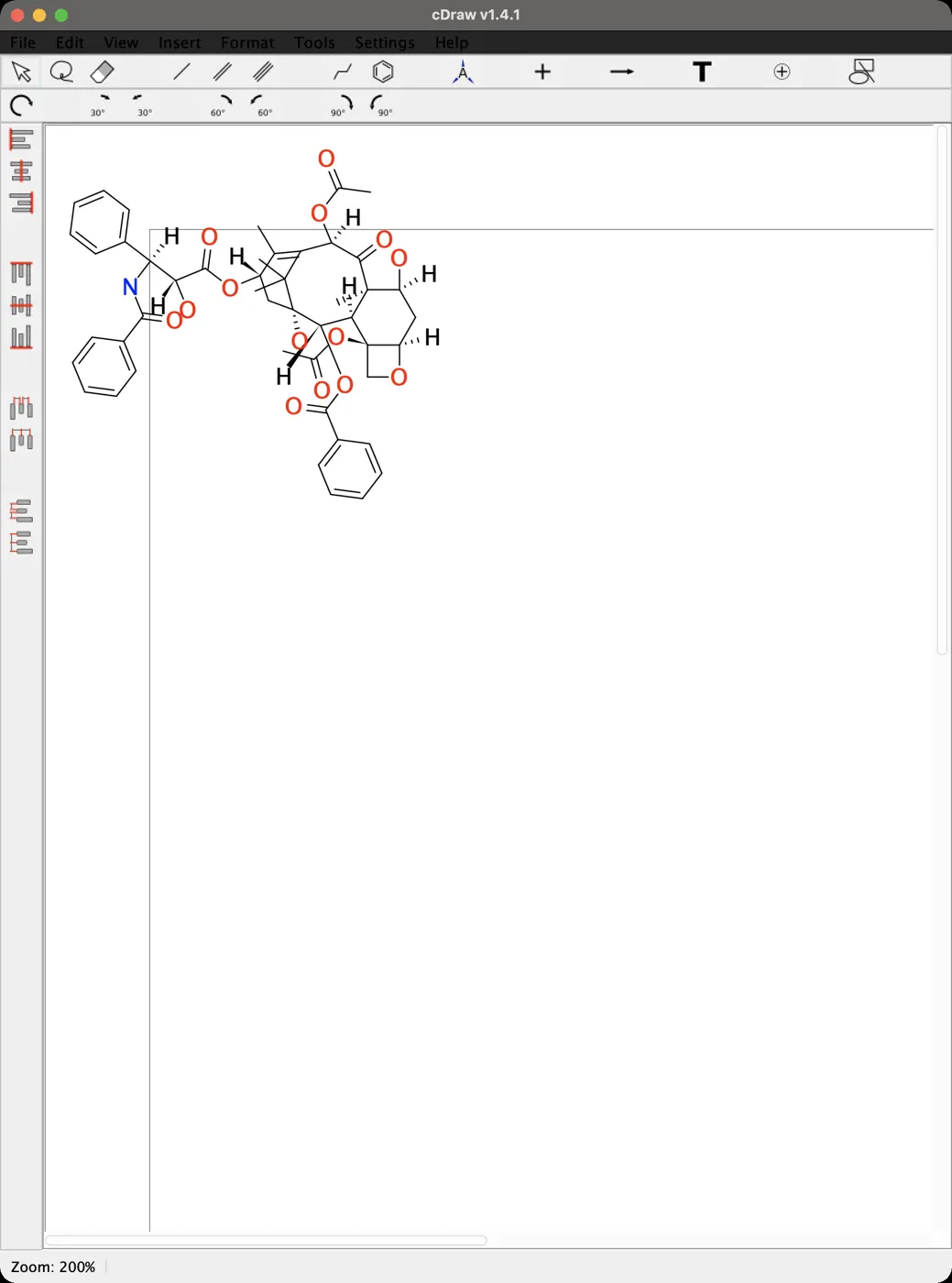 | 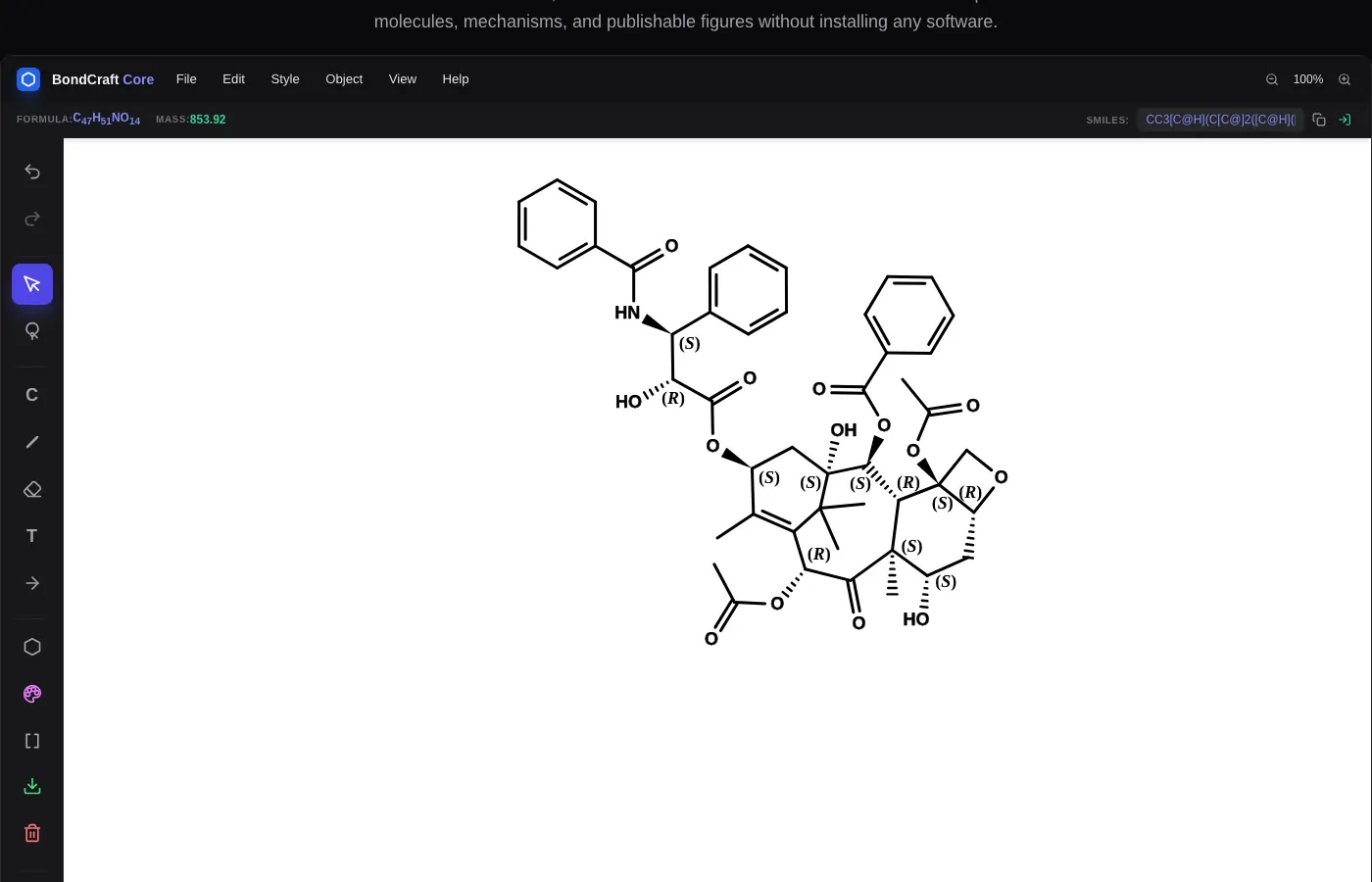 | No dark mode | No dark mode | No dark mode | No dark mode | 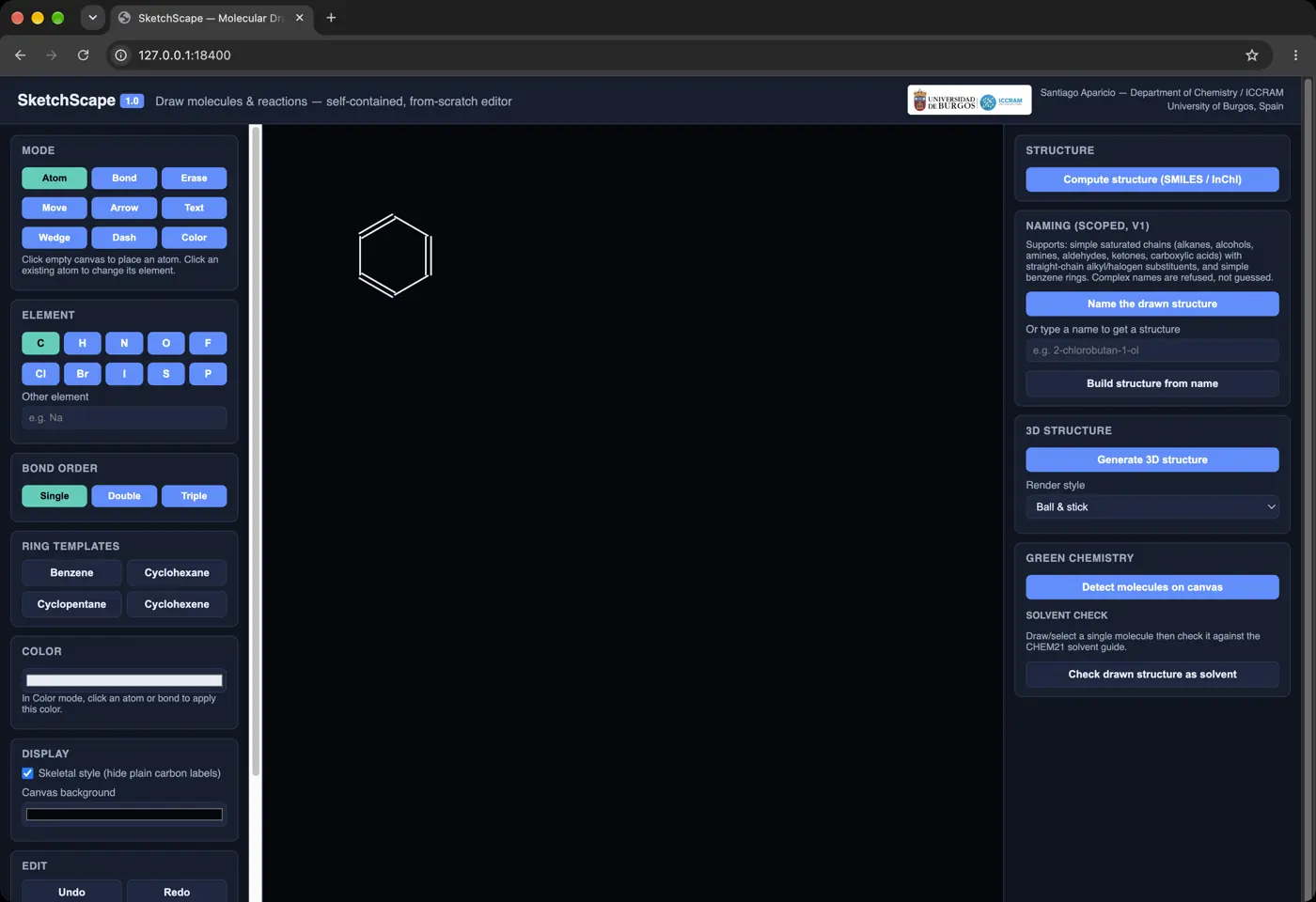 | No dark mode | 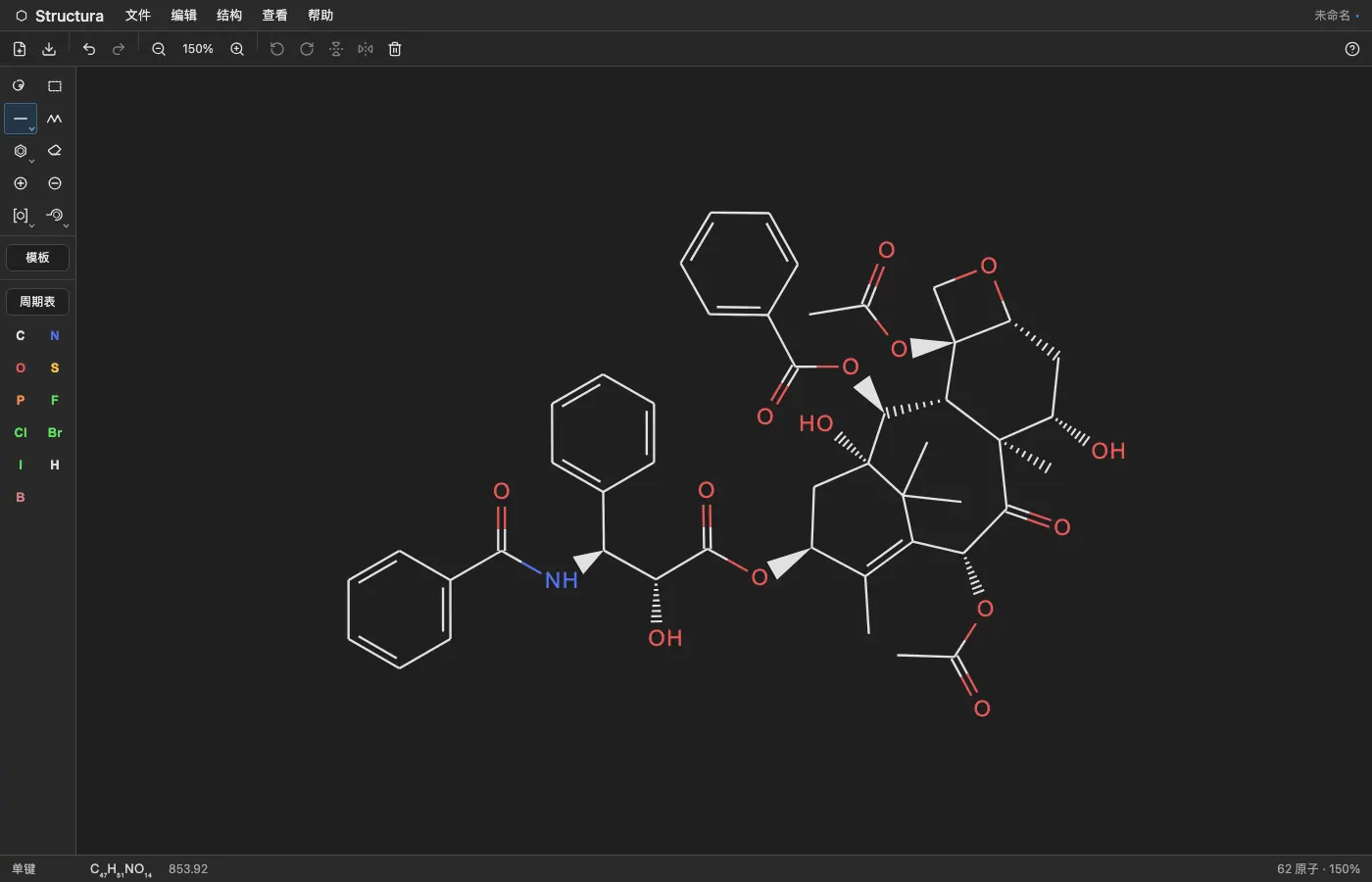 | No dark mode | No dark mode | No dark mode | 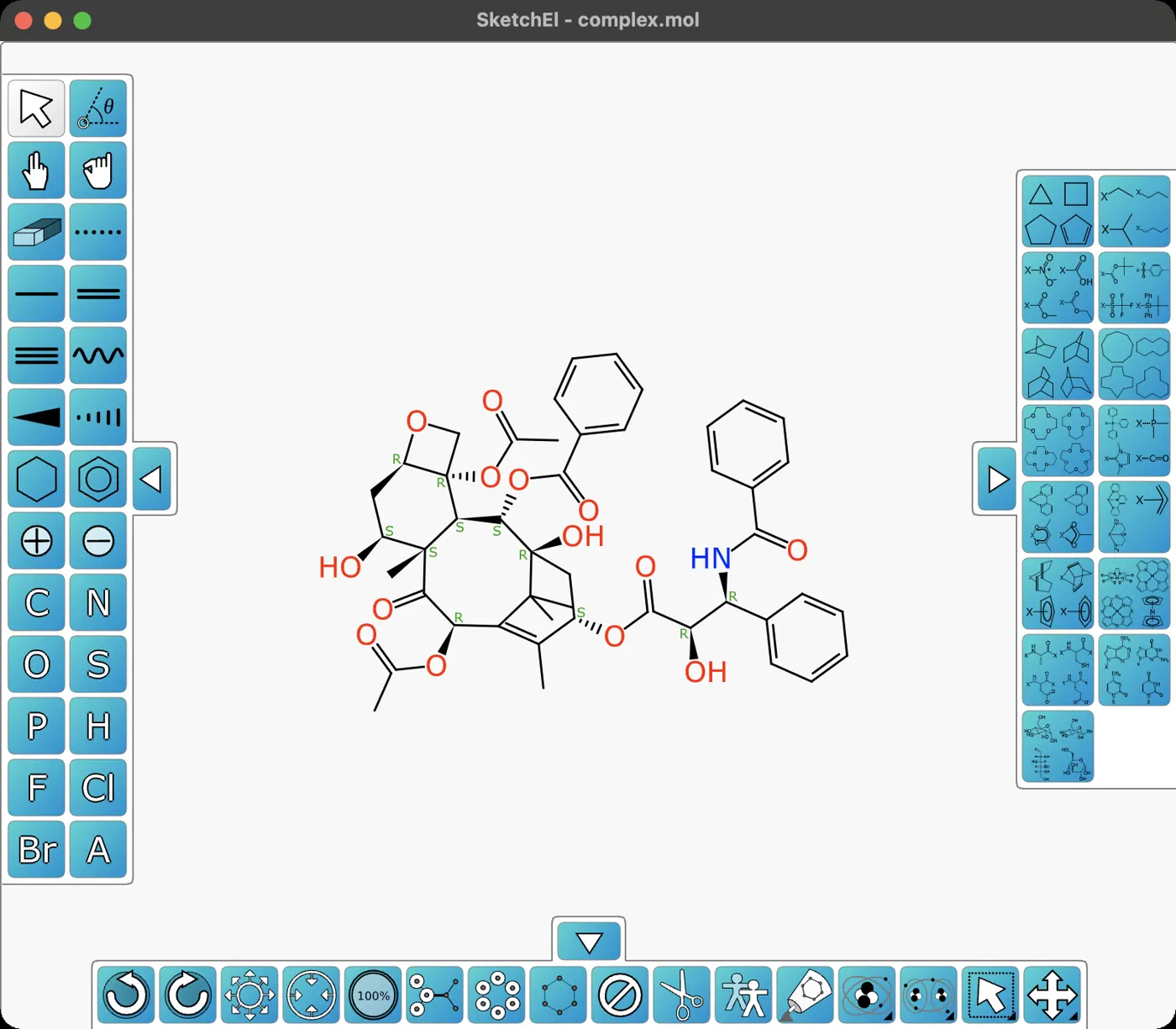 | No dark mode | No dark mode | No dark mode | No dark mode | 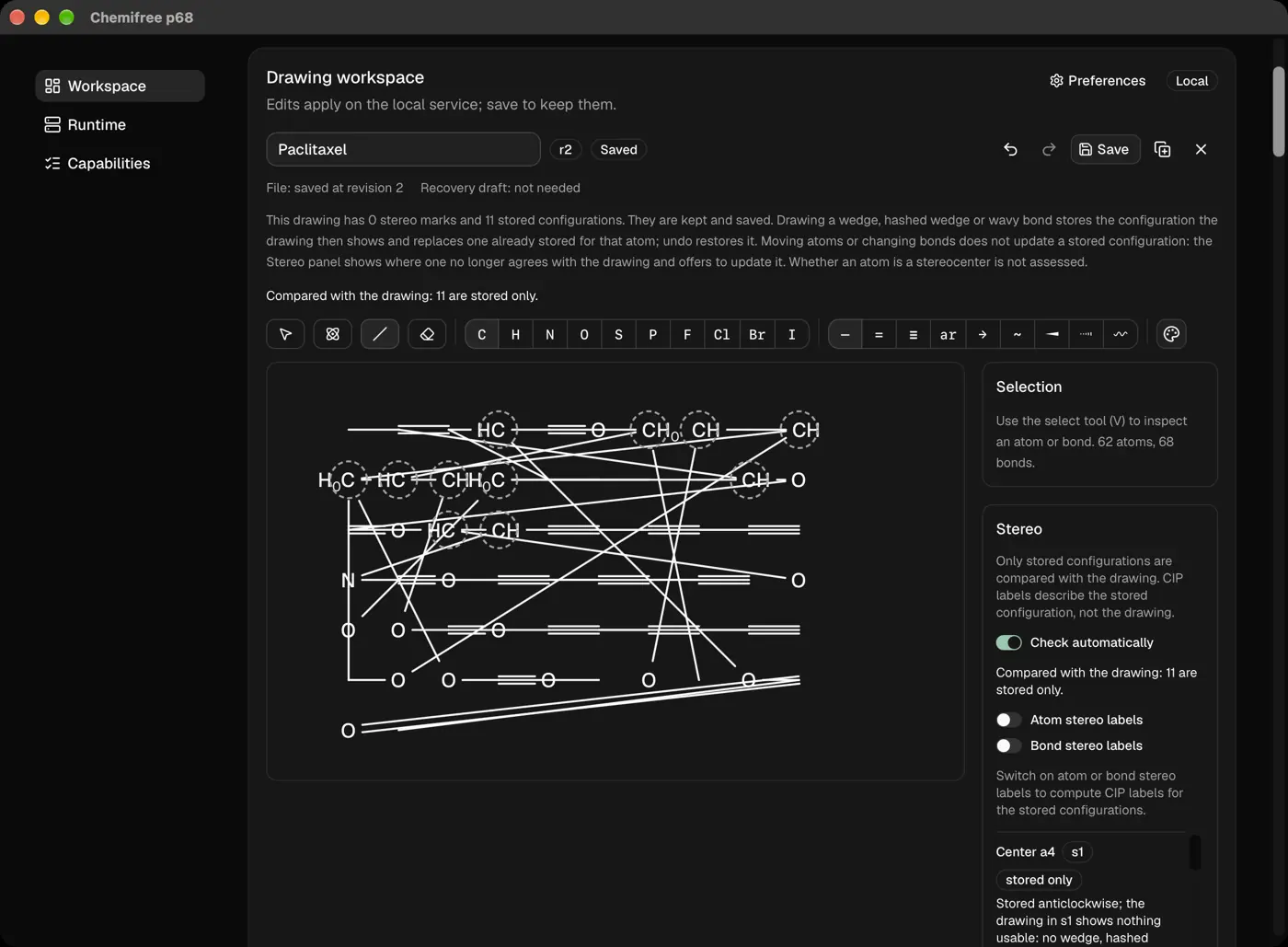 | 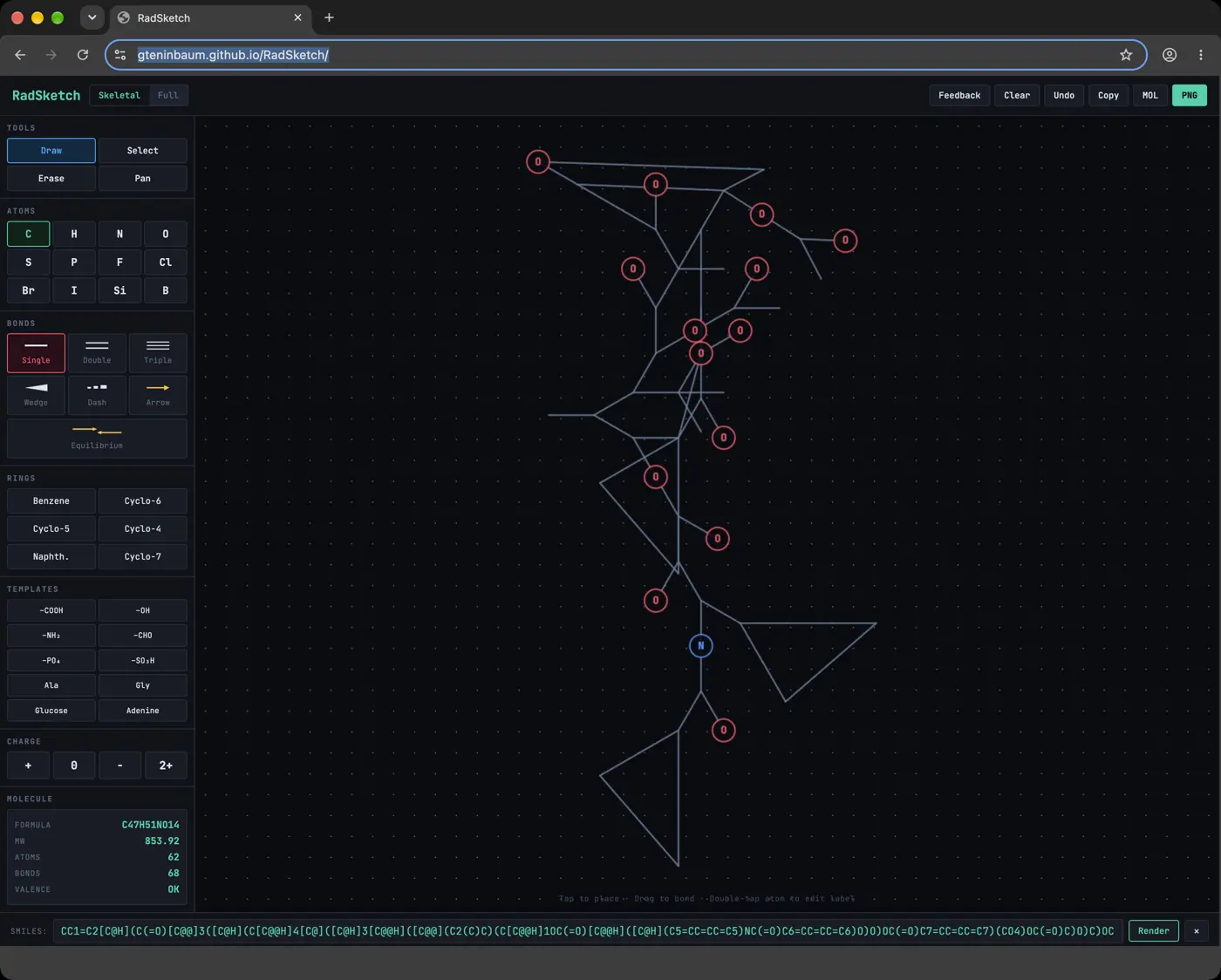 | No dark mode | No dark mode | No dark mode | No dark mode | No dark mode | 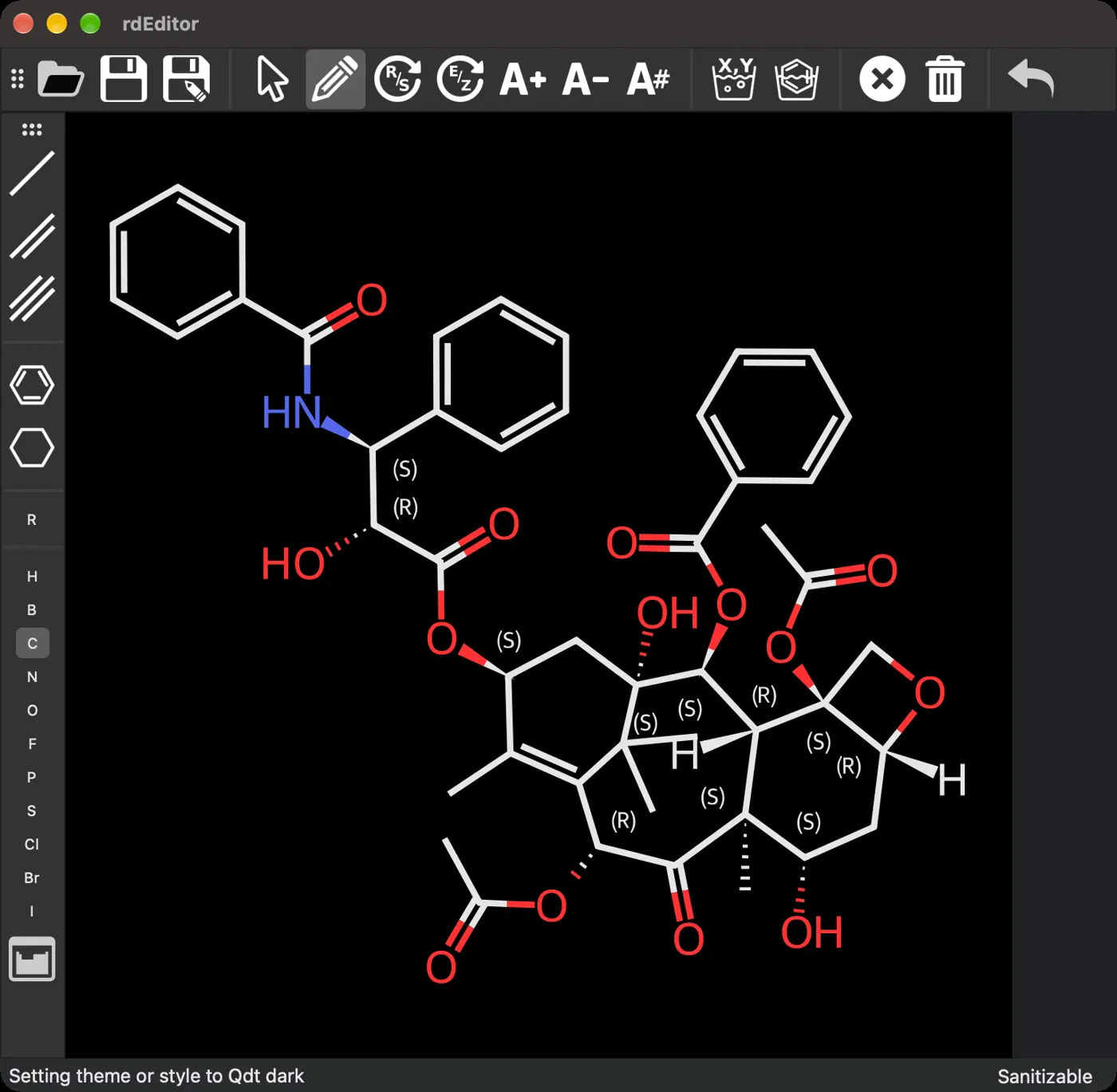 | No dark mode | No dark mode | No dark mode | No dark mode | No dark mode | No dark mode | No dark mode | No dark mode | No dark mode | No dark mode | No dark mode | No dark mode | 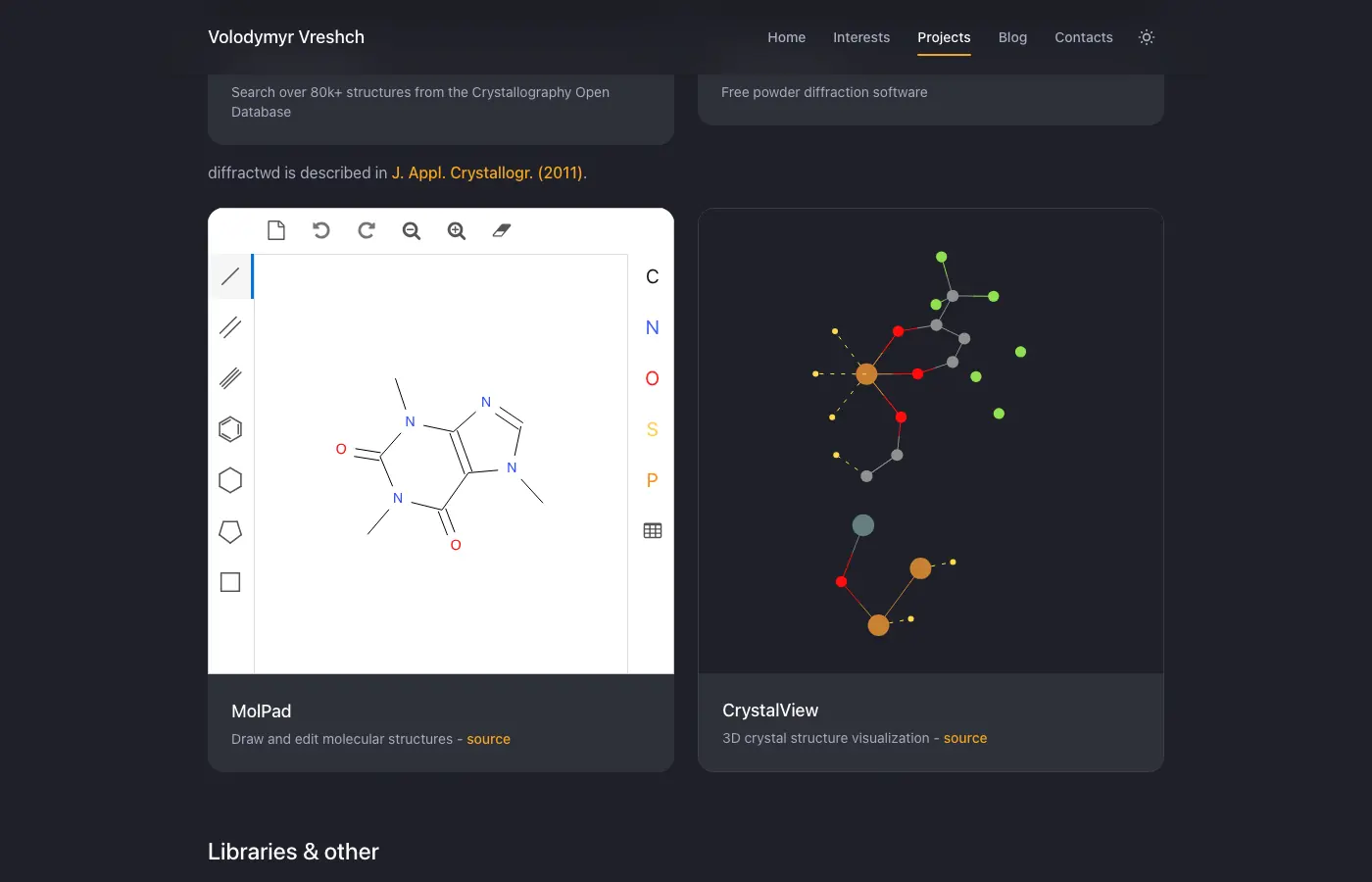 | Would not run on our Mac | Paid, checked from the manual | Needs an account or a purchase | Paid, checked from the manual | Needs an account or a purchase | Needs an account or a purchase | Would not load for us | Would not run on our Mac | Paid, checked from the manual | Paid, checked from the manual | Would not run on our Mac | Needs an account or a purchase | Would not run on our Mac | Would not run on our Mac | Paid, checked from the manual | Needs Windows | Would not run on our Mac | Paid, checked from the manual | Needs Windows | Paid, checked from the manual | Would not run on our Mac | Would not run on our Mac | Would not load for us | Would not run on our Mac | Paid, checked from the manual | Paid, checked from the manual | Paid, checked from the manual | Needs an account or a purchase | Needs another system | Paid, checked from the manual | Would not run on our Mac | Not run yet | Not run yet | Would not load for us | Needs Windows | Needs an account or a purchase | Not run yet | Needs Windows | Needs iOS | Needs an account or a purchase | Needs an account or a purchase | Needs Android | Needs Windows | Needs an account or a purchase | Would not run on our Mac | Paid, checked from the manual | Not run yet |
|---|
| Caffeine |  | 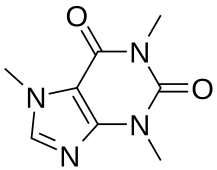 | 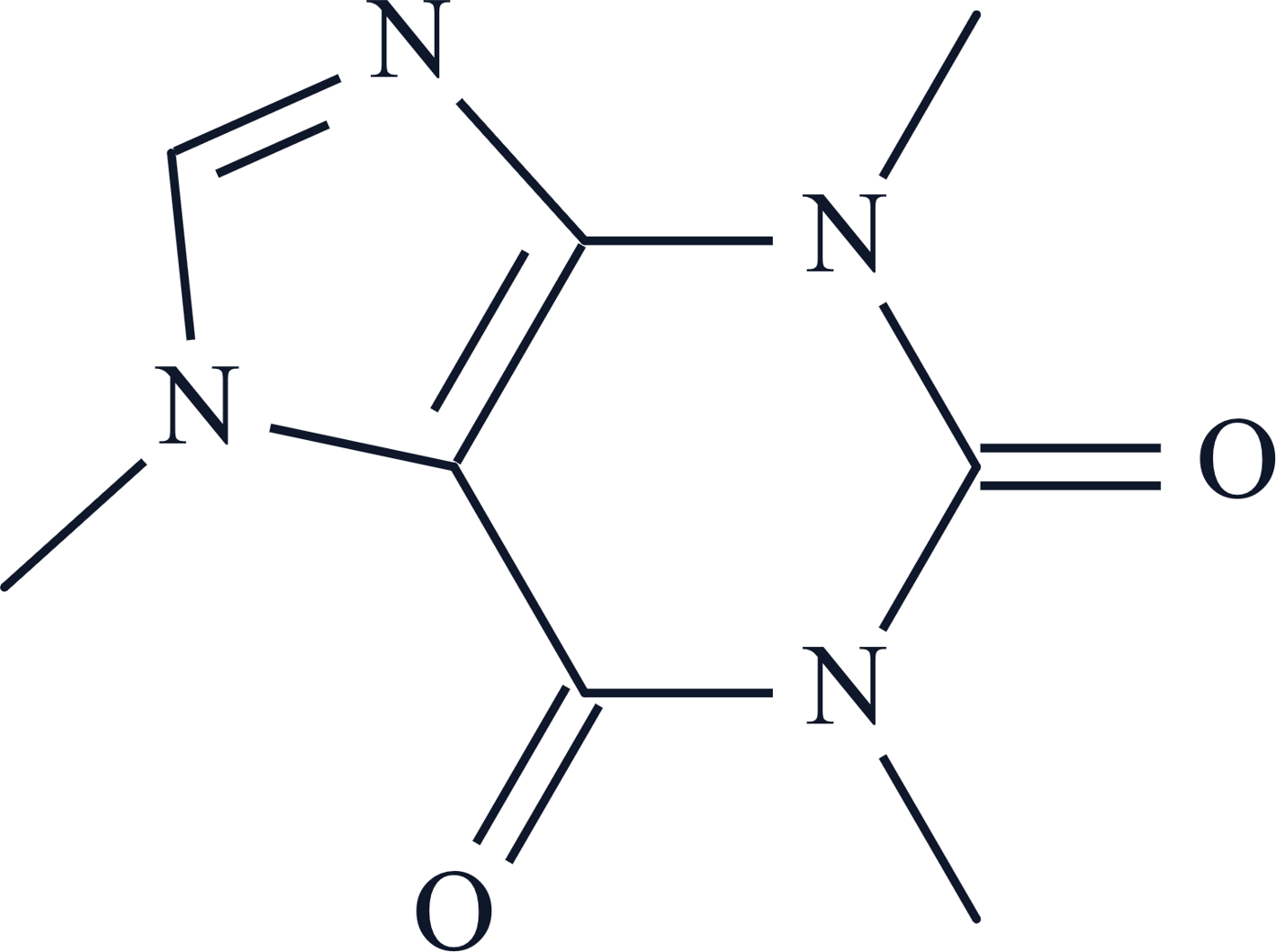 |  |  |  | 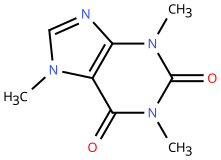 | 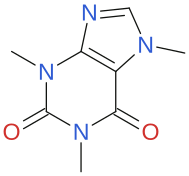 | 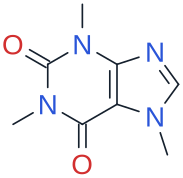 | 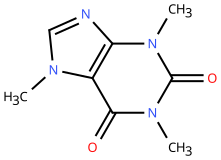 | 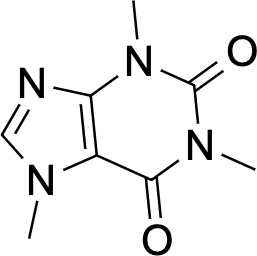 | 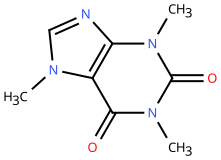 | 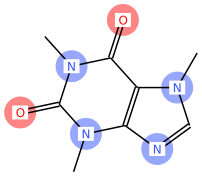 | 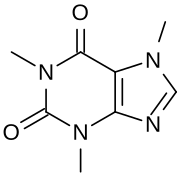 | 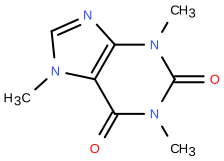 |  |  | 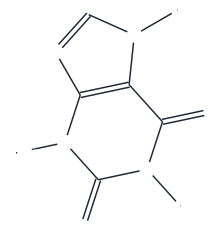 | 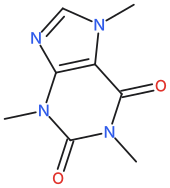 | 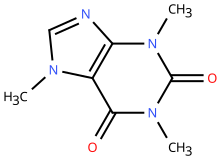 | 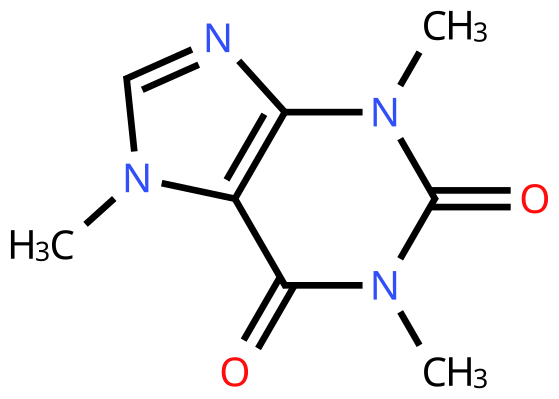 | 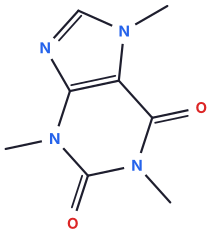 | 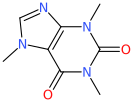 | 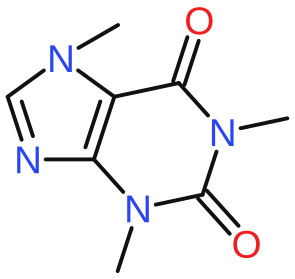 |  |  | 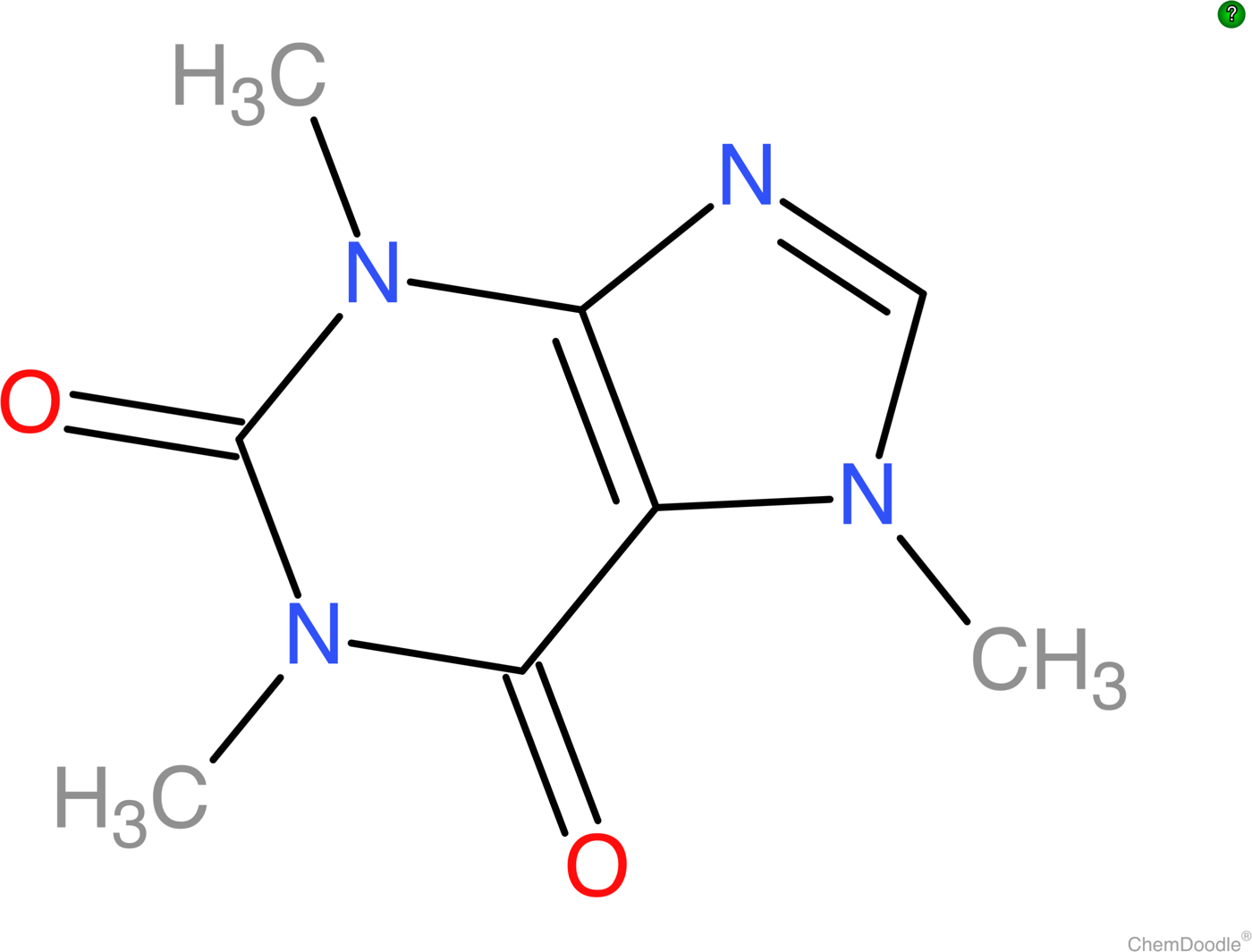 | 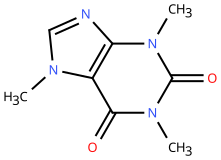 | 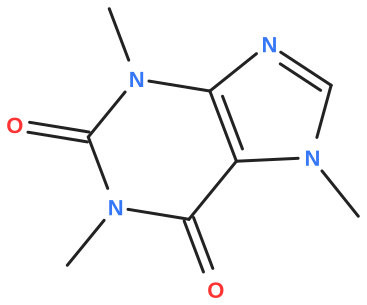 |  | 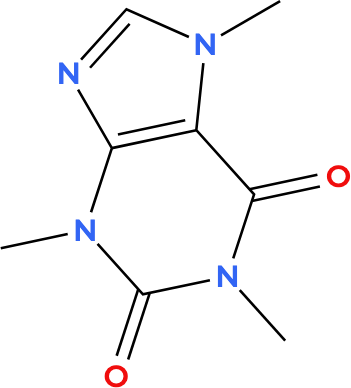 | 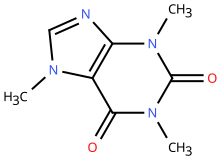 | 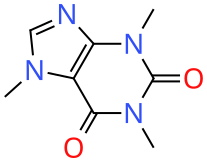 | 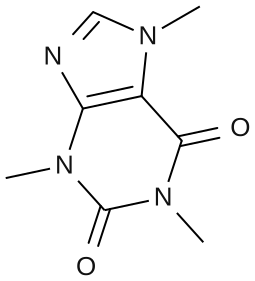 | 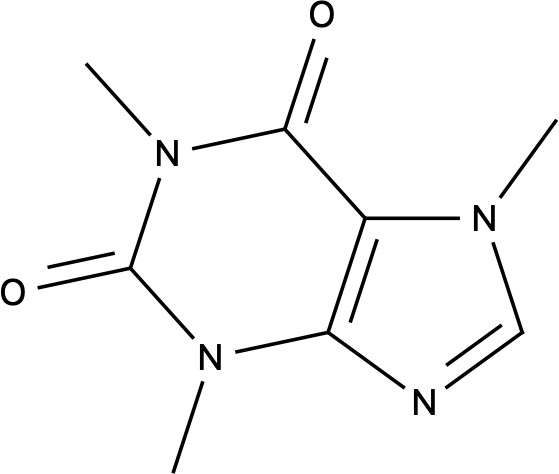 | 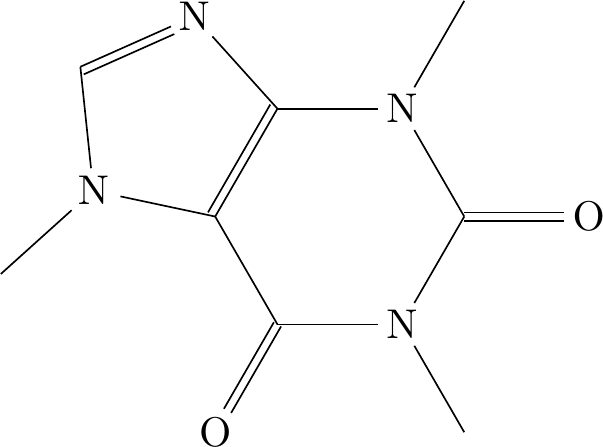 | SMILES paste and MOL drop did nothing; no import control found. | 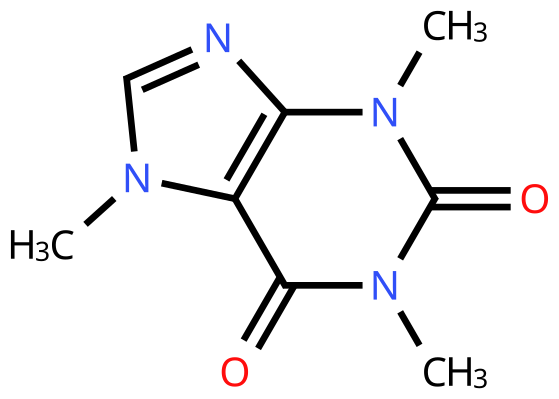 |  | 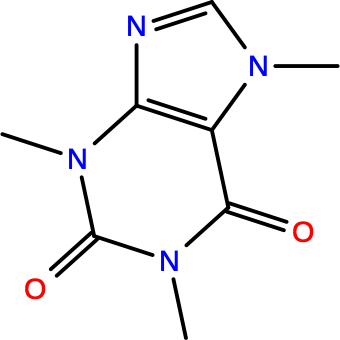 | 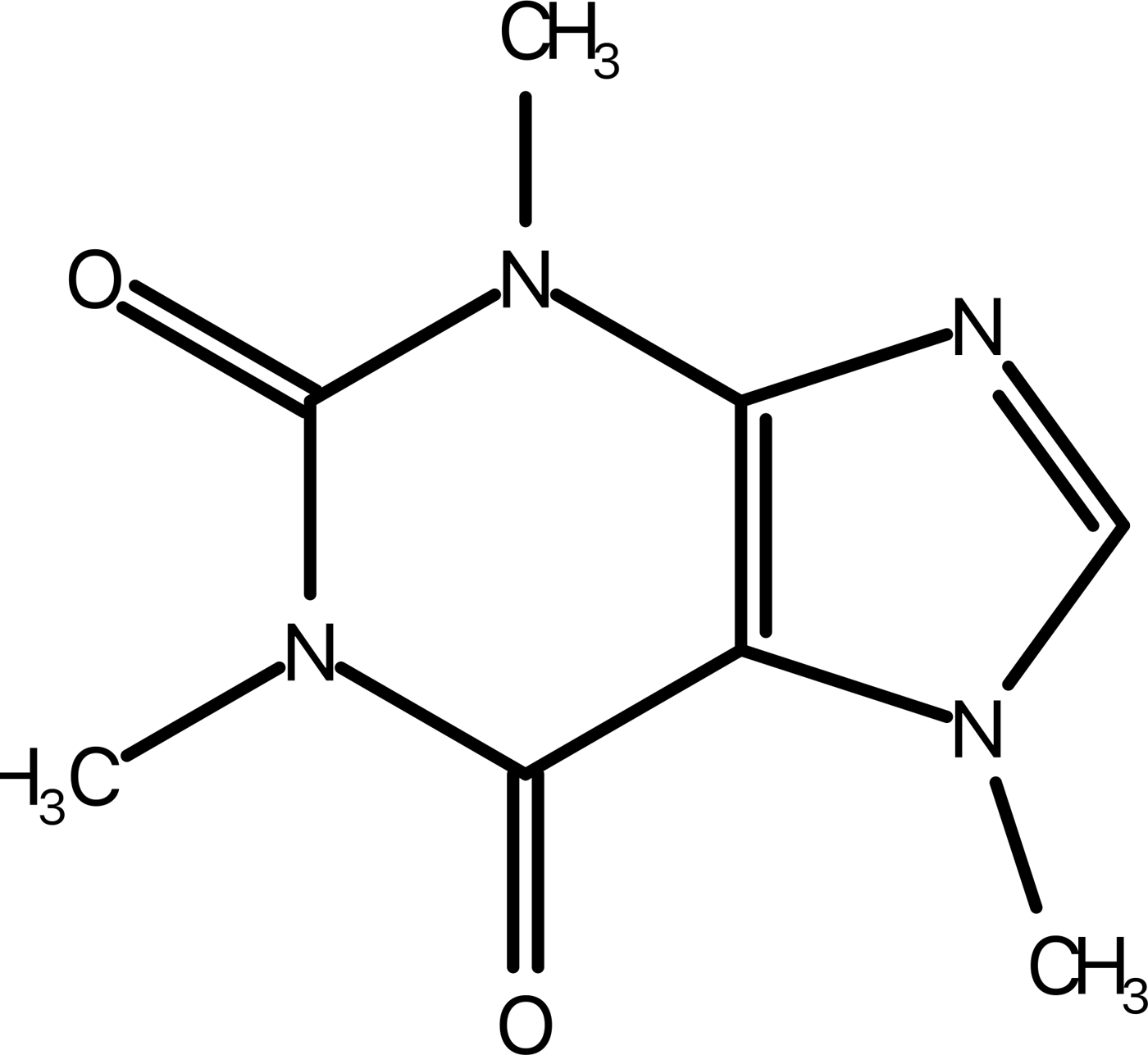 | 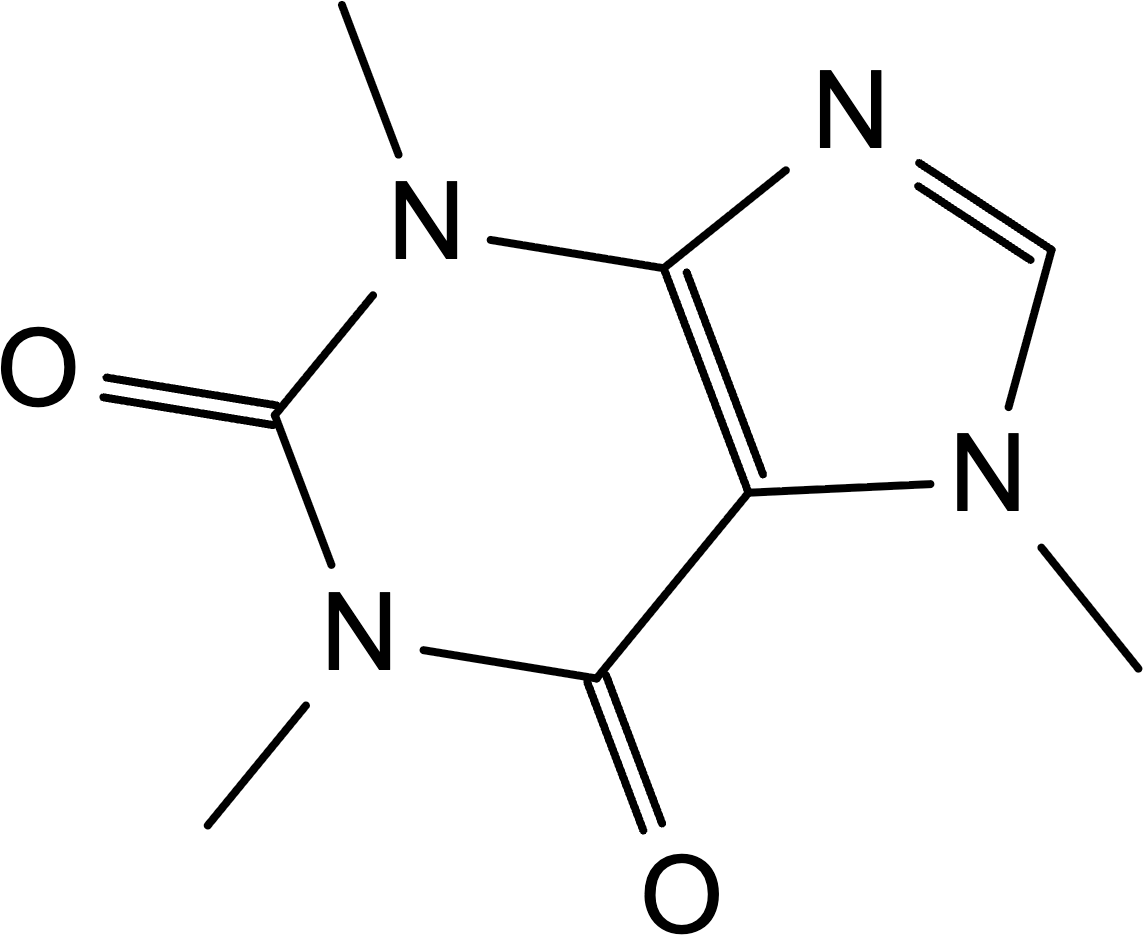 | 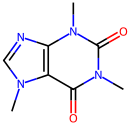 |  | 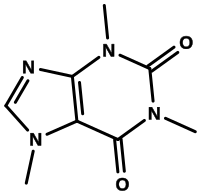 | 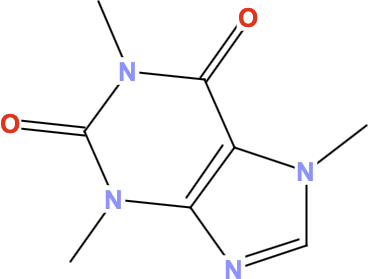 | 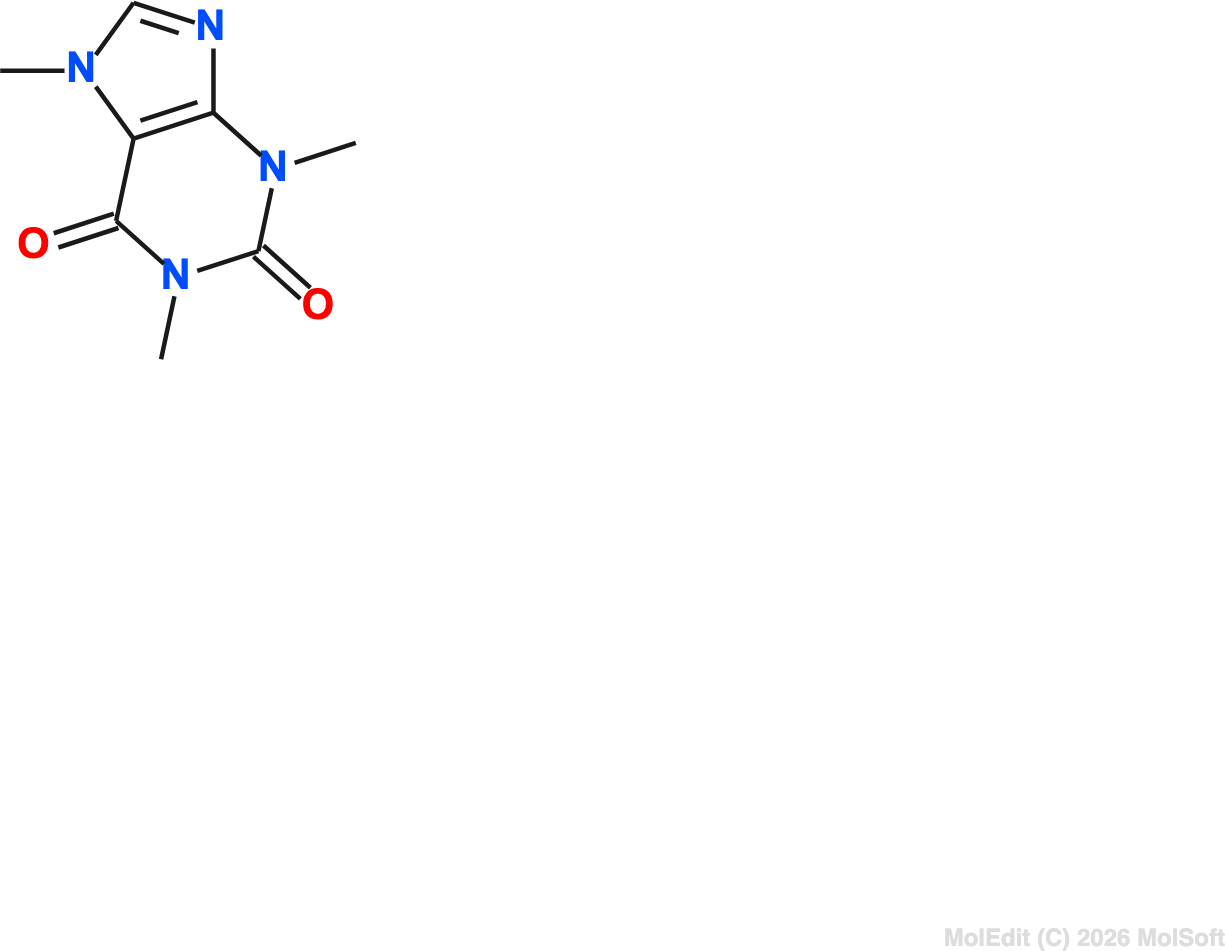 | 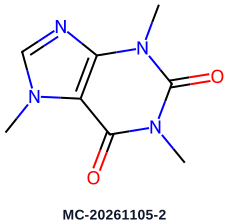 | SMILES and MOL open attempts left the new document empty. | Paste did not populate canvas; no MOL import control. | SDF rendered without atom labels; SMILES and MOL imports failed. | 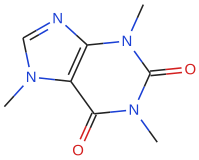 | 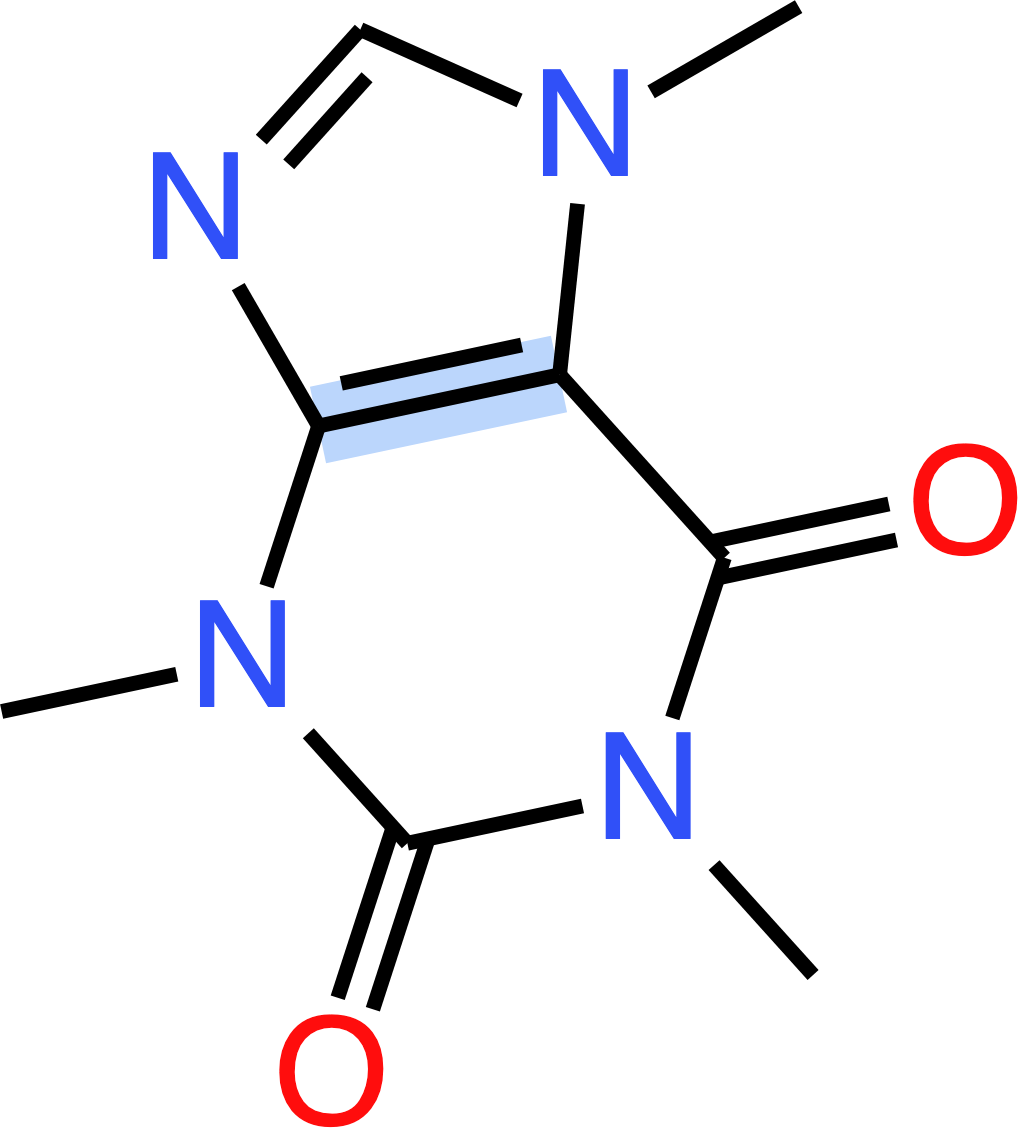 | 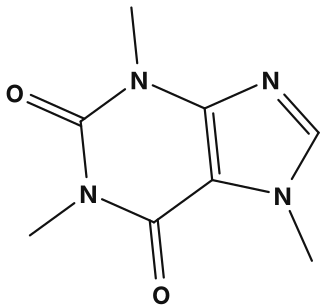 | 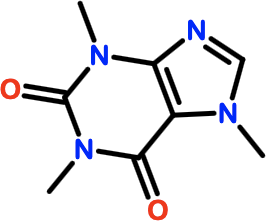 |  | 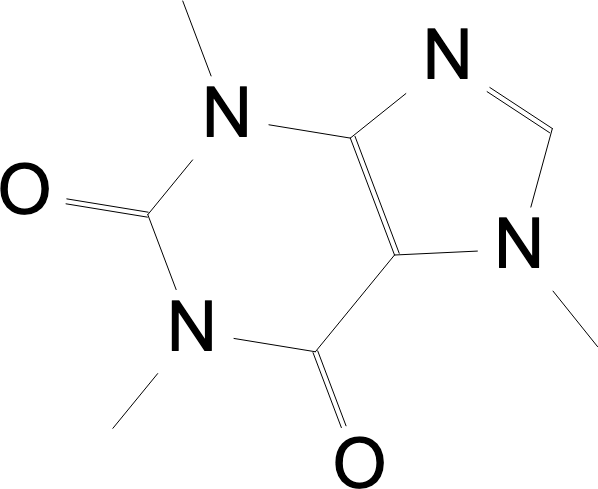 | No drawing: current Kekulé SMILES stayed blank; MOL rejected with file-type selection error. |  | 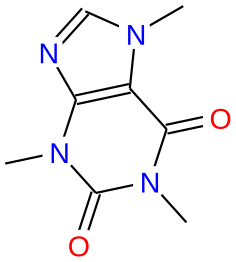 | 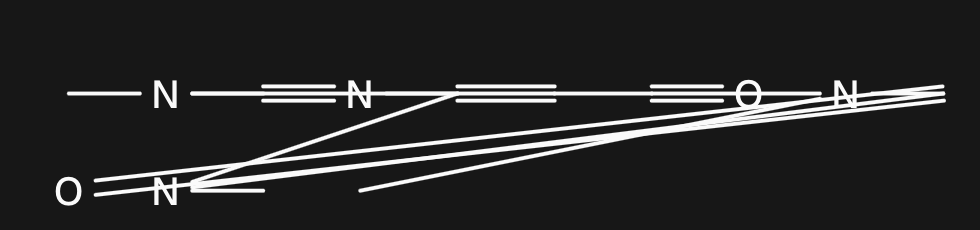 | 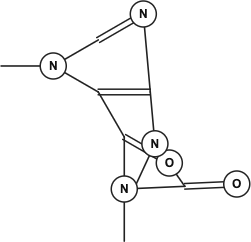 | 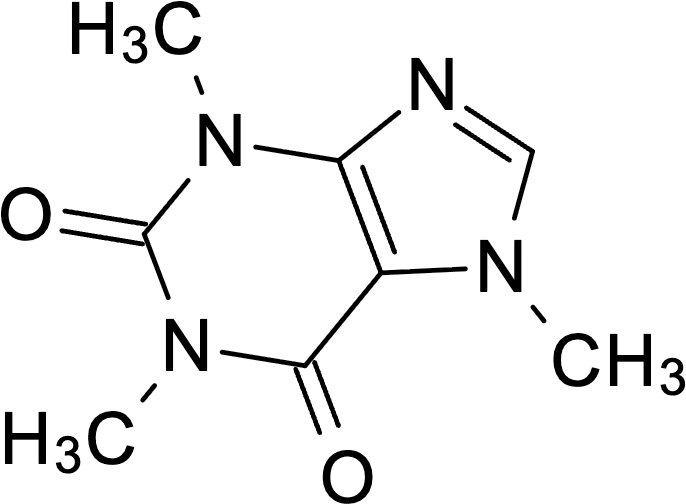 | 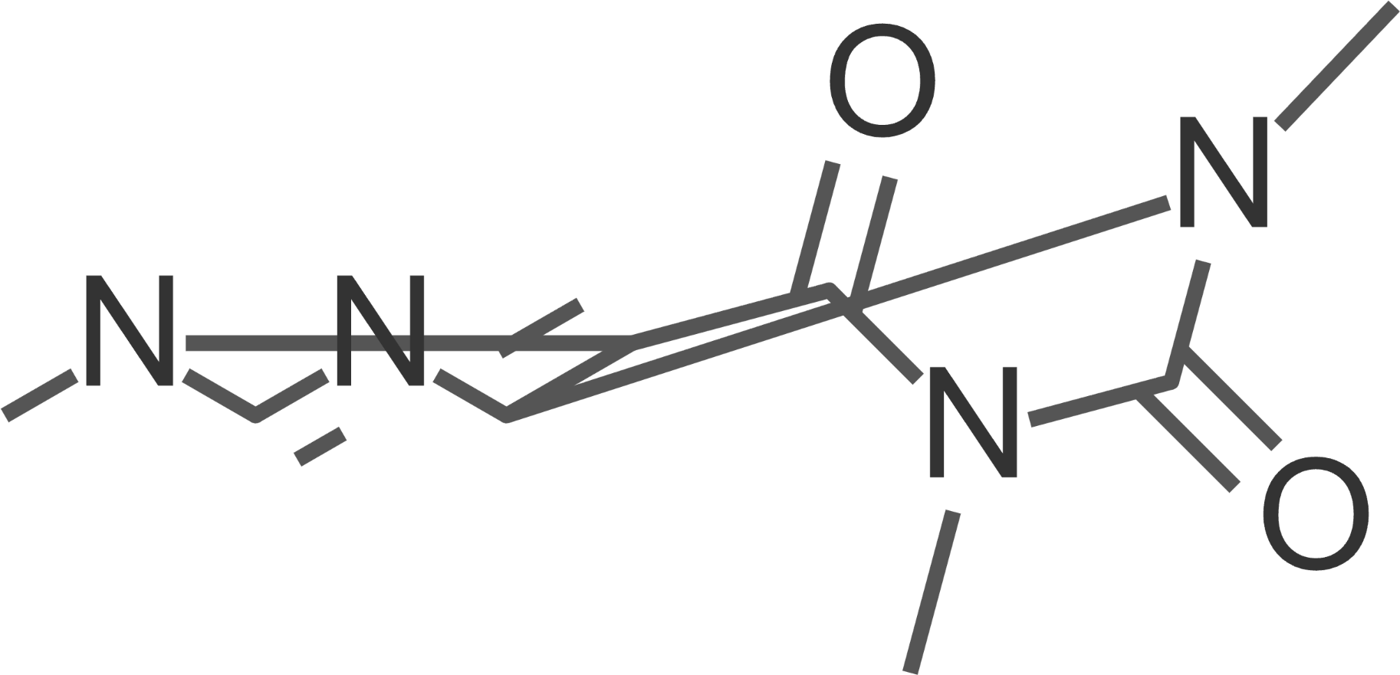 |  | MOL connectivity transcribed; implicit hydrogens omitted and layout overlaps. | 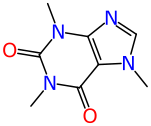 | 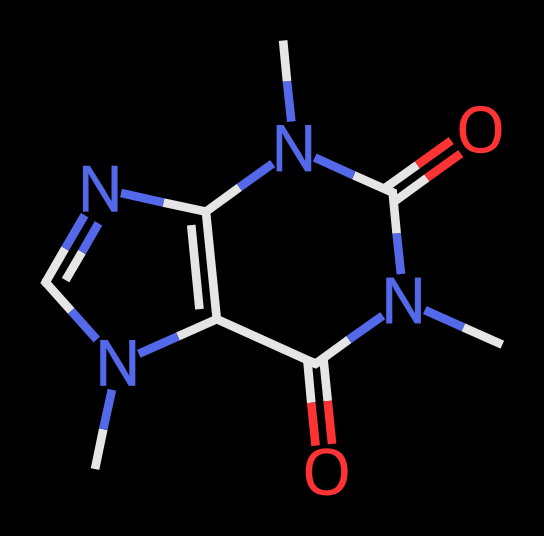 | 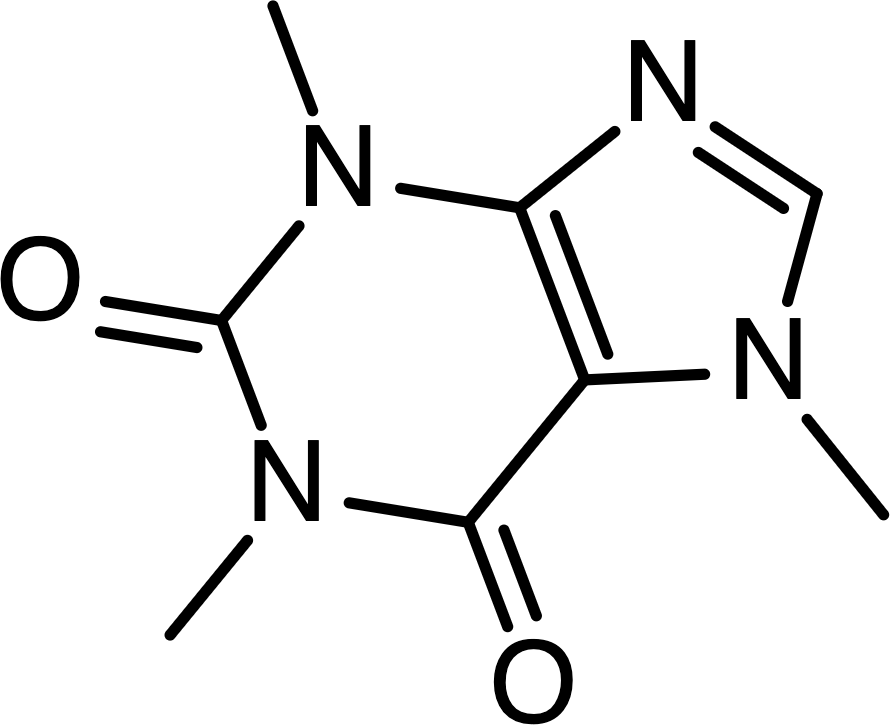 | SMILES paste did nothing; MOL opened as invalid JSON. | SMILES produced clipped labels without visible bonds; no MOL import available. | 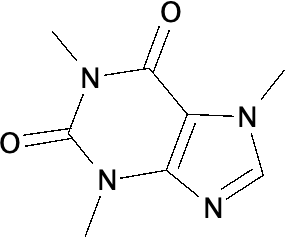 | 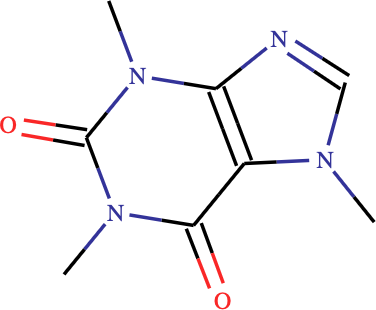 | Could not load this input | 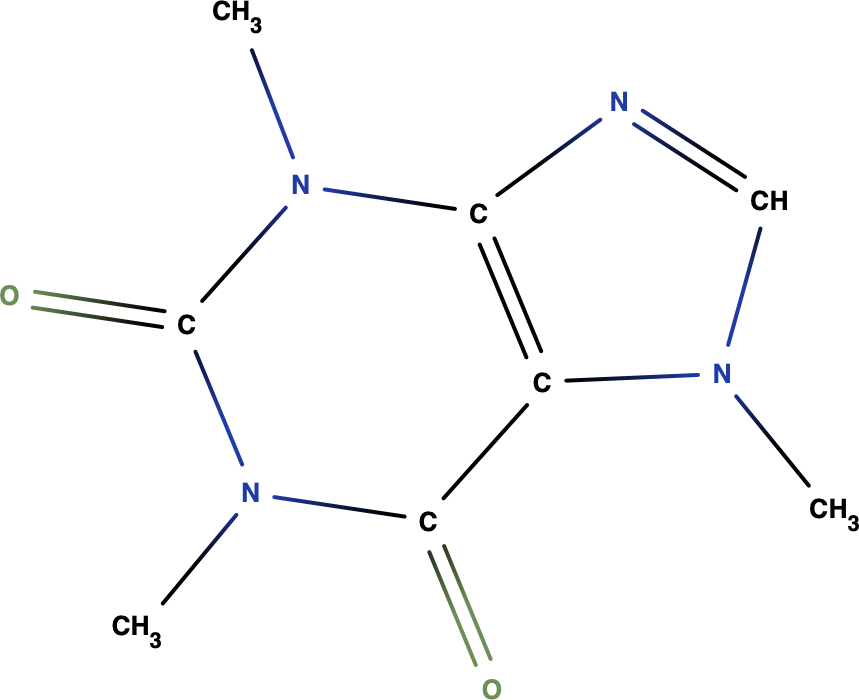 | MOL text entered; create left the built-in sample unchanged. | 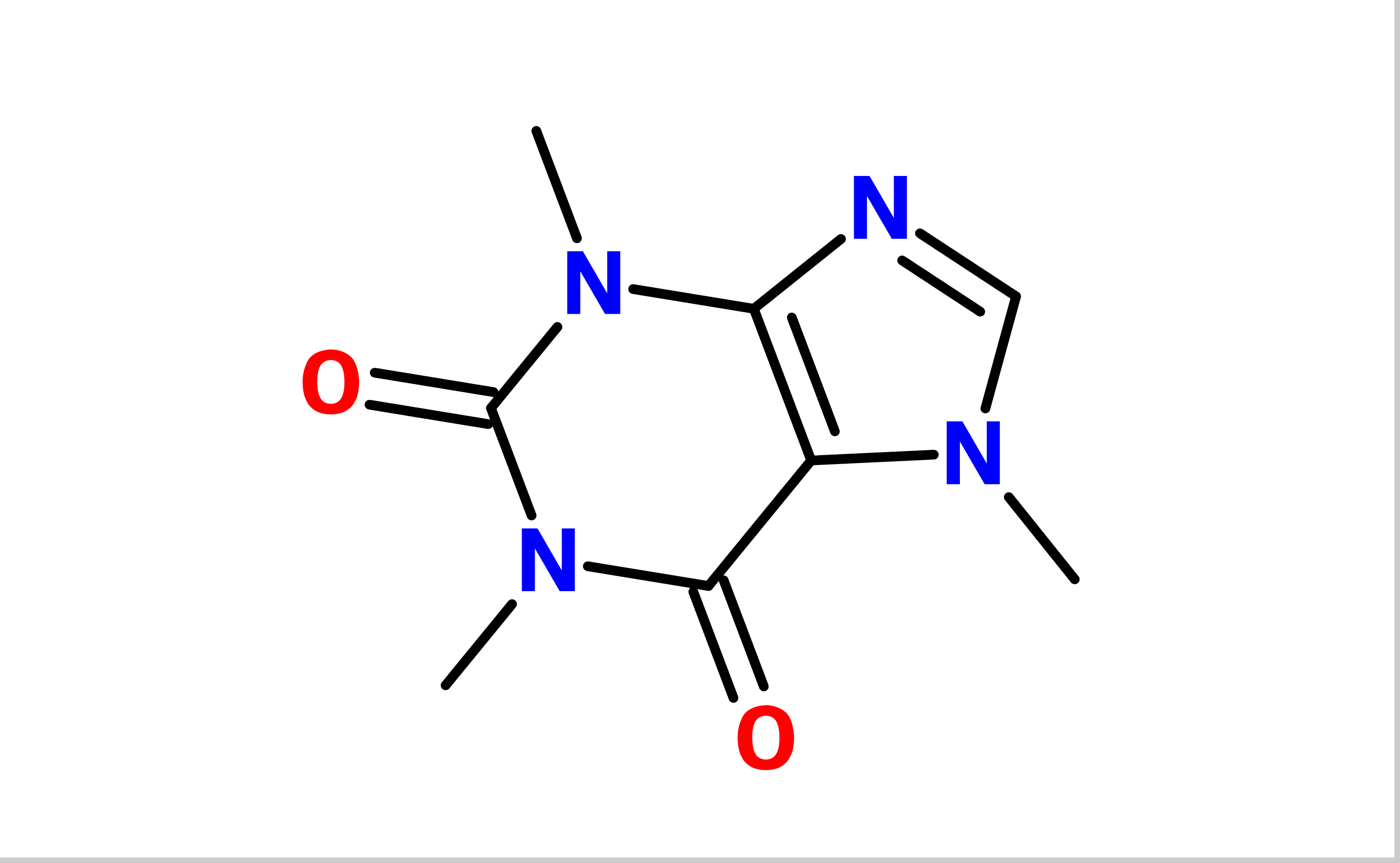 | SMILES and MOL paste ignored; no Open dialog. | SMILES and MOL imports failed; file I/O script did not load. | Paste failed; no MOL import or new-document command was available. | New canvas ignored simulated SMILES and MOL paste; no import control. | | Paid, checked from the manual | Needs an account or a purchase | Paid, checked from the manual | Needs an account or a purchase | Needs an account or a purchase | | | Paid, checked from the manual | Paid, checked from the manual | | Needs an account or a purchase | | | Paid, checked from the manual | | | Paid, checked from the manual | | Paid, checked from the manual | | | | | Paid, checked from the manual | Paid, checked from the manual | Paid, checked from the manual | Needs an account or a purchase | | Paid, checked from the manual | | | | | | Needs an account or a purchase | | | | Needs an account or a purchase | Needs an account or a purchase | | | Needs an account or a purchase | | Paid, checked from the manual | |
|---|
| Paclitaxel | 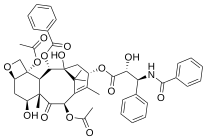 | 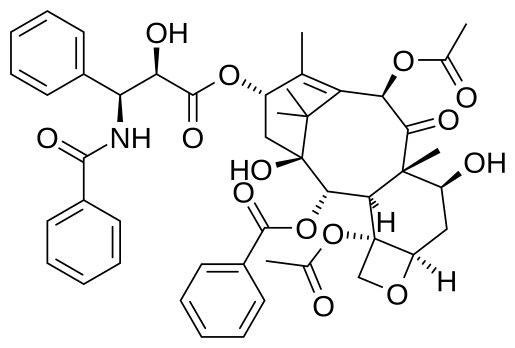 | 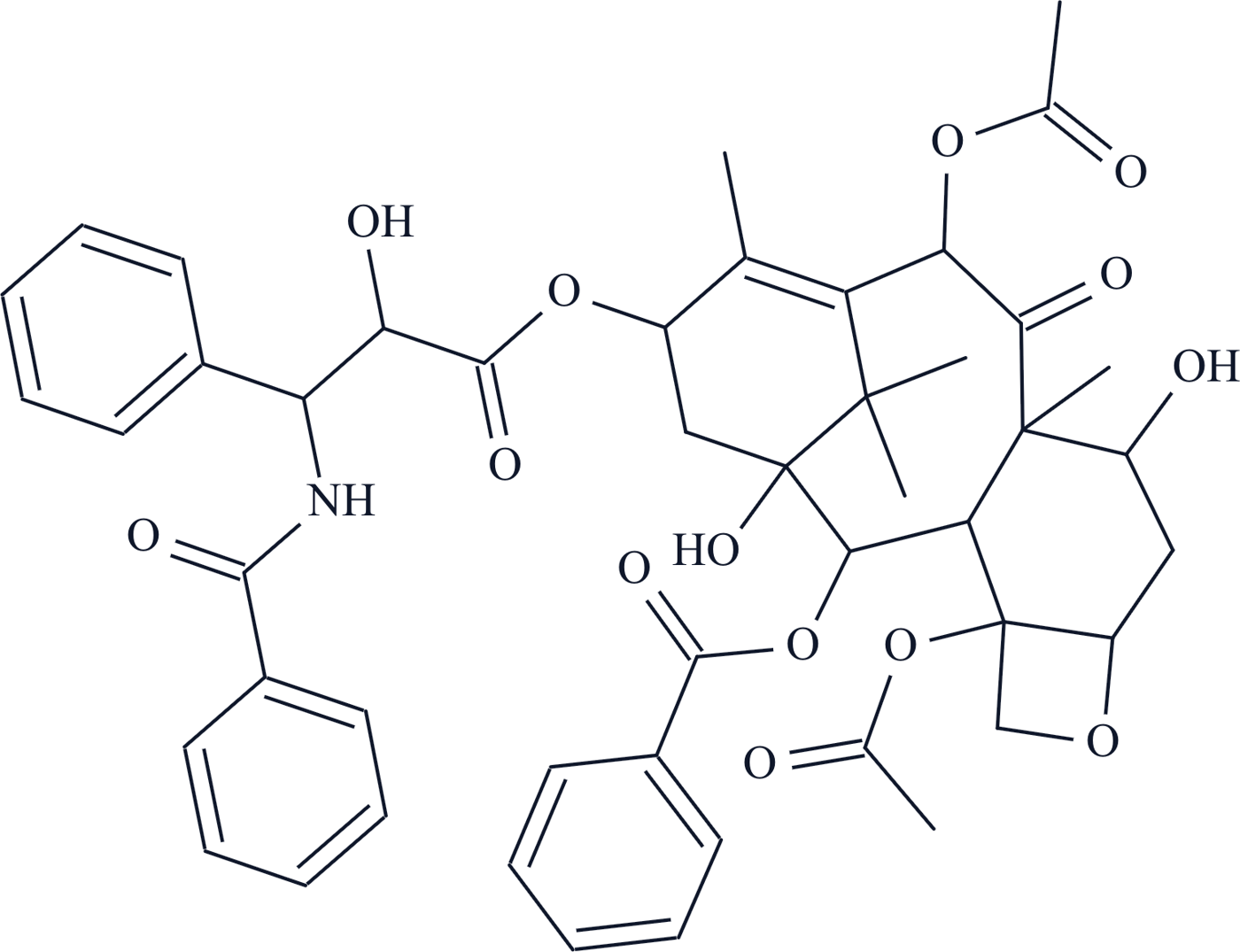 |  | 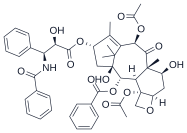 | 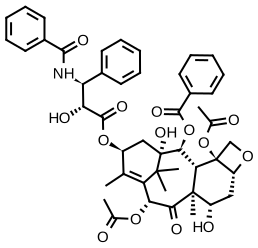 | 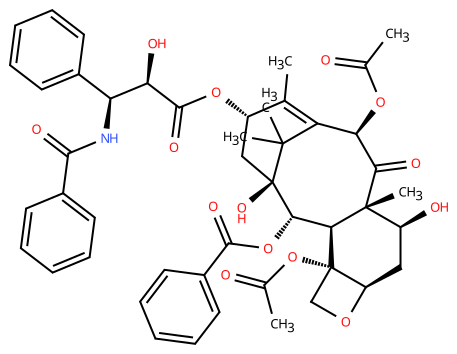 | 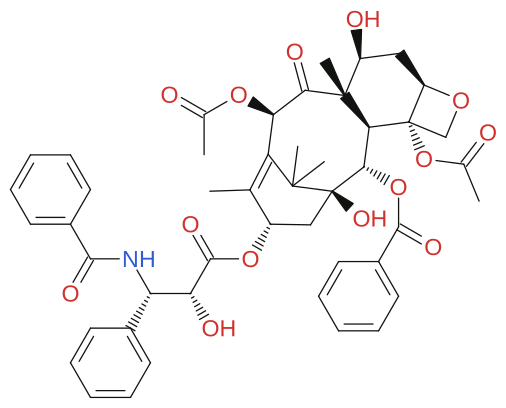 |  | 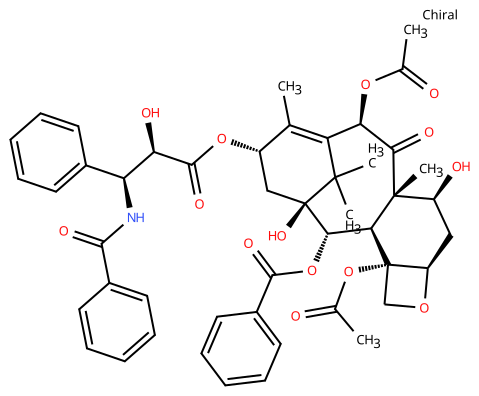 | 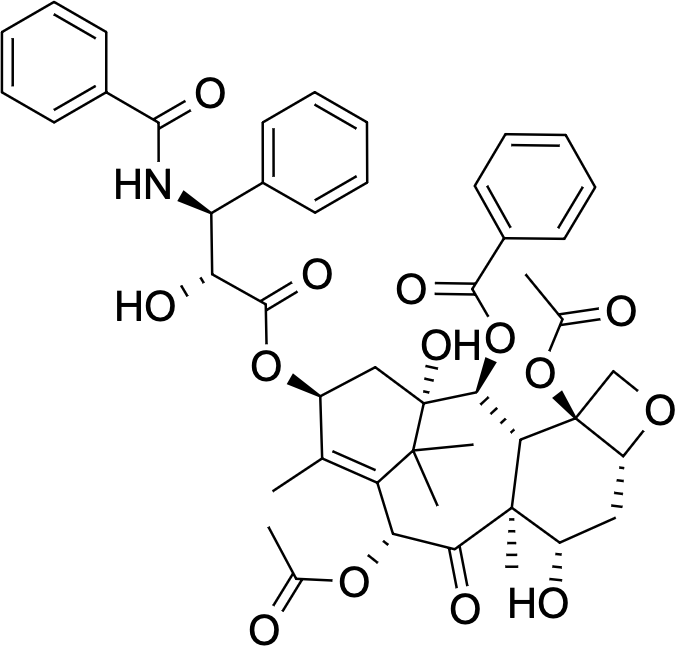 | 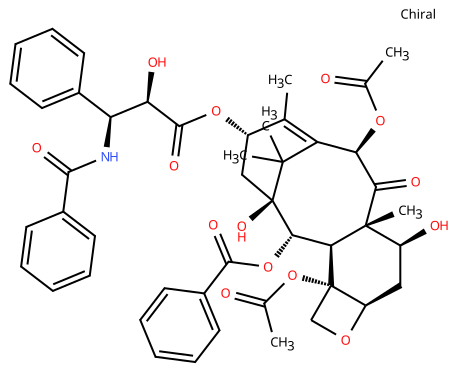 | 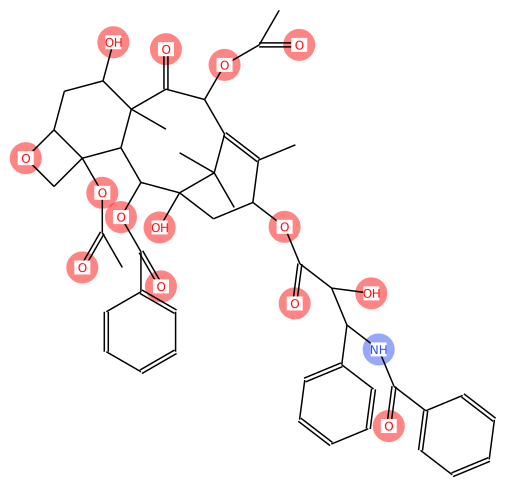 | 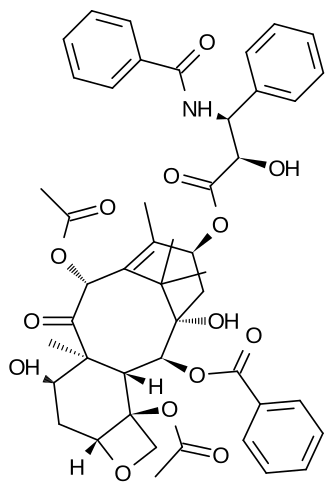 | 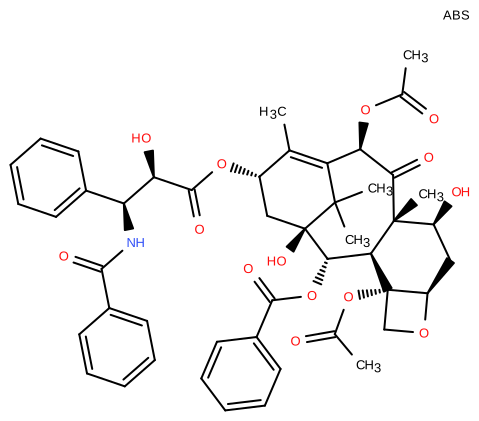 | 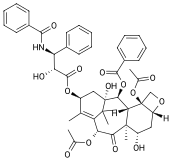 | 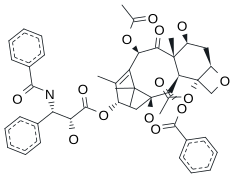 | 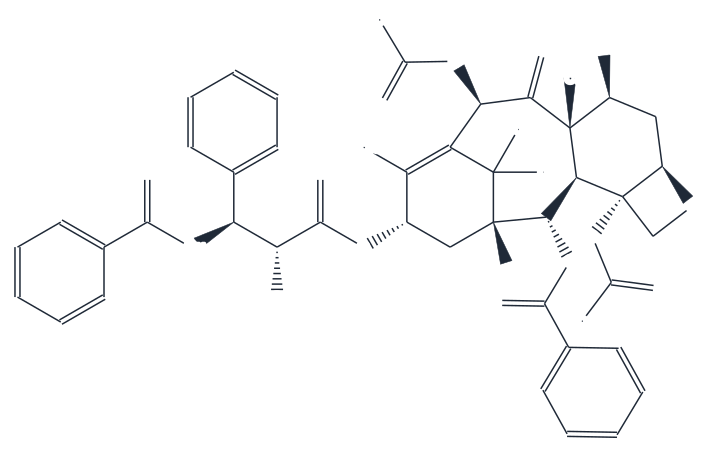 | 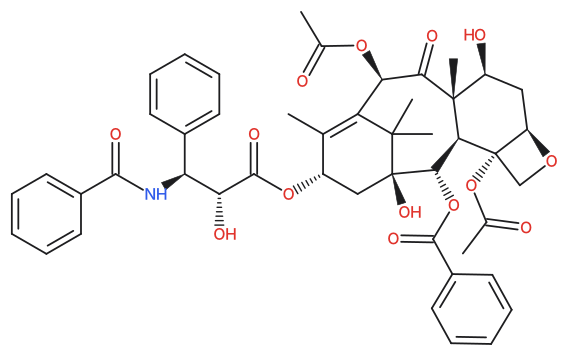 | 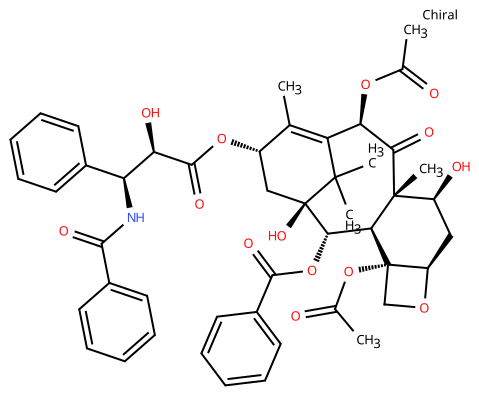 | 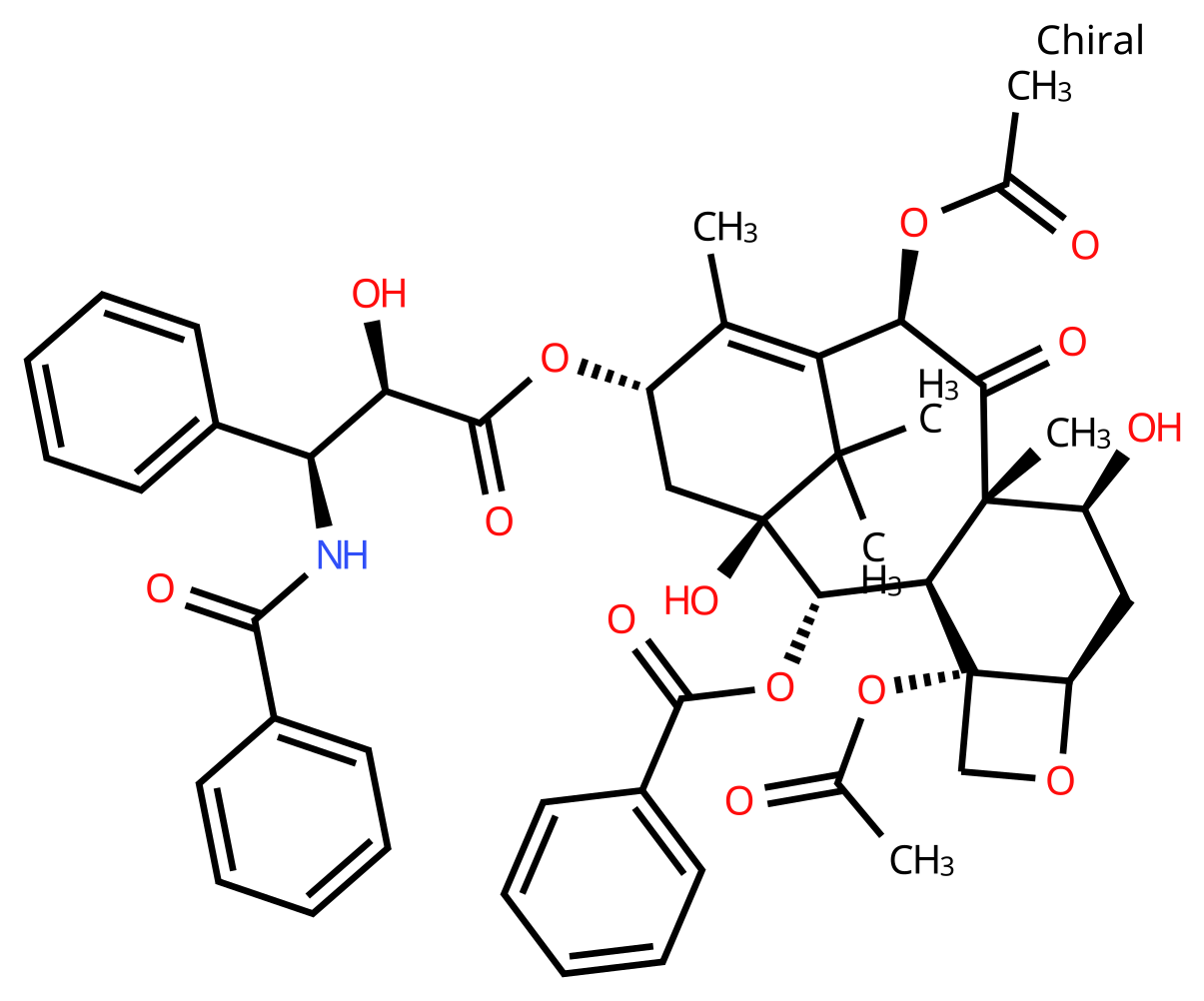 | 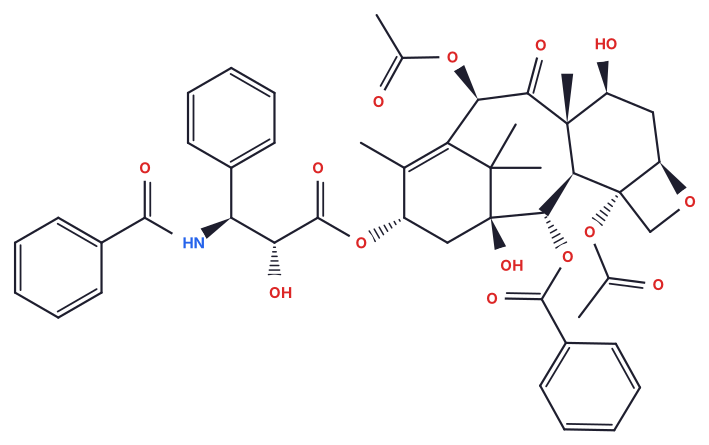 | 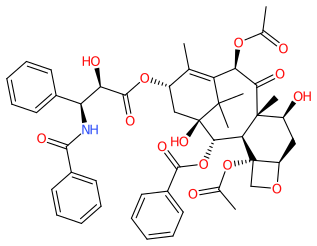 | 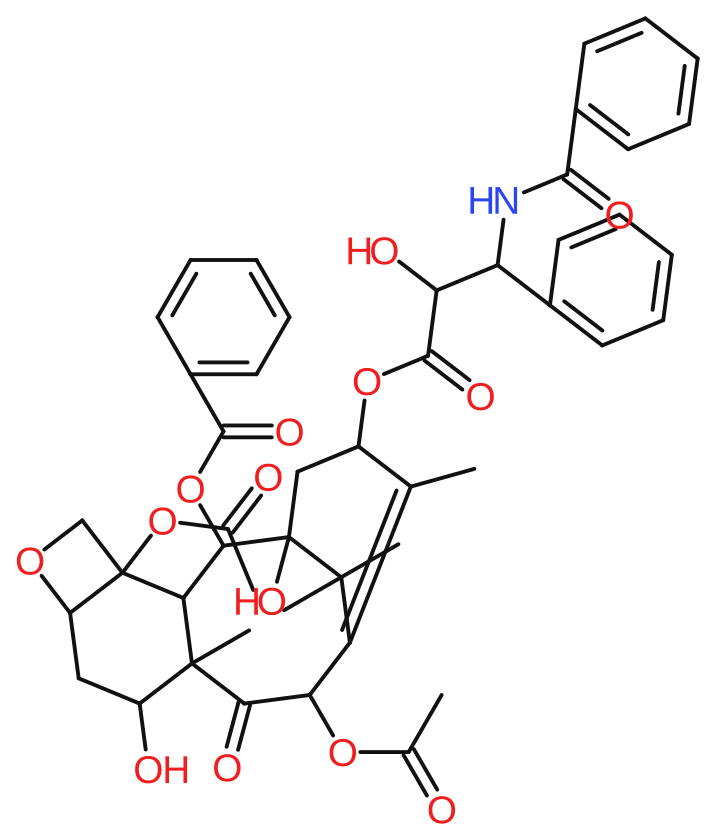 |  |  | 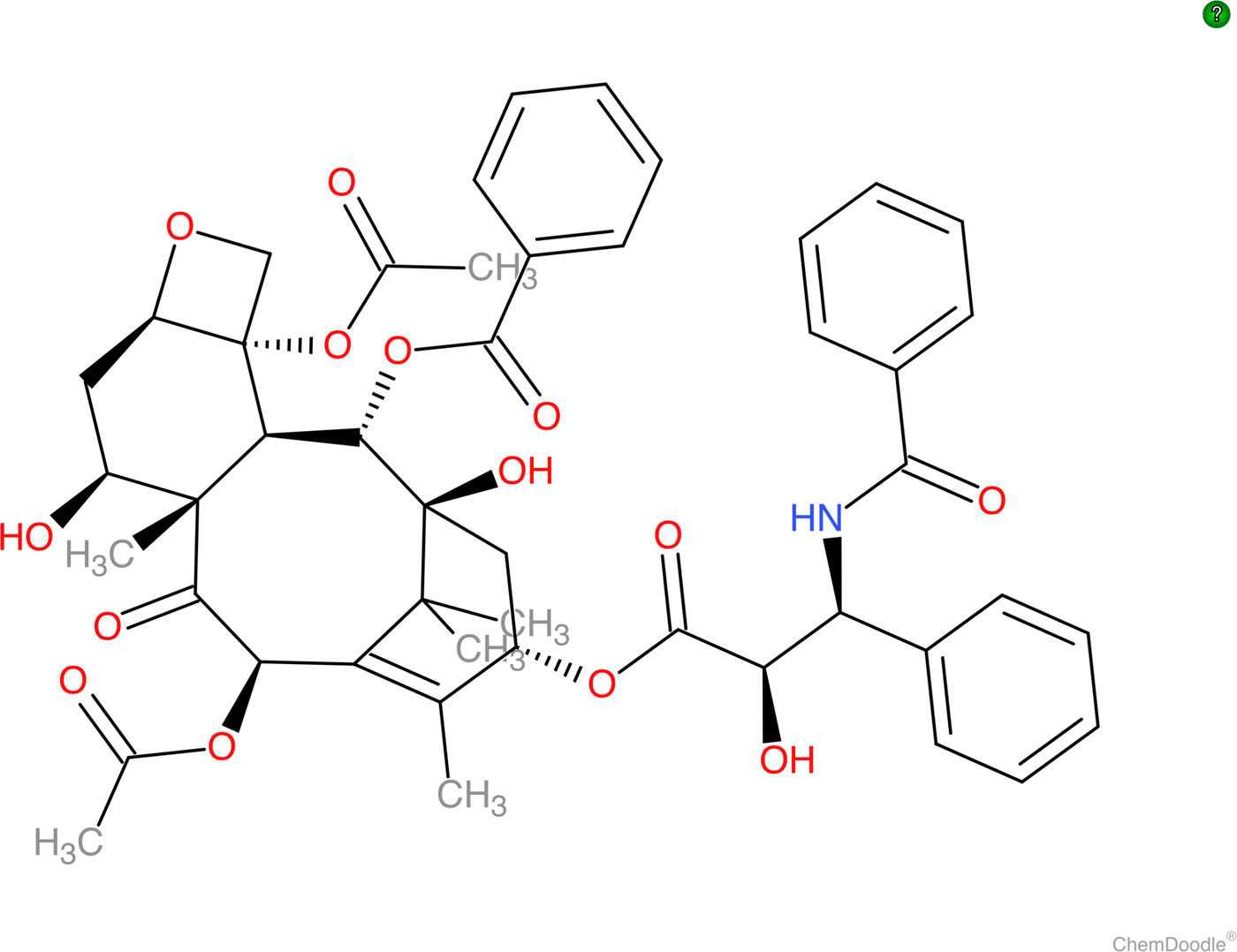 | 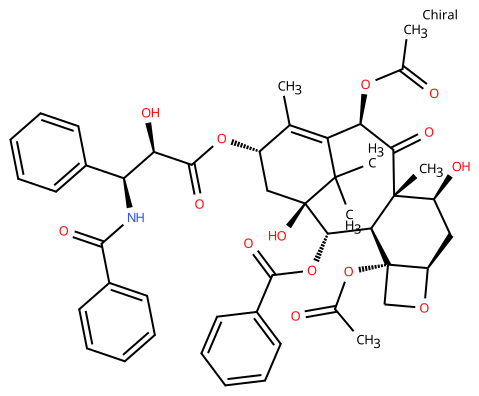 | 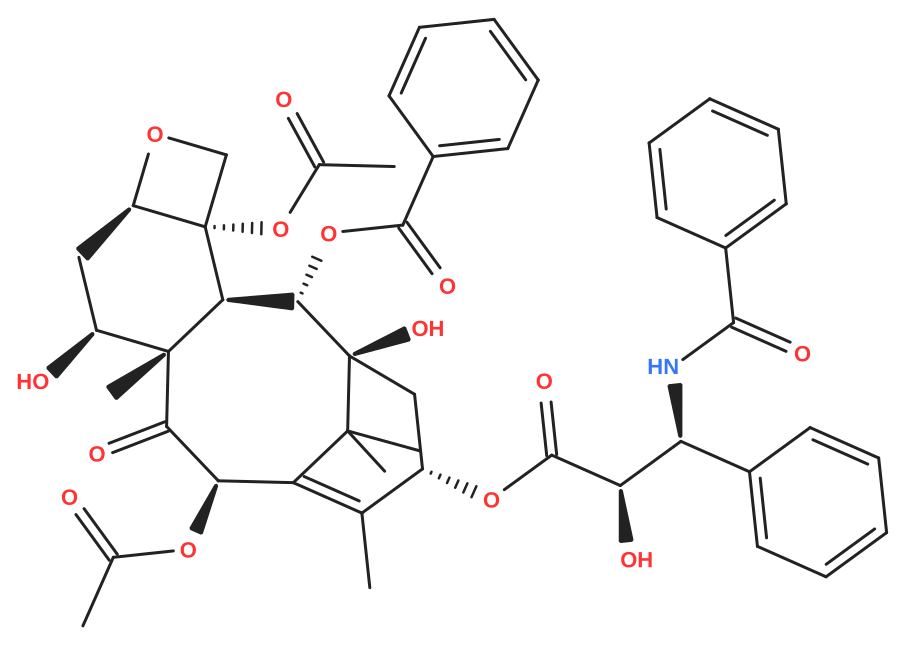 | 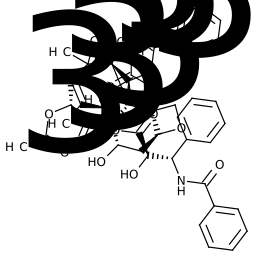 | 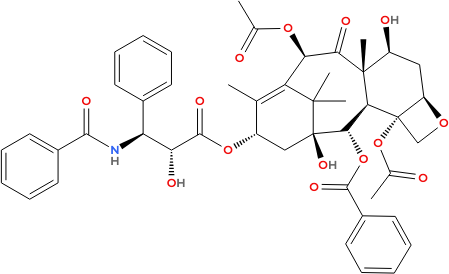 | 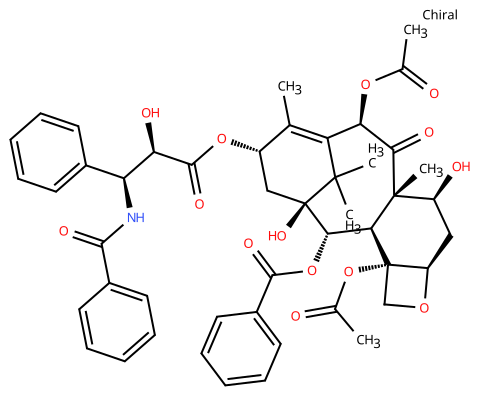 | 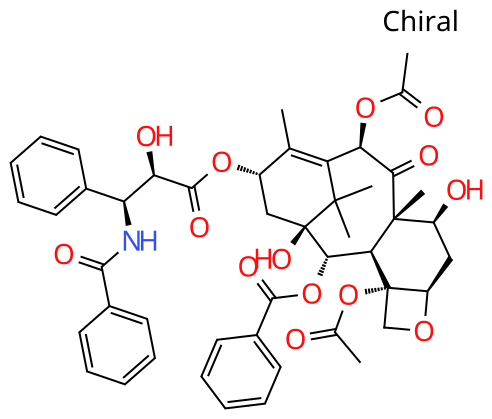 | 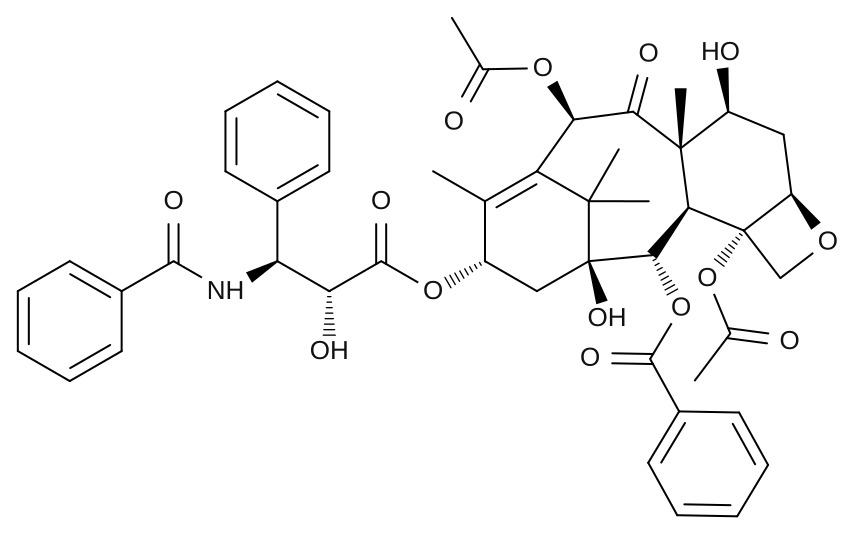 | 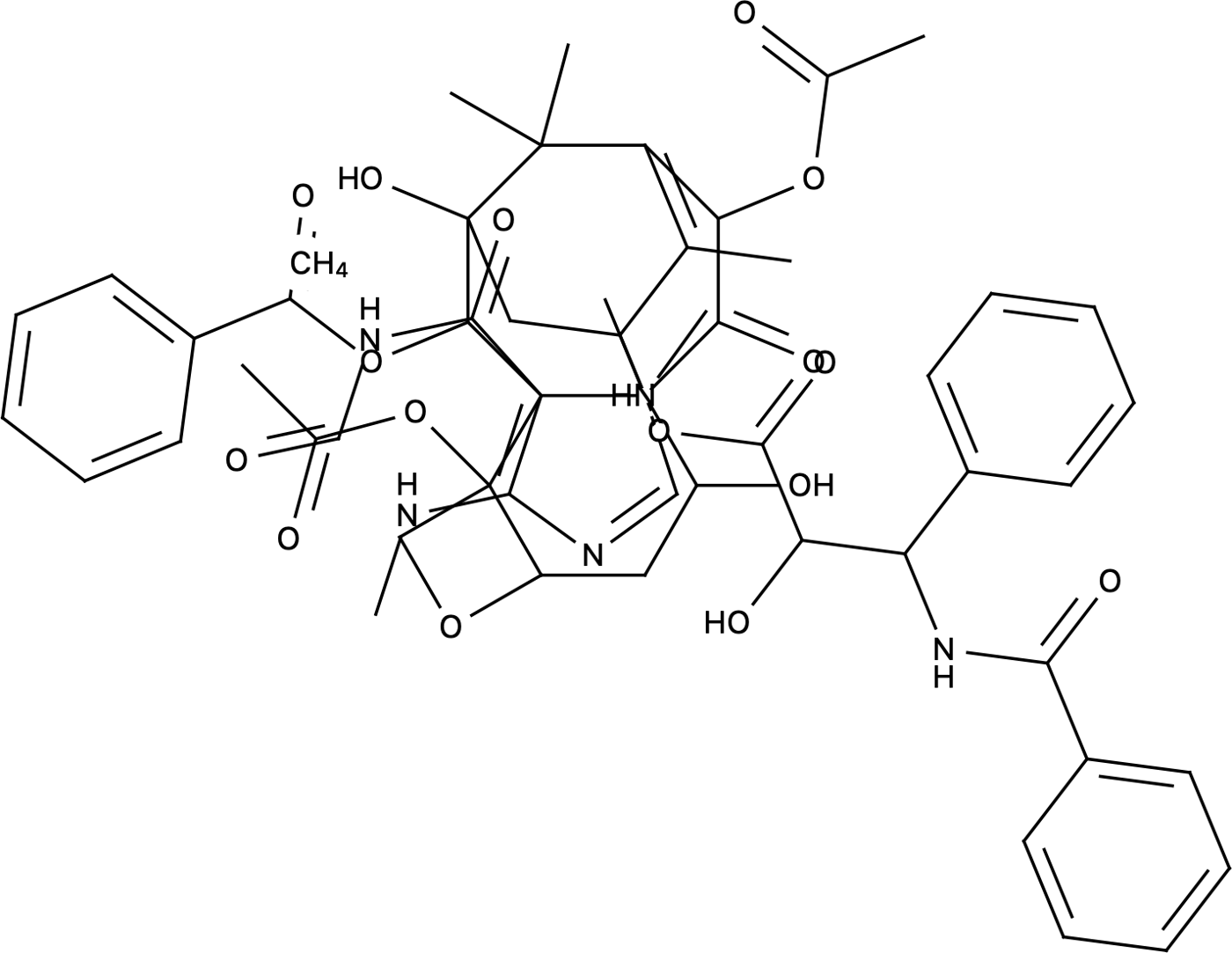 | 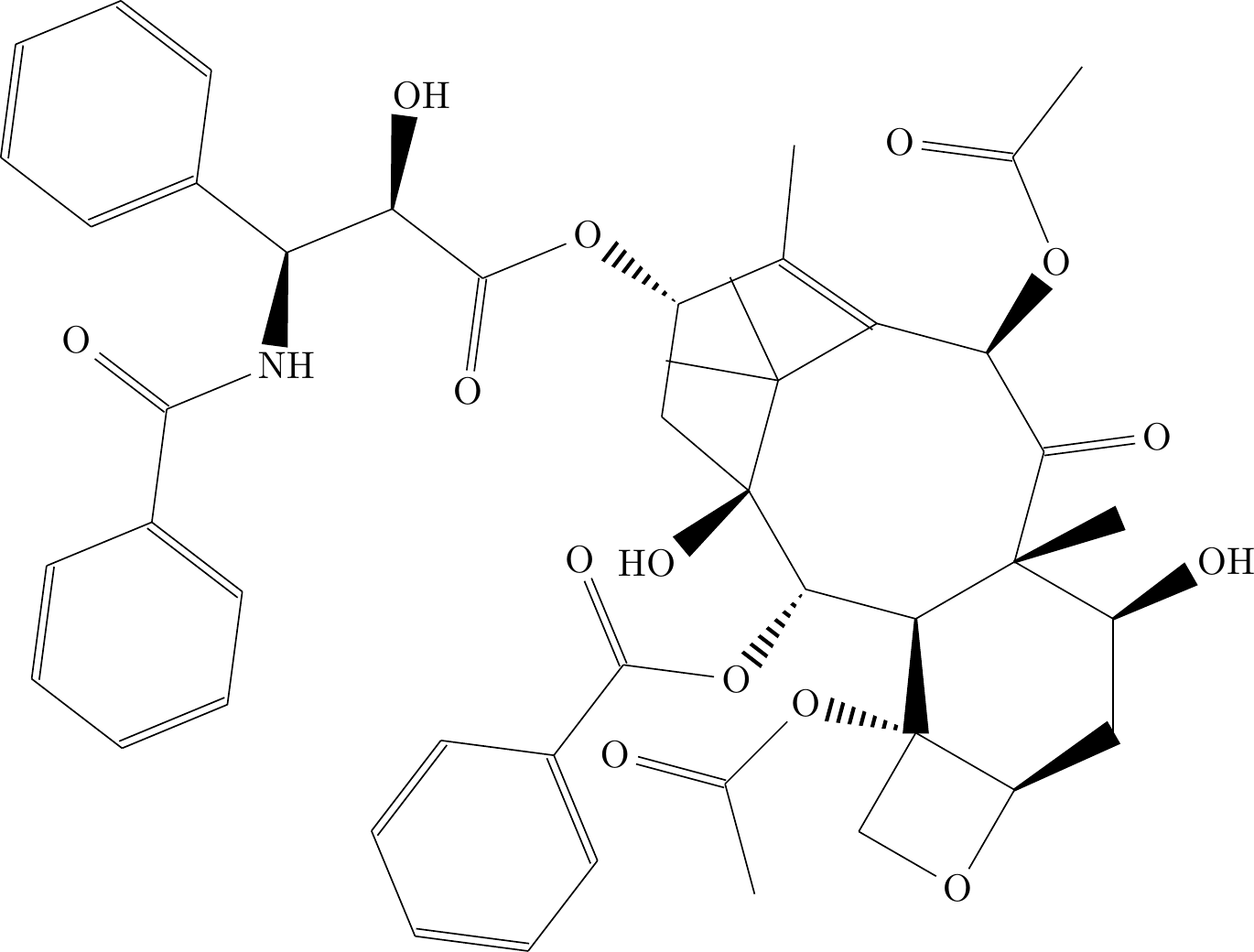 | SMILES paste and MOL drop did nothing; no import control found. | 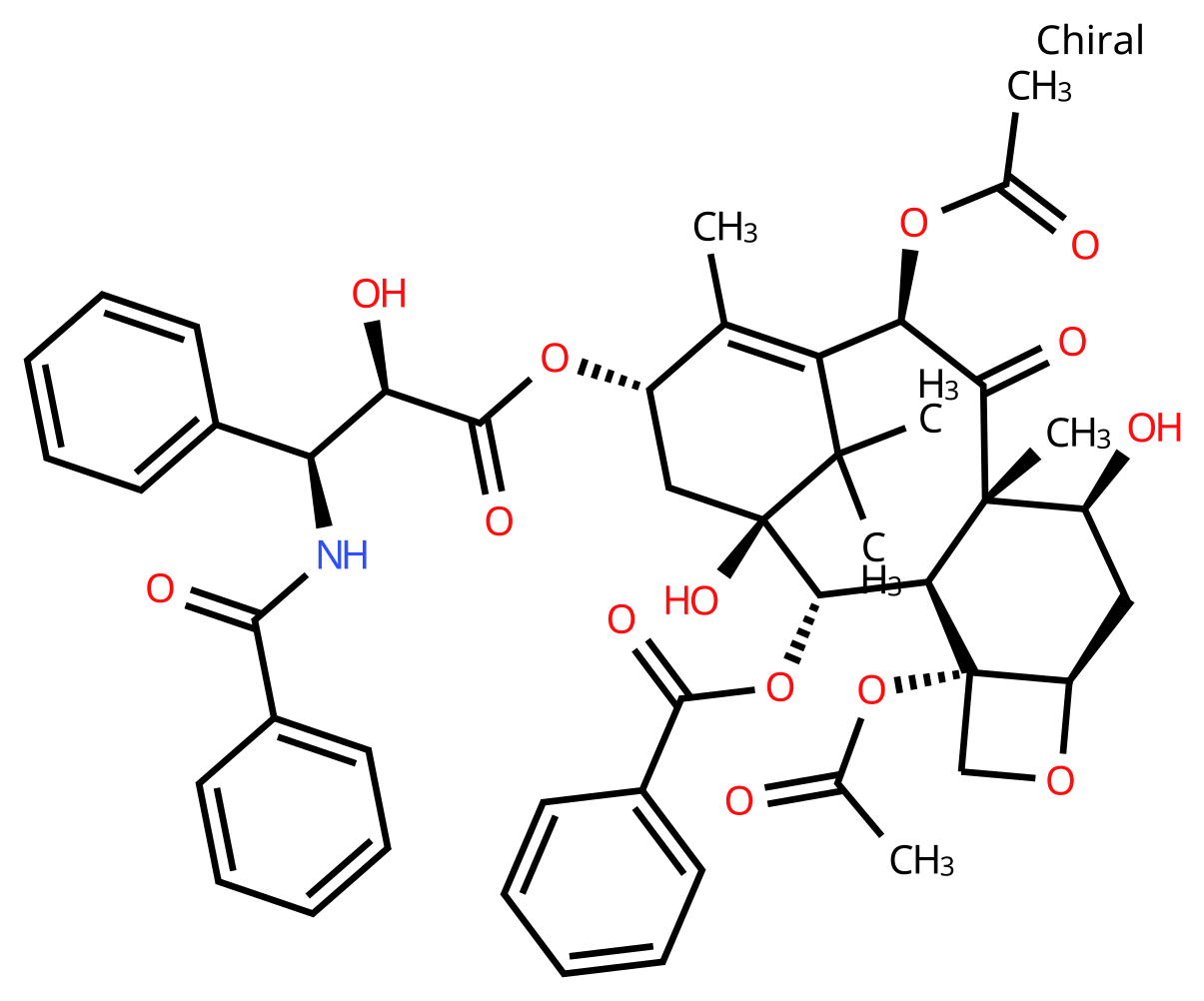 | 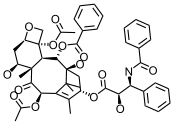 | 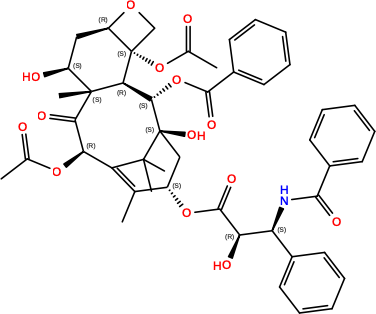 | 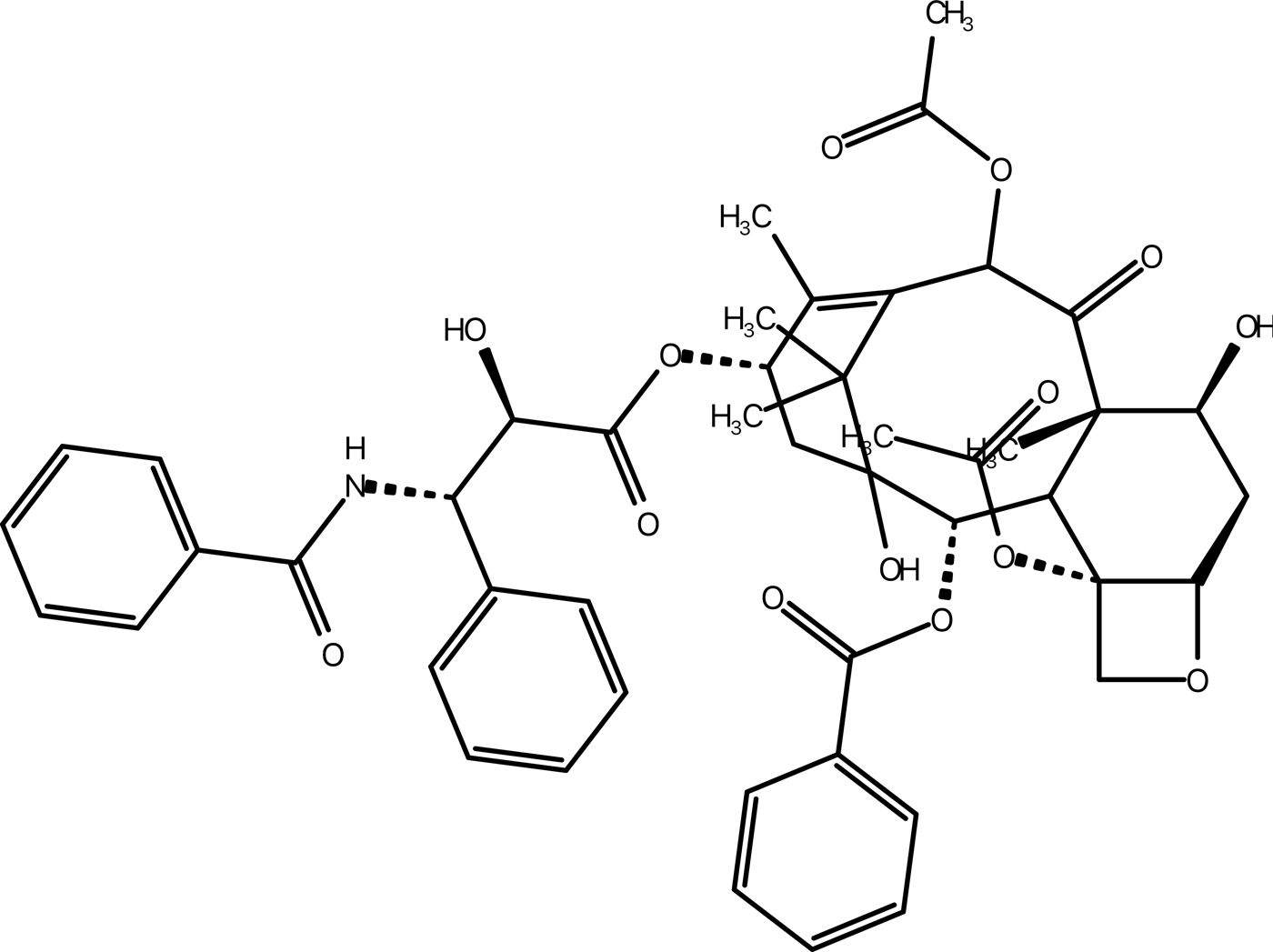 | 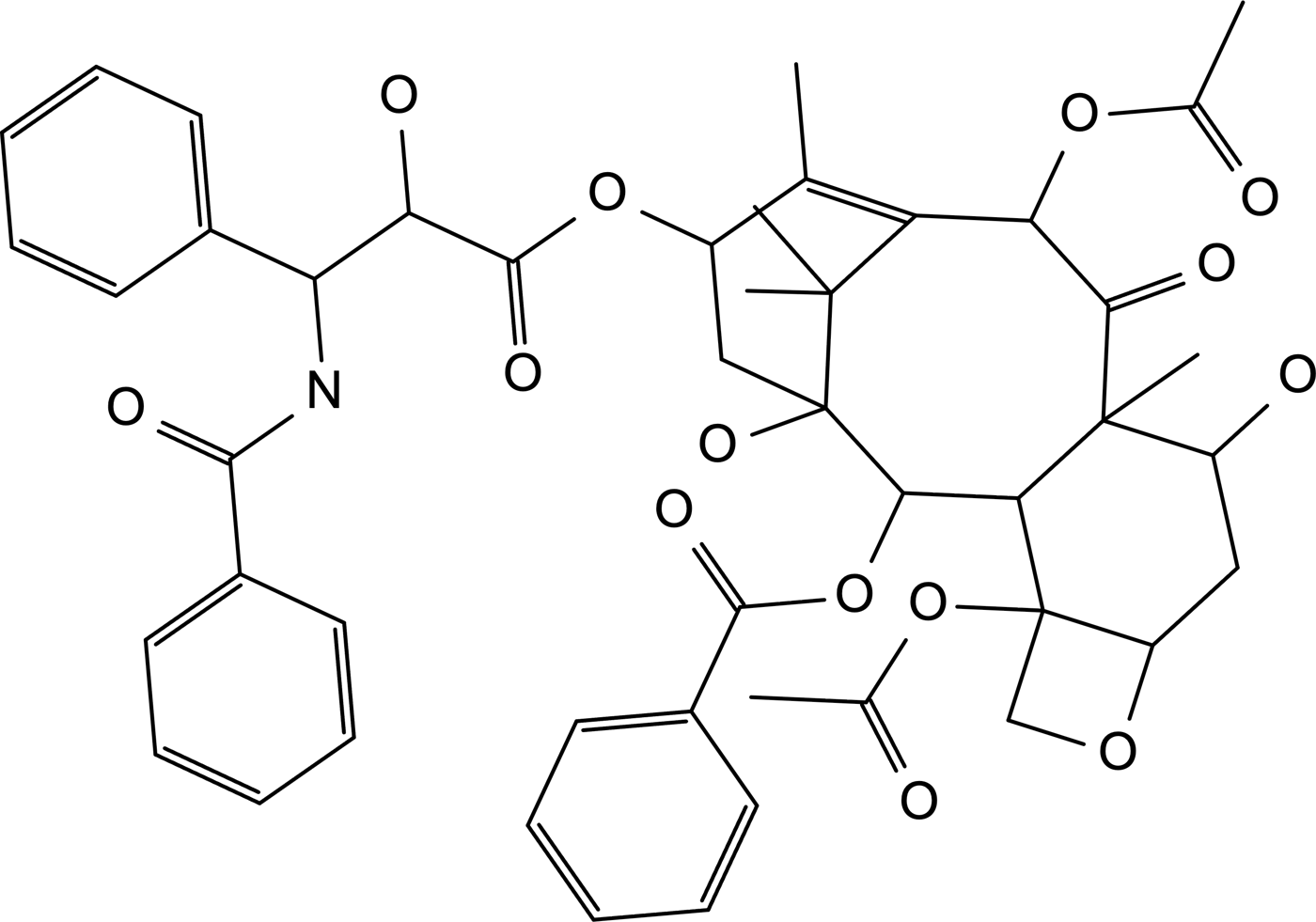 | 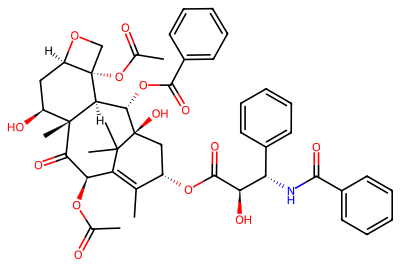 |  | 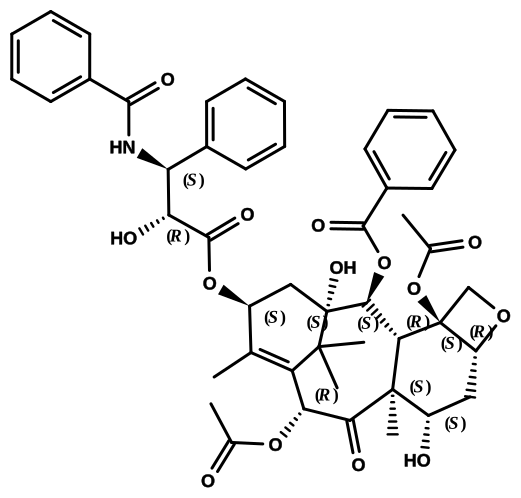 | 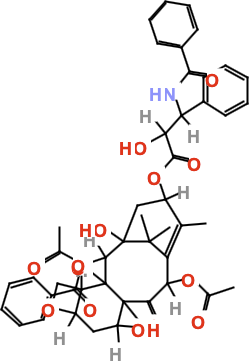 | 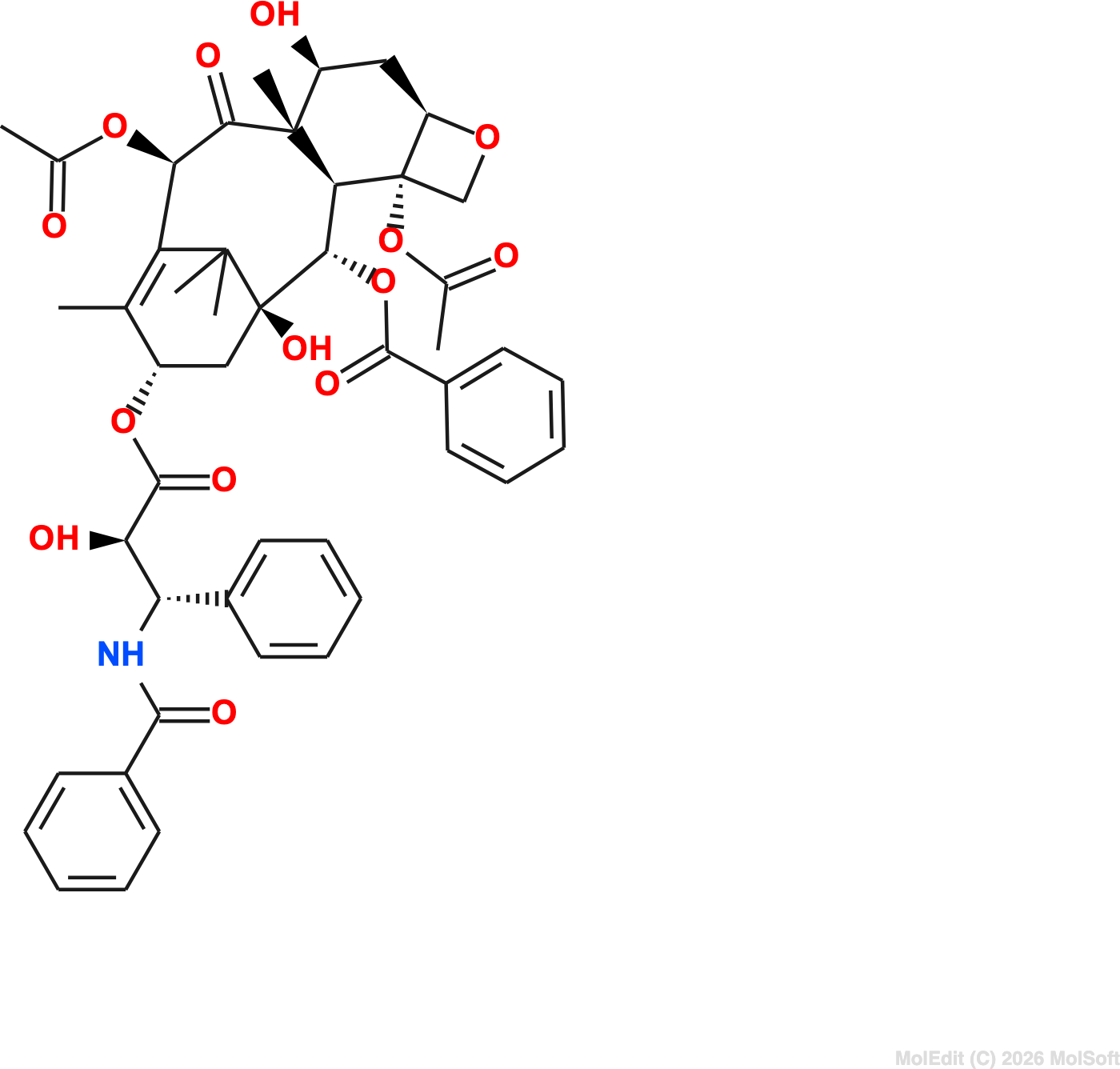 | 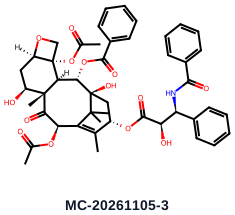 | SMILES and MOL open attempts left the new document empty. | Paste did not populate canvas; no MOL import control. | SDF rendered without atom labels and overlapped; SMILES and MOL imports failed. | 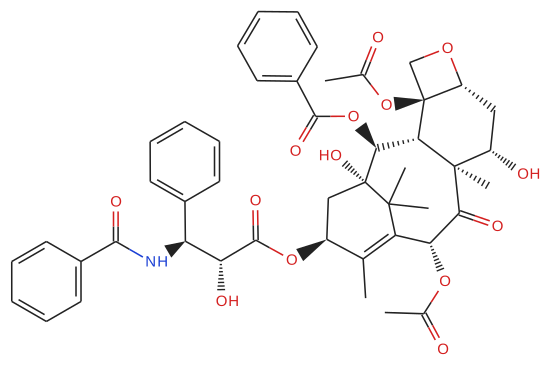 | 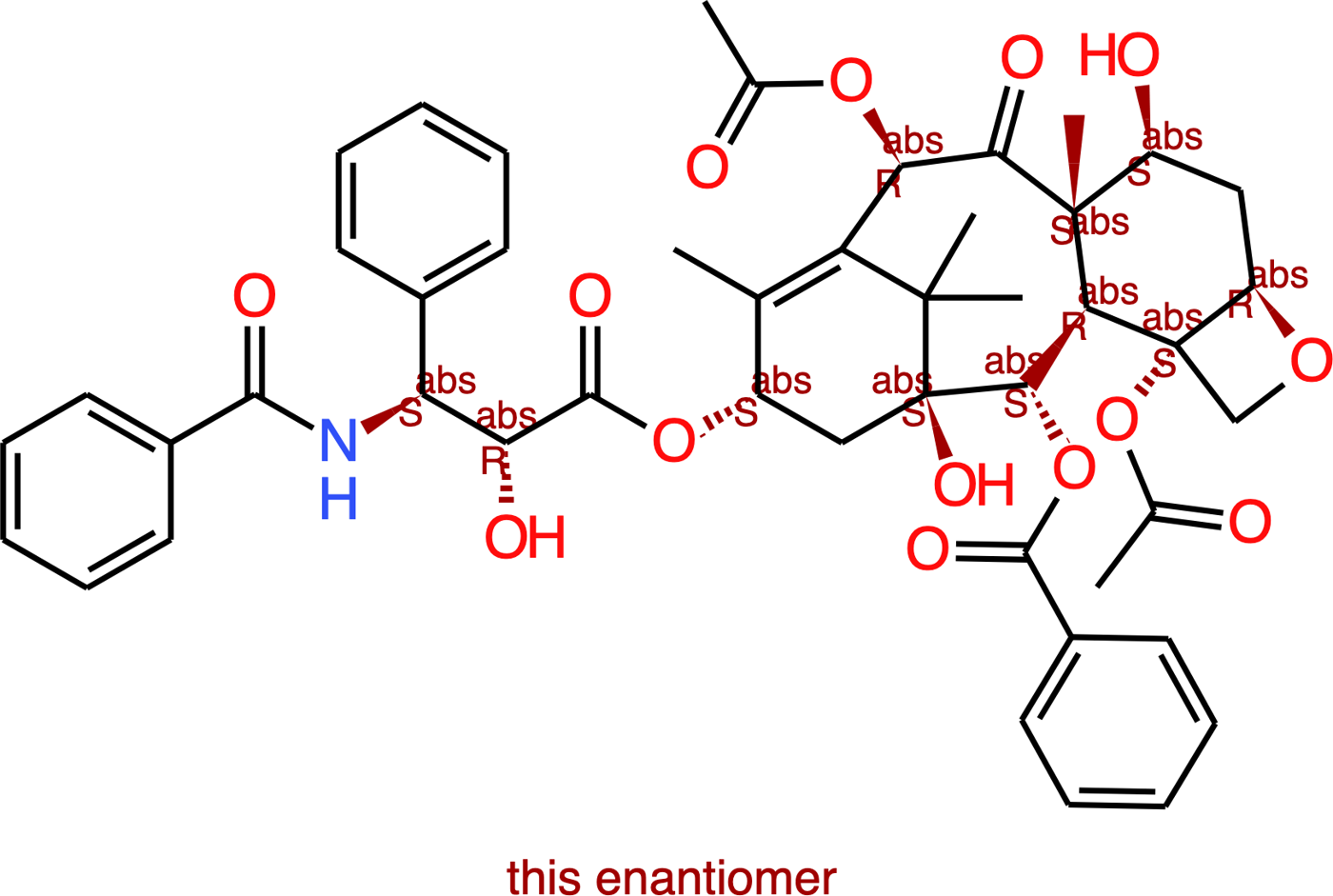 | 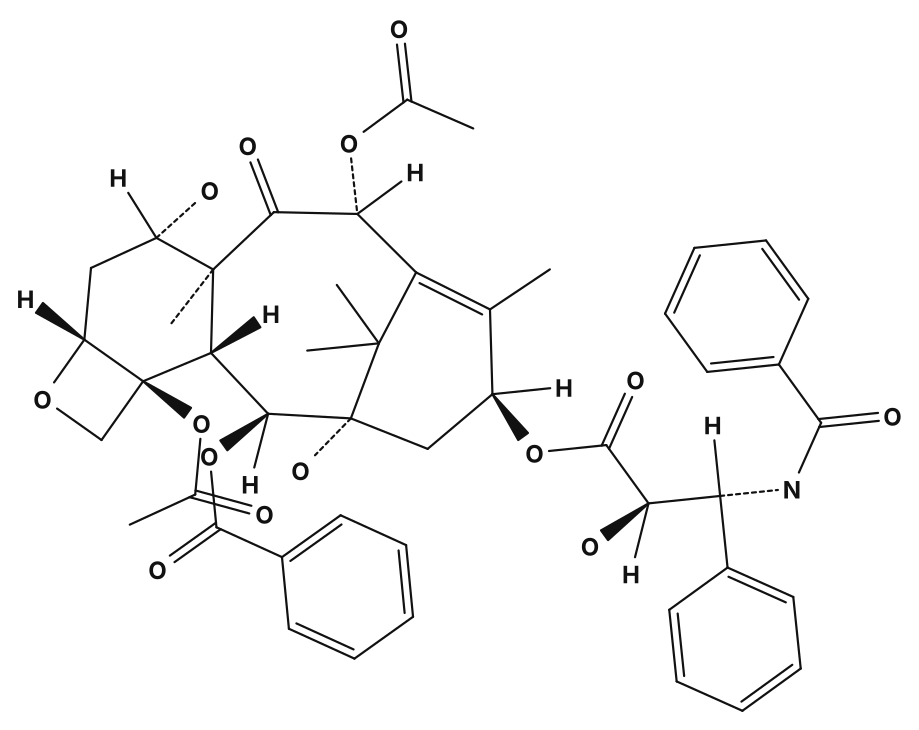 | 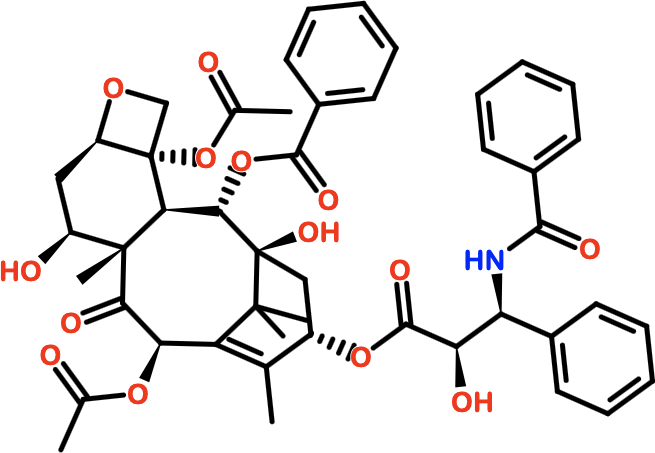 | 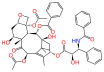 | 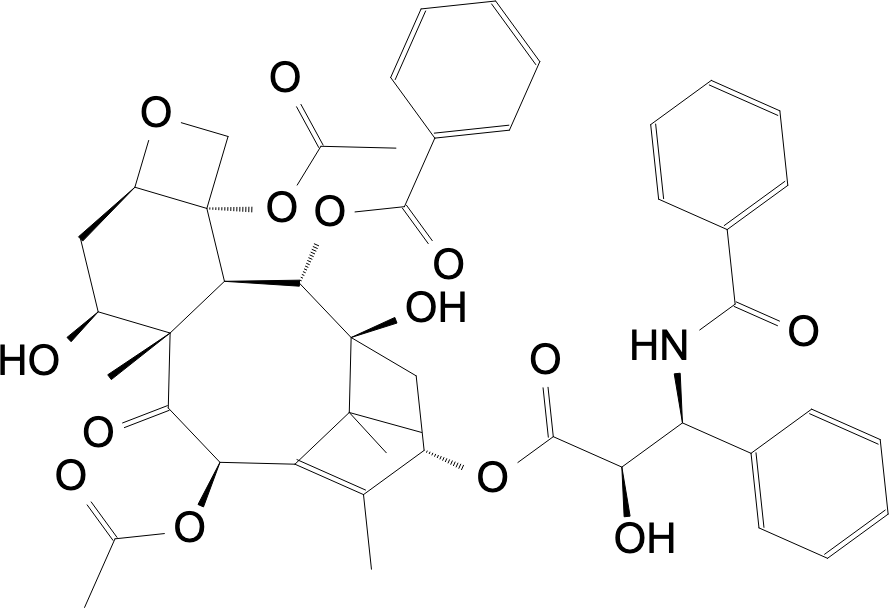 | No drawing: current Kekulé SMILES stayed blank; MOL rejected with file-type selection error. | 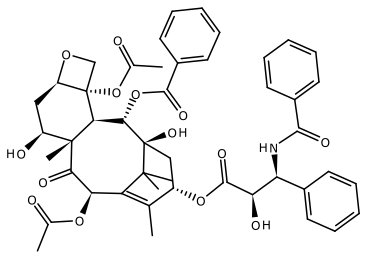 | 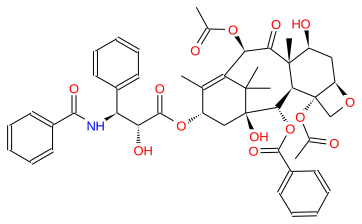 | 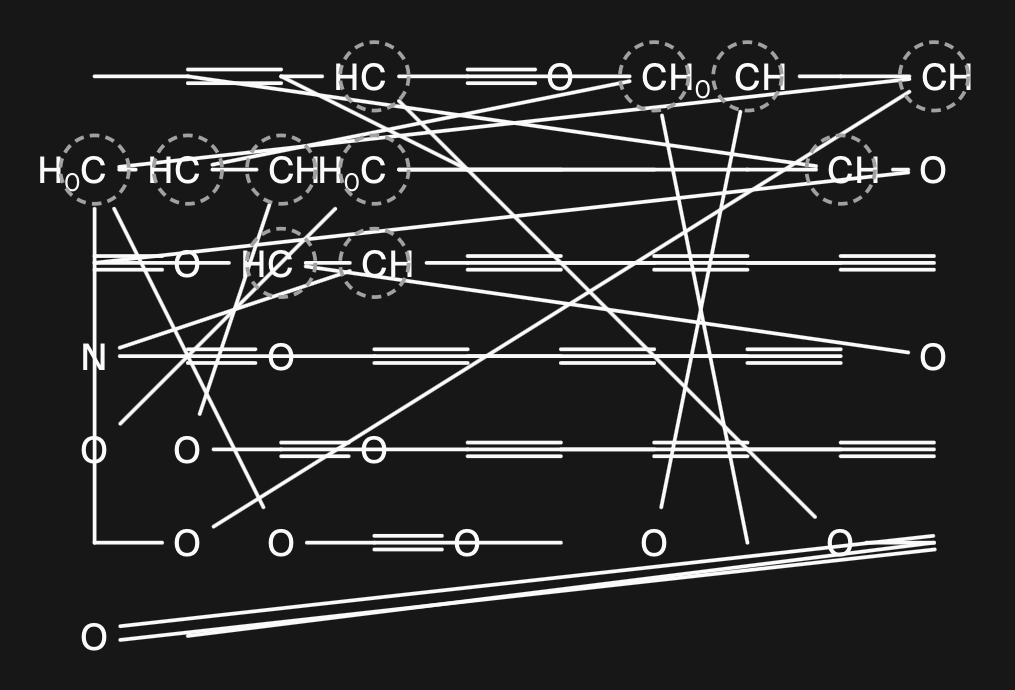 | 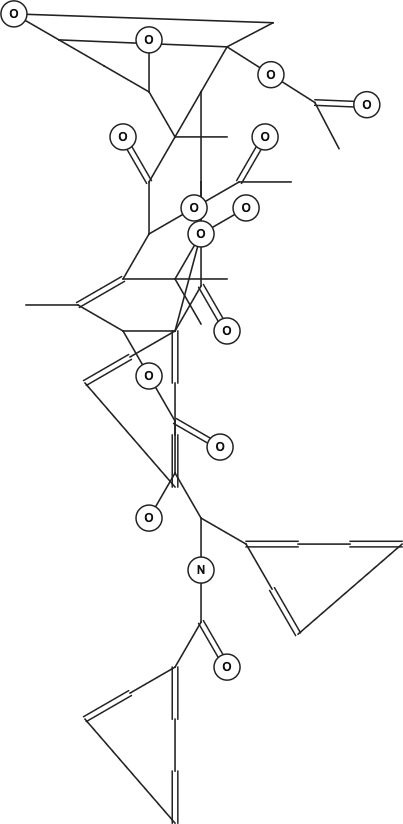 | 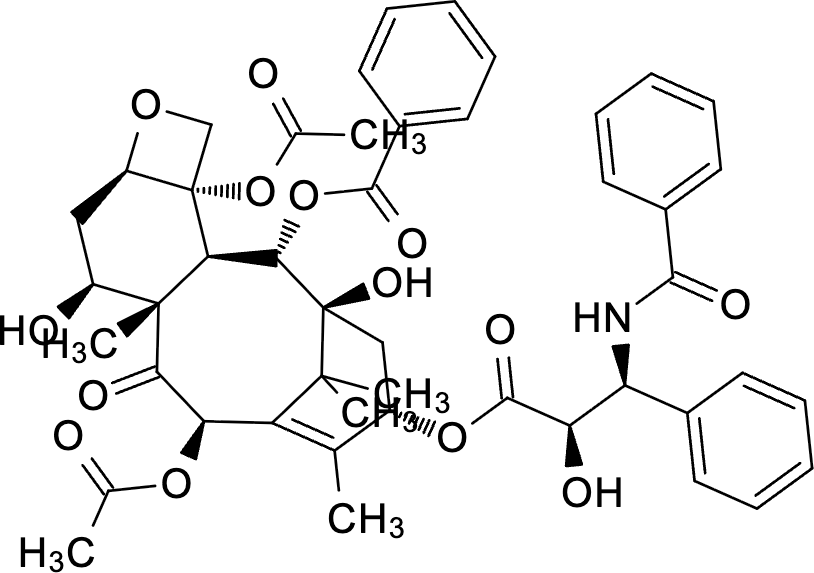 | 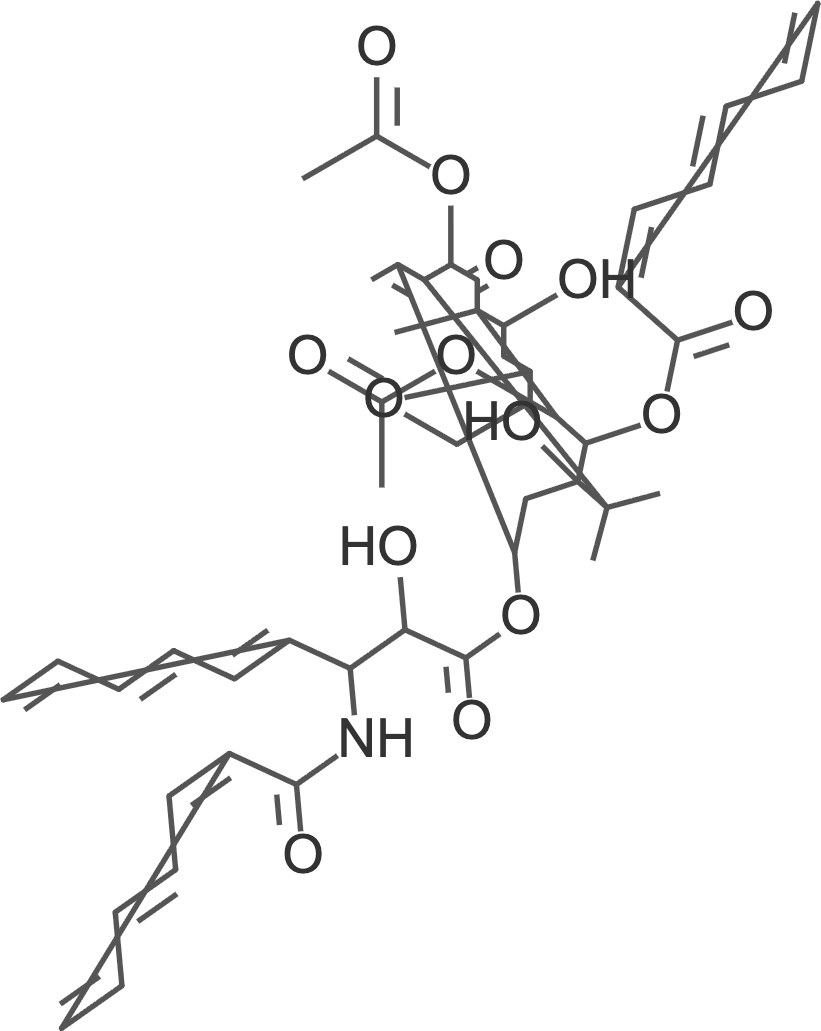 | Severe bond crossings and stretched bonds; stereochemistry is not depicted. | MOL connectivity transcribed; stereochemistry omitted and layout overlaps. | 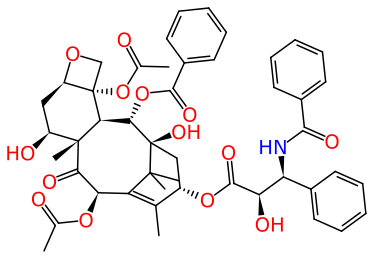 | 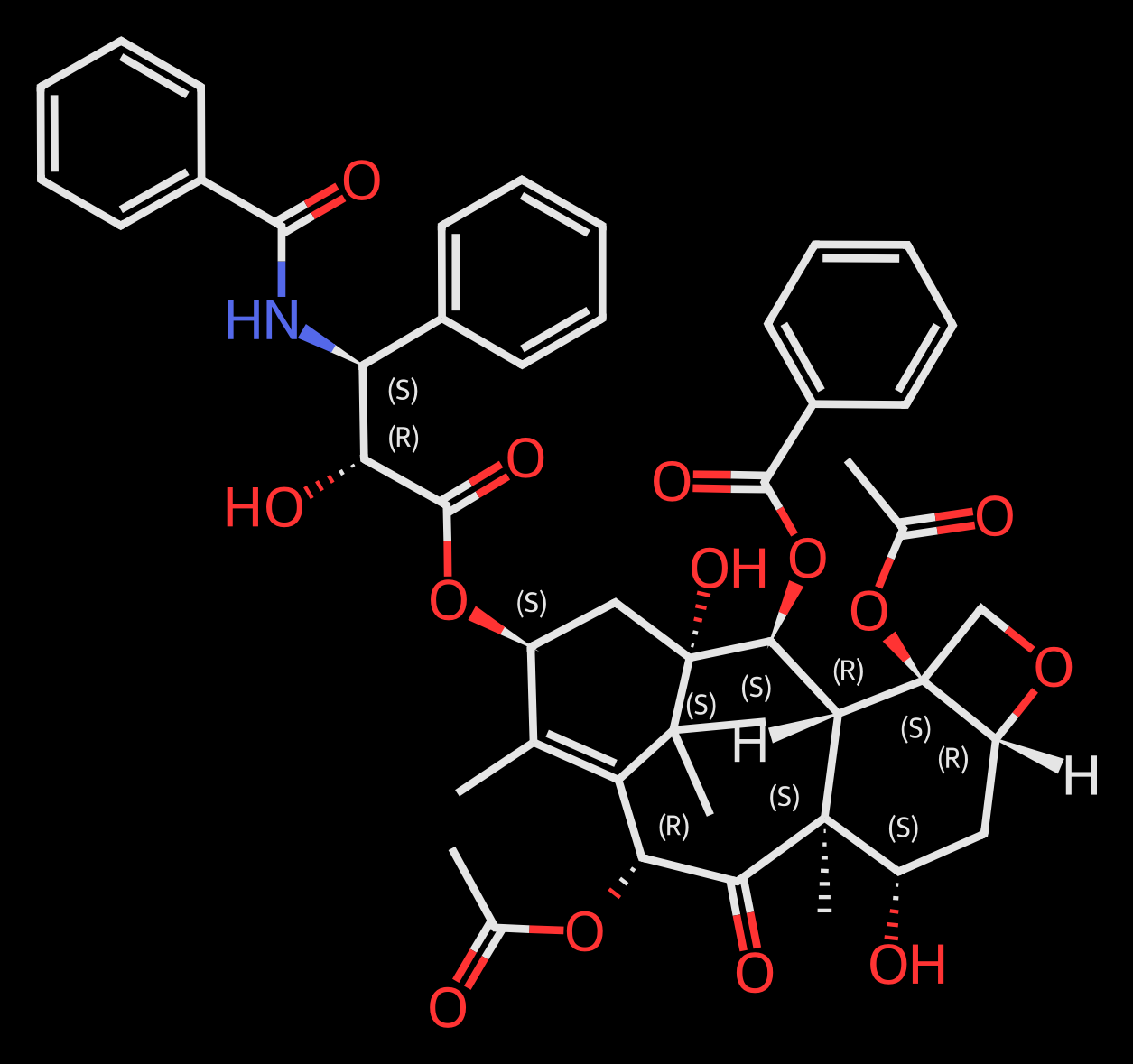 | 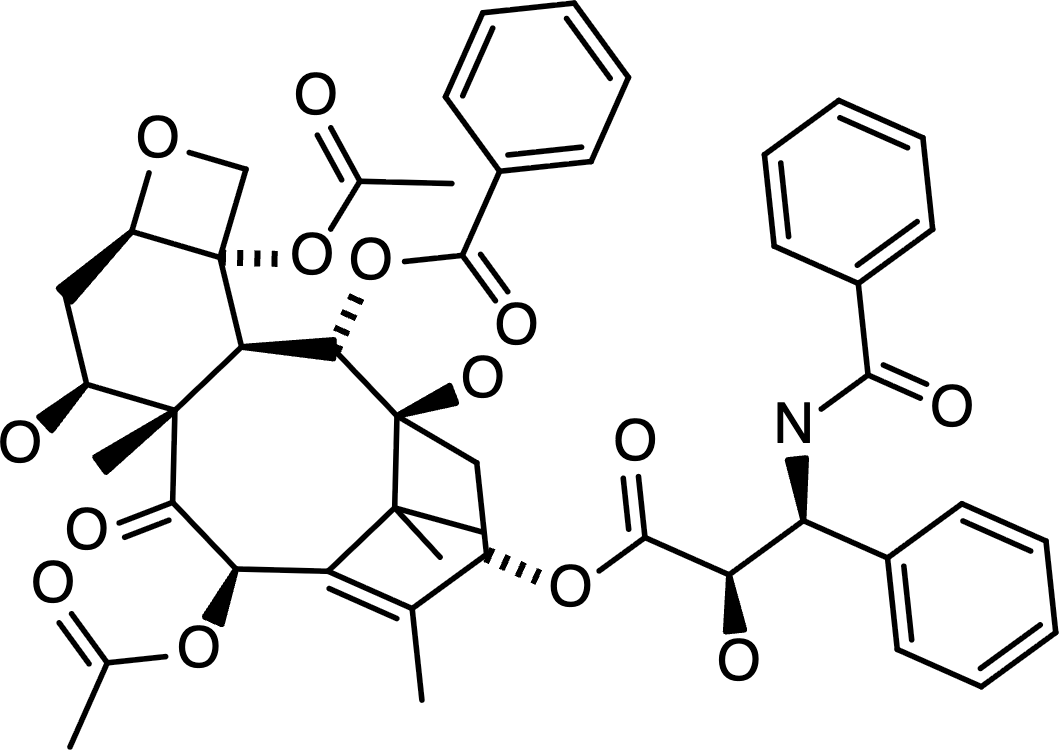 | SMILES paste did nothing; MOL did not load through JSON picker. | SMILES produced clipped labels without visible bonds; no MOL import available. | 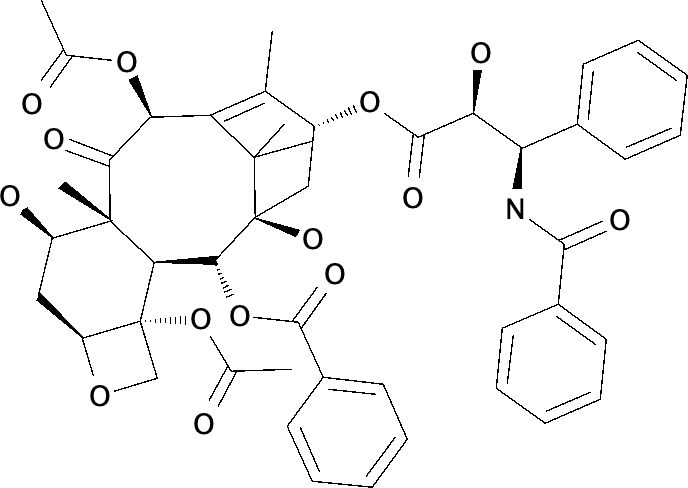 | 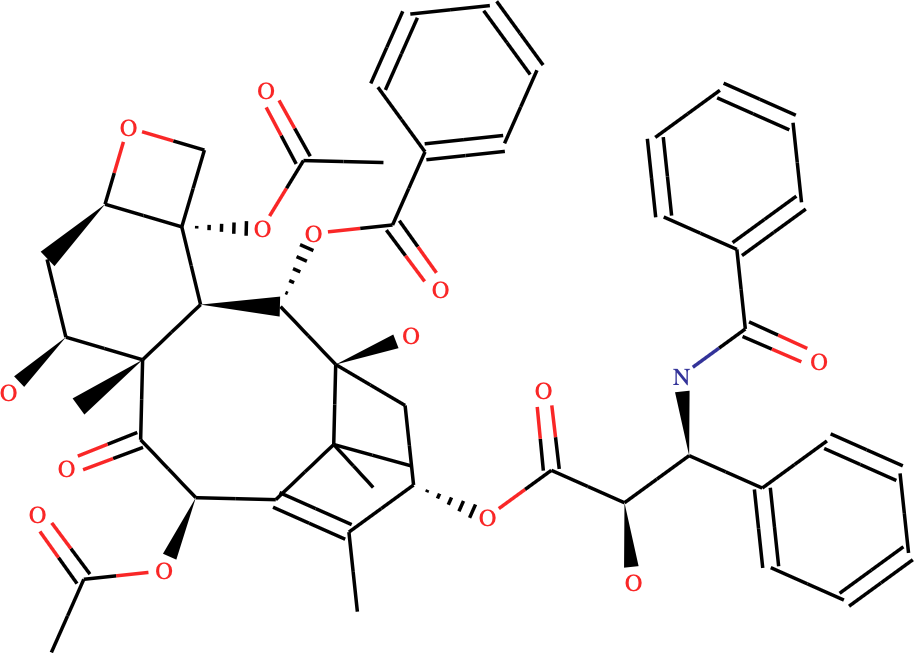 | Could not load this input | 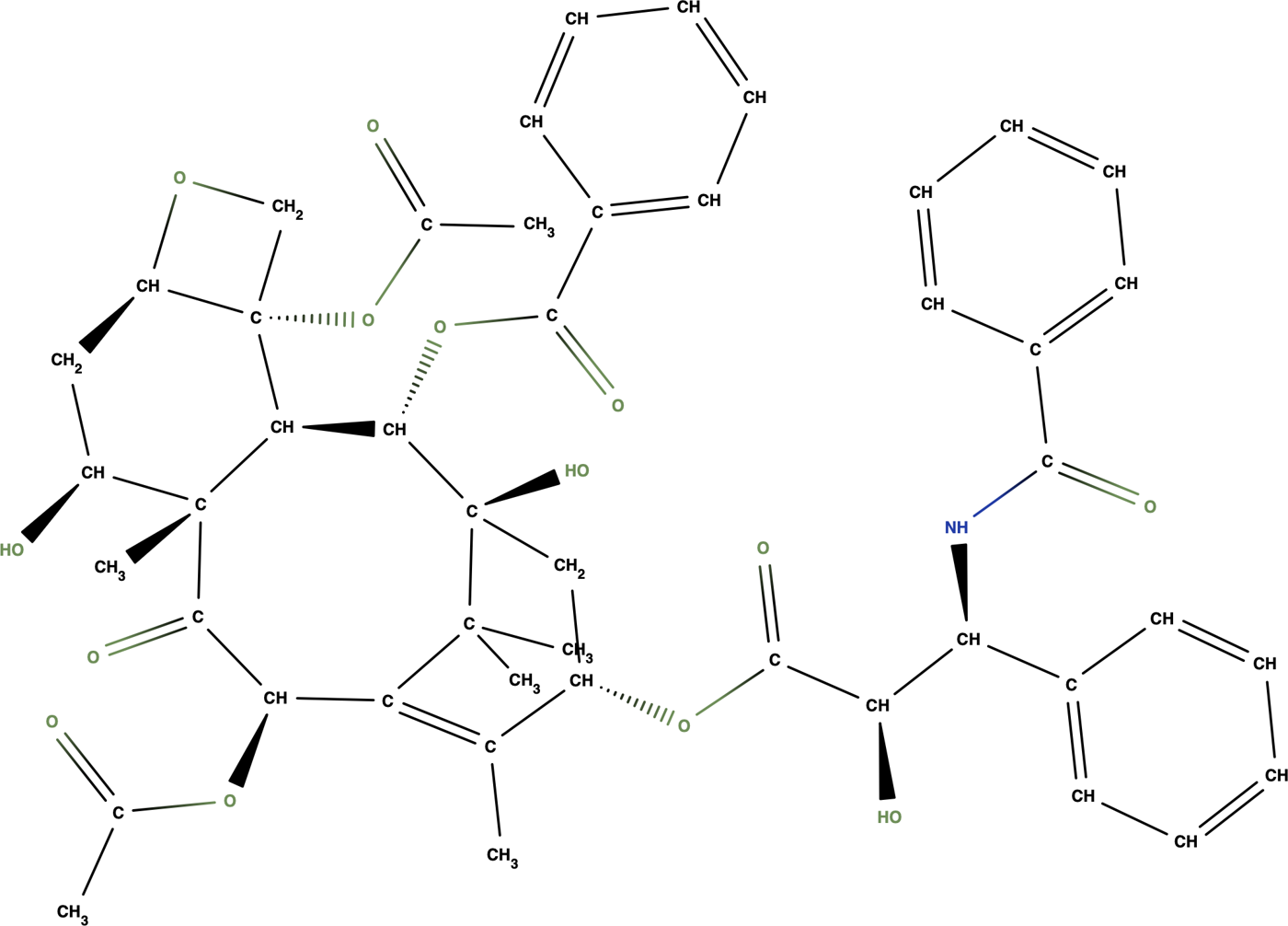 | SMILES and MOL attempts left the built-in sample unchanged. | 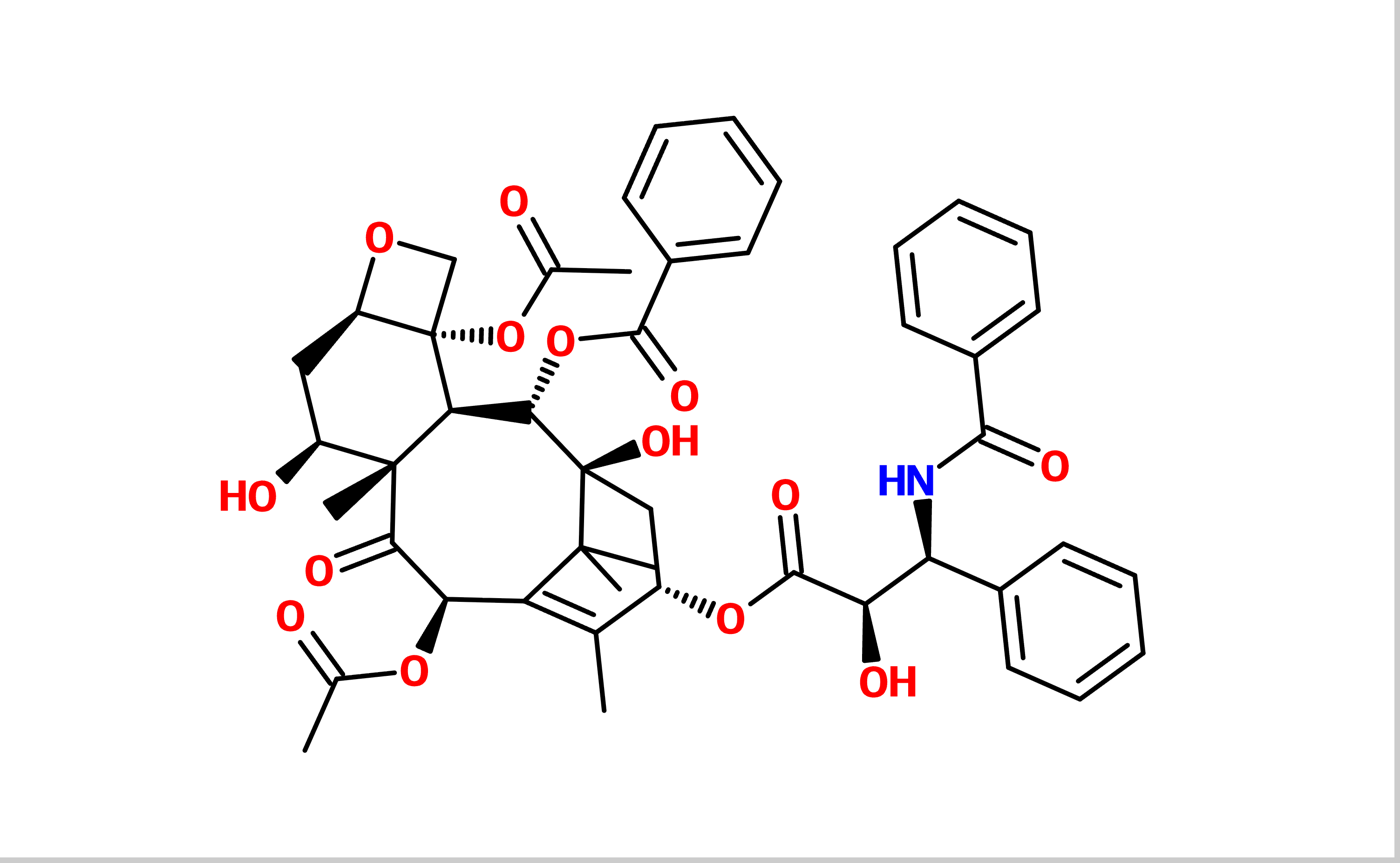 | SMILES paste ignored; no MOL file-import control. | SMILES and MOL imports failed; file I/O script did not load. | Paste failed; no MOL import or new-document command was available. | New canvas ignored simulated SMILES and MOL paste; no import control. | | Paid, checked from the manual | Needs an account or a purchase | Paid, checked from the manual | Needs an account or a purchase | Needs an account or a purchase | | | Paid, checked from the manual | Paid, checked from the manual | | Needs an account or a purchase | | | Paid, checked from the manual | | | Paid, checked from the manual | | Paid, checked from the manual | | | | | Paid, checked from the manual | Paid, checked from the manual | Paid, checked from the manual | Needs an account or a purchase | | Paid, checked from the manual | | | | | | Needs an account or a purchase | | | | Needs an account or a purchase | Needs an account or a purchase | | | Needs an account or a purchase | | Paid, checked from the manual | |
|---|
| Cholesterol in 3D | | 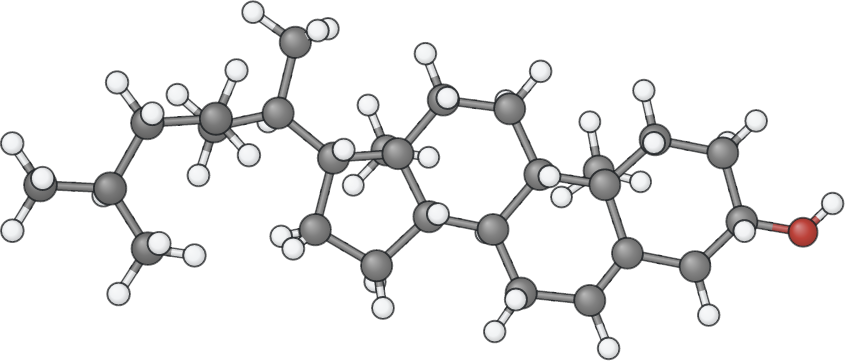 | 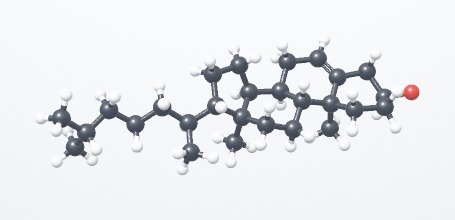 | | 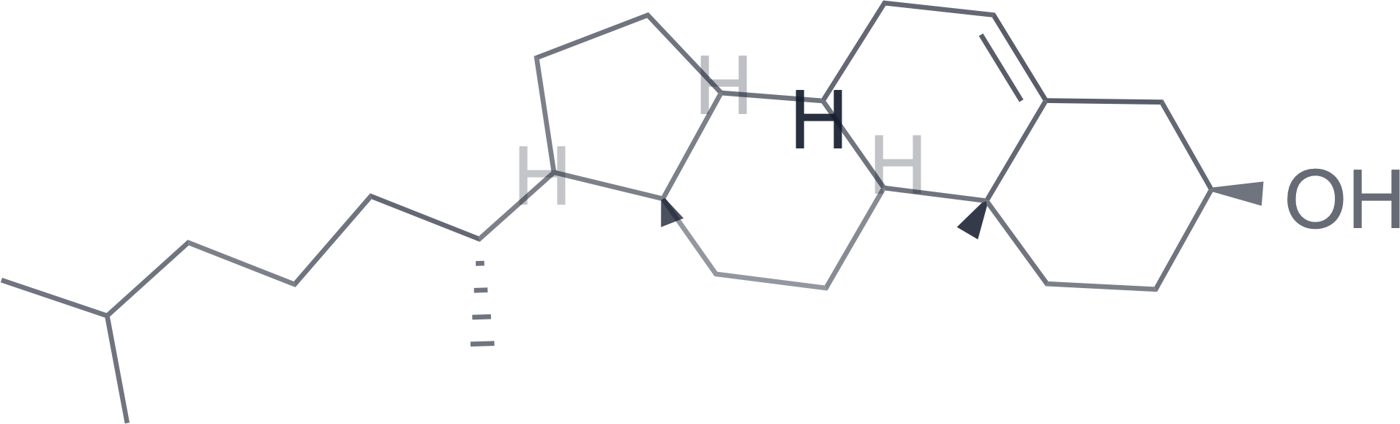 | 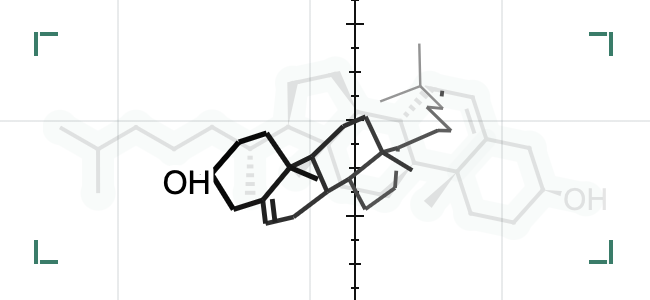 | | 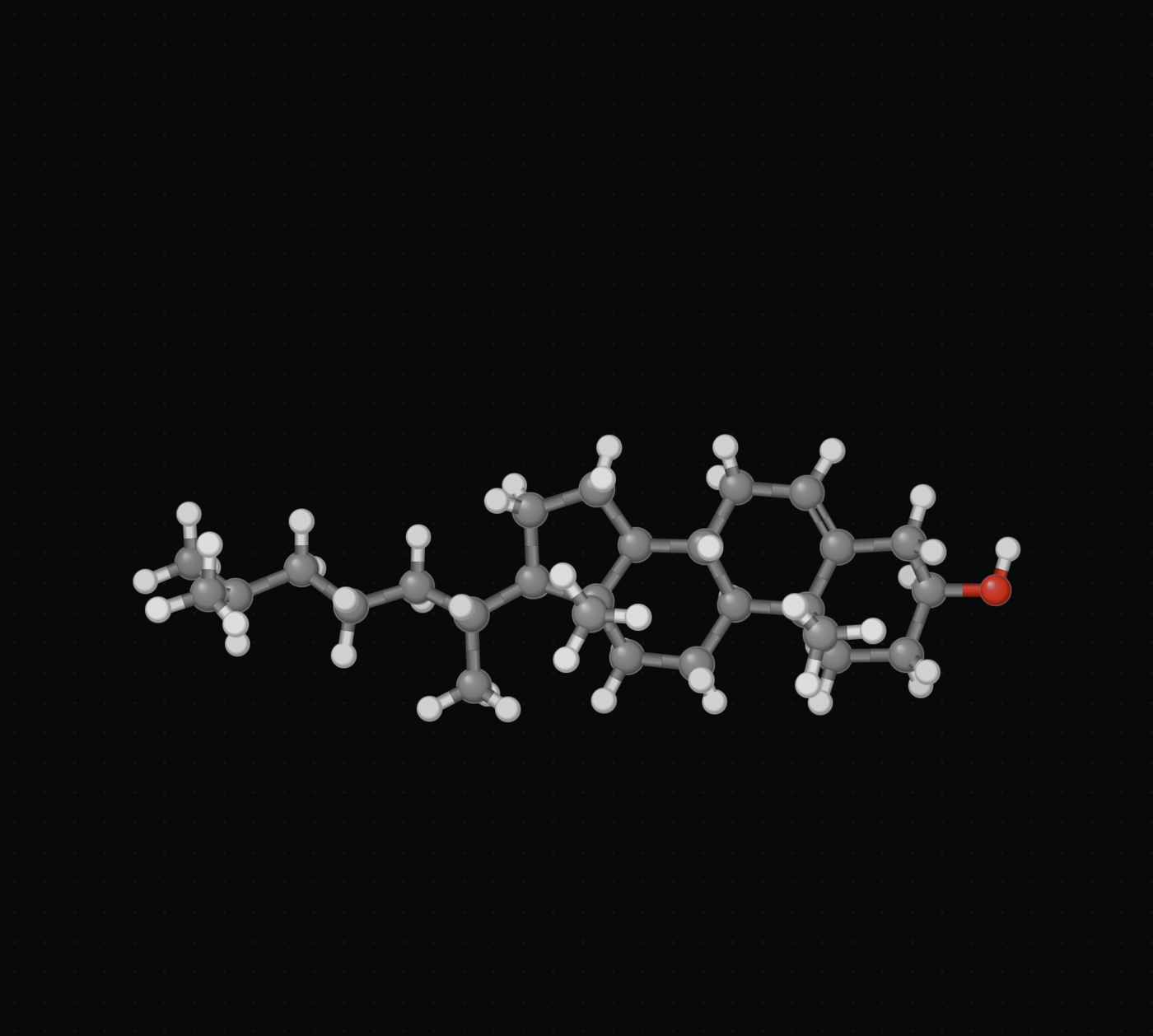 | 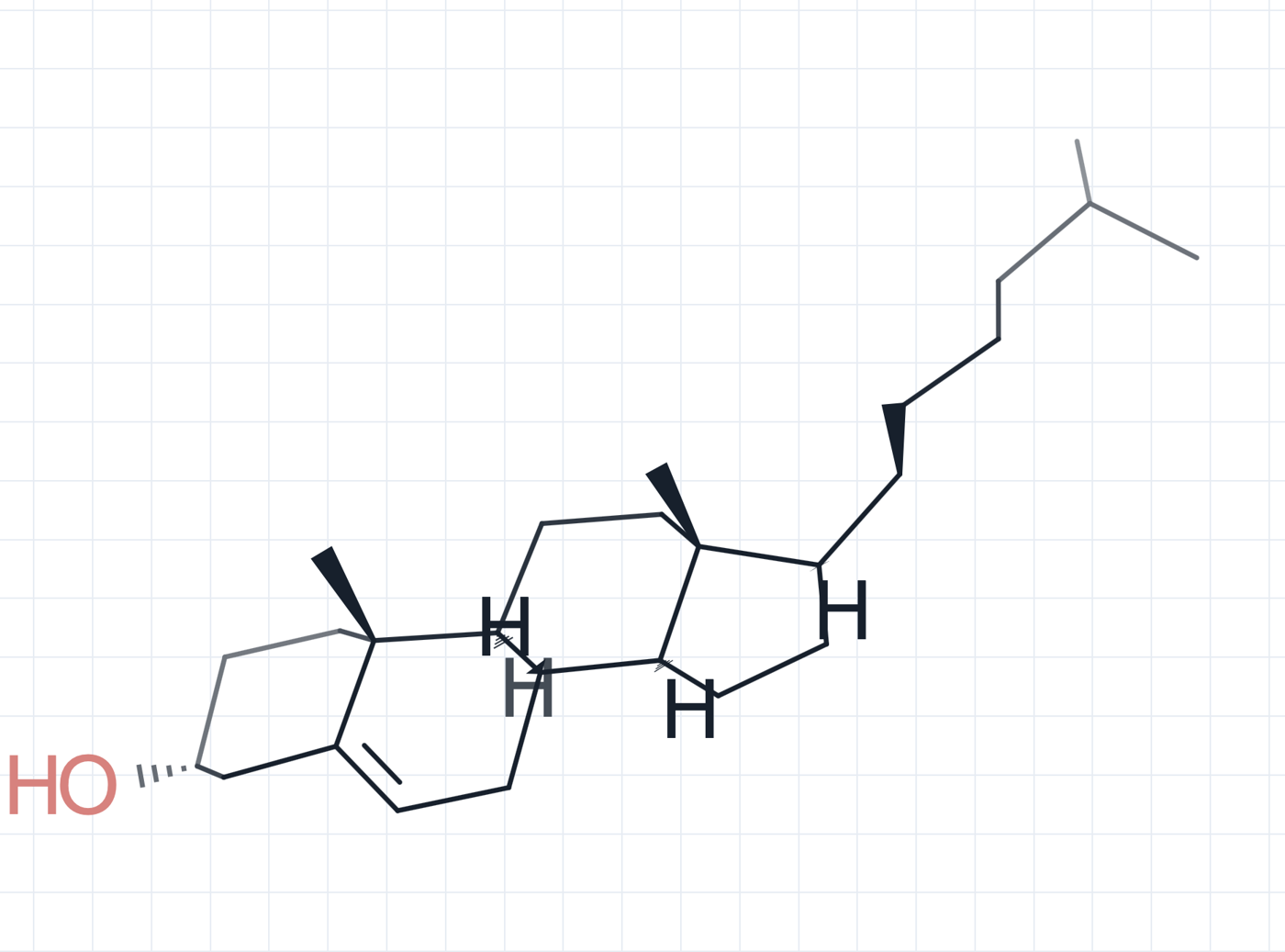 | 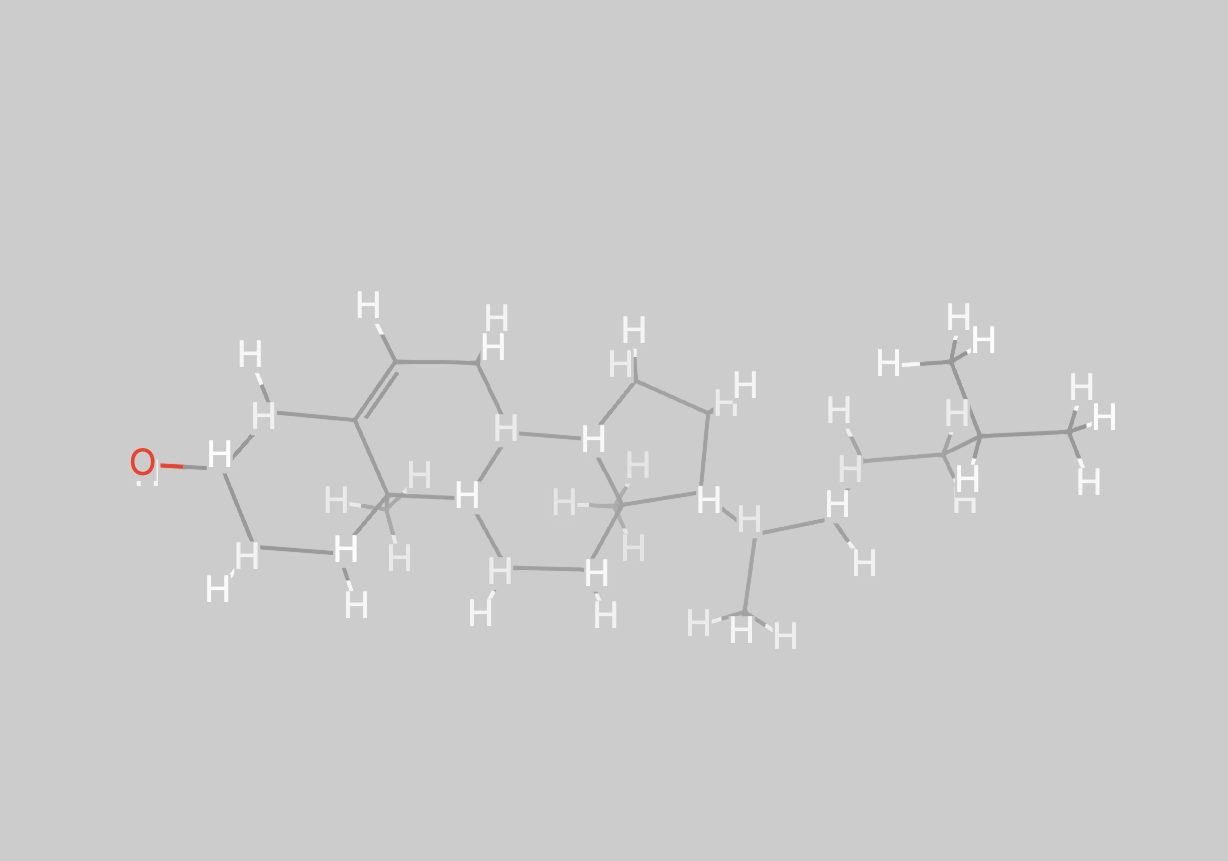 | 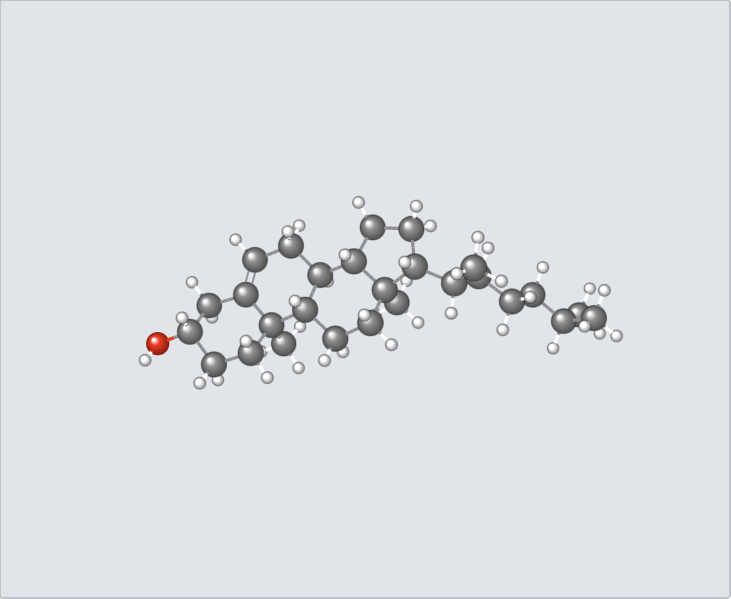 | 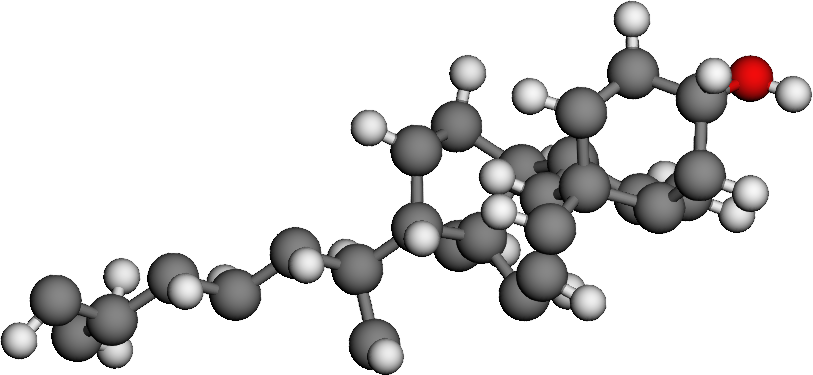 | 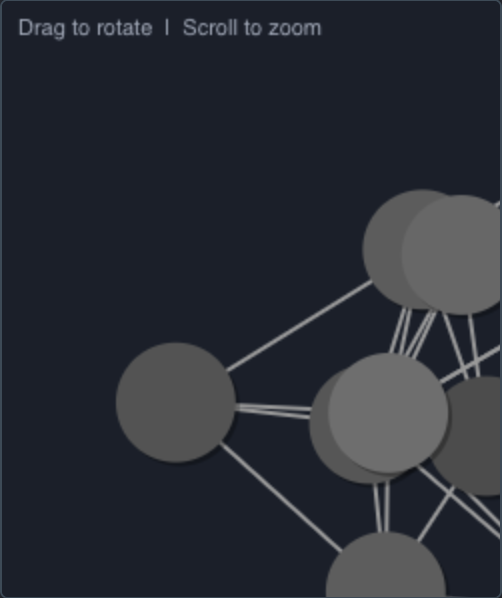 | 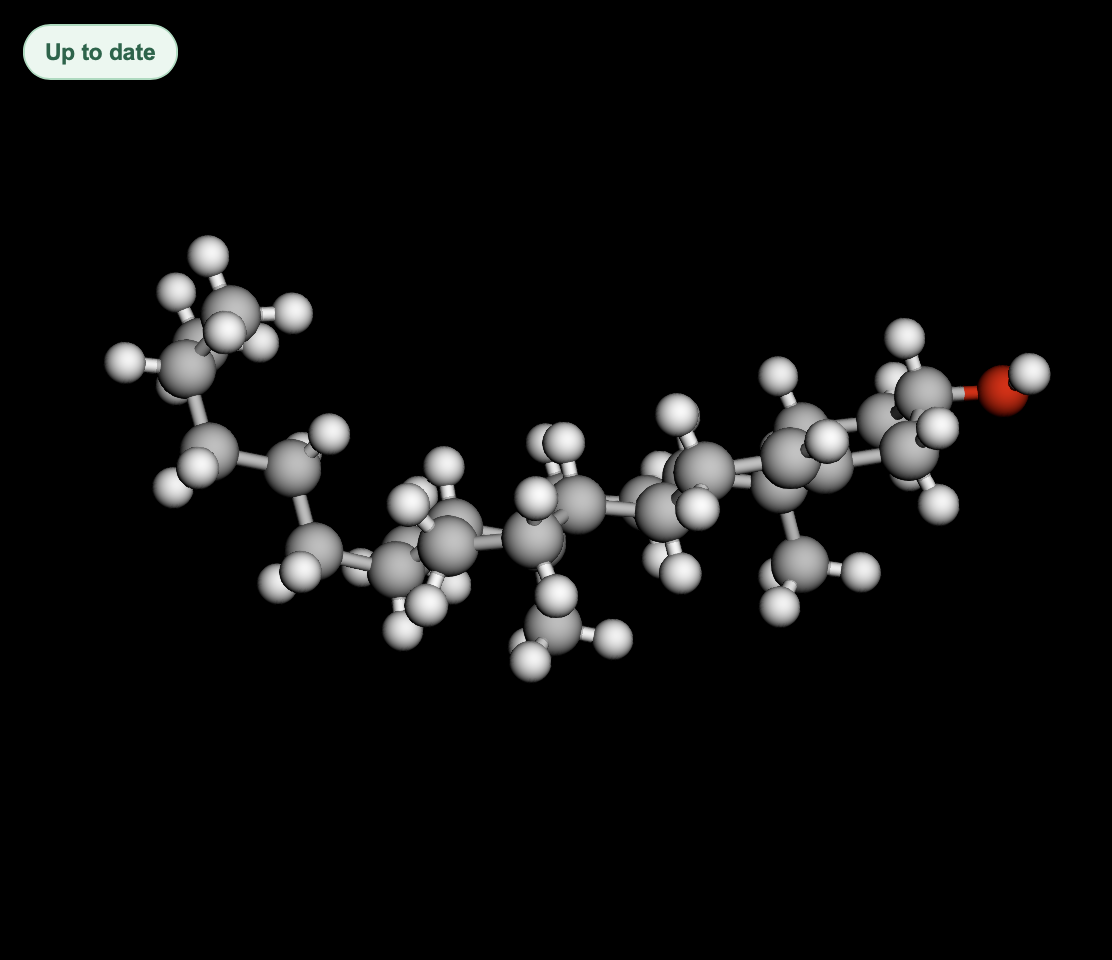 | 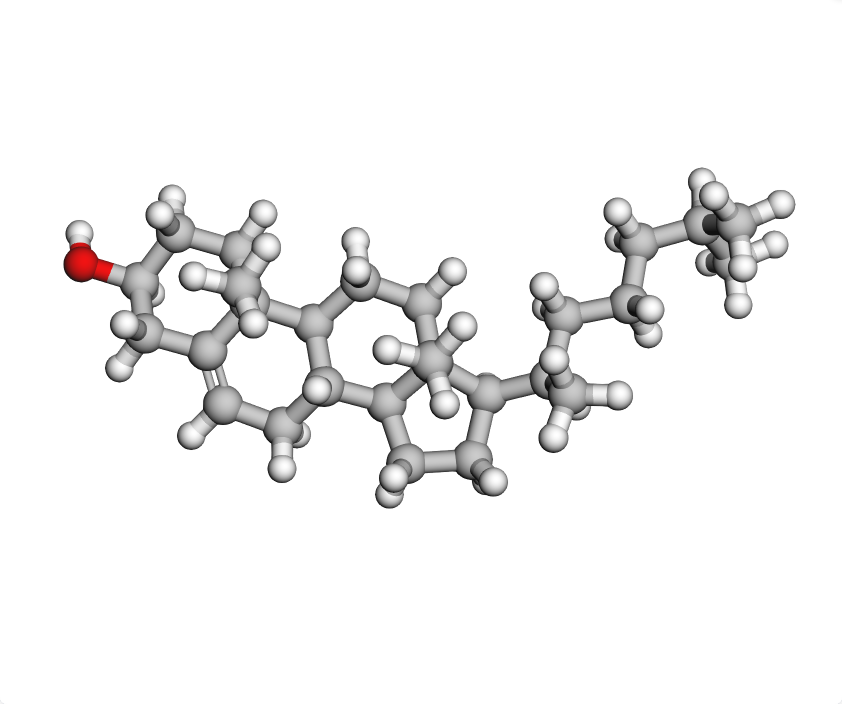 | | | 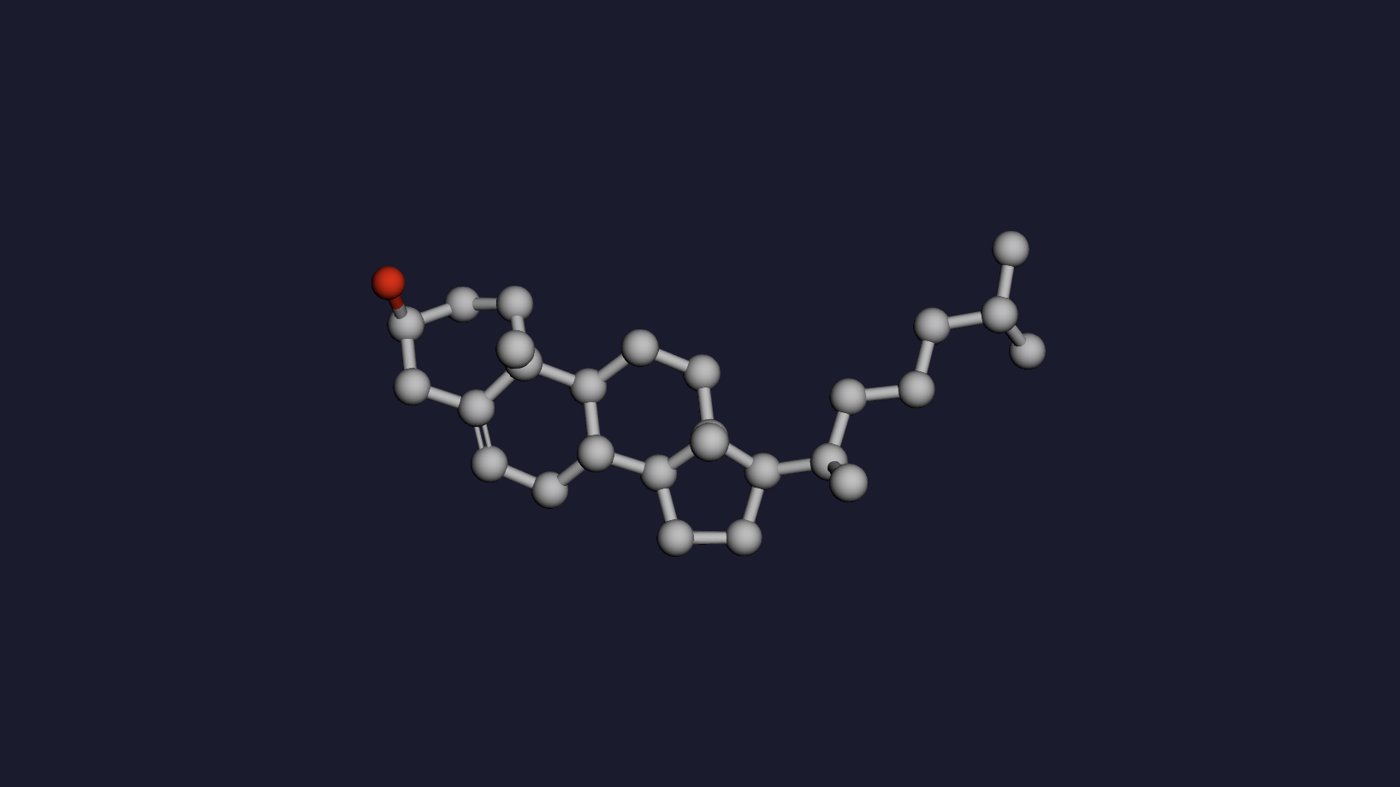 | | 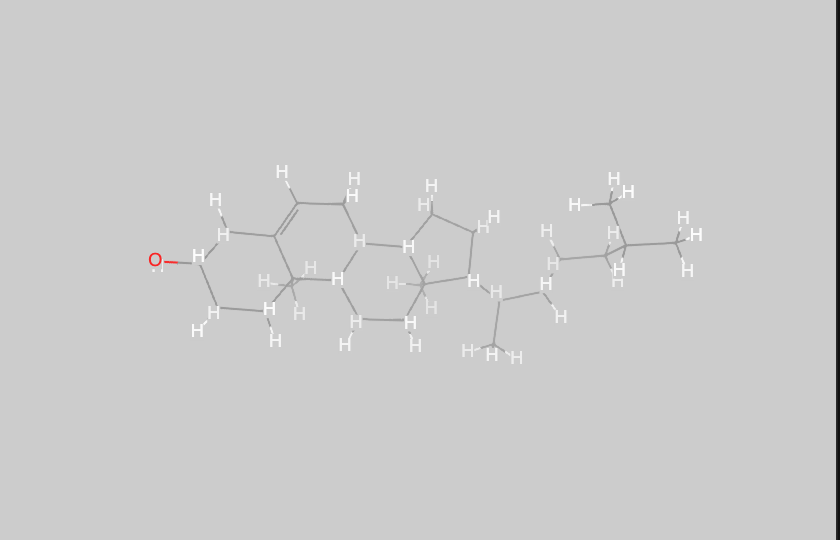 | 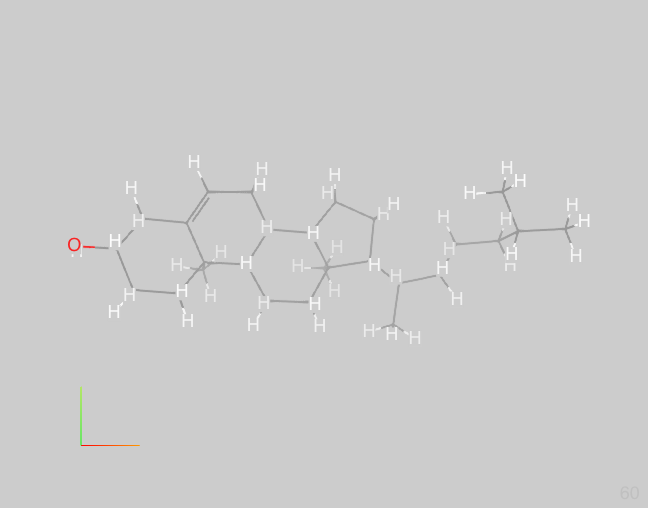 | 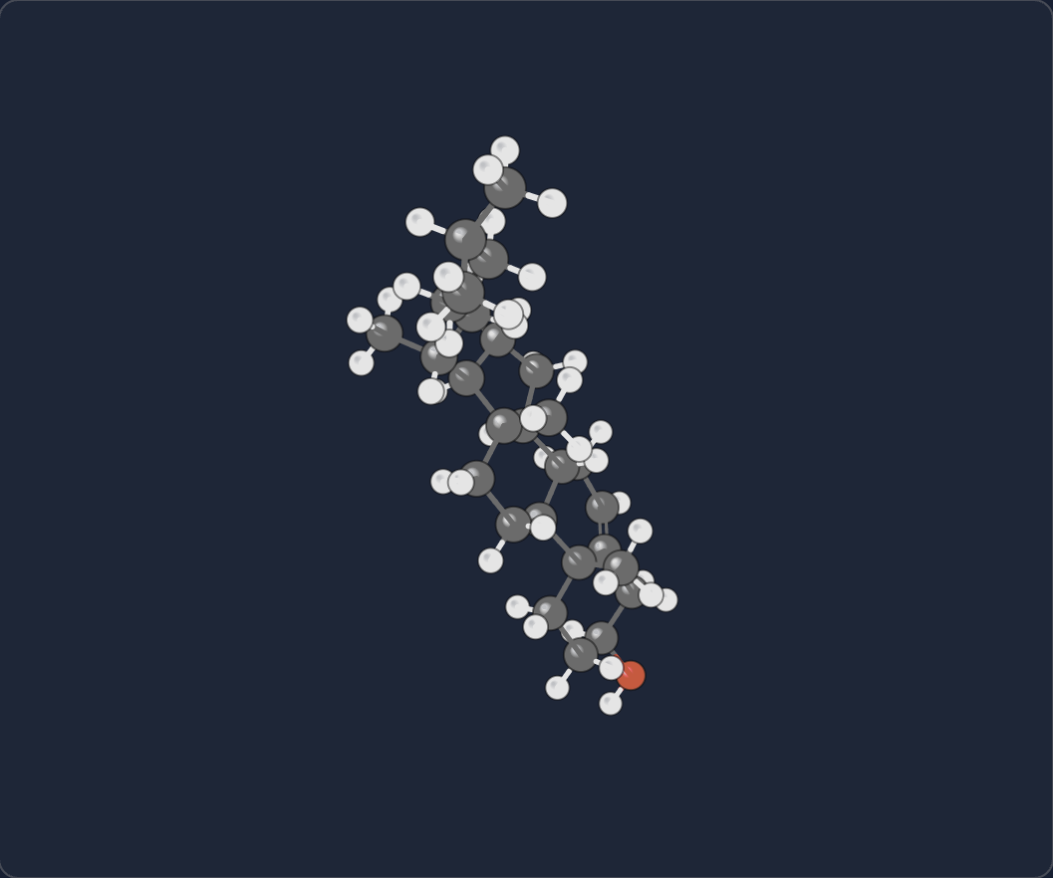 | 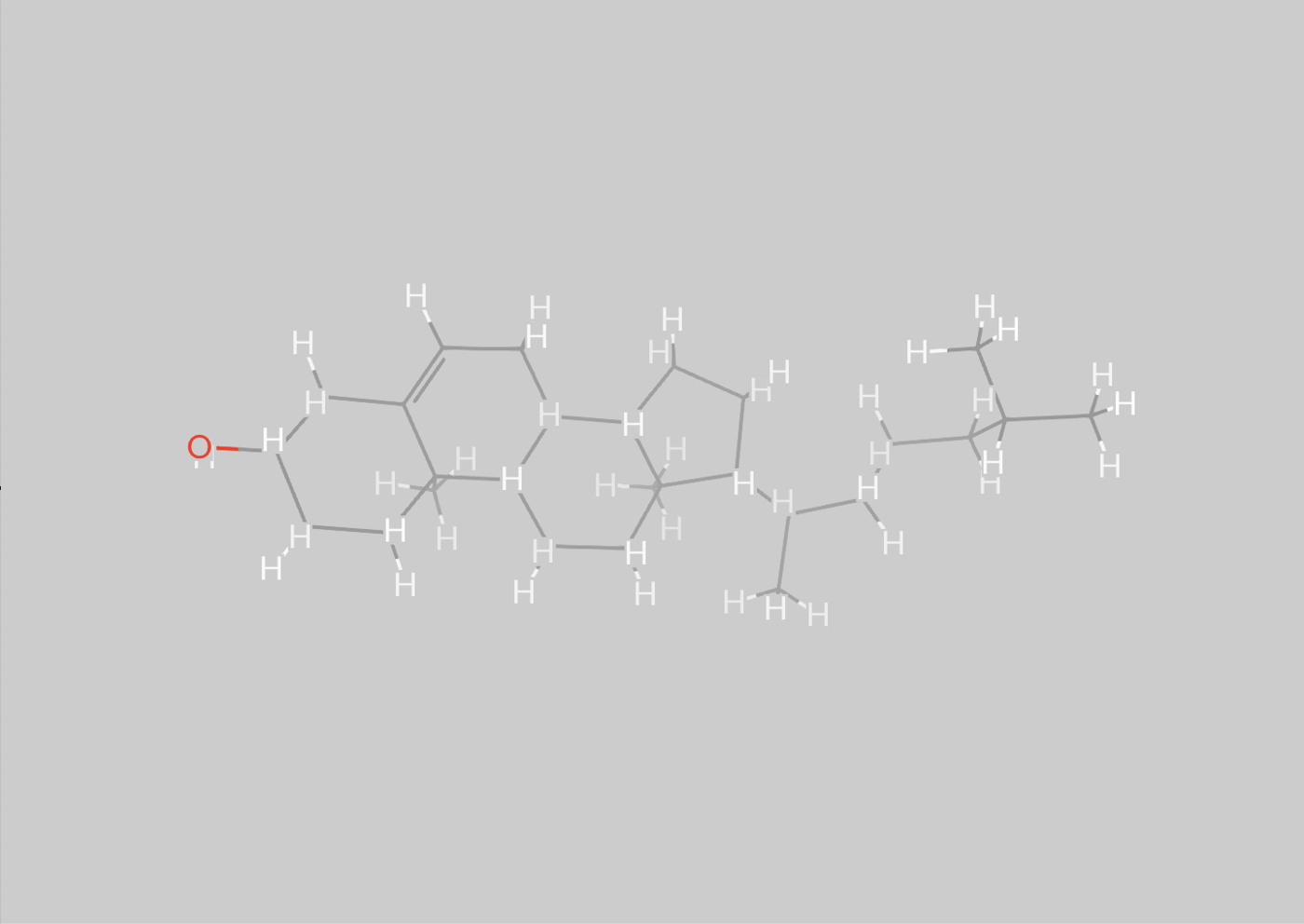 | 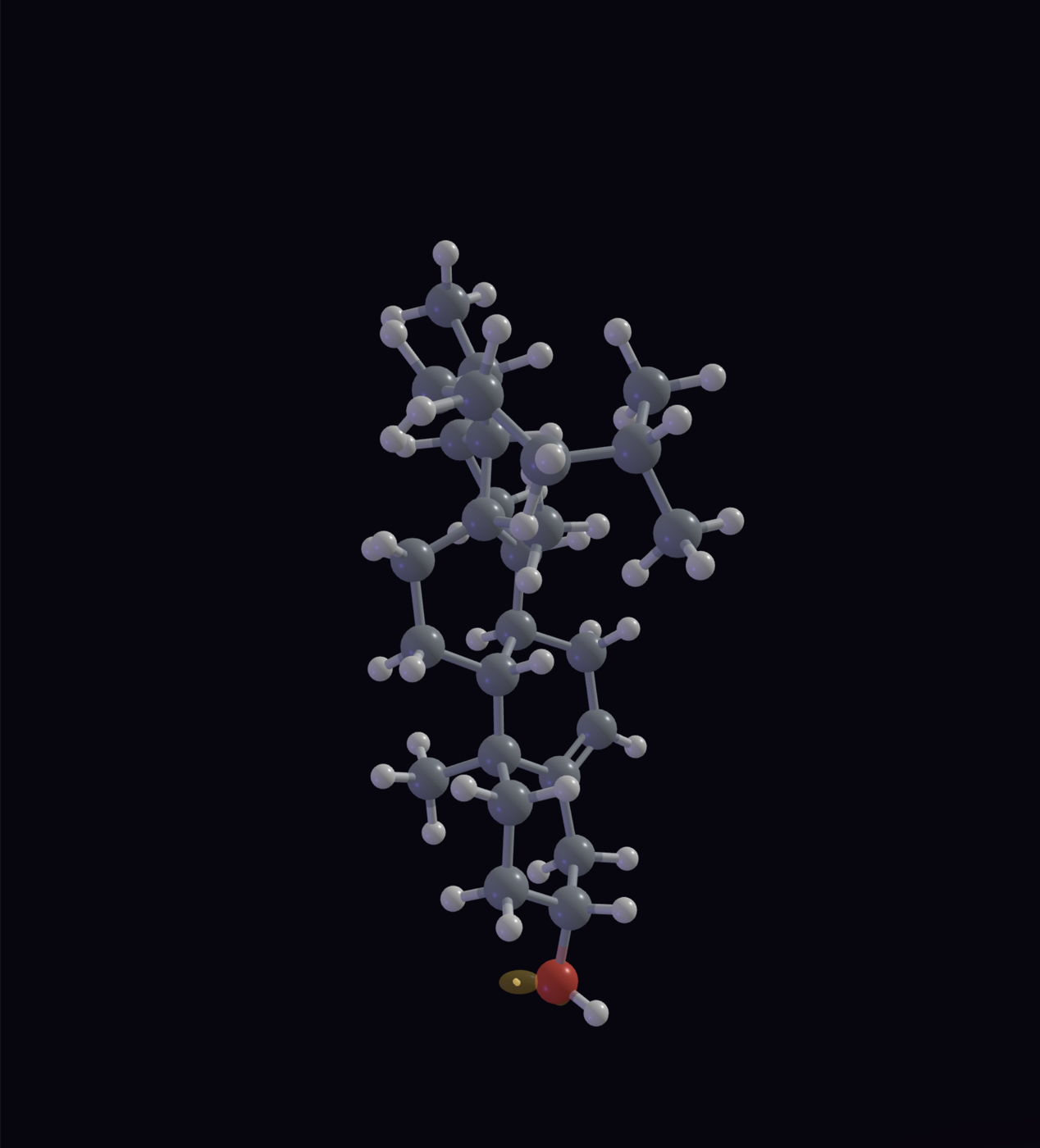 | 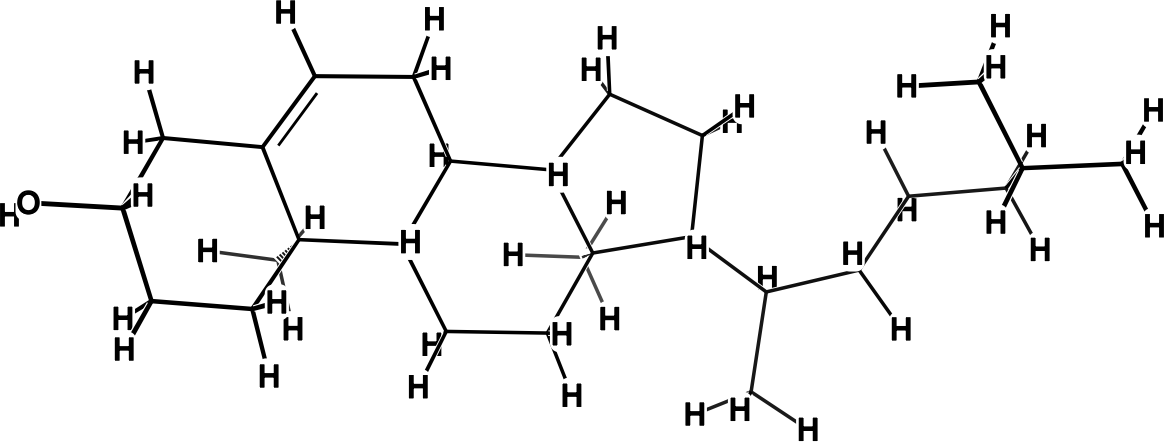 | 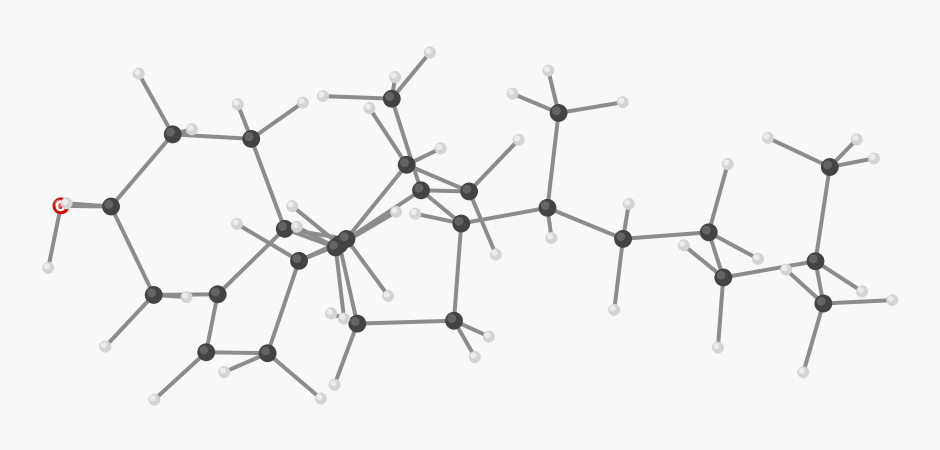 |  | 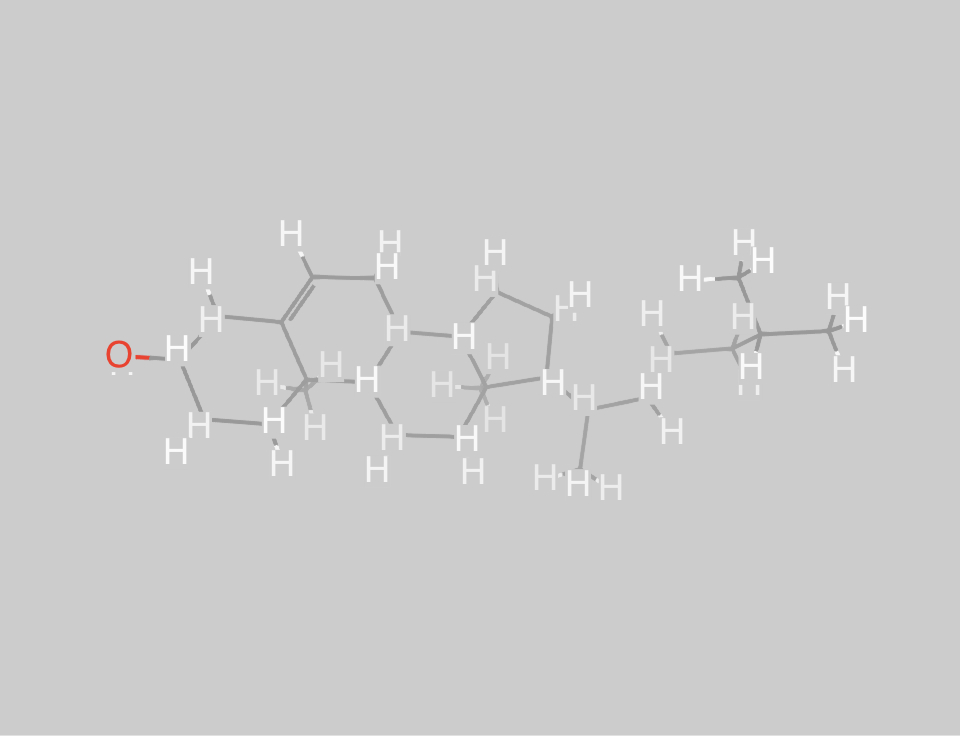 | 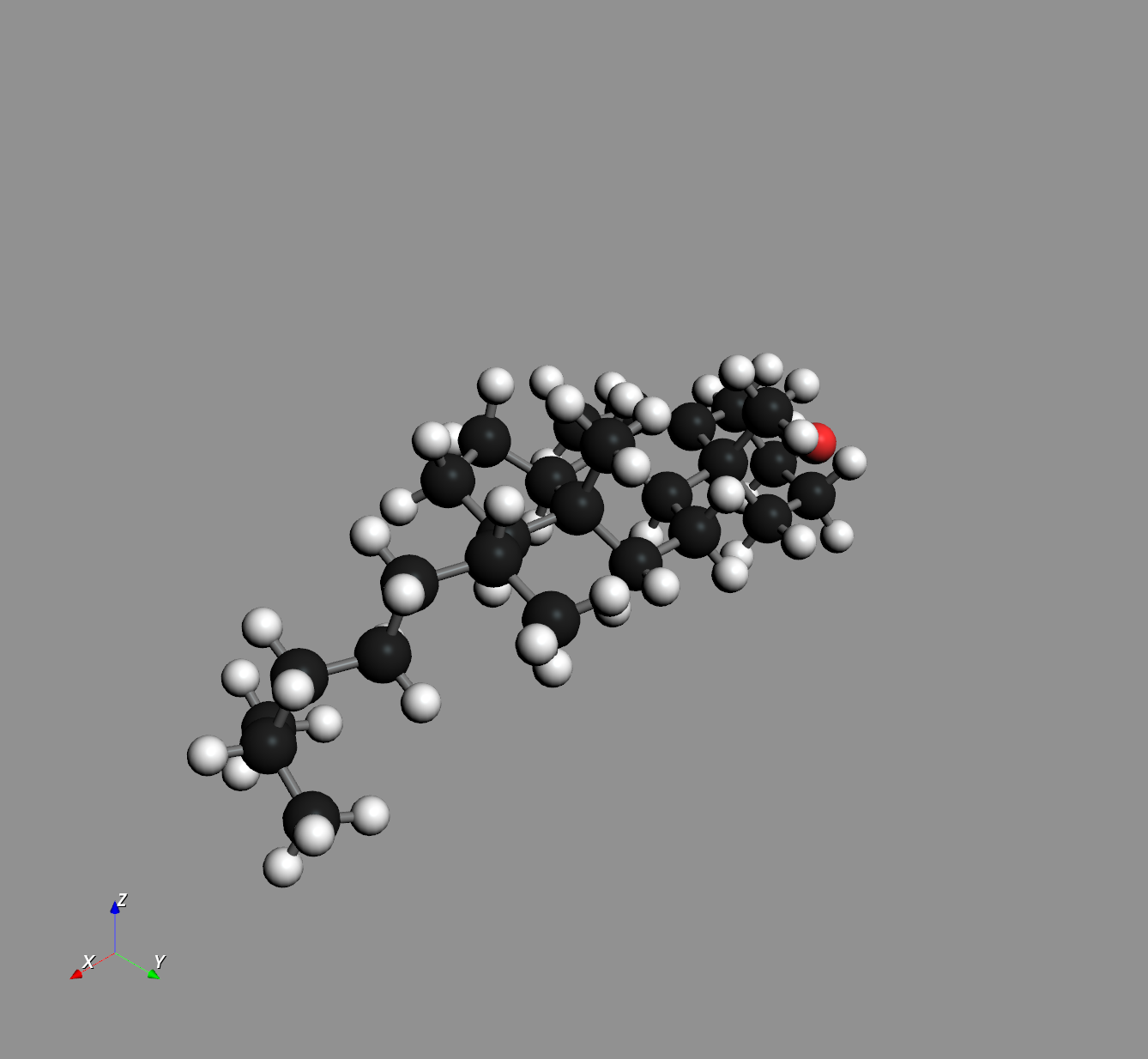 | | 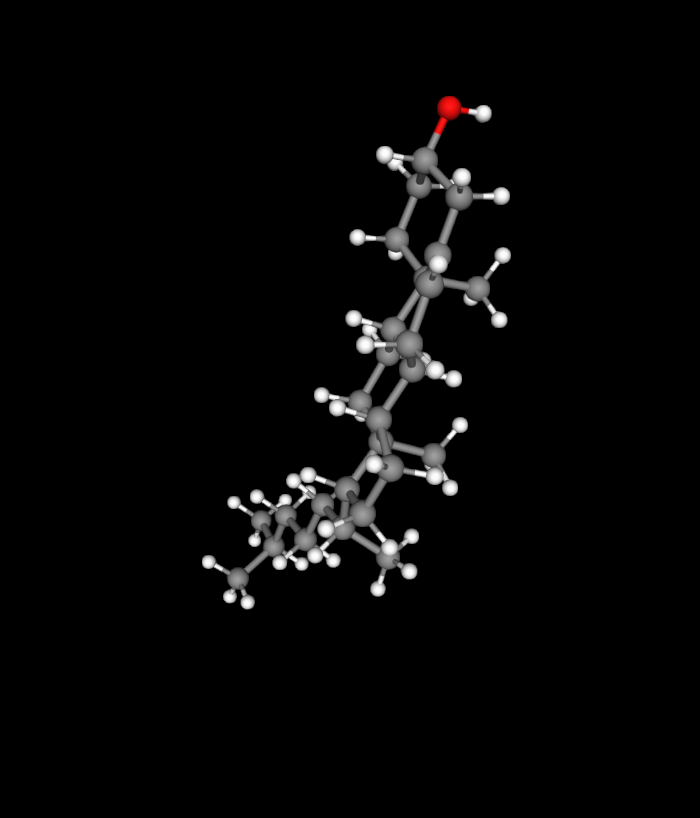 | 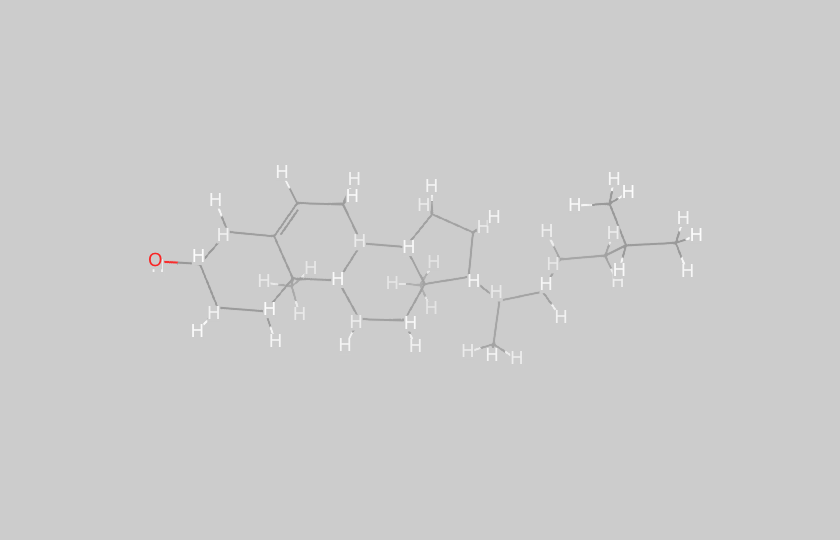 | 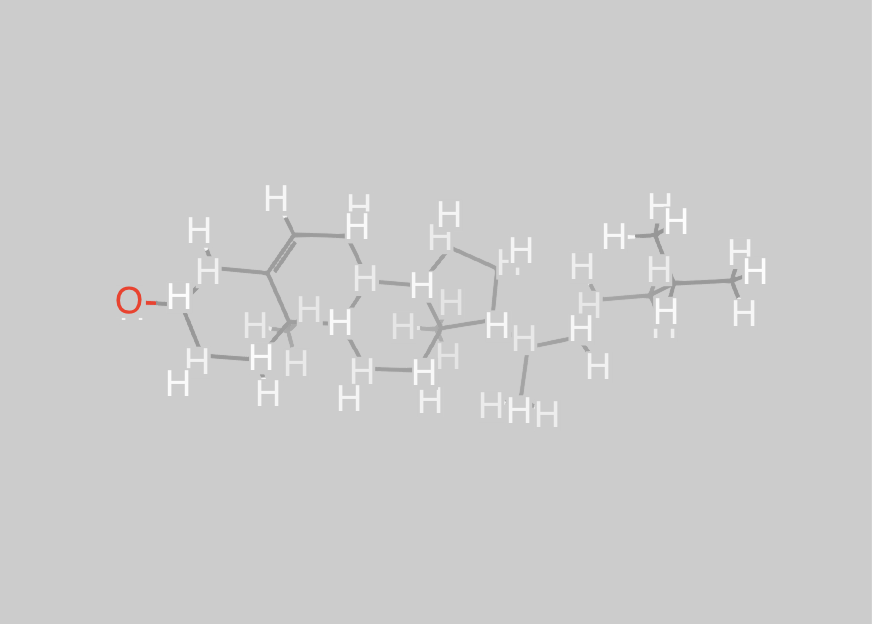 | 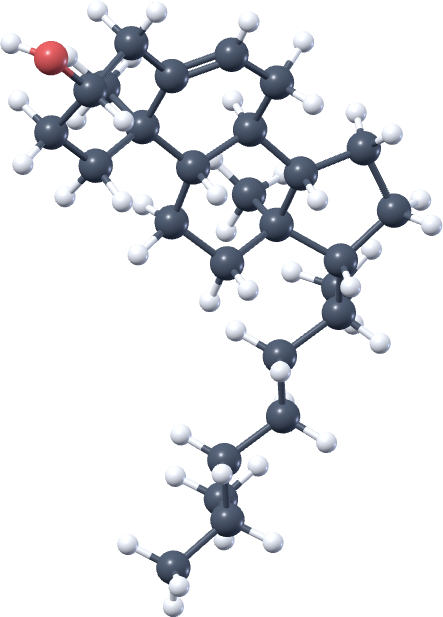 | 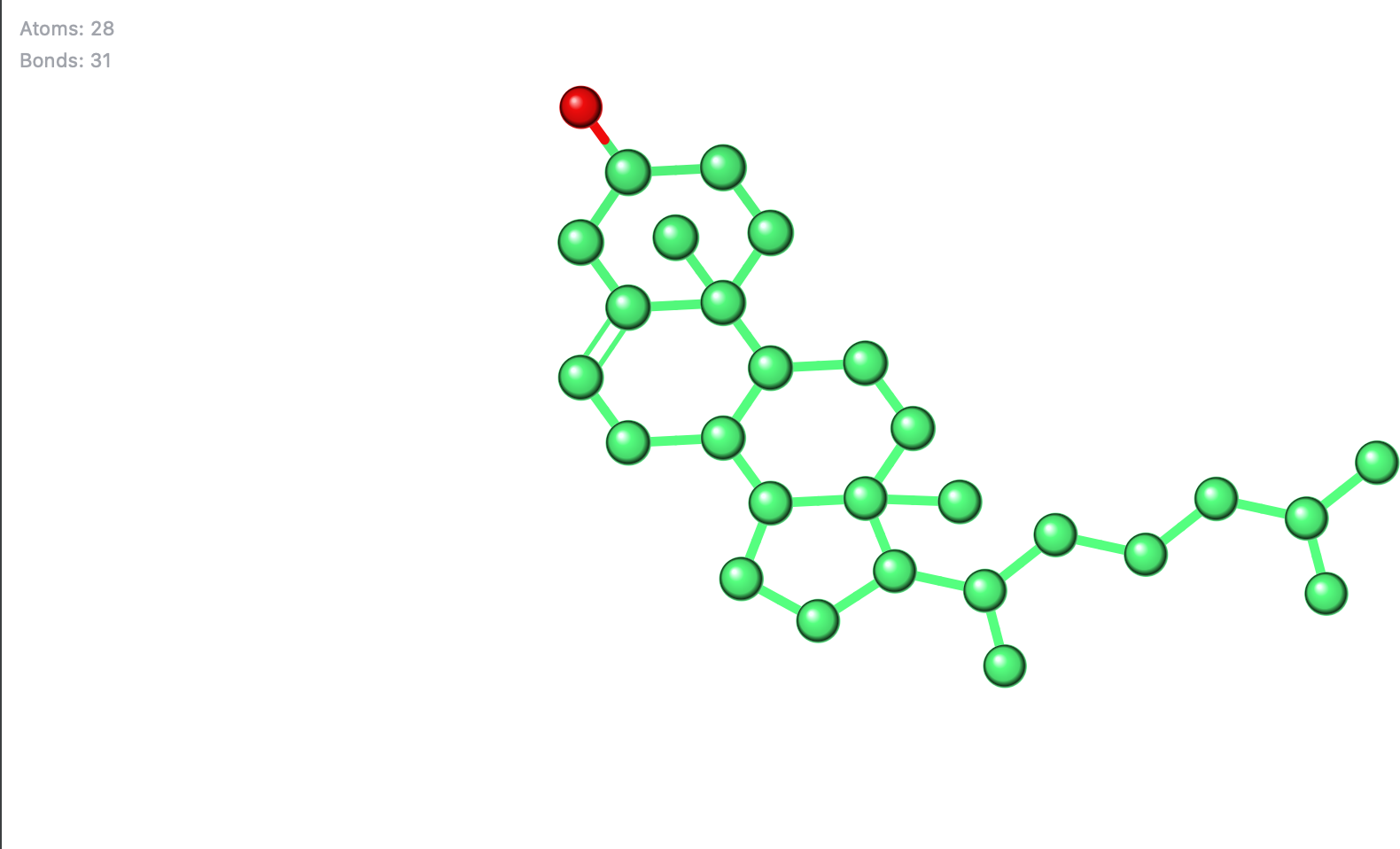 | | | 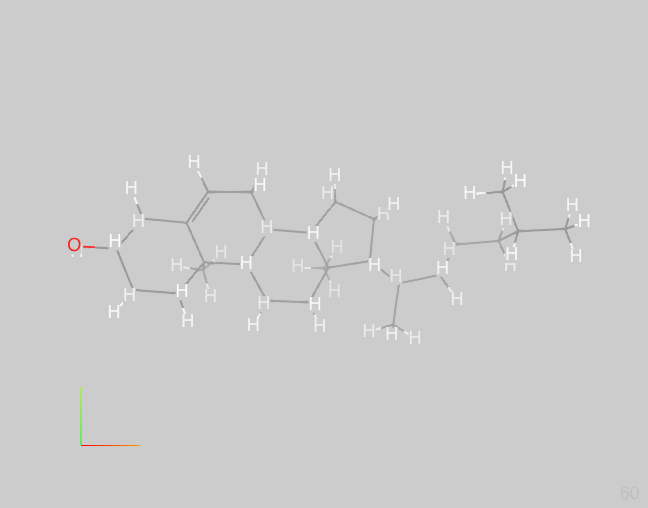 | | | | 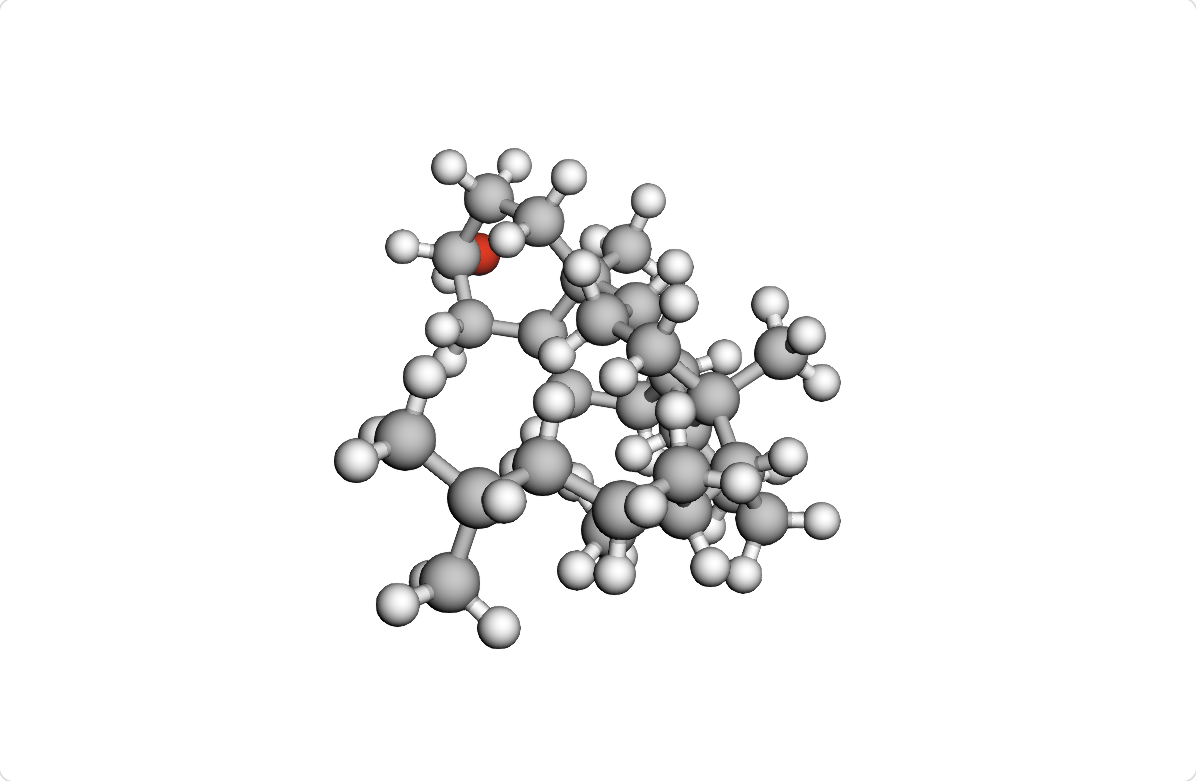 | 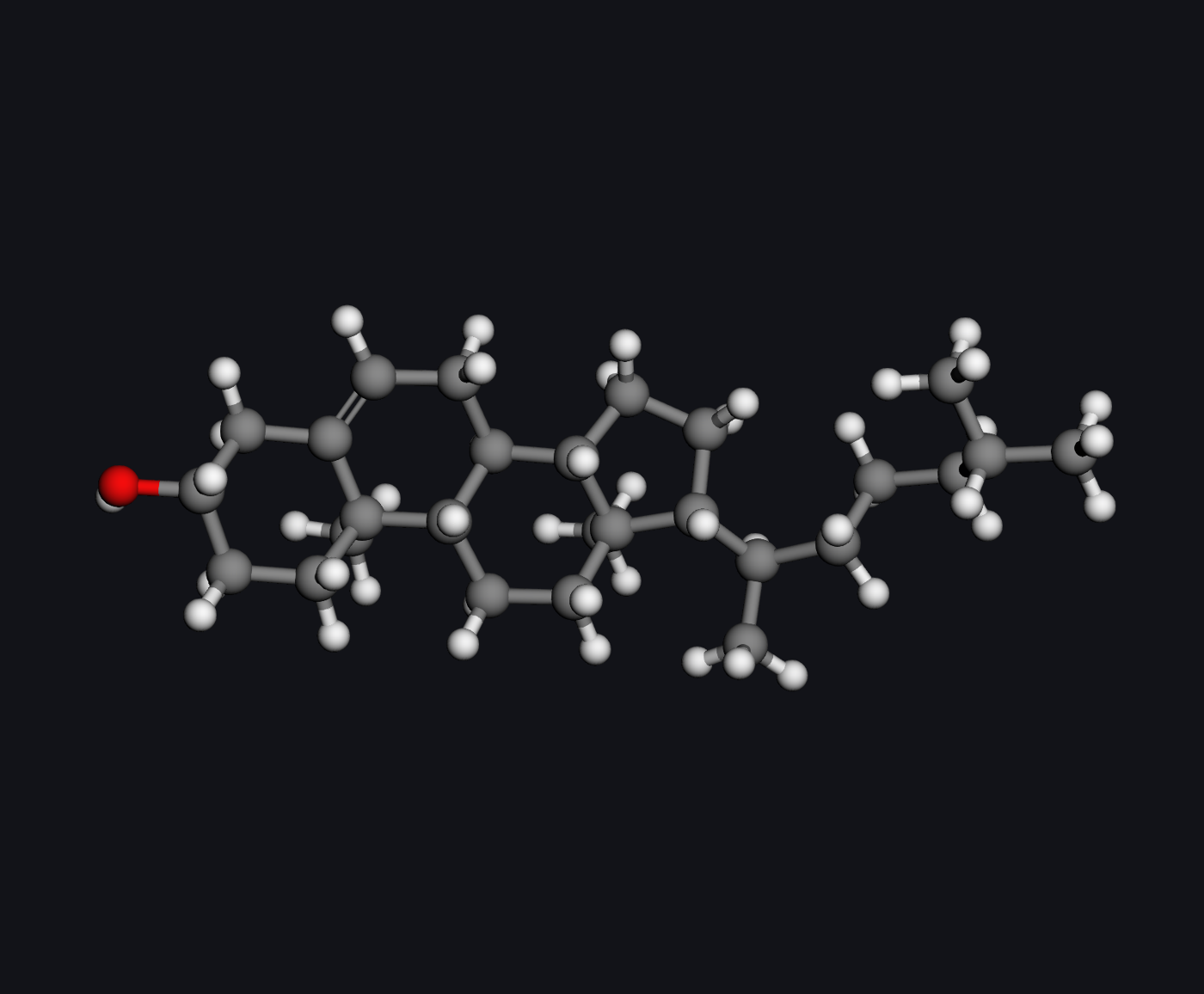 | | | | | | | No SMILES or SDF import control for cholesterol. | | | | | | | | | | | | | | | | | | | | | | | | | | | | | | | | | Paid, checked from the manual | Needs an account or a purchase | Paid, checked from the manual | Needs an account or a purchase | Needs an account or a purchase | | | Paid, checked from the manual | Paid, checked from the manual | | Needs an account or a purchase | | | Paid, checked from the manual | | | Paid, checked from the manual | | Paid, checked from the manual | | | | | Paid, checked from the manual | Paid, checked from the manual | Paid, checked from the manual | Needs an account or a purchase | | Paid, checked from the manual | | | | | | Needs an account or a purchase | | | | Needs an account or a purchase | Needs an account or a purchase | | | Needs an account or a purchase | | Paid, checked from the manual | |
|---|
| How it is built |
|---|
| Renderer | Original: ChemDraw drawing engine | Original: ReShiki vector scene | Original: In-house Canvas 2D molecule renderer | Original: Penzene renderer (Qt QPainter) | Original: Octet ACS 1996 SVG renderer | Original: ChemDraft layout-engine SVG renderer | Borrowed: Ketcher/Raphael canvas; Indigo export renderer | Original: Covalent SVG molecular renderer | Original: In-house SVG renderer | Borrowed: Ketcher/Raphaël, SmilesDrawer, and Indigo | Original: Chem Illustrator Canvas 2D renderer | Borrowed: Ketcher; Indigo exports | Original: Chematic CanvasRenderer and SVG renderers | Borrowed: Kekule.js canvas; in-house SVG renderer | Borrowed: Ketcher SVG/Raphaël; Indigo generated images | Borrowed: Ketcher/Raphaël canvas; RDKit/custom SVG exports | Original: ErezDraw SVG; ported ChemCanvas geometry | Original: Custom React SVG renderer | Original: MolCanvas SVG renderer | Borrowed: Ketcher 3.12.0 SVG renderer on Raphaël; Indigo generated images | Borrowed: Ketcher; Indigo exports; RDKit previews | Original: Custom SVG bond and atom renderer | Borrowed: Ketcher Raphael/SVG; whiteboard server undisclosed | Original: In-house SVG renderer | Original: VectorMol molecular renderer over Raphaël | Original: BondForge molecular renderer | Original: ChemDoodle Atom/Bond canvas renderer | Borrowed: Ketcher/Raphaël; Indigo export renderer | Original: MoleditPy Qt AtomItem/BondItem renderer | Original: ChemCanvas molecular drawing over Qt | Original: MolView vector-outline renderer | Original: In-house Ketcher SVG renderer on Raphaël; Indigo generated images | Borrowed: Ketcher/Raphaël; Indigo SVG/PNG exports | Original: Custom Canvas/SVG renderer | Borrowed: Adapted ChemCanvas sketcher; in-house QPainter views | Original: chemfig molecular macros over TikZ/PGF | Original: Molecule Builder SVG renderer | Borrowed: Ketcher; Indigo exports; RDKit previews | Original: Chemvas Qt bond/label renderer | Original: Sketcher Qt graphics-item renderer | Original: Molsketch libmolsketch (Qt QPainter) | Original: Chemable Canvas 2D renderer | Original: Custom SVG editor; RDKit.js exports | Original: cDraw ChemPanel/drawingobjects (Java2D) | Original: BondCraft Canvas, SVG and EPS renderer | Borrowed: CDK StandardGenerator | Original: Molsoft ChemicalView canvas renderer | Borrowed: JSME editor; RDKit MolDraw2D depiction/export | Original: MolGLideX Graphics2D bond/label renderer | Original: SketchScape SVG renderer | Original: ChemSema molecular renderer | Original: Structura SVG scene renderer | Borrowed: OpenChemLib AbstractDepictor / GenericDepictor | Original: In-house Canvas 2D atom/bond renderer | Original: Elemental Canvas 2D renderer | Borrowed: WebMolKit DrawMolecule / ArrangeMolecule / MetaVector | Original: Kekule.Render.ChemCtab2DRenderer | Original: XDrawChem Render2D (Qt QPainter) | Original: SketchEl DrawMolecule / ArrangeMolecule | Borrowed: JME/JSApplet; optional OpenChemLib SVG | Original: Chemifree SVG DrawingLayer | Original: RadSketch Canvas 2D molecule renderer | Borrowed: Ketcher 1.1 Raphaël renderer | Original: Butlerov bond and label drawing (Konva) | Original: Schematic SVG bond and label renderer | Original: ChemMD SVG bond and label renderer | Original: WebMolKit DrawMolecule / ArrangeMolecule / MetaVector | Borrowed: RDKit MolDraw2D (SVG) | Original: ChemCanvasJS molecular renderer over Paper.js | Original: CSE SVG bond and label renderer | Original: Kemia MoleculeRenderer over Closure graphics | Original: JMolDraw JMD molecular views | Original: MolTouch Canvas renderer | Original: Unicode text and Canvas text renderer | Original: In-house SVG renderer using SVG.js | Original: 0chem in-house SVG DOM molecule renderer | Original: ChemWriter SVG/VML renderer | Original: MCDL DrawMolecule | Original: Glass Canvas 2D renderer | Original: molsketch-cljs SVG molecule renderer | Original: MolPad React/SVG renderer | Borrowed: BKChem custom bond and label renderer (Tkinter Canvas) | Original: ChemDoodle Java graphics library | Original: MolDraw Canvas/SVG bond/label renderer | Original: In-house Marvin molecular renderer | ChemDraft Qt/QPainter renderer (WCanvasImpl) | Borrowed: Modified MolPad Canvas renderer | Original: Marvin JS JsCanvas renderer | Original: BKChem bond/atom/ftext renderer (Tk Canvas) | Not established | Not established | Borrowed: Ketcher Raphaël/SVG; native Indigo exports | Not established | Original: GChemPaint GCCV renderer | Original: KingDraw molecular drawing engine | Not established | Not established | Original: Ferrum-Chem molecular renderer | Original: In-house Marvin SVG renderer | Original: Chem4Word ACME (WPF DrawingVisual) and OoXmlV4 (DrawingML) | Borrowed: CDKSwiftNativePort depiction (ported from CDK) | Original: Chemtool GDK/Pango renderer | Original: Lhendraw custom software and vector renderer | Original: JSDraw Atom/Bond/Drawer renderer | Original: ChemCAD bond and label renderer | Original: MoleculeSketch drawing routines | Not established | Not established | Borrowed: Ketcher SVG/Raphaël renderer | Original: JChemPaint-inspired ArkUI Canvas renderer | Not established | Original: EasyChem bond and label renderer | Not established | Original: MyChemise molecular drawing engine | Original: CyBy Draw SVG renderer | Original: Elk_Draw molecular renderer | Borrowed: Ketcher Raphaël renderer; Indigo image exports | Borrowed: MMDS sketcher (MMDSLib) | Borrowed: RDKit MolDraw2D Cairo | Not established | Not established | Not established | Not established | Not established | Not established | Original: moled SVG renderer using D3 | Not established | Not established |
|---|
| Main language | Not published | Rust | JavaScript | C++ | TypeScript | TypeScript | TypeScript | JavaScript | JavaScript | TypeScript | TypeScript | TypeScript | TypeScript | JavaScript | TypeScript | TypeScript | JavaScript | TypeScript | TypeScript | TypeScript | TypeScript | JavaScript | TypeScript | JavaScript | JavaScript | Python | JavaScript | TypeScript | Python | Python | Not published | TypeScript | TypeScript | JavaScript | Python | TeX | TypeScript | TypeScript | Python | C++ | C++ | TypeScript | JavaScript | Java | JavaScript | Java | JavaScript | Java (compiled to JavaScript); C++ (WebAssembly) | Kotlin | JavaScript | Rust | TypeScript | Java | JavaScript | JavaScript | TypeScript | JavaScript | C++ | Java | Java (GWT-compiled to JavaScript) | TypeScript | JavaScript | JavaScript | TypeScript | TypeScript | JavaScript | TypeScript | C++ | CoffeeScript | JavaScript | JavaScript | Java | JavaScript | JavaScript | TypeScript | JavaScript | JavaScript | Java | JavaScript | ClojureScript | TypeScript | Python | Java | JavaScript | Java | C++ | JavaScript | Java | Python | Not published | Not published | TypeScript | Not published | C++ | Not published | Not published | Not published | Rust | JavaScript | C# | Swift | C | C++ | JavaScript | C++ | Objective-C | Not published | Not published | TypeScript | ArkTS | Not published | C | Not published | Java | Idris | C# | TypeScript | Objective-C | C++ | Not published | Java | Not published | Not published | C++ | Not published | JavaScript | Not published | Not published |
|---|
| Other languages | Not established | Python: Bindings; JavaScript: Browser bindings and Office add-in | C++: Indigo WebAssembly chemistry; Java: OpenChemLib transpiled 3D chemistry; GLSL: 3D WebGL2 shaders | Python: Public package wrapping native engine; C: InChI identifier library | Rust: Native shell, export and clipboard; JavaScript: OPSIN bundle and WebAssembly glue; C++: Indigo chemistry compiled to WebAssembly; C: InChI compiled into Indigo WebAssembly | Rust: Tauri shell and native engine bridges; JavaScript: Frontend bundle and chemistry engines; C++: WASM chemistry and native 3D sidecar; Java: Bundled OPSIN and naming dependencies; Python: Optional naming and image recognition sidecars; C: InChI identifier library | JavaScript: Browser host and Raphael graphics; C++: WebAssembly chemistry and Indigo export rendering | None | Go: Windows/Linux wrappers and MCP server; Swift: macOS WebKit wrapper; Python: Optional naming and image recognition; Java: Desktop OPSIN fallback; C: InChI compiled to WebAssembly; VBA: Word add-in | JavaScript: Raphaël, SmilesDrawer, Miew and runtime; C++: Indigo chemistry and preview WebAssembly; C: InChI support compiled to WebAssembly; Java: OpenChemLib compiled to JavaScript | Rust: Tauri shell and native integrations; C++: RDKit MinimalLib compiled to WebAssembly; Java: OPSIN/OpenChemLib compiled to JavaScript; Python: OpenClatura naming through Pyodide; JavaScript: Bundled chemistry loaders and engines | C++: Indigo exports and RDKit chemistry; Python: Desktop chemistry and scientific computing sidecar | Rust: WebAssembly chemistry and SVG depiction; JavaScript: ChemSpider remote API host adapter | C++: RDKit and Open Babel WebAssembly | JavaScript: Workspace and 3Dmol.js viewer; C++: Indigo WebAssembly chemistry and image rendering; C: InChI via Indigo WebAssembly | Python: Chemistry server and SVG drawing; JavaScript: Electron desktop shell; C++: RDKit and Indigo WebAssembly chemistry; Rust: Publication PNG/PDF conversion via Python | Python: Chemistry, import, desktop and server backends; C++: Native RDKit chemistry | Python: FastAPI and RDKit server | Rust: Tauri desktop shell and native commands; JavaScript: OpenChemLib chemistry library | Python: RDKit backend and additive NMR prediction; C++: Native and WebAssembly chemistry engines; JavaScript: Raphaël graphics and Miew 3D viewer | JavaScript: Wrapper and molecule analysis interface; C++: Indigo exports and RDKit previews; Python: Local molecular analysis backend | Java: OpenChemLib compiled to JavaScript; TypeScript: GANSU Lite and MOrbVis modules; Rust: GANSU Lite kernels (WebAssembly) | JavaScript: Molbrett UI and Miew 3D viewer; C++: Indigo chemistry compiled to WebAssembly | Source languages not publicly stated; generated JavaScript excluded. | None | C++: RDKit chemistry backend | Java: Remote ChemDoodle chemistry services; GLSL: WebGL 3D rendering shaders | JavaScript: Raphaël, CKEditor and Miew viewer; C++: Indigo chemistry and rendering (WebAssembly); C: InChI support compiled to WebAssembly | C++: Native RDKit chemistry | C++: Qt widgets and graphics via PyQt5 | JavaScript: Browser UI and OpenChemLib worker; C++: RDKit cleanup compiled to WebAssembly | C++: Indigo chemistry, WebAssembly or native; C: InChI reference library through Indigo; JavaScript: Raphaël graphics and Miew 3D viewer | JavaScript: Raphaël SVG and Miew 3D; C++: Indigo chemistry and image exports; C: InChI compiled to WebAssembly | None | None | None | JavaScript: RDKit WebAssembly loader and bindings; C++: RDKit chemistry compiled to WebAssembly; C: InChI compiled into RDKit WebAssembly | JavaScript: Wrapper and molecule analysis interface; C++: Indigo exports and RDKit previews | None | TypeScript: Browser React wrapper and API; JavaScript: Qt WebAssembly browser loader and glue; C: InChI identifier library | C: Optional native InChI library | Python: Local RDKit geometry helper; C++: RDKit native chemistry core; JavaScript: 3D viewer and spectral simulation | C++: RDKit WebAssembly chemistry and export rendering | C: Native InChI and Ghostscript libraries | C++: RDKit and CoordGen WebAssembly chemistry | C: Native InChI and macOS clipboard bridge; Swift: macOS native clipboard | C++: WebAssembly and asm.js chemistry core; C: Embedded InChI library | JavaScript: Application logic and export handling | Java: CDK chemistry and Swing UI; C: Native InChI through JNA-InChI | Python: Chemistry backend and HTTP API | JavaScript: Editor interface and SVG DOM display; C: Bundled official InChI chemistry library | C++: RDKit chemistry compiled to WebAssembly; Rust: Server SVG rasterization via resvg-js | JavaScript: Canvas editor integration and API wrappers; TypeScript: Shipped API type declarations | C++: RDKit WebAssembly chemistry; Python: DECIMER image recognition service | C: iPad property calculations | JavaScript: Electron desktop shell and menus | C++: Optional Open Babel/Indigo WebAssembly chemistry; C: Optional InChI WebAssembly engine; PHP: Optional Moodle integration plugins | C: Native InChI through Open Babel | None | JavaScript: GWT output and browser integrations; C: InChI compiled to browser asm.js | Rust: Chemistry, codecs and local API | None | Ruby: Rails engine and server chemistry | None | None | None | None | Python: Editor and RDKit bindings | JavaScript: Compiled runtime and Paper.js graphics | None | None | None | HTML/CSS provide interface markup and styling; PHP handles downloads. | None | JavaScript: Kekule.js chemistry and format integration; C++: Open Babel and Indigo WebAssembly chemistry; C: InChI compiled into Open Babel WebAssembly | None | Java: Optional legacy clipboard applet | JavaScript: Applet host interaction | None | None | None | None | Not established | C++: Indigo chemistry compiled to WebAssembly | C: Native InChI library | QML: Qt Quick user interface; JavaScript: WebAssembly browser loader; C: InChI code compiled to WebAssembly | Not established | JavaScript: Compiled browser runtime and integration API; C: Remote native InChI conversion | C: Bundled Windows InChI executable; Tcl: Tk GUI runtime | Not established | Not established | Rust: Desktop shell and native chemistry service; C++: Native Indigo chemistry/rendering and Imago recognition; JavaScript: Raphaël graphics and Miew 3D | Not established | C: Periodic table and template widgets | Not established | C: Official InChI native library | C: Native InChI chemistry library; ChemBasic: Optional bundled automation scripts | Python: Qt desktop frontend; C++: Native RDKit chemistry adapter | Java: Remote services and GWT valence source | C: Native SQLite structure library storage | C: Vendored official InChI library | None | None | Not established | GLSL: Fluid rendering and compute shaders | Objective-C: Native application code; Swift: Application code and SwiftUI interface | Not established | Not established | Python: Remote FastAPI chemistry backend; C++: RDKit chemistry backend; JavaScript: Raphaël SVG graphics | C++: Chemistry algorithms and file formats | Not established | None | Not established | JavaScript: Applet launch and resizing | JavaScript: Word add-in browser API bindings | C++: RDKit native descriptor calculations | JavaScript: React interface and Raphaël runtime; C++: Indigo chemistry and export WebAssembly | None | Python: Application and custom Pillow 3D renderer; Java: Local OPSIN name parsing | Not established | Java: Desktop application; JavaScript: Bundled ChemDoodle Web Components | Not established | Not established | Not established | Not established | None | Not established | Not established |
|---|
| Interface framework | Not published | Iced 0.14 | Not published | Qt 6 Widgets | React and TypeScript in Tauri 2 | React 19 in a Tauri 2 desktop shell | Ketcher web editor | Custom JavaScript DOM UI | Vanilla HTML/CSS/JavaScript with native desktop webview wrappers | React within Obsidian. | Custom TypeScript DOM/CSS interface; Tauri desktop WebView | React; Electron desktop runtime and browser/PWA build | Electron and React | Kekule.js widgets and custom JavaScript/HTML controls. | React (embedded Ketcher 3.18.0) | TypeScript shell with React/Ketcher; Electron desktop shell. | PySide6/Qt desktop shells; HTML/CSS/JavaScript web interface | React | Browser DOM/SVG interface; Tauri desktop shell using system WebKit | React | HTML/CSS and JavaScript wrapper; React-based Ketcher | HTML/CSS and vanilla JavaScript | React, Ketcher, and Excalidraw | React | Custom HTML controls with jQuery | PySide6 (Qt for Python) | Custom JavaScript/HTML/CSS UI in the ChemDoodleWeb-uis extension | CKEditor 4 with embedded Ketcher (React) | PySide6 (Qt 6) | PyQt5 (v0.14.8) | Not published | React | Next.js 16 and React 19 host; embedded Ketcher React editor | React | PySide6 (Qt 6). | Not published | React 18 with Zustand. | HTML/CSS/JavaScript wrapper around a React-based Ketcher iframe | PyQt6 (Qt Widgets) | Qt Widgets, compiled to WebAssembly for the browser | Qt Widgets (Qt 5 or Qt 6) | Electron with HTML/CSS and vanilla DOM controls. | Not published | Java Swing | React | Java Swing | Vanilla JavaScript, HTML DOM and CSS | Plain HTML/CSS/JavaScript with JSME JSApplet | Java Swing with FlatLaf and Modern Docking | Vanilla JavaScript, HTML and CSS; FastAPI backend | JavaScript, HTML and CSS; Tauri 2/WebView2 on Windows. | React 19, Radix UI, Tailwind CSS | Custom HTML DOM and Web Components with GWT-compiled editor logic | React / Next.js | Not published | Electron with WebMolKit HTML/CSS widgets | Kekule.Widget (HTML, CSS and JavaScript) | Qt 6 Widgets; legacy Qt 5 build also available | Java Swing | GWT, JSApplet AWT emulation and GWT Mosaic | React and TypeScript with shadcn/ui (Base UI), Tailwind CSS and Vite. | Vanilla HTML, CSS and JavaScript | Ruby on Rails with Prototype.js, jQuery UI and Bootstrap. | Konva controls; Vue 3 wrapper; Electron desktop shell | Vanilla DOM with TypeScript, HTML and CSS. | Vanilla JavaScript DOM and SVG | Custom TypeScript widgets and browser DOM. | PySide6 / Qt Widgets | jQuery and Bootstrap | Vanilla JavaScript, HTML and SVG | Google Closure Library (goog.ui) | Java Swing | HTML/CSS with jQuery 1.4.2, jQuery.radmenu, and Tinybox. | Plain HTML/CSS and JavaScript | React and Redux | Vue 3 | Google Closure Library with custom HTML/CSS controls | Java AWT editor; Swing companion converter. | jQuery with HTML/CSS | Reagent / React | React with Zustand state management | Tkinter with Pmw (Python MegaWidgets) | Not published | React | Java Swing | Not published | Not published | Google Web Toolkit (GWT) | Tkinter with Python megawidgets (Pmw). | .NET desktop application | Not published | Tauri v2 with React and TypeScript. | Not published | GTK 3 | Not published | AppKit (macOS); WPF (Windows). | Not published | PySide6 / Qt Widgets with PyO3 bindings. | React | WPF/XAML and Windows Forms; Microsoft Word VSTO add-in | Not published | GTK+ 2 / X11 | Custom desktop UI using SDL 1.2/2.0, with a native Win32 backend. | Not published | Dear ImGui docking with GLFW | Not published | Qt | Not published | Ketcher structure editor | ArkUI (ArkTS) | Not published | GTK+ 2 | Not published | Java applet | Idris async-dom and async-dom-extra HTML/DOM widgets | Avalonia | Not published | Not published | PySide6 | Not published | Not published | React | Not published | Not published | Not published | Plain HTML/CSS and JavaScript DOM controls with D3.js v3. | Not published | Not published |
|---|
| Library behind each feature |
|---|
| Name to structure | In-house (ChemStruct=Name, bundled naming algorithms) | Ported from OPSIN (Rust); PubChem web service (optional remote lookup) | PubChem PUG REST (remote HTTP API) | PubChem PUG REST web service | OPSIN 2.8.0 (JavaScript compiled from Java with TeaVM); In-house (TypeScript dictionaries and name parsers); Indigo (WebAssembly layout); PubChem PUG REST (remote server fallback) | OPSIN 2.9.0 (bundled Java CLI JAR and JRE, invoked through Rust; optional OPSIN plugin) | OPSIN (remote server); PubChem PUG REST web service | Chempirical catalogue web service; PubChem web service (fallback) | In-house JavaScript lookup; OPSIN 2.8.0 compiled to JavaScript with TeaVM 0.16.0, Octet Draw name tables/condensed-formula reader and Wikidata dictionary; desktop fallback to bundled OPSIN 2.9.0 Java JAR subprocess | OPSIN, NCI/CADD Chemical Identifier Resolver (CACTUS), and PubChem PUG REST (remote HTTP services, sequential fallbacks) | OPSIN 2.9.0 (Java compiled to JavaScript with TeaVM, local worker); RDKit MinimalLib 2026.9.1 (WebAssembly layout); PubChem PUG REST (optional remote fallback) | Library not confirmed | ChemSpider Compounds API (remote HTTPS/JSON; host API key and attribution opt-in required) | PubChem web service (via site server proxy); Kekule.js (JavaScript SDF reader) | Library not confirmed | No such feature | In-house common-name dictionary (Python); optional PubChem PUG REST web service; RDKit (Python structure generation) | In-house (browser IUPAC parser and common-name dictionary); PubChem PUG REST (remote fallback); OpenChemLib (browser JavaScript SMILES parsing) | PubChem PUG REST web service | PubChem PUG REST HTTP API through an In-house TypeScript client | No such feature | No such feature | No such feature | PubChem PUG REST (remote web service) + In-house JavaScript SMILES parser | No such feature | No such feature | OPSIN (Java on remote iChemLabs CloudServices, accessed through ChemDoodle.iChemLabs.readIUPACName) | No such feature | No such feature | PubChem PUG REST web service | PubChem web service; OPSIN (remote server) | No such feature | Configurable LLM (remote server) via in-house TypeScript | No such feature | No such feature | No such feature | No such feature | No such feature | No such feature | No such feature | No such feature | PubChem PUG REST (remote server name-to-SMILES lookup); RDKit (local Python/PyInstaller sidecar; SMILES-to-2D conversion) | No such feature | No such feature | No such feature | No such feature | Molsoft dictionary web service; PubChem web service via Molsoft proxy (remote servers) | No such feature | No such feature | In-house (Python naming rules); RDKit (Python SMILES validation) | No such feature | No such feature | No such feature | PubChem PUG REST (remote HTTP name/CAS-to-SMILES lookup); RDKit.js browser WebAssembly normalization; SmilesDrawer browser JavaScript layout | No such feature | No such feature | No such feature | No such feature | No such feature | No such feature | No such feature | No such feature | No such feature | No such feature | No such feature | No such feature | No such feature | No such feature | No such feature | No such feature | No such feature | No such feature | Feature not confirmed | No such feature | No such feature | No such feature | No such feature | No such feature | No such feature | Feature not confirmed | No such feature | NIST Chemistry WebBook (remote HTTP lookup through legacy Python plugin) | OPSIN (bundled Java library) | PubChem web service (PUG REST name lookup) | In-house Chemaxon Name to Structure (local Java; MolImporter name module) | Library not confirmed | Library not confirmed | In-house Chemaxon Name to Structure (remote Java web service through MolConvert/molconvertws; separate naming license) | NIST Chemistry WebBook (remote HTTP name lookup plugin; OASA Python MOL import) | NCI/CADD, PubChem and BIOVIA DiscoveryGate (remote web services via Structure Resolver) | OPSIN (integration form undisclosed) | Feature not confirmed | Library not confirmed | Feature not confirmed | Library not confirmed | Library not confirmed | In-house (ACD/Dictionary desktop lookup; optional ACD/Name native desktop name-to-structure) | Feature not confirmed | In-house Marvin Web Services name conversion (remote Java service) | OPSIN (remote EBI web service; in-house C# client importing CML) | OPSINSwift (native Swift port of OPSIN, on-device) | Feature not confirmed | Feature not confirmed | JSDraw Web Services (remote server; backend library undisclosed) | OPSIN (optional local Java CLI JAR); PubChem PUG REST (remote server fallback); RDKit (native C++ SMILES parsing/layout) | Feature not confirmed | Feature not confirmed | In-house (NamExpert desktop module) | PubChem web service (name lookup followed by Load to Canvas) | Feature not confirmed | Feature not confirmed | Feature not confirmed | PubChem web service | Feature not confirmed | Feature not confirmed | Feature not confirmed | PubChem (remote name-to-structure lookup) | MetaSearch (remote server; PubChem, ChEBI and ChemSpider name lookup) | OPSIN (local Java CLI JAR); PubChem web service (PubChemPy/Python), with RDKit (Python) SMILES parsing | Feature not confirmed | Feature not confirmed | Feature not confirmed | Feature not confirmed | Feature not confirmed | Feature not confirmed | Feature not confirmed | Feature not confirmed | Feature not confirmed |
|---|
| Structure to name | In-house (ChemStruct=Name, bundled naming algorithms) | Ported from openclatura (Rust) | PubChem PUG REST (remote SMILES-to-IUPACName lookup) | PubChem PUG REST web service | In-house (TypeScript IUPAC namer); OPSIN (JavaScript compiled from Java with TeaVM, round-trip validation); Indigo (WebAssembly InChI comparison) | Orthonym 1.0.8 (optional local Python sidecar; RDKit Python and OPSIN/centres Java JARs via JPype) | Orthonym (remote server), validated with OPSIN; PubChem web service for known compounds | Chempirical catalogue web service; PubChem web service (existing-name lookup) | Octet Draw namer/complexes TypeScript transpiled to bundled JavaScript unchanged; optional desktop openclatura Python subprocess with RDKit; OPSIN read-back verification | PubChem PUG REST (remote web service, IUPACName lookup by SMILES) | OpenClatura 0.4.3 (Python wheel in Pyodide 314.0.7 WebAssembly, local worker); OPSIN (TeaVM JavaScript) and RDKit MinimalLib (WebAssembly) round-trip validation | No such feature | In-house (chematic-iupac, Rust/WebAssembly; limited-scope IUPAC naming) | PubChem web service (IUPAC-name record lookup via site server proxy) | Library not confirmed | No such feature | PubChem PUG REST web service (Python client; exact structure matches) | In-house (browser naming rules and common-name dictionary); OpenChemLib (browser JavaScript canonical-SMILES/IDCode matching) | PubChem PUG REST web service | No such feature | PubChem PUG REST (remote API) | PubChem PUG REST web service (remote IUPACName lookup by SMILES) | No such feature | No such feature | No such feature | No such feature | In-house ChemDoodle Java API (remote iChemLabs CloudServices; generateIUPACName) | No such feature | PubChem PUG REST web service (optional PubChem Structure Identifier Python plugin; matched IUPAC names) | No such feature | PubChem web service (IUPAC-name lookup) | No such feature | No such feature | No such feature | No such feature | Feature not confirmed | In-house (TypeScript IUPAC and Chinese naming rules); PubChem PUG REST and NCI CACTUS (remote server fallbacks) | No such feature | No such feature | No such feature | No such feature | No such feature | No such feature | No such feature | No such feature | No such feature | In-house (Molsoft libchem, WebAssembly; asm.js fallback) | No such feature | No such feature | In-house (Python naming rules); RDKit (Python molecular graph) | No such feature | No such feature | No such feature | No such feature | No such feature | No such feature | No such feature | No such feature | No such feature | NCI Chemical Identifier Resolver (remote server, official demo) | No such feature | No such feature | PubChem PUG REST (remote web service, through Rails server) | No such feature | No such feature | No such feature | No such feature | No such feature | No such feature | No such feature | No such feature | No such feature | Feature not confirmed | No such feature | No such feature | No such feature | No such feature | No such feature | No such feature | Feature not confirmed | No such feature | NIST Chemistry WebBook (remote HTTP name lookup by InChI through legacy Python plugin) | In-house (ChemDoodle Java API IUPAC naming algorithms, local) | PubChem web service (PUG REST SMILES-to-IUPACName lookup) | In-house Chemaxon Structure to Name (local Java; MolExporter name module) | Library not confirmed | Library not confirmed | In-house Chemaxon Structure to Name (remote Java web service through MolConvert/molconvertws; separate naming license) | Library not confirmed | OpenEye Lexichem Toolkit (integrated library; binding undisclosed) | No such feature | Feature not confirmed | Library not confirmed | Feature not confirmed | Library not confirmed | Library not confirmed | In-house (ACD/Name Freeware proprietary desktop module; limited structure naming) | No such feature | In-house Marvin Web Services IUPAC naming (remote Java service) | Chem4Word ChemicalServices Resolve API (remote server; underlying naming engine undisclosed) | In-house offline-iupac-v1-curve-2132624 Core ML model; OPSINSwift identity validation | Feature not confirmed | Feature not confirmed | Feature not confirmed | PubChem PUG REST (remote server, SMILES-to-IUPACName lookup) | Feature not confirmed | Feature not confirmed | In-house (Nomenclator desktop module) | Library not confirmed | Feature not confirmed | Feature not confirmed | Feature not confirmed | PubChem web service | Feature not confirmed | Feature not confirmed | Feature not confirmed | Library not confirmed | Feature not confirmed | PubChem PUG REST (remote IUPACName property lookup through Python urllib) | Feature not confirmed | Feature not confirmed | Feature not confirmed | Feature not confirmed | Feature not confirmed | Feature not confirmed | Feature not confirmed | Feature not confirmed | Feature not confirmed |
|---|
| 2D structure cleanup | In-house (ChemDraw 2D structure-generation and cleanup algorithms, local) | Ported from RDKit RDDepictor (Rust); In-house (Rust layout refinements) | In-house browser JavaScript cleanup; optional Indigo 1.46.0 indigo-ketcher-norender browser WebAssembly layout/clean2d | RDKit RDDepictor (C++), with In-house (C++) coordination layout | Ported from Indigo MoleculeCleaner2d and BiconnectedDecomposer (TypeScript, modified) | In-house (TypeScript polygon/tree cleanup) + OpenChemLib (JavaScript re-layout) + RDKit MinimalLib (WebAssembly fallback) | Indigo 1.40.0 (WebAssembly, through Ketcher standalone) | In-house layoutMolecule 2D coordinate generator (JavaScript module in browser) | In-house JavaScript layout/cleanup; bundled OpenChemLib 9.25.1 JavaScript assists cage conformers and stereochemistry preservation | Indigo 1.45.1 (C++ compiled to WebAssembly, indigo-ketcher through ketcher-standalone 3.17.2) | In-house (TypeScript geometry cleanup); RDKit MinimalLib 2026.9.1 (WebAssembly RDDepictor and CoordGen layout seeds for tangled structures) | Indigo (WebAssembly via ketcher-standalone) | In-house (chematic-depict, Rust/WebAssembly compute_layout) | In-house (JavaScript); RDKit.js (WebAssembly, complex-ring coordinates) | Indigo (WebAssembly through embedded Ketcher 3.18.0) | RDKit/CoordGen (Python, local server) + In-house NumPy/FIRE refinement | RDKit (Python rdDepictor.Compute2DCoords) | OpenChemLib (browser JavaScript Molecule.inventCoordinates); In-house (orientation preservation and fallback geometry) | OpenChemLib (JavaScript npm package) | Indigo (indigo-ketcher 1.40.0 WebAssembly through Ketcher 3.12.0); RDKit native Python bindings for alternate-canvas backend cleanup | Indigo (WebAssembly) | OpenChemLib JS (JavaScript, inventCoordinates) | Indigo 1.46.0 (WebAssembly, Ketcher standalone browser worker) | In-house (JavaScript, browser) | In-house (JavaScript) | RDKit (Python) | In-house ChemDoodle Java API (remote iChemLabs CloudServices; optimize with dimension 2) | Indigo (WebAssembly through ketcher-standalone, clean2d) | RDKit (Python rdDepictor; optional CoordGen backend) | Feature not confirmed | RDKit.js (WebAssembly) | Indigo C++ (indigo-ketcher WebAssembly in standalone mode, or Indigo HTTP service in remote mode) | Indigo 1.46.0 (WebAssembly) | OpenChemLib (JavaScript) | OASA (vendored Python, coords_generator) | Feature not confirmed | In-house (TypeScript ring and chain layout, alignment and spacing) | Indigo (WebAssembly) | Feature not confirmed | RDKit RDDepictor (C++; WebAssembly in browser build); In-house monomer layout | Open Babel gen2D (native C++ through optional obabeliface shared library) | RDKit (local Python/PyInstaller sidecar; Compute2DCoords with 3D embedding fallback) | RDKit.js (WebAssembly; CoordGen 2D layout) | Feature not confirmed | Feature not confirmed | CDK StructureDiagramGenerator (Java) | In-house (Molsoft libchem, WebAssembly; asm.js fallback); Molsoft conversion service (remote server fallback) | RDKit.js (WebAssembly) | CDK (Java StructureDiagramGenerator and GeometryUtil) | RDKit (Python, local server) | Feature not confirmed | In-house | Ported from OpenChemLib CoordinateInventor (Java compiled to JavaScript with GWT) | In-house browser JavaScript coordinate optimizer (Clean Structure) | In-house (Elemental JavaScript) | Feature not confirmed | Open Babel (optional C++ compiled to WebAssembly with Emscripten; Gen2D); Indigo (optional C++ WebAssembly alternative; layout) | Ported from JMDraw (C++ SDG implementation) | In-house (Java bond length normalization only) | OpenChemLib (GWT-compiled JavaScript) | No such feature | Feature not confirmed | Open Babel (Ruby bindings, application server; gen2D) | Library not confirmed | Feature not confirmed | In-house (JavaScript automatic coordinate layout) | Feature not confirmed | RDKit (Python; CoordGen preferred) | Feature not confirmed | Feature not confirmed | Ported from CDK (JavaScript) | Feature not confirmed | Feature not confirmed | Feature not confirmed | Open Babel (WebAssembly via Kekule.js; import layout only) | Feature not confirmed | Feature not confirmed | Feature not confirmed | Feature not confirmed | Feature not confirmed | Feature not confirmed | OASA (bundled Python coordinate generator) | In-house (ChemDoodle 2D coordinate-layout algorithm, local Java library) | In-house (JavaScript local cleanup); optional Indigo (WebAssembly layout/clean2d) | In-house Chemaxon Cleaner (local Java core library) | Library not confirmed | RDKit.js (browser WebAssembly get_new_coords); RDKit and Indigo (desktop Electron IPC); In-house (desktop normalClean) | In-house Chemaxon Clean2D (remote Java REST service via MJSWS, JChem Web Services or JChem Microservices; clean2dws) | Feature not confirmed | BIOVIA Pipeline Pilot Chemistry SDK / PPChem SDK (local SDK; small-molecule cleanup since Draw 2021) | Library not confirmed | Indigo (native C++ via Rust FFI; indigoClean2d and indigoLayout) | Library not confirmed | Feature not confirmed | Library not confirmed | Library not confirmed | Library not confirmed | RDKit (C++) | In-house Marvin Web Services structure clean (remote Java service) | Feature not confirmed | CDKSwiftNativePort (CDKStructureDiagramGenerator native Swift port) | In-house (C tidy_mol; endpoint snapping and duplicate removal) | In-house (C++ ring, bond-length and angle cleanup) | Feature not confirmed | RDKit (native C++ RDDepict::compute2DCoords with CoordGen preferred) | Feature not confirmed | Feature not confirmed | Library not confirmed | Library not confirmed | In-house (C++ libjcp_engine.so via N-API) | Feature not confirmed | No such feature | Library not confirmed | Feature not confirmed | Feature not confirmed | Library not confirmed | Feature not confirmed | Feature not confirmed | Feature not confirmed | Feature not confirmed | Library not confirmed | Feature not confirmed | Library not confirmed | Feature not confirmed | Library not confirmed | Feature not confirmed | Feature not confirmed | Feature not confirmed |
|---|
| 3D model view | Library not confirmed | In-house (Rust viewer); COSMolKit (Rust conformer generation) | In-house browser JavaScript/WebGL2 molecule viewer and GLSL shaders | No such feature | In-house (TypeScript 3D geometry and rotatable SVG perspective drawing) | In-house (SVG 3D projection) + RDKit MinimalLib (WebAssembly embedding) + OpenChemLib (JavaScript fallback); Avogadro Core/Calc (native C++ UFF sidecar for atom tug) | Library not confirmed | In-house Canvas 2D molecular viewer (JavaScript; in-house JavaScript 3D embedding in a module Web Worker) | Bundled OpenChemLib 9.25.1 JavaScript ConformerGenerator and MMFF94s+; In-house JavaScript SVG rendering/rotation and fallback force field; xyzrender style values only | Miew 0.11.1 through miew-react 0.11.0 (bundled JavaScript/Three.js WebGL viewer in Ketcher) | OpenChemLib 9.25.1 (JavaScript/GWT build, local conformer generation and MMFF94s+); In-house (TypeScript Canvas 3D viewer) | 3Dmol.js (browser library) | In-house (chematic-3d, Rust/WebAssembly rule-based coordinates and minimization; TypeScript Canvas viewer) | Kekule.js Viewer3D with Three.js (JavaScript); 3Dmol.js (JavaScript); Open Babel (WebAssembly conformers); PubChem web service (optional conformers) | 3Dmol.js (browser JavaScript/WebGL viewer); 3D coordinates supplied by an undisclosed remote engine | No such feature | No such feature | 3Dmol.js (browser JavaScript viewer); RDKit (Python server conformer generation through FastAPI) | No such feature | Miew JavaScript/WebGL viewer through Ketcher's miew-react component | Mol* (browser JavaScript); Miew (browser JavaScript) | In-house (JavaScript Canvas viewer); OpenChemLib JS (JavaScript conformer generation and MMFF94S optimization) | Miew (JavaScript/Three.js via miew-react in Ketcher) | Three.js r185 + OrbitControls (JavaScript/WebGL, browser) | In-house (JavaScript; line-bond models) | In-house (Python viewer); RDKit (Python conformer generation) | In-house ChemDoodle Web Components (browser JavaScript/WebGL and GLSL; glMatrix matrix math; TransformCanvas3D) | Miew (JavaScript/WebGL through miew-react) | PyVista/VTK (Python; PyVistaQt interactor) | No such feature | Mol* (JavaScript) | Miew JavaScript/WebGL viewer through the miew-react React component | Miew (JavaScript/WebGL, through miew-react 0.11.0) | Three.js (JavaScript WebGL viewer) + OpenChemLib (JavaScript conformer-generation Web Worker) | In-house (Python QPainter molecular viewer and rotation controller) | Feature not confirmed | No such feature | Miew (JavaScript) | No such feature | No such feature | No such feature | 3Dmol.js (JavaScript/WebGL viewer loaded from CDN); RDKit (local Python/PyInstaller sidecar; ETKDGv3 conformers and UFF optimization) | OpenChemLib JS (JavaScript conformers and MMFF94); 3Dmol.js (JavaScript viewer) | No such feature | No such feature | No such feature | No such feature | No such feature | No such feature | RDKit (Python conformers and MMFF); In-house (JavaScript Canvas viewer) | No such feature | No such feature | No such feature | No such feature | No such feature | No such feature | Three.js (JavaScript; Kekule.Render.ThreeRendererBridge) | No such feature | No such feature | No such feature | No such feature | No such feature | No such feature | No such feature | No such feature | No such feature | No such feature | No such feature | No such feature | No such feature | No such feature | No such feature | No such feature | No such feature | No such feature | No such feature | No such feature | No such feature | No such feature | Feature not confirmed | No such feature | Feature not confirmed | Library not confirmed | 3Dmol.js (JavaScript/WebGL viewer); OpenChemLib (JavaScript conformer option) | Library not confirmed | Library not confirmed | Library not confirmed | In-house Marvin JS (GWT-compiled browser JavaScript for display/rotation); remote Chemaxon Clean3D Java web service for coordinate generation | Library not confirmed | Library not confirmed | Library not confirmed | Miew (browser JavaScript via miew-react 0.11.0 in Ketcher) | Feature not confirmed | Open Babel (C++ library in local babelserver helper); GChem3D, Ghemical or Avogadro (external viewers) | In-house KingDraw 3D model conversion module (iOS app; vendor-confirmed module) | SceneKit (macOS native framework) | In-house (ACD/3D Viewer proprietary desktop application; optional OpenGL rendering) | Feature not confirmed | Feature not confirmed | Feature not confirmed | CDKSwiftNativePort (CDKMetal3DSceneBuilder and CDKModelBuilder3D; native Swift) | In-house (C imported-coordinate rotation preview) | Feature not confirmed | Feature not confirmed | In-house (C++ ImDrawList rotatable molecule viewer); RDKit (native C++ ETKDGv3 embedding and MMFF94 optimization) | Feature not confirmed | Feature not confirmed | Feature not confirmed | No such feature | Feature not confirmed | Feature not confirmed | Feature not confirmed | Library not confirmed | Feature not confirmed | Feature not confirmed | Feature not confirmed | Miew (JavaScript/WebGL, separate browser module) | Feature not confirmed | In-house (Python/Pillow drawing and NumPy projection); RDKit (Python EmbedMolecule and MMFFOptimizeMolecule geometry) | Feature not confirmed | ChemDoodle 3D (separate local desktop application) | Feature not confirmed | Feature not confirmed | Library not confirmed | Feature not confirmed | Feature not confirmed | Feature not confirmed | Feature not confirmed |
|---|
| NMR prediction | ChemNMR (bundled prediction module, originally licensed from Upstream Solutions) | In-house (Rust HOSE predictor; bundled nmrshiftdb2 data) | Zakodium NMR Prediction service (remote HTTP; Spinus/HOSE 1H, HOSE 13C) | In-house (C++) HOSE-code matching over bundled nmrshiftdb2 data; RDKit (C++) molecular preprocessing | In-house (TypeScript HOSE-code predictor with bundled nmrshiftdb2 shift data) | In-house (TypeScript HOSE predictor, optional JavaScript Web Worker plugin) + OpenChemLib (JavaScript) + NMRShiftDB2-derived local database | MagNET with AIMNet2 geometry optimisation (remote server) | No such feature | In-house JavaScript rd-sphere-v1 environment encoder/table predictor with local nmrshiftdb2-derived measured-shift tables | NMRdb (external browser simulator opened with SMILES; no predictor in ChemEdit) | In-house (TypeScript environment-code lookup and graph-network shift prediction, bundled NMRShiftDB2/NMRBank data) | Feature not confirmed | No such feature | Feature not confirmed | Feature not confirmed | ORCA (external executable) + In-house Python shielding-to-shift conversion | nmr-predictor + openchemlib-extended (JavaScript; local HOSE reference matching with bundled proton/nmrshiftdb2 carbon data); in-house Python/RDKit proton refinement | No such feature | No such feature | In-house Python additive 1H/13C predictor; RDKit native Python bindings for molecular analysis | Feature not confirmed | In-house (JavaScript shift rules, regression models and spectrum synthesis); OpenChemLib JS (JavaScript molecular preprocessing) | Feature not confirmed | Feature not confirmed | Feature not confirmed | In-house (Python heuristic predictor) | ChemDoodle Java API (remote iChemLabs CloudServices; simulate1HNMR and simulate13CNMR) | Feature not confirmed | Optional NMR Predictor (nmrshiftdb2) plugin (Python/RDKit; local reference matching); optional NMR Predictor (CASCADE) plugin (remote CASCADE web service) | Feature not confirmed | Feature not confirmed | Feature not confirmed | Feature not confirmed | Feature not confirmed | Feature not confirmed | Feature not confirmed | Feature not confirmed | Feature not confirmed | Feature not confirmed | Feature not confirmed | Feature not confirmed | Feature not confirmed | No such feature | Feature not confirmed | Feature not confirmed | Feature not confirmed | Feature not confirmed | Feature not confirmed | Feature not confirmed | Feature not confirmed | ChemSema NMR (bundled WebAssembly via JavaScript adapter) | Feature not confirmed | Feature not confirmed | Feature not confirmed | Feature not confirmed | Feature not confirmed | Feature not confirmed | Ported from Christoph Steinbeck's BremserOneSphereHOSECodePredictor (C++/Qt 13C); In-house (C++ 1H predictor) | Feature not confirmed | Feature not confirmed | No such feature | Feature not confirmed | Feature not confirmed | Feature not confirmed | Feature not confirmed | Feature not confirmed | Feature not confirmed | Feature not confirmed | Feature not confirmed | Feature not confirmed | Feature not confirmed | Feature not confirmed | Feature not confirmed | Feature not confirmed | Feature not confirmed | Feature not confirmed | Feature not confirmed | Feature not confirmed | Feature not confirmed | Feature not confirmed | Feature not confirmed | Feature not confirmed | Library not confirmed | No such feature | In-house Chemaxon NMR Predictor (local Java NMRCalculator) | Library not confirmed | NMRNet++ (remote prediction service, /predict for proton and carbon shifts) | Feature not confirmed | Feature not confirmed | Mnova (external-tool add-in) or NMRdb.org (remote-web-service add-in) | Library not confirmed | Feature not confirmed | Library not confirmed | Feature not confirmed | Feature not confirmed | Library not confirmed | Feature not confirmed | Feature not confirmed | In-house Marvin Web Services NMR predictor (remote Java service) | Feature not confirmed | Feature not confirmed | Feature not confirmed | Feature not confirmed | Feature not confirmed | Feature not confirmed | Feature not confirmed | Feature not confirmed | Feature not confirmed | No such feature | Feature not confirmed | Library not confirmed | Feature not confirmed | Feature not confirmed | Feature not confirmed | Feature not confirmed | No such feature | Feature not confirmed | Feature not confirmed | Feature not confirmed | Feature not confirmed | Feature not confirmed | Feature not confirmed | Feature not confirmed | Feature not confirmed | Feature not confirmed | Feature not confirmed | Feature not confirmed | Feature not confirmed |
|---|
| Property estimates | Molecular Networks MOSES.logP (bundled calculator module); BioByte CLogP/CMR (bundled algorithms) | Ported from RDKit (Rust descriptors) | Indigo 1.46.0 indigo-ketcher-norender (browser WebAssembly; logP, pKa, molar refractivity) | RDKit Descriptors (C++) | Indigo (WebAssembly, Wildman–Crippen logP and molar refractivity); In-house (TypeScript Ertl TPSA, Joback, ESOL and pKa calculators; thermo and Dimorphite-DL table values, PatWalters/solubility ESOL coefficients) | RDKit MinimalLib (vendored WebAssembly; Crippen logP and TPSA) | RDKit.js (WebAssembly, Crippen logP and TPSA); PubChem web service for XLogP3 | Feature not confirmed | Bundled OpenChemLib 9.25.1 JavaScript MoleculeProperties for cLogP, TPSA and related descriptors | OpenChemLib JS 9.25.0 (bundled Java-to-JavaScript library, MoleculeProperties.logP and polarSurfaceArea) | RDKit MinimalLib 2026.9.1 (WebAssembly Crippen logP, TPSA and other descriptors); In-house (TypeScript additional property estimates) | Feature not confirmed | Ported from RDKit (Crippen SMARTS data in chematic-chem, Rust/WebAssembly); In-house (Ertl TPSA) | PubChem web service (XLogP/TPSA record lookup via site server proxy) | Library not confirmed | RDKit (Python bindings, local server) | RDKit (Python Descriptors; Crippen logP and TPSA); optional PubChem PUG REST property lookup | Library not confirmed | OpenChemLib (JavaScript npm package, MoleculeProperties) | RDKit native Python bindings (Descriptors, Lipinski and rdMolDescriptors) | RDKit.js (WebAssembly) | OpenChemLib JS (JavaScript, MoleculeProperties logP and polarSurfaceArea) | No such feature | In-house (JavaScript Ertl TPSA and partial Wildman-Crippen logP) | Feature not confirmed | RDKit (Python) | ChemDoodle Java API (remote iChemLabs CloudServices; calculate with xlogp2 and tpsa descriptors) | Feature not confirmed | RDKit (Python rdMolDescriptors; Crippen logP and TPSA) | Feature not confirmed | Feature not confirmed | Feature not confirmed | Feature not confirmed | Feature not confirmed | Ported from MLP_Tools (Python/NumPy fragment-based logP) | Feature not confirmed | Feature not confirmed | No such feature | Feature not confirmed | Feature not confirmed | Feature not confirmed | Feature not confirmed | RDKit.js (WebAssembly) | Feature not confirmed | Feature not confirmed | Feature not confirmed | In-house (Molsoft MolLogP predictor, remote server in hosted property demo) | RDKit.js (WebAssembly) | Feature not confirmed | Feature not confirmed | Feature not confirmed | Feature not confirmed | Ported from OpenChemLib PropertyCalculator, CLogPPredictor and PolarSurfaceAreaPredictor (Java compiled to JavaScript with GWT) | Library not confirmed | In-house (Dotmatics C Chemistry Toolkit, iOS) | Feature not confirmed | Feature not confirmed | In-house (C++ log Kow fragment estimator) | Feature not confirmed | Feature not confirmed | No such feature | Feature not confirmed | Feature not confirmed | Feature not confirmed | Feature not confirmed | Feature not confirmed | Feature not confirmed | Feature not confirmed | Feature not confirmed | Feature not confirmed | Feature not confirmed | Feature not confirmed | Feature not confirmed | Feature not confirmed | Feature not confirmed | Feature not confirmed | Feature not confirmed | Feature not confirmed | Feature not confirmed | Feature not confirmed | Feature not confirmed | Feature not confirmed | In-house (ChemDoodle Java API descriptor algorithms, local) | Indigo (WebAssembly logP, pKa and molar refractivity) | In-house Chemaxon Calculator Plugins (local Java LogPPlugin/TPSAPlugin) | Feature not confirmed | RDKit.js (browser WebAssembly get_descriptors, CrippenClogP and TPSA); RDKit (desktop rdkitAPI IPC) | Feature not confirmed | Feature not confirmed | Library not confirmed | Feature not confirmed | No such feature | Library not confirmed | Feature not confirmed | Feature not confirmed | Library not confirmed | Library not confirmed | Feature not confirmed | In-house Marvin Web Services calculator and JChem Microservices calculations (remote Java services) | Feature not confirmed | CDKSwiftNativePort (native Swift CDKXLogPDescriptor and CDKTPSADescriptor) | Feature not confirmed | Feature not confirmed | Feature not confirmed | RDKit (native C++ Descriptors::calcCrippenDescriptors, cLogP) | Feature not confirmed | Feature not confirmed | Feature not confirmed | RDKit (remote FastAPI chemistry server) | Feature not confirmed | Feature not confirmed | Feature not confirmed | Feature not confirmed | Feature not confirmed | Feature not confirmed | RDKit (native C API rdkitcffi.dll with descriptor extension) | Feature not confirmed | MMDS core library (Objective-C, local) | Feature not confirmed | Feature not confirmed | Feature not confirmed | Library not confirmed | Feature not confirmed | Feature not confirmed | Feature not confirmed | Feature not confirmed | Feature not confirmed | Feature not confirmed |
|---|
| Formula and mass | Library not confirmed | Ported from RDKit (Rust) | In-house browser JavaScript formula/mass calculation; Indigo 1.46.0 browser WebAssembly calculations | RDKit Descriptors (C++) | Indigo (WebAssembly), with In-house (TypeScript fragment and polymer aggregation) | In-house (TypeScript live formula and mass) + RDKit MinimalLib (WebAssembly analysis) | Indigo (WebAssembly); RDKit.js (WebAssembly, fragment masses) with In-house formula assembly | In-house formula.js formula, molecular weight and exact mass calculations (JavaScript; inspector Web Worker) | In-house JavaScript atom counting and mass calculation using IUPAC/NIST atomic-weight/isotope data | Indigo 1.45.1 (WebAssembly via Ketcher calculate); OpenChemLib JS 9.25.0 fallback; CACTUS and PubChem remote HTTP fallbacks; In-house rough estimate as final fallback | RDKit MinimalLib 2026.9.1 (WebAssembly atomic masses and molecular descriptors); In-house (TypeScript Hill formula from RDKit JSON) | Indigo (WebAssembly via ketcher-standalone) | In-house (chematic-core and chematic-chem, Rust/WebAssembly) | PubChem web service (formula/mass record lookup via site server proxy) | Indigo (WebAssembly in Ketcher Calculate dialog; separate live-property-strip server engine undisclosed) | RDKit (Python bindings, local server) | RDKit (Python rdMolDescriptors and periodic table) | OpenChemLib (browser JavaScript Molecule.getMolecularFormula, formula and absoluteWeight) | OpenChemLib (JavaScript npm package) | RDKit native Python bindings (Descriptors and rdMolDescriptors); In-house TypeScript formula/MW display; Indigo WebAssembly in Ketcher's calculation dialog | Indigo (WebAssembly); RDKit.js (WebAssembly mass descriptors) | In-house (JavaScript formula counting and mass sums); OpenChemLib JS (JavaScript implicit-hydrogen analysis, with In-house fallback) | Indigo 1.46.0 (WebAssembly, Ketcher standalone browser worker) | In-house (JavaScript, browser) | Library not confirmed | RDKit (Python) | ChemDoodle Java API (remote iChemLabs CloudServices; elementalAnalysis) | Indigo (WebAssembly through ketcher-standalone, calculate) | RDKit (Python Descriptors/rdMolDescriptors; atomic masses for XYZ-derived structures) | No such feature | PubChem web service (formula and mass lookup) | Indigo C++ (indigo-ketcher WebAssembly or Indigo HTTP service) | Indigo 1.46.0 (WebAssembly) | OpenChemLib (JavaScript) + In-house JavaScript isotope and charge corrections | In-house (Python molecular formula and mass calculations) | Feature not confirmed | In-house (TypeScript; molecular formula only, no mass calculation) | Indigo (WebAssembly); RDKit.js (WebAssembly mass descriptors) | No such feature | No such feature | Library not confirmed | In-house (TypeScript element counting, implicit hydrogens and atomic-mass table) | RDKit.js (WebAssembly masses and implicit hydrogens); In-house (formula assembly) | No such feature | In-house | Library not confirmed | In-house (Molsoft libchem, WebAssembly; asm.js fallback) | RDKit.js (WebAssembly; molecular weights only) | CDK (Java MolecularFormulaManipulator and AtomContainerManipulator) | RDKit (Python) | In-house (Rust formula, average mass and exact mass calculations) | In-house | Ported from OpenChemLib MolecularFormula (Java compiled to JavaScript with GWT) | No such feature | In-house (Elemental JavaScript) | WebMolKit (TypeScript; formula abbreviations only) | In-house (JavaScript; molecular formula only) | In-house (C++ Molecule formula calculation and MolData atomic masses) | In-house (Java formula calculation only) | No such feature | In-house (Rust formula and mass calculations with externally loaded mass-table data) | In-house | In-house (JavaScript; Ketcher implicit hydrogens) | In-house | In-house (TypeScript formula, implicit hydrogens and atomic-weight table) | In-house (JavaScript explicit-atom formula calculation only; no mass calculation) | In-house (WebMolKit MolUtil; TypeScript compiled to JavaScript) | No such feature | No such feature | In-house | No such feature | No such feature | Feature not confirmed | No such feature | No such feature | No such feature | No such feature | In-house | No such feature | Feature not confirmed | No such feature | OASA (bundled Python periodic_table.formula_dict); Ported from BKChem (Python formula assembly) | In-house (ChemDoodle molecular-mass and elemental-analysis algorithms, local Java library) | In-house (JavaScript formula/mass calculations); Indigo (WebAssembly calculated properties) | In-house Chemaxon ElementalAnalysisPlugin (local Java calculator) | Library not confirmed | In-house (JavaScript getFormulaLayout and isotopicDistribution formula/mass calculators) | Feature not confirmed | OASA (Python formula and periodic-table mass routines) | Library not confirmed | Library not confirmed | Indigo (native C++ via Rust FFI) | Library not confirmed | In-house (GChemCalc external C++ executable) | Library not confirmed | Library not confirmed | Library not confirmed | RDKit (C++) | Feature not confirmed | In-house Chem4Word.Model2 Molecule/FormulaHelper (C#) | CDKSwiftNativePort (native Swift CDKMolecularFormulaDescriptor, CDKMolecularWeightDescriptor, CDKExactMassDescriptor) | cht (bundled local C executable, translated from Pascal) | In-house (C++ elemental analysis and isotope masses) | In-house (JSDraw2.FormulaParser, JavaScript) | RDKit (native C++ Descriptors::calcMolFormula and calcExactMW) | Library not confirmed | Feature not confirmed | Library not confirmed | Feature not confirmed | In-house (C++ libjcp_engine.so; explicit atoms only) | Library not confirmed | Feature not confirmed | Library not confirmed | Feature not confirmed | Feature not confirmed | Library not confirmed | Feature not confirmed | MMDS core library (Objective-C, local) | In-house (Python atom counts and ATOMIC_WEIGHTS/EXACT_MASSES tables); RDKit (Python CalcMolFormula, MolWt and ExactMolWt in 3D view) | Library not confirmed | Feature not confirmed | Library not confirmed | Library not confirmed | Library not confirmed | Feature not confirmed | Feature not confirmed | Feature not confirmed | Library not confirmed |
|---|
| R/S and E/Z labels | Library not confirmed | Ported from RDKit CIPLabeler and SiMolecule centres (Rust) | In-house browser JavaScript CIP/E-Z perception; Indigo 1.46.0 browser WebAssembly fallback | RDKit CIPLabeler (C++) | In-house (TypeScript CIP and axial stereochemistry labellers) | RDKit MinimalLib (WebAssembly R/S and E/Z analysis) + OpenChemLib (JavaScript editor stereo perception) | RDKit.js (WebAssembly) | Ported from SiMolecule Centres (JavaScript adaptation of CIP rules in chem/cip.js; browser and inspector Web Worker) | Bundled OpenChemLib 9.25.1 JavaScript CIP perception via getAtomCIPParity/getBondCIPParity | Indigo 1.45.1 (C++ compiled to WebAssembly, calculateCip through ketcher-standalone 3.17.2) | RDKit MinimalLib 2026.9.1 (WebAssembly CIP R/S and E/Z perception); In-house (TypeScript drawing interpretation and generic-group handling) | Indigo (WebAssembly via ketcher-standalone) | In-house (chematic-chem, Rust/WebAssembly assign_cip R/S and E/Z) | RDKit.js (WebAssembly); In-house (JavaScript geometry-based E/Z preview) | Indigo (WebAssembly CIP calculation through Ketcher) | RDKit rdCIPLabeler (Python bindings, local server) | No such feature | OpenChemLib (browser JavaScript cHelperCIP, getAtomCIPParity and getBondCIPParity) | Feature not confirmed | Indigo (indigo-ketcher 1.40.0 WebAssembly through Ketcher 3.12.0) | Indigo (WebAssembly) | OpenChemLib JS (JavaScript CIP parity calculation) | Indigo 1.46.0 (WebAssembly, Ketcher standalone browser worker) | In-house (JavaScript, browser) | Feature not confirmed | Feature not confirmed | ChemDoodle Java API (remote iChemLabs CloudServices; resolveCIP) | Indigo (WebAssembly through ketcher-standalone, calculateCip) | RDKit (Python Chem stereochemistry and rdCIPLabeler) | Feature not confirmed | Feature not confirmed | Indigo C++ CIP calculation (indigo-ketcher WebAssembly or Indigo HTTP service) | Indigo 1.46.0 (WebAssembly) | Feature not confirmed | Feature not confirmed | Feature not confirmed | No such feature | Indigo (WebAssembly) | Feature not confirmed | RDKit CIPLabeler and MolOps (C++; WebAssembly in browser build) | Feature not confirmed | Feature not confirmed | RDKit.js (WebAssembly) | Ported from CDK 2.0 CIPTool/stereo (Java), with in-house CalculateCIPchirality | In-house | Feature not confirmed | In-house (Molsoft libchem, WebAssembly; asm.js fallback); R/S labels only | Feature not confirmed | Feature not confirmed | Feature not confirmed | In-house (Rust chemsema-chemistry CIP and stereo analysis) | Feature not confirmed | Ported from OpenChemLib StereoMolecule / Canonizer (Java compiled to JavaScript with GWT) | Feature not confirmed | Feature not confirmed | WebMolKit (TypeScript Stereochemistry) | Library not confirmed | No such feature | In-house | Feature not confirmed | In-house (Rust chemifree-cip-1 R/S and E/Z labeler; bounded CIP rules) | Feature not confirmed | Feature not confirmed | Feature not confirmed | Feature not confirmed | Feature not confirmed | In-house (WebMolKit Stereochemistry; TypeScript compiled to JavaScript) | RDKit (Python) | In-house | Feature not confirmed | Feature not confirmed | Feature not confirmed | Feature not confirmed | Feature not confirmed | Feature not confirmed | Feature not confirmed | Feature not confirmed | In-house | Feature not confirmed | Feature not confirmed | Feature not confirmed | Feature not confirmed | CENTRES by John May (bundled Java library for CIP descriptors) | In-house (JavaScript R/S and E/Z assignment); Indigo (WebAssembly calculateCip fallback) | Library not confirmed | Library not confirmed | RDKit.js (browser WebAssembly get_stereo_tags); RDKit (desktop rdkitAPI.getStereoTags IPC) | In-house Chemaxon CIP Stereo Info (remote Java REST service via MJSWS, JChem Web Services or JChem Microservices; stereoinfows) | Feature not confirmed | In-house BIOVIA NEMA algorithm (built-in stereochemistry recognition) | Library not confirmed | Indigo (native C++ via Rust FFI; indigoAddCIPStereoDescriptors) | Library not confirmed | Feature not confirmed | Library not confirmed | Library not confirmed | Feature not confirmed | No such feature | In-house Marvin Web Services CIP calculation (remote Java service) | Feature not confirmed | Feature not confirmed | Feature not confirmed | Feature not confirmed | Feature not confirmed | Feature not confirmed | Feature not confirmed | Feature not confirmed | In-house (Nomenclator desktop module) | Feature not confirmed | No such feature | Feature not confirmed | Feature not confirmed | Feature not confirmed | Feature not confirmed | Feature not confirmed | Library not confirmed | Feature not confirmed | MMDS core library (Objective-C, local) | Feature not confirmed | Feature not confirmed | ChemDoodle engine (embedded in Java desktop application) | Feature not confirmed | Feature not confirmed | Feature not confirmed | Feature not confirmed | Feature not confirmed | Feature not confirmed | Feature not confirmed |
|---|
| Structure checking | Library not confirmed | Ported from RDKit (Rust) | In-house browser JavaScript valence, charge and stereo checks | RDKit (C++) valence and stereo perception; In-house (C++) structure checks | In-house (TypeScript valence, charge and geometry checks); Indigo (WebAssembly stereochemistry checks) | In-house (TypeScript native valence rules) + RDKit MinimalLib (WebAssembly structure validation) | Indigo (WebAssembly, valence and radical checks) | In-house valenceProblems and valencesFor (JavaScript modules in browser) | In-house JavaScript valence and drawing checks; bundled OpenChemLib 9.25.1 JavaScript stereo perception for stereochemical warnings | Ketcher 3.17.2 (TypeScript calcValence/badConn live warnings); Indigo 1.45.1 (WebAssembly explicit structure check) | In-house (TypeScript incremental atom, valence, isotope and label checks) | Ketcher (TypeScript valence model) and Indigo (WebAssembly structure checks) | In-house (chematic-core and chematic-perception, Rust/WebAssembly; bridge structural validation) | RDKit.js (WebAssembly sanitization); In-house (JavaScript advisories) | Ketcher TypeScript valence rules; Indigo WebAssembly full structure checker | RDKit (Python sanitization, local server) + In-house structure checks | RDKit (Python Chem.DetectChemistryProblems/SanitizeMol); in-house coverage warnings | In-house (browser JavaScript valence, charge, bond and aromaticity rules) | In-house (TypeScript valence rules) | Ketcher TypeScript valence rules; Indigo WebAssembly structure checker; In-house TypeScript side-panel validation | Ketcher (TypeScript); Indigo (WebAssembly) | OpenChemLib JS (JavaScript valence and aromaticity analysis); In-house (JavaScript charge checks) | Ketcher (TypeScript valence checks); Indigo (WebAssembly structure checks) | In-house (JavaScript, browser) | Feature not confirmed | RDKit (Python) | Feature not confirmed | Ketcher (TypeScript valence checks); Indigo (WebAssembly additional structure checks) | RDKit (Python Chem.SanitizeMol; custom atom highlighting) | Feature not confirmed | Feature not confirmed | In-house TypeScript valence rules; Indigo C++ full structure checker via WebAssembly or HTTP service | Ketcher 3.18.0 (TypeScript valence rules) | OpenChemLib (JavaScript) | Feature not confirmed | No such feature | In-house (TypeScript valence tables and bond-order checks) | Ketcher (TypeScript); Indigo (WebAssembly) | In-house (Python conservative valence warnings) | RDKit (C++; WebAssembly in browser build) | Feature not confirmed | In-house (TypeScript valence-table checks; transition metals exempt) | In-house | Feature not confirmed | In-house | Feature not confirmed | Feature not confirmed | RDKit.js (WebAssembly) | CDK (Java CDKAtomTypeMatcher and CDKHydrogenAdder); In-house (Kotlin error markers) | RDKit (Python sanitization); In-house (error reporting) | In-house (Rust live element valence and label validation) | In-house | Ported from OpenChemLib ExtendedMolecule.validate (Java compiled to JavaScript with GWT) | In-house browser JavaScript graph/valence checks plus RDKit.js browser WebAssembly get_mol validation | In-house (Elemental JavaScript) | WebMolKit (TypeScript; overlapping-atom checks only) | In-house (JavaScript; Kekule.IssueCheck.AtomValenceChecker) | In-house (C++ Molecule::ValenceErrors and MolData valence table) | In-house (Java overlapping-atom warnings only) | Feature not confirmed | In-house (Rust chemifree-valence-3 bounded valence model) | In-house | Ketcher (bundled JavaScript) | Feature not confirmed | Feature not confirmed | In-house (JavaScript fixed-valence and explicit-bond checks) | Feature not confirmed | RDKit (Python) | Feature not confirmed | Feature not confirmed | Feature not confirmed | In-house | In-house | Feature not confirmed | Ported from Open Babel (MDL valence model rewritten in TypeScript) | Feature not confirmed | Feature not confirmed | Feature not confirmed | Feature not confirmed | Feature not confirmed | Feature not confirmed | Ported from BKChem (Python validator using bundled OASA valence model) | Library not confirmed | In-house (JavaScript valence, charge and stereo heuristics) | Library not confirmed | Library not confirmed | Library not confirmed | In-house Marvin JS (Java compiled to browser JavaScript by GWT; native valence-error checking) | In-house (Python validator) with OASA (Python atom valence) | Library not confirmed | Library not confirmed | Indigo (native C++ via Rust FFI; indigoCheckObj) | Library not confirmed | Feature not confirmed | Library not confirmed | Library not confirmed | Feature not confirmed | In-house (Rust neutral bond-capacity check) | In-house ValenceCalculator (Java compiled by GWT to browser JavaScript) | In-house Chem4Word.Model2 PeriodicTable.SpareValencies/Atom.Overbonded (C#) | Library not confirmed | cht (bundled local C executable; overlapping-bond warnings only) | In-house (C++ carbon bond-order-sum check) | In-house (JSDraw2.Mol.setHCount, JavaScript) | RDKit (native C++ MolOps::sanitizeMol and AtomValenceException) | Library not confirmed | Feature not confirmed | Feature not confirmed | Library not confirmed | Feature not confirmed | Feature not confirmed | Feature not confirmed | Library not confirmed | Feature not confirmed | idris2-chem (Idris chem package, atom-type validation); In-house (invalid-atom highlighting) | Library not confirmed | Feature not confirmed | MMDS core library (Objective-C, local) | RDKit (Python Chem.SanitizeMol) | Feature not confirmed | Feature not confirmed | Feature not confirmed | Library not confirmed | Library not confirmed | Feature not confirmed | Feature not confirmed | Feature not confirmed | Feature not confirmed |
|---|
| Image to structure | Feature not confirmed | OpenAI Codex (remote model via local app-server); In-house (Rust drawing reconstruction) | Mathpix (remote OCR service through MolDraw /api/snip/convert) | Feature not confirmed | Feature not confirmed | MolScribe (optional local Python/PyTorch CPU sidecar, accessed through the MolScribe plugin) | No such feature | Feature not confirmed | MolScribe, separately installed Python/PyTorch subprocess with local model inference, connected through the macOS/Windows desktop bridge | No such feature | MolScribe (ONNX model pack, local ONNX Runtime Web 1.22.0 WebAssembly worker, desktop only); optional Anthropic Claude, OpenAI or Google Gemini remote APIs, or user-configured OpenAI-compatible local/remote API | Feature not confirmed | Feature not confirmed | Feature not confirmed | Library not confirmed | Feature not confirmed | Feature not confirmed | Library not confirmed | Feature not confirmed | No such feature | No such feature | Feature not confirmed | No such feature | Feature not confirmed | Feature not confirmed | Feature not confirmed | ChemDoodle Chemical Image Recovery (remote iChemLabs CloudServices; ChemDoodle.iChemLabs.cir) | No such feature | DECIMER (Python predict_SMILES; optional DECIMER Image Importer plugin) | Feature not confirmed | Feature not confirmed | Imago OCR remote HTTP service (not available in standalone WebAssembly mode) | No such feature | Feature not confirmed | Feature not confirmed | Feature not confirmed | Feature not confirmed | No such feature | Feature not confirmed | Feature not confirmed | Feature not confirmed | Feature not confirmed | Feature not confirmed | In-house ChemOSR (Java); OCR ported from Dombi Attila optical_character_recognition (Java) | Feature not confirmed | Feature not confirmed | Feature not confirmed | Feature not confirmed | Feature not confirmed | Feature not confirmed | Feature not confirmed | In-house Node.js agent server; @anthropic-ai/sdk (remote Anthropic Messages API) or openai (remote OpenAI-compatible Responses/Chat Completions API), selected by AI_PROVIDER/API keys | Feature not confirmed | DECIMER Image Transformer (Python package in MolSketch-operated remote OCR service) | Feature not confirmed | Feature not confirmed | Feature not confirmed | No such feature | Feature not confirmed | Feature not confirmed | Feature not confirmed | Feature not confirmed | Feature not confirmed | Feature not confirmed | Feature not confirmed | Feature not confirmed | Feature not confirmed | Feature not confirmed | Feature not confirmed | Feature not confirmed | Feature not confirmed | Feature not confirmed | Feature not confirmed | Feature not confirmed | Feature not confirmed | Feature not confirmed | Feature not confirmed | Feature not confirmed | Feature not confirmed | Feature not confirmed | Feature not confirmed | Feature not confirmed | In-house (ChemDoodle Chemical Image Recovery, local Java implementation) | Library not confirmed | OSRA (separately installed native C++ command-line utility) | Library not confirmed | Library not confirmed | No such feature | Feature not confirmed | OSRA (local executable via optional OSRAAction .NET add-in) | Feature not confirmed | Imago v2 (native C++ via Rust FFI, Linux only); Indigo (native C++ postprocessing) | Feature not confirmed | Feature not confirmed | Library not confirmed | Feature not confirmed | Feature not confirmed | Feature not confirmed | Feature not confirmed | Feature not confirmed | DECIMER (bundled on-device models); CDKSwiftNativePort structure parsing | Feature not confirmed | Feature not confirmed | Feature not confirmed | Feature not confirmed | Feature not confirmed | Feature not confirmed | Feature not confirmed | OpenAI vision API (remote server); RDKit backend validation of extracted SMILES | Feature not confirmed | Feature not confirmed | Feature not confirmed | Feature not confirmed | Feature not confirmed | Feature not confirmed | Feature not confirmed | Feature not confirmed | Feature not confirmed | Imago OCR (local Windows imago.exe invoked through Python subprocess) | Feature not confirmed | No such feature | Feature not confirmed | Feature not confirmed | Feature not confirmed | Feature not confirmed | Feature not confirmed | Feature not confirmed | Feature not confirmed |
|---|
| Online structure lookup | ChemACX.com (remote database through ChemACX Explorer add-in) | Library not confirmed | PubChem PUG REST (remote name/CAS/CID lookup) | PubChem PUG REST web service | PubChem PUG REST (remote server, accessed with Rust reqwest) | PubChem PUG REST (remote HTTP API; Node.js agent helper only) | PubChem PUG REST and autocomplete web services | PubChem web service (via Chempirical server proxy) | Feature not confirmed | PubChem PUG REST and NCI/CADD Chemical Identifier Resolver (CACTUS) (remote HTTP services) | PubChem PUG REST/PUG View (remote database); NCI CACTUS Chemical Identifier Resolver (remote CAS-to-structure fallback) | Feature not confirmed | PubChem PUG REST (remote InChIKey lookup); ChemSpider Compounds API (remote name search, configured host required) | PubChem web service (via site server proxy) | ChemTradeHub chemical structure lookup (remote web service through /api/query-chem) | Feature not confirmed | PubChem PUG REST web service (Python urllib client) | PubChem PUG REST (remote compound name and structure lookup) | PubChem PUG REST web service | PubChem PUG REST and autocomplete HTTP APIs through an In-house TypeScript client | RCSB PDB Data API (remote API) | Feature not confirmed | Feature not confirmed | PubChem PUG REST (remote web service) | Feature not confirmed | No such feature | ChemDoodle Java API (remote iChemLabs CloudServices; getMoleculeFromDatabase accesses PubChem, ChemSpider and ChemExper) | Feature not confirmed | PubChem PUG REST web service (optional PubChem Name Resolver Python plugin) | PubChem PUG REST web service | PubChem web service | Feature not confirmed | No such feature | Feature not confirmed | Feature not confirmed | Feature not confirmed | Feature not confirmed | Feature not confirmed | Feature not confirmed | Feature not confirmed | No such feature | PubChem autocomplete and PUG REST (remote server APIs); RDKit (local Python/PyInstaller sidecar for importing results) | No such feature | Library not confirmed | Feature not confirmed | PubChem Entrez/E-utilities (remote HTTP), In-house Java client, and CDK SmilesParser (Java; legacy endpoints) | Molsoft dictionary web service; PubChem web service via Molsoft proxy (remote servers) | Feature not confirmed | Feature not confirmed | Feature not confirmed | Feature not confirmed | Feature not confirmed | Feature not confirmed | PubChem PUG REST (remote HTTP name/CAS lookup) | Library not confirmed | Feature not confirmed | Feature not confirmed | PubChem PUG REST (remote HTTPS/JSON API; Qt C++ client) | Feature not confirmed | NCI Chemical Identifier Resolver (remote server, official demo) | Feature not confirmed | Feature not confirmed | Feature not confirmed | Feature not confirmed | No such feature | Feature not confirmed | Feature not confirmed | Feature not confirmed | Feature not confirmed | Feature not confirmed | Feature not confirmed | Feature not confirmed | ChemSpider web service (outbound search form only) | Feature not confirmed | Feature not confirmed | Feature not confirmed | Feature not confirmed | Feature not confirmed | Feature not confirmed | Feature not confirmed | Feature not confirmed | NIST Chemistry WebBook (remote HTTP lookup through legacy Python plugin) | PubChem, ChemSpider and ChemExper (remote databases through MolGrabber) | PubChem web service (PUG REST and autocomplete) | In-house Chemaxon name resolver (Java client; remote NIH/Wikimedia HTTPS services) | Library not confirmed | PubChem PUG REST (remote CAS-to-SMILES fallback to the internal compound database) | Feature not confirmed | NIST Chemistry WebBook (remote HTTP lookup plugin; OASA Python MOL import) | NCI/CADD, PubChem and BIOVIA DiscoveryGate (remote web services via Structure Resolver) | PubChem web service (through KnowItAll MineIt) | Feature not confirmed | PubChem (remote database service) | Feature not confirmed | KingDraw Compound Encyclopedia / KD Pedia (remote database service) | No such feature | EPA iCSS Chemistry Dashboard (remote database through ChemSketch EPA iCSS Add-on) | No such feature | Feature not confirmed | PubChem E-utilities/PUG REST and ChEBI REST (remote services; in-house C# search plugins) | PubChem (remote search, compound information and SDF retrieval) | Feature not confirmed | Feature not confirmed | Feature not confirmed | PubChem PUG REST (remote server, name-to-SMILES lookup through C++ libcurl) | Feature not confirmed | Feature not confirmed | Feature not confirmed | PubChem web service (compound lookup and similarity search) | No such feature | Feature not confirmed | Feature not confirmed | PubChem web service | Feature not confirmed | Feature not confirmed | Feature not confirmed | PubChem (remote database lookup) | MetaSearch (remote server; PubChem, ChEBI and ChemSpider web services) | PubChem PUG REST (remote API through PubChemPy Python get_compounds) | Feature not confirmed | PubChem (remote website search opened in browser; no structure import) | Feature not confirmed | Feature not confirmed | Feature not confirmed | Feature not confirmed | Feature not confirmed | Feature not confirmed | Feature not confirmed |
|---|
| SMILES | Library not confirmed | Ported from RDKit (Rust parser and writer) | In-house browser JavaScript SMILES parser/writer; optional Indigo 1.46.0 browser WebAssembly layout | RDKit SmilesParse and SmilesWrite (C++) | Indigo (WebAssembly) | RDKit MinimalLib (WebAssembly parsing and canonical export) + OpenChemLib (JavaScript import fallback) + In-house (TypeScript graph writer fallback) | RDKit.js (WebAssembly, canonicalisation); Indigo (WebAssembly, through Ketcher import/export) | In-house parseSmiles and writeSmiles (JavaScript parser, canonicalizer and writer modules in browser) | In-house JavaScript SMILES parser/writer; bundled OpenChemLib 9.25.1 JavaScript toIsomericSmiles for stereochemical output | Indigo 1.45.1 (C++ compiled to WebAssembly, SMILES import/export via Ketcher); OpenChemLib JS 9.25.0 (SMILES parsing and MOL-to-SMILES helper) | RDKit MinimalLib 2026.9.1 (WebAssembly SMILES parser and writer, local worker) | Indigo (WebAssembly via ketcher-standalone) | In-house (chematic-smiles, Rust/WebAssembly parser and standard/canonical writers) | PubChem web service (server-proxied import and record lookup); Kekule.js (JavaScript writer fallback) | Indigo (WebAssembly conversion/layout through Ketcher) | RDKit (Python bindings, local server) | RDKit (Python Chem.MolFromSmiles import); output limited to PubChem-matched properties | OpenChemLib (browser JavaScript Molecule.fromSmiles/toSmiles) | OpenChemLib (JavaScript npm package) | Indigo WebAssembly through Ketcher; RDKit native Python bindings for backend conversion; In-house TypeScript import parser | Indigo (WebAssembly) | OpenChemLib JS (JavaScript SMILES parser and isomeric SMILES writer) | Indigo 1.46.0 (WebAssembly, Ketcher standalone browser worker) | In-house (JavaScript parser/writer; stereo and isotopes omitted) | No such feature | RDKit (Python) | ChemDoodle Java API (remote iChemLabs CloudServices; readSMILES and writeSMILES) | Indigo (WebAssembly through ketcher-standalone) | RDKit (Python Chem.MolFromSmiles/MolToSmiles) | Ported from OASA (adapted Python SMILES reader/writer) | OpenChemLib (JavaScript, browser worker) | Indigo C++ conversion/layout (indigo-ketcher WebAssembly or Indigo HTTP service) | Indigo 1.46.0 (WebAssembly) | OpenChemLib (JavaScript) | OASA (vendored Python SMILES parser and writer); In-house (Python fallback SMILES writer) | No such feature | RDKit.js @rdkit/rdkit 2025.3.4-1.0.0 (browser WebAssembly canonical SMILES); In-house (TypeScript fallback writer; user export only) | Indigo (WebAssembly) | No such feature | RDKit (C++; WebAssembly in browser build) | Open Babel SMILES format plugin (native C++ through optional obabeliface shared library) | In-house (TypeScript SMILES export without stereochemistry); RDKit (local Python/PyInstaller sidecar for SMILES import) | RDKit.js (WebAssembly) | Ported from CDK SmilesParser/CDKToBeam/InChINumbersTools (Java); Beam 1.3.2 (bundled Java); JNI-InChI 0.7 (local native canonical numbering); MCDL 1.00 (bundled Java coordinate generation) | RDKit.js (WebAssembly, import, with CoordGen layout); In-house (export) | CDK SmilesParser, SMILESReader, SmilesGenerator and SMILESWriter (Java) | In-house (Molsoft libchem, WebAssembly; asm.js fallback); Molsoft conversion service (remote server fallback) | RDKit.js (WebAssembly); JSME (Java compiled to JavaScript, editor SMILES) | CDK (Java SmilesGenerator, canonical output only) | RDKit (Python) | Ported from RDKit (grammar and lexer reimplemented in Rust; ChemSema parser and writer) | RDKit.js (@rdkit/rdkit 2026.3.6, WebAssembly) | Ported from OpenChemLib SmilesParser and IsomericSmilesCreator (Java compiled to JavaScript with GWT) | RDKit.js (browser WebAssembly normalization/export); SmilesDrawer Parser/SvgDrawer.preprocessor (browser JavaScript import/layout) | Library not confirmed | No such feature | In-house (JavaScript SMILES writer); Indigo or Open Babel (optional C++ compiled to WebAssembly readers) | No such feature | No such feature | OpenChemLib (GWT-compiled JavaScript, import); Ported from JME (GWT-compiled JavaScript, export) | In-house (Rust OpenSmilesCodec; bounded SMILES reader and writers) | In-house | Ketcher (bundled JavaScript; export only) | In-house (SMILES import only) | In-house (TypeScript SMILES subset parser; import only) | No such feature | No such feature | RDKit (Python) | No such feature | No such feature | In-house | No such feature | No such feature | No such feature | Kekule.js (JavaScript writer); Indigo (WebAssembly reader) | No such feature | No such feature | No such feature | No such feature | No such feature | No such feature | OASA (bundled Python SMILES parser and writer) | In-house (ChemDoodle Java file-format interpreters, local) | In-house (JavaScript native SMILES parser/writer); optional Indigo (WebAssembly conversion/layout) | In-house Chemaxon I/O SMILES module (local Java MolImporter/MolExporter) | RDKit SmilesWrite (vendor SciRDKit C++ compiled to browser WebAssembly; confirmed SMILES clipboard export) | RDKit.js (browser WebAssembly SMILES import); Ported from Ketcher (bundled JavaScript SmilesGenerator export) | In-house Chemaxon MolConvert (remote Java REST service via MJSWS, JChem Web Services or JChem Microservices; molconvertws) | OASA (Python SMILES parser/writer and coordinate generator) | Library not confirmed | Feature not confirmed | Indigo (native C++ via Rust FFI; SMILES loading and canonical SMILES output) | Library not confirmed | Open Babel (C++ library in local babelserver helper; canonical SMILES export) | Library not confirmed | Library not confirmed | Library not confirmed | RDKit (C++) | In-house Marvin Web Services MolConvert (remote Java service) | Chem4Word ChemicalServices Resolve API (remote server; SMILES output; underlying engine undisclosed) | CDKSwiftNativePort (native Swift CDK SMILES/CXSMILES parser and SMILES writer) | Feature not confirmed | Feature not confirmed | In-house (JavaScript export); JSDraw Web Services (remote server import) | RDKit (native C++ SmilesToMol parser and MolToSmiles writer) | Feature not confirmed | Feature not confirmed | Feature not confirmed | Library not confirmed | In-house (C++ libjcp_engine.so via N-API; SMILES subset) | Library not confirmed | Feature not confirmed | Library not confirmed | Feature not confirmed | idris2-chem (Idris chem package, SMILES import and Geom.Gen2D coordinates) | Library not confirmed | Indigo (browser WebAssembly through Ketcher standalone) | Feature not confirmed | RDKit (Python Chem.MolFromSmiles and MolToSmiles) | Feature not confirmed | Library not confirmed | Feature not confirmed | Library not confirmed | Feature not confirmed | Library not confirmed | Smidge (JavaScript) | Feature not confirmed | Feature not confirmed |
|---|
| InChI | Library not confirmed | Ported from InChI and RDKit (Rust, cosmolkit-inchi) | Indigo 1.46.0 indigo-ketcher-norender (browser WebAssembly conversion) | InChI (native library via RDKit RDInchiLib C++ API) | InChI 1.06 (compiled into Indigo WebAssembly, accessed through indigo-ketcher) | InChI (compiled into RDKit MinimalLib WebAssembly; identifier export) | Indigo/InChI (WebAssembly, through Ketcher standalone) | Feature not confirmed | InChI 1.07 C library compiled to bundled WebAssembly with wasi-sdk 25; In-house C/JavaScript adapter; local execution | Indigo 1.45.1 with indigo-inchi/InChI (C/C++ compiled into indigo-ketcher WebAssembly) | Library not confirmed | Indigo (WebAssembly via ketcher-standalone) | In-house (chematic-inchi, Rust/WebAssembly InChI-like approximation; not reference InChI) | Feature not confirmed | InChI through Indigo (WebAssembly conversion through Ketcher) | InChI (native library through RDKit Python bindings, local server) | Feature not confirmed | Feature not confirmed | No such feature | InChI through RDKit native Python bindings (rdkit.Chem.inchi) and Indigo WebAssembly in Ketcher | Indigo (WebAssembly) | Feature not confirmed | Indigo 1.46.0 (WebAssembly, Ketcher standalone browser worker) | Feature not confirmed | Feature not confirmed | Feature not confirmed | ChemDoodle Java API (remote iChemLabs CloudServices; getMoleculeFromContent and saveFile format conversion) | Indigo with InChI (C/C++ compiled to WebAssembly through ketcher-standalone) | RDKit (Python InChI bindings; import and export) | No such feature | PubChem web service (identifier lookup and retrieval) | InChI library through Indigo's indigo-inchi module (WebAssembly or Indigo HTTP service) | InChI (C library through Indigo 1.46.0 WebAssembly) | Feature not confirmed | Feature not confirmed | Feature not confirmed | RDKit.js @rdkit/rdkit 2025.3.4-1.0.0 (browser WebAssembly with bundled InChI; InChI/InChIKey generation only) | Indigo (WebAssembly) | No such feature | InChI via RDKit RDInchiLib (native C/C++; WebAssembly in browser build) | Open Babel InChI format plugin (native C++ adapter to native InChI C library) | Feature not confirmed | RDKit.js (WebAssembly, including InChI; export only) | JNI-InChI 0.7 (bundled Java/JNI and native InChI 1.03); import adapter ported from CDK InChIToStructure | Feature not confirmed | CDK cdk-inchi (Java) through JNA-InChI to native InChI (C) | InChI (WebAssembly, bundled in Molsoft libchem; asm.js fallback) | RDKit.js (WebAssembly) | CDK (Java InChIGeneratorFactory) with native InChI through JNA-InChI | RDKit (Python; InChI and InChIKey export) | IUPAC InChI 1.07.5 (statically linked C for native targets; official WebAssembly in browser) | RDKit.js (@rdkit/rdkit 2026.3.6, WebAssembly) | Feature not confirmed | Feature not confirmed | Feature not confirmed | Feature not confirmed | InChI (optional C compiled to WebAssembly with Emscripten; InChI and InChIKey output) | Open Babel 3 (native C++ OBConversion InChI format plugin) | Feature not confirmed | InChI (Emscripten asm.js, browser) | No such feature | Feature not confirmed | InChI (C via inchi-gem native Ruby extension, server) | Feature not confirmed | Feature not confirmed | Feature not confirmed | Feature not confirmed | No such feature | Feature not confirmed | Feature not confirmed | Feature not confirmed | Feature not confirmed | Feature not confirmed | Feature not confirmed | Open Babel with bundled InChI library (WebAssembly via Kekule.js) | Feature not confirmed | Feature not confirmed | Feature not confirmed | Feature not confirmed | Feature not confirmed | Feature not confirmed | OASA (bundled Python InChI parser); InChI (optional external local command-line executable for generation) | Library not confirmed | Indigo (WebAssembly InChI import/export conversion) | InChI 1.06 (native C library; Windows/Linux Chemaxon integration) | RDKit InChI adapter with InChI 1.07.3 (C/C++ compiled to browser WebAssembly; confirmed InChI clipboard export) | RDKit.js (browser WebAssembly get_inchi and get_inchikey_for_inchi) | InChI native library (C on remote server, called by Chemaxon MolConvert Java web service; molconvertws) | OASA (Python InChI parser); IUPAC InChI (external native C executable for generation) | Library not confirmed | Library not confirmed | Feature not confirmed | Library not confirmed | Open Babel (C++ library in local babelserver helper) | Feature not confirmed | InChI (official native desktop library) | InChI/libinchi (native C library; integration binding undisclosed) | RDKit (C++, RDInchiLib) | Marvin Web Services MolConvert (remote Java service; underlying InChI implementation undisclosed) | Chem4Word ChemicalServices Resolve API (remote server; InChI/InChIKey output; underlying engine undisclosed) | IUPAC InChI 1.07.5 (vendored native C library through CDKSwiftNativePort) | Feature not confirmed | Feature not confirmed | Feature not confirmed | Feature not confirmed | Feature not confirmed | Feature not confirmed | Feature not confirmed | Library not confirmed | No such feature | Library not confirmed | Feature not confirmed | PubChem web service | Feature not confirmed | Feature not confirmed | Library not confirmed | Indigo (browser WebAssembly through Ketcher standalone) | Feature not confirmed | RDKit (Python Chem.MolToInchi and InchiToInchiKey, bundled native InChI backend) | Feature not confirmed | Library not confirmed | Feature not confirmed | Feature not confirmed | Feature not confirmed | Feature not confirmed | Feature not confirmed | Feature not confirmed | Feature not confirmed |
|---|
| MOL and SDF | Library not confirmed | Ported from RDKit (Rust MOL reader/writer; no SDF) | In-house browser JavaScript MOL parser/writer and SDF record reader | RDKit FileParsers and FileWriters (C++); In-house (C++) SDF framing | Indigo (WebAssembly); In-house (TypeScript V3000 query/Markush reader and writer, SDF record handling) | In-house (TypeScript V2000/V3000 MOL parser/writer and SDF exporter) | Ketcher (TypeScript/JavaScript MOL V2000 parser/writer); Indigo (WebAssembly, V3000/SDF conversion) | In-house MOL V2000/V3000 reader and V3000 writer with SDF record handling (JavaScript modules in browser) | In-house JavaScript V2000 MOL/SDF reader/writer and V3000 writer; bundled OpenChemLib 9.25.1 JavaScript for V3000 import and enhanced-stereo export | Ketcher 3.17.2 (TypeScript MolSerializer for ordinary MOL V2000); Indigo 1.45.1 (WebAssembly for query MOL, V3000 and SDF); OpenChemLib JS 9.25.0 (MOL parsing helpers) | In-house (TypeScript MOL V2000/V3000 and SDF readers/writers) | Ketcher (TypeScript/JavaScript MOL V2000 serializer) and Indigo (WebAssembly MOL V3000/SDF conversion) | In-house (chematic-mol, Rust/WebAssembly MOL V2000/V3000 and SDF; first SDF record imported) | Kekule.js (JavaScript MOL reader/writer); In-house (JavaScript SDF export) | Ketcher TypeScript MolSerializer for ordinary MOL V2000; Indigo WebAssembly for SDF, V3000 and query MOL | RDKit (Python bindings, local server) | In-house (JavaScript MOL V2000 parser/writer; first SDF record only) | OpenChemLib (browser JavaScript MOL import/export, Molecule.fromMolfile/toMolfile/toMolfileV3) | OpenChemLib (JavaScript npm package) for MOL; In-house (TypeScript) SDF framing | Ketcher TypeScript MOL V2000 serializer and Indigo WebAssembly conversion; In-house TypeScript MOL/SDF import parser; RDKit native Python bindings for backend MOL conversion | Ketcher (TypeScript); Indigo (WebAssembly); RDKit.js (WebAssembly) | OpenChemLib JS (JavaScript MOL parser/writer); In-house (JavaScript SDF record handling) | Ketcher MolSerializer (TypeScript, MOL V2000); Indigo 1.46.0 (WebAssembly, MOL V3000/SDF) | In-house (JavaScript MOL V2000 parser/writer; no SDF) | In-house (JavaScript; MOL read/write) | RDKit (Python MOL reader/writer; no SDF workflow) | In-house ChemDoodle.io.MOLInterpreter (browser JavaScript; MOL V2000/V3000); ChemDoodle Java API (remote iChemLabs CloudServices for SDF) | Ketcher (TypeScript MOL V2000 parser/writer); Indigo (WebAssembly for SDF, MOL V3000 and query MOL) | RDKit (Python; MOL read/write and SDF import only) | In-house (Python V2000 MOL reader/writer; SDF reader) | In-house | In-house TypeScript MolSerializer for ordinary MOL V2000; Indigo WebAssembly or HTTP service for SDF, V3000 and query MOL | Ketcher 3.18.0 (TypeScript MOL V2000); Indigo 1.46.0 (WebAssembly MOL V3000/SDF) | OpenChemLib (JavaScript) | In-house (Python V2000 MOL reader/writer and SDF record handling) | No such feature | In-house (TypeScript V2000 MOL writer; user export only, no SDF workflow) | Ketcher (TypeScript); Indigo (WebAssembly) | In-house (Python MOL V2000 reader and writer; no SDF) | RDKit SDMolSupplier and SDWriter (C++; WebAssembly in browser build) | Open Babel MDL MOL/SDF format plugin (native C++ through optional obabeliface shared library; one record) | No such feature | RDKit.js (WebAssembly); In-house (MOL/SDF parsing and SDF writing) | In-house SDFparser/SDFgenerator (Java; MOL/SDF input, SDF output) | No such feature | CDK MDLV2000Reader and MDLV2000Writer (Java; general SDF import only) | In-house (Molsoft libchem WebAssembly import, Chemical.toMol JavaScript export; MOL confirmed) | RDKit.js (WebAssembly); In-house SDF record framing | No such feature | No such feature | In-house (Rust V2000 molblock/SDF reader and writer) | In-house | Ported from OpenChemLib MolfileParser, MolfileCreator, MolfileV3Creator and SDFileParser (Java compiled to JavaScript with GWT; MOL read/write and SDF reading) | No such feature | In-house (Elemental JavaScript MOL/SDF parser and writer) | WebMolKit (TypeScript MDLMOLReader / MDLMOLWriter; MOL only) | In-house (JavaScript; MDL V2000/V3000 and SDF readers/writers) | No such feature | In-house | Ported from JME (GWT-compiled JavaScript, MOL/SDF import and MOL export); OpenChemLib (GWT-compiled JavaScript, V3000 import) | In-house (Rust V2000Codec with V2000/V3000 MOL and SDF handling) | In-house | Ketcher (JavaScript MOL); In-house (Ruby SDF import) | In-house (MOL V2000; first SDF record only) | No such feature | No such feature | In-house (WebMolKit MDLMOLReader/Writer and MDLSDFReader/Writer; TypeScript compiled to JavaScript) | RDKit (Python; MOL only) | In-house | No such feature | In-house | In-house | In-house (MOL V2000 parser/writer; SDF unconfirmed) | No such feature | Kekule.js (JavaScript MDL MOL/SDF readers and writers) | No such feature | In-house (JavaScript; MOL read/write) | No such feature | No such feature | No such feature | No such feature | OASA (bundled Python MOL reader and writer) | In-house (ChemDoodle Java file-format interpreters, local) | In-house (JavaScript MOL parser/writer and first-record SDF import); Indigo (WebAssembly optional MOL V3000 conversion) | In-house Chemaxon I/O MDL module (local Java MolImporter/MolExporter) | RDKit FileParsers (C++ compiled to browser WebAssembly; confirmed MOL import) | Ported from Ketcher (bundled JavaScript MolfileParser and MolfileSaver for MOL/SDF) | In-house Marvin JS (GWT-compiled browser JavaScript; native MOL V2000); Chemaxon MolConvert (remote Java web service for SDF and MOL V3000) | OASA (Python MOL reader/writer; SDF unconfirmed) | Library not confirmed | Library not confirmed | Ketcher MolSerializer (TypeScript, MOL V2000); Indigo (native C++ via Rust FFI, other MOL conversion; no SDF output) | Library not confirmed | Open Babel (C++ library in local babelserver helper; MOL read/write, SDF unconfirmed) | Library not confirmed | Library not confirmed | Library not confirmed | RDKit (C++) | In-house Marvin Web Services MolConvert (remote Java service) | In-house Chem4Word.Model2 SdFileConverter/CtabProcessor (C#; V2000) | CDKSwiftNativePort (native Swift MDL V2000/V3000 and SDF readers/writers) | In-house (C MOL reader/writer and SDF reader) | Feature not confirmed | In-house (JSDraw2.Mol and JSDraw2.Table, JavaScript) | RDKit (native C++ MolBlockToMol/MolToMolBlock, MOL import/export; no SDF writer) | Library not confirmed | Feature not confirmed | Library not confirmed | Library not confirmed | In-house (C++ libjcp_engine.so; V2000 MOL and SDF import) | Library not confirmed | Feature not confirmed | Library not confirmed | In-house | idris2-chem (Idris chem package, Text.Molfile reader and writer) | Feature not confirmed | Ketcher (TypeScript MOL V2000 serializer); Indigo (browser WebAssembly MOL V3000 conversion); SDF implementation unconfirmed | Feature not confirmed | RDKit (Python MOL parsing, SDMolSupplier and MolToMolBlock); In-house (Python SDF record/tag framing and molblock-header normalization) | Library not confirmed | Library not confirmed | Feature not confirmed | Feature not confirmed | Library not confirmed | Library not confirmed | Feature not confirmed | Library not confirmed | Feature not confirmed |
|---|
| CDXML import and export | Library not confirmed | Ported from RDKit External/ChemDraw and Glysade/chemdraw (Rust reader); In-house (Rust writer) | In-house browser JavaScript CDXML parser/writer | RDKit CDXMLParser (C++) molecule import; In-house (C++/Qt XML) graphics import and document export | In-house (TypeScript CDXML reader and writer) | In-house (TypeScript CDXML reader/writer) + fast-xml-parser (JavaScript XML parser) | Indigo (WebAssembly, through Ketcher); In-house mechanism-arrow preservation | In-house CDXML reader (JavaScript module in browser; import only) | In-house JavaScript CDXML reader/writer using browser DOMParser | Indigo 1.45.1 (C++ compiled to WebAssembly, CDXML import/export through Ketcher 3.17.2) | In-house (TypeScript CDXML reader and writer) | Indigo (WebAssembly CDXML import via ketcher-standalone) | In-house (chematic-mol Rust/WebAssembly import; TypeScript subset export and source-preserving patching) | In-house (JavaScript CDXML subset importer/writer); Kekule.js (JavaScript MOL conversion) | Indigo (WebAssembly conversion through Ketcher) | In-house Python drawing reader/writer + RDKit Python structure parser | In-house (Python xml.etree.ElementTree importer; import only) | Library not confirmed | In-house (TypeScript XML reader/writer); OpenChemLib (JavaScript) aromatic bond conversion | Indigo WebAssembly through Ketcher's CDXML formatter; In-house TypeScript CDXML import/export for the alternate canvas | Indigo (WebAssembly) | In-house (JavaScript CDXML parser and exporter) | Indigo 1.46.0 (WebAssembly, Ketcher standalone browser worker) | No such feature | In-house (JavaScript; CDXML import only) | No such feature | ChemDoodle Java API (remote iChemLabs CloudServices; getMoleculeFromContent and saveFile format conversion) | Indigo (WebAssembly through ketcher-standalone) | No such feature | In-house (Python CDXML reader/writer) | No such feature | Indigo C++ conversion (indigo-ketcher WebAssembly or Indigo HTTP service) | Indigo 1.46.0 (WebAssembly) | No such feature | No such feature | No such feature | No such feature | Indigo (WebAssembly) | In-house (Python CDXML import and native writer using standard-library ElementTree; single-page subset) | RDKit CDXMLToMols (C++; WebAssembly in browser build; import only) | Open Babel ChemDrawXMLFormat (native C++ through optional obabeliface shared library; chemical structures only) | No such feature | No such feature | In-house CDXMLparser/CDXMLgenerator (Java SAX parser and XML writer) | In-house | No such feature | No such feature | No such feature | No such feature | No such feature | In-house (Rust CDXML reader and writer using quick-xml) | In-house | No such feature | No such feature | No such feature | No such feature | No such feature | In-house (C++ CDXML_Reader parser and ToCDXML writer) | No such feature | No such feature | In-house (Rust CDXML reader and writer using roxmltree; interchange-tree export) | No such feature | No such feature | No such feature | No such feature | No such feature | No such feature | No such feature | No such feature | No such feature | No such feature | No such feature | Feature not confirmed | No such feature | No such feature | No such feature | No such feature | No such feature | No such feature | No such feature | No such feature | Ported from BKChem (Python CDXML importer and exporter) | In-house (ChemDoodle Java file-format interpreters, local) | In-house (JavaScript native CDXML atom/bond import and export) | In-house Chemaxon I/O CDXML module (local Java; alpha export) | Library not confirmed | In-house (JavaScript MPMolecule.loadCDXML/getCDXML parser and serializer) | Feature not confirmed | In-house (Python CDXML import/export plugin using xml.dom.minidom) | Feature not confirmed | Feature not confirmed | Indigo (native C++ via Rust FFI; CDXML loading and indigoCdxml output) | Library not confirmed | In-house (C++ CDXML loader plugin using libxml2) | Feature not confirmed | Library not confirmed | Library not confirmed | In-house (Rust CDXML importer) | Feature not confirmed | No such feature | Library not confirmed | Feature not confirmed | In-house (C++ XML parser/writer and internal-object conversion) | Feature not confirmed | Feature not confirmed | Feature not confirmed | Feature not confirmed | Feature not confirmed | Library not confirmed | Feature not confirmed | Feature not confirmed | Feature not confirmed | Feature not confirmed | Feature not confirmed | Feature not confirmed | In-house (C# CDXML reader/writer) | Feature not confirmed | Feature not confirmed | Feature not confirmed | Feature not confirmed | No such feature | Feature not confirmed | Feature not confirmed | Feature not confirmed | Feature not confirmed | Feature not confirmed | Feature not confirmed | Feature not confirmed |
|---|
| CDX import and export | Library not confirmed | In-house (Rust CDX codec); Ported from RDKit External/ChemDraw and Glysade/chemdraw (Rust molecular reader) | In-house browser JavaScript binary CDX import; Indigo 1.46.0 browser WebAssembly export and fallback import | Revvity ChemDraw file library (Glysade/chemdraw, vendored C++ private static library) | In-house (TypeScript CDX binary reader and writer sharing the CDXML object tree) | No such feature | Indigo (WebAssembly, through Ketcher); In-house mechanism-arrow preservation | No such feature | In-house JavaScript binary CDX reader/writer; ReShiki CDX property-table data, with no ReShiki runtime code | Indigo 1.45.1 (C++ compiled to WebAssembly, CDX import/export through Ketcher 3.17.2) | In-house (TypeScript binary CDX codec converting to/from CDXML) | Indigo (WebAssembly CDX import via ketcher-standalone) | Feature not confirmed | No such feature | Indigo (WebAssembly conversion through Ketcher) | In-house Python CDX-to-CDXML translator + RDKit Python parser (import only) | In-house (Python struct-based binary CDX parser; import only) | Library not confirmed | No such feature | Indigo (indigo-ketcher 1.40.0 WebAssembly through Ketcher 3.12.0) | Indigo (WebAssembly) | In-house (JavaScript binary CDX parser; import only) | Indigo 1.46.0 (WebAssembly, Ketcher standalone browser worker) | Feature not confirmed | Feature not confirmed | No such feature | ChemDoodle Java API (remote iChemLabs CloudServices; getMoleculeFromContent and saveFile format conversion) | Indigo (WebAssembly through ketcher-standalone) | Feature not confirmed | No such feature | Feature not confirmed | Indigo C++ conversion (indigo-ketcher WebAssembly or Indigo HTTP service) | Indigo 1.46.0 (WebAssembly) | Feature not confirmed | Feature not confirmed | Feature not confirmed | Feature not confirmed | Indigo (WebAssembly) | No such feature | Feature not confirmed | Library not confirmed | Feature not confirmed | Feature not confirmed | Feature not confirmed | Feature not confirmed | Feature not confirmed | Feature not confirmed | Feature not confirmed | Feature not confirmed | Feature not confirmed | In-house (Rust CDX binary reader and writer through CDXML conversion) | Feature not confirmed | Feature not confirmed | Feature not confirmed | Feature not confirmed | Feature not confirmed | Feature not confirmed | In-house (C++ CDX-to-CDXML binary parser; import only) | Feature not confirmed | Feature not confirmed | In-house (Rust CDX binary reader and writer; interchange-tree export) | Feature not confirmed | Feature not confirmed | Feature not confirmed | Feature not confirmed | No such feature | Feature not confirmed | No such feature | Feature not confirmed | Feature not confirmed | Feature not confirmed | Feature not confirmed | Feature not confirmed | Feature not confirmed | Open Babel (WebAssembly via Kekule.js; import only) | Feature not confirmed | In-house (JavaScript; CDX import only) | Feature not confirmed | Feature not confirmed | Feature not confirmed | Feature not confirmed | Feature not confirmed | In-house (ChemDoodle Java file-format interpreters, local) | Indigo (WebAssembly binary CDX import/export conversion) | In-house Chemaxon I/O CDX module (local Java MolImporter/MolExporter) | Library not confirmed | CDXConverter 1.0.0 (bundled JavaScript cdx2cdxml/cdxml2cdx); In-house (CDXML drawing-model mapping) | Chemaxon MolConvert (remote Java REST service via MJSWS, JChem Web Services or JChem Microservices; CDX import/export) | Feature not confirmed | Library not confirmed | Feature not confirmed | Feature not confirmed | Feature not confirmed | In-house (C++ CDX loader plugin using Open Babel constants header) | Library not confirmed | Feature not confirmed | Library not confirmed | No such feature | In-house Marvin Web Services MolConvert (remote Java service) | Feature not confirmed | Library not confirmed | Feature not confirmed | In-house (C++ CDX binary parser/writer and internal-object conversion) | Feature not confirmed | Feature not confirmed | Feature not confirmed | Feature not confirmed | Feature not confirmed | No such feature | Feature not confirmed | Feature not confirmed | Feature not confirmed | Feature not confirmed | Feature not confirmed | Feature not confirmed | In-house (C# CDX reader/writer) | Feature not confirmed | Feature not confirmed | Feature not confirmed | Feature not confirmed | No such feature | Feature not confirmed | Feature not confirmed | Feature not confirmed | Feature not confirmed | Feature not confirmed | Feature not confirmed | Feature not confirmed |
|---|
| Price, license, size and memoryMemory and startup were measured on the maintainer's own Mac (Apple M4, 32 GB, macOS 27.0.1, 2× display). They are not guaranteed values. Yours will differ with your hardware, macOS and app versions, window size and what else is running. |
|---|
| Runs on | macOS, Windows, Browser | macOS, Windows, Linux, Browser | macOS, Windows, Linux, Browser, iOS, Android | macOS, Windows, Linux | macOS, Windows, Linux | macOS, Windows | Browser | Browser, iOS, Android | Browser | macOS, Windows, Linux | macOS, Windows, Linux, Browser, iOS | macOS, Windows, Linux, Browser | macOS, Windows, Linux, Browser | Browser | Browser | macOS, Linux, Browser | Browser | Browser | macOS, Browser | Browser | Browser | Browser | Browser | Browser | Browser, iOS, Android | macOS, Windows | Browser, iOS, Android | Browser | macOS, Windows, Linux | Windows, Linux | Browser | Browser | Browser | Browser | macOS, Windows, Linux | macOS, Windows, Linux | Browser | Browser | macOS, Windows, Linux | Browser | macOS, Windows, Linux | macOS, Windows, Linux | Browser | macOS, Windows, Linux | Browser | macOS, Windows, Linux | Browser, iOS, Android | Browser, iOS, Android | Windows | Browser | Windows, Linux, Browser | Browser | Browser | Browser, iOS, Android | Browser, iOS | macOS, Windows, Linux | Browser, iOS, Android | macOS, Windows, Linux | macOS, Windows, Linux | Browser, iOS, Android | Browser | Browser | Browser | Browser | Browser | Browser | Browser | macOS, Windows, Linux | Browser | Browser | Browser | macOS, Windows, Linux | Browser | Browser | Browser | Browser | Browser, iOS | macOS, Windows, Linux, Browser | Browser | Browser | Browser | macOS, Windows, Linux | macOS, Windows, Linux | Browser | macOS, Windows, Linux | macOS, Windows, Browser | Browser | Browser, iOS | macOS, Windows, Linux | Windows | Windows | Windows, Linux | macOS, Windows, Linux, Browser | macOS, Linux | macOS, Windows, iOS, Android | macOS, Windows | Windows | macOS | Browser | Windows | macOS, iOS | macOS, Windows, Linux | macOS, Windows, Linux | Browser, iOS, Android | Windows, Linux | macOS, iOS | macOS, Windows | macOS, Windows | Browser | Not published | macOS, Windows, iOS, Android | macOS, Windows, Linux | macOS, iOS, Android | Browser | Browser | Windows | Browser | macOS, iOS | Windows | iOS | macOS, Windows, Linux | Browser | Android | Windows | macOS, Windows, Linux | Browser | macOS | macOS, iOS |
|---|
| Price | Prime: US$700 per user annually (2026-11-05). | Free | Free tier; Pro US$99/year including tax (2026-11-05; country pricing varies). | Free | Free | Free | Free drawing and exports; NMR prediction: 10 credits/structure (2026-11-05). | Free | Free | Free | Free | Free | Free | Free | Free | Free (public desktop downloads and source; 2026-11-05) | Free | 2026-11-05: Free editor; US$10/month membership advertised, but official prices and AI limits conflict. | Free | Free | Free | Free | Free cloud; local academic licenses free; other local pricing by enquiry (2026-11-05). | Free | Free for noncommercial use; commercial pricing on request (2026-11-05). | Free | Free under GPLv3; proprietary licensing by quote (2026-11-05). | Free (checked 2026-11-05) | Free | Free | 2026-11-05 (USD): Free; Student $9/year; Academic $49/year; Standard $99/user/year; Publisher $250/user/year. Commercial prices exclude tax. | Free | Not published (2026-11-05); AI provider costs vary. | Not published | Free for personal and educational use (2026-11-05); commercial use prohibited. | Free | Free | Free | Free | Free | Free | Free for permitted noncommercial use (2026-11-05) | Free | Free | Free for academic and personal use (2026-11-05) | Free | Free for academic/personal use; commercial terms by inquiry (2026-11-05). | Free | Free | Not stated as of 2026-11-05 | Free | Free | Free | Free (2026-11-05) | 2026-11-05: iOS app Free; current desktop/platform price unverified. | Free | Free | Free | Free | Free | Free | Not published | Free | Free | Free | Not published | Free | Free | Free | Free (hosted editor, checked 2026-11-05) | Free | Free | Not published | Free | Free | Free | Commercial licensing; current price unverified (2026-11-05). | Free | Free | Free | Free | Free | 2026-11-05: USD $29/month, $199/year, or $999 lifetime; suite license, plus tax. | 2026-11-05: Free for three designs; Pro US$19/month or US$199/year, before applicable taxes. | Commercial; contact sales for pricing (2026-11-05). | Free individual drawing (2026-11-05); enterprise services require a quote. | Free edition; Professional listed at $96/user/month or $960/user/year (2026-11-05). | Commercial; contact vendor for pricing (2026-11-05). | Free | 2026-11-05: Free for academic/non-commercial use; contact vendor for commercial pricing. | Price by quotation (2026-11-05). | Free | Free (2026-11-05) | Free | Free tier; US iOS lists $9.99/month and $99.99/year memberships (2026-11-05). | US$9.99 on Mac App Store (2026-11-05). | Unavailable to new customers (2026-11-05). | Free | 2026-11-05: US$99/month professional; US$29/month academic; annual billing 20% off. | Free | €9.99 one-time purchase, German App Store, 2026-11-05; includes Mac and iPad. | Free | Free | Commercial pricing by quotation; free for education (checked 2026-11-05). | Free | US$2.99 for macOS (2026-11-05). | Paid subscription; quote via regional calculator (2026-11-05). | Vendor lists Lite US$149, Std US$299, Pro US$499, Office US$699; discounts available (checked 2026-11-05). | Free drawing; AI US$19/month or US$190/year; verified students free (2026-11-05). | Not published | 2026-11-05: Japan ¥500/month or ¥5,500/year; initial one-month trial. | Free | Free with ads; iOS Pro US$1.99/month or US$11.99/year (2026-11-05). | Free | Free | Free for private use, teaching and noncommercial academic research; commercial permission required (2026-11-05). | 2026-11-05: Pro ₺149/month promotional price; list price ₺499/month. | Free (2026-11-05) | Free | Free | 2026-11-05: iChemLabs Suite US$29/month, US$199/year or US$999 lifetime, plus tax. | Free via sharing promotion, or ¥100 (2026-11-05). | Free | 2026-11-05: Standard free for private use; Premium price undisclosed. | Free | Free | US$9.99 on the US Mac App Store (2026-11-05). | Free |
|---|
| Plans | ChemDraw Prime: US$700/user/year (2026-11-06); ChemDraw Professional: US$1,355/user/year (2026-11-06); Signals ChemDraw: US$1,415/user/year (2026-11-06) | One plan, or none | Free: US$0 (2026-11-06); Free account: US$0 (2026-11-06); Pro: US$12/month or US$99/year, tax included (2026-11-06) | One plan, or none | One plan, or none | One plan, or none | SketchIQ (no account): Free for noncommercial use (2026-11-06); Free: Free; 200 sign-up credits, monthly refill to 100 (2026-11-06); Plus: US$23/user/month billed annually; academic use (2026-11-06); Pro: US$79/user/month billed annually; commercial use (2026-11-06); Enterprise: Custom quote; commercial use (2026-11-06) | One plan, or none | One plan, or none | One plan, or none | One plan, or none | One plan, or none | One plan, or none | One plan, or none | One plan, or none | One plan, or none | One plan, or none | Anonymous: 2026-11-06: Free; Free account: 2026-11-06: Free; Member: 2026-11-06: US$10/month advertised; US$30/month structured offer. | One plan, or none | One plan, or none | One plan, or none | One plan, or none | Free cloud: $0 (2026-11-06); Local installation: Quote; free for academia (2026-11-06) | One plan, or none | One plan, or none | One plan, or none | One plan, or none | One plan, or none | One plan, or none | One plan, or none | Free: $0; no sign-up (2026-11-06); Student: US$9/year; students only, tax included (2026-11-06); Academic: US$49/year or $19/quarter; tax included (2026-11-06); Standard: US$99/user/year or $19/user/month; excluding tax (2026-11-06); Publisher: US$250/user/year; excluding tax (2026-11-06); Institution: Contact vendor (2026-11-06); Enterprise: Contact vendor (2026-11-06) | One plan, or none | One plan, or none | One plan, or none | One plan, or none | One plan, or none | One plan, or none | One plan, or none | One plan, or none | One plan, or none | One plan, or none | One plan, or none | One plan, or none | One plan, or none | One plan, or none | One plan, or none | One plan, or none | One plan, or none | One plan, or none | One plan, or none | One plan, or none | One plan, or none | One plan, or none | One plan, or none | Elemental App: 2026-11-06: Free, iOS App Store.; Elemental Draw; Dotmatics ELN | One plan, or none | One plan, or none | One plan, or none | One plan, or none | One plan, or none | One plan, or none | One plan, or none | One plan, or none | One plan, or none | One plan, or none | One plan, or none | One plan, or none | One plan, or none | One plan, or none | One plan, or none | One plan, or none | One plan, or none | One plan, or none | One plan, or none | One plan, or none | One plan, or none | ChemWriter | One plan, or none | One plan, or none | One plan, or none | One plan, or none | One plan, or none | iChemLabs Suite: 2026-11-06: US$29/month, US$199/year, or US$999 lifetime; +tax. | Free: 2026-11-06: Free; up to 3 designs; LabCanvas Pro: 2026-11-06: US$19/month or US$199/year; applicable taxes extra | Marvin Desktop Suite / MarvinSketch: 2026-11-06: Contact sales. | One plan, or none | InDraw Free: Free (2026-11-06); InDraw Professional: $96/user/month or $960/user/year (2026-11-06) | Marvin JS: Contact vendor (2026-11-06) | One plan, or none | Academic / non-commercial: 2026-11-06: Free for academics/non-commercial users; registration required.; BIOVIA Draw Standalone; Enterprise Edition: 2026-11-06: Contact vendor for quote. | KnowItAll ChemWindow Edition: 2026-11-06: Quote required. | One plan, or none | One plan, or none | One plan, or none | Personal 3.0 / Free mobile: 2026-11-06: Free basic editor.; Education 4.0 (university email): 2026-11-06: Free after binding a university email.; Membership: 2026-11-06: US iOS lists $1.99–$11.99/month; $14.99–$99.99/year. | ChemPencil: US$9.99 one-time, Mac App Store (2026-11-06) | ChemSketch Freeware: $0 historical; home/education, existing installations only (2026-11-06); ChemSketch: Unavailable to new customers (2026-11-06) | One plan, or none | Marvin Cloud: 2026-11-06: US$99/month; academic US$29/month; annual US$990/US$290. | One plan, or none | AtomLens: €9.99 one-time, German App Store (2026-11-06) | One plan, or none | One plan, or none | Education: Free for education (2026-11-06); Commercial: Contact vendor (2026-11-06) | One plan, or none | MoleculeSketch iP: Free basic version (2026-11-06); Full version: US$1.99 once, iPad unlock (2026-11-06); MoleculeSketch M: US$2.99 once, macOS (2026-11-06) | FX Science Tools: Regional subscription quote (2026-11-06) | Chemistry 4-D Draw Lite: US$149; education/government $89; student $49 (2026-11-06); Chemistry 4-D Draw Std: US$299; education/government $189; student $89 (2026-11-06); Chemistry 4-D Draw Pro: US$499; education/government $299; student $149 (2026-11-06); Chemistry 4-D Draw Office: US$699; education/government $399; student $199 (2026-11-06) | Free Tools: $0; standalone utilities, no sign-up (2026-11-06); Free: $0; drawing and computations (2026-11-06); Student: $0; verified students (2026-11-06); Standard: US$19/month or $190/year; academic $9/month (2026-11-06) | One plan, or none | ChemGraphic 2: 2026-11-06: Japan ¥500/month or ¥5,500/year; first month free. | One plan, or none | Free: Free with banner ads (2026-11-06); MolSketchGo Pro: US$1.99/month or US$11.99/year (2026-11-06) | One plan, or none | One plan, or none | One plan, or none | Free: 2026-11-06: ₺0; calculators only per current pricing; Pro: 2026-11-06: ₺149/month promotional; ₺499/month list; Team: 2026-11-06: ₺349/month promotional; ₺999/month list; up to 5 users | One plan, or none | One plan, or none | One plan, or none | iChemLabs Suite: 2026-11-06: US$29/month, US$199/year or US$999 lifetime, plus tax. | One plan, or none | One plan, or none | Standard: Free for private use; registration required (2026-11-06); Premium | One plan, or none | One plan, or none | ChemWorks: US$9.99 (2026-11-06) | One plan, or none |
|---|
| License | Proprietary paid software with separately licensed editions. | MIT or Apache-2.0 | Free core drawing with paid Pro features; not open source. | GPL-3.0-or-later | Apache-2.0 | Apache-2.0 | Proprietary hosted service; free drawing, credit-paid NMR; commercial use requires Pro or Enterprise. | Free browser service; no open-source license identified. | AGPL-3.0-or-later | MIT | GPL-3.0-or-later | Apache-2.0 | MIT | Free hosted tool; redistribution terms unspecified. | Free hosted service under proprietary site terms; generated drawings may be used commercially. | MPL-2.0 | GPL-3.0-or-later | Proprietary hosted service with a free editor and paid AI membership. | Free to use; current code requires permission for modification or redistribution. Versions through v0.3.0 retain MIT licensing. | MIT | MIT | Free to use; third-party licenses do not grant redistribution rights to the whole application. | Free cloud service; local deployment requires a license, free for academia. | Free browser access; no published software license identified. | CC-BY-NC-SA-3.0 | GPL-3.0-or-later | GPLv3 library; separate proprietary licenses available. | Free hosted service; no Chemeditor-specific software license stated. | LGPL-3.0-or-later | GPL-3.0-or-later | Proprietary service with free sketching and viewing; saving and advanced features require subscriptions. | Apache-2.0 | No license declared for the host app; embedded Ketcher is Apache-2.0. | No product license stated. | Custom noncommercial terms labeled PolyForm; service use restricted; bundled OASA has separate GPL notices. | LPPL-1.3c | MIT | MIT | MIT | BSD-3-Clause | GPL-2.0-or-later | PolyForm-Noncommercial-1.0.0 | Proprietary browser tool, free to use under WaveSpeedAI terms. | AGPL-3.0-only | Proprietary; free for academic and personal use. Copying, modification and redistribution are restricted. | LGPL-2.1-or-later | Proprietary; free for academic and personal use, commercial terms by inquiry. | MIT | GPL-2.0 | Public source; no license stated. | Apache-2.0 | MIT | BSD-3-Clause | Free hosted service under MolSketch's terms; no open-source license stated. | Commercial desktop/site licensing; the separate iOS app is free. | GPL-3.0 | MIT | GPL-2.0-or-later | GPL-2.0-or-later | BSD-3-Clause | MIT | Public source code without a declared license. | GPL-3.0 | MIT | Public source code with no declared license. | Source visible for inspection and evaluation; reuse requires written permission. | Apache-2.0 | LGPL-3.0 | MIT | Public source repository; no software license specified. | Apache-2.0 | GPL-2.0-or-later | Homepage claims open source; source headers reserve all rights, with no license grant identified. | GPL-3.0-only | MIT | npm declares ISC; repository LICENSE contains GPL-3.0. | Proprietary; production deployment requires licensing. Evaluation use was offered free. | Public-domain source code and executables. | Apache-2.0 | MIT | MIT | GPL-2.0-or-later | Proprietary paid license; 14-day evaluation trial. | Proprietary service; free accounts allow three designs, while exports require LabCanvas Pro. | Proprietary commercial software requiring a Chemaxon license. | Proprietary; individual drawing is free, with noncommercial use by default. | Proprietary; free edition with paid Professional features. | Proprietary commercial license required for deployment. | GPL-2.0-or-later | Proprietary commercial software with a free academic and non-commercial edition. | Proprietary commercial software licensed as KnowItAll ChemWindow Edition. | Apache-2.0 | Currently free to use. | GPL-3.0-or-later | Proprietary software with free drawing and paid membership features. | Proprietary paid app under Apple or Microsoft standard store licenses. | Formerly free for home and educational use, with a separate commercial edition; freeware discontinued. | AGPL-3.0-only | Proprietary subscription service with a 14-day trial. | Apache-2.0 | Paid App Store app; bundled open-source components have separate licenses. | GPL-2.0-or-later and LGPL-2.0-or-later | AGPL-3.0 | Proprietary commercial license; educational use is advertised as free. | MIT | Paid Mac app; free basic iPad edition with a paid Full version unlock. | Proprietary subscription software; evaluation drawings are watermarked. | Paid desktop licenses in Lite, Std, Pro and Office editions. | Proprietary hosted service with free drawing and computations; AI uses subscription or student plans. | Package manifest says LGPL-2.1-or-later; compliance README says Apache-2.0; referenced LICENSE is missing. | Proprietary subscription application with an initial free trial. | GPL-2.0-or-later | Proprietary, free with ads and optional paid ad removal; iOS licence permits personal, non-commercial use. | Free application; specific software licensing terms unverified. | BSD-3-Clause | Proprietary; free for private use, teaching and noncommercial academic research. Commercial use requires prior permission. | Commercial hosted access through the Chem+ Pro subscription. | Free App Store application; copyright Molecular Materials Informatics, Inc. | Proprietary freeware; all rights reserved. | Free App Store application. | Proprietary iChemLabs Suite license; beta software is restricted to evaluation. | Free use advertised; no explicit software license. | Free Android app; source license undisclosed. | Proprietary; Standard is free for private end users; Premium is paid. | Free for academic research and commercial applications; no open-source license stated. | AGPL-3.0 | Paid Mac App Store application. | Free App Store app; copyright Molecule Apps. |
|---|
| Third-party licenses | Not established | MIT or Apache compatible code. Bundled NMR data is share-alike, ChEBI aliases are CC BY 4.0, and fonts are OFL-1.1 and Bitstream Vera.RDKit (BSD-3-Clause), COSMolKit (MIT), OPSIN (MIT), OpenClatura (MIT), InChI (MIT), Centres (BSD-2-Clause) | Includes Apache-2.0 (Indigo), BSD-3-Clause (OpenChemLib), and OFL-1.1 fonts (Libre Franklin; font derivatives retain OFL).Indigo (Apache-2.0), OpenChemLib (BSD-3-Clause) | Includes LGPL-3.0-only Qt, MPL-2.0 Eigen, GPL-3.0 GCC runtimes with GCC-exception-3.1 (Linux wheels), and ODbL-derived NMR data (share-alike; dependent software must be OSI-licensed).RDKit (BSD-3-Clause), ChemDraw file library (BSD-3-Clause), InChI (MIT) | Includes MPL-2.0 crates, custom LGPL-2.1-based InChI, OFL-1.1 fonts, ODbL-derived share-alike NMR data (dependent software must be OSI-licensed), and proprietary WebView2 (Windows offline installer).Indigo (Apache-2.0), OPSIN (MIT), InChI (MIT) | Includes LGPL-2.1-or-later (jna-inchi), GPL-2.0 with Classpath exception (JRE), MPL-2.0 (Eigen/color picker) and OFL-1.1 fonts; pKa-data and RDKit-InChI terms partly unresolved.RDKit (BSD-3-Clause), OpenChemLib (BSD-3-Clause), IsoSpec (BSD-2-Clause), OPSIN (MIT), InChI (MIT), Avogadro (BSD-3-Clause), Ketcher (Apache-2.0), Indigo (Apache-2.0) | Not establishedKetcher (Apache-2.0), RDKit (BSD-3-Clause), Indigo (Apache-2.0), OPSIN (MIT), Orthonym (MIT) | Includes Inter fonts under SIL OFL-1.1 with font share-alike terms; documents are exempt. | Desktop OPSIN bundles jna-inchi (LGPL-2.1-or-later) and JNA (Apache-2.0 OR LGPL-2.1). NMR data requires database share-alike and OSI-licensed reliant software; ChEBI drawings require CC BY 4.0 attribution. Other bundled components use permissive licenses.OpenChemLib (BSD-3-Clause), InChI (MIT), OPSIN (MIT), Octet Draw (Apache-2.0), OpenClatura (MIT), RDKit (BSD-3-Clause) | Ketcher's notices list LGPL-2.1 and MPL-1.0 dependencies alongside Apache-2.0, MIT and BSD components.Ketcher (Apache-2.0), Indigo (Apache-2.0), OpenChemLib (BSD-3-Clause), SmilesDrawer (MIT), Miew (MIT) | MIT/BSD/Apache software; MPL-2.0 components; OFL-1.1 fonts; CC BY data; NMRShiftDB2 ODbL-based data requires share-alike and OSI-licensed dependent functionality.RDKit (BSD-3-Clause), OPSIN (MIT), OpenClatura (MIT), OpenChemLib (BSD-3-Clause), cdxmorph (MIT) | Apache-2.0 Ketcher/Indigo and BSD-3-Clause RDKit/3Dmol.js; other declared runtime dependencies mostly MIT/ISC/BSD/Python-2.0. DOMPurify offers Apache-2.0 or MPL-2.0.Ketcher (Apache-2.0), Indigo (Apache-2.0), RDKit (BSD-3-Clause), 3Dmol.js (BSD-3-Clause), Atomic Simulation Environment (LGPL-2.1-or-later) | Electron/Chromium notices list LGPL/MPL/APSL/EPL copyleft, OFL-1.1 fonts, and EasyList data under GPL-3.0-or-later OR CC-BY-SA-3.0-or-later. | Includes GPL-2.0 (Open Babel) and GPL-noticed chemistry data; MIT/BSD components include GLmol with an LGPL-3.0 alternative.Kekule.js (MIT), RDKit (BSD-3-Clause), Open Babel (GPL-2.0-only), 3Dmol.js (BSD-3-Clause) | Server-side OSRA has GPL-2.0-or-later components; Font Awesome icons/fonts use CC-BY-4.0/OFL-1.1. Ketcher upstream NOTICE also lists LGPL-2.1, MPL-1.0 and AFL-3.0 dependencies without component mapping.Ketcher (Apache-2.0), Indigo (Apache-2.0), 3Dmol.js (BSD-3-Clause) | Ketcher/Indigo Apache-2.0; RDKit BSD-3-Clause; React/Electron MIT. Indigo includes InChI 1.06 under LGPL-style IUPAC terms; macOS runtime adds Cairo MPL-1.1 and Eigen MPL-2.0. Telex OFL-1.1 and Roboto Apache-2.0 font notices apply.Ketcher (Apache-2.0), RDKit (BSD-3-Clause), Indigo (Apache-2.0), OPSIN (MIT), InChI (MIT), CoordGen (BSD-3-Clause) | Includes GPL-3.0-or-later (ChemCanvas), LGPL-3.0 (PySide6/Qt), and GPL-2.0-or-later with PyInstaller exception; NMRShiftDB2 data has ODbL-derived share-alike terms requiring OSI-approved dependent software.RDKit (BSD-3-Clause), ChemCanvas (GPL-3.0-or-later), nmr-predictor (MIT), OpenChemLib (BSD-3-Clause) | Not establishedRDKit (BSD-3-Clause), OpenChemLib (BSD-3-Clause) | Includes BSD-3-Clause (OpenChemLib).OpenChemLib (BSD-3-Clause) | Ketcher is Apache-2.0; its upstream NOTICE also lists LGPL-2.1/MPL-1.0/AFL-3.0 dependencies. NMR tables cite NMRShiftDB2 (database share-alike and OSI-license condition) and SDBS (commercial use requires permission); the project's CC-BY/free-access descriptions need clarification.Ketcher (Apache-2.0), Indigo (Apache-2.0), RDKit (BSD-3-Clause) | Includes Cairo (LGPL-2.1 OR MPL-1.1), OFL-1.1 fonts, GPL-3.0+ vendored WaterKit and GPL-2.0+ AD4 data; optional Python services add GPL-2/3, LGPL-2.1/3 and MPL-2.0 dependencies.Ketcher (Apache-2.0), RDKit (BSD-3-Clause), Indigo (Apache-2.0), Mol* (MIT), PLIP (GPL-2.0-only), ProLIF (Apache-2.0), WaterKit (GPL-3.0-only), Open Babel (GPL-2.0-only), PDBFixer (MIT), OpenMM (MIT AND LGPL-3.0-or-later), Meeko (LGPL-2.1), MDAnalysis (LGPL-3.0-or-later), Gemmi (MPL-2.0 OR LGPL-3.0-only), Uni-pKa (Apache-2.0) | BSD-3-Clause/MIT/Zlib components; NMR calibration credits nmrshiftdb2's custom share-alike database license with an OSI-approved software condition. Raw measurements are not bundled.OpenChemLib (BSD-3-Clause), GANSU Lite (BSD-3-Clause), MOrbVis (BSD-3-Clause) | MIT/Apache-2.0 components; DOMPurify also offers MPL-2.0; bundled Excalifont/Xiaolai fonts use OFL-1.1.Ketcher (Apache-2.0), Indigo (Apache-2.0) | Identified browser components: React and Three.js (MIT), Lucide icons (ISC), and Inter/Orbitron fonts (SIL OFL-1.1: redistributed fonts and derivatives retain OFL). | MIT/Zlib libraries, BSL-1.0 Clipper lasso code, and public-domain Tango icons. | Includes LGPL-3.0 PySide6/Qt and BSD-3-Clause RDKit/NumPy; optional naming uses MIT-licensed py2opsin/OPSIN.RDKit (BSD-3-Clause), OPSIN (MIT) | MIT and Zlib third-party code; bundled UI icons have proprietary CWC-only reuse terms. | Includes copyleft CKEditor 4.11.4 (GPL-2.0+ OR LGPL-2.1+ OR MPL-1.1+) and OFL-1.1 JetBrains Mono fonts with font share-alike terms.Ketcher (Apache-2.0), Indigo (Apache-2.0), Miew (MIT) | Includes LGPL-3.0 (PySide6/Qt/Shiboken6) and GPL-2.0-or-later with the PyInstaller bootloader exception; RDKit and VTK use BSD-3-Clause.RDKit (BSD-3-Clause) | PyQt5 uses GPL-3.0 and Qt LGPL-3.0. Adapted OASA code is GPL-covered (upstream GPL-2.0-or-later; repository notices GPL-3.0).OASA (GPL-2.0-or-later) | Permissive licenses for third-party components, according to the vendor. | Includes LGPL-2.1, MPL-1.0 and AFL-3.0 components, alongside MIT/BSD/Apache/ISC and other permissive licenses.Indigo (Apache-2.0), Miew (MIT), InChI (MIT), Imago (Apache-2.0) | Includes LGPL-3.0-or-later (optional Sharp/libvips) and CC-BY-4.0 (caniuse-lite data); other listed runtime dependencies use permissive licenses.Ketcher (Apache-2.0), Indigo (Apache-2.0) | Includes BSD-3-Clause (OpenChemLib) and MIT (React).OpenChemLib (BSD-3-Clause) | Includes GPL-3.0-or-later (ChemCanvas), GPL-2.0-or-later (OASA), LGPL-2.1 (Jmol data), and LGPL-3.0/GPL-3.0 or commercial terms (PySide6/Qt).ChemCanvas (GPL-3.0-or-later), OASA (GPL-2.0-or-later), RDKit (BSD-3-Clause) | Not established | Bundled RDKit WebAssembly is BSD-3-Clause; React, React DOM and Zustand are MIT.RDKit (BSD-3-Clause) | Ketcher/Indigo Apache-2.0; RDKit BSD-3-Clause; Chart.js/React MIT. Indigo rendering bundles Cairo (LGPL-2.1 OR MPL-1.1) and Noto Sans fonts (OFL-1.1).Ketcher (Apache-2.0), RDKit (BSD-3-Clause), Indigo (Apache-2.0) | Includes GPL-3.0 (PyQt6) and LGPL-3.0 (Qt). | Includes LGPL-3.0-only (Qt), MPL-2.0 (Eigen), and OFL-1.1 (bundled Arimo fonts).RDKit (BSD-3-Clause), InChI (MIT) | Includes LGPL-3.0 (Qt and Oxygen icons), GPL-2.0 (optional Open Babel), and GPL runtimes with linking exceptions.Open Babel (GPL-2.0-only) | MIT components (Electron, jsPDF, svg2pdf.js) and BSD-3-Clause RDKit.RDKit (BSD-3-Clause), 3Dmol.js (BSD-3-Clause), nmr-simulation (MIT) | RDKit, CoordGen, OpenChemLib JS and 3Dmol.js BSD-3-Clause; InChI 1.07 and maeparser MIT. Chemistry components load unmodified at runtime.RDKit (BSD-3-Clause), OpenChemLib (BSD-3-Clause), 3Dmol.js (BSD-3-Clause), InChI (MIT), CoordGen (BSD-3-Clause), maeparser (MIT) | LGPL copyleft CDK code, JNI-InChI and ghost4j; proprietary Sun-licensed JAI; BSD Beam, Apache components and SIL-OFL Liberation Sans font.MCDL (Public Domain), Chemistry Development Kit (LGPL-2.1-or-later), InChI (MIT), Beam (BSD-2-Clause-Views) | BSD-3-Clause (RDKit/CoordGen); Apache-2.0 (bundled Arimo/Tinos fonts).RDKit (BSD-3-Clause), CoordGen (BSD-3-Clause) | Includes LGPL-2.1-or-later CDK/JNA-InChI, LGPL-2.1 XOM, GPL-2.0 with Classpath exception vecmath, and Apache-2.0 libraries.Chemistry Development Kit (LGPL-2.1-or-later), InChI (MIT) | Not established | BSD-3-Clause/Apache-2.0 components; legacy InChI-Trust Licence 1.0 copyleft (InChI 1.05); OFL-1.1 Telex font (font-only share-alike).JSME (BSD-3-Clause), RDKit (BSD-3-Clause) | Includes LGPL-2.1-or-later (CDK); other direct libraries use MIT or Apache-2.0.Chemistry Development Kit (LGPL-2.1-or-later) | Declared dependencies: BSD-3-Clause (RDKit, NumPy, Uvicorn), MIT (FastAPI), Apache-2.0 (python-multipart); transitive terms unconfirmed.RDKit (BSD-3-Clause) | MIT InChI and BSD-3-Clause RDKit-derived code; Windows installer bundles proprietary Microsoft WebView2.InChI (MIT) | Includes OFL-1.1 (Geist fonts) and MPL-2.0 (AI service's resvg); UI/RDKit dependencies MIT/BSD/ISC.RDKit (BSD-3-Clause) | Includes BSD-3-Clause (OpenChemLib) and Apache-2.0 (GWT runtime).OpenChemLib (BSD-3-Clause) | RDKit BSD-3-Clause; DECIMER package MIT with separate model terms; KaTeX fonts OFL-1.1. The separate PDF translation tool uses pikepdf MPL-2.0.RDKit (BSD-3-Clause), DECIMER (MIT) | Not established | Bundled 2021 WebMolKit uses GPL-3.0; its later Apache relicensing postdates this bundle.WebMolKit (Apache-2.0) | Includes GPL-2.0-only (bundled Open Babel).Open Babel (GPL-2.0-only), Indigo (Apache-2.0), InChI (MIT) | Includes GPL-2.0-only (Open Babel) and LGPL-3.0/GPL or commercial licensing (Qt6).Open Babel (GPL-2.0-only) | Not established | Apache-2.0 Harmony/GWT/Mosaic/Exporter, BSD-3-Clause OpenChemLib and MIT or NCSA Emscripten; InChI 1.05 uses custom IUPAC/InChI-Trust Licence 1.0 with library copyleft, source-distribution obligations and modified-output naming restrictions.JME (license not established), OpenChemLib (BSD-3-Clause), InChI (MIT) | MIT/ISC UI components and icons; OFL-1.1 font (Geist). | Loads OFL-1.1 fonts (JetBrains Mono/Syne; font-only share-alike) from Google Fonts. | Includes AGPL-3.0-only Ketcher; GPL-2.0-only Open Babel (GPL-3.0 wrapper); LGPL-2.1 inchi-gem; InChI 1.06 under legacy InChI-Trust 1.0 weak copyleft; MIT libraries/fonts.Ketcher (Apache-2.0), Open Babel (GPL-2.0-only), InChI (MIT) | MIT (Konva/Vue/Vuetify); Apache-2.0 (MDI icon fonts in desktop app). | Not established | Not established | Not established | PySide6/Qt: LGPLv3/GPLv3 or commercial terms. RDKit/NumPy: BSD-3-Clause; PyQtDarkTheme: MIT with Apache-2.0 icons. Bundled Icons8 graphics carry separate attribution terms.RDKit (BSD-3-Clause) | MIT/Apache-2.0 libraries; Glyphicons Halflings have Bootstrap-specific permission; custom font licensing unestablished. | Not established | Google Closure Library: Apache-2.0; MX-derived ring code: MIT upstream. CDK-derived layout files carry Apache-2.0 notices.Chemistry Development Kit (LGPL-2.1-or-later), MX (MIT) | Includes Apache-1.1 (Batik 1.5.1) and permissive W3C API licenses; redistribution requires notices and attribution. | MIT option for jQuery/Sizzle (GPL-2.0 alternative); other bundled UI licenses unconfirmed. | Offline download includes GPL-2.0 Liberation fonts with a font embedding exception. | Includes GPL-2.0-only Open Babel code/data and copied valence routines alongside MIT Kekule.js and Apache-2.0 Indigo.Kekule.js (MIT), Open Babel (GPL-2.0-only), Indigo (Apache-2.0) | Includes OFL-1.1 font derivatives (Source Han; font-only share-alike). | Apache-2.0 libraries (Closure, Harmony); OFL-1.1 Nobile font data (font-only share-alike). | Not established | Not established | ClojureScript runtime: EPL-1.0 (weak copyleft); Reagent/React: MIT; Specter and Closure Library: Apache-2.0. | MIT runtime dependencies, including React, Zustand and the @chemistry libraries.@chemistry/molecule (MIT), @chemistry/elements (MIT) | Bundled OASA: GPL-2.0-or-later; PIDDLE: LGPL v2-or-later; PDFgen: permissive notice-retention and no-endorsement terms.BKChem (GPL-2.0-or-later), OASA (GPL-2.0-or-later), InChI (MIT) | Linux bundle: LGPL libraries; LibrePDF MPL-1.1/LGPL; EPL-2.0; vecmath/Temurin GPL-2.0 with Classpath exceptions; Apache/BSD/MIT; FreeType FTL/GPL-2.0; MPL-2.0 Public Suffix List data. jsr-275 license unspecified.OPSIN (MIT) | Not established | Vendor core inventory (2024): LGPL-2.1/3.0, MPL, EPL/CDDL/GPL-2.0+Classpath alternatives, Ubuntu Font Licence and restricted UnRAR/Oracle terms.InChI (MIT), RInChI (IUPAC/InChI-Trust InChI Licence No. 1.0) | Not established | Bundled SVG parser code carries MPL-2.0 file-level copyleft; MIT/Zlib libraries are also included.MolPad (MIT), RDKit (BSD-3-Clause), Indigo (Apache-2.0), InChI (MIT) | Core: Apache-2.0, MIT, Bouncy Castle and es6-promise licenses; bundled examples: Apache-2.0/MIT. | Includes GPL-2.0-or-later (OASA), LGPL (Piddle), MIT (Pmw) and legacy IUPAC/InChI Trust Licence 1.0 in Windows builds.OASA (GPL-2.0-or-later), InChI (MIT) | Not establishedOpenEye Lexichem (license not established) | Not establishedOPSIN (MIT) | Apache-2.0 Ketcher/Indigo/Imago; Windows also bundles proprietary Microsoft Visual C++ runtime DLLs.Ketcher (Apache-2.0), Indigo (Apache-2.0), Miew (MIT), Imago (Apache-2.0) | Not established | Uses GPL-2.0 (Open Babel), GPL (GOffice), and LGPL (GTK) dependencies.Open Babel (GPL-2.0-only) | Not established | Not establishedInChI (MIT) | Not established | Includes LGPL-3.0 PySide6/Qt, BSD-3-Clause RDKit, MIT/Apache-2.0/BSD Rust dependencies and bundled OFL-1.1 Atkinson fonts.RDKit (BSD-3-Clause), InChI (MIT) | Not established | MIT/Apache-2.0/BSD-3-Clause/MS-PL dependencies, public-domain SQLite and CC0 oils data; proprietary Microsoft VSTO terms; Arial glyph-data license unspecified. | Includes LGPL-2.1-or-later (CDKSwiftNativePort), MIT/Apache-2.0 code, CC-BY-4.0 DECIMER weights/CARTO palettes, and CC0 data; fine-tuned recognizer weights have separate vendor-confirmed redistribution authorization.Chemistry Development Kit (LGPL-2.1-or-later), OPSIN (MIT), SMSDProSwift (license not established), InChI (MIT), ChemDataExtractor2 (MIT), DECIMER Image Segmentation (MIT) | Includes LGPL-2.0-or-later (GTK/gettext support code) and GPL-2.0-or-later (undo code).Babel (license not established), Open Babel (GPL-2.0-only) | Includes GPL-2.0-or-later xclip code and GPLv2 Liberation Mono fonts with embedding exceptions. | Not established | Includes Cairo (LGPL-2.1 or MPL-1.1, Windows), OFL-1.1 fonts, and MIT/BSD/zlib libraries; CHEM21 ratings' source article is CC-BY-NC-3.0.RDKit (BSD-3-Clause), CoordGen (BSD-3-Clause), OPSIN (MIT) | Not established | Not established | Not established | Not establishedKetcher (Apache-2.0), RDKit (BSD-3-Clause), OPSIN (MIT) | No third-party runtime dependencies declared. | Not establishedxtb (LGPL-3.0-or-later) | Not established | Not established | Not established | BSD-2/3-Clause Idris libraries; MIT modern-normalize CSS.idris2-chem (BSD-3-Clause) | MIT/BSD/Apache/Boost components; Eigen MPL-2.0 and Inter font OFL-1.1. Native notices also list MPL-1.1/GPL-2.0-or-later/LGPL-2.1-or-later alternatives, FreeType FTL/GPL-2.0-or-later, and libmicrohttpd LGPL-2.1/eCos terms.RDKit (BSD-3-Clause), RingDecomposerLib (BSD-3-Clause) | Not established | Not establishedMMDS sketcher (license not established) | Not establishedRDKit (BSD-3-Clause) | Not established | Not establishedChemDoodle Web Components (GPL-3.0-or-later) | Not established | Not established | Not established | Not established | Includes MIT-licensed Smidge and BSD-3-Clause D3 v3.Smidge (license not established) | Not established | Not established |
|---|
| Download size | Not measured | 40 MB | 3.5 MB page | 46 MB | 33 MB | 80 MB | 3.1 MB page | 0.3 MB page | 24 MB | 277 MB | 1.6 MB page | 281 MB | 1.4 MB page | 3.6 MB page | 9.5 MB page | 511 MB | 21 MB | 2.3 MB page | 3.2 MB | 8.9 MB page | 2.2 MB page | 0.9 MB page | 1.8 MB page | 0.8 MB page | 1.3 MB page | 0.1 MB | 1.4 MB page | 1.2 MB page | 180 MB | 0.4 MB | 1.4 MB page | 8.6 MB page | Not measured | 0.8 MB page | 1.6 MB | 1.7 MB | 2.2 MB | 8.9 MB page | 1.0 MB | 19 MB | 1.9 MB | 179 MB | 1.3 MB page | 9.6 MB | 3.2 MB page | 6.6 MB | 1.5 MB page | 2.1 MB page | 52 MB | Not measured | 6.4 MB page | 1.3 MB | 0.4 MB page | 2.9 MB page | 0.7 MB page | 1.2 MB | 0.6 MB page | 40 MB | 0.5 MB | 0.2 MB page | 2.7 MB | 0.1 MB page | 8.2 MB | 0.4 MB page | 0.0 MB page | Not measured | 2.2 MB page | 0.4 MB | Not measured | 0.1 MB page | 0.1 MB page | 1.2 MB | 0.4 MB page | 1.0 MB page | 4.7 MB page | 0.2 MB page | 0.7 MB page | 0.3 MB | 2.2 MB page | 0.1 MB page | 0.6 MB page | 3.1 MB | Not measured | Not measured | Not measured | Not measured | Not measured | Not measured | 1.0 MB | Not measured | Not measured | 2.1 MB | 323 MB | 5.9 MB | Not measured | 126 MB | Not measured | Not measured | Not measured | Not measured | 585 MB | 0.8 MB | 0.5 MB | Not measured | 1.9 MB | 24 MB | Not measured | Not measured | Not measured | Not measured | Not measured | 1.9 MB | Not measured | Not measured | Not measured | 19 MB | Not measured | Not measured | 150 MB | Not measured | 109 MB | Not measured | Not measured | Not measured | Not measured | Not measured | 17 MB | Not measured |
|---|
| Installed size | 334 MB | 100 MB | Runs in the browser | 103 MB | 44 MB | 122 MB | Runs in the browser | Runs in the browser | 27 MB | 595 MB | Runs in the browser | 912 MB | Runs in the browser | Runs in the browser | Runs in the browser | 876 MB | 661 MB | Runs in the browser | 5.6 MB | Runs in the browser | Runs in the browser | Runs in the browser | Runs in the browser | Runs in the browser | Runs in the browser | 1.4 GB | Runs in the browser | Runs in the browser | 738 MB | 156 MB | Runs in the browser | Runs in the browser | 600 MB | Runs in the browser | 1.6 GB | 2.2 MB | 7.3 MB | Runs in the browser | 268 MB | 48 MB | 12 MB | 500 MB | Runs in the browser | 9.8 MB | Runs in the browser | 6.7 MB | Runs in the browser | Runs in the browser | 274 MB | 135 MB | Runs in the browser | 81 MB | Runs in the browser | Runs in the browser | Runs in the browser | 593 MB | Runs in the browser | 111 MB | 111 MB | Runs in the browser | 116 MB | Runs in the browser | 693 MB | Runs in the browser | Runs in the browser | 0.2 MB | Runs in the browser | 1.4 GB | 1.8 MB | Runs in the browser | Runs in the browser | 163 MB | Runs in the browser | Runs in the browser | Runs in the browser | Runs in the browser | Runs in the browser | 173 MB | Runs in the browser | Runs in the browser | Runs in the browser | 29 MB | Not measured | Runs in the browser | Not measured | Runs in the browser | Runs in the browser | Runs in the browser | 11 MB | Not measured | Not measured | Not measured | Runs in the browser | Not measured | Not measured | Not measured | Not measured | Not measured | Not measured | Not measured | Not measured | Not measured | Not measured | Runs in the browser | Not measured | Not measured | Not measured | Not measured | Runs in the browser | Not measured | Not measured | 4.4 MB | Not measured | Not measured | Runs in the browser | Not measured | Runs in the browser | Not measured | Not measured | Not measured | 222 MB | Not measured | Not measured | Not measured | Not measured | 0.4 MB | Not measured | Not measured |
|---|
| Memory at idle | 254 MB | 206 MB | 826 MB, of which 351 MB is the empty browser | 96 MB | 525 MB | 1342 MB | 384 MB, of which 50 MB is the empty browser | 382 MB, of which 216 MB is the empty browser | 216 MB | 851 MB | 522 MB, of which 269 MB is the empty browser | 1558 MB | 297 MB, of which 201 MB is the empty browser | 827 MB, of which 435 MB is the empty browser | 563 MB, of which 49 MB is the empty browser | 411 MB | 507 MB | 284 MB, of which 184 MB is the empty browser | 328 MB | 828 MB, of which 526 MB is the empty browser | 373 MB, of which 50 MB is the empty browser | 689 MB, of which 430 MB is the empty browser | 541 MB, of which 382 MB is the empty browser | 478 MB, of which 271 MB is the empty browser | 506 MB, of which 416 MB is the empty browser | 129 MB | 175 MB, of which 50 MB is the empty browser | 836 MB, of which 391 MB is the empty browser | 576 MB | 87 MB | 357 MB, of which 50 MB is the empty browser | 365 MB, of which 50 MB is the empty browser | 964 MB, of which 375 MB is the empty browser | 483 MB, of which 410 MB is the empty browser | 469 MB | Paclitaxel compiled successfully; CLI exits, so persistent idle and loaded memory are unavailable. | 508 MB, of which 418 MB is the empty browser | 662 MB, of which 423 MB is the empty browser | 115 MB | 63 MB | 273 MB | 197 MB | 477 MB, of which 273 MB is the empty browser | 199 MB | 752 MB, of which 410 MB is the empty browser | 166 MB | 121 MB, of which 50 MB is the empty browser | 506 MB, of which 423 MB is the empty browser | 341 MB | 543 MB, of which 462 MB is the empty browser | 584 MB, of which 387 MB is the empty browser | 474 MB, of which 420 MB is the empty browser | 93 MB, of which 50 MB is the empty browser | 226 MB, of which 50 MB is the empty browser | 483 MB, of which 401 MB is the empty browser | Not measured | 207 MB, of which 50 MB is the empty browser | 152 MB | 113 MB | 90 MB, of which 50 MB is the empty browser | Not measured | 455 MB, of which 410 MB is the empty browser | 486 MB, of which 432 MB is the empty browser | 169 MB, of which 49 MB is the empty browser | 389 MB, of which 381 MB is the empty browser | 493 MB, of which 450 MB is the empty browser | 143 MB, of which 53 MB is the empty browser | 109 MB | 492 MB, of which 303 MB is the empty browser | 388 MB, of which 356 MB is the empty browser | 494 MB, of which 309 MB is the empty browser | 182 MB | 459 MB, of which 435 MB is the empty browser | 243 MB, of which 203 MB is the empty browser | 546 MB, of which 443 MB is the empty browser | 492 MB, of which 417 MB is the empty browser | 547 MB, of which 464 MB is the empty browser | 89 MB | 72 MB, of which 50 MB is the empty browser | 220 MB, of which 202 MB is the empty browser | 163 MB, of which 50 MB is the empty browser | Not measured | Not measured | Not measured | Not measured | Not measured | Not measured | Not measured | Not measured | Not measured | Not measured | Not measured | Not measured | Not measured | Not measured | Not measured | Not measured | Not measured | Not measured | Not measured | Not measured | Not measured | Not measured | Not measured | Not measured | Not measured | Not measured | Not measured | Not measured | Not measured | Not measured | Not measured | Not measured | Not measured | Not measured | Not measured | Not measured | Not measured | Not measured | Not measured | Not measured | Not measured | Not measured | Not measured | Not measured | Not measured | Not measured | Not measured |
|---|
| Memory with paclitaxel | 291 MB | 226 MB | 787 MB, of which 351 MB is the empty browser | 128 MB | 573 MB | 1572 MB | 362 MB, of which 50 MB is the empty browser | 354 MB, of which 216 MB is the empty browser | 289 MB | 705 MB | 495 MB, of which 269 MB is the empty browser | 1582 MB | 308 MB, of which 201 MB is the empty browser | 845 MB, of which 435 MB is the empty browser | 467 MB, of which 49 MB is the empty browser | 453 MB | 510 MB | 310 MB, of which 184 MB is the empty browser | 364 MB | 854 MB, of which 526 MB is the empty browser | 346 MB, of which 50 MB is the empty browser | 711 MB, of which 430 MB is the empty browser | 645 MB, of which 382 MB is the empty browser | 682 MB, of which 271 MB is the empty browser | 506 MB, of which 416 MB is the empty browser | 193 MB | 171 MB, of which 50 MB is the empty browser | 786 MB, of which 391 MB is the empty browser | 582 MB | 96 MB | 632 MB, of which 50 MB is the empty browser | 340 MB, of which 50 MB is the empty browser | 893 MB, of which 375 MB is the empty browser | 499 MB, of which 410 MB is the empty browser | 487 MB | Paclitaxel compiled successfully; CLI exits, so persistent idle and loaded memory are unavailable. | Idle is default ethane; no empty-document control; paclitaxel SMILES paste and MOL drop failed. | 734 MB, of which 423 MB is the empty browser | 130 MB | 103 MB | 276 MB | 227 MB | 506 MB, of which 273 MB is the empty browser | 563 MB | 773 MB, of which 410 MB is the empty browser | 397 MB | 115 MB, of which 50 MB is the empty browser | 536 MB, of which 423 MB is the empty browser | Published File > Load MOL route left canvas empty; paclitaxel could not load. | SMILES paste produced zero atoms/bonds; README advertises typed SMILES; editor provides no SMILES input. | 581 MB, of which 387 MB is the empty browser | 527 MB, of which 420 MB is the empty browser | 104 MB, of which 50 MB is the empty browser | 215 MB, of which 50 MB is the empty browser | 493 MB, of which 401 MB is the empty browser | Not measured | 191 MB, of which 50 MB is the empty browser | Paclitaxel MOL rejected: file-type selection error; no MOL filter available. | 118 MB | 98 MB, of which 50 MB is the empty browser | Not measured | 450 MB, of which 410 MB is the empty browser | 521 MB, of which 432 MB is the empty browser | 171 MB, of which 49 MB is the empty browser | 392 MB, of which 381 MB is the empty browser | 547 MB, of which 450 MB is the empty browser | 140 MB, of which 53 MB is the empty browser | 115 MB | 348 MB, of which 303 MB is the empty browser | Published MOL import failed; no paclitaxel drawing. | 342 MB, of which 309 MB is the empty browser | 260 MB | 482 MB, of which 435 MB is the empty browser | SMILES remains plain text; paclitaxel drawing unsupported. | 565 MB, of which 443 MB is the empty browser | Idle contains built-in sample; New ineffective; MOL import failed. | 538 MB, of which 464 MB is the empty browser | Paclitaxel SMILES paste ignored; canvas stayed empty. | MOL import failed: importMol is not a function; molecule absent. | Default example; synthetic SMILES paste failed; no empty-document command. | Published MOL paste produced no structure; no import control. | Not measured | Not measured | Not measured | Not measured | Not measured | Not measured | Not measured | Not measured | Not measured | Not measured | Not measured | Not measured | Not measured | Not measured | Not measured | Not measured | Not measured | Not measured | Not measured | Not measured | Not measured | Not measured | Not measured | Not measured | Not measured | Not measured | Not measured | Not measured | Not measured | Not measured | Not measured | Not measured | Not measured | Not measured | Not measured | Not measured | Not measured | Not measured | Not measured | Not measured | Not measured | Not measured | Not measured | Not measured | Not measured | Not measured | Not measured |
|---|
| Drawing structures |
|---|
| Single, double and triple bonds | Yes, tested by running it: Drew single, double and triple bonds in scratch document. Opens the cited page. | Yes, tested by running it: Drew three bond orders; changed an existing bond and undid it. Opens the screenshot.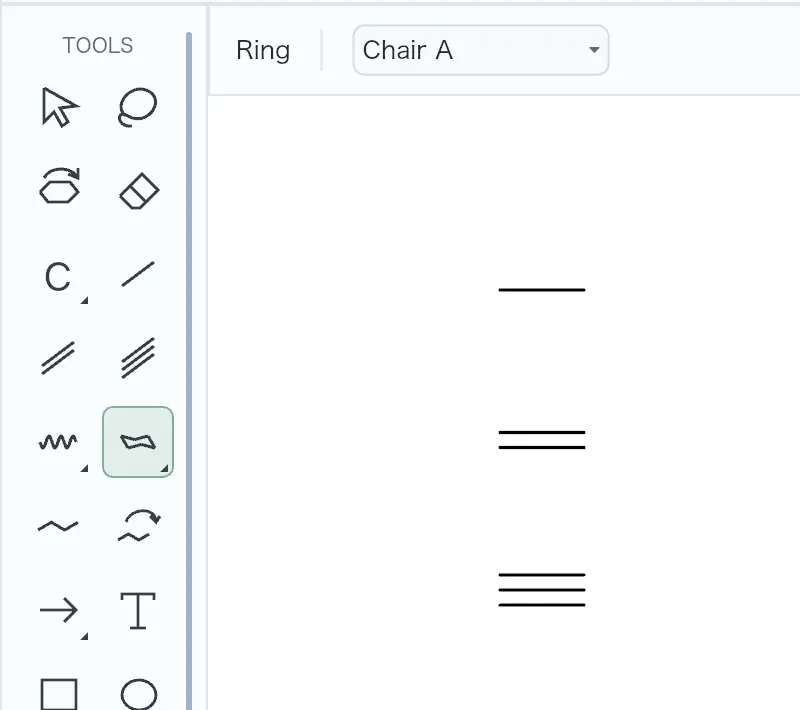 | Yes, tested by running it: Drew single, double, and triple bonds. Opens the screenshot.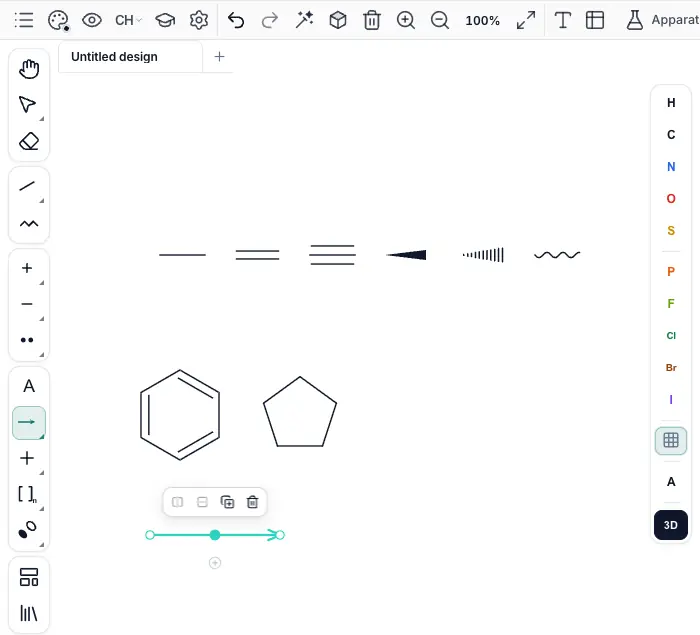 | Yes, tested by running it: Drew single bond; changed existing bond through double and triple. Opens the screenshot.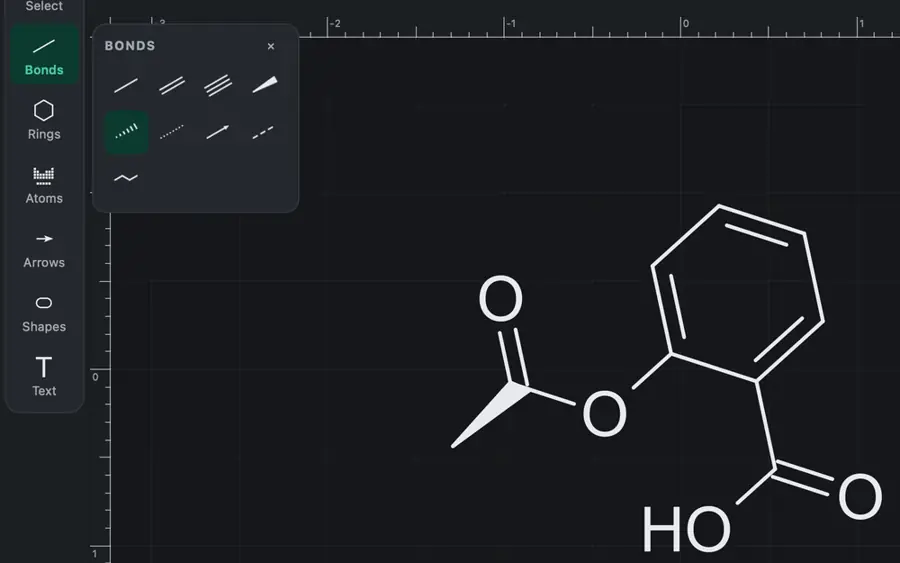 | Yes, tested by running it: Drew single, double, triple; changed an existing bond to double. Opens the screenshot. | Yes, tested by running it: Drew single bond; clicking cycled double and triple orders. Opens the cited page. | Yes, tested by running it: Drew single, double and triple bonds. Opens the screenshot.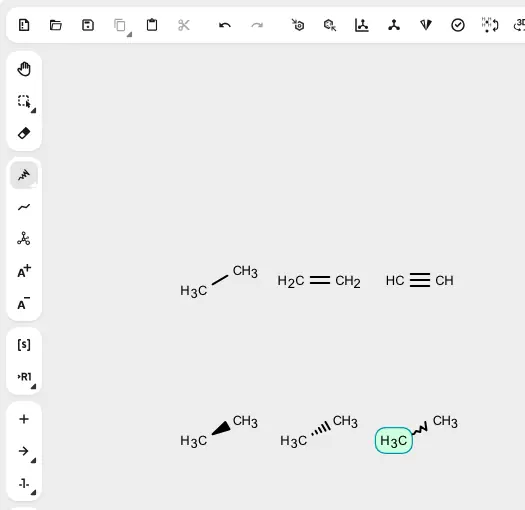 | Yes, tested by running it: Drew single, double and triple bonds. Opens the screenshot.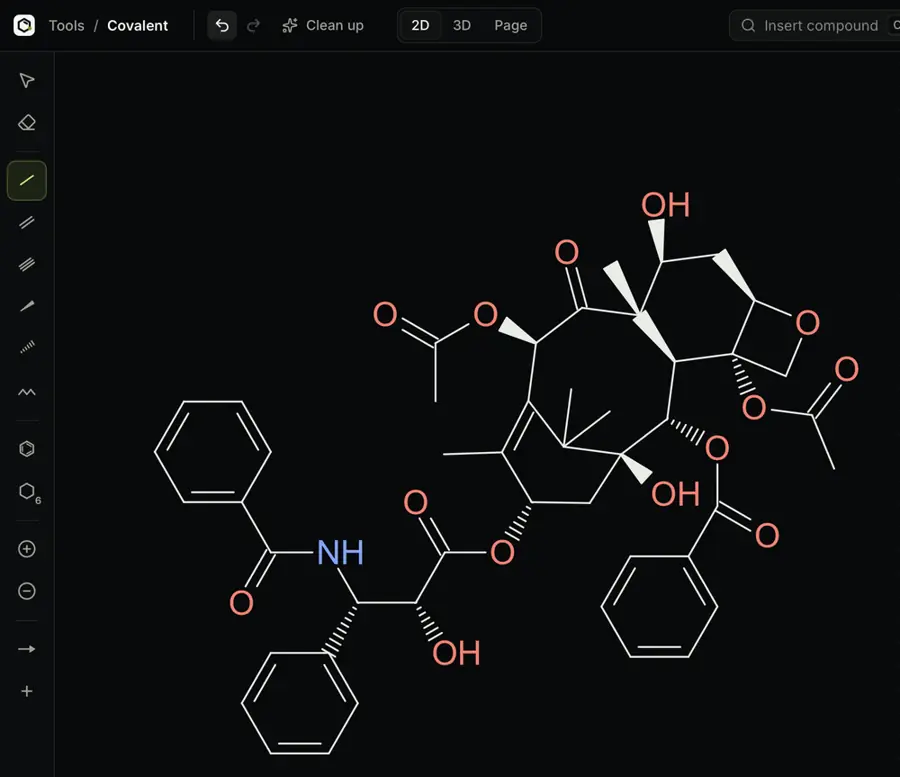 | Yes, tested by running it: Drew single, double, triple bonds; changed an existing bond order. Opens the screenshot.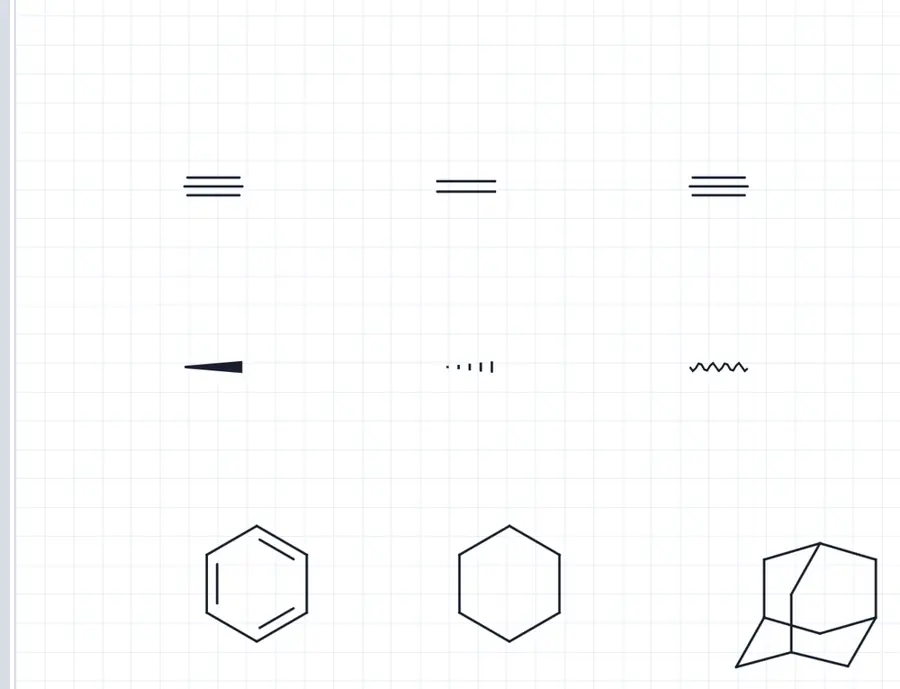 | Yes, tested by running it: Drew single, double, and triple bonds manually. Opens the screenshot.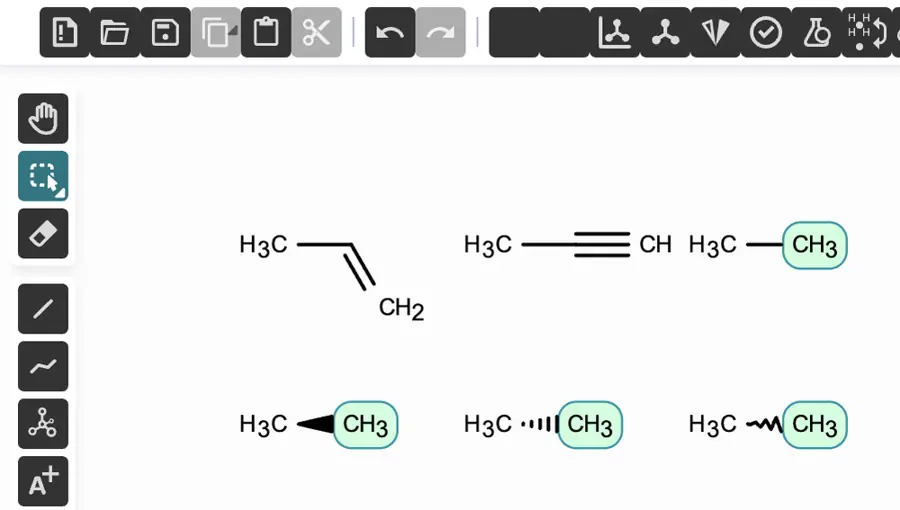 | Yes, tested by running it: Drew all three orders and cycled single to triple. Opens the screenshot. | Yes, tested by running it: Drew single, double, triple bonds; changed an existing bond order. Opens the screenshot.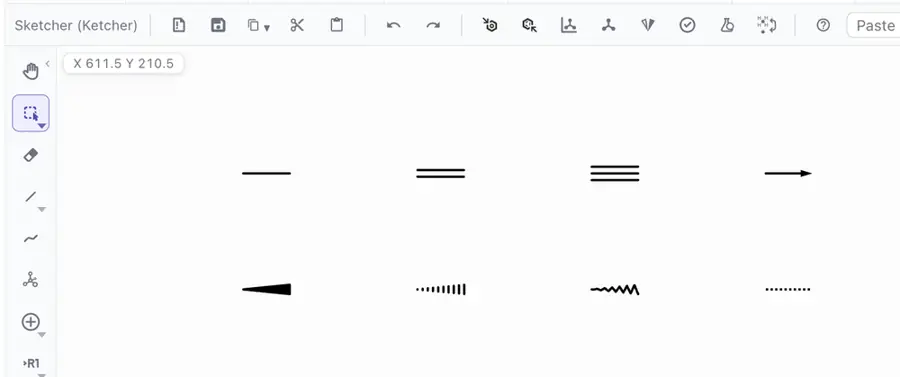 | Yes, tested by running it: Keyboard added nitrogen bonded to carbon; templates contained multiple bonds. Opens the screenshot.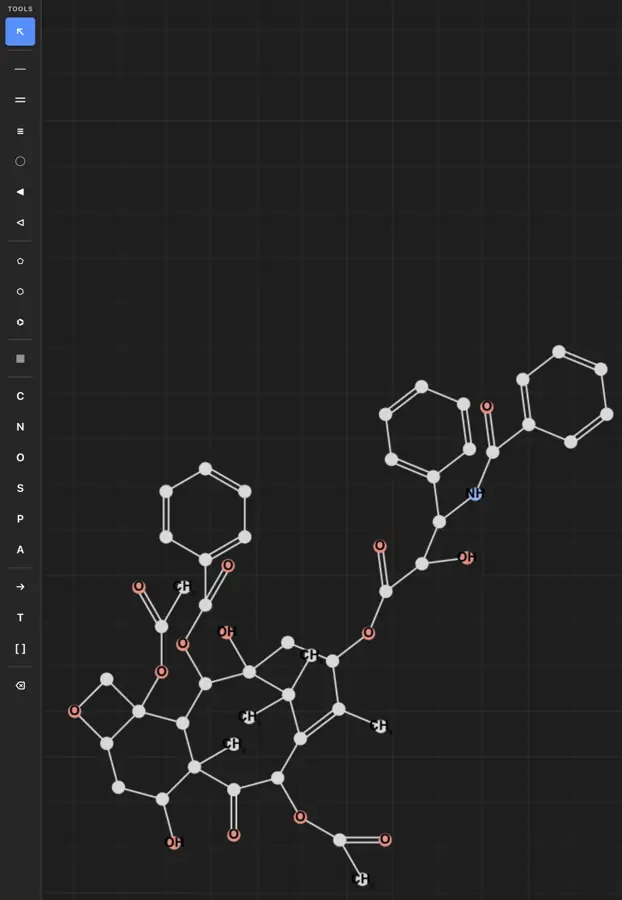 | Yes, tested by running it: Drew single, double, and triple bonds. Opens the screenshot.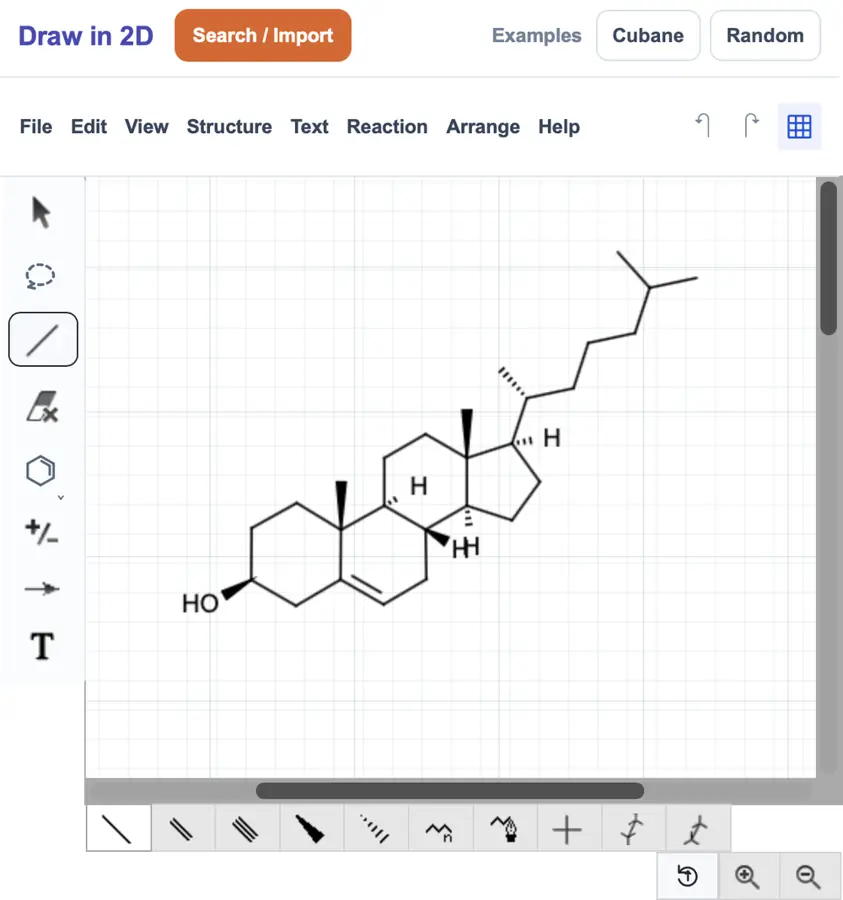 | Yes, tested by running it: Drew separate single, double, and triple bonds. Opens the screenshot. | Yes, tested by running it: Drew single, double, triple bonds; changed an existing bond order. Opens the screenshot. | Yes, tested by running it: Drew single, double and triple bonds by hand. Opens the screenshot.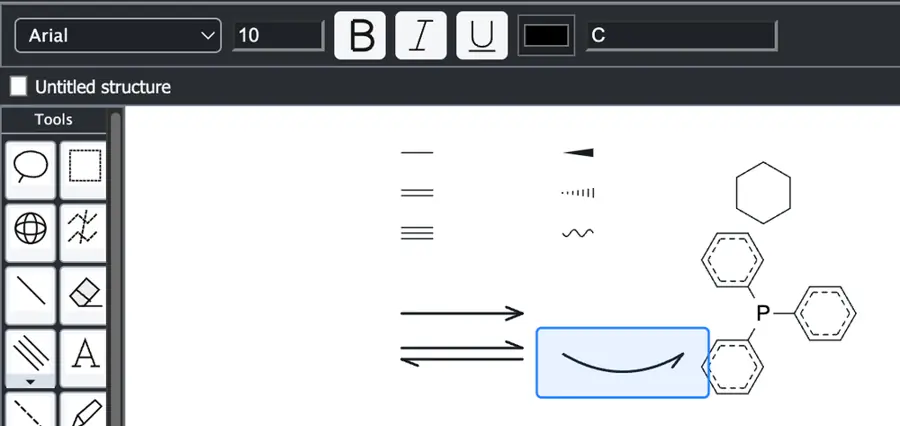 | Yes, tested by running it: Drew all three and changed a single to double. Opens the cited page. | Yes, tested by running it: Drew single; changed to double and triple. Opens the screenshot.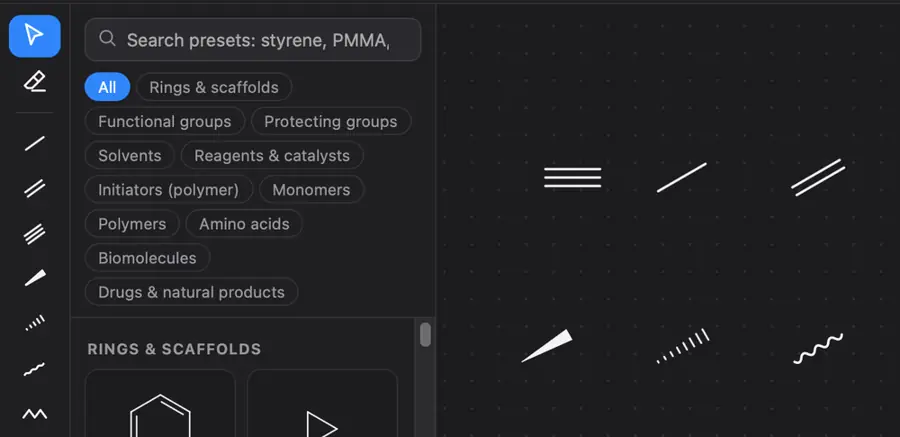 | Yes, tested by running it: Drew single, double and triple bonds; MOL confirms orders. Opens the screenshot. | Yes, tested by running it: Placed single, double, and triple bonds. Opens the screenshot.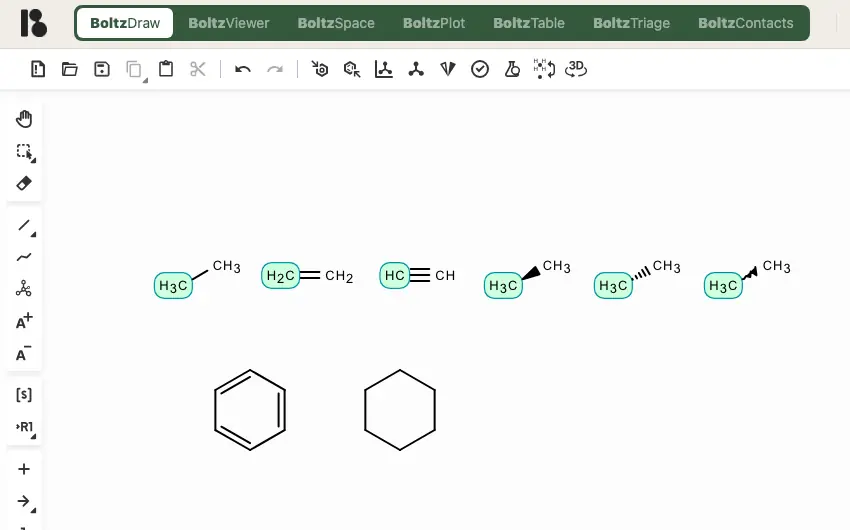 | Yes, tested by running it: Drew single; changed it to double and triple. Opens the screenshot.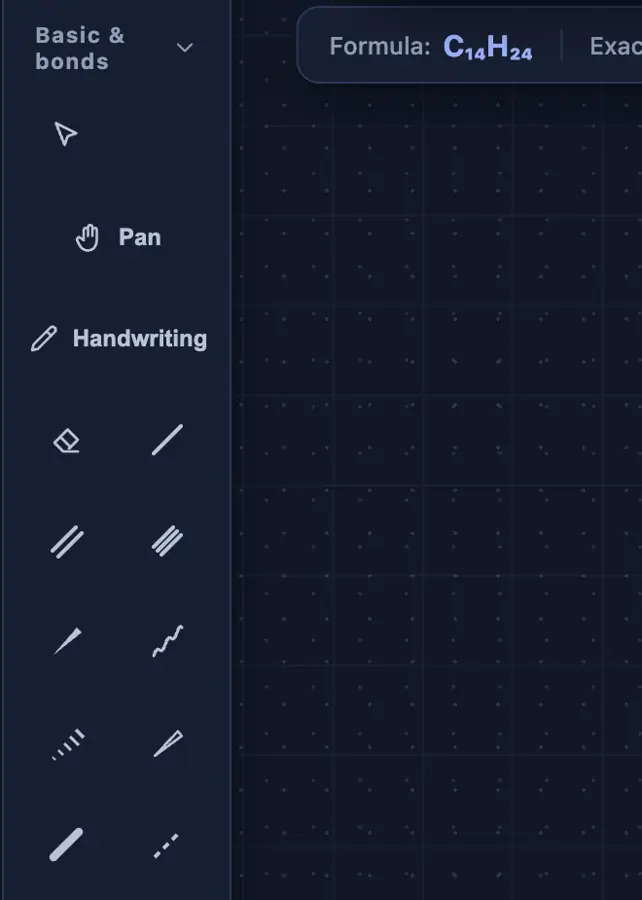 | Yes, tested by running it: Drew single, double and triple bonds. Opens the cited page. | Yes, tested by running it: Drew single bond and cycled through double and triple. Opens the screenshot.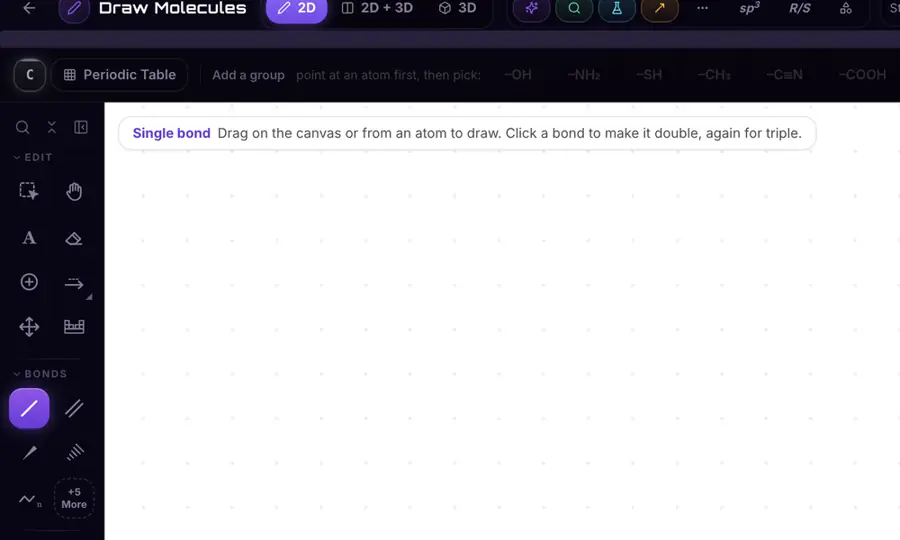 | Yes, tested by running it: Drew single, double, and triple bonds. Opens the screenshot.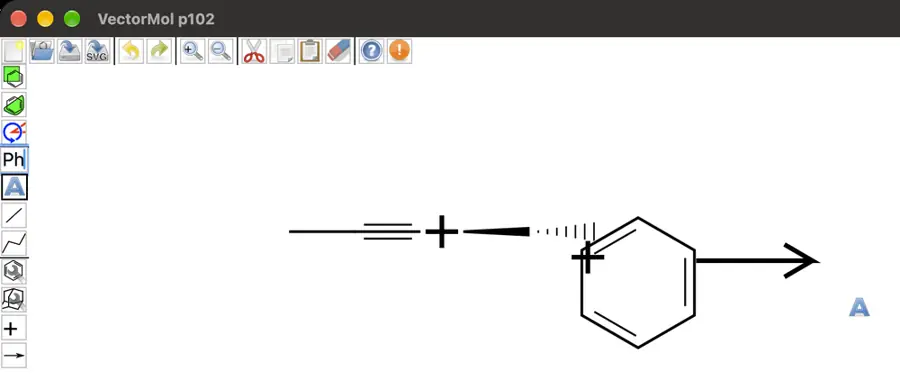 | Yes, tested by running it: Single, double, triple tools produced ethane, ethene, and ethyne. Opens the cited page. | Yes, tested by running it: Drew single bond and changed it to double and triple. Opens the screenshot.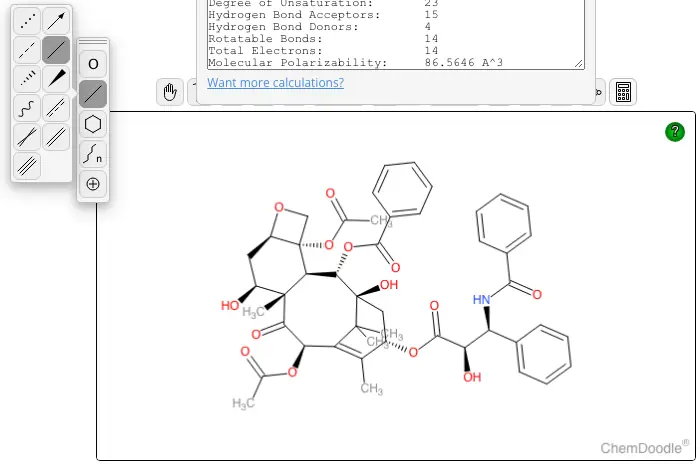 | Yes, tested by running it: Drew single, double, and triple bonds. Opens the screenshot.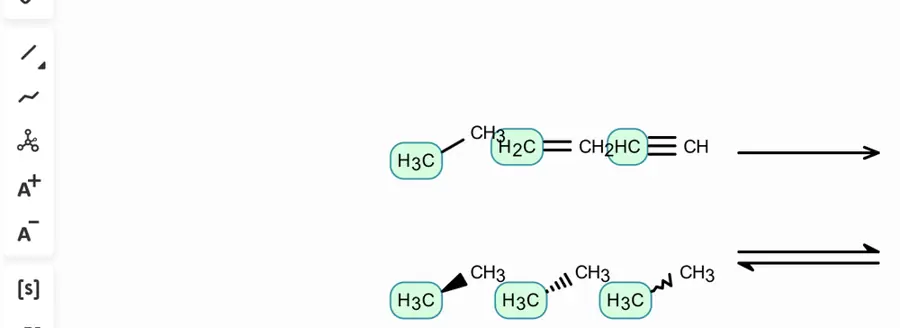 | Yes, tested by running it: Drew single, double, triple bonds; changed existing bond orders. Opens the screenshot.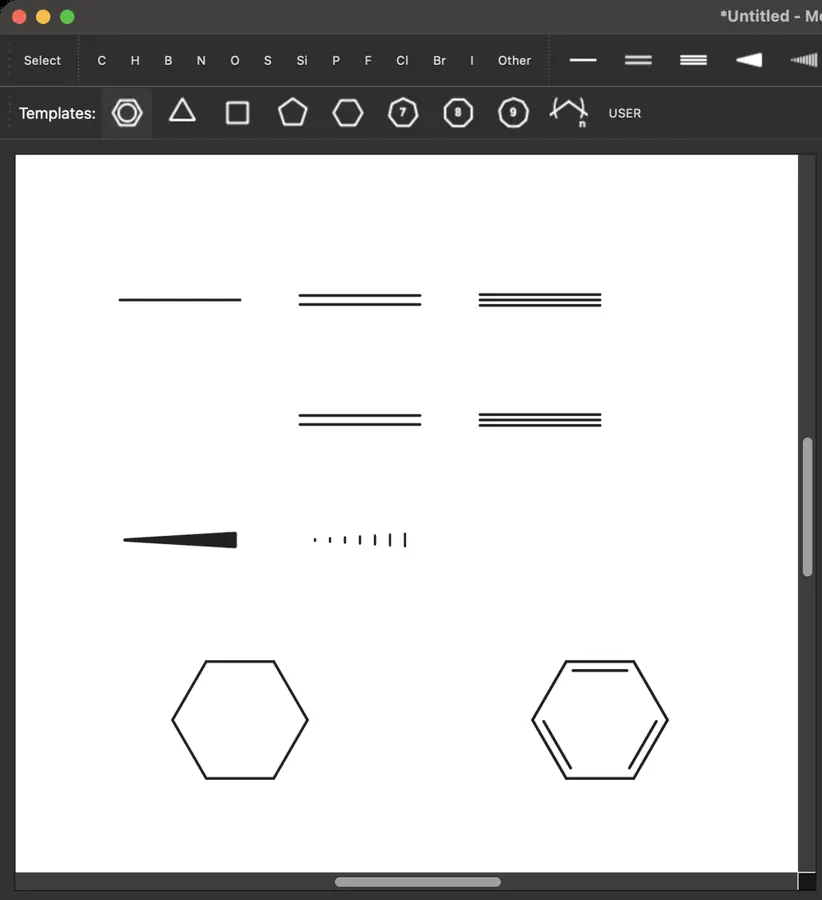 | Partly: Tools selected; computer-use drag failed with noWindowsAvailable. Opens the screenshot.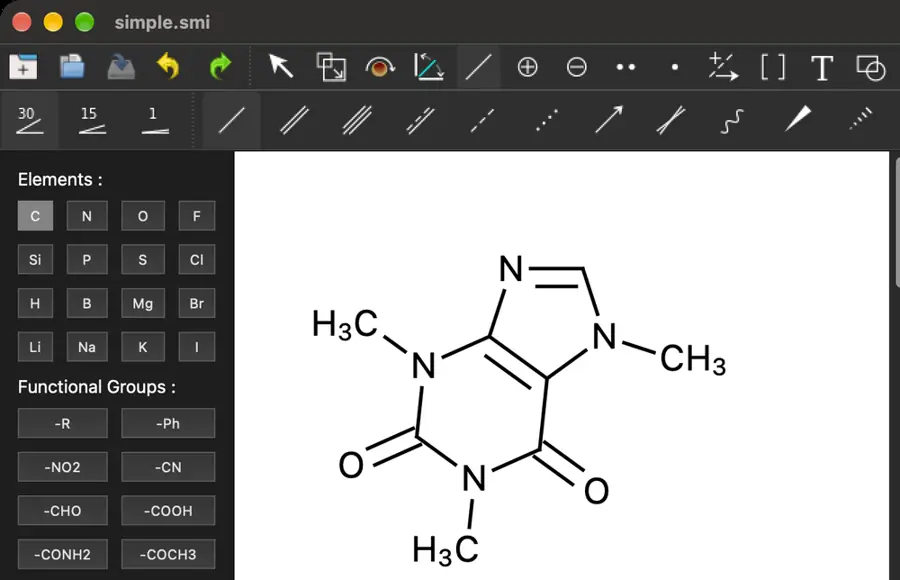 Tools selected; computer-use drag failed with noWindowsAvailable. | Yes, tested by running it: Single, double and triple bonds visible and drawn. Opens the screenshot.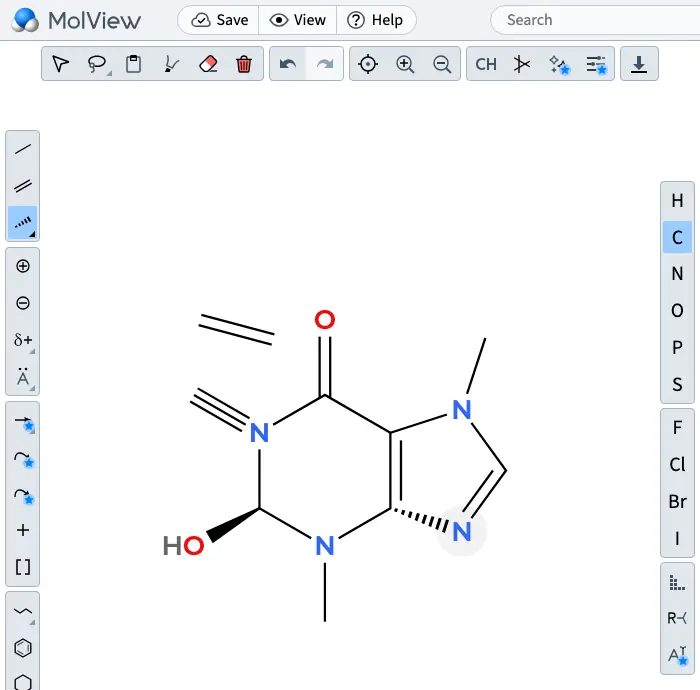 | Yes, tested by running it: Drew single, double and triple bonds. Opens the screenshot.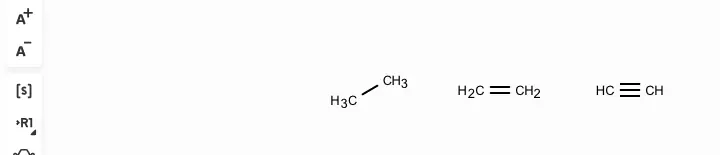 | Yes, tested by running it: Drew single, double, and triple bonds. Opens the screenshot.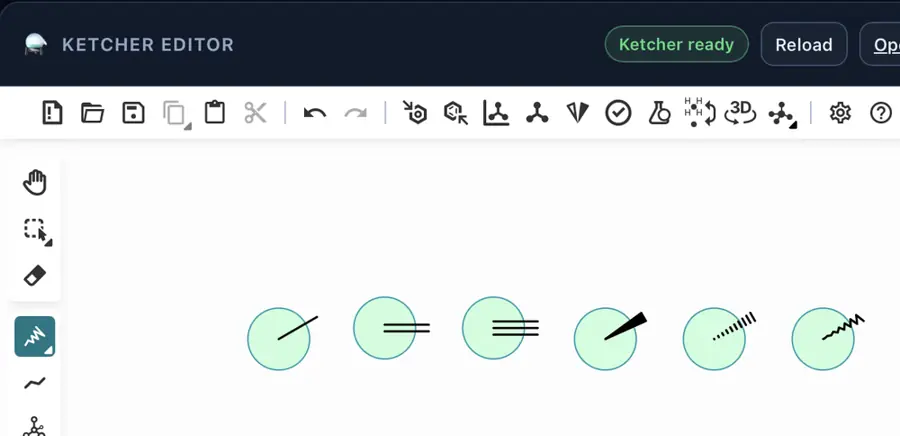 | Yes, tested by running it: Drew single and triple; clicked single to make double. Opens the screenshot.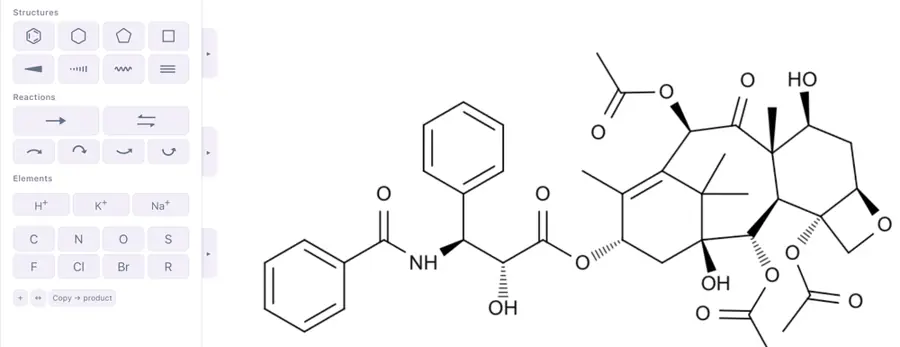 | Partly: Tool selectable; drawing gestures produced no visible bond. Opens the screenshot.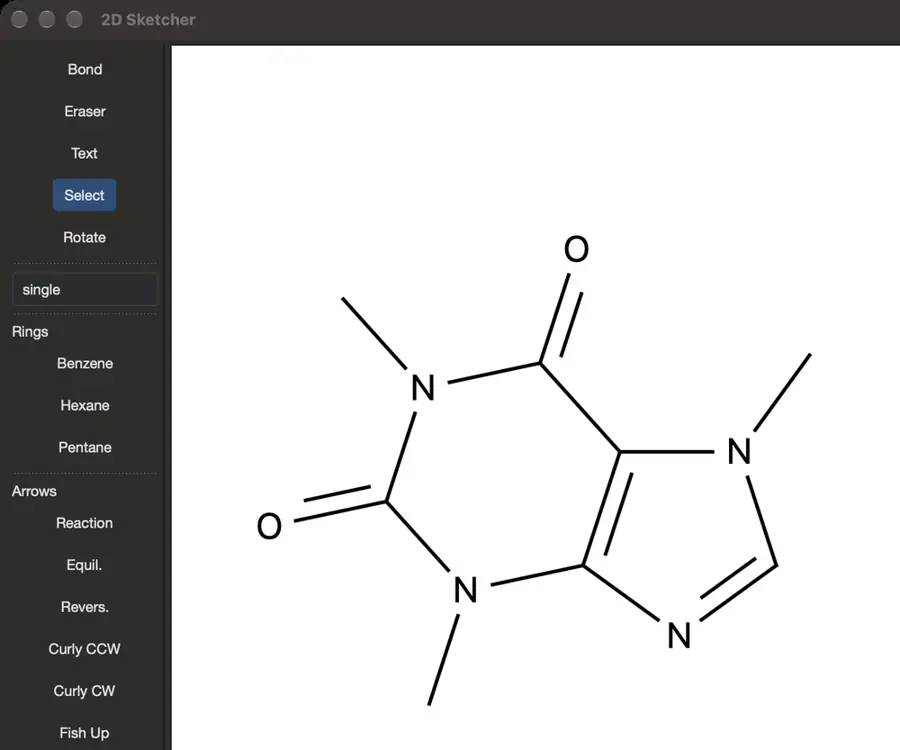 Tool selectable; drawing gestures produced no visible bond. | Yes, tested by running it: Single, double and triple bonds rendered from drawing code. Opens the screenshot. | Yes, tested by running it: Added and changed single, double and triple bonds. Opens the screenshot.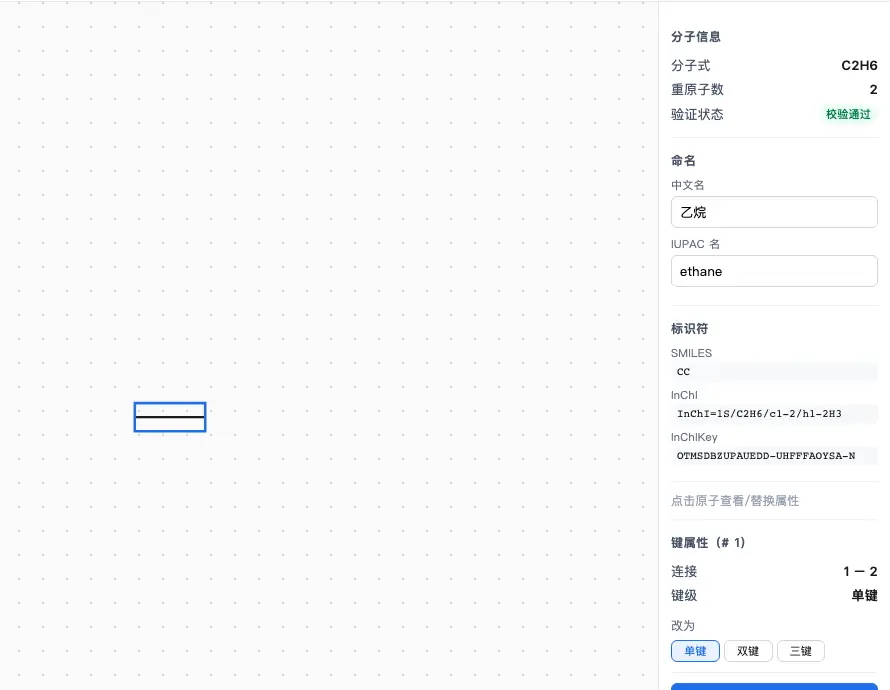 | Yes, tested by running it: Drew single, double and triple bonds. Opens the screenshot.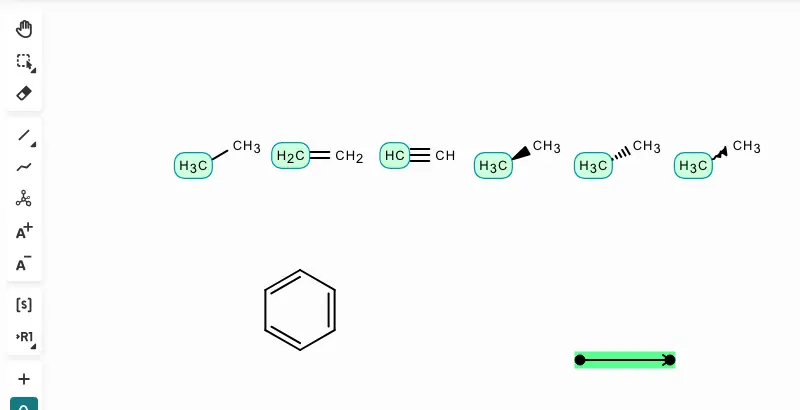 | Yes, tested by running it: Drew single, double and triple bonds manually. Opens the screenshot.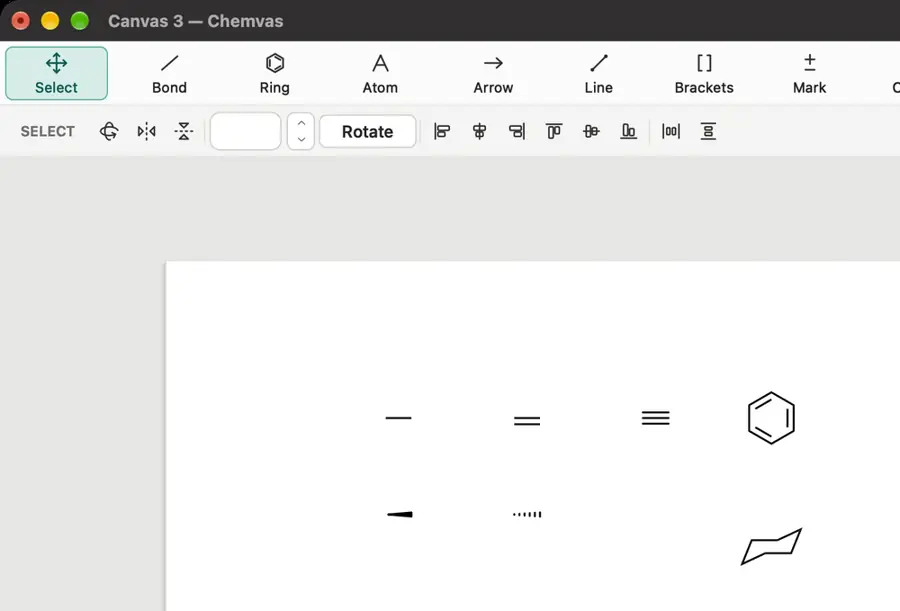 | Yes, tested by running it: Drew single and double; changed double to triple. Opens the screenshot. | Yes, tested by running it: Single, double, and triple bonds drawn; features-test.png. Opens the screenshot.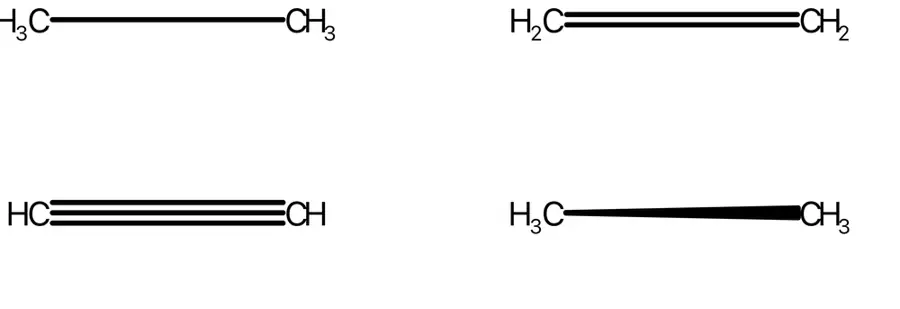 | Yes, tested by running it: Drew single bond and cycled through double and triple. Opens the screenshot.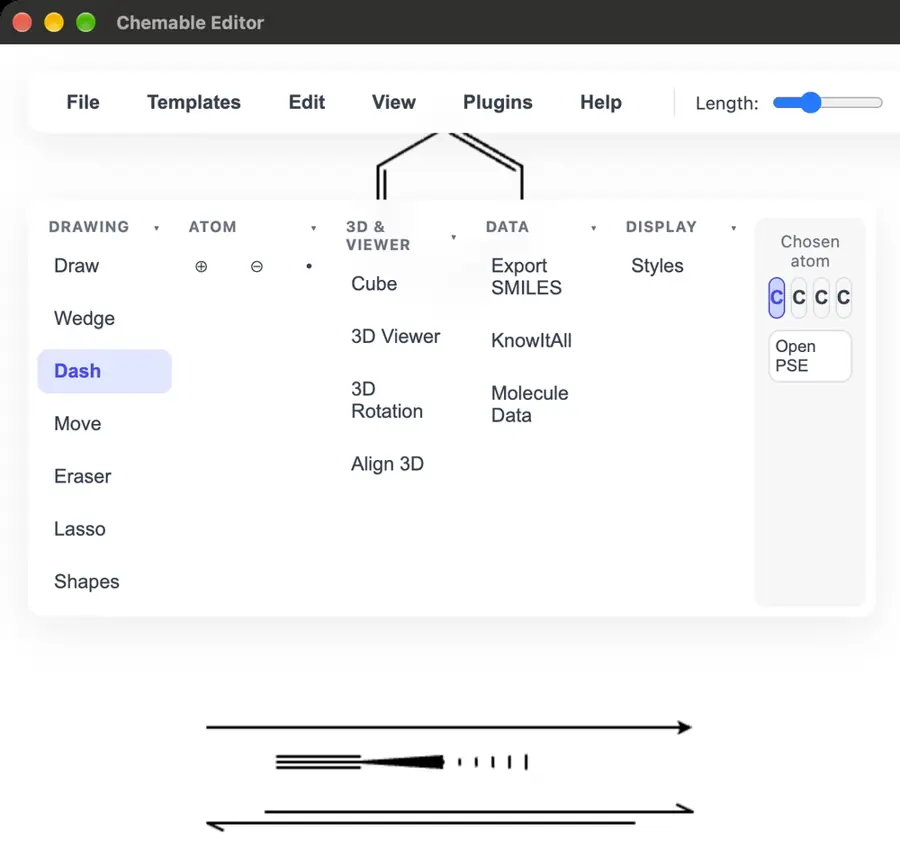 | Yes, tested by running it: Drew all three orders and changed a single bond. Opens the screenshot.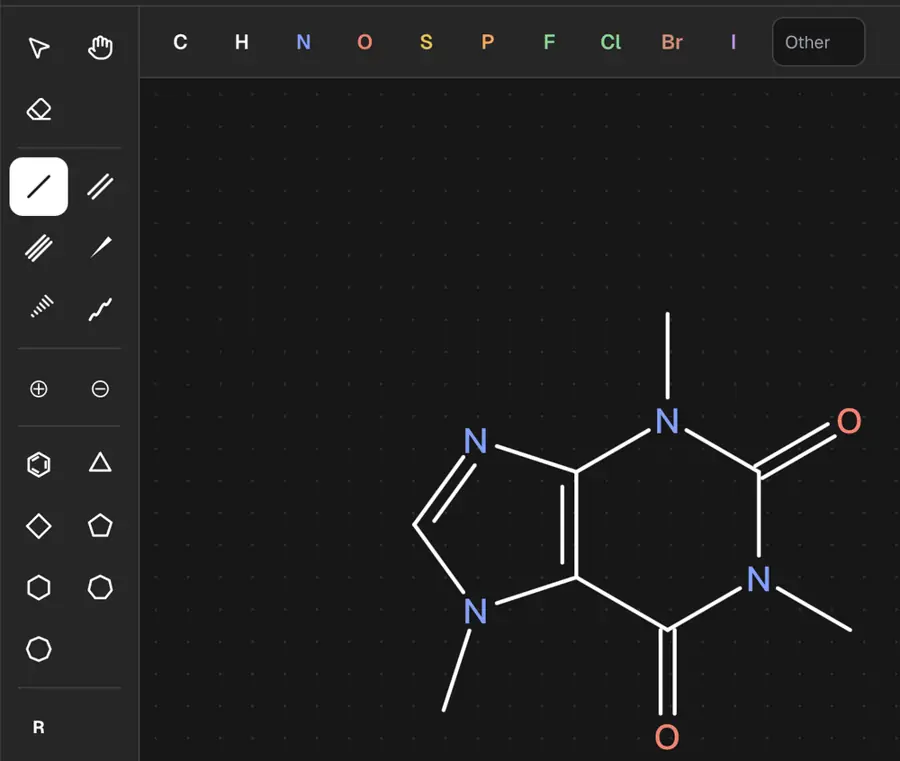 | Partly: Tools selected; canvas input produced no visible marks during automation. Opens the screenshot.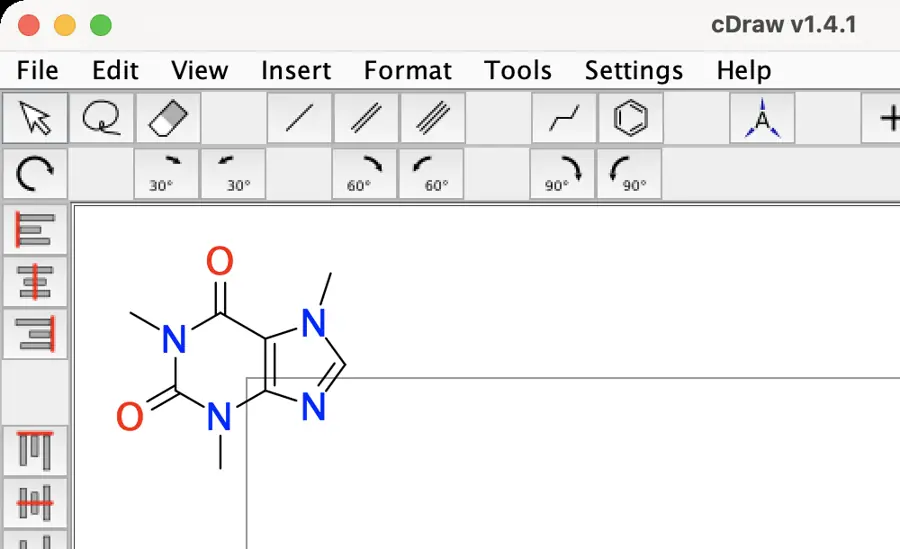 Tools selected; canvas input produced no visible marks during automation. | Yes, tested by running it: Drew a bond and cycled single, double, and triple. Opens the screenshot.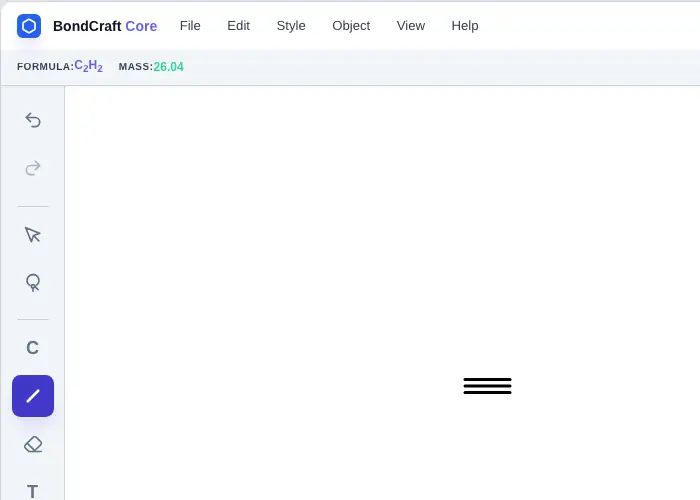 | Yes, tested by running it: Drew single, double, and triple bonds by clicking atoms. Opens the screenshot.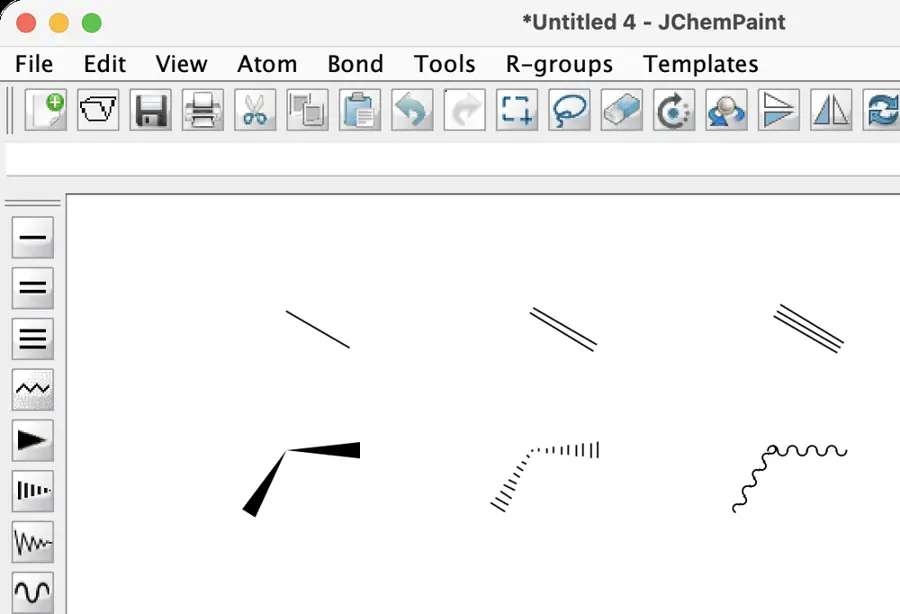 | Yes, tested by running it: Drew all three orders and changed a single bond. Opens the screenshot.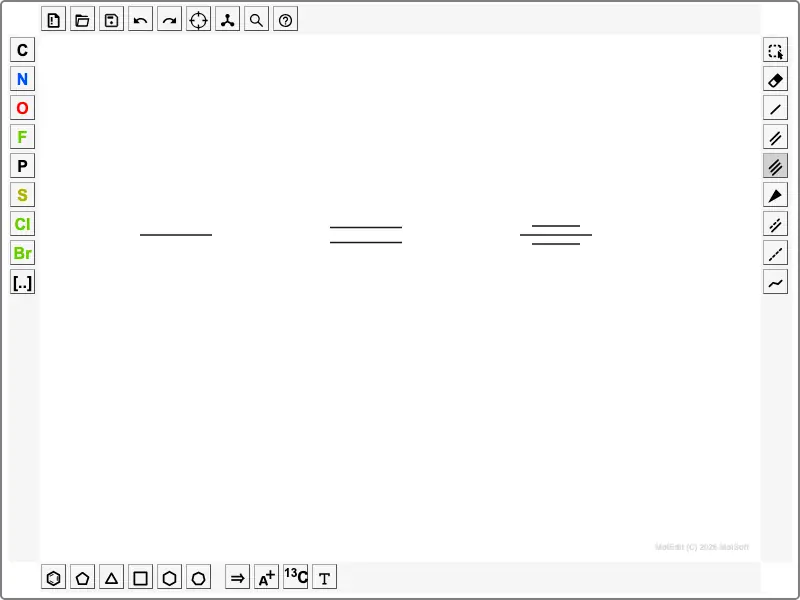 | Yes, tested by running it: Single, double and triple bonds drawn in editor. Opens the screenshot. | Partly: Bond change attempted; pointer targeting prevented a verified edit. Opens the cited page.Bond change attempted; pointer targeting prevented a verified edit. | Yes, tested by running it: Drew a bond and cycled single, double, triple. Opens the screenshot. | Partly: Drew all three orders; changing existing bonds not checked. Opens the cited page.Drew all three orders; changing existing bonds not checked. | Yes, tested by running it: Drew single, double, and triple bonds. Opens the screenshot. | Yes, tested by running it: Drew single bond; keyboard changed it to double and triple. Opens the screenshot. | Yes, tested by running it: Clicked one bond through single, double, and triple orders. Opens the screenshot. | Yes, tested by running it: Drew single, double, and triple bonds. Opens the screenshot.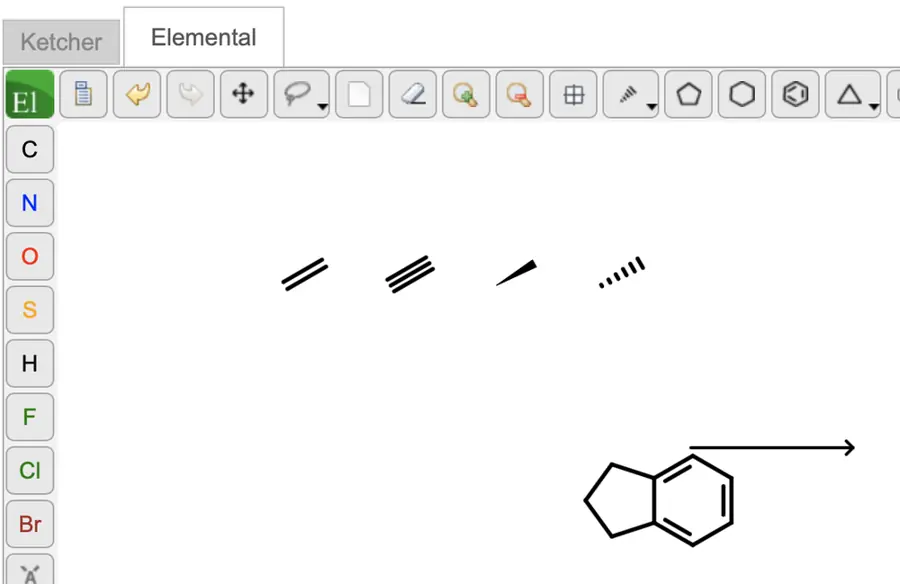 | Yes, tested by running it: Drew all three orders; changed double to triple in dialog. Opens the screenshot.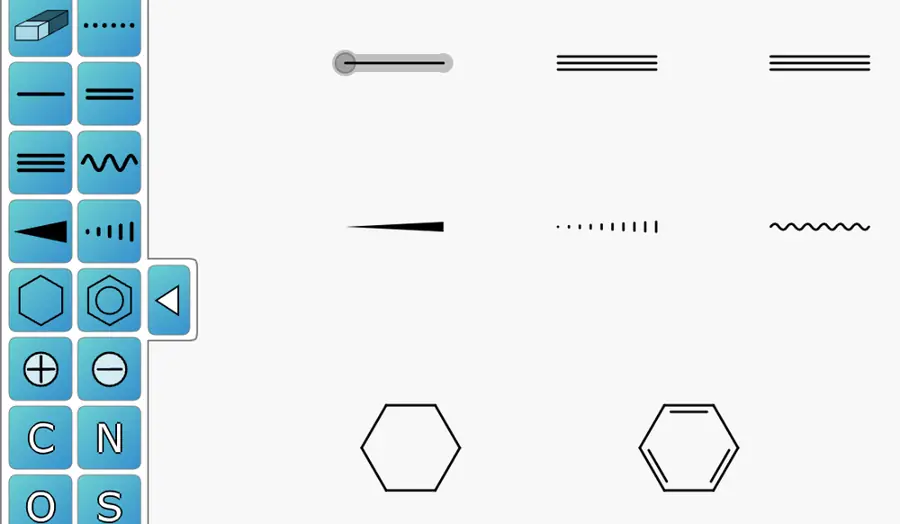 | Yes, tested by running it: Drew single, double and triple bonds. Opens the screenshot. | Partly: Single and double drawn; triple control seen but not confirmed. Opens the screenshot. Single and double drawn; triple control seen but not confirmed. | Yes, tested by running it: Drew three bond orders; changed an existing single to double. Opens the screenshot. | Yes, tested by running it: Drew single and changed bond to double and triple. Opens the screenshot. | Yes, tested by running it: Created a bond and cycled single, double and triple orders. Opens the screenshot. | Partly: Bond orders stored, but multiple bonds appear single on canvas. Opens the screenshot. Bond orders stored, but multiple bonds appear single on canvas. | Yes, tested by running it: Drew single, double, triple; changed a single bond. Opens the screenshot.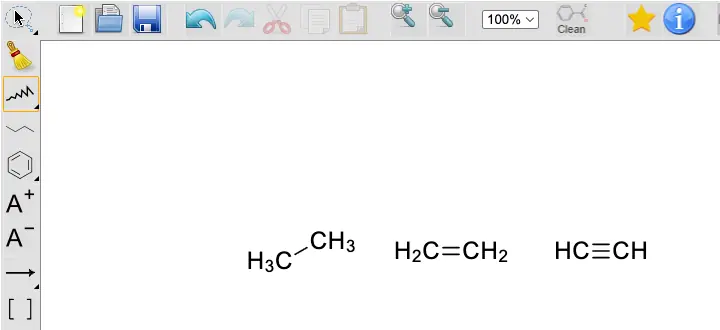 | Yes, tested by running it: Changed a bond to single, double, and triple. Opens the screenshot.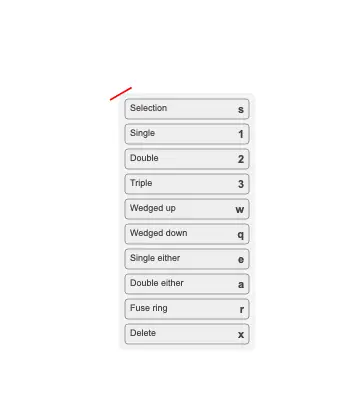 | Yes, tested by running it: Drew a bond and cycled single, double, triple. Opens the cited page. | Yes, tested by running it: Text creates single, double, and triple bonds. Opens the screenshot.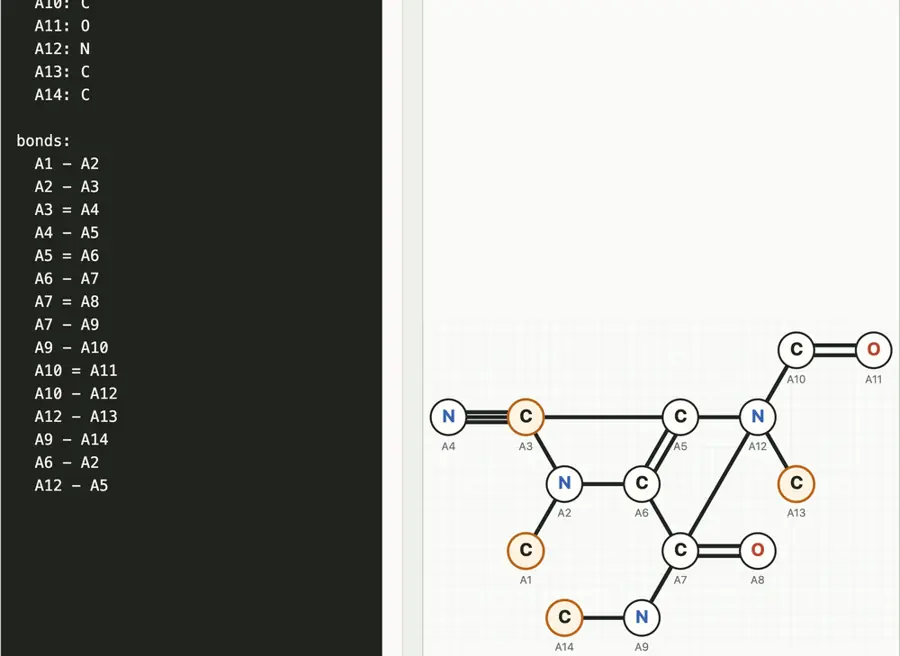 | Yes, tested by running it: Drew single, double, and triple bonds. Opens the screenshot.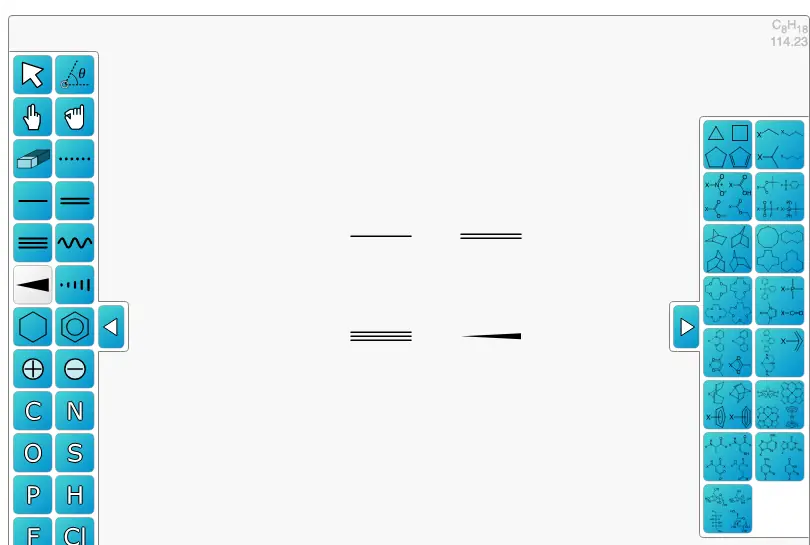 | Yes, tested by running it: Drew single bonds and changed them to double and triple. Opens the screenshot.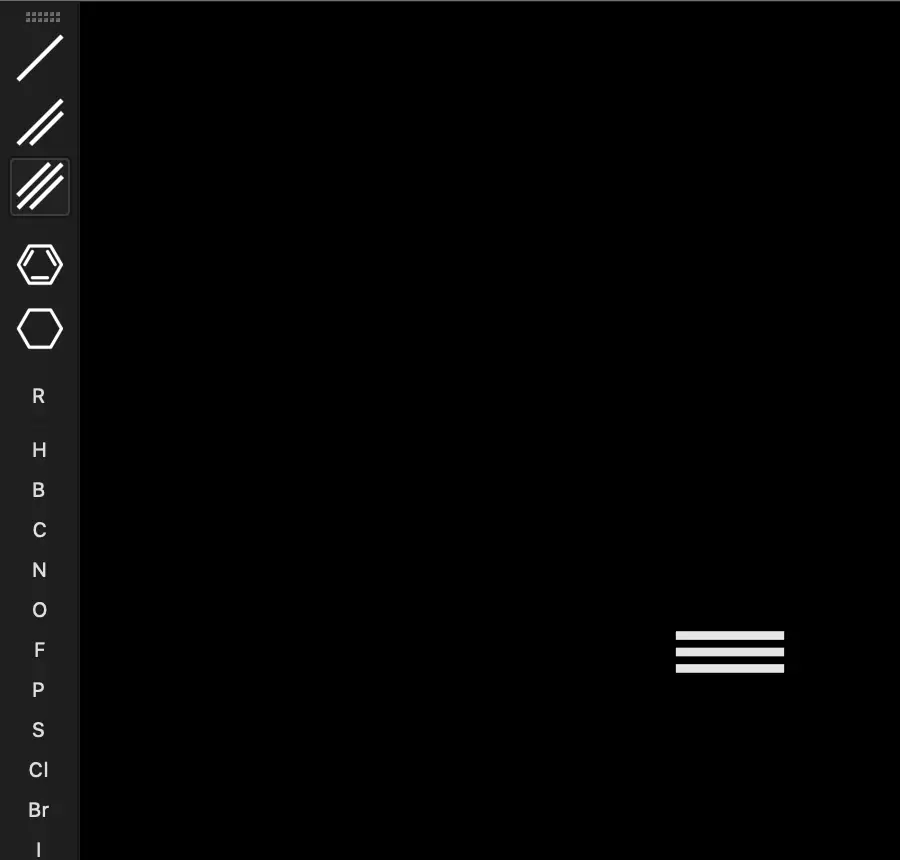 | Partly: Single and double work; triple tool did not create one. Opens the screenshot.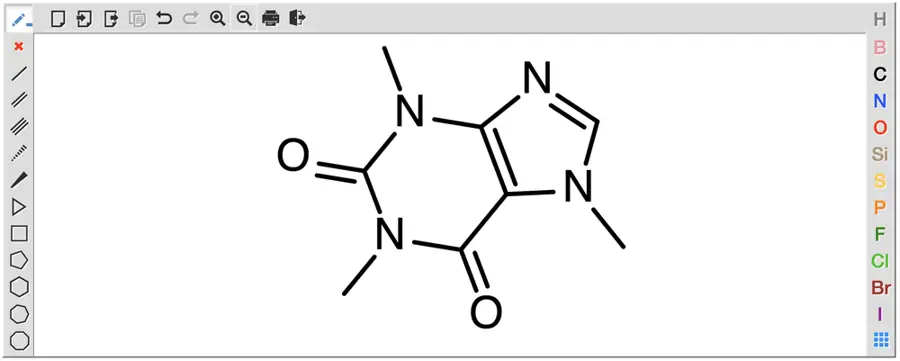 Single and double work; triple tool did not create one. | Yes, tested by running it: Drew single and double; cycled single to triple. Opens the cited page. | Partly: Single, double, triple update atom labels; drawings are clipped. Opens the cited page.Single, double, triple update atom labels; drawings are clipped. | Yes, tested by running it: Drew single bond; repeated clicks changed it to double and triple. Opens the screenshot.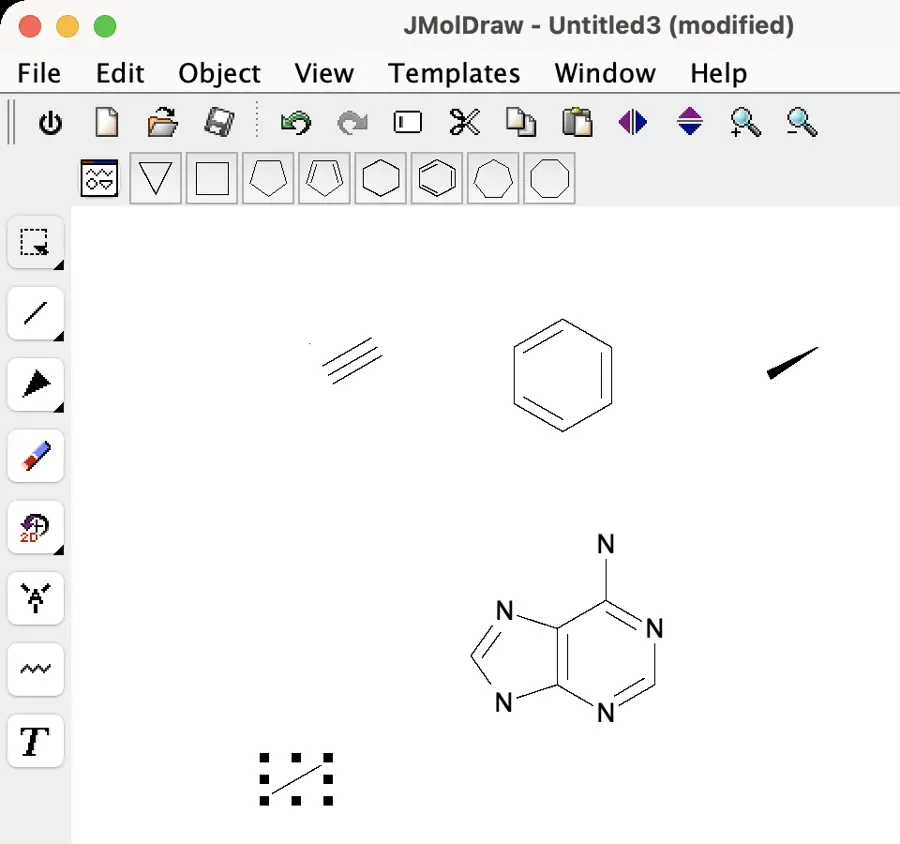 | Partly: Bond orders editable; blank-canvas mouse drag produced nothing. Opens the screenshot.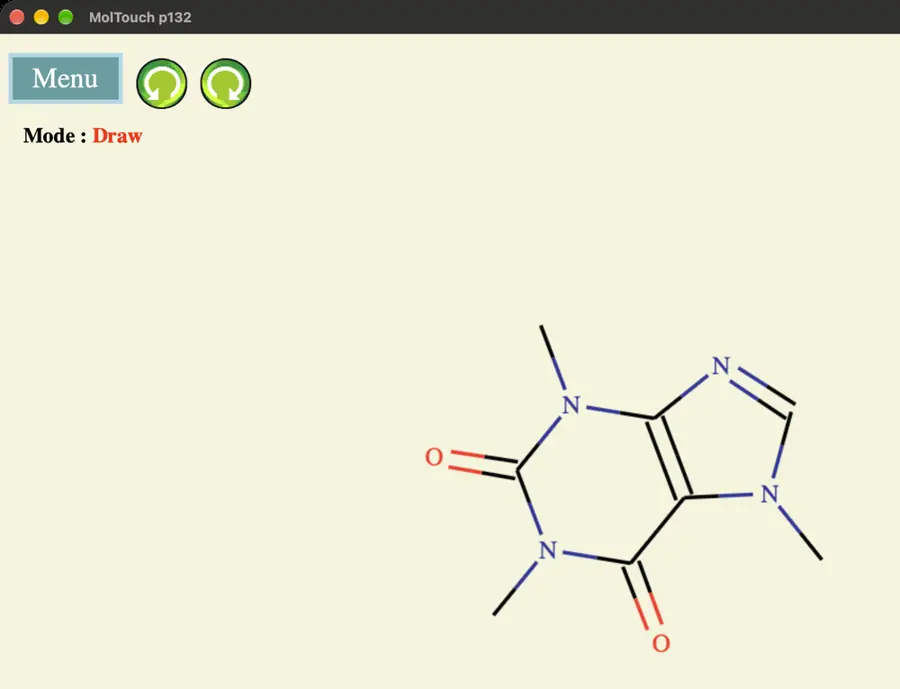 Bond orders editable; blank-canvas mouse drag produced nothing. | Partly: Single, double, triple characters insert as text, not bonds. Opens the screenshot.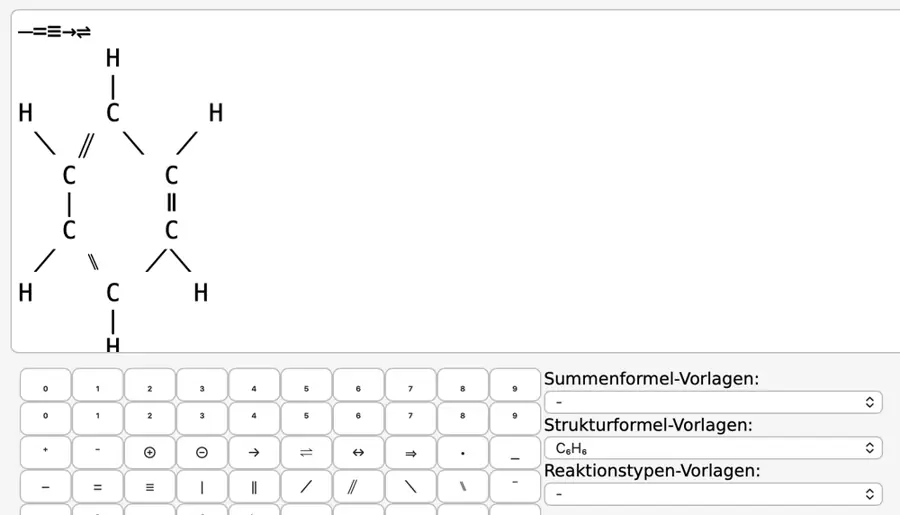 Single, double, triple characters insert as text, not bonds. | Partly: Bond tools selected; attempted canvas edits did not change drawing. Opens the screenshot.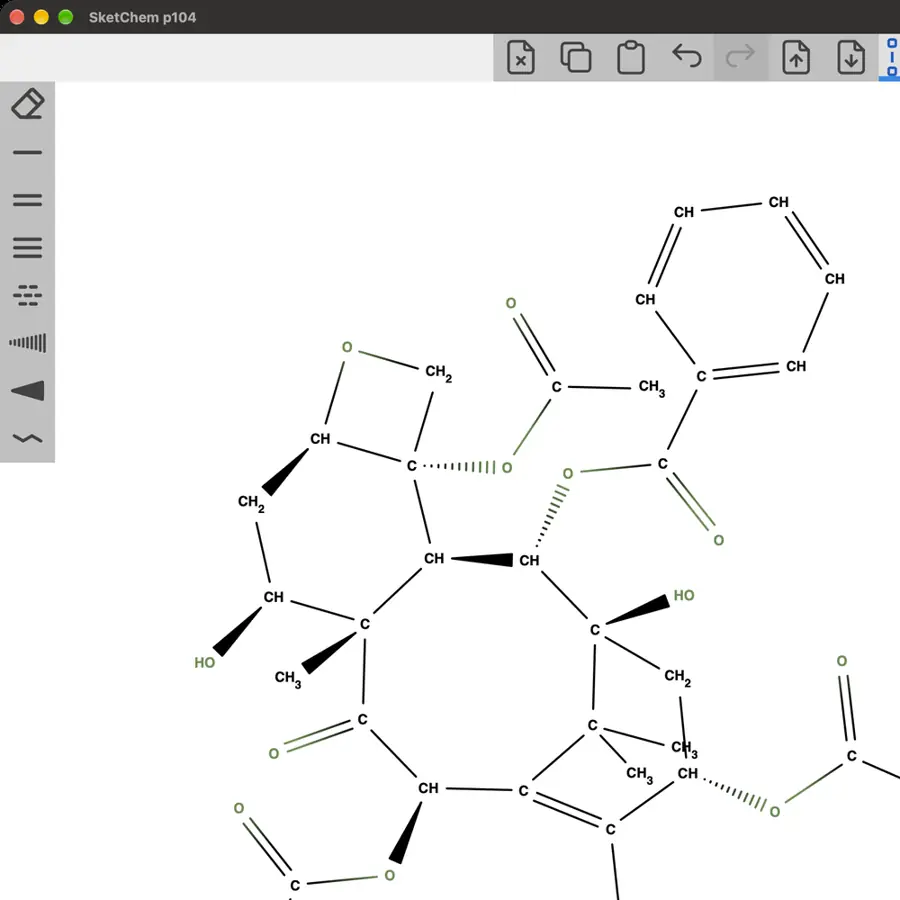 Bond tools selected; attempted canvas edits did not change drawing. | Partly: Single, double and triple drawn; changing order unconfirmed. Opens the screenshot. Single, double and triple drawn; changing order unconfirmed. | Yes, tested by running it: Drew a bond and cycled single, double, triple. Opens the screenshot. | Yes, tested by running it: Drew all three orders and changed an existing single bond. Opens the screenshot.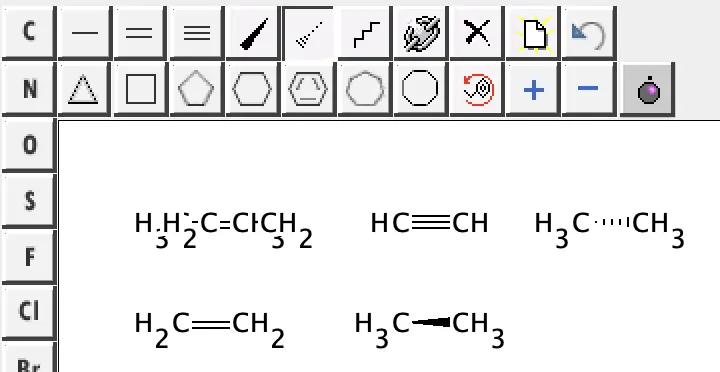 | Yes, tested by running it: Single, double, triple drawn; history raises errors. Opens the screenshot.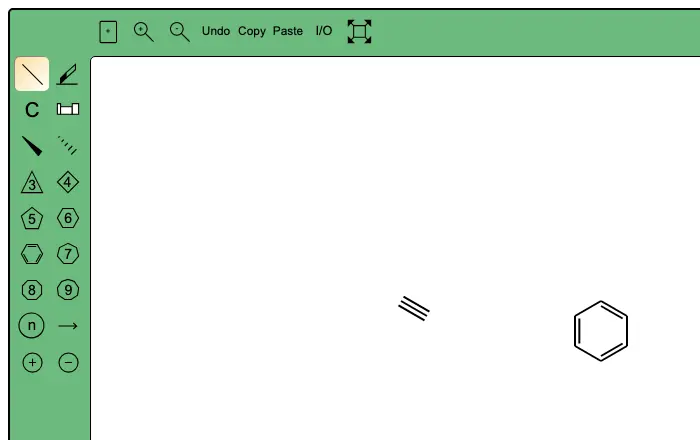 | Yes, tested by running it: Sprouted a bond and changed its order using 1, 2, 3. Opens the screenshot.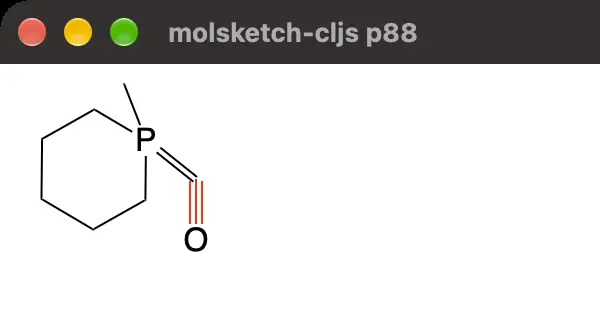 | Yes, tested by running it: Drew and changed single, double, and triple bonds. Opens the screenshot.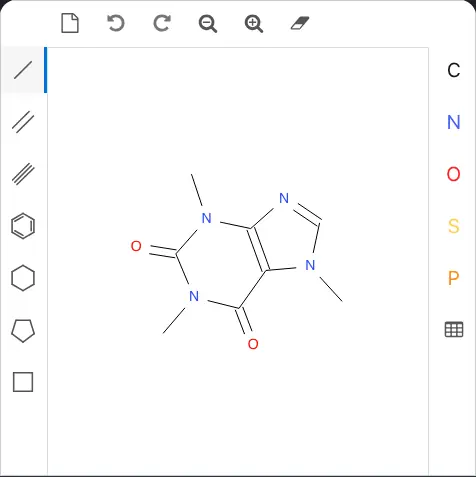 | Partly: Bond buttons visible; automated canvas clicks produced no drawing. Opens the cited page.Bond buttons visible; automated canvas clicks produced no drawing. | Yes, according to the manual. Opens the cited page. | Yes, according to the manual: Manual drawing with single, double and triple bond tools. Opens the cited page. | Yes, according to the manual. Opens the cited page. | Yes, according to the manual: Single, double and triple bonds; manual bond-order changes. Opens the cited page. | Yes, according to the manual. Opens the cited page. | Yes, according to the manual: Single, double and triple bonds can be drawn and changed. Opens the cited page. | Yes, according to the manual: Click existing bonds to cycle single, double and triple. Opens the cited page. | Yes, according to the manual: vendor claim; manually toggle single, double, and triple bonds. Opens the cited page. | Yes, according to the manual: Click bond midpoints to cycle single, double, and triple bonds. Opens the cited page. | Yes, according to the manual. Opens the cited page. | Yes, according to the manual. Opens the cited page. | Yes, according to the manual. Opens the cited page. | Yes, according to the manual. Opens the cited page. | Yes, according to the manual: Single, double and triple drawing tools; vendor claim. Opens the cited page. | Yes, according to the manual: Click bonds to cycle single, double, and triple orders. Opens the cited page. | Yes, according to the manual: Manual single, double, and triple bond authoring and property editing. Opens the cited page. | Yes, according to the manual: Single, double and triple bond editing shortcuts. Opens the cited page. | Yes, according to the manual: Clicking cycles single, double, and triple bond orders. Opens the cited page. | Yes, according to the manual: Single, double, triple, and aromatic bond orders. Opens the cited page. | Yes, according to the manual: Draw and change single, double and triple bonds. Opens the cited page. | Yes, according to the manual: Single, double and triple bond tools. Opens the cited page. | Yes, according to the manual: Single, double and triple bond types; keyboard bond-order editing. Opens the cited page. | Yes, according to the manual: Draw, cycle or keyboard-set single, double and triple bonds. Opens the cited page. | Yes, according to the manual: Click bonds to cycle single, double and triple orders. Opens the cited page. | Partly: Bond orders generated from typed formulas; direct bond editing unverified. Opens the cited page.Bond orders generated from typed formulas; direct bond editing unverified. | Yes, according to the manual: Official screenshot shows single, double and triple bond tools. Opens the cited page. | Yes, according to the manual. Opens the cited page.Free | Yes, according to the manual. Opens the cited page. | Yes, according to the manual. Opens the cited page. | Yes, according to the manual: Single, double and triple bonds can be created and edited. Opens the cited page. | Yes, according to the manual: Single, double and triple bonds; vendor claim. Opens the cited page. | Yes, according to the manual: Bond selectors and manual placement include single, double and triple bonds. Opens the cited page. | Yes, according to the manual: Keys 1, 2 and 3 change hovered bond order. Opens the cited page. | Not established | Yes, according to the manual: Pro; vendor claim: single, double and triple bonds. Opens the cited page.Pro | Yes, according to the manual: Shared MMDS sketcher supports manually setting bond orders. Opens the cited page. | Yes, according to the manual: vendor claim; manually cycle single, double and triple bonds. Opens the cited page. | Not established | Yes, according to the manual. Opens the cited page. | Yes, according to the manual: Single, double and triple bonds; vendor claim. Opens the cited page. | Yes, according to the manual: Developer screenshots show single, double, and triple bond controls. Opens the cited page. | Not established | Not established | Partly: Draws three orders; existing bonds must be deleted and redrawn. Opens the cited page.Draws three orders; existing bonds must be deleted and redrawn. | Yes, according to the manual: Vendor claim: manually draw single, double and triple bonds. Opens the cited page. | Not established |
|---|
| Wedge, hash and wavy bonds | Yes, tested by running it: Drew wedge, hashed wedge and wavy bonds. Opens the cited page. | Yes, tested by running it: Drew solid wedge, hashed wedge, and wavy bonds. Opens the screenshot.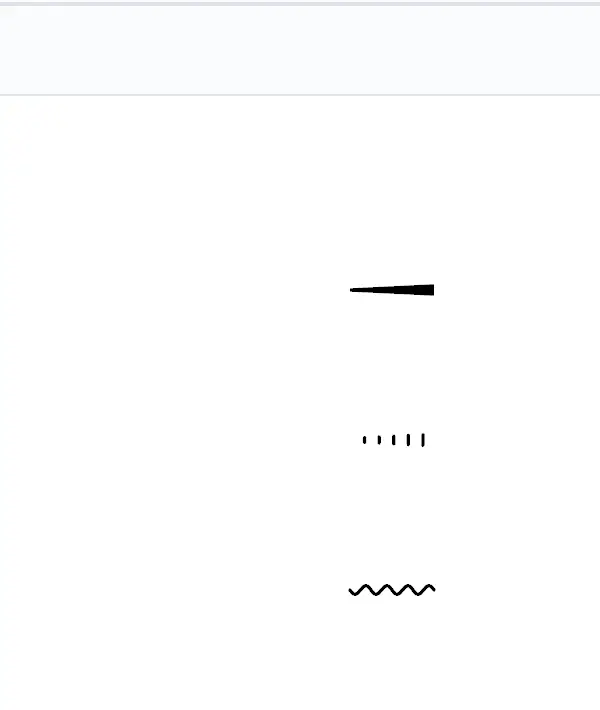 | Yes, tested by running it: Drew wedge, hashed wedge, and wavy bonds. Opens the screenshot.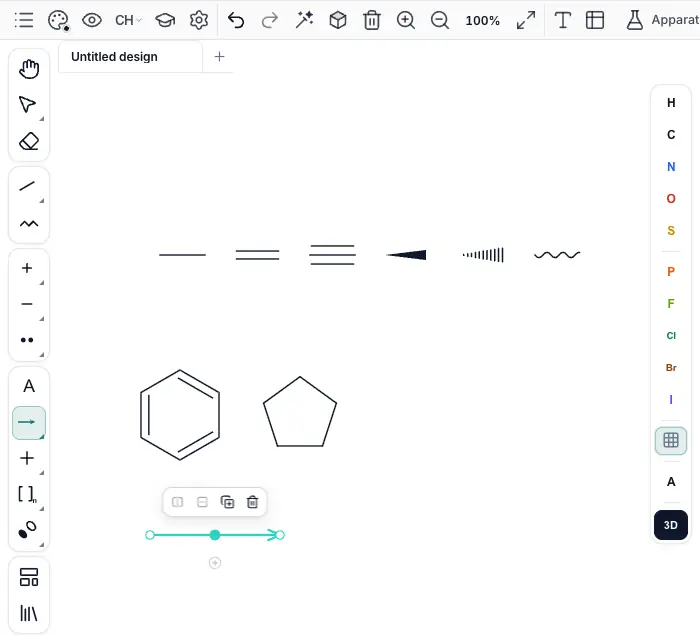 | Partly: Wedge and hashed bonds drawn; no wavy tool found. Opens the screenshot.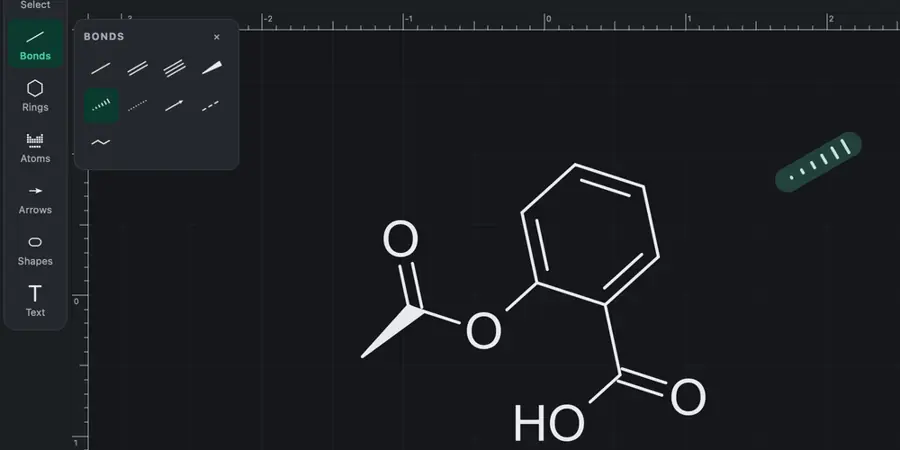 Wedge and hashed bonds drawn; no wavy tool found. | Yes, tested by running it: Drew solid wedge, hashed wedge and wavy bonds. Opens the screenshot.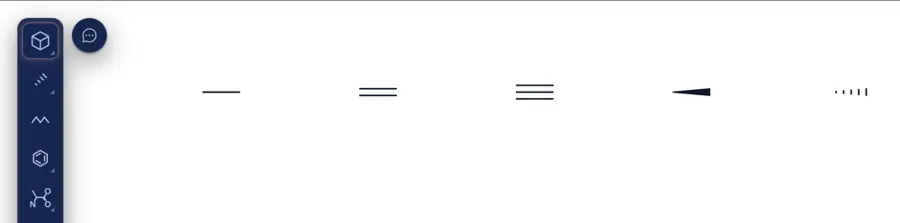 | Partly: Imported wedge/hash visible; hand-drawing blocked by missing palette. Opens the cited page.Imported wedge/hash visible; hand-drawing blocked by missing palette. | Yes, tested by running it: Drew solid, hashed and wavy bonds. Opens the screenshot.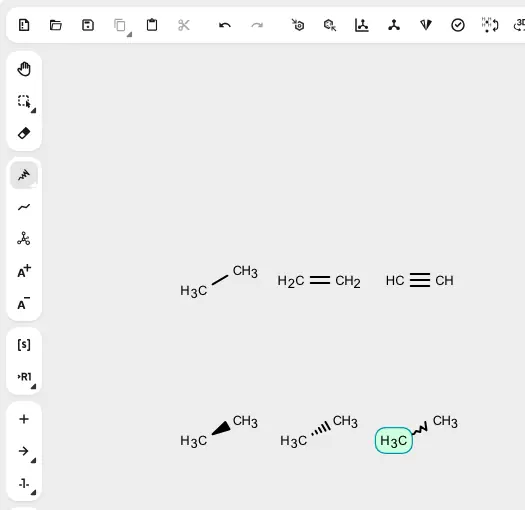 | Yes, tested by running it: Drew wedge and hash; changed selected bond to wavy. Opens the screenshot.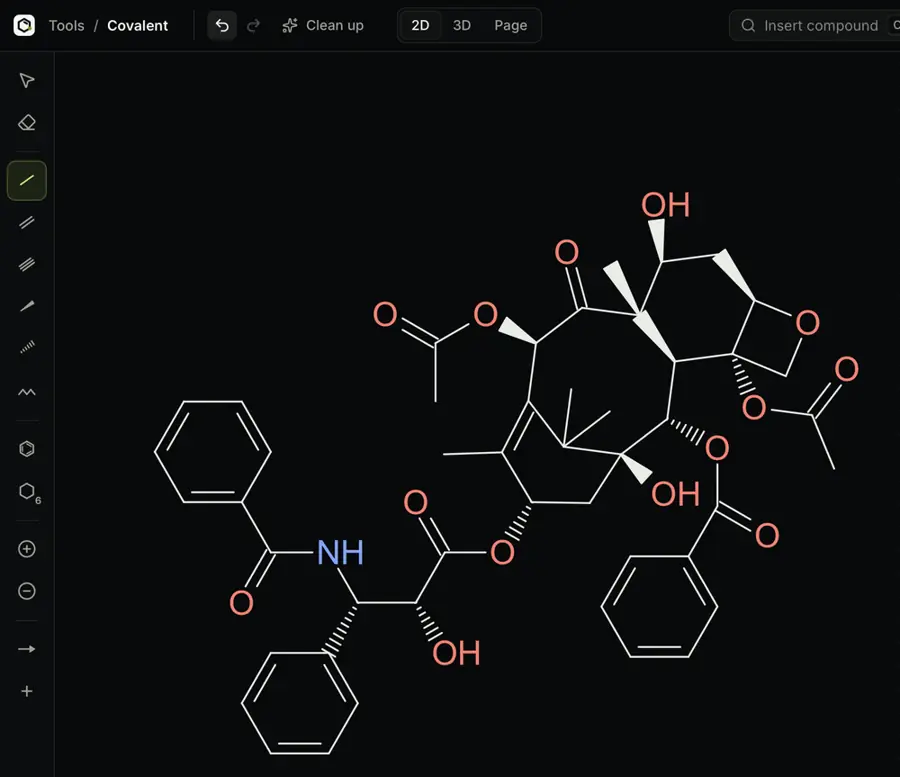 | Yes, tested by running it: Drew solid wedge, hashed wedge, and wavy bonds. Opens the screenshot.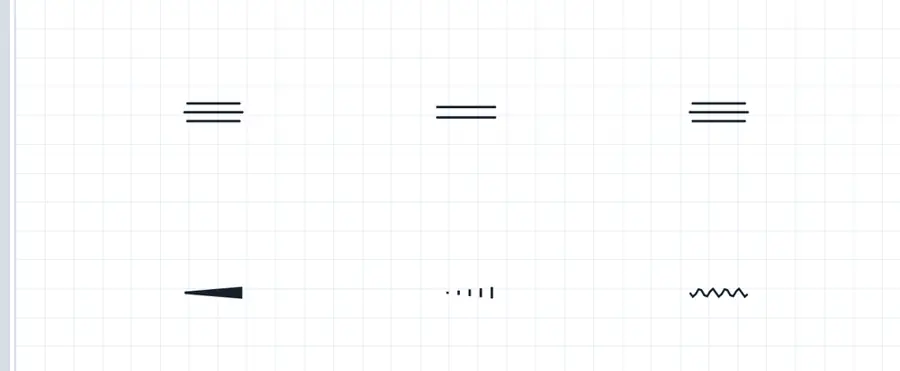 | Yes, tested by running it: Drew solid wedge, hashed wedge, and wavy bonds. Opens the screenshot.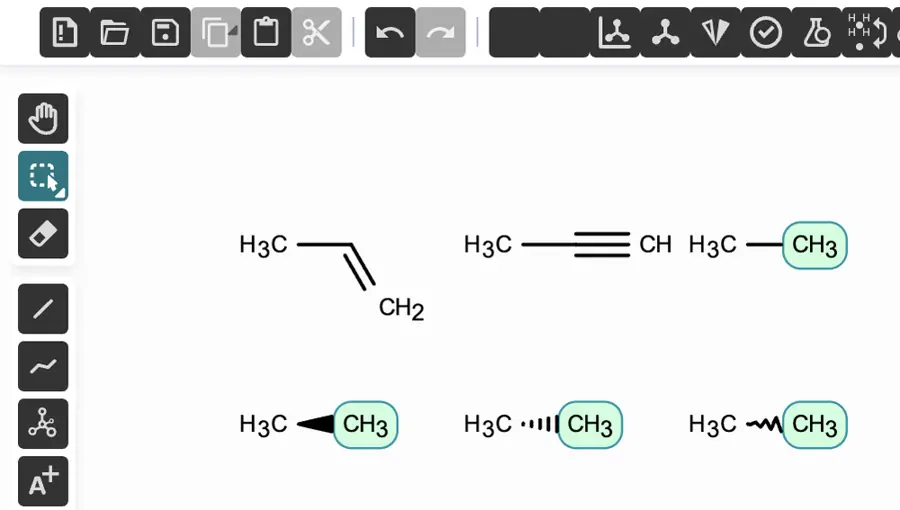 | Yes, tested by running it: Drew solid wedge, hashed wedge and wavy bonds. Opens the screenshot.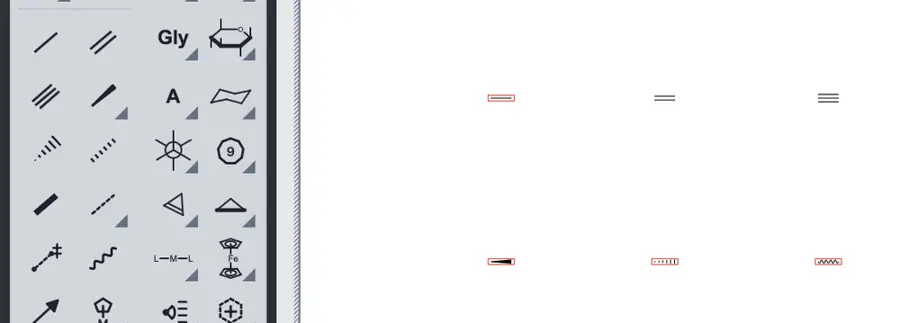 | Yes, tested by running it: Drew solid wedge, hashed wedge, and wavy bonds. Opens the screenshot.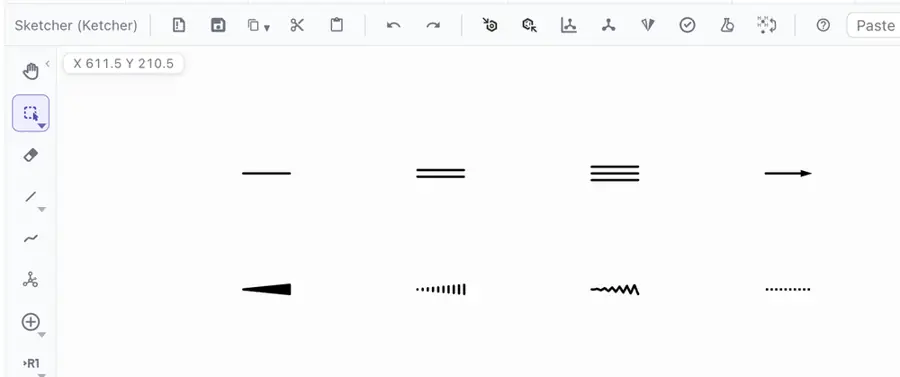 | Partly: Wedge tool selected; stereochemical SMILES exported without stereo. Opens the cited page.Wedge tool selected; stereochemical SMILES exported without stereo. | Partly: Drew solid and hashed wedges; wavy untested. Opens the screenshot.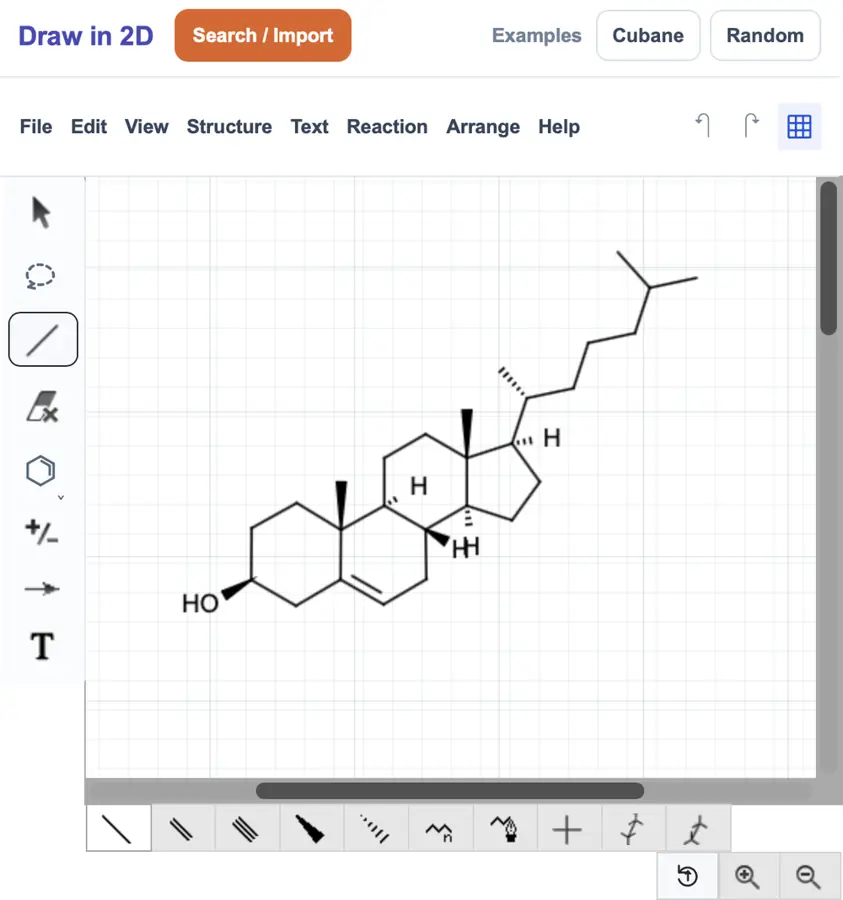 Drew solid and hashed wedges; wavy untested. | Yes, tested by running it: Drew solid wedge, hashed wedge, and wavy bonds. Opens the screenshot.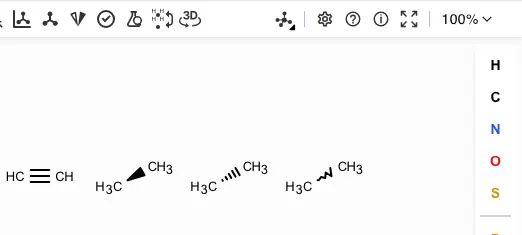 | Yes, tested by running it: Drew solid wedge, hashed wedge and wavy bonds. Opens the screenshot.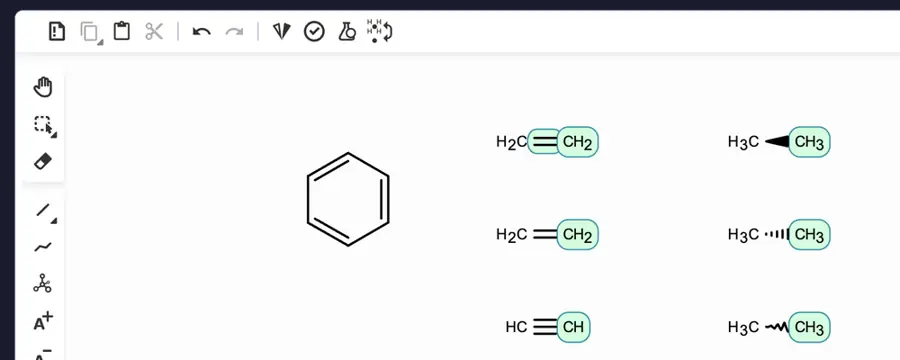 | Yes, tested by running it: Drew solid wedge, hashed wedge and wavy bonds. Opens the screenshot.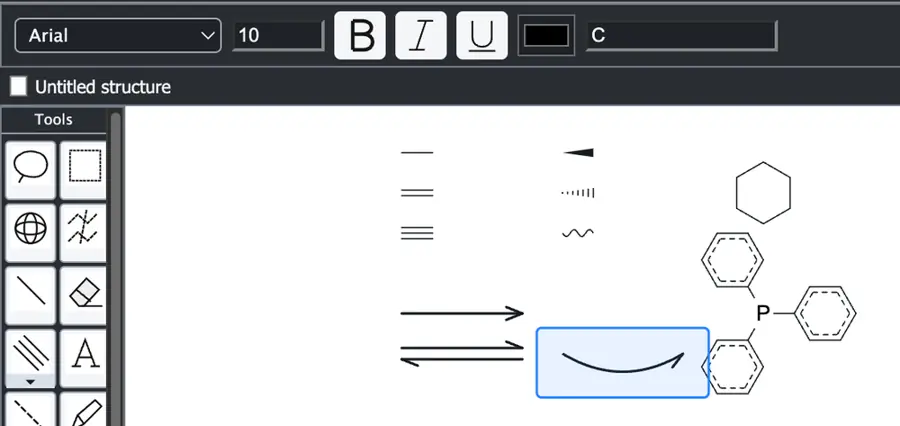 | Yes, tested by running it: Drew solid wedge, hashed wedge and wavy bonds. Opens the screenshot.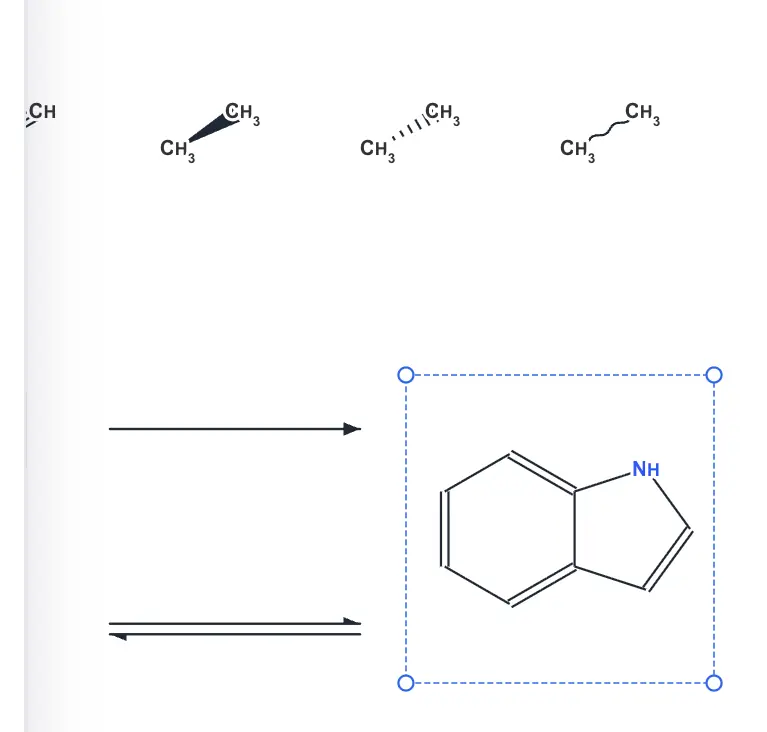 | Yes, tested by running it: Drew wedge, hashed and wavy bonds. Opens the screenshot.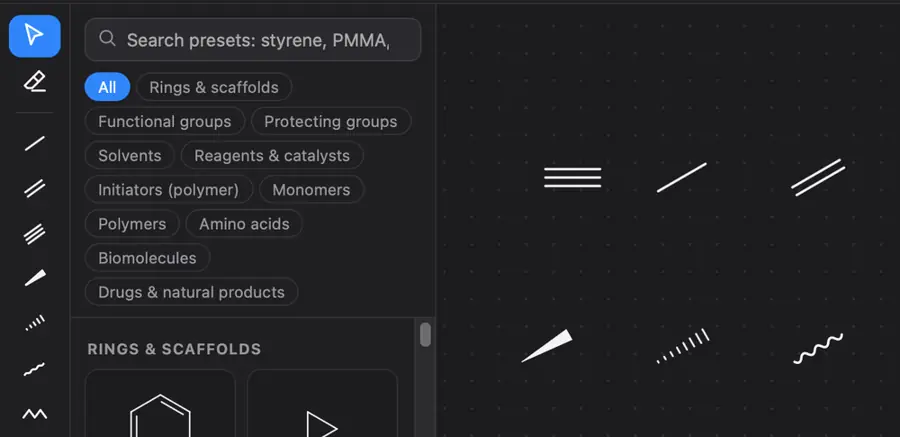 | Yes, tested by running it: Drew wedge, hashed and wavy bonds; MOL confirms types. Opens the screenshot. | Yes, tested by running it: Placed wedge, hashed, and wavy bonds. Opens the screenshot.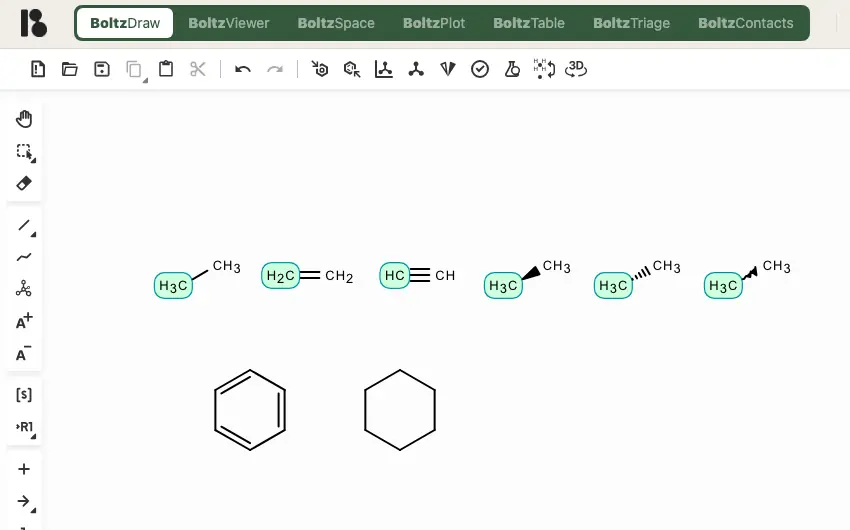 | Yes, tested by running it: Converted a bond to solid wedge, hashed wedge, and wavy. Opens the screenshot.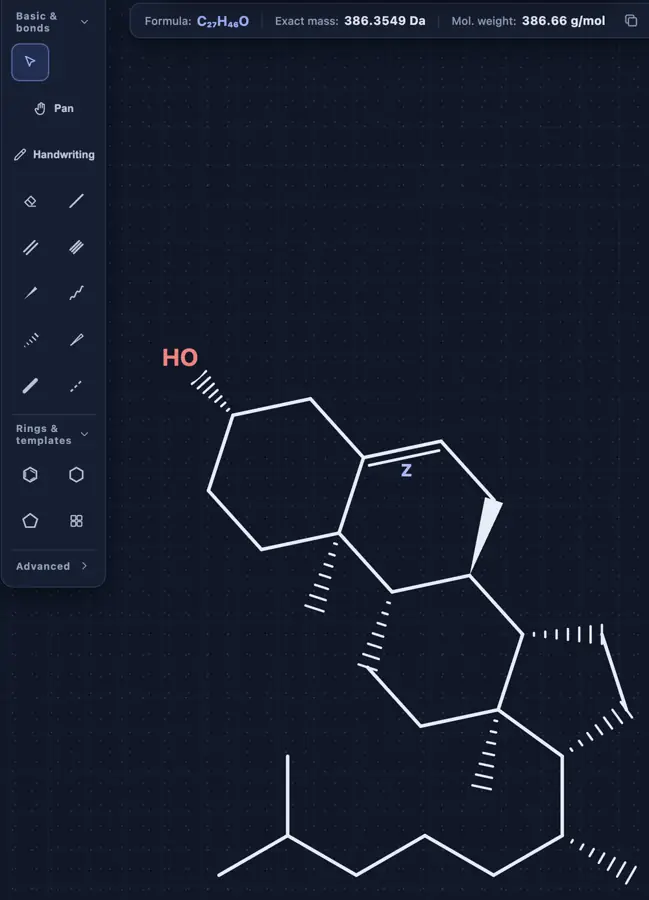 | Yes, tested by running it: Drew solid wedge, hashed wedge and wavy bonds. Opens the screenshot.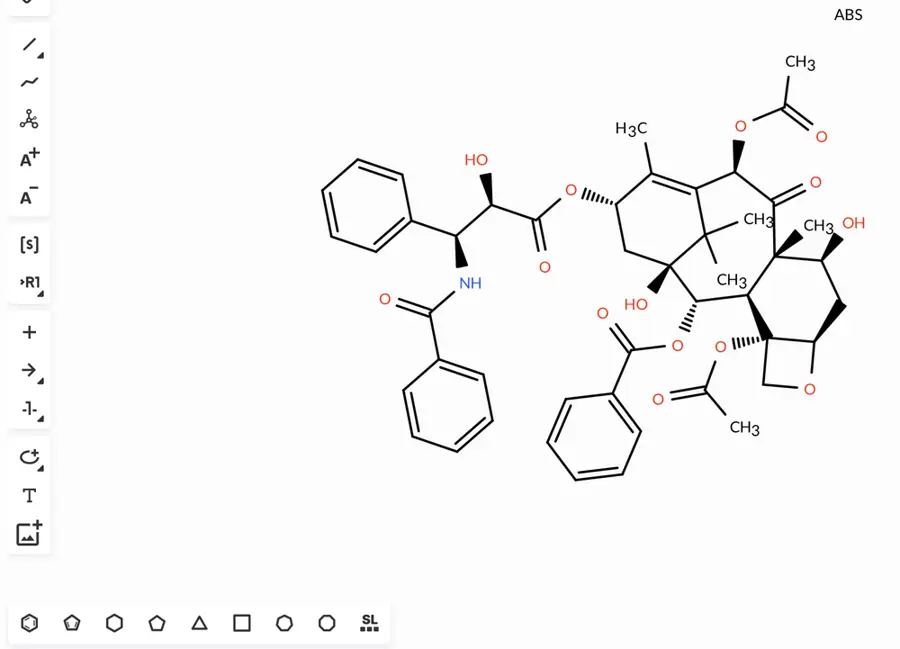 | Yes, tested by running it: Drew solid wedge, hashed wedge and wavy bond. Opens the cited page. | Yes, tested by running it: Drew solid wedge, hashed wedge, and wavy bonds. Opens the screenshot.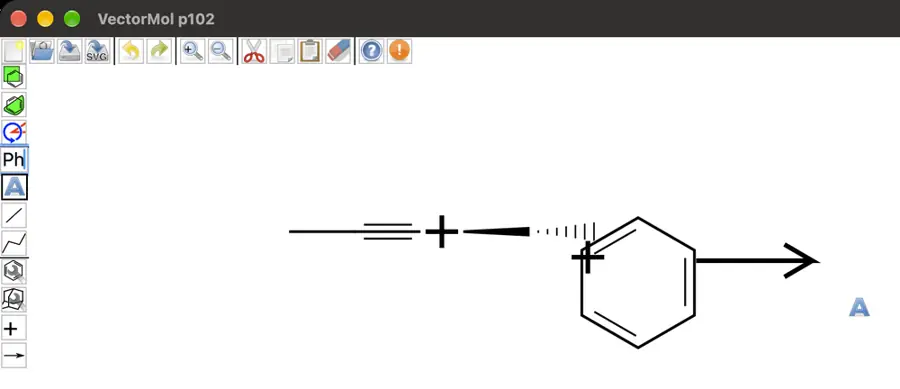 | Partly: Solid and hashed wedges export correctly; no wavy tool visible. Opens the screenshot.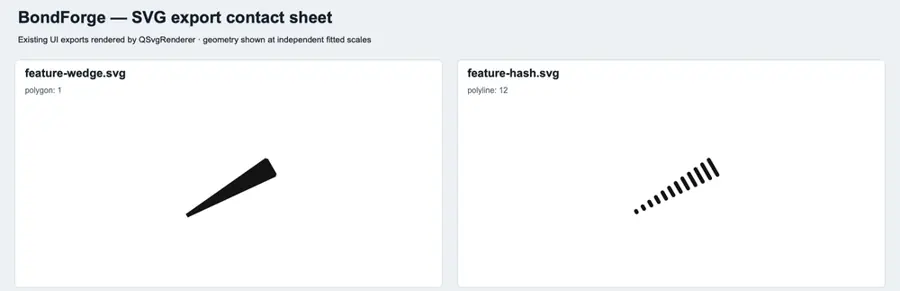 Solid and hashed wedges export correctly; no wavy tool visible. | Yes, tested by running it: Changed a bond to recessed, protruding, and wavy. Opens the screenshot.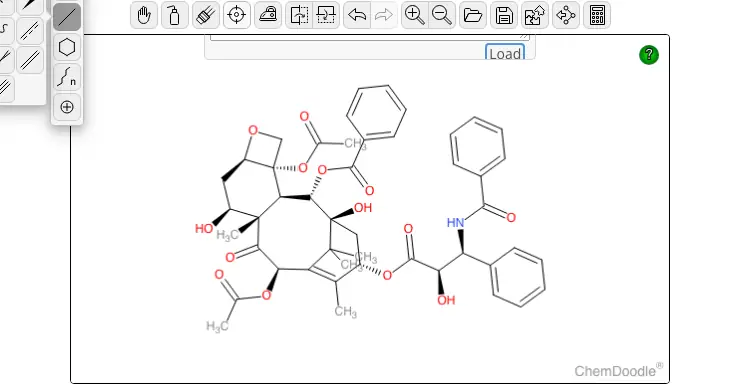 | Yes, tested by running it: Drew solid wedge, hashed wedge, and wavy bonds. Opens the screenshot.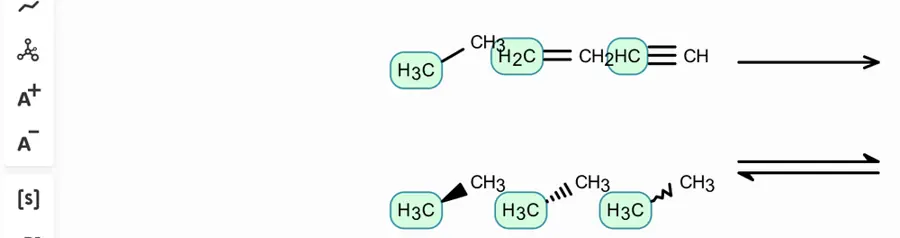 | Partly: Solid and hashed wedges drawn; no wavy bond control found. Opens the screenshot.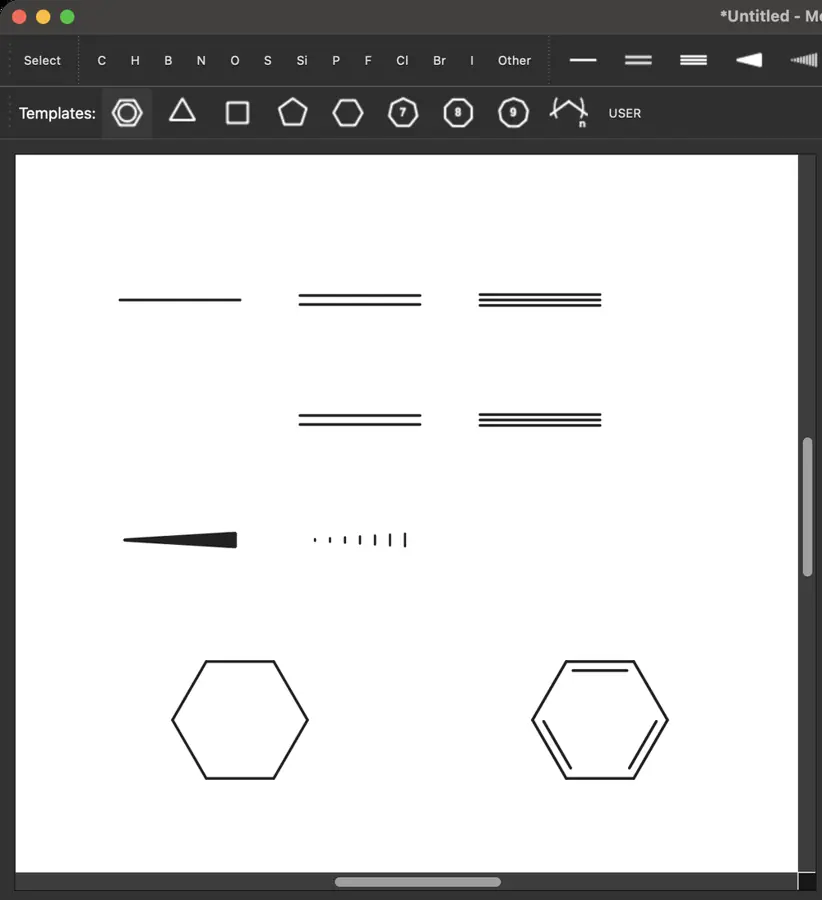 Solid and hashed wedges drawn; no wavy bond control found. | Partly: Imported wedges; manual drawing blocked by computer-use drag error. Opens the screenshot.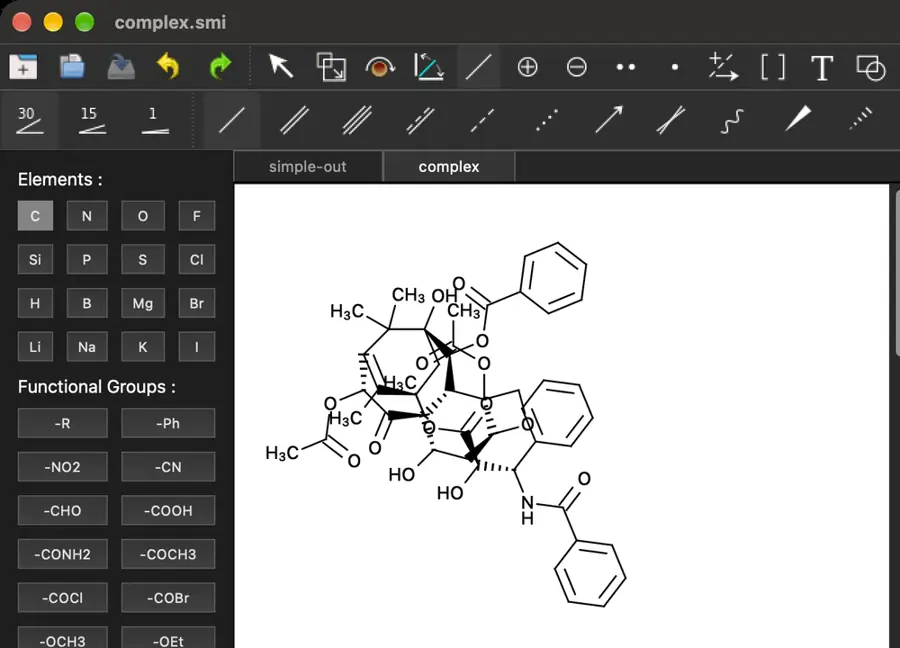 Imported wedges; manual drawing blocked by computer-use drag error. | Partly: Solid wedge and hashed wedge drawn; wavy option not seen. Opens the screenshot.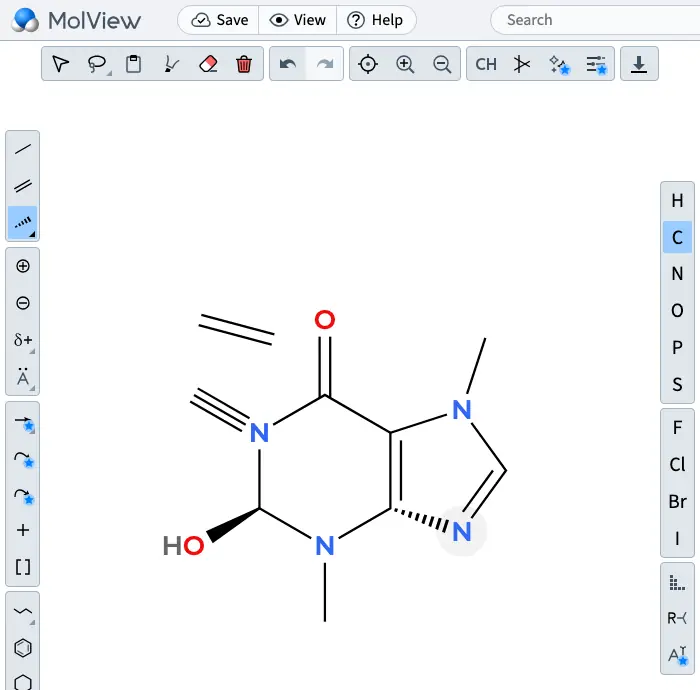 Solid wedge and hashed wedge drawn; wavy option not seen. | Yes, tested by running it: Drew solid, hashed and wavy bonds. Opens the screenshot. | Yes, tested by running it: Drew solid, hashed, and wavy bonds. Opens the screenshot.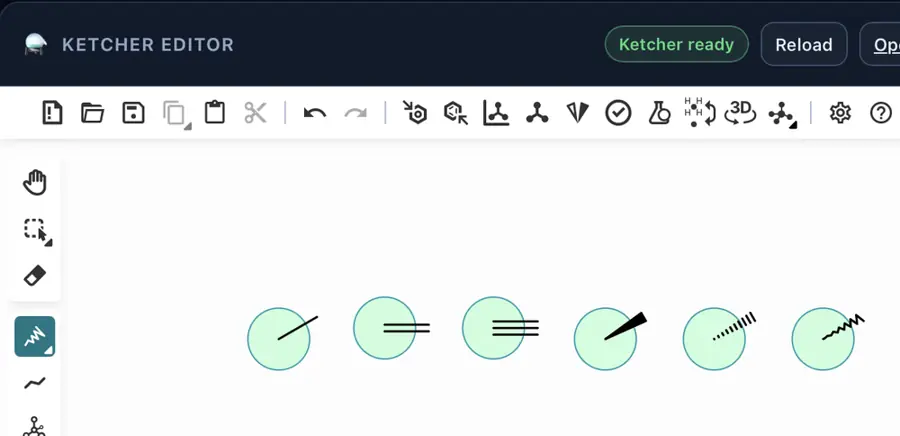 | Yes, tested by running it: Placed solid, hashed, and wavy bonds. Opens the screenshot.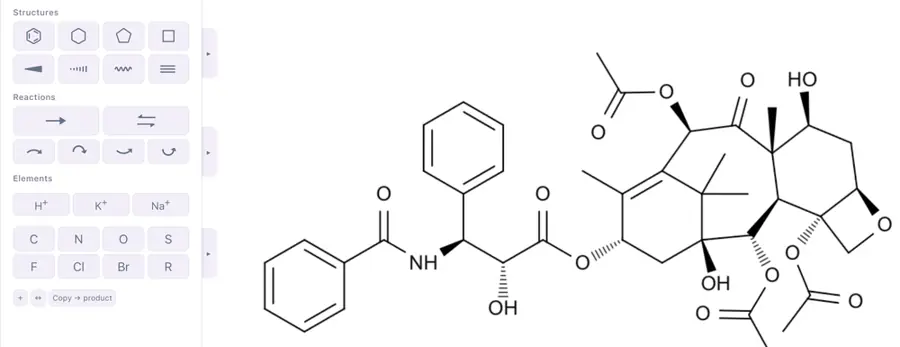 | Partly: Bond selector visible; stereo drawing could not be verified. Opens the cited page.Bond selector visible; stereo drawing could not be verified. | Yes, tested by running it: Wedge, hash and TikZ-decorated wavy bonds rendered. Opens the screenshot.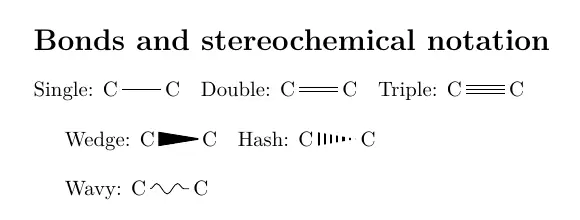 | No: Stereochemistry editing is explicitly unsupported; stereo fields are reserved. Opens the cited page. | Yes, tested by running it: Drew wedge, hash and wavy bonds. Opens the screenshot.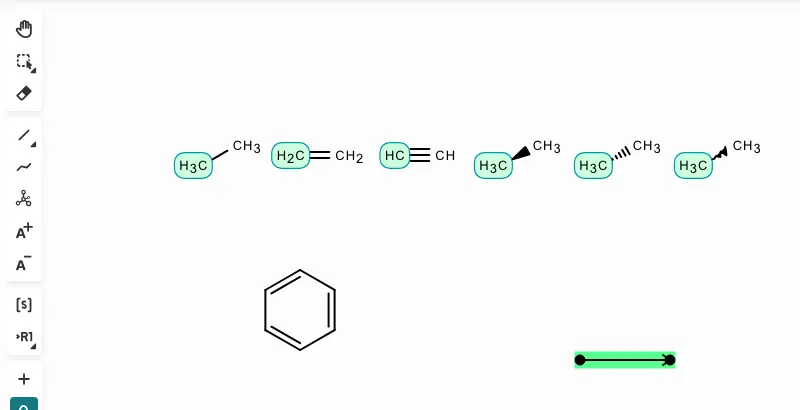 | Partly: Drew wedge and hash bonds; no wavy bond control found. Opens the screenshot.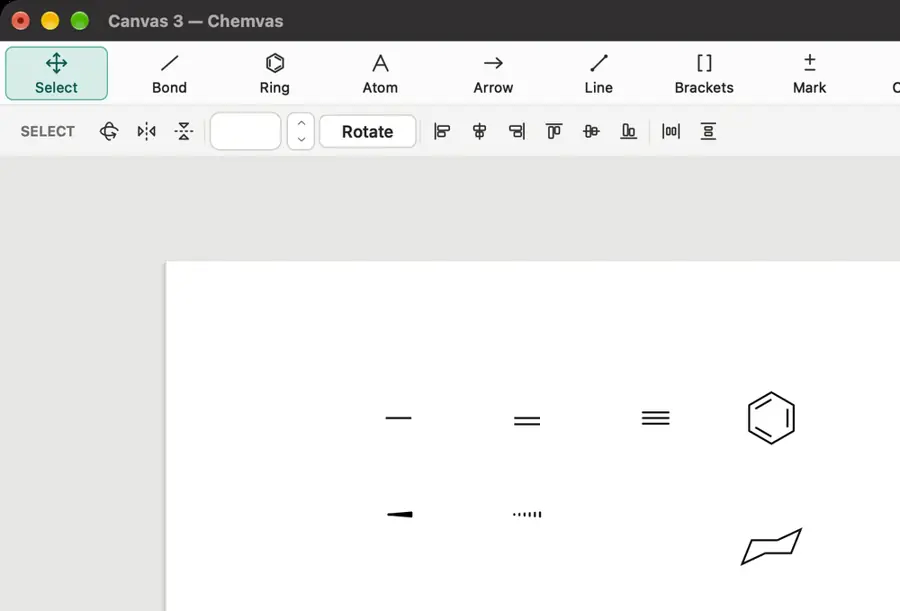 Drew wedge and hash bonds; no wavy bond control found. | Yes, tested by running it: Drew solid/hash wedges; set unknown stereo to zigzag. Opens the screenshot.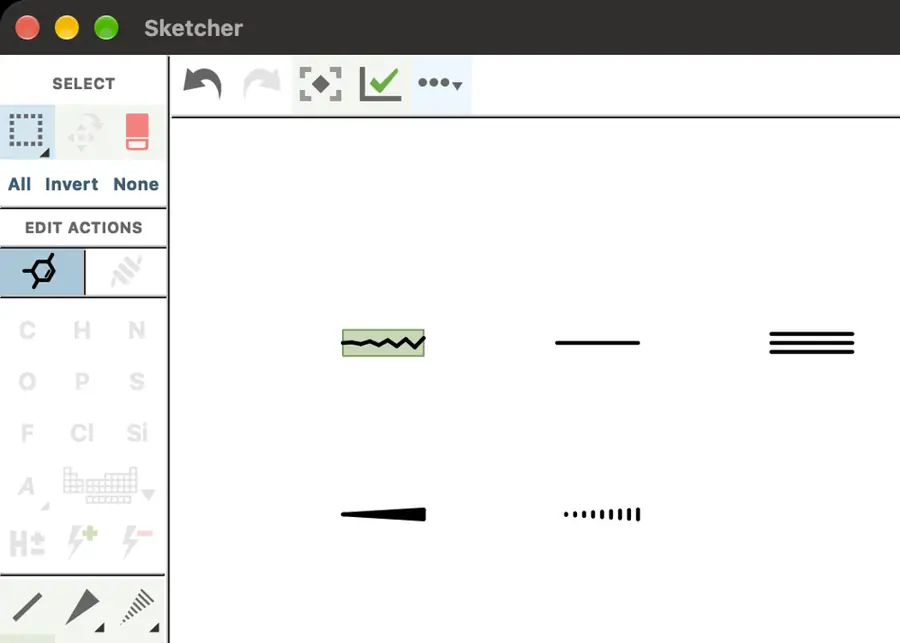 | Yes, tested by running it: Wedge, hash, and wavy bonds drawn; features-test.png. Opens the screenshot. | Partly: Drew solid and hashed wedges; no wavy tool found. Opens the screenshot.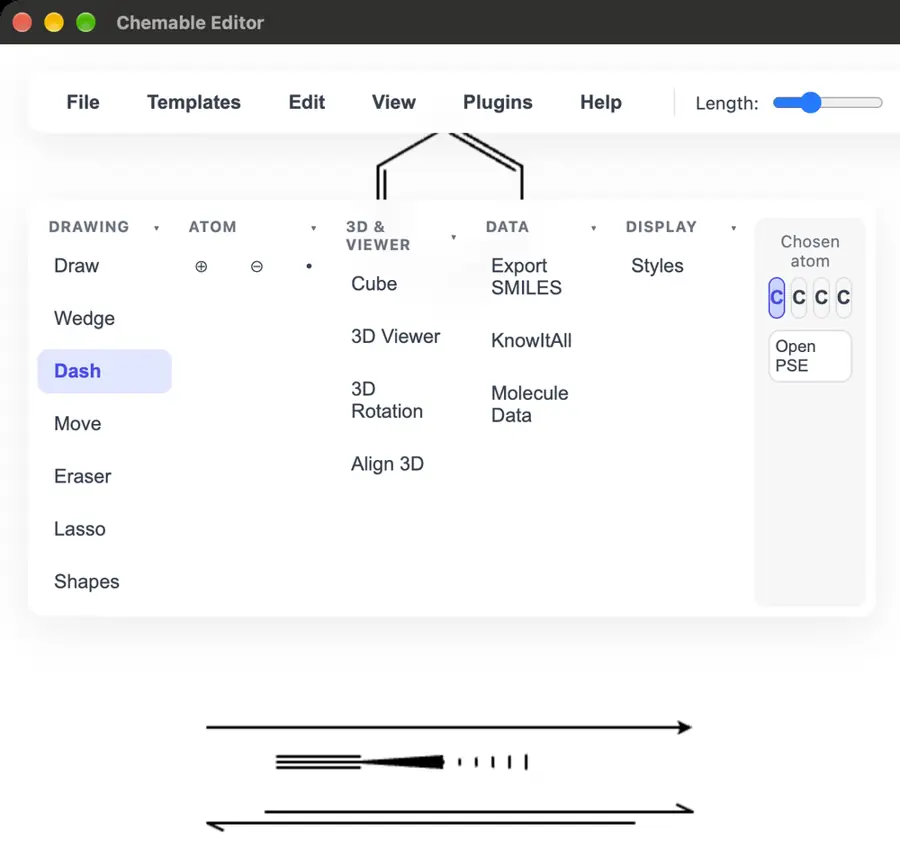 Drew solid and hashed wedges; no wavy tool found. | Yes, tested by running it: Placed wedge, hashed, and wavy bonds. Opens the screenshot.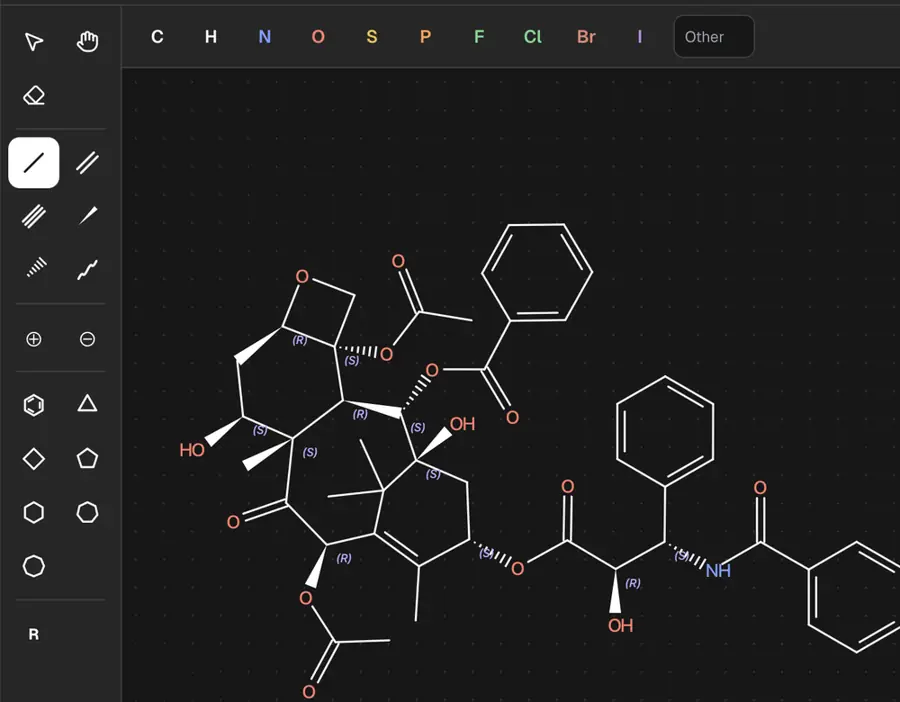 | Partly: Tools selected; canvas input produced no visible marks during automation. Opens the screenshot.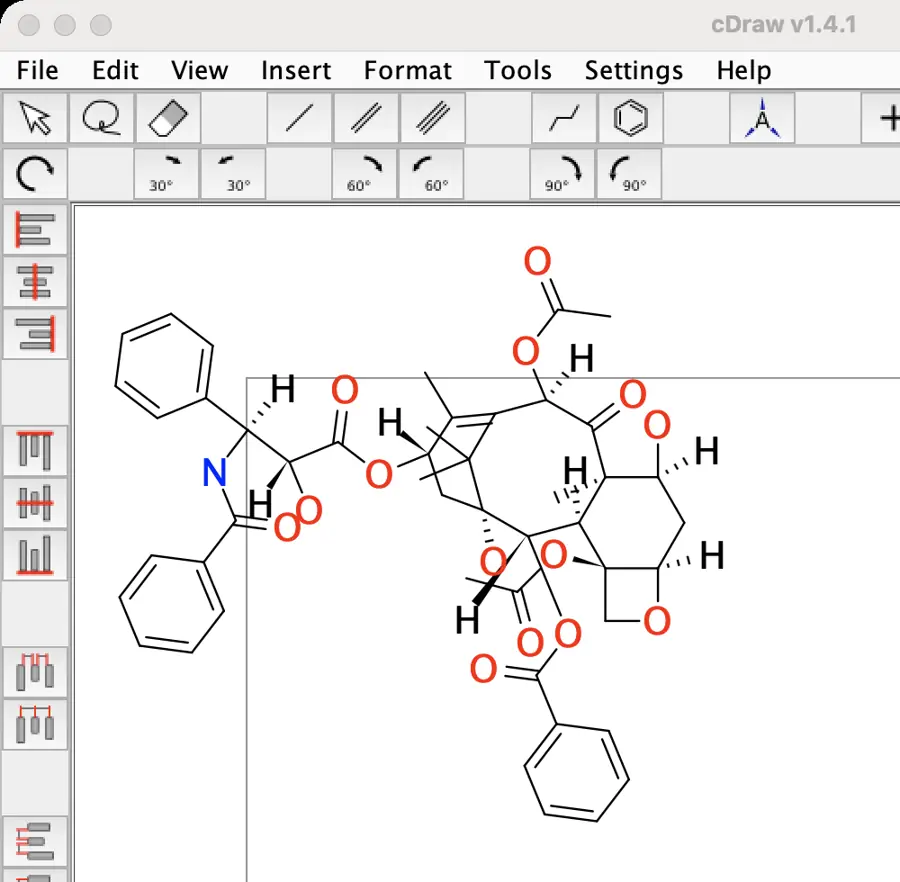 Tools selected; canvas input produced no visible marks during automation. | Yes, tested by running it: Bond cycling produced solid wedge and hashed wedge. Opens the screenshot.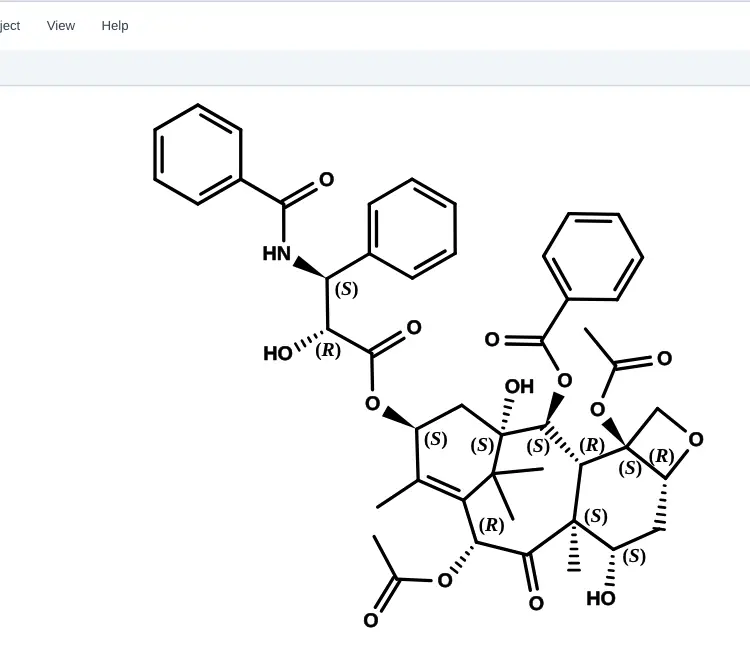 | Yes, tested by running it: Solid wedge, hashed wedge, and wavy bonds drawn successfully. Opens the screenshot.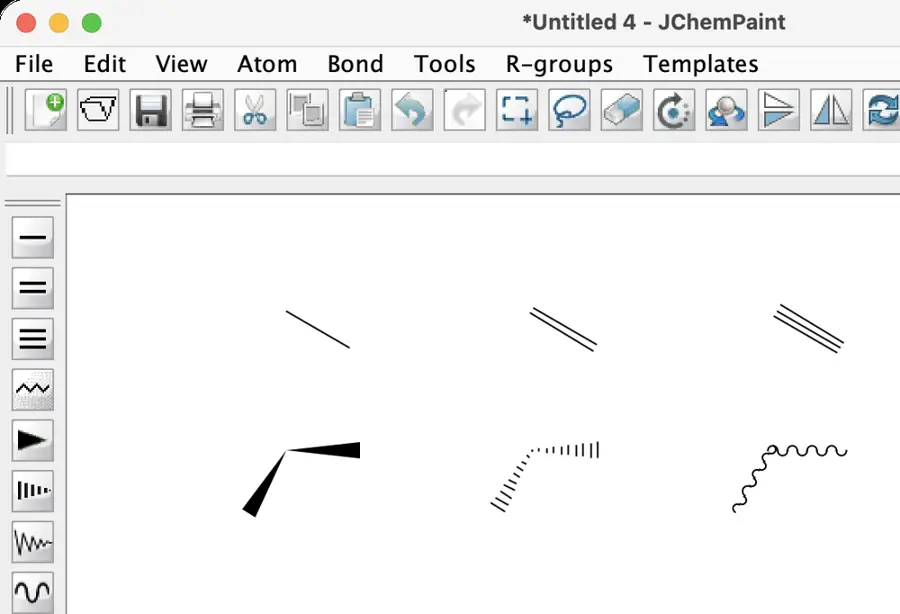 | Yes, tested by running it: Cycled solid wedge, hashed wedge and wavy bond. Opens the screenshot.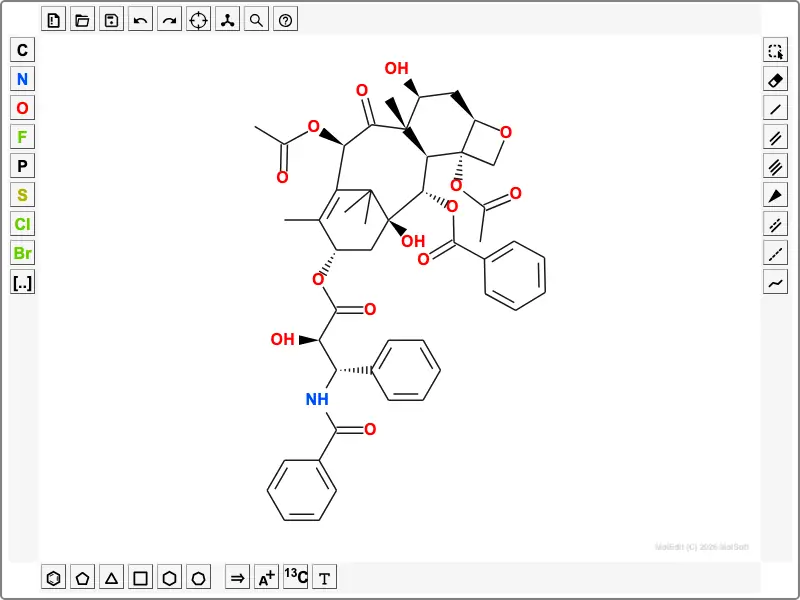 | Partly: Imported stereochemistry rendered wedges and hashes; manual attempt inconclusive. Opens the screenshot.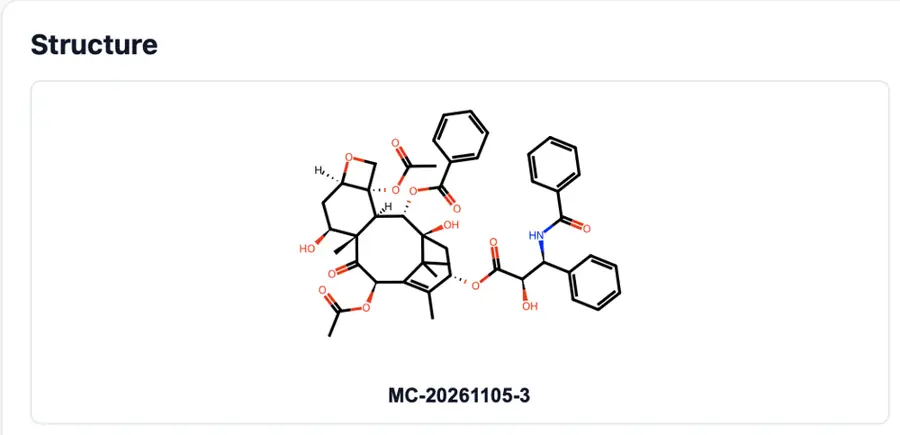 Imported stereochemistry rendered wedges and hashes; manual attempt inconclusive. | Partly: Wedge action attempted; targeting unavailable; hash command also visible. Opens the cited page.Wedge action attempted; targeting unavailable; hash command also visible. | Partly: Wedge and dashed bonds work; no wavy tool visible. Opens the cited page.Wedge and dashed bonds work; no wavy tool visible. | Yes, tested by running it: Drew solid wedge, hashed wedge, and wavy bonds. Opens the screenshot.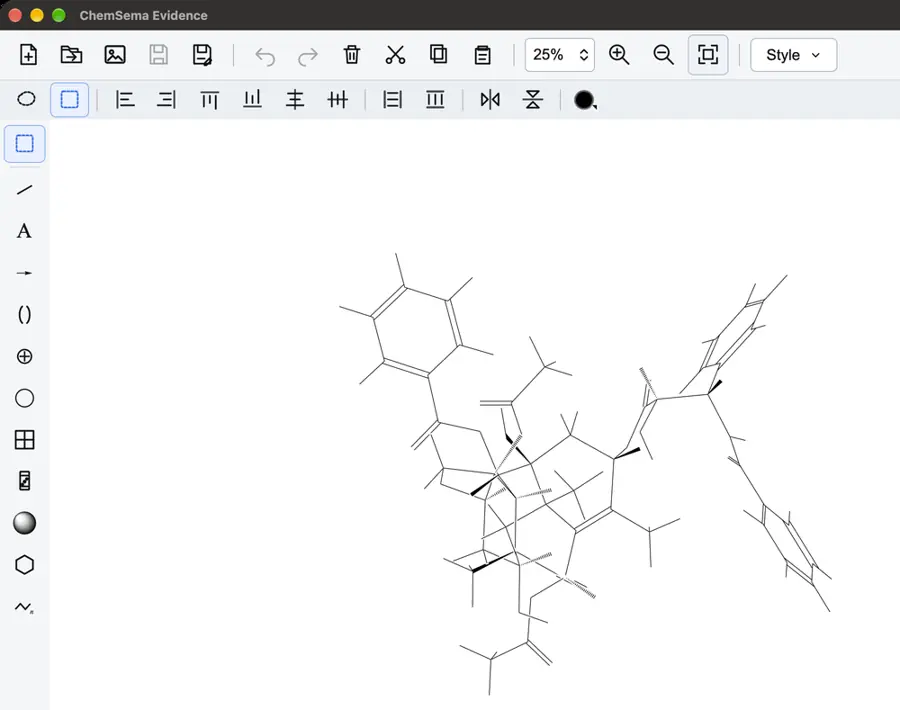 | Yes, tested by running it: Drew solid wedge, hashed wedge, and wavy bonds. Opens the screenshot.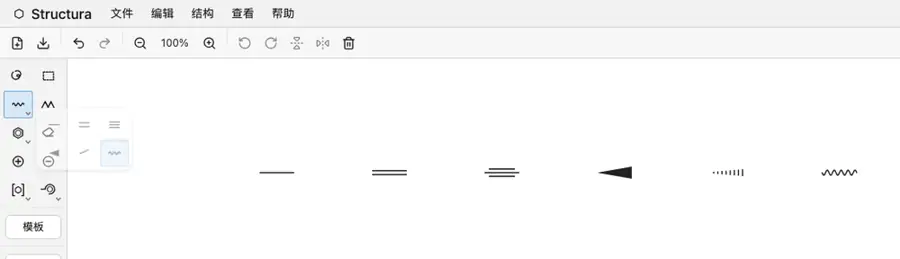 | Partly: Drew solid and hashed wedges; no wavy tool visible. Opens the screenshot.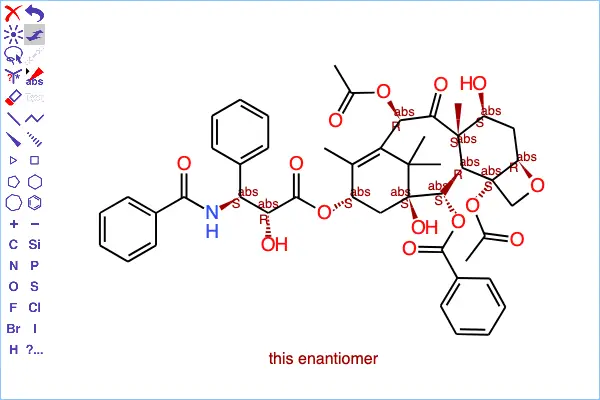 Drew solid and hashed wedges; no wavy tool visible. | Partly: Solid and hashed wedges drawn; no wavy tool found. Opens the screenshot.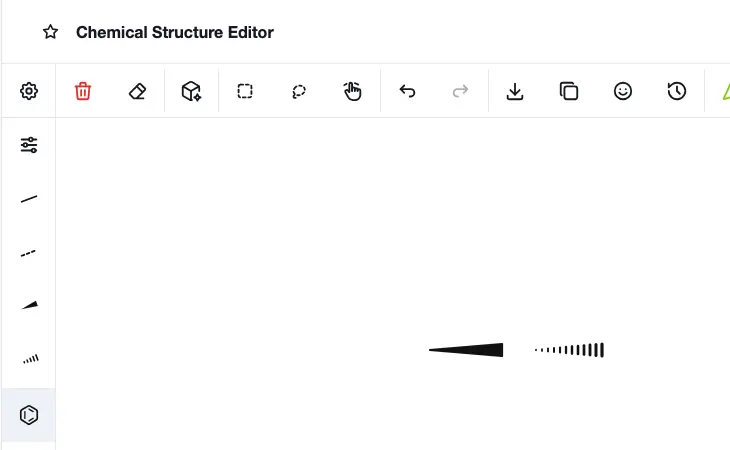 Solid and hashed wedges drawn; no wavy tool found. | Yes, tested by running it: Drew solid wedge, hashed wedge, and wavy bonds. Opens the screenshot.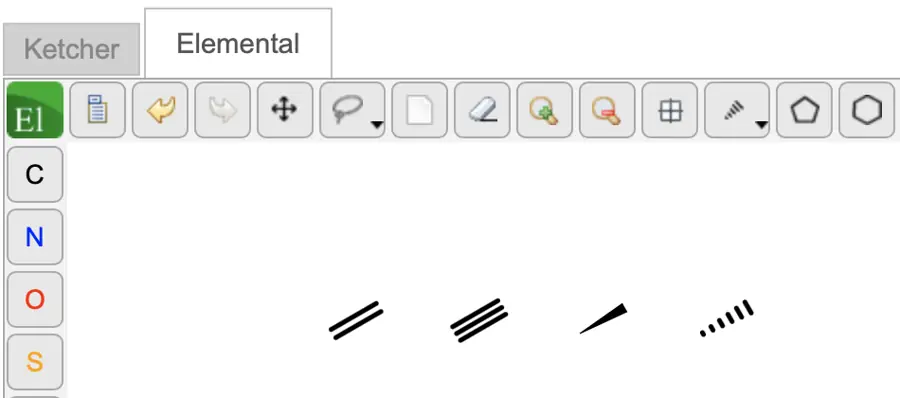 | Yes, tested by running it: Drew solid wedge, hashed wedge, and wavy bonds. Opens the screenshot.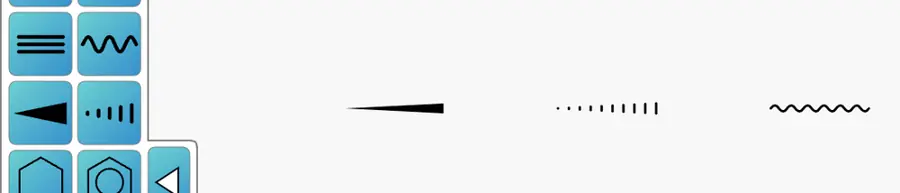 | Partly: Drew solid and hashed wedges; no wavy tool visible. Opens the screenshot.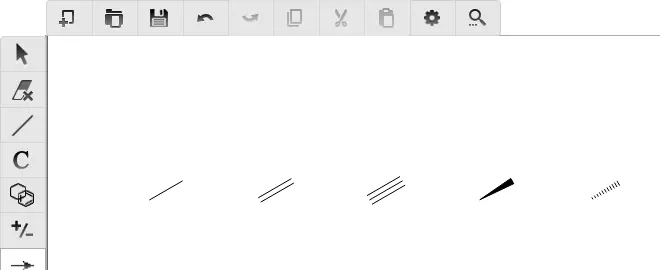 Drew solid and hashed wedges; no wavy tool visible. | Yes, tested by running it: Solid wedge, hashed wedge, and wavy bonds drawn. Opens the screenshot.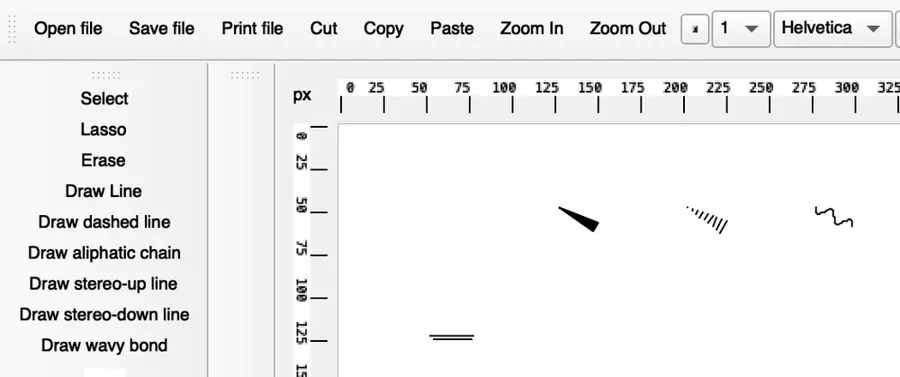 | Yes, tested by running it: Applied solid wedge, hashed wedge and wavy styles to existing bonds. Opens the screenshot.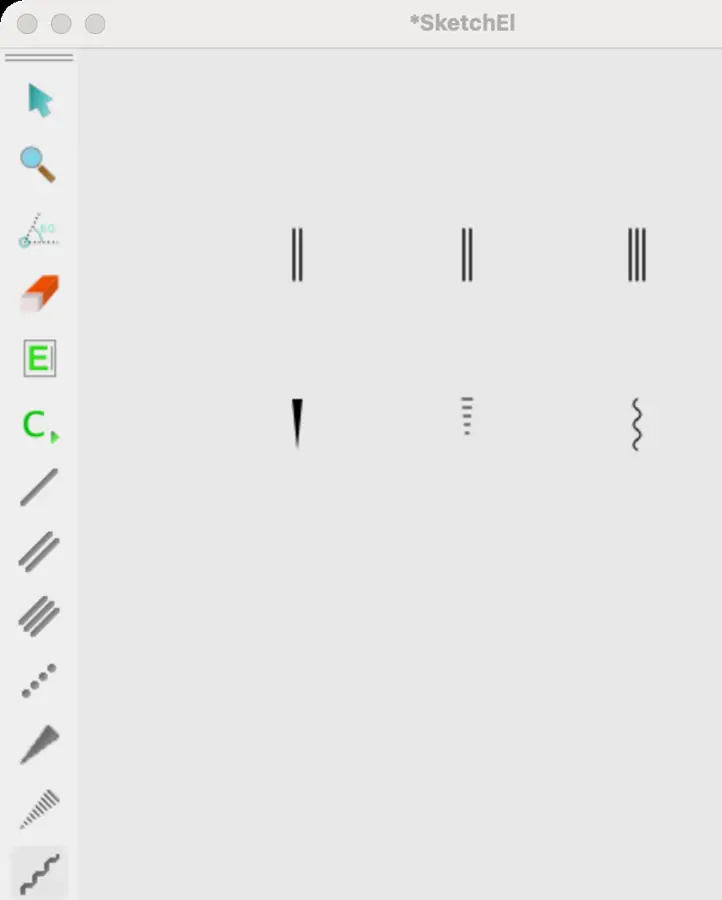 | Partly: Wedge drawing and imported hashes visible; wavy not verified. Opens the screenshot.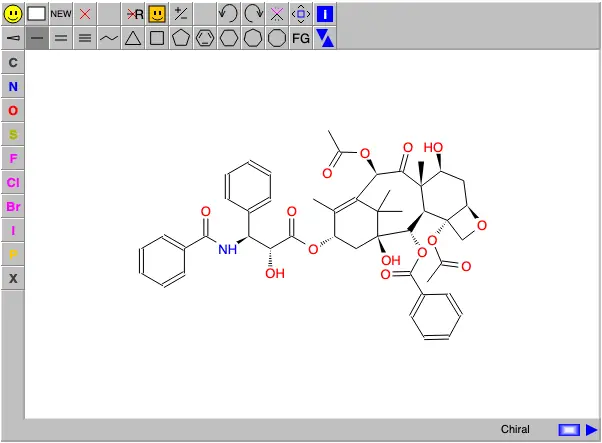 Wedge drawing and imported hashes visible; wavy not verified. | Yes, tested by running it: Applied solid wedge, hashed wedge and wavy marks. Opens the screenshot.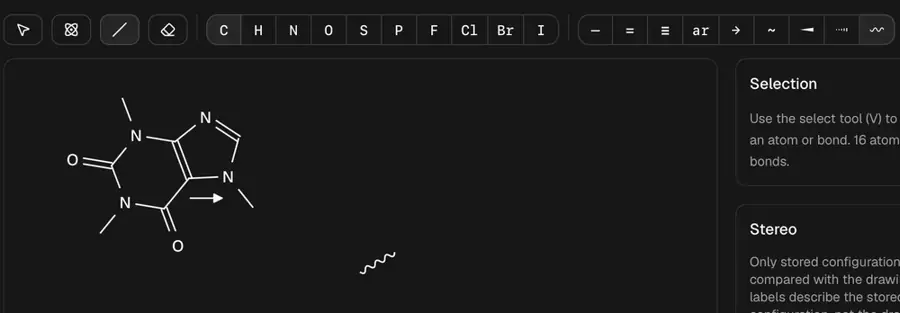 | Partly: Wedge and dash draw; no wavy tool; MOL loses stereo. Opens the screenshot.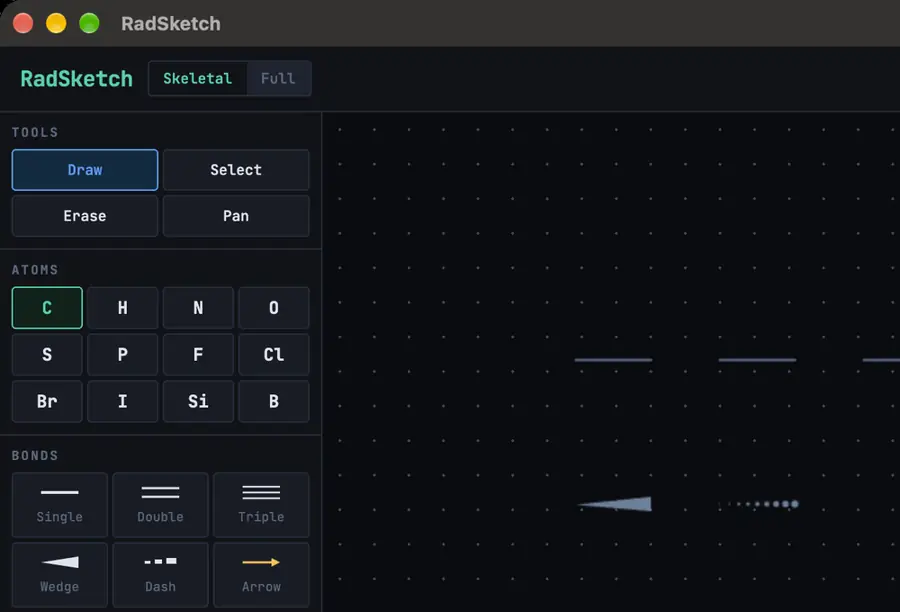 Wedge and dash draw; no wavy tool; MOL loses stereo. | Yes, tested by running it: Drew wedge, hashed wedge, and wavy bonds. Opens the screenshot.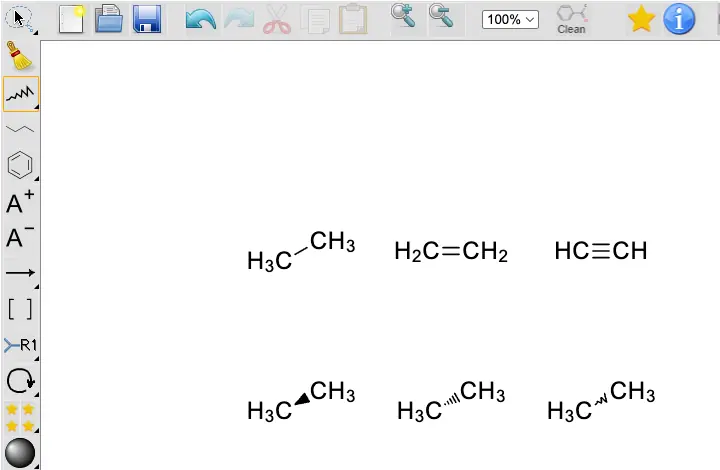 | Partly: Solid, hollow down wedge and wavy; no hashed wedge. Opens the screenshot.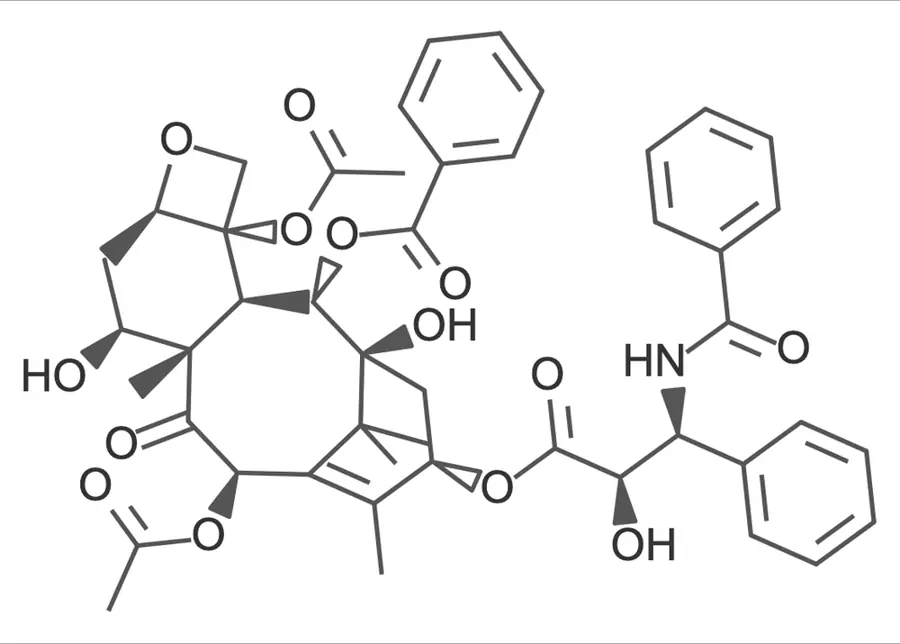 Solid, hollow down wedge and wavy; no hashed wedge. | No: Chiral SMILES rendered only plain bonds; no stereo tools visible. Opens the cited page. | No: Wedge-like bond syntax rejected; no stereo control. Opens the cited page. | Yes, tested by running it: Drew solid wedge, hashed wedge, and wavy bonds. Opens the screenshot.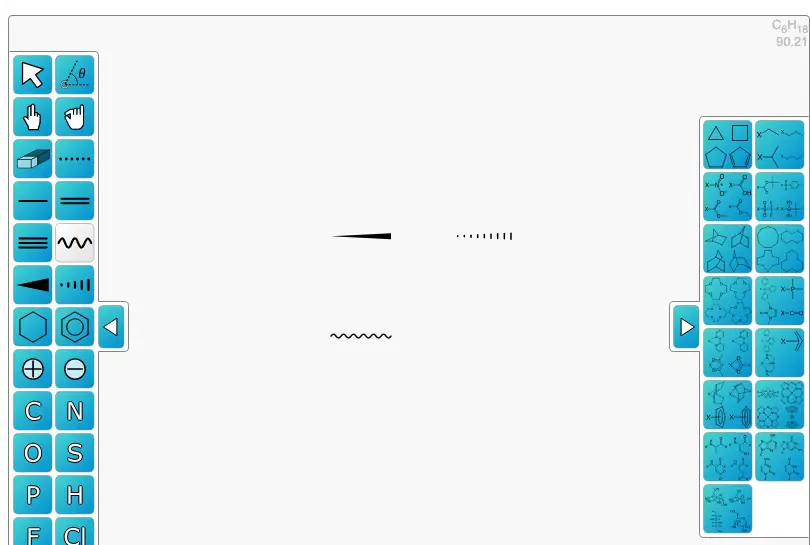 | Partly: R/S toggle creates wedge/hash; no wavy drawing tool found. Opens the screenshot.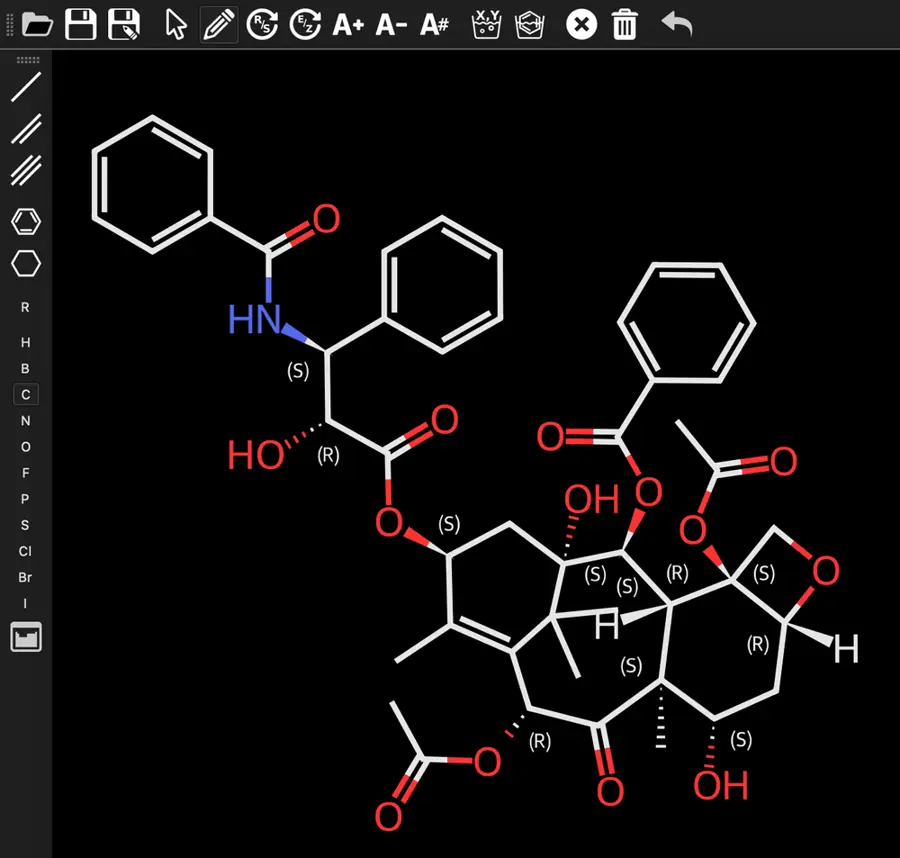 R/S toggle creates wedge/hash; no wavy drawing tool found. | Partly: Solid and hashed wedges work; no wavy tool visible. Opens the screenshot.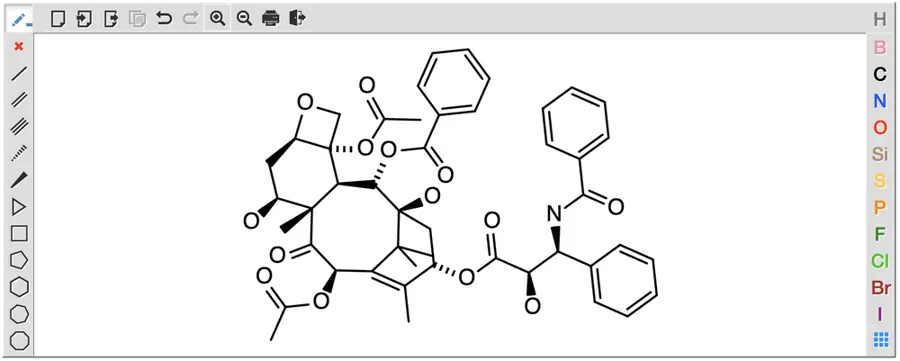 Solid and hashed wedges work; no wavy tool visible. | Partly: Solid and hashed wedges work; no wavy tool found. Opens the cited page.Solid and hashed wedges work; no wavy tool found. | Partly: Up, down, and wavy tools respond; drawings are clipped. Opens the cited page.Up, down, and wavy tools respond; drawings are clipped. | Partly: Filled wedges drawn; imported hashes render; wavy drawing unverified. Opens the screenshot.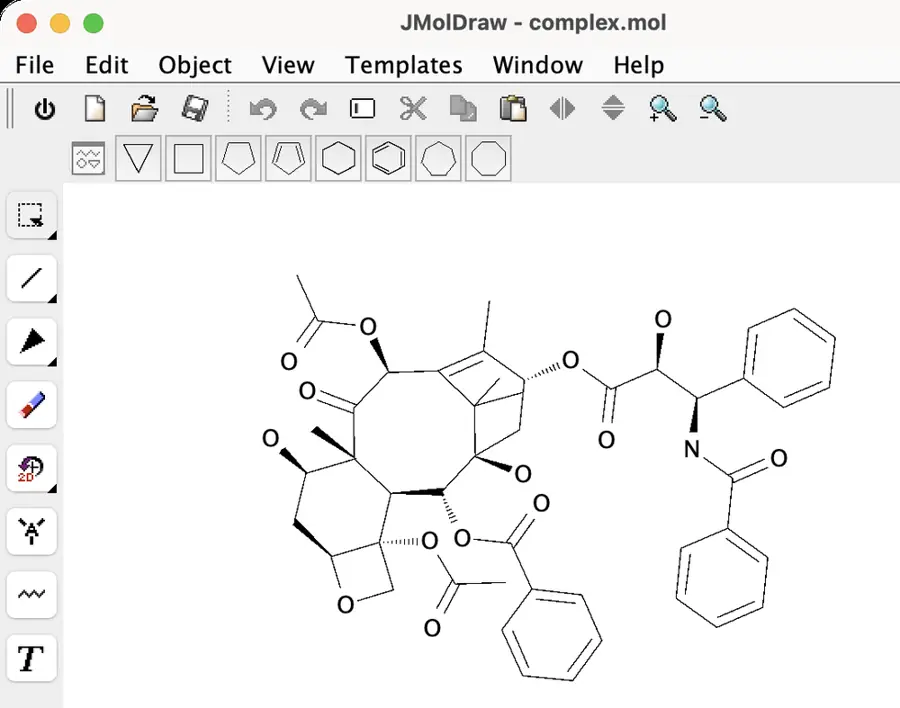 Filled wedges drawn; imported hashes render; wavy drawing unverified. | Partly: Solid and hashed wedges work; no wavy option observed. Opens the screenshot.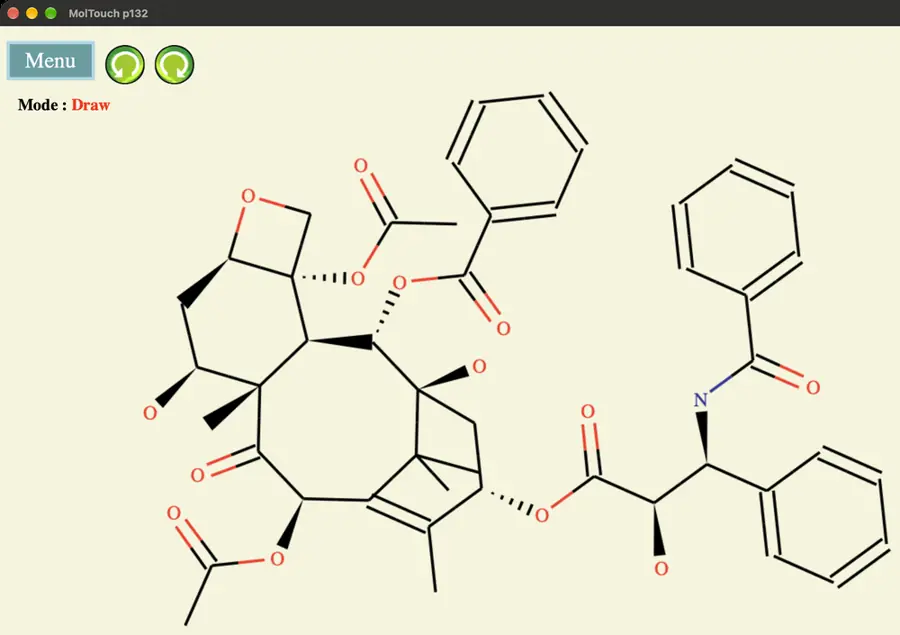 Solid and hashed wedges work; no wavy option observed. | No: No wedge, hashed wedge, or wavy bond controls visible. Opens the cited page. | Partly: Imported wedges render; attempted wedge edit did not change drawing. Opens the screenshot.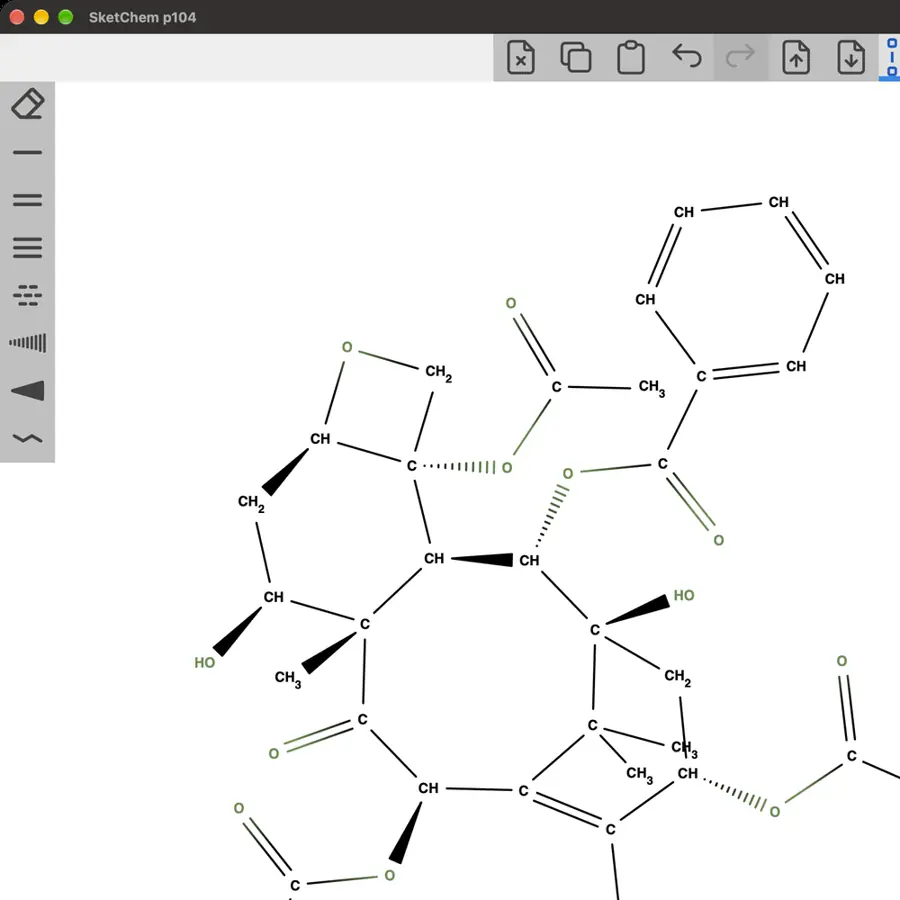 Imported wedges render; attempted wedge edit did not change drawing. | Partly: Solid and hashed wedges drawn; wavy placement unconfirmed. Opens the screenshot. Solid and hashed wedges drawn; wavy placement unconfirmed. | Partly: Drew solid and hashed wedges; no wavy tool seen. Opens the screenshot.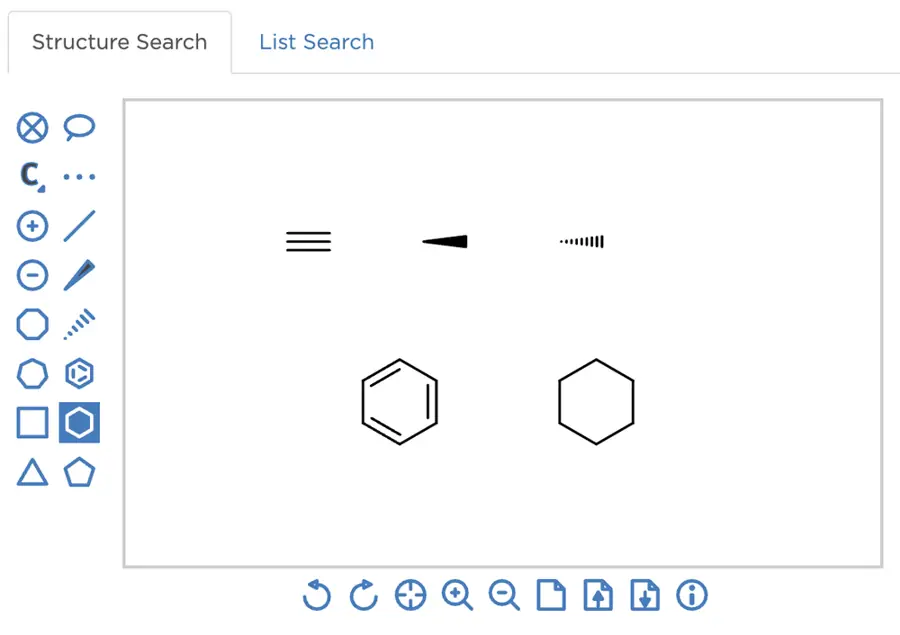 Drew solid and hashed wedges; no wavy tool seen. | Yes, tested by running it: Drew solid wedge, hashed wedge, and wavy bonds. Opens the screenshot.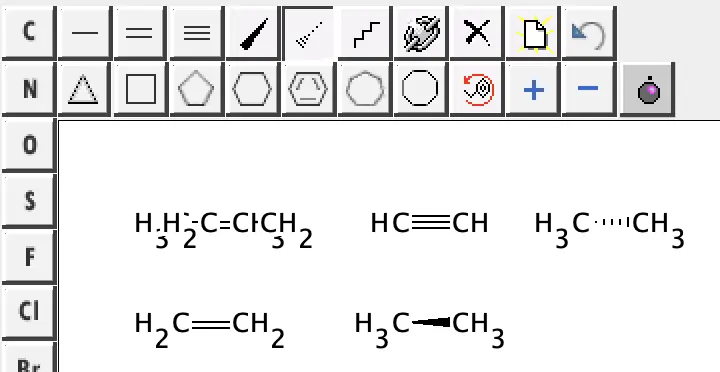 | Partly: Wedge and hash applied; no wavy tool visible. Opens the screenshot. Wedge and hash applied; no wavy tool visible. | No: W key did not alter the bond; no stereo controls appeared. Opens the cited page. | No: Renderer draws straight bond lines without stereochemical bond styles. Opens the cited page. | Yes, according to the manual: Wedge, hatch and wavy adder bonds are implemented. Opens the cited page. | Yes, according to the manual. Opens the cited page. | Yes, according to the manual: Solid wedge, hashed wedge and wavy bond rendering. Opens the cited page. | Yes, according to the manual. Opens the cited page. | Yes, according to the manual: Solid wedge, hashed wedge and wavy bonds explicitly listed. Opens the cited page. | Yes, according to the manual. Opens the cited page. | Yes, according to the manual: Solid wedge, hashed wedge and wavy stereo bonds. Opens the cited page. | Yes, according to the manual: Wedge, hatch and wavy adder bond styles. Opens the cited page. | Not established | Yes, according to the manual: Official hotkey diagram shows wedge, hashed wedge, and wavy bonds. Opens the cited page. | Yes, according to the manual: Solid wedge, hashed wedge and wavy bond tools. Opens the cited page. | Yes, according to the manual: Wedge, hashed wedge, and wavy bonds appear in official screenshots. Opens the cited page. | Yes, according to the manual. Opens the cited page. | Yes, according to the manual. Opens the cited page. | Yes, according to the manual. Opens the cited page. | Not established: Wedges and hashes documented; wavy bond support unverified. | Yes, according to the manual: Wedge and hashed tools; wavy bonds through Bond Properties. Opens the cited page. | Yes, according to the manual: Wedge, down-wedge and wavy bond shortcuts. Opens the cited page. | Yes, according to the manual: Wedge, hatch, and indeterminate wavy bonds. Opens the cited page. | Yes, according to the manual: Dedicated wedge, hash, and wavy tools. Opens the cited page. | Yes, according to the manual: Solid wedge, dashed wedge and wavy lines. Opens the cited page. | Yes, according to the manual: Solid wedges, hashed wedges and wavy bonds. Opens the cited page. | Yes, according to the manual: Wedge, hash and wiggly bond types. Opens the cited page. | Yes, according to the manual: Solid wedge, hashed wedge and wavy bonds. Opens the cited page. | Yes, according to the manual: Solid wedges, hashed wedges and wavy bonds. Opens the cited page. | Not established | Yes, according to the manual: Official screenshot shows solid wedge, hashed wedge and wavy tools. Opens the cited page. | Not established | Yes, according to the manual. Opens the cited page. | Yes, according to the manual. Opens the cited page. | Partly: Solid and hashed wedges only; no wavy bond type. Opens the cited page.Solid and hashed wedges only; no wavy bond type. | Partly: Wedge and dash documented; wavy unverified; vendor claim. Opens the cited page.Wedge and dash documented; wavy unverified; vendor claim. | Yes, according to the manual: Wedge, hashed wedge, and wavy choices shown (manual p18). Opens the cited page. | Yes, according to the manual: Solid wedge, hashed wedge and wavy bonds. Opens the cited page. | Not established | Partly: Pro; vendor claim: wedge/dash; wavy bonds undocumented. Opens the cited page.ProPro; vendor claim: wedge/dash; wavy bonds undocumented. | Yes, according to the manual: Shared sketcher supports solid wedge, hashed wedge, and wavy bonds. Opens the cited page. | Not established | Yes, according to the manual: Up/down wedges and wavy bonds; manual confirms wedge types. Opens the cited page. | Not established | Partly: Wedge/dash documented; wavy unverified; vendor claim. Opens the cited page.Wedge/dash documented; wavy unverified; vendor claim. | Not established: Wavy bonds unverified. | Not established | Not established | Not established | Not established | Not established |
|---|
| Dative, hydrogen and quadruple bonds | Yes, according to the manual: Dative, hydrogen and quadruple bond tools. Opens the cited page. | Yes, according to the manual: Dative, hydrogen and quadruple bonds; molecular interchange has limits. Opens the cited page. | Yes, according to the manual: Dative, hydrogen, centroid, and query bonds are drawable. Opens the cited page. | Yes, according to the manual: Dative arrows and dotted hydrogen bonds. Opens the cited page. | Yes, according to the manual: Dative, hydrogen and quadruple bond tools. Opens the cited page. | Yes, according to the manual: Dashed single bonds represent dative and hydrogen interactions. Opens the cited page. | Yes, seen in the app: Dative and hydrogen bond tools in palette. Opens the cited page. | Not established | Yes, according to the manual: Dative and quadruple bonds. Opens the cited page. | Yes, according to the manual: Dative and hydrogen bonds. Opens the cited page. | Yes, according to the manual. Opens the cited page. | Yes, tested by running it: Dative and hydrogen bond samples drawn successfully. Opens the screenshot.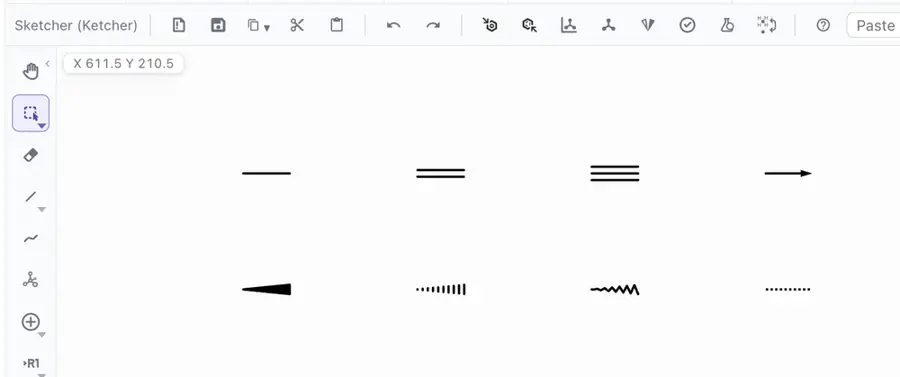 | No: Accepted bond orders are single, double, triple and aromatic. Opens the cited page. | Not established | Yes, according to the manual: Dative and hydrogen bond tools. Opens the cited page. | No: Dative and haptic bonds are deferred. Opens the cited page. | Partly: Coordination bonds only; no hydrogen-bond or quadruple-bond tool. Opens the cited page.Coordination bonds only; no hydrogen-bond or quadruple-bond tool. | Not established | No: Dative becomes single; hydrogen and ionic bonds explicitly unsupported. Opens the cited page. | Yes, according to the manual: Dative and hydrogen bond tools. Opens the cited page. | Yes, according to the manual: Dative and hydrogen bonds. Opens the cited page. | Partly: Coordination and hydrogen contacts are annotations, excluded from chemical exports. Opens the cited page.Coordination and hydrogen contacts are annotations, excluded from chemical exports. | Yes, according to the manual: Dative and hydrogen bonds in Ketcher. Opens the cited page. | No: Bond model supports orders 1–3 and graphical styles, without dative bonds. Opens the cited page. | Partly: Coordination uses unspecified bonds rather than directed dative bonds. Opens the cited page.Coordination uses unspecified bonds rather than directed dative bonds. | No: Dative data renders as ordinary lines; specialist bond rendering is absent. Opens the cited page. | Yes, according to the manual: Dative plus zero-order ionic/hydrogen bonds. Opens the cited page. | Yes, according to the manual: Ketcher includes dative and hydrogen bond tools. Opens the cited page. | Not established | Yes, according to the manual: Coordinate and hydrogen bonds. Opens the cited page. | Partly: Hydrogen/incipient types documented; dative absent from published bond-type model. Opens the cited page.Hydrogen/incipient types documented; dative absent from published bond-type model. | Yes, according to the manual: Dative and hydrogen bonds are available. Opens the cited page. | Yes, according to the manual: Dative and hydrogen bond tools in embedded Ketcher. Opens the cited page. | Not established | Not established | Not established | No: Bond model supports only single, double, triple and aromatic bonds. Opens the cited page. | Yes, according to the manual: Dative and hydrogen bonds. Opens the cited page. | Not established | Yes, according to the manual: Dative and zero-order bonds. Opens the cited page. | Partly: Dotted/dashed dative styles; no additional specialist bond category in controls. Opens the cited page.Dotted/dashed dative styles; no additional specialist bond category in controls. | Not established | Not established | Not established | Partly: Dative and dashed bonds; no dedicated hydrogen or quadruple bond types. Opens the cited page.Dative and dashed bonds; no dedicated hydrogen or quadruple bond types. | Partly: Quadruple bonds exposed; coordination bonds lack a default UI binding. Opens the cited page.Quadruple bonds exposed; coordination bonds lack a default UI binding. | Not established | No: Bundled version predates JSME coordination-bond support. Opens the cited page. | Not established | No: Only single, double and triple bond orders are supported. Opens the cited page. | Not established | No: Coordination and hydrogen bonds are downgraded to single bonds. Opens the cited page. | Yes, according to the manual: Coordinate bonds and quadruple/quintuple bonds involving transition metals. Opens the cited page. | Not established | Not established | Partly: Quadruple and zero-order bonds; dative support unverified. Opens the cited page.Quadruple and zero-order bonds; dative support unverified. | Yes, according to the manual: Coordinate and hydrogen bonds; coordinate tool requires configuration. Opens the cited page. | Yes, according to the manual: Dative and partial-order aromatic/double-triple bonds. Opens the cited page. | Yes, according to the manual: Dotted zero-order bonds represent coordination and hydrogen bonds. Opens the cited page. | Partly: Menu includes coordination bond; another specialist type not found. Opens the screenshot.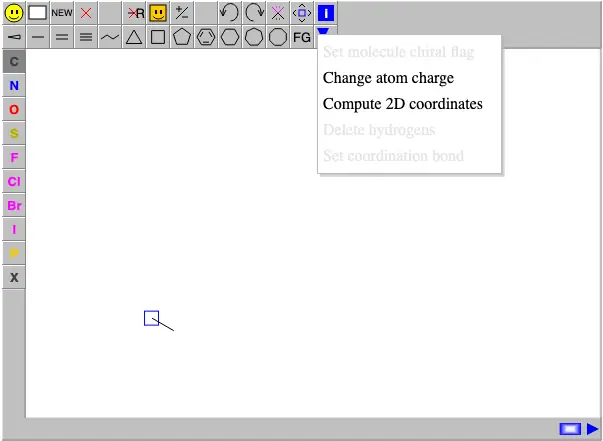 Menu includes coordination bond; another specialist type not found. | Partly: Dative available; no hydrogen or quadruple bond tools. Opens the cited page.Dative available; no hydrogen or quadruple bond tools. | Not established | Partly: Dative and dashed coordination are the available specialist bonds. Opens the cited page.Dative and dashed coordination are the available specialist bonds. | Not established | Not established | Partly: Dotted bond accepted; no dative control seen. Opens the cited page.Dotted bond accepted; no dative control seen. | Yes, according to the manual: Zero-order coordination and quadruple bonds. Opens the cited page. | Yes, according to the manual: Special Bonds menu exposes RDKit types, including dative and quadruple. Opens the cited page. | Not established | Not established | Partly: Quadruple bonds available; no dative option in bond menu. Opens the cited page.Quadruple bonds available; no dative option in bond menu. | Not established | No: Bond menu supports only single, double, triple, wedge, and hash. Opens the cited page. | Not established | Partly: Single-or-double query bonds only; no dative rendering. Opens the cited page.Single-or-double query bonds only; no dative rendering. | Not established | Not established | Not established | Not established | No: Only parallel-line bonds are rendered; no dative or specialist geometry. Opens the cited page. | No: Orders other than two or three render as single lines. Opens the cited page. | Not established | Yes, according to the manual: Dative, hydrogen, and zero-order bonds. Opens the cited page. | Yes, according to the manual: Dative and dotted hydrogen bonds have drawing handlers. Opens the cited page. | Yes, according to the manual: Coordinate and multicenter bonds. Opens the cited page. | Yes, according to the manual: Dative, hydrogen and quadruple bonds explicitly listed. Opens the cited page. | Not established | Yes, according to the manual: Coordinate and position-variation bonds. Opens the cited page. | Partly: Dashed and dotted bonds; no dedicated dative bond type. Opens the cited page.Dashed and dotted bonds; no dedicated dative bond type. | Not established | Yes, according to the manual: Dative, hydrogen, and quadruple bond tools. Opens the cited page. | Yes, according to the manual: Dative and hydrogen bond tools. Opens the cited page. | Not established | Not established | Yes, according to the manual: Dative, hydrogen and ionic bonds. Opens the cited page. | Not established | Not established | No: Closed authoring vocabulary excludes dative, hydrogen, and quadruple bonds. Opens the cited page. | Not established | Partly: Hydrogen and fractional bonds; no dative option in the bond palette. Opens the cited page.Hydrogen and fractional bonds; no dative option in the bond palette. | Not established | Yes, according to the manual: Molecular arrows depict N-oxides; quadruple and dotted bonds also available. Opens the cited page. | Partly: Quadruple and dashed bonds; drawable dative support unverified. Opens the cited page.Quadruple and dashed bonds; drawable dative support unverified. | Yes, according to the manual: Coordination, ionic and dotted bonds appear in the editor toolbar. Opens the cited page. | Not established | Yes, according to the manual: Dative and higher-hapticity bonds; dashed lines represent hydrogen bonds. Opens the cited page.M | Partly: Coordinate bonds supported; another specialist bond type unverified. Opens the cited page.Coordinate bonds supported; another specialist bond type unverified. | Not established | Not established | No: No dative/hydrogen tools; README's quadruple tool absent from UI. Opens the cited page. | Not established | Not established | Not established | Not established | Not established | Not established | Not established | Not established | Not established | Not established | Not established | Not established | Not established | Not established | Not established | Not established | Not established | Not established |
|---|
| Choose double-bond side | Yes, according to the manual: Above, below or centered double bonds. Opens the cited page. | Yes, according to the manual: Automatic, centered, left and right placement. Opens the cited page. | Yes, according to the manual: Repeated clicks or 2 cycle centered, right, and left. Opens the cited page. | Yes, according to the manual: Keyboard controls place second lines left, centred or right. Opens the cited page. | Yes, according to the manual: Double bonds offer left, right, centered and automatic positions. Opens the cited page. | Yes, according to the manual. Opens the cited page. | Not established | Not established | Yes, according to the manual: L, R and C choose left, right or centered. Opens the cited page. | Not established | Yes, according to the manual. Opens the cited page. | Not established | No: Double bonds are always centered. Opens the cited page. | Not established | Not established | Not established | Yes, according to the manual: Clicking a double bond cycles left, right and center. Opens the cited page. | Not established | Partly: Automatic side placement only; no manual side setting. Opens the cited page.Automatic side placement only; no manual side setting. | Not established | Not established | Yes, according to the manual. Opens the cited page. | Not established | Not established | Not established | Partly: Double bonds are always centered; left/right positioning is unavailable. Opens the cited page.Double bonds are always centered; left/right positioning is unavailable. | Partly: Sketcher flips asymmetric bonds; centered rendering requires API styles. Opens the cited page.Sketcher flips asymmetric bonds; centered rendering requires API styles. | Not established | Not established | Yes, according to the manual: Left, right, centered and automatic placement. Opens the cited page. | Not established | Not established | Not established | Not established | Not established | Yes, tested by running it: Explicit upper, lower and centered double-bond strokes rendered. Opens the cited page. | Not established | Not established | Yes, according to the manual: Left, center and right bond-position shortcuts. Opens the cited page. | Not established | Yes, according to the manual: Symmetric, asymmetric, and inverted asymmetric double bonds. Opens the cited page. | Not established | Not established | Yes, according to the manual: Cycles both offset positions and a symmetric double bond. Opens the cited page. | Not established | Not established | Not established | Not established | Partly: Side flipping works for rings; centering is automatic. Opens the cited page.Side flipping works for rings; centering is automatic. | No: Double bonds always use fixed centered parallel strokes. Opens the cited page. | Yes, according to the manual. Opens the cited page. | Not established | Not established | Not established | Not established | Not established | Not established | Yes, according to the manual. Opens the cited page. | Not established | Not established | Not established | No: Double bonds use fixed symmetric offsets; no side selection. Opens the cited page. | Not established | Yes, according to the manual. Opens the cited page. | Not established | No: Double bonds always use symmetric offsets; no side setting. Opens the cited page. | Not established | Not established | Partly: Repeated clicks switch sides; no centered placement. Opens the cited page.Repeated clicks switch sides; no centered placement. | Yes, according to the manual. Opens the cited page. | Partly: Automatic ring-interior or centered placement; no manual side selection. Opens the cited page.Automatic ring-interior or centered placement; no manual side selection. | Yes, according to the manual: JMDBondDrawingToolBase cycles double bonds through left, centered and right. Opens the cited page. | Not established | Not established | No: Double-bond geometry is fixed symmetrically around the bond axis. Opens the cited page. | Yes, according to the manual: Repeated clicks cycle centered and both side placements. Opens the cited page. | Not established | Not established | Partly: Switches left/right; centered rendering is automatic. Opens the cited page.Switches left/right; centered rendering is automatic. | No: Multiple bonds always use symmetric, centered offsets. Opens the cited page. | Not established | Yes, according to the manual: Shift-click cycles double-bond centering and side. Opens the cited page. | Yes, according to the manual: Flip asymmetric bonds; symmetry settings center them. Opens the cited page. | Yes, according to the manual: Click double bonds to cycle centered, right and left. Opens the cited page. | Yes, according to the manual: Above, centered, and below alignments. Opens the cited page. | Partly: Direction cycling documented; left/right/center states not individually specified. Opens the cited page.Direction cycling documented; left/right/center states not individually specified. | Partly: Alignment switches; left, right and centered choices unspecified. Opens the cited page.Alignment switches; left, right and centered choices unspecified. | Yes, according to the manual: Double bonds support left, right and middle alignment. Opens the cited page. | Yes, according to the manual: Shift-click cycles centered and either-side double bonds. Opens the cited page. | Not established | Not established | Not established | Not established | Not established | Not established | Yes, according to the manual: Left, right and center alignment; vendor claim. Opens the cited page. | Not established | Partly: Center checkbox only; no explicit left/right choice. Opens the cited page.Center checkbox only; no explicit left/right choice. | Not established | Yes, according to the manual: Clockwise, anticlockwise, and centered double-bond placement. Opens the cited page. | Not established | Yes, according to the manual: Both offset orientations and centered double bonds. Opens the cited page. | Yes, according to the manual: Repeated clicks cycle centered, left and right positions. Opens the cited page. | Not established | Not established | Yes, according to the manual: Centered, above and below double-bond styles. Opens the cited page.M | Not established | Not established | Not established | No: Offsets follow E/Z flags; no independent double-bond side control. Opens the cited page. | Yes, according to the manual: Tap a double bond to cycle through three placements. Opens the cited page. | No: Double bonds are always drawn centered. Opens the cited page. | Not established | Yes, according to the manual: Left, right, and centered double-bond choices shown (manual p18). Opens the cited page. | Not established | Not established | Not established | Not established | Not established | Not established | Not established | Not established | Not established | Not established | Not established | Not established | Not established | Not established |
|---|
| Ring tools | Yes, tested by running it: Drew cyclohexane and benzene with dedicated tools. Opens the cited page. | Yes, tested by running it: Inserted pentagon and benzene using ring tools. Opens the screenshot.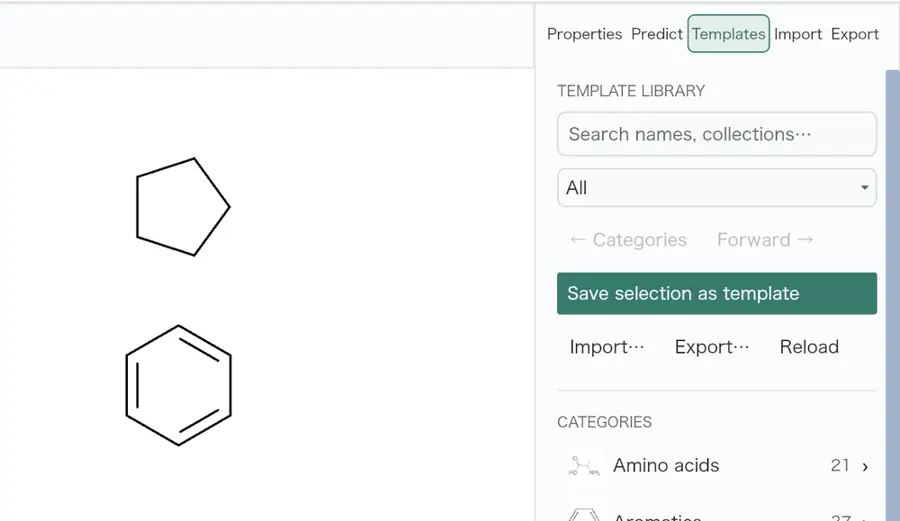 | Yes, tested by running it: Placed benzene and cyclopentane rings. Opens the screenshot.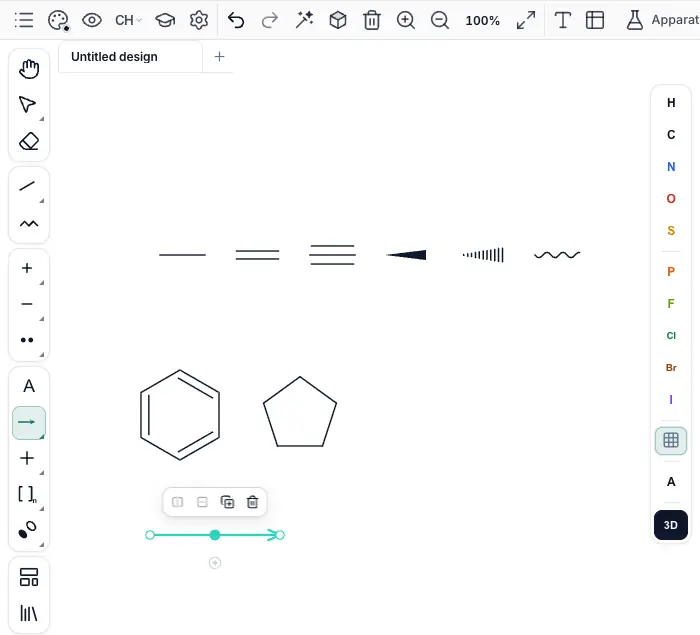 | Yes, tested by running it: Drew benzene and five-membered ring using dedicated tools. Opens the screenshot.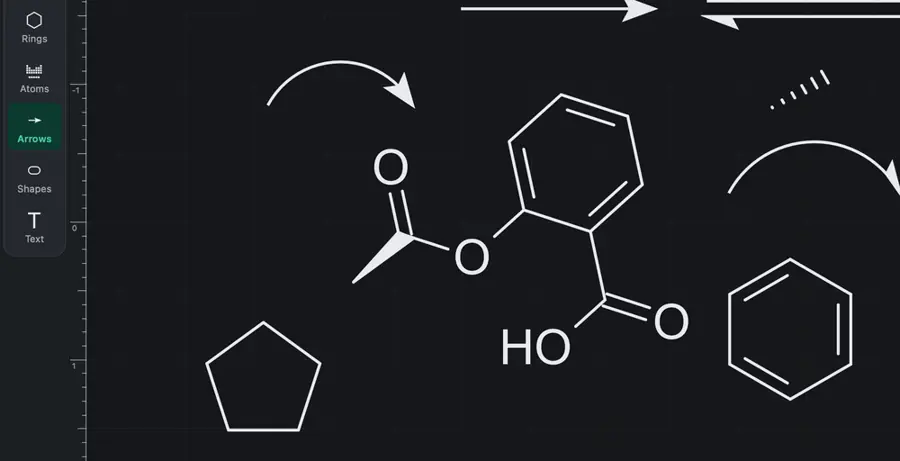 | Yes, tested by running it: Placed benzene and cyclohexane using ring tools. Opens the screenshot. | Partly: Rings palette reported open but never appeared; R produced no ring. Opens the cited page.Rings palette reported open but never appeared; R produced no ring. | Yes, tested by running it: Drew benzene; multiple ring sizes shown. Opens the screenshot. | Yes, tested by running it: Drew benzene and a six-membered ring. Opens the screenshot.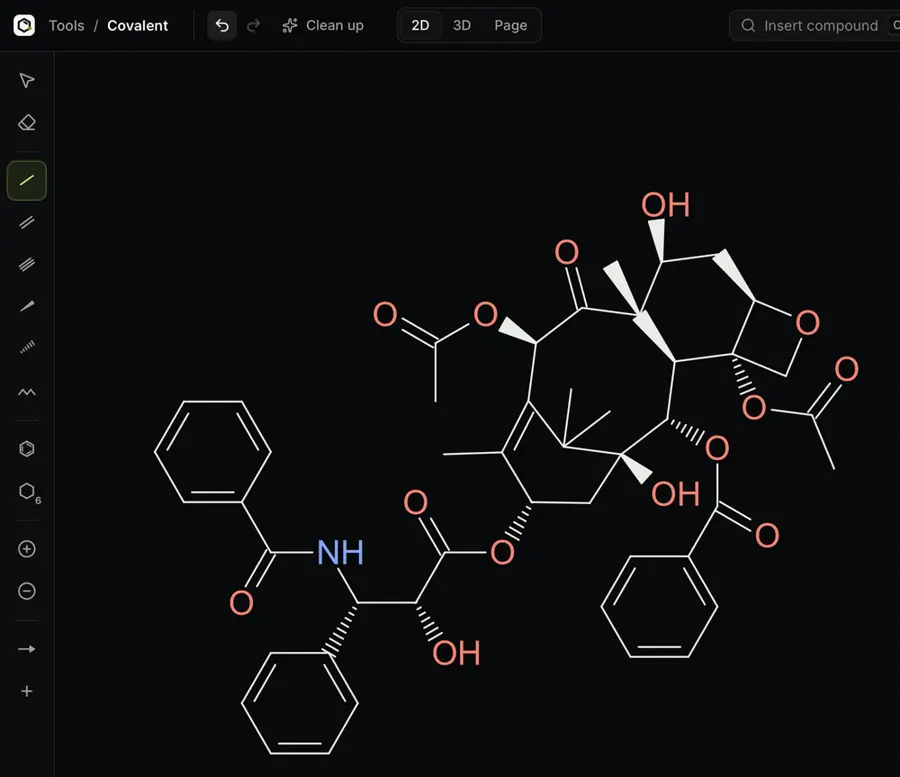 | Yes, tested by running it: Placed benzene and cyclohexane using dedicated tools. Opens the screenshot.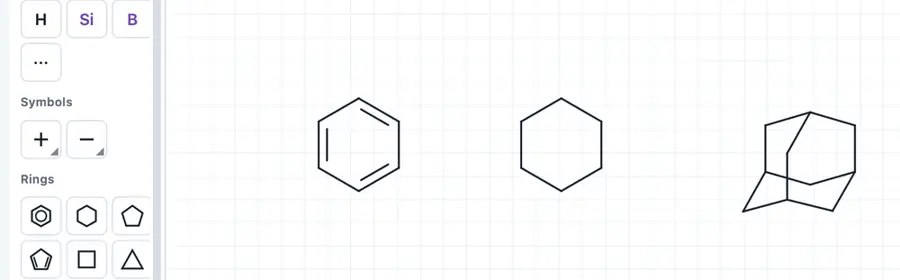 | Yes, tested by running it: Placed cyclopropane, cyclohexane, and benzene rings. Opens the screenshot.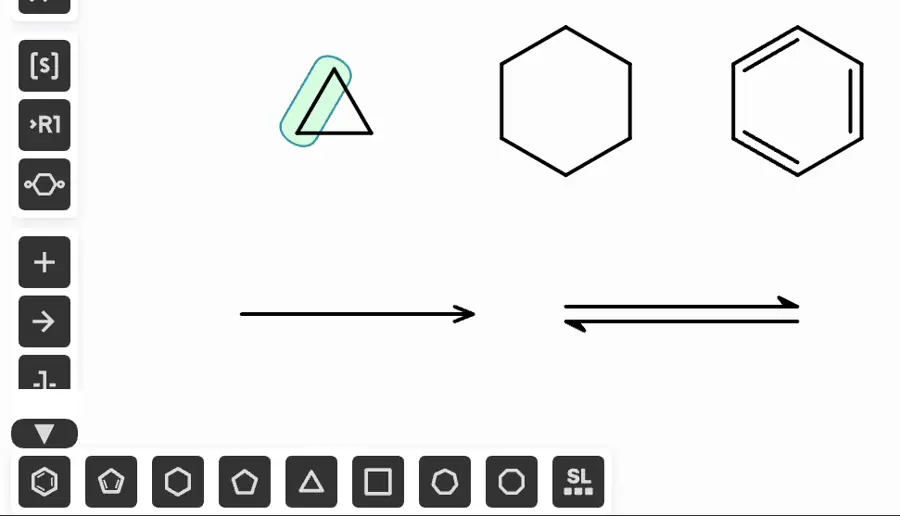 | Yes, tested by running it: Placed benzene and cyclohexane rings. Opens the screenshot.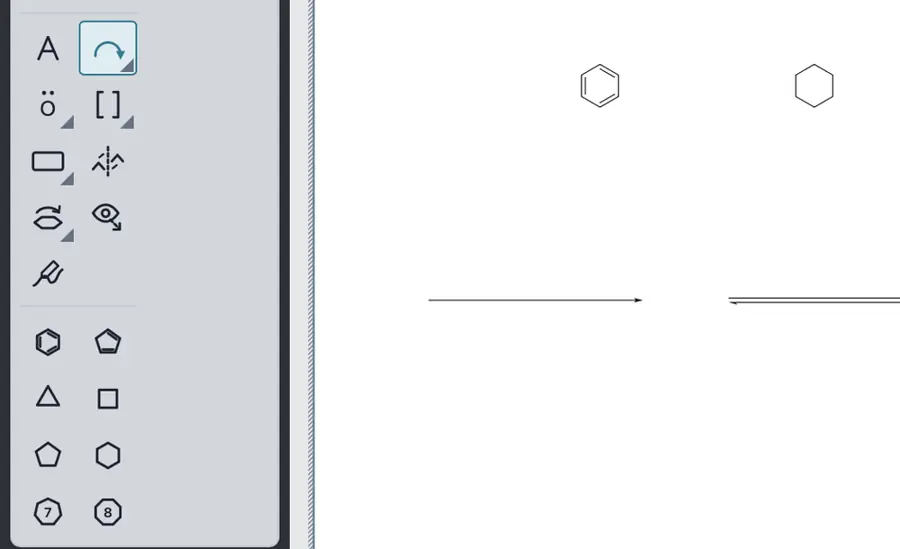 | Yes, tested by running it: Placed benzene using the aromatic ring tool. Opens the cited page. | Yes, tested by running it: Benzene template inserted a six-membered ring. Opens the screenshot.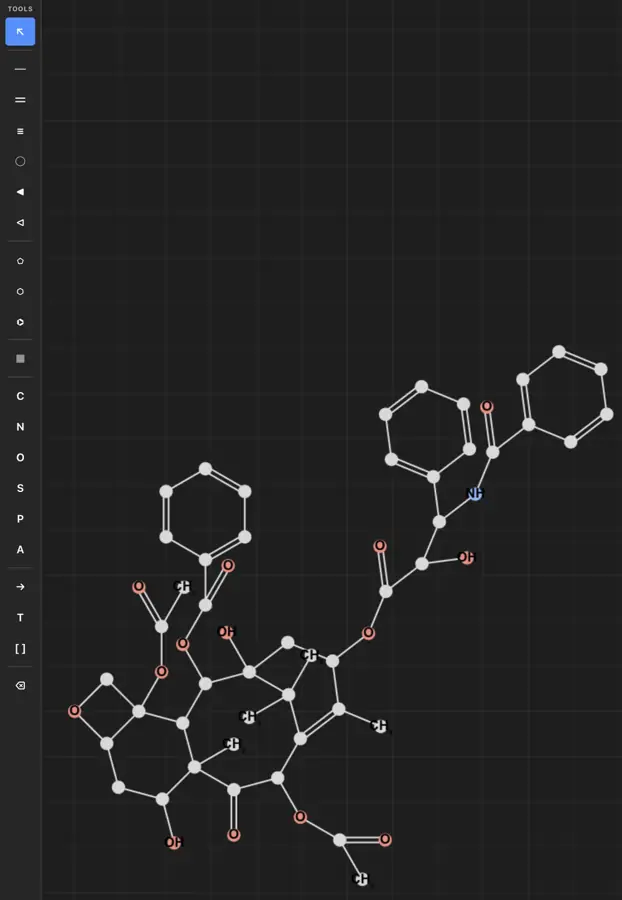 | Yes, tested by running it: Placed cyclohexane; aromatic ring tool also visible. Opens the screenshot.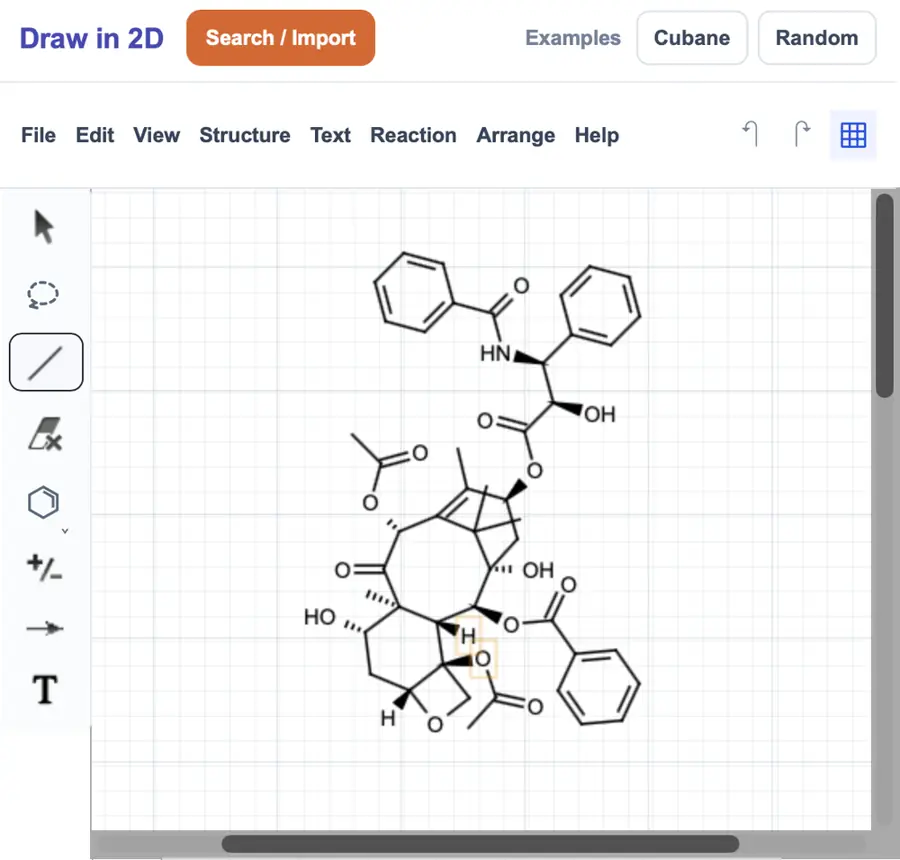 | Yes, tested by running it: Placed benzene and cyclohexane with ring tools. Opens the screenshot.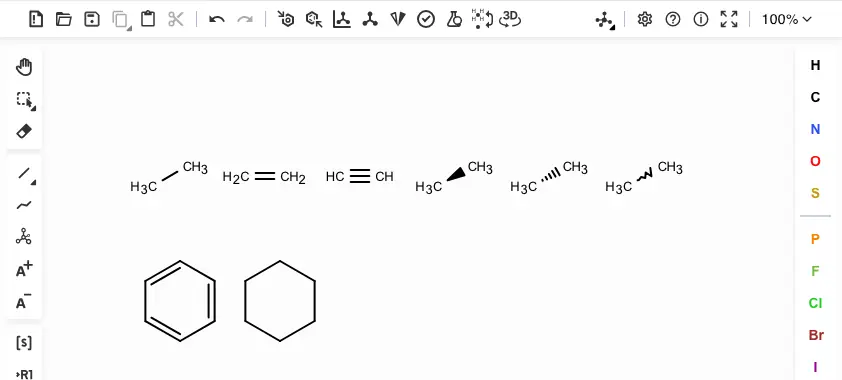 | Yes, tested by running it: Placed benzene; common ring-size tools also visible. Opens the screenshot.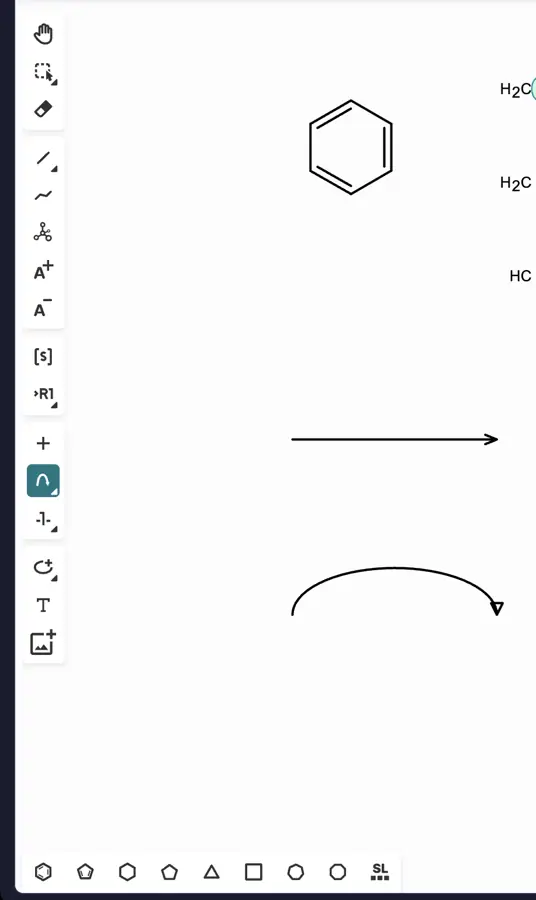 | Yes, tested by running it: Placed a six-membered ring; aromatic ring tool also visible. Opens the screenshot.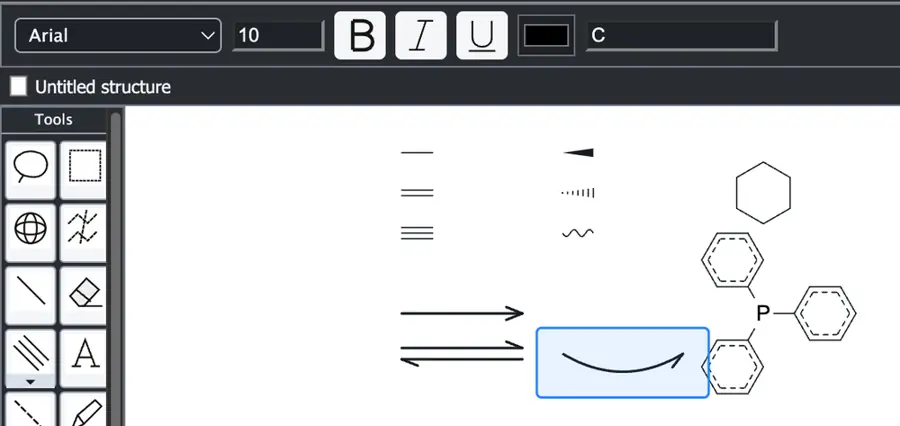 | Yes, tested by running it: Placed benzene and cyclohexane rings. Opens the screenshot.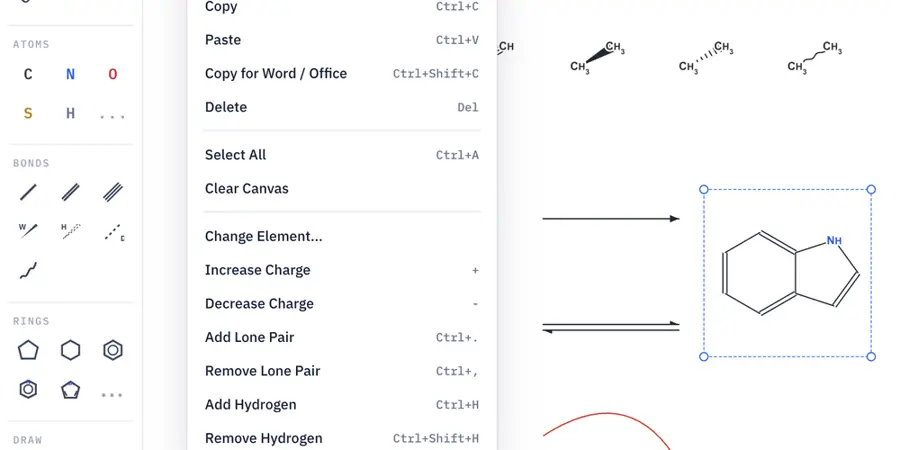 | Yes, tested by running it: Placed benzene and cyclohexane using dedicated tools. Opens the screenshot.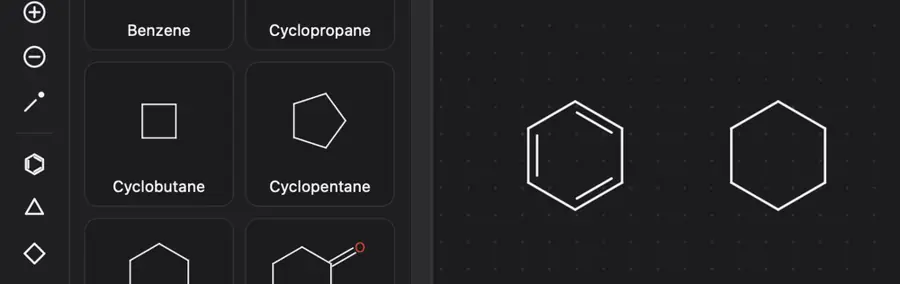 | Yes, tested by running it: Placed benzene and cyclohexane from ring toolbar. Opens the screenshot. | Yes, tested by running it: Placed benzene and cyclohexane. Opens the screenshot.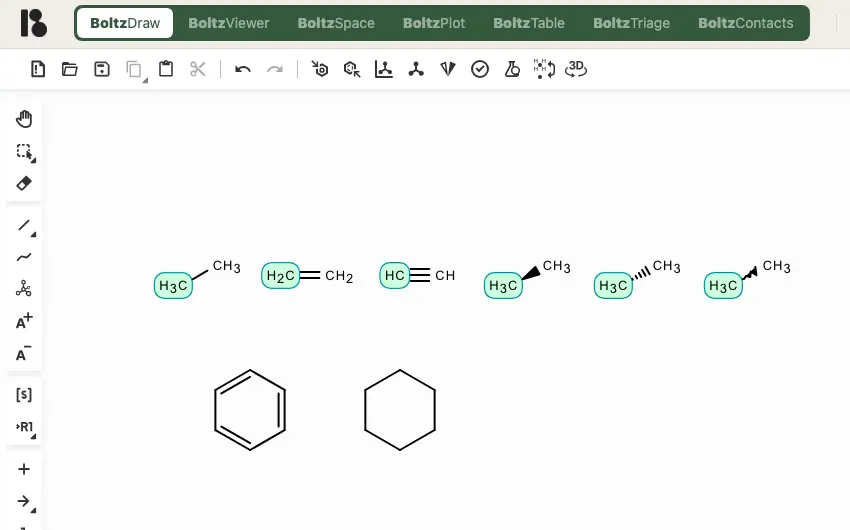 | Yes, tested by running it: Placed benzene and cyclohexane rings. Opens the screenshot.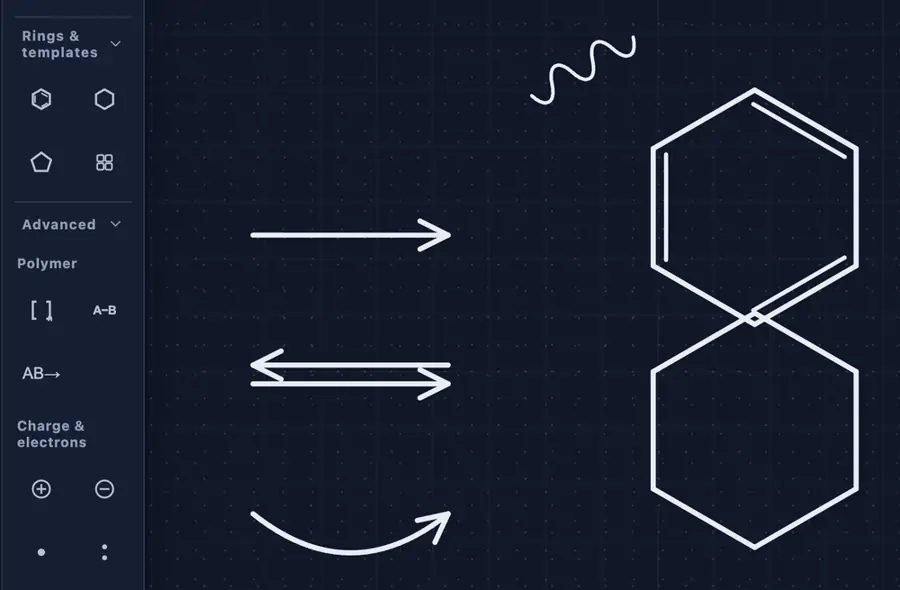 | Yes, tested by running it: Placed benzene; other ring sizes appear in the toolbar. Opens the screenshot.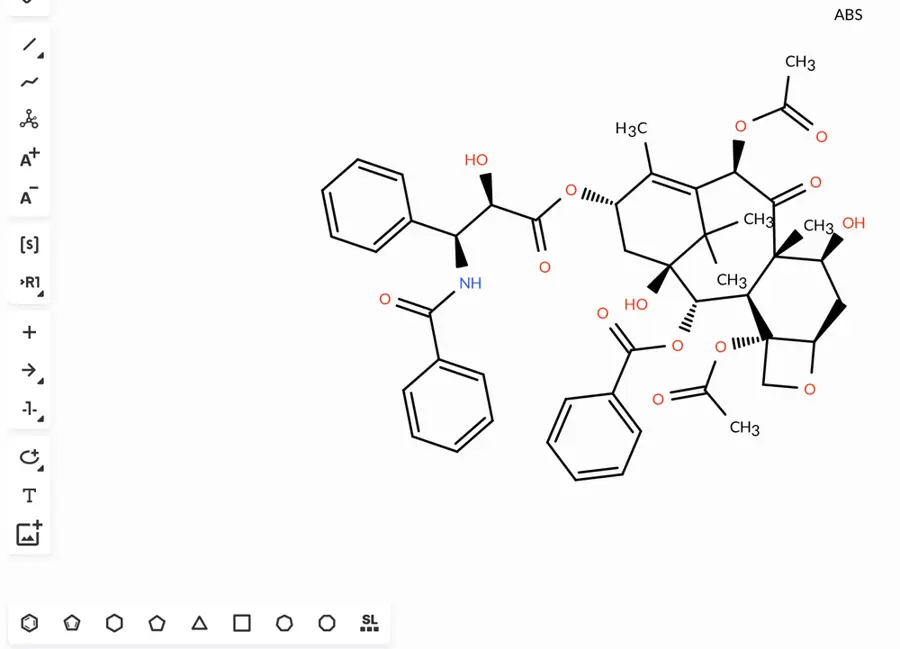 | Yes, tested by running it: Placed benzene; multiple other ring tools are visible. Opens the screenshot. | Partly: Phenyl shortcut inserted an aromatic ring. Opens the screenshot.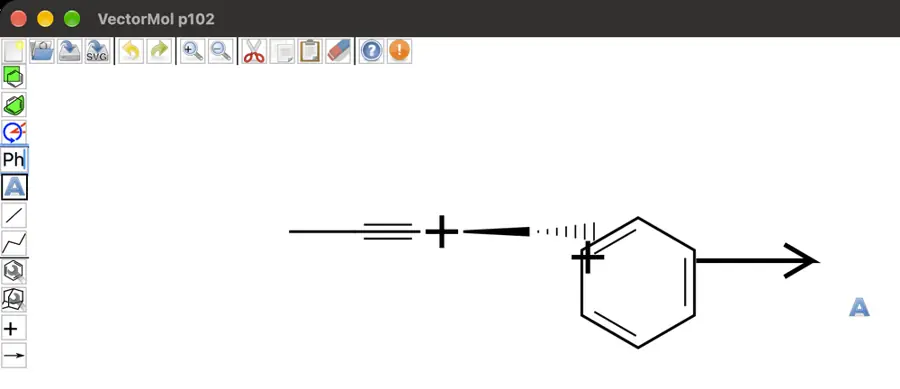 Phenyl shortcut inserted an aromatic ring. | Yes, tested by running it: Aromatic six-membered ring inserted; sizes three through eight visible. Opens the screenshot. | Yes, tested by running it: Added benzene; other ring sizes appear in toolbar. Opens the screenshot.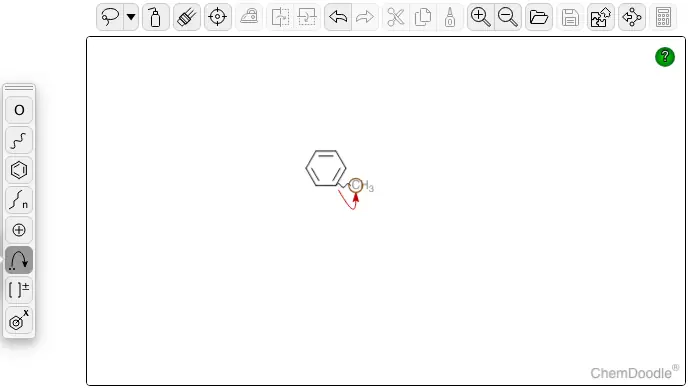 | Yes, tested by running it: Placed benzene; common ring buttons are available. Opens the screenshot.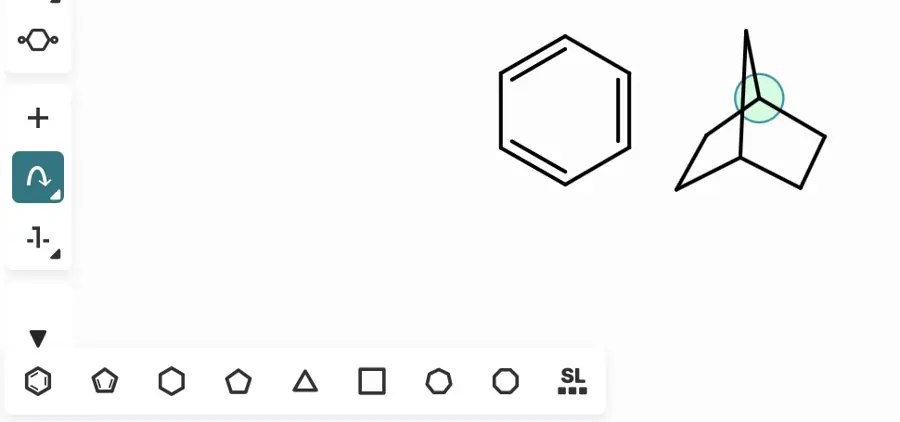 | Yes, tested by running it: Placed cyclohexane and benzene with dedicated toolbar tools. Opens the screenshot.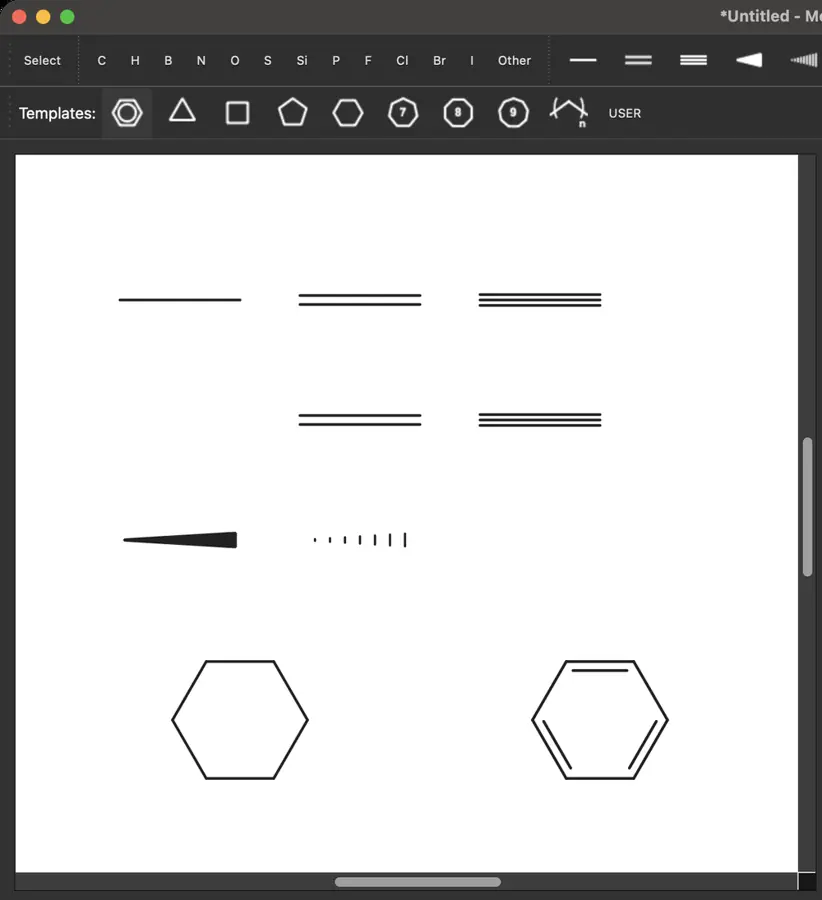 | Yes, tested by running it: Placed a benzene ring from the palette. Opens the screenshot. | Yes, tested by running it: Placed benzene; several other ring tools visible. Opens the screenshot.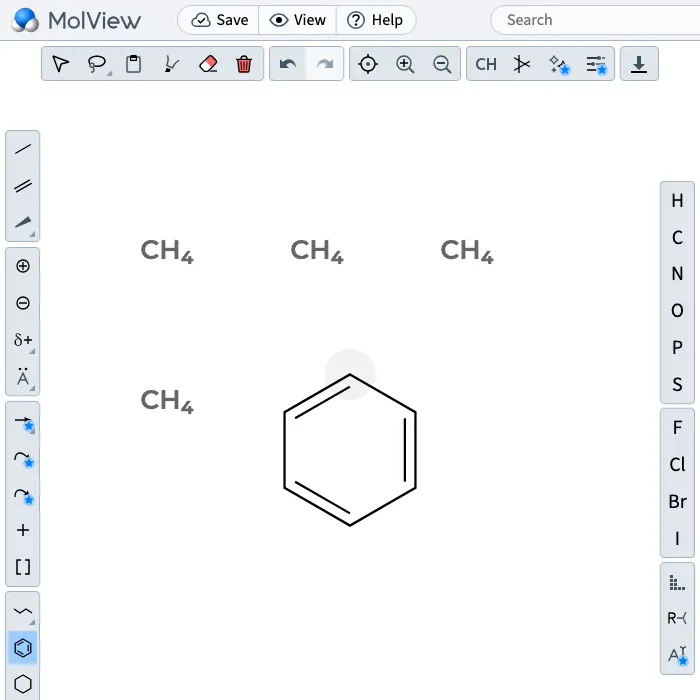 | Yes, tested by running it: Placed benzene and cyclohexane rings. Opens the screenshot.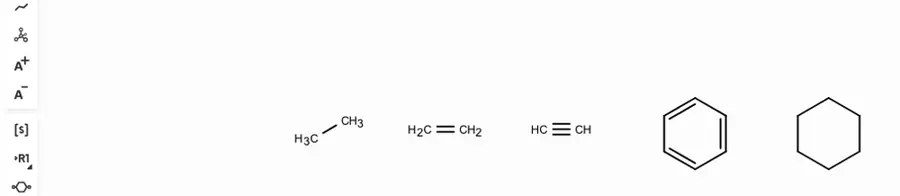 | Yes, tested by running it: Placed benzene and cyclohexane. Opens the screenshot.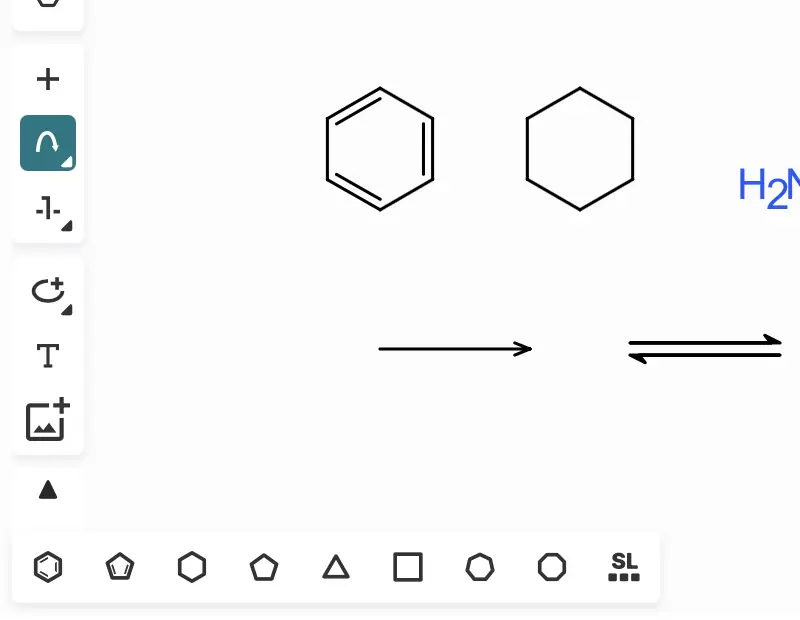 | Yes, tested by running it: Placed benzene; several ring sizes appear in toolbar. Opens the screenshot.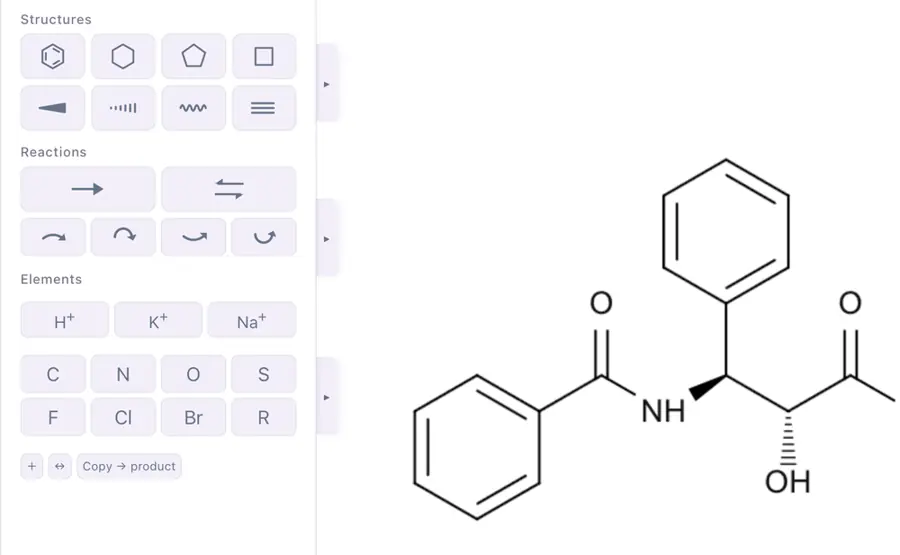 | Partly: Ring tools selectable; placement attempts produced no visible ring. Opens the screenshot.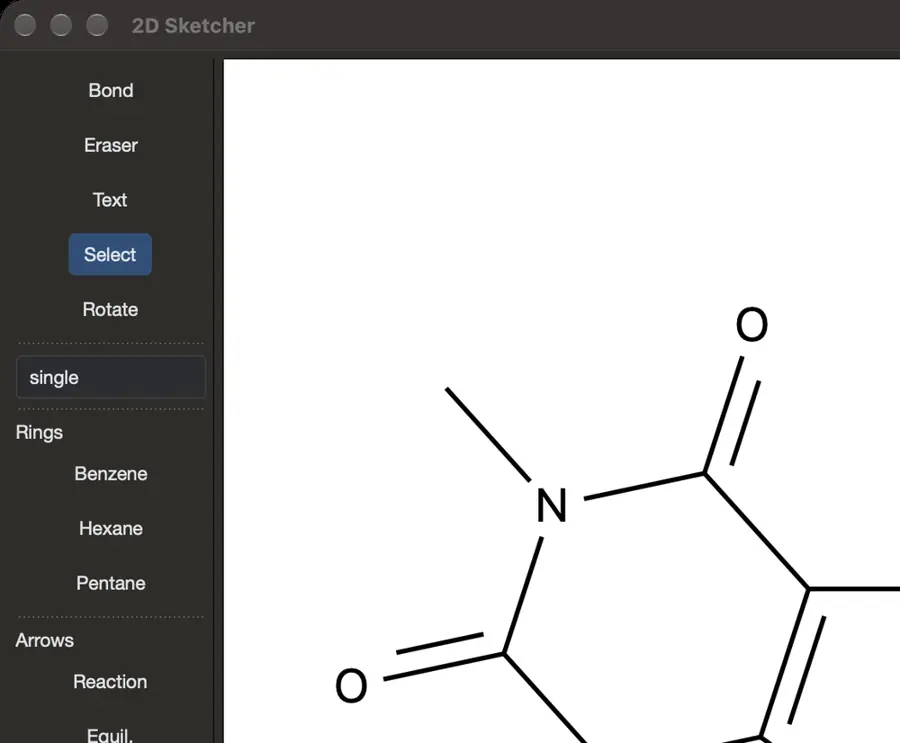 Ring tools selectable; placement attempts produced no visible ring. | Yes, tested by running it: Three-, five-, six-membered and aromatic circle rings rendered. Opens the screenshot.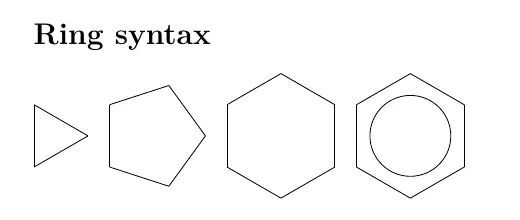 | Partly: Phenyl group inserts a benzene ring; no ring-size tools visible. Opens the screenshot.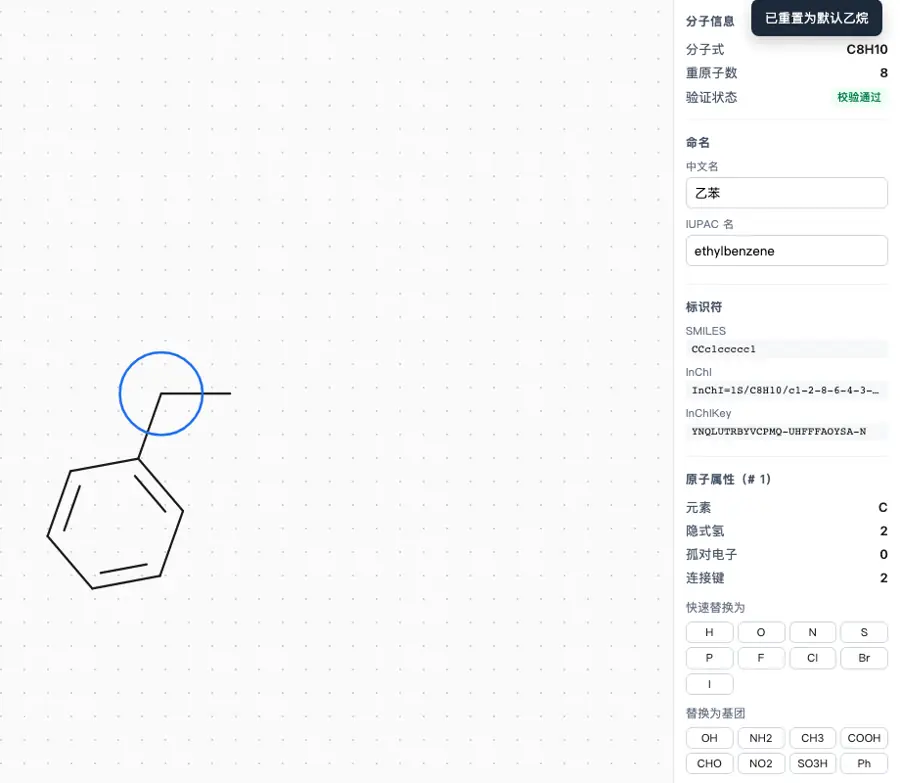 Phenyl group inserts a benzene ring; no ring-size tools visible. | Yes, tested by running it: Placed benzene; multiple ring sizes available. Opens the screenshot.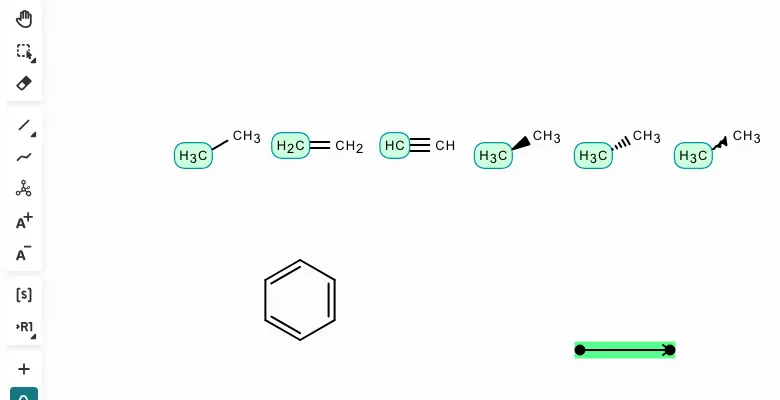 | Yes, tested by running it: Placed benzene with the ring tool. Opens the screenshot.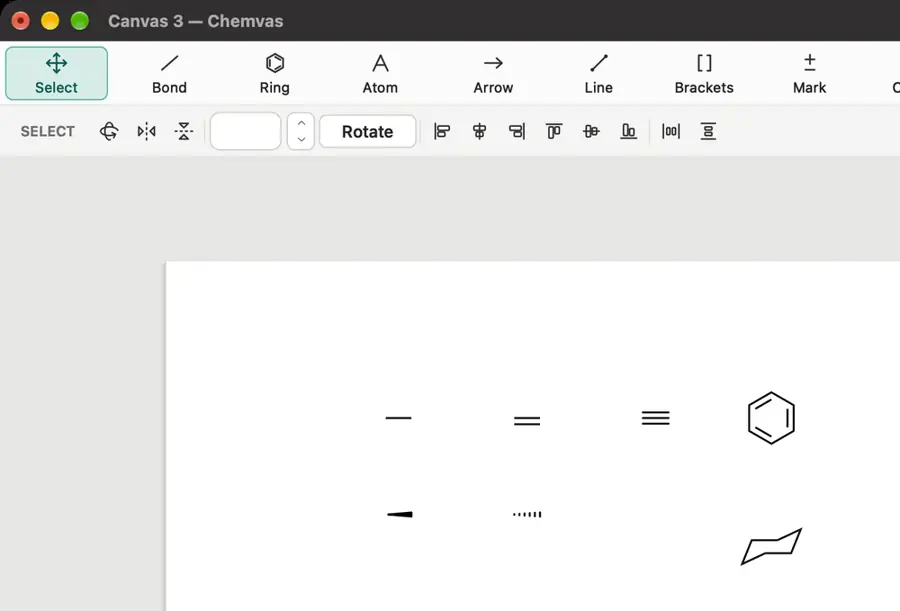 | Yes, tested by running it: Placed cyclohexane and benzene with dedicated tools. Opens the screenshot.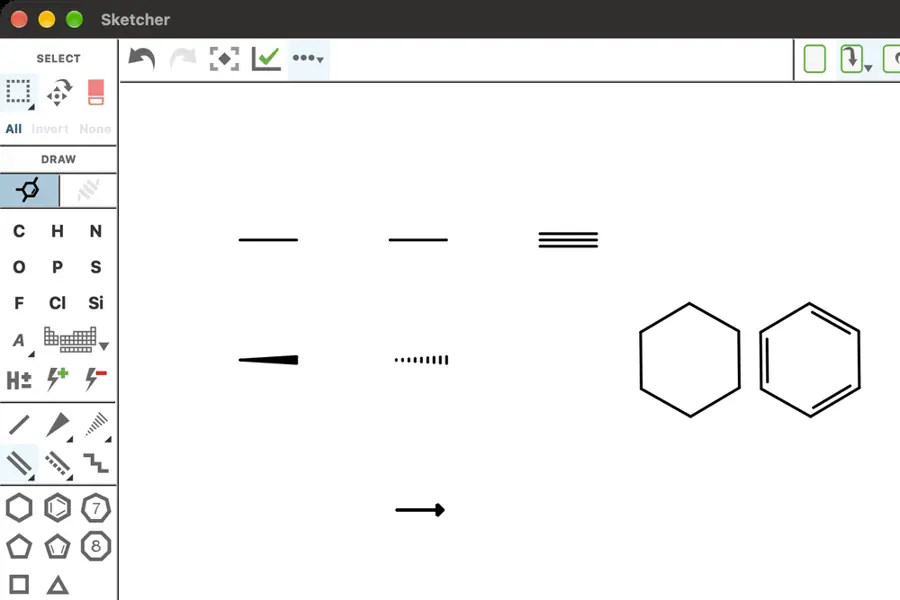 | Partly: Triangle drawn; other ring sizes and aromatic options untested. Opens the screenshot. Triangle drawn; other ring sizes and aromatic options untested. | Yes, tested by running it: Inserted benzene from Templates. Opens the cited page. | Yes, tested by running it: Placed benzene and cyclohexane. Opens the screenshot.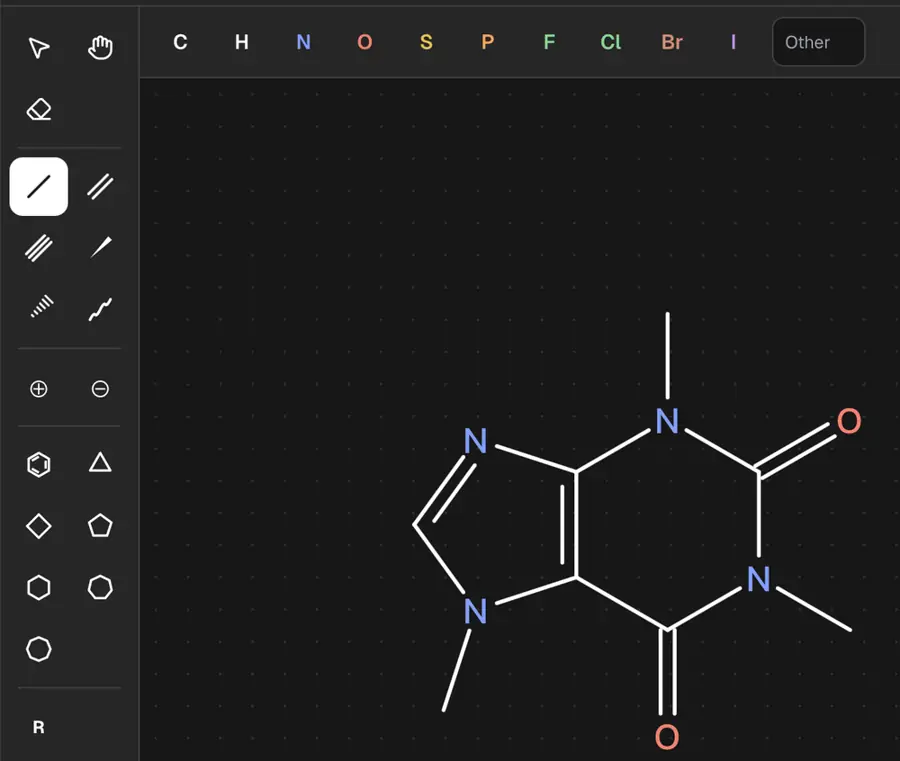 | Partly: Tools selected; canvas input produced no visible marks during automation. Opens the screenshot.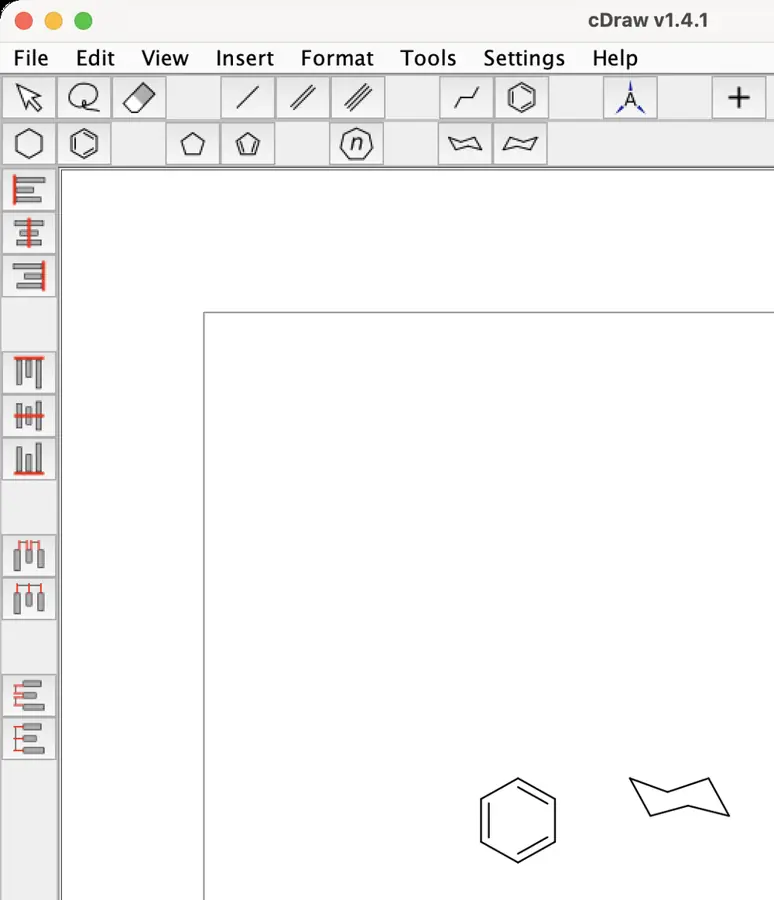 Tools selected; canvas input produced no visible marks during automation. | Yes, tested by running it: Placed benzene ring from the template selector. Opens the screenshot. | Yes, tested by running it: Inserted benzene using the dedicated ring tool. Opens the screenshot.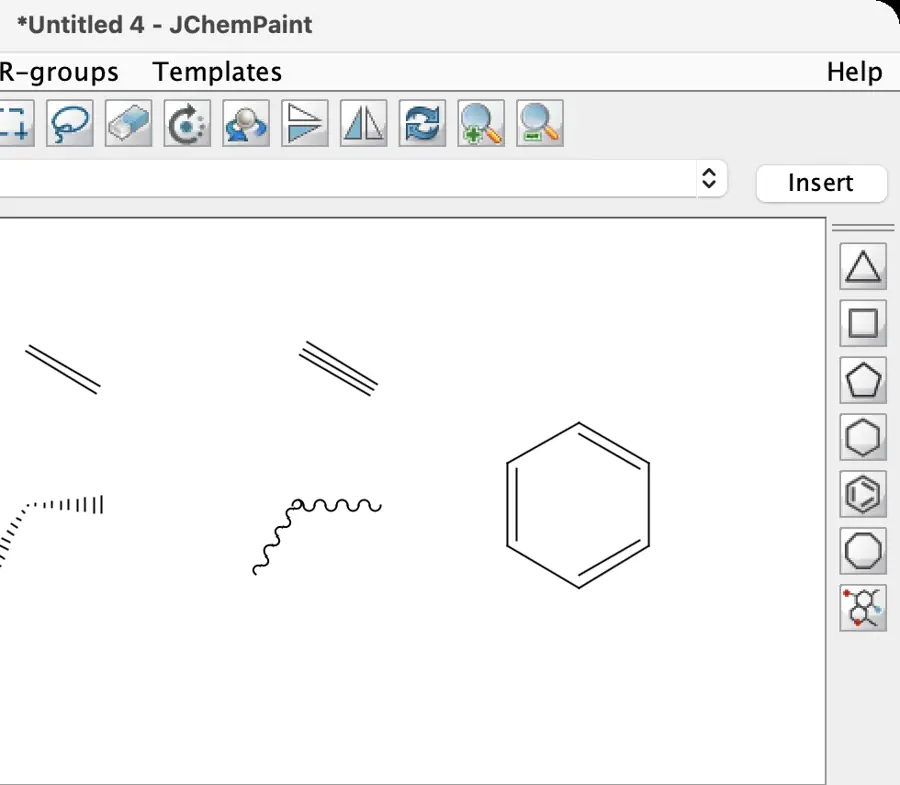 | Yes, tested by running it: Placed benzene and cyclopentane; other ring sizes visible. Opens the screenshot.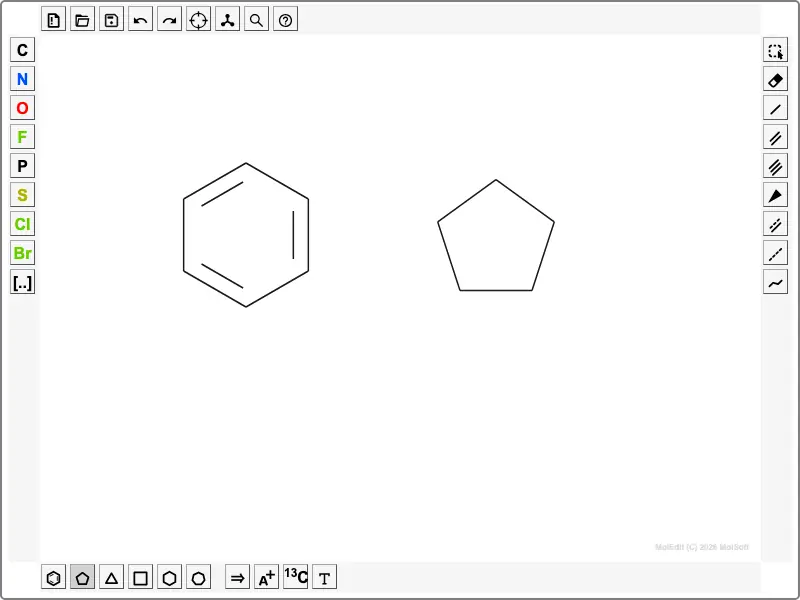 | Yes, tested by running it: Aromatic ring inserted; multiple ring sizes visible. Opens the screenshot. | Yes, tested by running it: Benzene inserted from toolbar at default style. Opens the screenshot.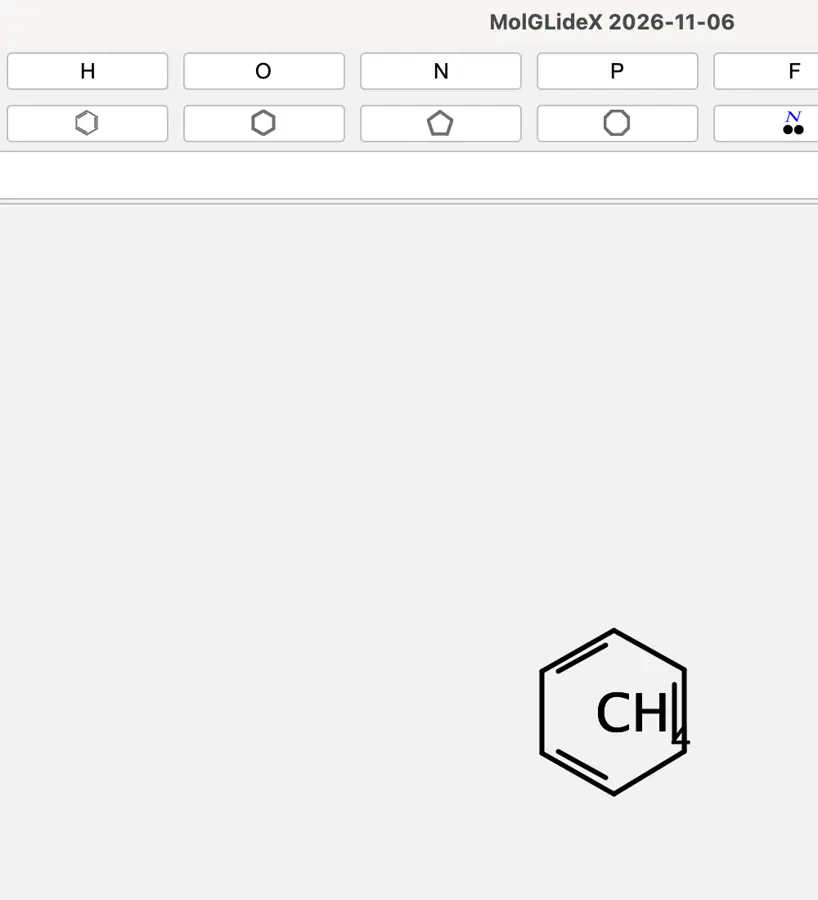 | Yes, tested by running it: Benzene stamp worked; other ring buttons visible. Opens the screenshot.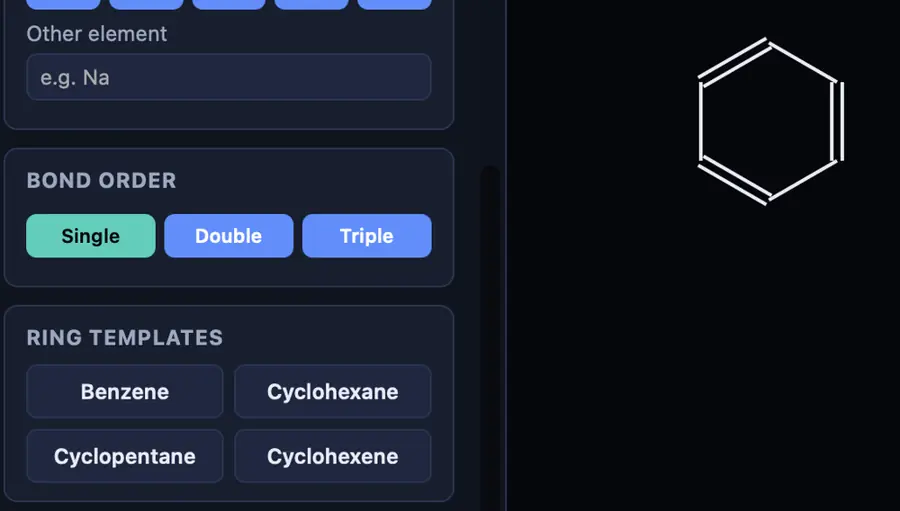 | Yes, tested by running it: Benzene placed; ring sizes three through eight available. Opens the cited page. | Yes, tested by running it: Placed benzene; ring palette offers other sizes. Opens the screenshot.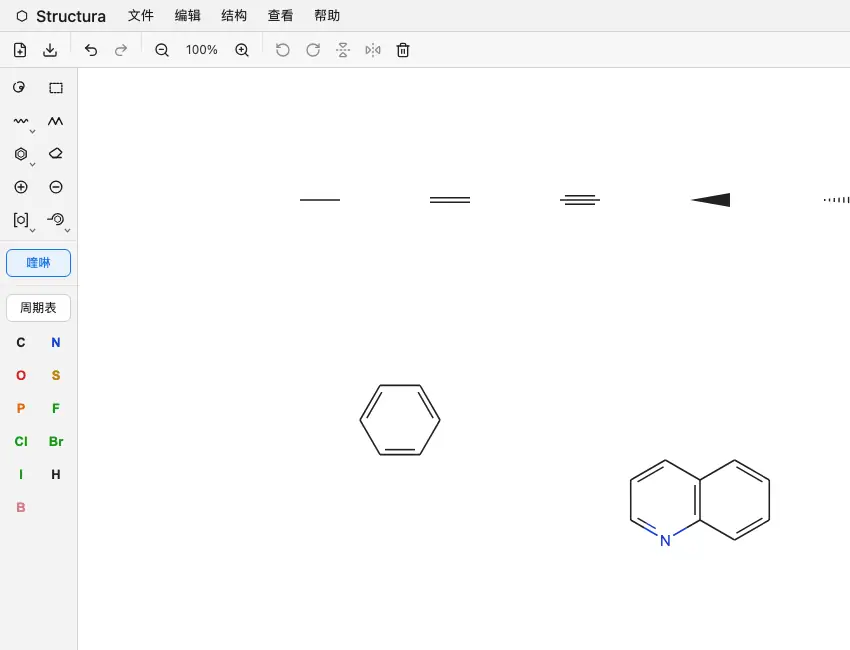 | Yes, tested by running it: Benzene tool drew a ring; several ring tools visible. Opens the screenshot.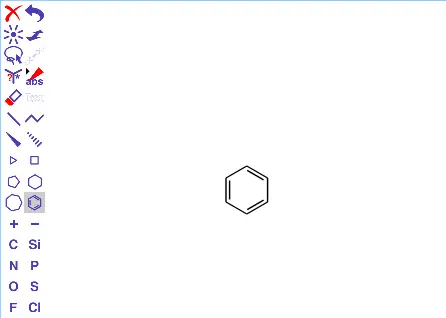 | Yes, tested by running it: Drew benzene; cyclopentane and cyclohexane tools visible. Opens the screenshot.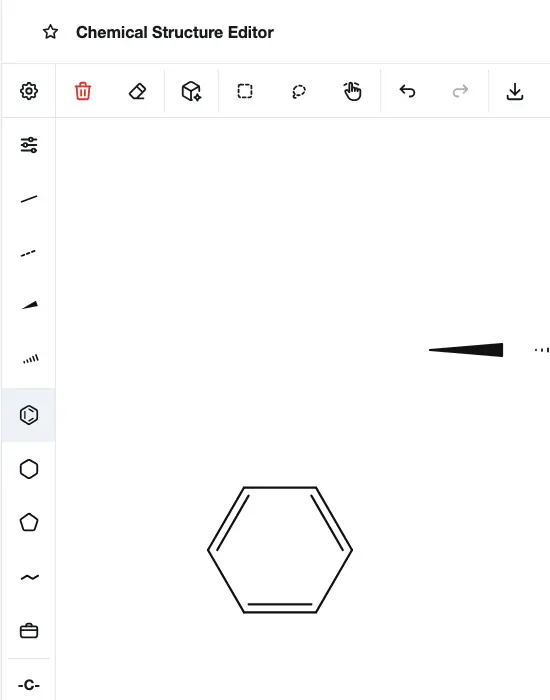 | Yes, tested by running it: Drew five-membered and fused aromatic rings. Opens the screenshot.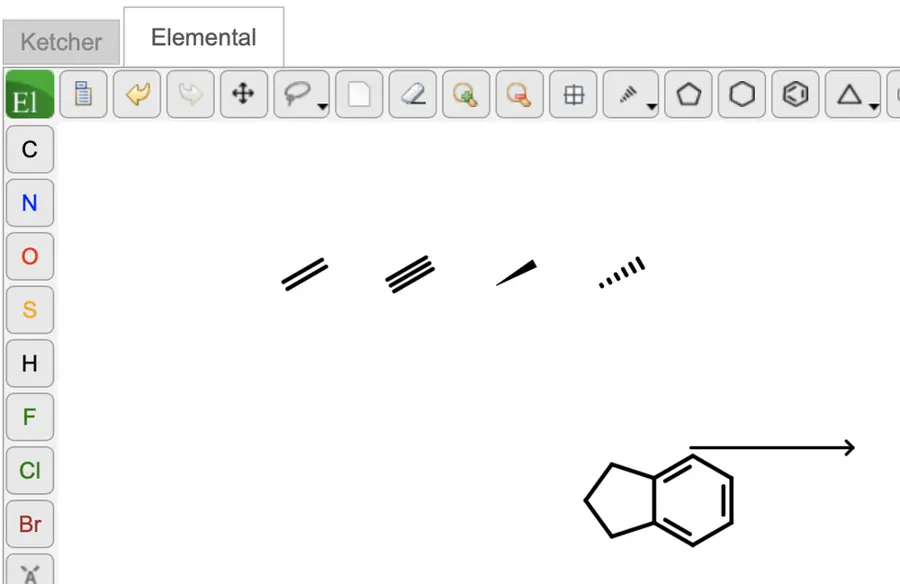 | Yes, tested by running it: Drew plain six-membered and aromatic rings. Opens the screenshot.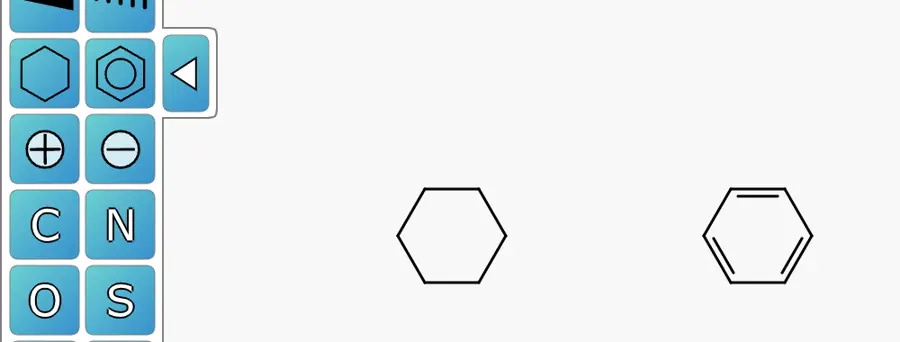 | Yes, tested by running it: Drew benzene and cyclopentane; other sizes shown. Opens the screenshot. | No: Benzene insertion reports missing Resources/benzene.cml. Opens the cited page. | Partly: Chooser shows common rings; automated placement did not complete. Opens the screenshot.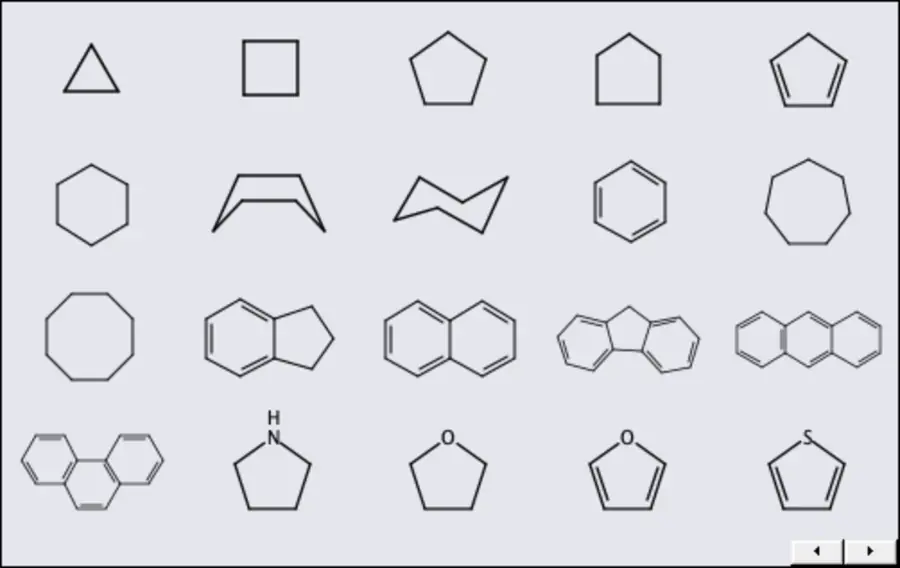 Chooser shows common rings; automated placement did not complete. | Yes, tested by running it: Aromatic ring produced benzene; other ring sizes shown. Opens the screenshot.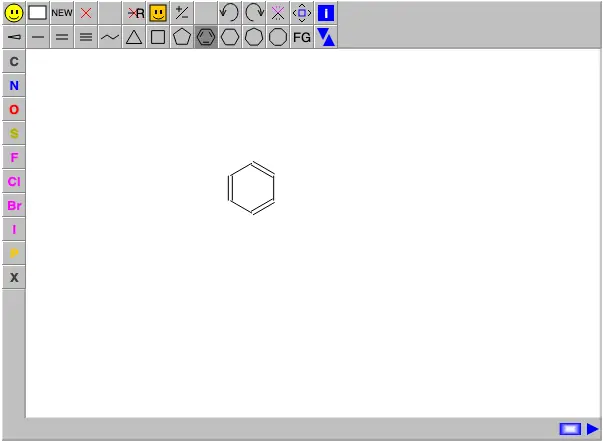 | No: Dedicated ring insertion remains planned. Opens the cited page. | Partly: Benzene inserts, but canvas displays its double bonds as single. Opens the screenshot.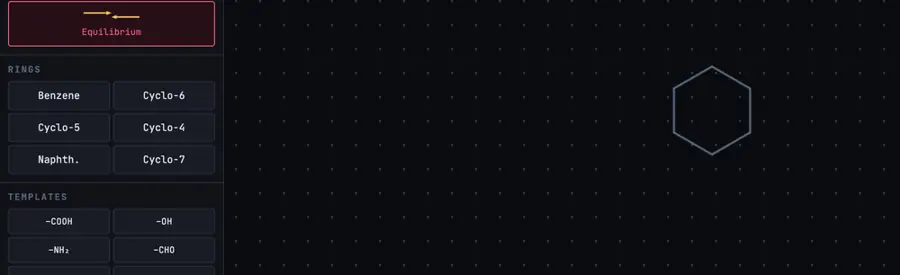 Benzene inserts, but canvas displays its double bonds as single. | Yes, tested by running it: Placed benzene and cyclopropane; other sizes shown. Opens the screenshot.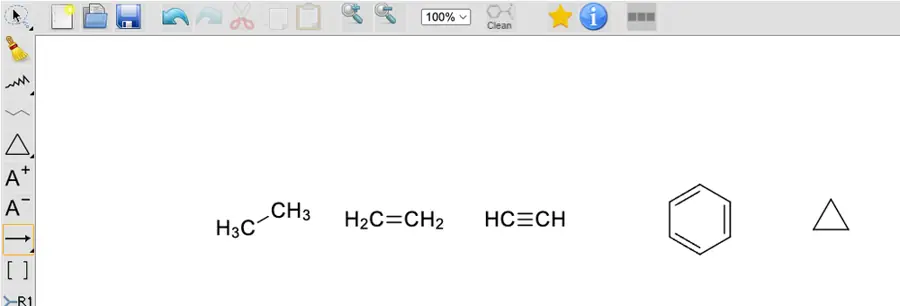 | Yes, tested by running it: Created cyclohexane and phenyl using context menus. Opens the screenshot. | Partly: Placed benzene; tool indicates sizes 3–8. Opens the cited page.Placed benzene; tool indicates sizes 3–8. | No: Ring connectivity in text; no dedicated ring tool. Opens the cited page. | Yes, tested by running it: Drew aliphatic and aromatic six-membered rings. Opens the screenshot.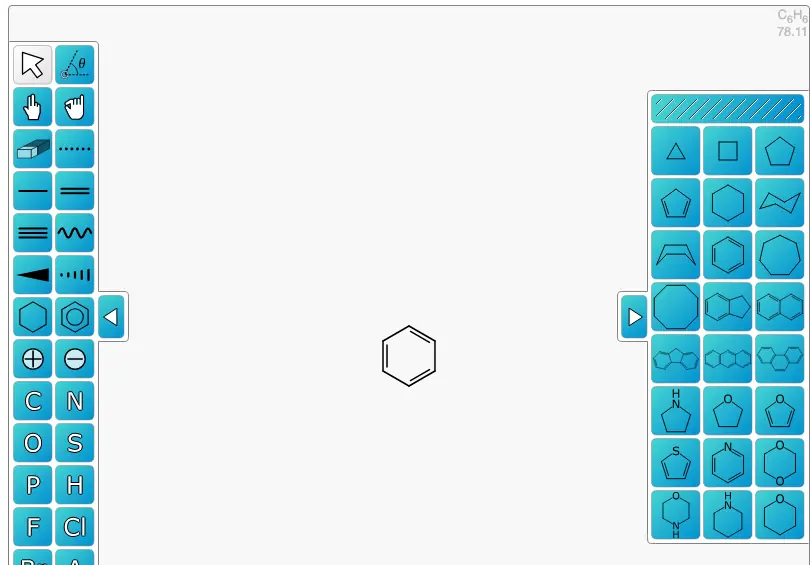 | Yes, tested by running it: Placed benzene and cyclohexane from toolbar. Opens the screenshot.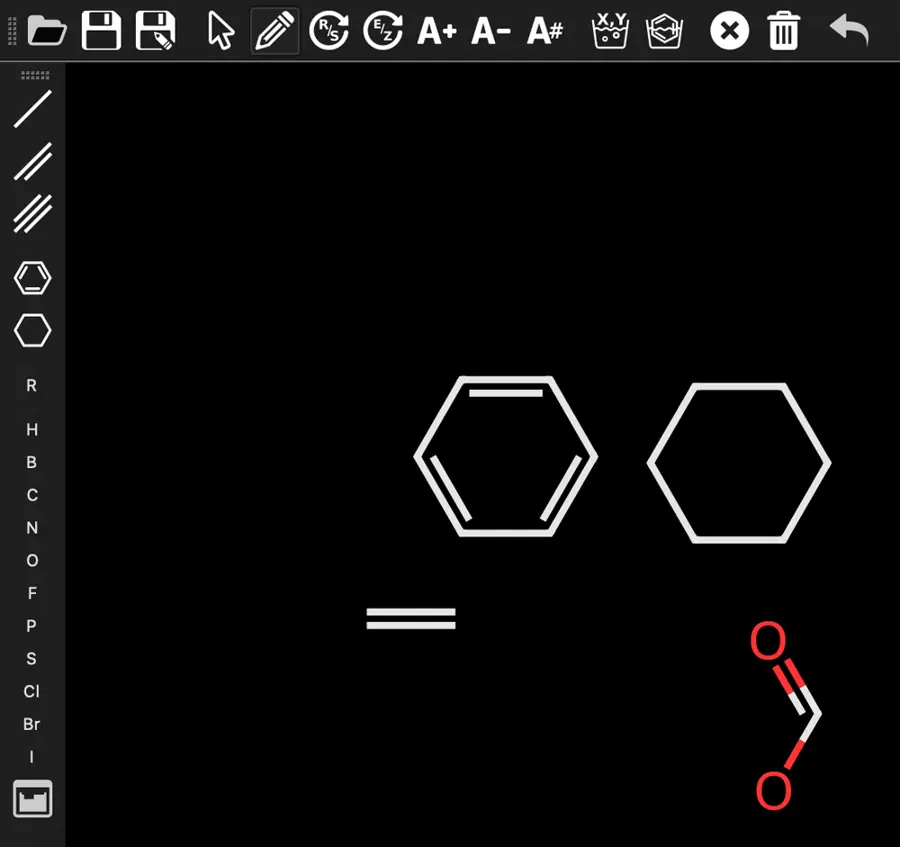 | Partly: Cyclohexane works; no aromatic ring tool visible. Opens the screenshot.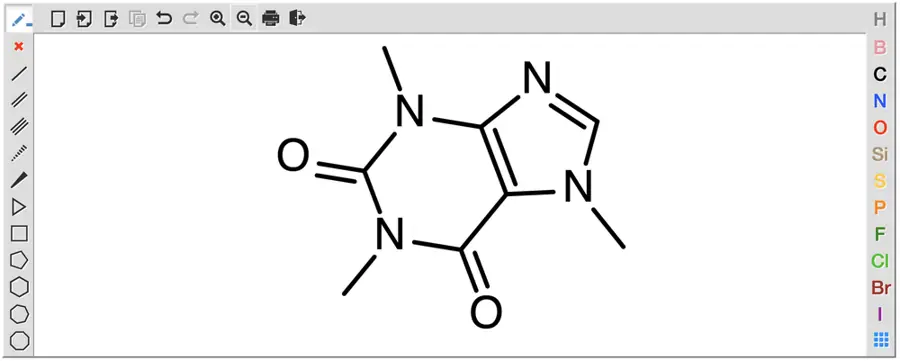 Cyclohexane works; no aromatic ring tool visible. | Yes, tested by running it: Drew benzene; five-, six-, seven-membered ring tools visible. Opens the screenshot.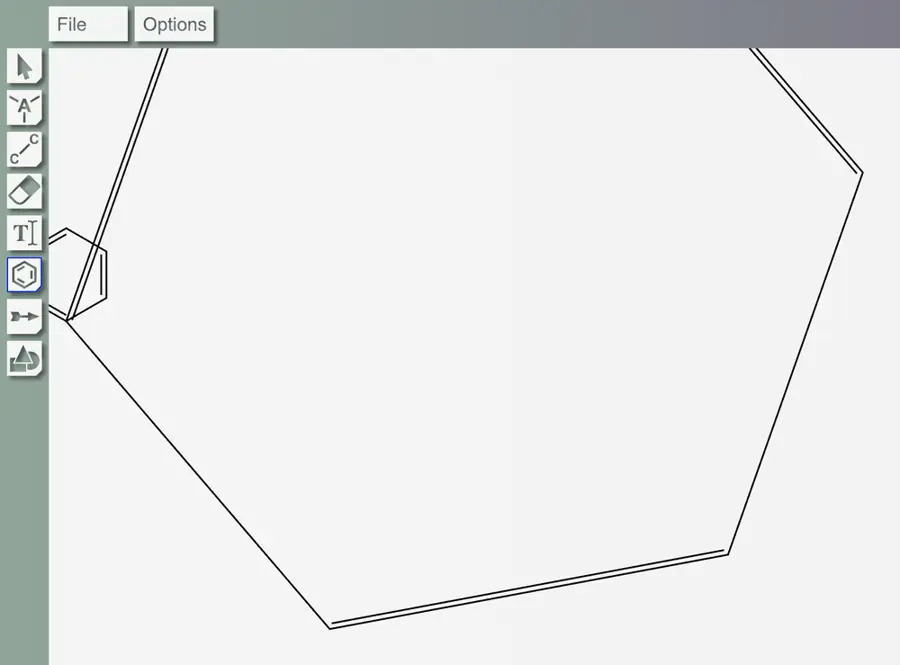 | Partly: Benzene tool responds; drawing is clipped. Opens the cited page.Benzene tool responds; drawing is clipped. | Yes, tested by running it: Placed benzene; toolbar also exposes three- through eight-membered rings. Opens the screenshot.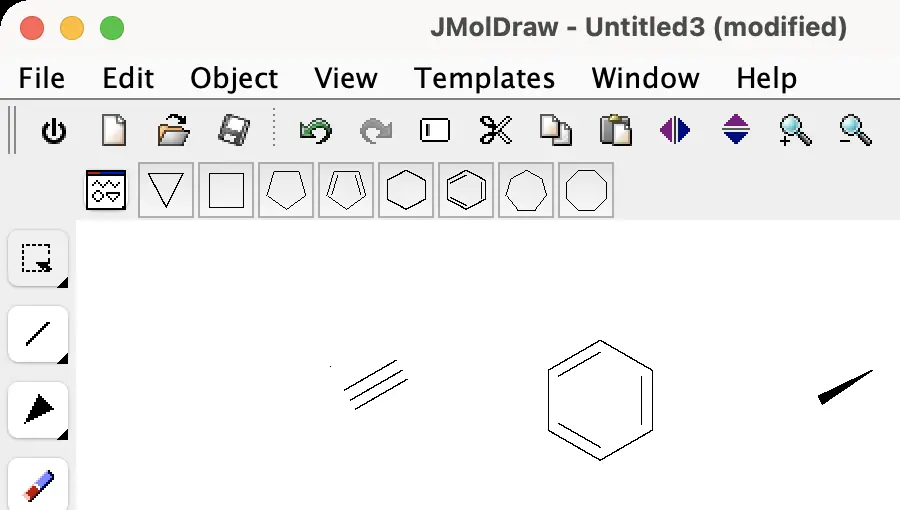 | Partly: Imported rings display; no dedicated ring palette found. Opens the screenshot.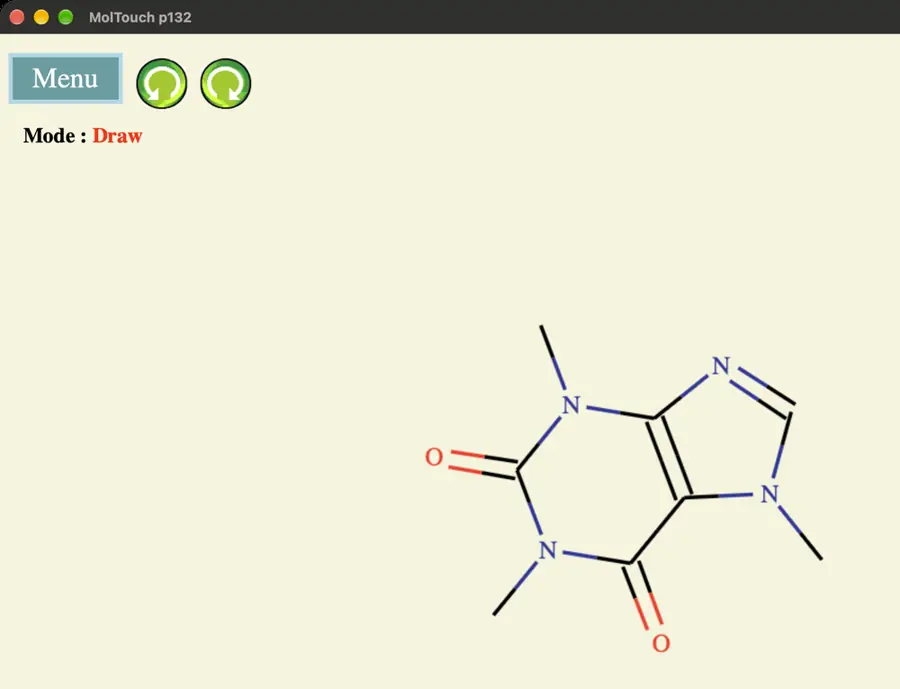 Imported rings display; no dedicated ring palette found. | Partly: Benzene text template inserts; no general ring tools. Opens the screenshot.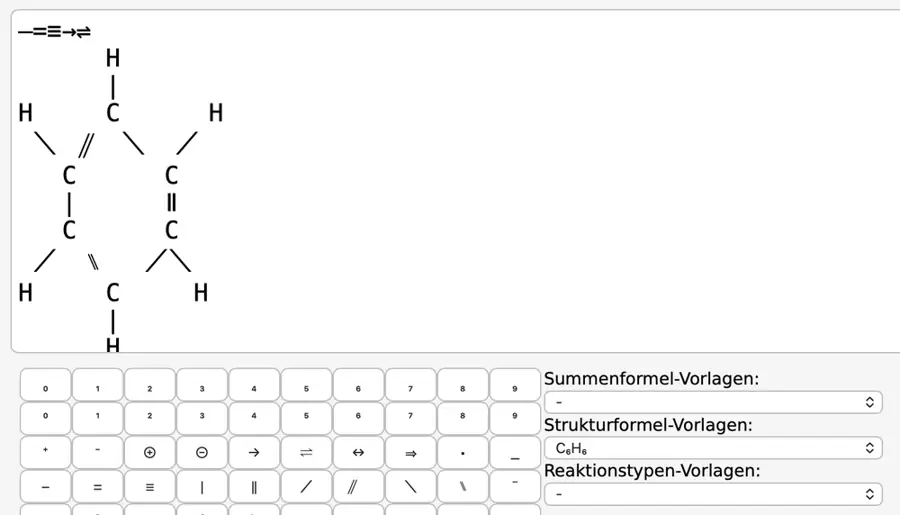 Benzene text template inserts; no general ring tools. | No: No dedicated ring tools found. Opens the cited page. | Partly: Benzene drawn; five-membered tool also visible. Opens the screenshot.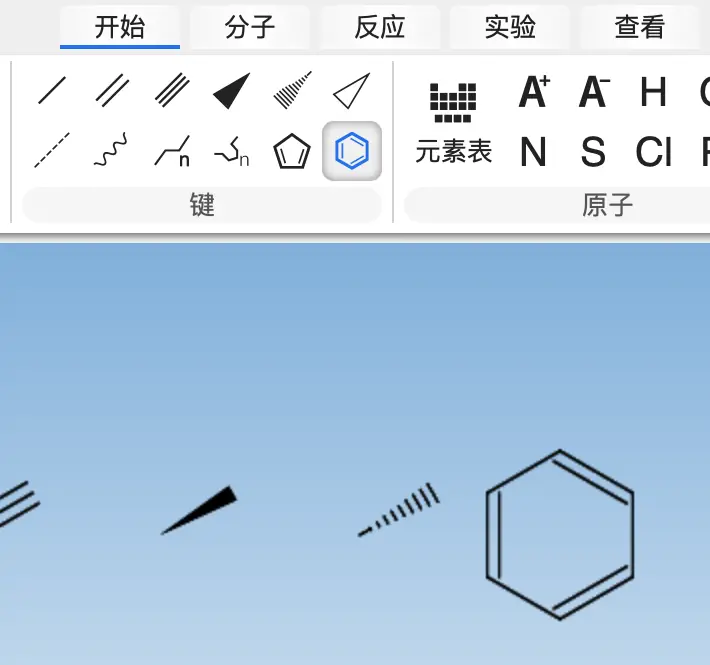 Benzene drawn; five-membered tool also visible. | Yes, tested by running it: Placed benzene and cyclohexane; other ring sizes visible. Opens the screenshot.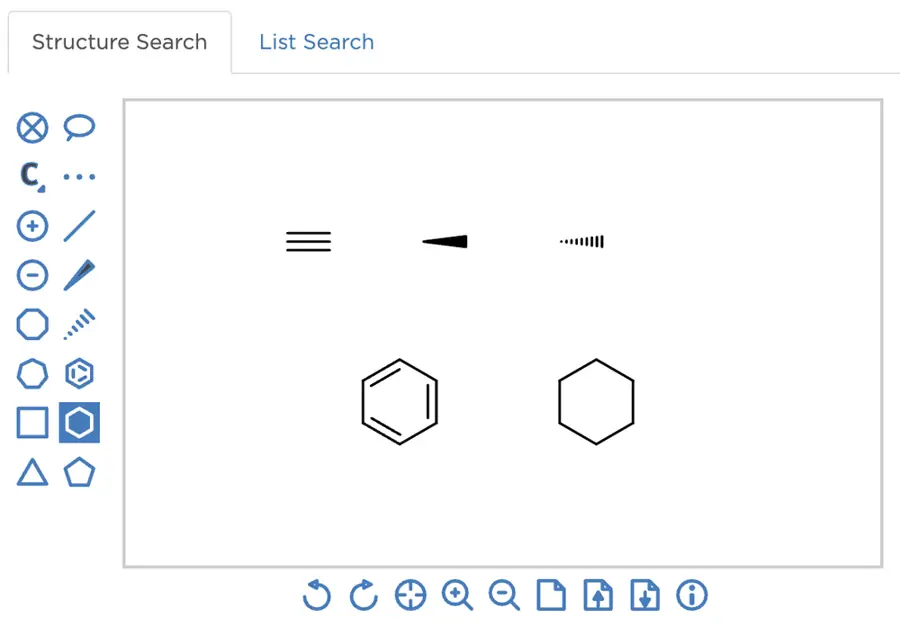 | Yes, tested by running it: Placed cyclopropane, cyclohexane, benzene, and seven-membered rings. Opens the screenshot.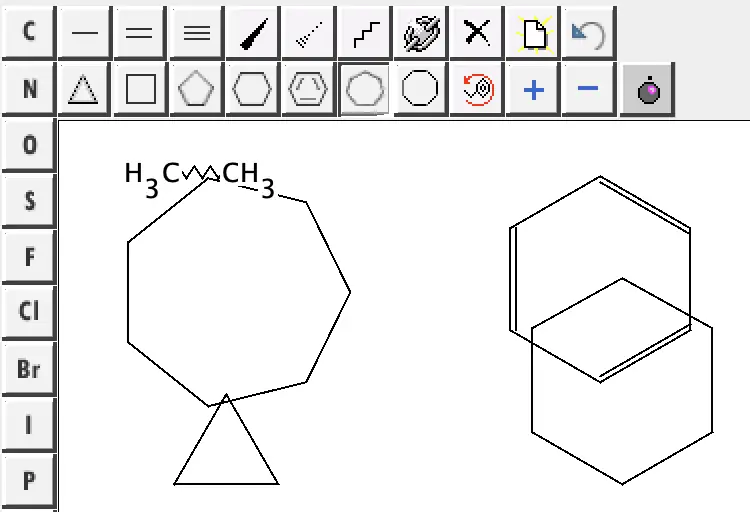 | Yes, tested by running it: Six-membered and benzene rings drawn. Opens the screenshot.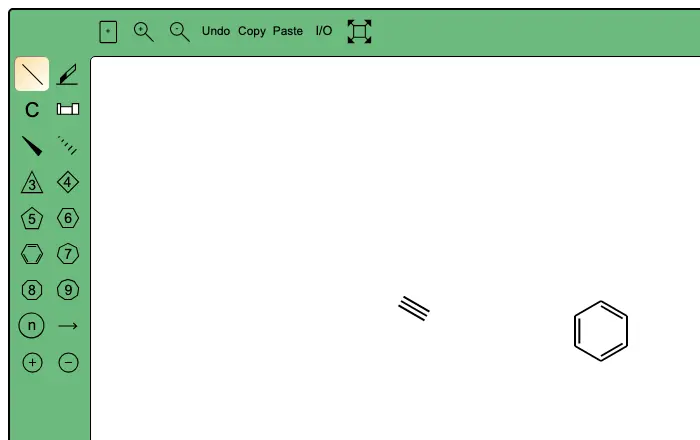 | Partly: The 6 key grafted a saturated ring; no aromatic tool visible. Opens the screenshot.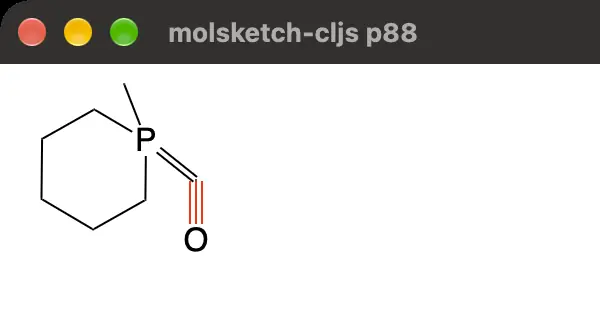 The 6 key grafted a saturated ring; no aromatic tool visible. | Yes, tested by running it: Benzene and four-, five-, six-membered ring tools worked. Opens the screenshot. | Yes, according to the manual: Built-in benzene and three- through eight-membered ring templates. Opens the cited page. | Yes, according to the manual. Opens the cited page. | Yes, according to the manual: Dedicated benzene and other ring tools. Opens the cited page. | Yes, according to the manual. Opens the cited page. | Yes, according to the manual: Three- through eight-membered rings and benzene tools. Opens the cited page. | Yes, according to the manual. Opens the cited page. | Yes, according to the manual: Includes cyclopentane, cyclohexane, pyrrole and benzene. Opens the cited page. | Yes, according to the manual: Includes benzene and common carbocyclic ring templates. Opens the cited page. | Yes, according to the manual: vendor claim; benzene and cyclohexane ring tools. Opens the cited page. | Yes, according to the manual: Dedicated ring tools include aromatic rings. Opens the cited page. | Yes, according to the manual: Dedicated aromatic and three- through eight-membered ring templates. Opens the cited page. | Yes, according to the manual: Common ring sizes and aromatic ring tools appear in official screenshots. Opens the cited page. | Yes, according to the manual: Cycle tools and aromatic ring templates. Opens the cited page. | Yes, according to the manual. Opens the cited page. | Yes, according to the manual: Three- to eight-membered rings and benzene; vendor claim. Opens the cited page. | Not established | Yes, according to the manual: Common ring templates include benzene and aromatic heterocycles. Opens the cited page. | Yes, according to the manual: Benzene and three- through eight-membered ring templates. Opens the cited page. | Yes, according to the manual: Benzene, common saturated rings, and variable ring sizes. Opens the cited page. | Yes, according to the manual: Cyclopropane through cyclohexane, plus benzene. Opens the cited page. | Yes, according to the manual: Ring tools cover 3–12 members; templates include aromatic benzene. Opens the cited page. | Yes, according to the manual: Three- through nine-membered rings, with aromatic option. Opens the cited page. | Yes, according to the manual: Benzene and three- through eight-membered ring tools. Opens the cited page. | Yes, according to the manual: Three-to-eight-member rings, benzene, cyclopentadiene and naphthalene. Opens the cited page. | Yes, according to the manual: Three- through nine-membered rings and aromatic systems. Opens the cited page.M | Partly: Typed ring notation; automatic recognition and supported rings are limited. Opens the cited page.Typed ring notation; automatic recognition and supported rings are limited. | Yes, according to the manual: Official screenshot shows common ring and aromatic ring tools. Opens the cited page. | Yes, according to the manual: Ring templates include benzene; rings can be fused. Opens the cited page.Free | Yes, according to the manual. Opens the cited page. | Yes, according to the manual. Opens the cited page. | Partly: Regular rings with 3–10 sides; aromatic bonds require manual editing. Opens the cited page.Regular rings with 3–10 sides; aromatic bonds require manual editing. | Yes, according to the manual: Benzene, cyclohexane and cyclopentane; vendor claim. Opens the cited page. | Yes, according to the manual: Pull-down tools provide cyclic hydrocarbons and aromatic rings. Opens the cited page. | Yes, according to the manual: Benzene and three- through eight-membered rings. Opens the cited page. | Not established | Yes, according to the manual: Pro; vendor claim: common ring templates, including benzene. Opens the cited page.Pro | Yes, according to the manual: Shared sketcher includes benzene and common ring sizes. Opens the cited page. | Yes, according to the manual: vendor claim; benzene, cyclohexane and cyclopentane ring tools. Opens the cited page. | Yes, according to the manual: Vendor claim: saturated, aromatic, fused and spiro ring drawing. Opens the cited page. | Not established | Yes, according to the manual: Benzene and cyclohexane tools; vendor claim. Opens the cited page. | Not established: Aromatic ring tools unverified. | Not established | Partly: vendor claim; ring tools documented; aromatic ring coverage unspecified. Opens the cited page.vendor claim; ring tools documented; aromatic ring coverage unspecified. | Not established | Yes, according to the manual: Official screenshot shows common ring tools, including benzene. Opens the cited page. | Not established |
|---|
| Chair and Haworth rings | Yes, according to the manual: Two cyclohexane chair tools. Opens the cited page. | Yes, tested by running it: Inserted Chair A from the ring menu. Opens the screenshot. | Yes, according to the manual: Cyclohexane menu offers chair and boat projections. Opens the cited page. | Yes, according to the manual: Chair cyclohexane tools and Haworth projection templates. Opens the cited page. | Yes, according to the manual: Chair, Haworth, Newman and other conformer templates. Opens the cited page. | Yes, according to the manual: Two chair cyclohexane templates. Opens the cited page. | Not established | Not established | Yes, according to the manual: Two cyclohexane chair templates. Opens the cited page. | Yes, according to the manual: Includes chair conformations. Opens the cited page. | Yes, according to the manual. Opens the cited page. | Yes, according to the manual: Accessible template library includes Chair1–Chair4 and six-membered chairs. Opens the cited page. | Not established | Yes, according to the manual: Native chair and Haworth ring tools are retained. Opens the cited page. | Yes, according to the manual: Built-in chair and boat templates. Opens the cited page. | Yes, seen in the app: Chair and boat templates visible in Structure Library. Opens the cited page. | Yes, according to the manual: Includes two cyclohexane chair templates. Opens the cited page. | Not established | Not established | Yes, according to the manual: Built-in cyclohexane chair templates. Opens the cited page. | Yes, according to the manual: Includes chair and boat conformations. Opens the cited page. | Not established | Not established | Yes, according to the manual: Two cyclohexane chair templates. Opens the cited page. | Not established | Not established | Yes, seen in the app: Template library includes a Ring Conformers category. Opens the cited page. | Yes, according to the manual: Chair templates in embedded Ketcher. Opens the cited page. | Not established | Yes, according to the manual: Built-in cyclohexane chair template. Opens the cited page. | Not established | Yes, according to the manual: Chair conformation templates are included. Opens the cited page. | Yes, according to the manual: Embedded Ketcher library includes chair and boat templates. Opens the cited page. | Yes, according to the manual: Dedicated chair and Newman tools. Opens the cited page. | Not established | Partly: Chair/Haworth examples require explicit bond angles. Opens the cited page.Chair/Haworth examples require explicit bond angles. | Not established | Yes, according to the manual: Built-in chair and boat templates. Opens the cited page. | Yes, tested by running it: Placed cyclohexane chair template. Opens the screenshot.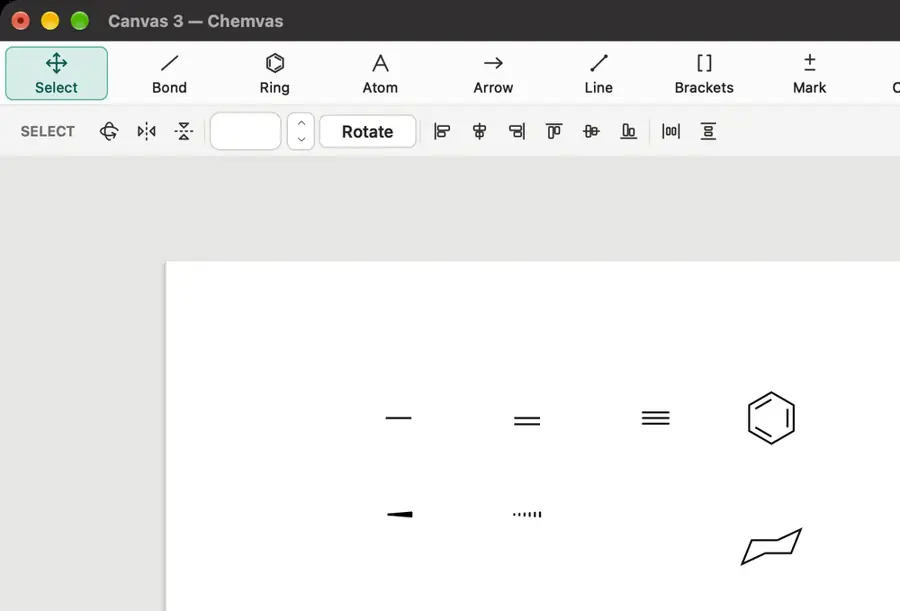 | Not established | Not established | Not established | Not established | Yes, according to the manual: Two cyclohexane chair templates. Opens the cited page. | Yes, according to the manual: Cyclohexane chair template. Opens the cited page. | Not established | Not established | Not established | Not established | Not established | Yes, according to the manual: Dedicated chair cyclohexane and flipped chair tools. Opens the cited page. | Yes, according to the manual: Hover keys 9 and 0 create mirrored chair conformations. Opens the cited page. | Not established | Not established | Not established | Yes, tested by running it: Chair template previewed and committed. Opens the screenshot. | Yes, tested by running it: Placed cyclohexane chair; Haworth tools also shown. Opens the screenshot.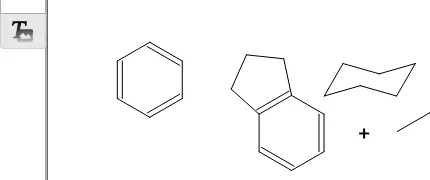 | Yes, according to the manual: Cyclohexane chair and boat templates. Opens the cited page. | Yes, according to the manual: Includes cyclohexane chair and boat templates. Opens the cited page. | Not established | Not established | Not established | Yes, according to the manual: Chair templates are included in the seed library. Opens the cited page. | Not established | Not established | Not established | Yes, seen in the app: Chair-shaped ring template visible. Opens the screenshot.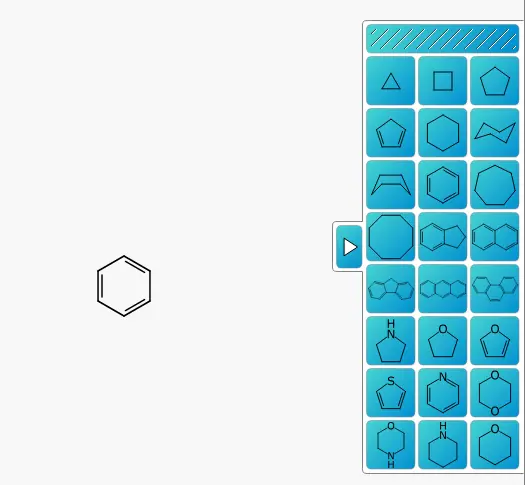 | Not established | Not established | Not established | Not established | Not established | Not established | Not established | Not established | Not established | Not established | Not established | Not established | No: Ring templates are regular polygons; no chair or Haworth projections. Opens the cited page. | Not established | Yes, according to the manual: Includes a cyclohexane chair template. Opens the cited page. | Yes, according to the manual. Opens the cited page. | Yes, according to the manual: Dedicated chair and boat cyclohexane placement commands. Opens the cited page. | Not established: Conformer templates documented; chair/Haworth contents not verified. | Yes, according to the manual: Dedicated left and right chair conformation tools. Opens the cited page. | Yes, according to the manual. Opens the cited page. | Not established | Yes, according to the manual: Built-in chair template. Opens the cited page. | Not established | Yes, according to the manual: Dedicated cyclohexane chair tool. Opens the cited page. | Yes, according to the manual: Built-in chair and boat templates. Opens the cited page. | Yes, according to the manual: Horizontal and vertical cyclohexane chair tools. Opens the cited page. | Yes, according to the manual: Built-in Haworth saccharide templates. Opens the cited page. | Yes, according to the manual: Left and right chair templates. Opens the cited page. | Yes, according to the manual: Cyclohexane chair tools; vendor claim. Opens the cited page. | Not established | Yes, according to the manual: Four alpha/beta D-glucose pyranose/furanose Haworth recipes. Opens the cited page. | Yes, according to the manual: Two cyclohexane chair templates. Opens the cited page. | Not established | Not established | Yes, according to the manual: Includes a cyclohexane chair template. Opens the cited page. | Not established | Not established | Not established | Yes, according to the manual: Cyclohexane and glucose chair templates. Opens the cited page.M | Not established | Not established | Not established | No: No chair/Haworth templates; rings use regular polygons or SMILES layouts. Opens the cited page. | Yes, according to the manual: Includes chair conformations. Opens the cited page. | Not established | Not established | Not established | Not established | Yes, according to the manual: Haworth ring templates; vendor claim. Opens the cited page. | Not established | Not established | Not established | Not established | Not established | Not established | Not established | Not established | Not established | Not established | Not established | Not established |
|---|
| Chain tool | Yes, according to the manual: Drag acyclic chains; atom count appears while drawing. Opens the cited page. | Yes, according to the manual: Drag zigzag chains with atom-count previews and exact length control. Opens the cited page. | Yes, according to the manual: Drag a zigzag chain; numbered atoms show its length. Opens the cited page. | Yes, according to the manual: Drag distance sets zig-zag chain length. Opens the cited page. | Yes, according to the manual: Drag a zig-zag chain; atom count follows its length. Opens the cited page. | Yes, according to the manual. Opens the cited page. | Yes, according to the manual. Opens the cited page. | Yes, according to the manual: Drag length controls a carbon chain with 120-degree zigzags. Opens the cited page. | Yes, according to the manual: Drag distance sets zigzag chain length. Opens the cited page. | Yes, according to the manual. Opens the cited page. | Yes, according to the manual. Opens the cited page. | Yes, according to the manual: Exposed chain tool generates zig-zag segments during dragging. Opens the cited page. | Not established | Yes, according to the manual: Native flexible-chain tool adjusts atom count while dragging. Opens the cited page. | Yes, according to the manual: Dragging determines chain length. Opens the cited page. | Yes, seen in the app: Dedicated Chain toolbar tool. Opens the cited page. | Yes, according to the manual: Dragging determines zigzag chain length. Opens the cited page. | Yes, according to the manual. Opens the cited page. | Yes, tested by running it: Dragging created a six-bond zig-zag carbon chain. Opens the screenshot.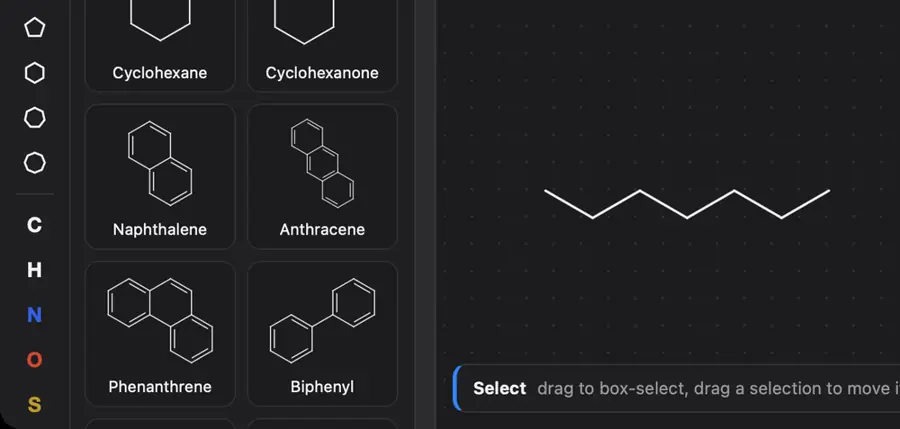 | Yes, according to the manual: Drag distance determines carbon chain length. Opens the cited page. | Yes, according to the manual: Dragging sets zigzag chain length. Opens the cited page. | Partly: Freehand zigzags create up to eight bonds; no length-drag tool. Opens the cited page.Freehand zigzags create up to eight bonds; no length-drag tool. | Yes, according to the manual: Dragging determines chain length in Ketcher. Opens the cited page. | Yes, according to the manual: Drag to grow a zigzag carbon chain. Opens the cited page. | Yes, according to the manual: Chain tool creates zigzag backbones by dragging. Opens the cited page. | Partly: Repeated clicks extend zigzags; dragging creates only one bond. Opens the cited page.Repeated clicks extend zigzags; dragging creates only one bond. | Yes, according to the manual: Drag distance determines carbon-chain length. Opens the cited page. | Yes, according to the manual: Dragging sets the number of chain segments. Opens the cited page. | Yes, tested by running it: Dragging the alkyl-chain tool created a zigzag chain. Opens the cited page. | Yes, according to the manual: Drag draws zigzag carbon chains with an atom count. Opens the cited page. | Yes, seen in the app: Linear chain tool visible. Opens the cited page. | Yes, according to the manual: Dragging sets the number of zigzag carbon-chain bonds. Opens the cited page. | Yes, according to the manual: Dragging determines the number of chain segments. Opens the cited page. | Not established | Not established | Not established | Not established | Yes, according to the manual. Opens the cited page. | Partly: Keyboard chain sprouting; continuous zigzag dragging is not documented. Opens the cited page.Keyboard chain sprouting; continuous zigzag dragging is not documented. | Yes, according to the manual. Opens the cited page. | Not established | Not established | Not established | Yes, according to the manual: Drag to draw an alkane chain with 120-degree angles. Opens the cited page. | Not established | Yes, according to the manual. Opens the cited page. | Yes, tested by running it: Dragged a four-bond zigzag chain. Opens the screenshot.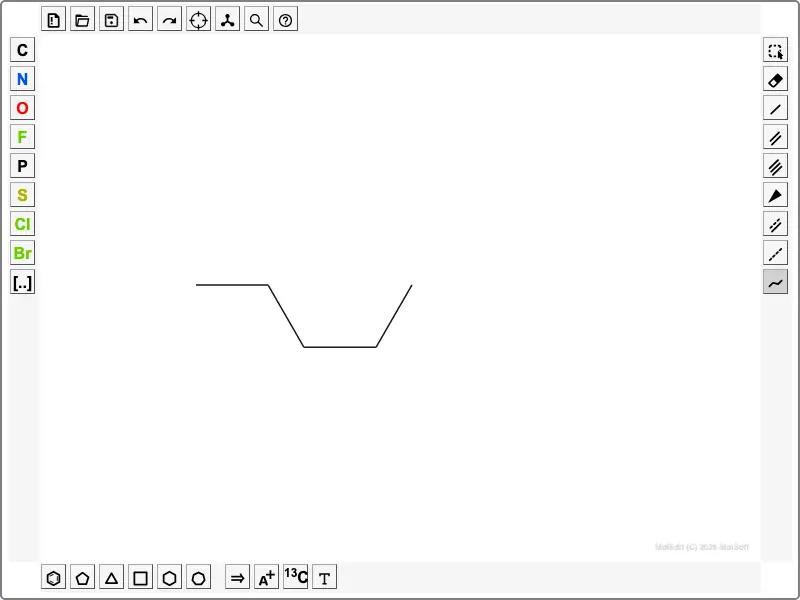 | Yes, according to the manual: JSME chain drawing tool. Opens the cited page. | Not established | No: Click-based editor; chains cannot be drawn by dragging. Opens the cited page. | Yes, according to the manual. Opens the cited page. | Yes, according to the manual. Opens the cited page. | Yes, tested by running it: Dragging chain tool created six carbons. Opens the screenshot.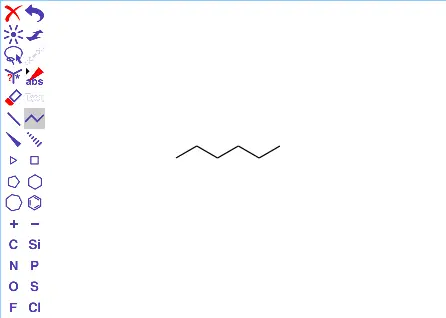 | Yes, according to the manual: Dragging sets zigzag chain length. Opens the cited page. | Not established | Not established | Yes, according to the manual: Dragging controls zigzag chain length and displays atom count. Opens the cited page. | Yes, according to the manual. Opens the cited page. | Not established | Yes, according to the manual: Chain tool creates carbon chains and saturated rings. Opens the cited page. | Not established | Not established | Yes, according to the manual. Opens the cited page. | Partly: Menu adds chosen chain length; no drag tool observed. Opens the screenshot.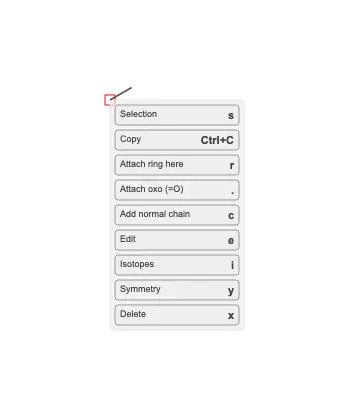 Menu adds chosen chain length; no drag tool observed. | Partly: Chain tool visible; attempted drags produced no chain. Opens the cited page.Chain tool visible; attempted drags produced no chain. | Not established | Not established | Not established | Not established | Not established | Partly: Number keys grow chains; no drag-chain tool. Opens the cited page.Number keys grow chains; no drag-chain tool. | Partly: Dragging chain tool produced one bond; longer chain creation unverified. Opens the cited page.Dragging chain tool produced one bond; longer chain creation unverified. | Not established | Not established | Yes, according to the manual. Opens the cited page. | Yes, according to the manual: Dragging progressively adds carbon atoms with snapped bond angles. Opens the cited page. | Not established | Not established | Not established | No: Dragging translates atoms or bonds; chain growth requires individual keystrokes. Opens the cited page. | Not established | Partly: Keyboard adds fixed-length chains; no drag-to-length chain tool. Opens the cited page.Keyboard adds fixed-length chains; no drag-to-length chain tool. | Yes, according to the manual. Opens the cited page. | Yes, according to the manual: Dragging generates zigzag chain coordinates at the configured bond length. Opens the cited page. | Yes, according to the manual. Opens the cited page. | Yes, according to the manual: Drag zigzag chains with live carbon counts. Opens the cited page. | Yes, according to the manual. Opens the cited page. | Yes, according to the manual: Drag variable-length alkyl chains; Ctrl draws conjugated chains. Opens the cited page. | Partly: Keyboard appends 2–9 atoms; no drag-to-length chain tool. Opens the cited page.Keyboard appends 2–9 atoms; no drag-to-length chain tool. | Yes, according to the manual: vendor claim; drag to create zigzag carbon chains. Opens the cited page. | Yes, according to the manual: Drag acyclic chains; Alt adds alternating double bonds. Opens the cited page. | Yes, according to the manual: Dragging controls the number of chain segments. Opens the cited page. | Partly: Chains are inserted by carbon count through a dialog. Opens the cited page.Chains are inserted by carbon count through a dialog. | Yes, according to the manual. Opens the cited page. | Yes, according to the manual. Opens the cited page. | Not established | Yes, according to the manual: Drag chains with the atom count displayed beside the pointer. Opens the cited page. | Not established | Not established: Chain tool documented; drag-to-length behavior not established. | Yes, according to the manual: Dragging places successive bonds at alternating 60-degree angles. Opens the cited page. | Not established | Not established | Partly: Extends chains one bond per gesture; no variable-length drag. Opens the cited page.Extends chains one bond per gesture; no variable-length drag. | Not established | Yes, according to the manual: Dragging sets the zig-zag chain length. Opens the cited page. | Yes, according to the manual: Drag to lengthen carbon chains. Opens the cited page.M | Partly: Chains generated from typed formulas; dragging chains is unverified. Opens the cited page.Chains generated from typed formulas; dragging chains is unverified. | Not established | Not established | Yes, according to the manual. Opens the cited page. | Not established | No: One-step carbon-chain drawing is listed as a future feature. Opens the cited page. | Not established | Not established | Not established | Not established | Not established | Not established | Not established | Yes, according to the manual: Vendor claim: press-and-drag gesture draws chains. Opens the cited page. | Not established | Yes, according to the manual: Drag chains; vendor claim. Opens the cited page. | Not established | Not established | Partly: vendor claim; chain drawing documented; drag-length control unspecified. Opens the cited page.vendor claim; chain drawing documented; drag-length control unspecified. | Not established | Not established | Not established |
|---|
| Template library | Yes, tested by running it: Inserted anthracene from built-in Aromatics palette. Opens the cited page. | Yes, tested by running it: Placed built-in L-alanine template on canvas. Opens the screenshot.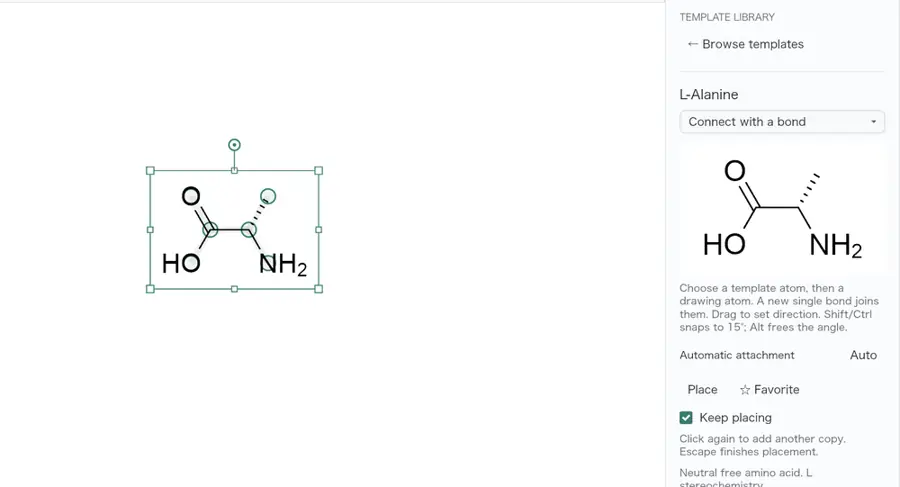 | Yes, tested by running it: Placed alanine from structure library. Opens the screenshot.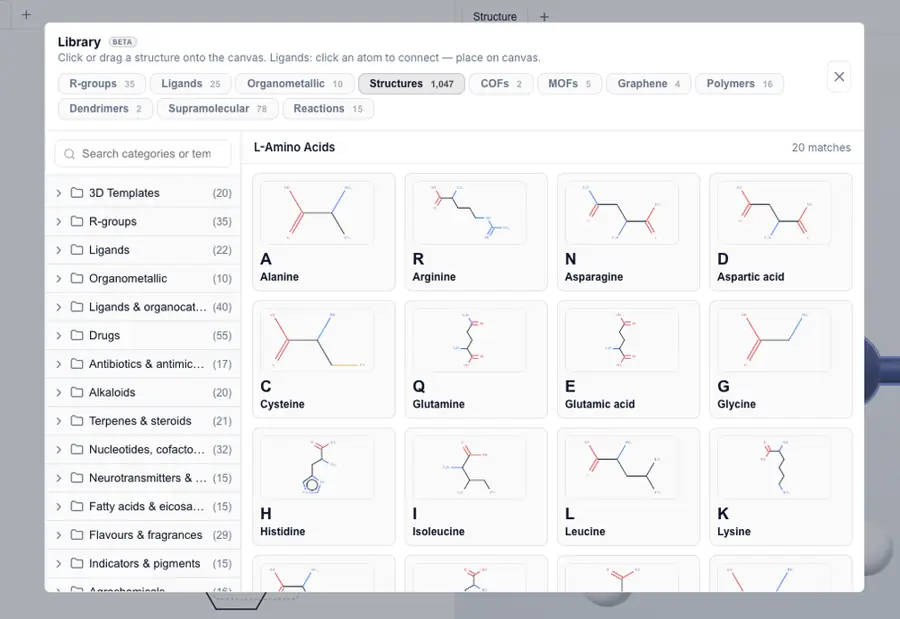 | Partly: Library opens; placement blocked by accessibility automation errors. Opens the screenshot.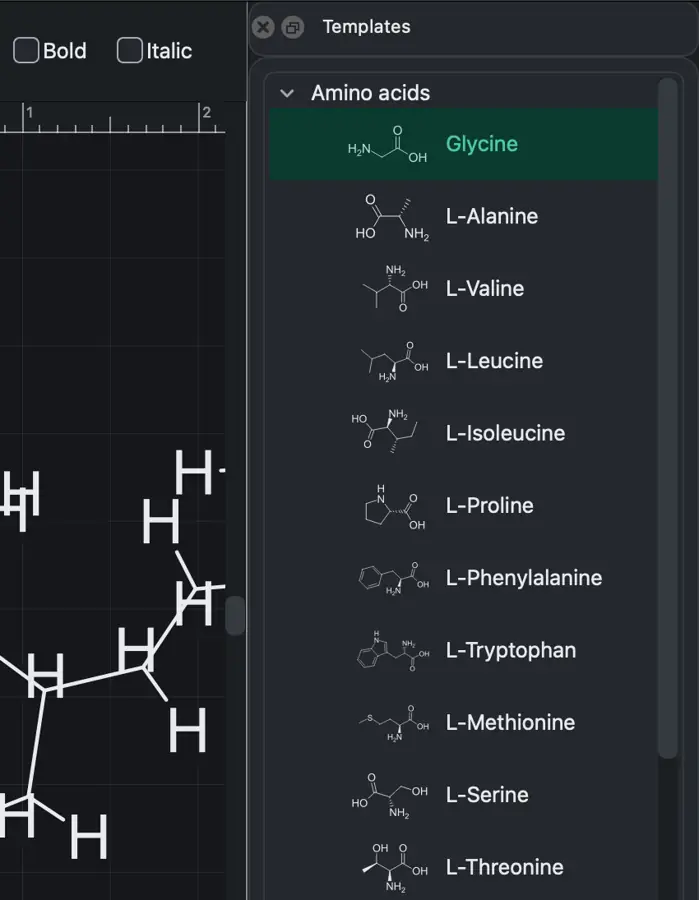 Library opens; placement blocked by accessibility automation errors. | Yes, tested by running it: Inserted the built-in alanine template. Opens the cited page. | Yes, tested by running it: Inserted 18-crown-6 from built-in template picker. Opens the cited page. | Partly: Library opens; attempted naphthalene placement did not succeed. Opens the screenshot.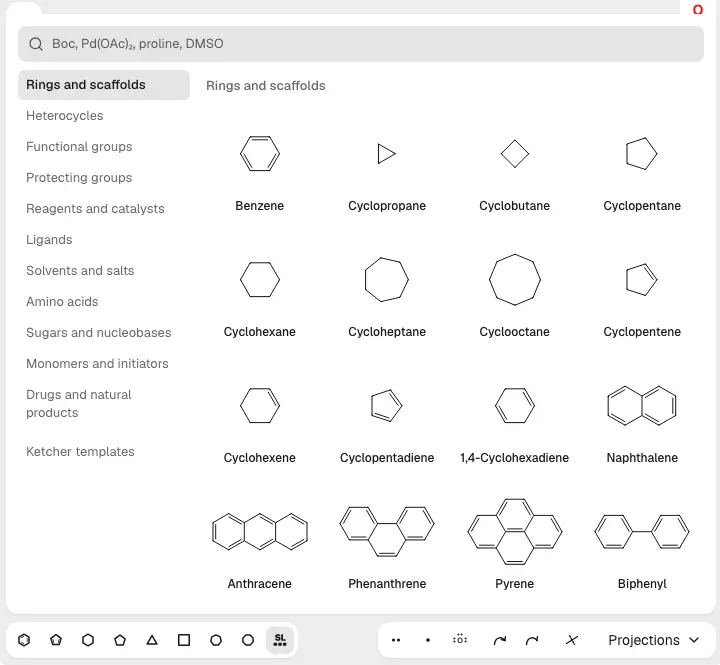 Library opens; attempted naphthalene placement did not succeed. | Partly: Worksheet template adds several editable structures, not individual structure templates. Opens the cited page.Worksheet template adds several editable structures, not individual structure templates. | Yes, tested by running it: Placed adamantane from built-in bridged structure palette. Opens the screenshot.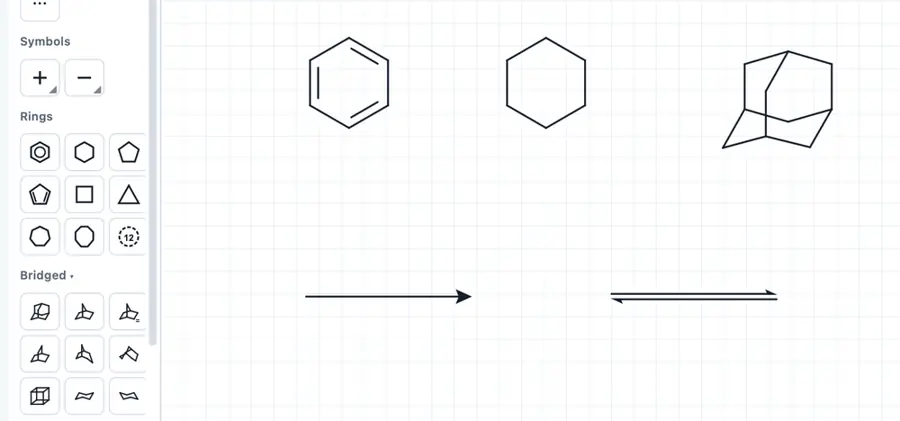 | Yes, tested by running it: Placed L-alanine from the structure library. Opens the cited page. | Yes, tested by running it: Placed the glycine template. Opens the screenshot.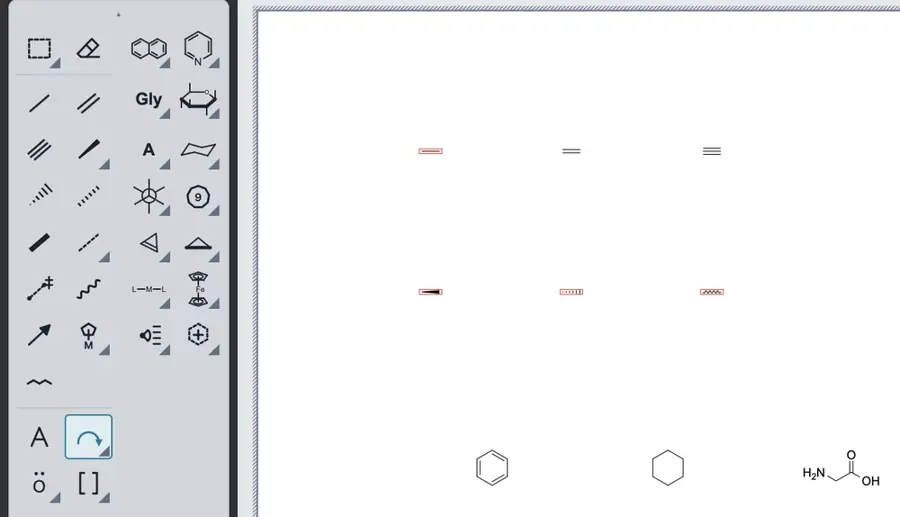 | Yes, tested by running it: Placed iron-pentacarbonyl from the built-in structure library. Opens the cited page. | Yes, tested by running it: Inserted benzene from Templates panel. Opens the cited page. | Partly: Boc placement added atoms but displayed an error and no drawing. Opens the cited page.Boc placement added atoms but displayed an error and no drawing. | Yes, tested by running it: Selected and placed D-alanine from structure library. Opens the screenshot.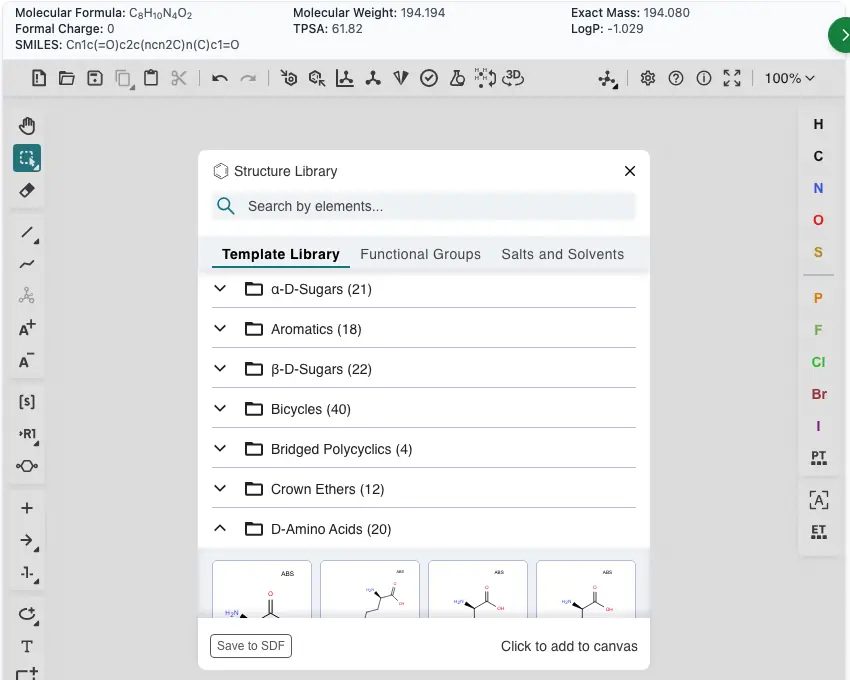 | Yes, tested by running it: Searched aspirin and inserted its editable compound template. Opens the cited page. | Yes, tested by running it: Placed the triphenylphosphine ligand template. Opens the screenshot.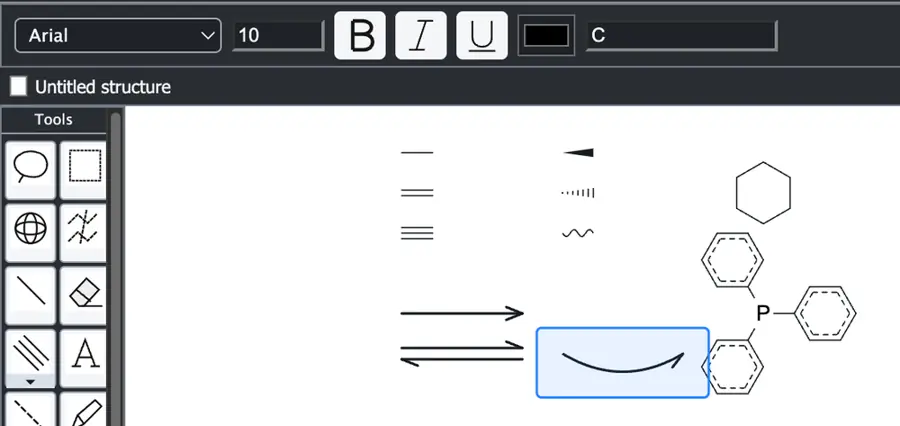 | Yes, tested by running it: Placed indole from the fused-ring library. Opens the cited page. | Yes, tested by running it: Stamped naphthalene from the built-in library. Opens the screenshot.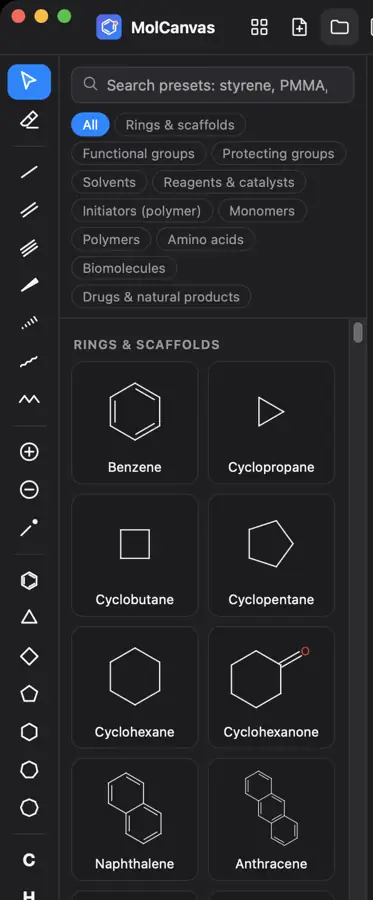 | Yes, tested by running it: Inserted bicyclo[1.1.1]pentane from structure library. Opens the screenshot.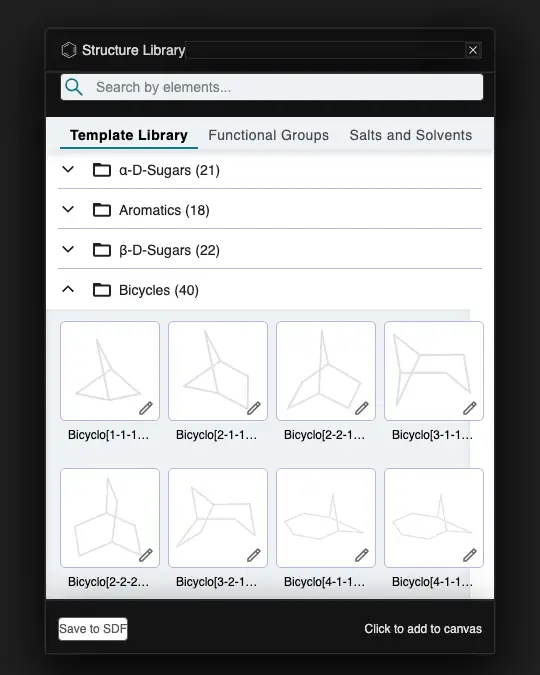 | Yes, tested by running it: Placed D-alanine from the structure library. Opens the screenshot.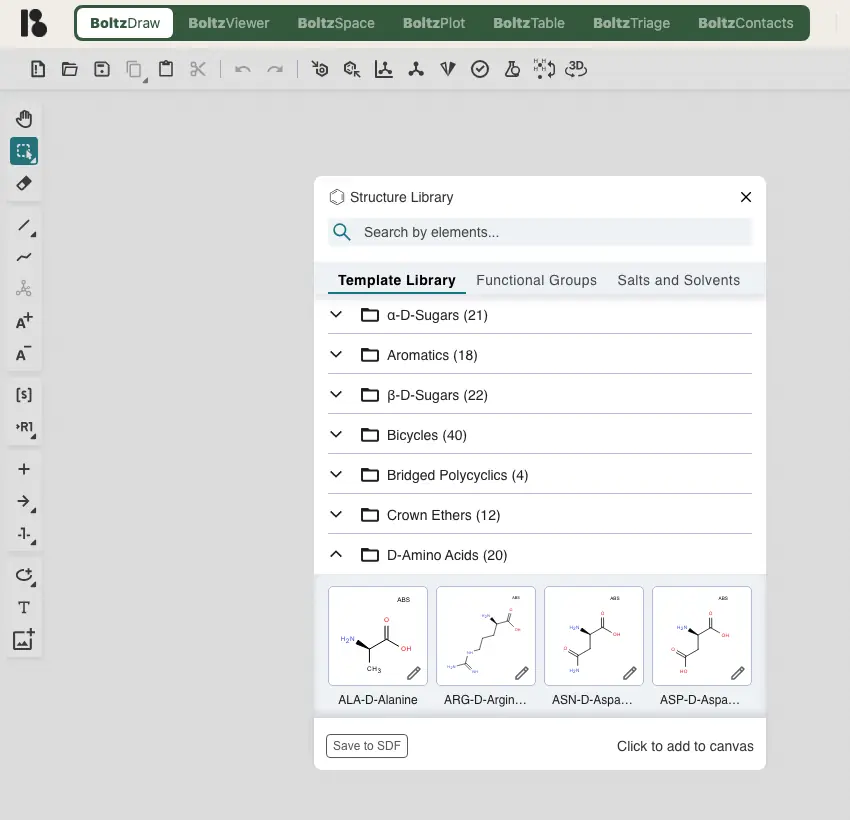 | Yes, tested by running it: Placed anthracene from the template library. Opens the cited page. | Yes, tested by running it: Selected and placed adenine from the structure library. Opens the cited page. | Yes, tested by running it: VSEPR library placed boron trifluoride. Opens the cited page. | Partly: Phenyl shortcut worked; broader library not verified. Opens the cited page.Phenyl shortcut worked; broader library not verified. | Yes, tested by running it: Inserted built-in IgG antibody template and exported SVG. Opens the cited page. | Yes, tested by running it: Attached alanine from the amino acid template library. Opens the screenshot.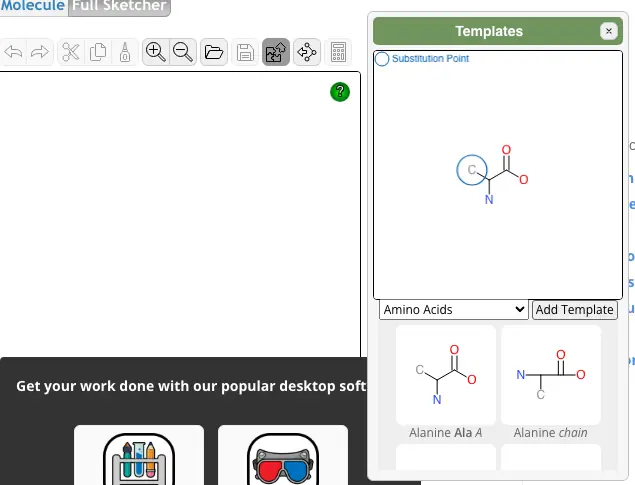 | Yes, tested by running it: Placed bicyclo[2.2.1]heptane from structure library. Opens the cited page. | Partly: Ring templates work; User Templates contains no built-in structures. Opens the screenshot.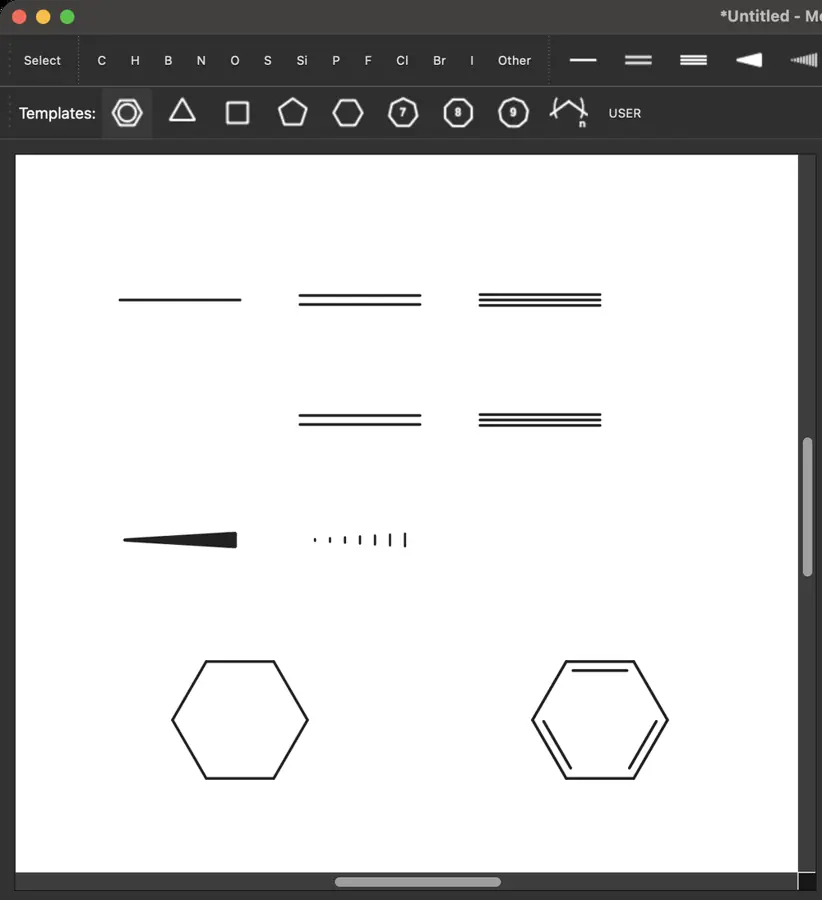 Ring templates work; User Templates contains no built-in structures. | Yes, tested by running it: Selected Alanine from the library and inserted it. Opens the cited page. | No: Only ring templates visible in inspected toolbar. Opens the cited page. | Yes, tested by running it: Placed L-alanine from the structure library. Opens the screenshot.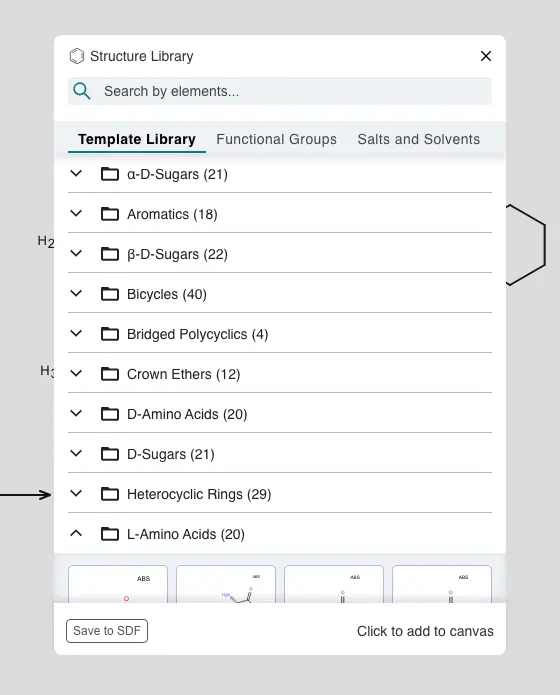 | Yes, tested by running it: Placed alanine from structure library. Opens the cited page. | Yes, tested by running it: Placed a morpholine fragment from the library. Opens the cited page. | Yes, according to the manual: Naphthalene template constructs a fused second ring. Opens the cited page. | No: Undefined built-in Ph alias produced an empty page. Opens the cited page. | Partly: Fixed functional groups and phenyl insert; no broader template library. Opens the screenshot.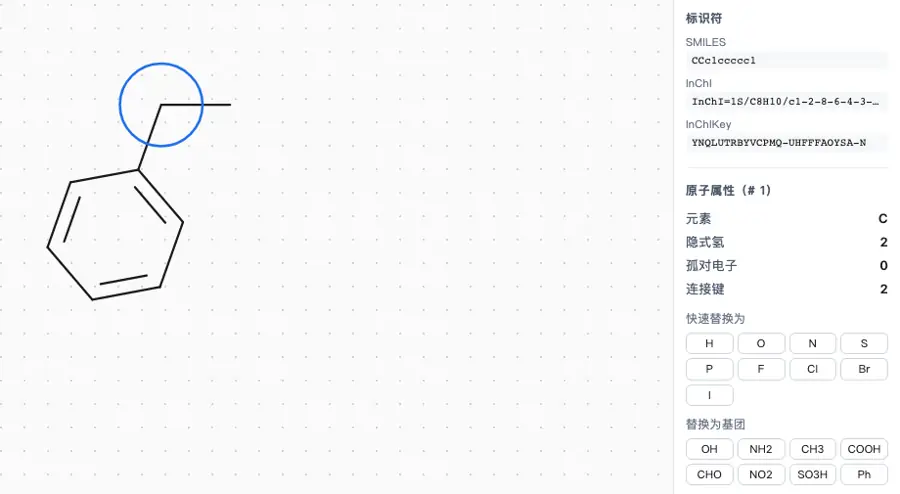 Fixed functional groups and phenyl insert; no broader template library. | Yes, according to the manual. Opens the cited page. | Partly: Placed ring and chair templates; no broader library found. Opens the cited page.Placed ring and chair templates; no broader library found. | Yes, tested by running it: Placed an alanine monomer from the amino-acid library. Opens the screenshot. | No: Library refresh remained empty; interface requests user-defined library folders. Opens the cited page. | Partly: Only benzene, cyclohexane and cyclopentane are bundled. Opens the cited page.Only benzene, cyclohexane and cyclopentane are bundled. | Yes, tested by running it: Placed carboxylic acid from functional groups. Opens the cited page. | Partly: Ring and chair presets; insertion attempt produced no visible drawing. Opens the screenshot.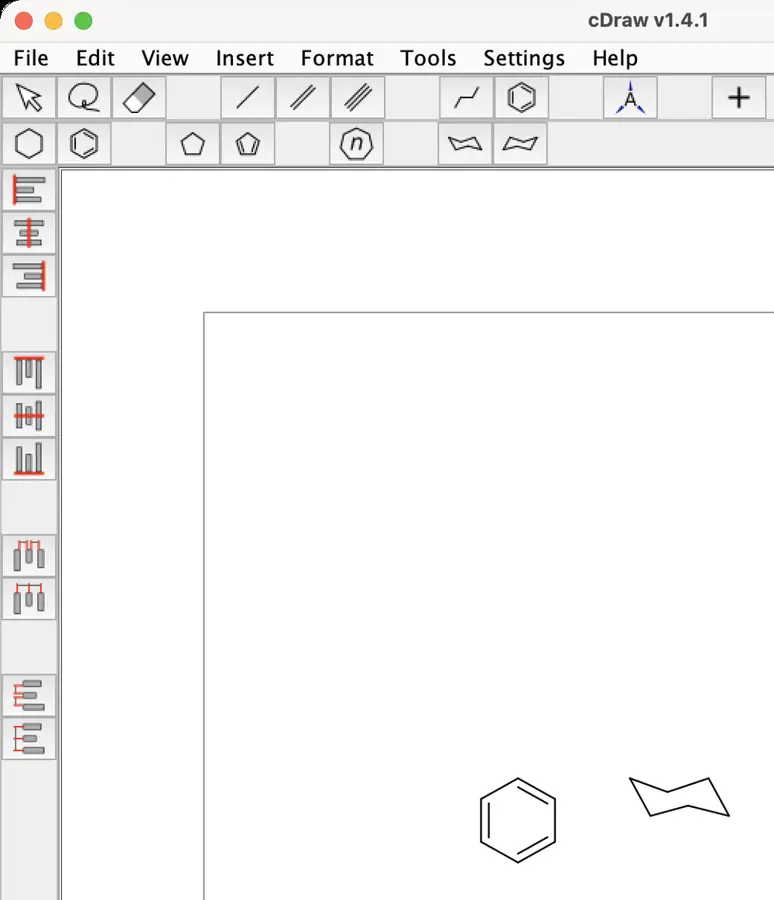 Ring and chair presets; insertion attempt produced no visible drawing. | Yes, tested by running it: Benzene template placed and generated aromatic SMILES. Opens the screenshot. | Yes, tested by running it: Inserted Morphine from the built-in template library. Opens the cited page. | No: Ring tools visible; no broader template library found. Opens the cited page. | Yes, tested by running it: Functional-group menu inserted a carboxyl group. Opens the cited page. | No: Only four simple ring tools found; no broader library. Opens the cited page. | No: Only four simple ring templates visible. Opens the cited page. | Partly: Chairs included; larger libraries require locally extracted ChemDraw assets. Opens the cited page.Chairs included; larger libraries require locally extracted ChemDraw assets. | Yes, tested by running it: Placed quinoline from template library. Opens the screenshot.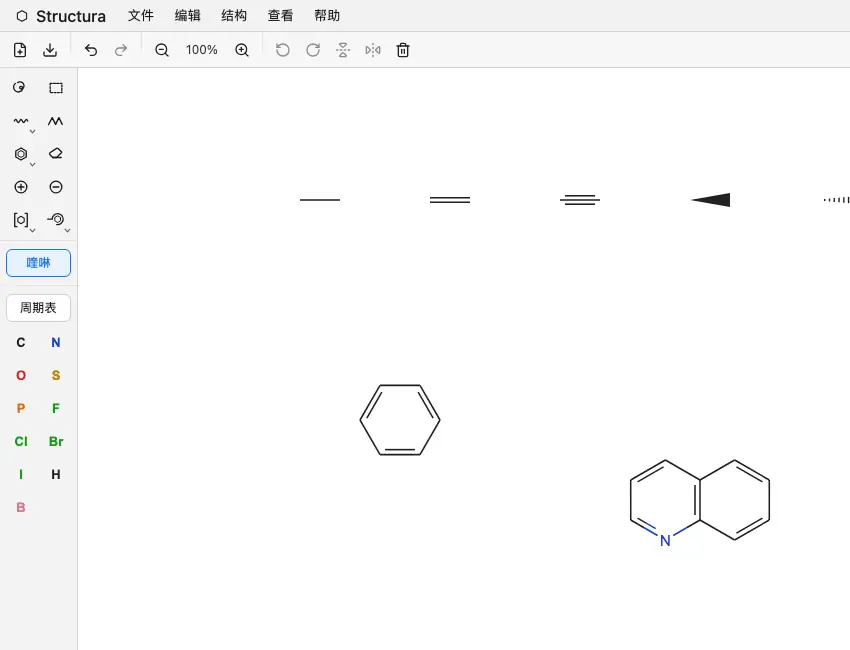 | No: Typing Ph produced no template; no template library visible. Opens the cited page. | Yes, tested by running it: Placed glycine from amino acid templates. Opens the screenshot.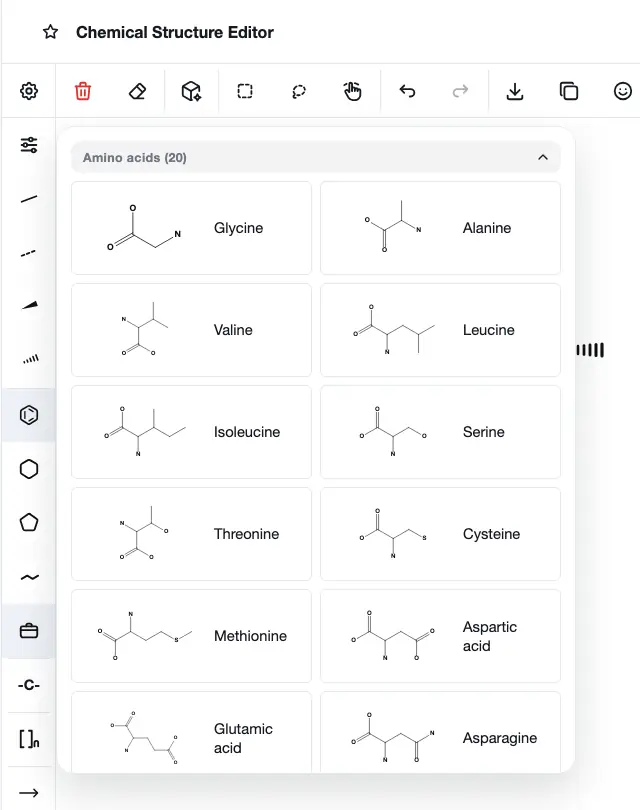 | Partly: Template browser opened; its category contained no visible templates. Opens the cited page.Template browser opened; its category contained no visible templates. | Yes, tested by running it: Inserted chair template; additional fragment libraries visible. Opens the screenshot.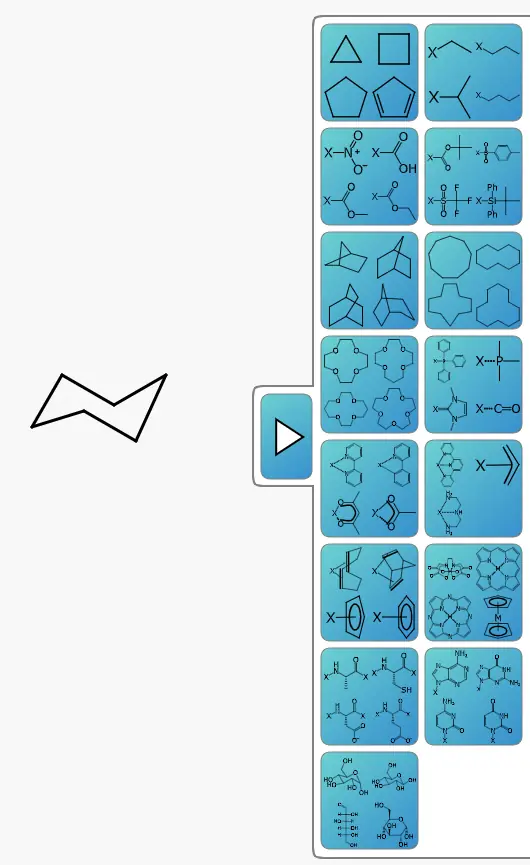 | Yes, tested by running it: Placed Fischer projection; sawhorse templates also shown. Opens the cited page. | No: Alanine insertion reports missing Resources/alanine.cml. Opens the cited page. | Partly: Chooser shows fused rings and heterocycles; automated placement did not complete. Opens the screenshot.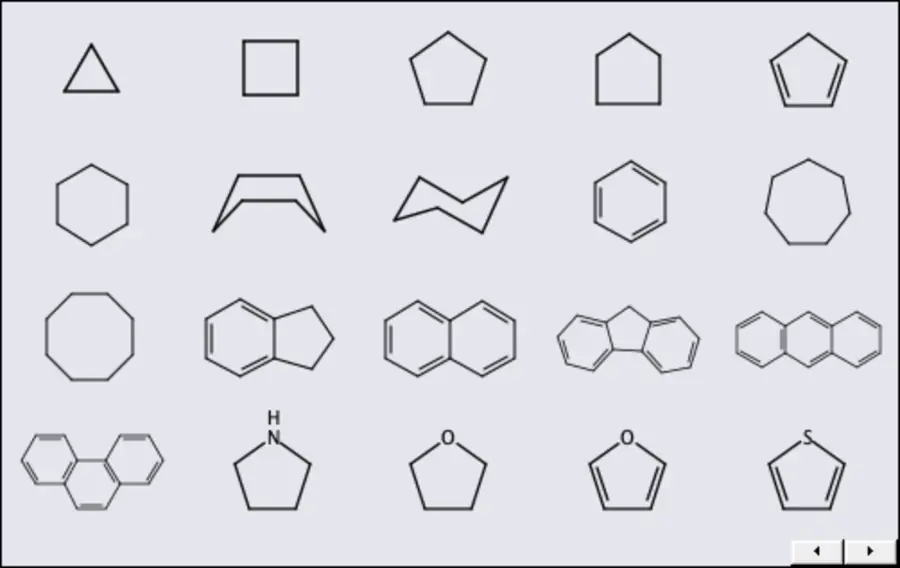 Chooser shows fused rings and heterocycles; automated placement did not complete. | Partly: Functional-group menu visible; attempted placement produced ethane. Opens the screenshot.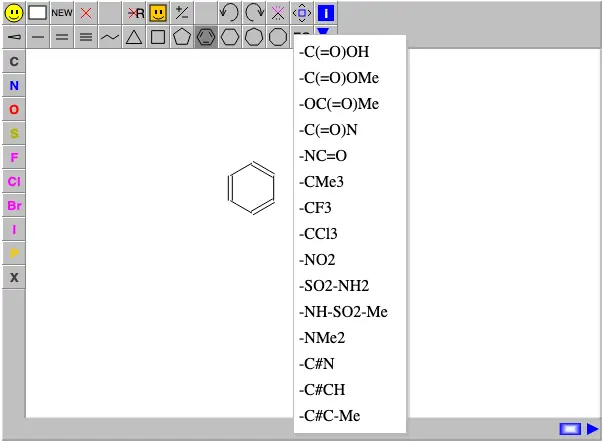 Functional-group menu visible; attempted placement produced ethane. | No: Structure and substituent template insertion remains planned. Opens the cited page. | Yes, tested by running it: COOH template inserts; other templates are listed. Opens the screenshot.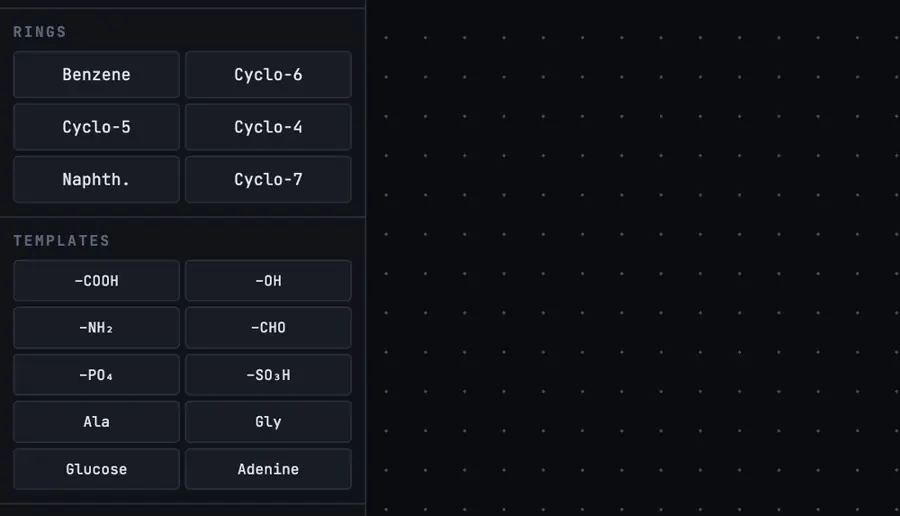 | No: Template search was empty; custom template endpoint returned 500. Opens the cited page. | No: No library beyond rings found in inspected menus. Opens the cited page. | No: No template library visible. Opens the cited page. | No: No template library or command visible. Opens the cited page. | Yes, according to the manual: Functional groups, protecting groups, ligands, biomolecules, and other structures. Opens the cited page. | Yes, tested by running it: Placed built-in carboxylic acid template. Opens the screenshot.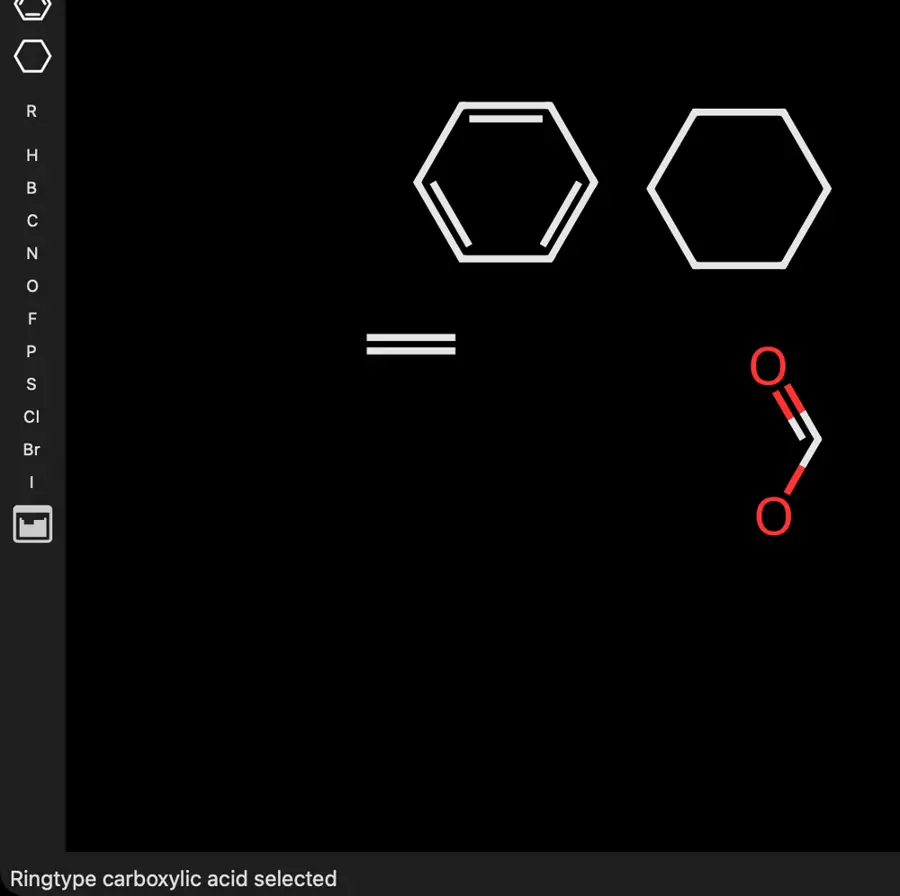 | No: No library beyond ring tools visible. Opens the cited page. | No: Templates beyond simple rings remain on the roadmap. Opens the cited page. | Yes, according to the manual: Includes naphthalene beyond simple ring templates. Opens the cited page. | Yes, tested by running it: Opened Bases palette and placed adenine from the library. Opens the cited page. | Not established | Partly: Structure templates insert fixed character diagrams, not chemical objects. Opens the cited page.Structure templates insert fixed character diagrams, not chemical objects. | No: No template library found. Opens the cited page. | No: Only ring tools found; no broader library visible. Opens the cited page. | No: No template library control visible beyond ring tools. Opens the cited page. | Yes, according to the manual: Cage and polycyclic templates generate layouts automatically. Opens the cited page. | No: No templates beyond ring tools visible. Opens the cited page. | Not established | No: Built-in library contains only benzene and three simple saturated rings. Opens the cited page. | Yes, according to the manual: Includes purine and other heterocyclic structure templates. Opens the cited page. | Yes, according to the manual. Opens the cited page. | Yes, according to the manual: Common group templates accompany the ring tools. Opens the cited page. | Yes, according to the manual. Opens the cited page. | Yes, according to the manual: Functional groups, amino acids, peptides, sugars and supramolecular templates. Opens the cited page. | Yes, according to the manual. Opens the cited page. | Partly: Default template toolbar contains five rings; other structures use abbreviations. Opens the cited page.Default template toolbar contains five rings; other structures use abbreviations. | Yes, according to the manual: Includes a fused heterocyclic purine template. Opens the cited page. | Yes, according to the manual: Includes named-reaction templates and abbreviations. Opens the cited page. | Yes, according to the manual: Built-in predefined substituent fragments. Opens the cited page. | Yes, according to the manual. Opens the cited page. | Yes, according to the manual. Opens the cited page. | Yes, according to the manual. Opens the cited page. | Yes, according to the manual: KingDraw-authored tutorial lists amino acids, peptides and nanotube templates. Opens the cited page. | Yes, according to the manual: Templates panel inserts common molecules. Opens the cited page. | Yes, according to the manual: Molecule, laboratory equipment, and orbital templates. Opens the cited page. | Yes, according to the manual: Built-ins include substituted D-glucose Haworth structures and purine. Opens the cited page. | Not established: Template library documented; inventory beyond simple rings not established. | Yes, according to the manual: Includes about 2,000 reusable natural-product structures. Opens the cited page. | Yes, according to the manual: Built-in carbon-chain and common-ring templates. Opens the cited page. | Yes, according to the manual: Includes sugars, amino acids, steroids and other complex structures. Opens the cited page. | Not established | Not established | Yes, according to the manual: Includes a fused naphthalene template. Opens the cited page. | Yes, according to the manual: Amino acids, glucose, porphyrin and other ring systems. Opens the cited page.M | Not established | Not established | Yes, according to the manual: Functional groups and common molecules, including aspirin and caffeine. Opens the cited page.Free | Yes, according to the manual. Opens the cited page. | Not established | No: A library of predrawn elements is listed as a future feature. Opens the cited page. | Not established | Yes, according to the manual: Functional-group presets insert alkyl, phenyl, and carboxyl structures (p17). Opens the cited page. | Yes, according to the manual: Keyboard shortcut inserts an acetyl fragment beyond simple rings. Opens the cited page. | Yes, according to the manual: Fragment library includes cages, reagents and natural products; vendor claim. Opens the cited page. | Not established | Yes, according to the manual: Shared sketcher includes functional groups and molecular building blocks. Opens the cited page. | Yes, according to the manual: Phenolphthalein template shown in the structure library. Opens the cited page. | Yes, according to the manual: Built-in protecting groups plus Groups and Template panel. Opens the cited page. | Not established | Yes, according to the manual: PEG, PPG and PDMS units; vendor claim. Opens the cited page. | Yes, according to the manual: Vendor claim: steroids, sugars, pharmaceuticals and other scaffolds. Opens the cited page. | Yes, according to the manual: Premium only; complex structure libraries; vendor claim. Opens the cited page.Premium | Partly: vendor claim; reusable templates documented; library contents unspecified. Opens the cited page.vendor claim; reusable templates documented; library contents unspecified. | Not established | Not established | Not established |
|---|
| Save your own templates | Yes, according to the manual: Create and save custom template palettes. Opens the cited page. | Yes, according to the manual: Save selected drawing objects as reusable local templates. Opens the cited page. | Not established | Yes, according to the manual: Save Selection as Template adds reusable user structures. Opens the cited page. | Yes, according to the manual: Save selected drawings into reusable named template sets. Opens the cited page. | Not established | Not established | Not established | Yes, according to the manual. Opens the cited page. | Yes, according to the manual. Opens the cited page. | Yes, according to the manual. Opens the cited page. | Not established | Not established | Not established | Yes, according to the manual: Save to Templates creates reusable user templates. Opens the cited page. | Yes, according to the manual: Ketcher user templates persist in browser storage. Opens the cited page. | No: No general user template library. Opens the cited page. | Yes, according to the manual: Selected structures can be saved and inserted through the template palette. Opens the cited page. | Not established | Yes, according to the manual: Save drawings into the reusable User Templates library. Opens the cited page. | Yes, according to the manual. Opens the cited page. | Yes, according to the manual: Favorites are stored only in the current browser. Opens the cited page. | Yes, according to the manual: Ketcher saves drawings into its User Templates library. Opens the cited page. | Not established | Yes, according to the manual: Requires template mode and access to the installation's templates folder. Opens the cited page. | Not established | Yes, according to the manual: User-created templates persist in browser localStorage. Opens the cited page. | Yes, according to the manual: Save structures into Ketcher's user template library. Opens the cited page. | Yes, according to the manual: Save current structure as a reusable user template. Opens the cited page. | Yes, according to the manual: Save named molecular templates with attachment atom and bond. Opens the cited page. | Not established | Yes, according to the manual: Save to Templates creates reusable user templates. Opens the cited page. | Yes, according to the manual: Save a drawn structure into Ketcher's User Templates library. Opens the cited page. | Yes, according to the manual: Structure fragments saved locally as SMILES. Opens the cited page. | Not established | Yes, tested by running it: Saved ester submolecule code expanded twice in different structures. Opens the cited page. | Partly: Library saves and reloads whole molecules, replacing the drawing. Opens the screenshot. Library saves and reloads whole molecules, replacing the drawing. | Yes, according to the manual. Opens the cited page. | Not established | No: General custom-fragment saving is explicitly unimplemented. Opens the cited page. | Yes, according to the manual: Save molecules as MSM files for reuse in folder-based libraries. Opens the cited page. | Partly: Template-saving code exists, but canvas context-menu activation is unwired. Opens the cited page.Template-saving code exists, but canvas context-menu activation is unwired. | Not established | Not established | Yes, according to the manual: Saved JSON/SVG projects can be reimported as movable placement templates. Opens the cited page. | Not established | Not established | Not established | Not established | Not established | Not established | Yes, according to the manual: Saving fragment templates requires a backend or host-provided template store. Opens the cited page. | Not established | Not established | Yes, according to the manual: User templates are stored in browser cookies. Opens the cited page. | Not established | Partly: Reusable serialized template API; user-save interface unverified. Opens the cited page.Reusable serialized template API; user-save interface unverified. | Yes, according to the manual: Save molecules in the custom ring library. Opens the cited page. | Partly: Temporary applet templates; no persistent template saving. Opens the cited page.Temporary applet templates; no persistent template saving. | Yes, according to the manual: Save JME drawings and reuse named templates through the supplied demo. Opens the cited page. | No: User templates remain planned. Opens the cited page. | Not established | Yes, according to the manual: Personal templates require host authentication and server storage. Opens the cited page. | Not established | Not established | Not established | Not established | Not established | Not established | No: Custom templates remain on the roadmap. Opens the cited page. | Not established | Partly: Save MOL/JME, then register it by editing template configuration. Opens the cited page.Save MOL/JME, then register it by editing template configuration. | Not established | Partly: Offline templates require manual JavaScript and HTML edits. Opens the cited page.Offline templates require manual JavaScript and HTML edits. | Not established | Not established | Not established | Not established | Not established | Not established | Not established | Yes, according to the manual: Save As Template stores named reusable structures. Opens the cited page. | Yes, according to the manual. Opens the cited page. | Not established | Yes, according to the manual. Opens the cited page. | Yes, according to the manual: Save selected structures into the custom template library. Opens the cited page. | Yes, according to the manual: Professional only; vendor claim. Opens the cited page.Professional | Partly: Integrator-configured templates; no documented end-user save-template command. Opens the cited page.Integrator-configured templates; no documented end-user save-template command. | Yes, according to the manual: Save As Template creates reusable user templates. Opens the cited page. | Yes, according to the manual: Save structures as SCSR templates, including CHEM templates. Opens the cited page. | Yes, according to the manual: Drawings save as ChemWindow Structure Template & Style files. Opens the cited page. | Yes, according to the manual. Opens the cited page. | Not established | Yes, according to the manual. Opens the cited page. | Yes, according to the manual: Paid PC membership. Opens the cited page.Education 4.0 (university email) | Yes, according to the manual: Mac personal structure templates; vendor claim. Opens the cited page. | Yes, according to the manual: Save persistent user templates with configurable attachment points. Opens the cited page. | Yes, according to the manual: Save Current as Template publishes reusable single-molecule CDML templates. Opens the cited page. | Not established | Yes, according to the manual: Save drawn structures to the reusable chemistry library. Opens the cited page. | Yes, according to the manual: Save Template stores a selected fragment. Opens the cited page. | Yes, according to the manual: Save structures with attachment points and reuse through Add. Opens the cited page. | Not established | Not established | Not established | Not established | Yes, according to the manual: FX Draw saves selected drawings to reusable galleries. Opens the cited page. | Yes, according to the manual: Vendor claim: save structures with reusable user-defined names. Opens the cited page. | Not established | Not established | Not established | Not established | Not established | Yes, according to the manual: Saved CSE or MOL structures can be inserted into other drawings. Opens the cited page. | Not established | Not established | Not established | Not established | Yes, according to the manual: Save the current molecule as a reusable template. Opens the cited page. | Not established | Not established | Not established | Not established | Yes, according to the manual: Premium only; user libraries accept copied structures; vendor claim. Opens the cited page.Premium | Not established | Not established | Not established | Not established |
|---|
| Group abbreviations | Yes, according to the manual: Nicknames represent expandable chemical substructures. Opens the cited page. | Yes, according to the manual: Ph, Boc and OMe retain expandable graphs; attachment restrictions apply. Opens the cited page. | Yes, according to the manual: Ph, Boc, OMe, and other groups expand into atoms. Opens the cited page. | Yes, according to the manual: Recognizes Boc, OMe and others; expands abbreviations into structures. Opens the cited page. | Yes, according to the manual: Ph, Boc and condensed labels resolve into chemical structures. Opens the cited page. | Yes, according to the manual. Opens the cited page. | Yes, according to the manual. Opens the cited page. | Yes, according to the manual: Groups such as Ph, OMe and Boc expand into atoms. Opens the cited page. | Yes, according to the manual: Chemical definitions and expansion to atoms. Opens the cited page. | Yes, according to the manual. Opens the cited page. | Yes, according to the manual. Opens the cited page. | Yes, according to the manual: Functional groups have expand, contract and remove-abbreviation context actions. Opens the cited page. | Not established | Yes, according to the manual. Opens the cited page. | Yes, according to the manual: Functional groups expand, contract and retain underlying chemistry. Opens the cited page. | Yes, according to the manual: Ph, Boc and other groups contract and expand chemically. Opens the cited page. | Yes, according to the manual: Limited aliases, including Ph and OMe, are chemically interpreted. Opens the cited page. | Yes, according to the manual: Typed group abbreviations expand into chemical structures. Opens the cited page. | Yes, according to the manual. Opens the cited page. | Yes, according to the manual: Functional groups retain chemistry and support expansion. Opens the cited page. | Yes, according to the manual. Opens the cited page. | Yes, according to the manual. Opens the cited page. | Yes, according to the manual: Ketcher functional groups expand and contract chemically. Opens the cited page. | Yes, according to the manual: Ph, Boc, OMe and other abbreviations expand into molecular graphs. Opens the cited page. | Yes, tested by running it: Ph inserted a phenyl structure. Opens the cited page. | Not established | Partly: Proprietary label parsing and formatting; structural expansion unverified. Opens the cited page.Proprietary label parsing and formatting; structural expansion unverified. | Yes, according to the manual: Ketcher superatom abbreviations retain underlying chemistry. Opens the cited page. | Yes, according to the manual: Requires Group Template plugin; abbreviations place expanded chemical structures. Opens the cited page. | Yes, according to the manual: Groups including Ph, OAc and OCH3 expand into structures. Opens the cited page. | Not established | Yes, according to the manual: Functional groups expand, contract and retain underlying chemistry. Opens the cited page. | Yes, according to the manual: Me/Et use chemically meaningful, contracted SUP S-groups. Opens the cited page. | Yes, according to the manual: Recognized groups can be expanded or contracted. Opens the cited page. | Yes, according to the manual: Recognized group labels expand into chemically connected atoms and bonds. Opens the cited page. | Partly: Custom submolecule expansion worked; built-in Ph was absent. Opens the cited page.Custom submolecule expansion worked; built-in Ph was absent. | Yes, tested by running it: Ph group expands into a chemically recognized phenyl ring. Opens the screenshot.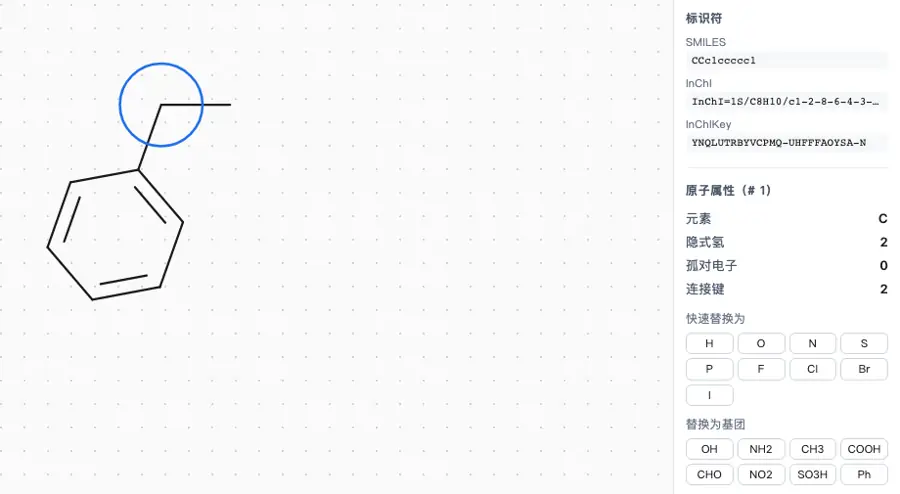 | Yes, according to the manual. Opens the cited page. | Partly: Me, Ph and tBu carry CDXML graphs; other aliases stay labels. Opens the cited page.Me, Ph and tBu carry CDXML graphs; other aliases stay labels. | Not established | Partly: Labels supported; chemical abbreviation handling remains a TODO. Opens the cited page.Labels supported; chemical abbreviation handling remains a TODO. | Not established | Not established | Not established | Not established | Yes, according to the manual: Recognized group abbreviations expand into connected atoms during insertion. Opens the cited page. | Not established | Not established | No: Chemically understood custom group labels remain unfinished. Opens the cited page. | Not established | Yes, according to the manual. Opens the cited page. | Yes, according to the manual. Opens the cited page. | Yes, according to the manual: Typing Ph, Boc and other recognized groups attaches their structures. Opens the cited page. | Not established | Not established | Yes, according to the manual: Abbreviations retain underlying chemical fragments and can be expanded. Opens the cited page. | Yes, according to the manual: Ph and OMe abbreviations contain underlying molecular structures. Opens the cited page. | No: Expandable superatom abbreviations require a future data model. Opens the cited page. | Partly: Whole-molecule abbreviation rejected: Must select a terminal fragment. Opens the cited page.Whole-molecule abbreviation rejected: Must select a terminal fragment. | Not established | No: Abbreviation collapse and expansion remain planned. Opens the cited page. | Not established | Yes, according to the manual: Approved abbreviations resolve to structures and chemical S-groups. Opens the cited page. | Yes, according to the manual: Recognizes abbreviation tokens and expands them into molecular graphs. Opens the cited page. | Not established | Not established | Yes, according to the manual. Opens the cited page. | Not established | Not established | Yes, according to the manual: Understands Me, Et, Pr, Bu, Ph, Bn, Ac, Bz and Ts. Opens the cited page. | Not established | Not established | Not established | Not established | Not established | Not established | Not established | Not established | Not established | Not established | Not established | Yes, according to the manual: Known groups including Ph and OMe can be expanded. Opens the cited page. | Yes, according to the manual. Opens the cited page. | Yes, according to the manual: ExpandAlias converts recognized group labels into explicit atoms. Opens the cited page. | Yes, according to the manual. Opens the cited page. | Yes, according to the manual: Chemically recognized groups expand and collapse. Opens the cited page. | Not established | Yes, according to the manual: Structured abbreviated groups can be expanded, contracted and ungrouped. Opens the cited page. | Yes, according to the manual: Common groups and linear formulas expand into structures. Opens the cited page. | Yes, according to the manual: vendor claim; chemically understood abbreviations. Opens the cited page. | Yes, according to the manual: Ph, Boc, and other labels expand into structures. Opens the cited page. | Yes, according to the manual: Functional groups expand, contract and retain underlying chemistry. Opens the cited page. | Yes, according to the manual. Opens the cited page. | Yes, according to the manual. Opens the cited page. | Yes, according to the manual: Label expansion requires membership. Opens the cited page.Education 4.0 (university email) | Yes, according to the manual: Set and expand named groups; vendor claim. Opens the cited page. | Yes, according to the manual: Expand shorthand formulas into explicit structural fragments. Opens the cited page. | Yes, according to the manual: Nine expandable compact groups include Me, Et, Ph, and OMe. Opens the cited page. | Yes, according to the manual: Abbreviated groups retain molecular structures and attachment points. Opens the cited page. | Yes, according to the manual: Functional groups include chemical compositions and expandable OMe structures. Opens the cited page. | Not established | Yes, according to the manual: Companion cht recognizes Ph, BOC, Me and other abbreviations. Opens the cited page. | Partly: Formula analysis recognizes limited abbreviations, including Et, Ac and TMS. Opens the cited page.Formula analysis recognizes limited abbreviations, including Et, Ac and TMS. | Yes, according to the manual: Ph and COOH are represented as chemical superatom groups. Opens the cited page. | Not established | Yes, according to the manual: Ph, Boc, OMe and other abbreviations expand into structures. Opens the cited page.M | Yes, according to the manual: Recognizes bz and optional ph as benzene-ring codes. Opens the cited page. | Yes, according to the manual: Vendor claim: expand or condense COOH and NO2 groups. Opens the cited page. | Not established | Not established | Yes, according to the manual: Pr, Ts and Ac are interpreted as groups during analysis. Opens the cited page. | Not established | Not established | Not established | Yes, according to the manual: Ac, Bn, Bz, Cy, OAc and Ph have molecular graphs. Opens the cited page. | Not established | Not established | Yes, according to the manual: Inline abbreviations expand automatically for chemical calculations. Opens the cited page. | Not established | Yes, according to the manual: Vendor claim: named functional groups expand, including on MOL/SD export. Opens the cited page. | Yes, according to the manual. Opens the cited page. | Not established | Not established | Not established | Not established | Not established | Not established | Not established |
|---|
| Charges, isotopes and atom labels | Yes, according to the manual: Element labels, isotope numbers and chemically interpreted charges. Opens the cited page. | Yes, according to the manual: Charges, isotopes, elements and literal atom labels. Opens the cited page. | Yes, according to the manual: Atom editing sets elements, isotopes, charges, and labels. Opens the cited page. | Yes, according to the manual: Element labels, charges and isotope mass numbers. Opens the cited page. | Yes, according to the manual: Atom Properties sets element labels, charges and isotope mass numbers. Opens the cited page. | Yes, according to the manual: Charges, element labels, D/T and imported isotope labels. Opens the cited page. | Yes, according to the manual: Isotopes can be drawn or entered through SMILES. Opens the cited page. | Partly: Charges and elements editable; direct isotope editing unverified. Opens the cited page.Charges and elements editable; direct isotope editing unverified. | Yes, according to the manual: Isotopes through SMILES, files and the API. Opens the cited page. | Yes, according to the manual. Opens the cited page. | Yes, according to the manual: D/T isotope labels supported. Opens the cited page. | Yes, according to the manual: Reachable atom-properties dialog supports labels, charges and isotopes. Opens the cited page. | Yes, tested by running it: Keyboard added a nitrogen atom. Opens the screenshot.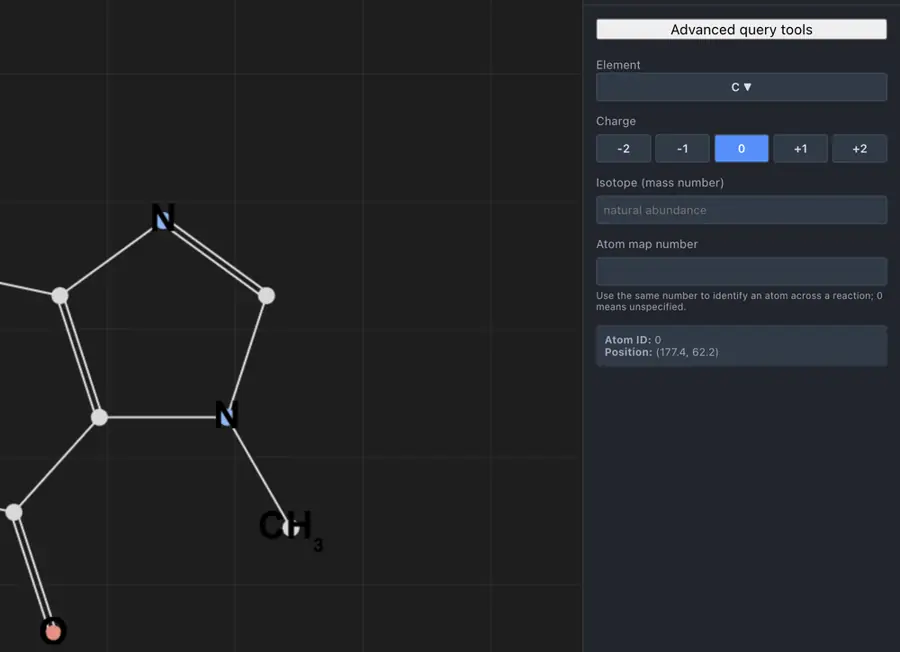 | Yes, according to the manual: Elements, charges and isotopes use native Atom controls. Opens the cited page. | Yes, according to the manual: Editable charge, isotope, element, pseudoatom and alias fields. Opens the cited page. | Yes, according to the manual. Opens the cited page. | Partly: Arbitrary labels and formal charges; no editable isotope field. Opens the cited page.Arbitrary labels and formal charges; no editable isotope field. | Partly: Charges and elements editable; isotope masses preserved on import. Opens the cited page.Charges and elements editable; isotope masses preserved on import. | Partly: Elements and charges editable; isotopes supported through import only. Opens the cited page.Elements and charges editable; isotopes supported through import only. | Yes, according to the manual: Atom properties include labels, charges and isotope masses. Opens the cited page. | Yes, according to the manual: Element labels, charges, isotopes and aliases are editable. Opens the cited page. | Yes, according to the manual. Opens the cited page. | Yes, according to the manual: Ketcher atom dialog includes label, alias, charge, and isotope. Opens the cited page. | Partly: Element labels and charges supported; isotope metadata is not represented. Opens the cited page.Element labels and charges supported; isotope metadata is not represented. | Yes, according to the manual: Element labels, charges, isotope masses and explicit hydrogen counts. Opens the cited page. | Partly: Elements and charges display; stored isotopes are not drawn. Opens the cited page.Elements and charges display; stored isotopes are not drawn. | Yes, according to the manual: Element/isotope/charge tools; arbitrary typed labels require proprietary builds. Opens the cited page. | Yes, according to the manual: Ketcher atom properties include labels, charges and isotopes. Opens the cited page. | Partly: Charges and periodic-table elements; isotope editing unverified. Opens the cited page.Charges and periodic-table elements; isotope editing unverified. | Yes, according to the manual: Editable symbols, charges and isotope numbers. Opens the cited page. | Partly: Element palette visible; custom label tool has subscription marker. Opens the screenshot.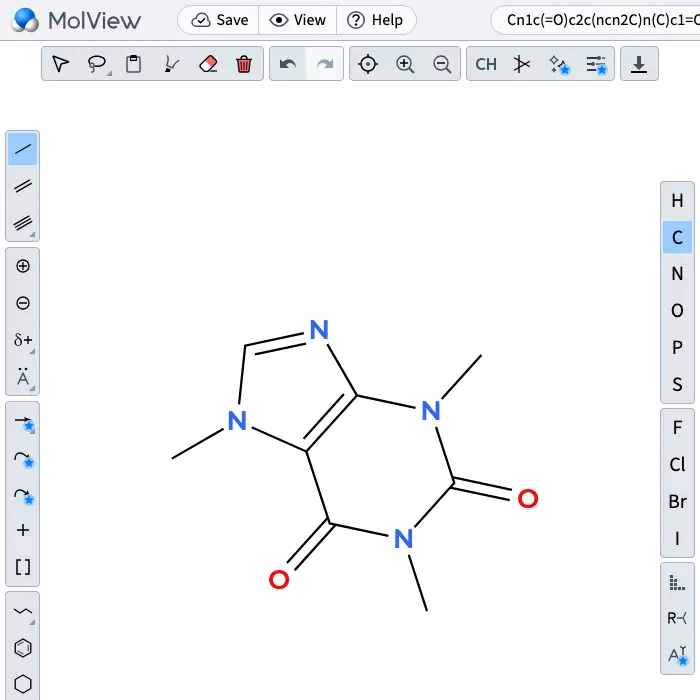 Element palette visible; custom label tool has subscription marker. | Yes, according to the manual: Element labels, aliases, charge and isotope properties are editable. Opens the cited page. | Yes, according to the manual: Element labels, charge and isotope are editable atom properties. Opens the cited page. | Partly: Charges and labels editable; isotopes imported through SMILES/MOL. Opens the cited page.Charges and labels editable; isotopes imported through SMILES/MOL. | Partly: Charges and arbitrary labels editable; atom isotope editing unverified. Opens the cited page.Charges and arbitrary labels editable; atom isotope editing unverified. | Yes, tested by running it: Carbon isotope and positive nitrogen charge rendered. Opens the screenshot. | Partly: Fixed element buttons; no charge or isotope editing controls. Opens the cited page.Fixed element buttons; no charge or isotope editing controls. | Yes, according to the manual. Opens the cited page. | Partly: Charges and arbitrary labels; molecular model lacks isotope fields. Opens the cited page.Charges and arbitrary labels; molecular model lacks isotope fields. | Yes, according to the manual. Opens the cited page. | Partly: Charges and custom labels; no dedicated isotope field. Opens the cited page.Charges and custom labels; no dedicated isotope field. | Partly: Charges and custom labels; no isotope property in atom model. Opens the cited page.Charges and custom labels; no isotope property in atom model. | Yes, according to the manual. Opens the cited page. | Partly: Labels and charges supported; isotope metadata is not saved or copied. Opens the cited page.Labels and charges supported; isotope metadata is not saved or copied. | Yes, according to the manual: Atom properties set custom symbols, formal charges and isotopes. Opens the cited page. | Yes, according to the manual. Opens the cited page. | Yes, according to the manual: Element, formal-charge and isotope tools. Opens the cited page. | Yes, according to the manual: JSME supports charges, isotopic atoms and X atom entry. Opens the cited page. | Partly: Element buttons present; carbon inserted; isotopes unverified. Opens the screenshot.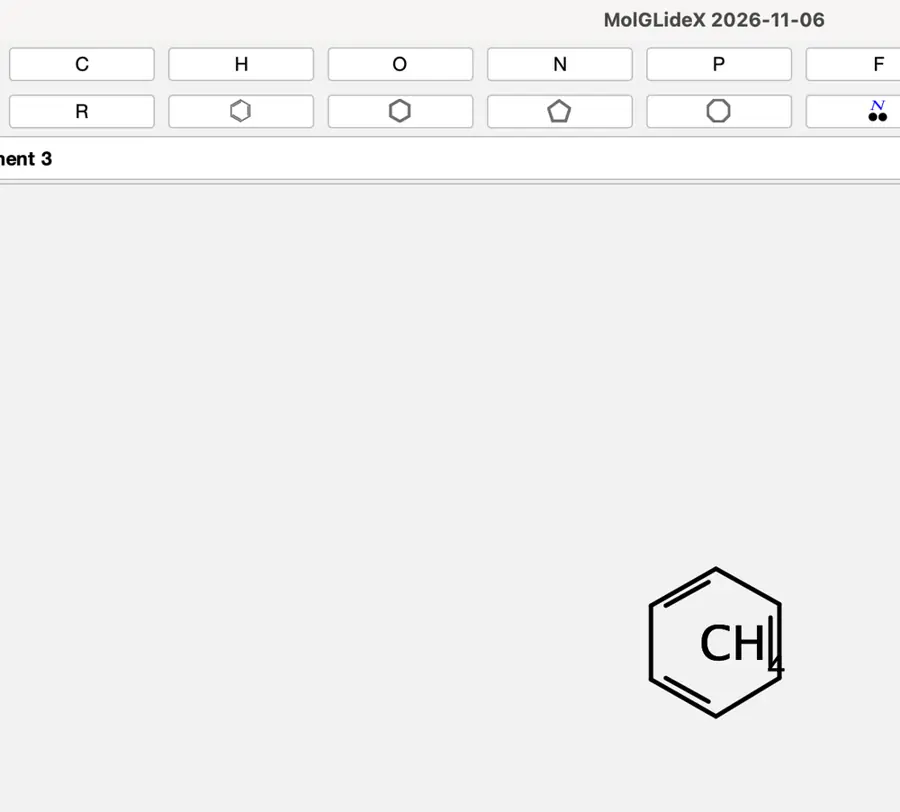 Element buttons present; carbon inserted; isotopes unverified. | Partly: Element labels editable; charges backend-only; no isotope field. Opens the cited page.Element labels editable; charges backend-only; no isotope field. | Yes, according to the manual. Opens the cited page. | Yes, according to the manual: Element labels and isotopes; charge tools documented on drawing page. Opens the cited page. | Yes, according to the manual: Atom tools set elements, charges, isotope masses and custom labels. Opens the cited page. | Partly: Charges/custom labels supported; stored isotopes lack editor/display controls. Opens the cited page.Charges/custom labels supported; stored isotopes lack editor/display controls. | Partly: Atom menu includes charge, element, and isotope submenus. Opens the cited page.Atom menu includes charge, element, and isotope submenus. | Yes, according to the manual. Opens the cited page. | Yes, according to the manual: Atom input supports isotopes, charges and arbitrary pseudoatom labels. Opens the cited page. | Partly: Arbitrary labels work; formal charges and isotopes lack chemical representation. Opens the cited page.Arbitrary labels work; formal charges and isotopes lack chemical representation. | Yes, according to the manual: Arbitrary labels, ionic charges and isotope masses. Opens the cited page. | Yes, according to the manual: Isotopic atoms and atomic-charge editing are implemented. Opens the cited page. | Yes, according to the manual: Element labels, charges and isotope mass numbers are editable. Opens the cited page. | Partly: Charges and custom labels only; no separate isotope attribute. Opens the cited page.Charges and custom labels only; no separate isotope attribute. | Yes, according to the manual. Opens the cited page. | Yes, according to the manual: Element/custom labels, charge shortcuts and isotope selection. Opens the cited page. | Partly: Charge and element controls; isotope editing/display is incomplete. Opens the cited page.Charge and element controls; isotope editing/display is incomplete. | Partly: C+ label accepted; 13C atom syntax rejected. Opens the cited page.C+ label accepted; 13C atom syntax rejected. | Yes, according to the manual. Opens the cited page. | Partly: Charges and elements editable; no exposed isotope setter. Opens the cited page.Charges and elements editable; no exposed isotope setter. | Partly: Element and plain-text labels; no chemical charge or isotope fields. Opens the cited page.Element and plain-text labels; no chemical charge or isotope fields. | Partly: Arbitrary atom labels work; charges remain on the roadmap. Opens the cited page.Arbitrary atom labels work; charges remain on the roadmap. | Partly: Element and charge editing; isotope labels are not rendered. Opens the cited page.Element and charge editing; isotope labels are not rendered. | Yes, according to the manual: Atom dialogs set arbitrary symbols, charges and isotope numbers. Opens the cited page. | Partly: Only element symbols are retained; isotope and charge fields are zeroed. Opens the cited page.Only element symbols are retained; isotope and charge fields are zeroed. | Partly: Unicode charges and isotope digits; no atom-property editing. Opens the cited page.Unicode charges and isotope digits; no atom-property editing. | Partly: Charges and element labels; no dedicated isotope-setting control. Opens the cited page.Charges and element labels; no dedicated isotope-setting control. | Partly: Charges and element replacement; isotope rendering unfinished, arbitrary-label authoring undocumented. Opens the cited page.Charges and element replacement; isotope rendering unfinished, arbitrary-label authoring undocumented. | Yes, according to the manual: Charges and elements; isotope tools require host configuration. Opens the cited page. | Partly: Element placement works; isotope controls absent; charge effect unconfirmed. Opens the cited page.Element placement works; isotope controls absent; charge effect unconfirmed. | Partly: Periodic-table elements and charges; isotope entry is not established. Opens the cited page.Periodic-table elements and charges; isotope entry is not established. | Partly: Only C, N, O, P, S shortcuts; no charges or isotopes. Opens the cited page.Only C, N, O, P, S shortcuts; no charges or isotopes. | Partly: Element labels editable; charges and isotopes lack editor controls. Opens the cited page.Element labels editable; charges and isotopes lack editor controls. | Partly: Charges and element labels supported; isotope editing is unverified. Opens the cited page.Charges and element labels supported; isotope editing is unverified. | Yes, according to the manual. Opens the cited page. | Yes, according to the manual: Element, formal charge, isotope and alias editing commands. Opens the cited page. | Yes, according to the manual. Opens the cited page. | Partly: Elements and charges supported; general isotope mass editing unverified. Opens the cited page.Elements and charges supported; general isotope mass editing unverified. | Yes, according to the manual. Opens the cited page. | Yes, according to the manual: Elements, charges, isotopes, aliases and pseudo atoms. Opens the cited page. | Partly: Element labels and charges; isotope notation lacks chemical interpretation. Opens the cited page.Element labels and charges; isotope notation lacks chemical interpretation. | Not established | Yes, according to the manual: Charges, element labels, and deuterium labels. Opens the cited page. | Yes, according to the manual: Atom properties include labels, charges and isotopes. Opens the cited page. | Not established | Partly: Charges and element labels; isotope editing unverified. Opens the cited page.Charges and element labels; isotope editing unverified. | Not established | Yes, according to the manual: Element editing, formal charges and isotopes; vendor claim. Opens the cited page. | Yes, according to the manual: Set elements, charges, valence, and isotopes. Opens the cited page. | Yes, according to the manual: Atom Properties edits element symbols, charge, isotope, and multiplicity. Opens the cited page. | Not established: Charges and elements documented; isotope editing not established. | Yes, according to the manual: Periodic-table element selection, formal charges, and isotope selection. Opens the cited page. | Yes, according to the manual: Element labels, formal charges, and isotopes in the inspector. Opens the cited page. | Yes, according to the manual: Arbitrary labels and superscripts depict isotopes and charges. Opens the cited page. | Partly: Charges and arbitrary labels; only D/T isotope entries verified. Opens the cited page.Charges and arbitrary labels; only D/T isotope entries verified. | Yes, according to the manual: Atom charge, isotope and element labels are documented. Opens the cited page. | Partly: Elements and charges editable; canvas controls do not set isotopes. Opens the cited page.Elements and charges editable; canvas controls do not set isotopes. | Yes, according to the manual: Editable labels and charges; D/T isotope labels are supported. Opens the cited page.M | Partly: Charges supported; isotope and arbitrary atom labels unverified. Opens the cited page.Charges supported; isotope and arbitrary atom labels unverified. | Partly: Charges and element labels documented; isotope controls unverified. Opens the cited page.Charges and element labels documented; isotope controls unverified. | Not established | Yes, according to the manual. Opens the cited page. | Not established | Yes, according to the manual: Charges and isotopes drawn as formatted atom-label text. Opens the cited page. | Partly: Charges/isotopes and palette elements; arbitrary labels unverified; vendor claim. Opens the cited page.Charges/isotopes and palette elements; arbitrary labels unverified; vendor claim. | Yes, according to the manual: Atom text supports charges, isotope numbers and arbitrary labels. Opens the cited page. | Yes, according to the manual: Element, charge and isotope selectors. Opens the cited page. | Not established | Partly: Pro; vendor claim: charges; isotopes and arbitrary labels undocumented. Opens the cited page.ProPro; vendor claim: charges; isotopes and arbitrary labels undocumented. | Yes, according to the manual: Shared sketcher supports charges, isotopes, and arbitrary atom labels. Opens the cited page. | Not established: Element and charge controls shown; isotope editing undocumented. | Not established | Not established | Partly: Element labels documented; charges/isotopes unverified. Opens the cited page.Element labels documented; charges/isotopes unverified. | Yes, according to the manual: Isotopes documented; developer screenshots show charge and element controls. Opens the cited page. | Not established | Not established | Partly: Elements and charges supported; isotope labels discarded during parsing. Opens the cited page.Elements and charges supported; isotope labels discarded during parsing. | Not established | Not established |
|---|
| Radicals and lone pairs | Yes, according to the manual: Attach radical dots and lone pairs to atoms. Opens the cited page. | Yes, according to the manual: Atom-owned radical dots and positioned lone pairs. Opens the cited page. | Yes, according to the manual: Atom-attached lone pairs and radical dots. Opens the cited page. | Yes, according to the manual: Atom Properties sets radical electrons and drawn lone pairs. Opens the cited page. | Yes, according to the manual: Atom symbol tools place radical dots and lone pairs. Opens the cited page. | Yes, according to the manual. Opens the cited page. | Yes, according to the manual. Opens the cited page. | Not established | Yes, according to the manual. Opens the cited page. | Yes, according to the manual: Monoradical and diradical dots. Opens the cited page. | Yes, according to the manual. Opens the cited page. | Yes, according to the manual: Custom toolbar provides radical and diradical tools. Opens the cited page. | Not established | Yes, according to the manual: Radical and electron-pair tools are enabled. Opens the cited page. | Yes, according to the manual: Monoradical and singlet/triplet diradical atom properties. Opens the cited page. | Yes, according to the manual: Drawn radicals contribute to species multiplicity. Opens the cited page. | Yes, according to the manual: Radical and lone-pair placement on atoms persists in drawings. Opens the cited page. | Yes, according to the manual: Computed or manually adjusted lone pairs. Opens the cited page. | Yes, according to the manual. Opens the cited page. | Yes, according to the manual: Monoradical and singlet/triplet diradical atom properties. Opens the cited page. | Yes, according to the manual: Monoradical and singlet/triplet diradical states. Opens the cited page. | Yes, according to the manual: Lone pairs are drawing annotations. Opens the cited page. | Yes, according to the manual: Radical setting in Ketcher's atom properties. Opens the cited page. | Yes, according to the manual: Automatic and manually positioned lone pairs. Opens the cited page. | Yes, according to the manual: Atom radical dots and electron-pair modifiers. Opens the cited page. | Not established | Yes, according to the manual: Tools add and remove radicals and lone pairs. Opens the cited page. | Yes, according to the manual: Ketcher offers monoradical and singlet/triplet diradical settings. Opens the cited page. | Yes, according to the manual: Toggle one or two radical electrons on an atom. Opens the cited page. | Yes, according to the manual: Dedicated radical and lone-pair tools. Opens the cited page. | Yes, according to the manual: Lone pairs and unpaired electrons can be edited. Opens the cited page. | Yes, according to the manual: Mono- and diradical states are available. Opens the cited page. | Yes, according to the manual: Atom properties include mono- and diradical states. Opens the cited page. | Yes, according to the manual: Lone-pair tool also supports single-electron dots. Opens the cited page. | Yes, according to the manual: Atom tools add lone pairs and charged radical dots. Opens the cited page. | Yes, tested by running it: Oxygen radical dot and lone pair rendered. Opens the screenshot. | Not established | Yes, according to the manual: Monoradical and singlet/triplet diradical atom settings. Opens the cited page. | Yes, according to the manual: Dedicated Radical mark tool. Opens the cited page. | Yes, according to the manual: Unpaired-electron controls; lone pairs unverified. Opens the cited page. | Yes, according to the manual. Opens the cited page. | Yes, according to the manual: Radical dots can be toggled on hovered atoms. Opens the cited page. | Yes, according to the manual. Opens the cited page. | Yes, according to the manual: Radical dots and atom-localized, rotatable electron pairs. Opens the cited page. | Yes, according to the manual: Single radicals, paired dots and lone-pair bars. Opens the cited page. | Yes, according to the manual: Single-electron radicals can be added and removed. Opens the cited page. | Partly: API controls calculated lone pairs; no manual placement tool. Opens the cited page.API controls calculated lone pairs; no manual placement tool. | Not established | Not established | Not established | Yes, according to the manual. Opens the cited page. | Not established | Yes, according to the manual: Hotkeys set single-electron, singlet and triplet radical states. Opens the cited page. | Not established | Not established | Yes, according to the manual: Atom properties include the number of unpaired electrons. Opens the cited page. | Yes, according to the manual: Radical states and lone-pair electron markers. Opens the cited page. | Yes, according to the manual: Graphical electron-dot and lone-pair symbols. Opens the cited page. | Yes, according to the manual: Unpaired-electron counts represent radicals. Opens the cited page. | Not established | Yes, according to the manual: Editable radical states render as dots or rings. Opens the cited page. | Not established | Yes, according to the manual: Mono- and diradical atom settings. Opens the cited page. | Not established | Not established | Not established | Yes, according to the manual: Unpaired-electron counts produce radical dots. Opens the cited page. | Not established | Not established | No: Radicals remain on the roadmap. Opens the cited page. | Not established | Yes, according to the manual: Singlet, doublet and triplet radicals have editable atom settings. Opens the cited page. | Not established | Yes, according to the manual: Lone pairs use text strokes around element symbols. Opens the cited page. | Not established | Not established | Yes, according to the manual: Radical editing in ChemWriter 3.15.1; older deployments differ. Opens the cited page. | No: Radical button clicks produced no visible atom change. Opens the cited page. | Not established | Not established | Not established | Yes, according to the manual: Radical, biradical and electron-pair marks. Opens the cited page. | Yes, according to the manual. Opens the cited page. | Yes, according to the manual: Lone-pair and radical tools update individual atoms. Opens the cited page. | Yes, according to the manual: Radical types can be assigned to individual atoms. Opens the cited page. | Yes, according to the manual: Atom-associated radical dots and lone-pair markers. Opens the cited page. | Not established | Yes, according to the manual: Radical electrons and lone pairs can be assigned manually. Opens the cited page. | Yes, according to the manual: Radical, biradical and lone-pair marks. Opens the cited page. | Not established | Yes, according to the manual: Dedicated radical tools; electron-pair tools also available. Opens the cited page. | Yes, according to the manual: Atom Properties includes a radical selector. Opens the cited page. | Yes, according to the manual. Opens the cited page. | Yes, according to the manual. Opens the cited page. | Yes, according to the manual. Opens the cited page. | Not established | Yes, according to the manual: Attach horizontal or vertical lone pairs to atoms. Opens the cited page. | Yes, according to the manual: Radical dots, paired dots, and electron-pair marks. Opens the cited page. | Yes, according to the manual: Explicit add-radical drawing tool. Opens the cited page. | Yes, according to the manual: Electrons and lone pairs can be added to atoms. Opens the cited page. | Yes, according to the manual: Atom inspector includes radical settings. Opens the cited page. | Yes, according to the manual: Keypad creates lone pairs; individual dots can represent radicals. Opens the cited page. | Yes, according to the manual: Radical and lone-pair placement tools. Opens the cited page. | Yes, according to the manual: Atoms have a documented radical property. Opens the cited page. | Not established | Yes, according to the manual: Lone pairs can be positioned automatically or manually. Opens the cited page. | Yes, according to the manual: Displays lone pairs on atoms. Opens the cited page. | Not established | Not established | Yes, according to the manual: Radical dots can be added to atoms. Opens the cited page. | Yes, according to the manual. Opens the cited page. | Yes, according to the manual: Radical, lone-electron and lone-pair ornaments attach to atoms or bond ends. Opens the cited page. | Not established | Yes, according to the manual: Lone electron pairs are drawn automatically. Opens the cited page. | Not established | Not established | Yes, according to the manual: Pro; vendor claim: lone pairs. Opens the cited page.Pro | Yes, according to the manual: Shared sketcher supports setting atom radical counts. Opens the cited page. | Not established | Not established | Yes, according to the manual. Opens the cited page. | Not established | Yes, according to the manual: Vendor claim: lone-pair markers. Opens the cited page. | Not established | Not established | Partly: Automatic electron dots; manual radical or lone-pair placement unverified. Opens the cited page.Automatic electron dots; manual radical or lone-pair placement unverified. | Not established | Not established |
|---|
| Keyboard drawing | Yes, according to the manual: Hotkeys change hovered atoms and bonds. Opens the cited page. | Yes, according to the manual: Hover targets support atom labels and bond-order shortcuts. Opens the cited page. | Yes, according to the manual: Hover keys change bond order, stereo, atom labels, and charges. Opens the cited page. | Yes, according to the manual: Hovering establishes hotspots; keys change atoms and bonds. Opens the cited page. | Yes, according to the manual: Point at an atom or bond and use chemistry shortcut keys. Opens the cited page. | Yes, according to the manual. Opens the cited page. | Yes, according to the manual. Opens the cited page. | Yes, according to the manual: Element hotkeys and 1/2/3 change atoms and bonds under pointer. Opens the cited page. | Yes, according to the manual. Opens the cited page. | Yes, tested by running it: Number keys changed bond order during drawing. Opens the cited page. | Yes, according to the manual. Opens the cited page. | Yes, according to the manual: Hover bonds or atoms and press numbered keys. Opens the cited page. | Yes, tested by running it: Shift+N added a bonded atom. Opens the cited page. | Yes, according to the manual. Opens the cited page. | Yes, according to the manual: Hotkeys alter hovered atoms, charges and atom properties. Opens the cited page. | Not established | Yes, according to the manual: Hover shortcuts change atom labels, bond orders and styles. Opens the cited page. | Partly: Element keys edit selected atoms; hover-key editing is unverified. Opens the cited page.Element keys edit selected atoms; hover-key editing is unverified. | Yes, according to the manual. Opens the cited page. | Yes, according to the manual: Keyboard atom tools modify hovered atoms. Opens the cited page. | Yes, according to the manual. Opens the cited page. | Yes, according to the manual. Opens the cited page. | Yes, according to the manual: Click an atom and type its replacement label. Opens the cited page. | Yes, according to the manual: Hover atoms to change elements; 1/2/3 set hovered bond order. Opens the cited page. | Yes, tested by running it: Number and letter shortcuts changed drawing tools. Opens the cited page. | Yes, according to the manual. Opens the cited page. | Yes, according to the manual: Hover shortcuts change elements, bond orders, charges, and orientation. Opens the cited page. | Yes, according to the manual: Select an atom and type to change its element. Opens the cited page. | Partly: N selected nitrogen mode; selected atom did not change. Opens the cited page.N selected nitrogen mode; selected atom did not change. | Not established | Not established | Yes, according to the manual. Opens the cited page. | Yes, according to the manual: Hovering an atom allows keyboard element and charge changes. Opens the cited page. | Yes, according to the manual: Hover over an atom and type its label. Opens the cited page. | Yes, according to the manual: Typing changes the focused atom; element shortcuts are defined. Opens the cited page. | Not established | Not established | Yes, according to the manual. Opens the cited page. | Yes, according to the manual: Hover shortcuts change atom labels and bond types. Opens the cited page. | Yes, according to the manual. Opens the cited page. | Not established | Yes, according to the manual: Hover shortcuts change charges and radicals. Opens the cited page. | Yes, according to the manual. Opens the cited page. | Not established | Yes, according to the manual: Number keys change hovered bonds; plus/minus changes hovered atom charges. Opens the cited page. | Yes, according to the manual: Context-sensitive atom and bond keyboard shortcuts. Opens the cited page. | Yes, according to the manual: Hover atoms or bonds and use element/bond keys. Opens the cited page. | Yes, according to the manual: Hover shortcuts change atom types and add bonds. Opens the cited page. | Partly: Displayed shortcuts did not respond through computer-use key input. Opens the cited page.Displayed shortcuts did not respond through computer-use key input. | No: Keyboard handler is a no-op; editing uses mouse clicks. Opens the cited page. | Yes, according to the manual. Opens the cited page. | Yes, according to the manual. Opens the cited page. | Yes, tested by running it: Keys 2 and 3 changed the hovered bond order. Opens the cited page. | Not established | Yes, according to the manual: Hover over an atom and type an element symbol. Opens the cited page. | Yes, according to the manual: Point at an atom or bond, then use keyboard commands. Opens the cited page. | Yes, according to the manual: Keyboard operations preferentially target hovered atoms and bonds. Opens the cited page. | Yes, according to the manual: Typing over an atom starts or changes its label. Opens the cited page. | Partly: Typing selects element tools; placement still requires clicking. Opens the cited page.Typing selects element tools; placement still requires clicking. | Yes, according to the manual: Atom changes and ring shortcuts work under the pointer. Opens the cited page. | Not established | No: Keyboard handler supports navigation and editing commands, not atom/bond changes. Opens the cited page. | Yes, according to the manual. Opens the cited page. | Yes, tested by running it: Keyboard shortcuts changed bond orders and inserted rings. Opens the screenshot. | Yes, according to the manual. Opens the cited page. | Not established | Partly: Shortcuts target clicked or selected atoms and bonds. Opens the cited page.Shortcuts target clicked or selected atoms and bonds. | Not established | Yes, according to the manual: Point at atoms and type to create or extend labels. Opens the cited page. | Not established | Yes, according to the manual: Hover an atom, then change its element or charge with shortcuts. Opens the cited page. | Not established | Yes, according to the manual: Typed characters replace a selected atom label when Enter is pressed. Opens the cited page. | Not established | Partly: Shortcuts change tools or selections; hovering alone does not edit. Opens the cited page.Shortcuts change tools or selections; hovering alone does not edit. | Not established | Yes, according to the manual: Hover over an atom and type its element shortcut. Opens the cited page. | Not established | Yes, according to the manual: Hovered atoms and bonds respond to element, charge, and stereo keys. Opens the cited page. | Yes, tested by running it: Keys changed selected bond orders and grafted a ring. Opens the cited page. | Not established | Partly: Keyboard label editing requires selecting atoms first. Opens the cited page.Keyboard label editing requires selecting atoms first. | Yes, according to the manual. Opens the cited page. | Yes, according to the manual: Select an atom, then type an element or group abbreviation. Opens the cited page. | Yes, according to the manual. Opens the cited page. | Yes, according to the manual: Hover atoms or bonds, then press drawing shortcuts. Opens the cited page. | Yes, according to the manual. Opens the cited page. | Yes, according to the manual: Hover over a bond and type its bond shortcut. Opens the cited page. | Yes, according to the manual: Select an atom and type its replacement label. Opens the cited page. | Yes, according to the manual: vendor claim; hover over atoms and type element symbols. Opens the cited page. | Yes, according to the manual: Hover over an atom and press its element hotkey. Opens the cited page. | Yes, according to the manual: Click an atom and type its replacement label. Opens the cited page. | Yes, according to the manual. Opens the cited page. | Yes, according to the manual. Opens the cited page. | Yes, according to the manual: Hover over bonds and press number keys. Opens the cited page. | Yes, according to the manual: Hover over bonds and press editing hotkeys on Mac. Opens the cited page. | Not established: Shortcuts documented; atom-hover editing unverified. | Not established | Yes, according to the manual: Keys change focused atoms and bonds. Opens the cited page. | Not established | Not established | Yes, according to the manual: Element shortcuts place labels at the last clicked drawing position. Opens the cited page. | Yes, according to the manual: Hover over atoms and type element letters. Opens the cited page. | Yes, according to the manual: Hover over atoms and type element keys or Enter. Opens the cited page. | Yes, according to the manual: Keys change hovered elements, bond orders and wedge/hash stereo. Opens the cited page. | Yes, according to the manual: Hover over atoms and type to change their symbols. Opens the cited page.M | Not established | Partly: Vendor claim: hot-key labeling; pointer-based operation undocumented. Opens the cited page.Vendor claim: hot-key labeling; pointer-based operation undocumented. | Not established | No: Keys switch tools; they do not edit the hovered atom/bond. Opens the cited page. | Not established | Not established | Not established | Not established | Yes, according to the manual: Hover shortcuts change bonds, elements, charges and isotopes. Opens the cited page. | Not established | Not established | Not established | Not established | Not established | Not established | Not established | Not established | Not established | Not established | Partly: Delete/Backspace removes selected atoms or bonds; no element/order shortcuts. Opens the cited page.Delete/Backspace removes selected atoms or bonds; no element/order shortcuts. | Not established | Not established |
|---|
| Lasso select and transforms | Yes, according to the manual: Freehand lasso, rotation, flips and resizing. Opens the cited page. | Yes, according to the manual: Lasso selection, rotation, flips and resizing. Opens the cited page. | Yes, according to the manual: Lasso selection, rotation handles, flips, and resizing. Opens the cited page. | Yes, according to the manual: Lasso selection, rotation, flip and scaling handles. Opens the cited page. | Yes, according to the manual: Lasso selection supports rotation, flipping and resizing. Opens the cited page. | Yes, according to the manual. Opens the cited page. | Partly: Rectangle selection and hand tools visible. Opens the cited page.Rectangle selection and hand tools visible. | Partly: Rectangular selection, rotation and flipping; drawings resize in Page view. Opens the cited page.Rectangular selection, rotation and flipping; drawings resize in Page view. | Yes, according to the manual: Lasso, rotate, flip, proportional scaling and stretching. Opens the cited page. | Partly: Lasso, rotation and flips; resizing limited to images and graphical objects. Opens the cited page.Lasso, rotation and flips; resizing limited to images and graphical objects. | Yes, according to the manual. Opens the cited page. | Partly: Sketcher supports lasso; resizing is documented for Canvas objects. Opens the cited page.Sketcher supports lasso; resizing is documented for Canvas objects. | Partly: Rectangular selection, rotation and flips; no resize transform. Opens the cited page.Rectangular selection, rotation and flips; no resize transform. | Yes, according to the manual: Lasso selection, rotation, flip and scale tools are enabled. Opens the cited page. | Partly: Lasso, rotate and flip; resizing limited to graphical objects. Opens the cited page.Lasso, rotate and flip; resizing limited to graphical objects. | Partly: Lasso and flip tools visible; resizing not checked. Opens the cited page.Lasso and flip tools visible; resizing not checked. | Yes, according to the manual: Lasso selection, rotation, resizing and horizontal/vertical flips. Opens the cited page. | Partly: Lasso, rotation and flips; resizing verified only for arrows. Opens the cited page.Lasso, rotation and flips; resizing verified only for arrows. | Partly: Box selection, rotation and flips; no lasso or object resizing. Opens the cited page.Box selection, rotation and flips; no lasso or object resizing. | Partly: Lasso, rotation and flipping; structure resizing unverified. Opens the cited page.Lasso, rotation and flipping; structure resizing unverified. | Partly: Rectangle, lasso, and fragment selection tools are visible. Opens the screenshot. Rectangle, lasso, and fragment selection tools are visible. | Partly: Rectangle selection, rotation and flips; no lasso or resize controls. Opens the cited page.Rectangle selection, rotation and flips; no lasso or resize controls. | Yes, according to the manual: Ketcher lasso/rotate/flip; whiteboard objects can be resized. Opens the cited page. | Partly: Lasso, rotation, and flips; no selected-structure resizing. Opens the cited page.Lasso, rotation, and flips; no selected-structure resizing. | Yes, according to the manual: Lasso, rotate, flip; Ctrl+wheel scales the active selection. Opens the cited page. | No: Documented Select event forwarding uses no-op placeholder handlers. Opens the cited page. | Partly: Lasso, flips, whole-figure rotation; scaling changes rendering size. Opens the cited page.Lasso, flips, whole-figure rotation; scaling changes rendering size. | Partly: Lasso, rotate and flip; document insertion controls whole-molecule resizing. Opens the cited page.Lasso, rotate and flip; document insertion controls whole-molecule resizing. | Partly: Rectangle selection; rotate and plugin flips; lasso and molecular resizing unverified. Opens the cited page.Rectangle selection; rotate and plugin flips; lasso and molecular resizing unverified. | Yes, according to the manual: Lasso selection, resizing, molecule rotation, mirror and inversion. Opens the cited page. | Yes, seen in the app: Pointer and lasso tools visible. Opens the cited page. | Partly: Lasso and fragment selection visible; transforms not verified. Opens the cited page.Lasso and fragment selection visible; transforms not verified. | Partly: Lasso, rotate, flip; resizing applies to images and simple shapes. Opens the cited page.Lasso, rotate, flip; resizing applies to images and simple shapes. | Partly: Box selection, rotation, flipping; resizing only in Figure mode. Opens the cited page.Box selection, rotation, flipping; resizing only in Figure mode. | Partly: Select All works; rotate and flip controls visible. Opens the screenshot.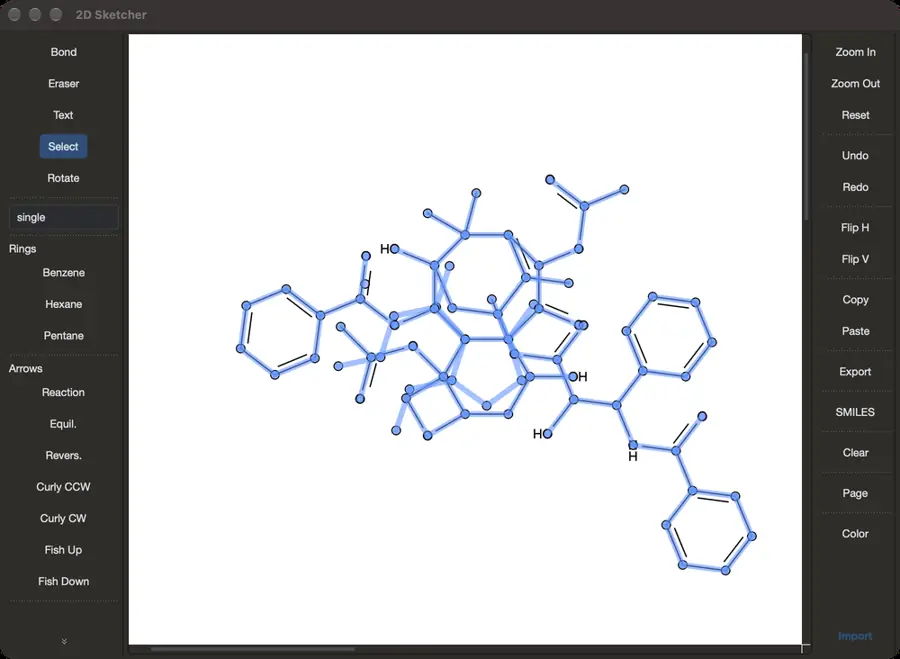 Select All works; rotate and flip controls visible. | Partly: Rotation, flipping and scaling are specified through TeX code. Opens the cited page.Rotation, flipping and scaling are specified through TeX code. | Partly: Individual atom and bond selection; no lasso or transforms visible. Opens the screenshot. Individual atom and bond selection; no lasso or transforms visible. | Partly: Lasso, rotate, flip; resizing covers images, shapes and arrows. Opens the cited page.Lasso, rotate, flip; resizing covers images, shapes and arrows. | Partly: Marquee selection and transform handles; no freehand selection mode. Opens the cited page.Marquee selection and transform handles; no freehand selection mode. | Partly: Lasso, rotate and flip; structure resizing unverified. Opens the cited page.Lasso, rotate and flip; structure resizing unverified. | Partly: Rectangular selection and rotation; full free-selection transforms are not provided. Opens the cited page.Rectangular selection and rotation; full free-selection transforms are not provided. | Partly: Lasso and rotation only; no flip or selection resize controls. Opens the cited page.Lasso and rotation only; no flip or selection resize controls. | Partly: Select and move tool visible. Opens the cited page.Select and move tool visible. | Partly: Freehand Select and Rotation Mode tools; resizing unverified. Opens the cited page.Freehand Select and Rotation Mode tools; resizing unverified. | Partly: Lasso, rotation and flipping; bracket resizing, without whole-structure scaling. Opens the cited page.Lasso, rotation and flipping; bracket resizing, without whole-structure scaling. | Yes, according to the manual: Lasso selection, rotation, flipping and coordinate-based resizing. Opens the cited page. | Partly: Legacy-layout lasso and rotation; no flip or object-resize controls. Opens the cited page.Legacy-layout lasso and rotation; no flip or object-resize controls. | Not established | Partly: Select tool clicked; drag failed in computer-use tooling. Opens the cited page.Select tool clicked; drag failed in computer-use tooling. | Not established | Yes, according to the manual: Freehand selection, rotation, flipping, and resizing. Opens the cited page. | Yes, according to the manual. Opens the cited page. | Yes, according to the manual: Lasso selection, rotation, resizing and keyboard horizontal/vertical flipping. Opens the cited page. | Partly: Lasso, rotation, and flips; no whole-selection resizing control. Opens the cited page.Lasso, rotation, and flips; no whole-selection resizing control. | Partly: Selection and rotate controls are visible. Opens the cited page.Selection and rotate controls are visible. | Yes, according to the manual: Lasso selection plus rotation, flipping, and scaling. Opens the cited page. | Yes, according to the manual: Lasso, rotate and resize; negative scaling implements flipping. Opens the cited page. | Yes, according to the manual: Lasso selection, rotation, mirroring, and resizing. Opens the cited page. | Yes, according to the manual: Arbitrary atom selection with rotation, flips and scaling. Opens the cited page. | Not established | Partly: Marquee selection and movement; rotation, flip and resize unavailable. Opens the cited page.Marquee selection and movement; rotation, flip and resize unavailable. | Partly: Lasso selection and movement only; no rotation, flip or resizing. Opens the cited page.Lasso selection and movement only; no rotation, flip or resizing. | Partly: Lasso, rotation and flips; no resize tool. Opens the cited page.Lasso, rotation and flips; no resize tool. | Partly: Selection limited to connected components, chains, rings and molecular fragments. Opens the cited page.Selection limited to connected components, chains, rings and molecular fragments. | Partly: Lasso and rotation; no exposed flip or resize controls. Opens the cited page.Lasso and rotation; no exposed flip or resize controls. | Not established | Yes, according to the manual: Lasso selection; rotate, flip, and scale selected atoms. Opens the cited page. | Partly: Individual atom selection only; bond selection explicitly unimplemented; transforms unverified. Opens the cited page.Individual atom selection only; bond selection explicitly unimplemented; transforms unverified. | Partly: Whole-molecule move and rotate; no lasso, flip or resize. Opens the cited page.Whole-molecule move and rotate; no lasso, flip or resize. | Yes, according to the manual: Four corner/side handles each; README says eight each. Opens the cited page. | Partly: Molecule movement and rotation; rectangle selector remains a stub. Opens the cited page.Molecule movement and rotation; rectangle selector remains a stub. | Yes, according to the manual: Lasso selection, rotation, flipping and resize handles are implemented. Opens the cited page. | Partly: Rotation and scaling supported; no lasso or flip controls. Opens the cited page.Rotation and scaling supported; no lasso or flip controls. | Not established | Partly: Lasso and box selection with movement; no rotate, flip or resize. Opens the cited page.Lasso and box selection with movement; no rotate, flip or resize. | Partly: Rectangular selection, move, rotate and resize; no lasso implementation. Opens the cited page.Rectangular selection, move, rotate and resize; no lasso implementation. | Partly: Lasso icon visible; rotate, flip and resize not seen. Opens the cited page.Lasso icon visible; rotate, flip and resize not seen. | Not established | Partly: Rectangle selection and movement; no rotation, flip, or selection-resize controls. Opens the cited page.Rectangle selection and movement; no rotation, flip, or selection-resize controls. | Partly: Single atom or bond selection and translation; no lasso, rotation, flip. Opens the cited page.Single atom or bond selection and translation; no lasso, rotation, flip. | Not established | Partly: Rectangle selection; rotation, mirroring and scaling use separate commands. Opens the cited page.Rectangle selection; rotation, mirroring and scaling use separate commands. | Yes, according to the manual. Opens the cited page. | Yes, according to the manual: Lasso selection, rotation, scaling and horizontal/vertical reflection. Opens the cited page. | Yes, according to the manual: Lasso selection, rotation, scaling, and flipping are documented. Opens the cited page. | Yes, according to the manual: Lasso selection, scaling, rotation and flips documented across editing sections. Opens the cited page. | Yes, according to the manual. Opens the cited page. | Partly: Freehand, rotation and flipping supported; molecule resizing unverified. Opens the cited page.Freehand, rotation and flipping supported; molecule resizing unverified. | Partly: Rectangular selection; no lasso. Rotation, mirroring and scaling available. Opens the cited page.Rectangular selection; no lasso. Rotation, mirroring and scaling available. | Not established | Yes, according to the manual: Lasso selection with rotation, flips, scaling, and stretching. Opens the cited page. | Partly: Lasso, rotate and flip; resizing limited to images and shapes. Opens the cited page.Lasso, rotate and flip; resizing limited to images and shapes. | Not established | Partly: Lasso, rotate and flip; resizing unverified. Opens the cited page.Lasso, rotate and flip; resizing unverified. | Yes, according to the manual: Windows lasso, rotation, resizing and mirror flip. Opens the cited page. | Not established | Not established: Lasso and rotation documented; complete transform set unverified. | Partly: Rotation, scaling and mirroring available; lasso selection unverified. Opens the cited page.Rotation, scaling and mirroring available; lasso selection unverified. | Not established: Lasso, rotation and flips documented; resizing not established. | Yes, according to the manual: Lasso selection; molecules support rotation, flips, and resizing. Opens the cited page. | Not established | Partly: Selection uses rectangles; rotate, flip and resize are supported. Opens the cited page.Selection uses rectangles; rotate, flip and resize are supported. | Yes, according to the manual: Lasso selection, rotation, scaling and negative-scale mirroring. Opens the cited page. | Not established | Partly: Rectangular selection and movement; no lasso, rotation, flip or resize. Opens the cited page.Rectangular selection and movement; no lasso, rotation, flip or resize. | Yes, according to the manual: Freehand selection plus rotation, mirroring and scaling. Opens the cited page.M | Partly: Rectangle/Ctrl selection and transforms; lasso selection unverified. Opens the cited page.Rectangle/Ctrl selection and transforms; lasso selection unverified. | Yes, according to the manual: Linked screenshot shows lasso; rotation, scaling and flipping documented. Opens the cited page. | Not established | Partly: Lasso, rotation and flips; zoom changes viewport, without object resizing. Opens the cited page.Lasso, rotation and flips; zoom changes viewport, without object resizing. | Not established | Partly: Rectangle selection and rotate/flip; lasso remains a planned feature. Opens the cited page.Rectangle selection and rotate/flip; lasso remains a planned feature. | Not established | Not established | Partly: Rectangle selection and rotation; flip and object scaling unverified. Opens the cited page.Rectangle selection and rotation; flip and object scaling unverified. | Not established | Not established | Yes, according to the manual: Shared sketcher supports free selection, rotation, flipping, and scaling. Opens the cited page. | Not established: Selection, rotation and flips documented; resizing unverified. | Not established | Not established | Partly: Selection documented; rotation, flip and resizing unverified. Opens the cited page.Selection documented; rotation, flip and resizing unverified. | Not established | Not established | Partly: vendor claim; select, rotate and flip; lasso and resize unverified. Opens the cited page.vendor claim; select, rotate and flip; lasso and resize unverified. | Partly: Single atom/bond selection; lasso, rotation, flipping, and resizing unverified. Opens the cited page.Single atom/bond selection; lasso, rotation, flipping, and resizing unverified. | Not established | Not established |
|---|
| Tilt drawings in perspective | Yes, according to the manual: Perspective in Prime; 3D cleanup requires Professional or Signals. Opens the cited page. | Yes, according to the manual: X/Y tilt retains depth without changing chemical stereochemistry. Opens the cited page. | Yes, according to the manual: Structure Perspective rotates a 3D pose on the drawing canvas. Opens the cited page. | Yes, tested by running it: Rotate in 3D changed cholesterol's canvas projection. Opens the screenshot.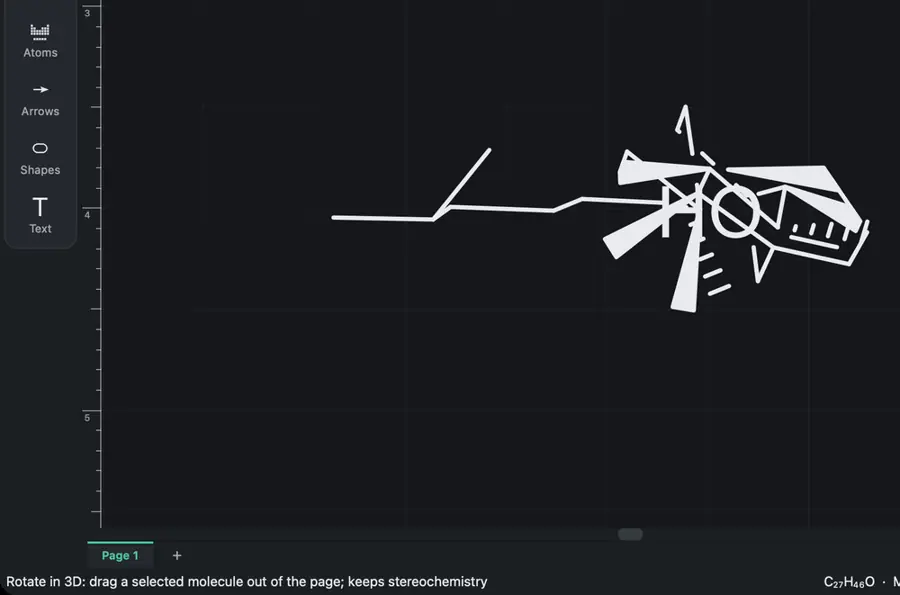 | Yes, tested by running it: Generated depth-shaded cholesterol and rotated it by dragging. Opens the screenshot.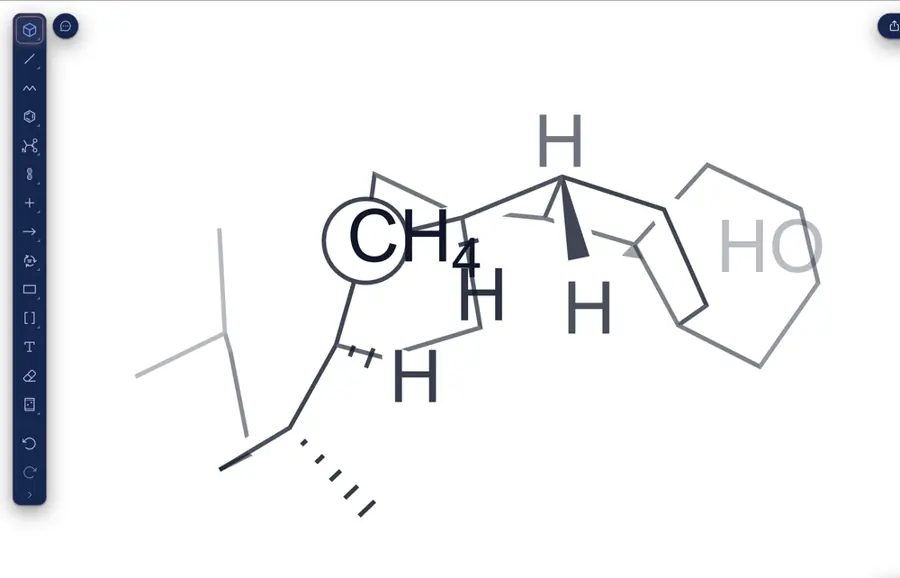 | Yes, tested by running it: Interactive 3D workspace projected cholesterol onto the drawing. Opens the screenshot.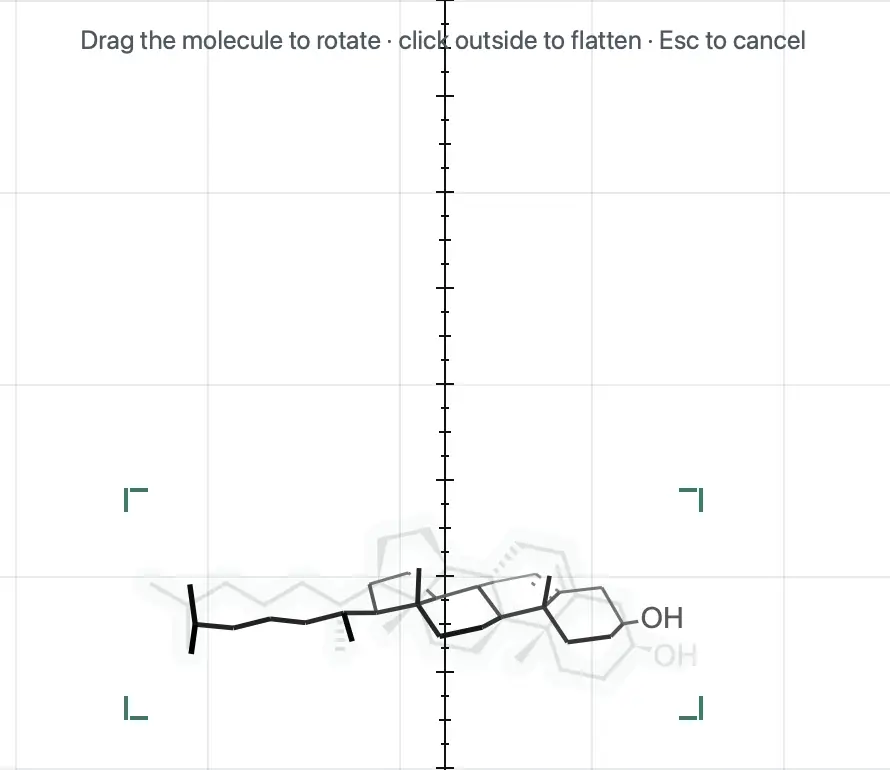 | Not established | Not established | Yes, according to the manual. Opens the cited page. | Not established | Yes, according to the manual. Opens the cited page. | Not established | Not established | Not established | Not established | Not established | Yes, according to the manual: X/Y trackball tilts structures; depth persists in native drawings. Opens the cited page. | Not established | Not established | Not established | Not established | Not established | Not established | Not established | Yes, tested by running it: 3D rotation changed the selected structure's projection. Opens the screenshot.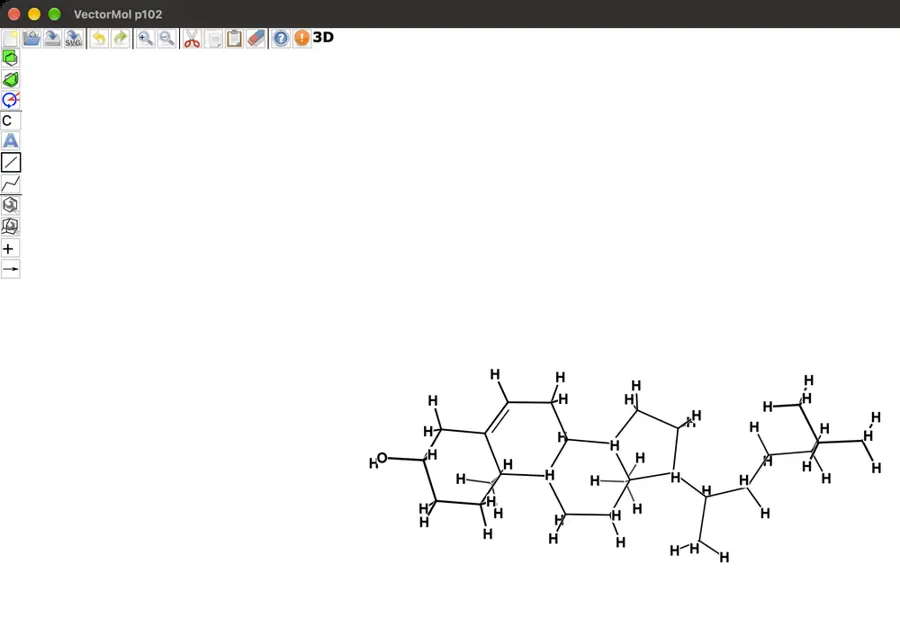 | Not established | Yes, according to the manual: TransformCanvas optionally rotates rendered structures in three dimensions. Opens the cited page. | Not established | Yes, according to the manual: Requires 3D Molecule on 2D plugin for canvas rotation. Opens the cited page. | Yes, according to the manual: Rotate drawing atom coordinates in three dimensions. Opens the cited page. | Not established | Not established | Not established | Not established | Not established | Partly: Perspective constructed manually with bond angles and lengths. Opens the cited page.Perspective constructed manually with bond angles and lengths. | Not established | Not established | Yes, according to the manual: Drag-based perspective rotation with optional axis locking. Opens the cited page. | Not established | Not established | Yes, according to the manual: Canvas atoms rotate around horizontal and vertical axes. Opens the cited page. | Not established | Not established | Not established | Yes, according to the manual: Quasi-3D projection transforms selected two-dimensional drawing coordinates. Opens the cited page. | Not established | Not established | Not established | Not established | Not established | Yes, according to the manual: Tumble operations rotate selected atoms out of plane, then project. Opens the cited page. | Not established | Not established | Not established | Not established | Not established | Not established | Not established | Not established | No: 3D coordinates and projected scene geometry remain planned. Opens the cited page. | Not established | Not established | Not established | Not established | Not established | Not established | Not established | Not established | Not established | Not established | Yes, according to the manual: Rotate 3D transforms drawings around X and Y axes. Opens the cited page. | Not established | Not established | Not established | Not established | Not established | Not established | Not established | Not established | Not established | Yes, according to the manual: Dedicated 3D rotation mode tilts molecular drawings. Opens the cited page. | Yes, according to the manual. Opens the cited page. | Yes, according to the manual: 3D cleanup creates a canvas pose that users can rotate. Opens the cited page. | Yes, according to the manual. Opens the cited page. | Yes, according to the manual: Rotate editable canvas structures to change their perspective. Opens the cited page. | Yes, according to the manual: Canvas structures rotate around X and Y axes. Opens the cited page. | Yes, according to the manual: Canvas molecules rotate in 3D; coordinate generation requires web services. Opens the cited page. | Yes, according to the manual: 3D rotation of drawn molecules and fragments. Opens the cited page. | Yes, according to the manual: vendor claim; 3D rotation of drawn queries. Opens the cited page. | Yes, according to the manual: Rotate selected canvas structures in three dimensions. Opens the cited page. | Not established | Not established | Not established | Not established | Not established | Yes, according to the manual: Rotate structures in two or three dimensions on the canvas. Opens the cited page. | Not established | Not established | Not established | Not established | Partly: Rotation applies only to imported 3D previews before flattening. Opens the cited page.Rotation applies only to imported 3D previews before flattening. | Yes, according to the manual: Canvas drawings rotate around the X and Y axes. Opens the cited page. | Not established | Partly: Flat sketch tilts in preview; editable canvas remains two-dimensional. Opens the cited page.Flat sketch tilts in preview; editable canvas remains two-dimensional. | Not established | Not established | Yes, according to the manual: Vendor claim: interactive 3D rotation of drawings. Opens the cited page. | Not established | Not established | Not established | Not established | Not established | Not established | Not established | Yes, according to the manual: Host–guest drawings rotate in 3D with depth layers; vendor claim. Opens the cited page. | Not established | Not established | Not established | Not established | Not established | Not established | Not established | Not established | Not established | Not established | Not established | Not established |
|---|
| Reactions and mechanisms |
|---|
| Reaction arrows | Yes, tested by running it: Drew forward and equilibrium arrows. Opens the cited page. | Yes, tested by running it: Drew forward and equilibrium arrows. Opens the screenshot. | Yes, tested by running it: Drew straight and equilibrium arrows. Opens the screenshot. | Yes, tested by running it: Drew forward and equilibrium arrows. Opens the screenshot.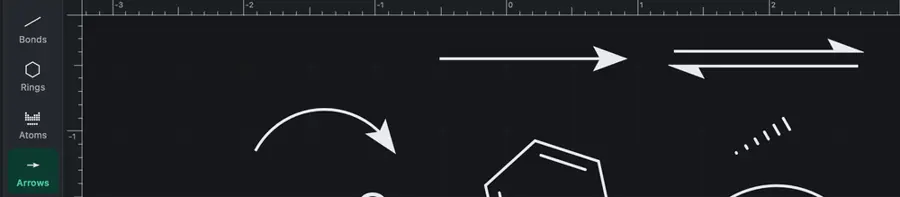 | Yes, tested by running it: Drew forward and equilibrium arrows. Opens the screenshot.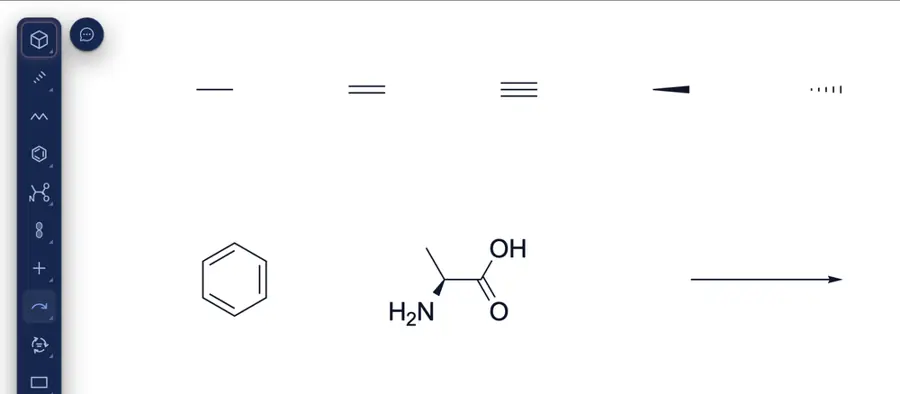 | Partly: Arrows Toolbar reported open; no drawing controls appeared. Opens the cited page.Arrows Toolbar reported open; no drawing controls appeared. | Yes, tested by running it: Drew forward and equilibrium arrows. Opens the screenshot. | Yes, tested by running it: Drew forward arrow and changed another to equilibrium. Opens the cited page. | Yes, tested by running it: Drew forward and equilibrium arrows. Opens the screenshot.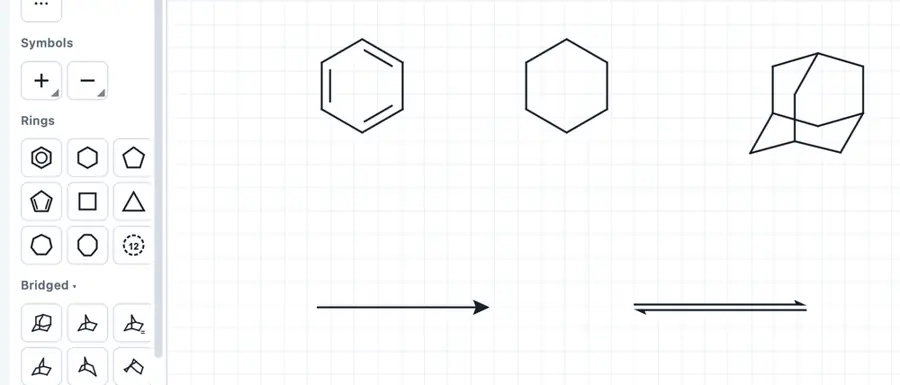 | Yes, tested by running it: Drew forward and equilibrium arrows. Opens the screenshot. | Yes, tested by running it: Drew forward and equilibrium arrows. Opens the screenshot. | Partly: Forward works; Canvas start arrowhead points inward. Opens the screenshot. Forward works; Canvas start arrowhead points inward. | Partly: Selected arrow tool; canvas click did not place an arrow. Opens the cited page.Selected arrow tool; canvas click did not place an arrow. | Yes, tested by running it: Drew forward and equilibrium arrows. Opens the cited page. | Yes, tested by running it: Drew forward and equilibrium arrows. Opens the screenshot. | Yes, tested by running it: Drew forward and equilibrium arrows. Opens the screenshot.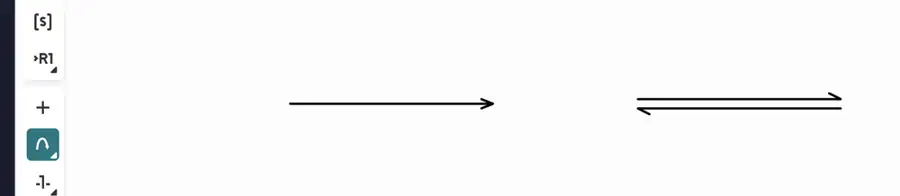 | Yes, tested by running it: Drew forward and equilibrium arrows. Opens the screenshot.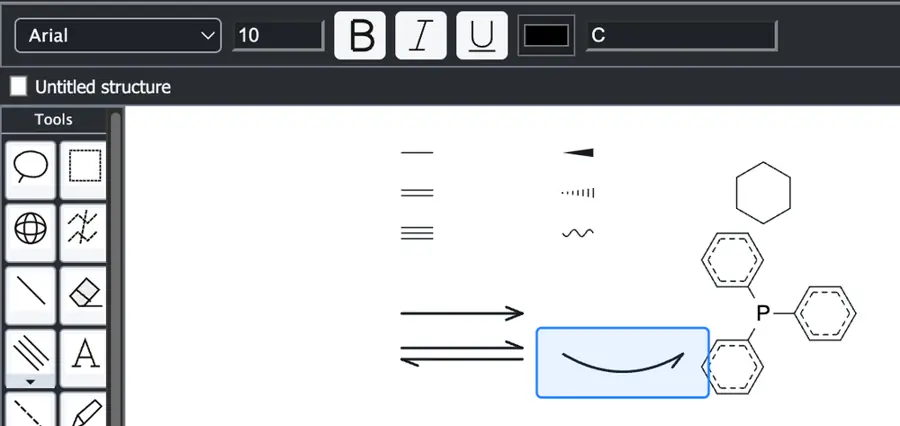 | Yes, tested by running it: Drew forward and equilibrium arrows. Opens the screenshot.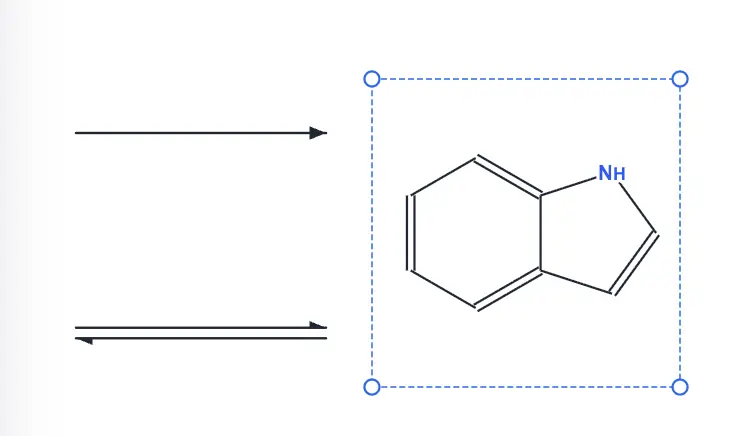 | Yes, tested by running it: Drew forward, equilibrium, retrosynthesis and resonance arrows. Opens the screenshot.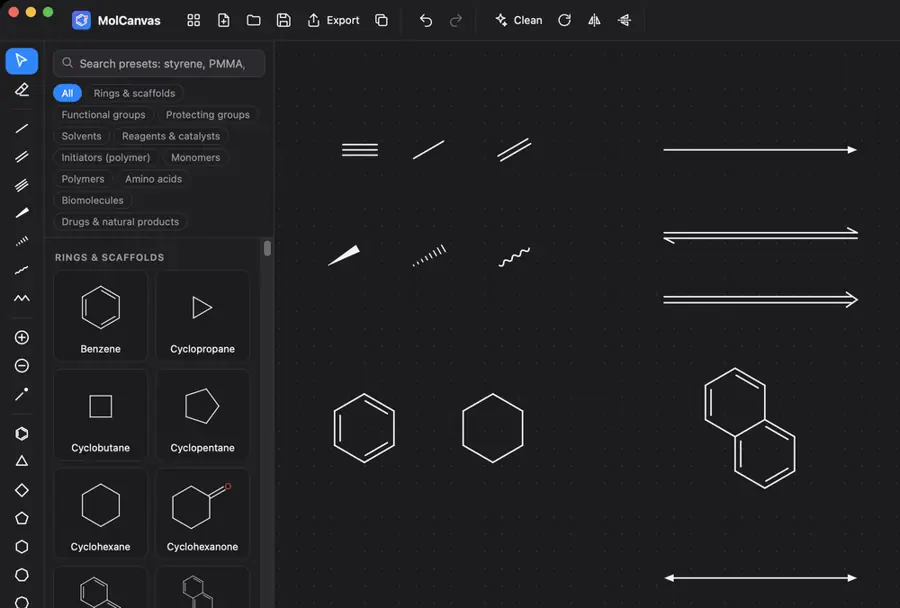 | Yes, tested by running it: Drew equilibrium arrow; forward and retrosynthetic tools are visible. Opens the screenshot.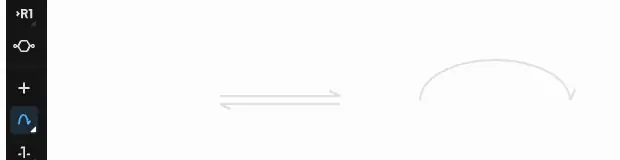 | Yes, tested by running it: Placed equilibrium arrow; forward arrow tool also available. Opens the screenshot.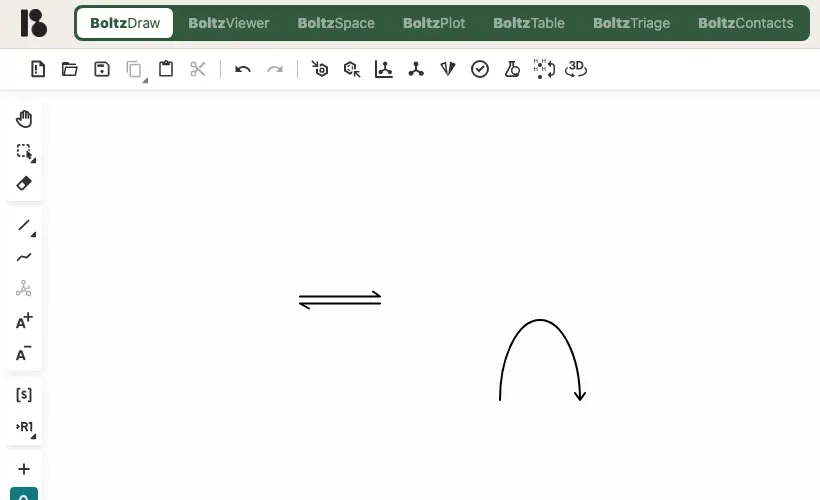 | Yes, tested by running it: Drew forward and equilibrium arrows. Opens the screenshot.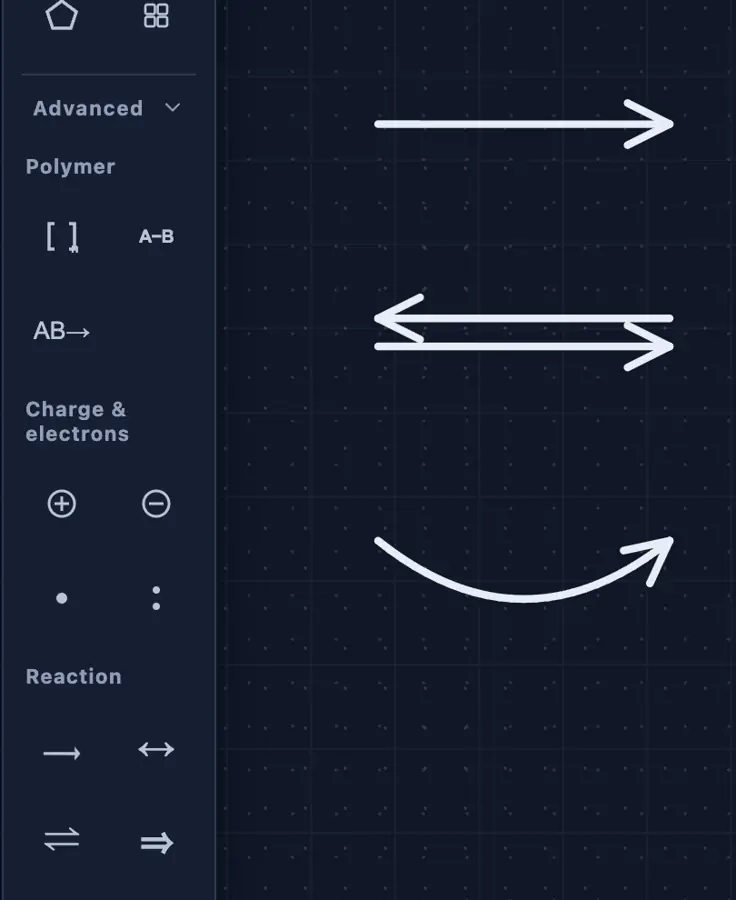 | Yes, tested by running it: Drew forward and equilibrium arrows. Opens the cited page. | Yes, tested by running it: Drew forward and equilibrium arrows. Opens the screenshot.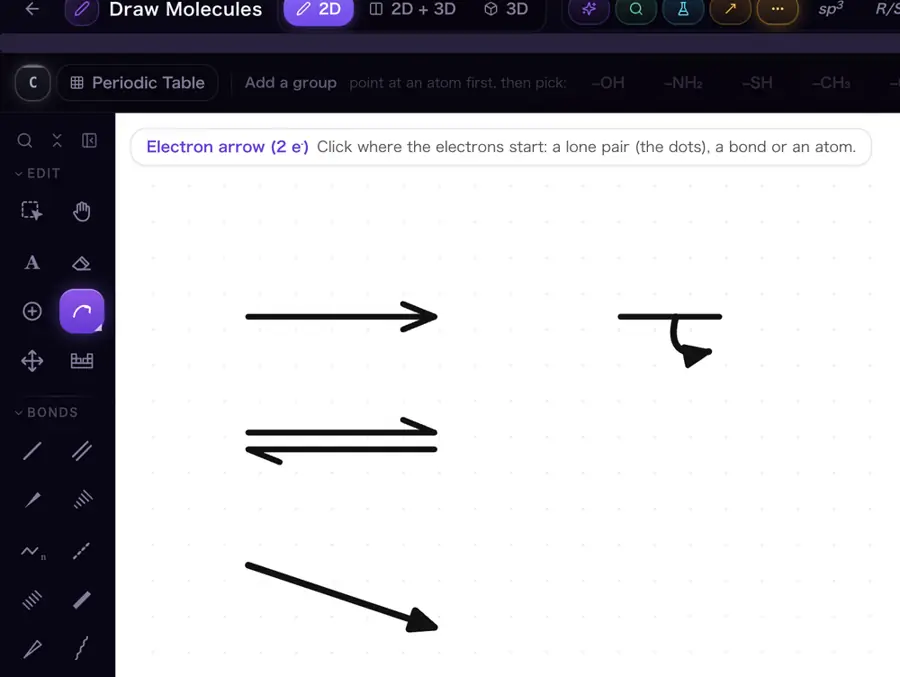 | Partly: Forward arrow drawn; other arrow types not found. Opens the screenshot.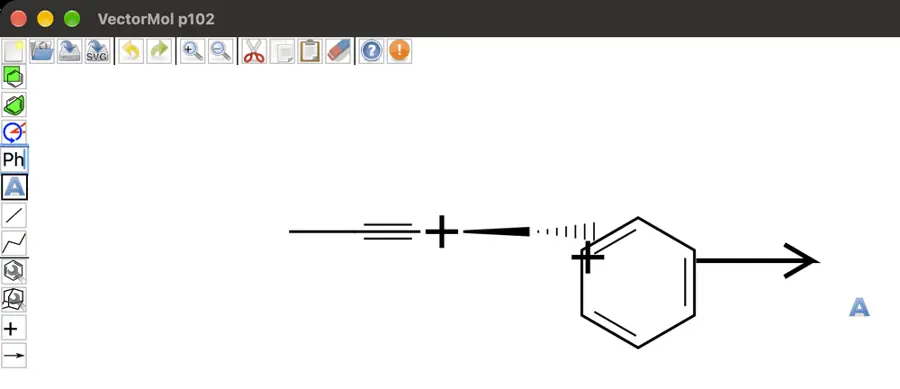 Forward arrow drawn; other arrow types not found. | Yes, tested by running it: Forward and equilibrium arrows drawn and exported distinctly. Opens the screenshot.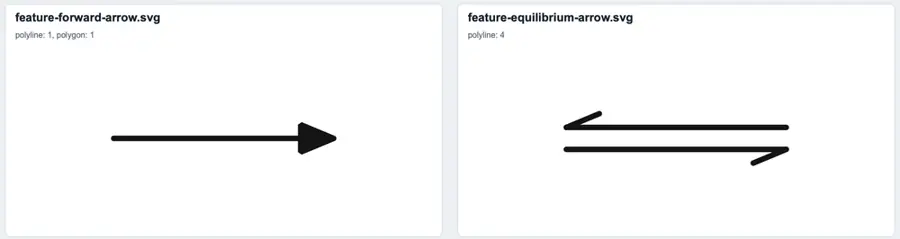 | Yes, tested by running it: Drew synthetic and equilibrium arrows. Opens the screenshot.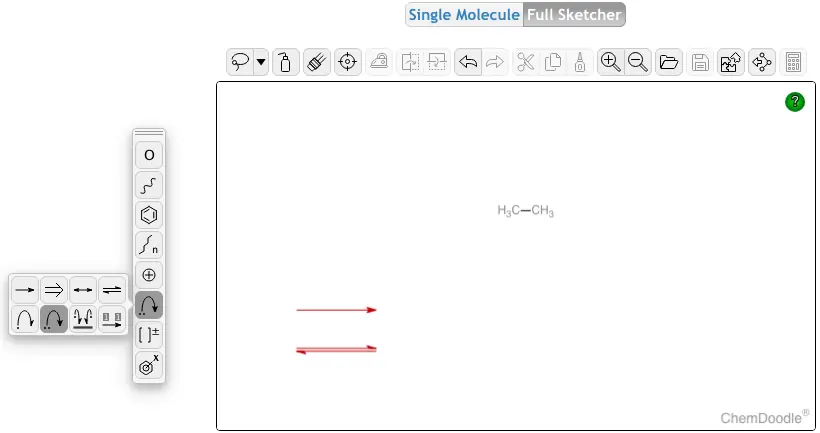 | Yes, tested by running it: Drew forward and equilibrium arrows. Opens the screenshot.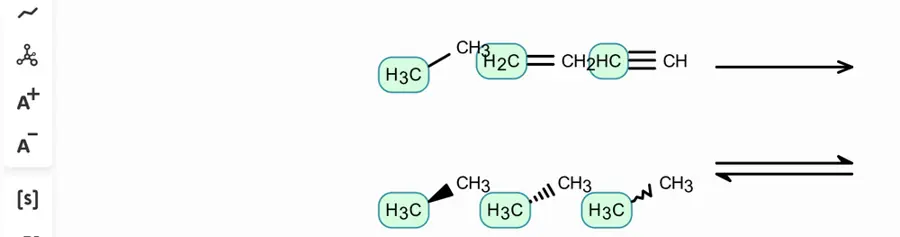 | Yes, according to the manual: Requires Reaction Sketcher plugin: forward, equilibrium, resonance and retrosynthetic arrows. Opens the cited page. | Partly: Arrow tools selected; computer-use drag failed with noWindowsAvailable. Opens the cited page.Arrow tools selected; computer-use drag failed with noWindowsAvailable. | Partly: Forward arrow tool prompts for subscription. Opens the cited page.StudentForward arrow tool prompts for subscription. | Yes, tested by running it: Drew forward and equilibrium arrows. Opens the screenshot.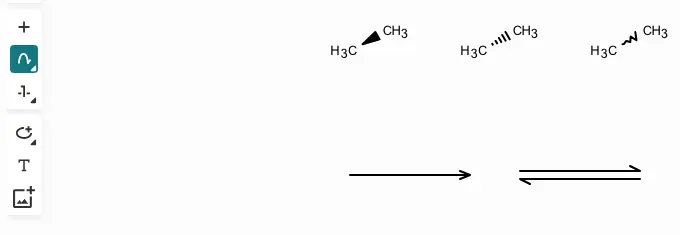 | Yes, tested by running it: Drew forward and equilibrium arrows. Opens the screenshot.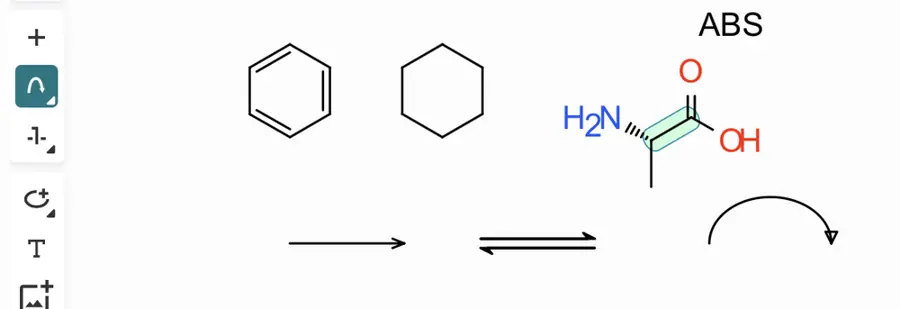 | Yes, tested by running it: Placed forward and equilibrium arrows. Opens the screenshot. | Partly: Forward/equilibrium tools selected; drags produced no visible arrows. Opens the screenshot.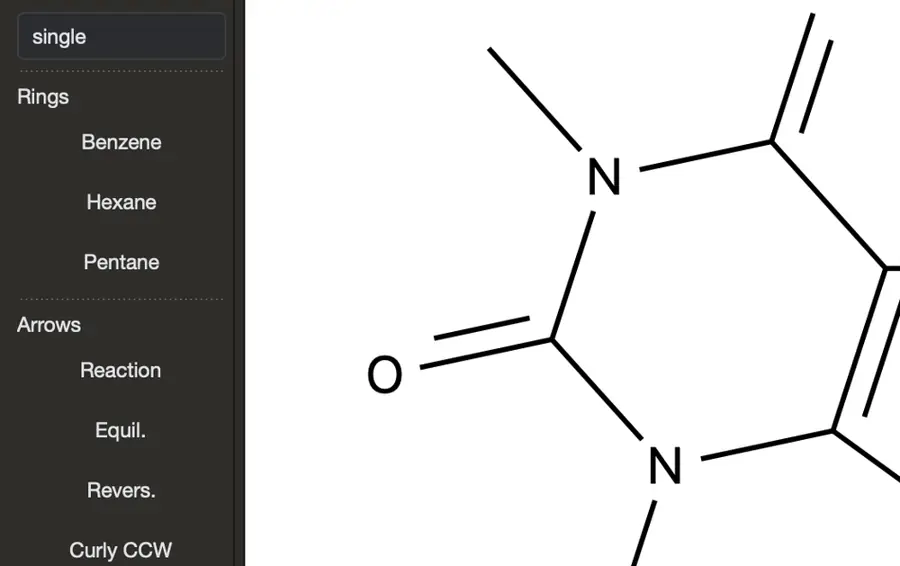 Forward/equilibrium tools selected; drags produced no visible arrows. | Yes, tested by running it: Forward and equilibrium reaction arrows rendered. Opens the screenshot. | Yes, according to the manual: Source checkout; equilibrium/resonance become forward arrows in SVG/PNG exports. Opens the cited page. | Yes, tested by running it: Placed forward and equilibrium arrows on separate canvases. Opens the screenshot. | Yes, tested by running it: Drew forward and equilibrium arrows. Opens the screenshot.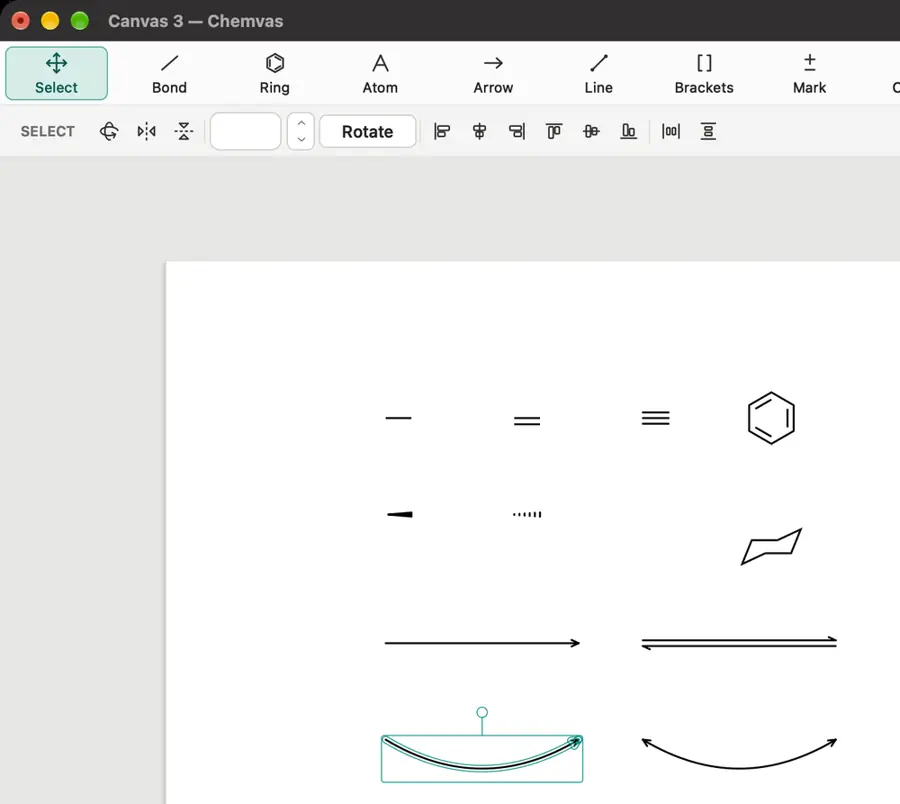 | Partly: Placed forward arrow; other arrow styles unverified. Opens the screenshot.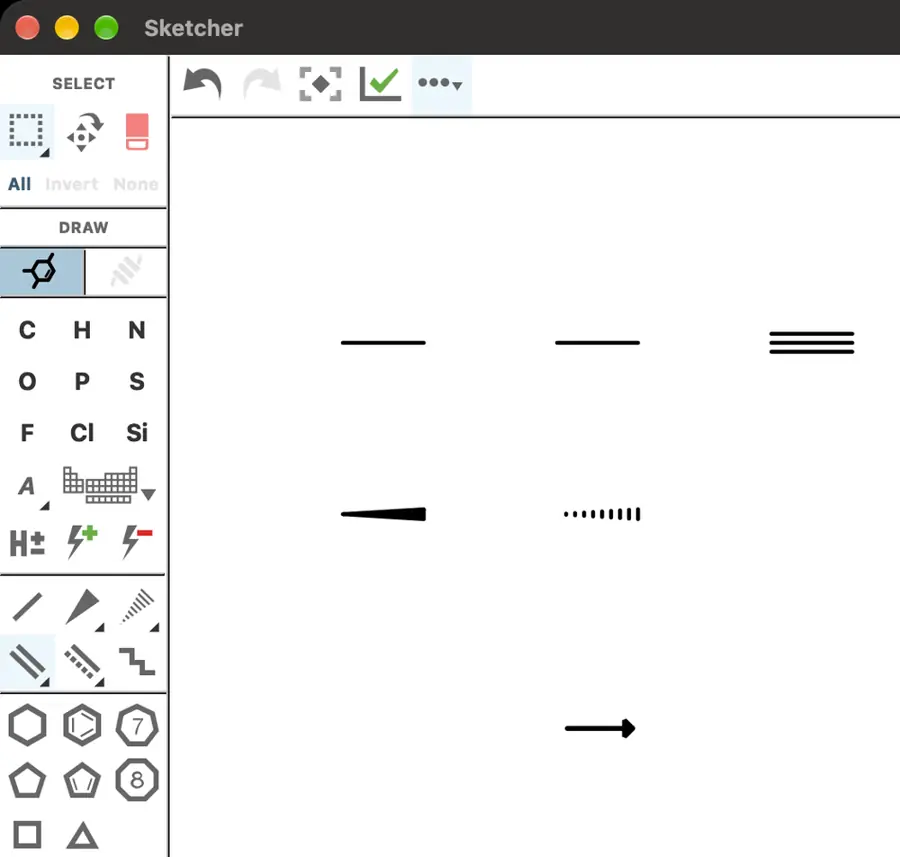 Placed forward arrow; other arrow styles unverified. | Partly: Forward arrow drawn; alternate arrow styles not exercised. Opens the screenshot. Forward arrow drawn; alternate arrow styles not exercised. | Yes, tested by running it: Drew forward and equilibrium arrows. Opens the screenshot.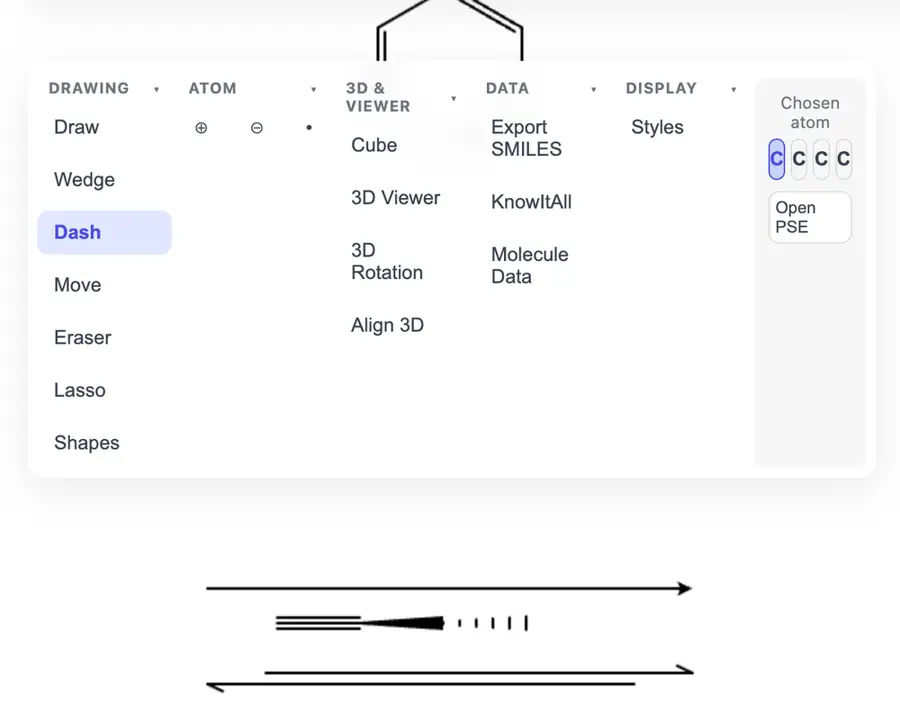 | No. Opens the cited page. | Partly: Tools selected; canvas input produced no visible marks during automation. Opens the cited page.Tools selected; canvas input produced no visible marks during automation. | Yes, tested by running it: Placed a straight reaction arrow by dragging. Opens the screenshot.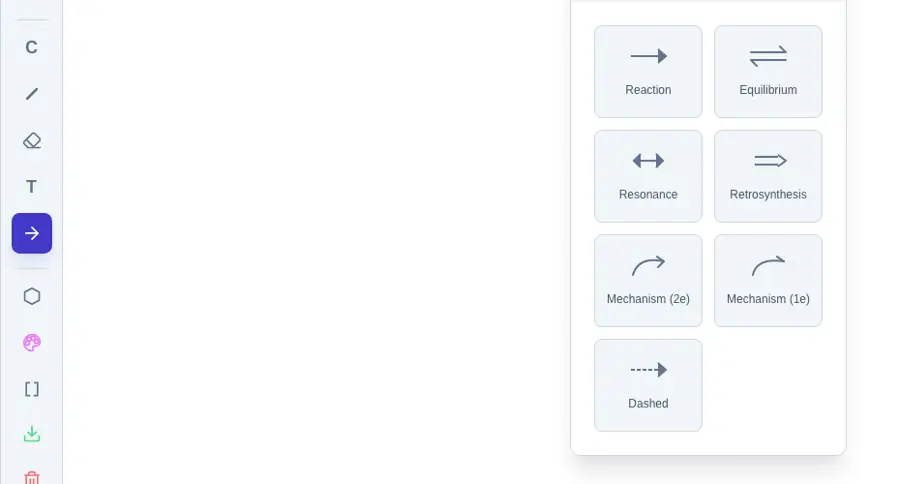 | Partly: Forward reaction arrow worked; no alternative arrow styles found. Opens the screenshot.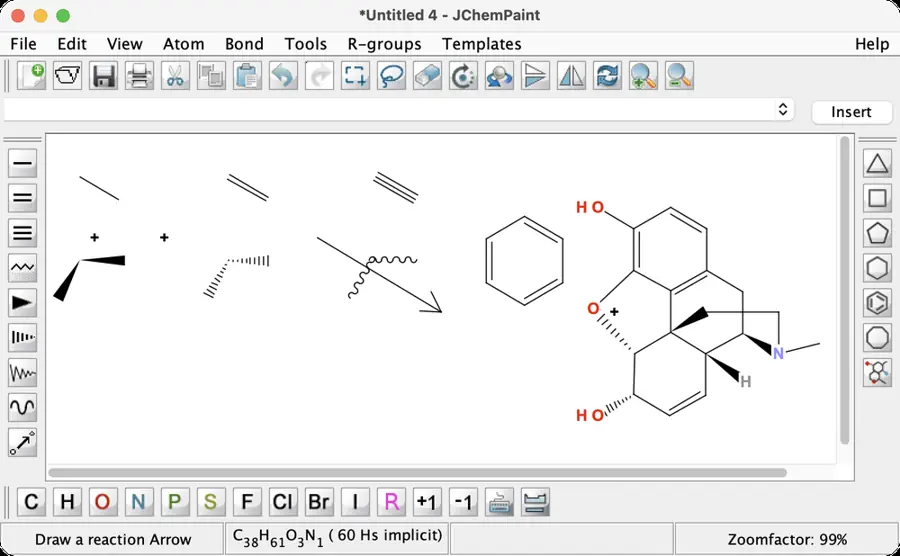 Forward reaction arrow worked; no alternative arrow styles found. | Partly: Placed a forward arrow; other arrow types not found. Opens the screenshot.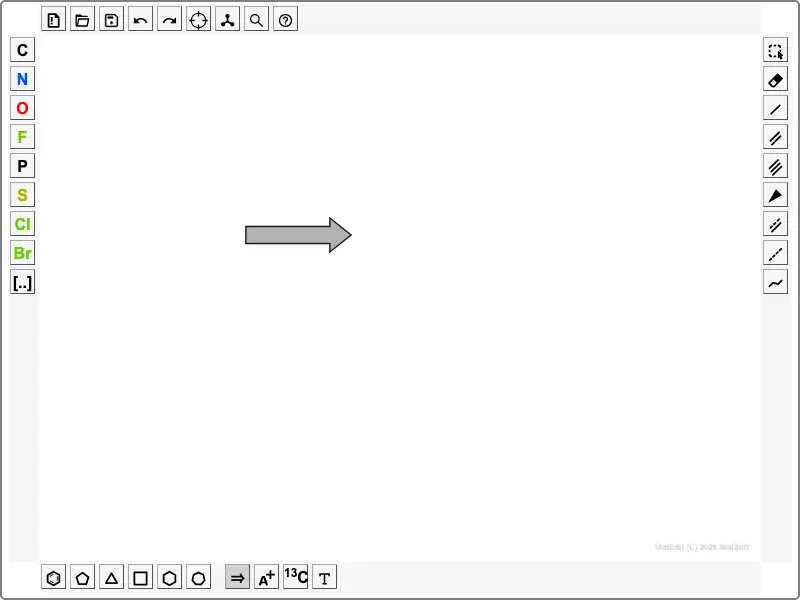 Placed a forward arrow; other arrow types not found. | No: No reaction-arrow tools found in editor. Opens the cited page. | Partly: Arrow tool clicked; placement required dragging unavailable through computer-use. Opens the cited page.Arrow tool clicked; placement required dragging unavailable through computer-use. | Partly: Drew forward arrow; other arrow types not visible. Opens the cited page.Drew forward arrow; other arrow types not visible. | Yes, tested by running it: Drew forward and equilibrium arrows. Opens the cited page. | No: No arrow command found in menus or toolbar. Opens the cited page. | Partly: Loaded example shows forward arrow; other arrow types not visible. Opens the screenshot.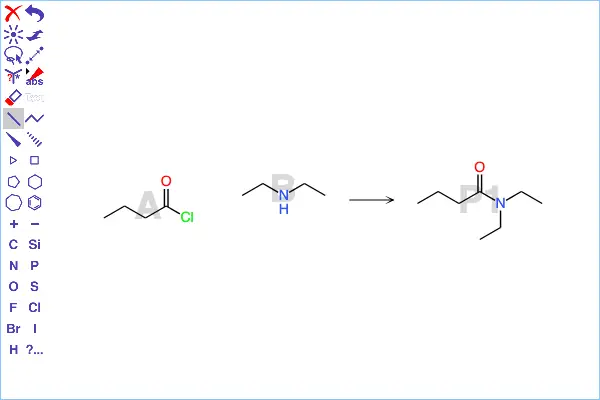 Loaded example shows forward arrow; other arrow types not visible. | Yes, tested by running it: Drew forward and equilibrium arrows. Opens the screenshot.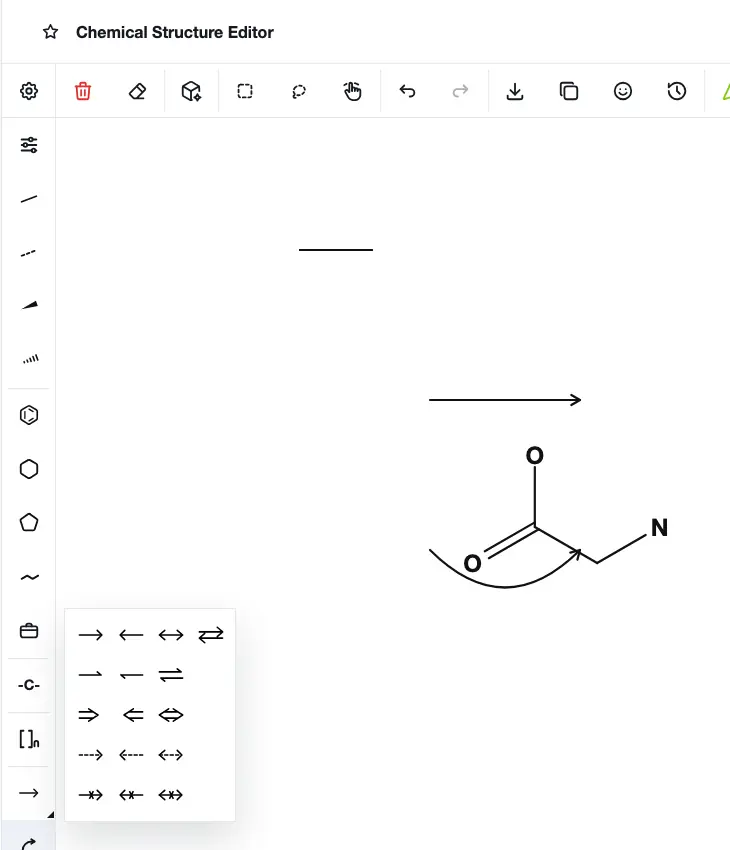 | Partly: Drew a forward arrow; other arrow styles not found. Opens the screenshot.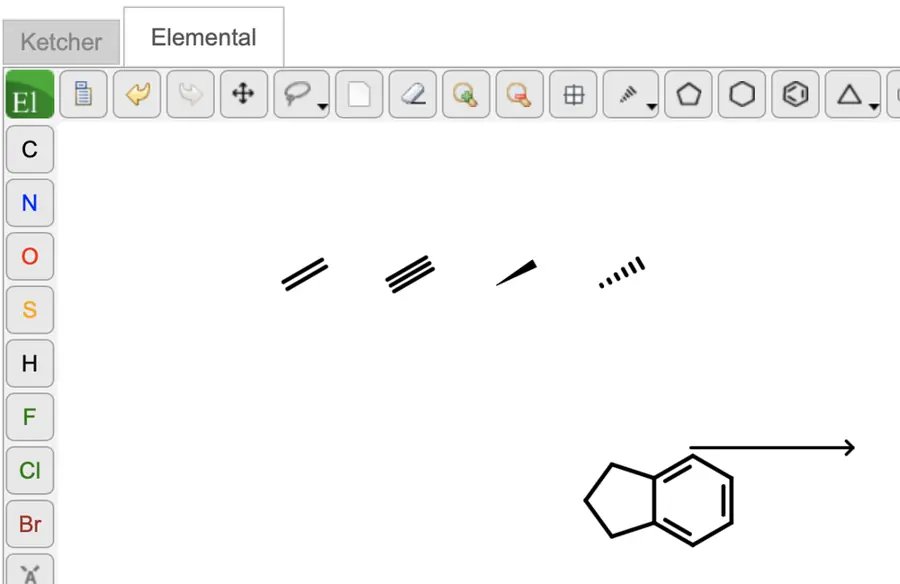 Drew a forward arrow; other arrow styles not found. | No: No reaction-arrow command found in menus or tool banks. Opens the cited page. | Yes, tested by running it: Drew normal and reversible arrows. Opens the screenshot.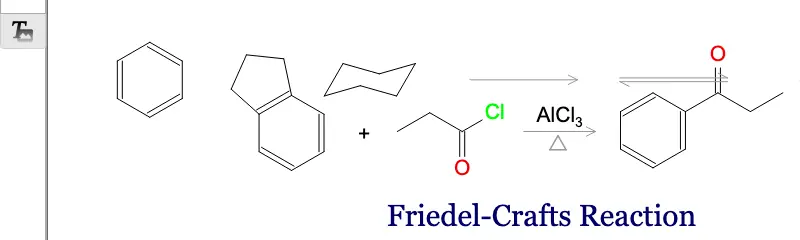 | Yes, tested by running it: Forward and retrosynthetic arrows drawn. Opens the screenshot.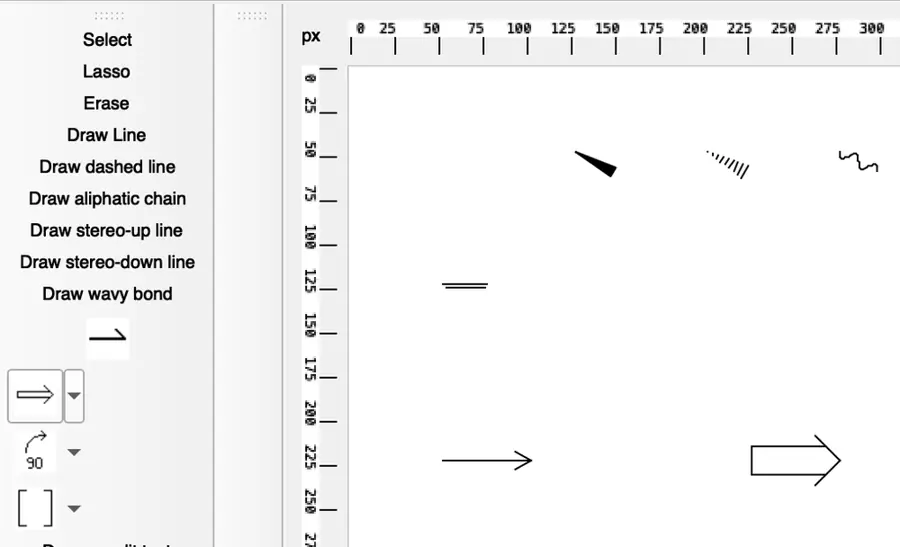 | No: No arrow tool found in menus, toolbar or template chooser. Opens the cited page. | Partly: Forward reaction arrow shown; other arrow types not found. Opens the screenshot.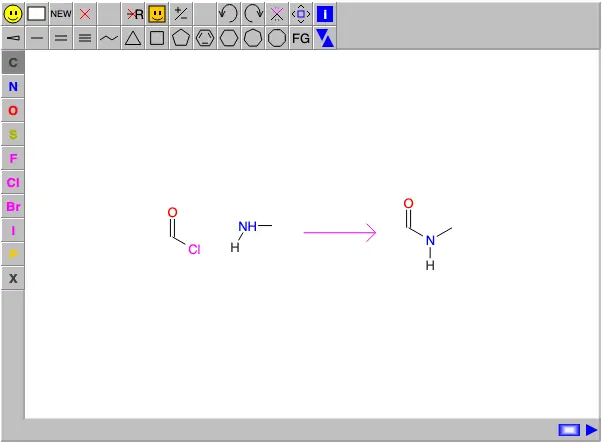 Forward reaction arrow shown; other arrow types not found. | Partly: Inserted forward arrow; no alternate arrow types shown. Opens the screenshot.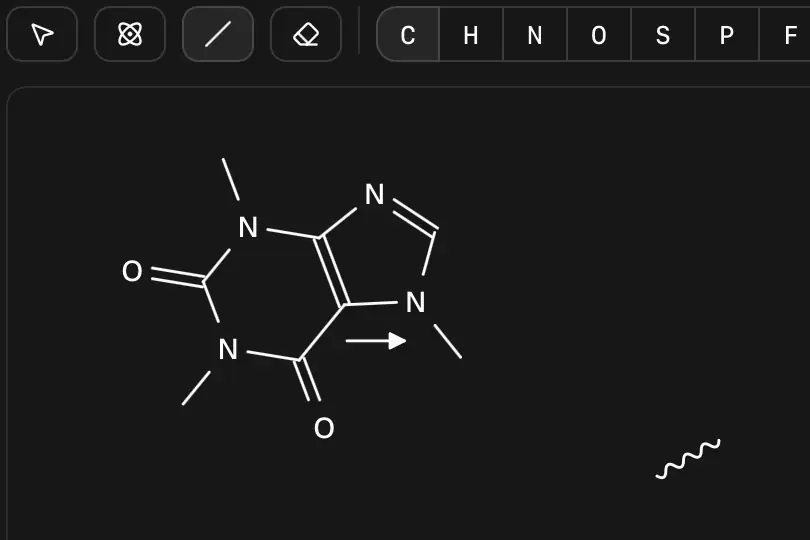 Inserted forward arrow; no alternate arrow types shown. | Yes, tested by running it: Forward and equilibrium arrows drawn. Opens the screenshot.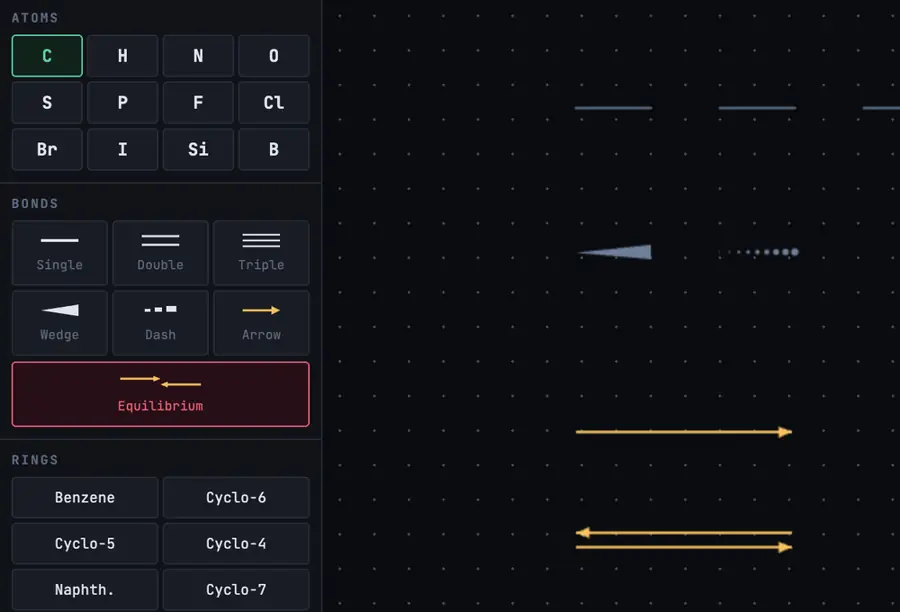 | Partly: Drew forward arrow; no alternate arrow types shown. Opens the screenshot.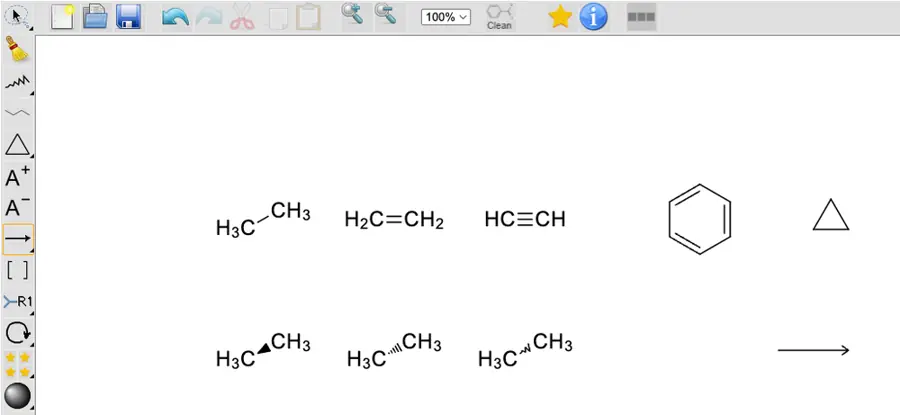 Drew forward arrow; no alternate arrow types shown. | No: No arrow command found in inspected editor menus. Opens the cited page. | Partly: Drew a forward arrow; no alternate arrow controls visible. Opens the cited page.Drew a forward arrow; no alternate arrow controls visible. | No: Arrow-like bond syntax rejected; no arrow control. Opens the cited page. | Partly: Forward arrows through reaction rendering API; additional arrow types unverified. Opens the cited page.Forward arrows through reaction rendering API; additional arrow types unverified. | No: No reaction-arrow command in menus or toolbars. Opens the cited page. | No: No reaction arrow control found. Opens the cited page. | Yes, tested by running it: Drew forward and equilibrium arrows. Opens the cited page. | Partly: Forward arrow tool responds; drawing is clipped. Opens the cited page.Forward arrow tool responds; drawing is clipped. | No: No reaction-arrow command found in inspected menus and toolbars. Opens the cited page. | Not established | Partly: Forward and equilibrium characters insert into text. Opens the screenshot.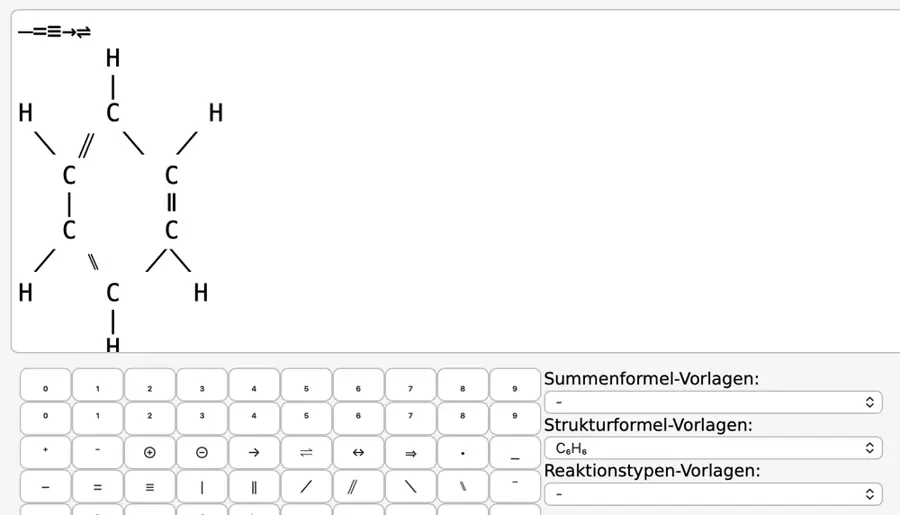 Forward and equilibrium characters insert into text. | No: No reaction arrow tool found. Opens the cited page. | Yes, tested by running it: Forward and equilibrium arrows drawn. Opens the screenshot.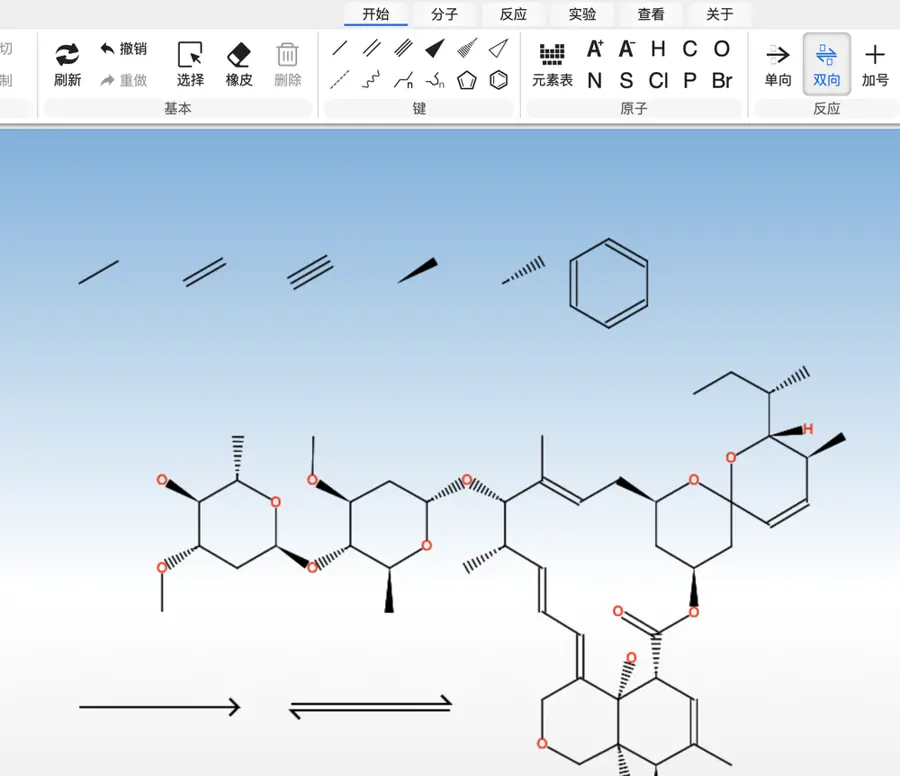 | No: No reaction arrow control in embedded editor. Opens the cited page. | No: No reaction-arrow control in toolbar or application menu. Opens the cited page. | No: Forward arrow drag failed with JavaScript error. Opens the cited page. | Not established | No: No reaction arrow controls visible. Opens the cited page. | Yes, according to the manual: Forward, equilibrium, retrosynthetic and resonance arrow types. Opens the cited page. | Yes, according to the manual. Opens the cited page. | Yes, according to the manual: Forward, equilibrium and retrosynthesis arrows with reagent text. Opens the cited page. | Yes, according to the manual. Opens the cited page. | Yes, according to the manual: Forward, equilibrium, resonance and retrosynthetic arrows. Opens the cited page. | Not established | Yes, according to the manual: Forward, equilibrium and resonance arrows. Opens the cited page. | Yes, according to the manual: Forward, retrosynthetic and equilibrium arrows. Opens the cited page. | Not established | Yes, according to the manual: Forward, equilibrium, resonance, and retrosynthetic arrow tools. Opens the cited page. | Yes, according to the manual: Forward, equilibrium, retrosynthetic and resonance-style arrows. Opens the cited page. | Yes, according to the manual: Forward, equilibrium, and resonance arrows appear in official screenshots. Opens the cited page. | Yes, according to the manual. Opens the cited page. | Yes, according to the manual: Forward and reversible arrows. Opens the cited page. | Yes, according to the manual. Opens the cited page. | Yes, according to the manual: Forward and equilibrium arrows with adjustable length. Opens the cited page. | Yes, according to the manual: Forward and equilibrium arrows; additional curved reaction-arrow tools. Opens the cited page. | Yes, according to the manual: Forward, equilibrium, resonance and retrosynthesis arrows. Opens the cited page. | Yes, according to the manual: Forward, equilibrium, resonance, and retrosynthetic arrow types. Opens the cited page. | Not established | Yes, according to the manual: Equilibrium arrows are assembled from two half arrows. Opens the cited page. | Yes, according to the manual: Forward, retrosynthetic and equilibrium arrows. Opens the cited page. | Yes, according to the manual: Forward and reversible arrow styles. Opens the cited page. | Not established | Yes, according to the manual: Forward, equilibrium, retrosynthesis and double-headed arrows. Opens the cited page. | Yes, according to the manual: Forward and double arrows, with labels above and below. Opens the cited page. | Not established | Not established | Yes, according to the manual: Forward, equilibrium and reverse arrows. Opens the cited page. | Not established | Yes, according to the manual: Straight arrows support full heads at either or both ends. Opens the cited page. | Not established | Yes, according to the manual: Drawing controls offer forward and opposed-arrow line ends. Opens the cited page. | Not established | Not established | Not established | Not established | No: Advanced reaction drawing and arrow tools are planned. Opens the cited page. | Yes, according to the manual: Vendor claim: directional, retrosynthetic, resonance and equilibrium arrows. Opens the cited page. | Yes, according to the manual. Opens the cited page. | Not established | Yes, according to the manual: Vendor claim: forward and equilibrium arrows. Opens the cited page. | Not established | Not established | Not established | Not established | Not established |
|---|
| Curved mechanism arrows | Yes, tested by running it: Drew curved full-head and fishhook arrows. Opens the cited page. | Yes, tested by running it: Drew full and half-head curves; dragged bend handle. Opens the screenshot.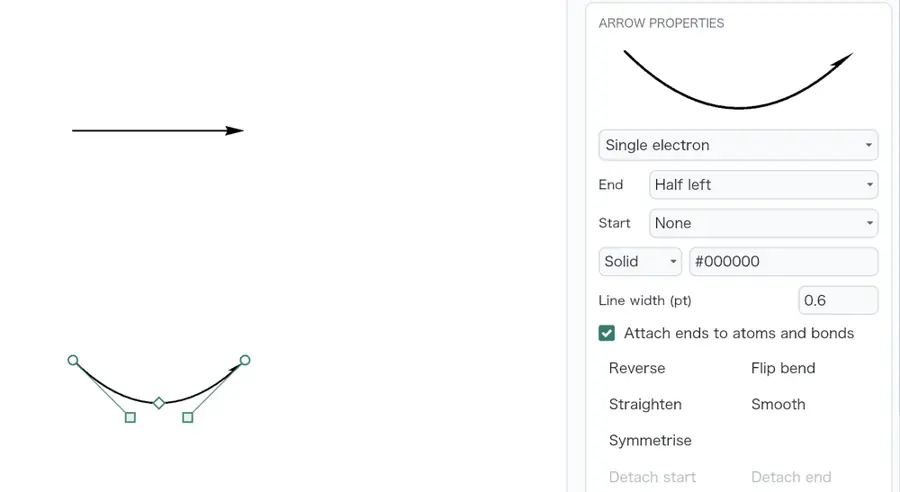 | Yes, tested by running it: Drew electron-flow and fishhook curves. Opens the screenshot.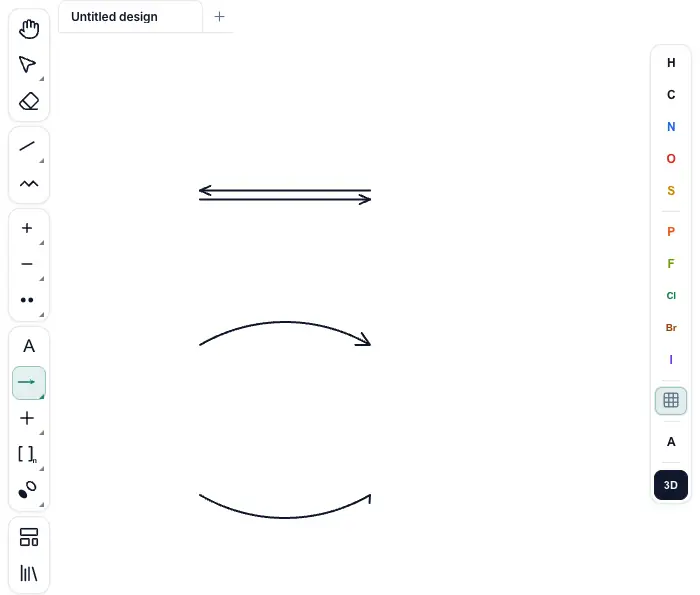 | Yes, tested by running it: Drew curved electron-pair and single-electron fishhook arrows. Opens the screenshot.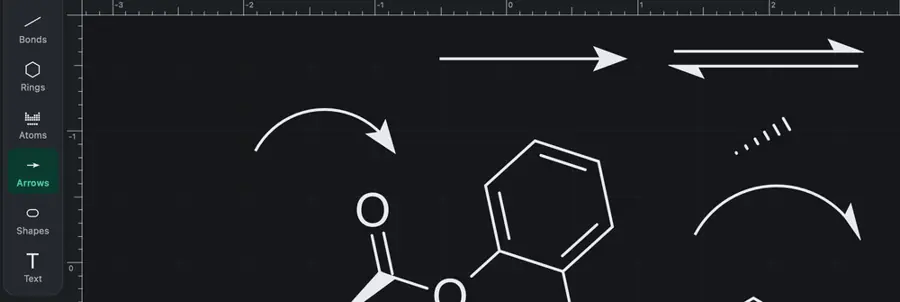 | Yes, tested by running it: Drew curved electron-pair and fishhook arrows. Opens the screenshot.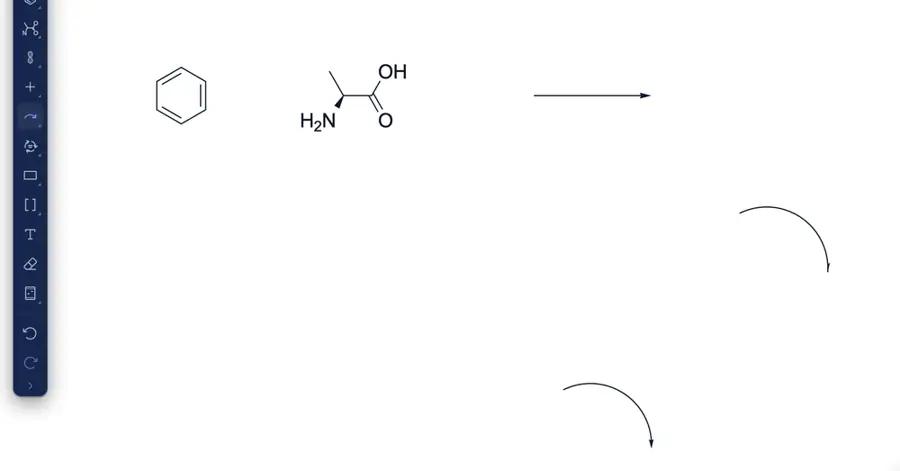 | Partly: Annotation Toolbar reported open; no drawing controls appeared. Opens the cited page.Annotation Toolbar reported open; no drawing controls appeared. | Partly: Curved and fishhook tools shown; attempted drag produced no clear arrow. Opens the screenshot.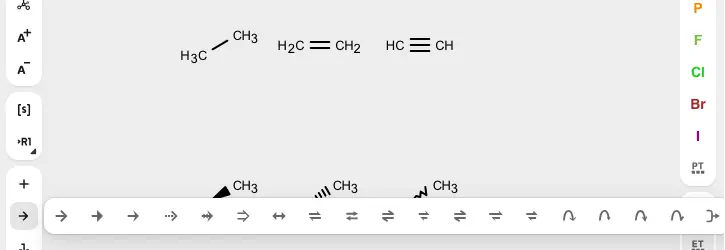 Curved and fishhook tools shown; attempted drag produced no clear arrow. | Yes, tested by running it: Converted page arrow to curved electron-pair arrow. Opens the cited page. | Yes, tested by running it: Drew curved electron-pair arrow and edited its curvature. Opens the screenshot. | Yes, tested by running it: Drew curved arrow and moved its endpoint handle. Opens the screenshot. | Yes, tested by running it: Drew a curved electron-pair arrow with editable handles. Opens the screenshot. | Yes, tested by running it: Created editable curved Canvas arc with a full arrowhead. Opens the screenshot. | Partly: Add Arrow entered source selection; no completed arrow verified. Opens the cited page.Add Arrow entered source selection; no completed arrow verified. | Yes, tested by running it: Drew full-head and single-electron curved arrows. Opens the cited page. | Partly: Drew curved full-head arrow; editing was not verified. Opens the screenshot. Drew curved full-head arrow; editing was not verified. | Yes, tested by running it: Drew a curved, filled-head elliptical arc arrow. Opens the screenshot. | Yes, tested by running it: Drew and moved a curved half-head arrow. Opens the screenshot. | Partly: Drew curved and fishhook arrows; editing untested. Opens the screenshot. Drew curved and fishhook arrows; editing untested. | No: Curved arrows explicitly cannot be represented. Opens the cited page. | Yes, tested by running it: Drew an elliptical arc with a half arrowhead. Opens the screenshot. | Yes, tested by running it: Placed curved arrow; half-headed option also visible. Opens the screenshot. | Yes, tested by running it: Drew curved arrow; selection exposed endpoints and bend controls. Opens the screenshot. | Partly: Drew a curved arrow; later editing was not checked. Opens the cited page.Drew a curved arrow; later editing was not checked. | Yes, tested by running it: Drew curved electron arrow from bond to atom. Opens the screenshot. | No: Arrow tool drew a straight reaction arrow; no curved tool found. Opens the cited page. | Partly: Pair/radical curves export; no curvature editing controls found. Opens the screenshot. Pair/radical curves export; no curvature editing controls found. | Yes, tested by running it: Drew an electron-pair pusher between atoms. Opens the screenshot. | Yes, tested by running it: Drew a curved filled arrow. Opens the screenshot. | Yes, according to the manual: Requires Reaction Sketcher plugin; editable full-head and fishhook curved arrows. Opens the cited page. | Partly: Electron Pair Shift selected; computer-use drag failed with noWindowsAvailable. Opens the cited page.Electron Pair Shift selected; computer-use drag failed with noWindowsAvailable. | Partly: Electron arrow tool prompts for subscription. Opens the cited page.StudentElectron arrow tool prompts for subscription. | Yes, tested by running it: Drew an elliptical half-headed arrow. Opens the screenshot. | Partly: Drew a curved arrow; editing not checked. Opens the screenshot.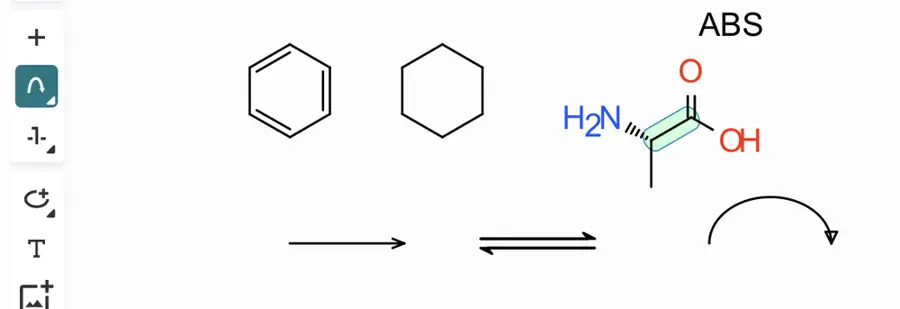 Drew a curved arrow; editing not checked. | Partly: Placed a curved electron-pair arrow; editing unverified. Opens the screenshot. Placed a curved electron-pair arrow; editing unverified. | Partly: Curly tool selected; drags produced no visible arrows. Opens the screenshot. Curly tool selected; drags produced no visible arrows. | Yes, tested by running it: Curved full-head arrow rendered through chemmove and TikZ. Opens the screenshot.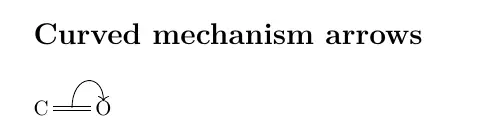 | No: No curved arrow control found. Opens the cited page. | Yes, tested by running it: Placed curved half-headed arrow. Opens the screenshot. | Yes, tested by running it: Drew curved arrows and selected their editing handles. Opens the screenshot.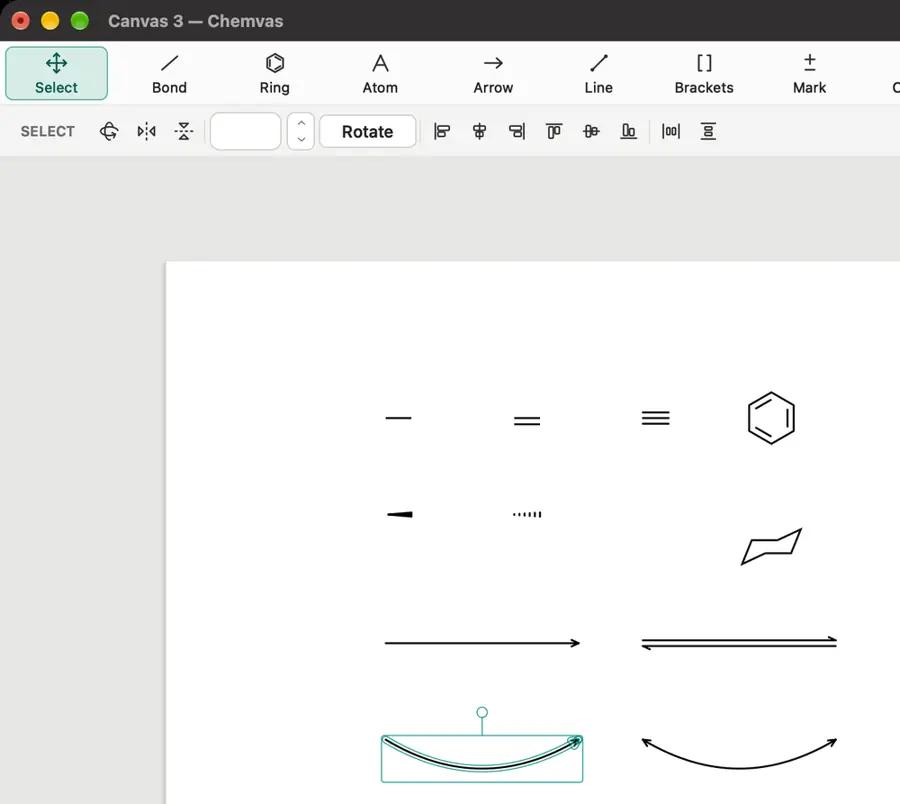 | No: No curved electron-arrow tool found in inspected toolbar or menus. Opens the cited page. | Yes, tested by running it: Curved full-head arrow drawn and exported. Opens the screenshot. | Yes, tested by running it: Drew a curved electron-pair arrow. Opens the screenshot. | No. Opens the cited page. | Partly: Tools selected; canvas input produced no visible marks during automation. Opens the cited page.Tools selected; canvas input produced no visible marks during automation. | Partly: Curved-arrow option available; drag and clicks produced no visible arrow. Opens the screenshot. Curved-arrow option available; drag and clicks produced no visible arrow. | No: No curved electron-pushing tool found in menus or toolbars. Opens the cited page. | No: No curved electron-pushing arrow control found. Opens the cited page. | No: No curved-arrow tools found in editor. Opens the cited page. | Partly: Arrowhead action attempted; curve dragging blocked by computer-use input. Opens the cited page.Arrowhead action attempted; curve dragging blocked by computer-use input. | No: No curved arrow control visible. Opens the cited page. | Yes, tested by running it: Drew a curved arrow; half-head options visible. Opens the cited page. | No: No curved-arrow tool found in menus or toolbar. Opens the cited page. | No: No curved arrow control visible. Opens the cited page. | Yes, tested by running it: Drew curved arrow; selection exposes control points. Opens the screenshot.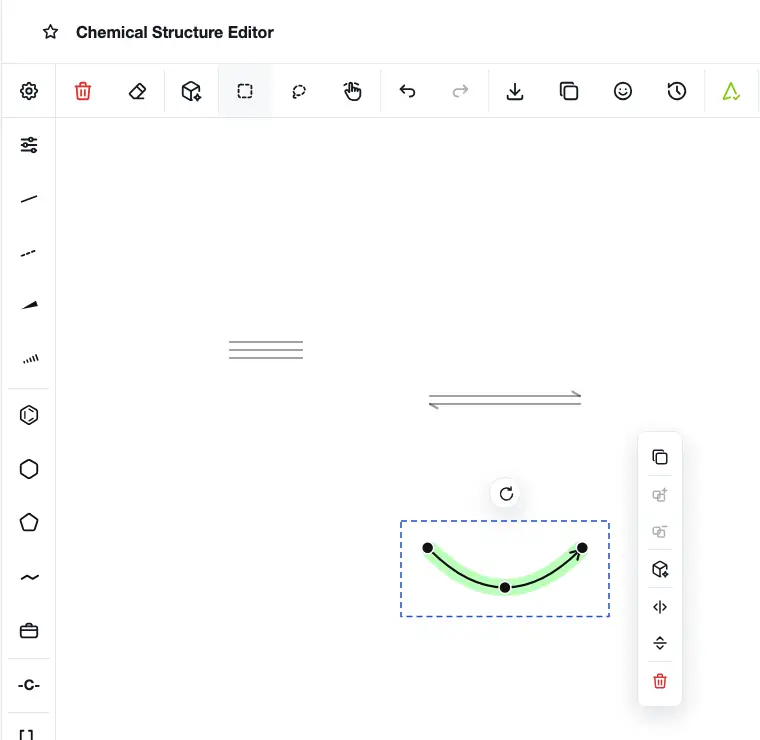 | No: No curved arrow control found in the embedded editor. Opens the cited page. | No: No electron-pushing arrow command found in menus or tool banks. Opens the cited page. | Partly: Drew single- and double-electron arcs; editing unverified. Opens the screenshot.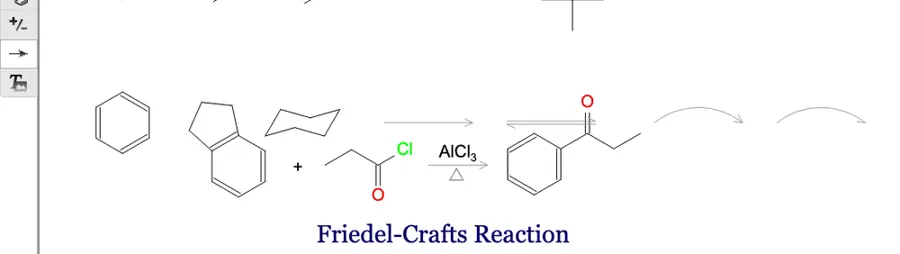 Drew single- and double-electron arcs; editing unverified. | Yes, tested by running it: 90-degree curved arrow drawn on scratch canvas. Opens the screenshot.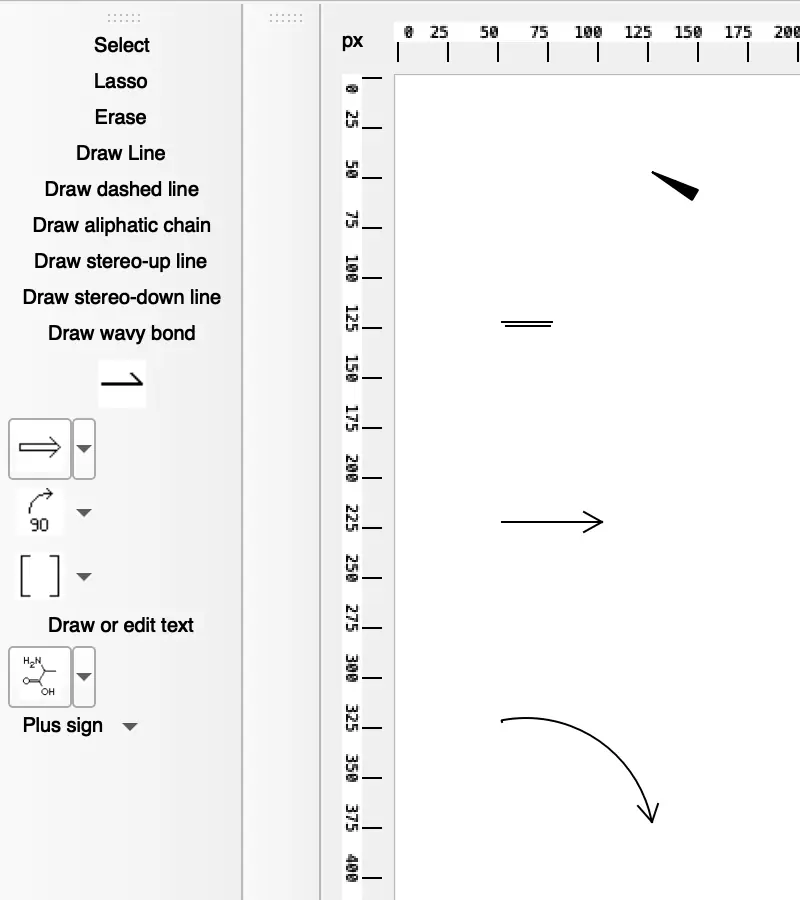 | No: No curved electron-pushing tool found in inspected controls. Opens the cited page. | No: No curved electron-pushing arrow control found. Opens the cited page. | No: Electron-pushing arrows remain planned. Opens the cited page. | No: No curved-arrow control found in the interface. | No: Reaction menu exposes straight arrow, plus, and mapping tools. Opens the cited page. | No: No curved-arrow command found in inspected menus. Opens the cited page. | No: No curved arrow tool visible. Opens the cited page. | No: Arrow-like syntax rejected; no curved-arrow control. Opens the cited page. | No: No curved arrow tool found in sketcher demo. Opens the cited page. | No: No curved-arrow command in menus or toolbars. Opens the cited page. | No: No curved arrow control found. Opens the cited page. | No: Curve tool draws plain curves without arrowheads. Opens the cited page. | No: No curved arrow control in editor. Opens the cited page. | No: No curved-arrow command found in inspected menus and toolbars. Opens the cited page. | Not established | No: No curved electron-pushing arrow tool visible. Opens the cited page. | No: No curved arrow tool found. Opens the cited page. | No: No curved electron-pushing arrow control found. Opens the cited page. | No: No curved arrow control in embedded editor. Opens the cited page. | No: No curved-arrow control in toolbar or application menu. Opens the cited page. | No: No curved arrow tool visible. Opens the cited page. | Not established | No: No curved arrow controls visible. Opens the cited page. | Yes, according to the manual: Editable curved electron and fishhook arrows. Opens the cited page. | Yes, according to the manual. Opens the cited page. | Yes, according to the manual: Editable curved electron-flow arrows support full and single-electron heads. Opens the cited page. | Yes, according to the manual. Opens the cited page. | Yes, according to the manual: Electron-transfer arrows with editable curvature and arrowhead styles. Opens the cited page. | Not established | Yes, according to the manual: Editable single- and double-electron arrows with adjustable curvature. Opens the cited page. | Yes, according to the manual: Editable splines with full or electron-transfer half heads. Opens the cited page. | Not established | Yes, according to the manual: Editable curved arrows with changeable heads via included ReportIt. Opens the cited page. | Yes, according to the manual: Editable elliptical arrows; full and half heads are available. Opens the cited page. | Yes, according to the manual. Opens the cited page. | Yes, according to the manual. Opens the cited page. | Yes, according to the manual: Electron-flow arrows with editable curvature, angle and length. Opens the cited page. | Yes, according to the manual: Draw curved double-barbed and fishhook arrows. Opens the cited page. | Yes, according to the manual: Editable arcs with arrowheads provide curved mechanism arrows. Opens the cited page. | Yes, according to the manual: Three-point curved electron arrows with Rust-generated heads. Opens the cited page. | Not established: Curved graphical arrows documented; electron-pushing tools not established. | Yes, according to the manual: Editable double-headed electron pushers and radical fishhook arrows. Opens the cited page. | Not established | Yes, according to the manual: Editable spline arrows support full and half arrowheads. Opens the cited page. | Yes, according to the manual: Editable Bezier curves with full or half arrowheads. Opens the cited page. | Not established | Not established | Yes, according to the manual: Control points edit curvature, length and full/half arrowheads. Opens the cited page.M | Yes, according to the manual: FX Draw provides editable Bezier curves with arrowheads. Opens the cited page. | Not established | Not established | No: Arrow renderer supports straight reaction arrows, without editable curves. Opens the cited page. | Not established | Yes, according to the manual: Editable three-point arcs support full or half arrowheads. Opens the cited page. | Not established | Yes, according to the manual: Arc shapes and full or half arrowheads are selectable. Opens the cited page. | Not established | Not established | Not established | Not established | Not established | Not established | Not established | Not established | Yes, according to the manual: Vendor claim: curved electron-movement arrows. Opens the cited page. | Not established | Not established | Not established | Not established | Not established |
|---|
| Machine-readable reactions | Yes, according to the manual: Reads and writes chemically interpreted RXN reactions; all editions. Opens the cited page. | Yes, according to the manual: Explicit participant roles persist through native files, RXN and reaction SMILES. Opens the cited page. | Yes, according to the manual: Reaction SMILES input and RXN export preserve reaction chemistry. Opens the cited page. | Yes, according to the manual: Reaction SMILES and RXN preserve reactants, agents and products. Opens the cited page. | Yes, according to the manual: Chemistry-aware reactions export RXN, RDF and reaction SMILES. Opens the cited page. | Not established | Yes, according to the manual. Opens the cited page. | Yes, according to the manual: Reaction SMILES and RXN preserve reactants and products. Opens the cited page. | Yes, tested by running it: Drawing reaction arrows produced reaction SMILES in Analysis. Opens the screenshot.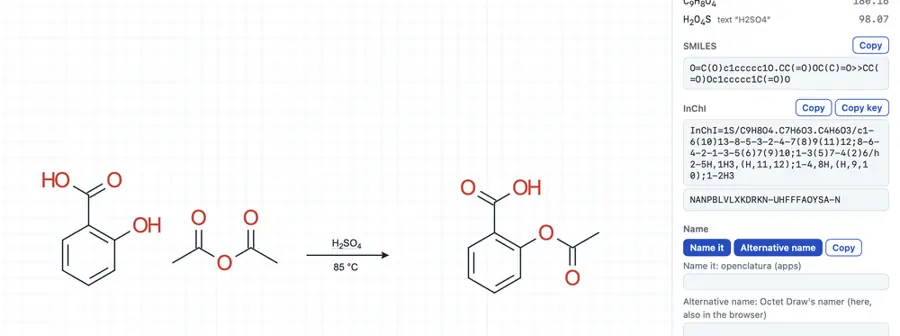 | Yes, according to the manual: RXN export and chemically encoded ELN reactants/products. Opens the cited page. | Yes, according to the manual. Opens the cited page. | Yes, according to the manual: Ketcher reaction editor imports chemical RXN files. Opens the cited page. | Yes, according to the manual: Reaction JSON preserves steps; RXN V2000 supports one step. Opens the cited page. | Partly: CDXML reaction steps require one horizontal arrow and one row. Opens the cited page.CDXML reaction steps require one horizontal arrow and one row. | Yes, according to the manual: Embedded Ketcher preserves reactants, products and reagents in reaction formats. Opens the cited page. | Yes, according to the manual: RXN and reaction SMILES preserve chemical participants. Opens the cited page. | Not established | Not established | Yes, according to the manual: CDXML export identifies chemical reactants and products. Opens the cited page. | Yes, according to the manual: Ketcher represents reactions and exports RXN. Opens the cited page. | Yes, according to the manual: Native Ketcher RXN export preserves reaction chemistry. Opens the cited page. | Not established | Partly: Reaction drawing generated an RXN preview. Opens the cited page.Reaction drawing generated an RXN preview. | Not established | Partly: Reaction mode wrote RXN; reaction round-trip not checked. Opens the cited page.Reaction mode wrote RXN; reaction round-trip not checked. | Yes, according to the manual: RXN export infers reactants/products from the first forward arrow. Opens the cited page. | Yes, according to the manual: JSON stores molecular reactants/products assigned to reaction arrows. Opens the cited page. | Yes, according to the manual: Ketcher stores reactants, products and reaction participants. Opens the cited page. | Not established | Yes, according to the manual: Single-step reactions store reactant and product molecules in MRV. Opens the cited page. | Not established | Yes, according to the manual: RXN export stores reactants and products. Opens the cited page. | Yes, according to the manual: Reaction SMILES and RXN retain reactants, products and agents. Opens the cited page. | Yes, according to the manual: RXN import and export preserve reactants and products. Opens the cited page. | Not established | Not established | Yes, according to the manual: Source checkout; chemical graphs, RXN and reaction SMILES. Opens the cited page. | Yes, according to the manual: RXN reaction serialization. Opens the cited page. | Not established | Yes, according to the manual: RDKit reactions and reaction SMILES/RXN exchange. Opens the cited page. | Not established | Not established | Not established | Partly: Reaction SMILES imports as molecules and graphics, without retained reaction roles. Opens the cited page.Reaction SMILES imports as molecules and graphics, without retained reaction roles. | Not established | Partly: Reaction tool assigned reactants and products while drawing forward arrow. Opens the cited page.Reaction tool assigned reactants and products while drawing forward arrow. | Not established | Not established | Not established | Yes, according to the manual: Atom-economy requests store reactant and product SMILES with coefficients. Opens the cited page. | Yes, according to the manual: Native scheme and step data retain reactants and products. Opens the cited page. | Not established | Yes, tested by running it: Loaded example outputs reaction SMILES and RXN. Opens the screenshot.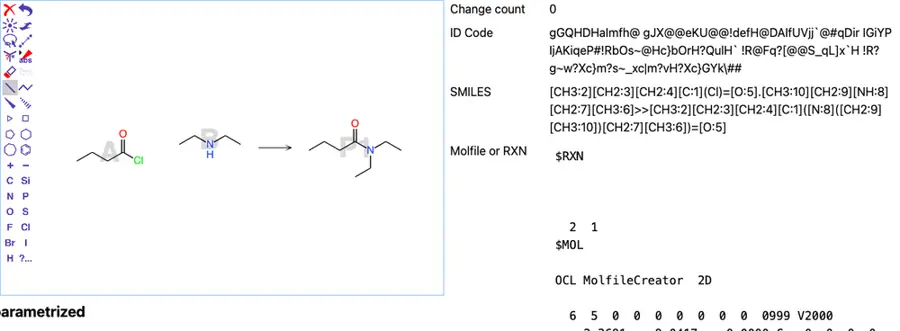 | Not established | Partly: Copy Mol/Rxn generated RXN with one reactant and no products. Opens the cited page.Copy Mol/Rxn generated RXN with one reactant and no products. | Not established | Yes, according to the manual: API extracts chemical reactants and products from drawn reaction documents. Opens the cited page. | Yes, according to the manual: Native XDC stores molecules with reactant and product roles. Opens the cited page. | Not established | Yes, tested by running it: Sample reaction exported as reaction SMILES. Opens the screenshot.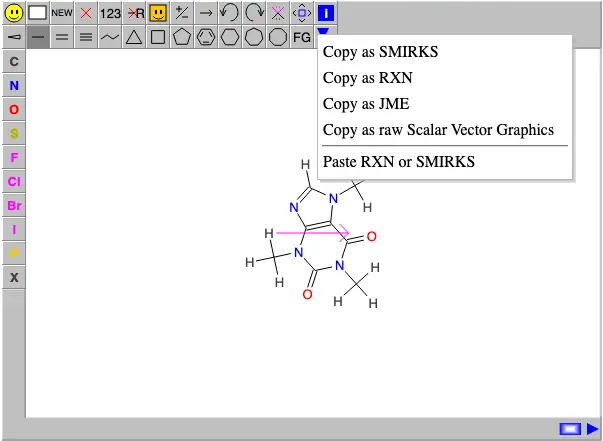 | No: Chemical reaction documents remain unimplemented. Opens the cited page. | No: Arrows store coordinates only and are omitted from chemical export. Opens the cited page. | Yes, according to the manual: RXN serialization; reactions containing R-groups are rejected. Opens the cited page. | Not established | No: Arrows are scene elements, without reactant/product relationships. Opens the cited page. | Not established | Yes, according to the manual: Native DataSheet reactions store reactant, reagent, and product molecules. Opens the cited page. | Not established | Not established | Not established | Yes, according to the manual: Reactants and products serialize as molecular graphs in reaction JSON. Opens the cited page. | Not established | Not established | Not established | Not established | Not established | Not established | Not established | Yes, according to the manual: Exports reaction SMILES using the first arrow and molecule positions. Opens the cited page. | Not established | Not established | Yes, according to the manual: Native CDML stores reactant and product references to molecular objects. Opens the cited page. | Yes, according to the manual: RXN and reaction SMILES retain reactants and products. Opens the cited page. | Yes, according to the manual: Reaction SMILES imports and exports chemically represented reaction sides. Opens the cited page. | Yes, according to the manual: Chemical reaction export supports single-step reactions only. Opens the cited page. | Partly: Recognizes reactant/product relationships; reaction-format storage not documented. Opens the cited page.Recognizes reactant/product relationships; reaction-format storage not documented. | Not established | Yes, according to the manual: Single-step reactions retain roles; multistep schemes export as graphics. Opens the cited page. | Partly: Legacy reactant/product serialization remains; reaction authoring mode is disabled. Opens the cited page.Legacy reactant/product serialization remains; reaction authoring mode is disabled. | Yes, according to the manual: vendor claim; RXN stores reactants, products, and reagents. Opens the cited page. | Yes, according to the manual: RXN and RInChI formats preserve chemical reactions. Opens the cited page. | Yes, according to the manual: Native automapping accepts reaction chemistry and produces mapped RXN. Opens the cited page. | Yes, according to the manual: RXN import and native reaction storage are documented. Opens the cited page. | Yes, according to the manual: Native XML stores reactants and products as chemical objects. Opens the cited page. | Not established | Yes, according to the manual: RXN and RDF read/write; vendor claim. Opens the cited page. | Yes, according to the manual: Vendor claim: RXN reaction exchange. Opens the cited page. | Yes, according to the manual: CDML reactions reference reactant and product molecular graphs. Opens the cited page. | Yes, according to the manual: RXN is a supported chemical document format. Opens the cited page. | Yes, according to the manual: CML stores reactant and product references to molecule structures. Opens the cited page. | Yes, according to the manual: Reaction SMILES, RXN, RDF, RInChI, and reaction CML. Opens the cited page. | Not established | Not established | Yes, according to the manual: RXN import/export stores reactants and products as molecular structures. Opens the cited page. | Yes, according to the manual: Project stores planner starting materials and target as SMILES. Opens the cited page. | Not established | Not established | Not established | Yes, according to the manual: RXN stores explicit reactant and product assignments. Opens the cited page.Free | No: Arrows store geometry only; no reactant/product roles. Opens the cited page. | Not established | Not established | Not established | Not established | Not established | Not established | Not established | Not established | Not established | Yes, according to the manual: Vendor claim: exports reactions as RXN/RD files. Opens the cited page. | Yes, according to the manual: Interpreted reactions can be exported as chemical text. Opens the cited page. | Not established | Not established | Not established | Not established | Not established | Not established | Not established |
|---|
| Atom mapping | Yes, according to the manual: Automatic mapping command and manual atom-map tool. Opens the cited page. | Yes, according to the manual: Manual maps and bounded, reviewed automatic mapping. Opens the cited page. | Yes, according to the manual: Automap assigns matching atom numbers across reactants and products. Opens the cited page. | Yes, according to the manual: Manually assigned atom-map numbers export in SMILES and MOL. Opens the cited page. | Yes, according to the manual: Automatic reaction mapping preserves manually mapped atom pairs. Opens the cited page. | Not established | Yes, seen in the app: Reaction mapping tool visible. Opens the cited page. | Not established | Not established | Yes, according to the manual. Opens the cited page. | Yes, according to the manual. Opens the cited page. | Yes, according to the manual: Sketcher help explicitly lists reaction mapping. Opens the cited page. | Yes, according to the manual: Atom-map numbers can be assigned manually. Opens the cited page. | Not established | Yes, according to the manual: Embedded Ketcher offers manual mapping, automatic mapping and unmapping. Opens the cited page. | Yes, according to the manual: Automatic mapping with manually pinned atom pairs. Opens the cited page. | No: No atom-to-atom reaction mapping. Opens the cited page. | Not established | No: Atom mapping is on the roadmap. Opens the cited page. | Yes, according to the manual: Manual and automatic reaction mapping in Ketcher. Opens the cited page. | Yes, according to the manual. Opens the cited page. | Yes, according to the manual: Manual atom-map numbers are preserved in chemical exports. Opens the cited page. | Yes, according to the manual: Manual mapping, automatic mapping, and unmapping in Ketcher. Opens the cited page. | Not established | Not established | Partly: Sequential numbering only; UI cannot pair corresponding reactant/product atoms. Opens the cited page.Sequential numbering only; UI cannot pair corresponding reactant/product atoms. | Yes, according to the manual: Drag between atoms to create reaction atom mappings. Opens the cited page. | Yes, according to the manual: Ketcher provides manual and automatic reaction atom mapping. Opens the cited page. | Not established | Not established | Not established | Yes, according to the manual: Manual mapping, automatic mapping and unmapping tools. Opens the cited page. | Yes, according to the manual: Embedded Ketcher provides manual mapping, unmapping and automapping. Opens the cited page. | Not established | Not established | Not established | Not established | Yes, according to the manual. Opens the cited page. | No: Reaction mapping was removed; no mapping panel remains. Opens the cited page. | Yes, according to the manual: Manual mapping by dragging between matching reactant and product atoms. Opens the cited page. | Not established | Not established | Not established | No: Manual explicitly states atom mapping is unsupported. Opens the cited page. | Not established | Not established | Not established | Not established | Not established | Not established | Yes, according to the manual: Manual mappings through Logical Objects JSON fields. Opens the cited page. | Not established | Yes, according to the manual: Drag between corresponding atoms; nearby atoms are mapped automatically. Opens the cited page. | Not established | Not established | Partly: Manual mapping numbers on molecules; reaction workflow unverified. Opens the cited page.Manual mapping numbers on molecules; reaction workflow unverified. | Not established | No: Listed as future work for v2.1 or later. Opens the cited page. | Partly: Editable atom map numbers; reaction-level mapping workflow unverified. Opens the cited page.Editable atom map numbers; reaction-level mapping workflow unverified. | Yes, according to the manual: Manual reaction mapping through atom numbering. Opens the cited page. | No: Reaction atom mapping remains planned. Opens the cited page. | Not established | Yes, according to the manual: Manual reactant/product atom mapping. Opens the cited page. | Not established | Not established | Not established | Yes, according to the manual: Manual atom-map numbers; reaction renderer displays mapping labels. Opens the cited page. | Partly: Molecular atom-map numbers only; no reactant/product reaction model. Opens the cited page.Molecular atom-map numbers only; no reactant/product reaction model. | Not established | Not established | Not established | Not established | Not established | Not established | Not established | Not established | Not established | Not established | Not established | Not established | Not established | Not established | Yes, according to the manual: Manual mapping; stored in RXN, SMILES, CDX, and CDXML. Opens the cited page. | Yes, according to the manual: Indigo automapping returns atom maps applied to the drawing. Opens the cited page. | Yes, according to the manual. Opens the cited page. | Not established | Not established | Yes, according to the manual: Manual mapping; automatic mapping requires web services. Opens the cited page. | Not established | Not established | Not established | Yes, according to the manual: Manual mapping, automatic mapping and unmapping. Opens the cited page. | Not established | Not established | Not established | Yes, according to the manual: Map Reaction numbers corresponding atoms. Opens the cited page. | Yes, according to the manual: Historical vendor claim: associate reactant atoms with product atoms. Opens the cited page. | Not established | Yes, according to the manual: Dedicated reaction-map tool. Opens the cited page. | Not established | Yes, according to the manual: Atom Map assigns numbers; selections can receive reaction roles. Opens the cited page. | Not established | Not established | Yes, according to the manual: Manual reactant-to-product atom mapping and mapping removal. Opens the cited page. | Not established | Not established | Not established | Not established | Not established | Not established | Not established | Not established | Not established | Not established | Not established | Not established | Not established | Not established | Not established | Not established | Not established | Not established | Not established | Not established | Not established | Not established | Not established | Not established |
|---|
| Orbitals and symbols | Yes, according to the manual: Orbital palette includes s, p, d and hybrid orbitals. Opens the cited page. | Yes, according to the manual: Editable orbital shapes and chemical symbols. Opens the cited page. | Yes, according to the manual: Rotatable s, p, d, and hybrid orbital objects. Opens the cited page. | Yes, according to the manual: Editable s, p, lobe and hybrid orbital shapes. Opens the cited page. | Yes, according to the manual: Orbital library includes s, p, hybrid and other shapes. Opens the cited page. | Yes, according to the manual. Opens the cited page. | Not established | Not established | Yes, according to the manual. Opens the cited page. | Not established | Yes, according to the manual. Opens the cited page. | Not established | Not established | Yes, according to the manual: Enabled glyph palette includes plus, heat and light symbols. Opens the cited page. | Not established | Not established | Yes, according to the manual: Graphical s, p, dxy, dz2 and hybrid orbitals. Opens the cited page. | Not established | Not established | Yes, according to the manual: Symbol palette includes reaction arrows, Greek letters, temperatures and Ångström. Opens the cited page. | Not established | Partly: Simplified calculated HOMO/LUMO shapes in analysis view. Opens the cited page.Simplified calculated HOMO/LUMO shapes in analysis view. | Not established | Yes, according to the manual: Chemical-symbol pickers include ‡, charges, radical dots, Δ, and hν. Opens the cited page. | Not established | Not established | Not established | Not established | Not established | Yes, according to the manual: Dedicated s, p, dxy and dz2 orbital tools. Opens the cited page. | Not established | Yes, according to the manual: Special-symbol palette includes Greek letters, temperature and Angstrom symbols. Opens the cited page. | Yes, according to the manual: Text palette includes Greek, temperature, angstrom and reaction symbols. Opens the cited page. | Yes, according to the manual: Figure symbol palette includes Greek letters, charges, and arrows. Opens the cited page. | Not established | Not established | Not established | Not established | Yes, according to the manual: s, p, hybrid, d and molecular-orbital shapes. Opens the cited page. | Not established | Not established | Not established | Not established | Not established | Yes, according to the manual: Chemical text symbols include reaction arrows, Å and Greek letters. Opens the cited page. | Not established | Not established | Not established | Not established | Not established | Yes, according to the manual. Opens the cited page. | Not established | Not established | Not established | Not established | Not established | Yes, according to the manual: Chemical symbol tools include plus signs, heat and light. Opens the cited page. | Yes, according to the manual: Orbital shapes and chemical symbols. Opens the cited page. | Not established | Not established | No: Orbital and scientific-symbol scene types remain planned. Opens the cited page. | Not established | Not established | Not established | Not established | Not established | Not established | Not established | Not established | Not established | Not established | Not established | Not established | Yes, according to the manual: Palette includes chemical charge, bond and electron-pair symbols. Opens the cited page. | Not established | Not established | Not established | Not established | Not established | Not established | Not established | Yes, according to the manual: Includes a drawable pz orbital mark. Opens the cited page. | Yes, according to the manual. Opens the cited page. | Yes, according to the manual: Placeable s, p, d and dz2 orbital graphics. Opens the cited page. | Not established | Yes, according to the manual: Editable orbital shapes, including s, p, d and f. Opens the cited page. | Yes, according to the manual: Version 8.2 adds electron-cloud and orbital drawing. Opens the cited page. | Yes, according to the manual: Text palette includes Greek letters, arrows, and scientific symbols. Opens the cited page. | Yes, according to the manual: Includes a pz orbital mark. Opens the cited page. | Not established | Yes, according to the manual: Orbital shapes via included ReportIt. Opens the cited page. | Not established | Not established | Yes, according to the manual. Opens the cited page. | Yes, according to the manual: Adjustable orbital templates. Opens the cited page. | Not established | Yes, according to the manual: Insert and edit orbital templates. Opens the cited page. | Yes, according to the manual: Pz-orbital atom marks render as two lobes. Opens the cited page. | Not established: Scientific symbols documented; chemical-symbol library scope not established. | Not established | Not established | Yes, according to the manual: Filled and unfilled pi orbital lobes. Opens the cited page. | Yes, according to the manual: Chemical-symbol palette includes charges, electrons, lone pairs and radical ions. Opens the cited page. | Not established | Partly: Interactive orbital preview, rather than placeable drawing objects. Opens the cited page.Interactive orbital preview, rather than placeable drawing objects. | Yes, according to the manual: Chemical symbols include charges, radical dots and electron pairs. Opens the cited page.M | Not established | Not established | Not established | Not established | Not established | Yes, according to the manual: Chemical symbols menu includes electron pairs, radicals, and vacancies. Opens the cited page. | Not established | Yes, according to the manual: Club and banana shapes represent orbitals. Opens the cited page. | Not established | Not established | Not established | Not established | Not established | Not established | Not established | Not established | Not established | Not established | Not established | Not established | Not established | Not established |
|---|
| Figures and layout |
|---|
| Rich text captions | Yes, according to the manual: Caption fonts, subscripts and superscripts. Opens the cited page. | Yes, according to the manual: Fonts and scripts supported; complex caret layout uses separate preview. Opens the cited page. | Not established: Canvas text documented; complete rich formatting unverified. | Yes, according to the manual: Fonts, bold, italic, formula subscripts and charge superscripts. Opens the cited page. | Yes, according to the manual: Canvas captions support fonts, subscripts, superscripts and styled text. Opens the cited page. | Yes, according to the manual. Opens the cited page. | Partly: Add text tool visible; formatting not checked. Opens the cited page.Add text tool visible; formatting not checked. | Partly: Subscripts, superscripts and font sizing; typeface is fixed. Opens the cited page.Subscripts, superscripts and font sizing; typeface is fixed. | Yes, according to the manual: Font selection, subscripts, superscripts, bold and italic. Opens the cited page. | Yes, according to the manual: Font size, bold, italic, subscripts, and superscripts. Opens the cited page. | Yes, according to the manual. Opens the cited page. | Yes, according to the manual: Sketcher text supports font choices, subscripts and superscripts. Opens the cited page. | Partly: Plain text annotations only; fixed font without subscript/superscript controls. Opens the cited page.Plain text annotations only; fixed font without subscript/superscript controls. | Yes, according to the manual. Opens the cited page. | Yes, according to the manual: Editable text supports styling, subscripts and superscripts. Opens the cited page. | Yes, seen in the app: Text editor offers bold, italic, subscript and superscript. Opens the cited page. | Yes, according to the manual: Captions support fonts, substring formatting, subscripts and superscripts. Opens the cited page. | Partly: Font formatting exists; free-text subscript and superscript controls are unverified. Opens the cited page.Font formatting exists; free-text subscript and superscript controls are unverified. | Partly: Automatic subscripts; fixed font and no superscript formatting. Opens the cited page.Automatic subscripts; fixed font and no superscript formatting. | Yes, according to the manual: Free text supports font settings, superscript and subscript. Opens the cited page. | Yes, according to the manual. Opens the cited page. | Partly: Only plain reaction-condition text; no font or script formatting. Opens the cited page.Only plain reaction-condition text; no font or script formatting. | Partly: Whiteboard fonts supported; subscript/superscript formatting is confined to Ketcher. Opens the cited page.Whiteboard fonts supported; subscript/superscript formatting is confined to Ketcher. | Partly: Plain multiline captions use preset fonts; no rich-text formatting. Opens the cited page.Plain multiline captions use preset fonts; no rich-text formatting. | Not established | Partly: Captions support model fonts; documented HTML formatting becomes plain text. Opens the cited page.Captions support model fonts; documented HTML formatting becomes plain text. | Not established | Yes, according to the manual: Document toolbar provides fonts, subscripts and superscripts. Opens the cited page. | Yes, according to the manual: Requires Reaction Sketcher plugin: fonts, subscript and superscript text formatting. Opens the cited page. | Yes, according to the manual: Free-text fonts, size, subscripts, superscripts, bold, italic and underline. Opens the cited page. | Not established | Yes, according to the manual: Styled captions support subscripts and superscripts; font settings are global. Opens the cited page. | Yes, according to the manual: Ketcher canvas text supports formatting, subscripts and superscripts. Opens the cited page. | Partly: Fonts and styling; sub/superscripts use limited Unicode symbols. Opens the cited page.Fonts and styling; sub/superscripts use limited Unicode symbols. | Partly: Free-text subscripts/superscripts supported; user font selection unverified. Opens the cited page.Free-text subscripts/superscripts supported; user font selection unverified. | Yes, according to the manual: TeX captions and positioned TikZ text. Opens the cited page. | Partly: Plain reaction captions only; no font controls; source checkout. Opens the cited page.Plain reaction captions only; no font controls; source checkout. | Yes, according to the manual: Font size, bold, italic, subscript and superscript. Opens the cited page. | Yes, according to the manual: Font family, size, weight, subscript and superscript. Opens the cited page. | Not established | Yes, according to the manual: Paste formatted text from another application. Opens the cited page. | Yes, according to the manual: Free text supports font selection and subscript/superscript syntax. Opens the cited page. | Not established | Yes, according to the manual: TextInputDialog provides subscripts, superscripts, font sizing and text formatting. Opens the cited page. | Yes, according to the manual: Mixed fonts, bold, italic, subscripts and superscripts in canvas text. Opens the cited page. | Not established | Partly: Plain text annotations; fixed Arial without rich formatting. Opens the cited page.Plain text annotations; fixed Arial without rich formatting. | Partly: Only fixed-style molecule-name captions; no subscript or superscript controls. Opens the cited page.Only fixed-style molecule-name captions; no subscript or superscript controls. | No: Custom text boxes remain unfinished. Opens the cited page. | Partly: Plain fixed-font labels; no formatting, subscripts or superscripts. Opens the cited page.Plain fixed-font labels; no formatting, subscripts or superscripts. | Yes, according to the manual. Opens the cited page. | Not established | Not established | Yes, according to the manual: Font size, bold, italic, underline, superscript, and subscript. Opens the cited page. | Not established | Not established | Partly: Font styling exists; canvas text blocks store plain text. Opens the cited page.Font styling exists; canvas text blocks store plain text. | Yes, according to the manual. Opens the cited page. | Not established | Not established | No: Free-text captions remain unimplemented. Opens the cited page. | Not established | Not established | Not established | Not established | Not established | Not established | Not established | Not established | No: Free text and formatting remain on the roadmap. Opens the cited page. | Not established | Yes, according to the manual: JMDTextEditDialog supports fonts, superscripts and subscripts. Opens the cited page. | Not established | Partly: Unicode subscripts and superscripts; fixed-width plain text without mixed styling. Opens the cited page.Unicode subscripts and superscripts; fixed-width plain text without mixed styling. | Not established | Not established | Not established | Not established | Not established | Not established | Not established | Yes, according to the manual: Canvas text supports fonts, bold, italic, subscripts and superscripts. Opens the cited page. | Yes, according to the manual. Opens the cited page. | Yes, according to the manual: Canvas text supports font selection and subscript/superscript character ranges. Opens the cited page. | Yes, according to the manual. Opens the cited page. | Yes, according to the manual: Canvas text supports fonts, subscripts and superscripts. Opens the cited page. | Yes, according to the manual. Opens the cited page. | Partly: Bold, italic, subscript and superscript; font selection unavailable. Opens the cited page.Bold, italic, subscript and superscript; font selection unavailable. | Yes, according to the manual: Free text supports font styling, subscripts and superscripts. Opens the cited page. | Not established | Yes, according to the manual: Fonts, superscripts, and subscripts; free captions through included ReportIt. Opens the cited page. | Yes, according to the manual: Font settings, bold, italic, subscripts and superscripts. Opens the cited page. | Yes, according to the manual: Official screenshot shows font controls, subscripts, and superscripts. Opens the cited page. | Yes, according to the manual. Opens the cited page. | Yes, according to the manual. Opens the cited page. | Not established | Not established: Text fields documented; required formatting controls unverified. | Partly: Size, color, subscript and superscript; fixed typeface, no bold/italic. Opens the cited page.Size, color, subscript and superscript; fixed typeface, no bold/italic. | Yes, according to the manual: Font family, size, subscript and superscript tools. Opens the cited page. | Partly: Subscripts and superscripts; annotation editor specifies Arial. Opens the cited page.Subscripts and superscripts; annotation editor specifies Arial. | Not established | Yes, according to the manual: Canvas text supports fonts, bold, italic, subscripts and superscripts. Opens the cited page. | Partly: Subscripts and superscripts; font rendering uses a fixed size. Opens the cited page.Subscripts and superscripts; font rendering uses a fixed size. | Not established | Not established | Yes, according to the manual: System fonts, superscripts and subscripts in free text. Opens the cited page.M | Yes, according to the manual: FX Draw text boxes combine formatted text, superscripts and subscripts. Opens the cited page. | Partly: Vendor claim: font control; subscript/superscript formatting undocumented. Opens the cited page.Vendor claim: font control; subscript/superscript formatting undocumented. | Not established | Not established | Not established | Partly: Bold/italic and scripts supported; canvas font family fixed to Serif. Opens the cited page.Bold/italic and scripts supported; canvas font family fixed to Serif. | Not established | Yes, according to the manual: Multiline text editor; fonts and superscript/subscript text controls. Opens the cited page. | Not established | Not established | Not established | Not established | Not established | Not established | Not established | Not established | Not established: Font controls unverified. | Not established | Not established | Not established | Not established | Not established |
|---|
| Shapes, brackets and curves | Yes, according to the manual: Editable shapes, brackets and freehand curves. Opens the cited page. | Yes, according to the manual: Editable shapes, brackets, Bézier curves and pen paths. Opens the cited page. | Yes, according to the manual: Drawing tools include shapes, freehand pencil, and brackets. Opens the cited page. | Yes, according to the manual: Lines, boxes, ellipses and editable structure brackets. Opens the cited page. | Yes, according to the manual: Editable shapes, brackets and Bézier curves. Opens the cited page. | Yes, according to the manual. Opens the cited page. | Partly: Shape ellipse tool visible. Opens the cited page.Shape ellipse tool visible. | Yes, according to the manual: Page tools include boxes, ellipses and brackets. Opens the cited page. | Yes, according to the manual: Editable shapes and brackets; API also supports curves. Opens the cited page. | Yes, according to the manual: Geometric shapes and S-group brackets. Opens the cited page. | Yes, according to the manual. Opens the cited page. | Yes, tested by running it: Canvas arcs, paths, and arrows created and edited. Opens the screenshot. | Partly: Text, arrows and brackets; no general shape or curve tools. Opens the cited page.Text, arrows and brackets; no general shape or curve tools. | Yes, according to the manual: Enabled glyph tools provide editable line segments and curves. Opens the cited page. | Yes, according to the manual: Ellipse, rectangle and line tools; chemical S-group brackets. Opens the cited page. | Yes, according to the manual: Editable rectangles, ellipses and lines; chemical S-group brackets. Opens the cited page. | Yes, according to the manual: Editable rectangles, ellipses, brackets and Bézier curves. Opens the cited page. | Not established | Partly: Polymer brackets supported; general shapes and curves unsupported. Opens the cited page.Polymer brackets supported; general shapes and curves unsupported. | Yes, according to the manual: Ellipses, rectangles, lines and chemical S-group brackets. Opens the cited page. | Yes, according to the manual: Ellipses, rectangles, lines and chemical S-group brackets. Opens the cited page. | Partly: Polymer brackets and curved arrows only; no general shape objects. Opens the cited page.Polymer brackets and curved arrows only; no general shape objects. | Yes, according to the manual: Excalidraw shapes, lines, and free drawing. Opens the cited page. | Yes, according to the manual: Resizable brackets and editable freehand curves. Opens the cited page. | Not established | Not established | Yes, according to the manual: Editable lines, arrows, pushers, brackets, and repeat units. Opens the cited page. | Yes, according to the manual: Ketcher shapes plus S-group brackets. Opens the cited page. | Yes, according to the manual: Requires Reaction Sketcher plugin: editable shapes and square, round, curly brackets. Opens the cited page. | Yes, according to the manual: Editable lines, rectangles, ellipses and brackets. Opens the cited page. | Not established | Yes, according to the manual: Ellipse, rectangle and line tools; S-groups provide brackets. Opens the cited page. | Yes, according to the manual: Ellipse, rectangle and line tools; chemical brackets through S-groups. Opens the cited page. | Yes, according to the manual: Editable shapes and freehand brush paths. Opens the cited page. | Partly: Editable rectangles/ellipses supported; brackets and unrestricted free curves unverified. Opens the cited page.Editable rectangles/ellipses supported; brackets and unrestricted free curves unverified. | Yes, according to the manual: TikZ shapes and curves; expandable chemfig brackets. Opens the cited page. | Not established | Yes, according to the manual: Ellipse, rectangle and line tools; S-groups provide brackets. Opens the cited page. | Yes, according to the manual: Shape and bracket drawing tools. Opens the cited page. | Partly: Chemical subgroup brackets; general shapes and curves unverified. Opens the cited page.Chemical subgroup brackets; general shapes and curves unverified. | Yes, according to the manual: Rectangular and rounded frames, square and curly brackets. Opens the cited page. | Yes, according to the manual: Editable boxes, ellipses, square brackets and parentheses. Opens the cited page. | Not established | Yes, according to the manual: Editable lines, rectangles, ellipses and bracket pairs. Opens the cited page. | Partly: Editable brackets and curved arrows; no general shape objects. Opens the cited page.Editable brackets and curved arrows; no general shape objects. | Not established | Not established | Not established | Not established | Not established | Yes, according to the manual. Opens the cited page. | Partly: Structure brackets and Markush attachment curves only. Opens the cited page.Structure brackets and Markush attachment curves only. | Not established | Not established | Not established | Not established | Yes, according to the manual: Editable line segments and arc curves. Opens the cited page. | Yes, according to the manual: Editable brackets, boxes, circles, ellipses, and curves. Opens the cited page. | Not established | Not established | Partly: Forward arrow inserted; line and rectangle commands present. Opens the screenshot.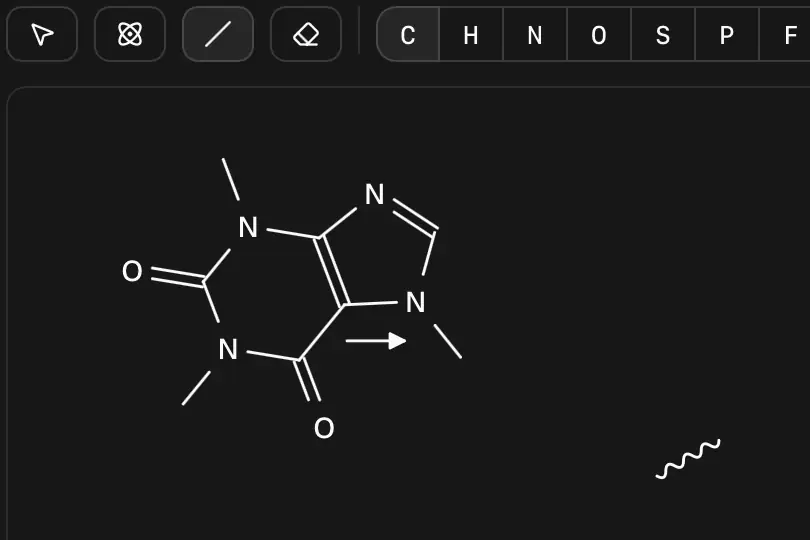 Forward arrow inserted; line and rectangle commands present. | Not established | Partly: Chemical S-group brackets only. Opens the cited page.Chemical S-group brackets only. | Not established | Not established | Not established | Not established | Not established | Not established | Yes, tested by running it: Drew a curve; line, ellipse and rectangle tools visible. Opens the cited page. | Not established | Not established | Not established | Not established | Not established | Not established | Not established | Not established | Partly: Editable straight arrows only; brackets and curves are not implemented. Opens the cited page.Editable straight arrows only; brackets and curves are not implemented. | Not established | Not established | Yes, according to the manual: Rectangles, ellipses, polygons, polylines and bracket drawing modes. Opens the cited page. | Yes, according to the manual. Opens the cited page. | Yes, according to the manual: Figure editor provides editable shapes, pen paths and freehand curves. Opens the cited page. | Yes, according to the manual. Opens the cited page. | Yes, according to the manual: Editable shapes, brackets, arcs and free curves. Opens the cited page. | Yes, according to the manual. Opens the cited page. | Yes, according to the manual: Rectangles, ellipses and chemical S-group brackets. Opens the cited page. | Yes, according to the manual: Editable vector shapes, polylines and brackets. Opens the cited page. | Yes, according to the manual: Rectangle/square graphic tools and nonchemical brackets. Opens the cited page. | Yes, according to the manual: Editable shapes, brackets, braces, and curves via included ReportIt. Opens the cited page. | Yes, according to the manual: Ellipse, rectangle and line tools; structural S-group brackets. Opens the cited page. | Yes, according to the manual: Shapes; brackets also covered in the drawing guide. Opens the cited page. | Partly: Brackets and mechanism curves; general shape tools unverified. Opens the cited page.Brackets and mechanism curves; general shape tools unverified. | Yes, according to the manual. Opens the cited page. | Not established | Yes, according to the manual: Draw mode provides squares, lines, arrows, and curved lines. Opens the cited page. | Yes, according to the manual: Editable geometric shapes, rectangular brackets, round brackets, and wavy lines. Opens the cited page. | Yes, according to the manual: Editable geometric shapes, arcs, lines and multiple bracket types. Opens the cited page. | Not established | Not established | Yes, according to the manual: Boxes and brackets, plus editable spline curves. Opens the cited page. | Yes, according to the manual: Editable curves, geometric shapes and brackets. Opens the cited page. | Yes, according to the manual: Editable rectangle and curve objects in the example drawing. Opens the cited page. | Not established | Yes, according to the manual: Editable circles, arcs, lines, Bezier curves and brackets. Opens the cited page.M | Yes, according to the manual: FX Draw provides editable shapes and Bezier/freehand curves. Opens the cited page. | Yes, according to the manual: Official screenshot shows ellipse, rectangle and bracket tools. Opens the cited page. | Not established | Not established | Yes, according to the manual: Bracket and freehand drawing tools. Opens the cited page. | Yes, according to the manual: Editable circles and three-point circular arcs. Opens the cited page. | Not established | Yes, according to the manual: Editable shapes, brackets and freehand drawing. Opens the cited page. | Not established | Yes, according to the manual: Draws editable shapes and brackets; vendor claim. Opens the cited page. | Not established | Not established | Not established | Not established | Not established | Partly: Brackets documented; other shapes unverified; vendor claim. Opens the cited page.Brackets documented; other shapes unverified; vendor claim. | Not established | Not established | Not established | Not established | Not established | Not established |
|---|
| Align and distribute | Yes, according to the manual: Horizontal/vertical alignment and equal-distance distribution. Opens the cited page. | Yes, according to the manual: Align edges or centers; distribute groups and connected components. Opens the cited page. | Yes, according to the manual: Align edges or centers; distribute horizontally or vertically. Opens the cited page. | Yes, according to the manual. Opens the cited page. | Yes, according to the manual: Selected objects align by edges or centers and distribute evenly. Opens the cited page. | Yes, according to the manual. Opens the cited page. | Not established | Yes, according to the manual: Align objects or distribute them horizontally and vertically. Opens the cited page. | Yes, according to the manual. Opens the cited page. | Not established | Yes, according to the manual. Opens the cited page. | Yes, according to the manual: Canvas aligns and distributes selected objects horizontally or vertically. Opens the cited page. | Partly: Aligns/distributes selected atoms; no whole-object layout. Opens the cited page.Aligns/distributes selected atoms; no whole-object layout. | Yes, according to the manual. Opens the cited page. | Not established | Not established | Yes, according to the manual: Six alignment modes and horizontal/vertical equal-gap distribution. Opens the cited page. | Yes, according to the manual. Opens the cited page. | Not established | Not established | Not established | Yes, according to the manual. Opens the cited page. | Yes, according to the manual: Align selected whiteboard objects. Opens the cited page. | Yes, according to the manual: Line up selected molecules and symbols; distribute gaps evenly. Opens the cited page. | Not established | Not established | Not established | Not established | Yes, according to the manual: Requires Reaction Sketcher plugin; align and distribute selected objects. Opens the cited page. | Not established | Not established | Not established | Not established | Yes, according to the manual: Selected objects align left, top, or center. Opens the cited page. | Not established | Partly: Code-based alignment and spacing, without selecting canvas objects. Opens the cited page.Code-based alignment and spacing, without selecting canvas objects. | Not established | Not established | Yes, according to the manual: Six alignment directions and horizontal/vertical distribution. Opens the cited page. | Not established | Yes, according to the manual. Opens the cited page. | Not established | Not established | Yes, according to the manual: Alignment and equal-spacing commands for selected objects. Opens the cited page. | Yes, according to the manual: Selected objects align left, center, right, top, middle or bottom. Opens the cited page. | Yes, according to the manual: Snap guides align molecule bounds and centers during dragging. Opens the cited page. | Not established | Not established | Not established | Not established | Yes, according to the manual. Opens the cited page. | Not established | Not established | Not established | Not established | Not established | Not established | Partly: Auto layout aligns whole schemes rather than selected objects. Opens the cited page.Auto layout aligns whole schemes rather than selected objects. | Not established | Not established | No: Alignment and distribution remain planned. Opens the cited page. | Not established | Not established | Not established | Not established | Not established | Not established | Not established | Not established | Not established | Not established | Not established | Not established | Not established | Not established | Not established | Not established | Not established | Not established | Not established | Not established | Yes, according to the manual: Aligns object edges or centers. Opens the cited page. | Yes, according to the manual. Opens the cited page. | Yes, according to the manual: Figure editor supports alignment and even horizontal or vertical spacing. Opens the cited page. | Yes, according to the manual. Opens the cited page. | Yes, according to the manual: Object alignment and horizontal or vertical equal distribution. Opens the cited page. | Yes, according to the manual. Opens the cited page. | No: Official comparison explicitly excludes alignment. Opens the cited page. | Yes, according to the manual: Align selected objects by edges or centers. Opens the cited page. | Yes, according to the manual: Align Reaction command aligns sequence reactions. Opens the cited page. | Yes, according to the manual: Align Objects and Space Evenly commands. Opens the cited page. | Not established | Yes, according to the manual: Molecules can be aligned in pathway drawings. Opens the cited page. | Yes, according to the manual. Opens the cited page. | Yes, according to the manual. Opens the cited page. | Yes, according to the manual. Opens the cited page. | Yes, according to the manual: Align selected objects horizontally, vertically, or to the left. Opens the cited page. | Yes, according to the manual: Six alignment commands operate on complete selected roots. Opens the cited page. | Yes, according to the manual: Alignment and distribution guidelines. Opens the cited page. | Yes, according to the manual: Align selected molecules, annotations, and reaction arrows. Opens the cited page. | Not established | No: Automatic alignment remains on the shipped TODO list. Opens the cited page. | Not established | Not established | Not established | Yes, according to the manual: Edge and center alignment; iPad arrangement requires paid Full version. Opens the cited page.Full version | Not established | Yes, according to the manual: Vendor claim: object alignment. Opens the cited page. | Not established | Not established | Not established | Yes, according to the manual: Selected objects align horizontally and vertically. Opens the cited page. | Not established | Not established | Not established | Not established | Not established | Not established | Not established | Not established | Not established | Not established | Not established | Not established | Not established | Not established | Not established | Not established |
|---|
| Group and ungroup | Yes, according to the manual: Group and ungroup; grouped objects move together. Opens the cited page. | Yes, according to the manual: Nested groups retain complete molecules and captions. Opens the cited page. | Yes, according to the manual: Group and Ungroup combine molecules for movement. Opens the cited page. | Yes, according to the manual. Opens the cited page. | Yes, according to the manual: Grouped structures and graphics select and move together. Opens the cited page. | Yes, according to the manual. Opens the cited page. | Not established | Yes, according to the manual: Group and ungroup page objects. Opens the cited page. | Yes, according to the manual. Opens the cited page. | Not established | Yes, according to the manual. Opens the cited page. | Yes, according to the manual: Canvas supports grouping and ungrouping with keyboard shortcuts. Opens the cited page. | No: Group controls are inactive; imported groups have limited editing. Opens the cited page. | Yes, according to the manual. Opens the cited page. | Not established | Not established | Yes, according to the manual: Persistent Group, Ungroup and integral grouping commands. Opens the cited page. | Not established | Not established | Yes, according to the manual: Chemical S-groups move together; Remove Abbreviation separates their atoms. Opens the cited page. | Not established: Chemical S-groups exist; general drawing-object grouping is unverified. | Not established | Yes, according to the manual: Group and ungroup whiteboard objects. Opens the cited page. | Not established | Partly: Chemical substructure groups only; disconnected objects cannot be grouped. Opens the cited page.Chemical substructure groups only; disconnected objects cannot be grouped. | Not established | Not established | Not established | Yes, according to the manual: Requires Reaction Sketcher plugin; group and ungroup molecular items and annotations. Opens the cited page. | Not established | Not established | Not established | Not established | Yes, according to the manual. Opens the cited page. | Not established | Yes, according to the manual: Subschemes are positioned as single entities. Opens the cited page. | Not established | Partly: Chemical groups move together; mixed text/shape grouping unverified. Opens the cited page.Chemical groups move together; mixed text/shape grouping unverified. | Yes, according to the manual: Group and ungroup commands. Opens the cited page. | Not established | Not established | Not established | Not established | Yes, according to the manual: Grouped components translate and align as a fixed assembly. Opens the cited page. | Yes, according to the manual: Grouped objects move together; grouping and ungrouping are supported. Opens the cited page. | Not established | Not established | Not established | Not established | Not established | Yes, according to the manual. Opens the cited page. | Partly: Abbreviation groups move together; general object grouping is unverified. Opens the cited page.Abbreviation groups move together; general object grouping is unverified. | Not established | Yes, according to the manual: Group/ungroup atoms, bonds, arrows, and text; move selections together. Opens the cited page. | Not established | Not established | Not established | Not established | Not established | Not established | Yes, according to the manual: Group, ungroup and move scene objects together. Opens the cited page. | Partly: Selected atoms move together; no persistent grouping or ungrouping. Opens the cited page.Selected atoms move together; no persistent grouping or ungrouping. | Yes, according to the manual: Atoms and bonds group through chemical S-groups. Opens the cited page. | Not established | Not established | Not established | Not established | Not established | Not established | Not established | Not established | Not established | Not established | Not established | Not established | Not established | Not established | Not established | Not established | Not established | Not established | Not established | Yes, according to the manual. Opens the cited page. | Yes, according to the manual: Figure editor has Group and Ungroup commands. Opens the cited page. | Not established: Chemical S-groups documented; general object grouping not verified. | Yes, according to the manual: Group, move collectively, edit members and ungroup. Opens the cited page. | Yes, according to the manual. Opens the cited page. | Not established | Not established | Yes, according to the manual: Preserves grouping when copying and pasting graphical objects. Opens the cited page. | Yes, according to the manual: Group and ungroup separate objects via included ReportIt. Opens the cited page. | Not established | Yes, according to the manual. Opens the cited page. | Yes, according to the manual. Opens the cited page. | Not established | Yes, according to the manual: Windows Structure menu includes grouping; vendor claim. Opens the cited page. | Not established | No: Visual grouping remains a proposal outside current document grammar. Opens the cited page. | Not established | Yes, according to the manual: Group and ungroup molecular fragments. Opens the cited page. | Not established | No: Persistent grouping remains on the shipped TODO list. Opens the cited page. | Not established | Not established | Not established | Yes, according to the manual: Nested groups; iPad grouping requires paid Full version. Opens the cited page.Full version | Yes, according to the manual: FX Draw groups can be moved and resized together. Opens the cited page. | Not established | Not established | Not established | Not established | Yes, according to the manual: Group and ungroup selected objects. Opens the cited page. | Not established | Not established | Not established | Not established | Yes, according to the manual: Pro; vendor claim; grouping uses Chem+ Canvas. Opens the cited page.Pro | Not established | Not established | Not established | Not established | Not established | Yes, according to the manual: Vendor claim: grouping labels and annotations. Opens the cited page. | Not established | Not established | Not established | Not established | Not established |
|---|
| 2D structure cleanup | Yes, according to the manual: Standardizes molecular bond lengths and angles. Opens the cited page. | Partly: Selection cleanup leaves attachment-containing complexes unchanged; whole-scheme cleanup is missing. Opens the cited page.Selection cleanup leaves attachment-containing complexes unchanged; whole-scheme cleanup is missing. | Yes, according to the manual: Cleanup evens bond lengths, angles, and ring shapes. Opens the cited page. | Yes, according to the manual: Clean regenerates 2D layout while preserving stereochemistry and bond styles. Opens the cited page. | Yes, according to the manual: Clean Up straightens bond lengths and angles. Opens the cited page. | Yes, according to the manual. Opens the cited page. | Yes, according to the manual. Opens the cited page. | Yes, according to the manual: Clean up command: Ctrl+L. Opens the cited page. | Yes, according to the manual: Clean Up Structure, 2D and Reaction commands. Opens the cited page. | Yes, according to the manual. Opens the cited page. | Yes, according to the manual. Opens the cited page. | Yes, according to the manual: Exposed Clean Up command invokes the structure service. Opens the cited page. | Yes, according to the manual: Clean Up Structure command is available. Opens the cited page. | Yes, according to the manual. Opens the cited page. | Yes, according to the manual: Clean Up assigns uniform bond lengths and angles. Opens the cited page. | Yes, according to the manual: Standardizes bond lengths and angles while checking stereochemistry. Opens the cited page. | Yes, according to the manual: RDKit 2D cleanup protects metal, coordination and wedge/hash components. Opens the cited page. | Yes, according to the manual. Opens the cited page. | Yes, according to the manual: Regenerates selected or whole structure coordinates through OpenChemLib. Opens the cited page. | Yes, according to the manual: Clean Up regularizes bond lengths and angles. Opens the cited page. | Yes, according to the manual. Opens the cited page. | Yes, according to the manual. Opens the cited page. | Yes, according to the manual: Ketcher normalizes bond lengths and angles. Opens the cited page. | Yes, according to the manual: Repositions chains and branches; rings remain fixed. Opens the cited page. | Yes, according to the manual: Toolbar command optimizes bond geometry in two dimensions. Opens the cited page. | Yes, according to the manual: RDKit regenerates 2D coordinates with uniform bond lengths. Opens the cited page. | Yes, according to the manual: Requires registered iChemLabs Cloud Services access. Opens the cited page. | Yes, according to the manual: Ketcher cleanup standardizes bond lengths and angles. Opens the cited page. | Yes, according to the manual: Clean Up 2D tidies molecular drawing coordinates. Opens the cited page. | Not established | Yes, according to the manual: Vendor claim: automatic structure cleanup. Opens the cited page. | Yes, according to the manual: Clean Up makes bond lengths and angles uniform. Opens the cited page. | Yes, according to the manual: Ketcher Clean Up regularizes bond lengths and angles. Opens the cited page. | Yes, according to the manual: Tidy structure regenerates coordinates with OpenChemLib. Opens the cited page. | Yes, according to the manual: Command regenerates coordinates with normalized bond lengths and angles. Opens the cited page. | Not established | Yes, according to the manual. Opens the cited page. | Yes, according to the manual. Opens the cited page. | Not established | Yes, according to the manual. Opens the cited page. | Yes, according to the manual: Requires the Open Babel adapter and gen2D operation. Opens the cited page. | Yes, according to the manual: Auto-Layout regenerates 2D coordinates through RDKit. Opens the cited page. | Yes, according to the manual. Opens the cited page. | Not established | Not established | Yes, according to the manual. Opens the cited page. | Yes, according to the manual: 2D Cleanup/Depiction command regenerates coordinates. Opens the cited page. | Yes, according to the manual: Applying edits regenerates layout through SMILES. Opens the cited page. | Yes, according to the manual: CDK regenerates coordinates and normalizes bond lengths. Opens the cited page. | Yes, according to the manual. Opens the cited page. | Not established | Yes, according to the manual. Opens the cited page. | Yes, according to the manual: Cleanup regenerates 2D coordinates and can preserve unselected fragment orientation. Opens the cited page. | Yes, according to the manual: Clean Structure adjusts coordinates, bond geometry, arrows, and text. Opens the cited page. | Yes, according to the manual: Context menu tidies sketched geometries. Opens the cited page. | Not established | Yes, according to the manual: 2D coordinate regeneration requires an optional chemistry adapter. Opens the cited page. | Yes, according to the manual. Opens the cited page. | Partly: Normalizes average bond length by scaling; angles remain unchanged. Opens the cited page.Normalizes average bond length by scaling; angles remain unchanged. | Yes, according to the manual: Selected-molecule popup recomputes 2D coordinates. Opens the cited page. | No: CLI layout.structure reports operation_not_implemented. Opens the cited page. | Not established | Yes, according to the manual: Server-side Open Babel generates 2D coordinates. Opens the cited page. | Partly: Local automatic geometry adjustments and symmetry tools only. Opens the cited page.Local automatic geometry adjustments and symmetry tools only. | Not established | Partly: Auto arrange crosses ring bonds and rewrites formula. Opens the cited page.Auto arrange crosses ring bonds and rewrites formula. | Not established | Yes, according to the manual: Recalculates 2D coordinates, disregarding existing coordinates. Opens the cited page. | Not established | Not established | Yes, according to the manual: Optional coordinate-regeneration command; omitted from default toolbar. Opens the cited page. | Not established | Not established | Not established | Partly: Automatic 2D layout on text import only. Opens the cited page.Automatic 2D layout on text import only. | Not established | Not established | Not established | Not established | Not established | Not established | Yes, according to the manual: Regenerates unselected geometry around a selected connected bond fragment. Opens the cited page. | Yes, according to the manual. Opens the cited page. | Yes, according to the manual: Structure cleanup is part of the documented drawing workflow. Opens the cited page. | Yes, according to the manual. Opens the cited page. | Yes, according to the manual: Normalizes bond lengths, angles, rings and overall layout. Opens the cited page. | Yes, according to the manual. Opens the cited page. | Yes, according to the manual: Requires a configured 2D-clean web service. Opens the cited page. | Not established | Yes, according to the manual: vendor claim; standardizes bond lengths and angles. Opens the cited page. | Yes, according to the manual: Tidies structure geometry and bond lengths. Opens the cited page. | Yes, according to the manual: Clean Up standardizes bond lengths and angles. Opens the cited page. | Yes, according to the manual. Opens the cited page. | Not established | Yes, according to the manual. Opens the cited page. | Yes, according to the manual: Clean Up Structure and Auto-Orient commands. Opens the cited page. | Yes, according to the manual: Clean Structure standardizes bond lengths and angles. Opens the cited page. | Yes, according to the manual: Clean Geometry plus bond-length, bond-angle, and ring normalization. Opens the cited page. | Yes, according to the manual: Dedicated 2D clean command. Opens the cited page. | Not established | Yes, according to the manual: Clean Up improves the 2D layout without changing connectivity. Opens the cited page. | Partly: Removes duplicates and straightens near-horizontal/vertical bonds; no general length normalization. Opens the cited page.Removes duplicates and straightens near-horizontal/vertical bonds; no general length normalization. | Yes, according to the manual: Command tidies selected structures. Opens the cited page. | Not established | Yes, according to the manual: Clean Up Structure recomputes coordinates using CoordGen. Opens the cited page. | Not established | Not established | Yes, according to the manual: Vendor claim: Clean Up automatically tidies distorted structures. Opens the cited page. | Yes, according to the manual: Clean command adjusts angles, spacing, and ring geometry. Opens the cited page. | Yes, according to the manual: Dense spiro/bridged systems may overlap. Opens the cited page. | Not established | No: Cleanup only removes duplicate objects and empty groups. Opens the cited page. | Yes, according to the manual: Android listing describes force-directed layout; vendor claim. Opens the cited page. | Not established | Not established | Yes, according to the manual: Clean Up tidies selected structures or the entire drawing; vendor claim. Opens the cited page. | Not established | Not established | Not established | Not established | Yes, according to the manual. Opens the cited page. | Not established | Yes, according to the manual: Vendor claim: tidies rings and spacing. Opens the cited page. | Not established | Yes, according to the manual: vendor claim; automatic coordinate cleanup. Opens the cited page. | Not established | Not established | Not established |
|---|
| Journal drawing styles | Yes, according to the manual: Built-in ACS Document 1996 and RSC styles. Opens the cited page. | Yes, according to the manual: JACS/ACS, Nature and RSC drawing presets; complete stationery remains unsupported. Opens the cited page. | Yes, according to the manual: ACS, RSC, Nature Portfolio, and Nature Chemistry presets. Opens the cited page. | Yes, according to the manual: ACS, RSC, Nature, Angewandte and SYNLETT/SYNTHESIS presets. Opens the cited page. | Yes, according to the manual: ACS default with additional journal presets. Opens the cited page. | No: A journal-style preset is planned for v1.2. Opens the cited page. | Yes, according to the manual: ChemDraw ACS 1996 preset. Opens the cited page. | Yes, according to the manual: ACS Document 1996 preset. Opens the cited page. | Yes, according to the manual: ACS, Nature, RSC, Angewandte and Synthesis/Synlett presets. Opens the cited page. | Yes, according to the manual: ACS Document 1996 preset. Opens the cited page. | Yes, according to the manual. Opens the cited page. | Yes, according to the manual: Sketcher includes ACS 1996 bond and font styling. Opens the cited page. | Not established | Partly: ACS-inspired publication defaults only. Opens the cited page.ACS-inspired publication defaults only. | Yes, according to the manual: ACS preset applies coordinated bond, font and spacing settings. Opens the cited page. | Yes, according to the manual: ACS 1996, RSC and Wiley JCC presets. Opens the cited page. | Yes, according to the manual: Built-in ACS Document 1996 preset. Opens the cited page. | Not established | Partly: Fixed ACS 1996 formatting applies only to CDXML export. Opens the cited page.Fixed ACS 1996 formatting applies only to CDXML export. | Yes, according to the manual: Built-in ACS style settings. Opens the cited page. | Not established | Yes, according to the manual: Nature and ACS presets. Opens the cited page. | Partly: ACS preset applies in Ketcher, not to whiteboard styling. Opens the cited page.ACS preset applies in Ketcher, not to whiteboard styling. | Yes, according to the manual: ACS 1996, RSC, Wiley, and other journal presets. Opens the cited page. | Not established | Partly: Presets rescale geometry; documented font, linewidth and new-bond defaults remain unapplied. Opens the cited page.Presets rescale geometry; documented font, linewidth and new-bond defaults remain unapplied. | Partly: ACS 1996 example requires manual API settings. Opens the cited page.ACS 1996 example requires manual API settings. | Yes, according to the manual: ACS preset in embedded Ketcher. Opens the cited page. | Not established | Not established | Not established | Yes, according to the manual: Built-in ACS settings. Opens the cited page. | Yes, according to the manual: Embedded Ketcher includes an ACS settings preset. Opens the cited page. | Not established | Not established | Not established | Not established | Not established | Yes, according to the manual: Default drawing style approximates ACS 1996. Opens the cited page. | Not established | Not established | Not established | Not established | Yes, according to the manual: ACS and RSC presets. Opens the cited page. | Yes, according to the manual: ACS, Nature, Beilstein and Royal Society of Chemistry presets. Opens the cited page. | Not established | Not established | Not established | Not established | Not established | Yes, according to the manual: ACS Document 1996 preset. Opens the cited page. | Partly: CDXML export applies ACS 1996 bond sizing only. Opens the cited page.CDXML export applies ACS 1996 bond sizing only. | Not established | Not established | Not established | Not established | Not established | Yes, according to the manual: Built-in ACS style preset. Opens the cited page. | Partly: Generic PublicationMetrics preset; no journal-specific presets. Opens the cited page.Generic PublicationMetrics preset; no journal-specific presets. | Not established | Not established | Not established | Not established | Not established | Yes, according to the manual: ACS Document 1996 default. Opens the cited page. | Not established | Partly: Generic publication preset; named journal presets unverified. Opens the cited page.Generic publication preset; named journal presets unverified. | Not established | Not established | Not established | Not established | Not established | Not established | Not established | Not established | Not established | Not established | Not established | Not established | No: Style support remains on the TODO list. Opens the cited page. | Not established | Not established | Yes, according to the manual: ACS, RSC, and Nature presets. Opens the cited page. | Yes, according to the manual: ACS 1996, RSC, Nature and other drawing presets. Opens the cited page. | Yes, according to the manual: Includes ACS and Royal Society of Chemistry presets. Opens the cited page. | Yes, according to the manual: ACS, RSC and Nature presets explicitly listed. Opens the cited page. | Yes, according to the manual: ACS Document 1996 preset. Opens the cited page. | Not established | Not established | Yes, according to the manual: vendor claim; ACS and Wiley publication formats. Opens the cited page. | Not established | Yes, according to the manual: Built-in ACS settings preset. Opens the cited page. | Yes, according to the manual: ACS, RSC, and Wiley presets. Opens the cited page. | No: Only the default theme is shipped. Opens the cited page. | Yes, according to the manual: ACS Document 1996 preset. Opens the cited page. | Not established | Yes, according to the manual: ACS and RSC drawing presets demonstrated. Opens the cited page. | Not established | Yes, according to the manual: ACS 1996 is the default journal style. Opens the cited page. | Not established | Not established | Not established | Not established | Not established | Not established | Not established | Not established | Not established | Yes, according to the manual: ACS Document 1996 preset. Opens the cited page.Free | Not established | Yes, according to the manual: Includes ACS and RSC presets. Opens the cited page. | Not established | Not established | Not established | Not established | Not established | Not established | Not established | Not established | Not established | Not established | Not established | Not established | Not established | Not established | Not established | Not established | Not established |
|---|
| Reusable custom styles | Yes, according to the manual: Save drawing and text settings as reusable stationery. Opens the cited page. | Yes, according to the manual: Save and load reusable bond and font settings. Opens the cited page. | Yes, according to the manual: Settings can save style presets for reuse. Opens the cited page. | Yes, according to the manual: Save custom bond and font settings; exchange JSON styles. Opens the cited page. | Yes, according to the manual: Save named style templates containing bond and font settings. Opens the cited page. | Yes, according to the manual: Drawing settings export and import as reusable style templates. Opens the cited page. | Yes, according to the manual: Bond and font settings persist in the browser. Opens the cited page. | Not established | Yes, according to the manual: Custom bond/font settings saved as defaults for new documents. Opens the cited page. | Yes, according to the manual: Bond and font settings save/reload as JSON. Opens the cited page. | Yes, according to the manual. Opens the cited page. | Yes, according to the manual: Settings JSON saves bond dimensions and font sizes. Opens the cited page. | Not established | Not established | Yes, according to the manual: Bond and font settings can be saved and reloaded as files. Opens the cited page. | Not established | Yes, according to the manual: Custom bond and font settings persist in reusable drawing files. Opens the cited page. | Not established | Not established | Yes, according to the manual: Bond and font settings can be saved and reloaded. Opens the cited page. | Yes, according to the manual: Bond and font settings save to and reload from JSON. Opens the cited page. | Yes, according to the manual: Imported CDS settings persist in browser storage and JSON. Opens the cited page. | Yes, seen in the app: Settings provide Save to File and Open from File. Opens the cited page. | Not established | Not established | Not established | Yes, according to the manual: Reusable JavaScript Styles objects configure bond and font settings. Opens the cited page. | Yes, according to the manual: Save and reload Ketcher font and bond settings. Opens the cited page. | Yes, according to the manual: Settings Saver plugin saves and reloads drawing-settings presets. Opens the cited page. | Yes, according to the manual: Bond settings and atom font size persist across sessions. Opens the cited page. | Partly: Style controls have subscription marker. Opens the cited page.Style controls have subscription marker. | Yes, according to the manual: Bond and font settings persist in browser storage. Opens the cited page. | Partly: Ketcher persists settings; host reapplies atom font sizes on loading. Opens the cited page.Ketcher persists settings; host reapplies atom font sizes on loading. | Not established | Not established | Yes, according to the manual: Reusable TeX settings for bonds and atom fonts. Opens the cited page. | Not established | Yes, according to the manual: Font and bond settings persist in browser storage. Opens the cited page. | Yes, according to the manual: Saved document styling is reused by New Canvas. Opens the cited page. | Not established | Yes, according to the manual: Bond and font preferences persist for reuse. Opens the cited page. | Yes, according to the manual: Font, bond length, spacing and line width persist locally. Opens the cited page. | Not established | Yes, according to the manual: Save and load bond, font and page settings. Opens the cited page. | Partly: Custom bond/font settings are session-only, omitted from saved projects. Opens the cited page.Custom bond/font settings are session-only, omitted from saved projects. | Partly: Bond settings persist; font-selection controls are disabled. Opens the cited page.Bond settings persist; font-selection controls are disabled. | Not established | Not established | Partly: Editor font persists; bond dimensions are fixed. Opens the cited page.Editor font persists; bond dimensions are fixed. | Not established | Yes, according to the manual: Saved document defaults are restored by later editing commands. Opens the cited page. | Not established | Not established | Not established | Not established | Not established | Not established | Partly: Bond settings persist; drawing-font presets are not saved. Opens the cited page.Bond settings persist; drawing-font presets are not saved. | Yes, according to the manual: ConfigData.java saves named font, bond and scale policies. Opens the cited page. | Not established | Yes, according to the manual: Save document styles; import settings or reuse new-document defaults. Opens the cited page. | Not established | Not established | Partly: Reusable API styles; editor document serialization omits bond/font styles. Opens the cited page.Reusable API styles; editor document serialization omits bond/font styles. | Not established | Not established | Partly: Reusable rendering policies via API; style-saving interface unverified. Opens the cited page.Reusable rendering policies via API; style-saving interface unverified. | Not established | Not established | Not established | Not established | Not established | Not established | Not established | Not established | Not established | Not established | Not established | Partly: Native drawings preserve font size and bond length; no separate presets. Opens the cited page.Native drawings preserve font size and bond length; no separate presets. | No: Style support remains on the TODO list. Opens the cited page. | Not established | Partly: Document standards persist; personal-style saving uses removed Python 2 file(). Opens the cited page.Document standards persist; personal-style saving uses removed Python 2 file(). | Yes, according to the manual. Opens the cited page. | Yes, according to the manual: Bond and font preferences persist in local browser storage. Opens the cited page. | Yes, according to the manual. Opens the cited page. | Yes, according to the manual: Custom mode saves bond, font and other drawing parameters. Opens the cited page. | Partly: Bond settings persist; font persistence unverified. Opens the cited page.Bond settings persist; font persistence unverified. | No: Bond dimensions and text fonts cannot be configured. Opens the cited page. | Yes, according to the manual: Save personal bond, font and color standards. Opens the cited page. | Not established | Yes, according to the manual: Reusable style files and configurable default structure style. Opens the cited page. | Yes, according to the manual: Font and bond settings can be saved and imported as JSON. Opens the cited page. | Partly: Saved settings and styles affect the current document only. Opens the cited page.Saved settings and styles affect the current document only. | Yes, according to the manual. Opens the cited page. | Not established | Yes, according to the manual: Global bond and label preferences apply across documents. Opens the cited page. | Yes, according to the manual: Save modified drawing styles and set defaults. Opens the cited page. | Not established | Yes, according to the manual: User-defined journal styles include bond and font settings. Opens the cited page. | Not established | Not established | Partly: Settings persist within drawings, without a reusable style preset. Opens the cited page.Settings persist within drawings, without a reusable style preset. | Not established | Not established | Not established | Yes, according to the manual: Custom default attributes for atoms, bonds, text and drawings. Opens the cited page.M | Yes, according to the manual: Saves bond defaults; separate default font settings are available. Opens the cited page. | Not established | Not established | No: Bond geometry and font size are fixed constants. Opens the cited page. | Yes, according to the manual. Opens the cited page. | Not established | Not established | Not established | Not established | Not established | Not established | Not established | Not established: Bond-width controls documented; reusable styles unverified. | Not established | Not established | Not established | Not established | Not established | Not established | Not established | Not established | Not established |
|---|
| Color control | Yes, according to the manual: Basic colors in Prime; highlights/ring fills require Professional or Signals. Opens the cited page. | Yes, according to the manual: Color selected labels, bonds, captions, arrows and graphics independently. Opens the cited page. | Yes, according to the manual: Color selected atoms or other drawing content. Opens the cited page. | Yes, according to the manual: Colors individual atoms, bonds, arrows and text. Opens the cited page. | Yes, according to the manual: Color individual atoms, bonds, captions and drawing objects. Opens the cited page. | Yes, according to the manual. Opens the cited page. | Not established | Yes, according to the manual: Text, arrows and shapes have individual colour controls. Opens the cited page. | Yes, according to the manual: Individual atom, bond, text and shape colors. Opens the cited page. | Partly: Individual colored highlights; atom-label and bond-stroke colors remain unchanged. Opens the cited page.Individual colored highlights; atom-label and bond-stroke colors remain unchanged. | Yes, according to the manual. Opens the cited page. | Yes, according to the manual: Canvas objects have individual fill and stroke colors. Opens the cited page. | No: Colors controls are inactive. Opens the cited page. | Not established | Yes, according to the manual: Individual atoms and bonds support eight highlighting colors. Opens the cited page. | Yes, according to the manual: Selected atoms and connecting bonds receive palette-colored highlights. Opens the cited page. | Yes, according to the manual: Atom labels and captions can be colored individually. Opens the cited page. | Yes, according to the manual: Selected arrows can be recolored individually. Opens the cited page. | Partly: Fixed element palette toggle; no individual object color settings. Opens the cited page.Fixed element palette toggle; no individual object color settings. | Partly: Individual atom/bond highlights; direct recoloring unverified. Opens the cited page.Individual atom/bond highlights; direct recoloring unverified. | Not established | Yes, according to the manual: Individual atom-label colors. Opens the cited page. | Yes, according to the manual: Selected whiteboard objects have individual stroke and fill colors. Opens the cited page. | Yes, according to the manual: Mechanism and freehand arrows have individual color controls. Opens the cited page. | Yes, according to the manual: Individual atom colors through JavaScript setAtomColors(). Opens the cited page. | No: Drawing colors are hard-coded; selection changes are automatic. Opens the cited page. | Yes, according to the manual: Individual atom and bond colors through API style objects. Opens the cited page. | Yes, according to the manual: Individually highlight Ketcher atoms and bonds in eight colors. Opens the cited page. | Yes, according to the manual: Requires Reaction Sketcher plugin; individually colors text and annotation objects. Opens the cited page. | Yes, according to the manual: Atoms, bonds and other objects can be colored individually. Opens the cited page. | Yes, according to the manual: API supports per-object color marks; custom styling requires higher paid plans. Opens the cited page.Academic | Yes, according to the manual: Selected atoms and bonds can receive individual highlight colors. Opens the cited page. | Partly: Colored highlighting exists; host reports direct bond coloring unsupported. Opens the cited page.Colored highlighting exists; host reports direct bond coloring unsupported. | Yes, according to the manual. Opens the cited page. | Yes, according to the manual: Selected atoms, bonds and other drawable objects receive individual colors. Opens the cited page. | Yes, according to the manual. Opens the cited page. | Not established | Not established | Yes, according to the manual: Atoms, bonds, notes and charge marks color independently. Opens the cited page. | Partly: Element palettes; individual object coloring unverified. Opens the cited page.Element palettes; individual object coloring unverified. | Yes, according to the manual. Opens the cited page. | Yes, according to the manual: Selection color applies to atoms and internal bonds. Opens the cited page. | Not established: Individual colour overrides unverified. | Yes, according to the manual: Right-click objects to edit their individual colors. Opens the cited page. | Yes, according to the manual: Individually color atoms, bonds, arrows and text. Opens the cited page. | Partly: Element coloring and background color controls visible; individual colors unverified. Opens the cited page.Element coloring and background color controls visible; individual colors unverified. | Not established | Not established | Not established | Yes, according to the manual. Opens the cited page. | Yes, according to the manual. Opens the cited page. | Partly: Automatic element colors only. Opens the cited page.Automatic element colors only. | Yes, according to the manual: Individual atom colors can be set through the JavaScript API. Opens the cited page. | Yes, according to the manual: Individual atom colors, bond colors, and endpoint gradients. Opens the cited page. | Not established | Not established | Yes, according to the manual: Individual selected objects accept custom colors. Opens the cited page. | Yes, according to the manual. Opens the cited page. | Partly: Colors apply by element type, rather than individual atoms. Opens the cited page.Colors apply by element type, rather than individual atoms. | Yes, according to the manual: Individual atom and bond background colors through the API. Opens the cited page. | Not established | Not established | Not established | Partly: Shared theme sets atom and bond colors, not individual objects. Opens the cited page.Shared theme sets atom and bond colors, not individual objects. | Not established | No: Colors follow fixed element classes; no individual color field. Opens the cited page. | Yes, according to the manual: Per-atom and per-bond overrides through the rendering API. Opens the cited page. | Partly: Configurable selection highlights through Python; persistent object colors unverified. Opens the cited page.Configurable selection highlights through Python; persistent object colors unverified. | Not established | No: User-facing font, color and bond styling remain on the roadmap. Opens the cited page. | Partly: Element-wide palette configuration; no individual atom color control. Opens the cited page.Element-wide palette configuration; no individual atom color control. | Yes, according to the manual: JMDColorEditDialogComponent applies foreground colors to selected objects. Opens the cited page. | Not established | Not established | Not established | Partly: Color palette and swatches visible; application untested. Opens the screenshot.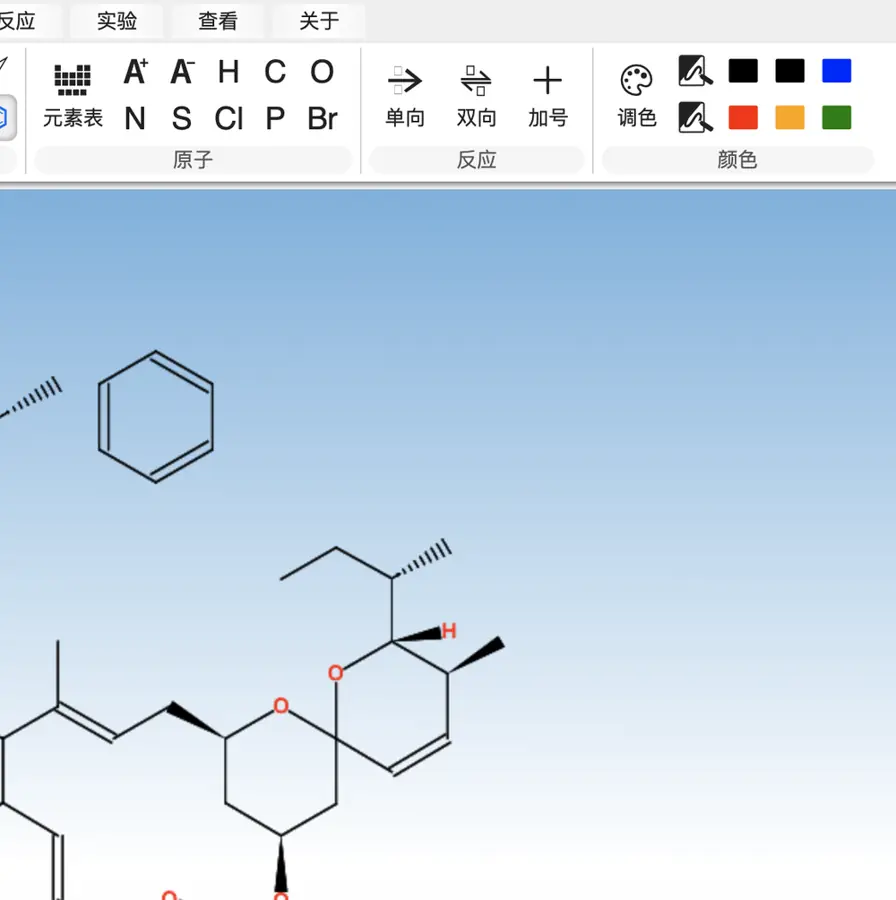 Color palette and swatches visible; application untested. | Not established | Not established | Partly: Global color schemes only; individual object colors are not stored. Opens the cited page.Global color schemes only; individual object colors are not stored. | No: Drawing colors are fixed CSS; selection highlights are automatic. Opens the cited page. | Not established | Yes, according to the manual: Individual objects expose line and area colors. Opens the cited page. | Yes, according to the manual. Opens the cited page. | Yes, according to the manual: Selection color commands target atoms, bonds and canvas objects. Opens the cited page. | Yes, according to the manual: Individual bond colors are configurable through Format. Opens the cited page. | Yes, according to the manual: Selected objects support individual line and fill colors. Opens the cited page. | Yes, according to the manual. Opens the cited page. | Yes, according to the manual: Individual graphical boxes have configurable outline and background colors. Opens the cited page. | Yes, according to the manual: Individual atom colors and configurable bond/object colors. Opens the cited page. | Yes, according to the manual: vendor claim; colored reaction-scheme annotations. Opens the cited page. | Yes, according to the manual: Selected objects can use custom colors. Opens the cited page. | Yes, according to the manual: Individual atoms and bonds support eight highlight colours. Opens the cited page. | Yes, according to the manual: Individual TLC spots have color controls. Opens the cited page. | Yes, according to the manual: Text foreground color can be changed individually. Opens the cited page. | Yes, according to the manual. Opens the cited page. | Not established | Yes, according to the manual: Change individual atom and bond colors. Opens the cited page. | Yes, according to the manual: Individual geometric objects have editable stroke and fill colors. Opens the cited page. | Yes, according to the manual: Atoms, bonds, properties and graphical shapes can be colored. Opens the cited page. | Not established | Not established | Yes, according to the manual: Individual labels and bonds can use the supplied colors. Opens the cited page. | Yes, according to the manual: Color chooser updates selected atoms, bonds and objects. Opens the cited page. | Yes, according to the manual: Color changes can apply only to selected objects. Opens the cited page. | Not established | Yes, according to the manual: Individual bonds have editable color attributes. Opens the cited page.M | Yes, according to the manual: FX Draw supports individual object line and fill colors. Opens the cited page. | Yes, according to the manual: Official screenshot shows differently colored text objects. Opens the cited page. | Not established | Partly: Global CPK, monochrome and pastel schemes; no individual object colors. Opens the cited page.Global CPK, monochrome and pastel schemes; no individual object colors. | Yes, according to the manual. Opens the cited page. | Yes, according to the manual: Individual bonds and text objects have editable colors. Opens the cited page. | Partly: Element colours adjustable; individual atom/bond control unverified; vendor claim. Opens the cited page.Element colours adjustable; individual atom/bond control unverified; vendor claim. | Yes, according to the manual: Atom text and bond colors can be set separately. Opens the cited page. | Not established | Not established | Not established | Not established | Not established | Yes, according to the manual: Vendor claim: annotation text color can be set. Opens the cited page. | Not established | Not established | Not established | Not established | Not established | Not established | Not established | Not established |
|---|
| Color highlighting | Yes, according to the manual: Atom/bond highlighting and ring fills; unavailable in Prime. Opens the cited page.Professional | Yes, according to the manual: Selected atoms and bonds receive tint highlights beneath visible ink. Opens the cited page. | Yes, according to the manual: MolScript supports atom and bond highlighter fills. Opens the cited page. | Partly: Selection halos highlight atoms and bonds only in the editor. Opens the cited page.Selection halos highlight atoms and bonds only in the editor. | Yes, according to the manual: Persistent colored atom/bond halos and ring fills, with custom colors. Opens the cited page. | Yes, according to the manual: Selected atom labels support custom colored background halos in exports. Opens the cited page. | Not established | Partly: Atom and bond selection halos are excluded from exports. Opens the cited page.Atom and bond selection halos are excluded from exports. | Yes, according to the manual: Atom halos and bond bands support adjustable colors and width. Opens the cited page. | Yes, according to the manual: Ketcher provides eight-color background highlights for individual atoms and bonds. Opens the cited page. | Yes, according to the manual: Editable colored bands and halos highlight selected atoms and bonds. Opens the cited page. | Partly: Context-menu atom/bond highlights display; SVG and PNG exports omit them. Opens the cited page.Context-menu atom/bond highlights display; SVG and PNG exports omit them. | Partly: Orange atom selection backgrounds only; exports omit them. Opens the cited page.Orange atom selection backgrounds only; exports omit them. | Partly: Selection halos only; SVG and PNG exports omit them. Opens the cited page.Selection halos only; SVG and PNG exports omit them. | Yes, according to the manual: Embedded Ketcher provides eight-color backgrounds behind atoms and bonds. Opens the cited page. | Yes, according to the manual: Colored tints beneath atoms and connecting bonds export consistently. Opens the cited page. | Partly: Hover backgrounds and halos are temporary and excluded from SVG/PNG exports. Opens the cited page.Hover backgrounds and halos are temporary and excluded from SVG/PNG exports. | Not established | Partly: Blue selection halos only; exports explicitly remove selection and hover. Opens the cited page.Blue selection halos only; exports explicitly remove selection and hover. | Yes, according to the manual: Ketcher mode provides eight-color backgrounds on individual atoms and bonds. Opens the cited page. | Partly: API highlights display colored halos; exports omit them. Opens the cited page.API highlights display colored halos; exports omit them. | Partly: Selection halos are removed from SVG and PNG exports. Opens the cited page.Selection halos are removed from SVG and PNG exports. | Not established | Partly: Selection backgrounds only; stripped from SVG and PNG exports. Opens the cited page.Selection backgrounds only; stripped from SVG and PNG exports. | Yes, according to the manual: API highlights atoms with blue surrounding boxes; SVG retains them. Opens the cited page. | Partly: Fixed blue atom-selection rings; no persistent highlighting controls. Opens the cited page.Fixed blue atom-selection rings; no persistent highlighting controls. | Partly: Atom halos are tied to temporary selection and hover states. Opens the cited page.Atom halos are tied to temporary selection and hover states. | Yes, according to the manual: Embedded Ketcher provides eight-color background highlights for atoms and bonds. Opens the cited page. | Partly: Reaction Sketcher plugin adds selection halos; PNG/SVG exports remove them. Opens the cited page.Reaction Sketcher plugin adds selection halos; PNG/SVG exports remove them. | Partly: Atom and bond selection backgrounds are excluded from image exports. Opens the cited page.Atom and bond selection backgrounds are excluded from image exports. | Not established | Yes, according to the manual: Eight highlight colors add backgrounds behind atoms and bonds. Opens the cited page. | Yes, according to the manual: Embedded Ketcher highlights selected atoms and bonds in eight colors. Opens the cited page. | Yes, according to the manual: Figure highlighter draws exportable translucent colored strokes across structure regions. Opens the cited page. | Yes, according to the manual: Yellow atom selection halos remain visible in exported images. Opens the cited page. | Yes, according to the manual: TikZ overlays add translucent backgrounds behind chosen atoms and bonds. Opens the cited page. | Partly: Fixed blue selection halos only; no persistent highlight styling. Opens the cited page.Fixed blue selection halos only; no persistent highlight styling. | Partly: API highlights display colored halos; exports omit them. Opens the cited page.API highlights display colored halos; exports omit them. | Partly: Colored hover halos are transient and excluded from figure exports. Opens the cited page.Colored hover halos are transient and excluded from figure exports. | Yes, according to the manual: Per-atom and per-bond colored halos through rendering APIs. Opens the cited page. | Partly: Blue selection outlines highlight atoms and bonds; exports clear selection. Opens the cited page.Blue selection outlines highlight atoms and bonds; exports clear selection. | Partly: Selection rings only; PNG and SVG omit them. Opens the cited page.Selection rings only; PNG and SVG omit them. | Partly: Selection halos only; exported images omit them. Opens the cited page.Selection halos only; exported images omit them. | Partly: Only temporary blue hover halos around individual atoms. Opens the cited page.Only temporary blue hover halos around individual atoms. | Partly: Blue atom backgrounds and bond halos indicate selection; exports omit them. Opens the cited page.Blue atom backgrounds and bond halos indicate selection; exports omit them. | Partly: Hover halos are temporary and omitted from SVG/PDF exports. Opens the cited page.Hover halos are temporary and omitted from SVG/PDF exports. | Partly: Fixed green selection halos; MOL and SMILES exports omit them. Opens the cited page.Fixed green selection halos; MOL and SMILES exports omit them. | Partly: JSME atom backgrounds work in editor; app image exports omit them. Opens the cited page.JSME atom backgrounds work in editor; app image exports omit them. | Partly: Selection backgrounds exist; SVG export suppresses them. Opens the cited page.Selection backgrounds exist; SVG export suppresses them. | No: Colors change atom glyphs and bond strokes; backgrounds match canvas. Opens the cited page. | Yes, according to the manual: Highlight command adds colored atom circles and bond bands. Opens the cited page. | Partly: Blue selection halos only; omitted from SVG/PNG exports. Opens the cited page.Blue selection halos only; omitted from SVG/PNG exports. | Yes, according to the manual: API supports colored bond backgrounds in structure depictions. Opens the cited page. | Partly: Selection/hover halos exist; SVG and PNG exports omit them. Opens the cited page.Selection/hover halos exist; SVG and PNG exports omit them. | Not established | Partly: Gray selection halos only; absent from SVG export. Opens the cited page.Gray selection halos only; absent from SVG export. | Partly: Colored selection overlays; excluded from image export. Opens the cited page.Colored selection overlays; excluded from image export. | Yes, according to the manual: Atom labels support colored background shapes. Opens the cited page. | Partly: Blue atom selection halos appear during editing but disappear from exports. Opens the cited page.Blue atom selection halos appear during editing but disappear from exports. | Yes, according to the manual: API sets colored backgrounds on individual atoms and bonds. Opens the cited page. | Partly: Selection and hover backgrounds only; scene export is unimplemented. Opens the cited page.Selection and hover backgrounds only; scene export is unimplemented. | Partly: Atom selection/hover halos only; PNG and clipboard exports omit halos. Opens the cited page.Atom selection/hover halos only; PNG and clipboard exports omit halos. | Partly: Highlighting is limited to fixed green selection backgrounds and hover halos. Opens the cited page.Highlighting is limited to fixed green selection backgrounds and hover halos. | Yes, according to the manual: Configurable colored underlays highlight selected atoms and bonds in widget. Opens the cited page. | Partly: Selection halos only; SVG and PNG exports omit them. Opens the cited page.Selection halos only; SVG and PNG exports omit them. | No: Fixed backgrounds and automatic warnings only; no user highlights. Opens the cited page. | Yes, according to the manual: Rendering API provides translucent colored atom circles, preserved in SVG. Opens the cited page. | Yes, according to the manual: Configurable atom selection halos persist in SVG returned by Python API. Opens the cited page. | Partly: Temporary blue atom and bond hover highlights only. Opens the cited page.Temporary blue atom and bond hover highlights only. | Partly: Blue selection halos only; SVG export omits them. Opens the cited page.Blue selection halos only; SVG export omits them. | Yes, according to the manual: Renderer API draws customizable colored halos around atoms and bonds. Opens the cited page. | Partly: Temporary colored selection boxes only; foreground coloring is separate. Opens the cited page.Temporary colored selection boxes only; foreground coloring is separate. | No: Renderer lacks user-controlled atom or bond background highlighting. Opens the cited page. | No: Plaintext formulas and monochrome rendering lack atom or bond backgrounds. Opens the cited page. | Partly: Cyan atom/bond selection backgrounds; chemical exports omit them. Opens the cited page.Cyan atom/bond selection backgrounds; chemical exports omit them. | Partly: Selection backgrounds are temporary and reset when the structure redraws. Opens the cited page.Selection backgrounds are temporary and reset when the structure redraws. | Not established | Yes, according to the manual: Source API sets per-atom background colors rendered into exported images. Opens the cited page. | Partly: Temporary selection outlines inherit bond color; no saved highlight styling. Opens the cited page.Temporary selection outlines inherit bond color; no saved highlight styling. | Partly: Selection/hover halos only; clipboard SVG omits their external CSS. Opens the cited page.Selection/hover halos only; clipboard SVG omits their external CSS. | Partly: Green atom and bond halos appear only during hover. Opens the cited page.Green atom and bond halos appear only during hover. | Yes, according to the manual: Atom area colors provide persistent backgrounds preserved in SVG exports. Opens the cited page. | Yes, according to the manual: Filled highlights around selected atoms and bonds. Opens the cited page. | Not established | No: Vendor comparison explicitly excludes atom and bond highlighting. Opens the cited page. | Not established | Not established | Yes, according to the manual: Colored atom/bond patches through API. Opens the cited page. | Yes, according to the manual: Colored backgrounds behind visible atom labels persist in SVG export. Opens the cited page. | Not established | Not established | Yes, according to the manual: Ketcher provides eight background highlight colors for atoms and bonds. Opens the cited page. | Not established | Partly: Selection squares mark unlabeled carbons only; image export hides them. Opens the cited page.Selection squares mark unlabeled carbons only; image export hides them. | Not established | Not established | Not established | Yes, according to the manual: Per-atom colored label backgrounds through native CDML attributes. Opens the cited page. | Yes, according to the manual: Atom and bond highlighting, distinct from foreground coloring. Opens the cited page. | Partly: Orange selection halos only; absent from Word output. Opens the cited page.Orange selection halos only; absent from Word output. | Not established | No: Only foreground coloring; selection replaces strokes without adding backgrounds or halos. Opens the cited page. | No: Renderer supports object recoloring and selection handles, without background highlighting. Opens the cited page. | Not established | Partly: Selection rings only; PNG captures them, SVG omits them. Opens the cited page.Selection rings only; PNG captures them, SVG omits them. | Not established | Not established | Not established | Not established | Partly: Selection and hover halos only; no dedicated highlight annotations. Opens the cited page.Selection and hover halos only; no dedicated highlight annotations. | Not established | Partly: Raw Pango markup enables atom-label backgrounds; EPS export loses highlighting. Opens the cited page.Raw Pango markup enables atom-label backgrounds; EPS export loses highlighting. | Not established | Not established | Yes, according to the manual: API renders chosen atoms and connecting bonds with configurable colored backgrounds. Opens the cited page. | Yes, according to the manual: Shading and Colour supports adjustable halos extending beyond bonds. Opens the cited page. | Not established | Partly: Atom backdrops available in PAINS and valence analysis views. Opens the cited page.Atom backdrops available in PAINS and valence analysis views. | Not established | Not established | Not established | Not established | Not established | Not established | Not established | Partly: Red selection halos surround displayed labels; hidden carbons remain unhighlighted. Opens the cited page.Red selection halos surround displayed labels; hidden carbons remain unhighlighted. | Not established | Not established |
|---|
| Page layout and multipage | Yes, according to the manual: Set page size and multiple document pages. Opens the cited page. | Yes, according to the manual: Standard/custom paper and page grids; uniform sizes, no automatic pagination. Opens the cited page. | Yes, seen in the app: Page setup and separate slide list visible. Opens the cited page. | Yes, according to the manual: Multiple pages in .penz; paper and journal page sizes. Opens the cited page. | Partly: Page size controls and tiled printing; canvas lacks separate document pages. Opens the cited page.Page size controls and tiled printing; canvas lacks separate document pages. | Partly: Page sizing exists; desktop editor displays only the first page. Opens the cited page.Page sizing exists; desktop editor displays only the first page. | Not established | Yes, tested by running it: Worksheet template added a second page; page-size control visible. Opens the cited page. | Not established | Not established | Yes, according to the manual. Opens the cited page. | Yes, according to the manual: Articler supports A4/Letter sizes, margins, page breaks and multiple pages. Opens the cited page. | Partly: CDXML multipage interchange; page-layout editing is not established. Opens the cited page.CDXML multipage interchange; page-layout editing is not established. | Not established | Not established | Not established | Partly: Editable page dimensions and margins; no multipage layout. Opens the cited page.Editable page dimensions and margins; no multipage layout. | Not established | Not established | No: Multipage documents are explicitly deferred. Opens the cited page. | Not established | Not established | Not established | Not established | Not established | Partly: Fixed single Letter page; no page-size or multipage controls. Opens the cited page.Fixed single Letter page; no page-size or multipage controls. | Not established | Partly: Insert Page Break for Printing command. Opens the cited page.Insert Page Break for Printing command. | Not established | Yes, according to the manual: One to 200 pages, standard/custom sizes, orientation and margins. Opens the cited page. | Not established | Not established | Not established | Partly: Page-size presets; figure documents contain one page. Opens the cited page.Page-size presets; figure documents contain one page. | Partly: Page dimensions, presets and orientation supported; multipage documents unverified. Opens the cited page.Page dimensions, presets and orientation supported; multipage documents unverified. | Not established | Not established | Not established | Partly: Standard/custom paper sizes; multipage CDXML unsupported. Opens the cited page.Standard/custom paper sizes; multipage CDXML unsupported. | Not established | Partly: Print preview offers page setup; multipage editing not verified. Opens the cited page.Print preview offers page setup; multipage editing not verified. | Not established | Not established | Partly: Custom page dimensions on a single-page drawing canvas. Opens the cited page.Custom page dimensions on a single-page drawing canvas. | Not established | Not established | Not established | Not established | Not established | Not established | Yes, according to the manual: Paper sizes, page counts, and automatic pagination. Opens the cited page. | Not established | Not established | Not established | Not established | Not established | Not established | Partly: Page size and orientation controls; document uses one canvas. Opens the cited page.Page size and orientation controls; document uses one canvas. | Not established | Not established | No: One page; multipage documents unimplemented. Opens the cited page. | Not established | Not established | Not established | Not established | Not established | Not established | Not established | Not established | Not established | Not established | Not established | Not established | Not established | Not established | Not established | Not established | Not established | Not established | Not established | Not established | Partly: Page dimensions and orientation; tabs represent separate documents. Opens the cited page.Page dimensions and orientation; tabs represent separate documents. | Yes, according to the manual. Opens the cited page. | Partly: Figure artboards; multipage documents use the separate Slides app. Opens the cited page.Figure artboards; multipage documents use the separate Slides app. | Yes, according to the manual. Opens the cited page. | Partly: Page sizes and margins documented; multipage documents unverified. Opens the cited page.Page sizes and margins documented; multipage documents unverified. | Not established | Not established | Partly: Page sizing supported; tabs save separate documents. Opens the cited page.Page sizing supported; tabs save separate documents. | Not established | Yes, according to the manual: Page setup and multipage documents via included ReportIt. Opens the cited page. | Not established | Yes, according to the manual: Page size plus page rows and columns. Opens the cited page. | Partly: Paper size and margins; multipage printing explicitly unsupported. Opens the cited page.Paper size and margins; multipage printing explicitly unsupported. | Not established | Not established | Not established: Page size documented; multipage documents unverified. | Partly: Paper sizes and orientation supported; multipage model remains deferred. Opens the cited page.Paper sizes and orientation supported; multipage model remains deferred. | Not established | Not established | Not established | Partly: Print paper size is configurable; native files contain one canvas. Opens the cited page.Print paper size is configurable; native files contain one canvas. | Not established | Not established | Not established | Not established | Not established | Partly: Multipage document shown; page-size controls unverified. Opens the cited page.Multipage document shown; page-size controls unverified. | Not established | Not established | Not established | Partly: Drawing width and height configurable; no multipage document model. Opens the cited page.Drawing width and height configurable; no multipage document model. | Not established | Not established | Not established | Not established | Not established | Not established | Not established: Only single-page A4 report export documented. | Not established | Not established | Not established | Not established | Not established | Not established | Not established | Not established | Not established |
|---|
| Imported pictures | Yes, according to the manual: Embeds imported raster images, including PNG and TIFF. Opens the cited page. | Yes, according to the manual: Embedded PNG, JPEG, TIFF and WebP pictures; no cropping. Opens the cited page. | Yes, according to the manual: Place PNG, JPEG, WebP, GIF, and SVG images. Opens the cited page. | Not established | Yes, according to the manual: Place raster images as picture objects. Opens the cited page. | Yes, according to the manual. Opens the cited page. | Yes, seen in the app: Add Image button visible. Opens the cited page. | Not established | Yes, according to the manual: PNG/JPEG images placed and resized on the sheet. Opens the cited page. | Yes, according to the manual: PNG and SVG images. Opens the cited page. | Yes, according to the manual. Opens the cited page. | Yes, according to the manual: Canvas imports PNG, JPEG and SVG images. Opens the cited page. | Not established | Not established | Yes, according to the manual: PNG and SVG images can be placed on the canvas. Opens the cited page. | Yes, seen in the app: Add Image toolbar button. Opens the cited page. | Not established | Not established | No: Embedded raster objects are unsupported and skipped. Opens the cited page. | Yes, according to the manual: Add Image places PNG and SVG pictures. Opens the cited page. | Yes, according to the manual. Opens the cited page. | Not established | Yes, according to the manual: Raster pictures on the Excalidraw whiteboard. Opens the cited page. | Not established | Not established | Not established | Partly: API places images as canvas backgrounds. Opens the cited page.API places images as canvas backgrounds. | Yes, according to the manual: Ketcher supports inserting PNG and SVG images. Opens the cited page. | Not established | Not established | Not established | Yes, according to the manual: PNG and SVG images can be placed on the canvas. Opens the cited page. | Yes, according to the manual: Ketcher places PNG and SVG images on the canvas. Opens the cited page. | Yes, according to the manual: PNG, JPEG, and WebP image insertion. Opens the cited page. | Not established | Not established | Not established | Yes, according to the manual: PNG and SVG images. Opens the cited page. | Yes, according to the manual: Embed PNG/JPEG images; adjust size, opacity and layering. Opens the cited page. | Not established | Not established | Not established | Not established | Not established | Not established | Not established | Not established | Not established | Not established | Not established | Yes, according to the manual. Opens the cited page. | Not established | Not established | Not established | Not established | Not established | Yes, according to the manual: Image blocks can be inserted into chemical drawings. Opens the cited page. | Not established | Not established | Not established | No: Image scene objects remain planned. Opens the cited page. | Not established | Not established | Not established | Not established | Not established | Not established | Not established | Not established | Not established | Not established | No: JMDImageFilter.read returns an empty document instead of importing images. Opens the cited page. | Not established | Not established | Not established | Not established | Not established | Not established | Not established | Not established | Not established | Not established | Yes, according to the manual. Opens the cited page. | Yes, according to the manual: Image files and pasted raster images become canvas image objects. Opens the cited page. | No: Official comparison explicitly marks picture import unsupported. Opens the cited page. | Yes, according to the manual: Import PNG, JPEG, BMP, GIF and WebP images. Opens the cited page. | Yes, according to the manual: TIF/TIFF import. Opens the cited page. | No: Official comparison explicitly excludes picture import. Opens the cited page. | Not established | Yes, according to the manual: vendor claim; bitmap clipboard paste. Opens the cited page. | Yes, according to the manual: Paste raster pictures into included ReportIt. Opens the cited page. | Yes, according to the manual: PNG and SVG images can be placed on canvas. Opens the cited page. | Not established | Not established | Yes, according to the manual: Imports BMP, JPG, PNG, TIFF and JPEG. Opens the cited page. | Not established | Yes, according to the manual: Vendor claim: import JPG, PNG, GIF, and bitmap images. Opens the cited page. | Not established | Yes, according to the manual: Images can be pasted, imported and cropped. Opens the cited page. | Not established | Not established | No: INSTALL explicitly identifies image import as missing. Opens the cited page. | Not established | Yes, according to the manual: Picture objects accept base64 image contents or an image URL. Opens the cited page. | Not established | Not established | Yes, according to the manual: FX Draw places imported bitmaps on the canvas. Opens the cited page. | Not established | Not established | Not established | Yes, according to the manual: PNG and JPEG images can be imported. Opens the cited page. | Not established | Not established | Yes, according to the manual: Clipboard images and background pictures can be placed on the canvas. Opens the cited page. | Not established | Not established | Not established | Not established | Not established | Not established | No: Image files cannot be opened; only own strokes can paste. Opens the cited page. | Not established | Not established | Not established | Not established | Not established | Not established | Not established |
|---|
| TLC plates and tables | Yes, according to the manual: Dedicated editable TLC plates; all desktop editions. Opens the cited page. | No: No TLC, gel or editable table objects. Opens the cited page. | Yes, according to the manual: Separate TLC tool edits lanes, spots, solvent front, and labels. Opens the cited page. | Yes, according to the manual: TLC template has movable spots, streaks, lanes and calculated Rf. Opens the cited page. | Yes, according to the manual: Dedicated TLC plates and editable tables. Opens the cited page. | Yes, according to the manual: Editable tables. Opens the cited page. | Yes, according to the manual: Editable stoichiometry panel; copies as text. Opens the cited page. | Not established | Yes, according to the manual: Editable reagent-table cells on the sheet. Opens the cited page. | Yes, according to the manual: Editable ELN tables and separate TLC photo annotations. Opens the cited page. | Yes, according to the manual. Opens the cited page. | Yes, according to the manual: Canvas tables have configurable rows and columns with editable text. Opens the cited page. | Not established | Not established | Not established | Yes, according to the manual: TLC plate generator produces editable drawing objects. Opens the cited page. | Yes, according to the manual: Editable tables; dedicated TLC tool was removed. Opens the cited page. | Not established | No: TLC plates and tables are explicitly unsupported and skipped. Opens the cited page. | Not established | Not established | Not established | Not established | Not established | Not established | Not established | Yes, according to the manual: Separate editable stoichiometry-table component; calculations require Cloud Services. Opens the cited page. | Yes, according to the manual: Editable tables through the embedded CKEditor 4 document editor. Opens the cited page. | Not established | Not established | Not established | Not established | Not established | Not established | Not established | Not established | Not established | Not established | Not established | Not established | Not established | Not established | Not established | Not established | Not established | Not established | Not established | Not established | Not established | Not established | Yes, according to the manual: Editable native TLC plates, gel plates, and tables. Opens the cited page. | Not established | Not established | Not established | Not established | Not established | Not established | Not established | Yes, tested by running it: SDF opened in a molecular datasheet with an editable molecule cell. Opens the screenshot.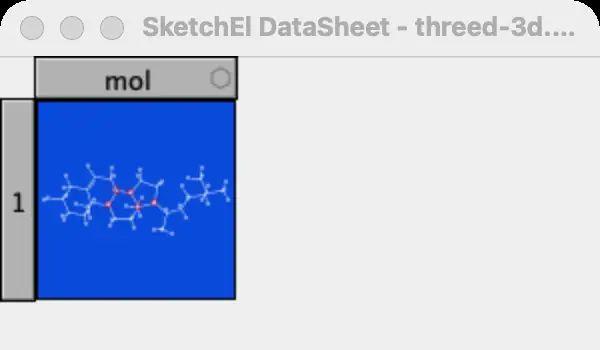 | Not established | No: Tables, TLC plates and gels remain planned. Opens the cited page. | Not established | Not established | Not established | Not established | Not established | Not established | Not established | Not established | Not established | Not established | Not established | Not established | Not established | Not established | Not established | Not established | Not established | Not established | Not established | Not established | Not established | Yes, according to the manual. Opens the cited page. | Yes, according to the manual: Figure editor provides editable tables with scientific styles. Opens the cited page. | Not established | Not established | Yes, according to the manual. Opens the cited page. | Not established | Not established | Partly: TLC authoring add-in inserts images, rather than editable canvas objects. Opens the cited page.TLC authoring add-in inserts images, rather than editable canvas objects. | Yes, according to the manual: Editable tables via included ReportIt. Opens the cited page. | Not established | Yes, according to the manual. Opens the cited page. | Not established | Not established | Yes, according to the manual: Editable reaction stoichiometry table. Opens the cited page. | Not established | Not established | Not established | Not established | Not established | Not established | Yes, according to the manual: Dedicated TLC plate, lane and spot tools. Opens the cited page. | Yes, according to the manual: Dedicated TLC object. Opens the cited page. | Not established | Not established | Yes, according to the manual: FX Draw offers editable tables. Opens the cited page. | Not established | Not established | Not established | Not established | Not established | Not established | Not established | Not established | Not established | Not established | Not established | Not established | Not established | Not established | Not established | Not established | Not established | Not established | Not established | Not established | Not established |
|---|
| Chemistry intelligence |
|---|
| Structure checking | Yes, tested by running it: Check Structure on caffeine returned No errors found. Opens the cited page. | Yes, according to the manual: Chemistry errors appear in Properties/Labels; no per-atom warning overlays. Opens the cited page. | Yes, according to the manual: Flags excessive valence, unusual charge, and stereo problems. Opens the cited page. | Yes, according to the manual: Flags excess valence and lists structural or stereo problems. Opens the cited page. | Yes, according to the manual: Flags valence and other structure problems. Opens the cited page. | Yes, according to the manual. Opens the cited page. | Yes, according to the manual. Opens the cited page. | Yes, according to the manual: Valence problems are displayed in the Check section. Opens the cited page. | Yes, tested by running it: Default paclitaxel layout triggered a highlighted ring-stereobond warning. Opens the screenshot. | Yes, according to the manual: Invalid valence is underlined in red. Opens the cited page. | Yes, according to the manual. Opens the cited page. | Yes, according to the manual: Sketcher Check reports structure issues. Opens the cited page. | Yes, according to the manual: Validates chemical valence and reports structure errors. Opens the cited page. | Yes, according to the manual. Opens the cited page. | Yes, according to the manual: Embedded Ketcher underlines atoms with incorrect valence in red. Opens the cited page. | Yes, tested by running it: Invalid carbon valence flagged during manual drawing. Opens the cited page. | Yes, according to the manual: Manual RDKit checks; metal and unsupported-label coverage is incomplete. Opens the cited page. | Yes, according to the manual. Opens the cited page. | Yes, according to the manual: Valence problems are collected for on-canvas warnings. Opens the cited page. | Yes, according to the manual: Invalid valence is underlined; structure checking is available. Opens the cited page. | Yes, according to the manual. Opens the cited page. | Yes, according to the manual. Opens the cited page. | Yes, according to the manual: Ketcher underlines invalid valences in red. Opens the cited page. | Yes, according to the manual: Flags excess valence, overlapping atoms, and undefined stereocenters. Opens the cited page. | Not established | Yes, according to the manual: MOL/SMILES file operations display sanitization errors. Opens the cited page. | Not established | Yes, according to the manual: Ketcher underlines atoms with invalid valence in red. Opens the cited page. | Yes, according to the manual: Flags valence problems before 3D conversion. Opens the cited page. | Not established | Not established | Yes, according to the manual: Invalid valence is underlined in red. Opens the cited page. | Yes, according to the manual: Invalid atom valences are underlined in red. Opens the cited page. | Yes, according to the manual: Basic structure check flags valence and stereochemistry issues. Opens the cited page. | Not established | No: Six-bond carbon rendered without a chemical validation warning. Opens the cited page. | Yes, tested by running it: Attempted overvalent carbon flagged and rejected. Opens the cited page. | Yes, according to the manual: Invalid atom valences are underlined in red. Opens the cited page. | Yes, according to the manual: Flags questionable valences for H, B, C, N, O and F. Opens the cited page. | Yes, according to the manual. Opens the cited page. | Not established | Yes, according to the manual: Flags excess valence; transition metals are exempt. Opens the cited page. | Yes, according to the manual. Opens the cited page. | Not established | Yes, according to the manual: Octet violations receive red wavy halos. Opens the cited page. | Not established | Not established | Yes, according to the manual: Invalid molecules trigger parsing or validity errors. Opens the cited page. | Yes, according to the manual. Opens the cited page. | Yes, according to the manual: Structure computation reports valence and aromaticity errors. Opens the cited page. | Yes, according to the manual. Opens the cited page. | Yes, according to the manual: Flags atoms with abnormal valence. Opens the cited page. | Yes, according to the manual: API validation throws errors for excessive valence and unbalanced charge. Opens the cited page. | Yes, according to the manual: Checks valence, invalid elements, duplicate bonds, and RDKit validity. Opens the cited page. | Yes, according to the manual: Automatically flags valence violations; vendor claim. Opens the cited page. | Partly: Projected SDF shows red overlap marker; valence checking unverified. Opens the cited page.Projected SDF shows red overlap marker; valence checking unverified. | Yes, according to the manual: Reports abnormal atom valences as errors. Opens the cited page. | Yes, according to the manual. Opens the cited page. | Partly: Overlap warnings only; chemical valence validation unverified. Opens the cited page.Overlap warnings only; chemical valence validation unverified. | Not established | Yes, according to the manual: Bounded valence model flags invalid and unsupported atom states. Opens the cited page. | Yes, according to the manual: Flags excessive valence using a limited built-in element table. Opens the cited page. | Yes, according to the manual: Invalid connectivity receives a red warning. Opens the cited page. | Not established | Not established | Yes, tested by running it: Warnings flag overbonded and underbonded atoms. Opens the screenshot. | Not established | Yes, according to the manual: Sanitization failures appear in the status bar. Opens the cited page. | Not established | Not established | Not established | Yes, according to the manual: Bond edits trigger a Valence Warning with undo/reduction choices. Opens the cited page. | Yes, tested by running it: Invalid bond order produced a red underline on nitrogen. Opens the cited page. | Not established | Yes, according to the manual. Opens the cited page. | Not established | Not established | Not established | Not established | Not established | Not established | Partly: Validator exists; lazy map() prevents molecule checks under Python 3. Opens the cited page.Validator exists; lazy map() prevents molecule checks under Python 3. | Yes, according to the manual. Opens the cited page. | Yes, according to the manual: Local heuristic flags valence, charge and stereo problems. Opens the cited page. | Yes, according to the manual. Opens the cited page. | Yes, according to the manual: Structure problems receive red warning borders. Opens the cited page. | Yes, according to the manual: Red warnings flag valence and connectivity errors. Opens the cited page. | Yes, according to the manual: Marks atoms with incorrect valence. Opens the cited page. | Yes, according to the manual: Reports exceeded valence and zero-order bonds. Opens the cited page. | Yes, according to the manual: Flags excessive valences, overlaps, and stereochemistry rule violations. Opens the cited page. | Yes, according to the manual: Flags invalid labels and incorrect valences. Opens the cited page. | Yes, according to the manual: Invalid valences are underlined; structure-check command also available. Opens the cited page. | Yes, according to the manual: Structure errors are indicated on hover. Opens the cited page. | Not established | Yes, according to the manual: Incorrect structures receive red error frames. Opens the cited page. | Yes, according to the manual: Live valence warnings and Structure Check; vendor claim. Opens the cited page. | Not established: Valence editing documented; error flagging unverified. | Partly: Bounded neutral-atom capacity warnings; explicitly not general chemical-validity checking. Opens the cited page.Bounded neutral-atom capacity warnings; explicitly not general chemical-validity checking. | Yes, according to the manual: Valence errors are highlighted by default. Opens the cited page. | Yes, according to the manual: Overbonded atoms receive warning circles. Opens the cited page. | Yes, according to the manual: Valence and Validation warn about abnormal bond counts. Opens the cited page. | Yes, according to the manual: Companion cht flags duplicate bonds during formula calculation. Opens the cited page. | Yes, according to the manual: Command locates carbons with bond-order sums of five or more. Opens the cited page. | Yes, according to the manual: Structure errors can be highlighted in red boxes. Opens the cited page. | Yes, according to the manual: RDKit sanitization errors appear in the properties panel. Opens the cited page. | Yes, according to the manual: Warns when bond counts exceed atom valence. Opens the cited page.M | Not established | Not established | Yes, according to the manual: Invalid atom labels and valence errors are flagged. Opens the cited page.Free | Not established | Not established | Not established | Yes, according to the manual: Warns when bonds exceed typical valence; vendor claim. Opens the cited page. | Not established | Yes, according to the manual: Invalid perceived atom types receive an error background. Opens the cited page. | Yes, according to the manual: Valence problems are marked; vendor claim. Opens the cited page. | Not established | Yes, according to the manual: Highlights atomic valence violations. Opens the cited page. | Yes, according to the manual: vendor claim; real-time RDKit sanitization errors flag invalid structures. Opens the cited page. | Not established | Not established | Not established | Yes, according to the manual: Vendor claim: flags common drawing errors. Opens the cited page. | Yes, according to the manual: Vendor-coauthored 2002 publication; current edition unspecified. Opens the cited page. | Not established | Not established | Not established | Not established |
|---|
| R/S and E/Z labels | Yes, according to the manual: Computed R/S and E/Z indicators update with drawing changes. Opens the cited page. | Yes, according to the manual: Computes tetrahedral R/S and ordinary alkene E/Z descriptors. Opens the cited page. | Yes, according to the manual: Computed CIP labels include R, S, E, and Z. Opens the cited page. | Yes, according to the manual: Computes CIP R/S and E/Z labels from drawings. Opens the cited page. | Yes, according to the manual: Computes R/S/r/s and E/Z with its own CIP labeller. Opens the cited page. | Yes, according to the manual: Computed R/S and E/Z descriptors. Opens the cited page. | Yes, tested by running it: Paclitaxel panel displays stereocenter descriptors. Opens the screenshot.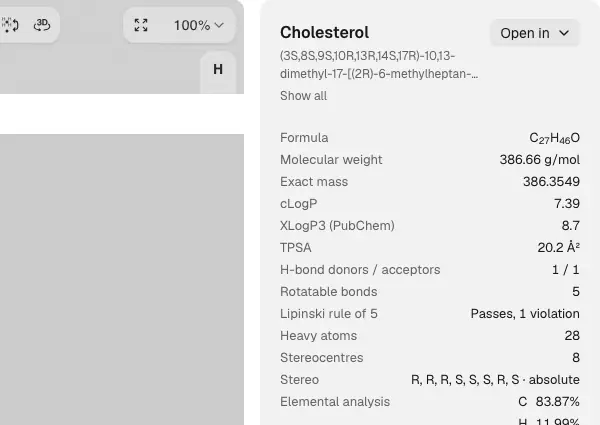 | Yes, tested by running it: Paclitaxel panel displayed R/S descriptors. Opens the screenshot.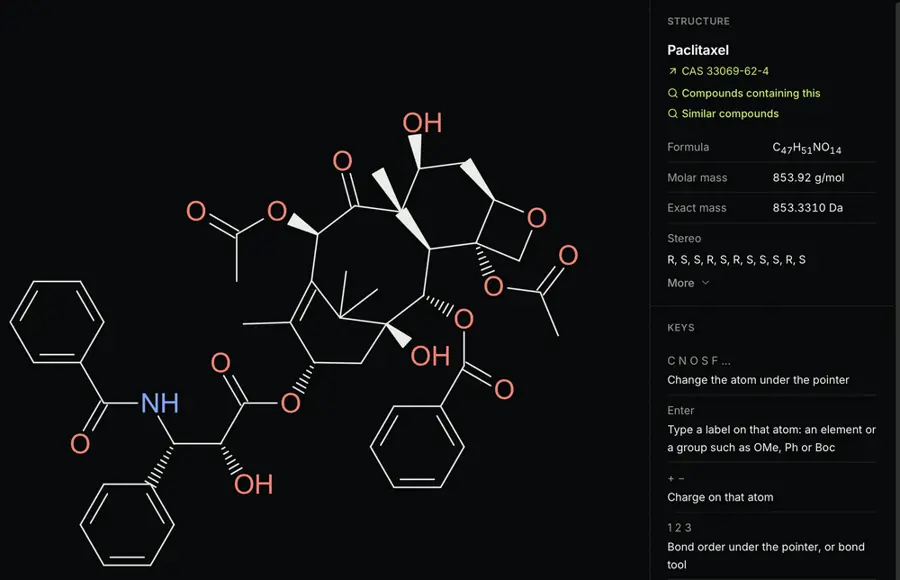 | Yes, according to the manual: Computed CIP R/S and E/Z labels. Opens the cited page. | Yes, according to the manual. Opens the cited page. | Yes, according to the manual. Opens the cited page. | Yes, according to the manual: Calculate CIP returns atom R/S and bond E/Z descriptors. Opens the cited page. | Yes, according to the manual: Computes R/S and E/Z; ambiguous assignments are omitted. Opens the cited page. | Yes, according to the manual: RDKit computes R/S and E/Z overlays. Opens the cited page. | Yes, according to the manual: Embedded Ketcher computes R/S, r/s and E/Z descriptors. Opens the cited page. | Yes, tested by running it: Paclitaxel and cholesterol received computed R/S descriptors. Opens the screenshot.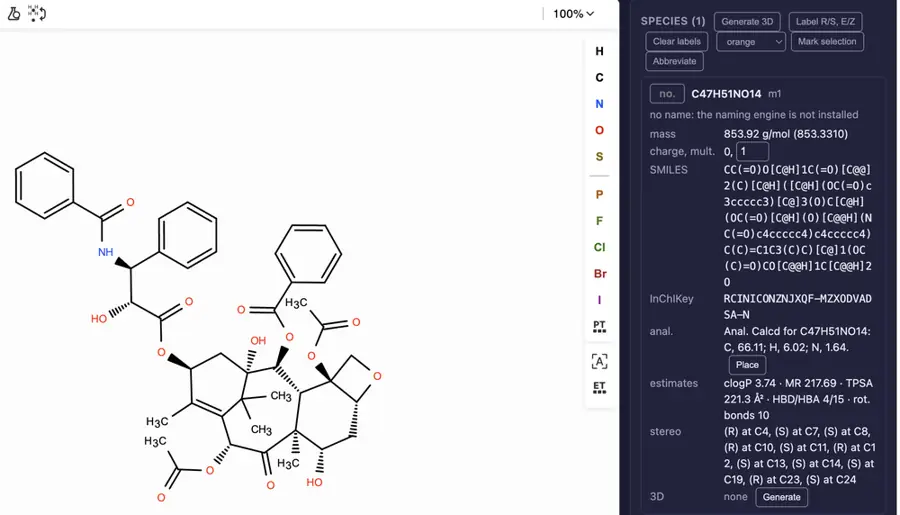 | No: No R/S or E/Z assignment. Opens the cited page. | Yes, according to the manual: Assigns R/S centers and E/Z double bonds. Opens the cited page. | Not established | Yes, according to the manual: Ketcher computes R/S, r/s and E/Z descriptors. Opens the cited page. | Yes, according to the manual: Calculate CIP determines R/S and E/Z. Opens the cited page. | Yes, according to the manual: Labels omit structures exceeding 200 atoms. Opens the cited page. | Yes, according to the manual: Ketcher computes R/S, r/s, and E/Z descriptors. Opens the cited page. | Yes, according to the manual: Computes R/S centers and E/Z double-bond descriptors. Opens the cited page. | Not established | Not established | Yes, according to the manual: R/S and E/Z resolution through iChemLabs Cloud Services. Opens the cited page. | Yes, according to the manual: Ketcher calculates R/S, r/s and E/Z descriptors. Opens the cited page. | Yes, according to the manual: Computes R/S and E/Z; checks converted stereochemistry. Opens the cited page. | Not established | Not established | Yes, according to the manual: Calculate CIP assigns R/S, r/s and E/Z descriptors. Opens the cited page. | Yes, according to the manual: Calculate CIP determines R/S, r/s and E/Z configurations. Opens the cited page. | Not established | Not established | Not established | No: R/S and E/Z support is listed as future work. Opens the cited page. | Yes, according to the manual: Calculate CIP assigns R/S and E/Z. Opens the cited page. | Not established | Yes, tested by running it: R/S labels appeared automatically on imported paclitaxel and cholesterol. Opens the screenshot.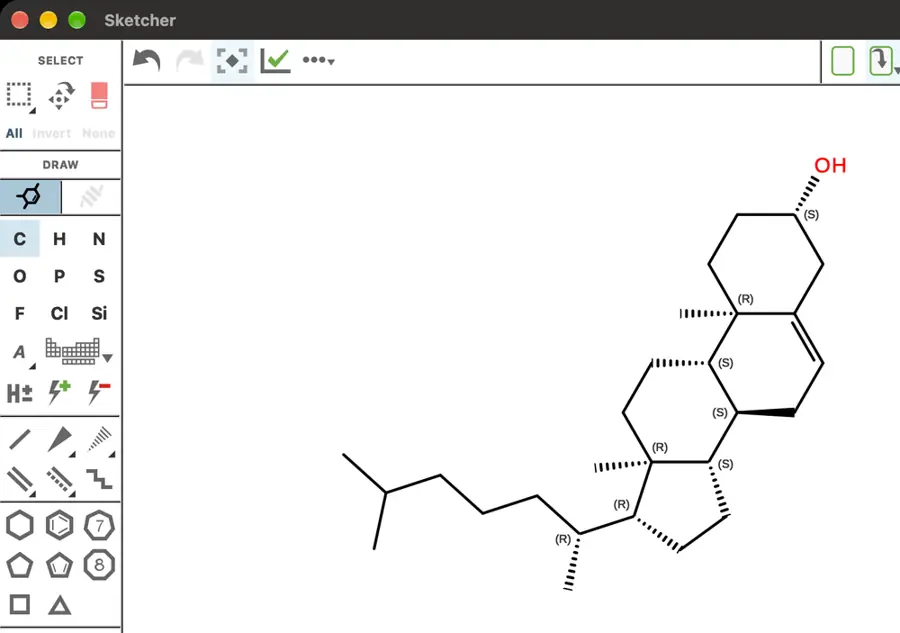 | Not established | Not established | Yes, tested by running it: Paclitaxel stereocentres displayed R/S labels. Opens the screenshot.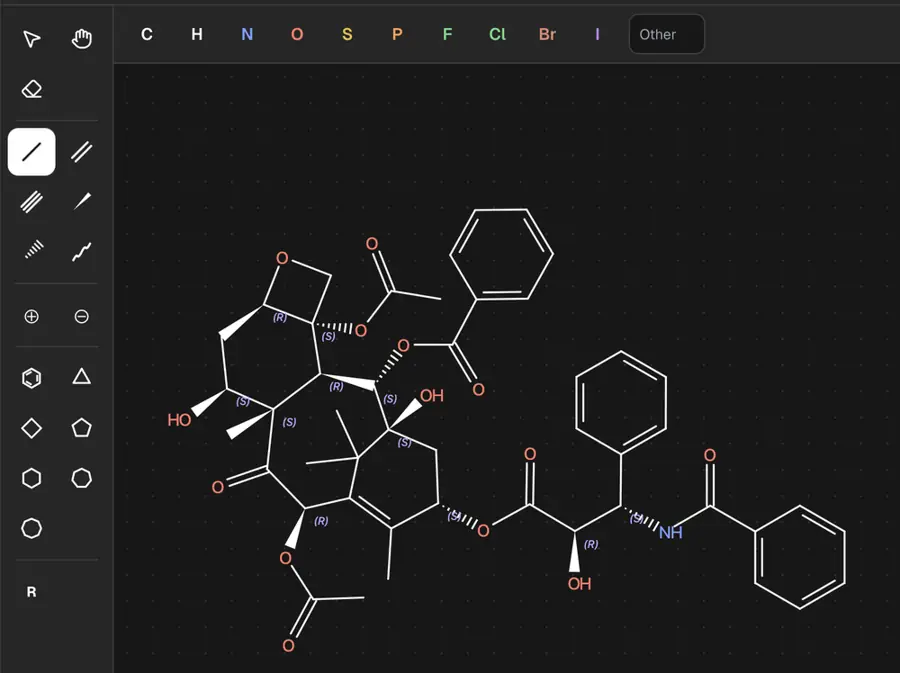 | Yes, according to the manual: R/S labels for tetrahedral carbons require four explicit substituents. Opens the cited page. | Yes, according to the manual: Automatic R/S labels; alkene geometry encoded in isomeric SMILES. Opens the cited page. | Not established | Partly: Legacy-layout R/S labels; no E/Z label rendering. Opens the cited page.Legacy-layout R/S labels; no E/Z label rendering. | Not established | Not established | Not established | Partly: R/S from wedges; E/Z requires imported directional semantics. Opens the cited page.R/S from wedges; E/Z requires imported directional semantics. | Not established | Yes, tested by running it: Pasted complex structure displayed R and S annotations. Opens the screenshot.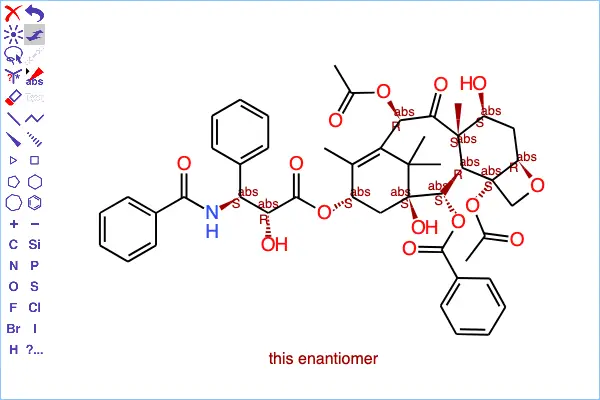 | Not established | Not established | Yes, tested by running it: Green R/S labels appeared automatically on paclitaxel. Opens the screenshot.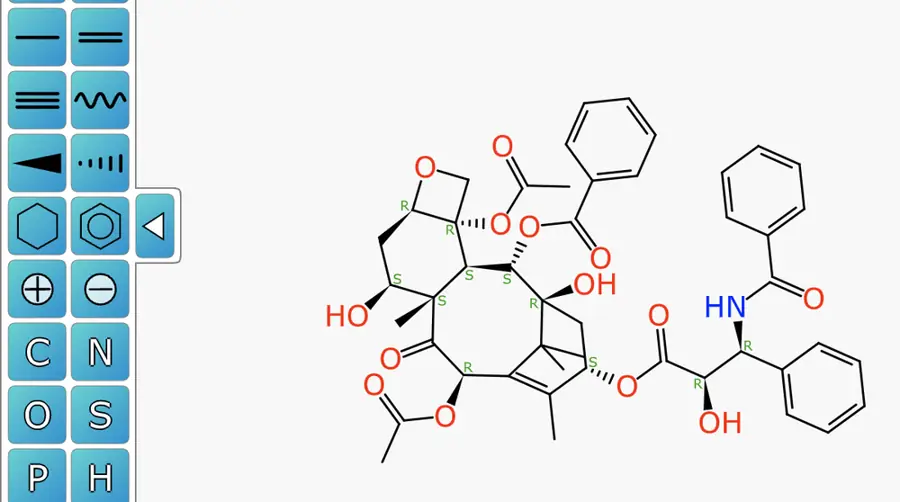 | Partly: Computes parity instead of R/S or E/Z descriptors. Opens the cited page.Computes parity instead of R/S or E/Z descriptors. | No: Absent from v2.0.1; implemented in newer unreleased source. Opens the cited page. | Yes, according to the manual: Molecule.java computes chirality; editor displays R/S and E/Z. Opens the cited page. | Not established | Partly: Labels stored configurations; CIP Rules 4a–5 and pseudoasymmetry unsupported. Opens the cited page.Labels stored configurations; CIP Rules 4a–5 and pseudoasymmetry unsupported. | Not established | Not established | Not established | Not established | Not established | Yes, tested by running it: R/S descriptors appeared on imported paclitaxel. Opens the screenshot.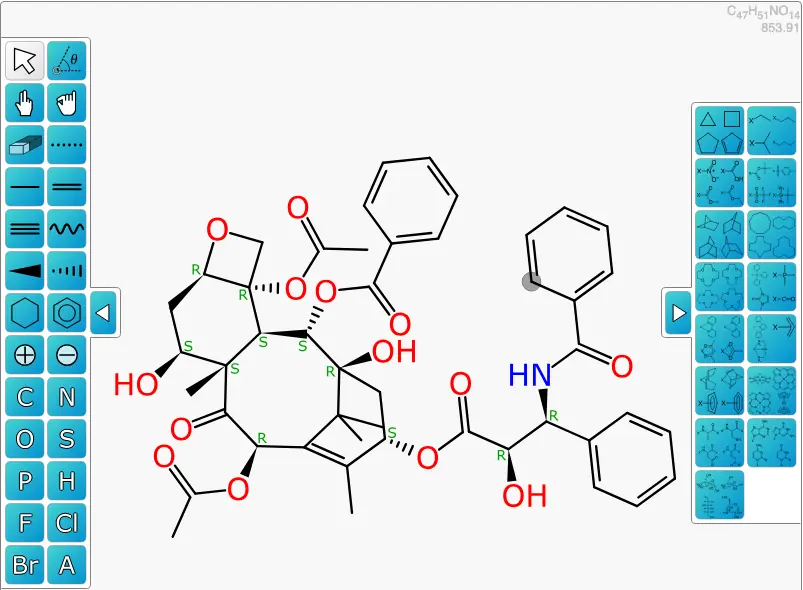 | Yes, tested by running it: R/S labels changed when stereocenter was toggled. Opens the screenshot.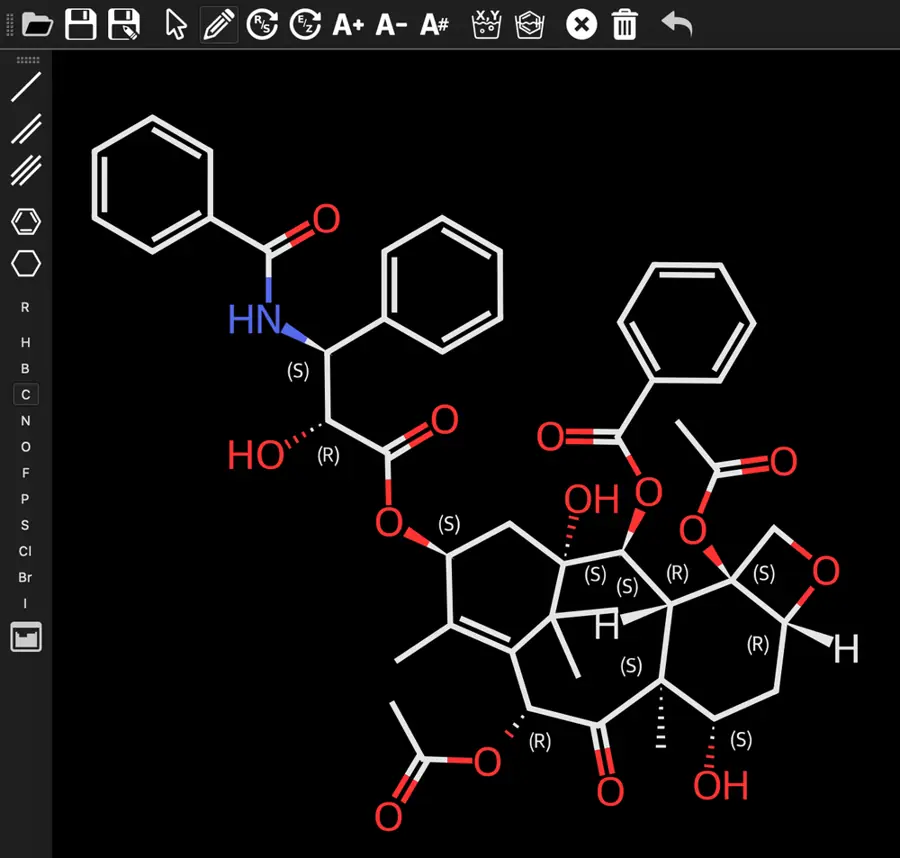 | Partly: Limited R/S console output; four-neighbor stereocenters remain unfinished. Opens the cited page.Limited R/S console output; four-neighbor stereocenters remain unfinished. | Not established | Not established | Not established | Not established | Not established | Not established | Not established | Not established | Yes, according to the manual: Computes MCDL stereodescriptors; standard R/S and E/Z labels unverified. Opens the cited page. | Not established | Not established | Not established | Not established | Yes, according to the manual. Opens the cited page. | Yes, according to the manual: Native stereo tags and Indigo CIP fallback supply R/S and E/Z. Opens the cited page. | Yes, according to the manual. Opens the cited page. | Yes, according to the manual: Automatically computes atom R/S and bond E/Z descriptors. Opens the cited page. | Partly: R/S computed; E/Z unverified. Opens the cited page.R/S computed; E/Z unverified. | Yes, according to the manual: R/S and E/Z calculation requires web services. Opens the cited page. | Not established | Yes, according to the manual: Computed tetrahedral labels and enhanced E/Z stereochemistry. Opens the cited page. | Yes, according to the manual: R/S and E/Z recognition; vendor claim. Opens the cited page. | Yes, according to the manual: Calculates R/S, r/s and E/Z descriptors. Opens the cited page. | Yes, according to the manual: R/S and E/Z stereo annotations. Opens the cited page. | Not established | Yes, according to the manual: Paid stereochemistry; Windows Professional adds E/Z labeling. Opens the cited page.Education 4.0 (university email) | Yes, according to the manual: Computed R/S and E/Z appear in generated names. Opens the cited page. | Not established: R/S designation documented; computed R/S and E/Z unverified. | No: Stereochemical inference explicitly dropped; authored depiction remains. Opens the cited page. | Yes, according to the manual: Computed CIP R/S and E/Z labels. Opens the cited page. | Not established | Not established | Not established | Not established | Not established | Not established | Not established | Not established | Yes, according to the manual: Vendor claim: R/S all editions; E/Z naming Pro/Office. Opens the cited page. | Not established | No: E/Z labels are manually assigned; no computed stereodescriptors. Opens the cited page. | Not established | Not established | Not established | Not established | Not established | Yes, according to the manual: R/S labels follow wedge/hash stereochemistry; vendor claim. Opens the cited page. | Not established | Yes, according to the manual: Computes R/S and E/Z labels locally. Opens the cited page. | Not established | Not established | Yes, according to the manual: Automatically assigns CIP descriptors. Opens the cited page. | Not established | Not established | Not established | Not established | Not established | Not established | Not established |
|---|
| Formula and mass | Yes, tested by running it: Caffeine: C8H10N4O2; molecular weight 194.19; exact mass 194.08. Opens the cited page. | Yes, tested by running it: Caffeine: C8H10N4O2, 194.194 g/mol. Opens the screenshot.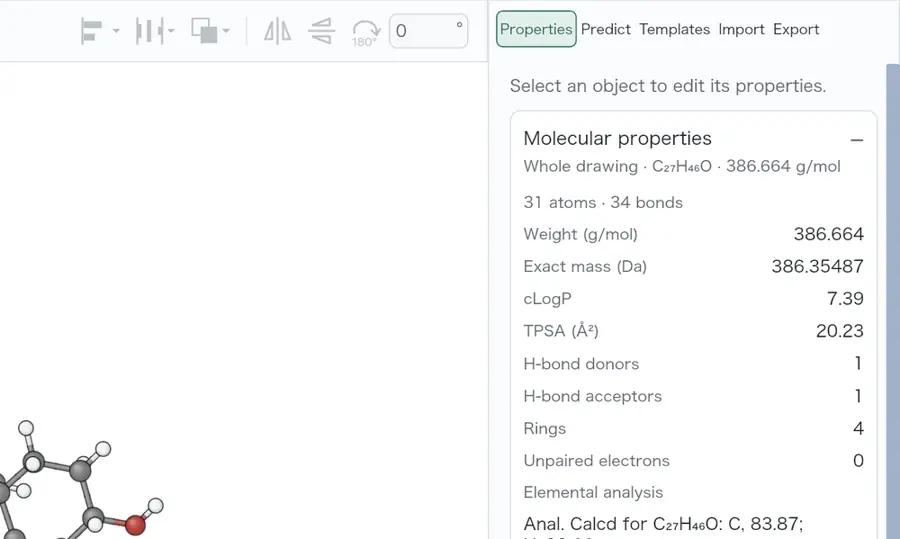 | Yes, tested by running it: Caffeine: C8H10N4O2 and 194.19 g/mol. Opens the screenshot.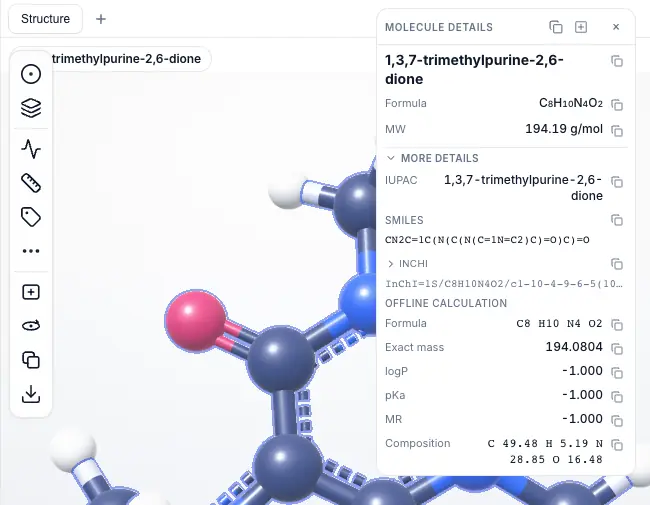 | Yes, tested by running it: Caffeine C8H10N4O2; MW 194.19; exact mass 194.0804. Opens the screenshot.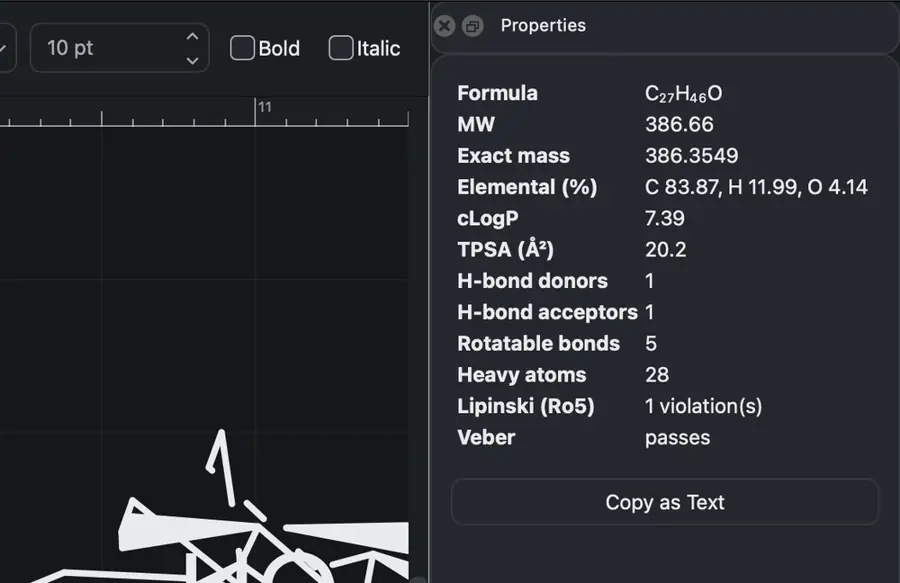 | Yes, tested by running it: Caffeine: C8H10N4O2, 194.19 g/mol; exact mass 194.0804. Opens the screenshot.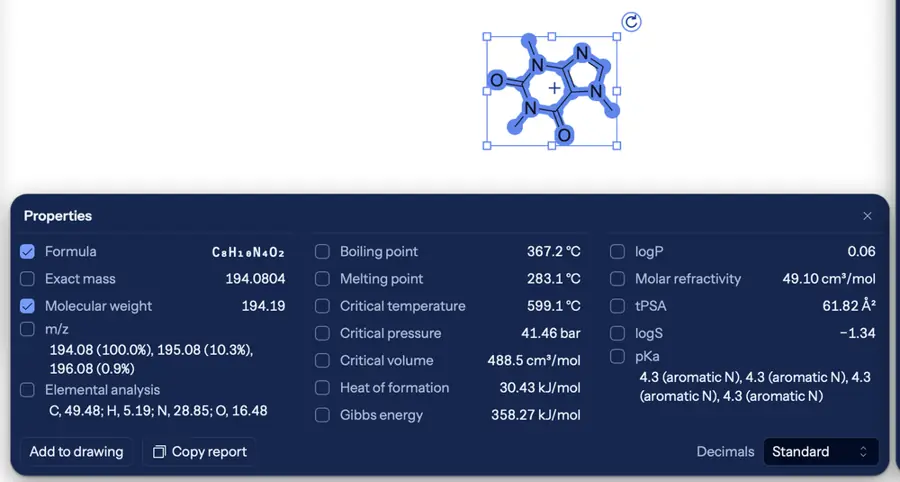 | Yes, tested by running it: Caffeine: C8H10N4O2; average mass 194.194 g/mol. Opens the screenshot.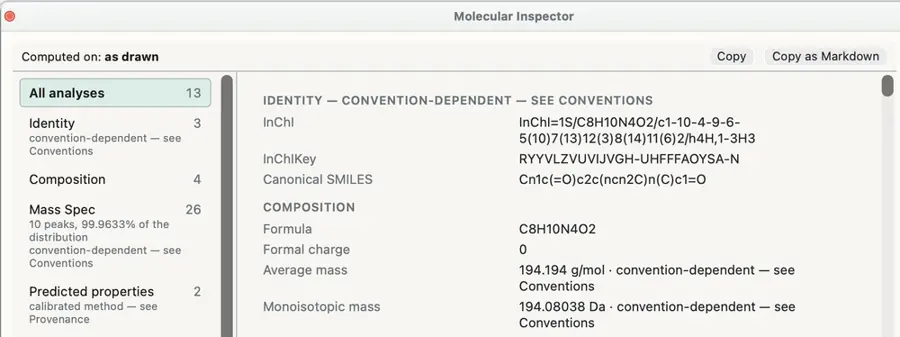 | Yes, tested by running it: Caffeine formula C8H10N4O2 and mass 194.19 displayed. Opens the screenshot.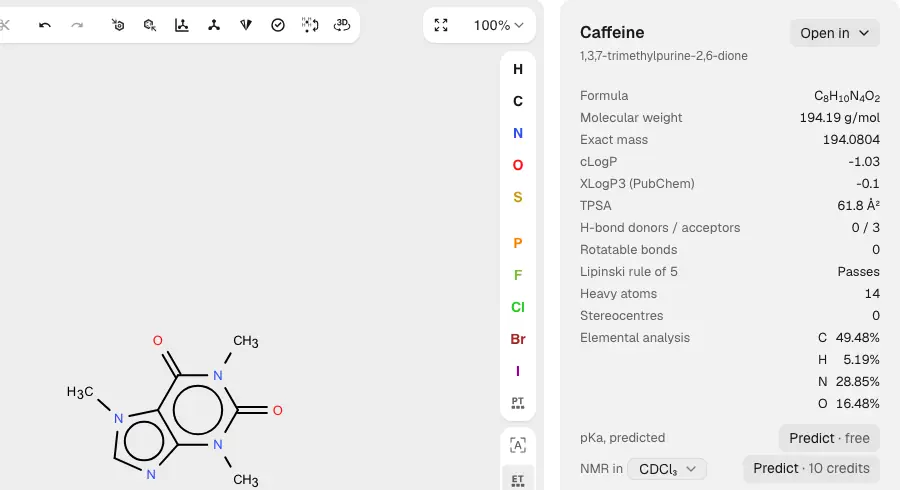 | Yes, tested by running it: Caffeine displayed C8H10N4O2 and 194.19 g/mol. Opens the screenshot.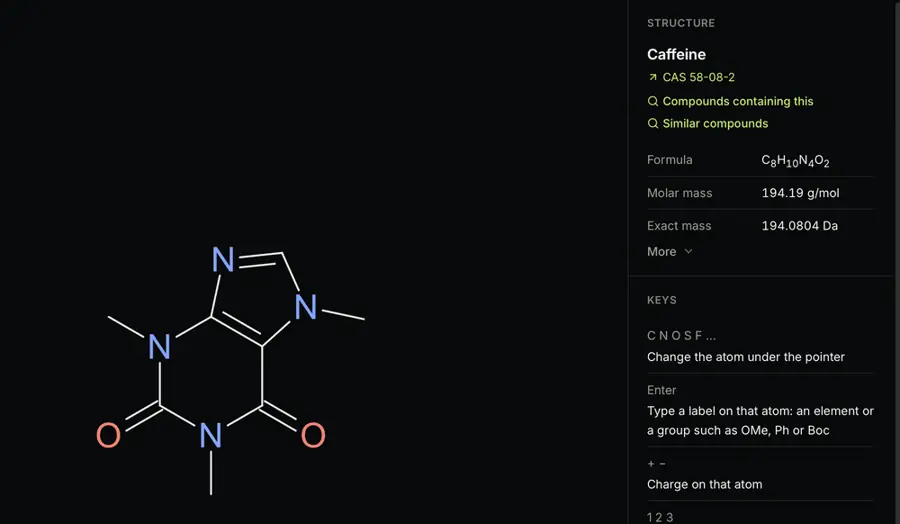 | Yes, tested by running it: Caffeine: C8H10N4O2, molecular weight 194.19, exact mass 194.0804. Opens the screenshot.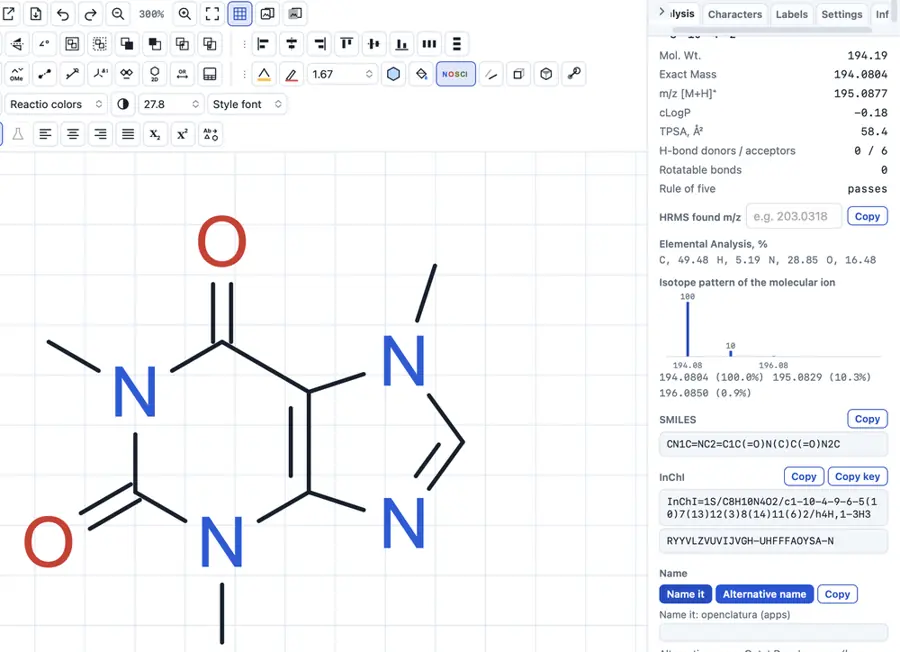 | Yes, tested by running it: Caffeine: C8H10N4O2, molecular weight 194.194, exact mass 194.080. Opens the screenshot.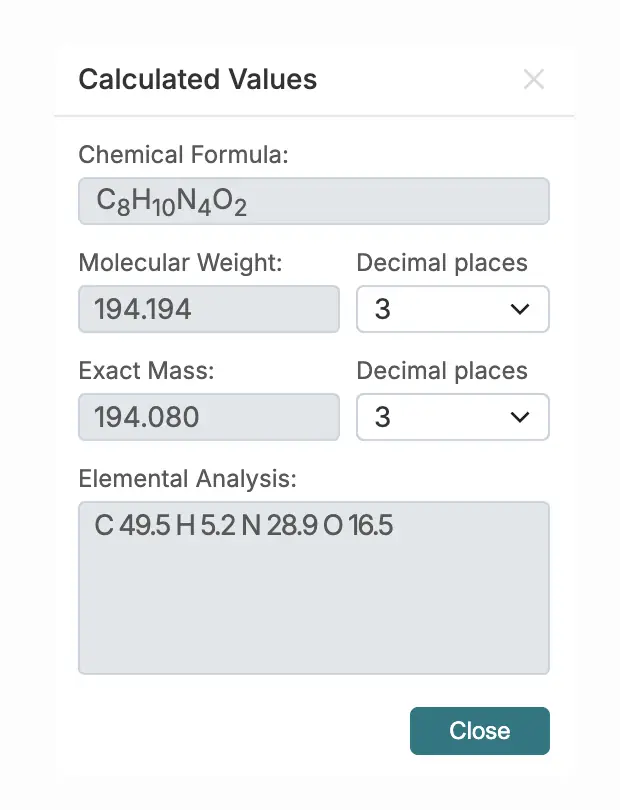 | Yes, tested by running it: Caffeine showed C8H10N4O2 and molecular weight 194.19. Opens the screenshot.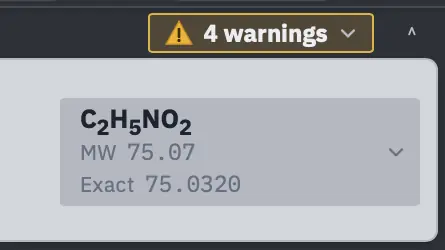 | Yes, tested by running it: Caffeine formula, molecular weight, isotope masses, and composition calculated. Opens the screenshot.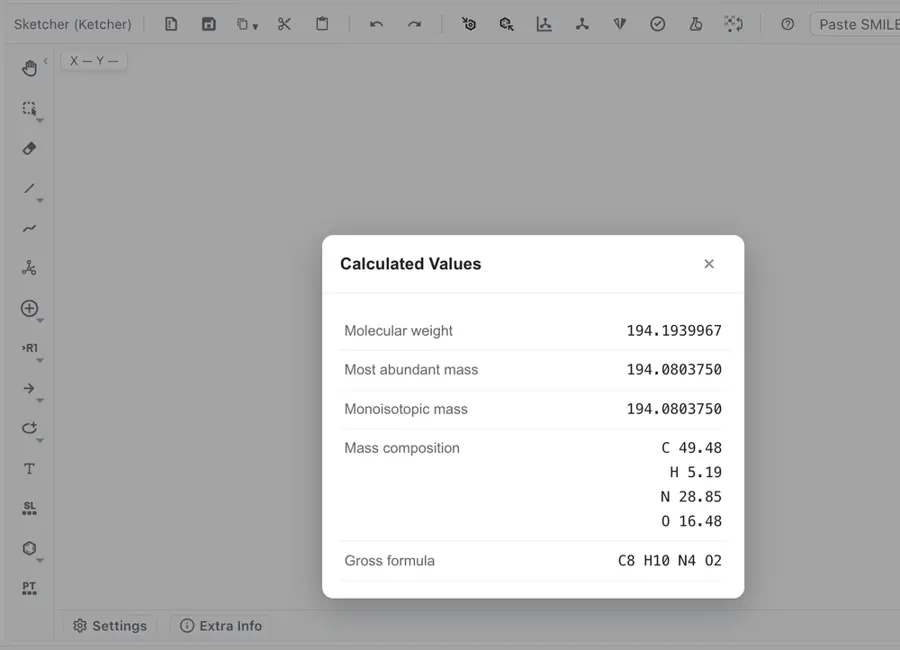 | Yes, tested by running it: Caffeine showed C8H10N4O2 and 194.19. Opens the cited page. | Partly: PubChem lookup returned caffeine formula and molecular weight. Opens the cited page.PubChem lookup returned caffeine formula and molecular weight. | Yes, tested by running it: Ethanol showed C2H6O, 46.069 molecular weight, 46.042 exact mass. Opens the screenshot.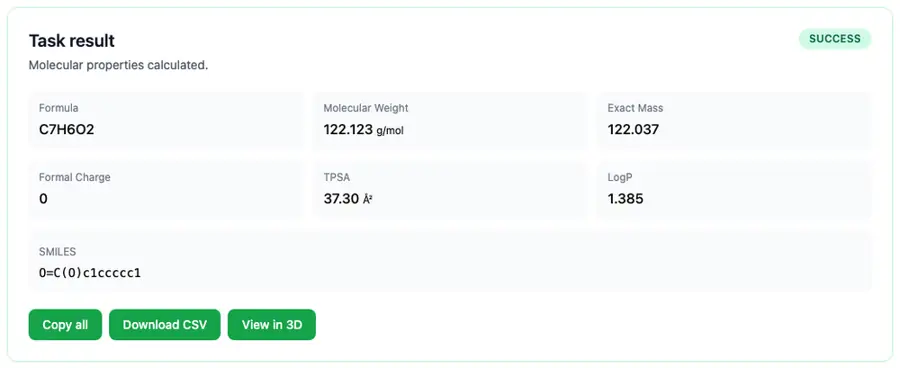 | Yes, tested by running it: Caffeine formula C8H10N4O2 and mass 194.19 g/mol computed. Opens the screenshot.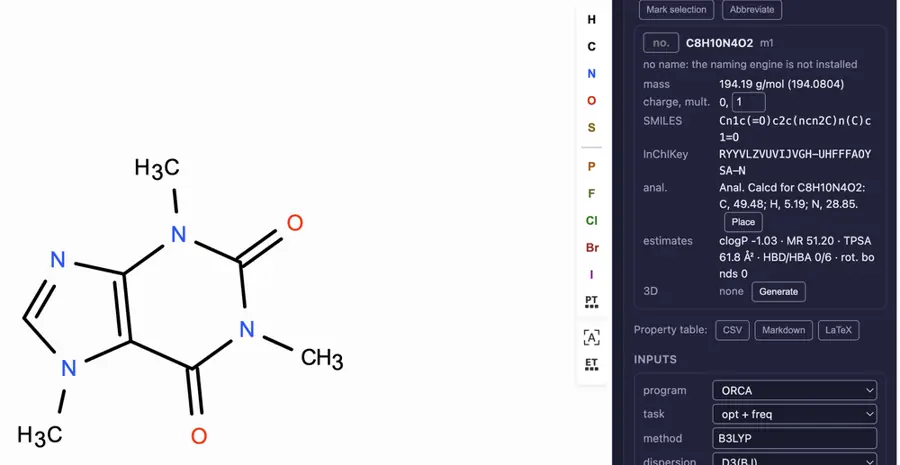 | Yes, tested by running it: MOL caffeine: C8H10N4O2, molecular weight 194.194. Opens the screenshot.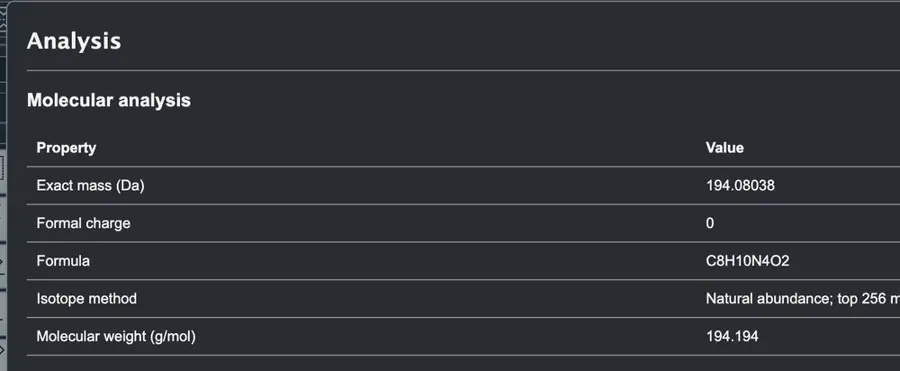 | Yes, tested by running it: Caffeine formula and mass shown after import. Opens the screenshot. | Yes, tested by running it: Caffeine: C8H10N4O2, 194.19 g/mol; exact mass also shown. Opens the screenshot.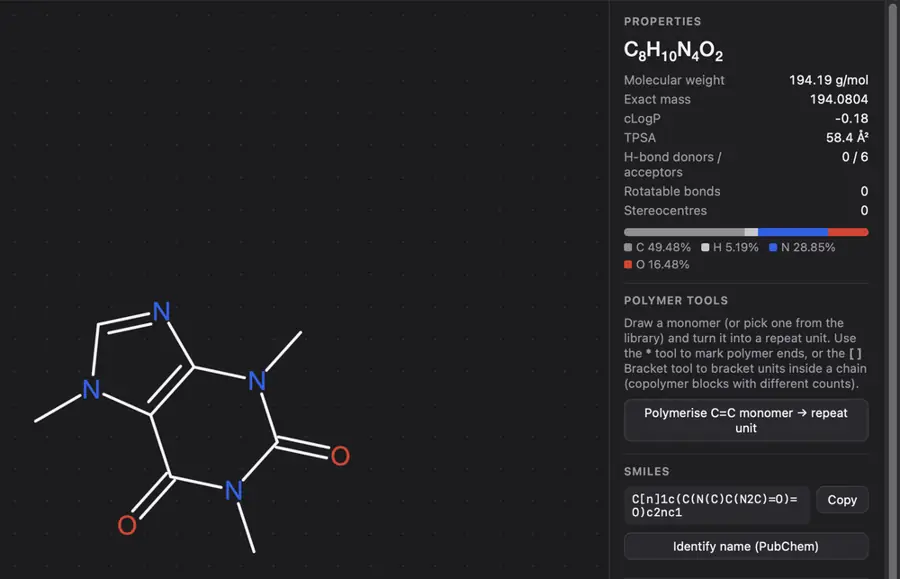 | Partly: Ketcher calculates caffeine correctly; surrounding panel reports incorrect values. Opens the screenshot.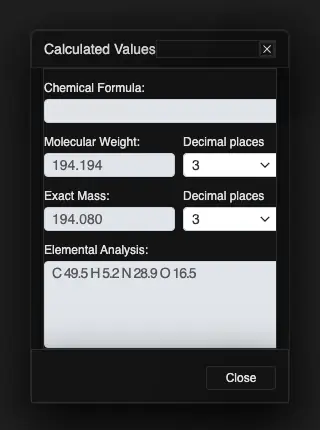 Ketcher calculates caffeine correctly; surrounding panel reports incorrect values. | Yes, tested by running it: Caffeine: C8H10N4O2, molecular weight 194.191, exact mass 194.080. Opens the screenshot.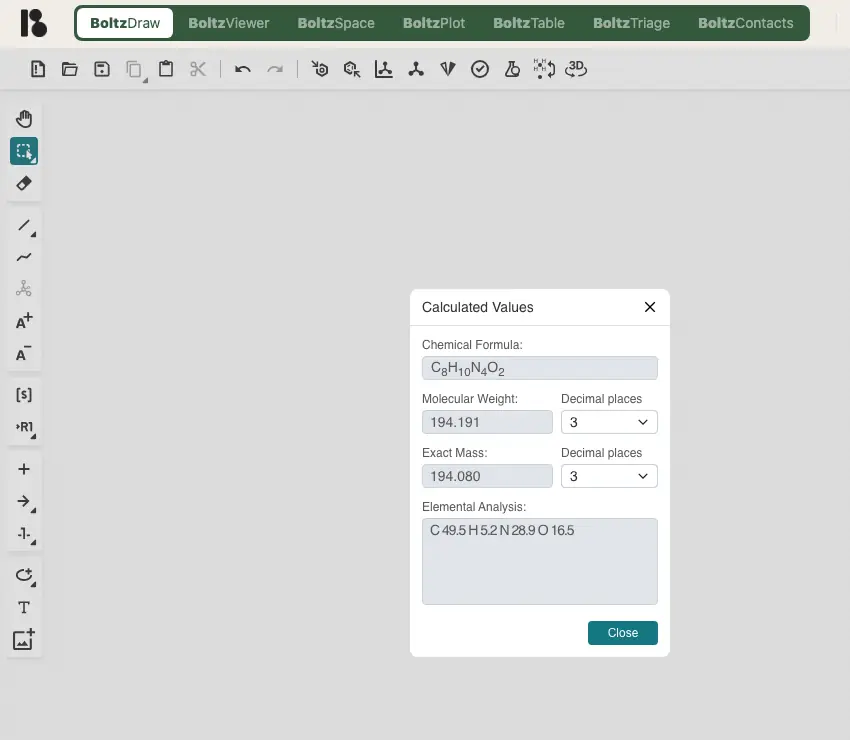 | Partly: Canvas correct; explicit-hydrogen SDF property table overcounts hydrogens. Opens the screenshot.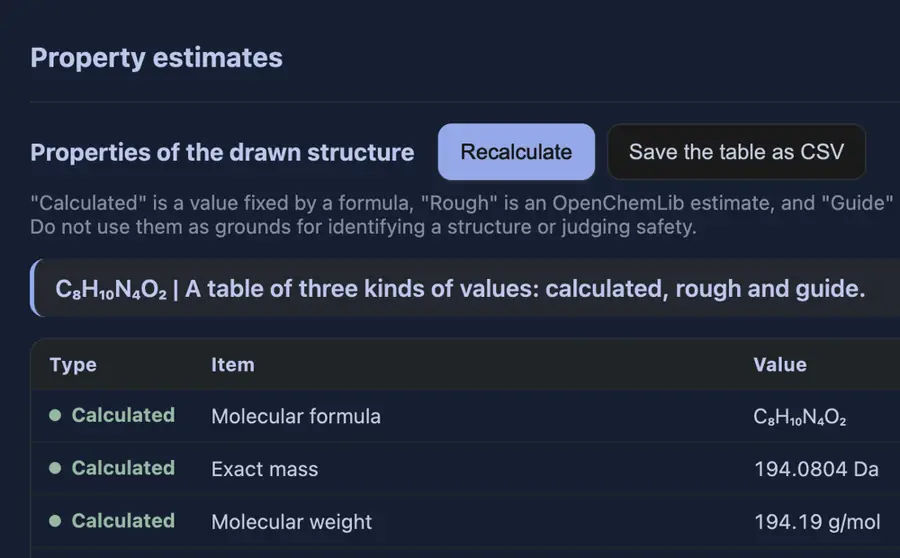 Canvas correct; explicit-hydrogen SDF property table overcounts hydrogens. | Yes, tested by running it: Caffeine: C8H10N4O2, molecular weight 194.194. Opens the cited page. | Yes, tested by running it: Caffeine displayed C8H10N4O2 and 194.19 g/mol. Opens the screenshot.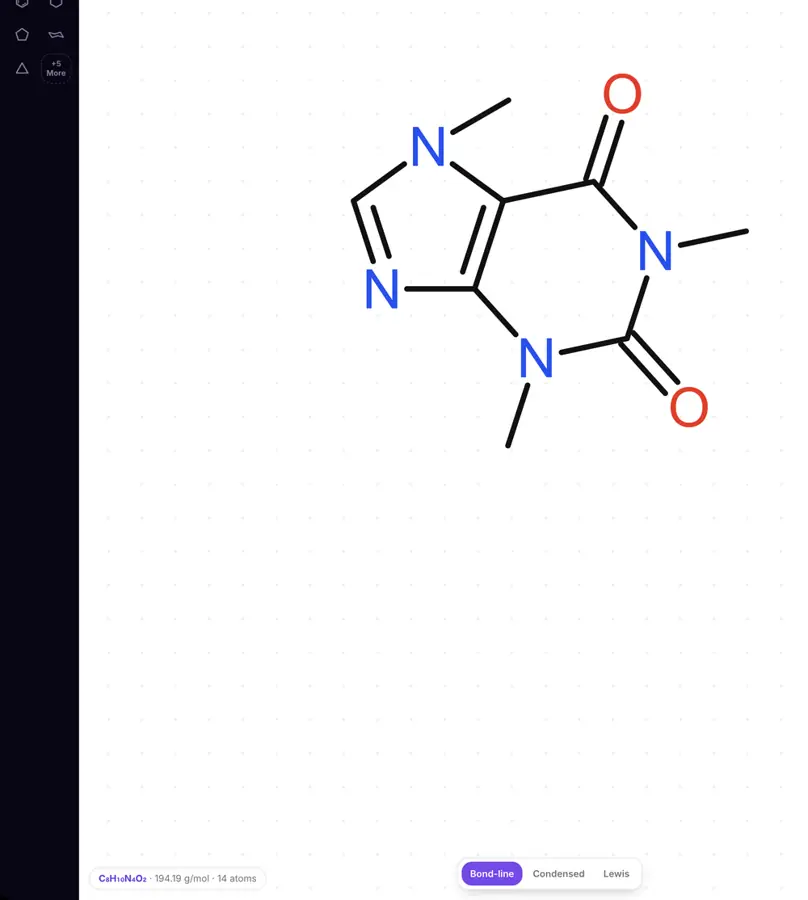 | Yes, tested by running it: Caffeine displayed formula and two masses. Opens the screenshot.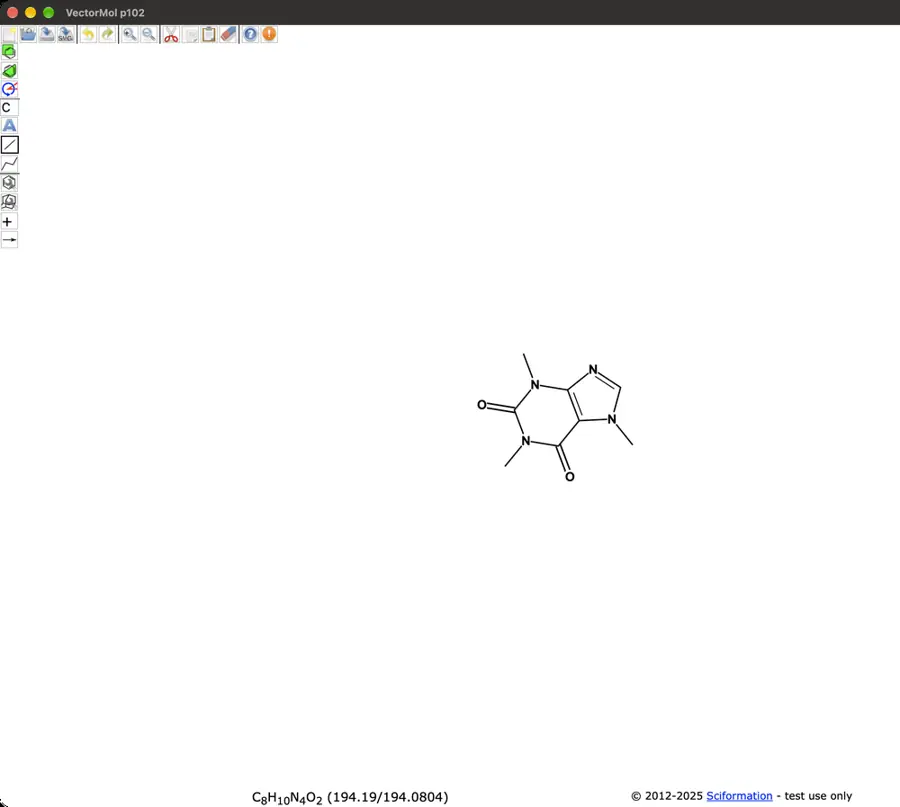 | Yes, tested by running it: Fixture imports update molecular formula, molecular weight, and exact mass. Opens the screenshot.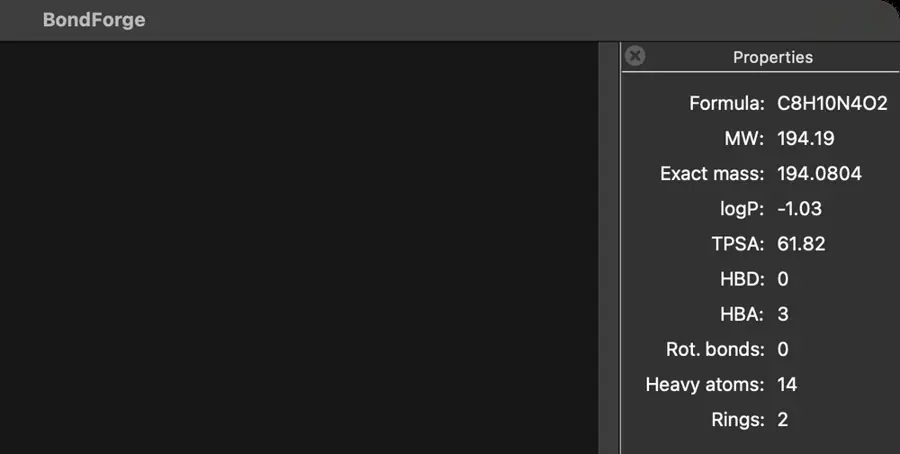 | Yes, tested by running it: Calculator returned paclitaxel formula and molecular mass. Opens the screenshot.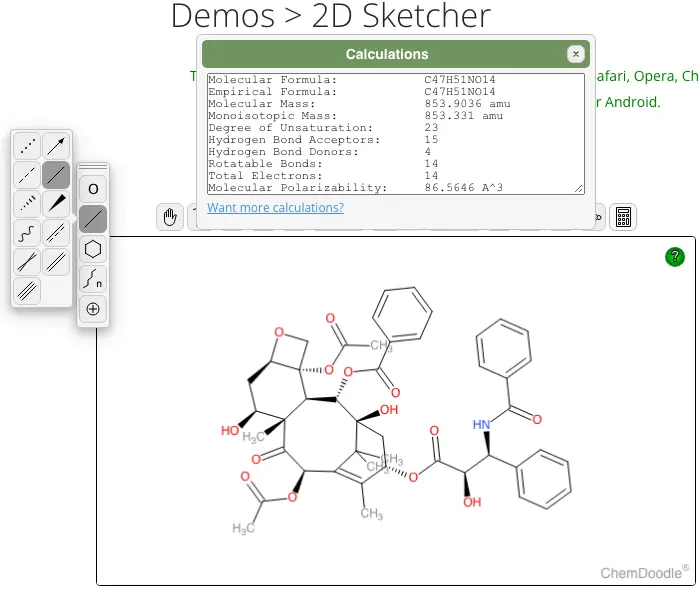 | Yes, tested by running it: Caffeine: C8H10N4O2, molecular weight 194.194. Opens the cited page. | Yes, tested by running it: Cholesterol C27H46O; molecular weight 386.6640; exact mass 386.3549. Opens the screenshot.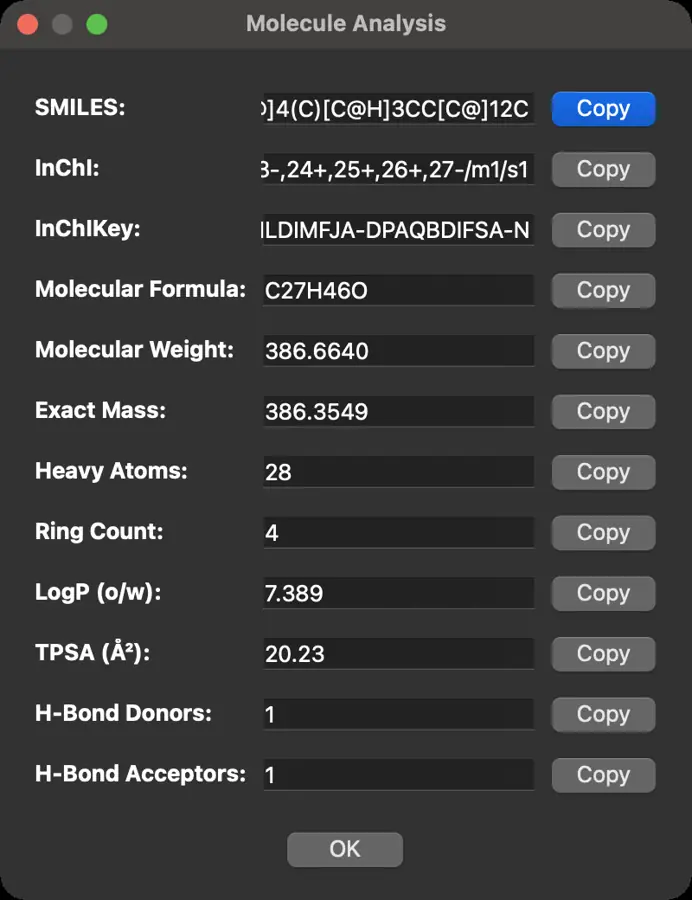 | No: No formula or mass command found in inspected UI. Opens the cited page. | Yes, tested by running it: Caffeine Infocard shows C8H10N4O2 and molecular weight 194.19. Opens the screenshot.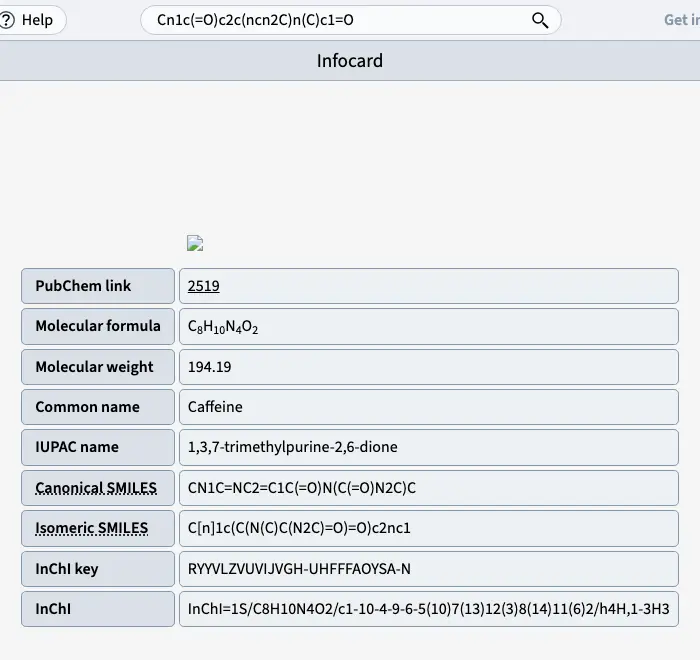 | Yes, tested by running it: Caffeine: C8H10N4O2; molecular weight 194.194. Opens the screenshot.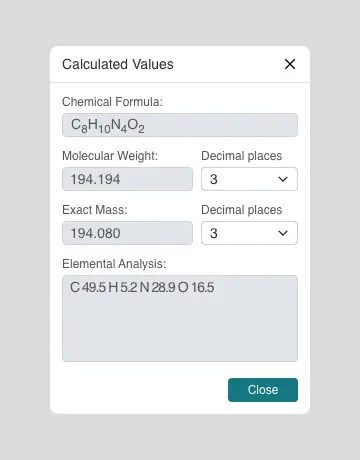 | Yes, tested by running it: Caffeine: C8H10N4O2, molecular weight 194.194. Opens the cited page. | Yes, tested by running it: Caffeine: C8H10N4O2 and 194.19 g/mol. Opens the cited page. | Partly: Correct formula; descriptor mass omits implicit hydrogen contribution. Opens the screenshot.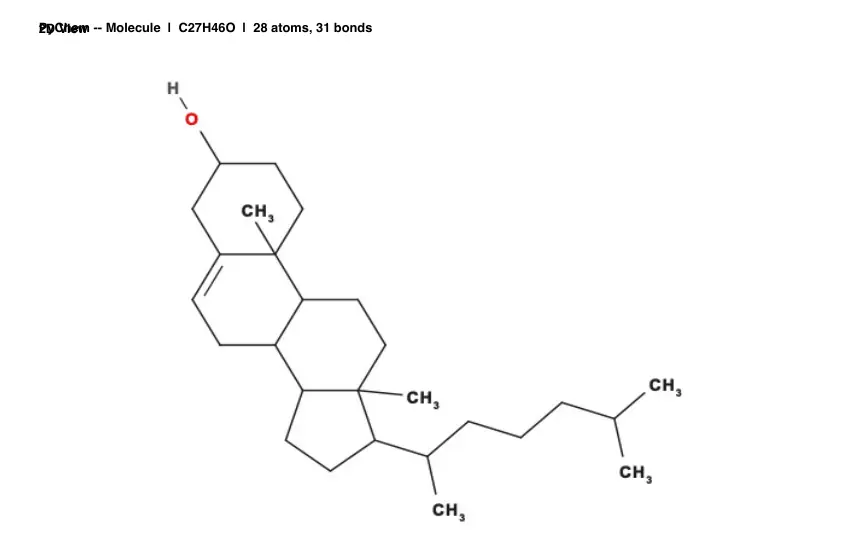 Correct formula; descriptor mass omits implicit hydrogen contribution. | Not established | Partly: Formula updates; molecular mass is not displayed. Opens the screenshot.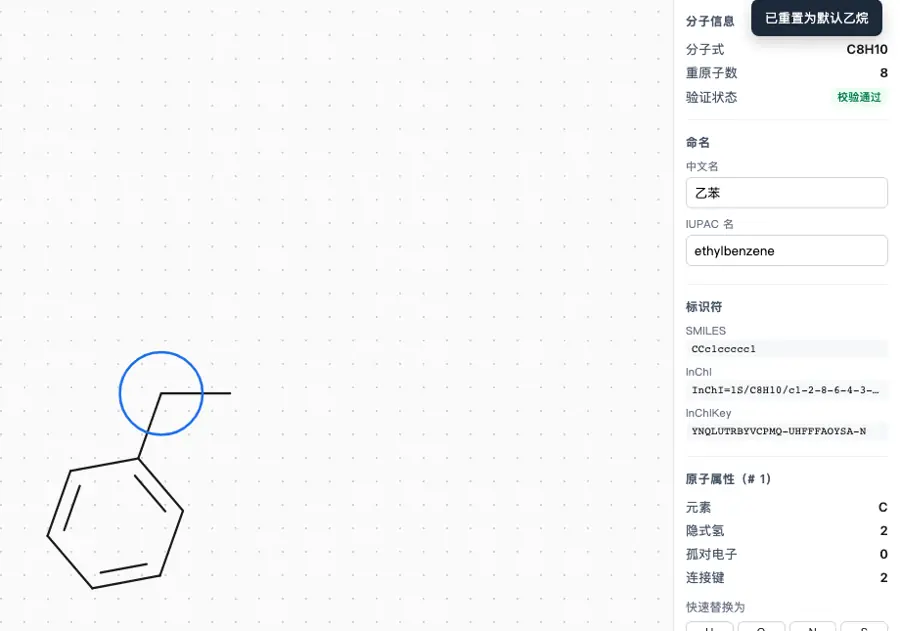 Formula updates; molecular mass is not displayed. | Yes, tested by running it: Caffeine: C8H10N4O2, molecular weight 194.191. Opens the screenshot.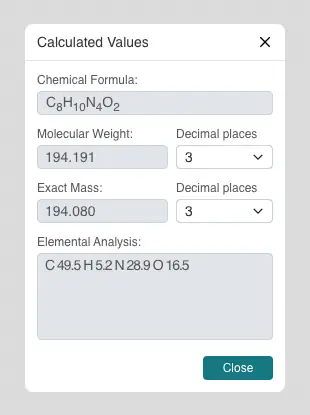 | No: No formula or mass command in inspected menus or tools. Opens the cited page. | No: No formula/mass command found in action menus or property dialog. Opens the cited page. | Partly: Selection displayed C47H51NO14; no mass readout found. Opens the cited page.Selection displayed C47H51NO14; no mass readout found. | Yes, tested by running it: Cholesterol: C27H46O and 386.618 g/mol. Opens the screenshot.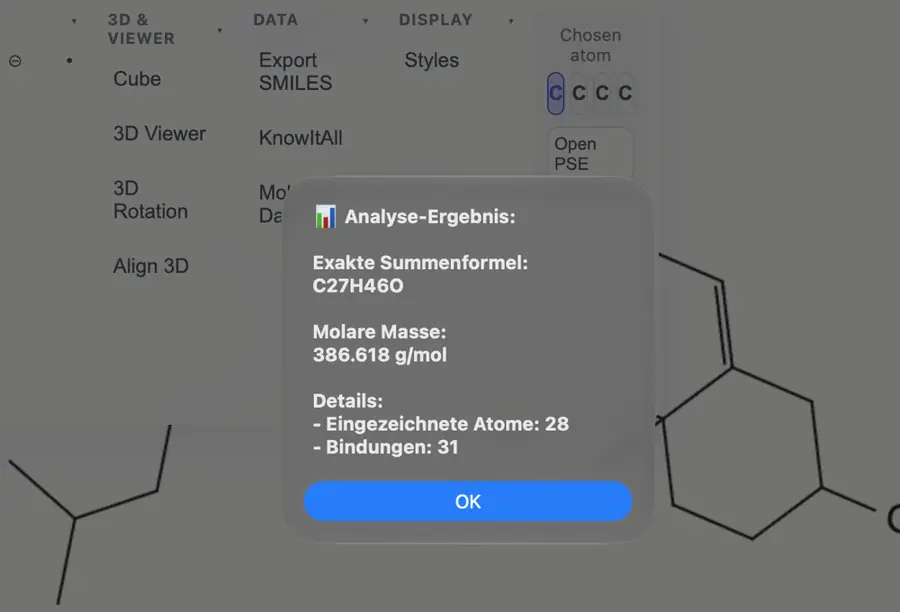 | Yes, tested by running it: Caffeine: C8H10N4O2, 194.194 g/mol. Opens the screenshot.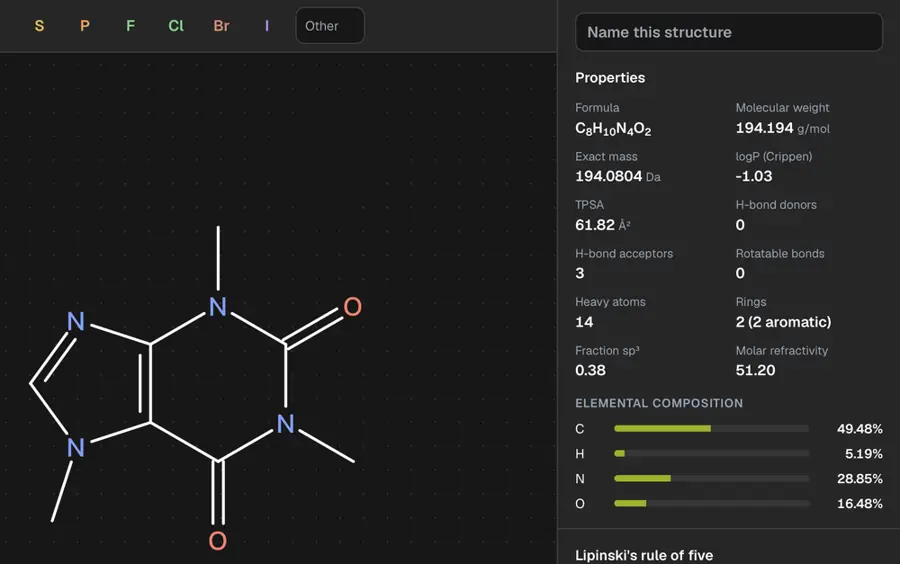 | No: No formula or molecular mass command found. Opens the cited page. | Yes, tested by running it: Caffeine displayed C8H10N4O2 and mass 194.19. Opens the screenshot.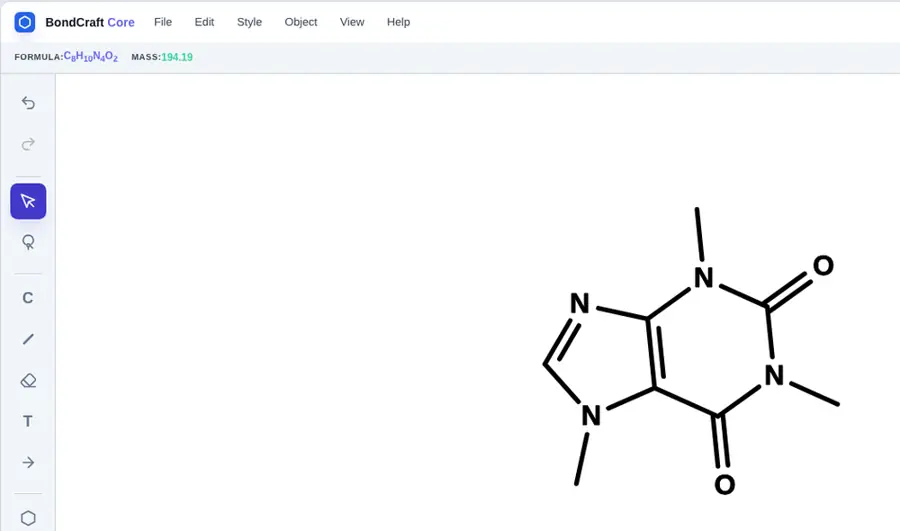 | Partly: Formula displayed in status bar; no mass command found. Opens the screenshot.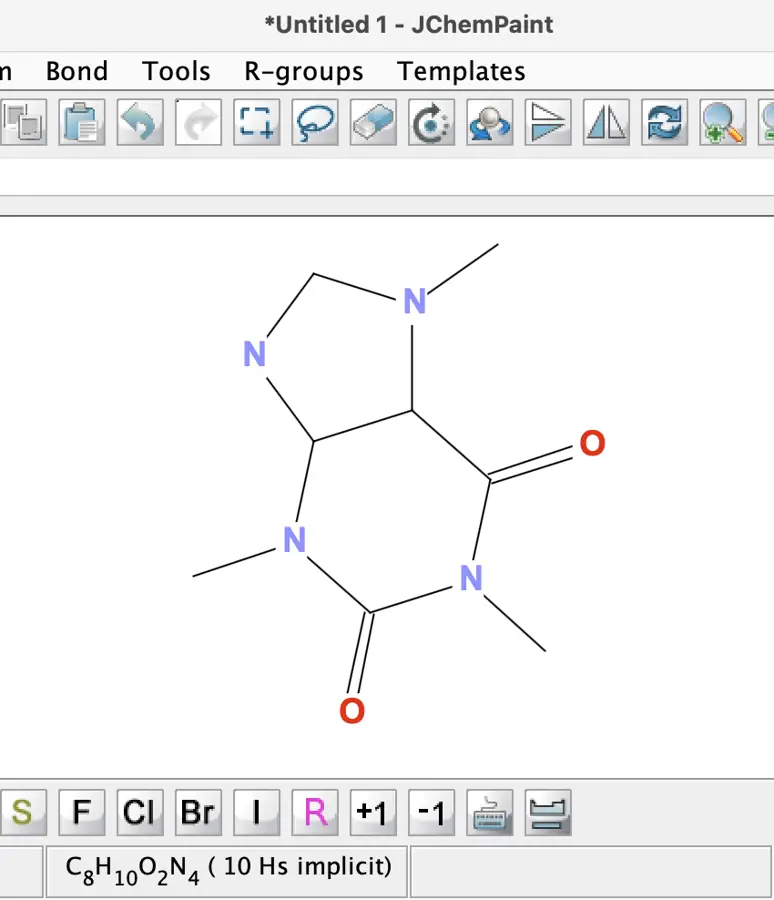 Formula displayed in status bar; no mass command found. | Yes, tested by running it: Caffeine calculation returned C8H10N4O2 and 194.08. Opens the screenshot.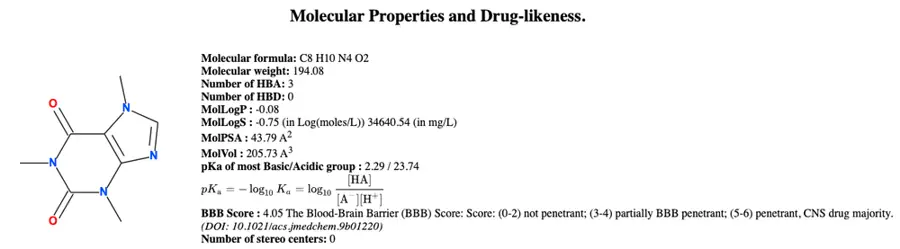 | Partly: Molecular weight displayed; no dedicated formula field found. Opens the screenshot.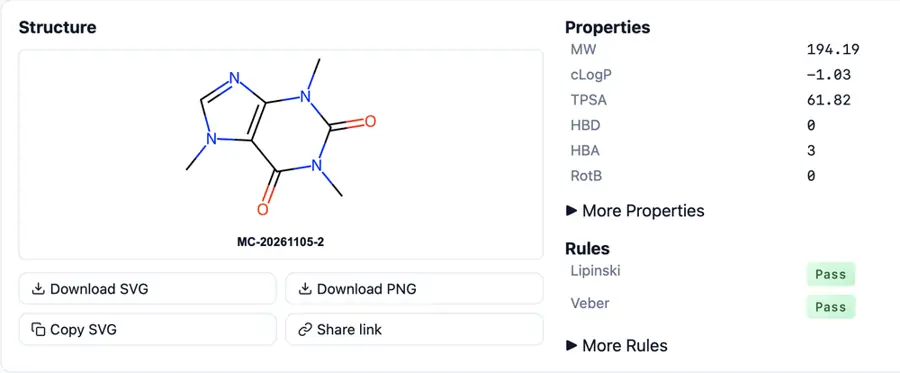 Molecular weight displayed; no dedicated formula field found. | Partly: Scratch selection attempted; no computed formula or mass obtained. Opens the cited page.Scratch selection attempted; no computed formula or mass obtained. | Yes, tested by running it: Benzene returned C6H6 and 78.11 g/mol. Opens the screenshot. | Yes, tested by running it: Caffeine selection showed C8H10N4O2 and formula weight 194.19. Opens the cited page. | Yes, tested by running it: Caffeine displayed C8H10N4O2 and 194.19. Opens the screenshot.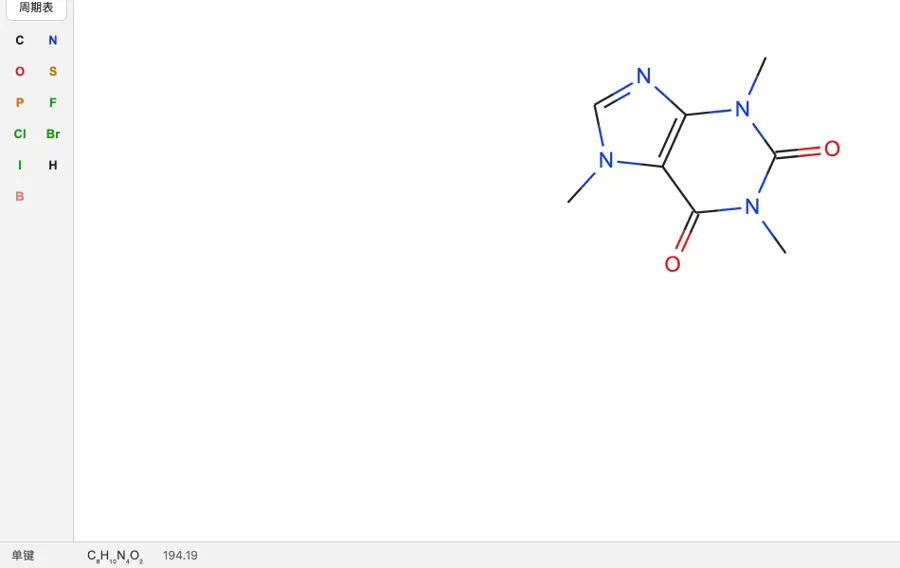 | Yes, according to the manual: API returns molecular formula, exact mass and molecular weight. Opens the cited page. | No: No formula or mass command found for editor drawing. Opens the cited page. | Yes, according to the manual: iOS edition calculates molecular formula and mass; vendor claim. Opens the cited page. | Partly: Formula-abbreviation attempt rejected selection; no mass command found. Opens the cited page.Formula-abbreviation attempt rejected selection; no mass command found. | Partly: Molecular formula confirmed; molecular mass calculation unverified. Opens the cited page.Molecular formula confirmed; molecular mass calculation unverified. | Yes, tested by running it: Drawn ethene returned C2H4 and molecular weight 28.0538. Opens the screenshot.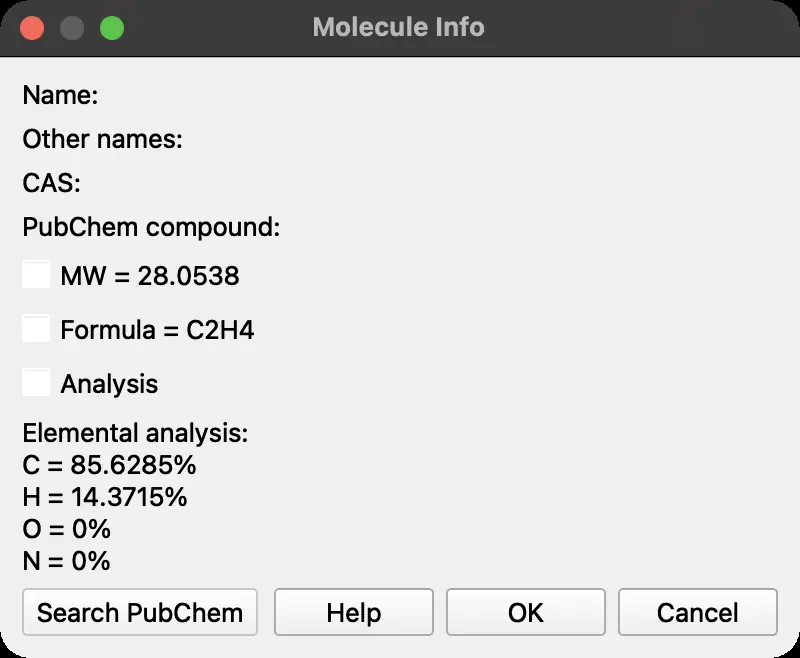 | Partly: Formula generation for abbreviations; molecular-mass calculation unverified. Opens the cited page.Formula generation for abbreviations; molecular-mass calculation unverified. | No: No formula or mass calculation control found. Opens the cited page. | Partly: Formula works; mass refused without compatible external dataset. Opens the cited page.Formula works; mass refused without compatible external dataset. | Yes, tested by running it: Caffeine displayed C8H10N4O2 and 194.19. Opens the screenshot.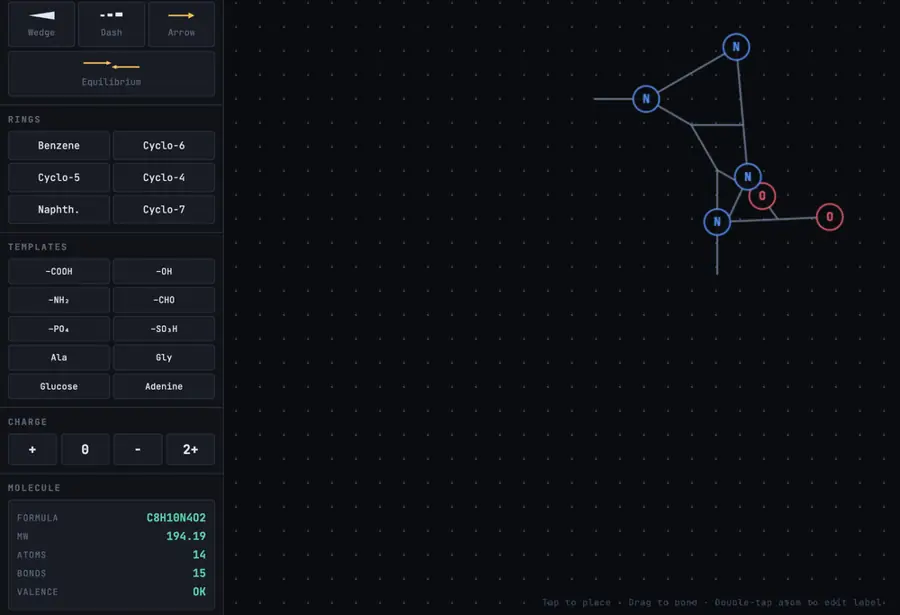 | Yes, tested by running it: Paclitaxel formula and molecular weight displayed. Opens the screenshot.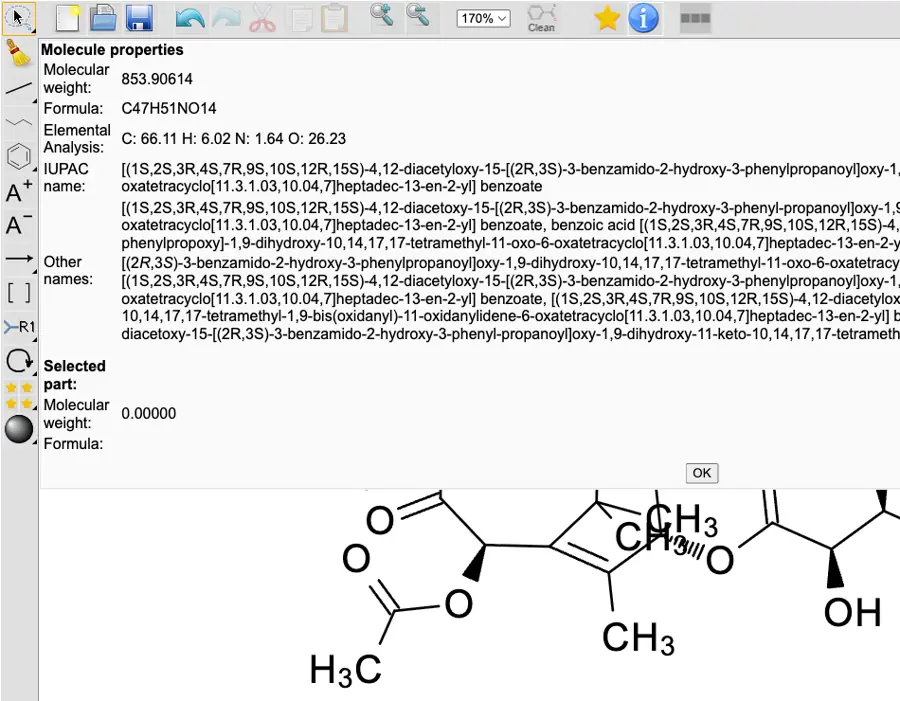 | Yes, tested by running it: Adapter displayed formula and molecular weight from editor API. Opens the cited page. | Yes, tested by running it: Caffeine displayed C₈H₁₀N₄O₂ and 194.19 g/mol. Opens the screenshot.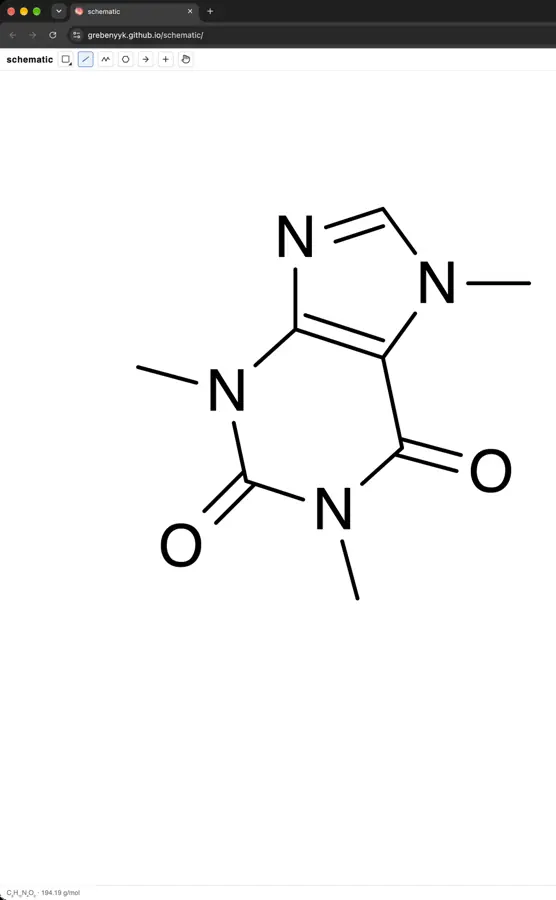 | Partly: Counts explicit atoms; no mass or implicit hydrogens. Opens the screenshot. Counts explicit atoms; no mass or implicit hydrogens. | Yes, tested by running it: Caffeine displayed C8H10N4O2 and 194.19. Opens the screenshot.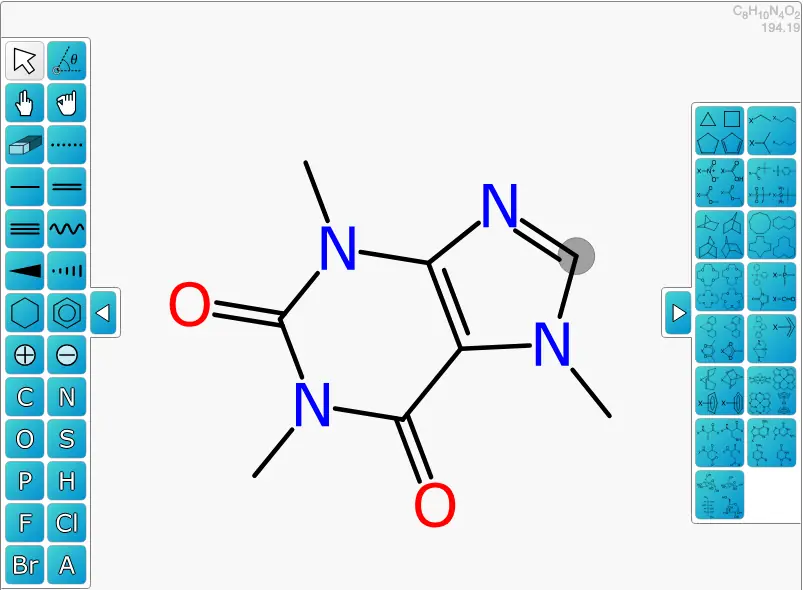 | No: No molecular formula or mass command found. Opens the cited page. | No: No formula or mass command found. Opens the cited page. | Yes, tested by running it: Console calculation returned formula and molecular weight. Opens the cited page. | No: No formula or mass command in demo. Opens the cited page. | No: No formula or mass command found in menus or molecule dialog. Opens the cited page. | Not established | No: No calculation command or computed formula and mass display. Opens the cited page. | No: No formula or mass command found. Opens the cited page. | No: Statistics entry did nothing when clicked. Opens the cited page. | No: No formula or mass command visible in editor. Opens the cited page. | Yes, according to the manual: SimpleMolecule.java computes formula and mass; editor readout unverified. Opens the cited page. | No: No formula or mass command visible. Opens the cited page. | Not established | No: No formula or mass display or command visible. Opens the cited page. | Yes, according to the manual: Computes formula, molecular weight and monoisotopic mass. Opens the cited page. | Yes, according to the manual. Opens the cited page. | Yes, according to the manual: Indigo computes molecular formula, molecular weight and monoisotopic mass. Opens the cited page. | Yes, according to the manual. Opens the cited page. | Yes, according to the manual: Computes molecular formula, exact mass and molecular weight. Opens the cited page. | Yes, according to the manual. Opens the cited page. | Not established | Yes, according to the manual: Computes formula, molecular weight and monoisotopic mass. Opens the cited page. | Yes, according to the manual: vendor claim; formula, molecular weight, and composition. Opens the cited page. | Yes, according to the manual: Formula, molecular mass, exact mass, and composition. Opens the cited page. | Yes, according to the manual: Computes molecular formula, molecular weight and isotope masses. Opens the cited page. | Yes, according to the manual. Opens the cited page. | Yes, according to the manual: Opens GChemCalc for formula and mass; fragments unsupported. Opens the cited page. | Yes, according to the manual. Opens the cited page. | Yes, according to the manual. Opens the cited page. | Yes, according to the manual: Calculates molecular formula and formula weight. Opens the cited page. | Yes, according to the manual: Formula, average molecular weight, monoisotopic mass, and elemental composition. Opens the cited page. | Not established: Molecular weight documented; molecular formula output not established. | Yes, according to the manual: Computes molecular formula and molecular weight locally. Opens the cited page. | Yes, according to the manual: Formula, molecular weight, and monoisotopic mass. Opens the cited page. | Yes, according to the manual: Bundled cht calculates formula, molecular mass and exact mass. Opens the cited page. | Yes, according to the manual: Selected structures display formula, molecular weight and exact mass. Opens the cited page. | Yes, according to the manual: Molecular formula, molecular weight and exact mass. Opens the cited page. | Yes, according to the manual: Formula and exact molecular mass computed through RDKit. Opens the cited page. | Yes, according to the manual: Formula and average mass; iPad requires paid Full version. Opens the cited page.Full version | Not established | Yes, according to the manual: Pro/Office: molecular formula, exact mass and formula mass. Opens the cited page.Pro | Not established | Partly: Counts explicit atoms only; implicit hydrogens and isotope masses omitted. Opens the cited page.Counts explicit atoms only; implicit hydrogens and isotope masses omitted. | Yes, according to the manual. Opens the cited page. | Not established | Yes, according to the manual: Formula, molecular weight and exact mass; vendor claim. Opens the cited page. | Not established | Not established | Yes, according to the manual: Formula, molecular weight and exact mass panel; vendor claim. Opens the cited page. | Not established | Yes, according to the manual. Opens the cited page. | Yes, according to the manual: Formula, molecular weight and exact mass displayed. Opens the cited page. | Yes, according to the manual: Vendor claim: formula, molecular weight, elemental composition and exact mass. Opens the cited page. | Not established | Partly: Mass documented; formula unverified; vendor claim. Opens the cited page.Mass documented; formula unverified; vendor claim. | Yes, according to the manual: Vendor claim: formula, molecular weight, monoisotopic mass. Opens the cited page. | Yes, according to the manual: Vendor-coauthored 2002 publication; current edition unspecified. Opens the cited page. | Not established | Not established | Not established | Yes, according to the manual: Formula, molecular weight, monoisotopic mass and composition; vendor claim. Opens the cited page. |
|---|
| Property estimates | Yes, tested by running it: Caffeine Chemical Properties displayed Log P -1.03 and tPSA 61.82. Opens the cited page. | Yes, tested by running it: Ethanol: cLogP -0.00; TPSA 20.23 square angstroms. Opens the cited page. | Yes, tested by running it: Paclitaxel details displayed logP 3.736. Opens the screenshot.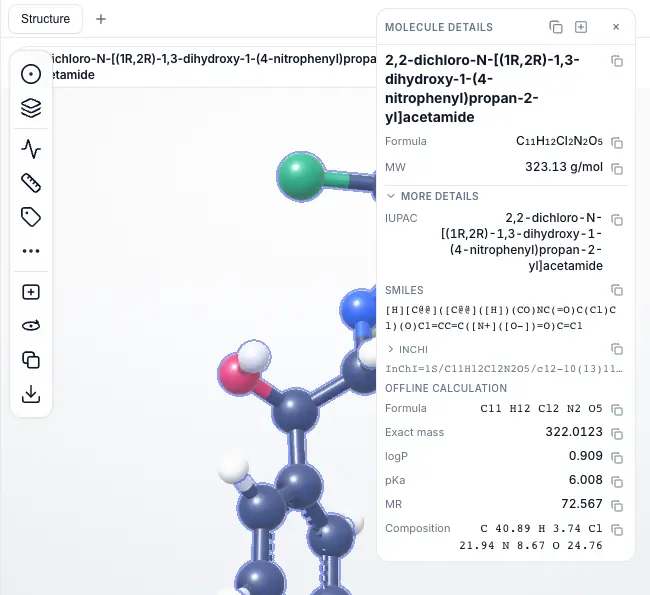 | Yes, tested by running it: Cholesterol panel showed cLogP 7.39 and TPSA 20.2. Opens the screenshot.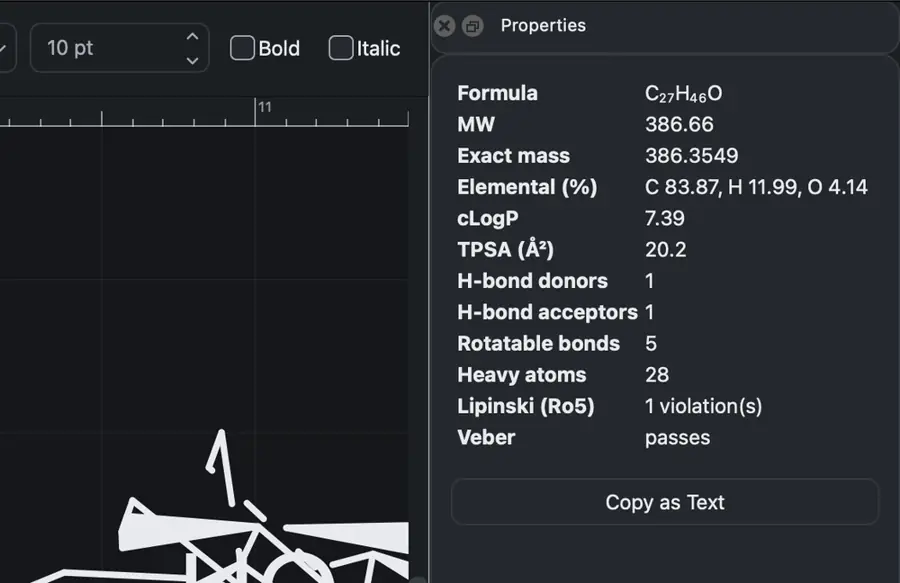 | Yes, tested by running it: Caffeine properties panel showed logP 0.06 and tPSA 61.82. Opens the screenshot.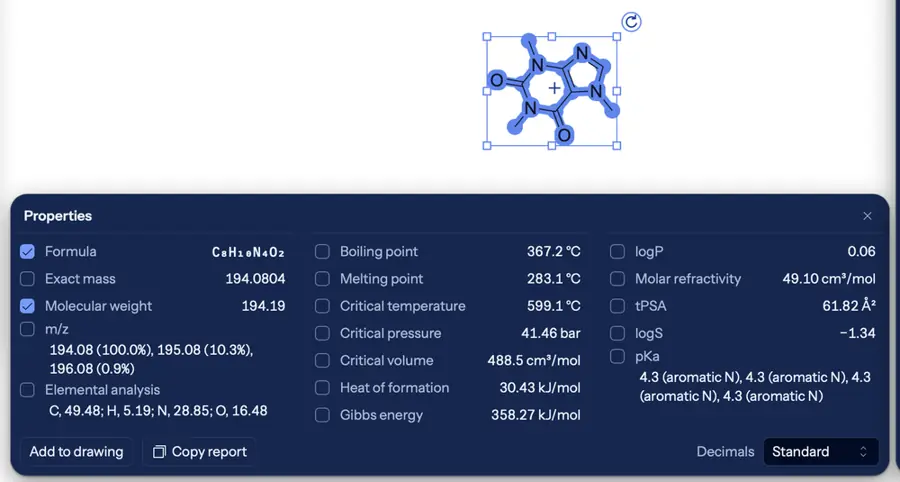 | Yes, according to the manual: Includes logP and TPSA. Opens the cited page. | Yes, tested by running it: Caffeine cLogP and TPSA displayed. Opens the screenshot.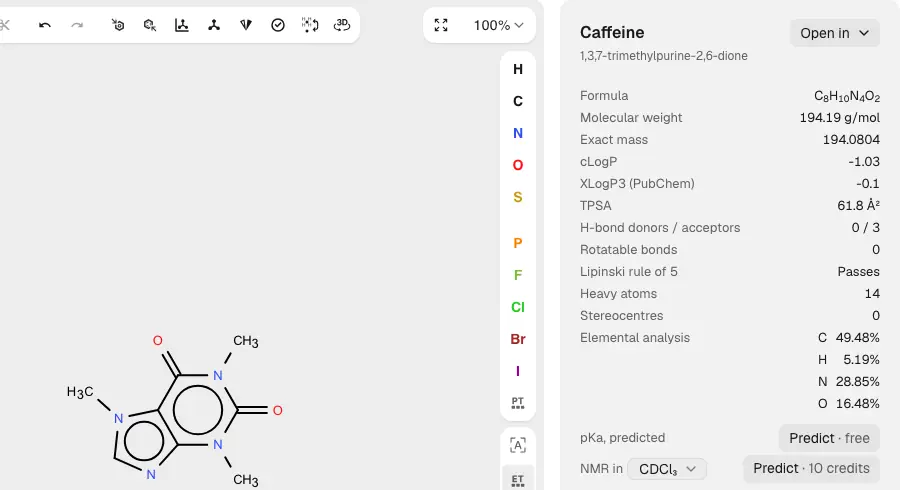 | Not established | Yes, tested by running it: Caffeine cLogP -0.18 and TPSA 58.4 displayed. Opens the screenshot.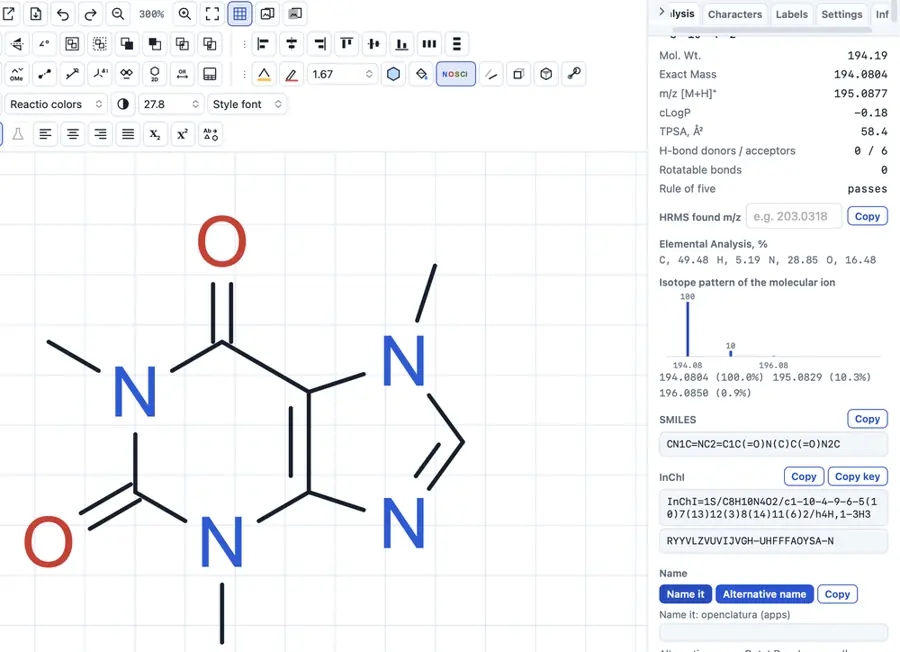 | Yes, according to the manual: OpenChemLib computes logP and TPSA. Opens the cited page. | Yes, tested by running it: Ethanol analysis displayed cLogP and tPSA. Opens the cited page. | Not established | Yes, tested by running it: Property panel displayed MW, LogP, and ring count. Opens the cited page. | Partly: PubChem lookup returned XLogP and TPSA. Opens the cited page.PubChem lookup returned XLogP and TPSA. | Yes, tested by running it: Ethanol showed TPSA 20.23 and LogP -0.001. Opens the screenshot.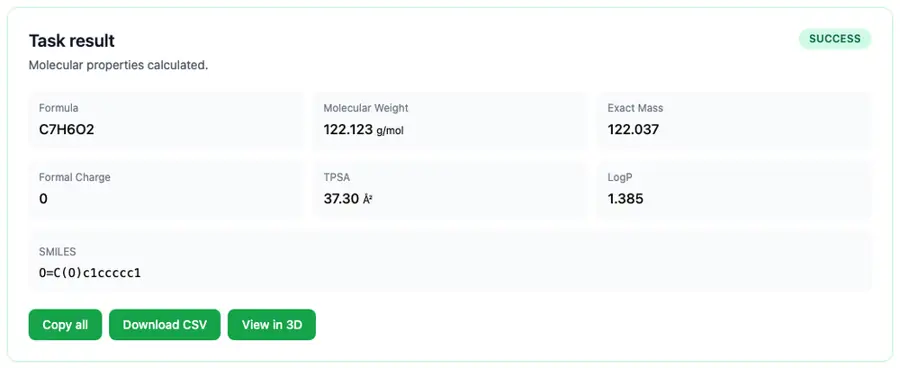 | Yes, tested by running it: Caffeine clogP, MR, TPSA and HBD/HBA computed. Opens the screenshot.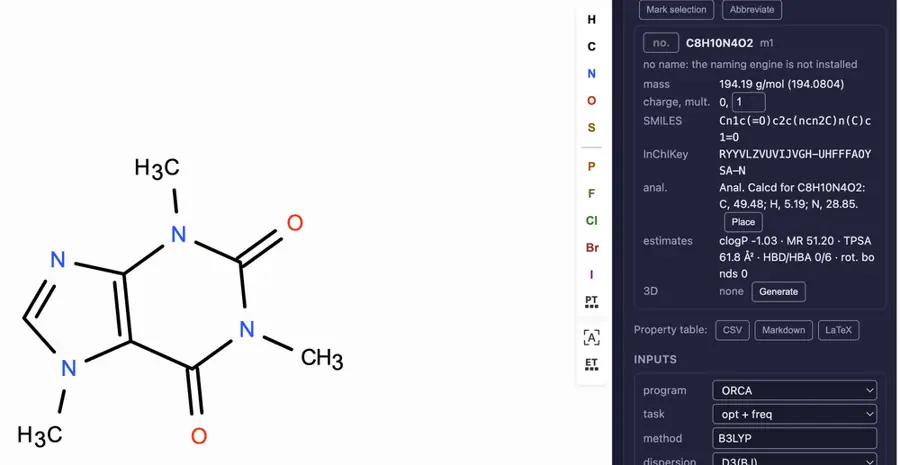 | Yes, according to the manual: Offline RDKit logP and TPSA estimates for organic molecules. Opens the cited page. | Yes, tested by running it: Calculator returned caffeine logP and TPSA. Opens the cited page. | Yes, tested by running it: Caffeine cLogP -0.18 and TPSA 58.4 square angstroms displayed. Opens the screenshot.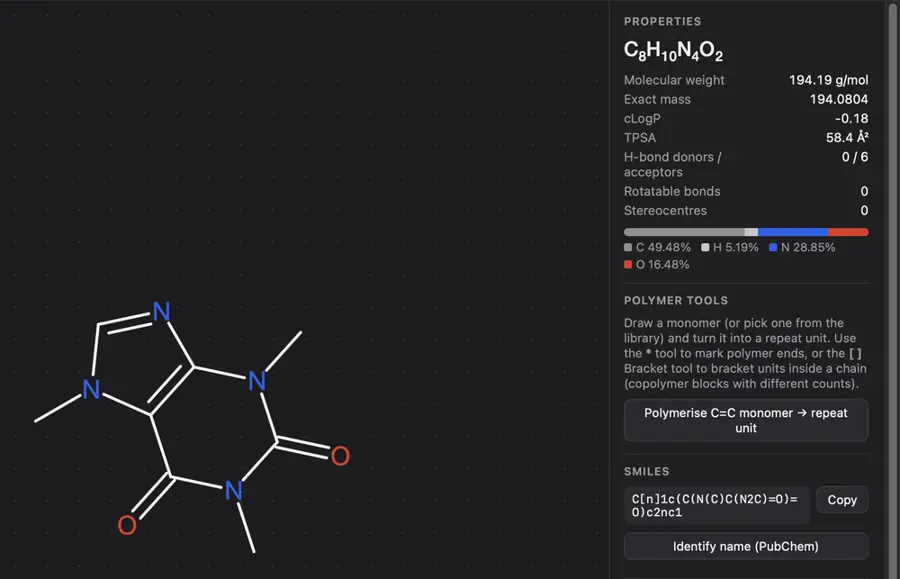 | Partly: Panel computes logP and tPSA, but caffeine identifiers are incorrect. Opens the screenshot.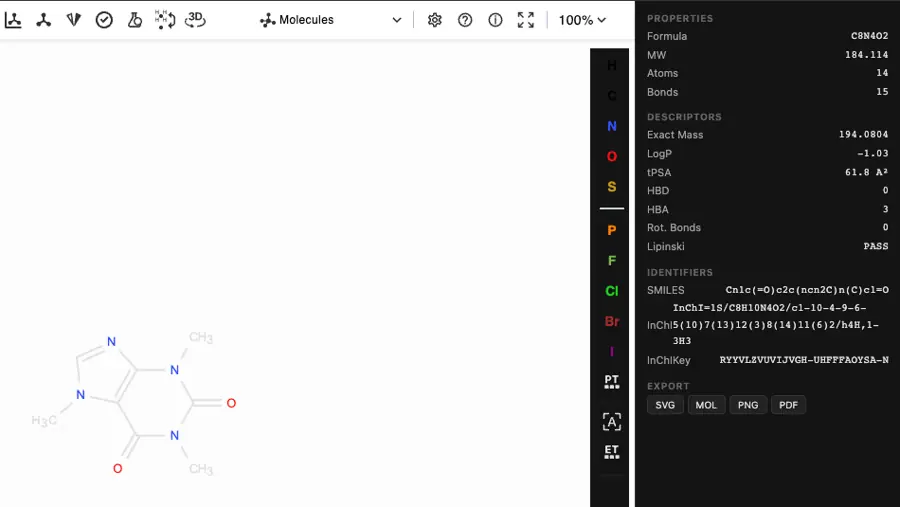 Panel computes logP and tPSA, but caffeine identifiers are incorrect. | Yes, tested by running it: Cards displayed cLogP and TPSA for imported structures. Opens the screenshot.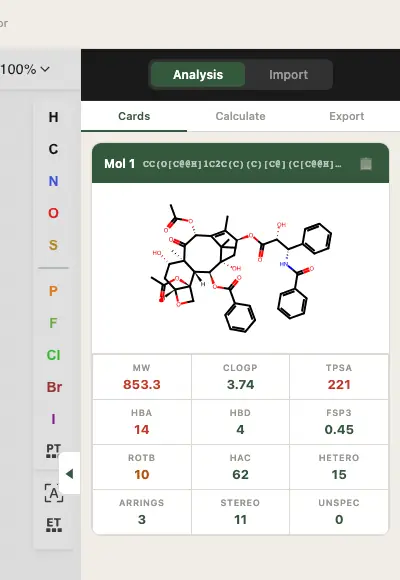 | Partly: logP and TPSA shown; explicit-hydrogen formula was incorrect. Opens the screenshot.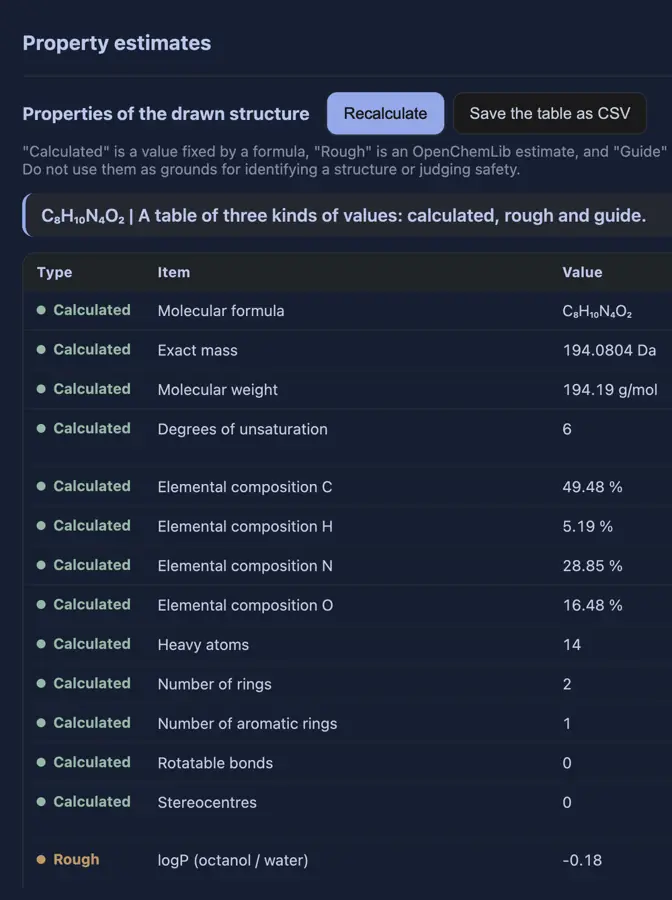 logP and TPSA shown; explicit-hydrogen formula was incorrect. | No: Calculated Values showed formula, masses and elemental analysis only. Opens the cited page. | Yes, tested by running it: Properties dialog displayed estimated logP and TPSA. Opens the cited page. | Not established | Yes, tested by running it: Imported structures show logP, TPSA, hydrogen bonding, and ring counts. Opens the screenshot.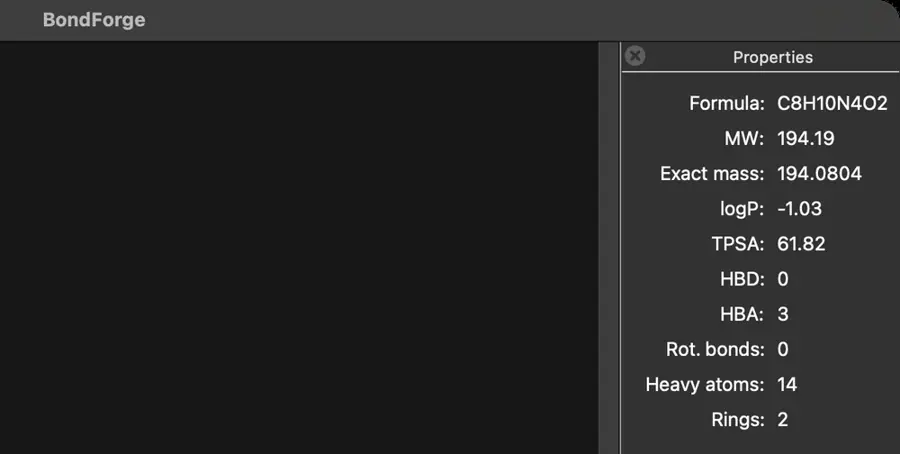 | Yes, tested by running it: Calculator returned polar surface area and other descriptors. Opens the cited page. | Not established | Yes, tested by running it: Cholesterol LogP 7.389 and TPSA 20.23 displayed. Opens the screenshot.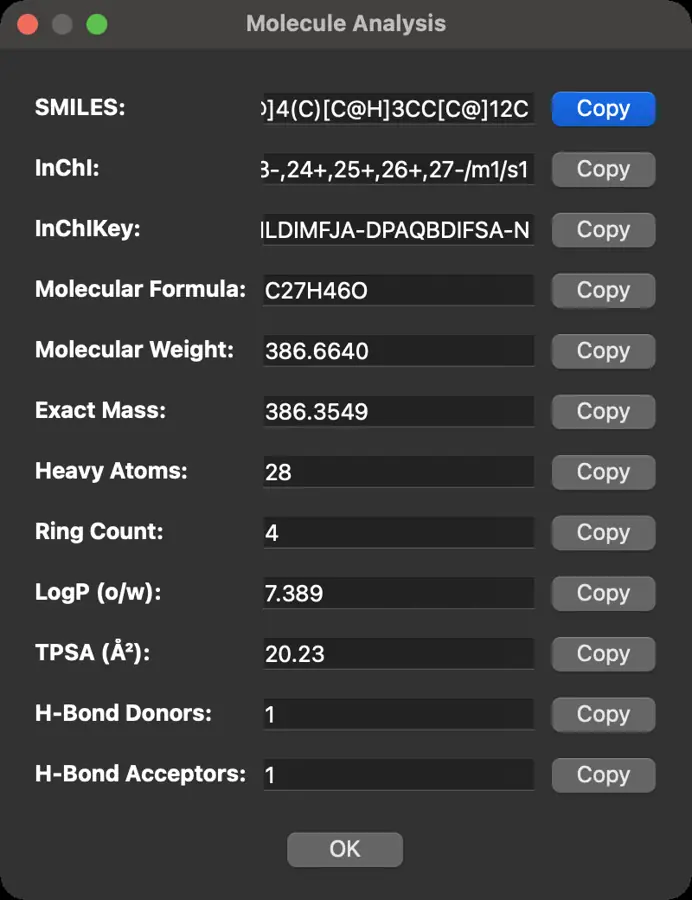 | Not established | Not established | Not established | Not established | Not established | Yes, tested by running it: Descriptor CSV reports cholesterol LogP 6.814388959638463. Opens the cited page. | Not established | Not established | No: Wrapper property panel stayed empty after importing molecules. Opens the cited page. | Not established | Not established | Not established | Not established | Yes, tested by running it: Caffeine logP and TPSA displayed. Opens the screenshot.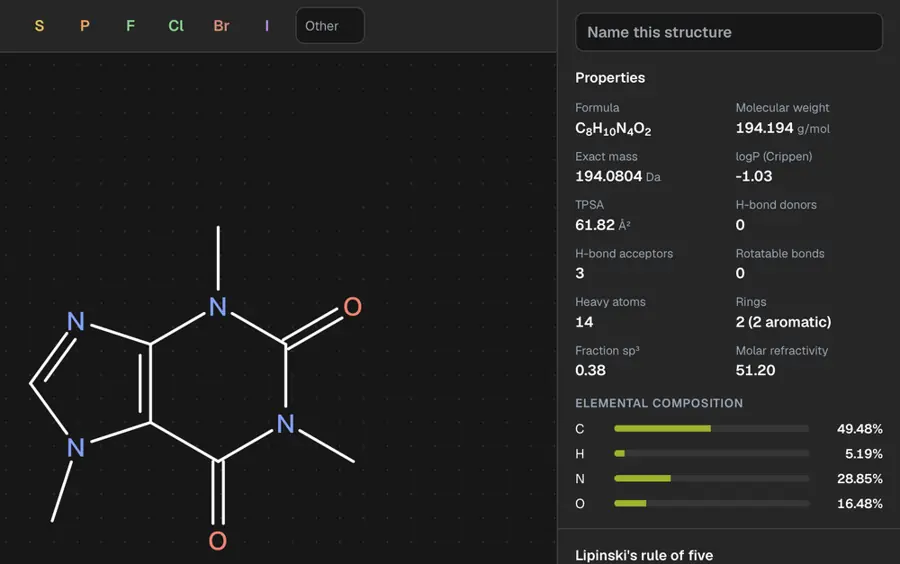 | Not established | Not established | Not established | Yes, tested by running it: Caffeine calculation returned logP and PSA. Opens the screenshot.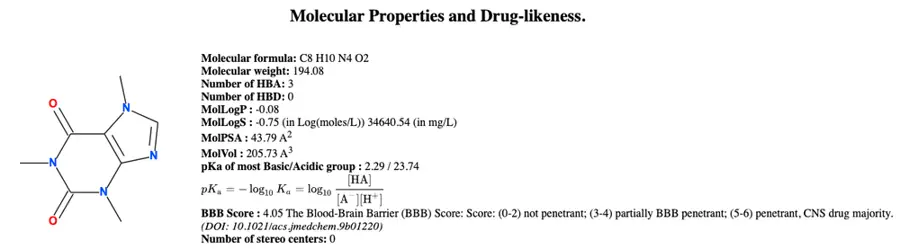 | Yes, tested by running it: Displays cLogP, TPSA and other properties. Opens the screenshot.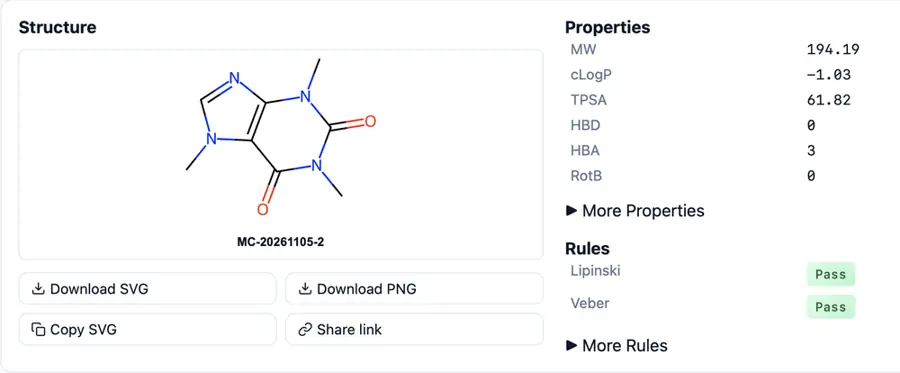 | Not established | Not established | Not established | Not established | Yes, according to the manual: API computes logP and polar surface area. Opens the cited page. | Yes, according to the manual: Separate SMILES analyzer computes Crippen logP and TPSA. Opens the cited page. | Yes, according to the manual: iOS edition predicts LogP; vendor claim. Opens the cited page. | Not established | Not established | Yes, according to the manual: Estimates log Kow. Opens the cited page. | Not established | Not established | No: XLogP calculation remains planned. Opens the cited page. | Not established | Not established | Not established | Not established | Not established | Not established | Not established | Not established | Not established | Not established | Not established | Not established | Not established | Not established | Not established | Not established | Not established | Not established | Not established | Not established | Not established | Yes, according to the manual: Includes logP and TPSA estimates. Opens the cited page. | Yes, according to the manual: Indigo computes logP, pKa and molar refractivity. Opens the cited page. | Yes, according to the manual: logP and TPSA available inside licensed MarvinSketch. Opens the cited page. | Not established | Yes, according to the manual. Opens the cited page. | Not established | Not established | Yes, according to the manual: vendor claim; HlogP and polar surface area. Opens the cited page. | Not established | No: Calculation backend implements formula and masses, excluding logP and TPSA. Opens the cited page. | Yes, according to the manual: cLogP appears in the official properties-panel screenshot. Opens the cited page. | Not established | Not established | Yes, according to the manual: TPSA and Mannhold/Crippen logP. Opens the cited page. | Yes, according to the manual: Freeware includes logP prediction. Opens the cited page. | Not established | Yes, according to the manual: vendor claim; logP, logS and pKa predictions. Opens the cited page. | Not established | Yes, according to the manual: Calculates XLogP and Rule-of-Five status. Opens the cited page. | Not established | Not established | Not established | Yes, according to the manual: Computes Crippen cLogP through RDKit. Opens the cited page. | Not established | Not established | Not established | Yes, according to the manual: RDKit computes logP and TPSA; calculations remain free. Opens the cited page. | Not established | Not established | Not established | Not established | Not established | Not established | Yes, according to the manual: Properties panel calculates logP and TPSA; vendor claim. Opens the cited page. | Not established | Yes, according to the manual: Calculates logP locally. Opens the cited page. | Not established | Not established | Not established | Yes, according to the manual: clogP, HSP and IOB; vendor claim. Opens the cited page. | Not established | Not established | Not established | Not established | Not established | Not established |
|---|
| Name to structure | Yes, according to the manual: Professional and Signals; unavailable in Prime. Opens the cited page.Professional | Yes, tested by running it: Ethanol name inserted an editable structure and default caption. Opens the screenshot.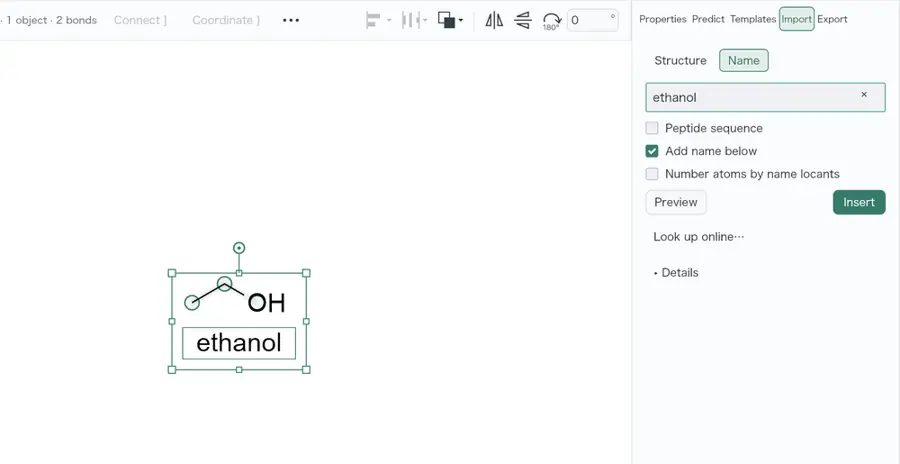 | Yes, tested by running it: PubChem search for caffeine placed a structure. Opens the cited page. | Yes, tested by running it: Import Name caffeine returned a structure through PubChem. Opens the cited page. | Yes, tested by running it: Converted caffeine to a 14-atom structure. Opens the cited page. | Yes, tested by running it: Ethanol converted after installing official OPSIN plugin v0.3.0. Opens the cited page. | Yes, tested by running it: Searching aspirin produced its structure. Opens the cited page. | Yes, tested by running it: Aspirin search inserted its structure. Opens the cited page. | Yes, tested by running it: Ethanol name produced CCO and C2H6O. Opens the cited page. | Yes, tested by running it: Web lookup for caffeine returned a structure. Opens the screenshot.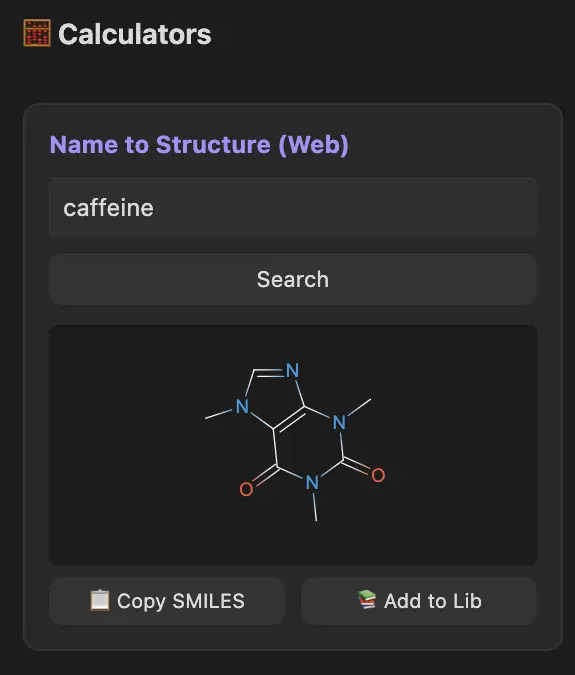 | Yes, tested by running it: Ethanol produced a C2H6O structure. Opens the cited page. | Yes, tested by running it: Entering benzene into the input field generated benzene. Opens the screenshot.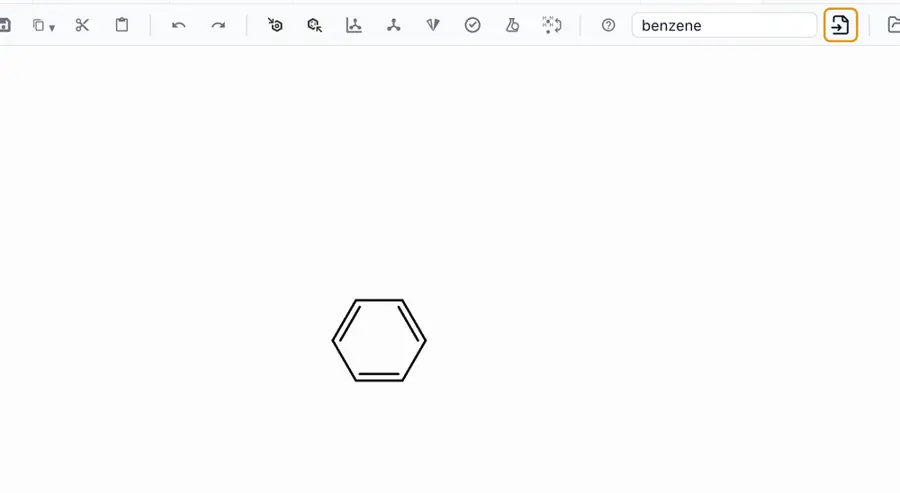 | Yes, according to the manual: Desktop ChemSpider lookup requires configured API access and network. Opens the cited page. | Partly: Aspirin imported through PubChem name lookup. Opens the cited page.Aspirin imported through PubChem name lookup. | Yes, tested by running it: Ethanol and systematic aspirin name worked; aspirin alone failed. Opens the screenshot.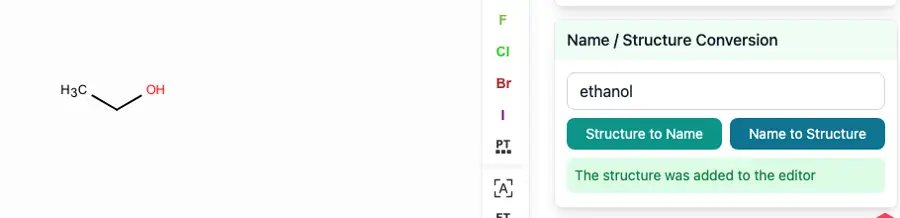 | No: Name import reports missing naming engine or OPSIN with Java. Opens the cited page. | Yes, tested by running it: Caffeine loaded using PubChem; absent from local dictionary. Opens the cited page. | Yes, tested by running it: Aspirin name generated a structure. Opens the cited page. | Yes, tested by running it: Typing caffeine fetched and drew its structure from PubChem. Opens the cited page. | Partly: PubChem name lookup; Ketcher insertion is not wired. Opens the cited page.PubChem name lookup; Ketcher insertion is not wired. | No: Opening caffeine as text produced a conversion error. Opens the cited page. | No: No name input found; SMILES field rejected caffeine. Opens the cited page. | No: Entering caffeine in Open structure produced an editor error. Opens the cited page. | Yes, tested by running it: PubChem search for aspirin produced a structure. Opens the cited page. | No: Entering caffeine in atom field did not create caffeine. Opens the cited page. | No: Ethanol fails: OPSIN unavailable; optional dependency version cannot resolve. Opens the cited page. | Yes, tested by running it: Naming demo converted caffeine to a 14-atom structure. Opens the cited page. | No: Open structure rejected caffeine as a name. Opens the cited page. | No: No naming tool; SMILES importer rejected ethanol. Opens the cited page. | Yes, tested by running it: PubChem caffeine lookup returned and inserted a structure. Opens the cited page. | Yes, tested by running it: Searched aspirin and selected exact result. Opens the screenshot.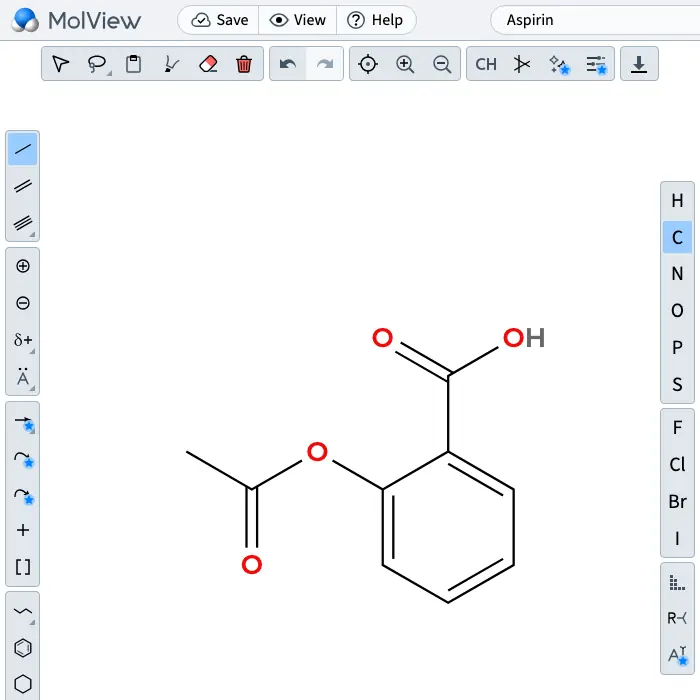 | No: Pasting caffeine as a name produced a conversion error. Opens the cited page. | Yes, according to the manual: AI converts named molecules into editable structures; provider key required. Opens the cited page. | No: Caffeine entered as SMILES produced a parse error. Opens the cited page. | No: Entering caffeine produced an invalid-atom SMILES parsing error. Opens the cited page. | No: Direct caffeine input printed its name as a label. Opens the cited page. | No: Typing caffeine into the name field left ethane unchanged. Opens the cited page. | No: Entering caffeine in structure import produced conversion error. Opens the cited page. | No: No name conversion command in inspected menus or tools. Opens the cited page. | No: Importing caffeine as text returned Unable to determine format. Opens the cited page. | No: Caffeine Wikidata query failed with network error 499. Opens the cited page. | Yes, tested by running it: Caffeine search result inserted a structure. Opens the cited page. | No: Caffeine entered as text was rejected. Opens the cited page. | No: Insert menu offers SMILES, InChI, MCDL; no chemical-name entry. Opens the cited page. | No: No name import command found in editor controls. Opens the cited page. | No: Direct entry lists CAS, SMILES, InChI; no name command. Opens the cited page. | Yes, tested by running it: Selected caffeine from dictionary suggestions and obtained structure. Opens the cited page. | No: Entering caffeine returned Unable to parse molecule. Opens the cited page. | No: No name input command found in inspected menus. Opens the cited page. | Partly: Ethanol produced SMILES, but did not populate canvas. Opens the cited page.Ethanol produced SMILES, but did not populate canvas. | No: No name-to-structure command found. Opens the cited page. | No: SMILES import rejected caffeine; no name command found. Opens the cited page. | No: No chemical name input visible. Opens the cited page. | Yes, tested by running it: Benzene produced a preview and loaded onto canvas. Opens the cited page. | No: No name conversion command found in the editor. Opens the cited page. | No: Name paste rejected; no conversion command found. Opens the cited page. | No: No name conversion control found in hosted editor. Opens the cited page. | No: Submitting caffeine returned without adding a structure. Opens the cited page. | No: No name import command found in inspected menus or dialogs. Opens the cited page. | No: Generic input of caffeine as a name returned empty. Opens the cited page. | No: CLI name parser reports operation_not_implemented. Opens the cited page. | No: Entering caffeine rendered a two-atom CH5N structure. | No: Entering caffeine in Open produced no structure. Opens the cited page. | No: No name conversion command found in inspected menus. Opens the cited page. | No: Pasting caffeine produced CH₃N, not caffeine. Opens the cited page. | No: Pasting caffeine as a name produces an error. Opens the cited page. | No: Pasting caffeine was rejected; no name input found. Opens the cited page. | No: Pasting caffeine produced no structure; no naming command found. Opens the cited page. | No: No name input found. Opens the cited page. | No: No name conversion command found. Opens the cited page. | No: Aspirin resolver returned no structure. Opens the cited page. | No: No name conversion command found in inspected menus or dialogs. Opens the cited page. | Not established | No: Typing caffeine leaves literal text. Opens the cited page. | No: No name input command found. Opens the cited page. | No: No chemical-name input found. Opens the cited page. | No: Import rejected caffeine as invalid input. Opens the cited page. | No: Pasting caffeine produced no drawing; clipboard was not read. Opens the cited page. | No: No name input command visible. Opens the cited page. | Not established | No: No name input or conversion command visible. Opens the cited page. | Partly: Legacy NIST name lookup retains incompatible Python 2 imports. Opens the cited page.Legacy NIST name lookup retains incompatible Python 2 imports. | Yes, according to the manual. Opens the cited page. | Yes, according to the manual: PubChem name lookup opens matching structures for editing; network required. Opens the cited page. | Yes, according to the manual. Opens the cited page. | Yes, according to the manual: Converts pasted IUPAC names into editable 2D structures. Opens the cited page. | Yes, according to the manual. Opens the cited page. | Yes, according to the manual: Requires web services and a separate Name to Structure license. Opens the cited page. | Yes, according to the manual: NIST WebBook lookup plugin; current service compatibility unverified. Opens the cited page. | Yes, according to the manual: vendor claim; included IUPAC name converter. Opens the cited page. | Yes, according to the manual: OPSIN Name2Structure adds structures from typed chemical names. Opens the cited page. | Not established | Yes, according to the manual. Opens the cited page. | Not established | Yes, according to the manual: IUPAC name conversion. Opens the cited page. | Yes, according to the manual: Common functional groups and ring families. Opens the cited page. | Partly: Commercial dictionary lookup; general conversion requires separately purchased ACD/Name. Opens the cited page.ChemSketchCommercial dictionary lookup; general conversion requires separately purchased ACD/Name. | Not established | Yes, according to the manual: vendor claim; chemical names convert through the search bar. Opens the cited page. | Yes, according to the manual: Chemical names are submitted to the online OPSIN service. Opens the cited page. | Yes, according to the manual: Supported IUPAC names convert to editable structure input. Opens the cited page. | Not established | Not established | Yes, according to the manual: Requires JSDraw Web Services; accepts chemical and trade names. Opens the cited page. | Yes, according to the manual: Local OPSIN with PubChem fallback; results cached. Opens the cited page. | Not established | Not established | Yes, according to the manual: Std/Pro/Office; NamExpert converts IUPAC names into structures. Opens the cited page.Std | Yes, according to the manual: Requires Standard or verified Student after trial. Opens the cited page.Student | Not established | Not established | Not established | Yes, according to the manual: PubChem name lookup; internet required. Opens the cited page. | Not established | Not established | Not established | Yes, according to the manual: Pro; vendor claim; compound search by name loads structures. Opens the cited page.Pro | Yes, according to the manual: Database name lookup imports matching structures. Opens the cited page. | Yes, according to the manual: PubChem name lookup and IUPAC-to-SMILES batch generation. Opens the cited page. | Not established | Not established | Not established | Not established | Not established | Not established | Not established | Not established | Not established |
|---|
| Structure to name | Yes, according to the manual: Professional and Signals; unavailable in Prime. Opens the cited page.Professional | Yes, tested by running it: Alanine generated (2S)-2-aminopropanoic acid using local subset rules. Opens the screenshot.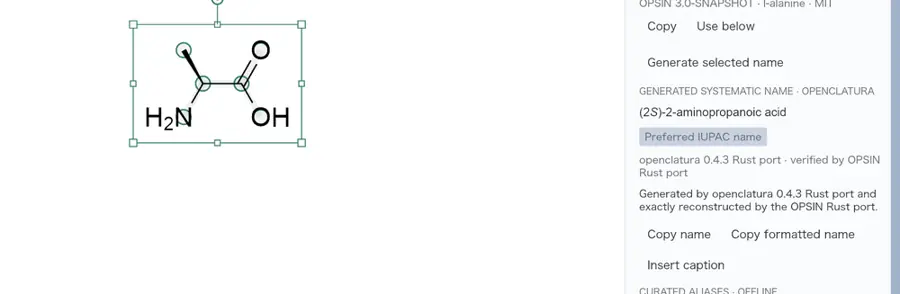 | Yes, tested by running it: Caffeine details displayed 1,3,7-trimethylpurine-2,6-dione. Opens the screenshot.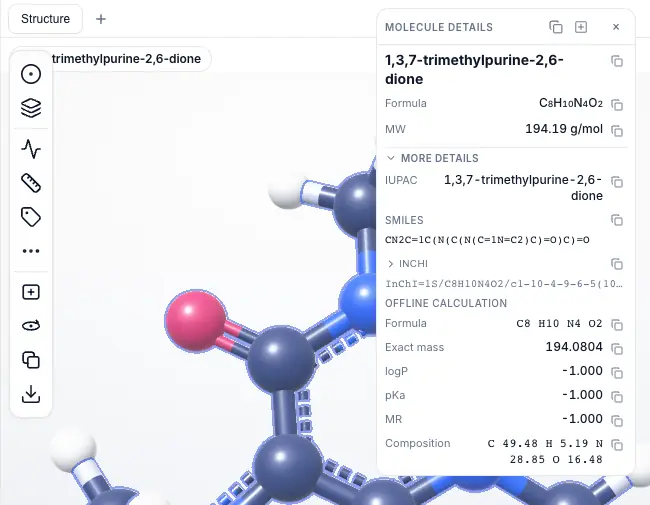 | Yes, tested by running it: Caffeine returned 1,3,7-trimethylpurine-2,6-dione via Copy As IUPAC Name. Opens the screenshot. | Yes, tested by running it: Generated caffeine systematic name as canvas text. Opens the screenshot.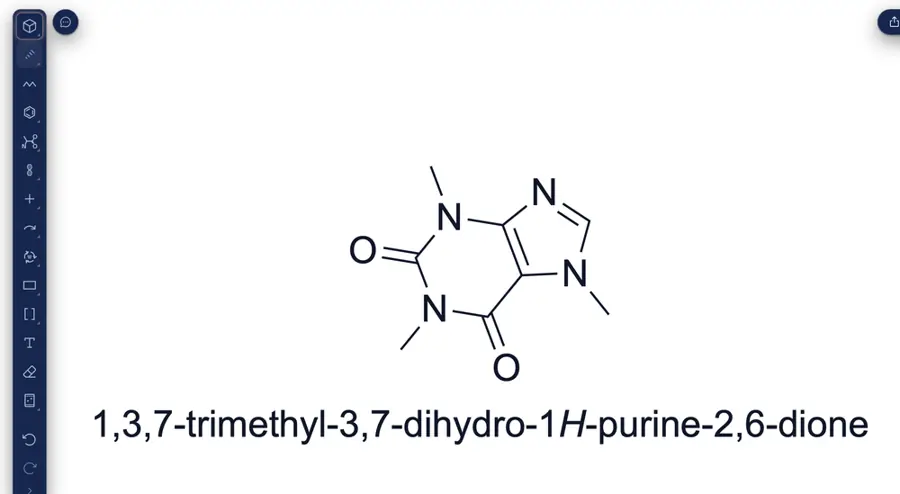 | Yes, tested by running it: Ethanol named after installing official Orthonym plugin v0.1.0. Opens the screenshot. | Yes, tested by running it: Caffeine drawing displayed a systematic name. Opens the screenshot.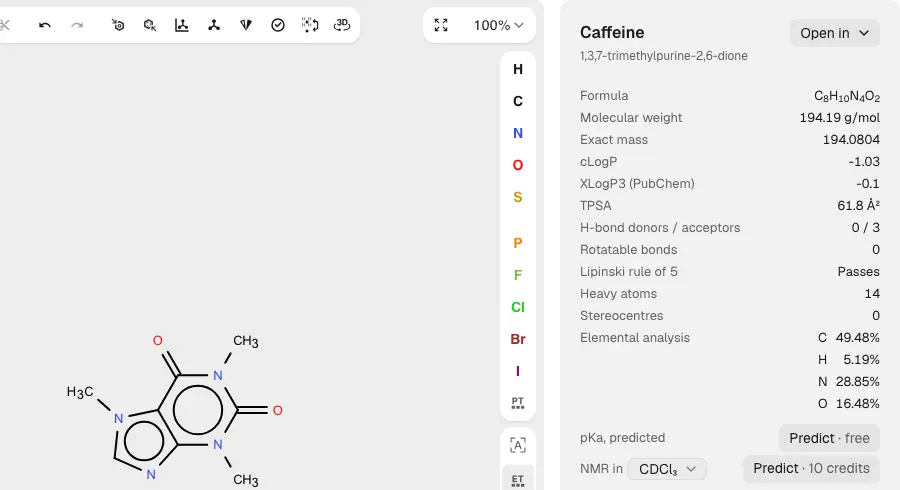 | Partly: Identified caffeine; systematic name generation was not demonstrated. Opens the screenshot.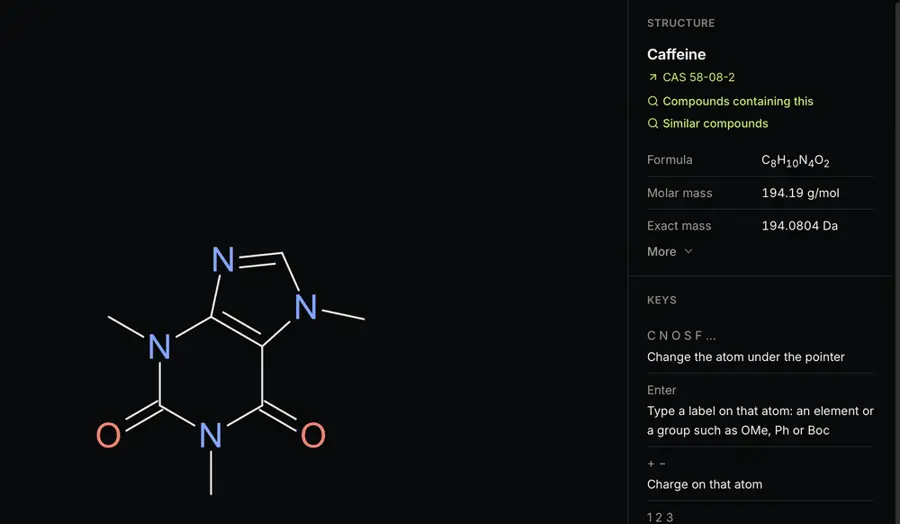 Identified caffeine; systematic name generation was not demonstrated. | Partly: Alternative naming worked; primary command failed because openclatura was absent. Opens the screenshot.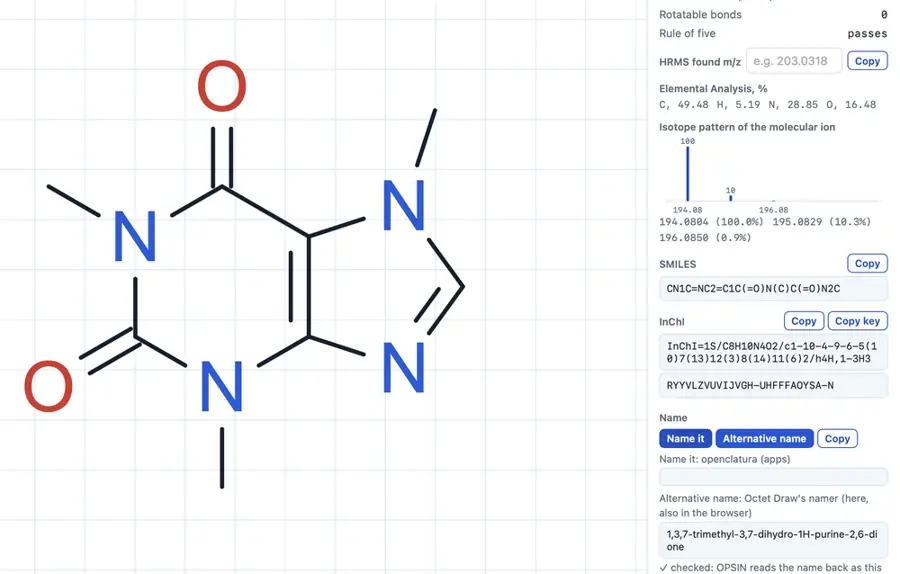 Alternative naming worked; primary command failed because openclatura was absent. | Yes, tested by running it: Returned 1,3,7-trimethylpurine-2,6-dione for caffeine. Opens the cited page. | Yes, tested by running it: Ethanol structure produced an ethanol caption. Opens the cited page. | No: No naming output found in menus, context actions, or Extra Info. Opens the cited page. | Partly: Research identifiers showed an empty IUPAC Name field. Opens the cited page.Research identifiers showed an empty IUPAC Name field. | Partly: Caffeine drawing returned PubChem IUPAC name. Opens the cited page.Caffeine drawing returned PubChem IUPAC name. | Yes, tested by running it: Ethanol and systematic aspirin structures returned names. Opens the screenshot.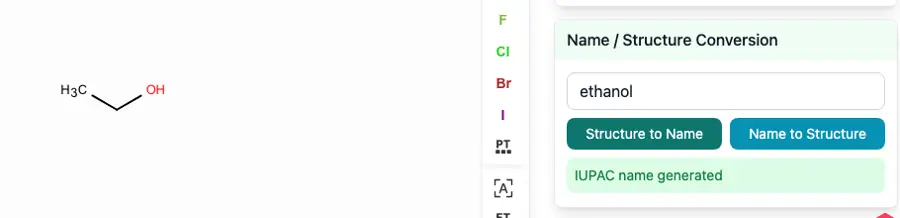 | No: Imported structures report naming engine not installed. Opens the cited page. | Yes, tested by running it: PubChem returned 1,3,7-trimethylpurine-2,6-dione for MOL caffeine. Opens the screenshot.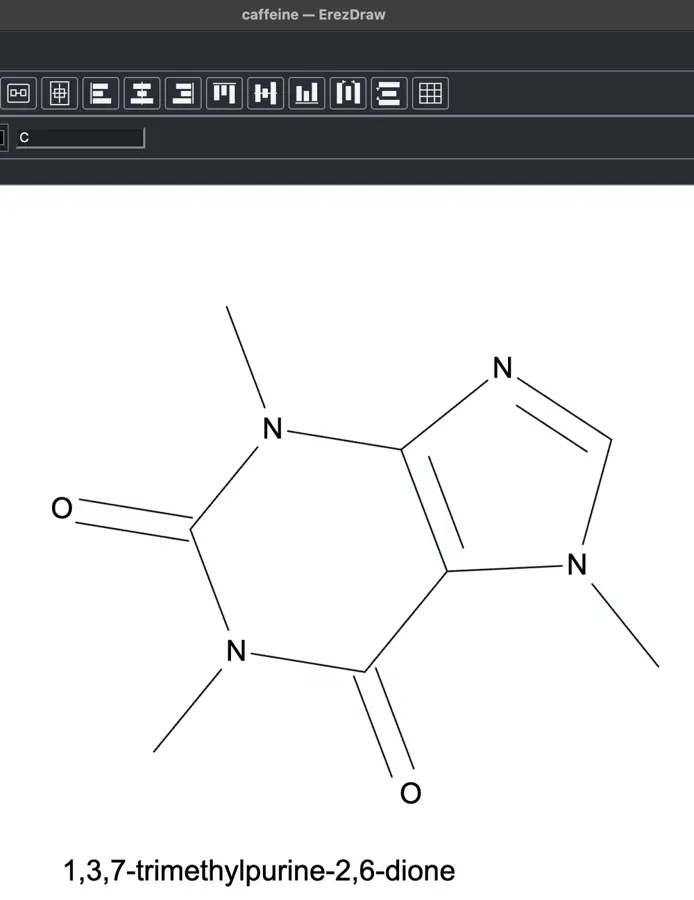 | Partly: CCCO returned incorrect locant: Propan-3-ol. Opens the screenshot.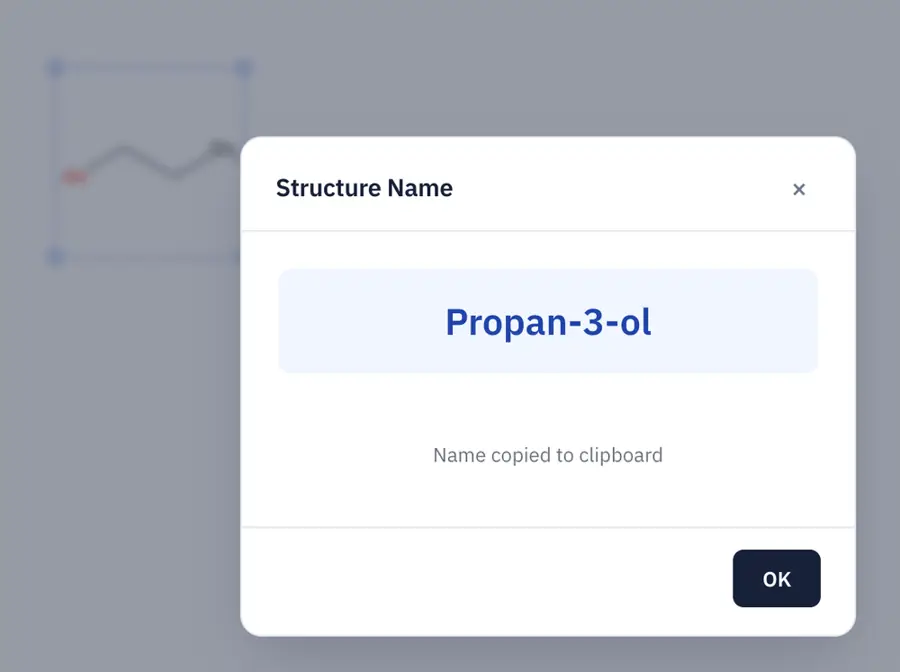 CCCO returned incorrect locant: Propan-3-ol. | Yes, tested by running it: Caffeine identified as 1,3,7-trimethylpurine-2,6-dione, CID 2519. Opens the screenshot.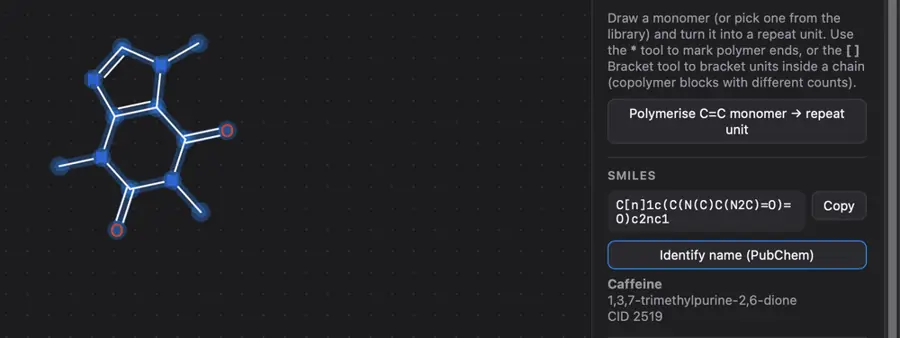 | No: Naming service is an unimplemented placeholder. Opens the cited page. | Yes, tested by running it: CSV export returned caffeine's systematic name. Opens the cited page. | Yes, tested by running it: PubChem lookup returned caffeine's systematic name. Opens the cited page. | No: No naming command found in editor controls or save formats. Opens the cited page. | No: Action search found name lookup only, not structure naming. Opens the cited page. | No: Clicking formula did not produce a name; no command found. Opens the cited page. | No: Planned for a later release. Opens the cited page. | Yes, tested by running it: Naming demo returned traditional and preferred names for caffeine. Opens the screenshot.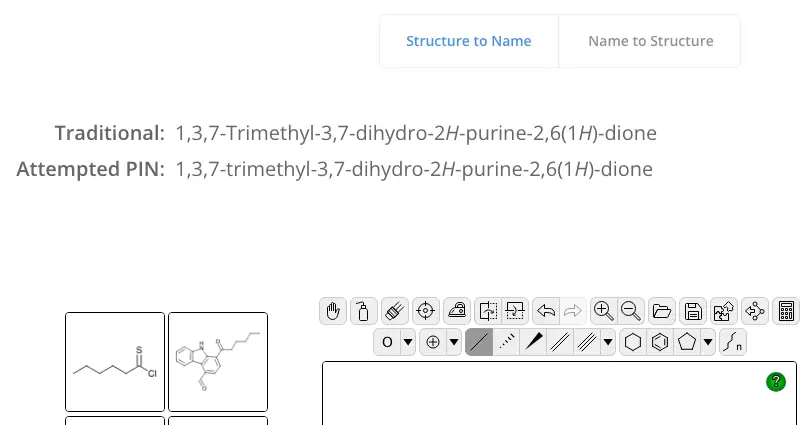 | No: No naming command found in drawing or calculation controls. Opens the cited page. | Partly: PubChem Structure Identifier plugin retrieves IUPAC names for database matches. Opens the cited page.PubChem Structure Identifier plugin retrieves IUPAC names for database matches. | No: No structure-to-name command found in inspected UI. Opens the cited page. | Yes, tested by running it: Caffeine SMILES Infocard returned common and IUPAC names via PubChem. Opens the screenshot. | No: No naming command found in inspected controls. Opens the cited page. | No: No dedicated naming command found; AI requires a key. Opens the cited page. | No: Info and menus showed no naming command. Opens the cited page. | No: No naming command found in inspected menus. Opens the cited page. | Not established | Yes, tested by running it: Changing ethane to ethene updated the IUPAC name. Opens the screenshot. | No: No naming command found in inspected controls. Opens the cited page. | No: No structure naming command in inspected menus or tools. Opens the cited page. | No: No naming command in conversion menus; chemical formats only. Opens the cited page. | No: Only editable Name field; no naming command found. Opens the cited page. | No: No naming command found in menus, analyzer, or data hub. | No: Name field is manually entered; no naming command found. Opens the cited page. | No: Get IUPAC Name failed: missing jniinchi-1.03_1-UNKNOWN library. Opens the cited page. | No: No name generation command found in editor controls. Opens the cited page. | No: Tools offers SMILES/InChI generation; no naming command found. Opens the cited page. | Yes, according to the manual: Source exposes getIUPAC(); no toolbar naming control. Opens the cited page. | No: SMILES inputs received generated identifiers, not systematic names. Opens the cited page. | No: No naming command found in inspected menus. Opens the cited page. | Partly: Benzene named correctly; interface states limited scope. Opens the screenshot. Benzene named correctly; interface states limited scope. | No: Chemical property dialog requires a manually entered name. Opens the cited page. | No: No naming command found for imported caffeine. Opens the cited page. | No: No name generation control visible. Opens the cited page. | No: No structure-to-name command found in editor. Opens the cited page. | No: No structure naming command found in the editor. Opens the cited page. | No: No naming command found in menus, tool banks, or dialogs. Opens the cited page. | No: No naming command found in hosted editor. Opens the cited page. | No: Drawn ethene lookup reported Could not retrieve IUPAC name. Opens the cited page. | No: No structure naming command found in inspected menus or dialogs. Opens the cited page. | Yes, according to the manual: Official demo requests IUPAC names from the external NCI service. Opens the cited page. | No: CLI naming reports operation_not_implemented. Opens the cited page. | No: No naming command found in the interface. | Yes, tested by running it: Molecule properties returned paclitaxel IUPAC name. Opens the screenshot. | No: No naming command found in inspected menus. Opens the cited page. | No: No naming command visible. Opens the cited page. | No: No structure-to-name command visible. Opens the cited page. | No: No naming command found in sketcher demo. Opens the cited page. | No: No structure-naming command found in menus. Opens the cited page. | No: No naming command found. Opens the cited page. | No: No naming command found. Opens the cited page. | No: No naming command in demo. Opens the cited page. | No: No naming command found in inspected menus or molecule dialog. Opens the cited page. | Not established | No: No structure naming command visible. Opens the cited page. | No: No structure naming command found. Opens the cited page. | No: No naming command found. Opens the cited page. | No: No structure-to-name command visible in editor. Opens the cited page. | No: No naming command exposed for the manually drawn structure. Opens the cited page. | No: No naming command visible. Opens the cited page. | Not established | No: No naming command visible. Opens the cited page. | Partly: Legacy NIST name lookup, not systematic naming; Python 2 imports remain. Opens the cited page.Legacy NIST name lookup, not systematic naming; Python 2 imports remain. | Yes, according to the manual. Opens the cited page. | Partly: PubChem IUPAC lookup only; unindexed structures cannot receive generated names. Opens the cited page.PubChem IUPAC lookup only; unindexed structures cannot receive generated names. | Yes, according to the manual. Opens the cited page. | Yes, according to the manual: Generates IUPAC names that update with structure edits. Opens the cited page. | Yes, according to the manual: Vendor claim; Chinese and English IUPAC names. Opens the cited page. | Yes, according to the manual: IUPAC name export requires web services and separate naming license. Opens the cited page. | Partly: Retrieves database names rather than generating systematic nomenclature. Opens the cited page.Retrieves database names rather than generating systematic nomenclature. | Yes, according to the manual: Generates IUPAC names, including granular RNA sequences. Opens the cited page. | No: IUPAC NameIt was discontinued in KnowItAll 2015. Opens the cited page. | Not established | Yes, according to the manual: IUPAC name generation; vendor claim. Opens the cited page. | Not established | Yes, according to the manual: IUPAC naming. Opens the cited page. | Yes, according to the manual: Complex fused polycycles may not be named. Opens the cited page. | Partly: Limited elements, 50 atoms, three rings, and 100-character names. Opens the cited page.Limited elements, 50 atoms, three rings, and 100-character names. | No: Authored display names only; generated naming is future work. Opens the cited page. | Yes, according to the manual: vendor claim; automated IUPAC naming. Opens the cited page. | Yes, according to the manual: Online resolver returns an IUPAC name for drawn structures. Opens the cited page. | Partly: Systematic-name generation is limited to PDF-recognized drawings. Opens the cited page.Systematic-name generation is limited to PDF-recognized drawings. | Not established | Not established | Not established | Partly: PubChem IUPAC lookup only; unmatched structures return not found. Opens the cited page.PubChem IUPAC lookup only; unmatched structures return not found. | Not established | Not established | Yes, according to the manual: Pro/Office; Nomenclator assigns systematic IUPAC names. Opens the cited page.Pro | Yes, according to the manual: Requires Standard or verified Student after trial. Opens the cited page.Student | Not established | Not established | Not established | Yes, according to the manual: IUPAC name export via PubChem; internet required. Opens the cited page. | Not established | Not established | Not established | Yes, according to the manual: Pro; vendor claim: structure-to-IUPAC-name conversion. Opens the cited page.Pro | Not established | Yes, according to the manual: IUPAC name generation requires an internet connection. Opens the cited page. | Not established | Not established | Not established | Not established | Not established | Not established | Not established | Not established | Not established |
|---|
| NMR prediction | Yes, according to the manual: Proton and carbon-13 predictions; Professional and Signals only. Opens the cited page.Professional | Yes, tested by running it: Ethanol methyl: 1.050 ppm; two other sites withheld. Opens the screenshot.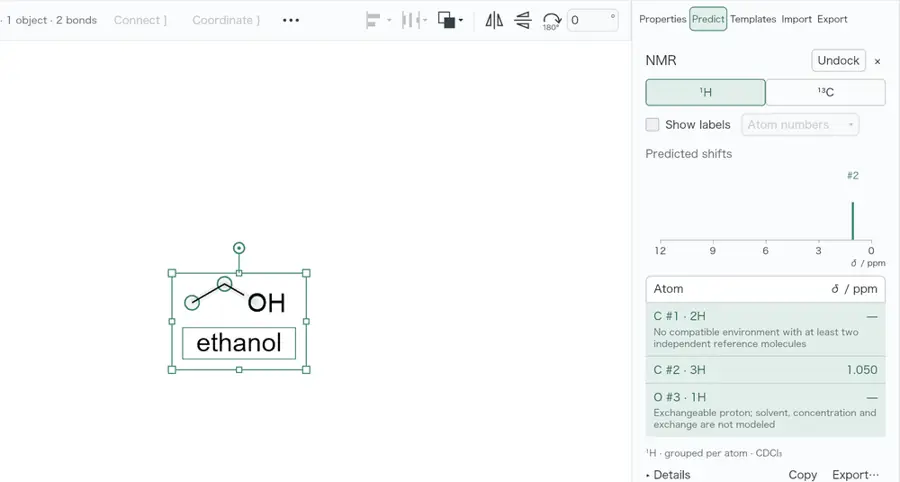 | Yes, according to the manual: Free-account NMR plugin predicts 1H and 13C shifts. Opens the cited page.Free account | Yes, tested by running it: NMR panel displayed a predicted cholesterol carbon-13 stick spectrum. Opens the screenshot.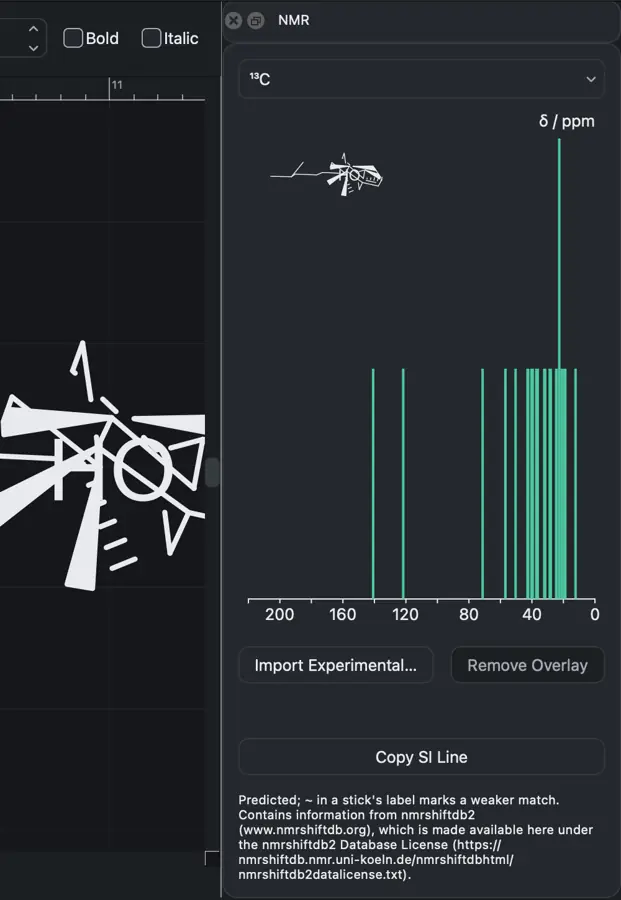 | Yes, according to the manual: Predicts proton and carbon-13 shifts. Opens the cited page. | Yes, according to the manual: Separate NMR predictor plugin; 1H predictions are experimental. Opens the cited page. | Yes, according to the manual: 1H/13C predictions require sign-in and 10 credits per structure. Opens the cited page.Free | No: Provided by a separate Chempirical NMR predictor. Opens the cited page. | Yes, according to the manual: Offline 1H, 13C, 19F and 31P predictions. Opens the cited page. | Partly: Opens external nmrdb 1H prediction; no built-in predictor. Opens the cited page.Opens external nmrdb 1H prediction; no built-in predictor. | Yes, according to the manual: Predicts proton/carbon shifts; exchangeable OH, NH and SH protons omitted. Opens the cited page. | Not established | No: Prediction is explicitly unimplemented; peak import and manual annotation exist. Opens the cited page. | Not established | Not established | Partly: Shifts require external ORCA calculations and a computed reference. Opens the cited page.Shifts require external ORCA calculations and a computed reference. | Yes, according to the manual: Local 1H/13C shifts; limited coverage and approximate proton environments. Opens the cited page. | No: Official comparison explicitly excludes NMR prediction. Opens the cited page. | No: NMR shift prediction is on the roadmap. Opens the cited page. | Yes, according to the manual: Built-in additive ¹H/¹³C predictions; backend required. Opens the cited page. | Not established | Yes, according to the manual: Approximate predictions; 13C remains experimental. Opens the cited page. | Not established | Not established | Not established | Yes, according to the manual: Heuristic 1H and 13C predictions intended for teaching. Opens the cited page. | Yes, according to the manual: Proton and carbon-13 prediction through iChemLabs Cloud Services. Opens the cited page. | Not established | Yes, according to the manual: Requires NMR Predictor (nmrshiftdb2); coverage depends on reference data. Opens the cited page. | Not established | Not established | Not established | Not established | Not established | Not established | Not established | Not established | Not established | Not established | Not established | Not established | Not established | No. Opens the cited page. | Not established | Not established | Not established | Not established | Not established | Not established | Not established | Yes, tested by running it: Generated a proton NMR spectrum for a drawn bond. Opens the cited page. | Not established | Not established | Not established | Not established | Not established | Not established | Yes, according to the manual. Opens the cited page. | Not established | Not established | No: Proton and carbon NMR prediction remain planned. Opens the cited page. | Not established | Not established | Not established | Not established | Not established | Not established | Not established | Not established | Not established | Not established | Not established | Not established | Not established | Not established | Not established | Not established | Not established | Not established | Not established | Not established | Not established | Yes, according to the manual: Predicts proton and carbon-13 shifts. Opens the cited page. | No: NMR menu calls an always-null extension context; predictor is unwired. Opens the cited page. | Yes, according to the manual: Predicts both proton and carbon-13 chemical shifts. Opens the cited page. | Yes, according to the manual: Predicts proton and carbon-13 chemical shifts and spectra. Opens the cited page. | Yes, according to the manual: Free: 10/day; Professional: unlimited. Opens the cited page. | Not established | Not established | Partly: External Mnova/NMRdb prediction add-ins; supported nuclei unspecified. Opens the cited page.External Mnova/NMRdb prediction add-ins; supported nuclei unspecified. | Yes, according to the manual: 13C batch prediction in MineIt; vendor claim. Opens the cited page. | Not established | Yes, according to the manual: Web only; unavailable in the desktop app. Opens the cited page. | Not established | Not established | Yes, according to the manual: Windows 1H/13C shift summaries; vendor claim. Opens the cited page. | Not established: Separate NMR prediction products exist; ChemSketch inclusion unverified. | Not established | Yes, according to the manual: vendor claim; both 1H and 13C predictions. Opens the cited page. | Not established | Not established | Not established | Not established | Not established | Not established | Not established | Not established | Not established | No: No NMR spectrum simulation. Opens the cited page. | Not established | Yes, according to the manual: Rule-based 1H and 13C predictions run in the cloud. Opens the cited page. | Not established | Not established | Not established | Not established | No: Explicitly excluded from this edition. Opens the cited page. | Not established | Not established | Not established | Not established | Not established | Not established | Not established | Not established | Not established | Not established | Not established | Not established |
|---|
| R-groups and query structures | Yes, according to the manual: R positions, variable bond orders and atom lists. Opens the cited page. | Partly: Finite element/group alternatives; general query predicates and R-logic remain unsupported. Opens the cited page.Finite element/group alternatives; general query predicates and R-logic remain unsupported. | Yes, according to the manual: Supports R, R1, and R2 atom labels. Opens the cited page. | Yes, according to the manual: MDL R-groups, generic atoms and chemical query atom lists. Opens the cited page. | Yes, according to the manual: Supports R-group definitions, atom lists and query properties. Opens the cited page. | Yes, according to the manual: R-group and generic placeholders; no formula contribution. Opens the cited page. | Yes, according to the manual: R-groups are available from the toolbars. Opens the cited page. | Not established | Yes, according to the manual: R-group lists, enumeration and decomposition. Opens the cited page. | Yes, according to the manual. Opens the cited page. | Yes, according to the manual. Opens the cited page. | Yes, according to the manual: Sketcher provides generic R-group markers and reaction mapping. Opens the cited page. | Yes, according to the manual: Supports atom lists, wildcards, Markush and R-group query data. Opens the cited page. | Not established | Yes, according to the manual: Embedded Ketcher supports R-groups, attachment points and R-group logic. Opens the cited page. | Yes, according to the manual: R-group cores, substituent definitions and R-logic. Opens the cited page. | No: No query atoms, alternative groups or generic matching rules. Opens the cited page. | Yes, according to the manual: R-group and halide placeholder atom labels. Opens the cited page. | No: Query atoms explicitly cannot be represented. Opens the cited page. | Yes, according to the manual: R-groups, attachment points and query atoms. Opens the cited page. | Yes, according to the manual. Opens the cited page. | Not established | Yes, according to the manual: Ketcher supports R-groups, atom lists, and attachment logic. Opens the cited page. | Not established | Yes, according to the manual: Toolbar provides R-group and wildcard atom choices. Opens the cited page. | Not established | Yes, according to the manual: Query atoms support element lists, wildcards, and attachment constraints. Opens the cited page. | Yes, according to the manual: Ketcher supports R-groups, atom lists and Markush logic. Opens the cited page. | Not established | Yes, according to the manual: R-group labels in the functional-group palette. Opens the cited page. | Yes, according to the manual: R-group atom labels, including optional numbering. Opens the cited page. | Yes, according to the manual: R-groups, atom lists, attachment points and R-group logic. Opens the cited page. | Yes, according to the manual: Ketcher supports R-group labels, fragments, attachment points and logic. Opens the cited page. | Partly: R atom tool appears; query behavior unverified. Opens the cited page.R atom tool appears; query behavior unverified. | Not established | Partly: Graphical R-group label only; query semantics were not tested. Opens the screenshot.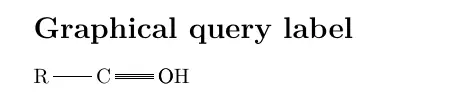 Graphical R-group label only; query semantics were not tested. | Not established | Yes, according to the manual. Opens the cited page. | Yes, according to the manual: Explicit generic-aryl bindings export native CDXML queries. Opens the cited page. | Yes, according to the manual: R-groups, element lists and query constraints. Opens the cited page. | Not established | Not established | Not established | Not established | Not established | Yes, according to the manual: R-group queries, attachment points, logic and enumeration. Opens the cited page. | Yes, according to the manual: R-group labels and hydrogen, connectivity and ring query constraints. Opens the cited page. | Yes, according to the manual: Query drawing enabled in embedded JSME. Opens the cited page. | Partly: R-label insertion only; no R-group definitions or atom lists. Opens the cited page.R-label insertion only; no R-group definitions or atom lists. | Not established | Yes, according to the manual: Editable element lists, generic lists, and atom-query properties. Opens the cited page. | Yes, according to the manual: Variable definitions and enumeration UI live in the separate app workspace. Opens the cited page. | Yes, according to the manual: Fragment mode supports atom lists through query-feature dialogs. Opens the cited page. | Not established | Yes, according to the manual: R-group definitions, attachment points, logic, and atom lists. Opens the cited page. | Yes, according to the manual: Atom lists, exclusions, and other chemical query constraints. Opens the cited page. | Yes, according to the manual: R-group nodes and allowed or disallowed atom lists. Opens the cited page. | Not established | Yes, according to the manual: R-group labels and editable atom/bond query properties. Opens the cited page. | Yes, according to the manual: SMARTS atom and bond queries; R-group support. Opens the cited page. | Yes, according to the manual: Element-list and generic query atoms; substructure matching supported. Opens the cited page. | Not established | Yes, according to the manual: R-group labels, fragments and attachment points. Opens the cited page. | Not established | Not established | Not established | Yes, according to the manual: Query atom lists and excluded elements. Opens the cited page. | Yes, according to the manual: Simple numbered R-group dummy atoms; full Markush authoring unverified. Opens the cited page. | Not established | Not established | Partly: R1 placement adds accessible label; drawing clipped. Opens the cited page.R1 placement adds accessible label; drawing clipped. | Yes, according to the manual: Query Atom editor supports atom lists and Beilstein generic groups. Opens the cited page. | Not established | Not established | Not established | Partly: Numbered R-label import only; atom-list handling unfinished. Opens the cited page.Numbered R-label import only; atom-list handling unfinished. | Yes, according to the manual: Atom lists, wildcard bonds and numbered R-groups; host-configurable. Opens the cited page. | Not established | Not established | Not established | Not established | Yes, according to the manual: Query atoms support R, A, Q, X and element lists. Opens the cited page. | Not established | Yes, according to the manual: R/R1/R2 aliases and generic query bond tools. Opens the cited page. | Yes, according to the manual. Opens the cited page. | Partly: Markush attachment markers documented; full R-group/query handling unverified. Opens the cited page.Markush attachment markers documented; full R-group/query handling unverified. | Yes, according to the manual. Opens the cited page. | Yes, according to the manual: R-groups, definitions, R-logic and atom lists. Opens the cited page. | Yes, according to the manual: Atom lists and A/Q/X/R query atoms. Opens the cited page. | Yes, according to the manual: vendor claim; R-group queries and variable attachments. Opens the cited page. | Yes, according to the manual: Numbered R-groups act as variable groups in structure searches. Opens the cited page. | Yes, according to the manual. Opens the cited page. | Yes, according to the manual. Opens the cited page. | Yes, according to the manual: Generic R, Ar, X and M residues. Opens the cited page. | Not established | Yes, according to the manual: Query atoms, atom lists and SMARTS; vendor claim. Opens the cited page. | Yes, according to the manual: R-groups, positional variants, and structure enumeration. Opens the cited page. | Not established | Yes, according to the manual: Markush structures, R-groups and query properties. Opens the cited page. | Yes, according to the manual: R-group residue labels include R1, R2, and numbered variants. Opens the cited page. | Yes, according to the manual: Markush scaffolds, R-group legends, and supported query annotations. Opens the cited page. | Not established | Yes, according to the manual: Periodic-table palette includes chemical wildcards. Opens the cited page. | Yes, according to the manual: Editable R-group definitions and alternative substructures. Opens the cited page. | Not established | Not established | Yes, according to the manual: Supports R and R-prime groups in structures. Opens the cited page. | Not established | Not established | Yes, according to the manual: Numbered R-group attachment labels. Opens the cited page. | Not established | Not established | Not established | Not established | Not established | Not established | Not established | Not established | Not established | Yes, according to the manual: Vendor claim: R-groups supported, including MOL import. Opens the cited page. | Not established | Not established | Not established | Not established | Not established | Not established | Not established | Not established |
|---|
| Polymers and repeat units | Yes, according to the manual: Semantic repeat units, copolymer types, counts and connectivity. Opens the cited page. | Partly: Typed repeat units; only finite ordinary head-to-tail chemistry expands. Opens the cited page.Typed repeat units; only finite ordinary head-to-tail chemistry expands. | Yes, according to the manual: Repeat-unit brackets attach to selected atoms; n/m labels editable. Opens the cited page. | Not established | Yes, according to the manual: Semantic repeat units contribute to molecular formulae and masses. Opens the cited page. | No: Polymer repeat units are planned; current brackets are graphical. Opens the cited page. | Partly: S-Group tool visible. Opens the cited page.S-Group tool visible. | Not established | Yes, according to the manual: Chemical repeat units; SRU and CDXML/CDX round-trip. Opens the cited page. | Yes, according to the manual: SRU and copolymer S-groups. Opens the cited page. | Yes, according to the manual. Opens the cited page. | Yes, according to the manual: Attach S-Group supports SRU labels and repeat-unit connectivity. Opens the cited page. | Yes, according to the manual: Semantic repeat units support bounded two-attachment expansion. Opens the cited page. | Not established | Yes, according to the manual: Embedded Ketcher supports SRU polymers, connectivity and copolymer subtypes. Opens the cited page. | Yes, according to the manual: SRU/COP S-groups preserve repeat-unit connectivity and labels. Opens the cited page. | No: No repeat-unit model. Opens the cited page. | Not established | Yes, according to the manual: Repeat-unit chemistry, block counts and monomer-to-polymer conversion. Opens the cited page. | Yes, according to the manual: Structural repeating units include polymer connectivity semantics. Opens the cited page. | Yes, according to the manual. Opens the cited page. | Yes, according to the manual: Monomer-based repeat-unit generation; save JSON for re-editing. Opens the cited page. | Yes, according to the manual: Ketcher SRU polymers and copolymer S-groups. Opens the cited page. | Not established | Yes, according to the manual: Chemical repeat groups support variable polymers and fixed-count oligomers. Opens the cited page. | Not established | Yes, according to the manual: Repeat units associate boundary bonds and repeat-count ranges. Opens the cited page. | Yes, according to the manual: Ketcher represents SRU polymers and copolymer connectivity. Opens the cited page. | Not established | Not established | Partly: Bracket tool visible. Opens the cited page.Bracket tool visible. | Yes, according to the manual: SRU and copolymer S-groups encode repeating units and connectivity. Opens the cited page. | Yes, according to the manual: Semantic SRU and copolymer groups include repeat-connectivity options. Opens the cited page. | No: Repeat-unit brackets are graphical; chemical polymer export unsupported. Opens the cited page. | Not established | Partly: Node-anchored delimiters and indices; graphical repeat representation only. Opens the cited page.Node-anchored delimiters and indices; graphical repeat representation only. | No: Polymerization hints only; no editable polymer repeat-unit representation. Opens the cited page. | Yes, according to the manual: SRU repeat units with head-to-tail or head-to-head connectivity. Opens the cited page. | Not established | Yes, according to the manual: SRU polymers, copolymers and repeat patterns. Opens the cited page. | Not established | Not established | Not established | Not established | Yes, according to the manual: Numeric repeats expand formula, mass and SMILES beyond graphical brackets. Opens the cited page. | Not established | Not established | Not established | Not established | Not established | Yes, according to the manual: Native repeat semantics, attachments, crossing bonds, and repeat-unit expansion. Opens the cited page. | Yes, according to the manual: Semantic SRU brackets retain repeat ranges and support bounded expansion. Opens the cited page. | Not established | Yes, according to the manual: Dedicated repeat-unit objects link structural groups and repeat labels. Opens the cited page. | Partly: A repeat-unit bracket tool is visible. Opens the cited page.A repeat-unit bracket tool is visible. | Yes, according to the manual: Polymer units store connectivity beyond their drawn brackets. Opens the cited page. | Not established | No: S-groups and repeat-unit semantics require a future data model. Opens the cited page. | Not established | Not established | No: Polymer repeat-unit and SRU semantics remain planned. Opens the cited page. | Not established | Yes, according to the manual: Semantic SRU repeat units with connectivity and MOL serialization. Opens the cited page. | Not established | Not established | Partly: Repeat counts parse and display; component resolution and expansion are unimplemented. Opens the cited page.Repeat counts parse and display; component resolution and expansion are unimplemented. | Yes, according to the manual. Opens the cited page. | Not established | Not established | Not established | Not established | Not established | Not established | Not established | Not established | Partly: Group control shown; chemical repeat representation unverified. Opens the cited page.Group control shown; chemical repeat representation unverified. | Not established | Not established | Not established | Not established | Not established | Not established | Yes, according to the manual: Integer repeat counts expand into all-atom structures. Opens the cited page. | Yes, according to the manual: Polymer presets create atom-linked repeating units with editable SRU brackets. Opens the cited page. | Yes, according to the manual. Opens the cited page. | Yes, according to the manual: Recognizes bracket-associated repeat units and supports polymer connection points. Opens the cited page. | Yes, according to the manual. Opens the cited page. | Yes, according to the manual: Repeating units, SRU polymers, link nodes and copolymers. Opens the cited page. | Not established | Yes, according to the manual: Supports polymer Sgroups and expansion of MULT bracket structures. Opens the cited page. | Not established | Yes, according to the manual: SRU and copolymer groups encode repeat-unit connectivity. Opens the cited page. | Not established | Yes, according to the manual: Polymer units carry stoichiometric coefficients. Opens the cited page. | Not established | Not established | Not established: Bracket drawing documented; chemical repeat-unit semantics unverified. | Not established | Not established: Polymer drawing claimed; chemical repeat-unit semantics not established. | Not established | Yes, according to the manual: Depicts imported repeat-unit and link-node notation. Opens the cited page. | Not established | Not established | Yes, according to the manual: JSDraw polymer repeats are rendered and exported in Molfile. Opens the cited page. | Not established | Not established | Not established | Not established | Not established | Not established | Not established | Not established | Not established | Not established | Not established | Not established | Not established | Not established | Not established | Not established | Not established | Yes, according to the manual: Repeat-unit templates and polymer brackets; vendor claim. Opens the cited page. | Not established | Not established | Not established | Not established | Not established | Not established |
|---|
| Peptides and nucleic acids | Yes, according to the manual: HELM peptide and oligonucleotide tools; Professional and Signals only. Opens the cited page.Professional | No: Biological sequence and monomer assembly workflows are missing. Opens the cited page. | Yes, according to the manual: Companion sequence tool builds peptide, DNA, and RNA structures. Opens the cited page. | Yes, according to the manual: Peptide sequences produce structures; supports D-residues and terminal caps. Opens the cited page. | Yes, according to the manual: Reads three-letter peptide sequences with D/L residues and terminal caps. Opens the cited page. | Not established | Not established | Not established | Not established | Yes, according to the manual: Ketcher sequence/macromolecule mode; complex sequences can fall back. Opens the cited page. | Yes, according to the manual: Peptide sequence input and biomolecule templates. Opens the cited page. | No: Ketcher's macromolecule editor is explicitly disabled. Opens the cited page. | Partly: Nucleic-acid residue metadata editing; no sequence-to-structure builder established. Opens the cited page.Nucleic-acid residue metadata editing; no sequence-to-structure builder established. | Not established | Yes, according to the manual: Embedded Ketcher supports peptides, nucleic acids, sequences and monomers. Opens the cited page. | Yes, according to the manual: Peptide, DNA, RNA sequence and HELM import/export. Opens the cited page. | Not established | No: Official comparison explicitly excludes biopolymer tools. Opens the cited page. | Partly: Amino-acid and biomolecule template categories; no sequence editor seen. Opens the cited page.Amino-acid and biomolecule template categories; no sequence editor seen. | Yes, according to the manual: Peptide, RNA/DNA, sequence and HELM tools. Opens the cited page. | Yes, according to the manual: Peptide sequences convert to structures, including D-residues and terminal modifications. Opens the cited page. | Not established | No: Dedicated macromolecule authoring is explicitly disabled. Opens the cited page. | Not established | Not established | Yes, tested by running it: IgG inserted; Sequence Editor and HELM export commands visible. Opens the cited page. | Not established | Yes, according to the manual: Ketcher supports peptides, nucleic acids, sequences and HELM. Opens the cited page. | Not established | Not established | Not established | Yes, according to the manual: Monomer library, sequence editing, FASTA and HELM. Opens the cited page. | Yes, according to the manual: Embedded Ketcher supports peptide and nucleic-acid monomers and sequences. Opens the cited page. | Not established | Not established | Not established | No: Biomacromolecules are explicitly outside the supported scope. Opens the cited page. | Not established | Not established | Yes, tested by running it: Placed alanine monomer; amino-acid and nucleic-acid libraries visible. Opens the screenshot. | Not established | Not established | Not established | Not established | Yes, according to the manual: Amino-acid and DNA/RNA monomer templates provide directional connection anchors. Opens the cited page. | Not established | Not established | Not established | Not established | Not established | Not established | Not established | Not established | Not established | Yes, according to the manual: Paid platform edition: biological sequence editing; vendor claim. Opens the cited page.Dotmatics ELN | Not established | Not established | Partly: Amino-acid and nucleic-base templates; sequence builder does not assemble structures. Opens the cited page.Amino-acid and nucleic-base templates; sequence builder does not assemble structures. | Not established | Yes, according to the manual: Official peptide-builder demo supplies amino-acid building blocks for manual assembly. Opens the cited page. | No: Biopolymer expansion unimplemented. Opens the cited page. | Not established | Yes, according to the manual: Builds structures from hyphenated amino acid or peptoid monomer sequences. Opens the cited page. | Not established | No: Sequence mode explicitly excluded from v1. Opens the cited page. | Not established | Not established | Not established | Not established | Not established | Not established | Not established | Not established | Not established | Not established | Not established | Not established | Not established | Not established | Not established | Not established | Not established | Yes, according to the manual: Amino-acid sequence construction. Opens the cited page. | Yes, according to the manual: Sequence builder opens peptides, DNA and RNA in MolDraw. Opens the cited page. | Yes, according to the manual: Imports peptide, DNA, and RNA sequences. Opens the cited page. | Not established | Yes, according to the manual. Opens the cited page. | Yes, according to the manual: Typed peptide sequences, cyclic peptides and disulfide bridges. Opens the cited page. | Not established | Yes, according to the manual: SCSR, HELM, and BILN support for modified biological sequences. Opens the cited page. | Not established | Yes, according to the manual: Peptide and nucleic-acid monomer libraries and sequence editing. Opens the cited page. | Yes, according to the manual: Sequence tool accepts peptide, DNA, and RNA sequences. Opens the cited page. | Not established | Not established | Not established | Yes, according to the manual: Vendor claim: peptide sequences through FASTA and HELM. Opens the cited page. | Yes, according to the manual: One-letter peptide sequences; bounded native-17 residue profile with zwitterionic termini. Opens the cited page. | Yes, according to the manual: vendor claim; peptide sequence import. Opens the cited page. | Not established | Not established | Not established | Not established | Yes, according to the manual: Protein, gene, RNA and DNA sequences; FASTA input/output. Opens the cited page. | Not established | Not established | Not established | Not established | Not established | Not established | Not established | Not established | Not established | Not established | Not established | Not established | Not established | Not established | Not established | Not established | Not established | Not established | Not established | Not established | Not established | Not established | Not established | Not established |
|---|
| Image to structure | Not established: Current availability of historical pic2mol add-in unverified. | Yes, according to the manual: Desktop Codex assistant reconstructs images into editable previews; requires internet. Opens the cited page. | Yes, according to the manual: Pro only; image recognition includes 300 scans per month. Opens the cited page.Pro | Not established | Not established | Yes, according to the manual: Requires the optional MolScribe plugin and downloaded local engine. Opens the cited page. | No: Does not read structures from images. Opens the cited page. | Not established | Yes, according to the manual: Requires AI add-on and separately installed MolScribe; Mac/Windows. Opens the cited page. | No: Image Recognition service unavailable; clicking did nothing. Opens the cited page. | Yes, according to the manual: Local reader on desktop; browser requires configured AI. Opens the cited page. | Not established | Not established | Not established | Yes, according to the manual: Recognition produces an editable structure; server processing required. Opens the cited page. | Not established | Not established | Partly: Restores embedded MolChart PNG drawings; general image recognition is unverified. Opens the cited page.Restores embedded MolChart PNG drawings; general image recognition is unverified. | Not established | No: Image recognition explicitly unsupported in bundled standalone mode. Opens the cited page. | No: OCR explicitly rejects requests in this standalone Ketcher build. Opens the cited page. | Not established | No: Recognition explicitly unsupported in the embedded standalone service. Opens the cited page. | Not established | Not established | Not established | Yes, according to the manual: Chemical image recovery through iChemLabs Cloud Services. Opens the cited page. | No: Embedded standalone Ketcher explicitly disables image recognition. Opens the cited page. | Yes, according to the manual: Requires DECIMER Image Importer plugin and model dependencies. Opens the cited page. | Not established | Not established | Yes, according to the manual: Requires remote Imago service; unavailable in standalone mode. Opens the cited page. | No: Recognition explicitly rejects requests in standalone mode. Opens the cited page. | Not established | Not established | Not established | Not established | No: Recognition explicitly rejects requests in standalone mode. Opens the cited page. | Not established | Not established | Not established | Not established | Not established | Yes, according to the manual: Experimental optical recognition of GIF, PNG and TIFF structure images. Opens the cited page. | Not established | Not established | Not established | Not established | Not established | Not established | Not established | Yes, according to the manual: Requires a configured AI server and model API credentials. Opens the cited page. | Not established | Yes, according to the manual: OCR imports printed or handwritten structures as editable chemistry. Opens the cited page. | Not established | Not established | Not established | No: OSRA integration is listed as future work. Opens the cited page. | Not established | Not established | Not established | Not established | Not established | Not established | Not established | Not established | Not established | Not established | Not established | Not established | Not established | Not established | Not established | Not established | Not established | Not established | Not established | Not established | Not established | Not established | Not established | Not established | Yes, according to the manual. Opens the cited page. | Partly: MolDraw Pro; monthly scan allowance. Opens the cited page.MolDraw Pro; monthly scan allowance. | Yes, according to the manual: Ordinary raster recognition requires separately installed OSRA. Opens the cited page. | Yes, according to the manual: PNG/JPG uploads and screenshots become editable chemical structures. Opens the cited page. | Yes, according to the manual: Free: 10/day; Professional: unlimited. Opens the cited page. | No: Official comparison explicitly excludes structure-image import. Opens the cited page. | Not established | Yes, according to the manual: vendor claim; OSRA add-in. Opens the cited page. | Not established | Yes, according to the manual: Imago recognition is Linux-only; disabled on Windows. Opens the cited page. | Not established | Not established | Yes, according to the manual: Windows, mobile and HD image recognition. Opens the cited page. | Not established | Not established | Not established | Not established | Not established | Yes, according to the manual: Printed PDF structures become SMILES/CML for import and editing. Opens the cited page. | Not established | Not established | Not established | Not established | Not established | Not established | Not established | Yes, according to the manual: AI extraction; requires Standard or verified Student after trial. Opens the cited page.Student | Not established | Not established | Not established | Not established | Not established | Not established | Not established | Not established | Not established | Yes, according to the manual: Batch PNG/JPG recognition exports editable MOL files. Opens the cited page. | Not established | No: Image files cannot open; external data cannot paste. Opens the cited page. | Not established | Not established | Not established | Not established | Not established | Not established | Not established |
|---|
| Online structure lookup | Yes, according to the manual: Fetch structures by CAS number; Professional and Signals. Opens the cited page.Professional | Yes, tested by running it: Look up online… returned caffeine, PubChem CID 2519, after the query was confirmed. Opens the screenshot.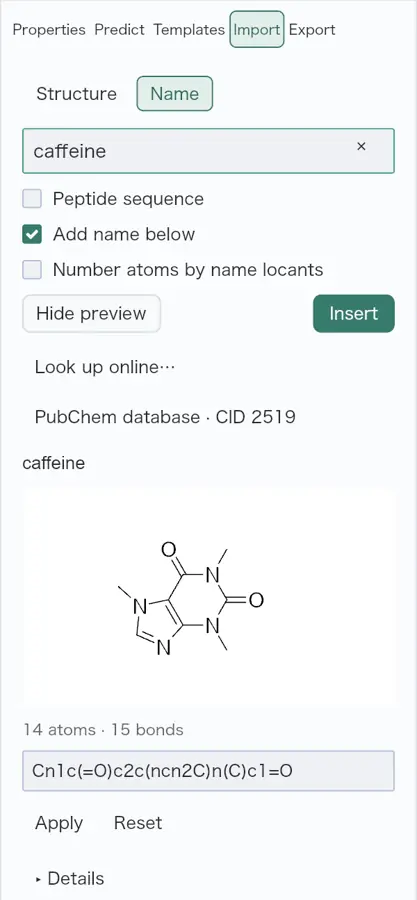 | Yes, tested by running it: Caffeine PubChem search placed a structure. Opens the cited page. | Yes, tested by running it: Caffeine name lookup fetched its structure from PubChem. Opens the cited page. | Yes, according to the manual: Fetches PubChem structures when offline name conversion fails. Opens the cited page. | Partly: Agent helper fetches PubChem structures; desktop search is planned. Opens the cited page.Agent helper fetches PubChem structures; desktop search is planned. | Yes, tested by running it: Aspirin search returned PubChem entry and structure. Opens the cited page. | Yes, tested by running it: Search returned and inserted aspirin. Opens the cited page. | Not established | Yes, tested by running it: Web chemical-name lookup returned caffeine structure. Opens the screenshot.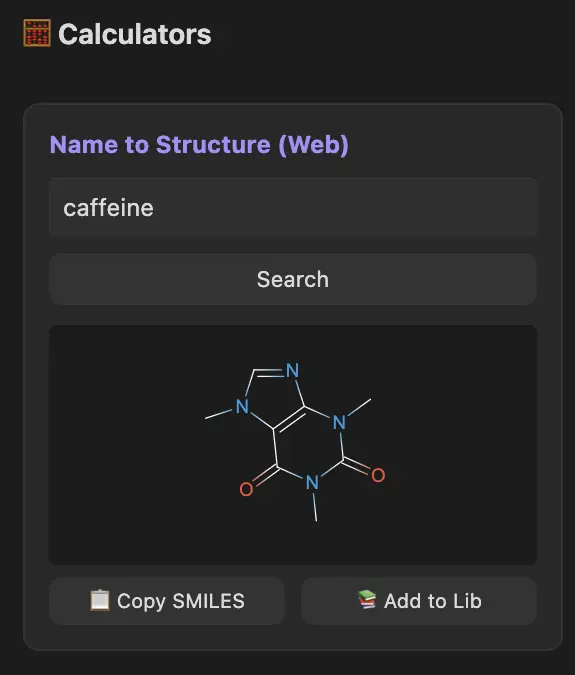 | Yes, according to the manual: Name lookup retrieves structures from PubChem. Opens the cited page. | Not established | Yes, according to the manual: Fetches importable SMILES; approximate InChIKeys can miss PubChem matches. Opens the cited page. | Yes, tested by running it: PubChem returned caffeine, paclitaxel, cholesterol, and aspirin. Opens the cited page. | Yes, according to the manual: Searches CAS numbers, formulas and English names through ChemTradeHub. Opens the cited page. | Not established | Yes, tested by running it: PubChem successfully resolved caffeine name and structure. Opens the cited page. | Yes, according to the manual. Opens the cited page. | Yes, tested by running it: Caffeine lookup fetched its structure through PubChem. Opens the cited page. | Partly: PubChem fetching works; Ketcher insertion is not wired. Opens the cited page.PubChem fetching works; Ketcher insertion is not wired. | Yes, according to the manual: Imports small-molecule ligands by RCSB PDB accession. Opens the cited page. | Not established | Not established | Yes, tested by running it: PubChem aspirin lookup returned a structure. Opens the cited page. | Not established | No: PubChem search is listed for future v1.0. Opens the cited page. | Yes, according to the manual: PubChem, ChemSpider, and ChemExper through iChemLabs Cloud Services. Opens the cited page. | Not established | Yes, according to the manual: Requires PubChem Name Resolver plugin. Opens the cited page. | Yes, tested by running it: Fetched caffeine from PubChem and inserted the returned structure. Opens the cited page. | Yes, tested by running it: Infocard identified caffeine using PubChem. Opens the screenshot.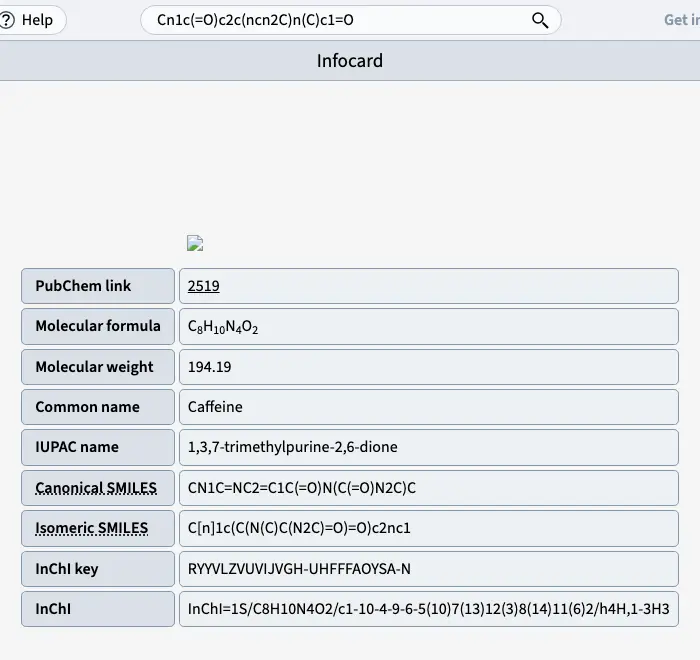 | Not established | No: Explicitly excludes name-to-structure databases and OPSIN/PubChem dependencies. Opens the cited page. | Not established | Not established | Not established | Not established | Not established | Not established | Not established | No: Caffeine Wikidata query failed with network error 499. Opens the cited page. | Yes, tested by running it: KnowItAll returned caffeine matches and imported the first. Opens the cited page. | No. Opens the cited page. | Partly: Opens matching PubChem pages instead of importing structures into the editor. Opens the cited page.Opens matching PubChem pages instead of importing structures into the editor. | Not established | Yes, according to the manual: CAS lookup uses legacy PubChem endpoints; service availability unverified. Opens the cited page. | Yes, tested by running it: Dictionary search returned caffeine and imported its structure. Opens the cited page. | Not established | Not established | Not established | Not established | Not established | Not established | Yes, according to the manual: Name and CAS lookup through PubChem PUG REST. Opens the cited page. | Yes, according to the manual: Elemental DB edition searches ChEMBL; vendor claim. Opens the cited page. | Not established | Not established | Yes, according to the manual: PubChem search by name, CAS number, or formula. Opens the cited page. | Not established | Yes, according to the manual: Official demo fetches structures through the NCI Chemical Identifier Resolver. Opens the cited page. | Not established | Not established | Not established | Not established | No: Database search explicitly excluded from v1. Opens the cited page. | Not established | Not established | Not established | Not established | Not established | Not established: NIH resolver wrapper uses a legacy external proxy; availability unverified. | Not established | Partly: Submits ChemSpider searches; no returned structures are fetched into the editor. Opens the cited page.Submits ChemSpider searches; no returned structures are fetched into the editor. | Not established | Not established | Not established | Not established | Not established | Not established | Not established | Not established | Partly: NIST structure-fetch plugin retains incompatible Python 2 imports. Opens the cited page.NIST structure-fetch plugin retains incompatible Python 2 imports. | Yes, according to the manual: Retrieves structures from PubChem, ChemSpider, and ChemExper. Opens the cited page. | Yes, according to the manual: Search PubChem by name and import an editable structure. Opens the cited page. | Yes, according to the manual: CAS-number lookup retrieves structures from public NIH/Wikimedia sources. Opens the cited page. | Partly: Searches PubChem/Reaxys externally; structure retrieval into editor unverified. Opens the cited page.Searches PubChem/Reaxys externally; structure retrieval into editor unverified. | Yes, according to the manual: Built-in compound database. Opens the cited page. | Not established | Yes, according to the manual: Imports NIST WebBook structures; current service compatibility unverified. Opens the cited page. | Yes, according to the manual: vendor claim; Structure Resolver retrieves PubChem and NCI/CADD structures. Opens the cited page. | Yes, according to the manual: PubChem structures via MineIt; vendor claim. Opens the cited page. | Not established | Yes, according to the manual: PubChem data populates structures on the drawing board. Opens the cited page. | Not established | Yes, according to the manual: Integrated KDpedia lookup and structure downloads. Opens the cited page. | No: Both desktop builds explicitly lack network access. Opens the cited page. | Yes, according to the manual: Vendor claim: access PubChem, eMolecules, and ChemSpider databases. Opens the cited page. | No: Live PubChem lookup explicitly dropped. Opens the cited page. | Not established | Yes, according to the manual: PubChem search imports retrieved structures as CML. Opens the cited page. | Yes, according to the manual: PubChem searches retrieve compounds and import SDF structures. Opens the cited page. | Not established | Not established | Not established | Yes, according to the manual: Fetches structures from PubChem when resolving chemical names. Opens the cited page. | Not established | Not established | Not established | Yes, according to the manual: PubChem via AI; Standard or verified Student after trial. Opens the cited page.Student | No: Application has no network permission and cannot query online databases. Opens the cited page. | Not established | Not established | Yes, according to the manual: PubChem search by name, CID or SMILES. Opens the cited page. | Not established | Not established | Not established | Yes, according to the manual: Pro; vendor claim: PubChem-backed compound search. Opens the cited page.Pro | Yes, according to the manual: Searches PubChem and ChEBI by name or structure. Opens the cited page. | Yes, according to the manual: PubChem retrieval loads structures onto the canvas. Opens the cited page. | Not established | Partly: Search results open in browser; structures cannot be imported. Opens the cited page.Search results open in browser; structures cannot be imported. | Not established | Not established | Not established | Not established | Not established | Not established | Not established |
|---|
| 3D model view | Yes, according to the manual: Rotatable generated 3D coordinates; Professional/Signals, maximum 500 atoms. Opens the cited page.Professional | Yes, tested by running it: Built cholesterol from SMILES; rotated ball-and-stick model by dragging. Opens the screenshot.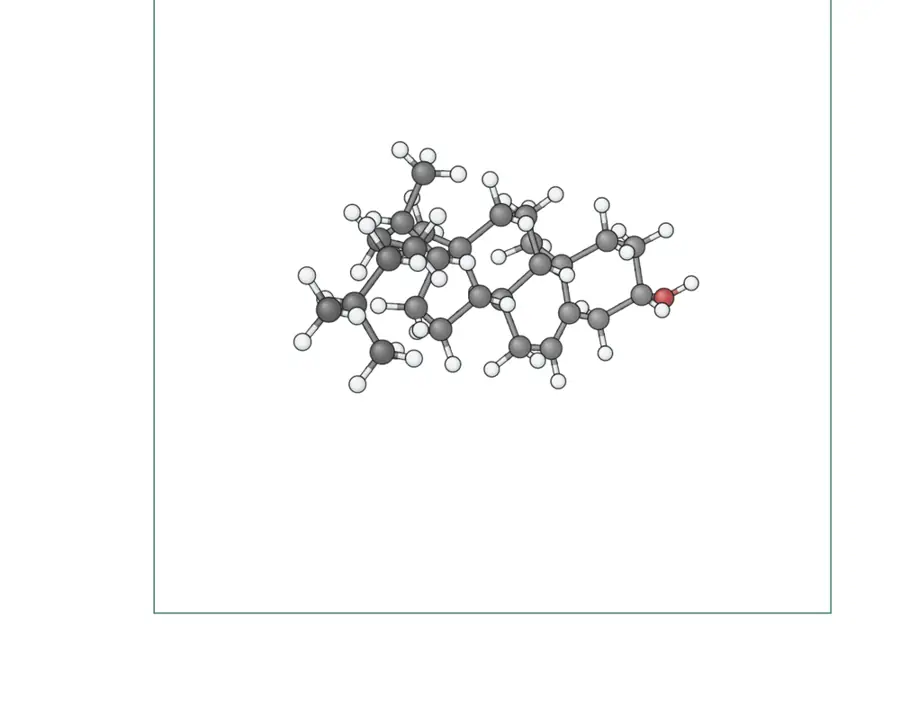 | Partly: Rotates, but cholesterol bonds appeared severely elongated in headless Chromium. Opens the screenshot.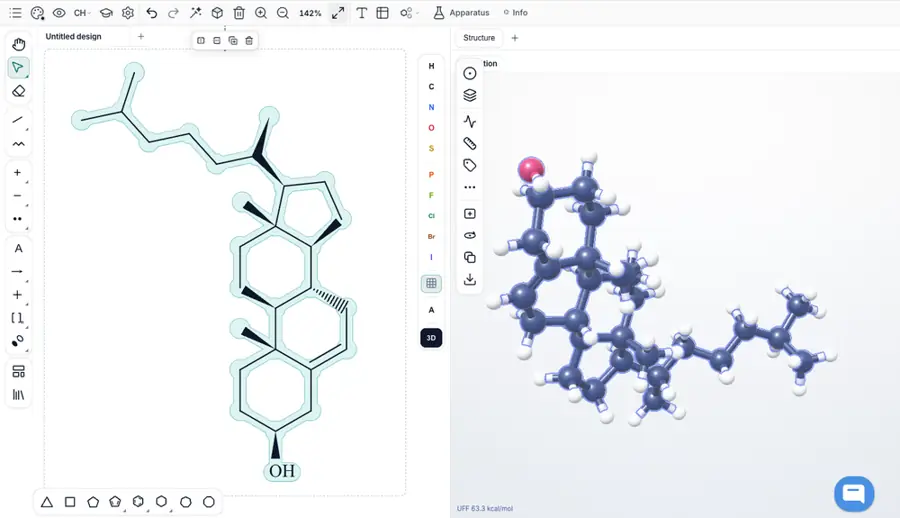 Rotates, but cholesterol bonds appeared severely elongated in headless Chromium. | No: Canvas projection rotates; no molecular 3D model view found. Opens the cited page. | Partly: Builds and rotates; cholesterol export inverts three stereocenters. Opens the screenshot.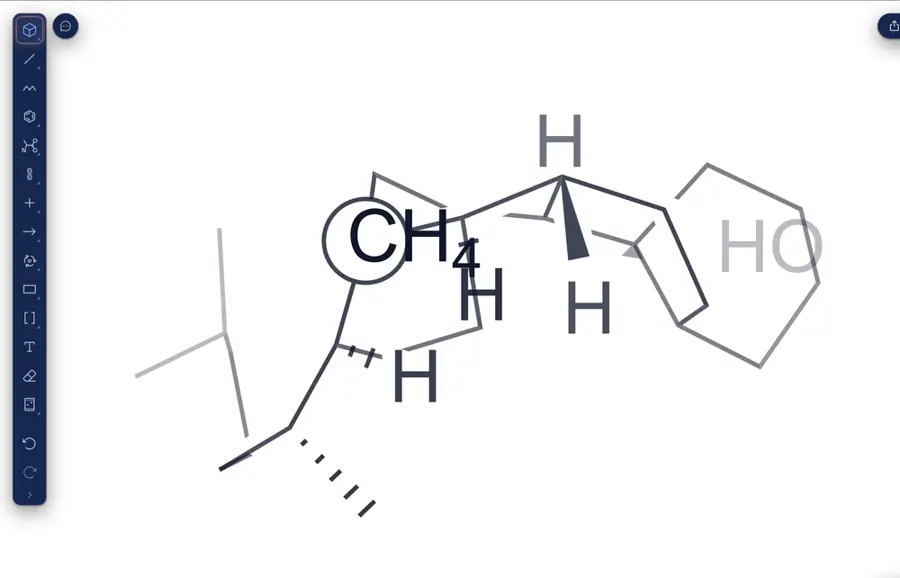 Builds and rotates; cholesterol export inverts three stereocenters. | Yes, tested by running it: Cholesterol SMILES built 3D wireframe; interaction triggered UFF settling. Opens the screenshot.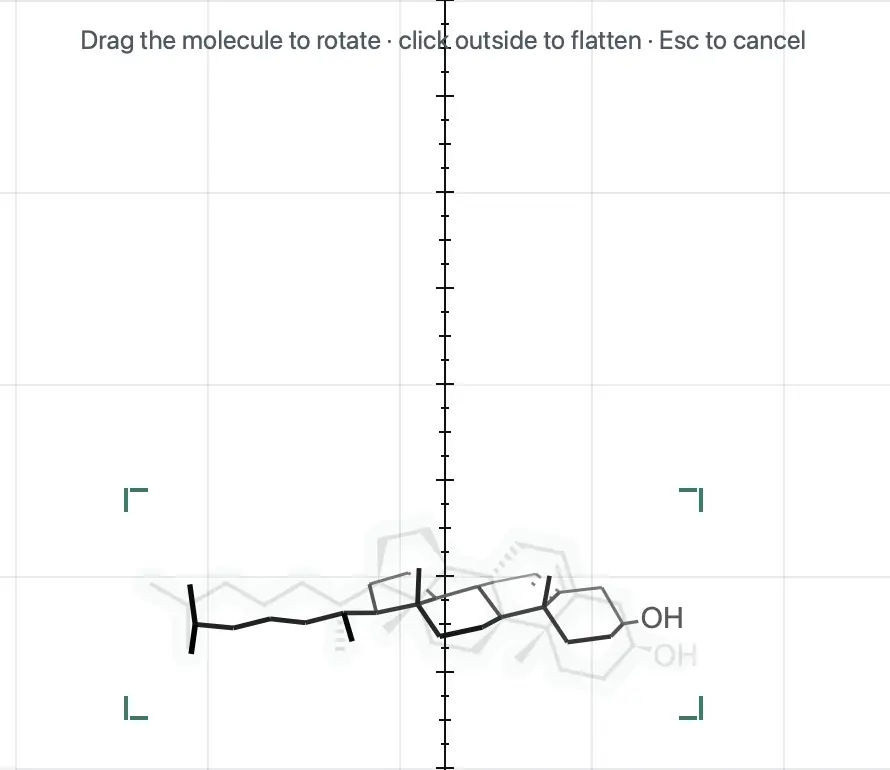 | Partly: Viewer rotates; SMILES and 3D SDF yielded flat cholesterol. Opens the cited page.Viewer rotates; SMILES and 3D SDF yielded flat cholesterol. | Yes, tested by running it: Generated cholesterol ball-and-stick model and rotated it. Opens the screenshot.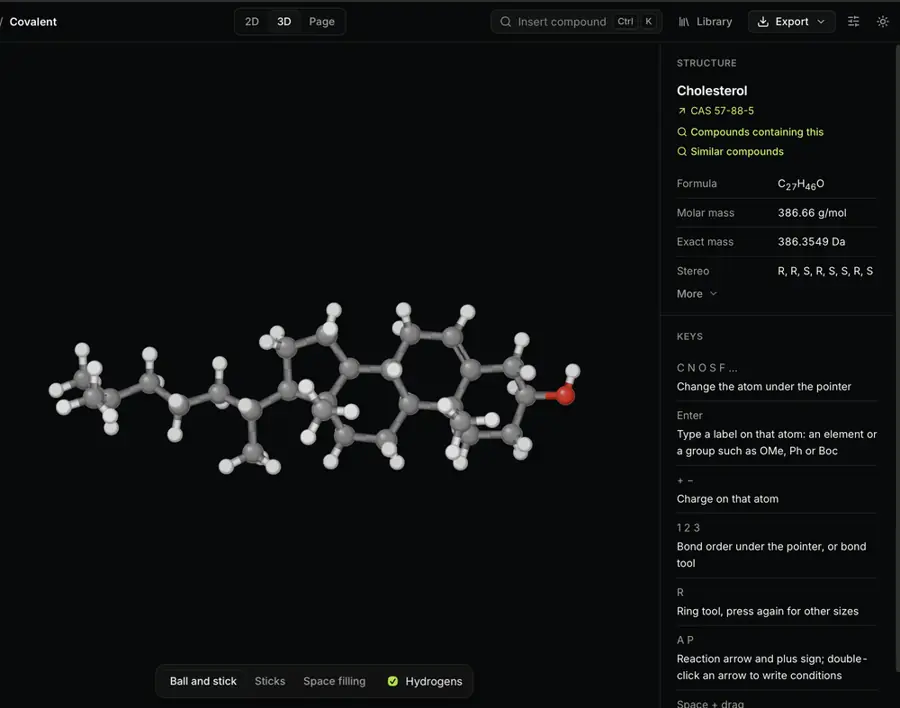 | Partly: Builds and rotates; generated cholesterol inverted one stereocenter. Opens the cited page.Builds and rotates; generated cholesterol inverted one stereocenter. | Yes, tested by running it: SDF rotates in Miew; SMILES did not generate depth coordinates. Opens the screenshot.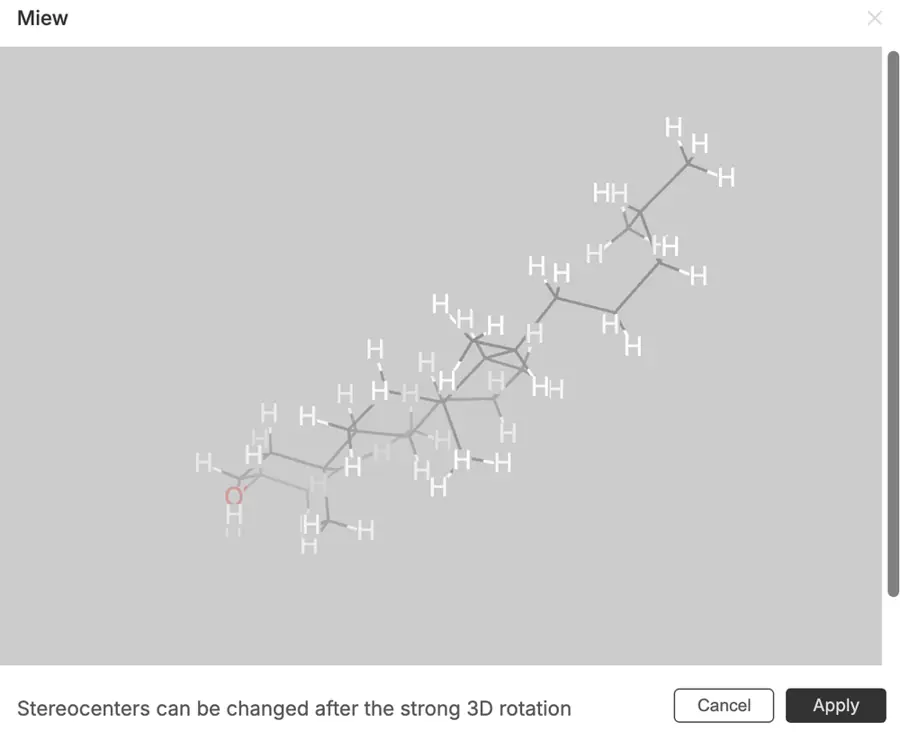 | Yes, tested by running it: Generated cholesterol conformers and rotated the model. Opens the screenshot.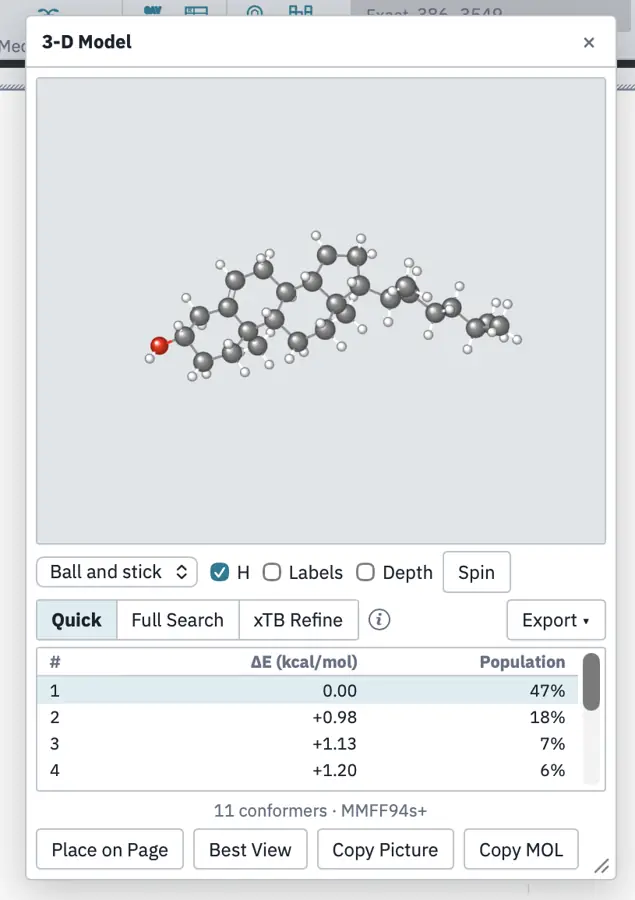 | Yes, tested by running it: Cholesterol generated from SMILES; Spin visibly rotated the model. Opens the screenshot.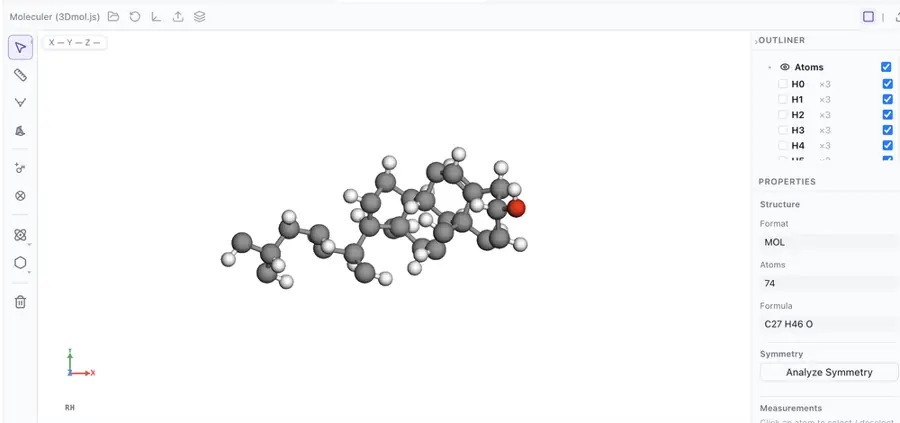 | Partly: Generated cholesterol model; viewport clipped it severely. Opens the screenshot.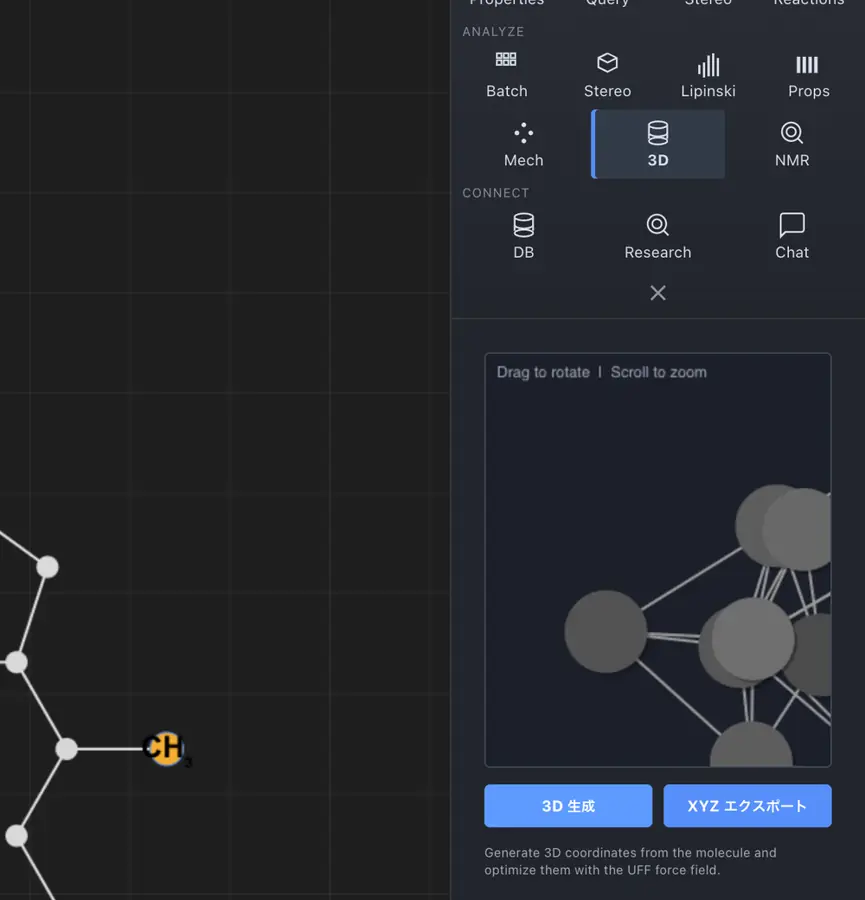 Generated cholesterol model; viewport clipped it severely. | Yes, tested by running it: PubChem conformer loaded; fresh cubane model rotated by dragging. Opens the screenshot.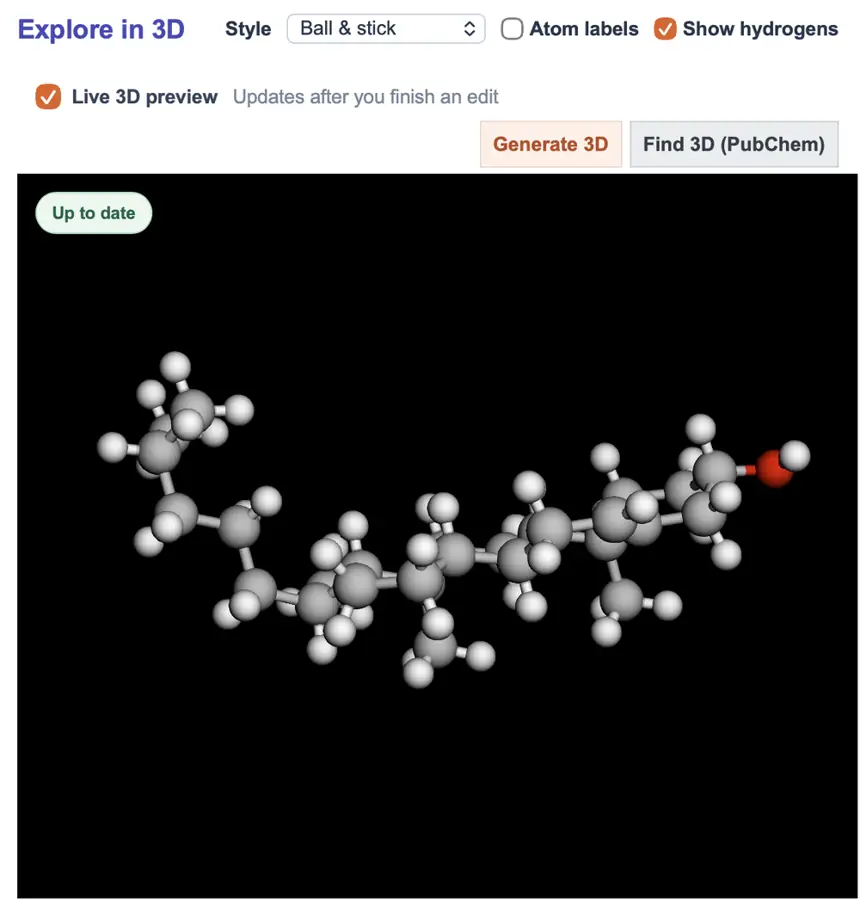 | Yes, tested by running it: Generated cholesterol model from SMILES and rotated it by dragging. Opens the screenshot.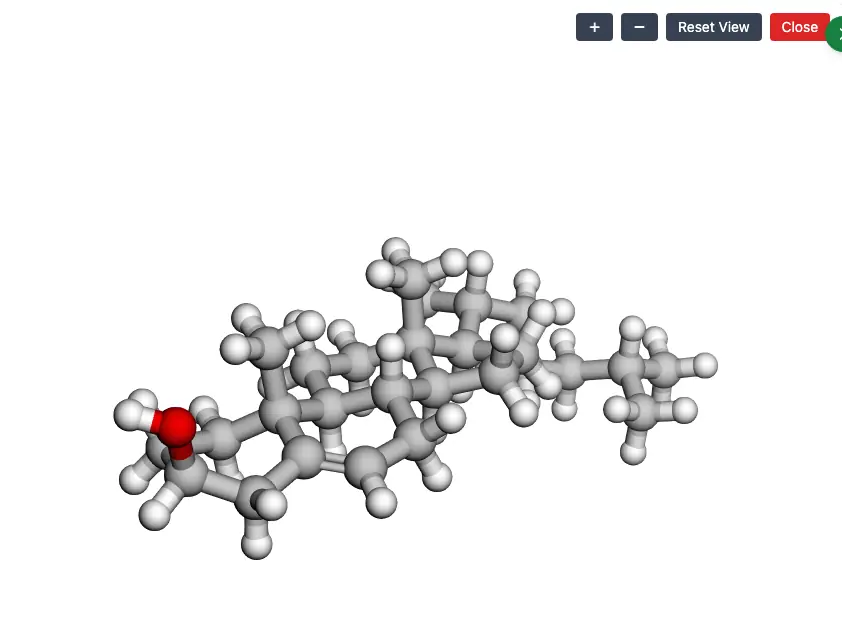 | No: Coordinates generated; no rotatable viewport available in bundled app. Opens the cited page. | No: SDF opens flat; perspective edits drawings without a model viewer. Opens the cited page. | Yes, tested by running it: Generated cholesterol model and rotated it in depth. Opens the screenshot.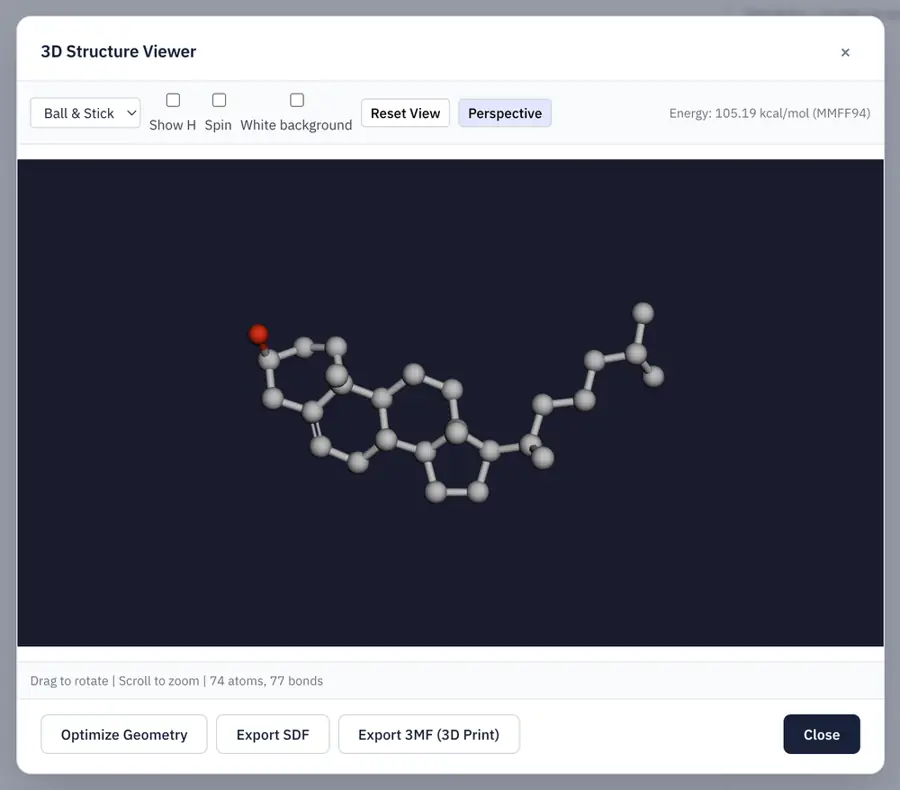 | No: 3D SDF opens on 2D canvas; no viewer control found. Opens the cited page. | Yes, tested by running it: SDF coordinates displayed and rotated in Miew viewer. Opens the screenshot.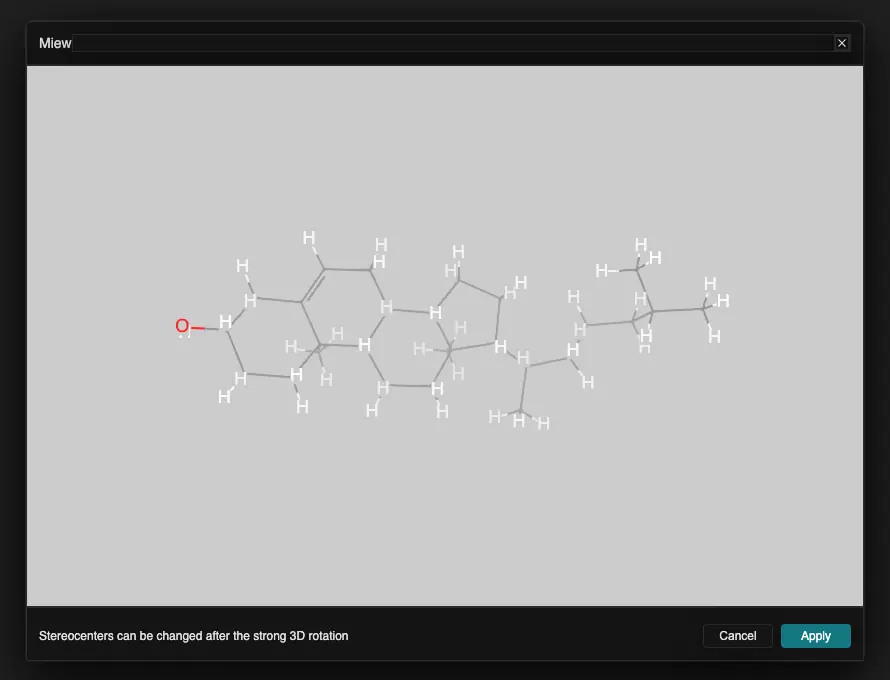 | Yes, tested by running it: SDF coordinates rotate; SMILES import remained flat. Opens the screenshot.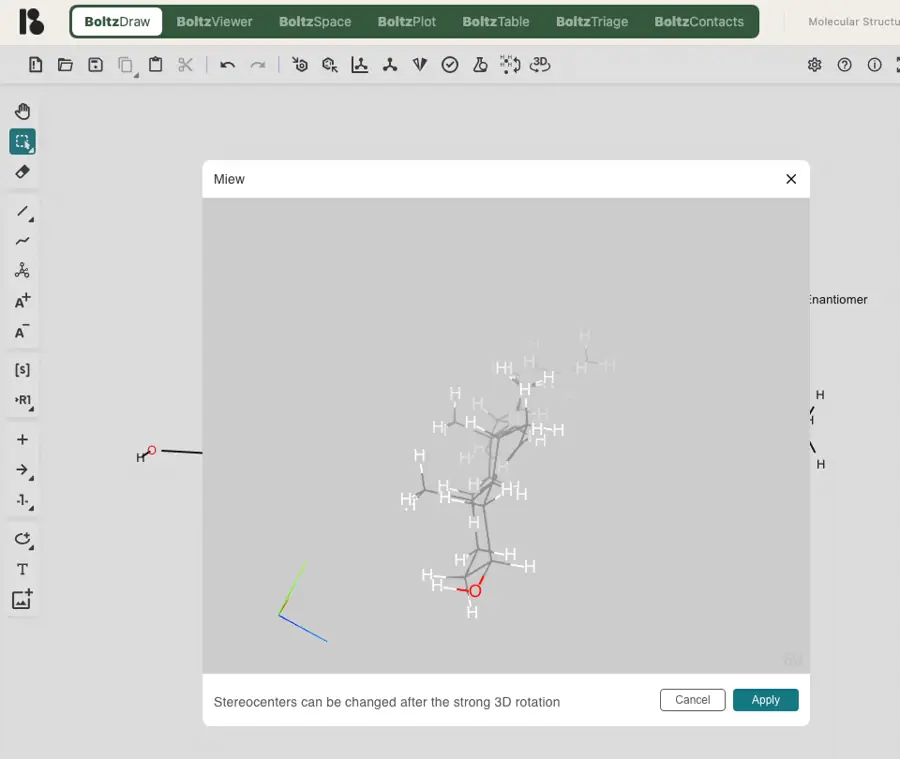 | Yes, tested by running it: Generated ten conformers and rotated cholesterol in depth. Opens the screenshot.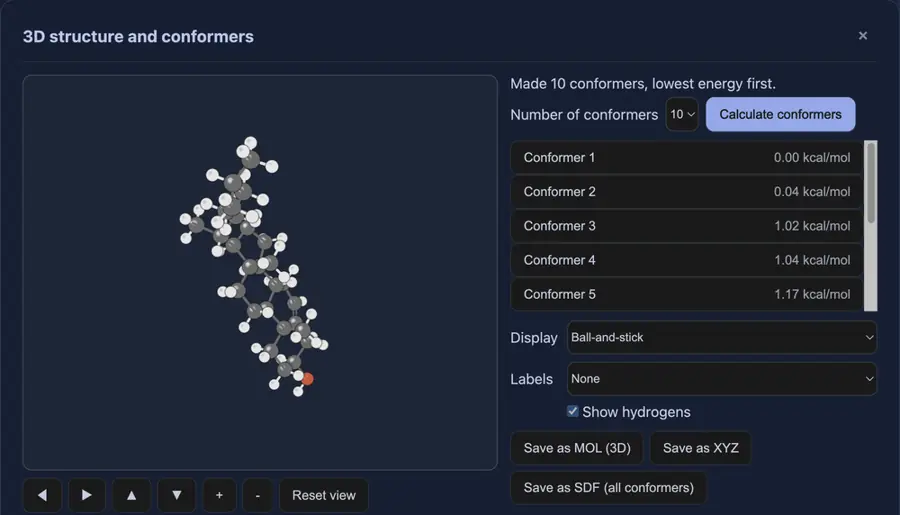 | Yes, tested by running it: SDF model rotated in depth; SMILES model was flat. Opens the screenshot.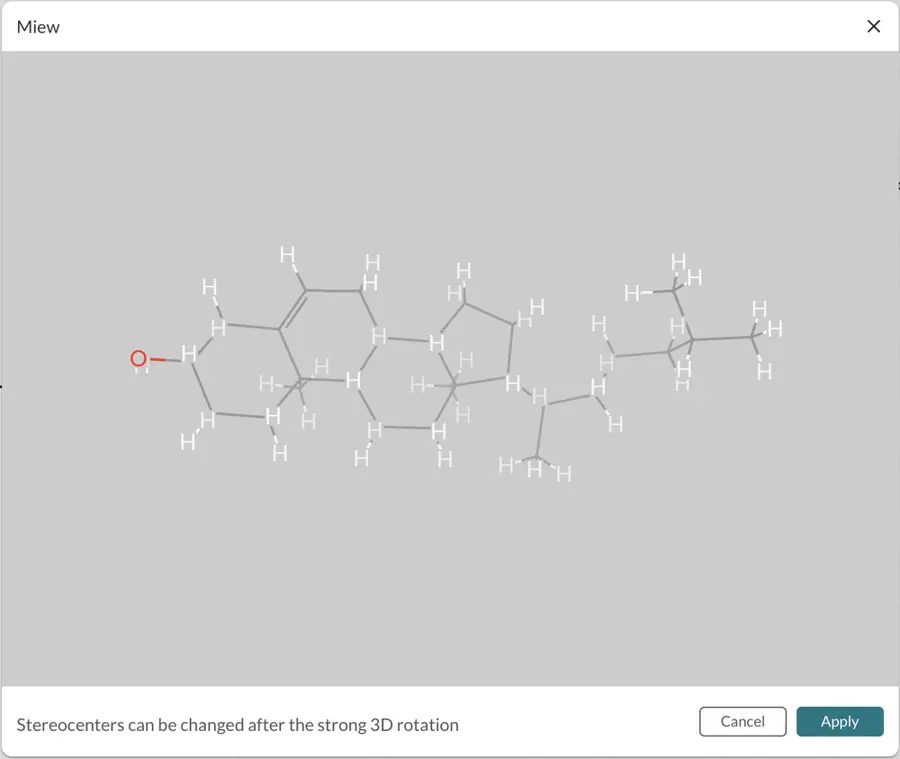 | Yes, tested by running it: Cholesterol model built automatically and rotated in depth. Opens the screenshot.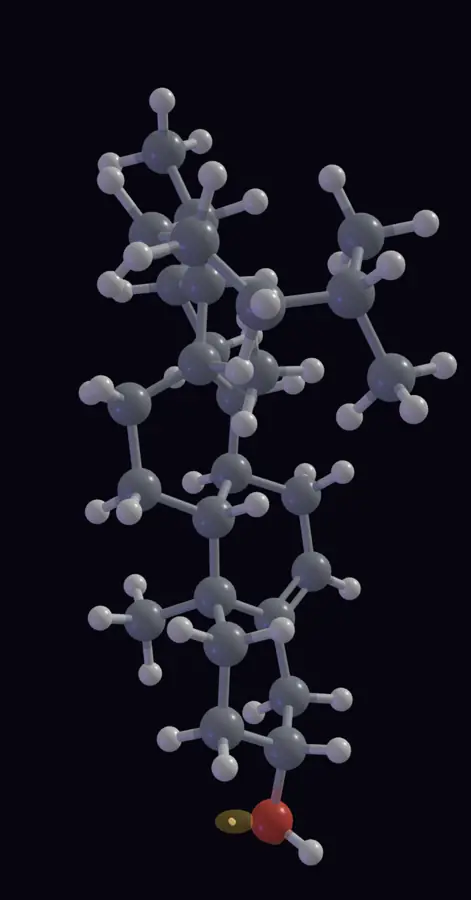 | Yes, tested by running it: Imported 3D coordinates rotated in depth on canvas. Opens the screenshot.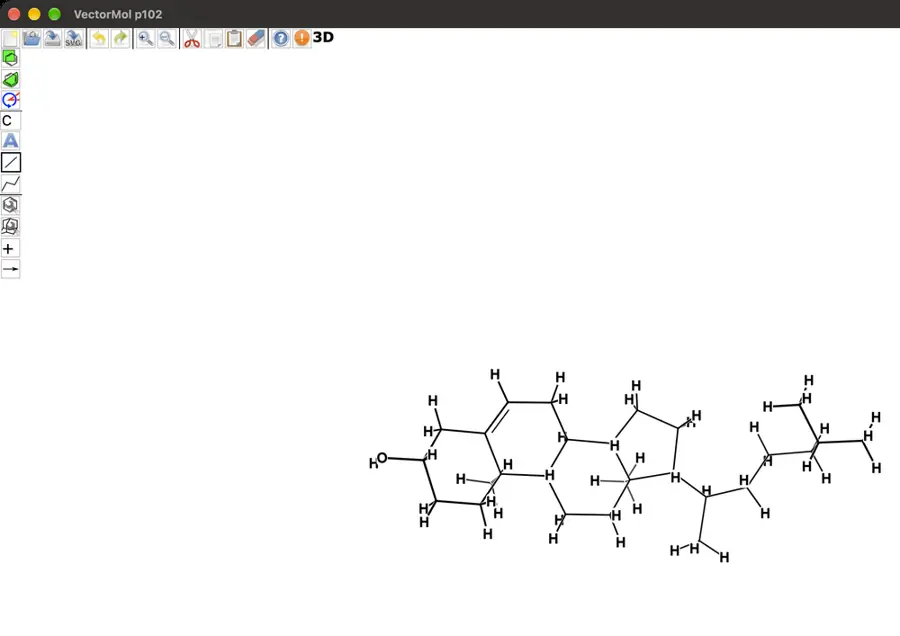 | Yes, tested by running it: Cholesterol generated from SMILES; zoom and drag rotation work. Opens the screenshot.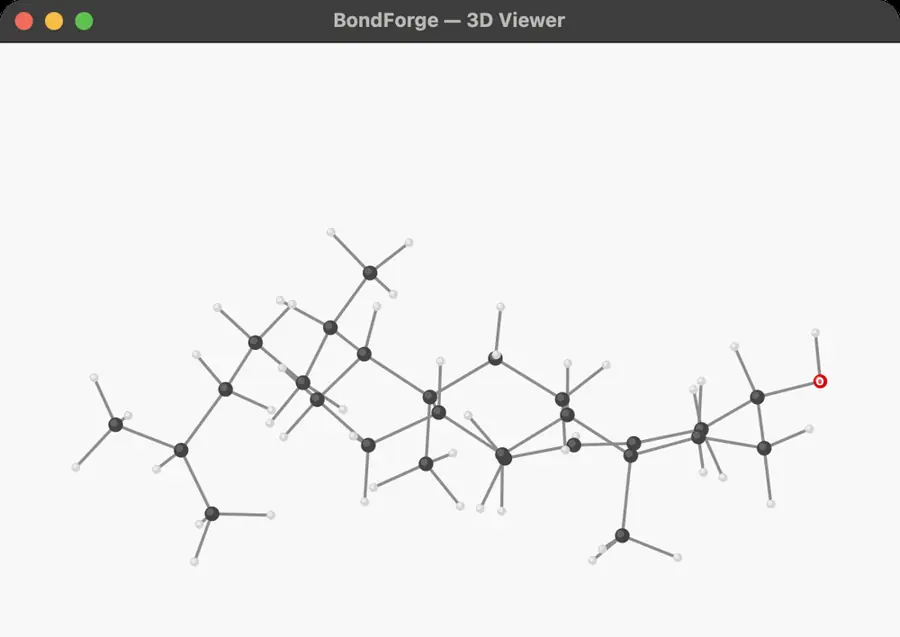 | Yes, tested by running it: Separate 3D editor loaded and rotated cholesterol; rendering was very dark. Opens the screenshot.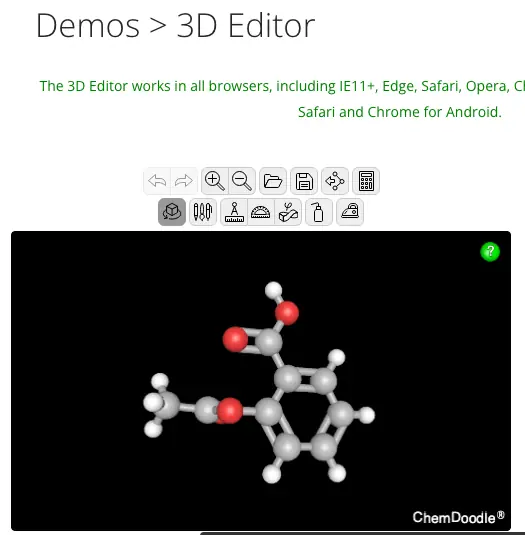 | Yes, tested by running it: SDF model rotated in Miew. Opens the screenshot.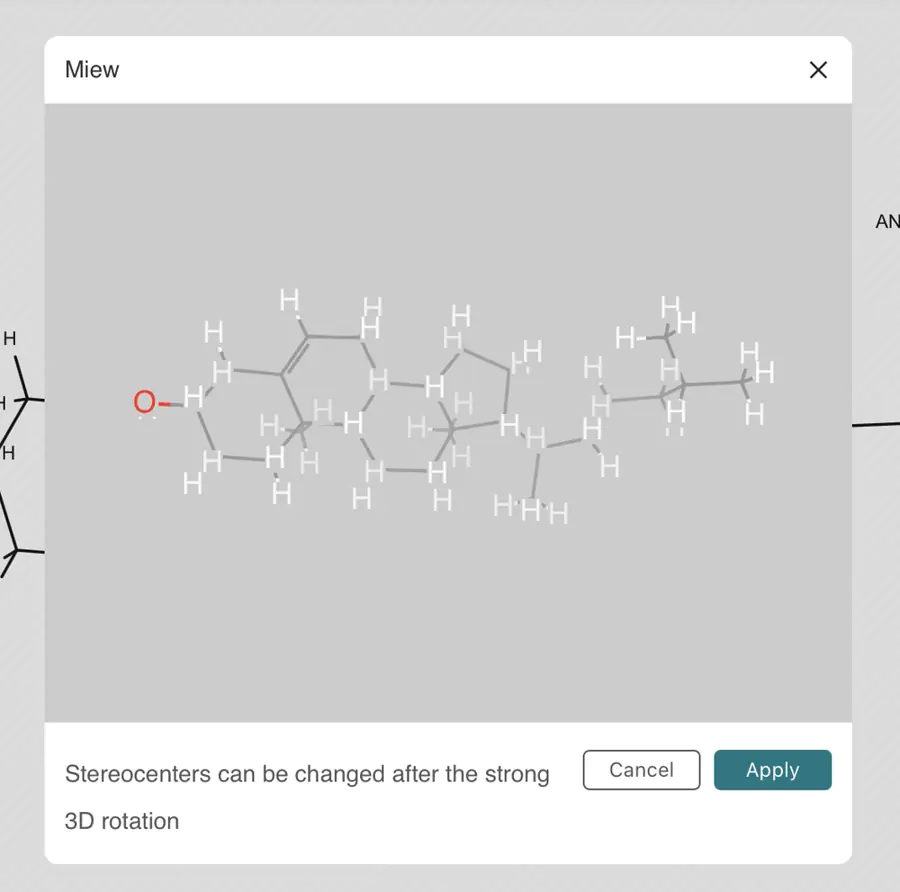 | Yes, tested by running it: SMILES conversion succeeded; dragging rotated cholesterol in depth. Opens the screenshot.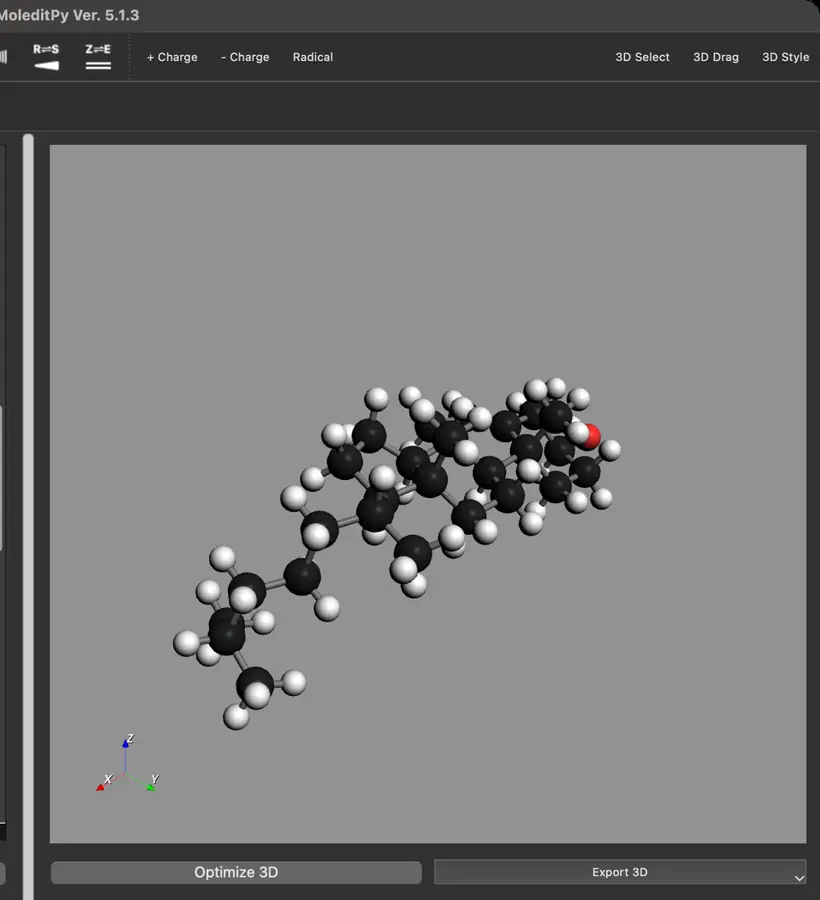 | No: 3D SDF opened as flat drawing; no model viewport. Opens the cited page. | Yes, tested by running it: Generated and displayed cholesterol 3D from SMILES. Opens the screenshot.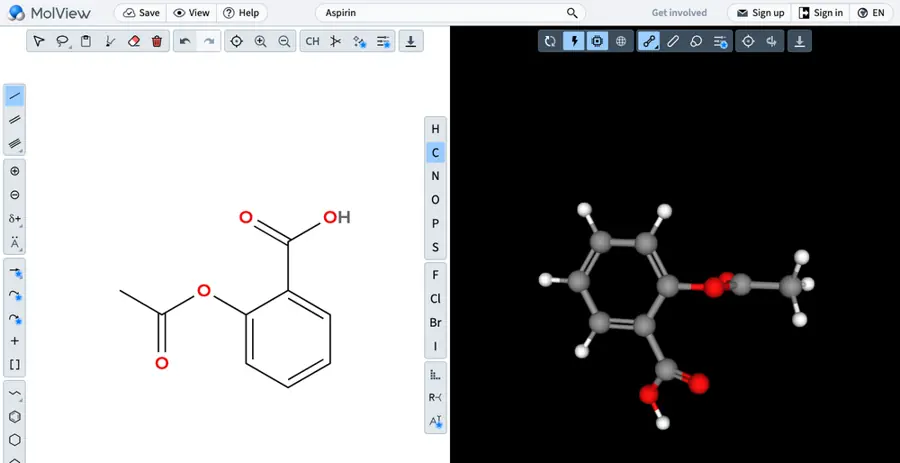 | Yes, tested by running it: Rotated SDF coordinates; SMILES import remained planar. Opens the screenshot.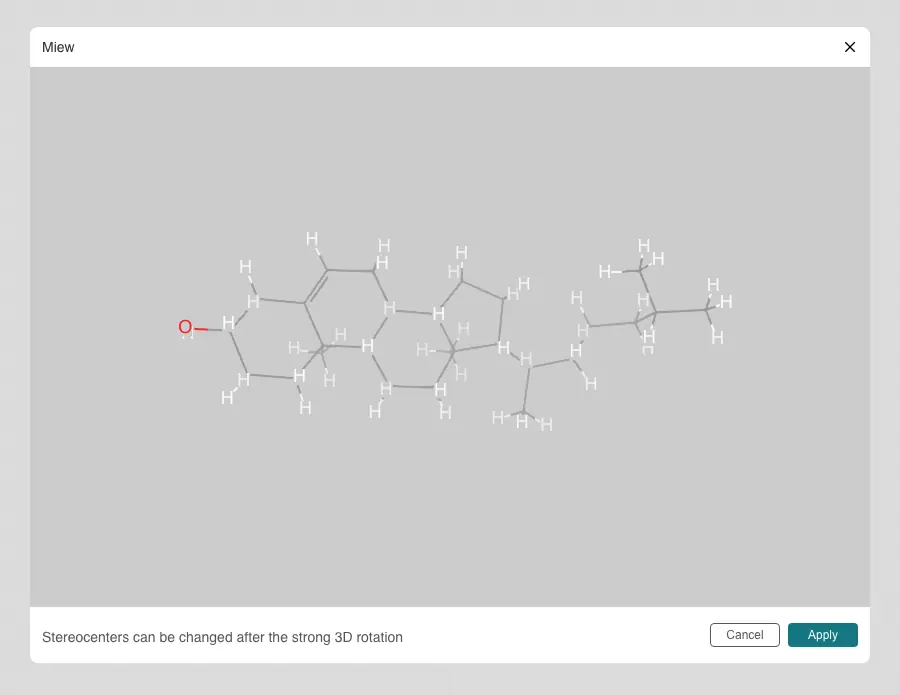 | Yes, tested by running it: SDF model rotated in depth in Miew viewer. Opens the screenshot.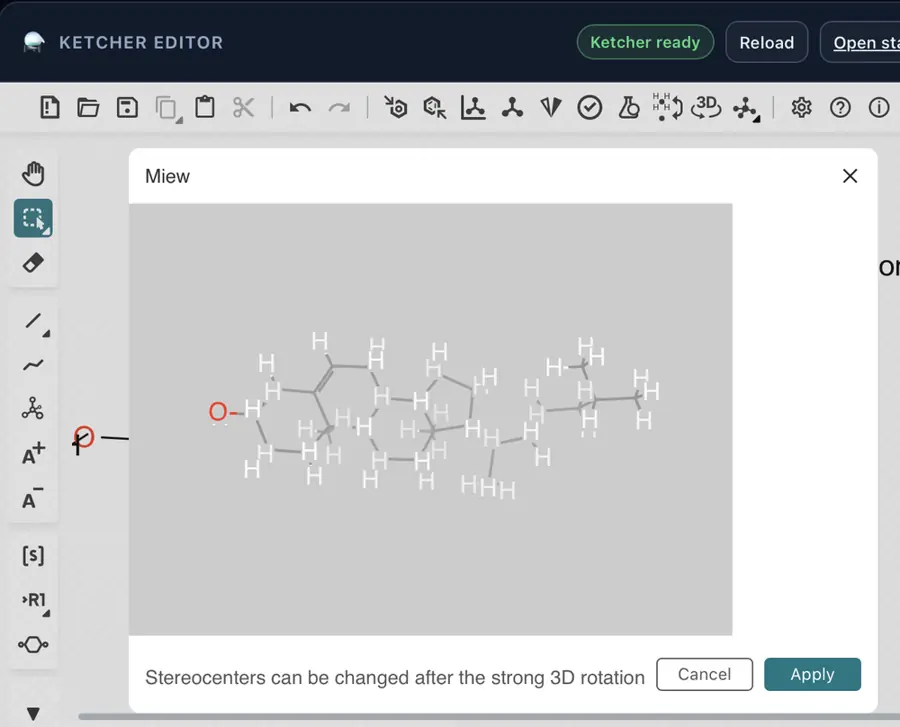 | Yes, tested by running it: Generated cholesterol model and rotated it. Opens the screenshot.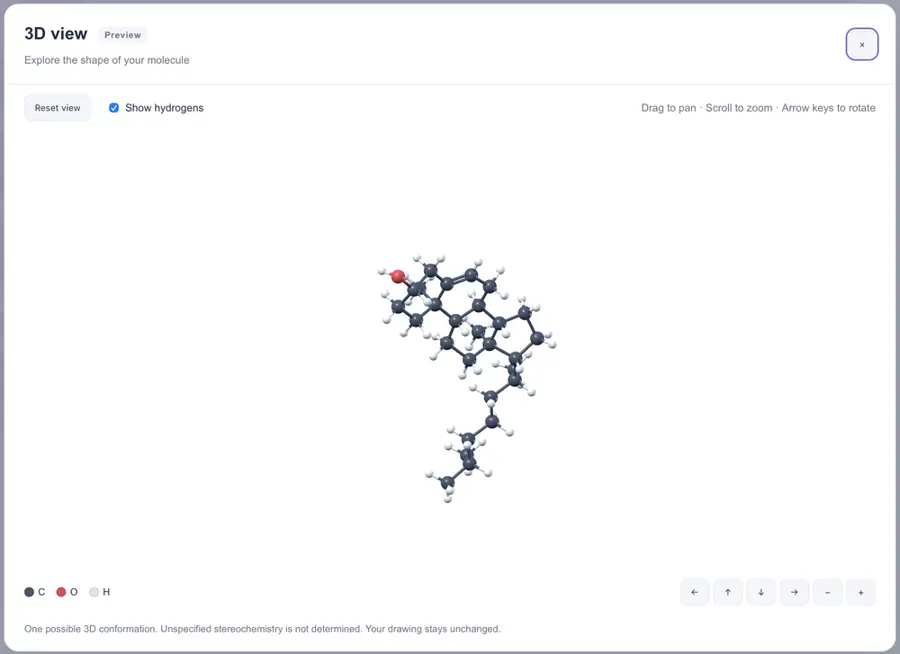 | Yes, tested by running it: Built cholesterol from SMILES and rotated the model. Opens the screenshot.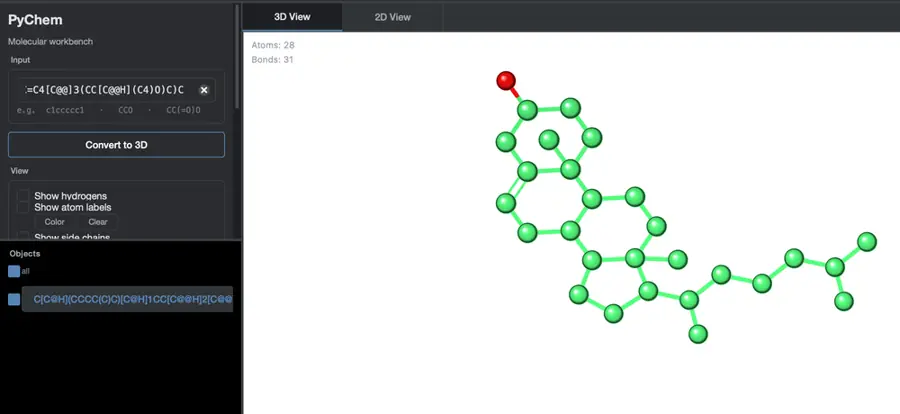 | Not established | No: No 3D view control found. Opens the cited page. | Yes, tested by running it: Imported 3D SDF rotates in Miew viewer. Opens the screenshot.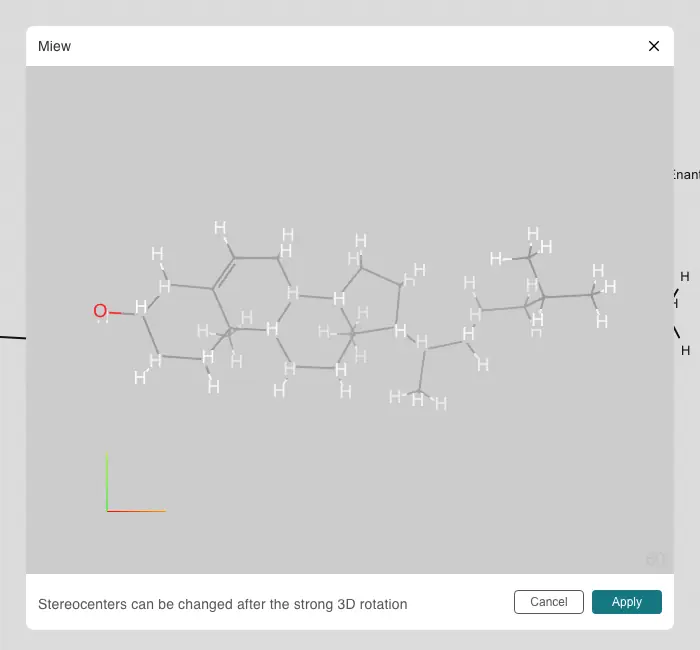 | No: No model view command; cholesterol SDF opening rejected. Opens the cited page. | No: No 3D viewer found; imported 3D SDF displayed on 2D canvas. Opens the cited page. | No: No 3D command in File, Edit, View, or Help. Opens the cited page. | Yes, tested by running it: Cholesterol generated from SMILES and rotated in depth. Opens the screenshot.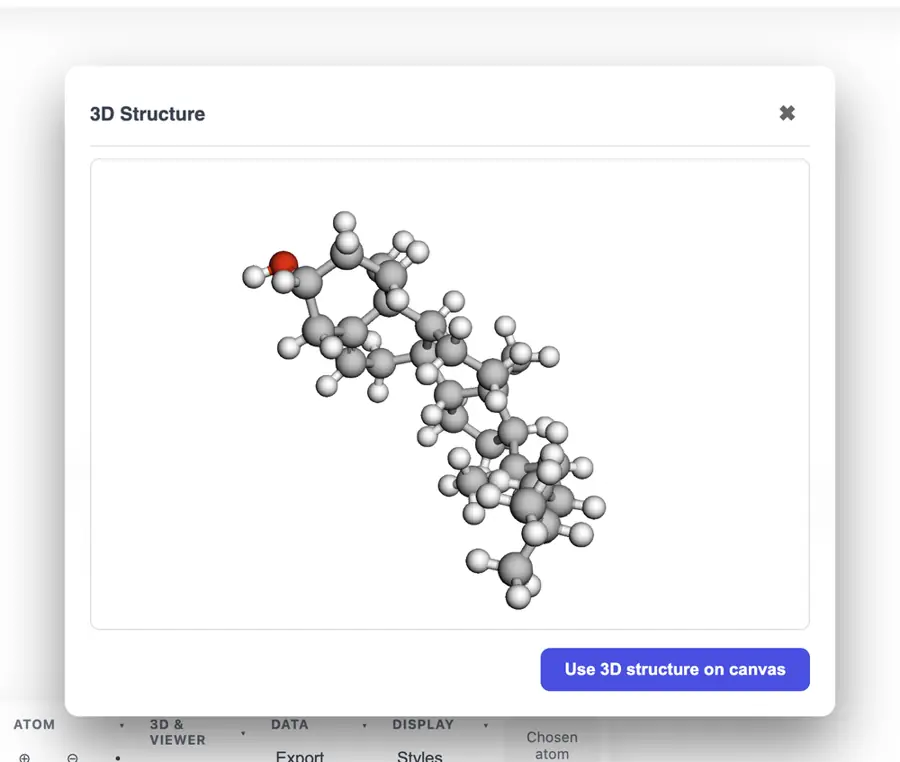 | Yes, tested by running it: SDF displayed as rotatable ball-and-stick model. Opens the screenshot.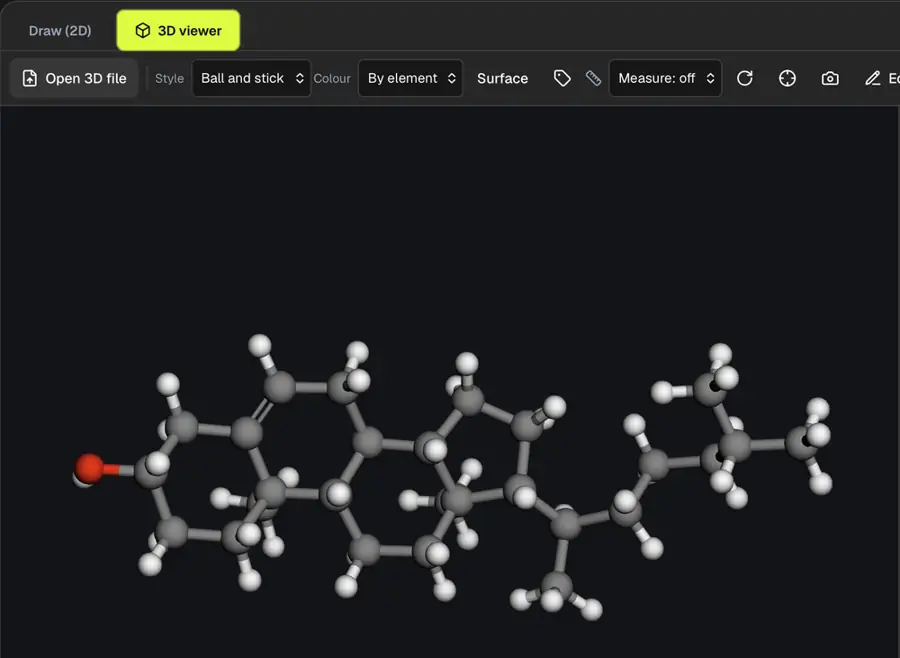 | No: No 3D view command in menus or toolbars. Opens the cited page. | No: No 3D view found in menus or toolbars. Opens the cited page. | No: 3D SDF rejected: cannot display without 2D coordinates. Opens the cited page. | No: No 3D view control found. Opens the cited page. | No: No 3D model view control found. Opens the cited page. | No: No 3D command in inspected menus or toolbar. Opens the cited page. | Yes, tested by running it: Generated and rotated benzene ball-and-stick model. Opens the screenshot.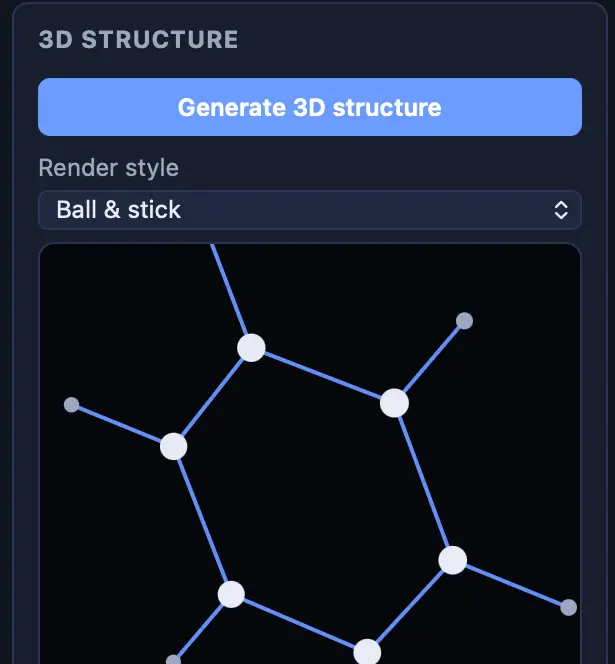 | No: No rotatable 3D view found. Opens the cited page. | No: SDF projected to plane; no 3D view found. Opens the cited page. | No: No 3D model view control visible. Opens the cited page. | No: No 3D view found in editor or chemistry navigation. Opens the cited page. | No: No rotatable 3D view found in the editor. Opens the cited page. | No: SDF opens flat; no 3D view command found. Opens the cited page. | Yes, according to the manual: Rotatable wire, stick, ball-and-stick and space-filling models. Opens the cited page. | No: Build 3D reports coordinate-generation service unavailable. Opens the cited page. | No: Cholesterol SDF opened as a flat drawing without a 3D viewport. Opens the cited page. | No: No rotatable 3D model view found. Opens the cited page. | No: No 3D view; cholesterol SDF import refused. Opens the cited page. | No: No 3D viewer control found. | No: SDF opened as flat drawing; no 3D viewport found. Opens the cited page. | No: No 3D view command found in inspected menus. Opens the cited page. | No: No 3D viewer or control visible. Opens the cited page. | No: No 3D viewport or control visible. Opens the cited page. | No: No rotatable 3D view found in sketcher demo. Opens the cited page. | No: No 3D view command in menus or toolbars. Opens the cited page. | No: No 3D view control found. Opens the cited page. | No: No 3D view command found. Opens the cited page. | No: No 3D view control in demos. Opens the cited page. | No: Cholesterol SDF opened as flat drawing with overlapping hydrogen labels. Opens the cited page. | No: SDF rendered flat; no rotatable 3D view found. Opens the cited page. | No: No rotatable 3D viewer control visible. Opens the cited page. | No: SDF opened as flat projection; no 3D view found. Opens the cited page. | No: No 3D model view found in inspected tabs. Opens the cited page. | No: 3D SDF displayed flat; no rotatable viewport visible. Opens the cited page. | No: No rotatable model viewport or 3D command exposed. Opens the cited page. | No: No 3D view control visible. Opens the cited page. | Not established | No: No 3D view control visible in MolPad. Opens the cited page. | Not established | Yes, according to the manual: Rotatable orthographic models; advanced graphics use companion ChemDoodle 3D. Opens the cited page. | Yes, according to the manual: The same molecule can be turned in a 3D view. Opens the cited page. | Yes, according to the manual. Opens the cited page. | Yes, according to the manual: Generates rotatable, zoomable 3D molecular models. Opens the cited page. | Yes, according to the manual. Opens the cited page. | Yes, according to the manual: Rotatable 3D displays; coordinate generation requires web services. Opens the cited page. | Yes, according to the manual: Imported 3D structures rotate on the drawing canvas. Opens the cited page. | Partly: Separate 3D Visualizer removed in 2024; 3D editing remains advertised. Opens the cited page.Separate 3D Visualizer removed in 2024; 3D editing remains advertised. | Yes, according to the manual: Included 3DViewIt supports rotation and 2D-to-3D conversion. Opens the cited page. | Yes, according to the manual: Rotatable Miew viewer. Opens the cited page. | Not established | Yes, according to the manual: Opens installed GChem3D, Ghemical or Avogadro; requires Open Babel. Opens the cited page. | Yes, according to the manual. Opens the cited page. | Yes, according to the manual: Rotatable viewer; Mac requires imported 3D MOL/SDF coordinates. Opens the cited page. | Yes, according to the manual: Included 3D Viewer supports rotating molecules. Opens the cited page. | Not established | Not established | Not established | Yes, according to the manual: Rotatable ball-and-stick, stick, and space-filling molecule views. Opens the cited page. | Yes, according to the manual: Imported PDB/MOL structures rotate in a temporary 3D preview. Opens the cited page. | Not established | Not established | Yes, according to the manual: Rotatable structure preview; omitted from README interface table. Opens the cited page. | Not established | Not established | Not established | No: Explicitly limited to 2D drawing and analysis. Opens the cited page. | Not established | Not established | Not established | Yes, according to the manual: Rotatable, zoomable 3D representations; vendor claim. Opens the cited page. | Not established | Not established | Not established | Yes, according to the manual: Pro; vendor claim; structures open in separate Miew 3D module. Opens the cited page.Pro | Not established | Yes, according to the manual: Mouse rotation; wireframe, sticks and ball-and-stick display modes. Opens the cited page. | Not established | Partly: Requires separate ChemDoodle 3D; only the last molecule transfers. Opens the cited page.Requires separate ChemDoodle 3D; only the last molecule transfers. | Not established | Not established | Yes, according to the manual: Premium only; rotatable X-ray-derived models; vendor claim. Opens the cited page.Premium | Not established | Not established | Not established | Not established |
|---|
| Crystal structures | Yes, according to the manual: Imports CIF/mmCIF; mmCIF displays designated ligand groups only. Opens the cited page. | Yes, according to the manual: Opens CIF structures with unit cells and atom sites. Opens the cited page. | Yes, according to the manual: Free-account Crystal View plugin opens CIF and editable crystal drawings. Opens the cited page.Free account | Not established | Not established | Not established | Not established | Not established | Yes, according to the manual: CIF import is a test version. Opens the cited page. | Not established | Yes, according to the manual: CIF import with rotatable ellipsoid or ball-and-stick drawings. Opens the cited page. | Yes, according to the manual: CIF import supports unit cells, symmetry expansion and supercells. Opens the cited page. | Not established | Not established | Not established | No: CIF/crystal authoring is planned after 1.0. Opens the cited page. | Not established | Yes, according to the manual: Loads crystallographic structures from COD. Opens the cited page. | Not established | Not established | Yes, according to the manual: CIF/mmCIF files open in the separate BoltzStar viewer. Opens the cited page. | Not established | Not established | Not established | Not established | Not established | Yes, according to the manual: Reads CIF files and constructs unit cells and supercells. Opens the cited page. | Not established | Yes, according to the manual: Requires CIF Viewer plugin; supports unit cells and supercells. Opens the cited page. | Not established | No: New app explicitly excludes crystal-lattice viewing. Opens the cited page. | Not established | Not established | Not established | Yes, according to the manual: Opens PDBx/mmCIF files; general crystallographic CIF support unverified. Opens the cited page. | Not established | Not established | Not established | Not established | Not established | Partly: Open Babel imports atoms/bonds; crystal unit-cell information is discarded. Opens the cited page.Open Babel imports atoms/bonds; crystal unit-cell information is discarded. | Not established | Partly: Protein mmCIF viewing documented; general crystal editing unestablished. Opens the cited page.Protein mmCIF viewing documented; general crystal editing unestablished. | Not established | Not established | Not established | Not established | Not established | Not established | Not established | Not established | Not established | Not established | Not established | Not established | Not established | Not established | Not established | Not established | Not established | Not established | Not established | Not established | Not established | Not established | Not established | Not established | Not established | Not established | Not established | Not established | Not established | Not established | Not established | Not established | Not established | Not established | Not established | Not established | Not established | Not established | Not established | Yes, according to the manual: CIF import; vendor claim. Opens the cited page. | Yes, according to the manual: Separate LabCanvas 3D Studio opens CIF/POSCAR files; vendor claim. Opens the cited page. | Not established | Not established | Yes, according to the manual: 3D module reads mmCIF/bCIF. Opens the cited page. | Not established | Not established | Not established | Not established | Not established | Not established | Not established | Not established | Not established | Not established | Not established | Not established | Not established | Not established | Not established | Not established | Not established | Not established | Not established | Not established | Not established | Not established | Not established | Not established | Not established | Not established | Not established | Not established | Not established | Not established | Not established | Not established | Not established | Not established | Not established | Not established | Yes, according to the manual: Premium only; X-ray structure viewing; CIF undocumented; vendor claim. Opens the cited page.Premium | Not established | Not established | Not established | Not established |
|---|
| Files and exchange |
|---|
| CDXML import and export | Yes, tested by running it: Saved CDXML and reopened caffeine as editable structure. Opens the cited page. | Yes, tested by running it: Exported cholesterol CDXML and reopened the drawing. Opens the screenshot. | Partly: CDXML download prompted for an account; import unverified. Opens the screenshot.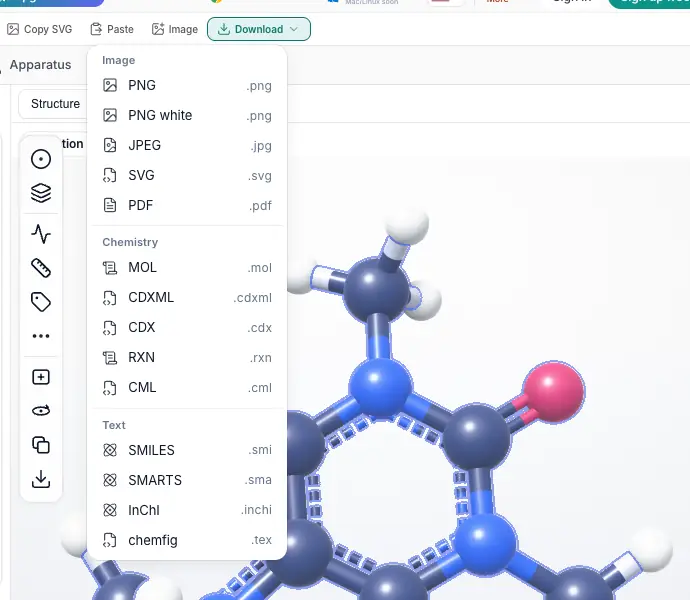 CDXML download prompted for an account; import unverified. | Yes, tested by running it: Saved caffeine CDXML and reopened it successfully. Opens the cited page. | Yes, tested by running it: Exported and re-imported structures, reaction arrow and mechanism arrows. Opens the cited page. | Yes, tested by running it: File export/reopen worked; clipboard paste explicitly unimplemented. Opens the screenshot.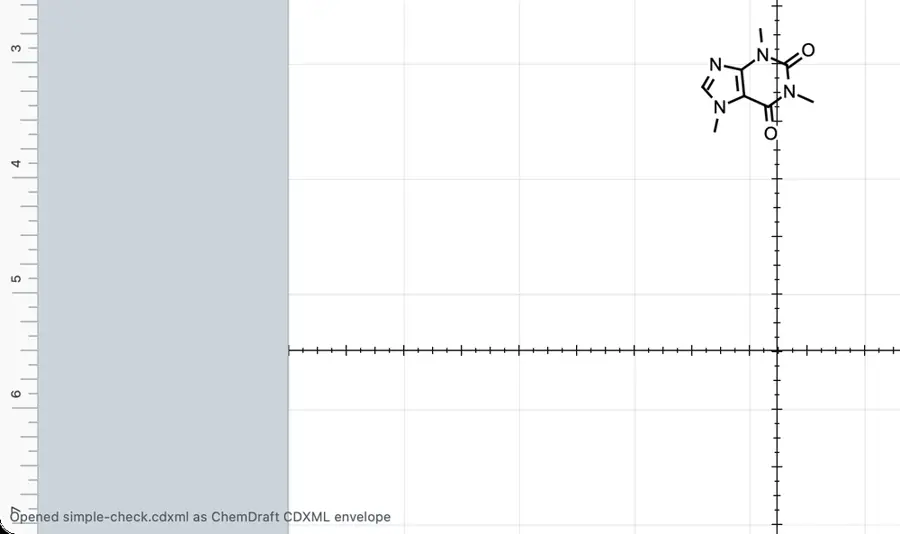 | Yes, tested by running it: Exported and reimported caffeine CDXML. Opens the screenshot.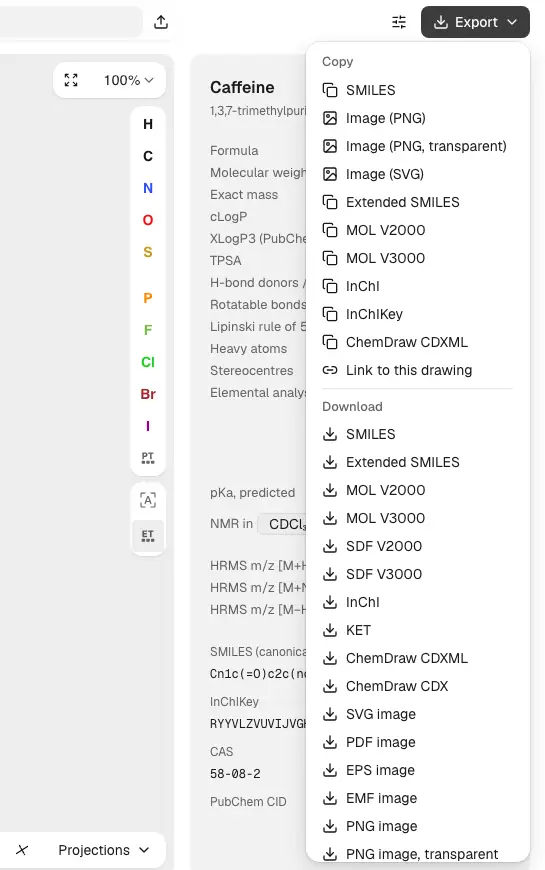 | Partly: Imported a two-atom CDXML; no CDXML export shown. Opens the cited page.Imported a two-atom CDXML; no CDXML export shown. | Yes, tested by running it: Exported caffeine CDXML and reopened it as recognized chemistry. Opens the cited page. | Yes, tested by running it: Exported caffeine and reopened CDXML in the editor. Opens the screenshot.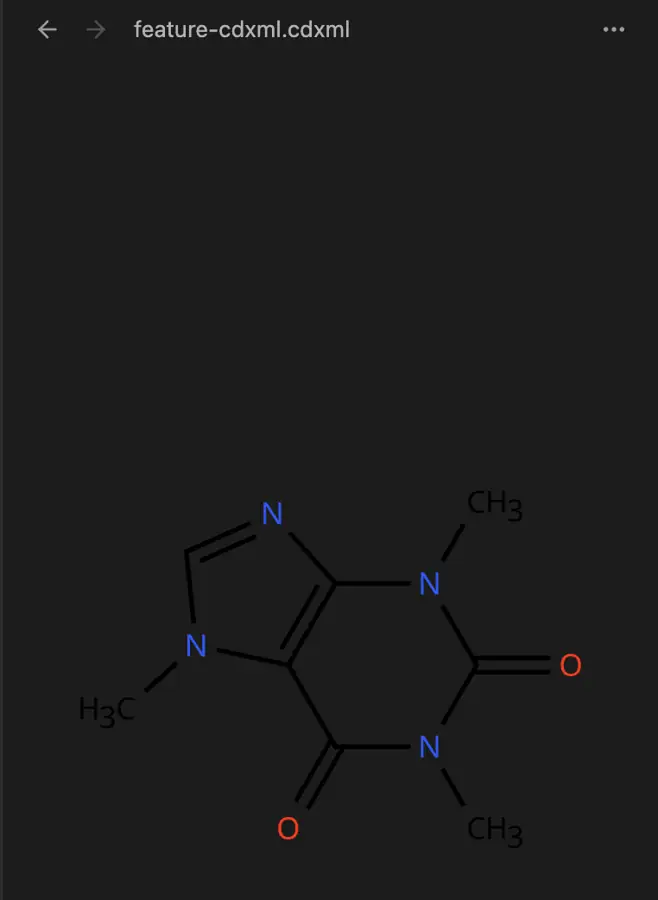 | Yes, tested by running it: Saved and reopened ethanol CDXML with three atoms. Opens the cited page. | Partly: Ethanol CDXML import works; no export command found. Opens the screenshot. Ethanol CDXML import works; no export command found. | Partly: Reads/writes a subset; advanced presentation is not preserved losslessly. Opens the cited page.Reads/writes a subset; advanced presentation is not preserved losslessly. | Yes, tested by running it: Exported caffeine CDXML and reimported its atom and bond text. Opens the cited page. | Yes, tested by running it: Exported caffeine CDXML and reopened it in editor. Opens the screenshot.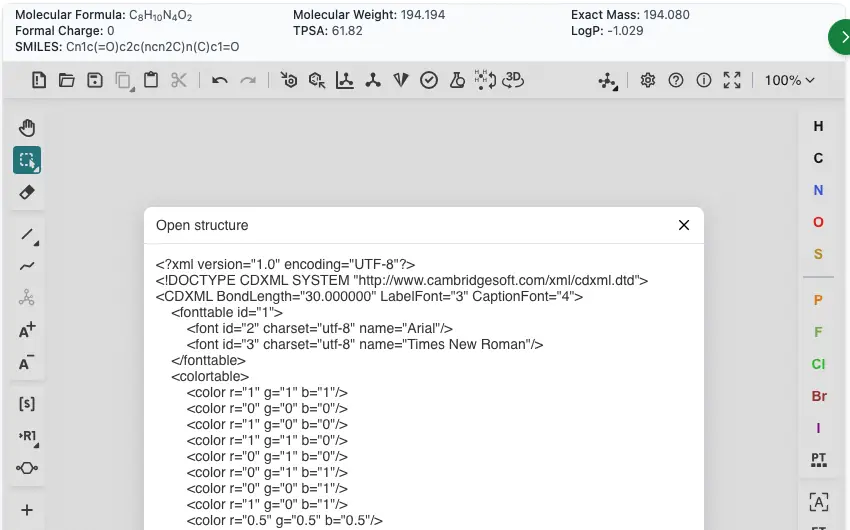 | Yes, tested by running it: Exported caffeine CDXML reopened as a recognized chemical structure. Opens the cited page. | Partly: Imported three-atom CDXML; no CDXML export command. Opens the cited page.Imported three-atom CDXML; no CDXML export command. | Yes, tested by running it: Exported and reimported cholesterol CDXML. Opens the cited page. | Yes, tested by running it: Exported caffeine CDXML and re-imported it successfully. Opens the cited page. | Partly: Exported and reopened CDXML; chemical round-trip fidelity remains unverified. Opens the cited page.Exported and reopened CDXML; chemical round-trip fidelity remains unverified. | Yes, tested by running it: Exported and reopened caffeine CDXML. Opens the cited page. | Yes, tested by running it: Exported and reopened its own cholesterol CDXML. Opens the cited page. | Partly: Generated CDXML preview reimported; file download failed in host. Opens the cited page.Generated CDXML preview reimported; file download failed in host. | No: Selected CDXML; drawing stayed unchanged; no export option. Opens the cited page. | Partly: Simple CDXML imported; CDXML export not found. Opens the cited page.Simple CDXML imported; CDXML export not found. | No: CDXML import reports: Failed to parse MOL block. Opens the cited page. | Partly: Save dialog offered CDXML; generation stalled with a script error. Opens the cited page.Save dialog offered CDXML; generation stalled with a script error. | Yes, tested by running it: Exported CDXML and reopened it as a structure. Opens the cited page. | No: Opening CDXML probe rejected; required PME project extension. Opens the cited page. | Yes, tested by running it: Caffeine exported and imported successfully. Opens the cited page. | No: No CDXML choice in inspected import or export menus. Opens the cited page. | Yes, tested by running it: Exported CDXML and reopened it. Opens the cited page. | Yes, tested by running it: Exported and reopened a CDXML structure. Opens the cited page. | No: CDXML probe rejected; no CDXML export shown. Opens the cited page. | No: Import explicitly failed: Unsupported file format: .cdxml. Opens the cited page. | No: Direct CDXML through TeX input failed; no native importer. Opens the cited page. | No: No CDXML import or export control found. Opens the cited page. | Yes, tested by running it: Exported and reopened caffeine CDXML. Opens the screenshot.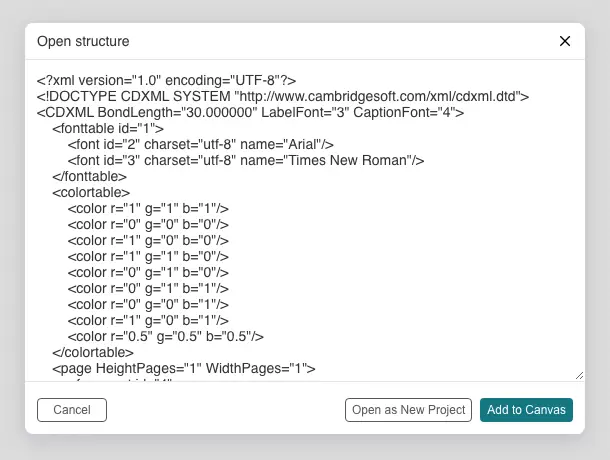 | Yes, tested by running it: Saved caffeine CDXML, closed it, then successfully reloaded it. Opens the cited page. | Partly: Imported methanol CDXML; no CDXML option in export formats. Opens the cited page.Imported methanol CDXML; no CDXML option in export formats. | Partly: Export re-imported; reaction and mechanism arrows absent from CDXML. Opens the cited page.Export re-imported; reaction and mechanism arrows absent from CDXML. | No: Opening minimal CDXML produced Error while loading file. | No: CDXML file rejected as unsupported. Opens the cited page. | Yes, according to the manual: Basic CDXML import and export. Opens the cited page. | Yes, tested by running it: Exported and reimported caffeine CDXML; formula and SMILES matched. Opens the screenshot.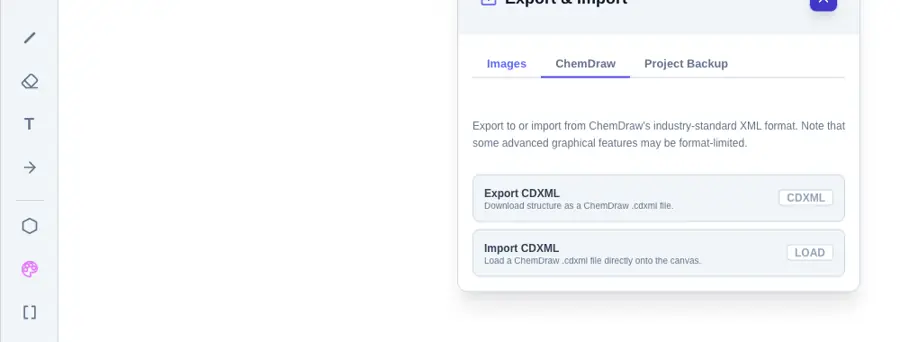 | No: Absent from inspected Open and Save As format lists. Opens the cited page. | No: Import and export dialogs offer no CDXML option. Opens the cited page. | No: CDXML sample rejected; no CDXML export command found. Opens the cited page. | No: No CDXML entry in inspected Open or Save formats. Opens the cited page. | No: No file import or export controls visible. Opens the cited page. | Partly: Imported simple CDXML; Save As produced CCJZ. Opens the cited page.Imported simple CDXML; Save As produced CCJZ. | Partly: Own export reopens; removing embedded record causes rejection. Opens the screenshot.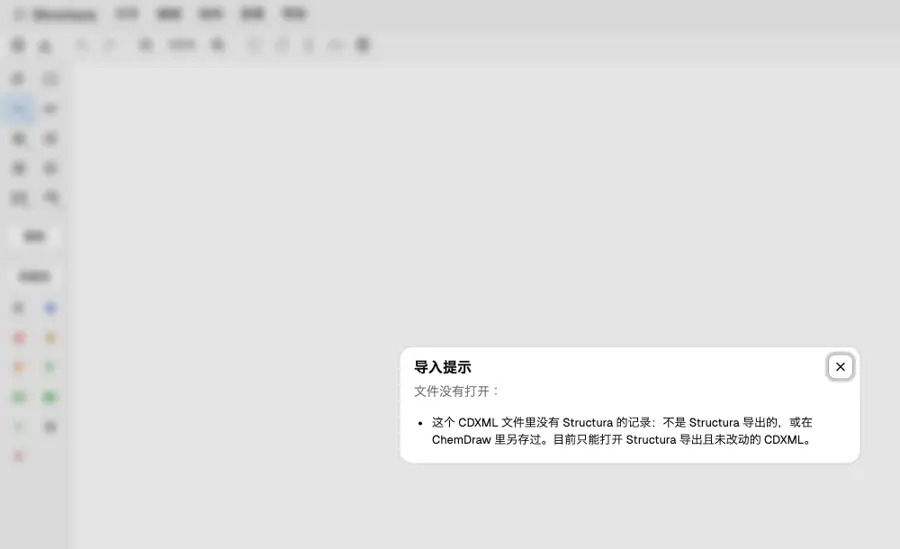 Own export reopens; removing embedded record causes rejection. | No: No CDXML import or export control visible. Opens the cited page. | No: No CDXML import or export control found. Opens the cited page. | No: No CDXML import or export command found. Opens the cited page. | No: CDXML paste rejected; opening test file left canvas empty. Opens the cited page. | No: CDXML absent from load and save format lists. Opens the cited page. | Partly: CDXML written; reopening same file hung at 100% CPU. Opens the cited page.CDXML written; reopening same file hung at 100% CPU. | No: CDXML startup import produced Invalid MDL MOL file errors. Opens the cited page. | No: No CDXML import or export command found. Opens the cited page. | Partly: Exported and reimported caffeine; bounded profile reports losses. Opens the cited page.Exported and reimported caffeine; bounded profile reports losses. | No: No CDXML import or export control found. | No: CDXML text produced no drawing; no CDXML save option. Opens the cited page. | No: No CDXML command found in inspected menus. Opens the cited page. | No: Pasting CDXML produced no structure; no file controls visible. Opens the cited page. | No: Pasted CDXML text rejected; no import control. Opens the cited page. | No: No CDXML import or export command found. Opens the cited page. | No: CDXML import left blank canvas despite opened status. Opens the cited page. | No: No CDXML command or format option found. Opens the cited page. | No: No CDXML import or export command found. Opens the cited page. | No: File menu contains only New. Opens the cited page. | No: Absent from Open and Save As format lists. Opens the cited page. | Not established | No: No CDXML import or export control visible. Opens the cited page. | No: CDXML absent from import and export format lists. Opens the cited page. | No: No CDXML import or export option found. Opens the cited page. | No: Minimal CDXML rejected; export dialog offers MOL text. Opens the cited page. | No: No file import/export control or CDXML option exposed. Opens the cited page. | No: No CDXML option in import or export dialog. Opens the cited page. | No: Open and save shortcuts produced no file dialogs. Opens the cited page. | No: No import or export controls visible. Opens the cited page. | Partly: Read/write implemented; importer retains Python 3 type errors. Opens the cited page.Read/write implemented; importer retains Python 3 type errors. | Yes, according to the manual. Opens the cited page. | Yes, according to the manual: Native atom/bond import and export; Pro downloads; fidelity untested. Opens the cited page. | Partly: Import supported; alpha export through API or Source editor. Opens the cited page.Import supported; alpha export through API or Source editor. | Yes, according to the manual: Import and export explicitly documented; clipboard exchange also supported. Opens the cited page. | Yes, according to the manual: Import documented in manual; export in publisher tutorial. Opens the cited page. | Not established | Yes, according to the manual: Experimental CDXML import and export. Opens the cited page. | Not established | Not established | Yes, according to the manual: Native converter writes CDXML; Ketcher recognizes CDXML input. Opens the cited page. | Yes, according to the manual. Opens the cited page. | Yes, according to the manual. Opens the cited page. | Not established | Yes, according to the manual: Mac read/write; Windows export documentation conflicts; vendor claim. Opens the cited page. | Partly: Vendor format table specifies CDXML import only. Opens the cited page.Vendor format table specifies CDXML import only. | Partly: Bounded simple-molecule import only; no CDXML export. Opens the cited page.Bounded simple-molecule import only; no CDXML export. | Not established: CDXML export documented; import not established. | No: Explicitly rejects CDXML import. Opens the cited page. | Yes, according to the manual: Reads and writes supported chemistry; arbitrary source metadata is lost. Opens the cited page. | Not established | Yes, according to the manual: CDXML reading and writing. Opens the cited page. | Not established | Not established | Not established | Not established | Not established | Partly: Import only; CDXML export is explicitly unsupported. Opens the cited page.FreeImport only; CDXML export is explicitly unsupported. | Not established | Not established | Not established | Not established | Not established | Not established | Yes, according to the manual: Explicitly reads and writes CDXML; vendor claim. Opens the cited page. | Not established | Not established | Not established | Not established | No: Only .scrb files can be opened or saved. Opens the cited page. | Not established | Not established | Not established | Not established | Not established | Not established | Not established |
|---|
| CDX import and export | Yes, according to the manual: Reads and writes native binary CDX; all editions. Opens the cited page. | Partly: Bounded subset: Open and Copy as offer CDX; structure export does not. Opens the cited page.Bounded subset: Open and Copy as offer CDX; structure export does not. | Yes, according to the manual: Binary CDX import and export. Opens the cited page. | Yes, according to the manual: Binary CDX import and export on every desktop platform. Opens the cited page. | Yes, according to the manual: Native CDX reader and writer preserve drawing objects. Opens the cited page. | No: Binary CDX is explicitly rejected; use CDXML. Opens the cited page. | Yes, according to the manual: Export excludes multi-step schemes and convergent arrows. Opens the cited page. | No: Official comparison explicitly says CDX is not yet supported. Opens the cited page. | Yes, according to the manual. Opens the cited page. | Yes, according to the manual: Use Ketcher's own file dialogs. Opens the cited page. | Yes, according to the manual. Opens the cited page. | Partly: CDX import documented; export unverified. Opens the cited page.CDX import documented; export unverified. | Not established | No: Binary CDX import is explicitly rejected. Opens the cited page. | Yes, according to the manual: Binary and Base64 CDX through embedded Ketcher in molecule mode. Opens the cited page. | Partly: Imports binary CDX; no CDX export. Opens the cited page.Imports binary CDX; no CDX export. | Partly: Imports supported objects; no CDX export or lossless round trip. Opens the cited page.Imports supported objects; no CDX export or lossless round trip. | Yes, according to the manual. Opens the cited page. | No: Binary CDX support is on the roadmap. Opens the cited page. | Yes, according to the manual: Binary and base64 CDX via Ketcher's Open/Save. Opens the cited page. | Yes, according to the manual: Native Ketcher supports binary and base64 CDX. Opens the cited page. | Partly: Import only. Opens the cited page.Import only. | Yes, according to the manual: Structure import/export through Ketcher; whiteboards use Excalidraw format. Opens the cited page. | Not established | Not established | No: Legacy CDX support is described as future best-effort work. Opens the cited page. | Yes, according to the manual: Read/write through iChemLabs Cloud Services using desktop-format support. Opens the cited page. | Yes, according to the manual: Ketcher supports binary CDX and Base64 CDX. Opens the cited page. | Not established | No: CDX absent from inspected file-format lists. Opens the cited page. | Not established | Yes, according to the manual. Opens the cited page. | Yes, according to the manual: Embedded Ketcher reads and writes binary CDX. Opens the cited page. | Not established | Not established | Not established | Not established | Yes, according to the manual: Binary CDX import; binary and Base64 CDX export. Opens the cited page. | No: Binary CDX is explicitly unsupported. Opens the cited page. | Not established | Partly: CDX import listed; no CDX save format listed. Opens the cited page.CDX import listed; no CDX save format listed. | Not established | Not established | Not established | Not established | Not established | Not established | Not established | Not established | Not established | Yes, according to the manual. Opens the cited page. | Not established | Not established | Not established | Not established | Not established | Not established | Partly: Reads binary CDX; saving uses CDXML instead. Opens the cited page.Reads binary CDX; saving uses CDXML instead. | Not established | Not established | Partly: Bounded codec; edited drawings cannot be exported as CDX. Opens the cited page.Bounded codec; edited drawings cannot be exported as CDX. | Not established | Not established | Not established | Not established | No: Exporter writes only ChemMD source, SVG and PNG. Opens the cited page. | Not established | No: File handlers support MOL and SMILES only. Opens the cited page. | Not established | Not established | Not established | Not established | Not established | Not established | Partly: CDX listed for import, not export. Opens the cited page.CDX listed for import, not export. | Not established | Partly: ChemWriter 2 imports limited CDX; export API writes MOL only. Opens the cited page.ChemWriter 2 imports limited CDX; export API writes MOL only. | Not established | Not established | Not established | Not established | Not established | Yes, according to the manual. Opens the cited page. | Yes, according to the manual: Indigo binary import/export; Pro downloads; fidelity untested. Opens the cited page. | Yes, according to the manual. Opens the cited page. | Yes, according to the manual: Import and export explicitly documented; clipboard exchange also supported. Opens the cited page. | Yes, according to the manual. Opens the cited page. | Yes, according to the manual: Import and export require web services; binary import uses files. Opens the cited page. | Not established | Partly: CDX import documented; export unverified. Opens the cited page.CDX import documented; export unverified. | Not established | Not established: Native CDX export absent; native import support unverified. | Not established | Yes, according to the manual. Opens the cited page. | Yes, according to the manual. Opens the cited page. | Not established | Yes, according to the manual: Vendor claim: CDX import and export. Opens the cited page. | No: Binary CDX input is explicitly refused. Opens the cited page. | Yes, according to the manual: CDX is supported for export and template import. Opens the cited page. | Not established | Yes, according to the manual: Reads and writes supported chemistry; arbitrary source metadata is lost. Opens the cited page. | Not established | Yes, according to the manual: Binary CDX reading and writing. Opens the cited page. | Not established | Not established | Not established | Not established | Not established | No: Binary CDX import unsupported; export remains on roadmap. Opens the cited page. | Not established | Not established | Not established | Not established | Not established | Not established | Yes, according to the manual: Explicitly reads and writes CDX; vendor claim. Opens the cited page. | Not established | Not established | Not established | Not established | No: Only .scrb files can be opened or saved. Opens the cited page. | Not established | Not established | Not established | Not established | Not established | Not established | Not established |
|---|
| MOL and SDF | Yes, tested by running it: MOL roundtrip worked; V3000 output; SDF save formats listed. Opens the cited page. | Partly: MOL import/export worked; opening SDF reported Invalid SMILES at byte 1. Opens the screenshot.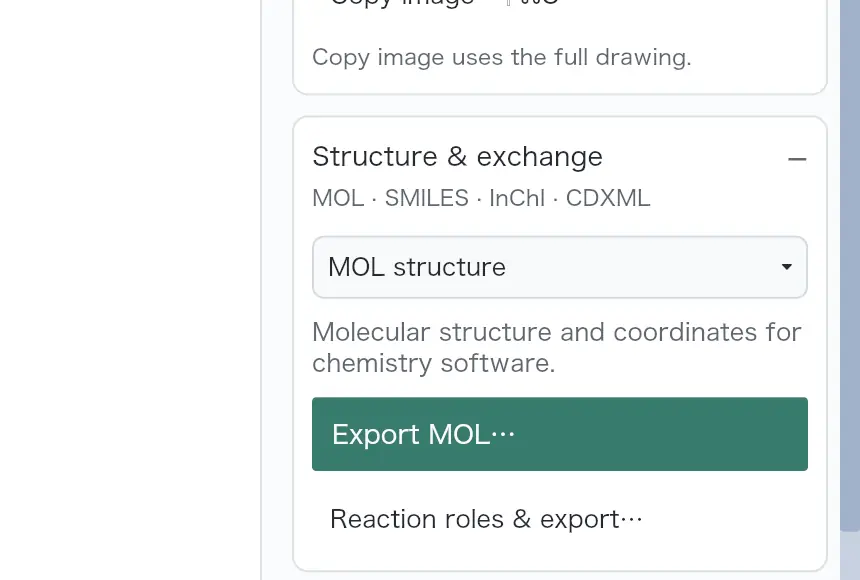 MOL import/export worked; opening SDF reported Invalid SMILES at byte 1. | Partly: MOL and SDF opened; MOL download requires account. Opens the screenshot.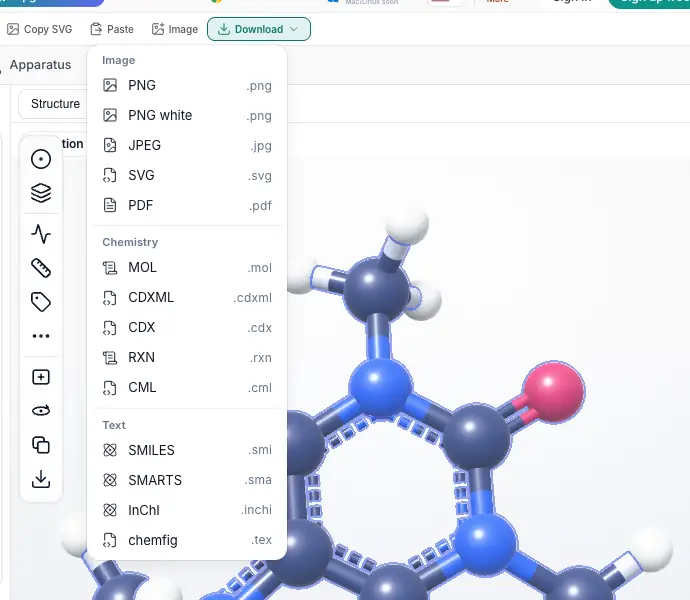 MOL and SDF opened; MOL download requires account. | Yes, tested by running it: MOL and SDF saved and reopened; 3D SDF also opened. Opens the cited page. | Yes, tested by running it: Imported MOL and SDF; exported both formats. Opens the screenshot. | Partly: MOL paste and SDF export worked; Open rejected MOL file. Opens the cited page.MOL paste and SDF export worked; Open rejected MOL file. | Yes, tested by running it: MOL and SDF imports, MOL export worked; SDF flattened. Opens the screenshot.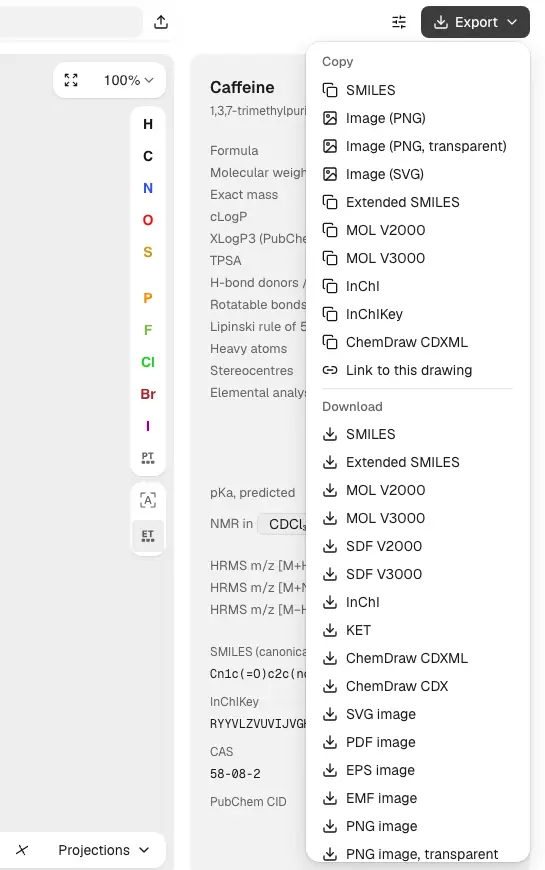 | Yes, tested by running it: Imported MOL and SDF; exported V3000 MOL. Opens the cited page. | Yes, tested by running it: MOL import/export and SDF export/reimport succeeded. Opens the cited page. | Yes, tested by running it: MOL export reopened; cholesterol 3D SDF imported successfully. Opens the cited page. | Partly: MOL opened and exported; direct SDF Open showed no result. Opens the cited page.MOL opened and exported; direct SDF Open showed no result. | Yes, tested by running it: MOL read/write and cholesterol SDF import succeeded. Opens the screenshot.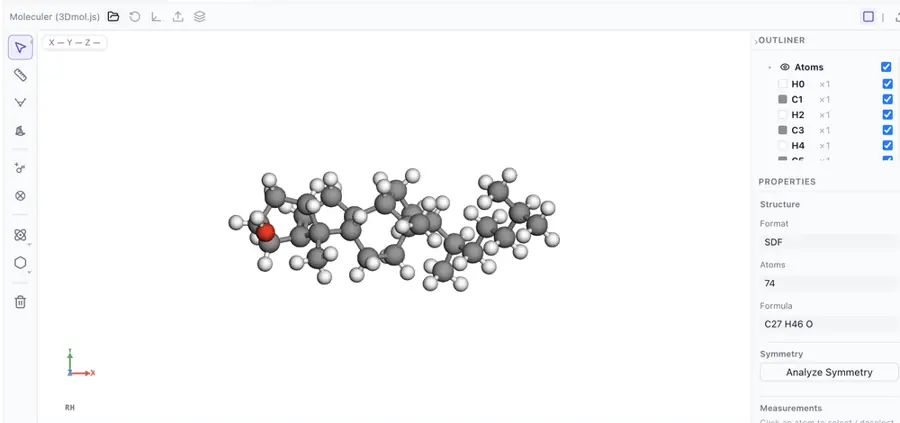 | Partly: MOL export worked; Open dialog disabled fixture MOL and SDF. Opens the screenshot. MOL export worked; Open dialog disabled fixture MOL and SDF. | Partly: Exported 3D SDF; no MOL import or export found. Opens the cited page.Exported 3D SDF; no MOL import or export found. | Yes, tested by running it: Imported and exported MOL; SDF save option visible. Opens the screenshot. | Partly: Caffeine MOL/SDF round trips worked; cholesterol 3D SDF rejected. Opens the cited page.Caffeine MOL/SDF round trips worked; cholesterol 3D SDF rejected. | Yes, tested by running it: Imported MOL and SDF; exported MOL. Opens the cited page. | Yes, tested by running it: Imported and exported MOL; exported SDF. Opens the cited page. | Yes, tested by running it: Imported MOL and SDF; exported V2000 MOL and 3D SDF. Opens the cited page. | Yes, tested by running it: Opened MOL and SDF; exported MOL. Opens the screenshot. | Yes, tested by running it: Opened MOL and SDF; exported MOL. Opens the screenshot. | Yes, tested by running it: MOL and SDF imports and exports worked. Opens the cited page. | Partly: MOL and SDF opened; MOL preview generated, download absent. Opens the cited page.MOL and SDF opened; MOL preview generated, download absent. | Partly: MOL import/export and single SDF import worked; no SDF export. Opens the cited page.MOL import/export and single SDF import worked; no SDF export. | Yes, tested by running it: Opened MOL and SDF; molecule mode saved MOL. Opens the cited page. | Partly: MOL read/write; SDF opens via All files; stereochemistry lost. Opens the cited page.MOL read/write; SDF opens via All files; stereochemistry lost. | Partly: MOL and single-record SDF loaded; MOL generation stalled with error. Opens the cited page.MOL and single-record SDF loaded; MOL generation stalled with error. | Yes, tested by running it: Opened MOL and SDF; saved MOL. Opens the cited page. | Yes, tested by running it: MOL round-trip succeeded; cholesterol SDF loaded in 3D. Opens the screenshot.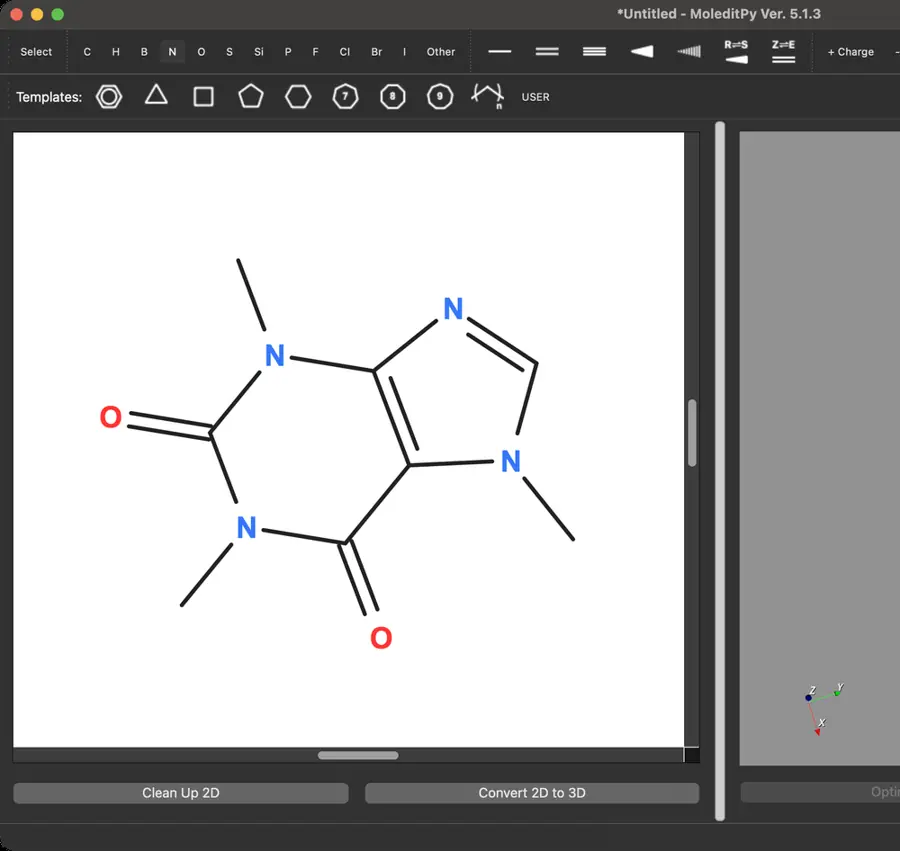 | Yes, tested by running it: MOL exported/reopened; cholesterol SDF imported as a flat drawing. Opens the screenshot.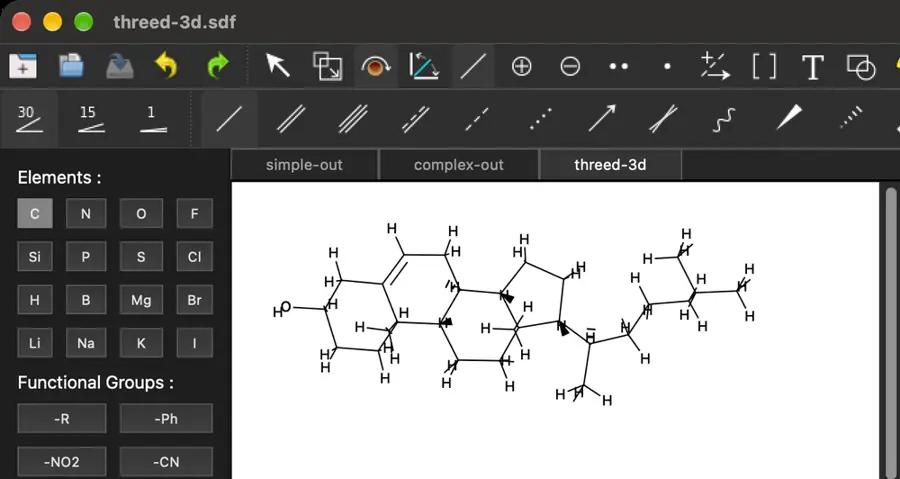 | Partly: MOL/SDF import and export both require subscription. Opens the screenshot.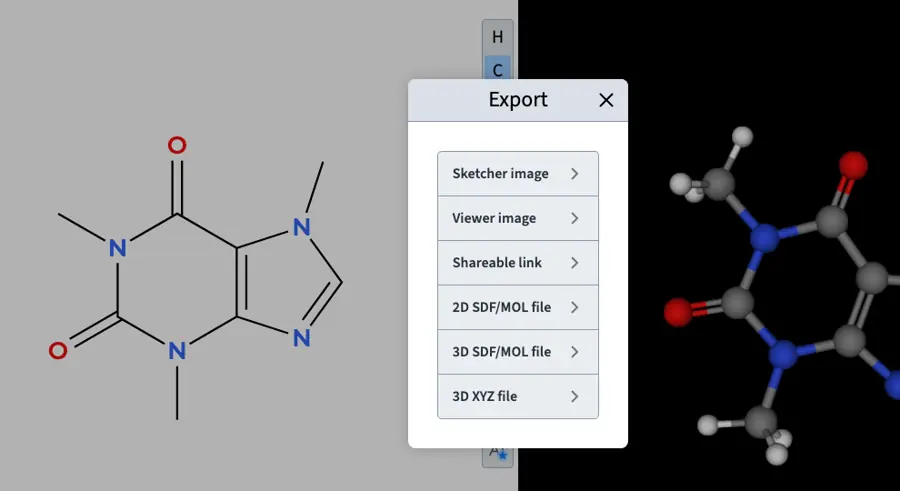 StudentMOL/SDF import and export both require subscription. | Yes, tested by running it: Opened MOL and SDF; exported MOL. Opens the screenshot.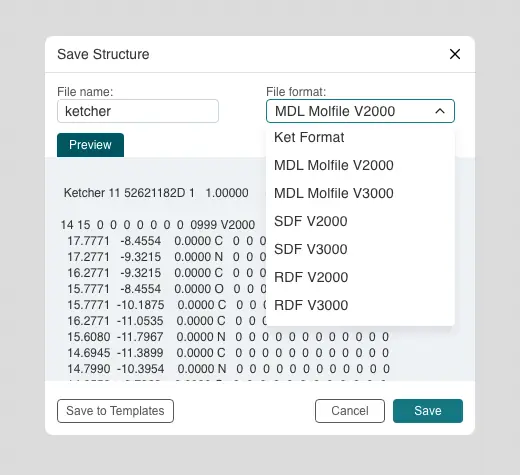 | Yes, tested by running it: Opened MOL and SDF; saved MOL and SDF. Opens the cited page. | Yes, tested by running it: Imported MOL and SDF; exported both formats. Opens the cited page. | Partly: MOL import and SDF export worked; no MOL save command. Opens the cited page.MOL import and SDF export worked; no MOL save command. | No: Direct MOL input failed; conversion required external mol2chemfig. Opens the cited page. | Partly: MOL exports, but RDKit rejects coordinates; no import or SDF control. Opens the screenshot.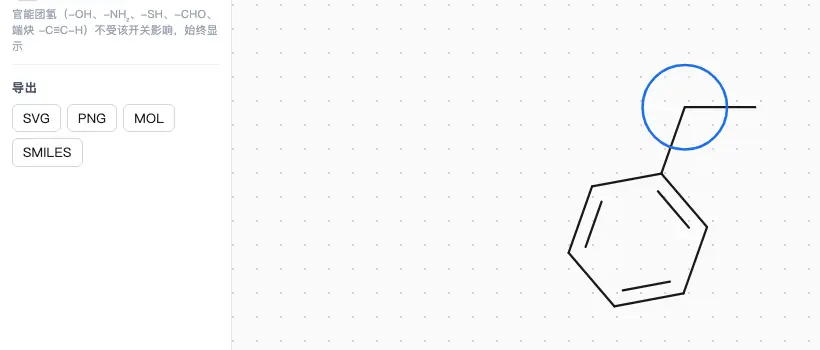 MOL exports, but RDKit rejects coordinates; no import or SDF control. | Yes, tested by running it: Imported MOL and SDF; exported MOL. Opens the screenshot. | Partly: MOL import/export worked; SDF opening rejected by extension warning. Opens the screenshot.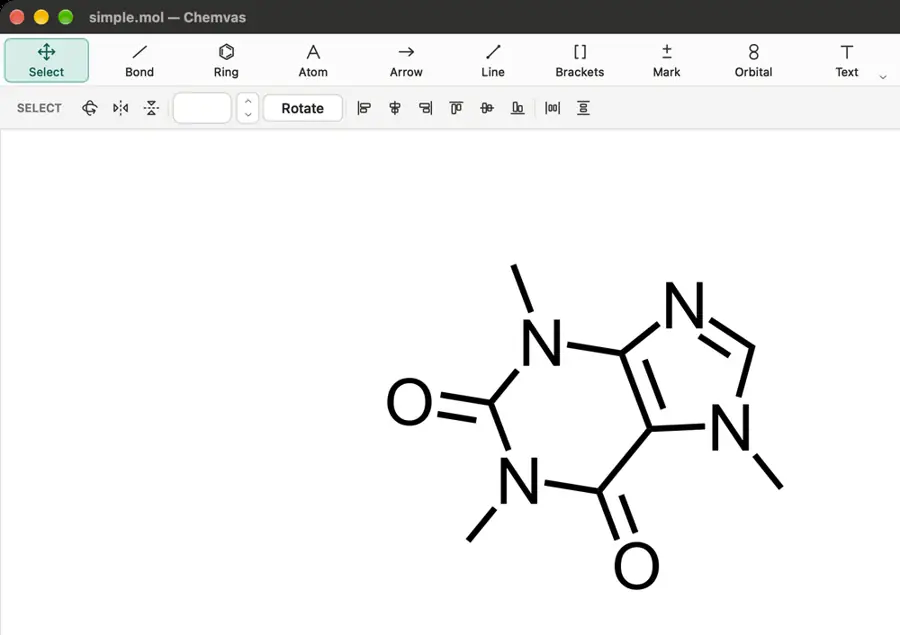 MOL import/export worked; SDF opening rejected by extension warning. | Yes, tested by running it: Imported V2000 MOL and 3D SDF; exported V3000 MOL. Opens the screenshot. | Yes, tested by running it: Caffeine MOL opened and saved; SDF listed in formats. Opens the cited page. | No: Opening simple.mol produced Error while loading file. Opens the cited page. | Yes, tested by running it: Opened MOL and 3D SDF; exported MOL and SDF. Opens the cited page. | Partly: MOL selection blocked by automation; Save offers SDF only. Opens the cited page.MOL selection blocked by automation; Save offers SDF only. | No: Project opener rejected MOL; picker accepts JSON and SVG. Opens the cited page. | Yes, tested by running it: MOL round-trip succeeded; SDF parser requested 2D layout. Opens the cited page. | Yes, tested by running it: MOL text import and export worked; SDF untested. Opens the screenshot.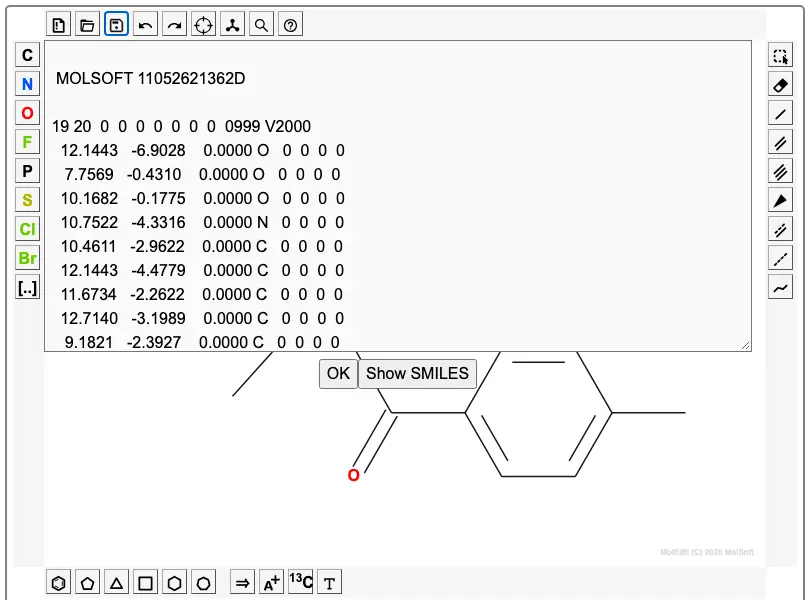 | Yes, tested by running it: MOL block imported; SDF downloaded. Opens the cited page. | No: Opening MOL fixtures left both new documents empty. Opens the cited page. | No: No structure-file import or export controls visible. Opens the cited page. | Partly: SDF opened; MOL rejected; no MOL export found. Opens the cited page.SDF opened; MOL rejected; no MOL export found. | Yes, tested by running it: Imported MOL and SDF; exported MOL. Opens the cited page. | Partly: Pasted MOL text and copied MOL output; SDF untested. Opens the screenshot.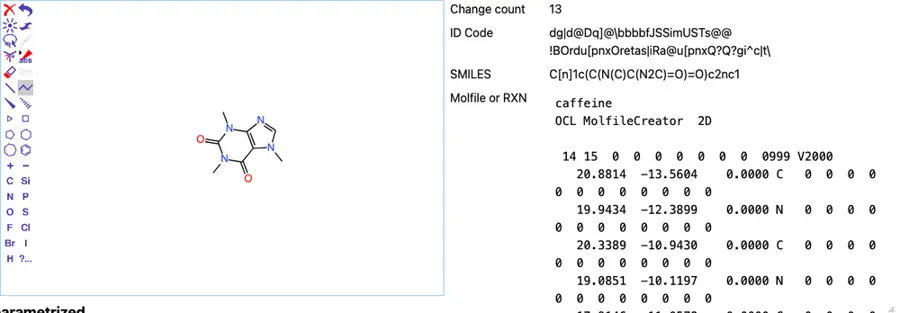 Pasted MOL text and copied MOL output; SDF untested. | No: No MOL or SDF import or export control found. Opens the cited page. | Partly: MOL text imported and exported; SDF not tested. Opens the cited page.MOL text imported and exported; SDF not tested. | Partly: MOL read/write works; SDF opens; no SDF save format. Opens the screenshot.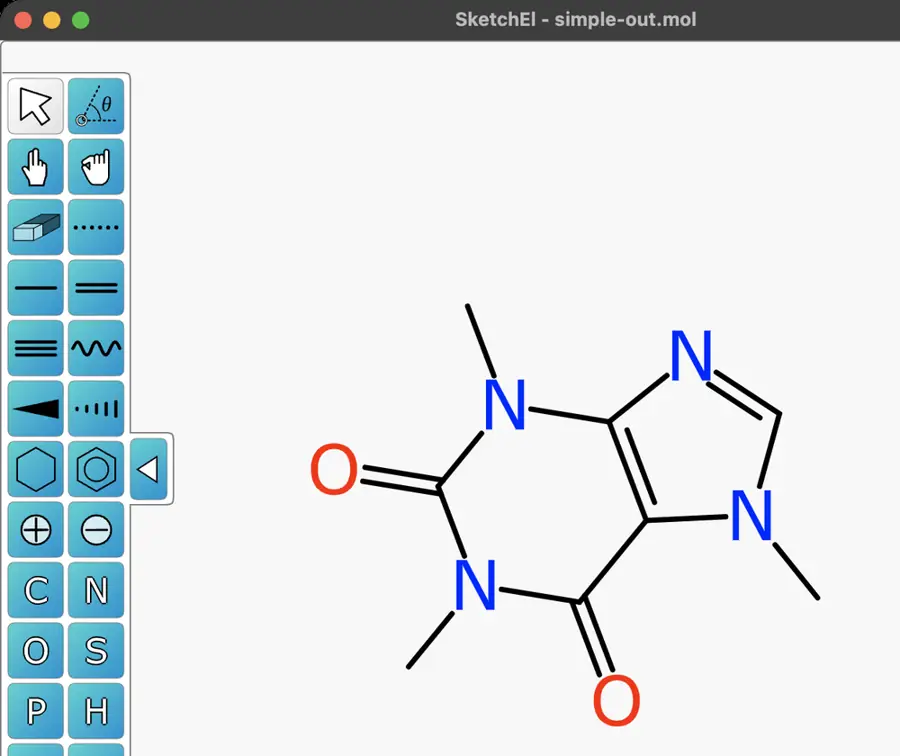 MOL read/write works; SDF opens; no SDF save format. | Yes, tested by running it: Imported and saved MOL and SDF. Opens the screenshot.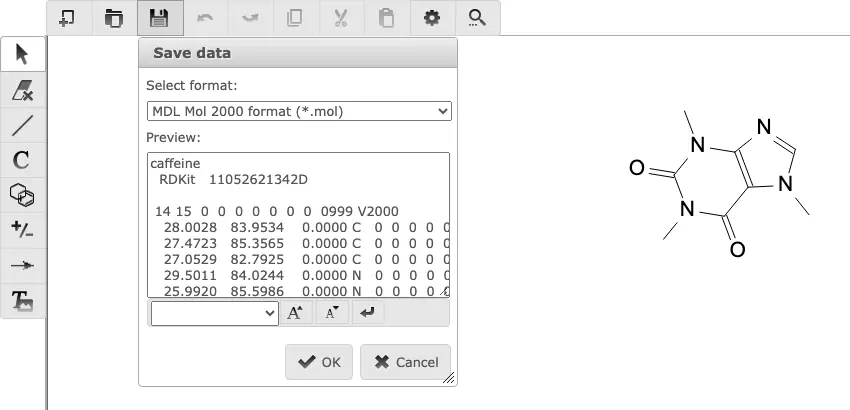 | No: MOL/SDF opening rejected; format menus contain only CDX, CDXML, XDC. Opens the cited page. | Partly: MOL/SDF loaded; MOL export dialog opened, but filename entry failed. Opens the screenshot.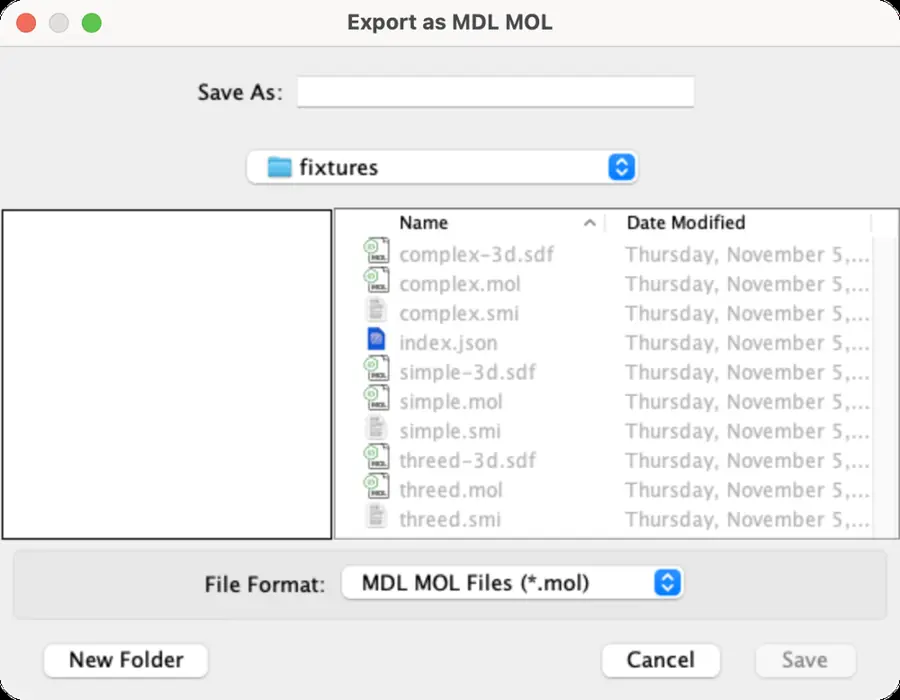 MOL/SDF loaded; MOL export dialog opened, but filename entry failed. | Yes, tested by running it: MOL import/export and single-record SDF import worked. Opens the screenshot.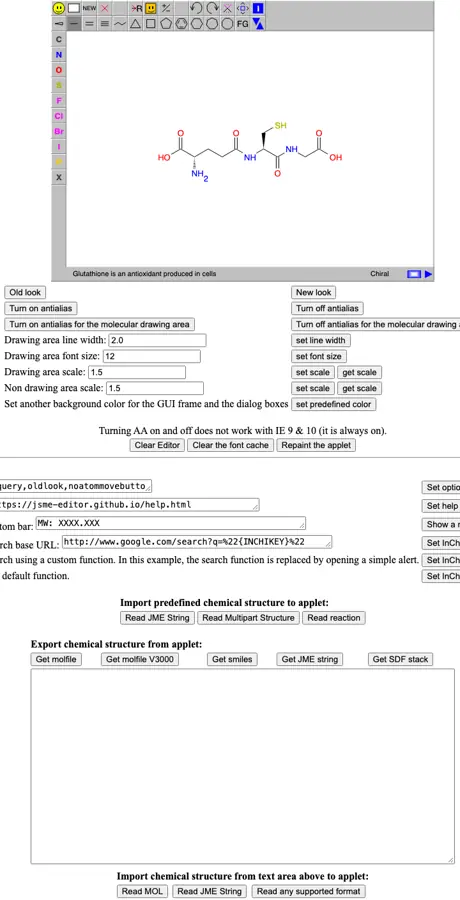 | Yes, tested by running it: 2D MOL import/export and SDF export work; cholesterol SDF refused. Opens the screenshot.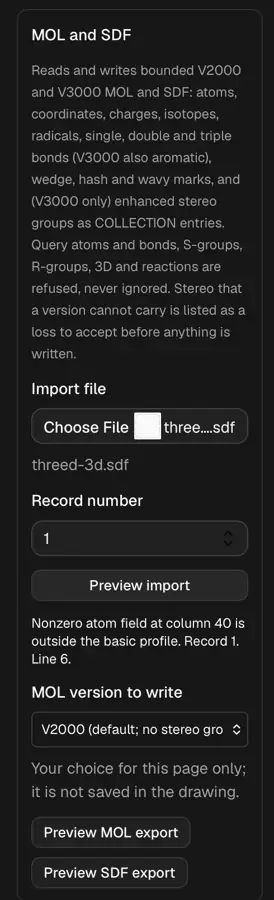 | Partly: MOL export works; no MOL or SDF import control found. Opens the cited page.MOL export works; no MOL or SDF import control found. | Yes, tested by running it: MOL read and written; single SDF opened flat. Opens the screenshot.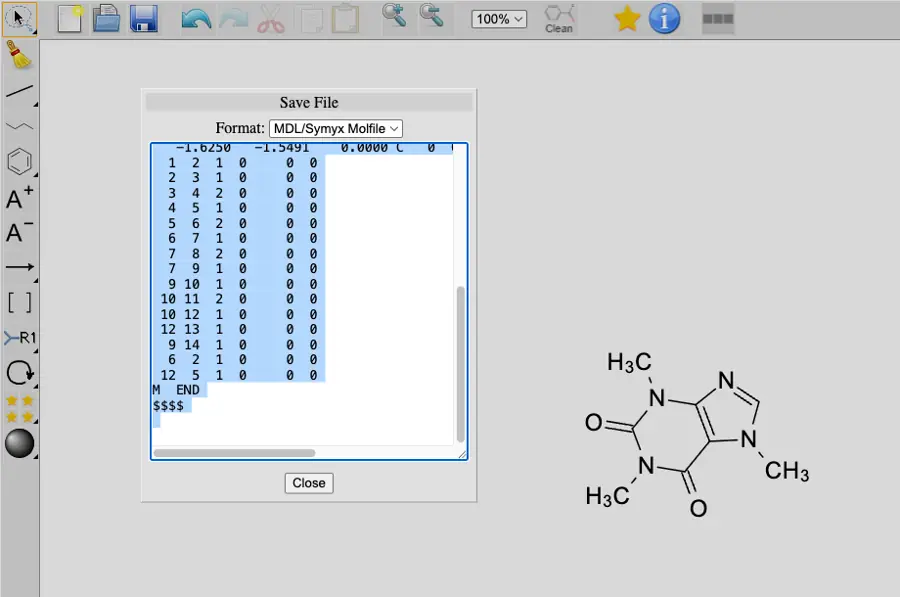 | Yes, tested by running it: Adapter read and wrote MOL; one SDF record loaded. Opens the cited page. | No: Pasting MOL produced no structure; no file controls visible. Opens the cited page. | No: Pasted MOL text rejected; no import or export control. Opens the cited page. | Yes, tested by running it: Pasted MOL and SDF; copied MDL MOL. Opens the cited page. | Yes, tested by running it: MOL read/write; supplied single-record SDF opened. No SDF export option. Opens the screenshot.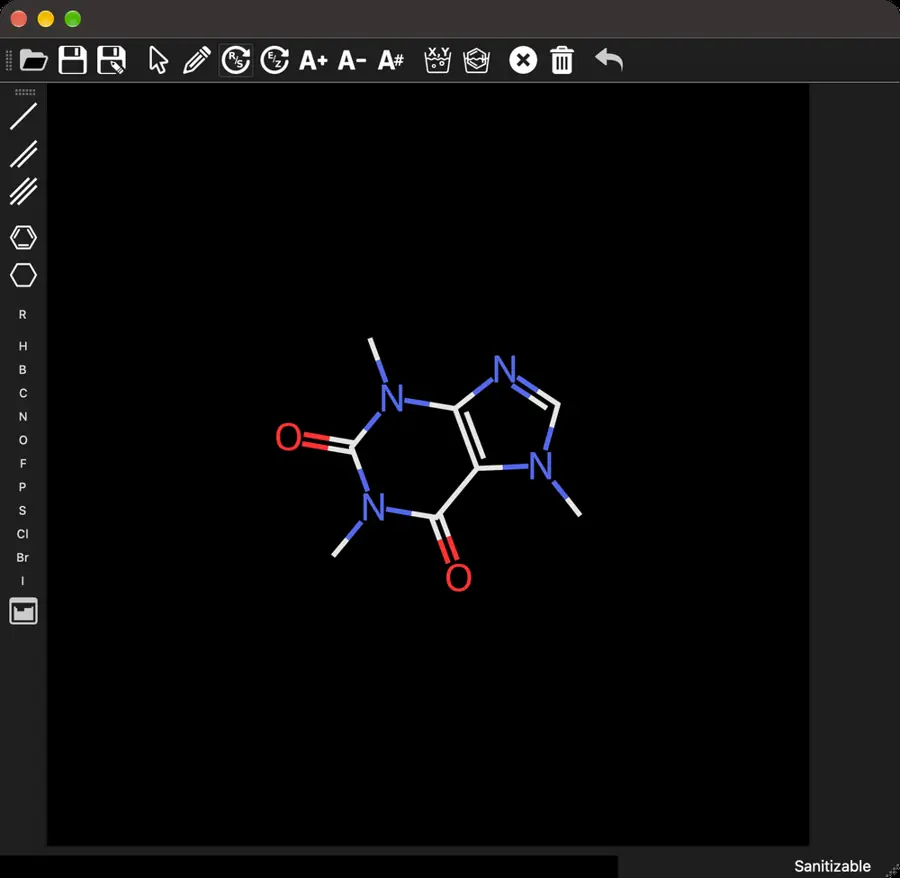 | Partly: MOL imports and logs output; SDF rejected. Opens the cited page.MOL imports and logs output; SDF rejected. | No: MOL import failed; Save as MOL did nothing. Opens the cited page. | Yes, according to the manual: MOL read/write API; SDF records split manually. Opens the cited page. | Partly: MOL and first SDF structure import worked; writing remained unverified. Opens the screenshot.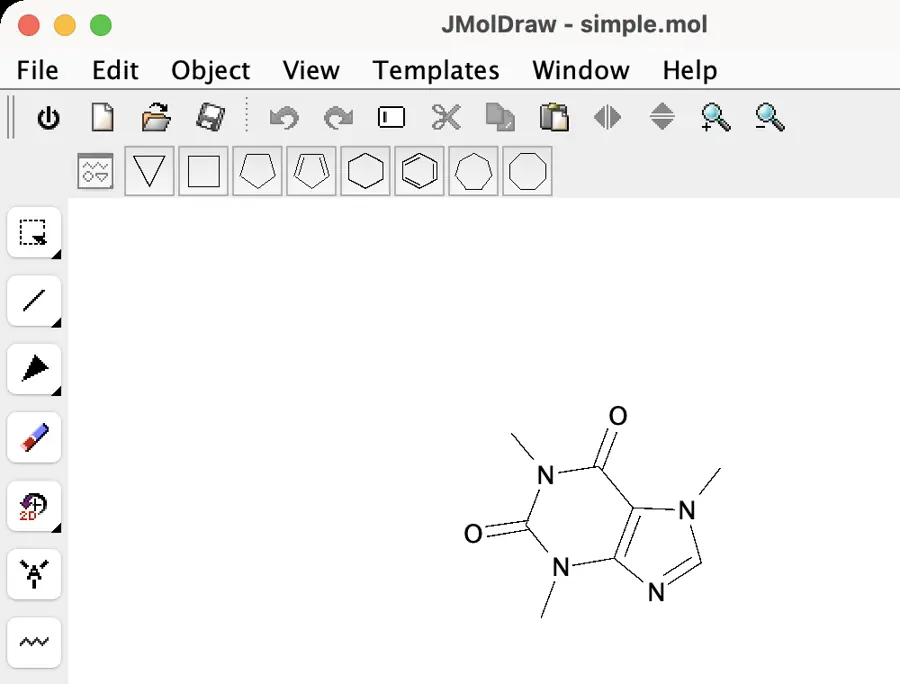 MOL and first SDF structure import worked; writing remained unverified. | Partly: MOL and SDF import; MOL save returned blank response. Opens the screenshot.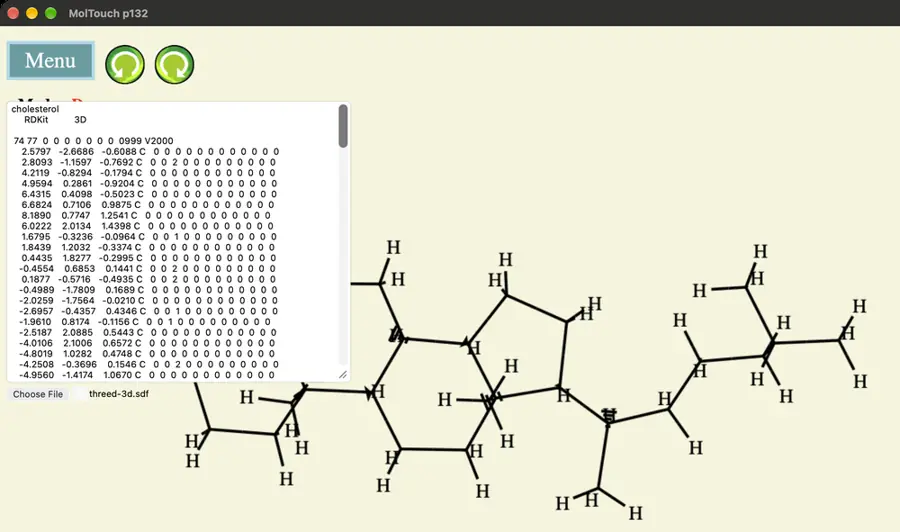 MOL and SDF import; MOL save returned blank response. | No: No MOL or SDF import or export control visible. Opens the cited page. | Partly: MOL and SDF import; MOL export lost coordinates. Opens the cited page.MOL and SDF import; MOL export lost coordinates. | No: MOL text did not render; Save did nothing. Opens the cited page. | Yes, tested by running it: MOL imported and exported; SDF opened as flat projection. Opens the cited page. | No: MOL paste ignored; Open shortcut opened no dialog. Opens the cited page. | No: MOL import and export failed; SDF not tested. Opens the cited page. | No: Open shortcut produced no dialog; no file command visible. Opens the cited page. | No: Simulated MOL text paste produced no structure; no file controls. Opens the cited page. | Yes, according to the manual: MOL read/write; editor exposes .mol rather than an SDF route. Opens the cited page. | Yes, according to the manual. Opens the cited page. | Yes, according to the manual: MOL read/write; Pro exports; SDF import reads first record only. Opens the cited page. | Yes, according to the manual: MOL V2000/V3000 and SDF supported. Opens the cited page. | Yes, according to the manual: MOL, including V2000, and SDF import/export explicitly documented. Opens the cited page. | Yes, according to the manual: MOL/SDF export; imports documented in 3D and InTable. Opens the cited page. | Yes, according to the manual: MOL V2000 native; SDF and V3000 require web services. Opens the cited page. | Yes, according to the manual: MOL read/write; single-molecule export; SDF support unverified. Opens the cited page. | Yes, according to the manual: vendor claim; MOL exchange and SDF opening/creation/export. Opens the cited page. | Yes, according to the manual: MOL read/write; SDF import/export via MineIt databases. Opens the cited page. | Yes, according to the manual: MOL supported; native converter lacks SDF output. Opens the cited page. | Yes, according to the manual: MOL and SDF import/export also appear in help documentation. Opens the cited page. | Yes, according to the manual: MOL read/write through Open Babel; SDF unverified. Opens the cited page. | Yes, according to the manual: MOL import/export; SDF support unverified. Opens the cited page. | Yes, according to the manual: MOL and SDF read/write; vendor claim. Opens the cited page. | Yes, according to the manual: Vendor claim: MOL import/export; SDF support unverified. Opens the cited page. | Yes, according to the manual: MOL and SDF V2000/V3000 molecular interchange. Opens the cited page. | Yes, according to the manual: MOL V2000, MOL V3000 and SDF are supported. Opens the cited page. | Yes, according to the manual: Reads and writes MOL/SDF V2000; V3000 import is unsupported. Opens the cited page. | Yes, according to the manual: MOL V2000/V3000 and single/multiple-structure SDF import and export. Opens the cited page. | Yes, according to the manual: MOL read/write; SDF browsing and import. Opens the cited page. | Not established | Yes, according to the manual: MOL import/export; SDF read/write through JSDraw.Table. Opens the cited page. | Yes, according to the manual: MOL read/write; SDF import uses a single MolBlock parser. Opens the cited page. | Partly: MOL/SDF import supported; developer reported no export in September 2023. Opens the cited page.Full versionMOL/SDF import supported; developer reported no export in September 2023. | Not established | Yes, according to the manual: Professional: MOL read/write; general Draw SDF support unverified. Opens the cited page. | Yes, according to the manual: MOL V2000/V3000 and SDF import/export documented; pricing lists fewer formats. Opens the cited page. | Yes, according to the manual: MOL read/write; SDF import only, despite About-page save claim. Opens the cited page. | Yes, according to the manual: MOL and SDF import and export. Opens the cited page. | Not established | Yes, according to the manual: MOL and SDF import/export; vendor claim. Opens the cited page. | Yes, according to the manual: MOL V2000 import and export; SDF support unverified. Opens the cited page. | Yes, according to the manual: MOL import and clipboard export; SDF files unsupported. Opens the cited page. | Not established | Partly: Pro; vendor claim: MOL/SDF export; import undocumented. Opens the cited page.ProPro; vendor claim: MOL/SDF export; import undocumented. | Not established | Yes, according to the manual: Reads/writes MOL and SDF; includes multi-record database editing. Opens the cited page. | Yes, according to the manual: Vendor claim: MOL/SD import and export. Opens the cited page. | Partly: MOL clipboard export only; no MOL/SDF file import or export. Opens the cited page.MOL clipboard export only; no MOL/SDF file import or export. | Not established | Not established | Yes, according to the manual: MOL read/write; SDF undocumented; vendor claim. Opens the cited page. | Partly: vendor claim; SDF clipboard output; MOL read/write unverified. Opens the cited page.vendor claim; SDF clipboard output; MOL read/write unverified. | Not established | Yes, according to the manual: Vendor claim: MOL V2000 import/export; SDF support undocumented. Opens the cited page. | Not established |
|---|
| SMILES | Yes, tested by running it: Pasted fixture SMILES; copied caffeine back as SMILES. Opens the cited page. | Yes, tested by running it: Imported fixture SMILES; exported cholesterol SMILES text. Opens the screenshot.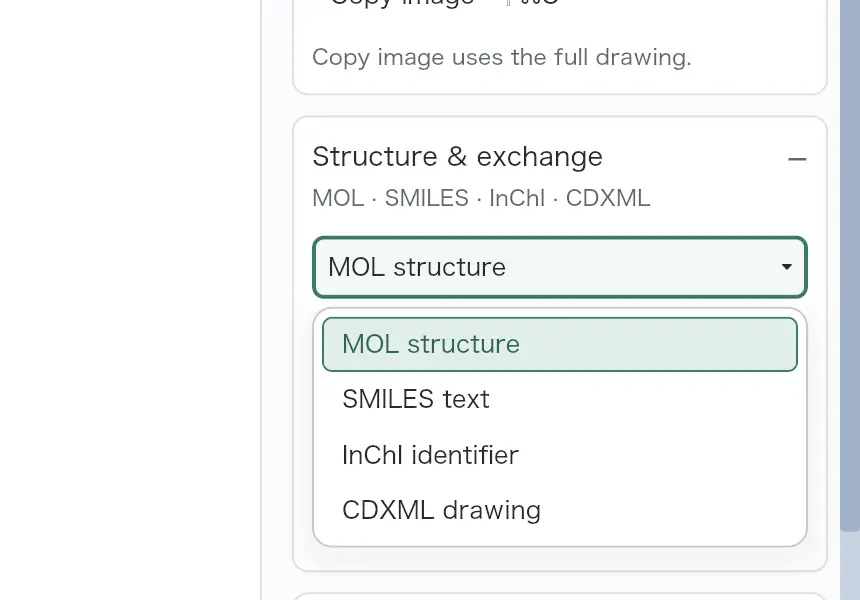 | Partly: Import works; complex output changes stereochemistry; copying requires account. Opens the screenshot.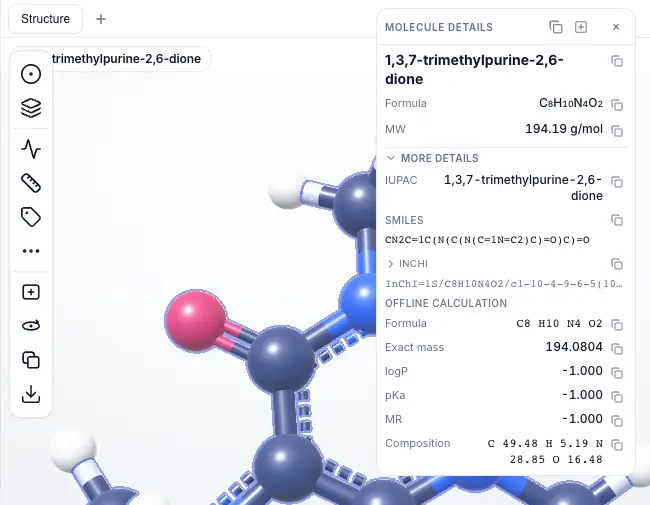 Import works; complex output changes stereochemistry; copying requires account. | Yes, tested by running it: Imported fixtures; copied caffeine SMILES and verified pasted text. Opens the cited page. | Yes, tested by running it: Pasted all three fixtures; exported caffeine SMILES. Opens the cited page. | Yes, tested by running it: All three pasted and exported; isomeric SMILES matched fixtures. Opens the screenshot.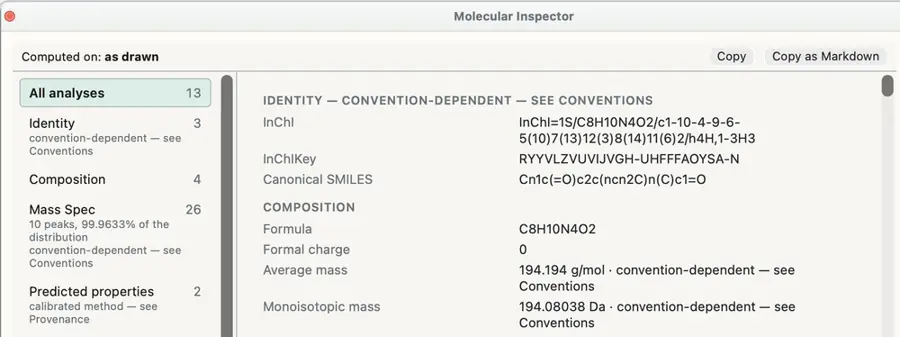 | Yes, tested by running it: Imported SMILES and downloaded SMILES. Opens the screenshot. | Yes, tested by running it: Pasted fixtures and copied caffeine SMILES. Opens the cited page. | Yes, tested by running it: All three fixture SMILES imported; SMILES exports saved. Opens the screenshot.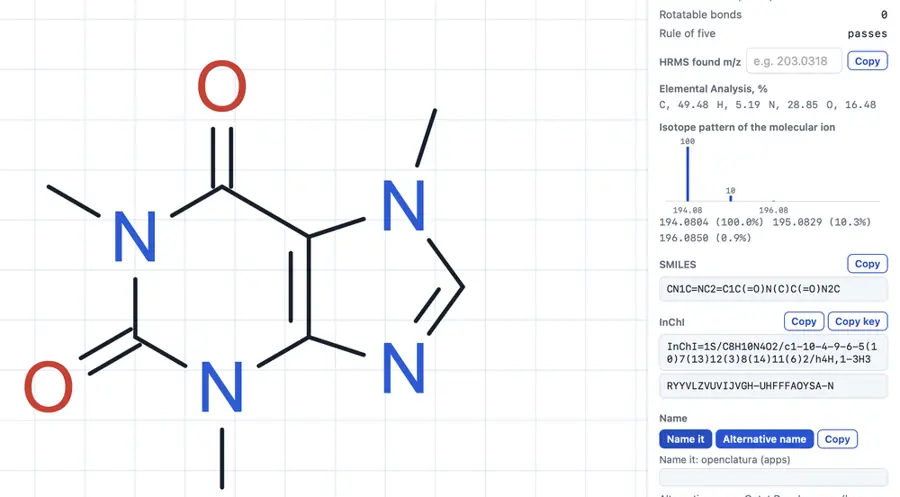 | Yes, tested by running it: Imported fixtures and saved generated Daylight SMILES. Opens the cited page. | Yes, tested by running it: Pasted SMILES and copied ethanol as CCO. Opens the cited page. | Yes, tested by running it: SMILES import and Extra Info clipboard output verified. Opens the screenshot.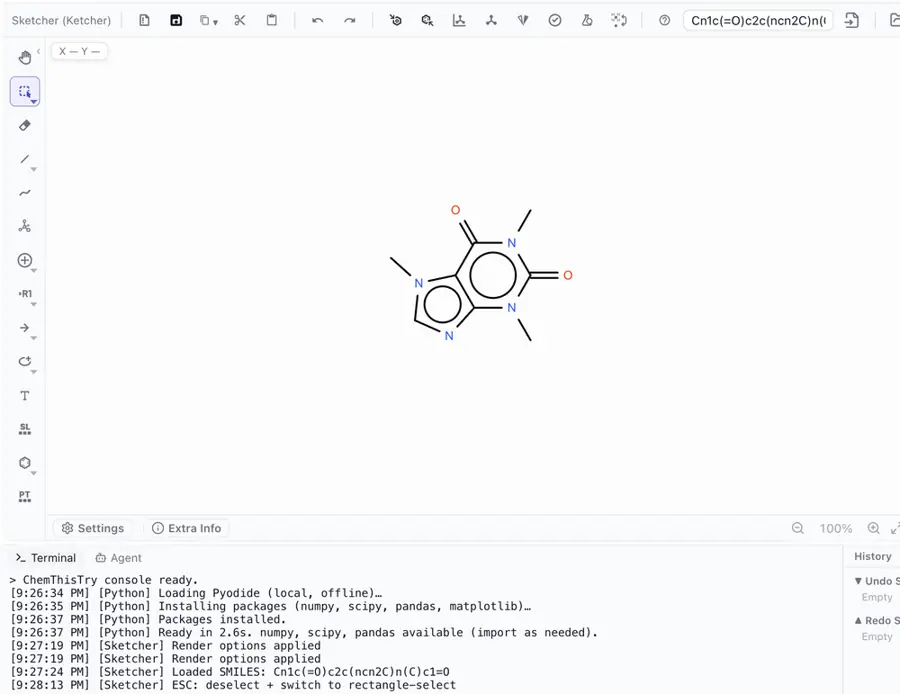 | Partly: Paste and export worked; cholesterol export lost stereochemistry. Opens the cited page.Paste and export worked; cholesterol export lost stereochemistry. | Partly: PubChem-backed SMILES import and lookup output worked. Opens the cited page.PubChem-backed SMILES import and lookup output worked. | Yes, tested by running it: Imported caffeine SMILES and copied generated SMILES. Opens the screenshot.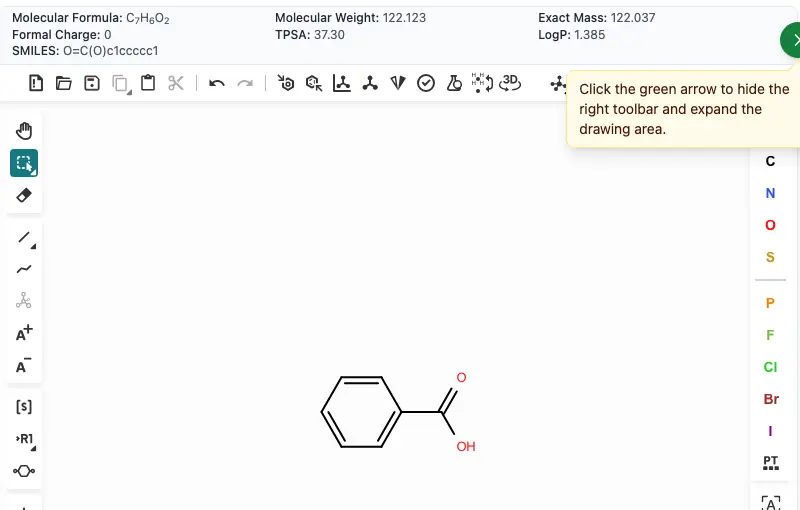 | Yes, tested by running it: Imported all fixtures; exported caffeine SMILES. Opens the screenshot.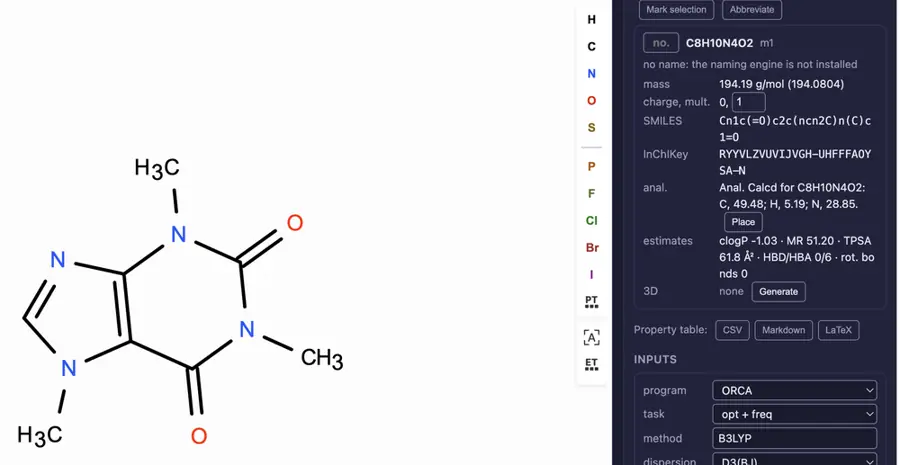 | Partly: Paclitaxel imports correctly; caffeine becomes +3. No SMILES export. Opens the cited page.Paclitaxel imports correctly; caffeine becomes +3. No SMILES export. | Yes, tested by running it: Imported SMILES and copied indole SMILES. Opens the cited page. | Yes, tested by running it: Pasted fixture SMILES and saved a .smi export. Opens the screenshot.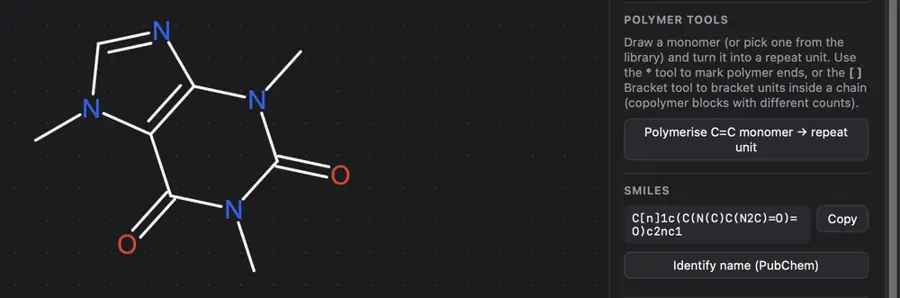 | Yes, tested by running it: Imported SMILES and exported Daylight SMILES through Ketcher. Opens the cited page. | Yes, tested by running it: Imported SMILES and saved SMILES. Opens the screenshot.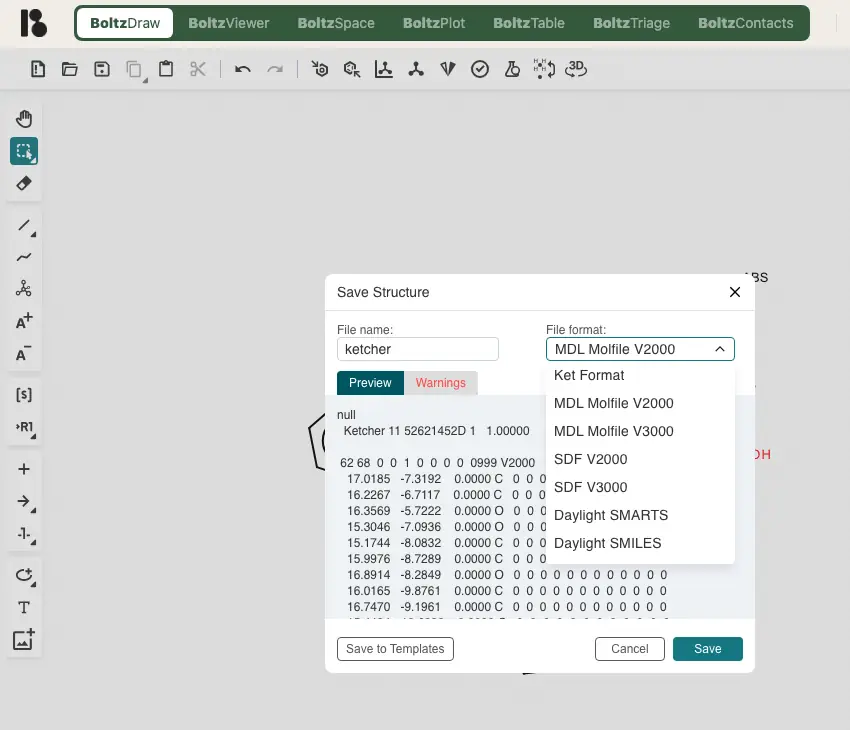 | Yes, tested by running it: Imported SMILES and copied a generated SMILES. Opens the screenshot.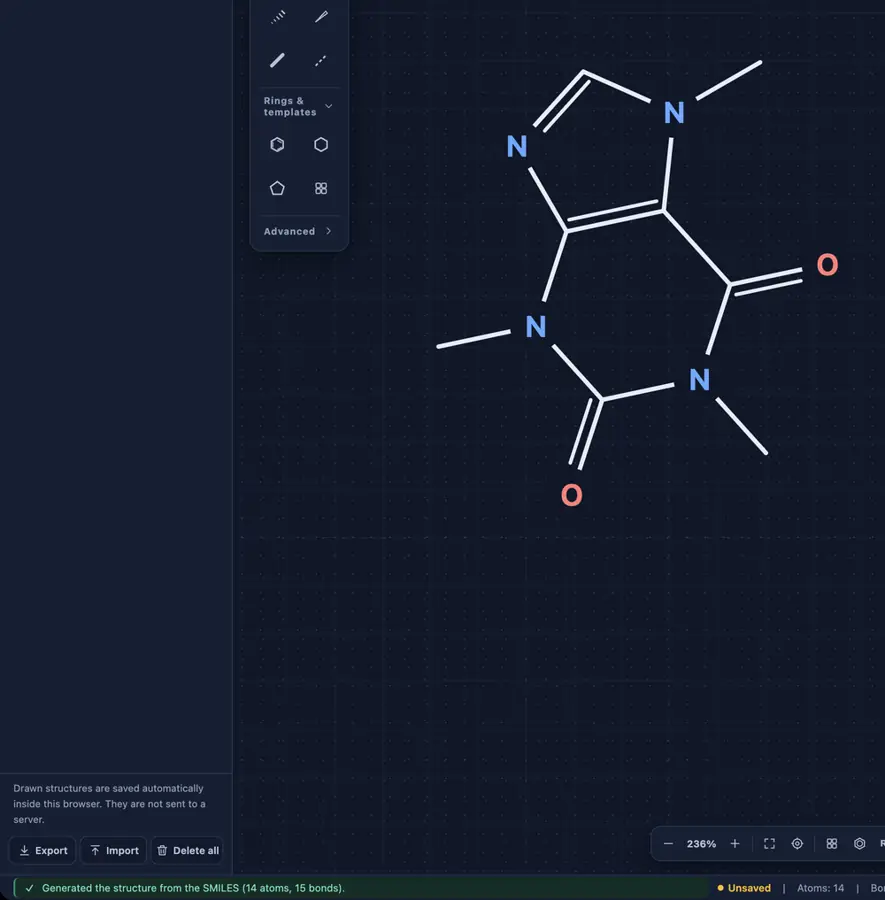 | Yes, tested by running it: SMILES imported and output previews generated for three fixtures. Opens the cited page. | Partly: Read and copied SMILES; importer discards stereochemistry. Opens the cited page.Read and copied SMILES; importer discards stereochemistry. | No: Opening caffeine SMILES file left canvas empty. Opens the cited page. | Partly: Import/export works; cholesterol loses all eight assigned stereocenters. Opens the cited page.Import/export works; cholesterol loses all eight assigned stereocenters. | Yes, tested by running it: Separate SMILES demo read caffeine and wrote imported structures. Opens the cited page. | Yes, tested by running it: Opened SMILES; generated SMILES shown in save preview. Opens the cited page. | Yes, tested by running it: Imported all fixtures; generated and copied cholesterol SMILES in Analysis. Opens the screenshot.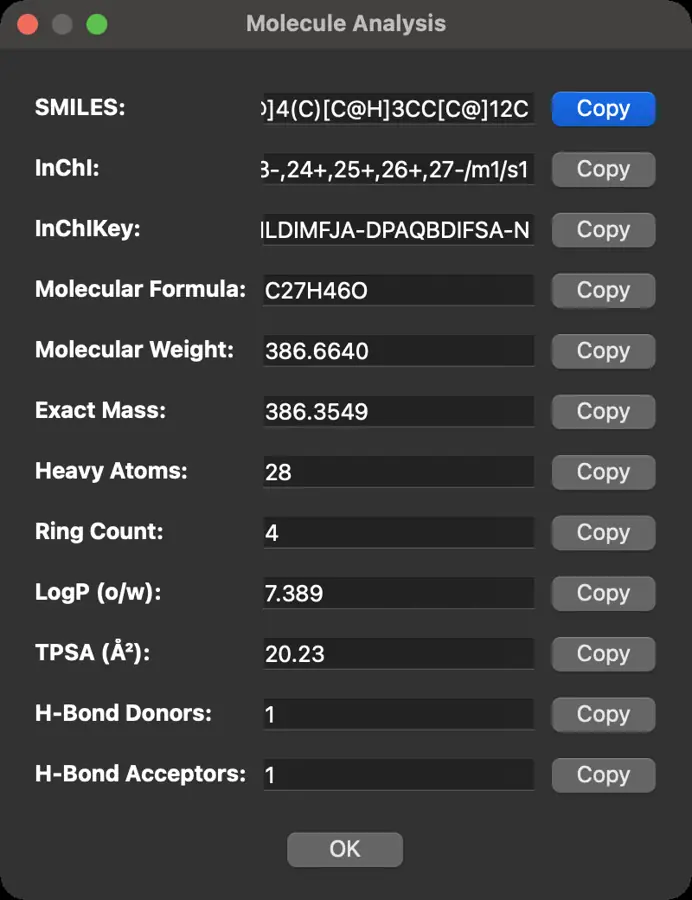 | Yes, tested by running it: SMILES files imported; Generate SMILES produced caffeine output. Opens the screenshot.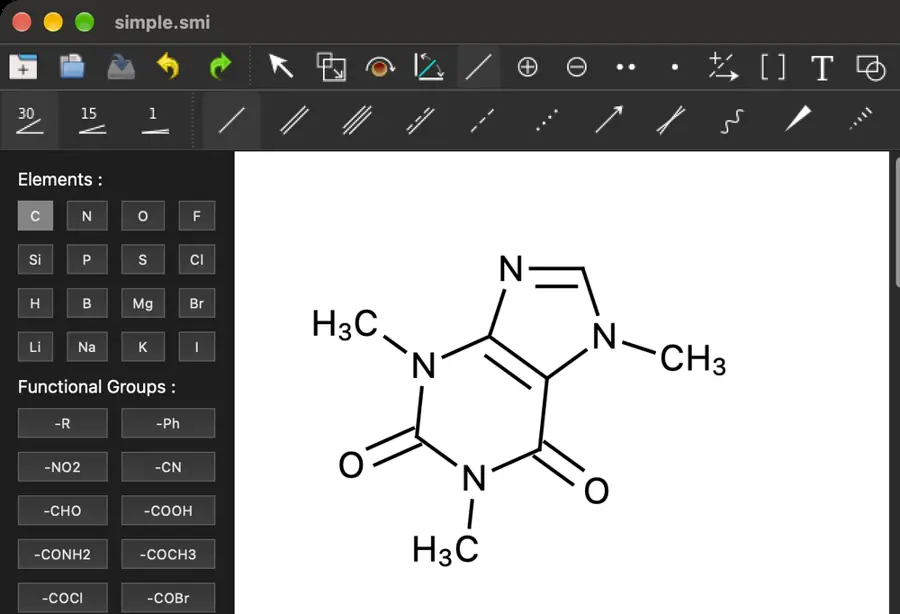 | Yes, tested by running it: Loaded SMILES; Infocard displays isomeric SMILES. Opens the screenshot.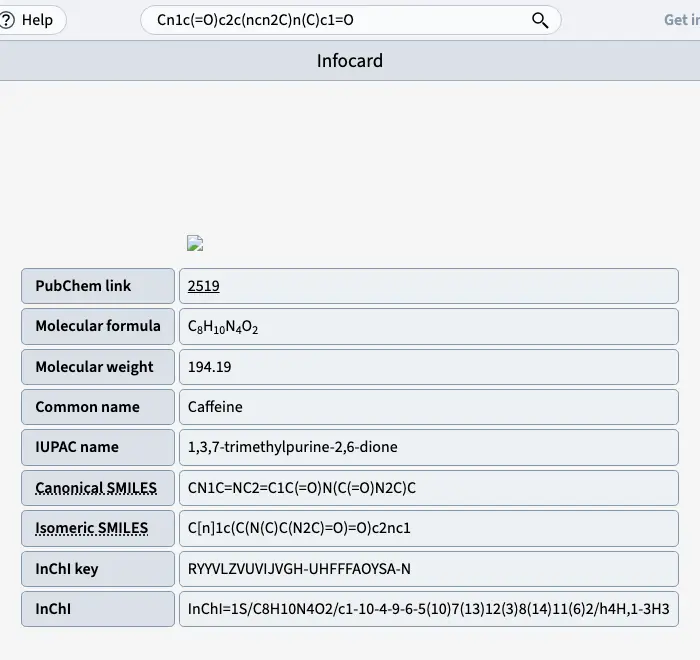 Student | Yes, tested by running it: Imported and exported SMILES. Opens the cited page. | Yes, tested by running it: Imported SMILES and saved Daylight SMILES. Opens the cited page. | Yes, tested by running it: Imported SMILES and copied generated SMILES. Opens the cited page. | Partly: Imports work; generated SMILES lose all specified stereocenters. Opens the screenshot.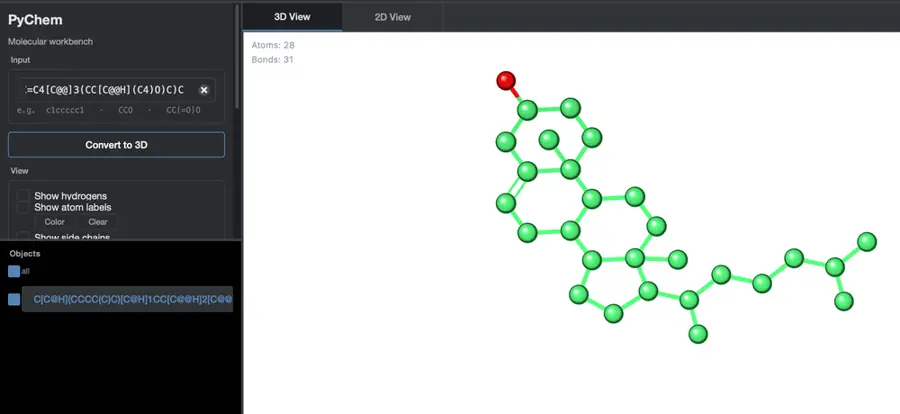 Imports work; generated SMILES lose all specified stereocenters. | No: Direct SMILES produced overlapping labels; external conversion required. Opens the cited page. | Partly: SMILES exports; pasting fixture SMILES did not import. Opens the screenshot.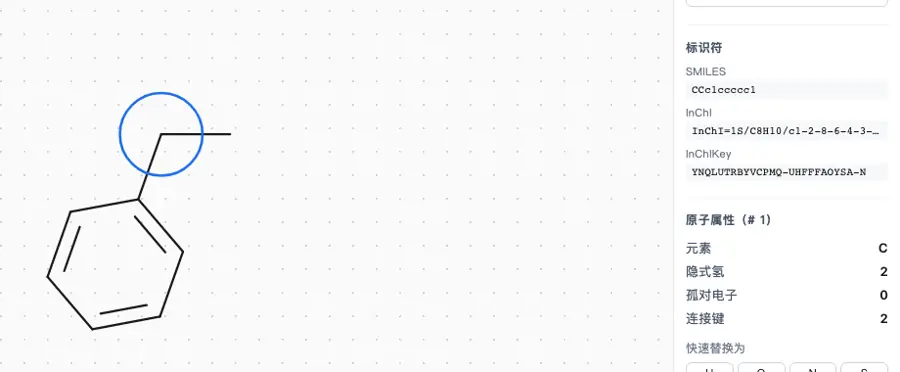 SMILES exports; pasting fixture SMILES did not import. | Yes, tested by running it: Imported and exported SMILES. Opens the cited page. | No: Paste timed out; canvas stayed empty; no SMILES import command. Opens the cited page. | Yes, tested by running it: Pasted fixture SMILES; exported imported methanol as CO. Opens the screenshot.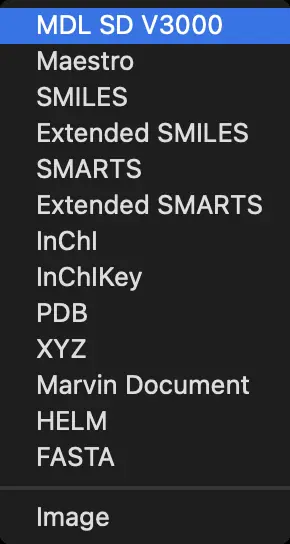 | Partly: Imported both fixtures; paclitaxel round-trip altered stereochemistry. Opens the cited page.Imported both fixtures; paclitaxel round-trip altered stereochemistry. | Partly: Imported and exported all fixtures; stereochemistry markers were lost. Opens the cited page.Imported and exported all fixtures; stereochemistry markers were lost. | Yes, tested by running it: Loaded SMILES and exported canonical SMILES. Opens the cited page. | Partly: Both fixtures imported; output failed because JNI-InChI library was missing. Opens the cited page.Both fixtures imported; output failed because JNI-InChI library was missing. | Yes, tested by running it: Imported and copied both fixture SMILES. Opens the screenshot.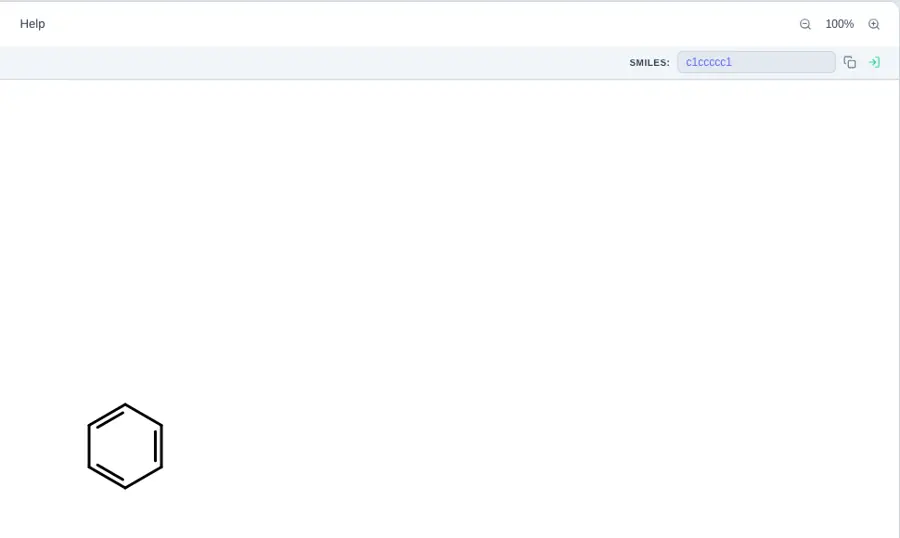 | Partly: Caffeine paste and generation worked; paclitaxel file autodetection failed. Opens the cited page.Caffeine paste and generation worked; paclitaxel file autodetection failed. | Yes, tested by running it: Imported and exported both fixture SMILES. Opens the screenshot. | Yes, tested by running it: SMILES input produced canonical SMILES output. Opens the screenshot. | Partly: SMILES inputs remained empty; canonical output command produced no verified text. Opens the cited page.SMILES inputs remained empty; canonical output command produced no verified text. | Partly: Computed SMILES displayed; pasted SMILES did not import. Opens the screenshot.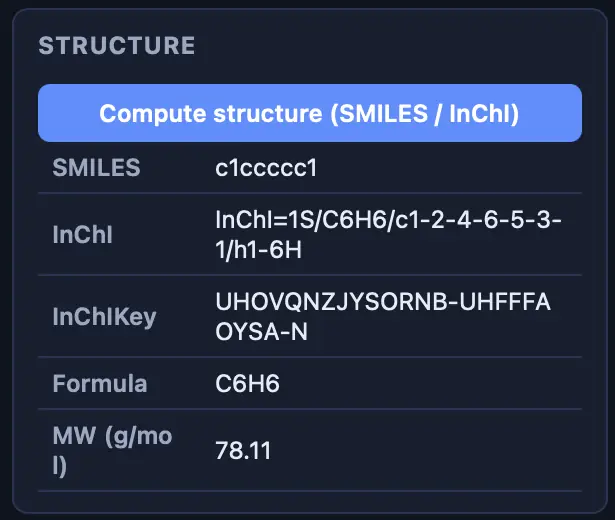 Computed SMILES displayed; pasted SMILES did not import. | Partly: SMILES copy command reported success; SMILES files failed to open. Opens the cited page.SMILES copy command reported success; SMILES files failed to open. | Yes, tested by running it: Imported through dialog; standalone API returned SMILES. Opens the screenshot.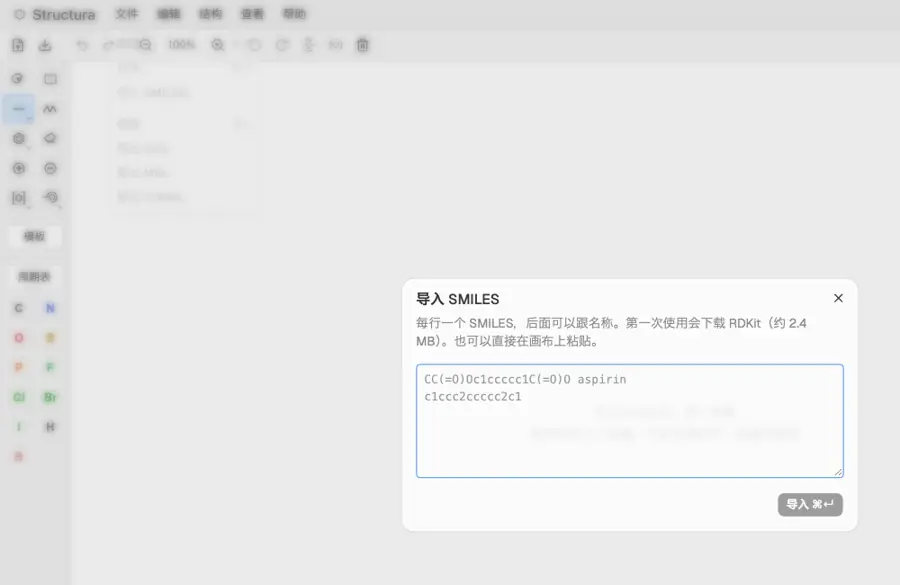 | Yes, tested by running it: Pasted SMILES and copied generated SMILES. Opens the screenshot.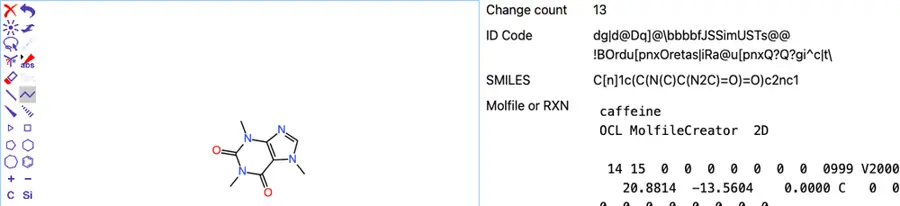 | Partly: Caffeine matched; paclitaxel output changed ten stereocenters. Opens the screenshot.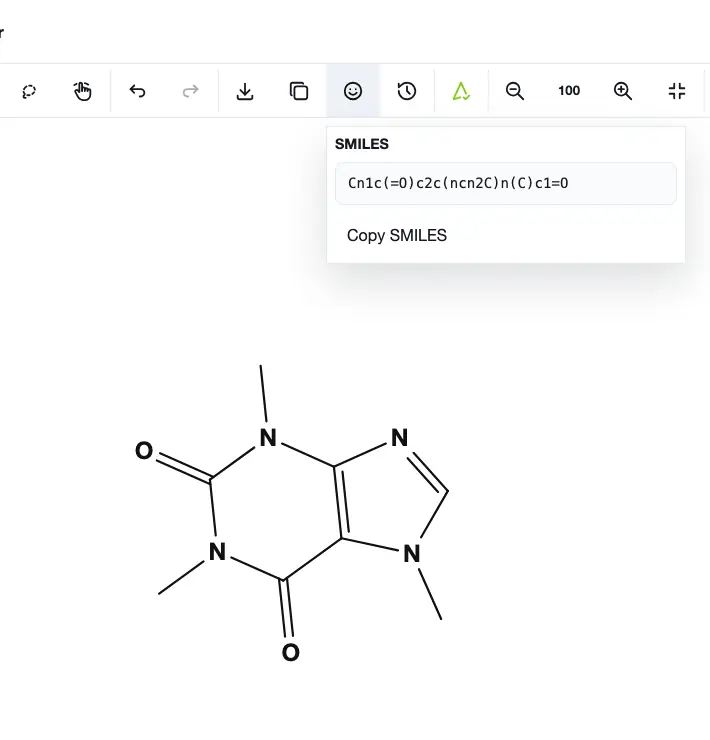 Caffeine matched; paclitaxel output changed ten stereocenters. | Partly: SMILES output worked; MOL paste box did not accept SMILES. Opens the cited page.SMILES output worked; MOL paste box did not accept SMILES. | No: Caffeine SMILES paste rejected as unrecognisable molecule. Opens the cited page. | Partly: SMILES export worked; load dialog lacks SMILES format. Opens the cited page.SMILES export worked; load dialog lacks SMILES format. | No: Fixture input left blank canvases; drawn ethene output string empty. Opens the cited page. | No: SMILES file import failed; paste also failed to produce a structure. Opens the cited page. | Yes, tested by running it: Imported and exported both 2D fixture SMILES. Opens the screenshot.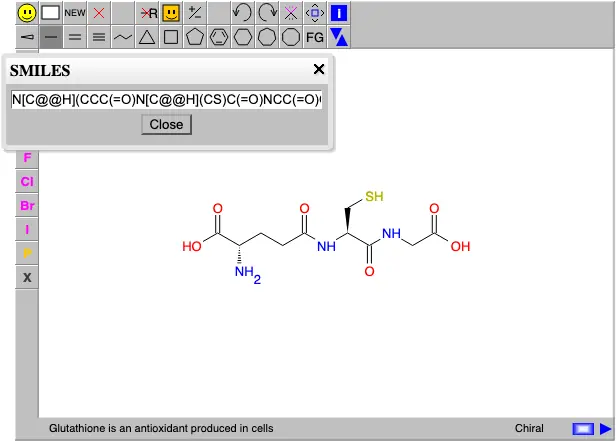 | Partly: Fixture imports and writes work; directional stereo is refused. Opens the cited page.Fixture imports and writes work; directional stereo is refused. | Partly: SMILES input renders; no SMILES output control found. Opens the screenshot.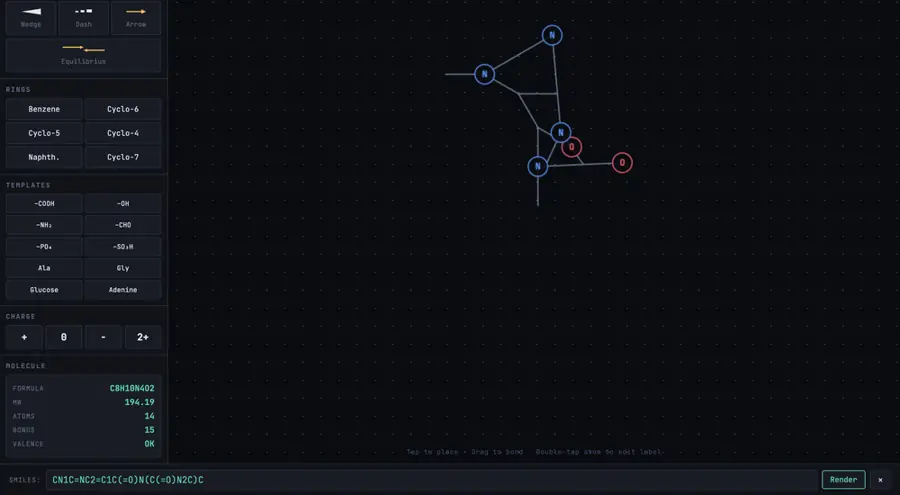 SMILES input renders; no SMILES output control found. | Partly: SMILES output worked; SMILES imports produced no drawing. Opens the cited page.SMILES output worked; SMILES imports produced no drawing. | Partly: Import corrupted both fixtures; SMILES export reports unimplemented. Opens the screenshot.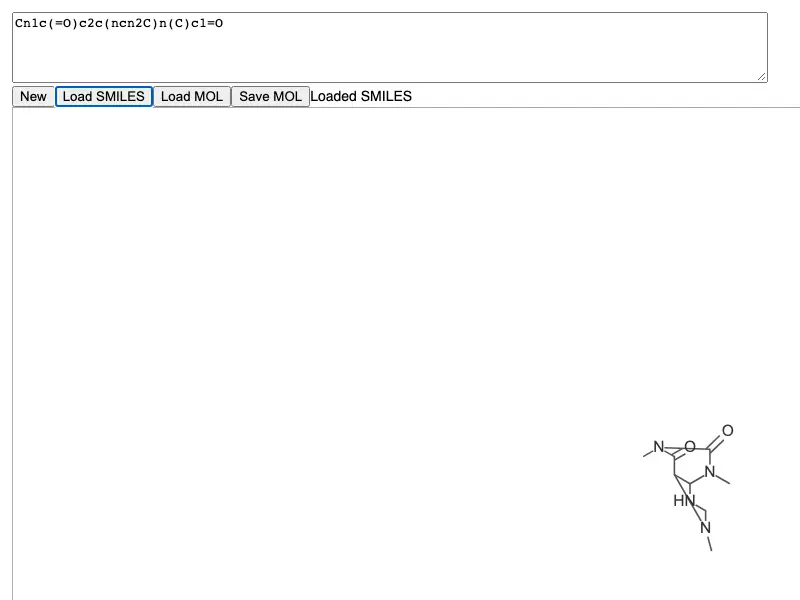 Import corrupted both fixtures; SMILES export reports unimplemented. | Partly: SMILES paste works; no output command; chirality not depicted. Opens the cited page.SMILES paste works; no output command; chirality not depicted. | No: Pasted caffeine and paclitaxel SMILES rejected. Opens the cited page. | No: SMILES paste rejected; no SMILES export control found. Opens the cited page. | Yes, tested by running it: Pasted fixtures and saved caffeine SMILES successfully. Opens the cited page. | No: SMILES file rejected; no paste field found. Opens the cited page. | No: SMILES paste produced no drawing; no SMILES export found. Opens the cited page. | Partly: Separate demo accepts SMILES; no output command; drawing clipped. Opens the cited page.Separate demo accepts SMILES; no output command; drawing clipped. | No: Opening simple.smi failed: Cannot read field x because vec2 is null. Opens the cited page. | No: SMILES file displayed as text without a structure. Opens the cited page. | No: SMILES input remained literal text; no chemistry conversion. Opens the cited page. | Partly: Caffeine SMILES exported; pasted SMILES displayed blank. Opens the cited page.Caffeine SMILES exported; pasted SMILES displayed blank. | No: SMILES in MOL input did not produce a structure. Opens the cited page. | No: Caffeine SMILES rejected; export dialog offers MOL text. Opens the cited page. | No: Both fixture SMILES pastes left the canvas empty. Opens the cited page. | No: SMILES import and export failed. Opens the cited page. | No: Pasting fixture SMILES did not import a structure. Opens the cited page. | No: Simulated SMILES paste produced no structure; no import control. Opens the cited page. | Yes, according to the manual: Read/write implemented; legacy UI warnings conflict with bundled parser capabilities. Opens the cited page. | Yes, according to the manual. Opens the cited page. | Yes, according to the manual: Paste SMILES and read drawing SMILES; file exports require Pro. Opens the cited page. | Yes, according to the manual. Opens the cited page. | Yes, according to the manual: Clipboard export; import through Special Paste in section 11.3. Opens the cited page. | Yes, according to the manual: Bundled InTable reads and generates SMILES. Opens the cited page. | Yes, according to the manual: SMILES import and export require conversion web services. Opens the cited page. | Yes, according to the manual: Imports a SMILES subset and generates SMILES. Opens the cited page. | Yes, according to the manual: vendor claim; SMILES conversion in both directions. Opens the cited page. | Not established | Yes, according to the manual: SMILES/MOL round trips and canonical SMILES output. Opens the cited page. | Yes, according to the manual. Opens the cited page. | Partly: Canonical SMILES generation documented; direct import unverified. Opens the cited page.Canonical SMILES generation documented; direct import unverified. | Yes, according to the manual: Copy As exports; Paste Special imports. Opens the cited page. | Yes, according to the manual. Opens the cited page. | Yes, according to the manual: Vendor claim: SMILES input and output. Opens the cited page. | Yes, according to the manual: SMILES conversion input and output through the local chemistry runtime. Opens the cited page. | Yes, according to the manual: SMILES import and export; CXSMILES also supported. Opens the cited page. | Partly: SMILES output via online service; native import accepts CML/MOL/SDF/SketchEl. Opens the cited page.SMILES output via online service; native import accepts CML/MOL/SDF/SketchEl. | Yes, according to the manual: Standard and isomeric SMILES; export excludes CXSMILES extensions. Opens the cited page. | Not established | Not established | Yes, according to the manual: Import requires Web Services; SMILES export is documented in SDK. Opens the cited page. | Yes, according to the manual: Canonical SMILES copy and editable structure paste. Opens the cited page. | Not established | Not established | Not established | Yes, according to the manual: SMILES import and clipboard export. Opens the cited page. | Partly: Subset reads/writes; @/@@ unsupported and exported stereochemistry omitted. Opens the cited page.Subset reads/writes; @/@@ unsupported and exported stereochemistry omitted. | Partly: SMILES import; export formats list omits SMILES. Opens the cited page.SMILES import; export formats list omits SMILES. | Not established | Yes, according to the manual: SMILES import/export; vendor claim. Opens the cited page. | Not established | Partly: SMILES import; export paths provide SVG or MOL text. Opens the cited page.SMILES import; export paths provide SVG or MOL text. | Yes, according to the manual: SMILES input files and calculated SMILES output; vendor claim. Opens the cited page. | Partly: Pro; vendor claim: SMILES export; import undocumented. Opens the cited page.ProPro; vendor claim: SMILES export; import undocumented. | Not established | Yes, according to the manual: Reads/writes SMILES, including multi-record SMI collections. Opens the cited page. | Not established | Partly: Clipboard export only; chemical text cannot be imported. Opens the cited page.Clipboard export only; chemical text cannot be imported. | Not established | Yes, according to the manual: Vendor claim: SMILES import and export. Opens the cited page. | Not established | Partly: vendor claim; SMILES clipboard output confirmed; import unverified. Opens the cited page.vendor claim; SMILES clipboard output confirmed; import unverified. | Partly: Source parser only; editor input hardcoded, export unverified. Opens the cited page.Source parser only; editor input hardcoded, export unverified. | Not established | Not established |
|---|
| InChI | Yes, according to the manual: Copy and paste InChI; InChIKey export also available. Opens the cited page. | Yes, according to the manual: InChI paste/import and explicit identifier copying. Opens the cited page. | Yes, tested by running it: Caffeine details displayed an InChI. Opens the screenshot.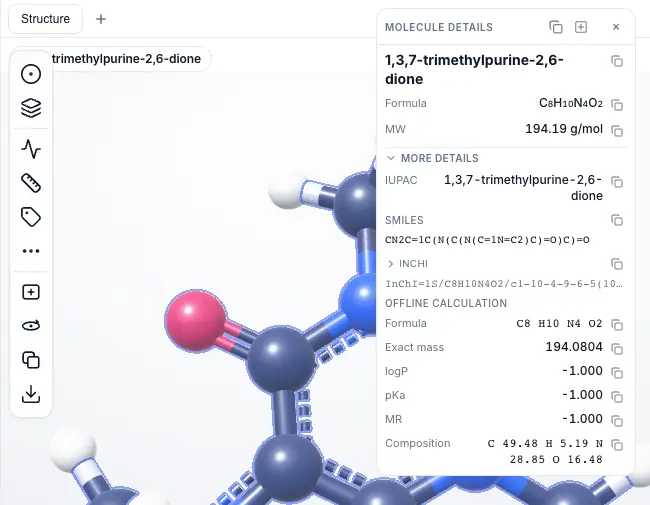 | Yes, according to the manual: Imports InChI; Copy As exports InChI and InChIKey. Opens the cited page. | Yes, according to the manual: Imports and exports InChI. Opens the cited page. | Yes, tested by running it: Molecular Inspector computed caffeine InChI and InChIKey. Opens the screenshot.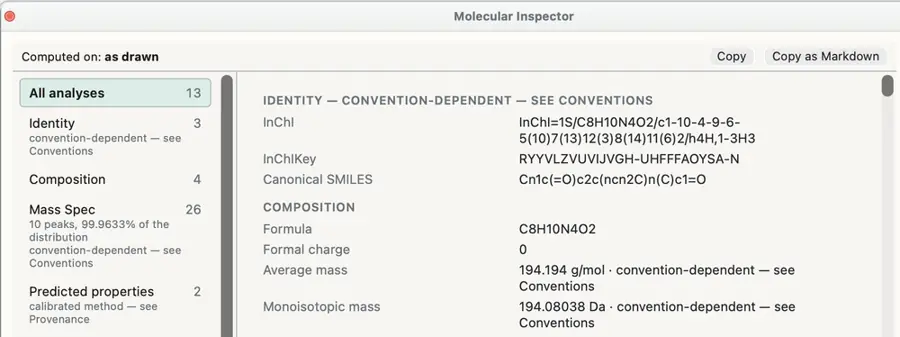 | Yes, according to the manual. Opens the cited page. | Not established | Yes, according to the manual: Offline InChI and InChIKey output. Opens the cited page. | Yes, according to the manual. Opens the cited page. | Partly: InChI available through online PubChem compound lookup. Opens the cited page.InChI available through online PubChem compound lookup. | Yes, according to the manual: InChI import is documented. Opens the cited page. | Partly: Research panel displayed explicitly approximate InChI and derived InChIKey. Opens the cited page.Research panel displayed explicitly approximate InChI and derived InChIKey. | Not established | Yes, according to the manual: Embedded Ketcher supports InChI, AuxInfo and InChIKey. Opens the cited page. | Yes, according to the manual. Opens the cited page. | Not established | Not established | No: InChI and InChIKey are on the roadmap. Opens the cited page. | Yes, according to the manual: InChI import and export. Opens the cited page. | Yes, according to the manual. Opens the cited page. | Not established | Yes, according to the manual: Paste InChI directly onto the whiteboard. Opens the cited page. | Not established | Not established | Not established: Adapter docstring mentions InChI without implementing an InChI workflow. | Yes, according to the manual: Read/write through iChemLabs Cloud Services using desktop-format support. Opens the cited page. | Yes, according to the manual: Ketcher supports InChI, AuxInfo and InChIKey. Opens the cited page. | Yes, tested by running it: Analysis generated cholesterol InChI and InChIKey. Opens the screenshot.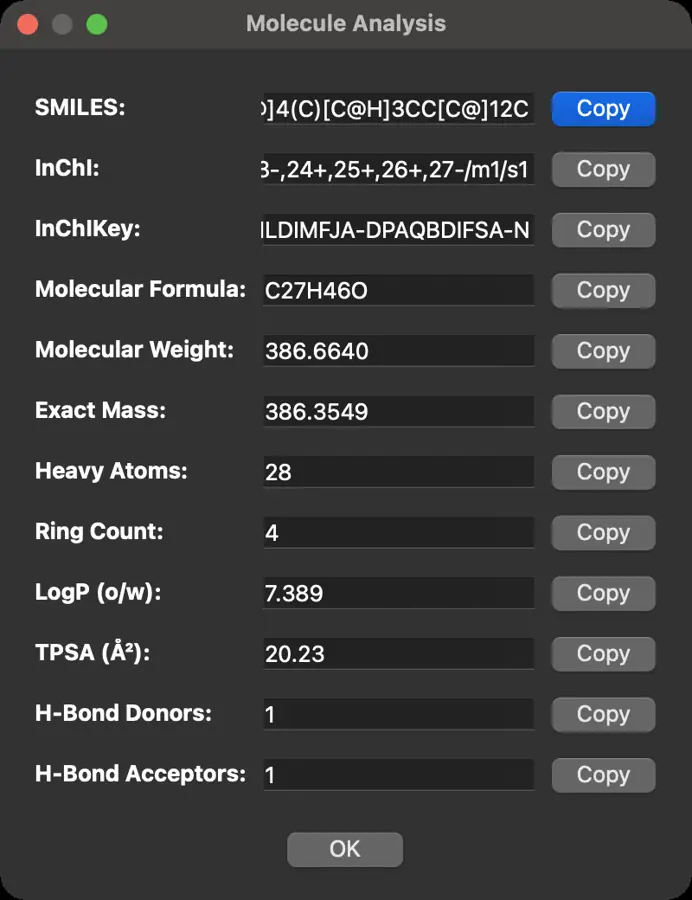 | No: InChI absent from inspected file-format lists. Opens the cited page. | Yes, according to the manual: Vendor claim: search accepts InChI and InChIKey. Opens the cited page. | Yes, according to the manual. Opens the cited page. | Yes, according to the manual: Host provides Copy InChI export. Opens the cited page. | Not established | Not established | Not established | Partly: InChI and InChIKey displayed and updated; no import found. Opens the screenshot. InChI and InChIKey displayed and updated; no import found. | Yes, according to the manual. Opens the cited page. | No: Former Molecule Info identifier generation was removed. Opens the cited page. | Yes, according to the manual: InChI import and export; InChIKey export. Opens the cited page. | Yes, according to the manual: Requires Open Babel's InChI support. Opens the cited page. | Not established | Yes, according to the manual. Opens the cited page. | Yes, according to the manual: InChI input and InChI/InChIKey output through JNI-InChI. Opens the cited page. | Not established | Yes, according to the manual: Generates InChI; insertion also accepts InChI. Opens the cited page. | Yes, according to the manual: InChI paste/import and getInChi() export method. Opens the cited page. | Yes, tested by running it: InChI and InChIKey displayed for caffeine. Opens the screenshot. | Yes, according to the manual: Copies generated InChI to the clipboard. Opens the cited page. | Yes, tested by running it: Computed InChI and InChIKey for benzene. Opens the screenshot.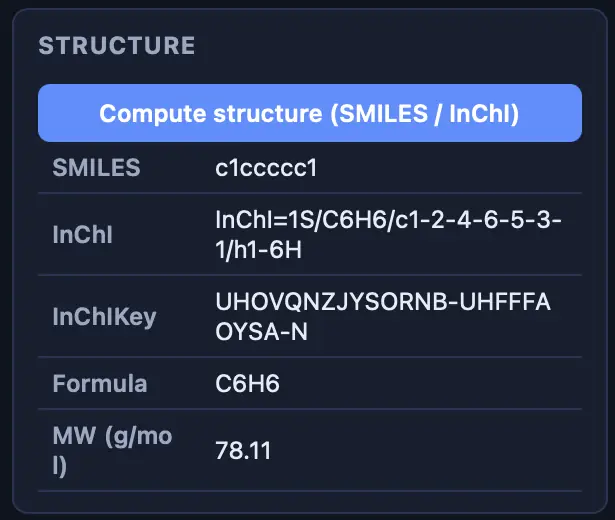 | Yes, according to the manual: Local InChI/InChIKey generation; dative bonds rejected. Opens the cited page. | Yes, according to the manual: RDKit-backed InChI and InChIKey export; variables are rejected. Opens the cited page. | Not established | Not established | Not established | Not established | Yes, according to the manual: Optional InChI library supplies output and InChIKey generation. Opens the cited page. | Yes, according to the manual: Reads and writes via Open Babel; import loses chemical metadata. Opens the cited page. | Not established | Yes, according to the manual: InChI is calculated in JavaScript within the browser. Opens the cited page. | No: InChI explicitly unimplemented. Opens the cited page. | Not established | Yes, according to the manual: Server export added after v0.1.12. Opens the cited page. | Not established | Not established | Not established | Not established | No: File handlers support MOL and SMILES only; clipboard parses SMILES. Opens the cited page. | Not established | Not established | Not established: Resolver demo accepts InChI; remote backend availability unverified. | Not established | Not established | Not established | Partly: InChI listed in import and export menus. Opens the cited page.InChI listed in import and export menus. | Not established | Not established | Not established | Not established | Not established | Not established | Partly: Limited import; external-binary generation retains Python 3 string/bytes errors. Opens the cited page.Limited import; external-binary generation retains Python 3 string/bytes errors. | Yes, according to the manual. Opens the cited page. | Yes, according to the manual: Indigo import/export and clipboard conversion; Pro downloads. Opens the cited page. | Yes, according to the manual: Windows/Linux; InChI input/output unavailable on macOS. Opens the cited page. | Yes, according to the manual: Copies structures as InChI and InChIKey. Opens the cited page. | Yes, according to the manual: InTable conversion. Opens the cited page. | Yes, according to the manual: InChI export requires web services. Opens the cited page. | Yes, according to the manual: Subset import; export uses an external InChI executable. Opens the cited page. | Yes, according to the manual: vendor claim; InChI conversion and InChIKey generation. Opens the cited page. | Yes, according to the manual: Supports InChI and InChIKey structure files. Opens the cited page. | Not established: Native InChI export absent; native import support unverified. | Yes, according to the manual. Opens the cited page. | Yes, according to the manual. Opens the cited page. | Not established | Yes, according to the manual: Copy standard InChI and InChIKey. Opens the cited page. | Yes, according to the manual: Generate InChI identifiers from drawn structures. Opens the cited page. | Yes, according to the manual: Standard and fixed-H InChI interchange. Opens the cited page. | Yes, according to the manual: InChI and InChIKey export types are documented. Opens the cited page. | Yes, according to the manual: Online service generates InChI and InChIKey textual properties. Opens the cited page. | Yes, according to the manual: Local InChI input and generation. Opens the cited page. | Not established | Not established | Not established | Not established | Not established | Not established | Not established | Yes, according to the manual: InChI import and clipboard export. Opens the cited page. | No: Simplified formula/connectivity hash is not standard InChI. Opens the cited page. | Yes, according to the manual: InChI import. Opens the cited page. | Not established | Yes, according to the manual: InChI export via PubChem; internet required. Opens the cited page. | Not established | Not established | Yes, according to the manual: InChI output omits coordinate bonds; vendor claim. Opens the cited page. | Yes, according to the manual: Pro; vendor claim: InChI export. Opens the cited page.Pro | Not established | Yes, according to the manual: Generates InChI and InChIKey offline. Opens the cited page. | Not established | Yes, according to the manual: Clipboard text export. Opens the cited page. | Not established | Not established | Not established | Not established | Not established | Not established | Not established |
|---|
| RXN files | Yes, according to the manual: Reads and writes RXN V2000/V3000; all editions. Opens the cited page. | Yes, according to the manual: RXN import/export uses explicitly defined reaction roles. Opens the cited page. | Yes, according to the manual: MDL RXN reaction export. Opens the cited page. | Yes, according to the manual. Opens the cited page. | Yes, according to the manual: Reads and writes V2000 and V3000 RXN reactions. Opens the cited page. | Partly: RXN paste extracts molecules; reaction roles, arrows and layout are omitted. Opens the cited page.RXN paste extracts molecules; reaction roles, arrows and layout are omitted. | Yes, according to the manual. Opens the cited page. | Yes, according to the manual: Open and export RXN reaction files. Opens the cited page. | Yes, according to the manual. Opens the cited page. | Yes, according to the manual. Opens the cited page. | Yes, according to the manual. Opens the cited page. | Yes, according to the manual: RXN file import is documented. Opens the cited page. | Yes, according to the manual: One-step RXN V2000; agents and coefficients require loss confirmation. Opens the cited page. | Not established | Yes, according to the manual: Embedded Ketcher reads and writes MDL RXN reactions. Opens the cited page. | Yes, according to the manual: Read/write; export requires exactly one reaction. Opens the cited page. | Not established | Not established | Not established | Yes, according to the manual: Ketcher reads and writes RXN V2000/V3000. Opens the cited page. | Yes, according to the manual: Native Ketcher exports RXN V2000 and V3000. Opens the cited page. | Not established | Partly: RXN preview generated for a drawing with arrows. Opens the cited page.RXN preview generated for a drawing with arrows. | Not established | Partly: Reaction mode saved RXN; import not checked. Opens the cited page.Reaction mode saved RXN; import not checked. | Yes, according to the manual: Export only; README's read/write claim exceeds implemented support. Opens the cited page. | Yes, according to the manual: Native readRXN and writeRXN APIs. Opens the cited page. | Yes, according to the manual: Ketcher loads and saves MDL RXN reactions. Opens the cited page. | Not established | No: RXN absent from inspected file-format lists. Opens the cited page. | Not established | Yes, according to the manual: RXN V2000 and V3000. Opens the cited page. | Yes, according to the manual: AI-generated RXN input and Copy RXN export. Opens the cited page. | Yes, according to the manual: Single reaction arrow required; agent structures rejected on import. Opens the cited page. | Not established | Not established | Yes, according to the manual: Source checkout; RXN V2000 export. Opens the cited page. | Yes, according to the manual. Opens the cited page. | Not established | Yes, according to the manual: RXN import and V3000 export. Opens the cited page. | Partly: Open Babel 3 imports components; reaction roles and mapping are discarded. Opens the cited page.Open Babel 3 imports components; reaction roles and mapping are discarded. | Not established | Not established | Not established | Not established | Yes, according to the manual: Reads and writes MDL RXN reaction files. Opens the cited page. | Not established | Not established | Not established | Not established | Not established | Not established | Yes, according to the manual: API reads and writes RXN V2000 and V3000. Opens the cited page. | Not established | Partly: RXN text output generated; RXN import not tested. Opens the cited page.RXN text output generated; RXN import not tested. | Not established | Yes, according to the manual: Reads and writes RXN2000 and RXN3000. Opens the cited page. | No: RXN interchange is listed as future work. Opens the cited page. | Not established | Yes, according to the manual: Reads RXN; molFile exports RXN for reaction drawings. Opens the cited page. | No: Reaction CTfiles are unsupported. Opens the cited page. | Not established | Yes, according to the manual: Reads and writes MDL RXN reaction data. Opens the cited page. | Not established | Not established | Not established | Not established | No: File handlers support MOL and SMILES only. Opens the cited page. | Not established | Not established | Yes, according to the manual: RXN reading and writing through JavaScript API. Opens the cited page. | Not established | Not established | Not established | Partly: RXN listed in import and export menus. Opens the cited page.RXN listed in import and export menus. | Not established | Not established | Not established | Not established | Not established | Not established | Not established | Yes, according to the manual. Opens the cited page. | Yes, according to the manual: Indigo import/export; reaction layout fidelity unverified; Pro downloads. Opens the cited page. | Yes, according to the manual. Opens the cited page. | Not established | Not established | Yes, according to the manual: RXN export requires web services. Opens the cited page. | Not established | Yes, according to the manual: vendor claim; saves RXN reactions with reagent information. Opens the cited page. | Yes, according to the manual: Supports MDL RXN and RXN V3000 files. Opens the cited page. | Partly: Native automapping supports RXN; ordinary conversion uses a molecule loader. Opens the cited page.Native automapping supports RXN; ordinary conversion uses a molecule loader. | Yes, according to the manual: Imported RXN files are explicitly listed. Opens the cited page. | Not established | Not established | Yes, according to the manual: RXN read/write; vendor claim. Opens the cited page. | Yes, according to the manual: Vendor claim: RXN import and export. Opens the cited page. | Not established | Yes, according to the manual: RXN export is documented. Opens the cited page. | Not established | Yes, according to the manual: MDL RXN input and whole-reaction export. Opens the cited page. | Not established | Not established | Yes, according to the manual: RXN import/export, including V3000 output. Opens the cited page. | Not established | Not established | Not established | Not established | Yes, according to the manual: MDL RXN import and export in reaction mode. Opens the cited page.Free | No: RXN reaction files explicitly unsupported. Opens the cited page. | Not established | Not established | Not established | Not established | Not established | Not established | Not established | Not established | Not established | Yes, according to the manual: Vendor claim: RXN/RD export. Opens the cited page. | No: Chemical file import and export are unavailable. Opens the cited page. | Not established | Not established | Not established | Not established | Not established | Not established | Not established |
|---|
| SVG export | Yes, tested by running it: Saved vector SVGs for caffeine and paclitaxel. Opens the cited page. | Yes, tested by running it: Exported all fixtures as SVG; files contain vector paths. Opens the screenshot. | Partly: SVG download prompted for an account. Opens the screenshot.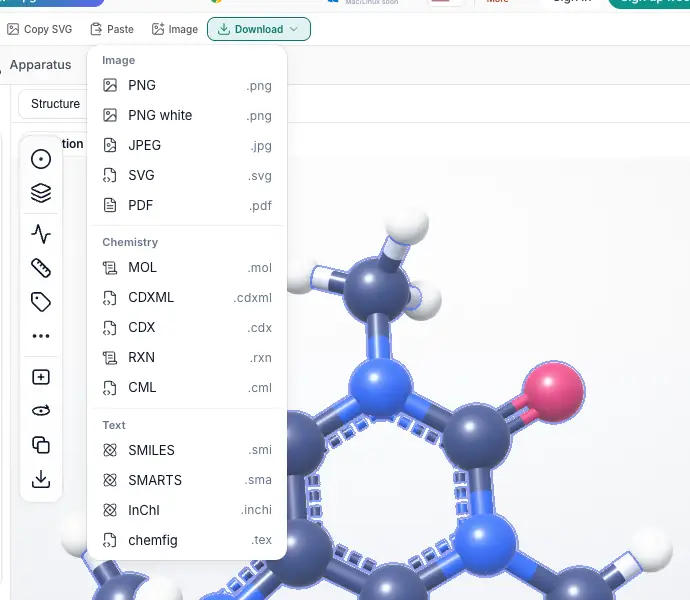 Free accountSVG download prompted for an account. | Yes, tested by running it: Default SVG exports written for all three fixtures. Opens the cited page. | Yes, tested by running it: Exported all three fixtures; SVG files parse successfully. Opens the cited page. | Yes, tested by running it: Default SVG exports saved for caffeine and cholesterol. Opens the cited page. | Yes, tested by running it: Downloaded SVG drawings. Opens the screenshot.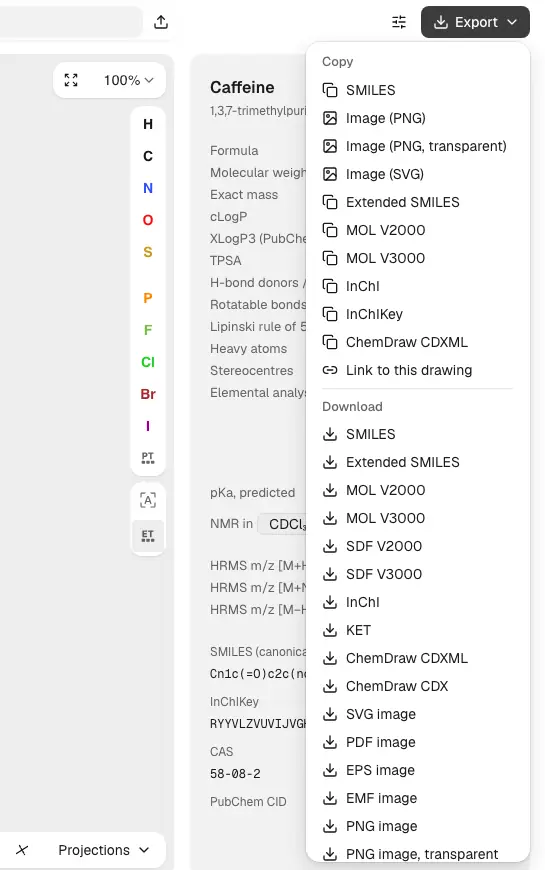 | Yes, tested by running it: Downloaded structure SVGs. Opens the cited page. | Yes, tested by running it: All three SVG exports saved and parsed as vector XML. Opens the cited page. | Yes, tested by running it: Saved default SVG exports for all three fixtures. Opens the cited page. | Yes, tested by running it: Exported an SVG file. Opens the cited page. | Yes, tested by running it: Caffeine and paclitaxel SVG exports saved with default settings. Opens the cited page. | Yes, tested by running it: SVG downloaded for caffeine, paclitaxel, and cholesterol. Opens the screenshot. | Yes, tested by running it: Exported all three drawings as SVG. Opens the cited page. | Yes, tested by running it: Downloaded SVG drawings for all three structures. Opens the screenshot.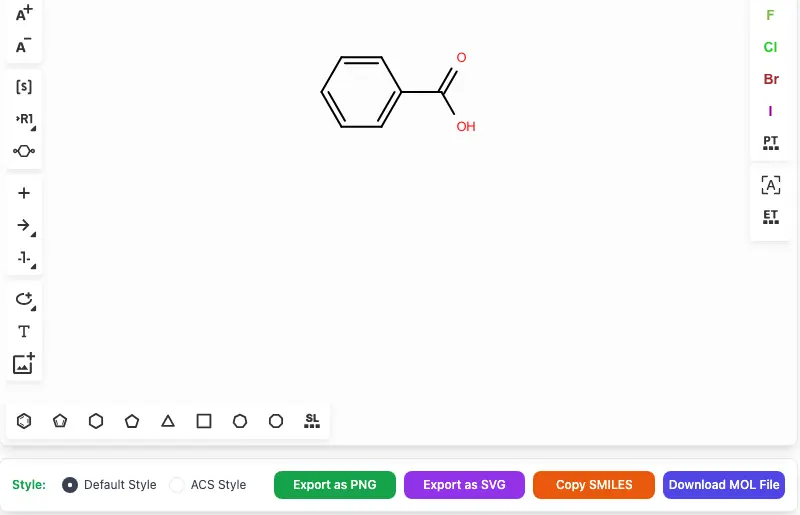 | Yes, tested by running it: Default SVG exports saved for all three structures. Opens the cited page. | Yes, tested by running it: Default SVG files saved for both 2D fixtures. Opens the cited page. | Yes, tested by running it: Exported SVG drawings for all three fixtures. Opens the cited page. | Yes, tested by running it: Saved default SVG exports for caffeine and paclitaxel. Opens the cited page. | Yes, tested by running it: Ketcher saved vector SVG for both 2D fixtures. Opens the cited page. | Yes, tested by running it: Saved native SVG drawings. Opens the screenshot. | Yes, tested by running it: Saved default SVG images for all three structures. Opens the cited page. | Yes, tested by running it: Board SVG downloads generated for all three fixtures. Opens the cited page. | Yes, tested by running it: Exported SVG files for all three fixtures. Opens the cited page. | Yes, tested by running it: SVG button downloaded structure SVG. Opens the screenshot. | Yes, tested by running it: SVG files written; fixture depictions overlap at default scale. Opens the screenshot.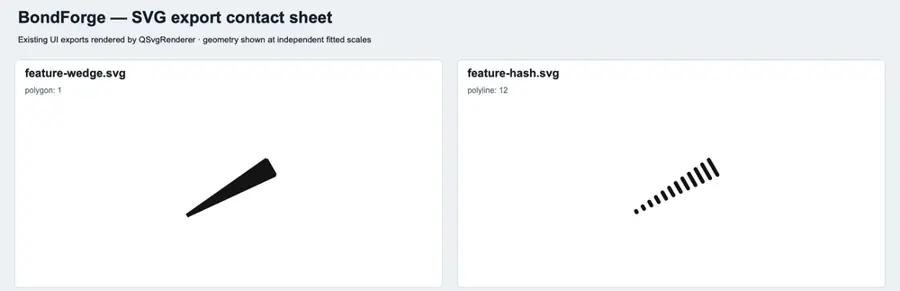 | Yes, according to the manual: Proprietary builds only; 2D canvases only. Opens the cited page. | Yes, tested by running it: Downloaded SVG exports. Opens the cited page. | Yes, tested by running it: Native transparent SVG exports saved for all fixtures. Opens the cited page. | Yes, tested by running it: Saved default cropped vector SVG for both fixtures. Opens the cited page. | Partly: SVG option requires subscription. Opens the screenshot.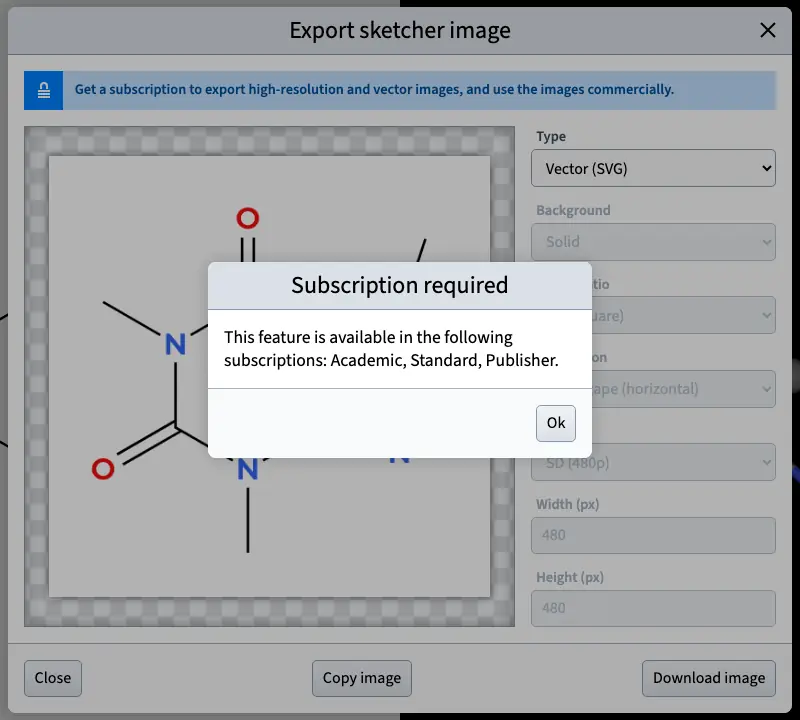 AcademicSVG option requires subscription. | Yes, tested by running it: Exported SVG for all three fixtures. Opens the cited page. | Yes, tested by running it: Downloaded SVG drawings. Opens the screenshot. | Yes, tested by running it: Exported SVG drawings. Opens the cited page. | No: .svg request saved .svg.png; no vector output. Opens the cited page. | No: Native output-format request rejected SVG. Opens the cited page. | Yes, tested by running it: Downloaded SVG of a manually built ethylbenzene. Opens the screenshot. | Yes, tested by running it: SVG downloads saved successfully. Opens the cited page. | Yes, tested by running it: Saved both fixtures with default transparent Plain SVG settings. Opens the cited page. | Yes, tested by running it: Saved svg-test.svg using SVG image format. Opens the cited page. | Yes, tested by running it: Native SVG export wrote features-test.svg. Opens the cited page. | Partly: Caffeine SVG has 32 NaN coordinates in 16 line elements. Opens the cited page.Caffeine SVG has 32 NaN coordinates in 16 line elements. | Yes, tested by running it: Downloaded default SVG drawings. Opens the cited page. | Yes, tested by running it: Caffeine SVG exported successfully with default settings. Opens the cited page. | Yes, tested by running it: Downloaded SVGs for both 2D fixtures. Opens the screenshot.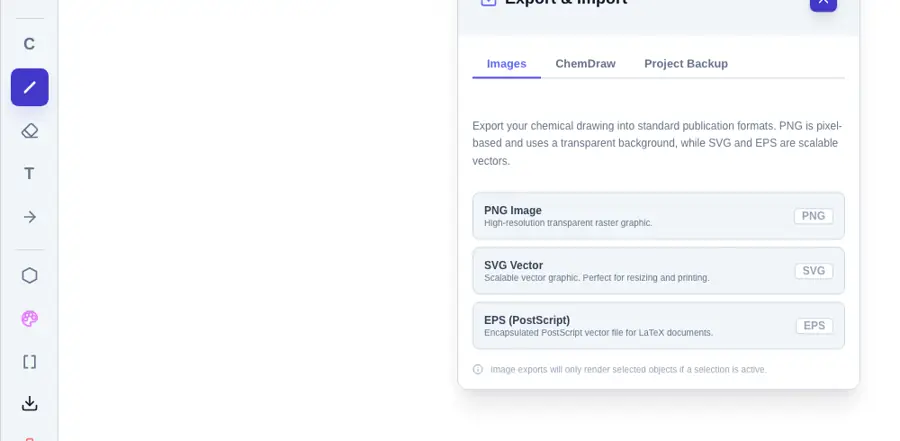 | Yes, according to the manual. Opens the cited page. | No: Export dialog offers MOL and SMILES text only. Opens the cited page. | Yes, tested by running it: Downloaded SVG files contain vector paths. Opens the screenshot.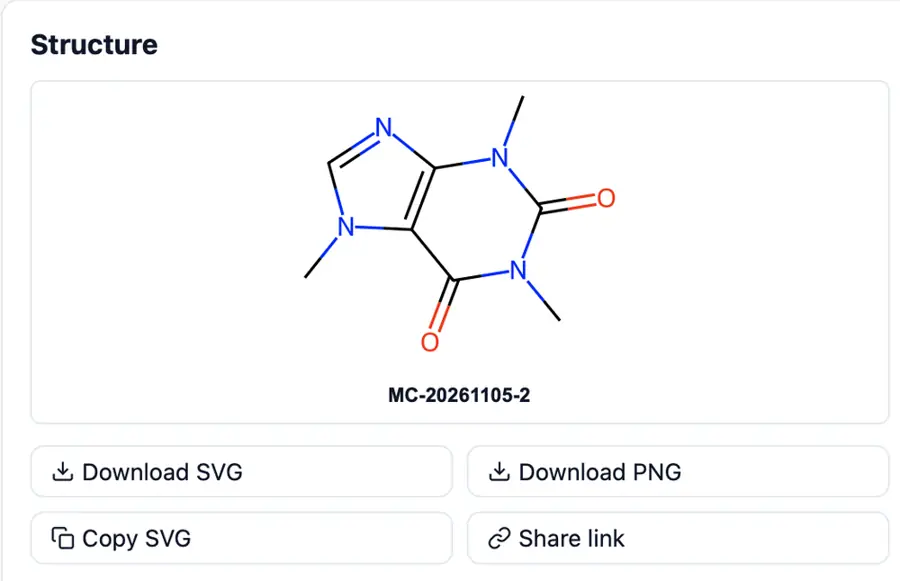 | Partly: Export attempt inconclusive: computer-use could not establish a selection. Opens the cited page.Export attempt inconclusive: computer-use could not establish a selection. | No: Image export offers PNG only. Opens the cited page. | Yes, according to the manual. Opens the cited page. | Yes, tested by running it: Exported SVG from both SMILES fixtures. Opens the cited page. | Yes, according to the manual: API returns vector SVG at specified dimensions. Opens the cited page. | Yes, tested by running it: Downloaded SVG for both structures. Opens the screenshot.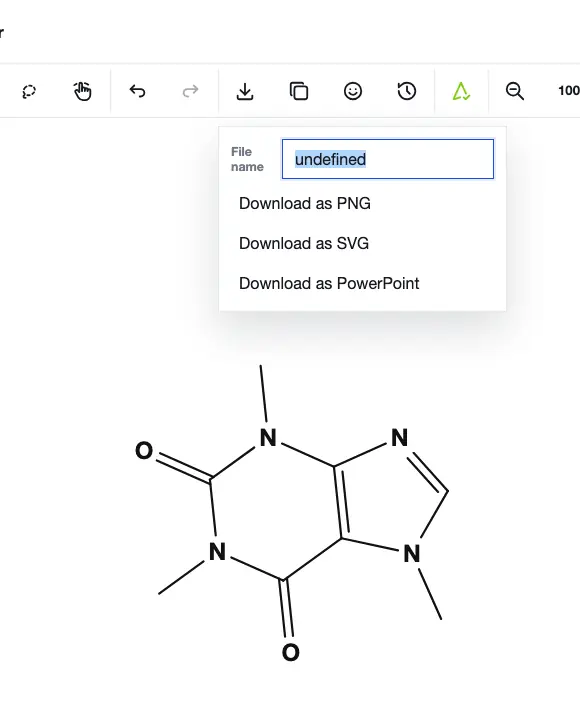 | No: No SVG export command found. Opens the cited page. | Yes, tested by running it: Default SVG exports saved for all three fixtures. Opens the cited page. | Yes, according to the manual: SVG export through the optional Raphaël rendering bridge. Opens the cited page. | Partly: Export succeeds, but SVG embeds one bitmap and no vector paths. Opens the cited page.Export succeeds, but SVG embeds one bitmap and no vector paths. | Partly: Export dialog opened; filename input failed, so no SVG was saved. Opens the screenshot. Export dialog opened; filename input failed, so no SVG was saved. | Yes, tested by running it: Raw SVG copy dialog works after enabling exportSVG option. Opens the screenshot.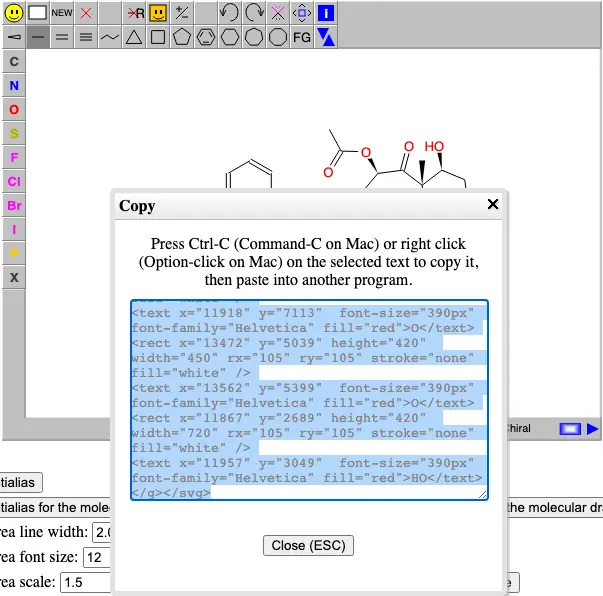 | No: render.scene refuses SVG; no GUI image export command. Opens the cited page. | No: No SVG export control found. | Yes, according to the manual: SVG getter exposed through the embedding API. Opens the cited page. | No: No SVG export command found in inspected menus. Opens the cited page. | Yes, tested by running it: Downloaded SVG for both 2D fixtures. Opens the cited page. | Yes, tested by running it: SVG button saved a vector file. Opens the cited page. | Yes, tested by running it: Copy SVG button produced SVG text. Opens the cited page. | No: Save As Any File returned Invalid file format. Opens the cited page. | Partly: Shortcut logs SVG element; no file download. Opens the cited page.Shortcut logs SVG element; no file download. | Yes, tested by running it: Save as SVG downloaded a vector file. Opens the cited page. | No: No image export command in demo. Opens the cited page. | Yes, according to the manual: JMDSVGExportFilter generates vector SVG using Apache Batik. Opens the cited page. | Not established | No: No SVG export control visible. Opens the cited page. | No: No SVG export option found. Opens the cited page. | No: Save did nothing; no SVG option appeared. Opens the cited page. | No: Export control opens only a MOL text dialog. Opens the cited page. | No: No SVG export command or output dialog exposed. Opens the cited page. | No: No SVG option in export dialog. Opens the cited page. | Partly: Clipboard SVG serialization omits the external styles defining bond strokes. Opens the cited page.Clipboard SVG serialization omits the external styles defining bond strokes. | No: No export command visible. Opens the cited page. | Yes, according to the manual: Exports plain SVG and editable CDML embedded in SVG. Opens the cited page. | Yes, according to the manual. Opens the cited page. | Yes, according to the manual: Custom serializer emits vector SVG; downloads require Pro. Opens the cited page.LabCanvas Pro | Yes, according to the manual. Opens the cited page. | Not established | Yes, according to the manual. Opens the cited page. | Yes, according to the manual: SVG export is available through the API. Opens the cited page. | Yes, according to the manual: Vector SVG; native CD-SVG also embeds editable BKChem data. Opens the cited page. | Yes, according to the manual: SVG saving and clipboard export added in 2025 SP1. Opens the cited page. | Not established | Yes, according to the manual. Opens the cited page. | Yes, according to the manual. Opens the cited page. | Yes, according to the manual. Opens the cited page. | Yes, according to the manual: Windows vector SVG export; PC export requires membership. Opens the cited page.Education 4.0 (university email) | Yes, according to the manual. Opens the cited page. | Not established | Yes, according to the manual: Complete vector SVG document export. Opens the cited page. | Yes, according to the manual: SVG vector export. Opens the cited page. | Not established | Yes, according to the manual: Resolution-independent structure artwork. Opens the cited page. | Yes, according to the manual: Native vector SVG export. Opens the cited page. | Yes, according to the manual: Vector SVG export. Opens the cited page. | Yes, according to the manual: getSvg returns vector SVG data. Opens the cited page. | Yes, according to the manual: RDKit vector export; omitted from README I/O summary. Opens the cited page. | Yes, according to the manual: SVG export added in version 2.8. Opens the cited page.M | Yes, according to the manual: Exports vector SVG graphics. Opens the cited page. | Not established | Yes, according to the manual: Resolution-independent vector SVG. Opens the cited page. | No: Listed as future work; current image export is PNG. Opens the cited page. | Not established | Not established | Yes, according to the manual. Opens the cited page. | Not established | Yes, according to the manual: SVG includes molecular data for reopening. Opens the cited page. | Not established | Yes, according to the manual: Pro; vendor claim: scalable SVG export. Opens the cited page.Pro | Not established | Not established | Not established | No: Image files cannot be saved. Opens the cited page. | Not established | Not established | Not established | Not established | Not established | Yes, according to the manual: Vendor claim: SVG export added in version 1.6. Opens the cited page. | Not established |
|---|
| PDF export | Yes, tested by running it: Saved vector PDF; one Letter page, no raster images. Opens the cited page. | Yes, tested by running it: Default figure format PDF; exported caffeine and paclitaxel. Opens the screenshot.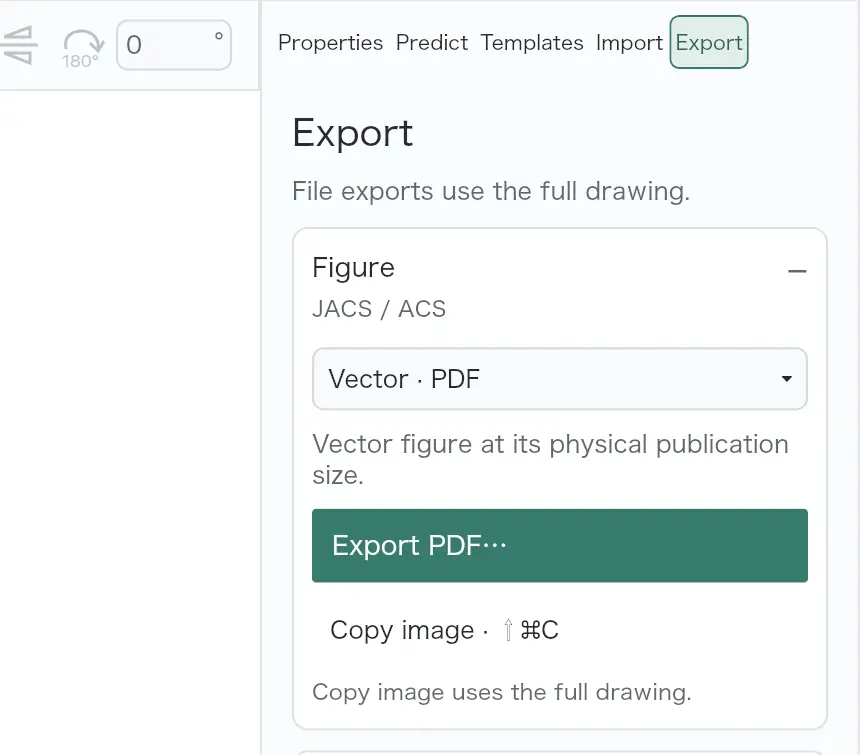 | Partly: PDF download prompted for an account. Opens the screenshot.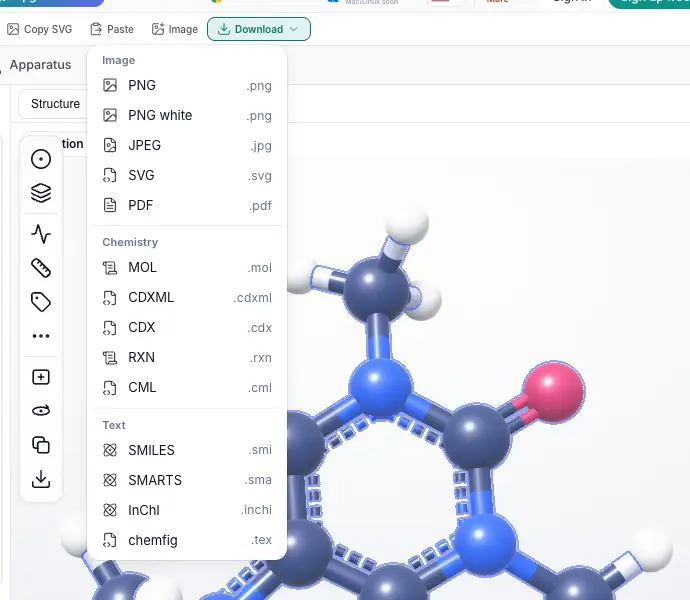 PDF download prompted for an account. | Yes, tested by running it: Caffeine PDF exported; vector content and attached structures verified. Opens the cited page. | Yes, tested by running it: Exported caffeine using default PDF settings. Opens the cited page. | Yes, tested by running it: Default vector PDF exported successfully. Opens the cited page. | Yes, tested by running it: Downloaded PDF; no embedded raster images detected. Opens the screenshot.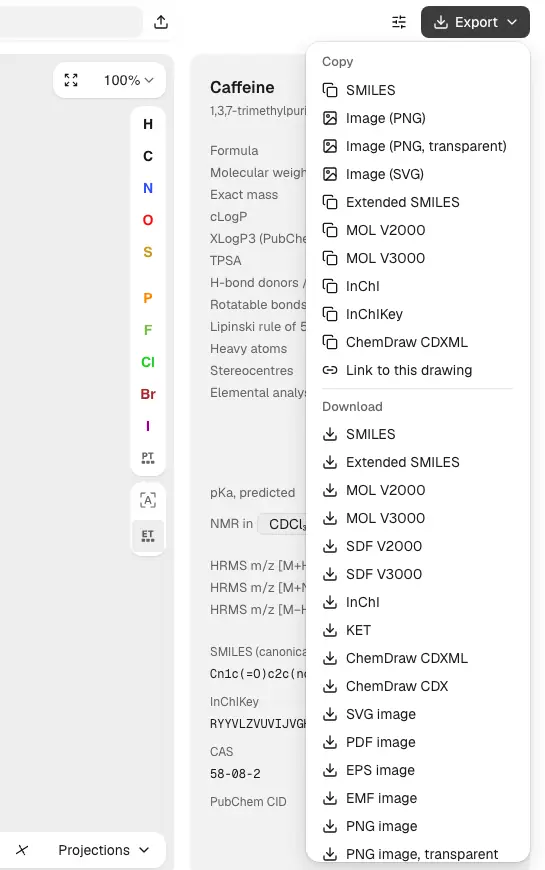 | Yes, tested by running it: Downloaded a one-page PDF. Opens the cited page. | No: No PDF/Print command found; Cmd+P opened no print dialog. Opens the cited page. | Partly: Host PDF rasterizes chemistry; white bonds lose contrast on white. Opens the cited page.Host PDF rasterizes chemistry; white bonds lose contrast on white. | Yes, tested by running it: Exported PDF with vector content and embedded font. Opens the cited page. | Partly: Valid vector PDF saved after write EPIPE alert. Opens the cited page.Valid vector PDF saved after write EPIPE alert. | No: Export shortcut referred to unavailable File menu; no PDF control. Opens the cited page. | No: No PDF export command in File menu. Opens the cited page. | No: No PDF option in editor save or workspace export controls. Opens the cited page. | Yes, tested by running it: Default caffeine PDF saved; vector paths verified. Opens the cited page. | Partly: Print PDF rasterizes the entire editor, including toolbars. Opens the screenshot.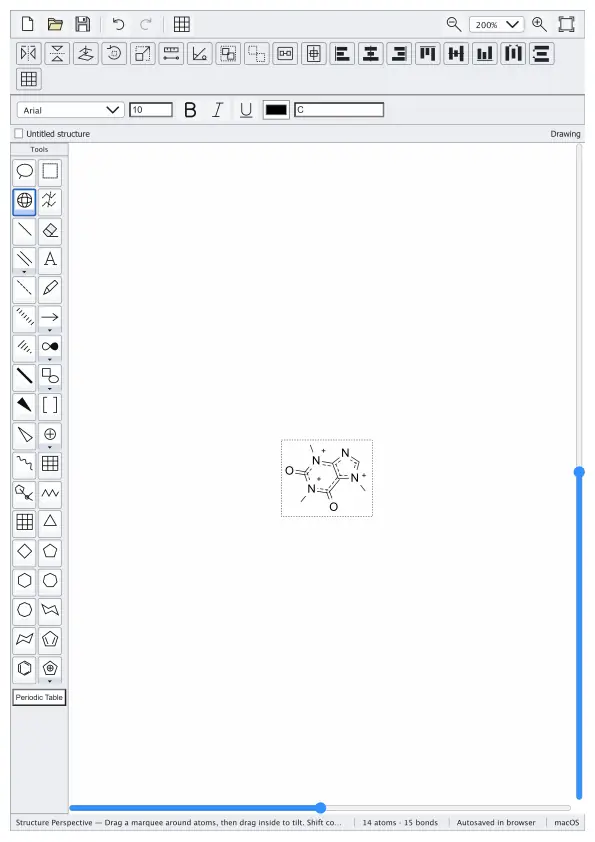 Print PDF rasterizes the entire editor, including toolbars. | No: No PDF export command found in File menu. Opens the cited page. | No: No PDF menu option; Command-P produced no response. Opens the cited page. | Partly: PDF export embeds a raster image, not vector drawing. Opens the cited page.PDF export embeds a raster image, not vector drawing. | No: PDF absent from editor and wrapper export formats. Opens the cited page. | No: No PDF export; browser print preview included interface and clipped drawing. Opens the cited page. | No: Board export offered PNG and SVG, with no PDF option. Opens the cited page. | No: File menu and action search offered no PDF export. Opens the cited page. | No: Save controls offered RXN or SVG, not PDF. Opens the cited page. | Yes, tested by running it: Default PDF written as one US Letter page. Opens the cited page. | No: No image export option in the demo save dialog. Opens the cited page. | Partly: Print preview opened; host did not invoke print dialog. Opens the cited page.Print preview opened; host did not invoke print dialog. | No: No PDF/Print command; Command-P opened no dialog. Opens the cited page. | Yes, tested by running it: Saved caffeine PDF with default settings. Opens the cited page. | No: No PDF choice in inspected export menus. Opens the cited page. | No: No PDF option in Save Structure format list. Opens the cited page. | No: No PDF option in available export formats. Opens the cited page. | Yes, tested by running it: Exported PDF; no raster images found inside. Opens the cited page. | Partly: System Print saves PDF containing rasterized molecular views. Opens the screenshot.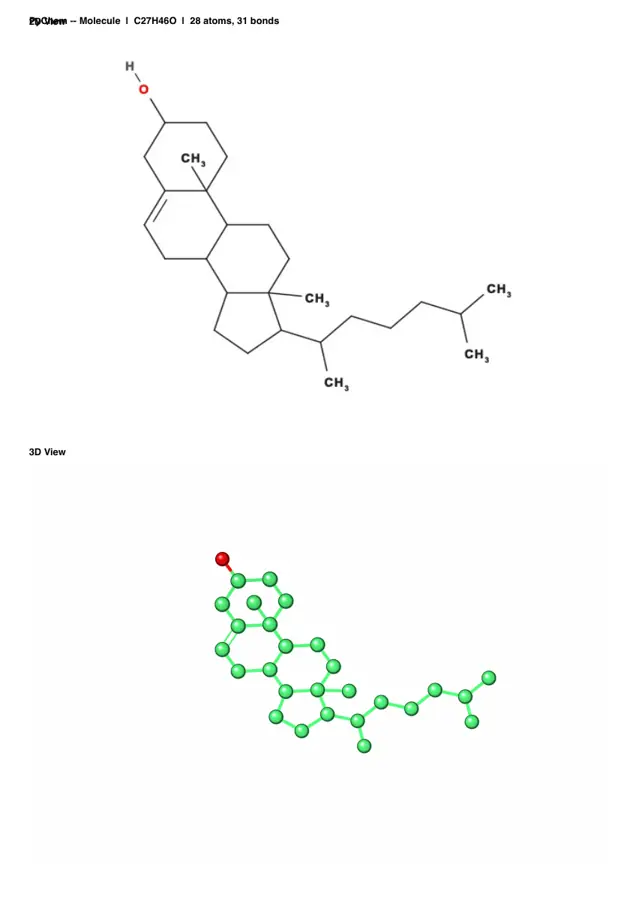 System Print saves PDF containing rasterized molecular views. | Yes, tested by running it: Vector PDFs compiled with Tectonic using default drawing settings. Opens the screenshot.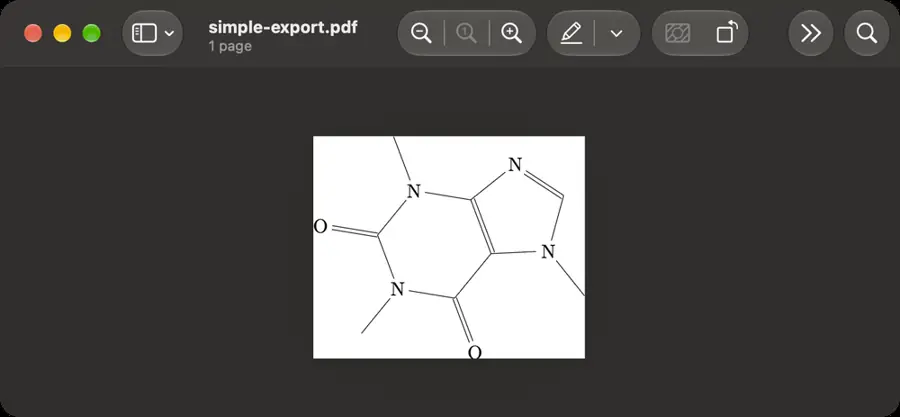 | Yes, according to the manual: Source checkout; browser Print to PDF preserves vectors. Opens the cited page. | No: No PDF option in save format list. Opens the cited page. | Yes, tested by running it: Exported paclitaxel as vector PDF. Opens the cited page. | No: Only PNG/SVG formats; Command-P opened no print dialog. Opens the cited page. | Yes, tested by running it: Saved through Print Preview and macOS PDF save. Opens the cited page. | No: Command-P did nothing; File offers SVG and PNG only. Opens the cited page. | No: Export menu has no PDF option. Opens the cited page. | Partly: Export opened Save panel; automation could not enter filename. Opens the cited page.Export opened Save panel; automation could not enter filename. | No: Image export offers PNG, SVG, and EPS. Opens the cited page. | Partly: Print-to-PDF succeeded; default A4 output clipped the rightmost structure. Opens the cited page.Print-to-PDF succeeded; default A4 output clipped the rightmost structure. | No: No PDF export option found. Opens the cited page. | No: No PDF export command found. Opens the cited page. | No: No PDF command in File menu or Save formats. Opens the cited page. | No: Image export offers PNG only. Opens the cited page. | Partly: PDF pages contain rasterized JPEG images, lacking vector artwork. Opens the cited page.PDF pages contain rasterized JPEG images, lacking vector artwork. | No: No PDF command found in file menu. Opens the cited page. | No: No PDF export control visible. Opens the cited page. | No: Download menu offers PNG, SVG and PowerPoint only. Opens the cited page. | No: No PDF export command found. Opens the cited page. | No: File menu exposes SVG only; no print or PDF command. Opens the cited page. | No: No PDF option in save dialog. Opens the cited page. | Partly: PDF export contains a raster image instead of vector drawing. Opens the cited page.PDF export contains a raster image instead of vector drawing. | Partly: PDF requires ODG export followed by OpenOffice Draw. Opens the cited page.PDF requires ODG export followed by OpenOffice Draw. | No: No PDF export command found. Opens the cited page. | No: render.scene refuses PDF; no GUI image export command. Opens the cited page. | No: No PDF export control found. | No: No PDF export command found. Opens the cited page. | No: No PDF export command found in inspected menus. Opens the cited page. | No: Export menu offers SVG and PNG only. Opens the cited page. | No: Browser print previews entire page; no PDF export command. Opens the cited page. | No: No PDF export command found in sketcher demo. Opens the cited page. | No: Save As Any File returned Invalid file format. Opens the cited page. | Partly: Print generates PDF through browser; includes page headers. Opens the cited page.Print generates PDF through browser; includes page headers. | No: No PDF export command found. Opens the cited page. | No: No PDF export command in demo. Opens the cited page. | No: No PDF format or print command found in File menu. Opens the cited page. | Not established | No: No PDF export control visible. Opens the cited page. | No: No PDF export option found. Opens the cited page. | No: Save did nothing; no PDF option appeared. Opens the cited page. | No: Export control opens only a MOL text dialog. Opens the cited page. | No: Print shortcut opened no dialog; no PDF export control. Opens the cited page. | No: No PDF option in export dialog. Opens the cited page. | Not established | No: No export command visible. Opens the cited page. | Yes, according to the manual: Vector PDF through Cairo; also includes a Piddle backend. Opens the cited page. | Yes, according to the manual. Opens the cited page. | Yes, according to the manual: Pro; vector PDF through Figure editor; vendor claim. Opens the cited page.LabCanvas Pro | Yes, according to the manual: Vector PDF export documented. Opens the cited page. | Partly: PDF export documented; vector output not specified. Opens the cited page.PDF export documented; vector output not specified. | Not established | Not established | Yes, according to the manual: Vector PDF via Cairo. Opens the cited page. | Not established | Not established | Partly: Native renderer accepts PDF; editor save dialog omits PDF. Opens the cited page.Native renderer accepts PDF; editor save dialog omits PDF. | Not established | Yes, according to the manual. Opens the cited page. | Not established | Yes, according to the manual. Opens the cited page. | Not established: PDF output documented; vector preservation unverified. | Yes, according to the manual: Complete vector PDF document export. Opens the cited page. | Not established | Not established | Yes, according to the manual: Vector-preserving PDF sharing. Opens the cited page. | Not established | Not established | Not established | Not established | Yes, according to the manual: Mac PDF export preserves vector quality. Opens the cited page.M | Not established | Not established | Not established | Not established | Not established | Yes, according to the manual: Vector EPS converted through Ghostscript; Unix builds only. Opens the cited page. | Not established | Not established | Not established | Not established | Not established | Not established | Not established: PDF reports documented; vector output unverified. | Yes, according to the manual: Vendor claim: scalable vector PDF export. Opens the cited page. | No: Only .scrb files can be saved. Opens the cited page. | Not established | Not established | Not established | Not established | Not established | Not established | Not established |
|---|
| High-resolution PNG | Yes, tested by running it: Default PNG: 552 by 532 pixels, approximately 301 dpi. Opens the cited page. | Yes, tested by running it: Default model PNG: 2973×1198 pixels, 1200 dpi metadata. Opens the screenshot. | Partly: PNG download prompted for an account; resolution unverified. Opens the cited page.Free accountPNG download prompted for an account; resolution unverified. | Yes, tested by running it: Default caffeine PNG exported; pHYs metadata records 300 dpi. Opens the cited page. | Yes, tested by running it: Exported at default 600 dpi with transparent background. Opens the screenshot.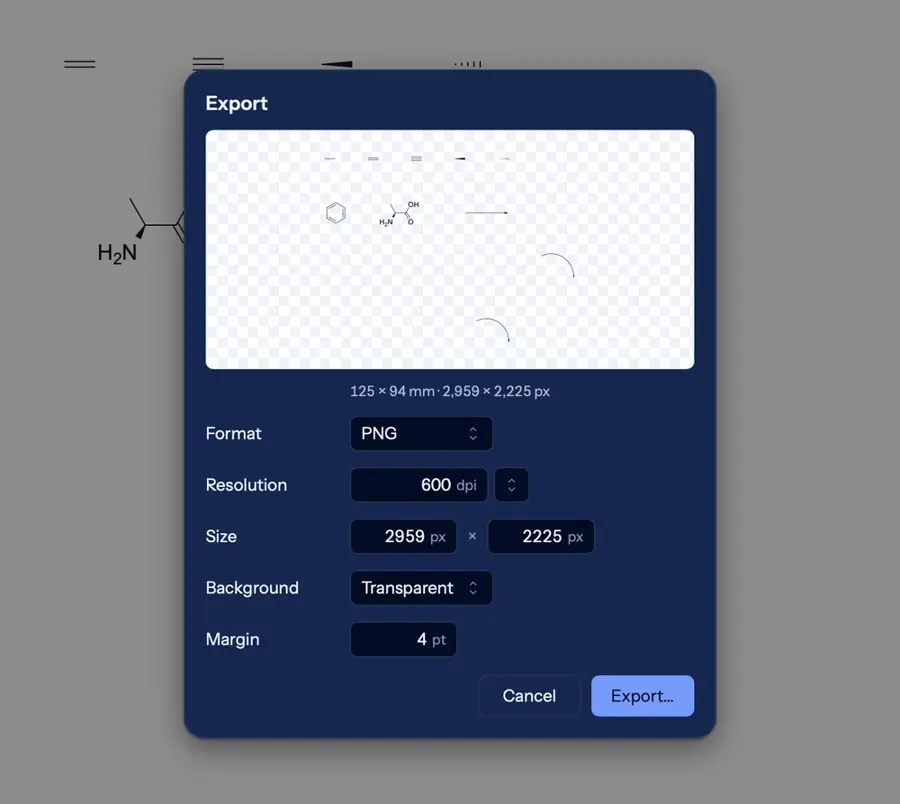 | Partly: Default 1x PNG exported at 96 dpi; print resolution untested. Opens the cited page.Default 1x PNG exported at 96 dpi; print resolution untested. | Partly: PNG downloaded at 880×640; metadata says 72 dpi. Opens the screenshot.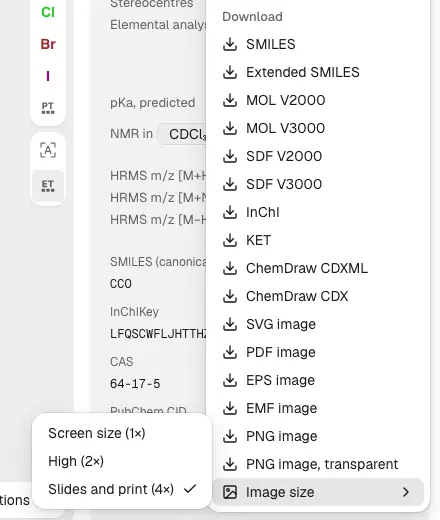 PNG downloaded at 880×640; metadata says 72 dpi. | Yes, tested by running it: Page PNG was 2550 by 3300 pixels for US Letter. Opens the screenshot.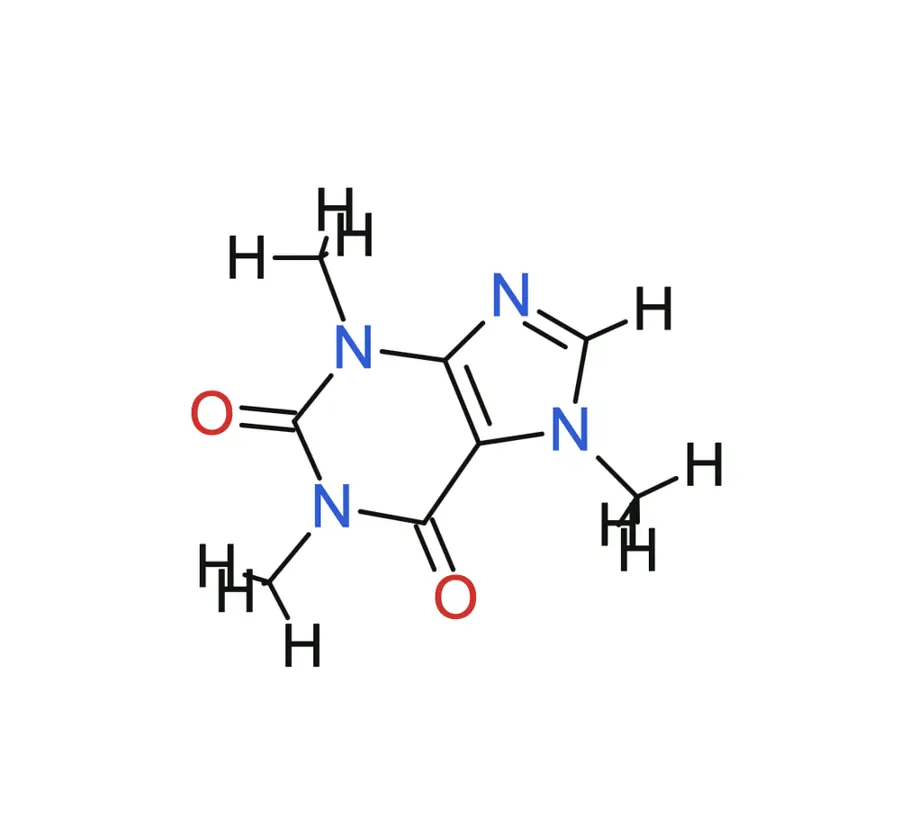 | Yes, tested by running it: Default 3× PNG exported; roughly 600 dpi at SVG physical size. Opens the cited page. | Partly: Default PNG 223×162; high-resolution setting visible but untested. Opens the cited page.Default PNG 223×162; high-resolution setting visible but untested. | Yes, tested by running it: Default export is transparent PNG at 300 dpi. Opens the cited page. | Partly: PNG works; Canvas default 300 DPI lacks embedded DPI metadata. Opens the screenshot.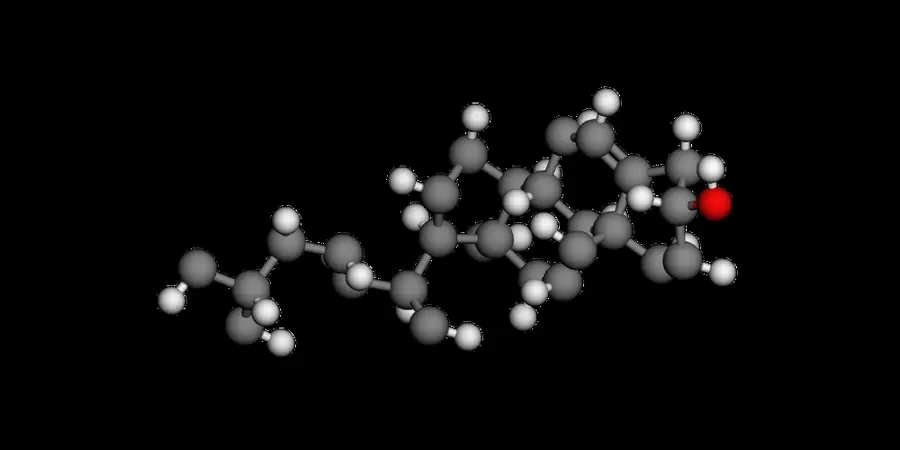 PNG works; Canvas default 300 DPI lacks embedded DPI metadata. | Yes, tested by running it: PNG downloaded for caffeine. Opens the screenshot. | Partly: 2D PNG exported; no print DPI control observed. Opens the screenshot.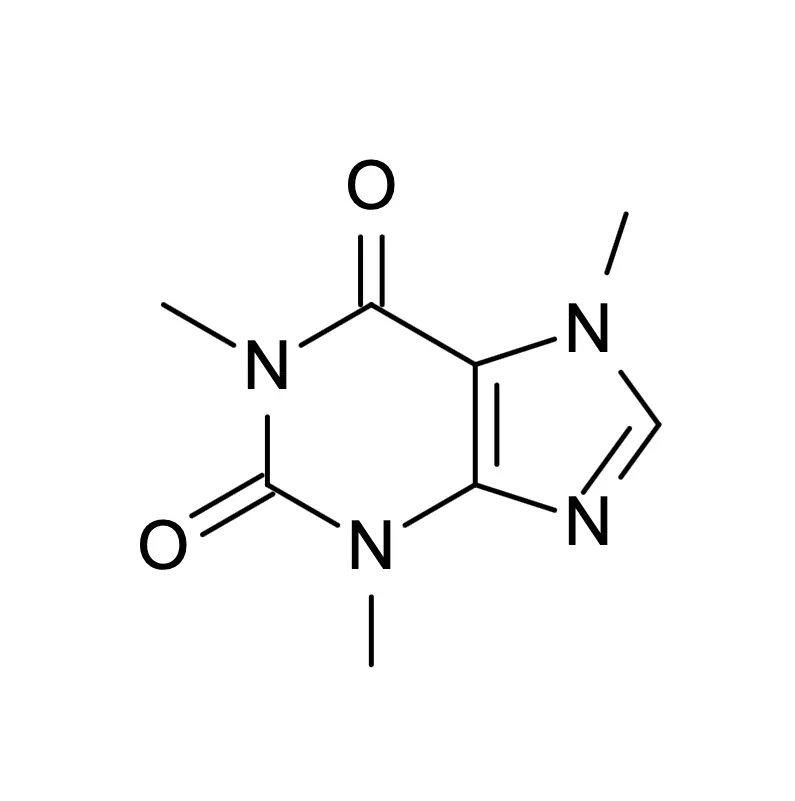 2D PNG exported; no print DPI control observed. | Partly: PNG downloaded at 526×194; high-resolution option untested. Opens the screenshot.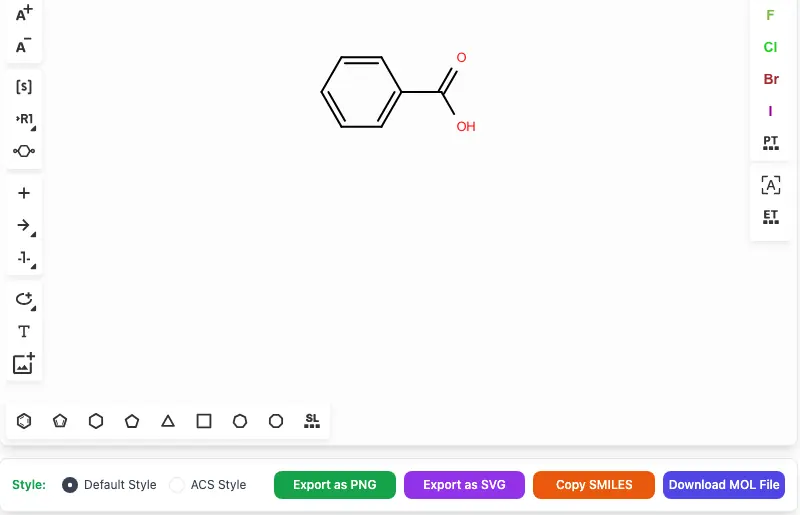 PNG downloaded at 526×194; high-resolution option untested. | Yes, tested by running it: Default caffeine PNG saved at 300 dpi. Opens the cited page. | Partly: Default output is 276×243 pixels, without DPI metadata. Opens the screenshot. Default output is 276×243 pixels, without DPI metadata. | Yes, tested by running it: Exported 1785×2000 PNG with 481 dpi metadata. Opens the screenshot.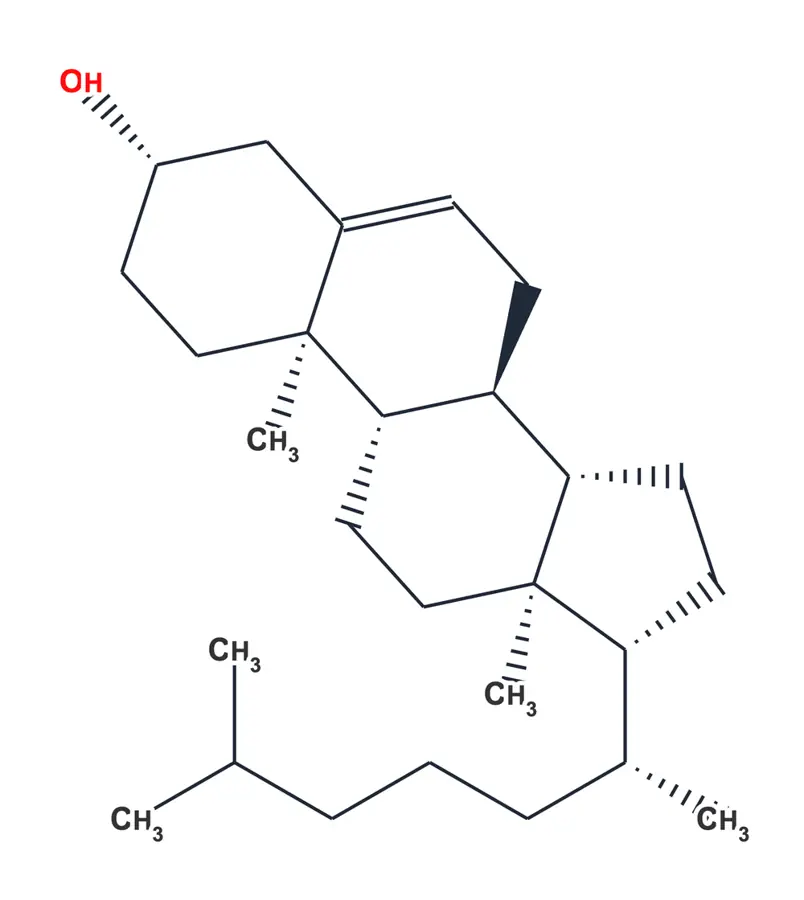 | Partly: Default PNG saved at 800x868 pixels; no DPI metadata. Opens the screenshot.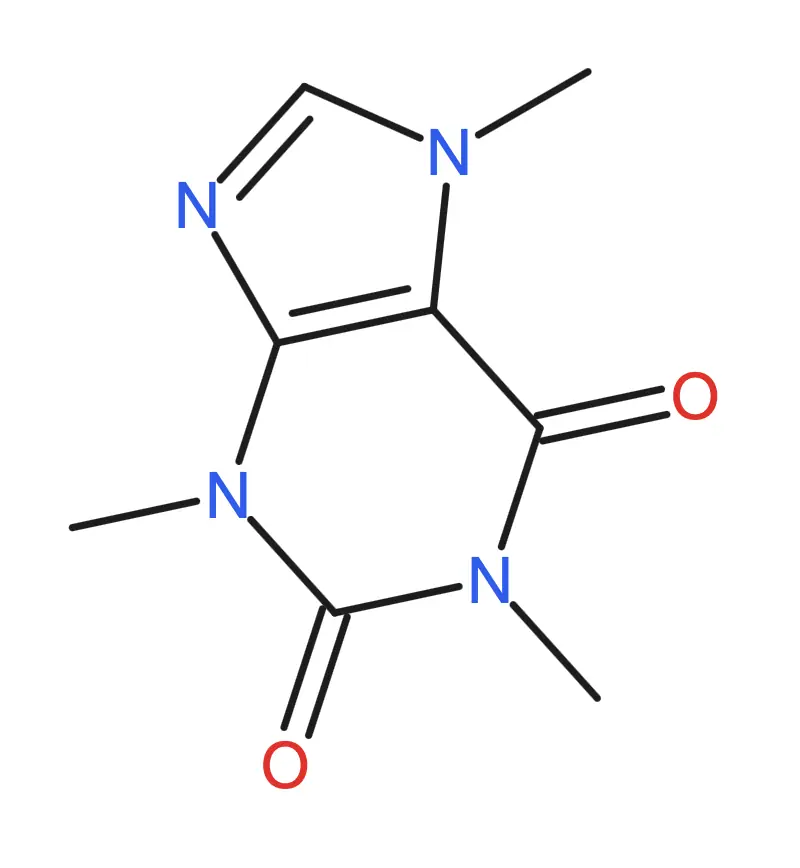 Default PNG saved at 800x868 pixels; no DPI metadata. | Partly: PNG saved; default Ketcher export measured 223 by 162 pixels. Opens the cited page.PNG saved; default Ketcher export measured 223 by 162 pixels. | Partly: PNG saved at 553 × 392 pixels, 72 dpi. Opens the screenshot. PNG saved at 553 × 392 pixels, 72 dpi. | Partly: 4× PNG exported; file reports 72 dpi metadata. Opens the screenshot.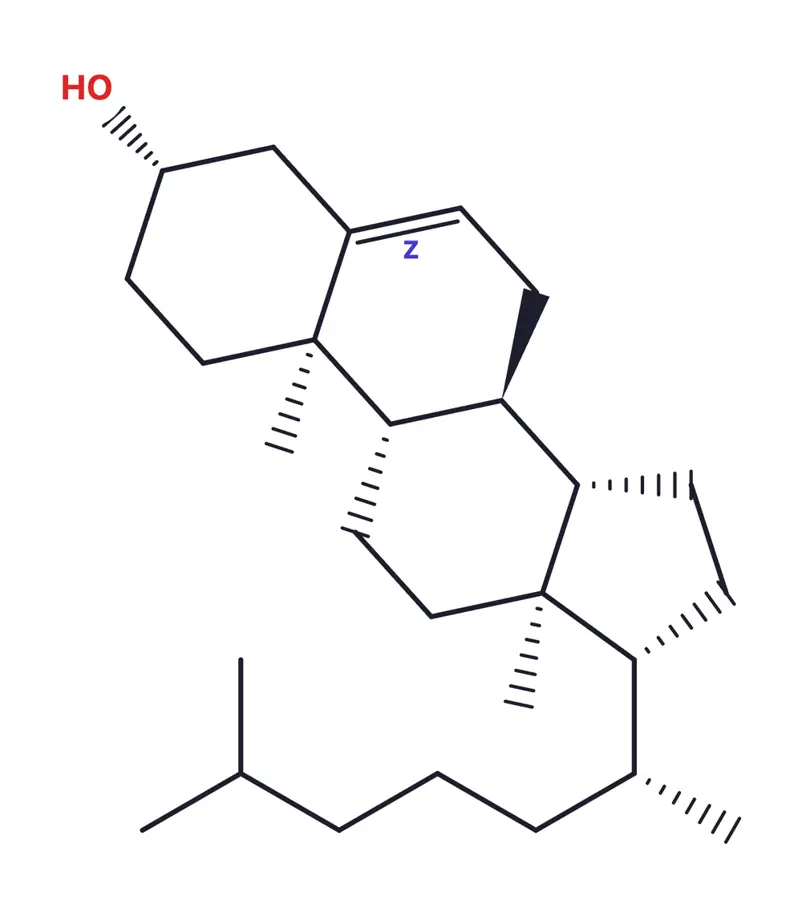 4× PNG exported; file reports 72 dpi metadata. | Partly: Default 2× PNG exported; no DPI control was shown. Opens the screenshot.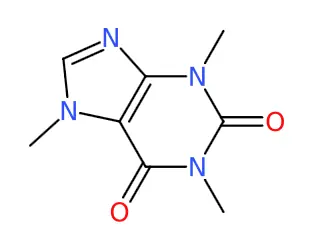 Default 2× PNG exported; no DPI control was shown. | Partly: PNG exported at 2000 pixels wide; no DPI control shown. Opens the screenshot.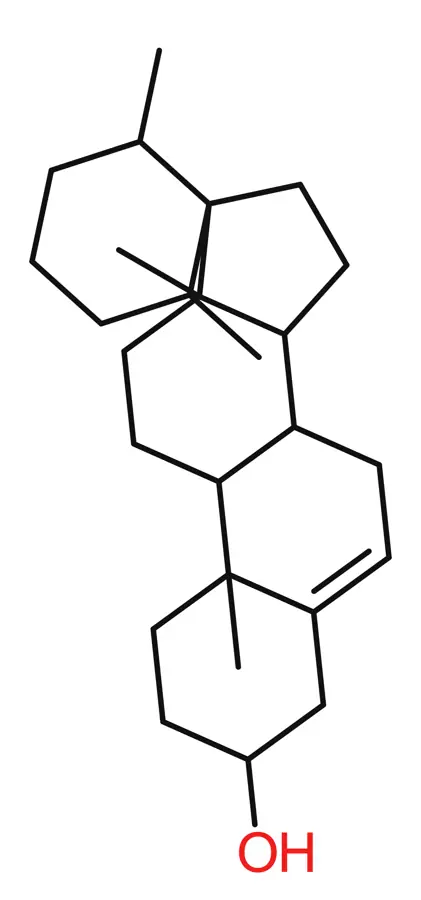 PNG exported at 2000 pixels wide; no DPI control shown. | No: Save controls offered RXN or SVG, not PNG. Opens the cited page. | Partly: PNG writes at 72 dpi; no resolution control shown. Opens the cited page.PNG writes at 72 dpi; no resolution control shown. | No: No image export option in the demo save dialog. Opens the cited page. | Partly: PNG saved at 223 × 162; no DPI metadata. Opens the cited page.PNG saved at 223 × 162; no DPI metadata. | Partly: PNG saved at 918×522 pixels, 72 dpi; no resolution control. Opens the cited page.PNG saved at 918×522 pixels, 72 dpi; no resolution control. | Partly: Default PNG exported at 100 DPI; resolution control present. Opens the cited page.Default PNG exported at 100 DPI; resolution control present. | Partly: Downloaded 480-pixel PNG; higher resolutions require subscription. Opens the screenshot. Downloaded 480-pixel PNG; higher resolutions require subscription. | Partly: Default PNG exported; high-resolution option not verified. Opens the cited page.Default PNG exported; high-resolution option not verified. | Partly: PNG downloaded at 750×292 pixels, reported 72 dpi. Opens the screenshot. PNG downloaded at 750×292 pixels, reported 72 dpi. | Partly: PNG exported at 760×812; no 300 dpi setting found. Opens the screenshot.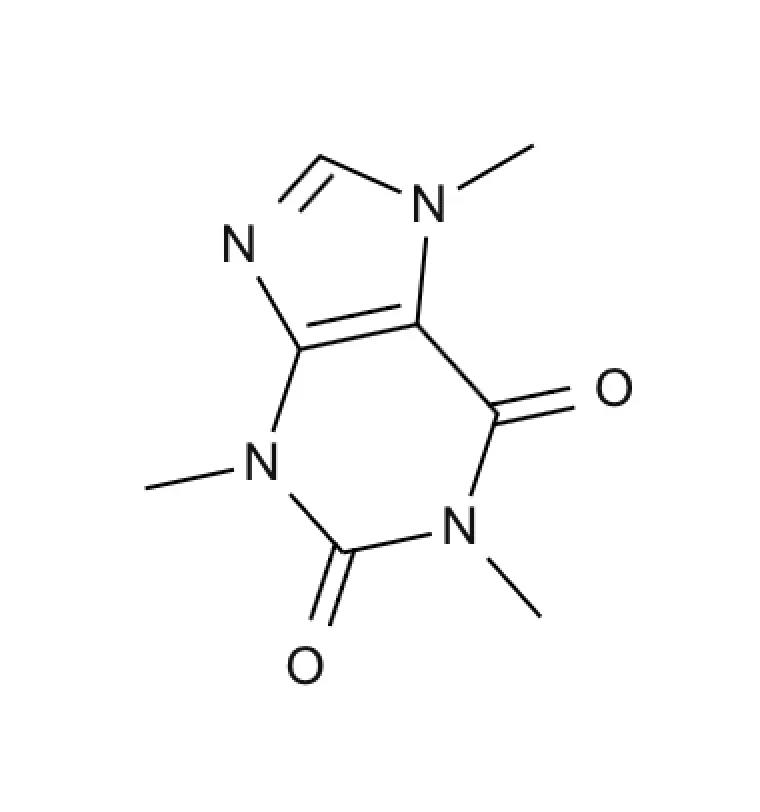 PNG exported at 760×812; no 300 dpi setting found. | Yes, tested by running it: 300-DPI export works; sketcher metadata says 72 DPI. Opens the screenshot.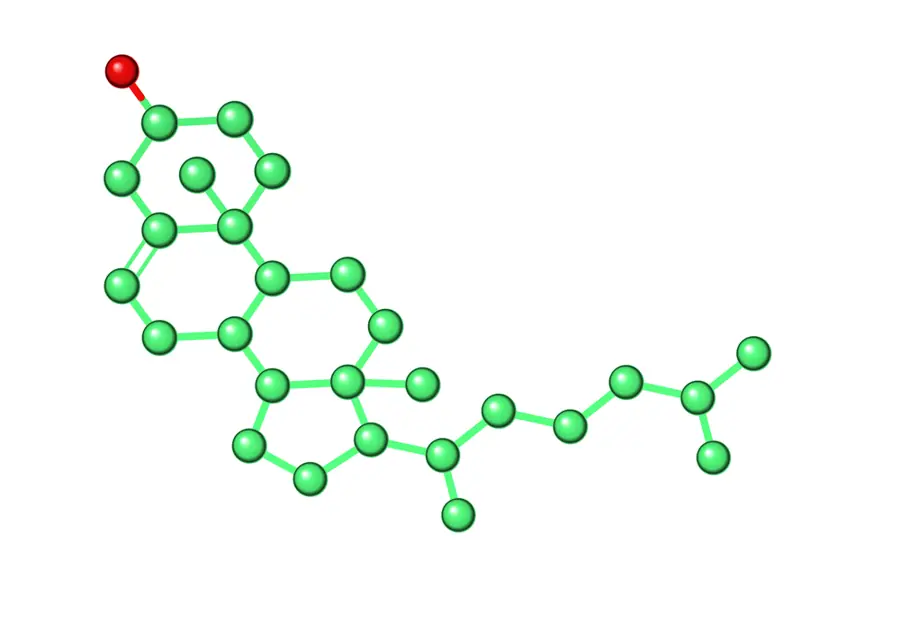 | No: Native request rejected PNG; pdftoppm rasterization was external. Opens the cited page. | Partly: PNG exports at 447×471; no DPI metadata or resolution control. Opens the screenshot. PNG exports at 447×471; no DPI metadata or resolution control. | Partly: PNG exported at 553 by 392 pixels; no resolution control. Opens the cited page.PNG exported at 553 by 392 pixels; no resolution control. | Yes, tested by running it: Exported paclitaxel PNG at default 300 DPI. Opens the cited page. | Partly: Default 400×400 PNG, approximately 72 dpi; higher resolution unverified. Opens the screenshot.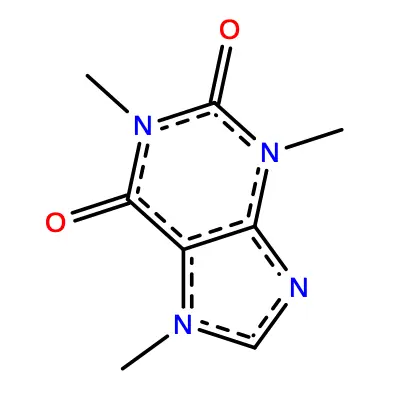 Default 400×400 PNG, approximately 72 dpi; higher resolution unverified. | Partly: Default 10× scaling; 1850×1750 caffeine PNG; no DPI control. Opens the screenshot.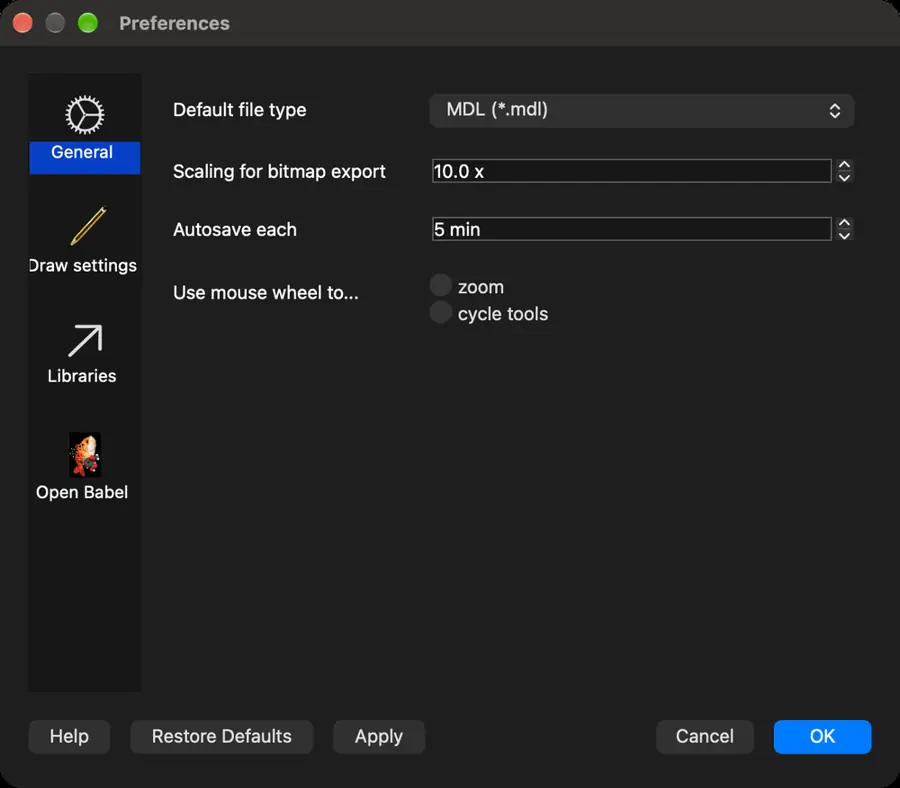 Default 10× scaling; 1850×1750 caffeine PNG; no DPI control. | Partly: Large transparent PNG exports; no DPI metadata or resolution control. Opens the cited page.Large transparent PNG exports; no DPI metadata or resolution control. | Partly: PNG exported at 3×; no DPI control found. Opens the cited page.PNG exported at 3×; no DPI control found. | Partly: Command invoked on empty canvas; no PNG produced; meaningful export unverified. Opens the cited page.Command invoked on empty canvas; no PNG produced; meaningful export unverified. | Yes, tested by running it: Downloaded caffeine PNG from export dialog. Opens the screenshot.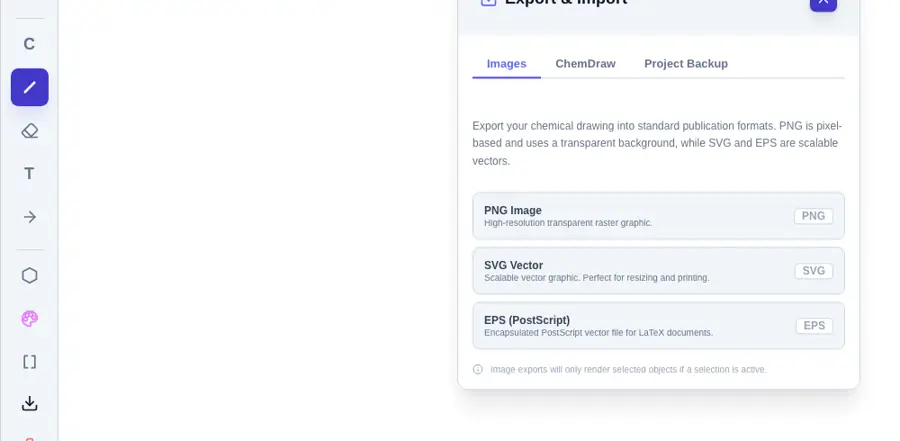 | Partly: Image-save attempt failed: no file type chosen; automation limitation. Opens the cited page.Image-save attempt failed: no file type chosen; automation limitation. | No: No PNG export option found. Opens the cited page. | Partly: Downloaded 1200 by 1200 PNG; no resolution controls found. Opens the screenshot.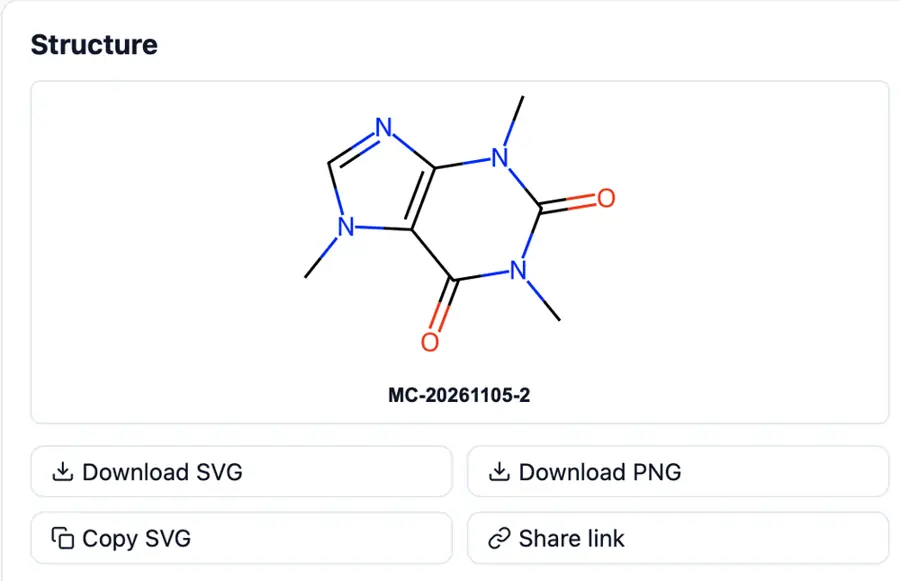 Downloaded 1200 by 1200 PNG; no resolution controls found. | No: No PNG command in File menu or Save formats. Opens the cited page. | Partly: Saved viewport-sized 843 by 897 PNG; no resolution controls. Opens the screenshot. Saved viewport-sized 843 by 897 PNG; no resolution controls. | Yes, according to the manual: CLI export supports adjustable scale and pixel dimensions. Opens the cited page. | Partly: Standalone API generated PNG; no DPI setting found. Opens the cited page.Standalone API generated PNG; no DPI setting found. | No: No PNG export control visible. Opens the cited page. | Partly: PNG exported; default caffeine image reports 72 dpi. Opens the screenshot.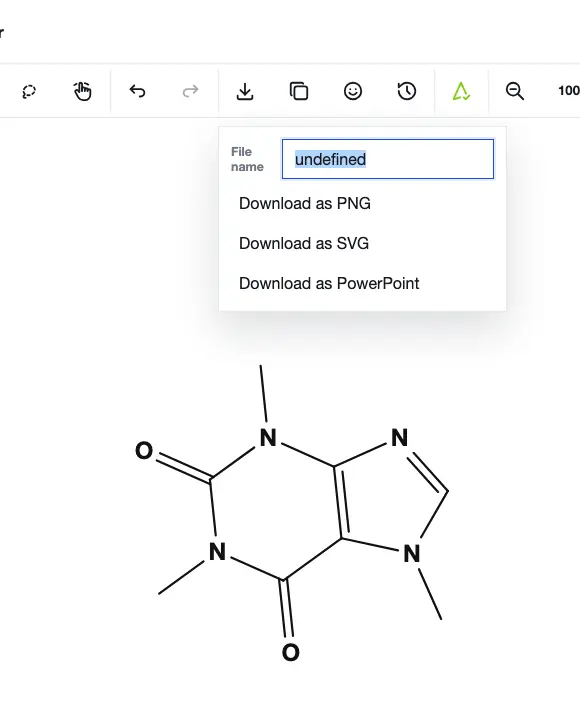 PNG exported; default caffeine image reports 72 dpi. | Partly: Image copy preview worked; host download produced no file. Opens the cited page.Image copy preview worked; host download produced no file. | No: No PNG command in File menu or save formats. Opens the cited page. | Partly: PNG output exists; 300 dpi export is unverified. Opens the cited page.PNG output exists; 300 dpi export is unverified. | Partly: Default file export is 263x350 pixels at 72 dpi. Opens the screenshot.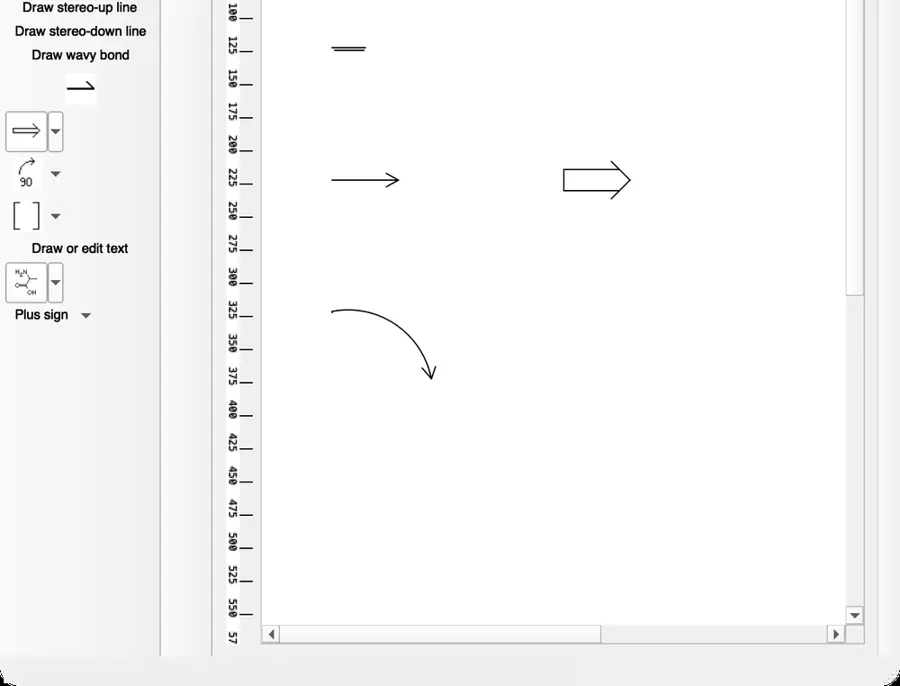 Default file export is 263x350 pixels at 72 dpi. | Partly: PNG preview rendered; filename entry failed; default size 149×124 pixels. Opens the screenshot.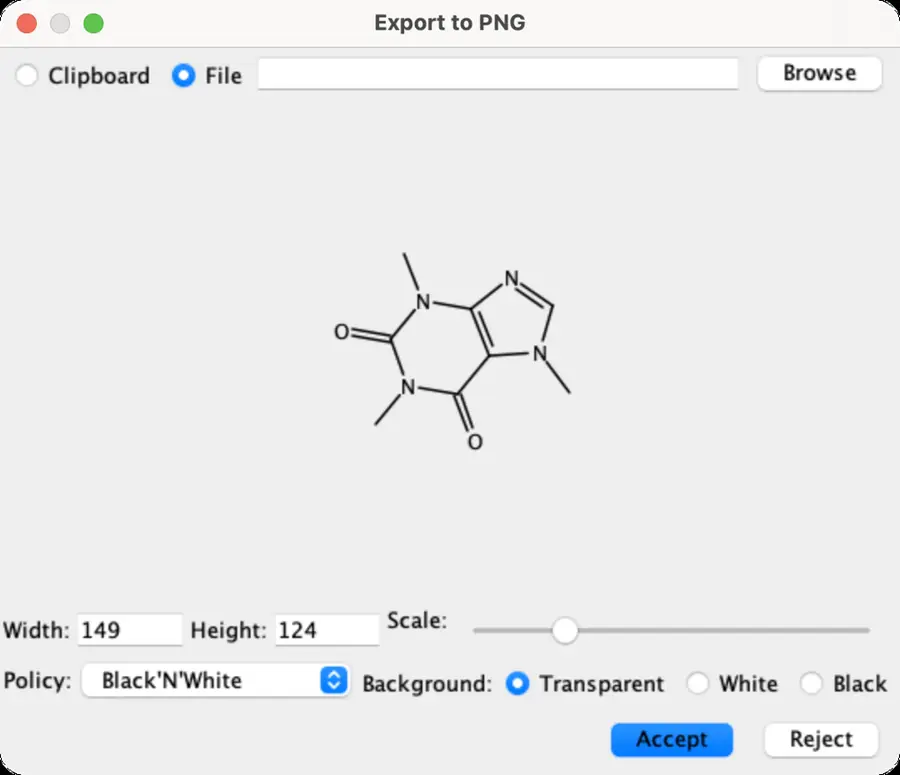 PNG preview rendered; filename entry failed; default size 149×124 pixels. | No: No PNG export command found. Opens the cited page. | No: render.scene refuses PNG; no GUI image export command. Opens the cited page. | Partly: PNG exported at 976 by 915 pixels, without resolution controls. Opens the screenshot.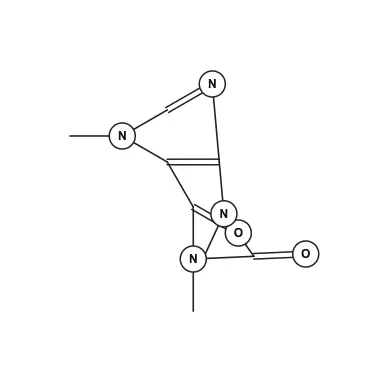 PNG exported at 976 by 915 pixels, without resolution controls. | No: No PNG export command found. Opens the cited page. | No: No PNG export command found in inspected menus. Opens the cited page. | Partly: PNG downloaded at 4200 × 4294; no DPI metadata. Opens the cited page.PNG downloaded at 4200 × 4294; no DPI metadata. | Partly: PNG saved at 1800 × 1240; no DPI control. Opens the screenshot.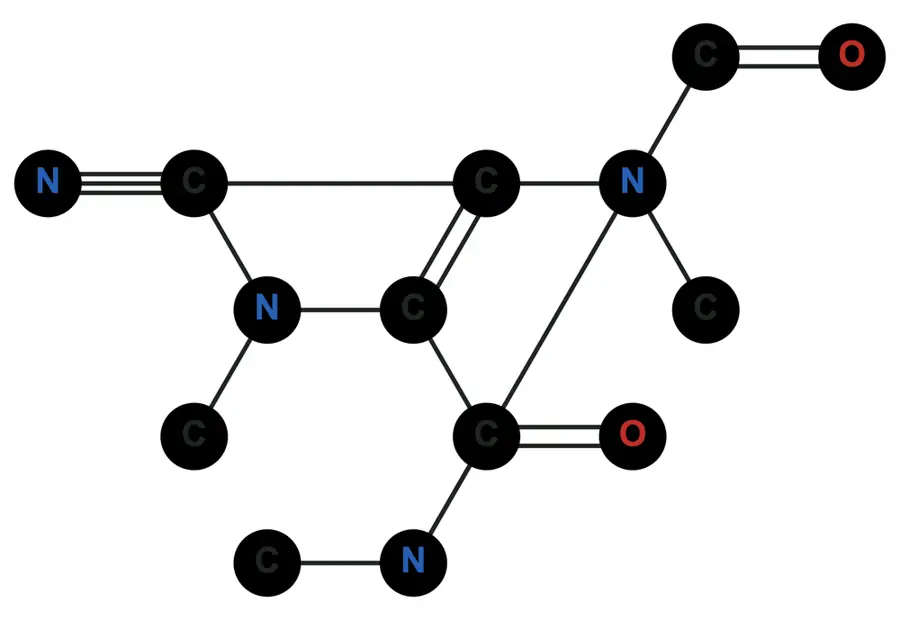 PNG saved at 1800 × 1240; no DPI control. | No: No PNG export command found in sketcher demo. Opens the cited page. | No: Save As Any File returned Invalid file format. Opens the cited page. | Partly: Browser saves canvas PNG; no resolution control in editor. Opens the cited page.Browser saves canvas PNG; no resolution control in editor. | No: No PNG export command found. Opens the cited page. | No: No PNG export command in demo. Opens the cited page. | Partly: PNG export uses drawing pixel bounds without a DPI setting. Opens the cited page.PNG export uses drawing pixel bounds without a DPI setting. | Partly: Exports transparent 1176 × 833 PNG at 72 dpi. Opens the screenshot.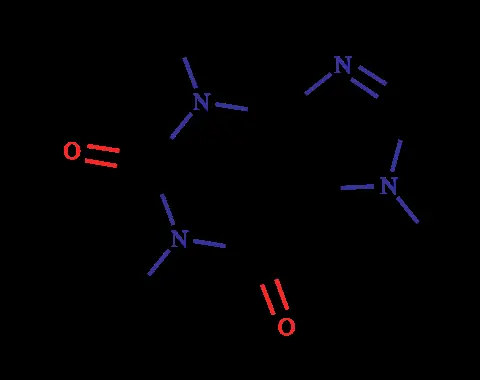 Exports transparent 1176 × 833 PNG at 72 dpi. | Partly: PNG button opened blank popup in isolated WebKit host. Opens the cited page.PNG button opened blank popup in isolated WebKit host. | No: No PNG export option found. Opens the cited page. | No: Save did nothing; no PNG option appeared. Opens the cited page. | No: Export control opens only a MOL text dialog. Opens the cited page. | No: No PNG export command or output dialog exposed. Opens the cited page. | No: No PNG option in export dialog. Opens the cited page. | Not established | No: No export command visible. Opens the cited page. | Yes, according to the manual: PNG exporter offers 300 and 600 dpi presets. Opens the cited page. | Yes, according to the manual: PNG resolution is configurable; default is 300 dpi. Opens the cited page. | Yes, according to the manual: Pro; physical width and 300/600 dpi export settings. Opens the cited page.LabCanvas Pro | Not established: PNG supported; 300 dpi export not verified. | Partly: PNG export documented; 300-dpi output not specified. Opens the cited page.PNG export documented; 300-dpi output not specified. | Partly: PNG export; 300 dpi output undocumented. Opens the cited page.PNG export; 300 dpi output undocumented. | Partly: PNG pixel dimensions configurable; no documented 300 dpi setting. Opens the cited page.PNG pixel dimensions configurable; no documented 300 dpi setting. | Yes, according to the manual: Cairo export offers configurable resolution up to 10,000 dpi. Opens the cited page. | Not established | Not established | Partly: PNG export works; native backend ignores requested image resolution. Opens the cited page.PNG export works; native backend ignores requested image resolution. | Not established | Yes, according to the manual: Bitmap resolution is configurable for print-quality PNG export. Opens the cited page. | Not established | Yes, according to the manual: Mac up to 600 dpi; Windows 300 dpi. Opens the cited page. | Not established: PNG output documented; 300 dpi capability unverified. | Partly: PNG uses one pixel per page point, below 300 dpi. Opens the cited page.PNG uses one pixel per page point, below 300 dpi. | Not established: PNG export documented; 300 dpi support not established. | Not established | Not established | Not established | Partly: PNG export uses optional 2x enlargement; 300 dpi unverified. Opens the cited page.PNG export uses optional 2x enlargement; 300 dpi unverified. | Not established | Partly: Captures display pixels; no independent print-resolution rendering. Opens the cited page.Captures display pixels; no independent print-resolution rendering. | Not established | Yes, according to the manual: PNG output at 360 dpi; optional 600 dpi. Opens the cited page. | Not established | Yes, according to the manual: 300, 450, or 600 DPI. Opens the cited page.Free | Partly: Canvas snapshot only; no print-resolution or DPI control. Opens the cited page.Canvas snapshot only; no print-resolution or DPI control. | Not established | No: PNG export is listed as a future feature. Opens the cited page. | Partly: PNG export documented; resolution of 300 dpi unverified. Opens the cited page.PNG export documented; resolution of 300 dpi unverified. | Not established | Not established | Not established | Partly: Pro; vendor claim: high-resolution PNG; 300 dpi unspecified. Opens the cited page.ProPro; vendor claim: high-resolution PNG; 300 dpi unspecified. | Not established | Not established: Transparent PNG export documented; 300 dpi output unverified. | Not established | No: Image files cannot be saved. Opens the cited page. | Not established | Not established: Print resolution unverified. | Not established | Not established | Not established | Not established | Not established |
|---|
| Paste to and from ChemDraw | Yes, tested by running it: Native copy/paste between own ChemDraw documents retained caffeine chemistry. Opens the cited page. | Partly: Editable desktop subset; unsupported objects may become pictures or simplified copies. Opens the cited page.Editable desktop subset; unsupported objects may become pictures or simplified copies. | Not established: ChemDraw clipboard roundtrip unverified; file exchange is documented. | Yes, according to the manual: Editable CDX clipboard transfer both ways on macOS. Opens the cited page. | Yes, according to the manual: Reads and writes ChemDraw CDX and CDXML clipboard formats. Opens the cited page. | Partly: MOL text bridge exists; native CDXML/CDX clipboard paste is unimplemented. Opens the cited page.MOL text bridge exists; native CDXML/CDX clipboard paste is unimplemented. | Not established | Not established | Yes, according to the manual: Windows native CDX clipboard, both directions. Opens the cited page. | Not established | Yes, according to the manual: Windows desktop app. Opens the cited page. | Not established | No: Clipboard accepts text/plain only; native ChemDraw objects are unsupported. Opens the cited page. | Partly: CDXML-text paste in; copy-out uses PNG. Opens the cited page.CDXML-text paste in; copy-out uses PNG. | Not established | Partly: Copies CDXML text; direct ChemDraw clipboard round trips remain unverified. Opens the cited page.Copies CDXML text; direct ChemDraw clipboard round trips remain unverified. | No: No proprietary ChemDraw clipboard data. Opens the cited page. | Not established | Partly: Text CDXML/MOL/SMILES only; native ChemDraw clipboard formats unsupported. Opens the cited page.Text CDXML/MOL/SMILES only; native ChemDraw clipboard formats unsupported. | Partly: MOL text exchange; native ChemDraw clipboard pasting unsupported. Opens the cited page.MOL text exchange; native ChemDraw clipboard pasting unsupported. | Not established | Not established | Not established | Not established | Yes, according to the manual: Vendor claim: ChemDraw copy/paste via MOL/CDXML, depending on browser. Opens the cited page. | Not established | Not established | Not established | Partly: Windows Paste from ChemDraw plugin imports only; no reverse copy. Opens the cited page.Windows Paste from ChemDraw plugin imports only; no reverse copy. | Not established | Not established | Partly: MOL-text exchange; direct ChemDraw OLE clipboard pasting is unsupported. Opens the cited page.MOL-text exchange; direct ChemDraw OLE clipboard pasting is unsupported. | Not established | Not established | Not established | Not established | Not established | Not established | Not established | Not established | Not established | Not established | Not established | No: External clipboard exposes imageFlavor only, without ChemDraw structure data. Opens the cited page. | Not established | Not established | Not established | Not established | Not established | No: Clipboard export is raster PNG, without editable chemical data. Opens the cited page. | Partly: Editable paste from ChemDraw; reverse clipboard compatibility remains unverified. Opens the cited page.Editable paste from ChemDraw; reverse clipboard compatibility remains unverified. | Not established | Not established | Not established | Not established | Not established | No: Clipboard uses internal local storage; native clipboard unavailable. Opens the cited page. | Not established | Not established | Not established | No: Chemical clipboard exchange remains planned. Opens the cited page. | No: Clipboard contains PNG images, without editable chemical structure data. Opens the cited page. | Not established | Not established | Not established | Not established | Not established | Not established | Not established | No: Uses an internal clipboard; ChemDraw formats are not exchanged. Opens the cited page. | Not established | Not established | Not established | Not established | Not established | Not established | Not established | Not established | Not established | Not established | Not established | Not established | Yes, according to the manual: Chemical clipboard formats; compatibility depends on platform. Opens the cited page. | Not established | Yes, according to the manual: Editable MOL/SMILES transfer; drawing-layout preservation is not guaranteed. Opens the cited page. | Partly: Editable ChemDraw import; reverse direct clipboard editing unverified. Opens the cited page.Editable ChemDraw import; reverse direct clipboard editing unverified. | Yes, according to the manual. Opens the cited page. | Partly: Text-format transfer; browsers block binary CDX and OLE clipboard data. Opens the cited page.Text-format transfer; browsers block binary CDX and OLE clipboard data. | Not established | Not established | Not established | Not established | Not established | Not established | Yes, according to the manual: Editable structure exchange through SMILES or MOL. Opens the cited page. | Partly: Windows copies editable structures to ChemDraw. Opens the cited page.Windows copies editable structures to ChemDraw. | Not established: ChemDraw paste-in documented; editable roundtrip unverified. | No: Editable clipboard transfer accepts Ferrum CDML only. Opens the cited page. | Not established | Not established | Not established | Not established | Yes, according to the manual: Windows implements editable ChemDraw Interchange Format copy and paste. Opens the cited page. | Not established | Not established | Not established | Not established | Not established | Not established | No: Copy/paste uses an instance string, contrary to README's cross-tool claim. Opens the cited page. | Not established | Not established | Not established | No: System clipboard exports images rather than editable chemical structures. Opens the cited page. | Not established | Not established | Not established | Not established | Not established | Not established | No: Chemical data cannot be pasted into ChemScribble. Opens the cited page. | Not established | Not established | Not established | Not established | Not established | Not established | Not established |
|---|
| Editable in Word or PowerPoint | Yes, according to the manual: Windows editable OLE objects; all desktop editions. Opens the cited page. | Partly: Windows desktop Office OLE editing; Mac Office lacks this workflow. Opens the cited page.Windows desktop Office OLE editing; Mac Office lacks this workflow. | Partly: Reopen exported pictures in MolDraw; Office add-ins unavailable. Opens the cited page.Reopen exported pictures in MolDraw; Office add-ins unavailable. | Yes, according to the manual: Windows installer enables editable Word and PowerPoint OLE drawing objects. Opens the cited page. | Yes, according to the manual: Round-trip editing via macOS PDF and Windows EMF clipboard metadata. Opens the cited page. | No: Editing structures inside Word and PowerPoint is planned for v2.0. Opens the cited page. | No: Pastes an image without editable chemical objects. Opens the cited page. | No: Word paste retains editable text; structures and arrows become pictures. Opens the cited page. | Yes, according to the manual: Editable Word drawings on Windows/Mac; cross-platform return uses copy/paste. Opens the cited page. | Not established | Yes, according to the manual: Windows desktop OLE objects support double-click editing. Opens the cited page. | Partly: PowerPoint insertion uses PNG, without editable chemical structure data. Opens the cited page.PowerPoint insertion uses PNG, without editable chemical structure data. | Not established | Not established | Not established | Partly: EMF is editable vector artwork, without chemical object editing. Opens the cited page.EMF is editable vector artwork, without chemical object editing. | No: Word receives graphics; no ChemDraw OLE editing. Opens the cited page. | No: Office clipboard output is explicitly a bitmap, not editable chemistry. Opens the cited page. | Not established | No: Editable Office embedding is explicitly absent. Opens the cited page. | Not established | Not established | Not established | Not established | Not established | Not established | Not established | Not established | Not established | Not established | Not established | Not established | Not established | Not established | Not established | Not established | Not established | Partly: Imports embedded ChemDraw objects from PowerPoint; editable Office insertion unverified. Opens the cited page.Imports embedded ChemDraw objects from PowerPoint; editable Office insertion unverified. | Not established | Not established | Not established | Not established | Not established | Not established | Not established | Not established | Not established | Not established | Not established | Not established | Yes, according to the manual: Windows OLE objects support editing and storage write-back; beta. Opens the cited page. | Partly: App compound tables require chem2office for editable ChemDraw objects in Word. Opens the cited page.App compound tables require chem2office for editable ChemDraw objects in Word. | Not established | Yes, according to the manual: PowerPoint objects remain editable as text and shapes. Opens the cited page. | Not established | Not established | Not established | Not established | Not established | Not established | No: Desktop and host integration unimplemented. Opens the cited page. | No: Office receives a PNG image without editable molecular structure. Opens the cited page. | Not established | Not established | Not established | Not established | Not established | Not established | Not established | Not established | Not established | Not established | Not established | Partly: Copies editable Unicode text, without an embedded chemical structure object. Opens the cited page.Copies editable Unicode text, without an embedded chemical structure object. | Not established | Not established | Not established | Not established | Not established | Not established | Not established | Not established | Yes, according to the manual: Windows OLE; macOS copy-and-paste round-trip workflow. Opens the cited page. | Partly: Reopen embedded drawing in MolDraw; no Office add-in. Opens the cited page.Reopen embedded drawing in MolDraw; no Office add-in. | Yes, according to the manual: Windows OLE; editing requires installed Marvin with OLE support. Opens the cited page. | Yes, according to the manual: Double-click embedded Office/WPS structures to edit and update them. Opens the cited page. | Yes, according to the manual: Free Word copies watermarked; Professional removes watermark. Opens the cited page. | Partly: Editable MOL/MRV transfer requires separate paid JChem for Office. Opens the cited page.Editable MOL/MRV transfer requires separate paid JChem for Office. | Not established | Yes, according to the manual: Re-editable OLE objects retain updated drawing styles. Opens the cited page. | Yes, according to the manual: Pasted Office objects reopen in ChemWindow for editing. Opens the cited page. | Not established | Not established | Not established | Yes, according to the manual: Windows Office objects reopen in KingDraw and synchronize edits. Opens the cited page. | Not established | Not established: OLE embedding documented; re-editing not explicitly verified. | Not established | No: Cloud excludes integrations; Office integration requires enterprise Marvin. Opens the cited page. | Yes, according to the manual: Word structures retain CML and reopen in the editor. Opens the cited page. | Not established | Not established | Not established | Not established | Not established | Not established | Yes, according to the manual: Word for Windows OLE; Classic Edition is deprecated. Opens the cited page. | Yes, according to the manual: Vendor claim: Windows Word OLE objects reopen for editing. Opens the cited page. | Not established | Not established | Not established | Not established | Not established | Not established | Yes, according to the manual: Word add-in reopens and replaces structures using embedded MOL metadata. Opens the cited page. | Yes, according to the manual: Double-click inserted Word structures to edit in Elk_Draw; vendor claim. Opens the cited page. | Not established | Not established | Not established | Not established | Not established | Not established | Not established | Not established | Not established | Not established | Not established | Not established |
|---|
| Windows Office OLE | Yes, according to the manual: Windows OLE server supports double-click editing of embedded Word structures. Opens the cited page. | Yes, according to the manual: Windows OLE; double-click edits, Ctrl+S updates Word and PowerPoint. Opens the cited page. | No: PNG/SVG pictures preserve drawing metadata; editing requires manual reopening and replacement. Opens the cited page. | Yes, according to the manual: Windows installer enables OLE objects with double-click editing and document updates. Opens the cited page. | No: Windows Office receives EMF pictures with CDXML metadata, not OLE objects. Opens the cited page. | Not established | Not established | Not established | Yes, according to the manual: Windows OLE objects support double-click editing in Word and PowerPoint. Opens the cited page. | Not established | Yes, according to the manual: Windows Office objects reopen in Chem Illustrator; Save updates the document. Opens the cited page. | No: PowerPoint export inserts PNG pictures through Office COM, not OLE objects. Opens the cited page. | Not established | Not established | Not established | No: Office receives EMF vector pictures, without embedded chemical object editing. Opens the cited page. | Not established | Not established | Not established | Not established | Not established | Not established | Not established | Not established | Not established | Not established | Not established | Not established | Not established | Not established | Not established | Not established | Not established | Not established | Not established | Not established | Not established | No: Office support only imports ChemDraw objects from PowerPoint. Opens the cited page. | Not established | Not established | Not established | Not established | Not established | Not established | Not established | Not established | Not established | Not established | Not established | Not established | Yes, according to the manual: Windows OLE server supports embedded-object editing and storage write-back. Opens the cited page. | No: chem2office exports ChemDraw OLE requiring ChemDraw, not Structura. Opens the cited page. | Not established | No: PPTX export creates editable PowerPoint text and shapes, not OLE objects. Opens the cited page. | Not established | Not established | Not established | Not established | Not established | Not established | Not established | Not established | Not established | Not established | Not established | Not established | Not established | Not established | Not established | Not established | Not established | Not established | Not established | No: Copies Unicode text into Office, without embedded chemical object editing. Opens the cited page. | Not established | Not established | Not established | Not established | Not established | Not established | Not established | Not established | Partly: Windows OLE; repeated Word double-click edits require delete/undo workaround. Opens the cited page.Windows OLE; repeated Word double-click edits require delete/undo workaround. | Not established | Yes, according to the manual: Windows MarvinOLE requires JChem_NET_API; embedded structures edit in MarvinSketch. Opens the cited page. | Yes, according to the manual: Word/PowerPoint objects reopen ChemDraft on double-click; edits update the document. Opens the cited page. | Yes, according to the manual: Windows Word objects open in InDraw by double-click for editing. Opens the cited page. | No: MOL/MRV data pasting; OLE copy/paste explicitly unsupported in Marvin JS. Opens the cited page. | Not established | Yes, according to the manual: Windows Draw OLE objects support structure re-editing. Opens the cited page. | Yes, according to the manual: Windows Office OLE objects reopen in ChemWindow with double-click editing. Opens the cited page. | Not established | Not established | Not established | Yes, according to the manual: Word double-click opens KingDraw; edits synchronize to embedded Office object. Opens the cited page. | Not established | Not established | Not established | No: JChem Office add-in; OLE copy-paste removed since version 23.5.0. Opens the cited page. | No: Word add-in uses CML content controls, not OLE objects. Opens the cited page. | Not established | Not established | Not established | Not established | Not established | Not established | Partly: OLE double-click editing documented for Windows Word in Classic Edition. Opens the cited page.OLE double-click editing documented for Windows Word in Classic Edition. | Yes, according to the manual: Windows OLE-2 embeds structures in Word with double-click editing. Opens the cited page. | Not established | Not established | Not established | Not established | Not established | Not established | No: Word add-in edits SVG/MOL metadata, without native OLE activation. Opens the cited page. | Yes, according to the manual: Windows Word supports embedded objects reopened by double-click in Elk_Draw. Opens the cited page. | Not established | Not established | Not established | Not established | Not established | Not established | Not established | Not established | Not established | Not established | Not established | Not established |
|---|
| APIs and automation |
|---|
| Python API | Partly: Not in Prime. ChemScript SDK in Professional and Signals, Windows only. Opens the cited page.ProfessionalNot in Prime. ChemScript SDK in Professional and Signals, Windows only. | Yes, tested by running it: reshiki 0.14.0 from PyPI drew, converted and analysed caffeine. Opens the cited page. | Not established | Yes, according to the manual: Documented package edits, analyzes and renders drawings. Opens the cited page. | Not established | Not established | Not established | Not established | Partly: Documented HTTP wrapper example; requires desktop API add-on. Opens the cited page.Documented HTTP wrapper example; requires desktop API add-on. | Not established | Not established | Not established | Not established | Not established | Not established | Yes, according to the manual: Documented vibesketcher SDK. Opens the cited page. | Not established | Not established | Not established | No: REST backend exists; native scripting SDK is explicitly absent. Opens the cited page. | Not established | Not established | Not established | Not established | Not established | Not established | Not established | Not established | Yes, according to the manual: Documented in-process Python PluginContext API drives the editor. Opens the cited page. | Not established | Not established | Not established | Not established | Not established | Yes, according to the manual: Public pychem package supports scripting without Qt. Opens the cited page. | Not established | Not established | Not established | Yes, according to the manual: Documented Python CDXML serialization and typed label-binding functions. Opens the cited page. | Yes, according to the manual: Documented SIP wrapper sets and retrieves molecular structures. Opens the cited page. | Not established | Not established | Not established | Not established | Not established | Not established | Not established | Not established | Not established | Not established | Not established | Not established | Not established | Not established | Not established | Not established | Not established | Not established | Not established | Not established | Not established | Not established | Not established | Not established | Not established | Not established | Not established | Yes, according to the manual: Widget properties and signals drive molecule editing and display. Opens the cited page. | Not established | Not established | Not established | Not established | Not established | Not established | Not established | Not established | Not established | Not established | Not established | Not established | Not established | Yes, according to the manual: Legacy API documentation; Python 2 examples require adaptation. Opens the cited page. | Not established | Not established | Not established | Not established | Not established | Not established | Yes, according to the manual: Documented external Python control; API described as unstable. Opens the cited page. | Not established | Not established | Not established | Not established | Not established | Not established | Not established | Not established | Yes, according to the manual: Documented ferrum_chem operation protocol binding. Opens the cited page. | No: Cloud explicitly excludes API access. Opens the cited page. | Not established | Not established | Not established | Not established | Not established | Not established | Not established | Not established | Not established | Not established | Not established | Not established | Not established | Not established | Not established | Not established | Not established | Not established | Not established | Not established | Not established | Not established | Not established | Not established | Not established | Not established | Not established | Not established | Not established |
|---|
| JavaScript or TypeScript API | Partly: Not in Prime. Desktop add-in API in Signals only, not a JavaScript library. Opens the cited page.Signals ChemDrawNot in Prime. Desktop add-in API in Signals only, not a JavaScript library. | Yes, according to the manual: Published npm API supports loading, saving, rendering and change callbacks. Opens the cited page. | Not established | Not established | Not established | Yes, according to the manual: TypeScript plugin SDK exposes document and chemistry operations. Opens the cited page. | Not established | Not established | Yes, according to the manual: Documented JavaScript postMessage API. Opens the cited page. | Yes, according to the manual: Public typed editor, rendering and conversion API. Opens the cited page. | Not established | Yes, according to the manual: Documented in-app plugin API; public repository omits implementation. Opens the cited page. | Yes, according to the manual: Documented TypeScript/WASM bridge and public Web Component package. Opens the cited page. | Not established | Not established | Not established | Not established | Not established | Not established | Yes, according to the manual: TypeScript client drives conversion, properties and NMR services. Opens the cited page. | Yes, according to the manual: Embedded Ketcher API is accessible through its iframe. Opens the cited page. | Not established | Not established | Not established | Yes, according to the manual: JavaScript getMolRxnfile() and setMolRxnfile(String) exchange structures. Opens the cited page. | Not established | Yes, according to the manual: Documented JavaScript API. Opens the cited page. | Not established | Not established | Not established | Yes, according to the manual: Documented JavaScript web-component API; subscription and client ID required. Opens the cited page.Student | Yes, according to the manual. Opens the cited page. | Yes, according to the manual: Technical specification documents the embedded Ketcher JavaScript API. Opens the cited page. | Not established | Not established | Not established | Yes, according to the manual: Documented TypeScript layout function. Opens the cited page. | Yes, according to the manual: Underlying Ketcher JavaScript API is accessible through the iframe. Opens the cited page. | Not established | Yes, according to the manual: Typed React/WASM API for structure and image exchange. Opens the cited page. | Not established | Not established | Not established | Not established | Not established | Not established | Yes, according to the manual: Documented ChemicalView constructor, import and export methods. Opens the cited page. | Not established | Not established | Not established | Yes, according to the manual: Typed WASM API loads documents, executes commands, and renders SVG. Opens the cited page. | Yes, according to the manual. Opens the cited page. | Yes, according to the manual: Typed JavaScript API controls molecules, reactions and editor events. Opens the cited page. | Not established | Not established | Not established | Yes, according to the manual: JavaScript API creates, loads and controls the Composer editor. Opens the cited page. | Not established | Partly: JavaScript molecule bridge requires a legacy Java applet. Opens the cited page.JavaScript molecule bridge requires a legacy Java applet. | Yes, according to the manual: Documented JavaScript constructors, methods and callbacks. Opens the cited page. | Not established | Not established | Yes, according to the manual: Documented JavaScript getters and molecule setter. Opens the cited page. | Yes, according to the manual. Opens the cited page. | Not established | Not established | Yes, according to the manual: Documented sketcher and clipboard API examples. Opens the cited page. | Not established | Partly: Canvas constructor example only; no public API reference. Opens the cited page.Canvas constructor example only; no public API reference. | Partly: Console helpers expose calculations and display toggles, not drawing operations. Opens the cited page.Console helpers expose calculations and display toggles, not drawing operations. | Yes, according to the manual: Documents parsing, coordinate generation, and editor initialization. Opens the cited page. | Yes, according to the manual: applet.txt documents JavaScript control through a legacy Java applet. Opens the cited page. | Not established | Not established | Not established | Partly: Vue registration documented; structure-control API documentation unavailable. Opens the cited page.Vue registration documented; structure-control API documentation unavailable. | Yes, according to the manual: loadEditor, getMolfile and configurable drawing settings. Opens the cited page. | Yes, according to the manual: Example JavaScript calls the applet's getMCDL and setMCDL methods. Opens the cited page. | Yes, according to the manual: Documented JavaScript constructor and configuration options. Opens the cited page. | Not established | Yes, according to the manual: React ref API exposes loadMolecule and getJmol. Opens the cited page. | Not established | Not established | Not established | Not established | Not established | Not established | Yes, according to the manual: JavaScript API controls embedded editors. Opens the cited page. | Not established | Yes, according to the manual: Enterprise DrawBridge; JavaScript examples invoke installed desktop Draw. Opens the cited page.Enterprise Edition | Not established | Not established | Not established | Not established | Partly: Separate legacy web SDK; developer platform currently suspended. Opens the cited page.Separate legacy web SDK; developer platform currently suspended. | Not established | Not established | Not established | No: Cloud explicitly excludes API access; separate enterprise product supports JavaScript. Opens the cited page. | Not established | Not established | Not established | Not established | Yes, according to the manual: Documented JavaScript API. Opens the cited page. | Not established | Not established | Not established | Not established | Not established | Not established | Not established | Not established | Not established | Not established | Not established | Not established | Not established | Not established | Not established | Not established | Not established | Not established | Not established | Not established | Not established | Not established | Not established | Not established |
|---|
| Command-line tool | No: No command-line tool. ChemScript scripts can automate work in Professional and Signals. Opens the cited page. | Yes, according to the manual: Experimental headless conversion, rendering, composition and analysis. Opens the cited page. | Partly: MolScript CLI complete; public package publication pending. Opens the cited page.MolScript CLI complete; public package publication pending. | Yes, according to the manual: Headless rendering and batch descriptor exports. Opens the cited page. | Not established | Yes, according to the manual: Requires a source checkout. Opens the cited page. | Not established | Not established | Yes, according to the manual: Renders and converts without a window; Linux needs a desktop session. Opens the cited page. | Not established | Not established | Not established | Not established | Not established | Not established | Yes, according to the manual: Headless conversion and rendering commands. Opens the cited page. | Not established | Not established | Not established | No: Headless conversion and batch CLI are listed as missing. Opens the cited page. | Not established | Not established | Not established | Not established | Not established | No: Console entry point only launches the desktop GUI. Opens the cited page. | Not established | Not established | Partly: Launcher and plugin installer; no headless conversion or rendering. Opens the cited page.Launcher and plugin installer; no headless conversion or rendering. | Not established | Not established | Not established | Not established | Not established | Not established | Yes, tested by running it: Rendered through a TeX compiler without an editor GUI. Opens the cited page. | Not established | Not established | Yes, according to the manual: Headless document composition, inspection, patching, layout and rendering. Opens the cited page. | Yes, according to the manual: Bundled headless SMILES-to-HELM converter. Opens the cited page. | Not established | Yes, according to the manual: Internal helper converts SMILES into 2D or 3D MOL blocks. Opens the cited page. | Not established | Not established | Not established | Not established | Not established | Not established | Not established | Not established | Yes, according to the manual. Opens the cited page. | Not established | Not established | Not established | Not established | Not established | Not established | Partly: PNG command-line mode still initializes and displays the GUI. Opens the cited page.PNG command-line mode still initializes and displays the GUI. | Partly: Command-line startup opens GUI; no headless conversion/rendering command. Opens the cited page.Command-line startup opens GUI; no headless conversion/rendering command. | Not established | Yes, tested by running it: CLI version, capabilities and operation requests executed. Opens the cited page. | Not established | Not established | Not established | Not established | Not established | Not established | No: rdEditor always launches QApplication; no headless conversion or rendering. Opens the cited page. | Not established | Not established | Not established | No: main ignores arguments and always opens the GUI. Opens the cited page. | Not established | Not established | Not established | Not established | Not established | Not established | Not established | Not established | Not established | Partly: Batch scripts hide the window but still require Tk/X. Opens the cited page.Batch scripts hide the window but still require Tk/X. | Not established | Not established | Yes, according to the manual: Bundled Molconvert converts structures and renders images. Opens the cited page. | Not established | Not established | Not established | Partly: Batch conversion hides windows but requires X on Unix. Opens the cited page.Batch conversion hides windows but requires X on Unix. | Not established | Not established | Not established | Not established | Not established | Not established | Not established | Not established | Yes, according to the manual: Inspect, validate, render, convert, and protocol commands without the GUI. Opens the cited page. | Not established | Not established | Not established | Yes, according to the manual: Batch conversion with chemtool -bg; still requires GTK/X11. Opens the cited page. | Yes, according to the manual: Headless conversion and rendering documented with command-line examples. Opens the cited page. | Not established | Not established | Not established | Not established | Not established | Not established | Not established | Not established | No: Command line opens files in GUI; no headless conversion. Opens the cited page. | Not established | Not established | Not established | Not established | Not established | Not established | Not established | Not established | Not established | Not established | Not established | Not established | Not established | Not established | Not established | Not established |
|---|
| AI agent control | Not established | Yes, according to the manual: Experimental stdio MCP; structure-level editing, no live GUI attachment. Opens the cited page. | Yes, according to the manual: Hosted MCP creates, edits, converts, and exports; free account required. Opens the cited page.Free account | Not established | Not established | Yes, according to the manual: Local stdio MCP server; requires a source checkout. Opens the cited page. | Not established | Not established | Yes, according to the manual: Separate AI-assistants add-on required. Opens the cited page. | Not established | Not established | Yes, according to the manual: Documented MCP server reads and writes offline .ctt project files. Opens the cited page. | Not established | Not established | Yes, according to the manual: Separate MCP service; editor transfer requires manual SMILES/MOL import. Opens the cited page. | Yes, according to the manual: MCP tools and REST edit the shared document. Opens the cited page. | Not established | Yes, according to the manual: Streamable HTTP MCP interface provides drawing, editing and analysis tools. Opens the cited page. | Not established | Not established | Not established | Not established | Not established | Not established | Not established | Not established | Not established | Not established | Yes, according to the manual: Requires MCP Server plugin; controls the running editor. Opens the cited page. | Not established | Not established | Not established | Not established | Not established | Not established | Not established | Not established | Not established | Yes, according to the manual: Documented agent CLI accepts structured JSON composition and patch requests. Opens the cited page. | Not established | Not established | Not established | Not established | Not established | Not established | Not established | Not established | Not established | Not established | Not established | Yes, according to the manual: Documented agent CLI with selectors, bundles, transactions, and JSONL sessions. Opens the cited page. | Yes, according to the manual: Documented JSON editing operations shared with agents. Opens the cited page. | Not established | Not established | Not established | Not established | Not established | Not established | Not established | Not established | Yes, according to the manual: Documented HTTP and JSON-lines operation interface for external agents. Opens the cited page. | Not established | Not established | Not established | Not established | Not established | Not established | Not established | Not established | Not established | Not established | Not established | Not established | Not established | Not established | Not established | Not established | Not established | Not established | Not established | Not established | Not established | Not established | Yes, according to the manual: Pro; MCP server supports figure editing; vendor claim. Opens the cited page.LabCanvas Pro | Not established | Not established | Not established | Not established | Not established | Not established | Not established | Not established | Not established | Not established | Not established | Not established | Not established | Not established | Not established | Not established | Yes, according to the manual: macOS bundled MCP helper supports repository search, modification, and export. Opens the cited page. | Not established | Not established | Not established | Not established | Not established | Not established | Not established | Not established | Not established | Not established | Not established | Not established | Not established | Not established | Not established | Not established | Not established | Not established | Not established | Not established | Not established | Not established | Not established | Not established | Not established | Not established | Not established |
|---|
| Built-in AI assistant | Not established | Yes, according to the manual: Desktop only; requires local Codex sign-in and internet. Opens the cited page. | Yes, according to the manual: Pro only; assistant draws and edits using a monthly allowance. Opens the cited page.Pro | Not established | No: AI features explicitly remain outside current scope. Opens the cited page. | Yes, according to the manual: Optional Assistant plugin; free, separately licensed proprietary code. Opens the cited page. | Not established | Not established | Not established | Not established | Yes, according to the manual: Requires own API key or local model. Opens the cited page. | Yes, according to the manual: Requires a user-configured model endpoint and API key. Opens the cited page. | No: Chat only answers keyword queries; cannot propose or edit drawings. Opens the cited page. | Not established | Not established | Not established | Not established | Yes, according to the manual. Opens the cited page. | Not established | No: LLM assistant is explicitly outside current scope. Opens the cited page. | Not established | Not established | Not established | Not established | Not established | Not established | Not established | Not established | Yes, according to the manual: Requires Chat with Molecule Neo plugin and configured model access. Opens the cited page. | Not established | Not established | Not established | Yes, according to the manual: Chat generates structures and revises current drawings through an AI provider. Opens the cited page. | Not established | Not established | Not established | Not established | Not established | Not established | Not established | Not established | Not established | Not established | Not established | Not established | Not established | Not established | Not established | Not established | Not established | Not established | Yes, according to the manual: AI builds editable structures; requires configured server and model credentials. Opens the cited page. | Not established | Not established | Not established | Not established | Not established | Not established | Not established | Not established | Not established | Not established | Not established | Not established | Not established | Not established | Not established | Not established | Not established | Not established | Not established | Not established | Not established | Not established | Not established | Not established | Not established | Not established | Not established | Not established | Not established | Not established | Not established | Yes, according to the manual: Pro; built-in assistant edits figure objects; vendor claim. Opens the cited page.LabCanvas Pro | Not established | Yes, according to the manual: Built-in assistant generates editable structures, mechanisms and routes on canvas. Opens the cited page. | Not established | Not established | Not established | Not established | Not established | Not established | Not established | Not established | Not established | Not established | Not established | Not established | Not established | Not established | Not established | Not established | Not established | Not established | Yes, according to the manual: Optional API-key route planner; proposed products can enter editable canvas. Opens the cited page. | Not established | Not established | Not established | Yes, according to the manual: Generates structures; Standard or verified Student after trial. Opens the cited page.Student | Not established | Not established | Not established | Not established | Not established | Not established | Not established | Not established | Not established | Not established | Not established | Not established | Not established | Not established | Not established | Not established | Not established | Not established | Not established |
|---|
| Embedding and extension |
|---|
| Plugins | Partly: Not in Prime. Add-ins SDK in Signals only. Opens the cited page.Signals ChemDrawNot in Prime. Add-ins SDK in Signals only. | No: No stable extension interface. Opens the cited page. | Yes, according to the manual: Installable plugins; most require a free account. Opens the cited page.Free account | Not established | Not established | Yes, tested by running it: Installed and ran official OPSIN and Orthonym plugins. Opens the cited page. | Not established | Not established | Not established | Not established | Not established | Yes, according to the manual: Registers commands, viewers, export formats and menu contributions. Opens the cited page. | Yes, according to the manual: In-process extension registration only; third-party bundle loading is disabled. Opens the cited page. | Not established | Not established | Yes, according to the manual: InputWriter subclasses register extensions; no automatic plugin discovery. Opens the cited page. | Not established | Not established | Not established | No: Plugin system is explicitly listed as missing. Opens the cited page. | Yes, according to the manual: Local modules add modes using the documented registerMode function. Opens the cited page. | Not established | Not established | Not established | Not established | No: Plugin API is listed for future v1.0. Opens the cited page. | Yes, according to the manual: Documented JavaScript plugin extension mechanism. Opens the cited page. | Not established | Yes, according to the manual: Python plugins extend menus, file handling, analysis and rendering. Opens the cited page. | Not established | Not established | Yes, according to the manual: Custom toolbar buttons invoke application-defined handlers. Opens the cited page. | Not established | Not established | Yes, according to the manual: Documented Python plugin API with analysis, visualization, and I/O plugins. Opens the cited page. | Yes, according to the manual: Custom arrow definitions and atom-rendering macros. Opens the cited page. | Partly: User-supplied HTTP prediction backends only. Opens the cited page.User-supplied HTTP prediction backends only. | Not established | Not established | Not established | Not established | Not established | Not established | Not established | Not established | Yes, according to the manual: Custom Java controller modules can receive editor mouse events. Opens the cited page. | Not established | Not established | Not established | Not established | Not established | Not established | Not established | Not established | Not established | Not established | Yes, according to the manual: Register custom editor interaction controllers through the documented API. Opens the cited page. | Not established | Not established | Yes, according to the manual: JavaScript callbacks extend paste handling and structure-change behavior. Opens the cited page. | Yes, according to the manual: Rust-only replacement of the CIP labeler through Application::with_cip_labeler. Opens the cited page. | Not established | Not established | Not established | Not established | Not established | Yes, according to the manual: SketcherPlugins callbacks extend paste handling and fragment composition. Opens the cited page. | Not established | Not established | Not established | Yes, according to the manual: Documented plugin base class with event and command extension hooks. Opens the cited page. | Not established | Not established | Not established | Not established | Not established | Not established | Not established | Partly: Custom disconnection rules accepted through the JavaScript API. Opens the cited page.Custom disconnection rules accepted through the JavaScript API. | Not established | Not established | Yes, according to the manual: XML descriptors register Python script and drawing-mode extensions. Opens the cited page. | Not established | Yes, according to the manual: Installable plugins; most require a free account. Opens the cited page. | Yes, according to the manual: Custom Java Calculator Plugins and external services. Opens the cited page. | Not established | Not established | Yes, according to the manual: Custom buttons invoke user-defined JavaScript functionality. Opens the cited page. | Yes, according to the manual: XML descriptors and Python script or mode extensions. Opens the cited page. | Yes, according to the manual: Documented .NET API supports custom C# and VB add-ins. Opens the cited page. | Not established | Not established | Not established | Yes, according to the manual: Documented C++ plugins can add tools and UI elements. Opens the cited page. | Not established | Not established | Yes, according to the manual: Add-On Organizer installs ChemSketch extensions. Opens the cited page. | No: Third-party execution explicitly dropped; built-in actions remain. Opens the cited page. | Not established | Yes, according to the manual: C# plugin contracts and a commented example searcher implementation. Opens the cited page. | Not established | Not established | Not established | Yes, according to the manual: Toolbar plugins provide an icon, tooltip and click callback. Opens the cited page. | Yes, according to the manual: Data-only extension mechanism: add reaction templates as JSON. Opens the cited page. | Not established | Not established | Not established | Not established | No: Documentation explicitly states no plugin mechanism. Opens the cited page. | Not established | Not established | Not established | Not established | Yes, according to the manual: Idris Extension hooks customize export, toolbar buttons and event handling. Opens the cited page. | Not established | Not established | Not established | Not established | Not established | Not established | Not established | Not established | Yes, according to the manual: Archived vendor-supplied DLL readers for crystallographic and MS formats. Opens the cited page. | Not established | Not established | Not established | Not established |
|---|
| Embed in your own app | Partly: Separate ChemDraw JS subscription; vendor-supplied tarball required. Opens the cited page.Separate ChemDraw JS subscription; vendor-supplied tarball requirednpm package, script tag | Yes, according to the manual: Call mount(element); alternatively use <reshiki-editor> or embed() iframe. Opens the cited page.npm package, web component, iframe, script tag. Browser preview. One editor per page, or use iframes. Printing, assistant and Office need the desktop app. | Yes, according to the manual: Embed https://www.moldraw.com/embed in an iframe; no account required. Opens the cited page.iframe. Only /embed supports cross-site framing. | Not established: Python renders static SVG; no embeddable editor widget documented. | Not established: Standalone desktop editor; no supported embedding integration found. | Not established: No documented embedding; editor-shell is an unpublished internal workspace package. | No: X-Frame-Options DENY and CSP frame-ancestors 'none'; no editor SDK documented. Opens the cited page. | No: CSP frame-ancestors 'self' and X-Frame-Options SAMEORIGIN block external framing. Opens the cited page. | Yes, according to the manual: Load web/index.html?embed in an iframe; exchange structures through postMessage. Opens the cited page.iframe. AGPL-3.0-or-later | Yes, according to the manual: Install Obsidian plugin; open its integrated Ketcher drawing modal. Opens the cited page.desktop widget. MIT; desktop Obsidian only. | Not established: No documented embed API; hosted framing support remains unconfirmed. | Not established: Hosted app lacks framing restrictions; supported iframe integration remains undocumented. | Partly: Unpublished source package; basic editing only; host supplies controls. Opens the cited page.Unpublished source package; basic editing only; host supplies controls.web component | Not established: No embed documentation; headers alone cannot confirm iframe support. | No: Hosted editor blocks external iframes; no documented embedding SDK. Opens the cited page. | Not established: SDK edits documents; editor embedding is unverified. | Not established: Self-hosted web editor; no supported editor embedding interface confirmed. | Partly: ChatGPT viewer; manual editing requires full app. Opens the cited page.ChatGPT viewer; manual editing requires full appiframe | Not established: Hosted editor available; supported embedding integration unconfirmed. | No: No supported embedding route; Docker explicitly denies framing. Opens the cited page. | Partly: Bundled Ketcher only (Apache-2.0); full wrapper embedding undocumented. Opens the cited page.Bundled Ketcher only (Apache-2.0); full wrapper embedding undocumented.iframe | Not established: No documented embedding route; absent framing restrictions do not confirm support. | No: Hosted X-Frame-Options DENY; no alternative embed route documented. Opens the cited page. | No: Hosted editor blocks framing; no documented SDK found. Opens the cited page. | Yes, according to the manual: Iframe editor exposes getMolRxnfile()/setMolRxnfile(); embedded=true hides load/save controls. Opens the cited page.iframe. CC-BY-NC-SA-3.0; commercial use requires an individual license | Not established: Standalone Qt application; no documented editor embedding interface found. | Yes, according to the manual: Embed SketcherCanvas directly or through React wrapper; separately load core scripts. Opens the cited page.npm package, script tag. Core GPLv3 or proprietary license; React wrapper MIT. | Not established: Hosted editor available; external embedding support unconfirmed. | Not established: Standalone Python package; no editor embedding API confirmed. | Not established: Standalone PyQt application; no editor integration API documented. | Yes, according to the manual: Load api.js with client ID, then insert <molview-sketcher>. Opens the cited page.Studentweb component, script tag. Each user needs subscription, or license your production domain. | Yes, according to the manual: Mount React Editor with a structServiceProvider; or iframe standalone release. Opens the cited page.npm package, iframe. Apache-2.0; retain license and notices. | Not established: Embeds Ketcher internally; no host integration route documented. | Not established: Hosted editor found; no supported embedding route confirmed. | Partly: Custom noncommercial; services prohibited; bundled OASA GPL-2.0-or-later; undocumented widget. Opens the cited page.Custom noncommercial; services prohibited; bundled OASA GPL-2.0-or-later; undocumented widget.desktop widget | Not established: TeX typesetting macros; no embeddable editor documented. | Not established: Standalone React app; no supported embedding interface found. | Partly: Bundled Ketcher only (Apache-2.0); full wrapper embedding undocumented. Opens the cited page.Bundled Ketcher only (Apache-2.0); full wrapper embedding undocumented.iframe | Not established: Desktop package; browser adapter retired, editor embedding undocumented. | Yes, according to the manual: React iframe wrapper requires self-hosted WASM assets; native Qt SketcherWidget available. Opens the cited page.npm package, iframe, desktop widget. BSD-3-Clause; npm package targets authenticated GitHub Packages. | Partly: GPL-2.0-or-later; Qt/C++ integration undocumented. Opens the cited page.GPL-2.0-or-later; Qt/C++ integration undocumented.desktop library | Not established: Standalone Electron app; no embeddable editor library confirmed. | Not established: No documented editor embed; headers alone do not confirm framing support. | Not established: Standalone Java editor; no project-offered embedding component confirmed. | Not established: No embed documentation found; framing headers absent, functionality unconfirmed. | Yes, according to the manual: Add JChemPaintPanel(IChemModel) to Swing containers; getMenuForEmbedded supplies menus. Opens the cited page.desktop widget. Java/Swing only; LGPL-2.1-or-later obligations. | Yes, according to the manual: Load moledit.js and instantiate ChemicalView inside a div. Opens the cited page.script tag. Free academic/personal use; commercial licensing by inquiry | Not established: Standalone HTML app; no documented embedding interface. | Not established: Desktop application; no supported embedding interface documented. | Not established: Standalone local server; no supported editor embedding documented. | Not established: Office OLE opens a separate editor; no embedded editor documented. | Yes, according to the manual: React StructuraEditor, ChemStructura.mount(), or editable <chem-molecule> via standalone script. Opens the cited page.npm package, web component, script tag. MIT | Yes, according to the manual: Instantiate CanvasEditor(element), or registerCustomElement() and add <openchemlib-editor>. Opens the cited page.npm package, web component. BSD-3-Clause | No: No supported embedding route found; hosted editor blocks external iframes. Opens the cited page. | Partly: Separate commercial JavaScript edition; deployment-specific license required. Opens the cited page.Separate commercial JavaScript edition; deployment-specific license requiredscript tag | Partly: Separate WebMolKit: Apache-2.0; SketchEl2 application: GPL-3.0. Opens the cited page.Separate WebMolKit: Apache-2.0; SketchEl2 application: GPL-3.0npm package, script tag | Yes, according to the manual: Load scripts/CSS; instantiate Kekule.Editor.Composer(div), or use <kekule-composer>. Opens the cited page.npm package, web component, script tag. MIT | Not established: Standalone Qt editor; no supported embeddable widget or library found. | Partly: GPL-2.0-or-later; obsolete Java applet. Opens the cited page.GPL-2.0-or-later; obsolete Java appletJava applet | Yes, according to the manual: Load jsme.nocache.js; construct JSApplet.JSME(containerId, width, height) inside jsmeOnLoad. Opens the cited page.npm package, script tag. BSD-3-Clause; retain license notices. | Not established: Local web workspace; no supported editor embedding interface documented. | Not established: Standalone app; no documented embedding interface found. | Yes, according to the manual: Add ketcherails gem; iframe /ketcher; use contentWindow.ketcher for molecule exchange. Opens the cited page.iframe. Rails 5.2; GPLv3 wrapper and AGPLv3 editor. | Yes, according to the manual: Instantiate MoleculeEditor with a div stage; npm or UMD script. Opens the cited page.npm package, script tag. MIT license. | Not established: Standalone application; no documented editor embedding route. | Not established: Standalone browser app; no supported embedding interface found. | Yes, according to the manual: Import Sketcher or load webmolkit.js; setup(), then render into container. Opens the cited page.npm package, script tag. Apache-2.0 | Yes, according to the manual: Import rdeditor.molEditWidget.MolEditWidget; add to PySide6 layout and connect molChanged. Opens the cited page.desktop widget. LGPL-3.0; requires PySide6 desktop GUI. | Partly: MIT; triple bonds unimplemented; example references missing main.js. Opens the cited page.MIT; triple bonds unimplemented; example references missing main.jsscript tag | Not established: Standalone app; no documented embedding interface found. | Yes, according to the manual: Load kemia.js; instantiate kemia.controller.ReactionEditor and register editing plugins. Opens the cited page.script tag. Apache-2.0; pre-alpha | No: Applet opens separate window; no inline integration supported. Opens the cited page.Java applet | Not established: No embedding documentation; hosted framing headers do not block embedding. | Yes, according to the manual: Paste supplied data-URI iframe snippet into Moodle's HTML editor. Opens the cited page.iframe. GPLv3 code; supplied templates also labeled CC BY-NC 4.0. | Not established: Standalone React application; supported editor embedding remains unconfirmed. | Yes, according to the manual: Register Vue plugin with app.use(chemDraw); insert <draw-0chem> component. Opens the cited page.npm package. Repository GPL-3.0 conflicts with npm ISC metadata. | Yes, according to the manual: Load SDK JavaScript and CSS, then instantiate editor in HTML container. Opens the cited page.script tag. Commercial license required for production deployment | Partly: Requires obsolete Java browser plug-in. Opens the cited page.Requires obsolete Java browser plug-inJava applet | Partly: Current main has syntax error; pin earlier revision. Opens the cited page.Current main has syntax error; pin earlier revision.script tag | Not established: Standalone ClojureScript app; no documented embedding interface. | Yes, according to the manual: Render MolPad React component; ref handles import and export. Opens the cited page.npm package | Not established: External scripting launches its own Tk window; embedding unconfirmed. | Partly: Separate Web Components product; GPLv3 or proprietary license. Opens the cited page.Separate Web Components product; GPLv3 or proprietary licensescript tag | Yes, according to the manual: Embed https://www.moldraw.com/embed in an iframe; use height="640" and width="100%". Opens the cited page.iframe. Free hosted editor; only /embed permits cross-site framing. | Yes, according to the manual: Instantiate MSketchPane; add it to a Swing JPanel. Opens the cited page.desktop widget. Proprietary license; Java Swing host required. | Partly: Vendor-arranged integration; commercial use requires separate authorization. Opens the cited page.Vendor-arranged integration; commercial use requires separate authorization. | Not established: Internal iframe bridge exists; public embedding support remains unconfirmed. | Yes, according to the manual: Load editor.html in an iframe; control through the JavaScript helper API. Opens the cited page.iframe. Commercial license required; new sales end December 2026. | Not established: External Python API controls standalone application; editor embedding remains unconfirmed. | Partly: Proprietary; embedded viewer only; editing opens separate desktop Draw. Opens the cited page.Enterprise EditionProprietary; embedded viewer only; editing opens separate desktop Draw.desktop widget | Not established: Office OLE objects only, listed under Editable in Office. No developer route found. | Not established: Desktop wrapper; no project-provided embedding route confirmed. | Partly: Zoho Writer only; reusable embedding API unconfirmed. Opens the cited page.Zoho Writer only; reusable embedding API unconfirmed | Partly: GPL-3.0-or-later; GOffice rendering only; editing opens separate window. Opens the cited page.GPL-3.0-or-later; GOffice rendering only; editing opens separate windowdesktop widget | Not established: Historical JS editor existed; current embedding support cannot be confirmed. | Not established: Desktop exports and clipboard documented; no supported editor embedding confirmed. | Not established: OLE objects supported; in-place editor hosting unconfirmed. | Not established: Public Python API handles documents; Qt editor bridge is private. | No: Cloud FAQ explicitly excludes integration and API access. Opens the cited page. | Not established: Word add-in launches modal editor; reusable editor SDK unconfirmed. | Not established: Native app; no documented embeddable editor SDK found. | Not established: GTK executable documented; no supported embeddable editor interface confirmed. | Not established: Desktop executables documented; no offered embedding component confirmed. | Yes, according to the manual: Load SDK scripts; JSDraw2.Editor converts an HTML DIV into an editor. Opens the cited page.script tag. Commercial license required; free for education. | Partly: README says an ImGui app can host it, with no steps. C++20 source build. Opens the cited page.README says an ImGui app can host it, with no steps. C++20 source build.desktop library | Not established: PDF copying exports graphics; no working editor embedding confirmed. | Not established: OLE objects launch separate editor; in-place embedding unconfirmed. | Not established: OLE reopens desktop app; supported in-host editor embedding unconfirmed. | No: Hosted app blocks framing; no supported editor embedding package documented. Opens the cited page. | Not established: Standalone HarmonyOS application; no supported editor embedding interface found. | Not established: No editor SDK or embedding method documented. | Not established: Standalone GTK editor; no reusable editor API confirmed. | Not established: Mobile app; no supported embedding route located. | Partly: Requires obsolete Java browser plug-in; redistribution license unverified. Opens the cited page.Requires obsolete Java browser plug-in; redistribution license unverifiedJava applet | Yes, according to the manual: Use molWidget from cyby-draw; compile to JavaScript and include generated script. Opens the cited page.script tag. Requires Idris2 compilation; BSD-3-Clause | Not established: Word OLE roundtrip exists; editor running inside Word remains unverified. | No: CSP frame-ancestors self and X-Frame-Options SAMEORIGIN block external frames. Opens the cited page. | Not established: Standalone iOS app; no documented editor embedding route confirmed. | Not established: Standalone Windows executable; no embedding interface documented. | Not established: Developer link returns 404; embedding mechanism unconfirmed. | Not established: Desktop application; no editor embedding route documented. | Not established: Standalone HTML download; no documented embedding API or component found. | Not established: Android app; no editor embedding interface documented. | Not established: Word OLE objects documented; embedded editor operation remains unverified. | Not established: No documented editor embedding API, SDK, or package found. | Not established: Legacy iframe demo exists; usable editor embedding remains unconfirmed. | Not established: No supported editor embedding mechanism documented. | Not established: Embedding route unconfirmed; vendor website unavailable. |
|---|